
Shipping Container Transformation Storyboard
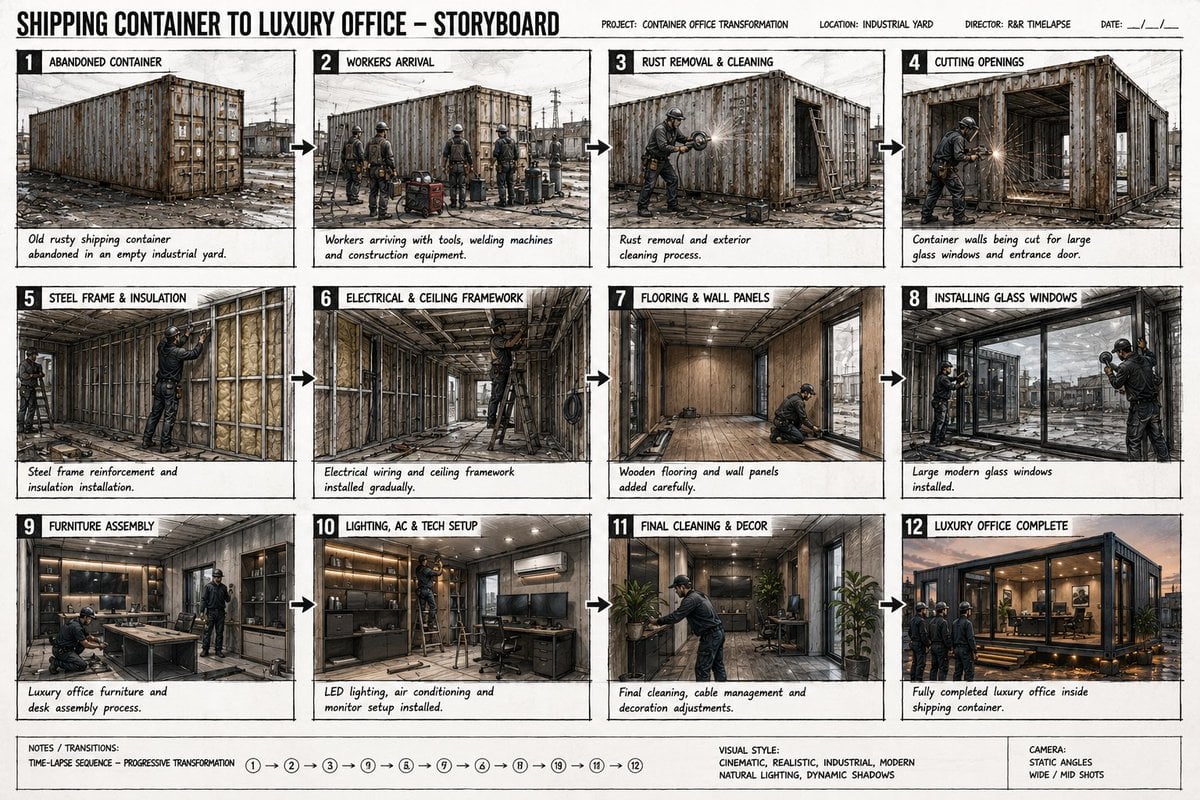
A professional 12-panel film storyboard prompt that visualizes the sequential transformation of a rusty shipping container into a luxury modern office.
- Prompt included
- Model and format preset
- Free template
The prompt behind this image
Copy the exact prompt behind Shipping Container Transformation Storyboard, or open it in the studio and make it yours.
Ultra realistic cinematic storyboard sheet showing 12 sequential panels of a {argument name="original object" default="rusty shipping container"} being transformed into a {argument name="final result" default="modern luxury office"}, all storyboard frames arranged on one professional film storyboard page, static camera angles, industrial construction aesthetic mixed with luxury interior design, cinematic documentary style. Panel 1: Old rusty shipping container abandoned in an empty industrial yard. Panel 2: Workers arriving with tools, welding machines and construction equipment. Panel 3: Rust removal and exterior cleaning process. Panel 4: Container walls being cut for large glass windows and entrance door. Panel 5: Steel frame reinforcement and insulation installation. Panel 6: Electrical wiring and ceiling framework installed gradually. Panel 7: Wooden flooring and wall panels added carefully. Panel 8: Large modern glass windows installed. Panel 9: Luxury office furniture and desk assembly process. Panel 10: LED lighting, air conditioning and monitor setup installed. Panel 11: Final cleaning, cable management and decoration adjustments. Panel 12: Fully completed luxury office inside shipping container with cinematic warm lighting, workers proudly inspecting the finished workspace. Detailed cinematic arrows and transition notes between frames, realistic workers wearing industrial safety clothing, tools and construction materials visible in every frame, realistic shadows and industrial textures, black-and-white storyboard sketch mixed with cinematic shading, Hollywood pre-production concept art style, one single image containing all storyboard panels.
How to use Shipping Container Transformation Storyboard in 3 steps
- 1
Open
The prompt is already in the box next to the preview, with the template's model and format selected.
- 2…a portrait of your subject in softgolden-hour light, 85mm…
Personalize
Edit the subject and creative details for your destination.
- 3Generate
Generate
Press Generate — your image is created in PicX Studio, so you can compare it with the original and refine one variable at a time.
More like this
Templates with the same subject, style or setup. Open one to see its prompt.

Headphones Lifestyle Nine Panel Grid
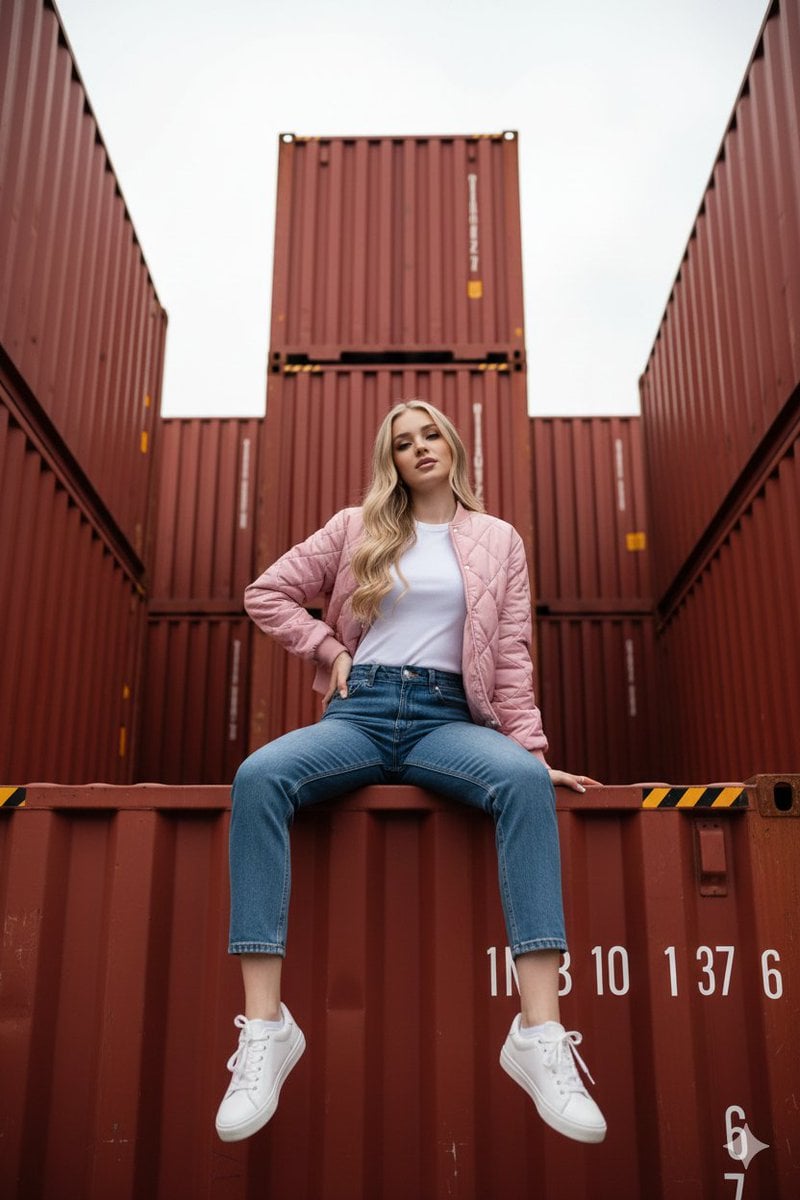
Industrial Shipping Container Streetwear Portrait Prompt
Seedance - Character Transition
Seedance - Storyboard to Movie

Anime Alley Kick Transformation

Chaotic Claymation Photo Transformation

Superhero Era Transformation Split Portrait
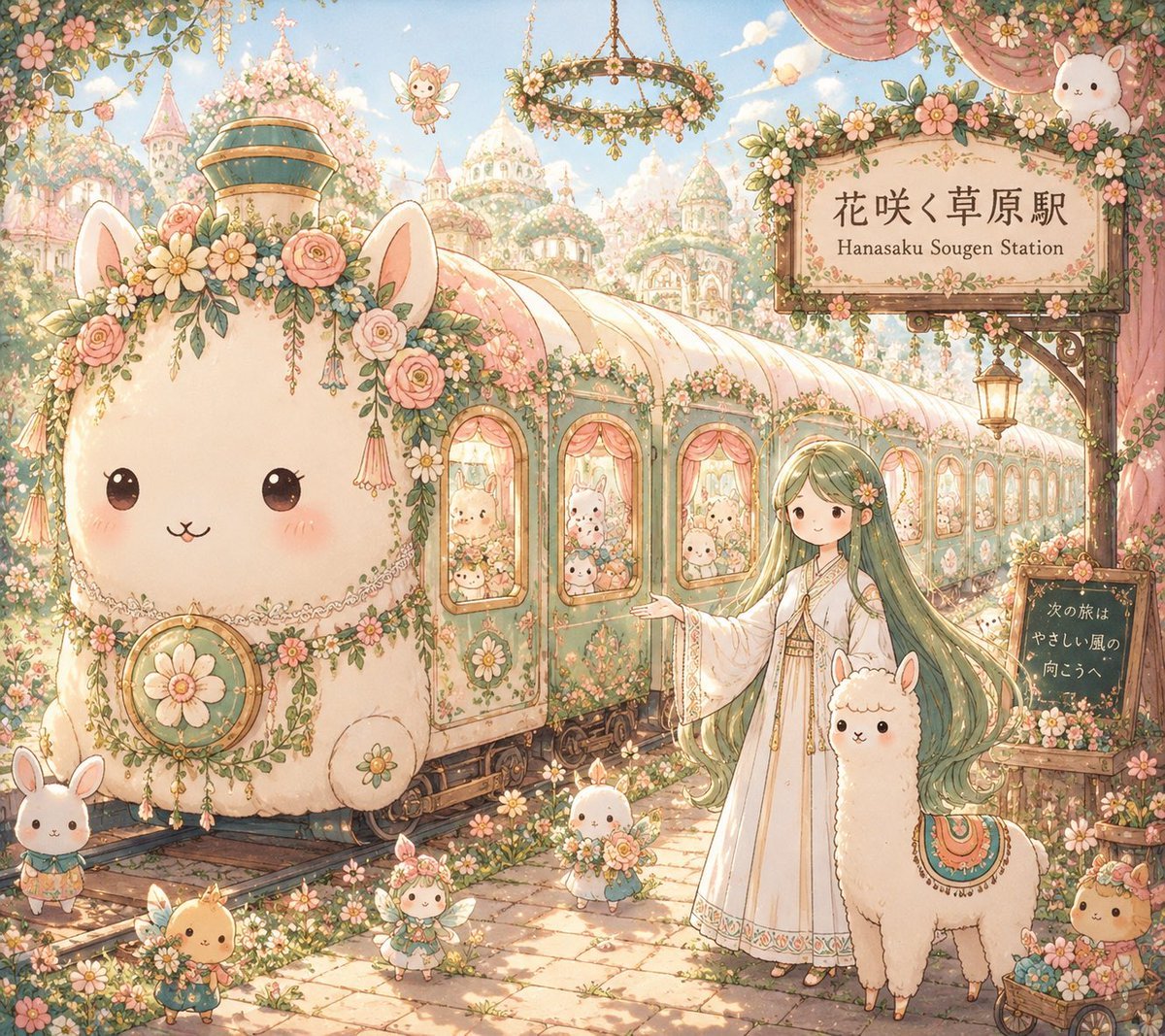
Fantasy Railway World Transformation

Pencil Sketch Coffee Storyboard
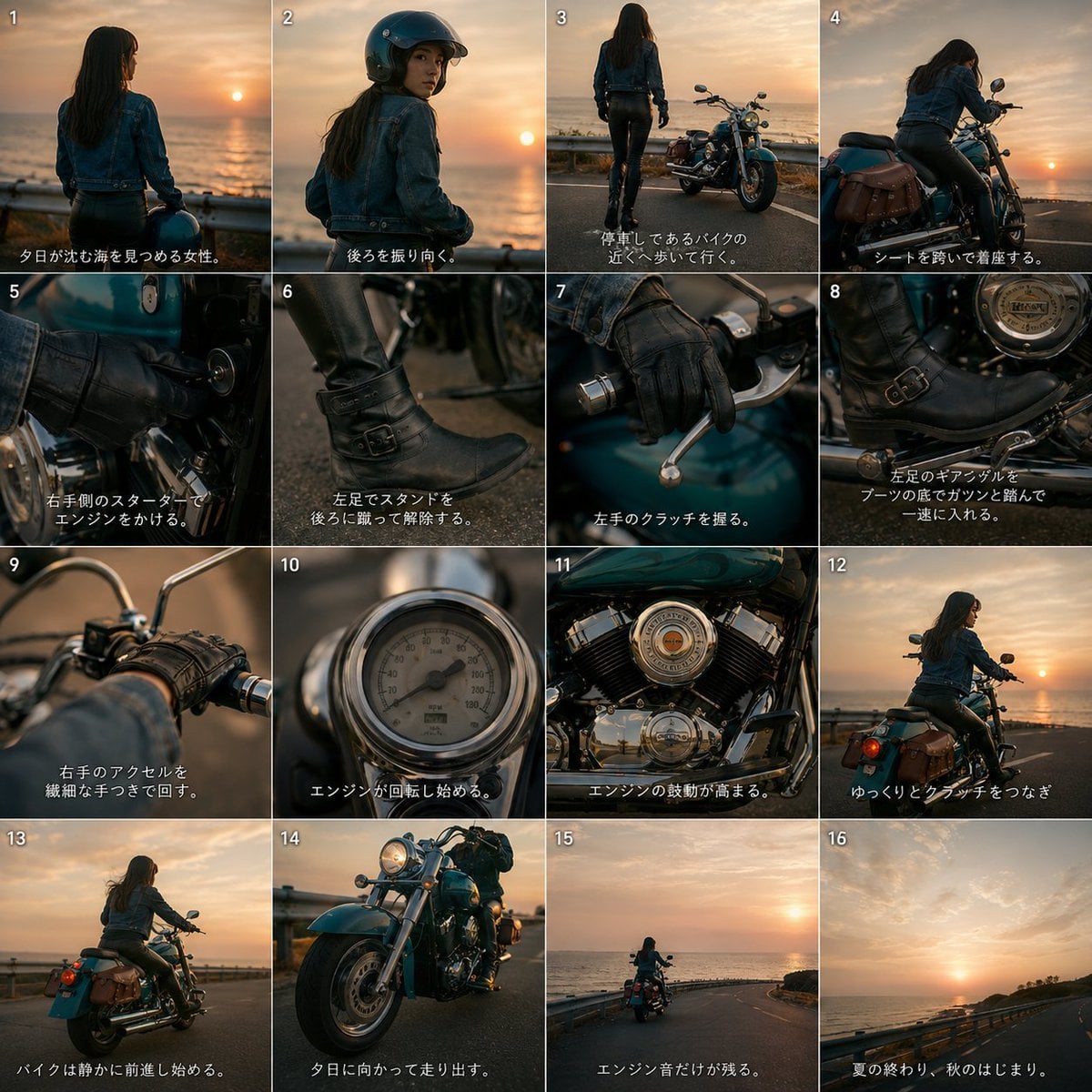
Cinematic Motorcycle Storyboard
Smartphone Photo Identity Transformation
Discord Anime Storyboard Feed
Make it yours
Shipping Container Transformation Storyboard works as-is. These are the safest ways to change it without losing the look.
Change one field
Copy a single group, rewrite it, and generate again so you can see what that field is doing.
Keep the frame, change the subject
Hold the composition and light of Shipping Container Transformation Storyboard, then swap wardrobe, props or the person for a new take.
| If the result… | Why | Fix |
|---|---|---|
| The result drifts from the preview | Too many fields changed at once. | Reuse Shipping Container Transformation Storyboard as-is first, then change one group — subject, light, or setting. |
| The model over-stylizes the scene | The prose prompt leaves finish and camera underspecified. | Add one camera or lighting sentence and stay on GPT Image 2. |
More GPT Image 2 templates
Other prompts made for GPT Image 2.

Six VTuber Japanese Logo Sheet

Realistic Portrait of Woman and Deer

The Vista Modular Condo Poster

AI Model Routing Comparison Infographic

2.5D Anime Art Board

Isometric Productivity Desk Scene

New York Double Exposure Poster

Four-Panel AI Landscape Comparison

Japanese Tatami Lifestyle Magazine Cover

NESCAFÉ Coffee Map Poster
More image prompts
Fresh picks from across the catalog.

Oriental Mythical Beast Suanni Poster
Image-to-Image Transformation: 'Boxed' Effect

Giant Red Balloon Above Misty Mountains

Hyper-realistic Bunny Suit Portrait

untitled
Vintage Photograph Developing in Darkroom with 3D Emergence
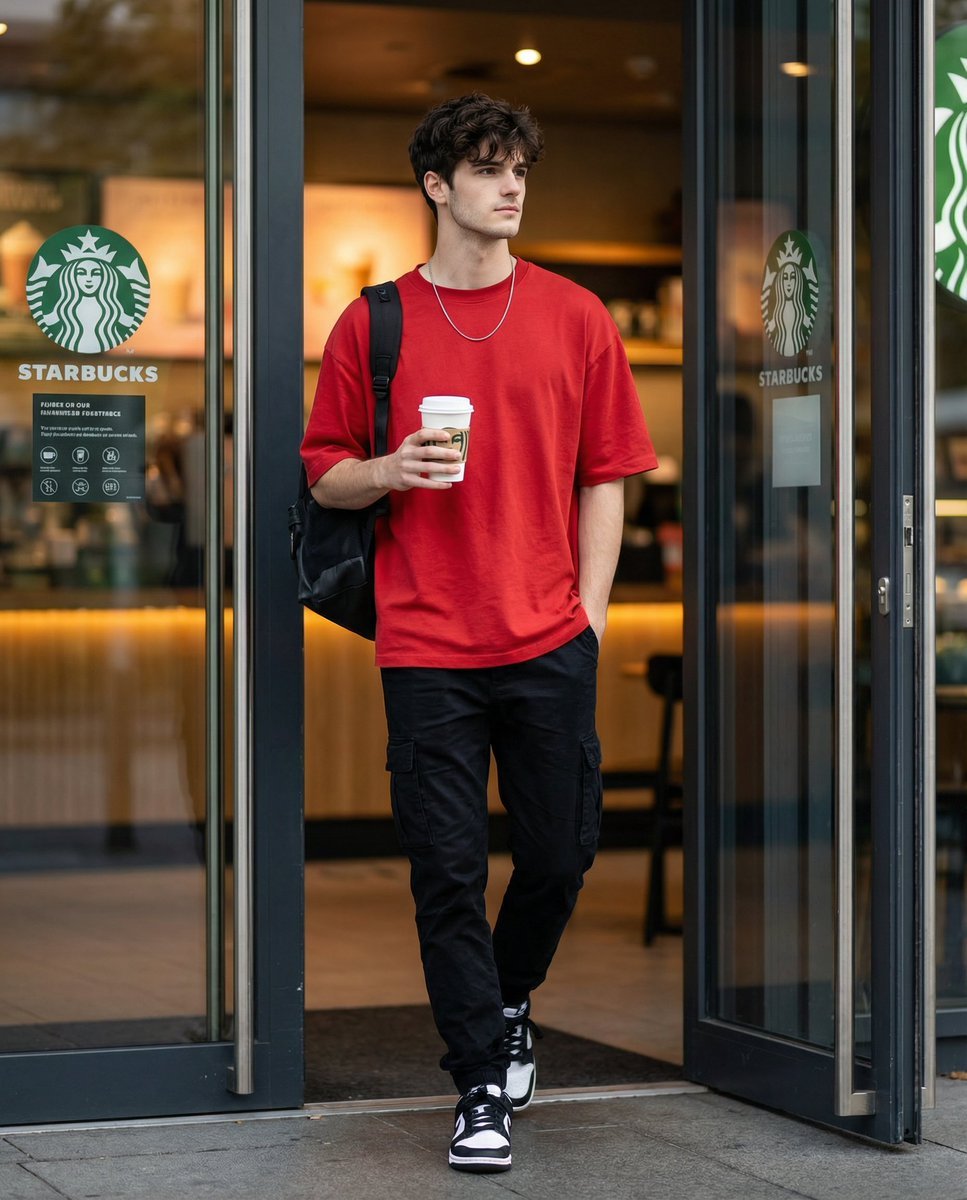
Cinematic Editorial of a Young Man Leaving a Café
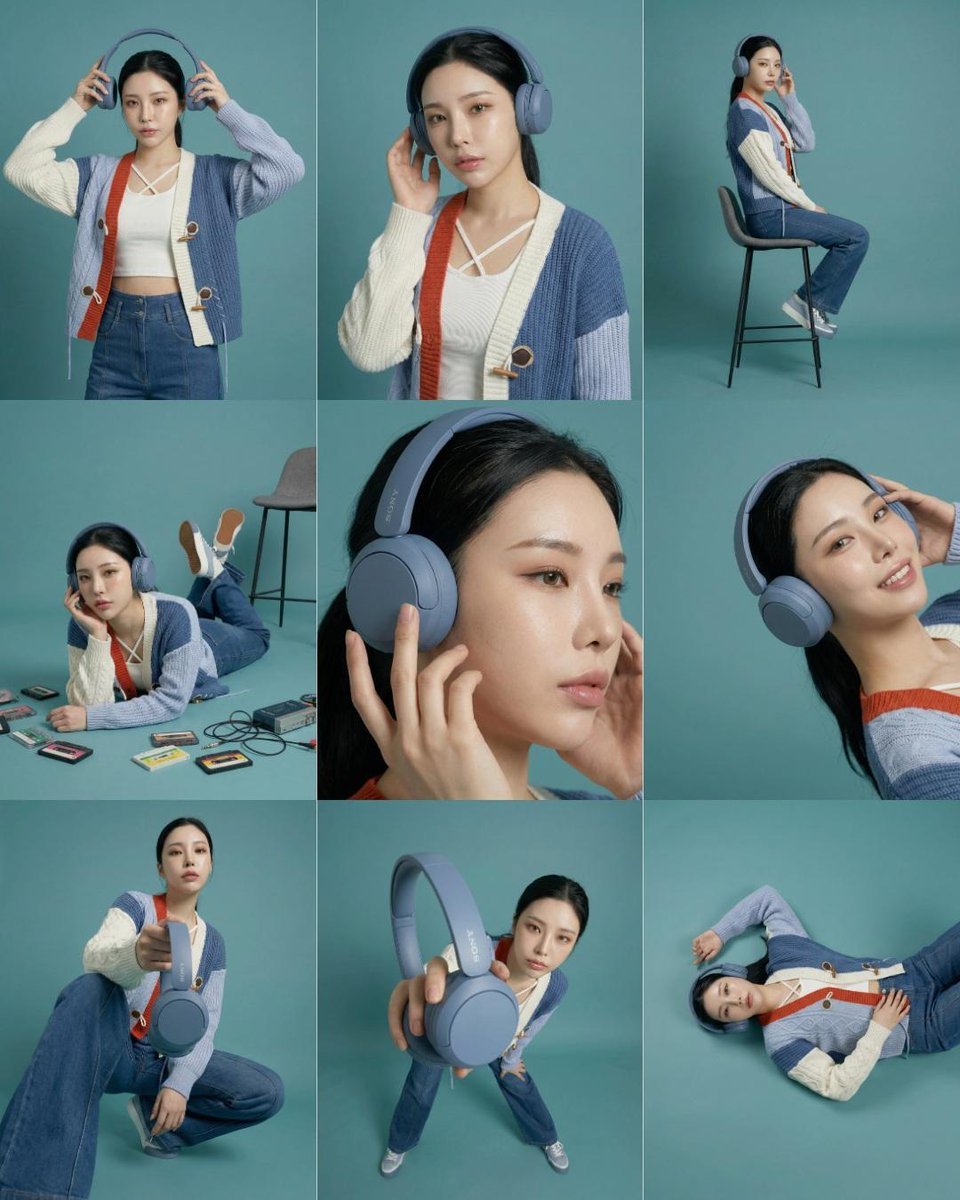
3x3 Storyboard Grid of a Young East Asian Woman

Moody Censored Film Portrait
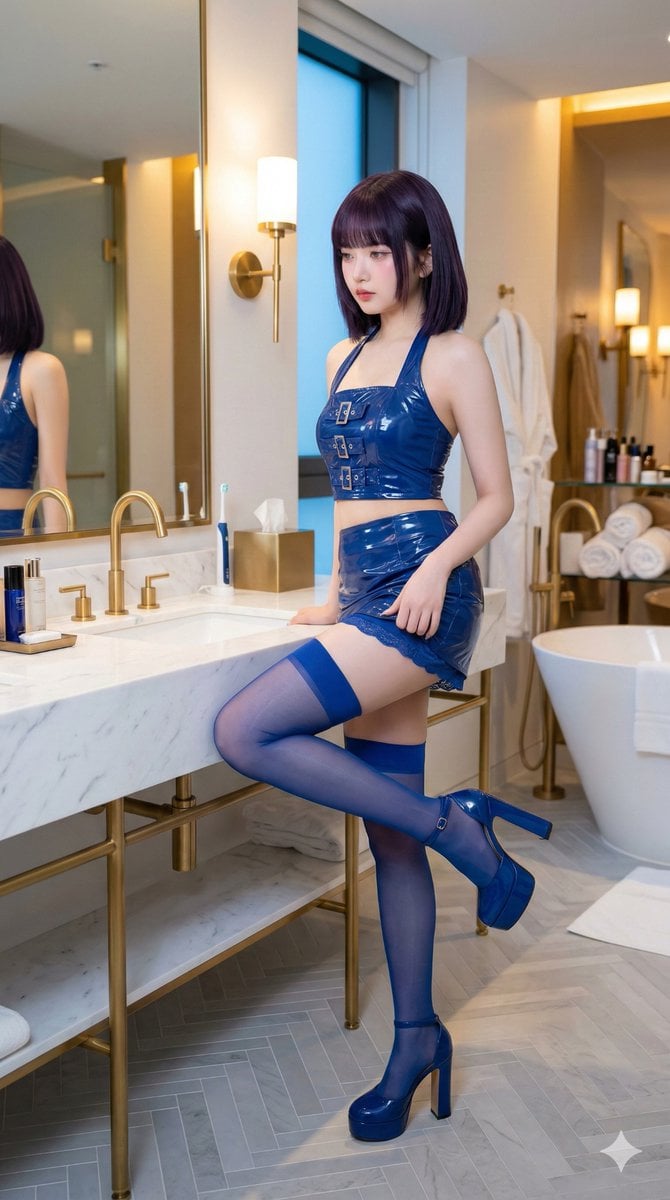
IVE's An Yujin in Luxury Bathroom
Browse template categories
Shipping Container Transformation Storyboard questions
How do I use the Shipping Container Transformation Storyboard template?
Add your photo if the template asks for one, edit the prompt if you like — the template's model and format are already selected — and press Generate. Your version opens in PicX Studio.
Can I customize the Shipping Container Transformation Storyboard template?
Yes. You can change the subject, setting, lighting, mood, format, and available model controls before creating your image.
Is the Shipping Container Transformation Storyboard template free?
Opening and editing this template is free. Generating uses credits, shown on the Generate button when you are signed in.
Which AI model should I use?
Start with GPT Image 2, which is the model associated with this template. You can compare another compatible model for a different finish.
Looking for something else? Browse all templates.

Your photo, any look
Thousands of ready templates for every top image and video model, from one credit balance.