
Smartphone Photo Identity Transformation
A prompt for transforming a reference image into a hyper-realistic smartphone photo while maintaining exact facial identity.

- Prompt included
- Model and format preset
- Premium template
The prompt behind this image
Copy the exact prompt behind Smartphone Photo Identity Transformation, or open it in the studio and make it yours.
Create a high-fidelity photographic transformation. Maintain the exact facial identity from the provided source image with absolute precision and zero alteration. A hyper-realistic, ultra-sharp photograph taken on a modern smartphone, characterized by its digital clarity. [SCENE]: The background depicts a {argument name="location" default="brightly lit interior of a bookstore"}. On the left, numerous bookshelves are packed with various books, while on the right, racks display magazines and craft books. A dark sign prominently features the words "MAGAZINES &" above the racks. The subject is framed slightly off-center to the left, capturing a natural, handheld composition within the retail environment. [SUBJECT]: A young adult female with a fair complexion is captured mid-sip, seated and angled slightly to the left. She wears a {argument name="outfit" default="pink and white gingham print top"} with delicate white ruffled trim along the neckline and a white ribbon tie closure at the bust. A light wash denim jacket is casually draped over her shoulders, with her left arm resting loosely behind her and her right arm slightly bent as she holds a clear plastic cup with a white straw to her lips. Her pose exhibits natural human asymmetry, with her right shoulder subtly raised, her left hip slightly relaxed, and her head tilted gently upward and to the left. Her brown hair is styled with soft mermaid waves, parted in the center, and small decorative braids frame her face, tucked behind her ears. She has glossy, plump, and natural pinkish-mauve lips with a subtle shimmer. Her skin is flawless and luminous, featuring a 'glass skin' texture with intense, dewy highlights on the bridge and tip of the nose, and a subtle blush applied with high placement on the cheekbones. Her expression is reflective and intrigued, with her lips slightly parted around the straw as she looks upward and away. Her eyes show a slight pupil dilation and a micro-tightening at the outer corners, suggesting a moment of contemplation, captured during a slow blink. [LIGHTING]: The scene is illuminated by naturally warm daylight with soft rosy undertones reflecting subtly on the skin, enhancing the natural blush tones. The clean white balance ensures the skin retains natural clarity without heavy color grading, with a soft highlight rolloff. [AESTHETIC]: A hyper-realistic, ultra-sharp photograph taken on a modern smartphone, like a Google Pixel 8, characterized by its digital clarity. The entire scene is in sharp focus without any background blur or bokeh, showcasing realistic digital textures and sharp details, including visible pores on the skin. The image has minimal contrast, no HDR flattening, and no heavy color grading, preserving the soft pink warmth of the skin. ar 4:5
How to use Smartphone Photo Identity Transformation in 3 steps
- 1Upload ImagePNG, JPG or paste
Add your photo
Upload the photo the template builds on. The prompt, model and format are already set.
- 2…a portrait of your subject in softgolden-hour light, 85mm…
Personalize
Edit the subject and creative details for your destination.
- 3Generate
Generate
Press Generate — your image is created in PicX Studio, so you can compare it with the original and refine one variable at a time.
More like this
Templates with the same subject, style or setup. Open one to see its prompt.
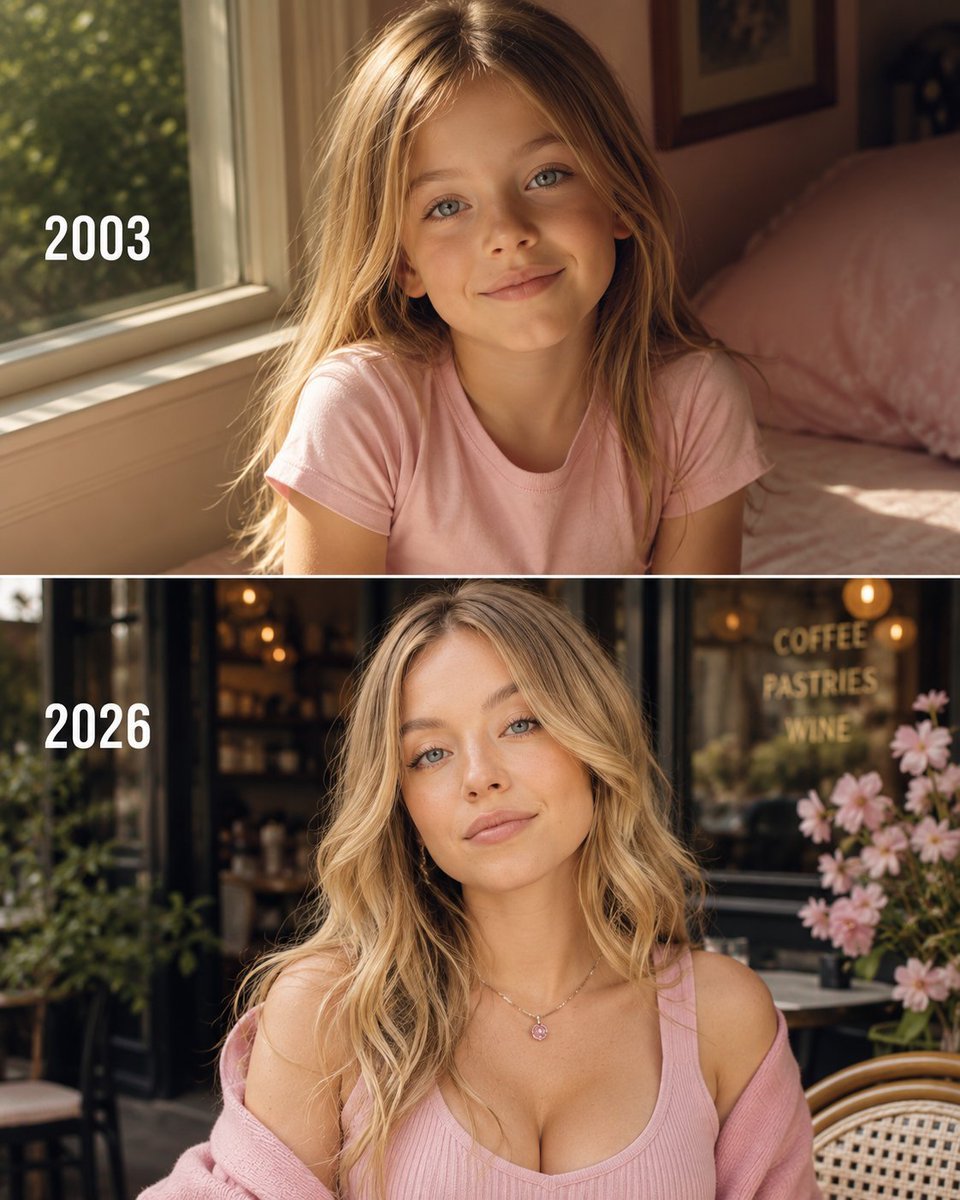
Then vs Now Identity Transformation Collage

Floating Woman Above Cityscape with Notifications
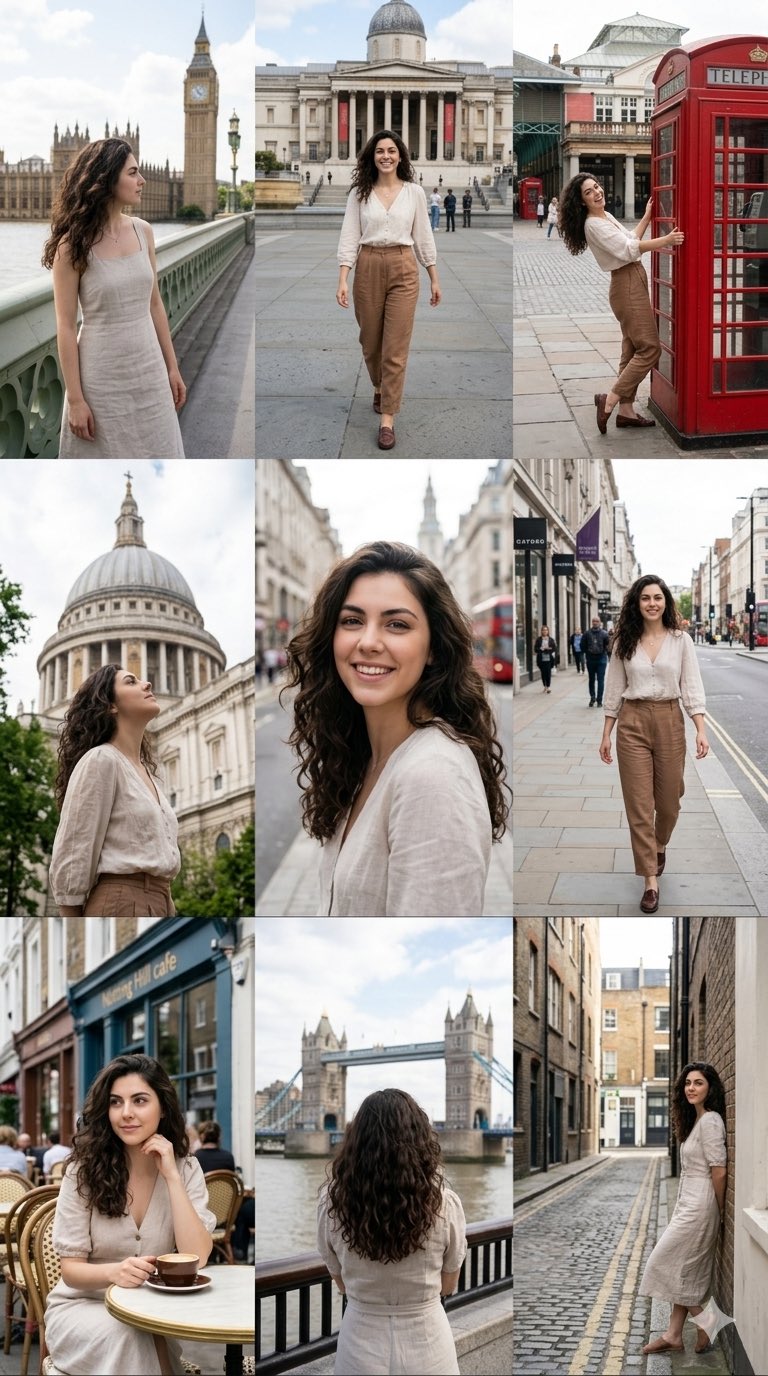
Nano Banana Pro 2.0 — 3x3 Travel Profile Grid
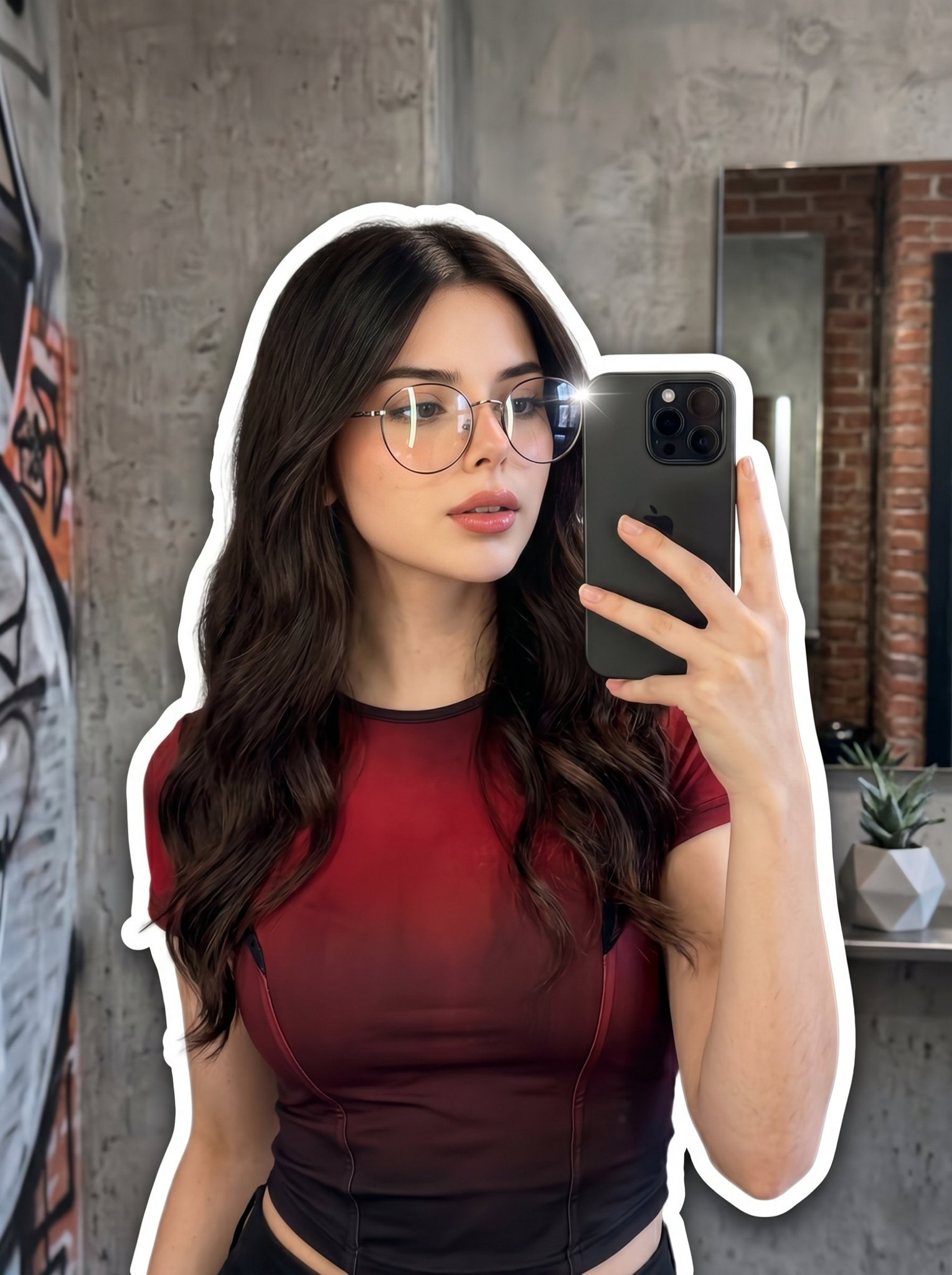
Nano Banana 2 Portrait Gemini
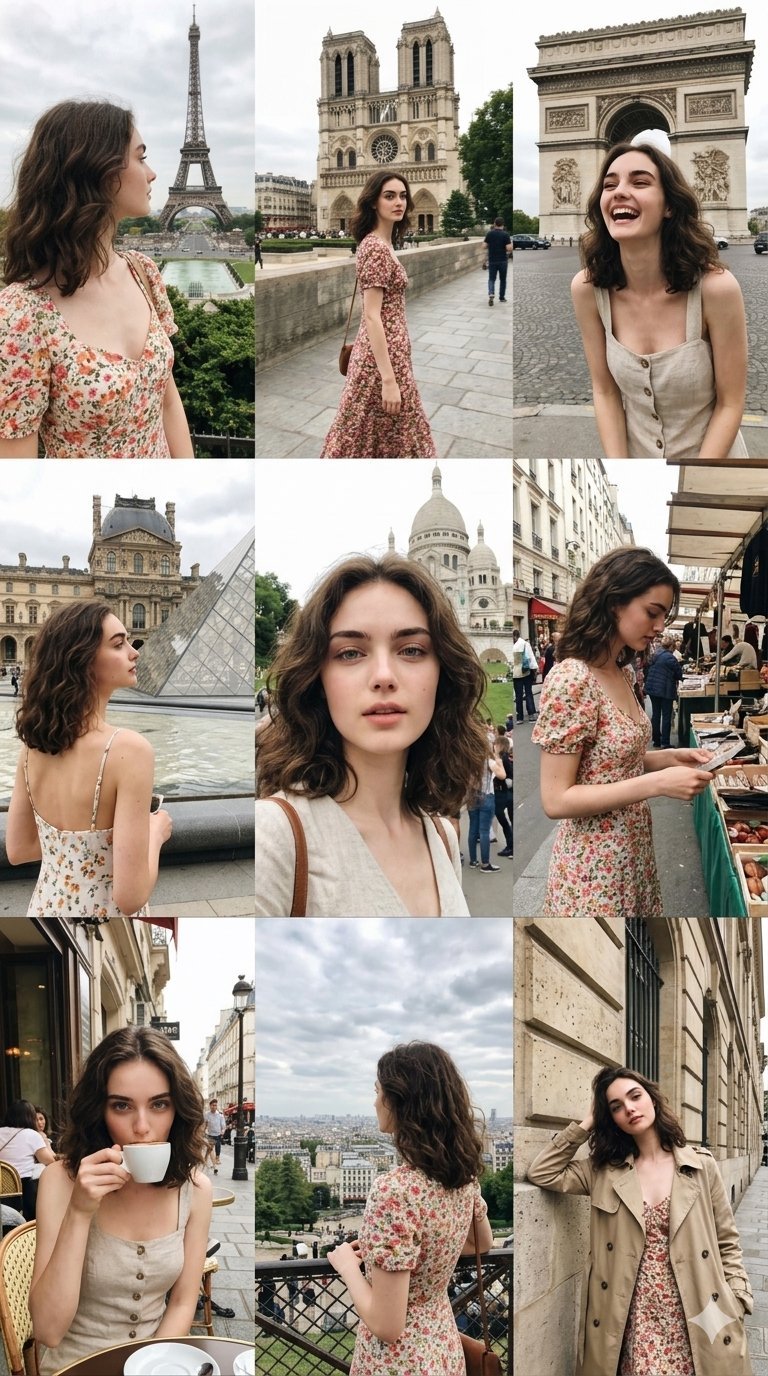
Paris Travel Collage Grid - Face Reference
Seedance - Character Transition
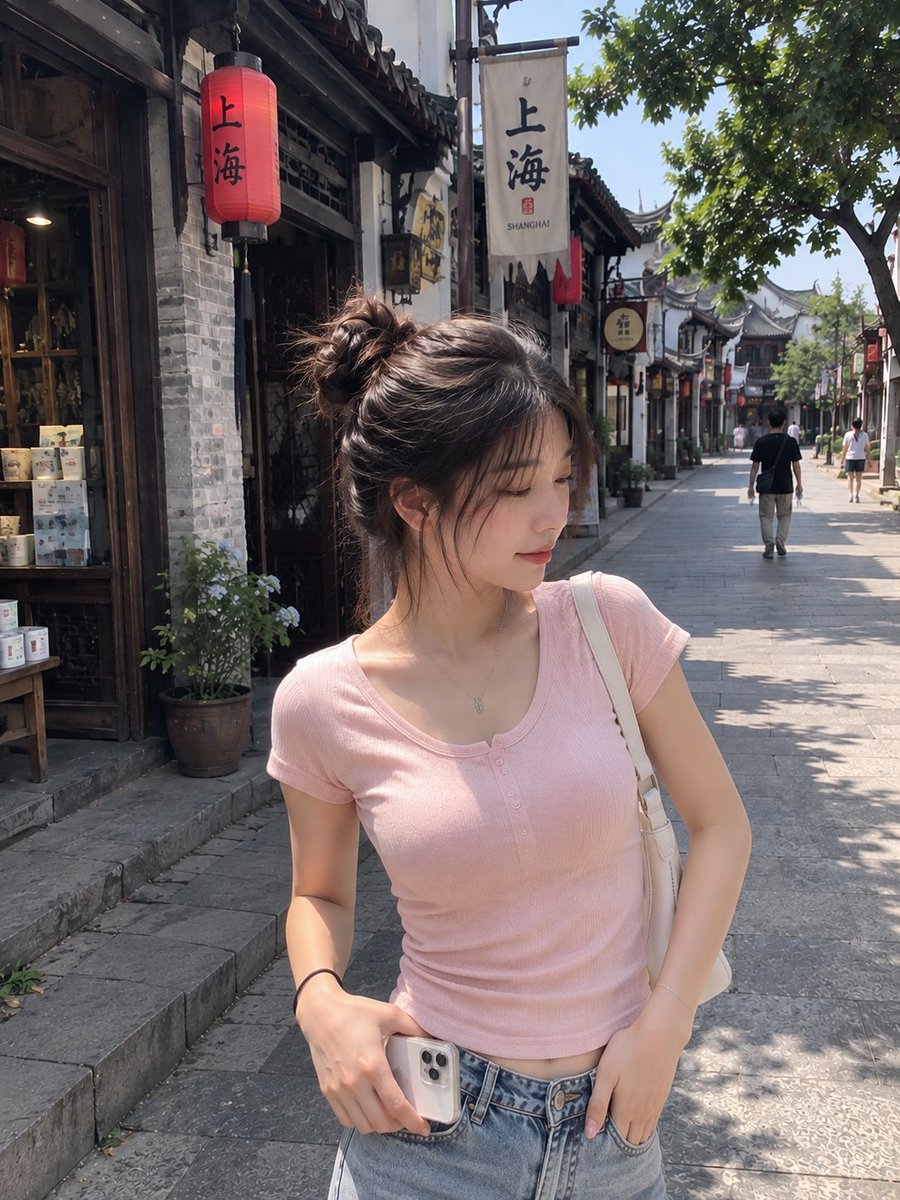
Realistic Chinese Street Smartphone Photo

Candid Winter Smartphone Portrait

Candid Indoor Smartphone Portrait

Smartphone Selfie on Motorboat

Nano Banana Pro Identity Lock — Composition + Face Reference
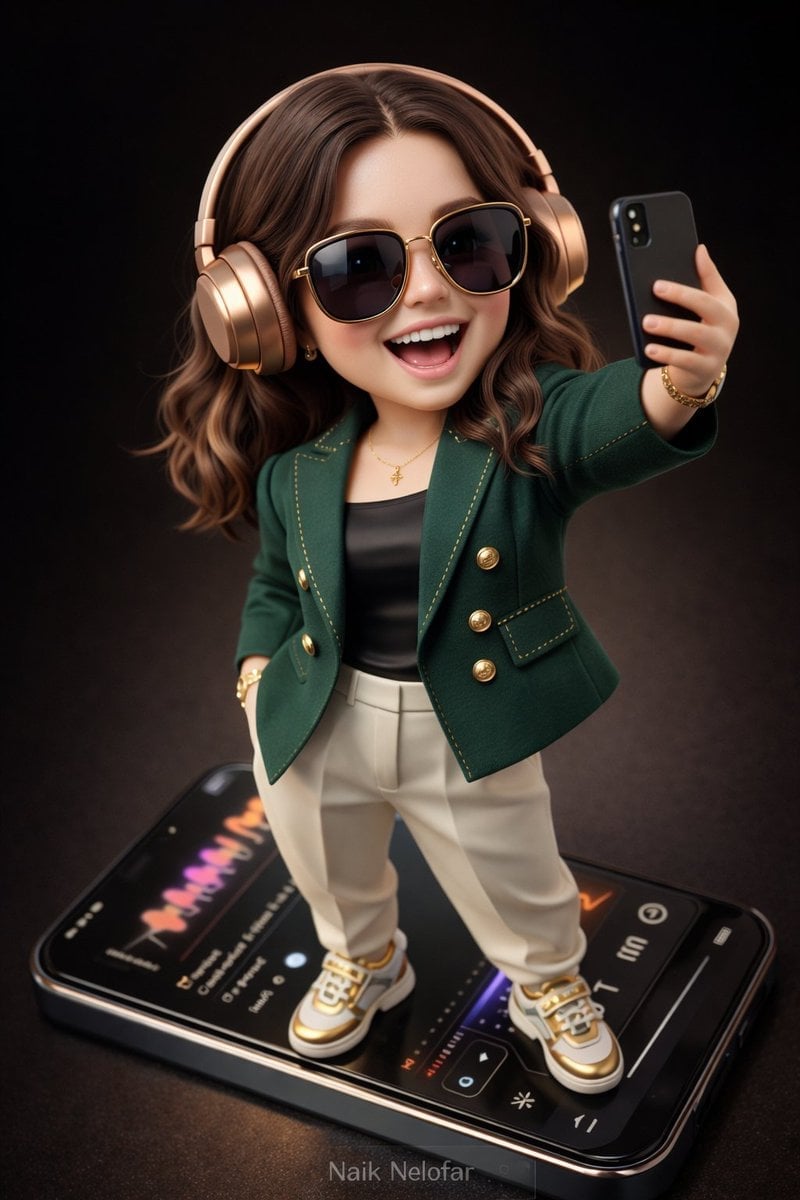
Chibi Designer Toy Character on Smartphone
Make it yours
Smartphone Photo Identity Transformation works as-is. These are the safest ways to change it without losing the look.
Change one field
Copy a single group, rewrite it, and generate again so you can see what that field is doing.
Keep the frame, change the subject
Hold the composition and light of Smartphone Photo Identity Transformation, then swap wardrobe, props or the person for a new take.
| If the result… | Why | Fix |
|---|---|---|
| The result drifts from the preview | Too many fields changed at once. | Reuse Smartphone Photo Identity Transformation as-is first, then change one group — subject, light, or setting. |
| The model over-stylizes the scene | The prose prompt leaves finish and camera underspecified. | Add one camera or lighting sentence and stay on GPT Image 2. |
More GPT Image 2 templates
Other prompts made for GPT Image 2.

Six VTuber Japanese Logo Sheet

Realistic Portrait of Woman and Deer

The Vista Modular Condo Poster

AI Model Routing Comparison Infographic

2.5D Anime Art Board

Isometric Productivity Desk Scene

New York Double Exposure Poster

Four-Panel AI Landscape Comparison

Japanese Tatami Lifestyle Magazine Cover

NESCAFÉ Coffee Map Poster
More image prompts
Fresh picks from across the catalog.

Kafka Architecture Diagram

Realistic Photo with Voxel Minecraft Doppelgänger

Hyper-Realistic Portrait of a Woman in a Studio (from ALT text)

Rose Jewel Anime App Poster
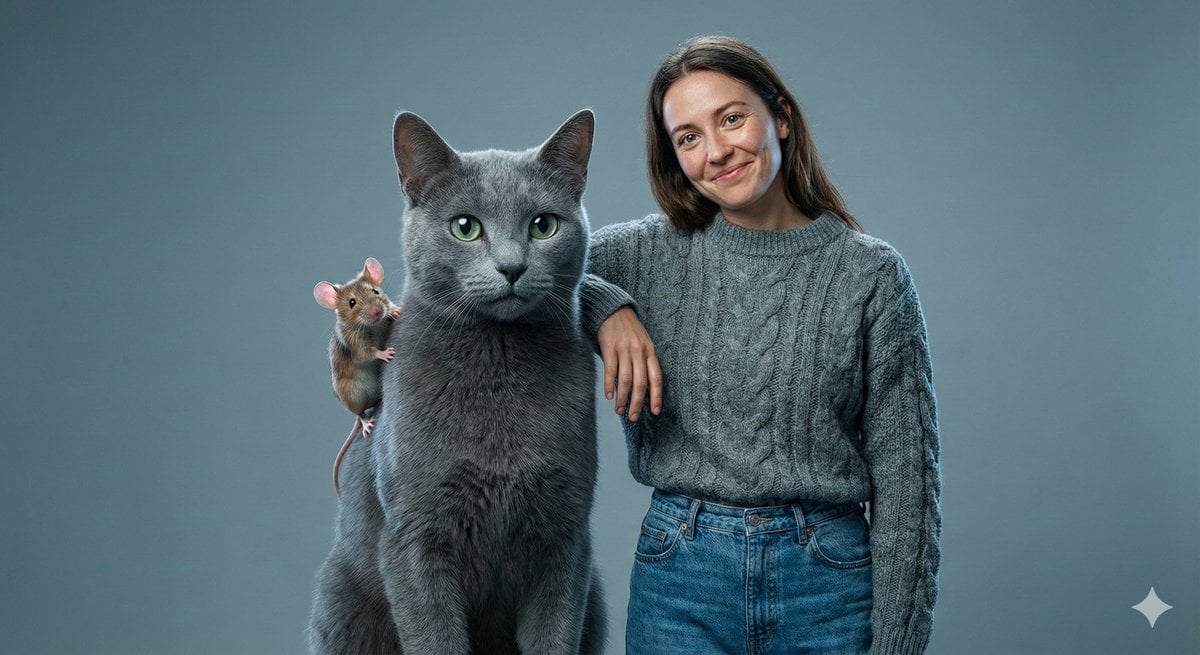
Editorial Studio Photography of Tom & Jerry with Human

Cute Doodle Japanese Café Dessert Photo
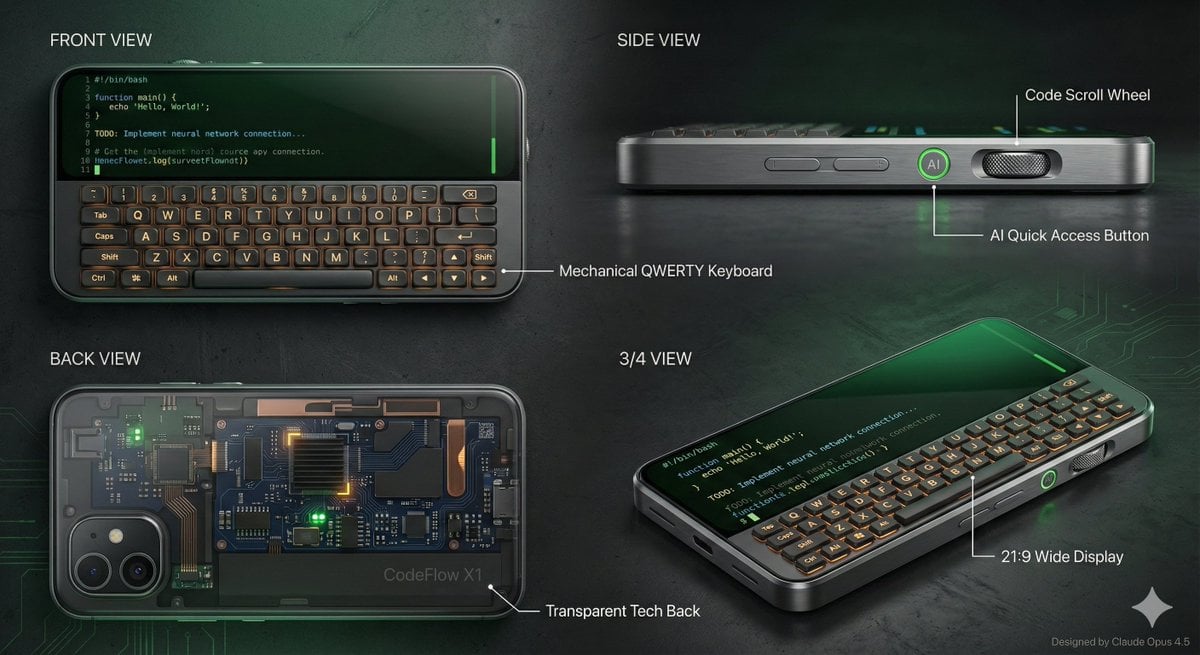
Vibe Coder Keyboard Phone Design Task
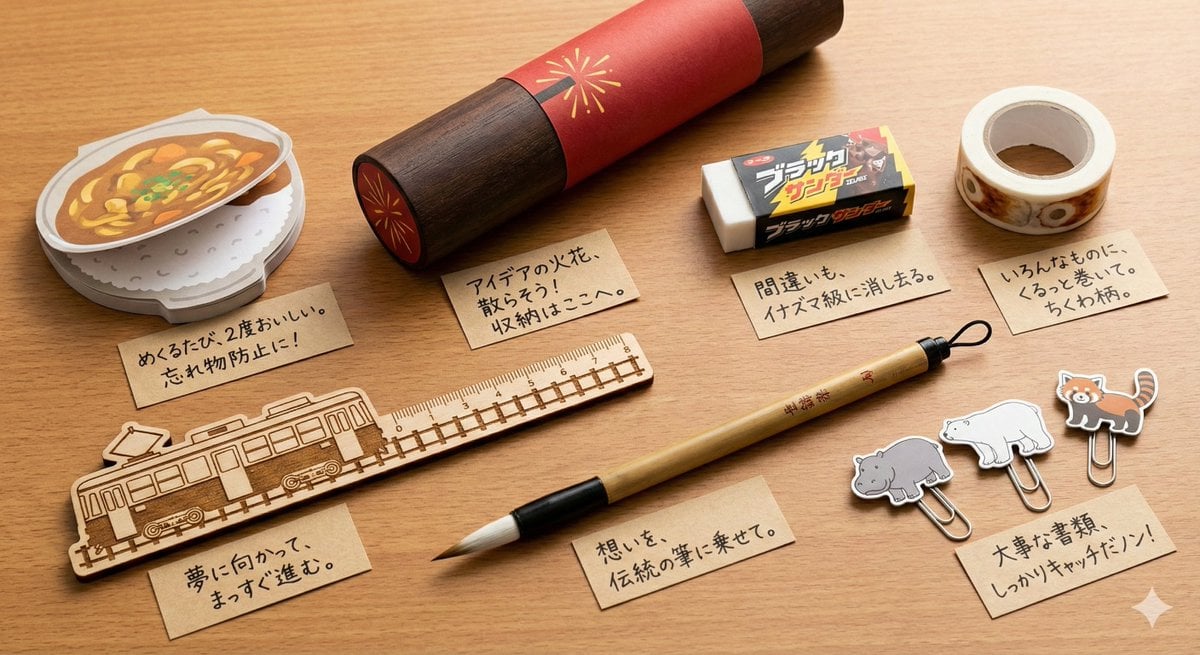
Conceptual Stationery Design Prompt for Toyohashi Specialties
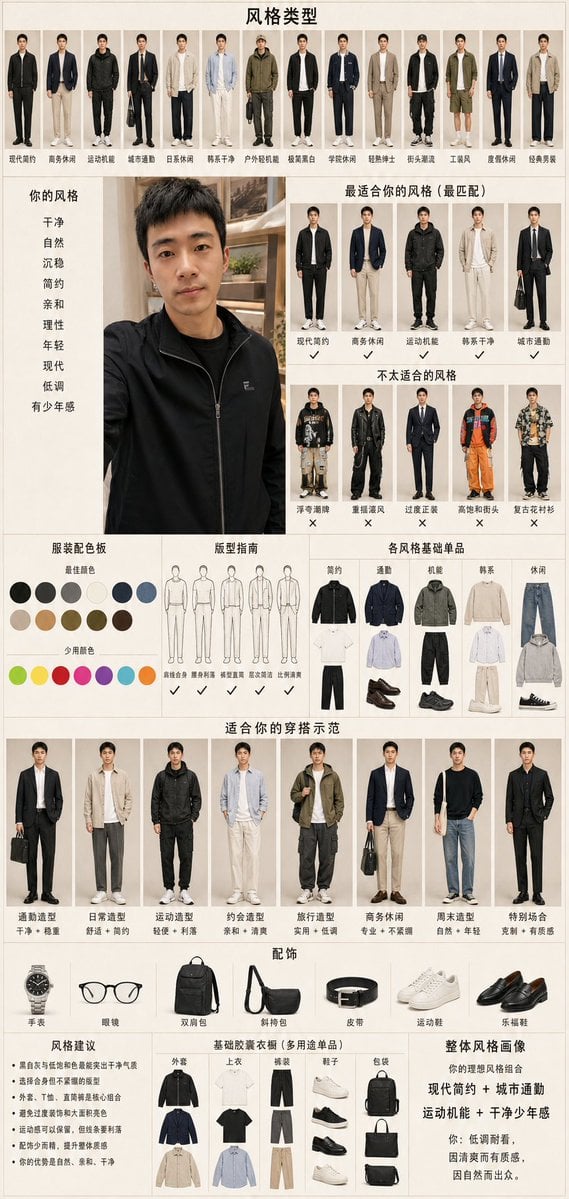
Men's Fashion Style Diagnosis Report

Luxury Automotive Editorial Photo Prompt
Browse template categories
Smartphone Photo Identity Transformation questions
How do I use the Smartphone Photo Identity Transformation template?
Add your photo if the template asks for one, edit the prompt if you like — the template's model and format are already selected — and press Generate. Your version opens in PicX Studio.
Can I customize the Smartphone Photo Identity Transformation template?
Yes. You can change the subject, setting, lighting, mood, format, and available model controls before creating your image.
Is the Smartphone Photo Identity Transformation template free?
Opening and editing this template is free. Generating uses credits, shown on the Generate button when you are signed in.
Which AI model should I use?
Start with GPT Image 2, which is the model associated with this template. You can compare another compatible model for a different finish.
Looking for something else? Browse all templates.

Your photo, any look
Thousands of ready templates for every top image and video model, from one credit balance.