
Rose Jewel Anime App Poster
Generates a vertical fantasy anime promotional poster with a rose-themed jeweled heroine, privacy mask, app branding, CTA, and QR code.
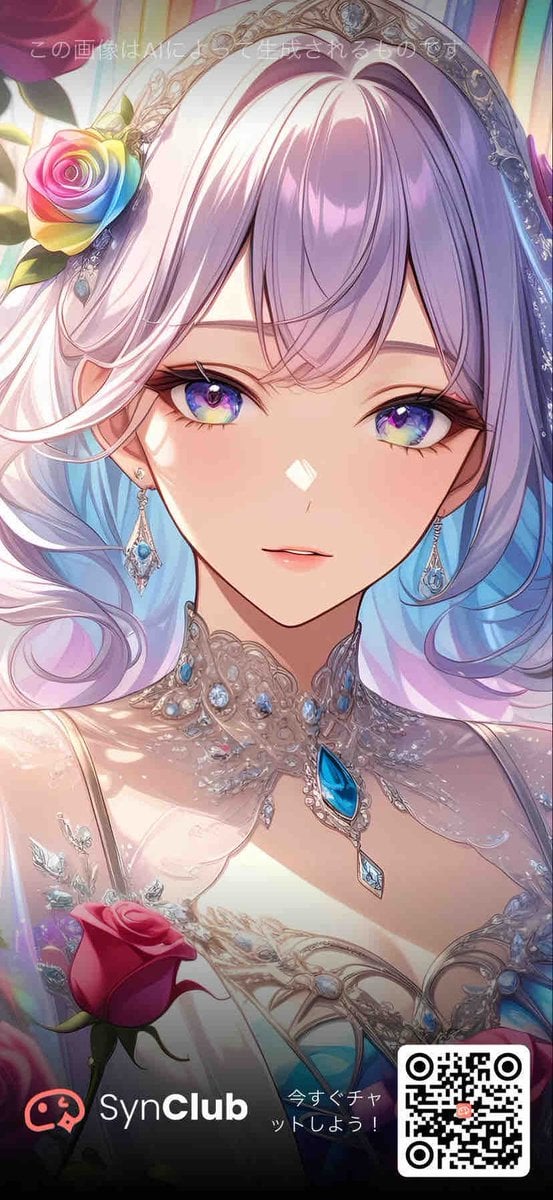
- Prompt included
- Model and format preset
- Free template
The prompt behind this image
Copy the exact prompt behind Rose Jewel Anime App Poster, or open it in the studio and make it yours.
Goal: Create a vertical mobile promotional anime poster for {argument name="app name" default="SynClub"}, themed around {argument name="flower motif" default="roses"} and luxurious gemstones. Canvas: Tall smartphone aspect ratio, 9:16, full-bleed illustration with a darkened promotional footer overlay at the bottom. Main subject: A close-up fantasy anime portrait of an elegant young woman from the chest up, centered and facing forward. Her face is mostly covered by a large centered square privacy mask, a soft pastel gradient block shifting from dusty pink on the left to lavender-blue on the right. Visible details include long flowing pastel hair in white, pink, lavender, and pale blue, glossy strands curling around her shoulders, fair skin, and a small visible mouth below the mask. Costume and accessories: She wears an ornate silver-white jeweled headpiece like a tiara or halo arch with filigree details and blue gemstones. Add exactly 1 rainbow rose tucked near the left side of her hair, with red, yellow, green, blue, and violet petals. Her neckline is covered with elaborate crystal lace jewelry, silver filigree, pearls, and blue teardrop gemstones, including exactly 1 large bright blue teardrop pendant at the center of her chest and exactly 1 smaller diamond-shaped blue pendant hanging beneath it. Her dress is pale, delicate, and bridal, with translucent lace, sparkling highlights, and gem-like embroidery. Foreground and background: Use a soft dreamy pastel fantasy background with vertical stained-glass-like light streaks in pink, yellow, cyan, and violet. Add exactly 1 red rose in the lower-left foreground, partly overlapping the dress. Keep the illustration highly polished, luminous, romantic, and detailed, with an ethereal manga style and glossy digital painting finish. Text and promotional overlay: Add faint white Japanese text near the top reading {argument name="top notice text" default="この画像はAIにより生成されるものです"}. At the bottom, place a dark black-to-transparent gradient footer containing exactly 4 promotional elements: 1 red chat-face icon on the far left, 1 white brand wordmark reading {argument name="brand wordmark" default="SynClub"} with “Club” in bold, 1 small Japanese call-to-action reading {argument name="call to action" default="今すぐチャットしよう!"}, and 1 black-and-white QR code in a rounded white square at the bottom right. Constraints: Preserve the face-obscuring square mask, keep all text legible, use no extra characters, include exactly 2 roses total, and maintain a polished vertical social-media advertisement composition.
How to use Rose Jewel Anime App Poster in 3 steps
- 1Upload ImagePNG, JPG or paste
Add your photo
Upload the photo the template builds on. The prompt, model and format are already set.
- 2…a portrait of your subject in softgolden-hour light, 85mm…
Personalize
Edit the subject and creative details for your destination.
- 3Generate
Generate
Press Generate — your image is created in PicX Studio, so you can compare it with the original and refine one variable at a time.
More like this
Templates with the same subject, style or setup. Open one to see its prompt.

Captain Tsubasa Anime World Cup Poster

Anime Rose Garden Throne

Gpt2 Youtube Thumbnail Anime Music Bootcamp Promo Poster
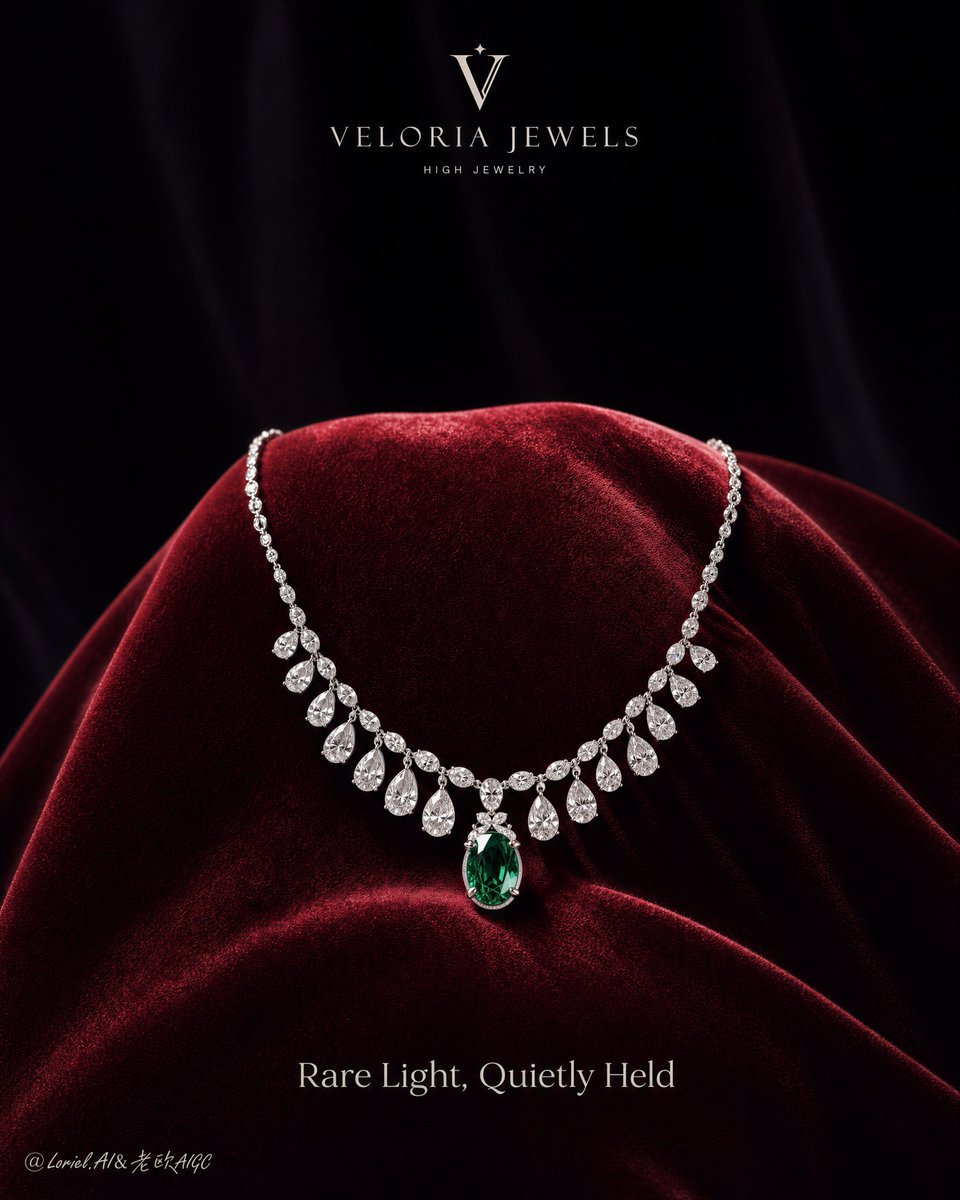
Luxury Jewelry Campaign Poster

Japan Travel Brochure Poster

Nice Day Anime Poster
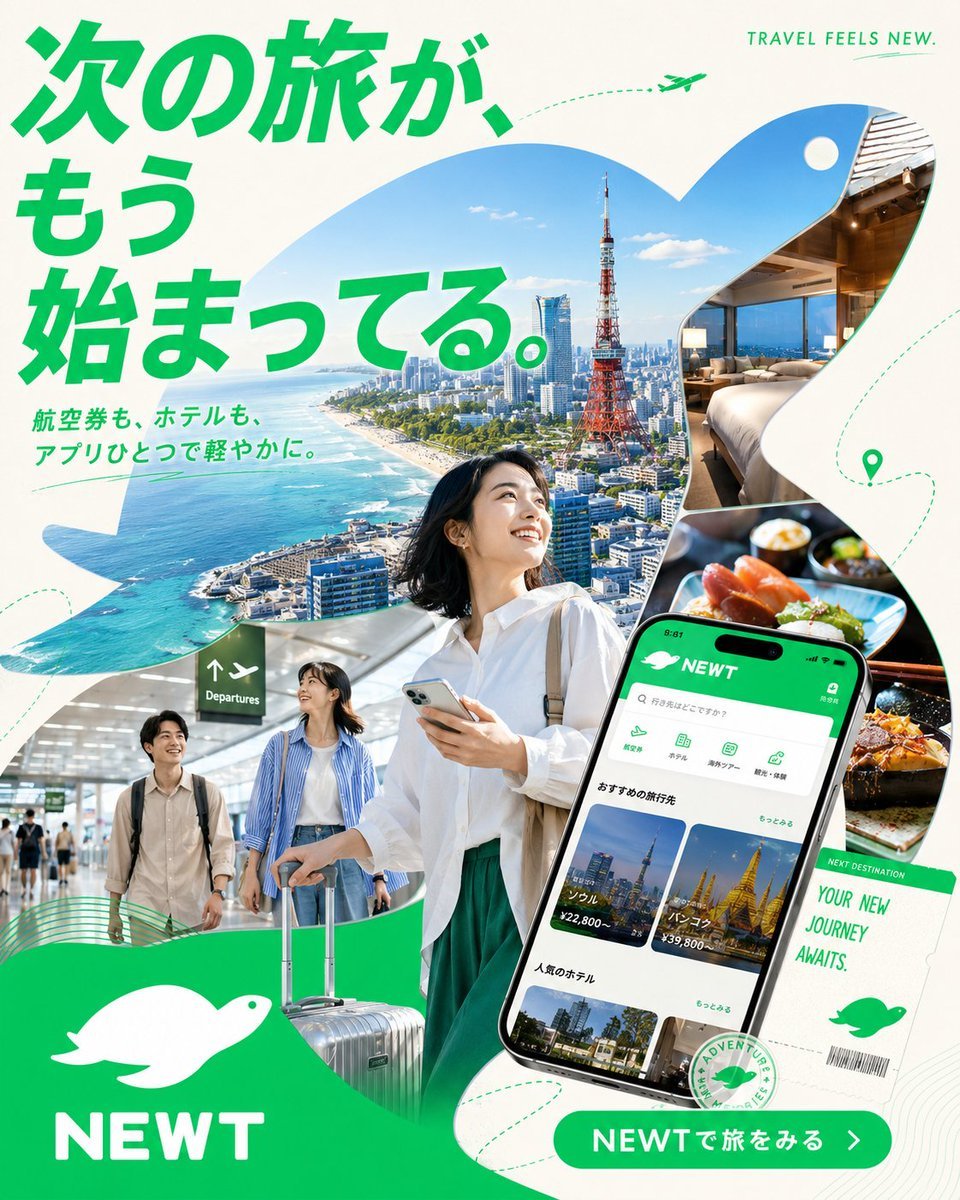
Japanese NEWT Travel App Poster
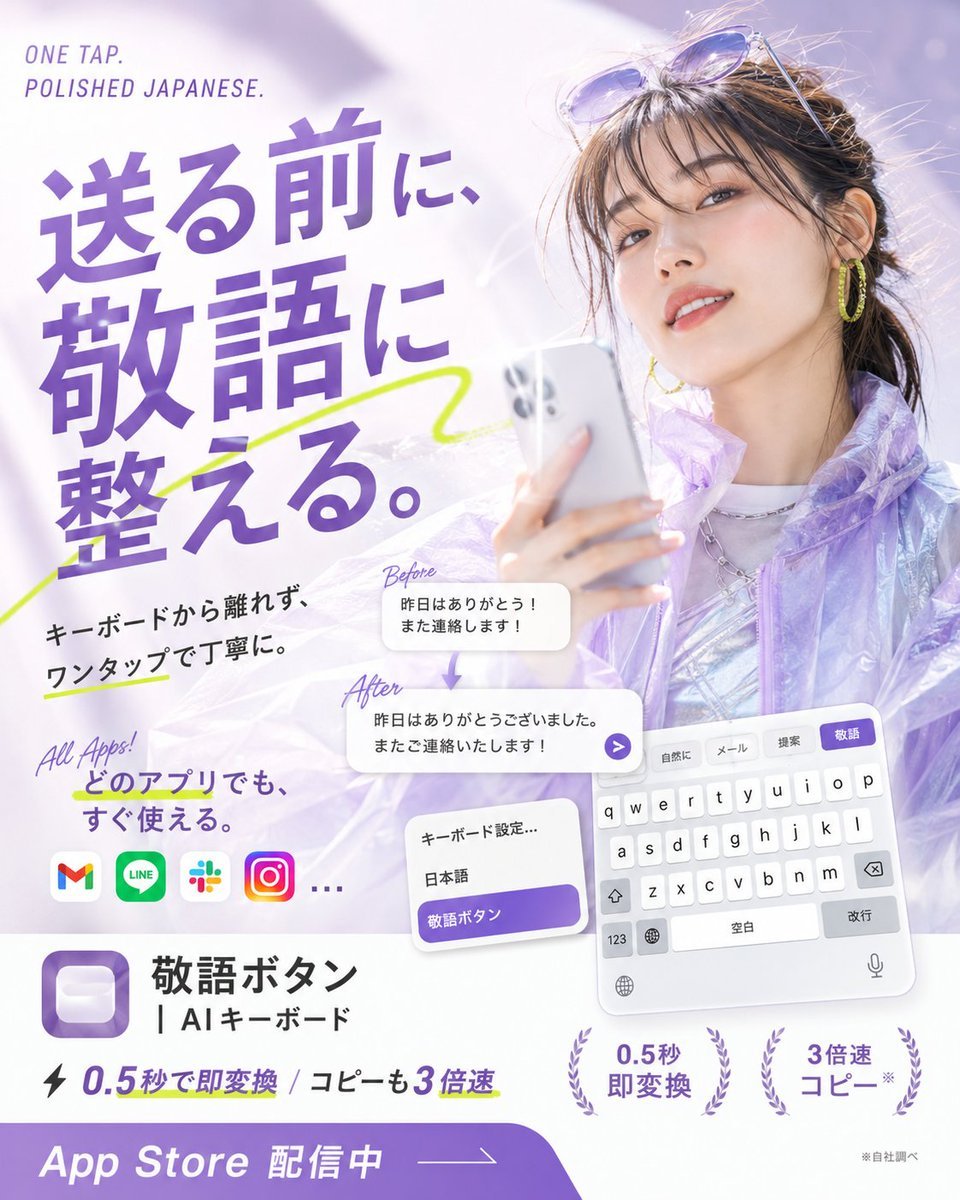
Japanese AI Keyboard App Poster

Cel 2D Finale Fireworks

Cel 2D Garden Maze

Cel 2D Rooftop Concert

Cel 2D Bicycle Coast
Make it yours
Rose Jewel Anime App Poster works as-is. These are the safest ways to change it without losing the look.
Change one field
Copy a single group, rewrite it, and generate again so you can see what that field is doing.
Keep the frame, change the subject
Hold the composition and light of Rose Jewel Anime App Poster, then swap wardrobe, props or the person for a new take.
| If the result… | Why | Fix |
|---|---|---|
| The result drifts from the preview | Too many fields changed at once. | Reuse Rose Jewel Anime App Poster as-is first, then change one group — subject, light, or setting. |
| The model over-stylizes the scene | The prose prompt leaves finish and camera underspecified. | Add one camera or lighting sentence and stay on GPT Image 2. |
More GPT Image 2 templates
Other prompts made for GPT Image 2.

Six VTuber Japanese Logo Sheet

Realistic Portrait of Woman and Deer

The Vista Modular Condo Poster

AI Model Routing Comparison Infographic

2.5D Anime Art Board

Isometric Productivity Desk Scene

New York Double Exposure Poster

Four-Panel AI Landscape Comparison

Japanese Tatami Lifestyle Magazine Cover

NESCAFÉ Coffee Map Poster
More image prompts
Fresh picks from across the catalog.

Tropical Kayaking Travel Photography
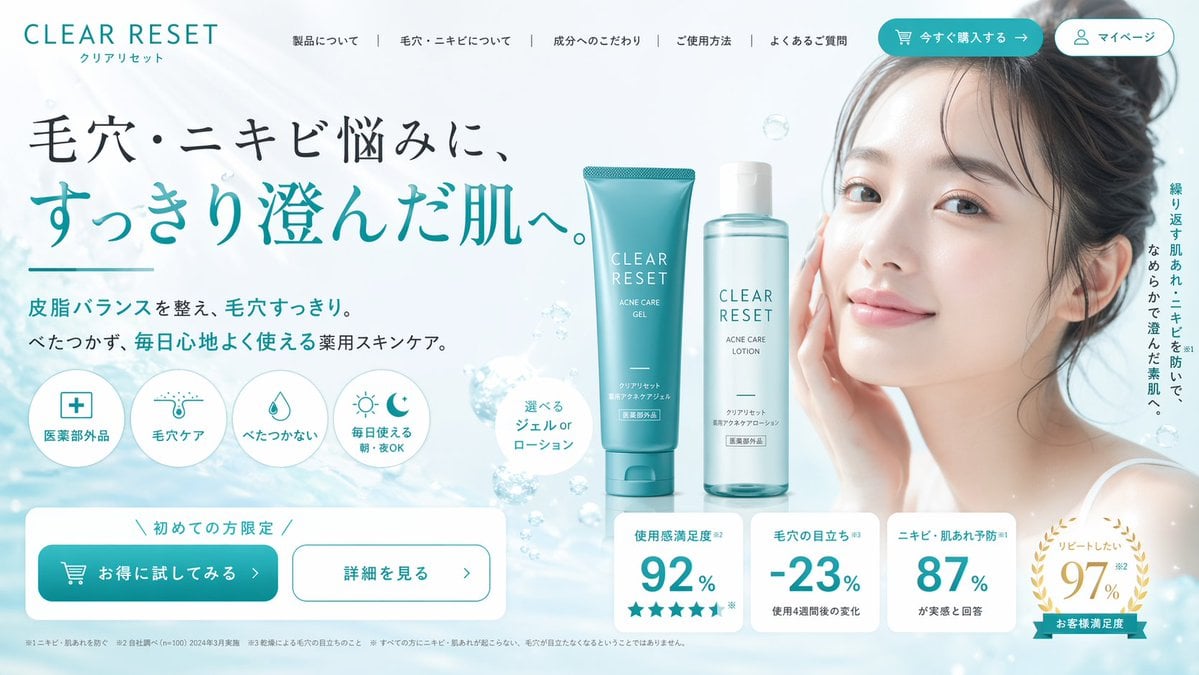
Skincare Landing Page Hero Section
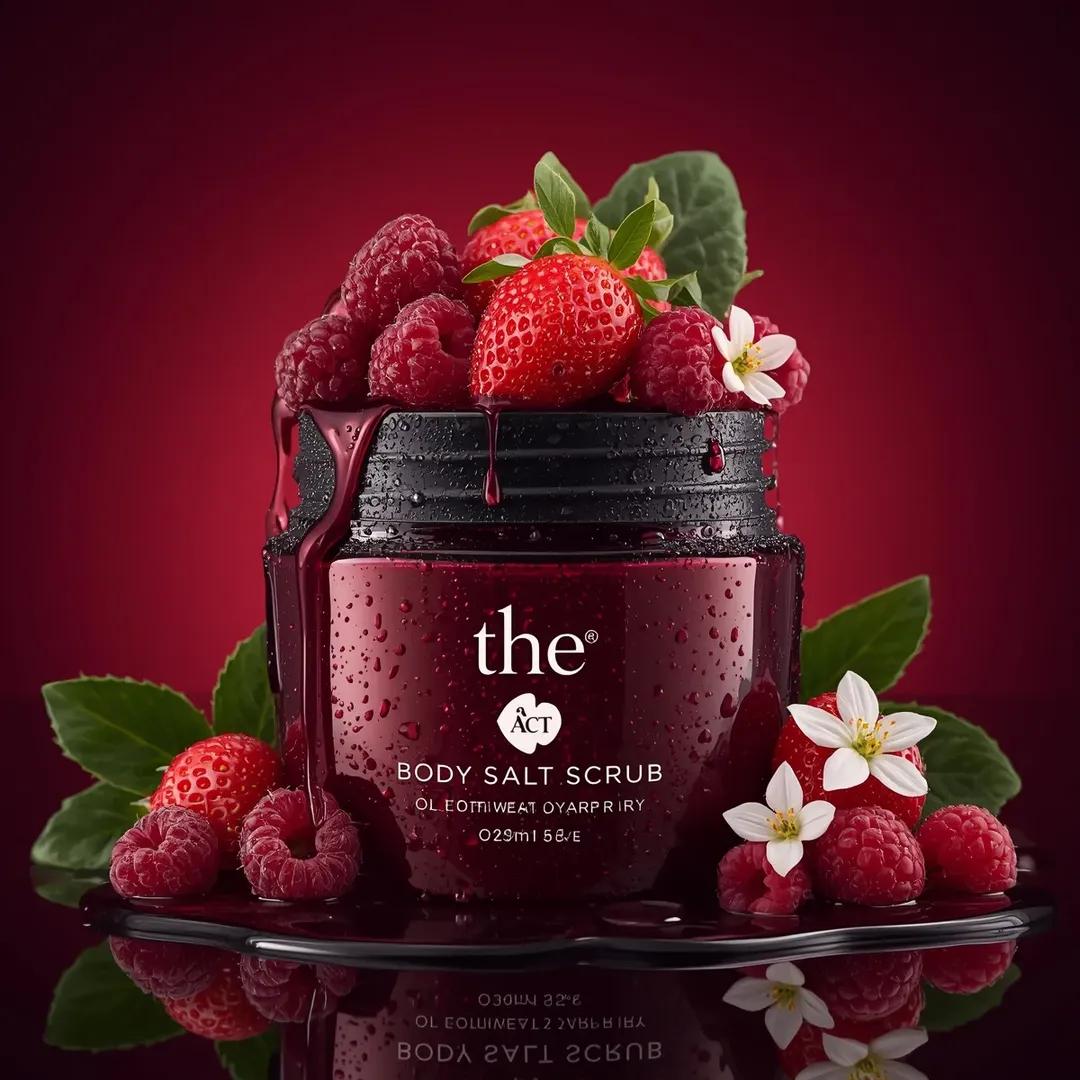
Ultra-Realistic Luxury Cosmetic Product Photography Prompt
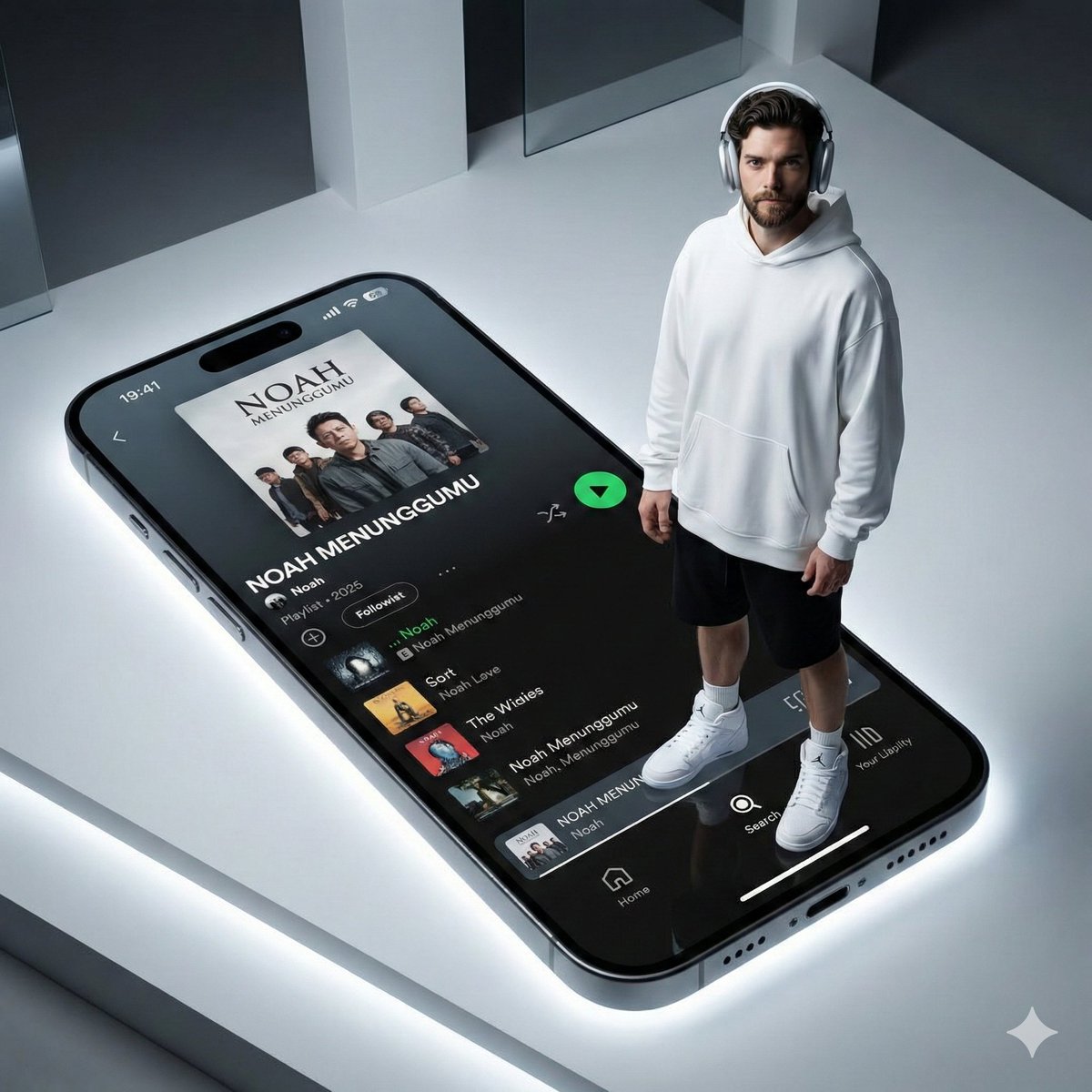
Futuristic Fashion Shot on Giant Smartphone Screen
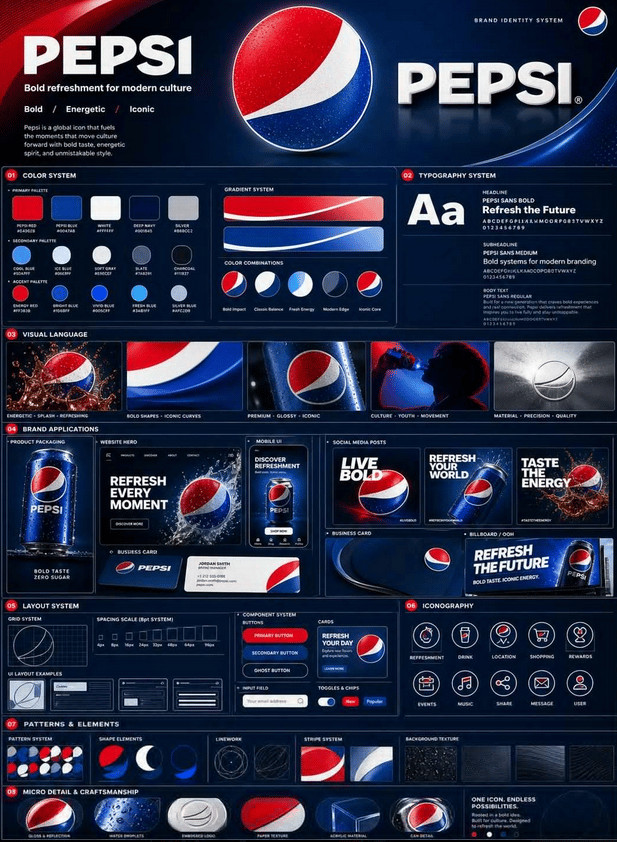
Professional Brand Identity Guidelines Poster
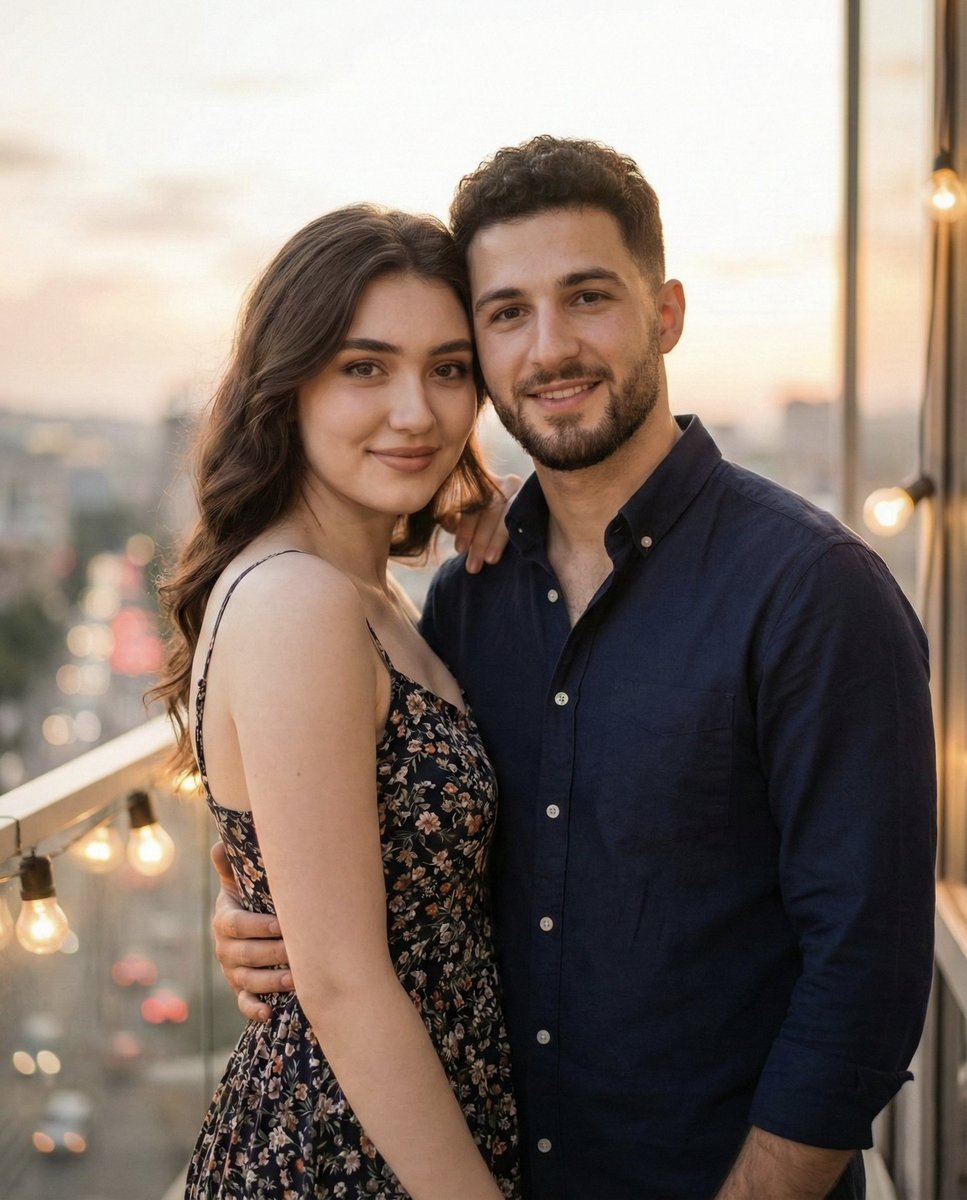
Photorealistic Romantic Couple Portrait with Identity Preservation
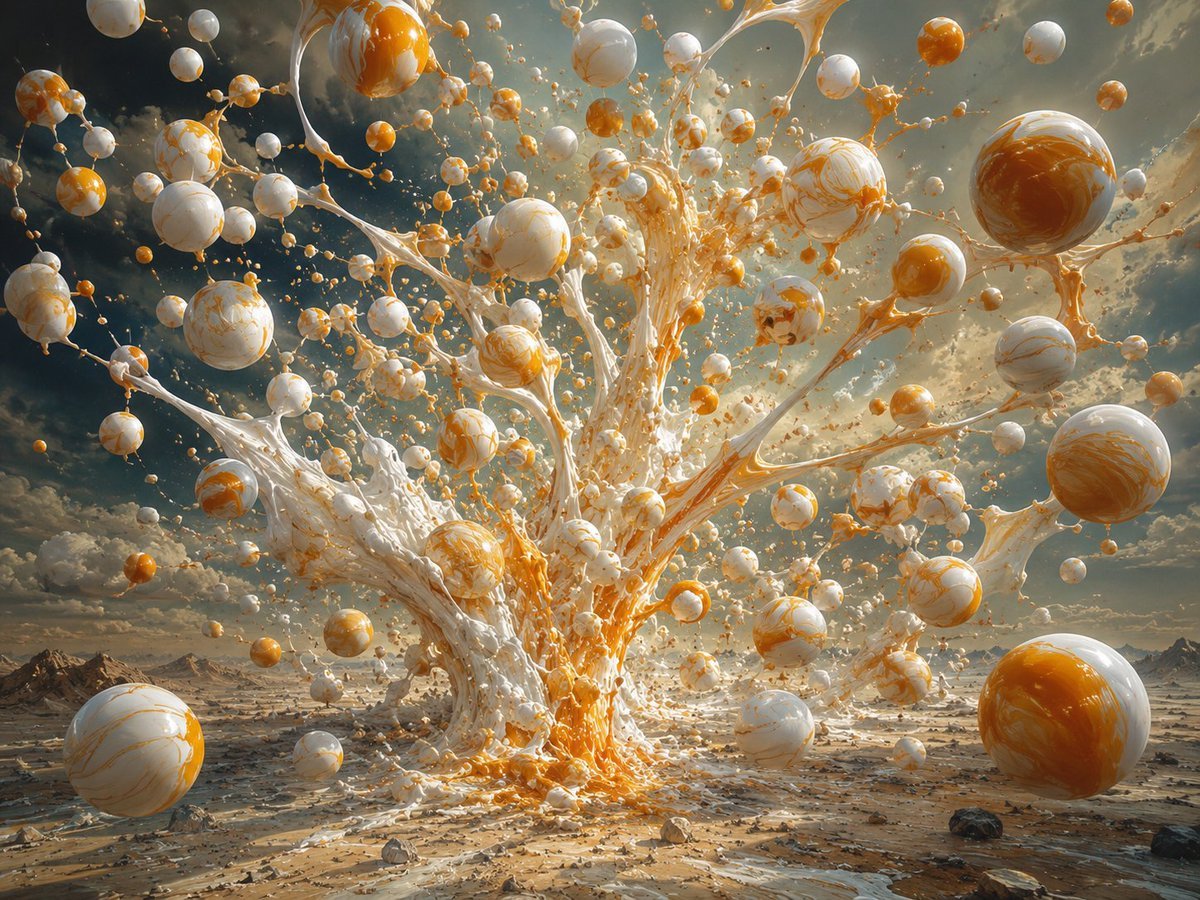
Surreal Orange White Liquid Explosion
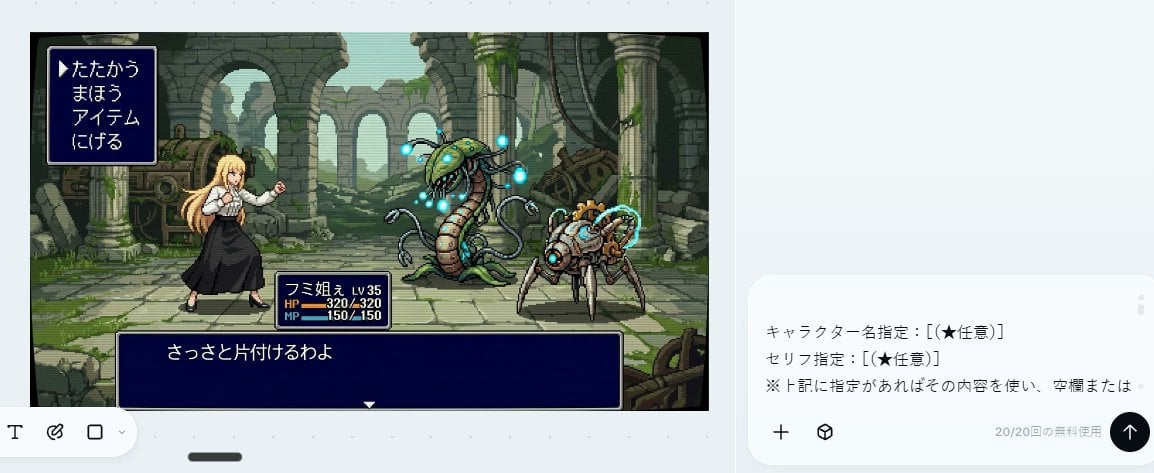
Bit RPG Battle Screen
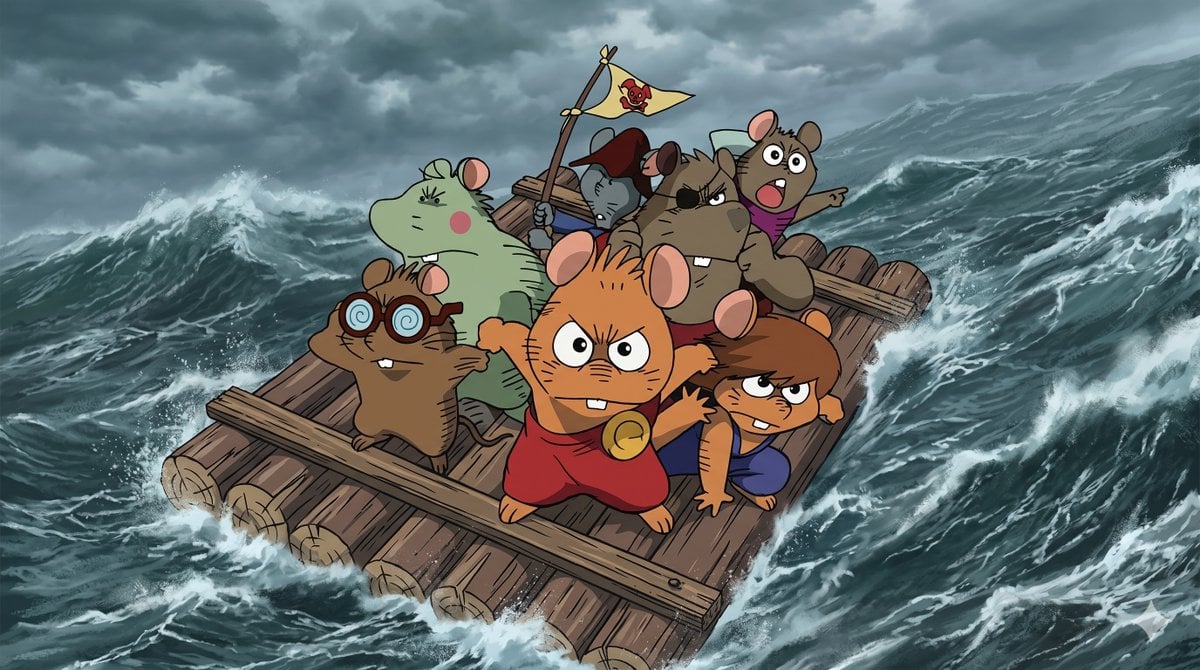
Anime Scene Reconstruction and Expansion
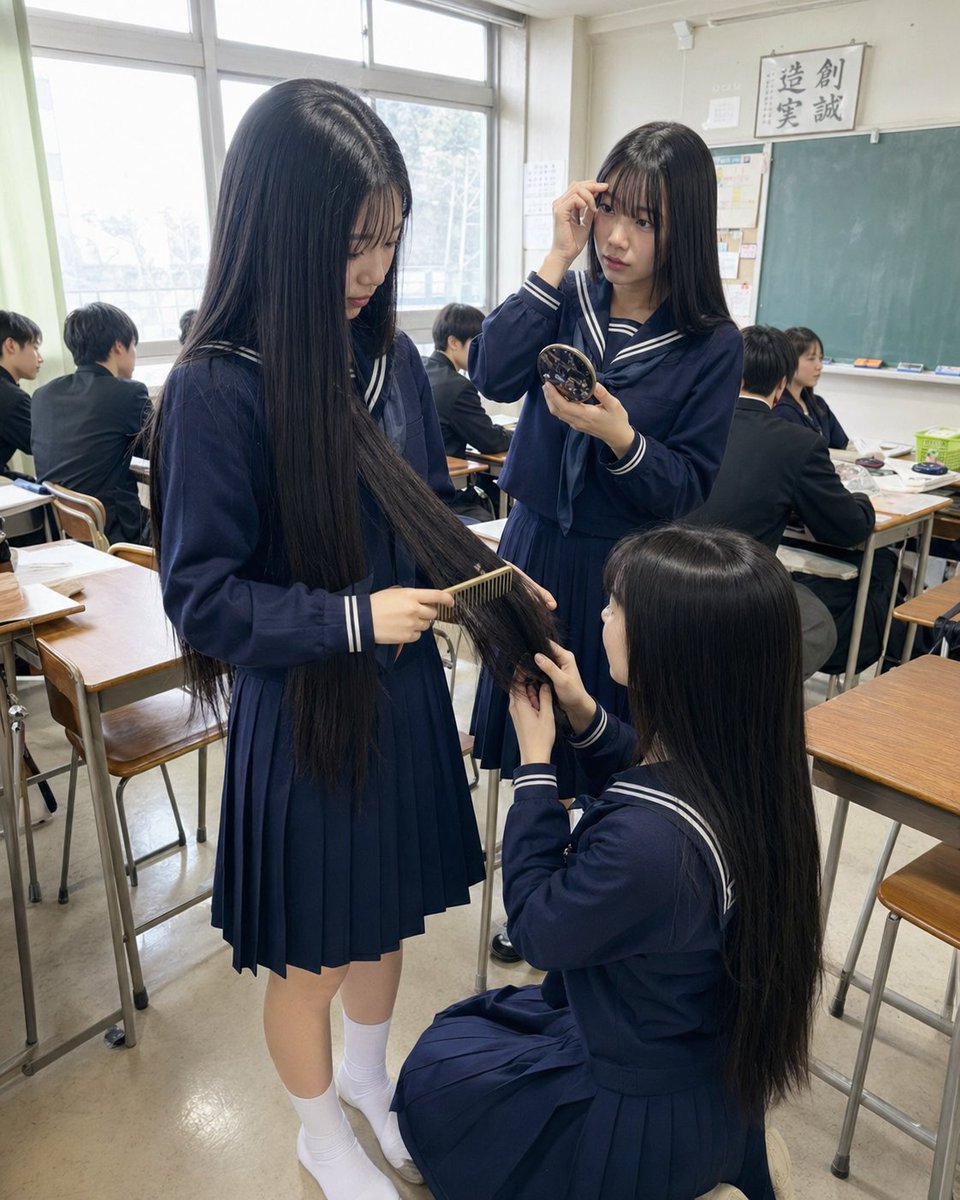
Gpt2 Profile Avatar Japanese Classroom Long Hair Snapshot
Browse template categories
Rose Jewel Anime App Poster questions
How do I use the Rose Jewel Anime App Poster template?
Add your photo if the template asks for one, edit the prompt if you like — the template's model and format are already selected — and press Generate. Your version opens in PicX Studio.
Can I customize the Rose Jewel Anime App Poster template?
Yes. You can change the subject, setting, lighting, mood, format, and available model controls before creating your image.
Is the Rose Jewel Anime App Poster template free?
Opening and editing this template is free. Generating uses credits, shown on the Generate button when you are signed in.
Which AI model should I use?
Start with GPT Image 2, which is the model associated with this template. You can compare another compatible model for a different finish.
Looking for something else? Browse all templates.

Your photo, any look
Thousands of ready templates for every top image and video model, from one credit balance.