
Professional Brand Identity Guidelines Poster
A highly detailed, structural prompt for creating a comprehensive brand identity poster including grids, color palettes, typography, and UI application mockups.
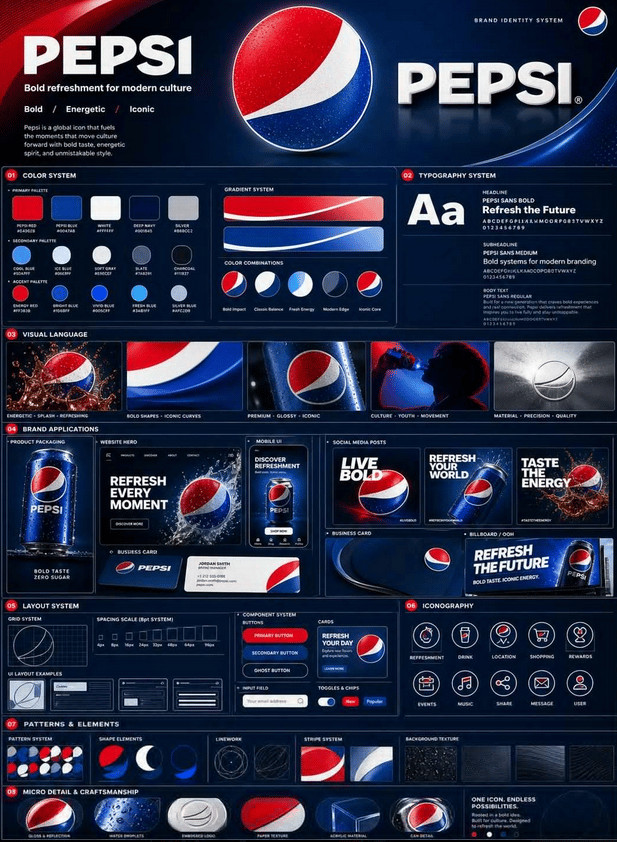
- Prompt included
- Model and format preset
- Free template
The prompt behind this image
Copy the exact prompt behind Professional Brand Identity Guidelines Poster, or open it in the studio and make it yours.
Using the uploaded logo, create a professional, high-quality poster for a complete brand identity system. The goal: everything must be built from the logo — colors, style, personality, and tone. ❌ No generic or random elements allowed. 🧱 Structure: a vertical poster in 4:5 ratio, a clear multi-layered grid system; the design should be dense with content but clean and organized. 🔝 Top section: the brand name in a clear, clean typeface, a short tagline that expresses the brand (max 6 words), and a three-word identity description (e.g., modern / bold / simple). 🎨 Color system (professional): show primary colors (3–5), secondary colors (3–5), and accent colors. For each color: clear color swatches, its HEX code, and its usage (background / primary / accent). Add color gradients and examples of color combinations. 🔤 Typography: specify the heading font, the subheading font, and the body text font. Show real text examples with a clear hierarchy between sizes. 🖼️ Visual identity: define the photo/image style (cinematic / minimal / editorial...), the lighting direction, and the type of materials and textures. Show 3 to 5 visual examples (photo style). 📦 Brand applications (very important): show realistic mockups such as: product packaging, a website interface (hero section), a mobile app screen, 3 social media posts, a business card, and an ad or billboard. ⚠️ All of them must share the same spirit of the identity. 🧩 Design system: show UI components, cards, and a spacing system. Examples: buttons, layouts, and sections. 🔘 Icons: 6 to 10 icons, in the same style (line or filled), consistent with the identity. 🎭 Patterns and elements: background patterns, decorative shapes, and elements inspired by the logo. ✨ Fine details: shadows, textures, reflections, and layered depth. 🎯 Overall style: a blend of editorial design + tech style, very clean but rich in detail, with a strong, clear hierarchy. 📊 Density: 30 to 50 visual elements, a mix of large and small elements, an intelligently and neatly crowded design. 🚫 Important rules: no empty space without a reason, no filler elements, everything has a purpose, and all elements are visually interconnected. 💎 Final result: it must look like a strong Behance project or a design agency's brand guideline — something that makes the client say: "How much does it cost?" 😏 Not: simple, generic, or a ready-made template.
How to use Professional Brand Identity Guidelines Poster in 3 steps
- 1Upload ImagePNG, JPG or paste
Add your photo
Upload the photo the template builds on. The prompt, model and format are already set.
- 2…a portrait of your subject in softgolden-hour light, 85mm…
Personalize
Edit the subject and creative details for your destination.
- 3Generate
Generate
Press Generate — your image is created in PicX Studio, so you can compare it with the original and refine one variable at a time.
More like this
Templates with the same subject, style or setup. Open one to see its prompt.

Luxury Fashion Campaign Typography Poster System

Premium Fashion Editorial Campaign Poster System

Japan Travel Brochure Poster
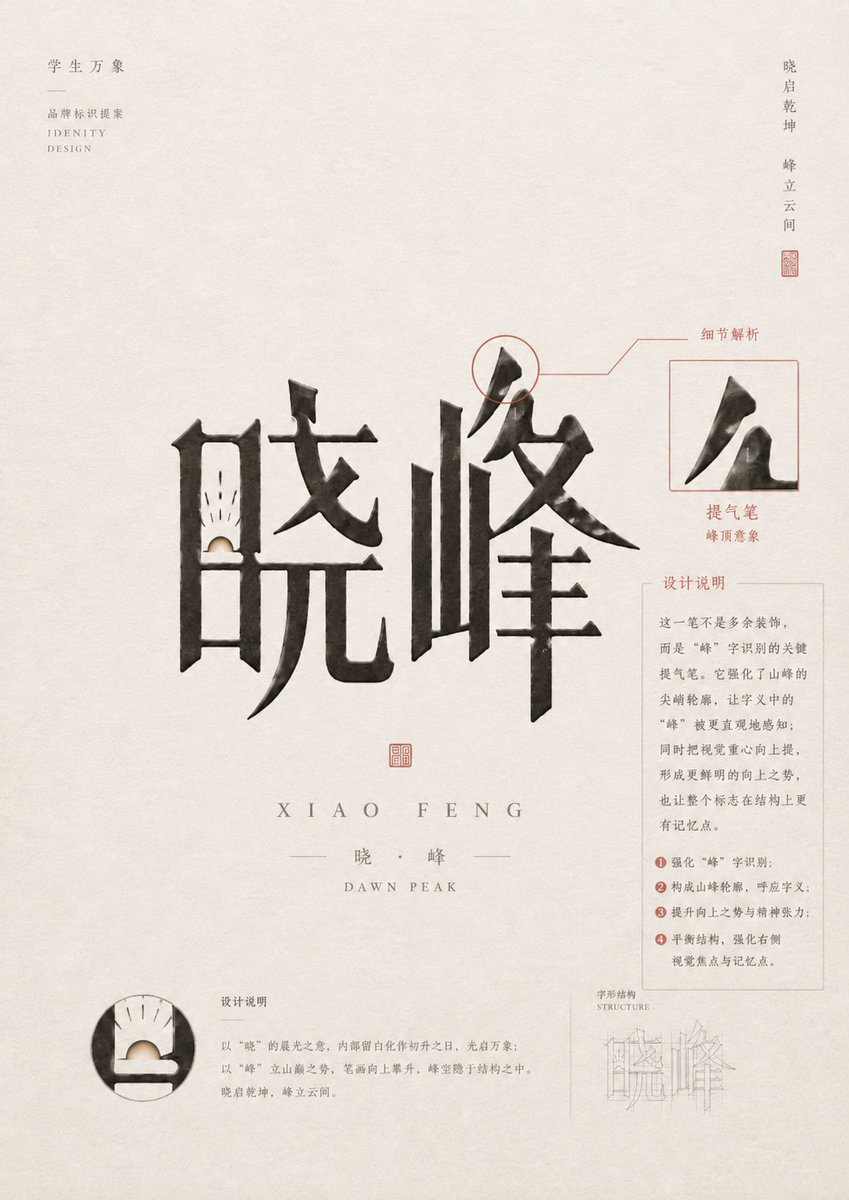
Chinese Calligraphy Identity Poster
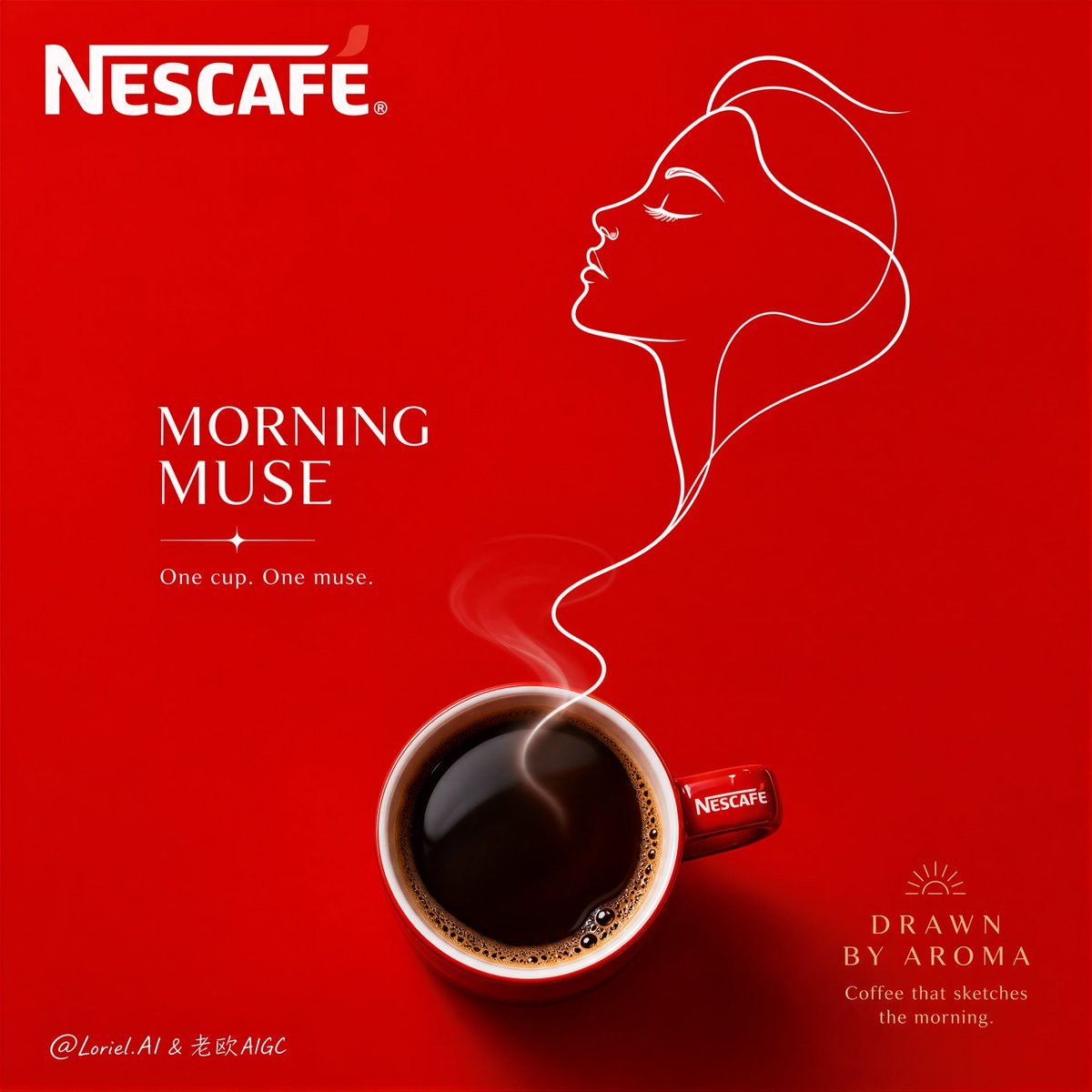
Minimalist Nescafé Brand Poster
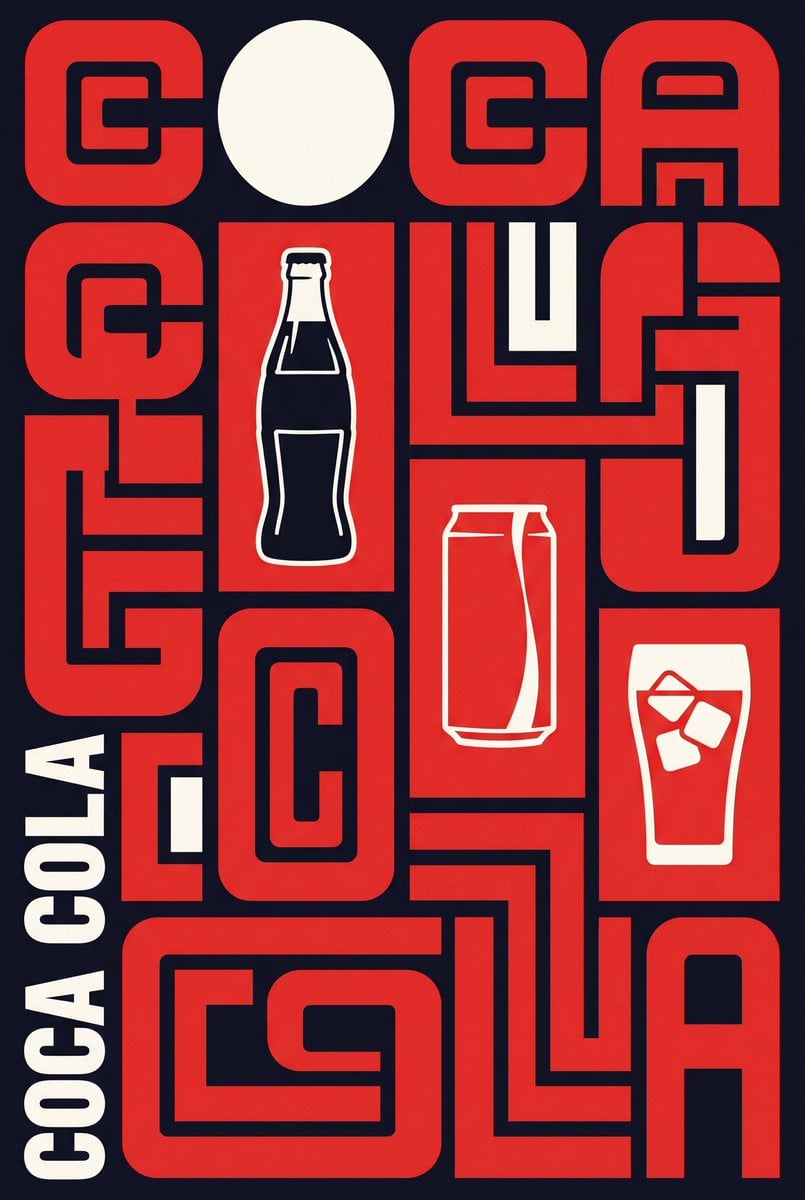
Neo-Constructivist Typographic Brand Poster

Cartoon TV Show Poster Pack

Trendy Cafe Drink Promo Poster

Urban Fashion Editorial Collage Streetwear Poster

Premium Fashion Editorial Cover Layout System

Polo Ralph Lauren Luxury American Heritage Fashion Campaign

Monochrome Halftone Editorial Fashion Poster
Make it yours
Professional Brand Identity Guidelines Poster works as-is. These are the safest ways to change it without losing the look.
Change one field
Copy a single group, rewrite it, and generate again so you can see what that field is doing.
Keep the frame, change the subject
Hold the composition and light of Professional Brand Identity Guidelines Poster, then swap wardrobe, props or the person for a new take.
| If the result… | Why | Fix |
|---|---|---|
| The result drifts from the preview | Too many fields changed at once. | Reuse Professional Brand Identity Guidelines Poster as-is first, then change one group — subject, light, or setting. |
| The model over-stylizes the scene | The prose prompt leaves finish and camera underspecified. | Add one camera or lighting sentence and stay on GPT Image 2. |
More GPT Image 2 templates
Other prompts made for GPT Image 2.

Six VTuber Japanese Logo Sheet

Realistic Portrait of Woman and Deer

The Vista Modular Condo Poster

AI Model Routing Comparison Infographic

2.5D Anime Art Board

Isometric Productivity Desk Scene

New York Double Exposure Poster

Four-Panel AI Landscape Comparison

Japanese Tatami Lifestyle Magazine Cover

NESCAFÉ Coffee Map Poster
More image prompts
Fresh picks from across the catalog.
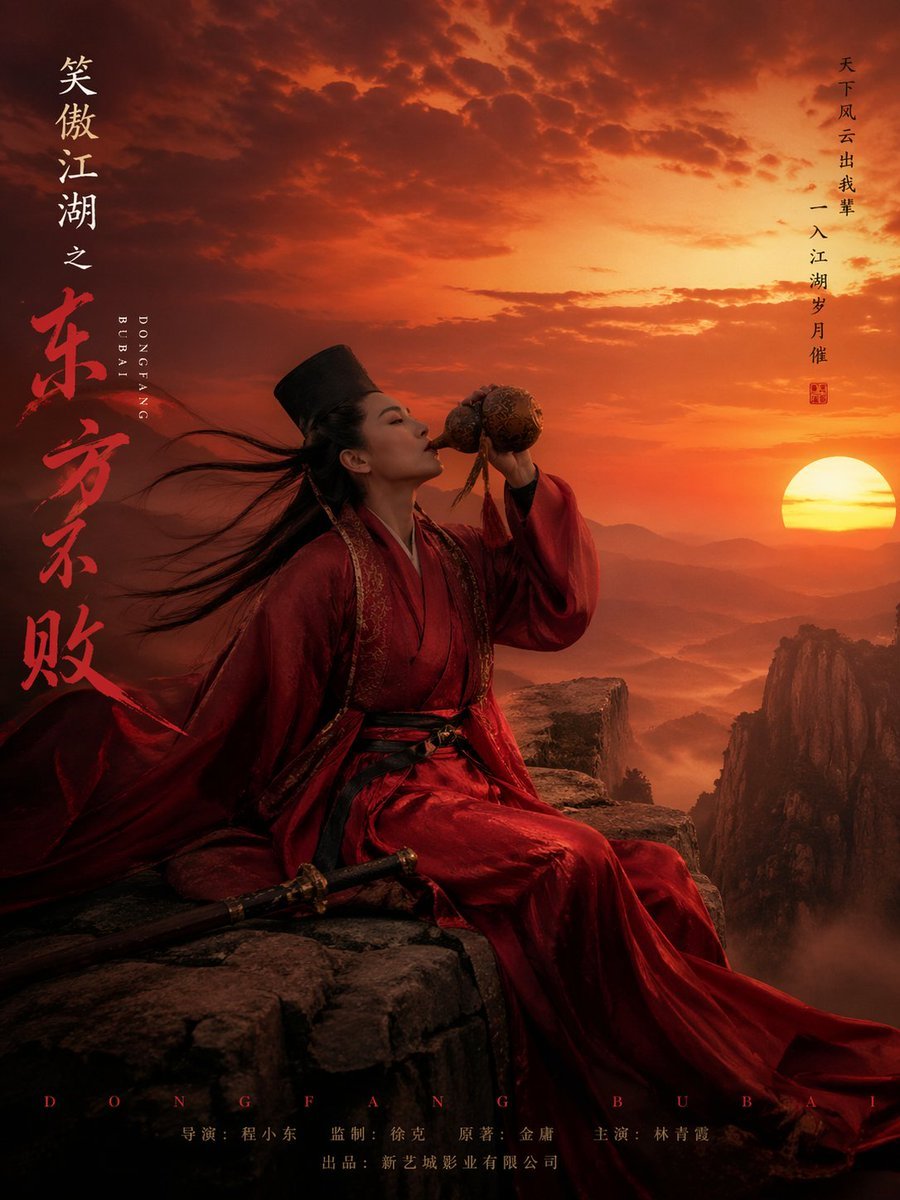
Wuxia Movie Character Posters
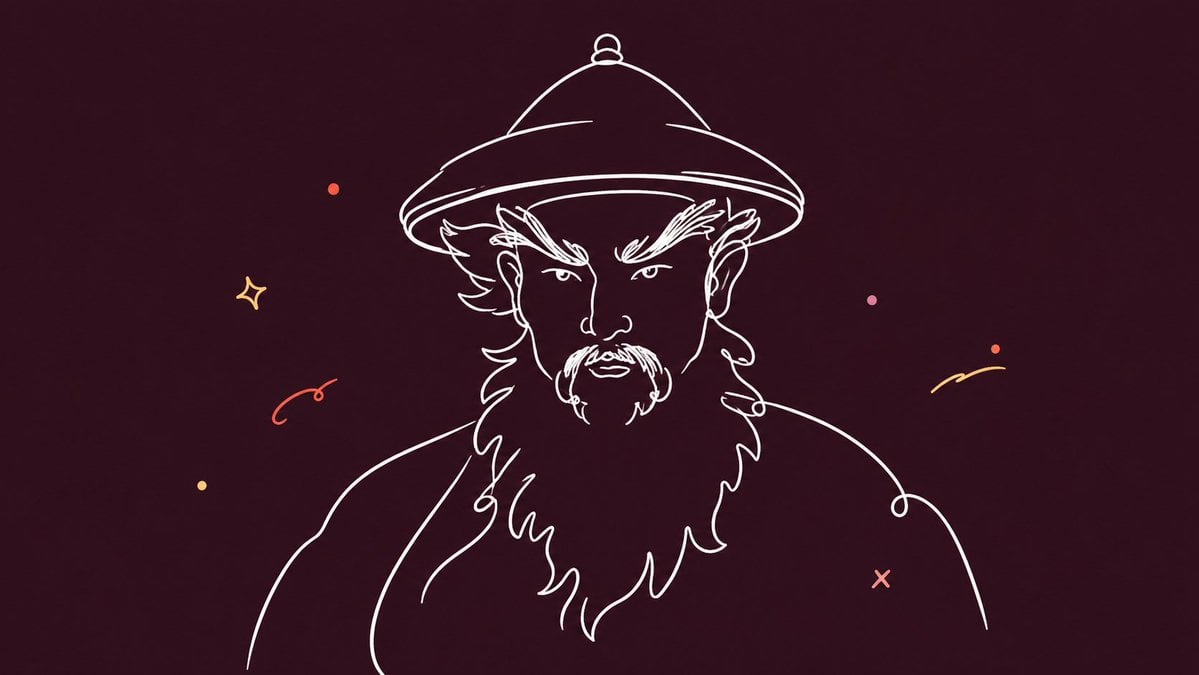
Minimalist Single Line Social Media Avatar
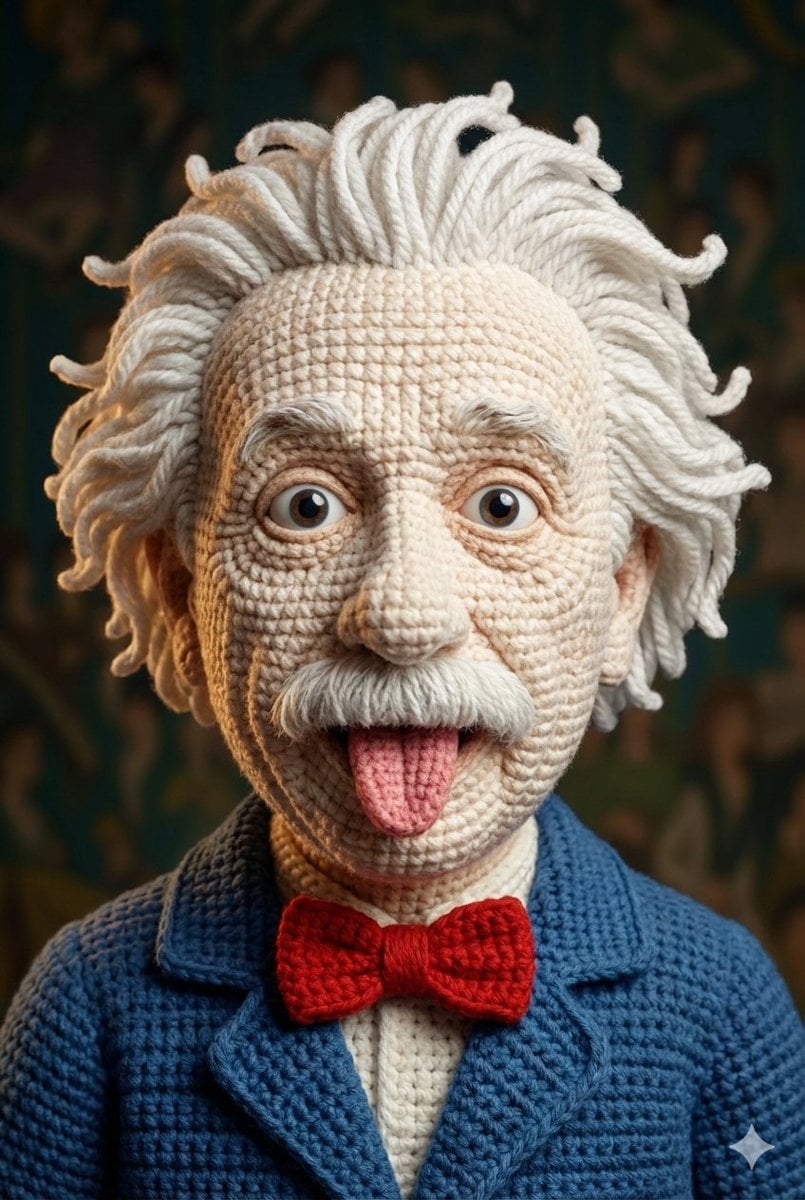
Hyper-Detailed Crocheted Portrait of a Legend
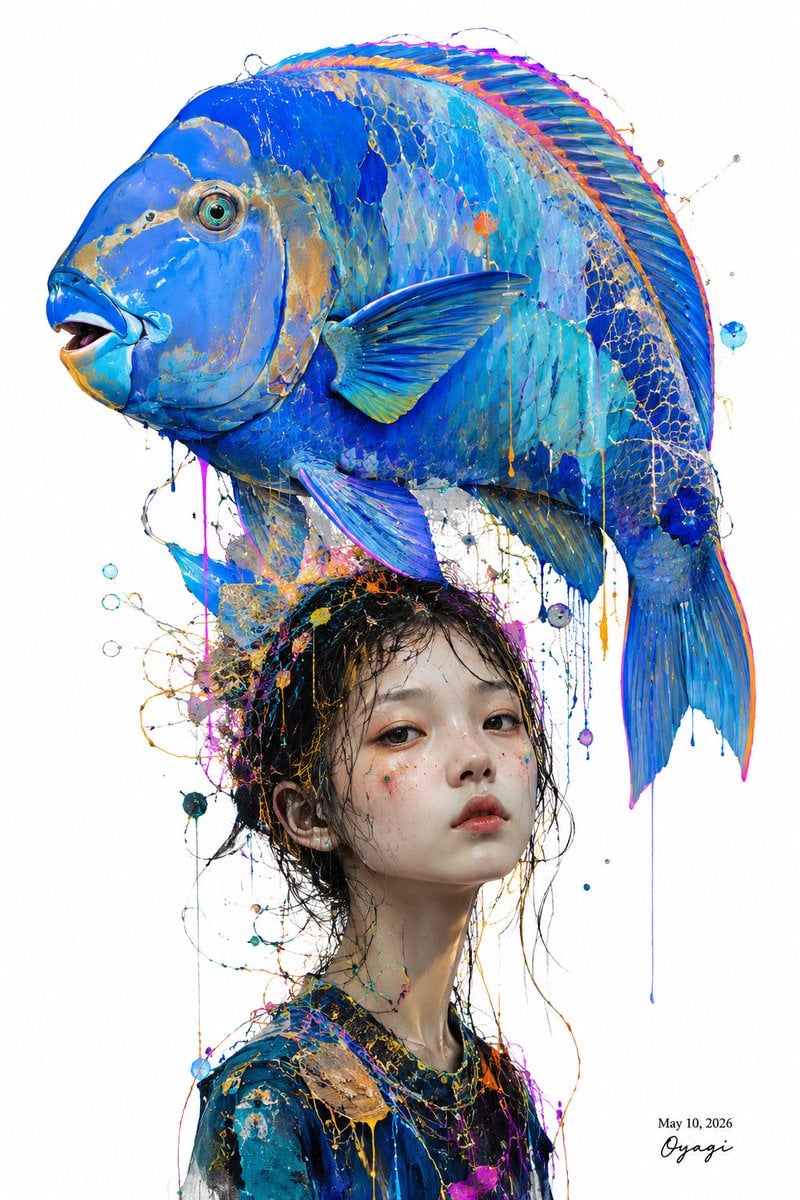
Surreal Blue Fish Hat Portrait
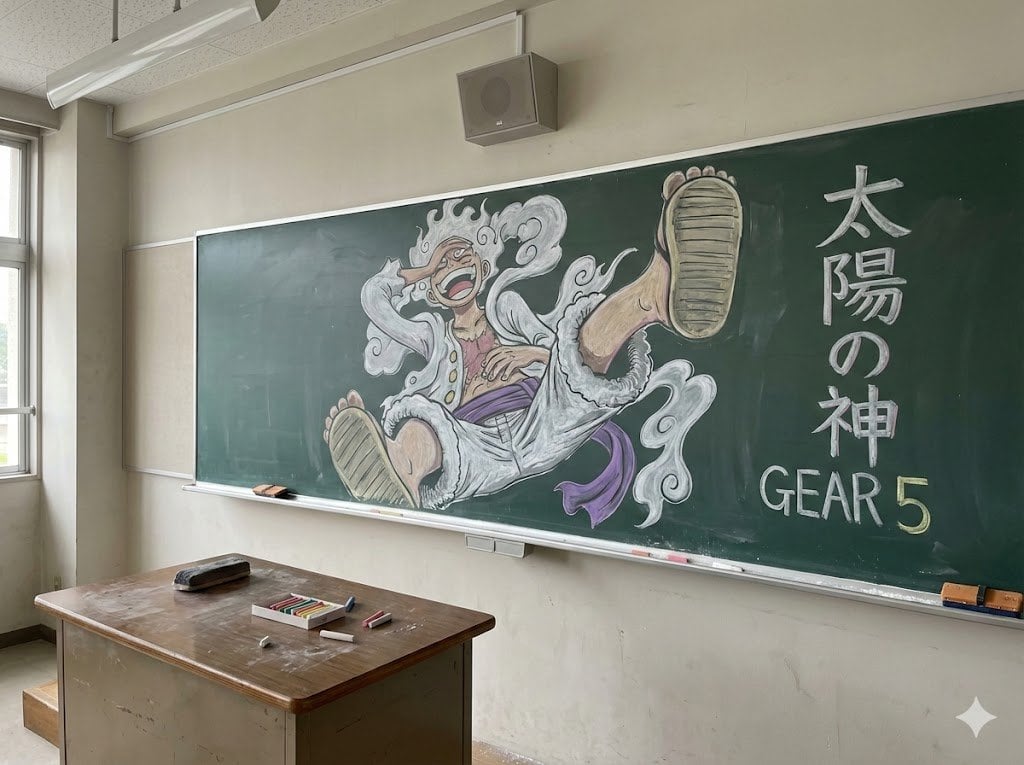
Japanese Classroom Gear 5 Chalk Art

Herbal Chicken Soup Label Transformation
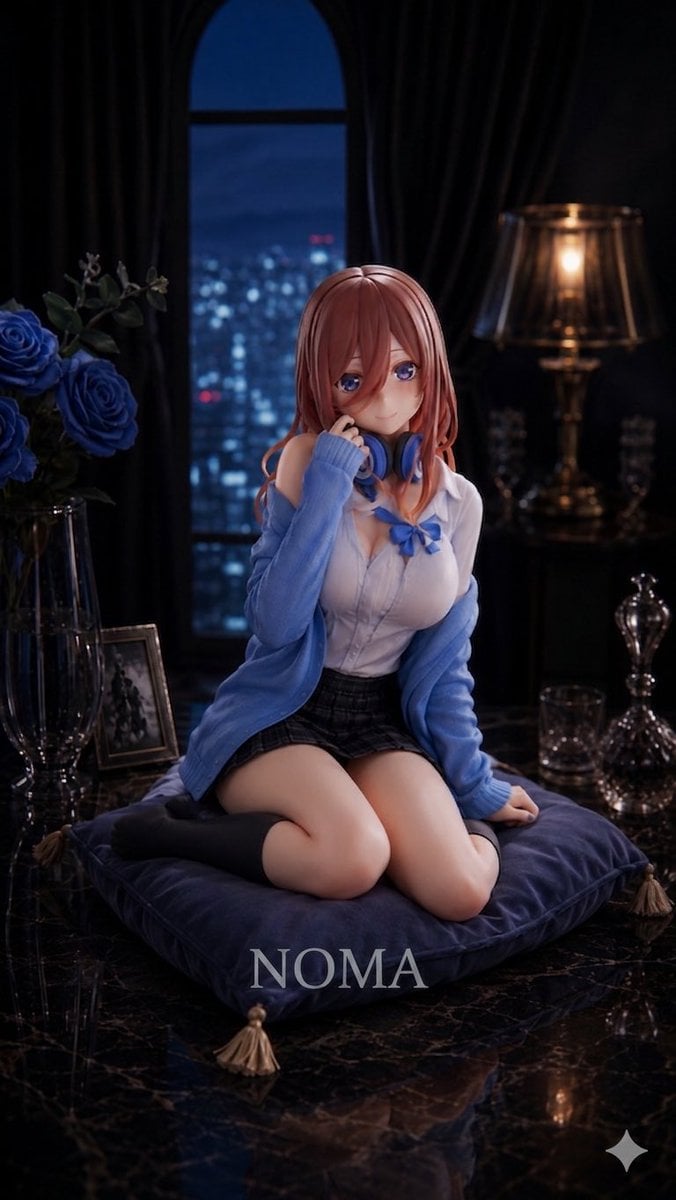
Anime Prize Figure Photography
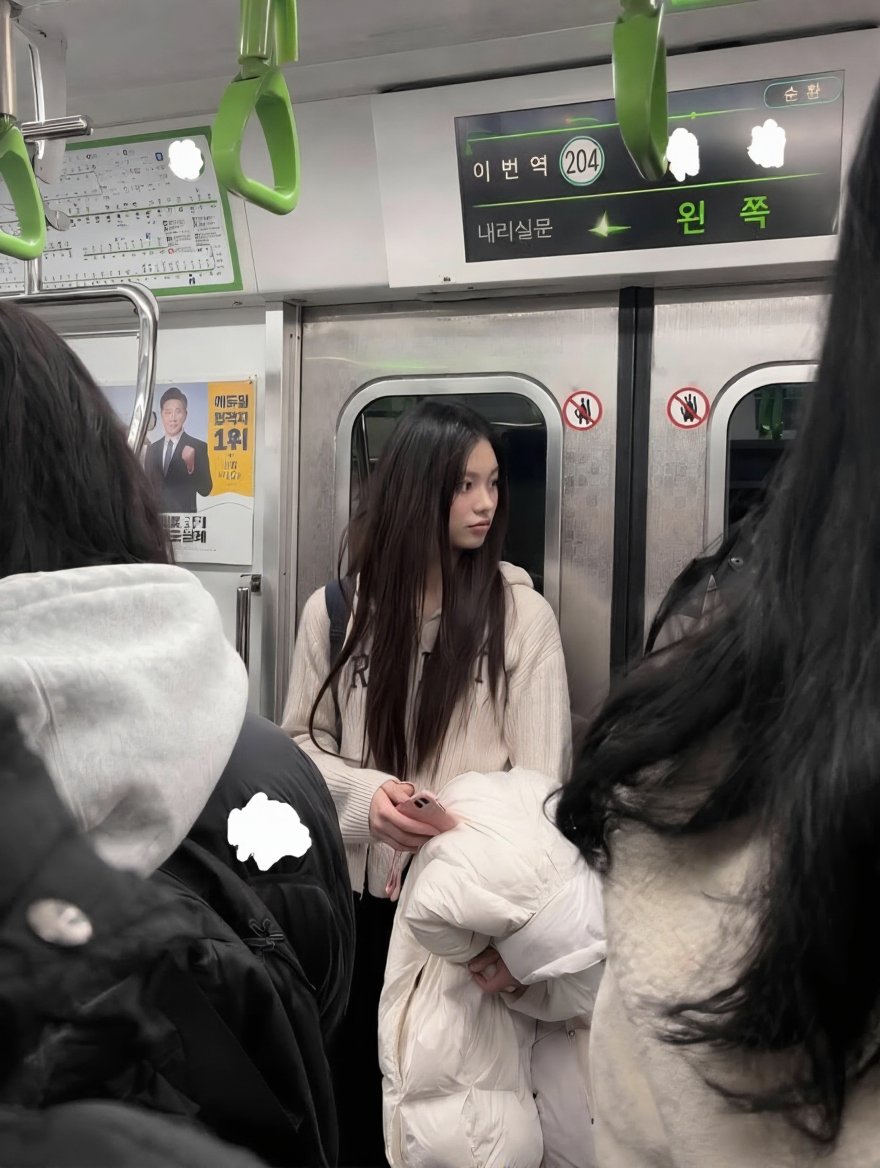
Exact Image Replication
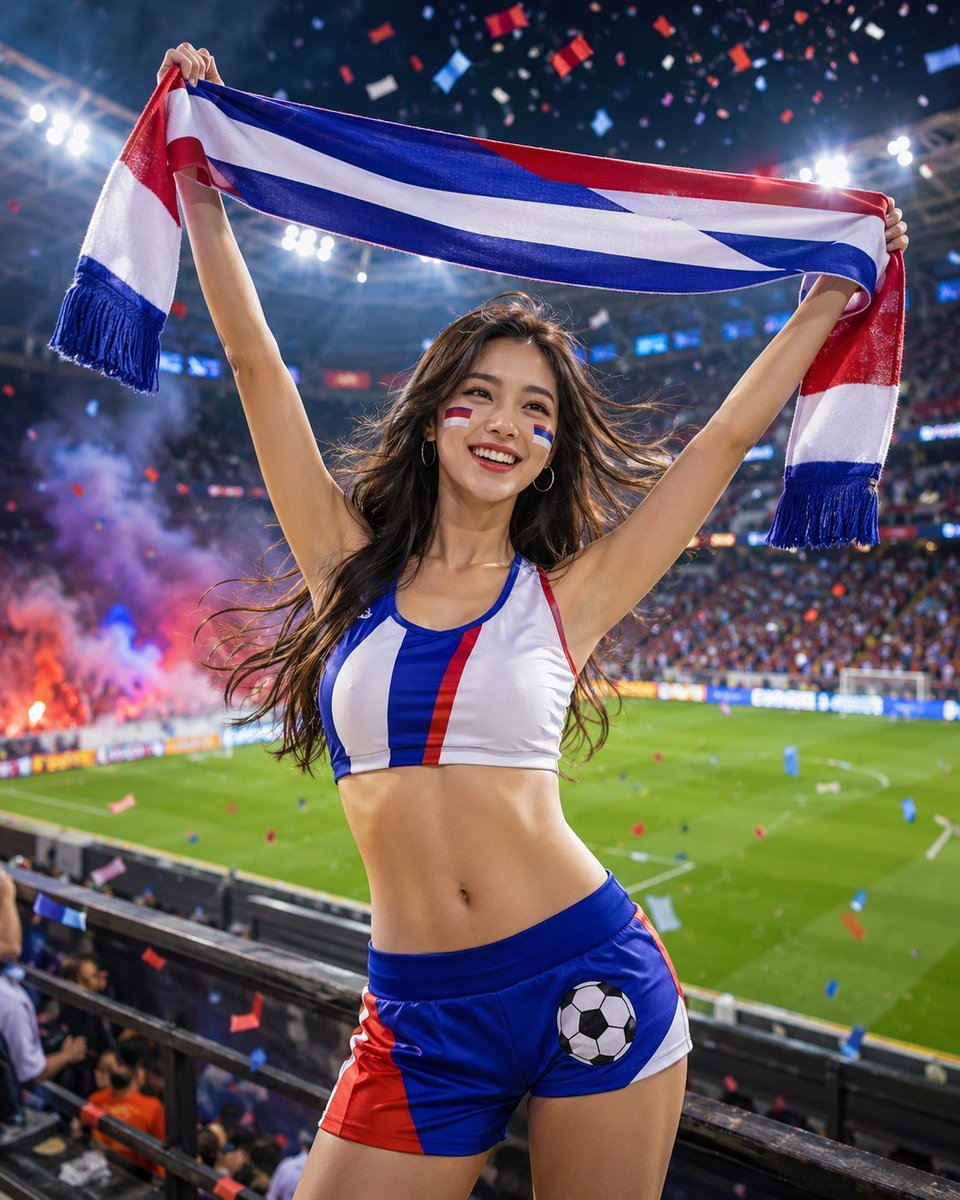
Standard Stadium Support Poster

Hell's Canyon Survival Thriller Poster
Browse template categories
Professional Brand Identity Guidelines Poster questions
How do I use the Professional Brand Identity Guidelines Poster template?
Add your photo if the template asks for one, edit the prompt if you like — the template's model and format are already selected — and press Generate. Your version opens in PicX Studio.
Can I customize the Professional Brand Identity Guidelines Poster template?
Yes. You can change the subject, setting, lighting, mood, format, and available model controls before creating your image.
Is the Professional Brand Identity Guidelines Poster template free?
Opening and editing this template is free. Generating uses credits, shown on the Generate button when you are signed in.
Which AI model should I use?
Start with GPT Image 2, which is the model associated with this template. You can compare another compatible model for a different finish.
Looking for something else? Browse all templates.

Your photo, any look
Thousands of ready templates for every top image and video model, from one credit balance.