
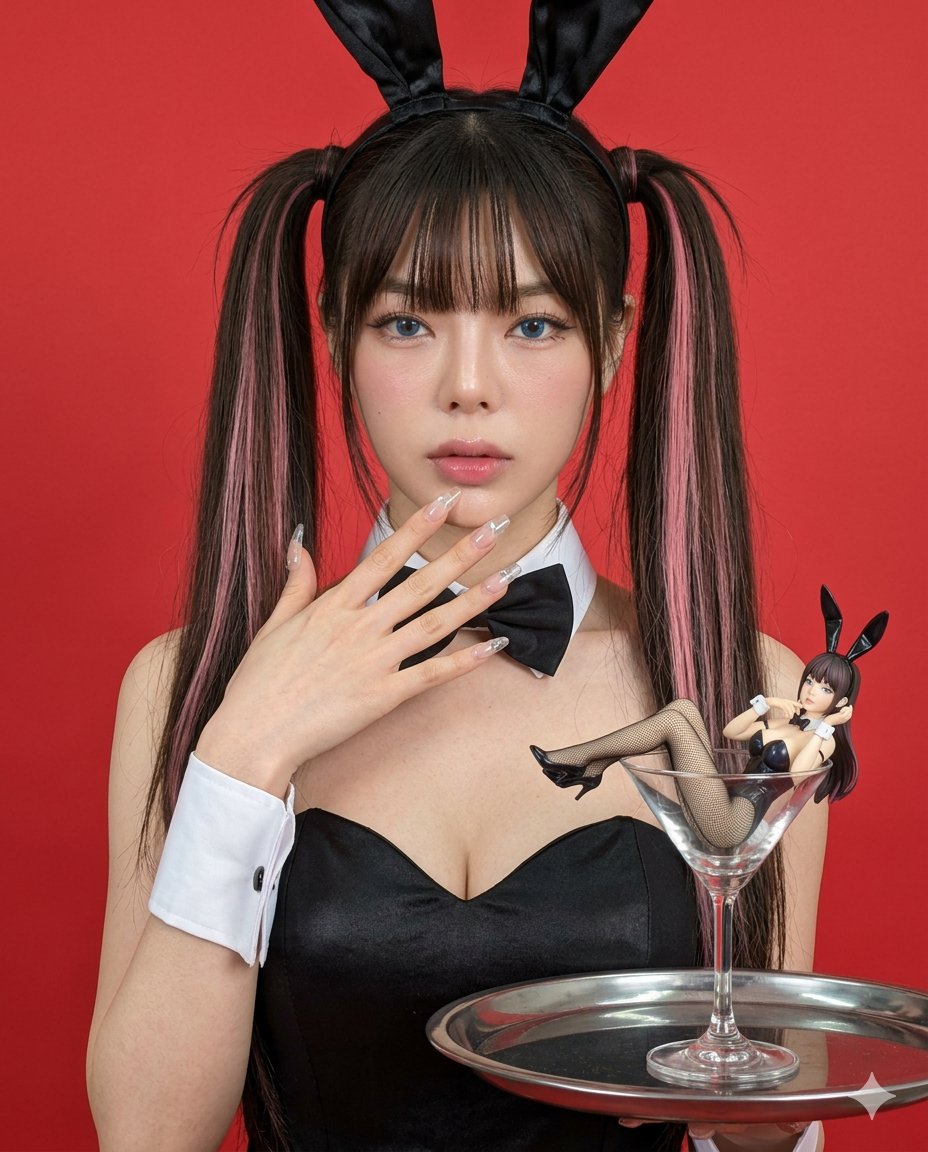
Hyper-realistic Bunny Suit Portrait
A detailed, structured prompt for generating a hyper-realistic, ultra-sharp photograph of a person in a black bunny bodysuit with dramatic makeup and high pigtails, holding a serving tray with a miniature figure inside…
- Prompt included
- Model and format preset
- Premium template
The prompt behind this image
Copy the exact prompt behind Hyper-realistic Bunny Suit Portrait, or open it in the studio and make it yours.
Initiate PersonaFusion-vX.03 protocol: Use the exact facial identity taken from the attached reference image (or from the user’s provided face) with zero alteration. A hyper-realistic, ultra-sharp photograph taken on a modern smartphone, characterized by its digital clarity. The image features a person in a black strapless bunny bodysuit with a sweetheart neckline, white wrist cuffs, and a black bow tie, wearing a black bunny ear headband. The person's long, dark hair, styled in high pigtails with distinct pink streaks and bangs, frames a heavily made-up face with dramatic eyeliner, long lashes, prominent bright blue eyes, and flushed cheeks. One hand, adorned with long, clear acrylic nails, is gently raised near the chin with fingers slightly spread, while the other arm holds a dark, round serving tray in the foreground. On the tray, a miniature figure in an identical black bunny costume with fishnet stockings reclines elegantly inside a large, clear stemmed cocktail glass. The background is a vibrant, solid red. Shot on a Google Pixel 8, the entire scene is in sharp focus from foreground to background, with no bokeh or artificial blur. The digital texture is extremely realistic, showcasing crisp details, visible pores on creamy, dewy skin, and the intricate weave of the fishnet stockings, all without any film grain, only subtle digital noise. The lighting is bright and evenly distributed, typical of modern smartphone HDR, lifting all shadows for a clear, well-exposed look, preventing any deep blacks. Colors are natural and true-to-life, with rich reds and deep blacks complementing the subtle pinks and creamy skin tones.
How to use Hyper-realistic Bunny Suit Portrait in 3 steps
- 1Upload ImagePNG, JPG or paste
Add your photo
Upload the photo the template builds on. The prompt, model and format are already set.
- 2…a portrait of your subject in softgolden-hour light, 85mm…
Personalize
Edit the subject and creative details for your destination.
- 3Generate
Generate
Press Generate — your image is created in PicX Studio, so you can compare it with the original and refine one variable at a time.
More like this
Templates with the same subject, style or setup. Open one to see its prompt.

Found Photograph: Us, 1970

80s Couple Studio Portrait

80s Bollywood Star

80s Golden Hour Cinema

Me in 1985

1985 Studio Portrait

Hyper-Realistic Minecraft POV Portrait

Rooftop Fisheye — Cat-Ear Balaclava at Golden Hour

Rainy Café Window Moody Portrait

untitled

2025 Aesthetic Photography

Nano Banana Is So Addictive
Make it yours
Hyper-realistic Bunny Suit Portrait works as-is. These are the safest ways to change it without losing the look.
Change one field
Copy a single group, rewrite it, and generate again so you can see what that field is doing.
Keep the frame, change the subject
Hold the composition and light of Hyper-realistic Bunny Suit Portrait, then swap wardrobe, props or the person for a new take.
| If the result… | Why | Fix |
|---|---|---|
| The result drifts from the preview | Too many fields changed at once. | Reuse Hyper-realistic Bunny Suit Portrait as-is first, then change one group — subject, light, or setting. |
| The model over-stylizes the scene | The prose prompt leaves finish and camera underspecified. | Add one camera or lighting sentence and stay on Nano Banana 2. |
More Nano Banana 2 templates
Other prompts made for Nano Banana 2.

Photorealistic Leaf Shaped Like a Dragon

K-Pop Idol Portrait Grid for Rapid Selection

Poetic Rain Forest Portrait During Golden Hour

Urban Street Portrait with Cartoon Inner Self Duo

Candid Nighttime Photo with Cat Prompt

High-Concept 3D Diorama Generation Prompt

Cinematic Futuristic Studio Portrait Template

Skincare Editorial Photography Collage Prompt

Hyper-Realistic Commercial Product Photography (Splash Effect)

Hyper-Realistic Nightclub Portrait Prompt
More image prompts
Fresh picks from across the catalog.
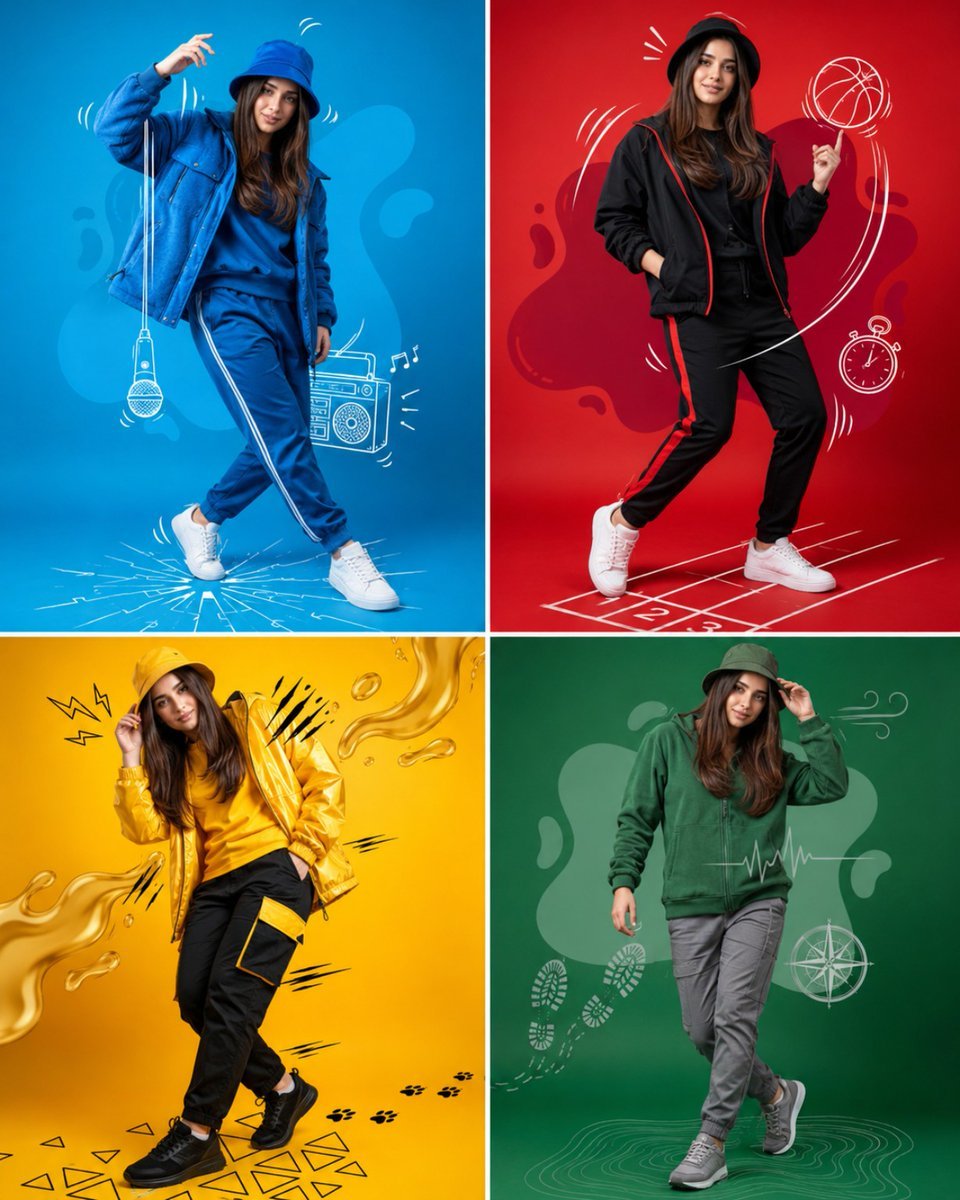
Fashion Color Theme Advertising Grid
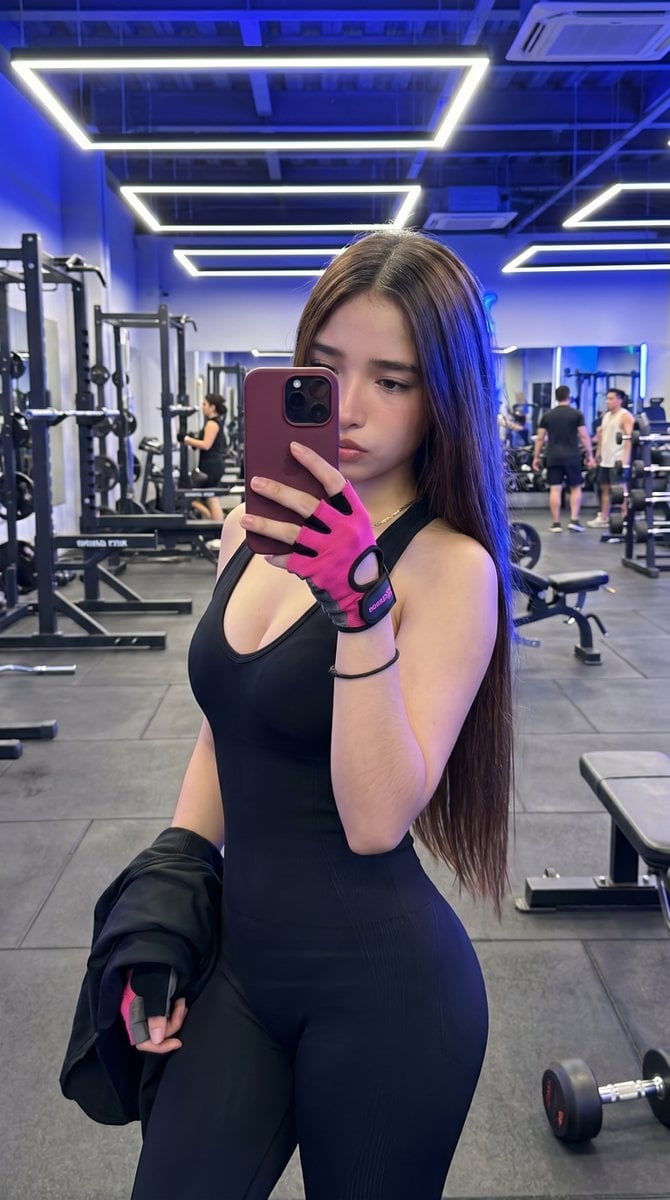
Hyper-Realistic Gym Mirror Selfie
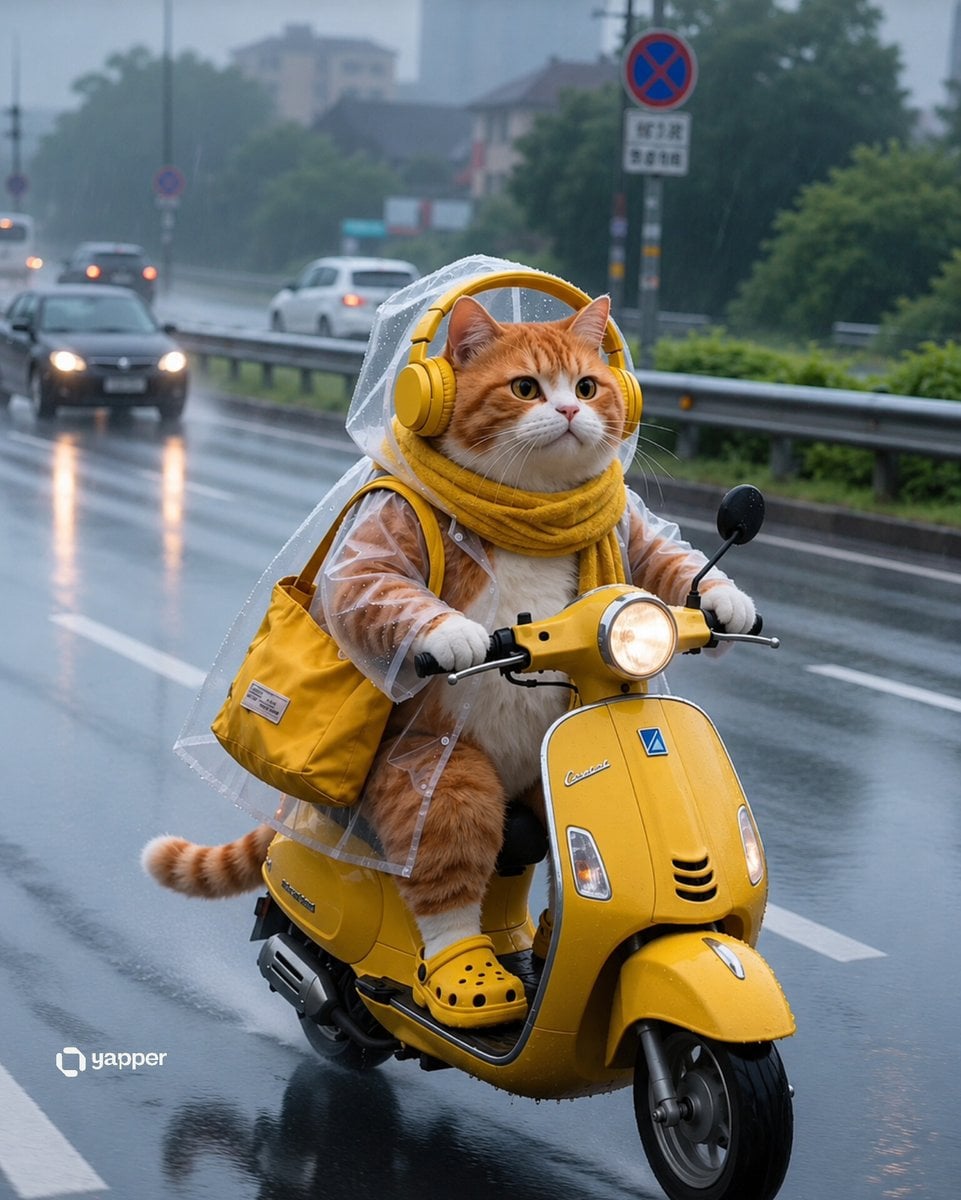
Rainy Tabby Scooter Ride
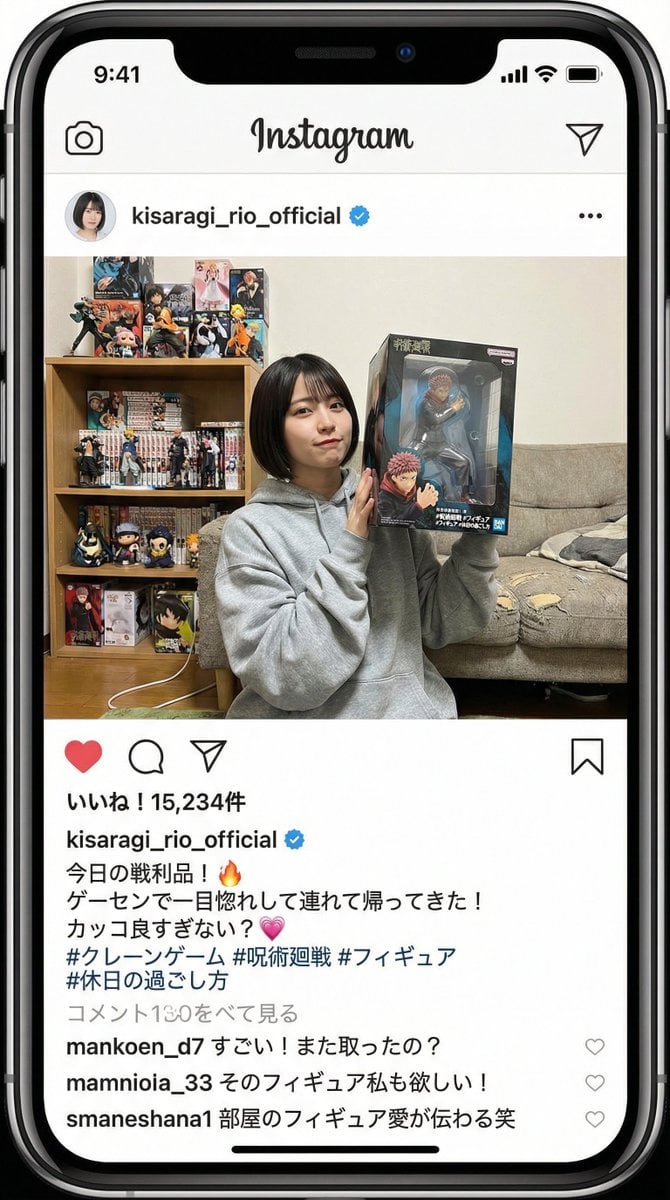
Generating an Instagram Post based on Persona
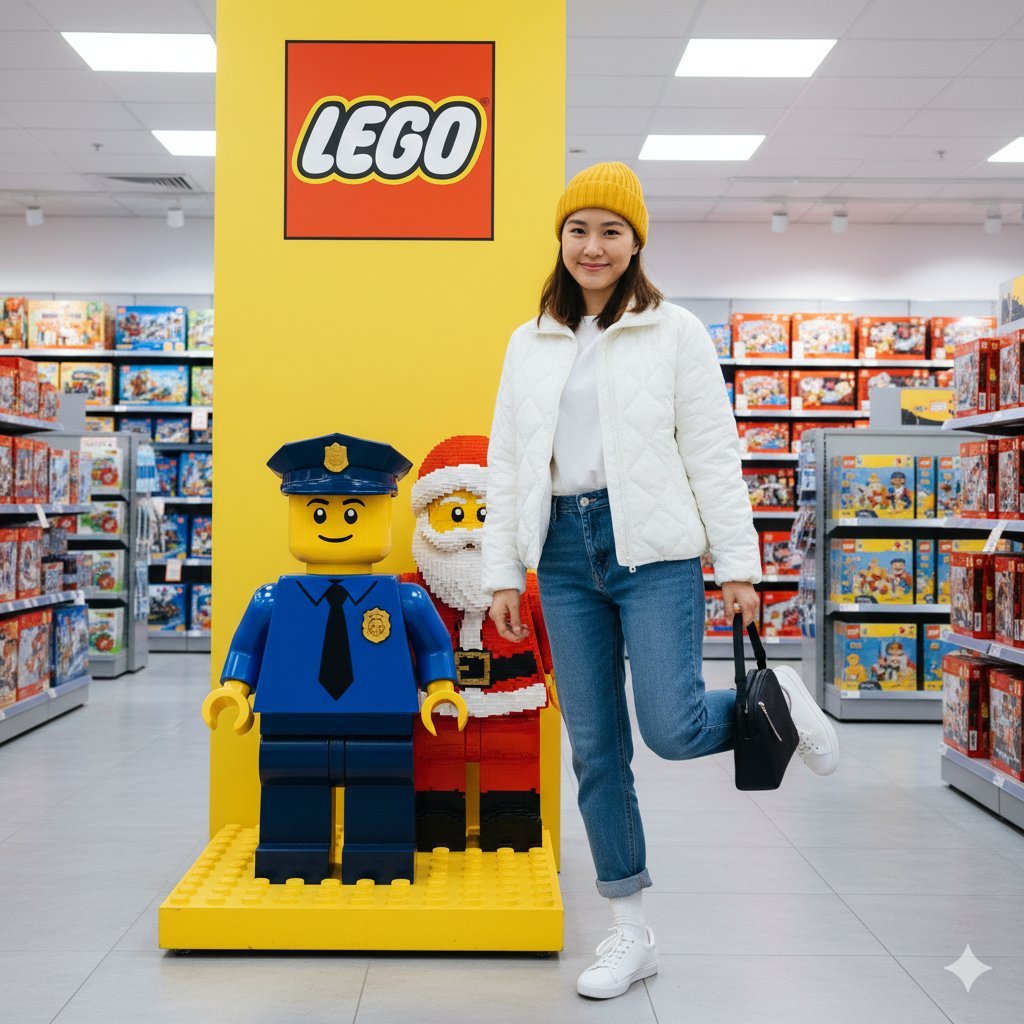
Lego Store Candid Lifestyle Photo Prompt
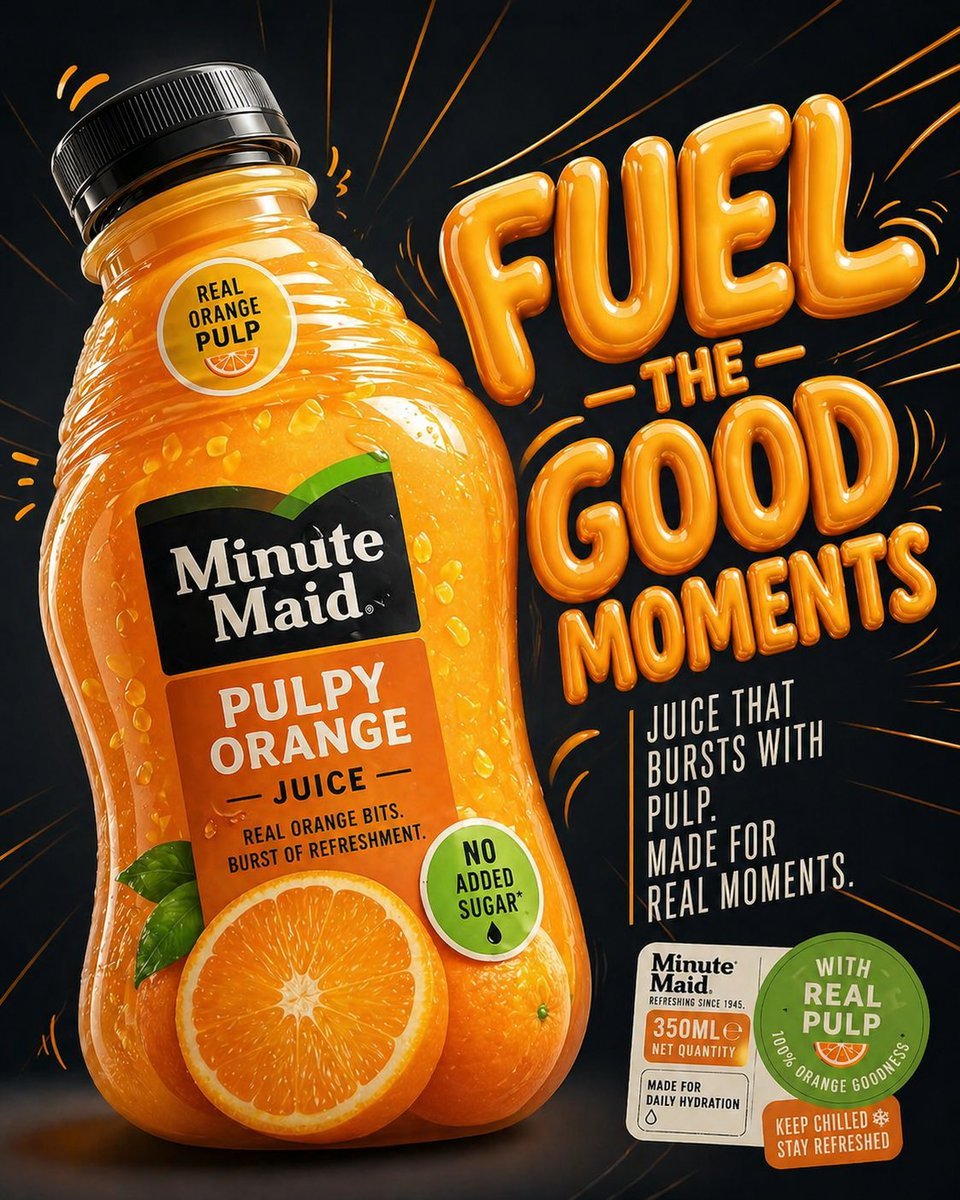
Minute Maid commercial product ad
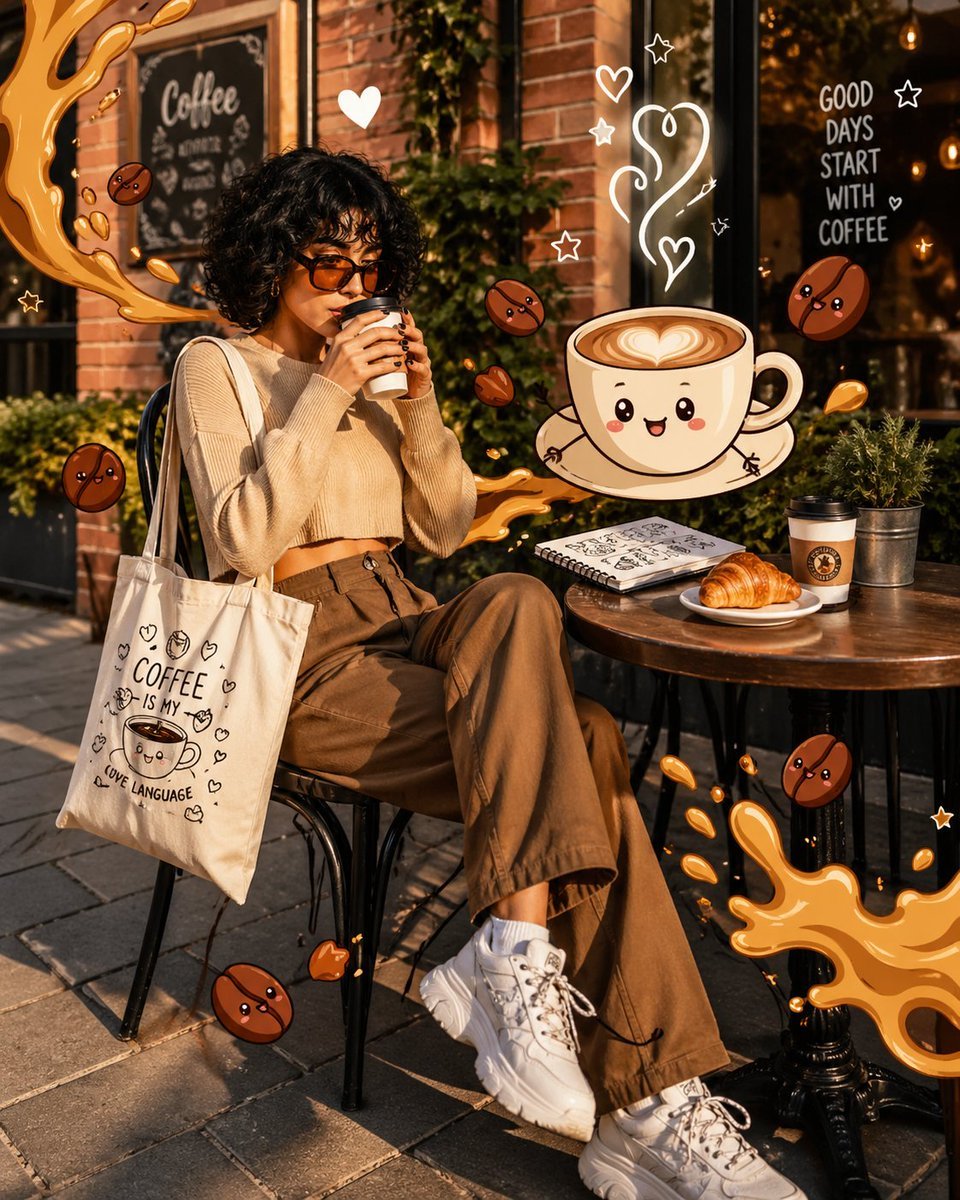
Mixed Reality Café Illustration
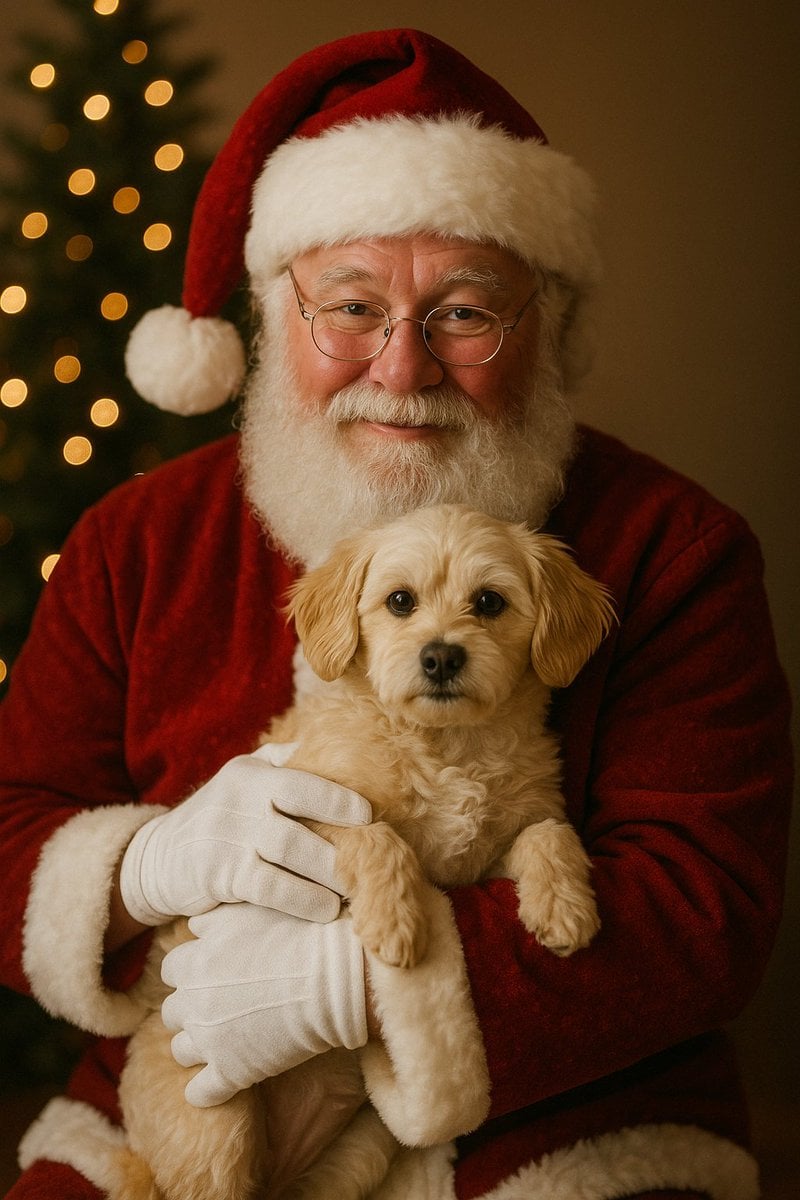
Simple Christmas dog and Santa image prompt
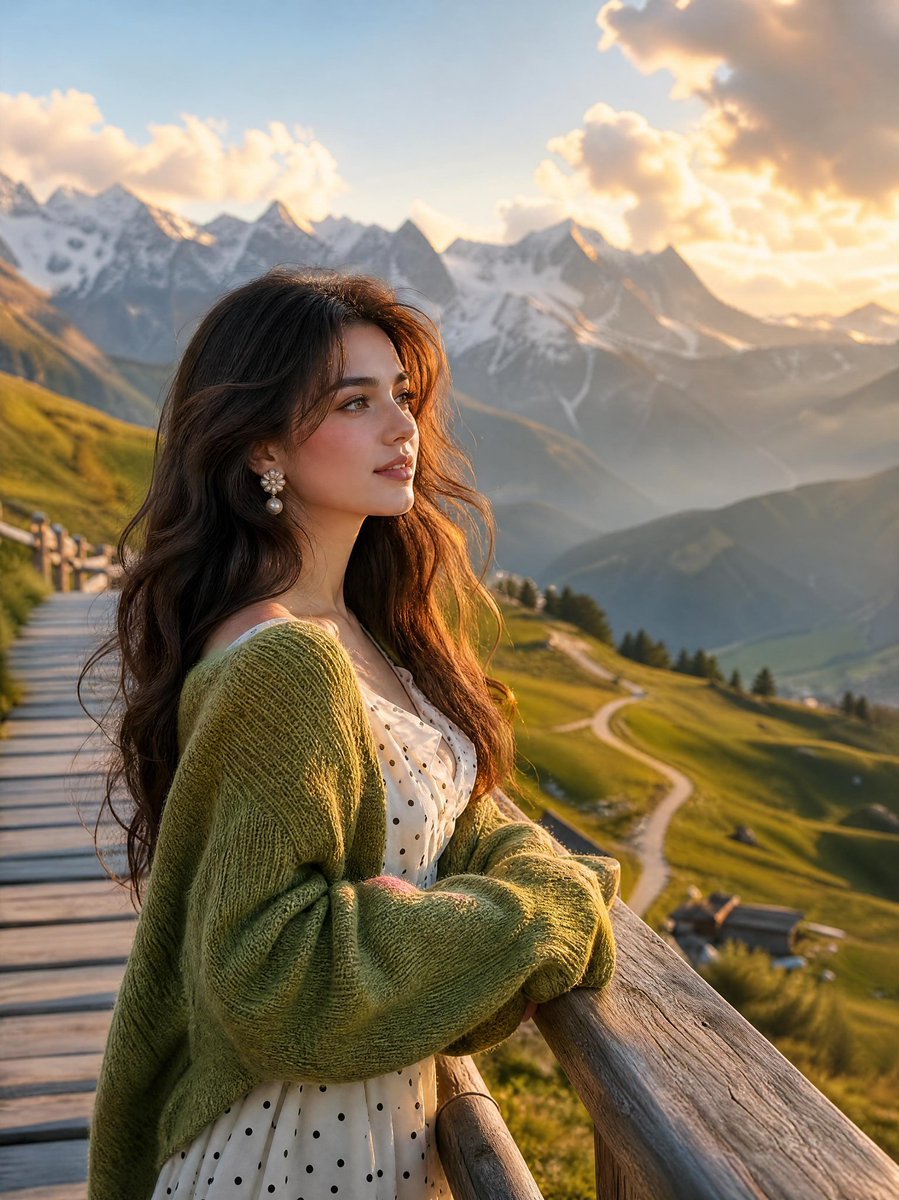
Alpine Landscape Mountain Boardwalk Portrait
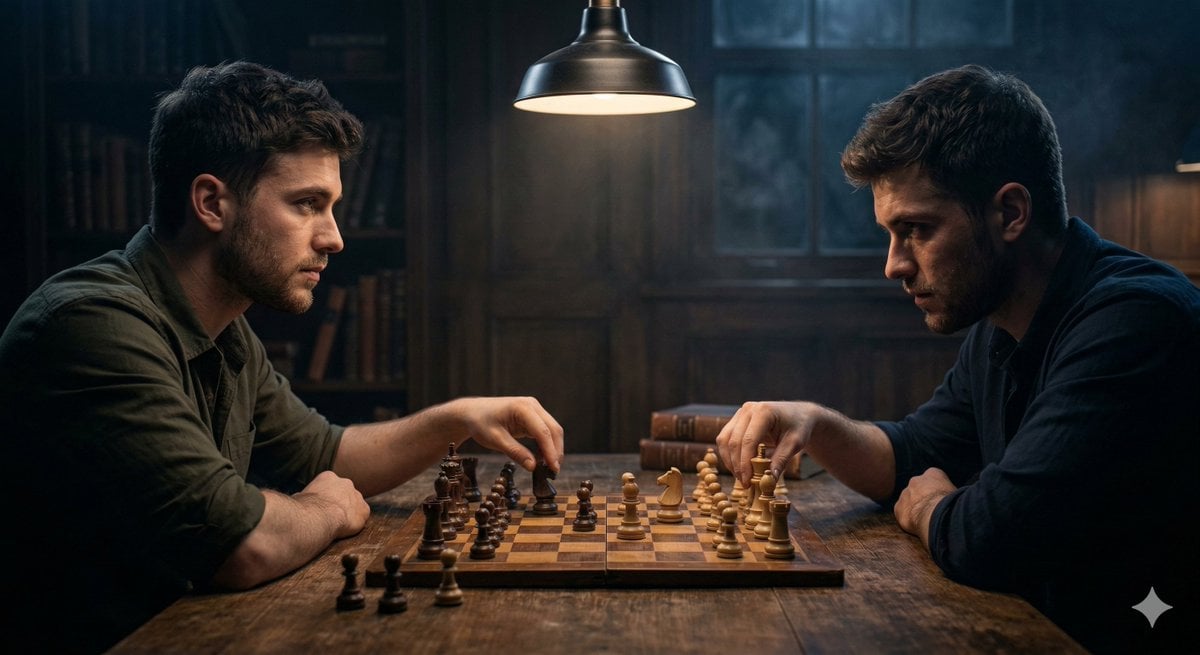
Ultra-realistic Cinematic Scene of Internal Conflict
Browse template categories
Hyper-realistic Bunny Suit Portrait questions
How do I use the Hyper-realistic Bunny Suit Portrait template?
Add your photo if the template asks for one, edit the prompt if you like — the template's model and format are already selected — and press Generate. Your version opens in PicX Studio.
Can I customize the Hyper-realistic Bunny Suit Portrait template?
Yes. You can change the subject, setting, lighting, mood, format, and available model controls before creating your image.
Is the Hyper-realistic Bunny Suit Portrait template free?
Opening and editing this template is free. Generating uses credits, shown on the Generate button when you are signed in.
Which AI model should I use?
Start with Nano Banana 2, which is the model associated with this template. You can compare another compatible model for a different finish.
Looking for something else? Browse all templates.

Your photo, any look
Thousands of ready templates for every top image and video model, from one credit balance.