
Alpine Landscape Mountain Boardwalk Portrait
A breathtaking travel-inspired portrait prompt set against an alpine mountain landscape during golden hour.
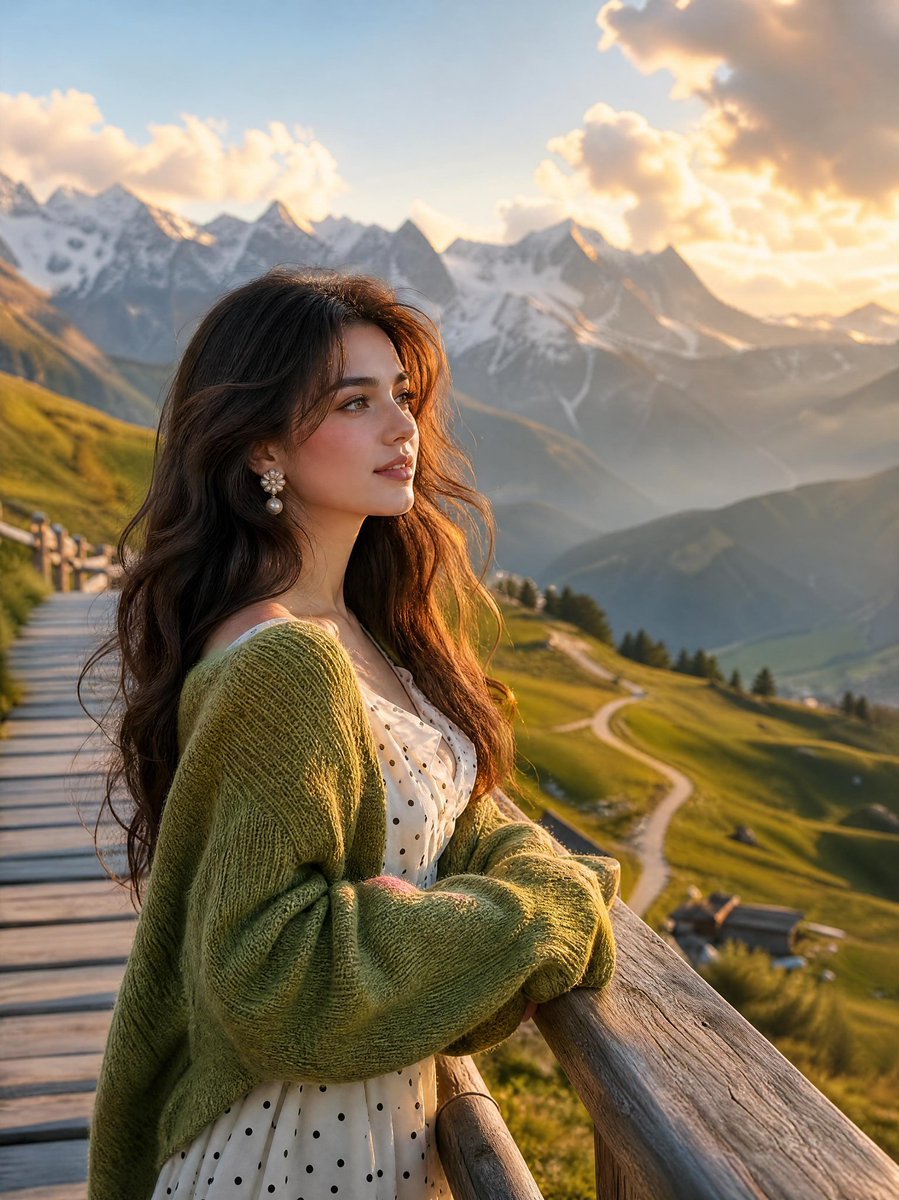
- Prompt included
- Model and format preset
- Free template
The prompt behind this image
Copy the exact prompt behind Alpine Landscape Mountain Boardwalk Portrait, or open it in the studio and make it yours.
A breathtaking cinematic portrait of a young woman standing on a rustic wooden mountain boardwalk, gazing thoughtfully toward the horizon during golden hour. She has long, flowing dark wavy hair, soft natural makeup, delicate floral earrings, and wears a cozy oversized sage-green cardigan over a white polka-dot dress. The warm sunset light gently illuminates her face, creating a dreamy glow and subtle rim lighting around her hair.\nBehind her stretches an awe-inspiring alpine landscape with rolling emerald-green hills, winding country roads, scattered mountain cottages, and towering snow-capped peaks rising dramatically above a layer of soft clouds. The mountains are bathed in golden sunlight, with atmospheric haze adding depth and realism. A wooden railing leads the eye through the composition, creating strong leading lines and a sense of perspective.\nUltra-realistic photography, travel magazine aesthetic, romantic wanderlust mood, cinematic storytelling, shallow depth of field, creamy bokeh, natural colors, highly detailed textures, soft cloud formations, warm golden-hour lighting, photorealistic skin, environmental portrait, luxury travel campaign style, professional DSLR photography, 85mm lens, f/1.8, HDR, 8K resolution, masterpiece quality.\nAspect Ratio: 3:4 (Vertical)\nStyle Keywords: cinematic, alpine landscape, golden hour, dreamy, Pinterest aesthetic, Instagram-worthy, wanderlust, photorealistic, nature portrait, luxury travel photography.
How to use Alpine Landscape Mountain Boardwalk Portrait in 3 steps
- 1
Open
The prompt is already in the box next to the preview, with the template's model and format selected.
- 2…a portrait of your subject in softgolden-hour light, 85mm…
Personalize
Edit the subject and creative details for your destination.
- 3Generate
Generate
Press Generate — your image is created in PicX Studio, so you can compare it with the original and refine one variable at a time.
More like this
Templates with the same subject, style or setup. Open one to see its prompt.

Teen Girl Alpine Lake Mountain View

Found Photograph: Us, 1970

Me in 1985

1985 Studio Portrait
Cinematic Forest Boardwalk Portrait
Misty Mountain Hiking Portrait

Mountain Valley Lifestyle Portrait

Boardwalk Fashion Portrait
Alpine Lake Candid — Mountain Air Moment
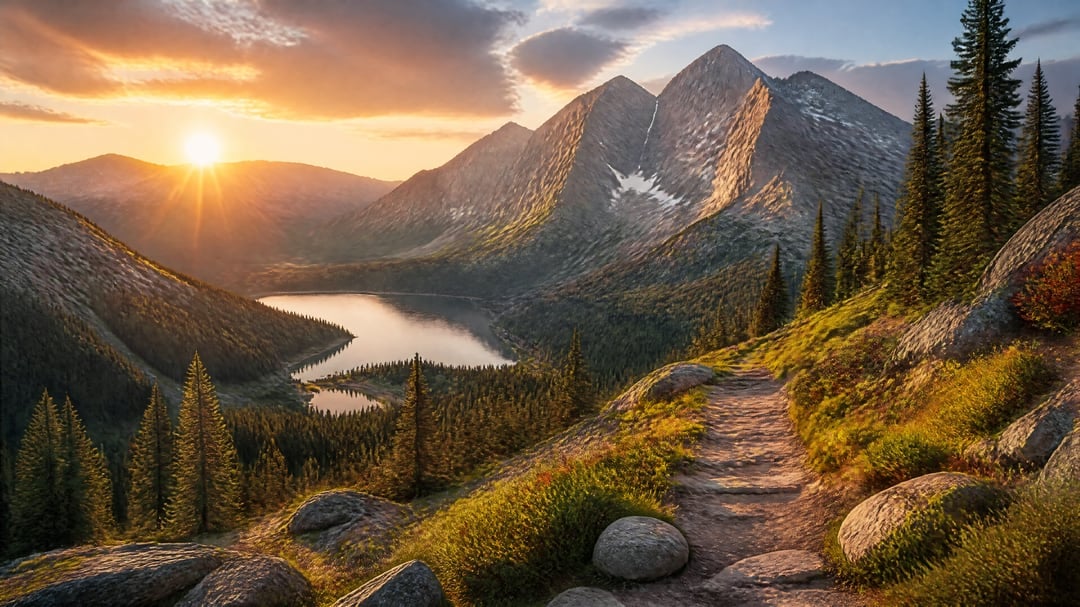
Golden Hour Alpine Trail Landscape
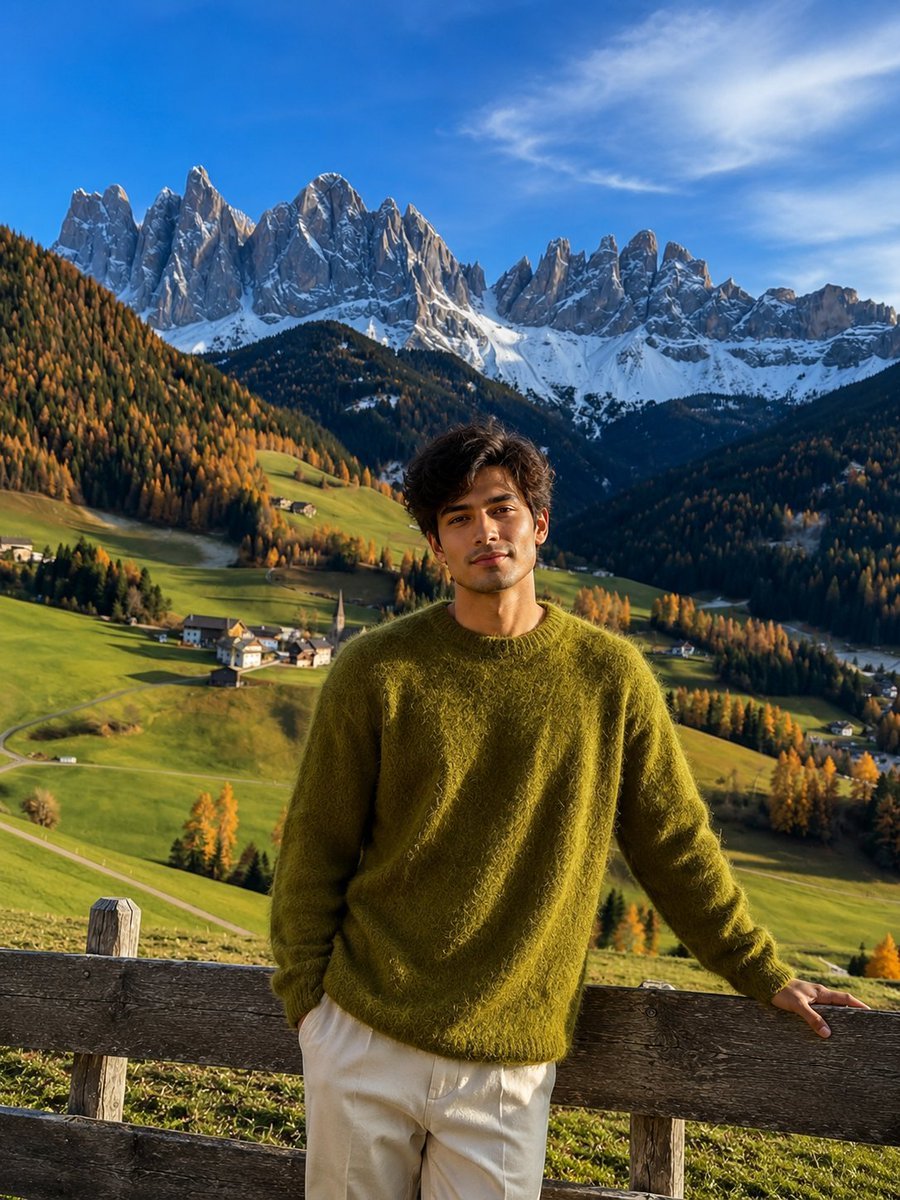
Realistic Mountain Valley Travel Portrait
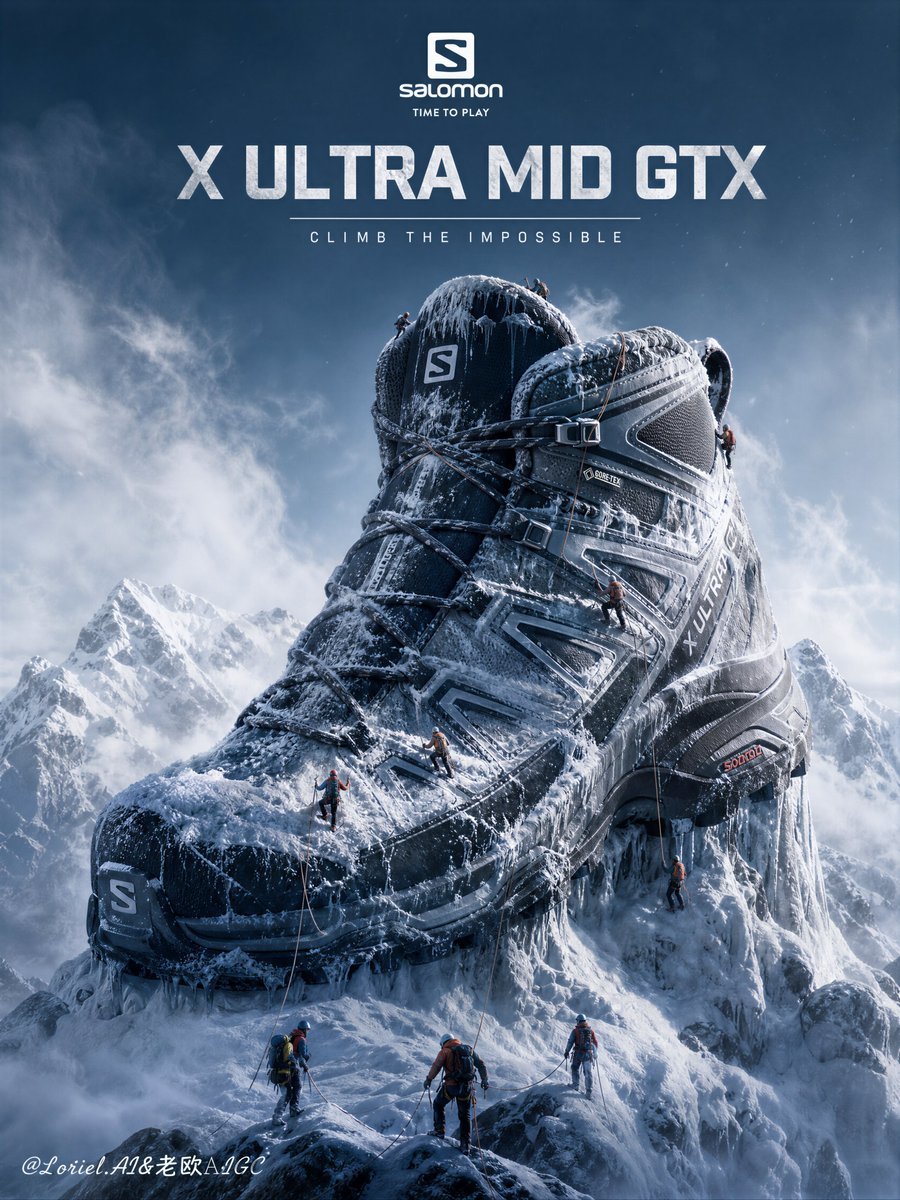
Hiking Boot Mountain Landscape Poster
Make it yours
Alpine Landscape Mountain Boardwalk Portrait works as-is. These are the safest ways to change it without losing the look.
Change one field
Copy a single group, rewrite it, and generate again so you can see what that field is doing.
Keep the frame, change the subject
Hold the composition and light of Alpine Landscape Mountain Boardwalk Portrait, then swap wardrobe, props or the person for a new take.
| If the result… | Why | Fix |
|---|---|---|
| The result drifts from the preview | Too many fields changed at once. | Reuse Alpine Landscape Mountain Boardwalk Portrait as-is first, then change one group — subject, light, or setting. |
| The model over-stylizes the scene | The prose prompt leaves finish and camera underspecified. | Add one camera or lighting sentence and stay on GPT Image 2. |
More GPT Image 2 templates
Other prompts made for GPT Image 2.
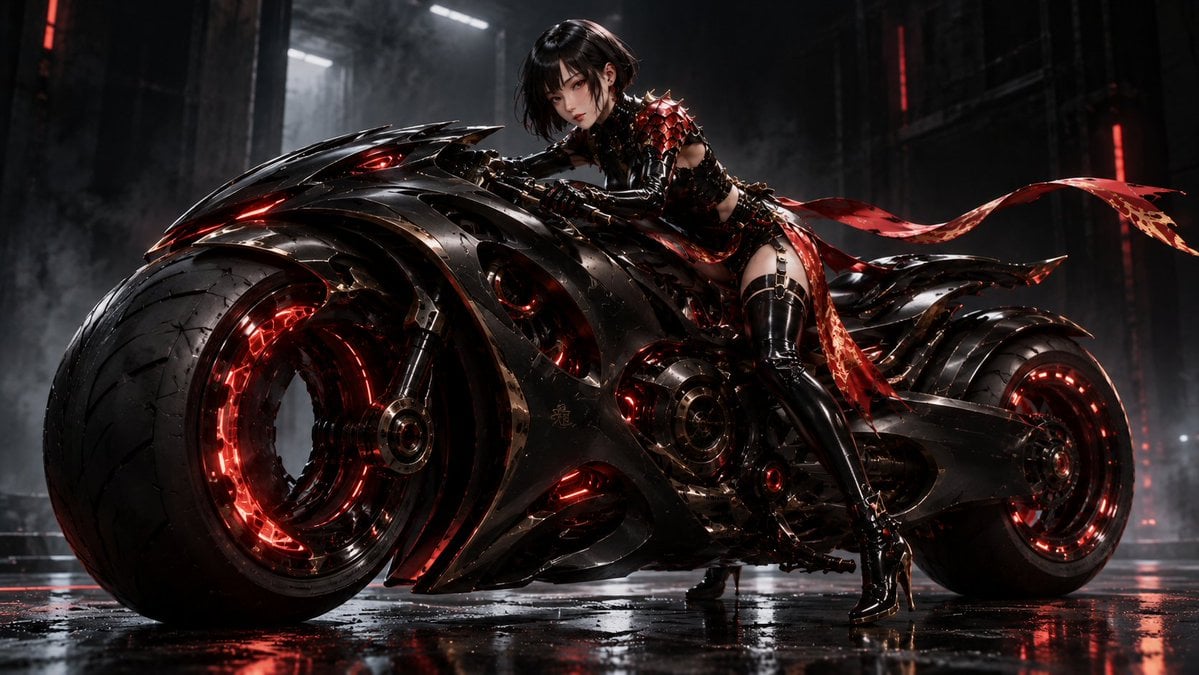
Futuristic Void Fang Mech
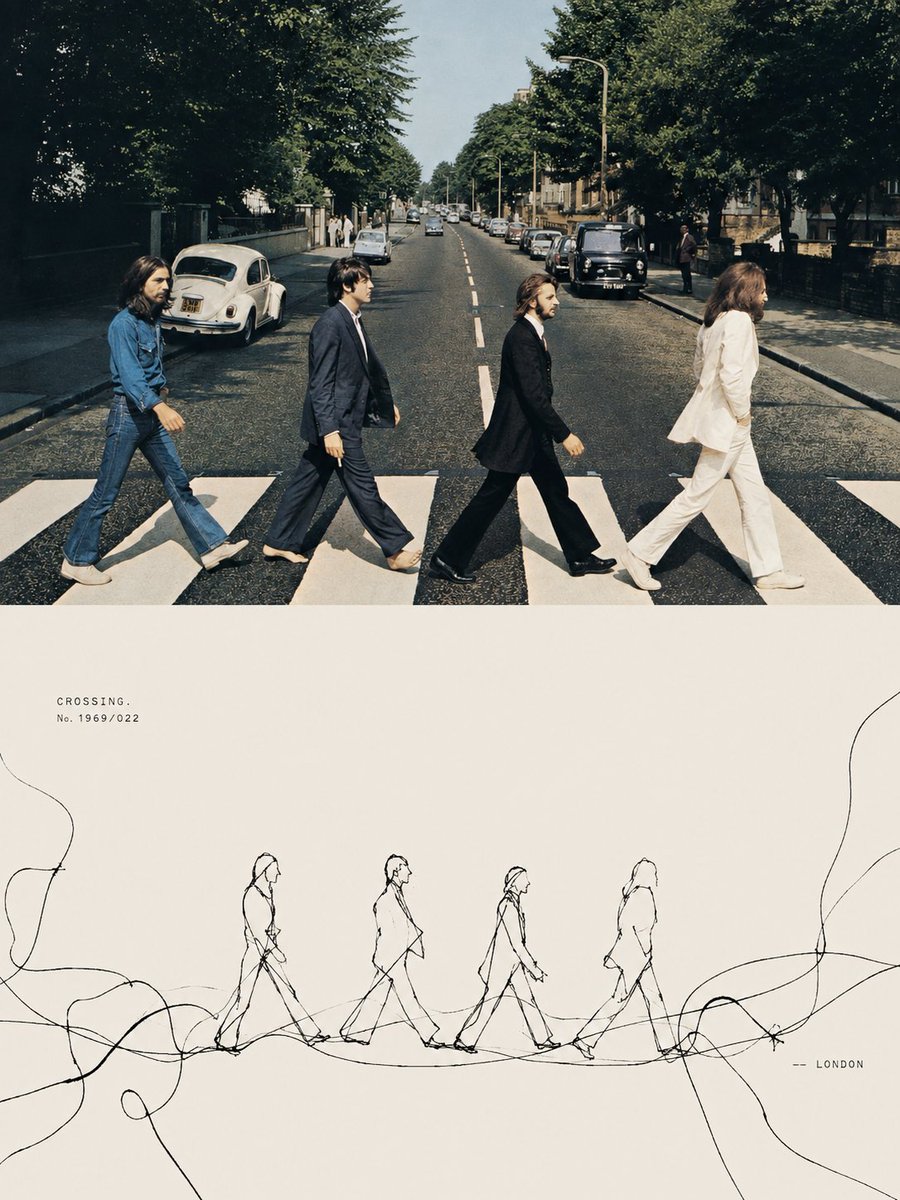
Tension Line Art Concept Poster
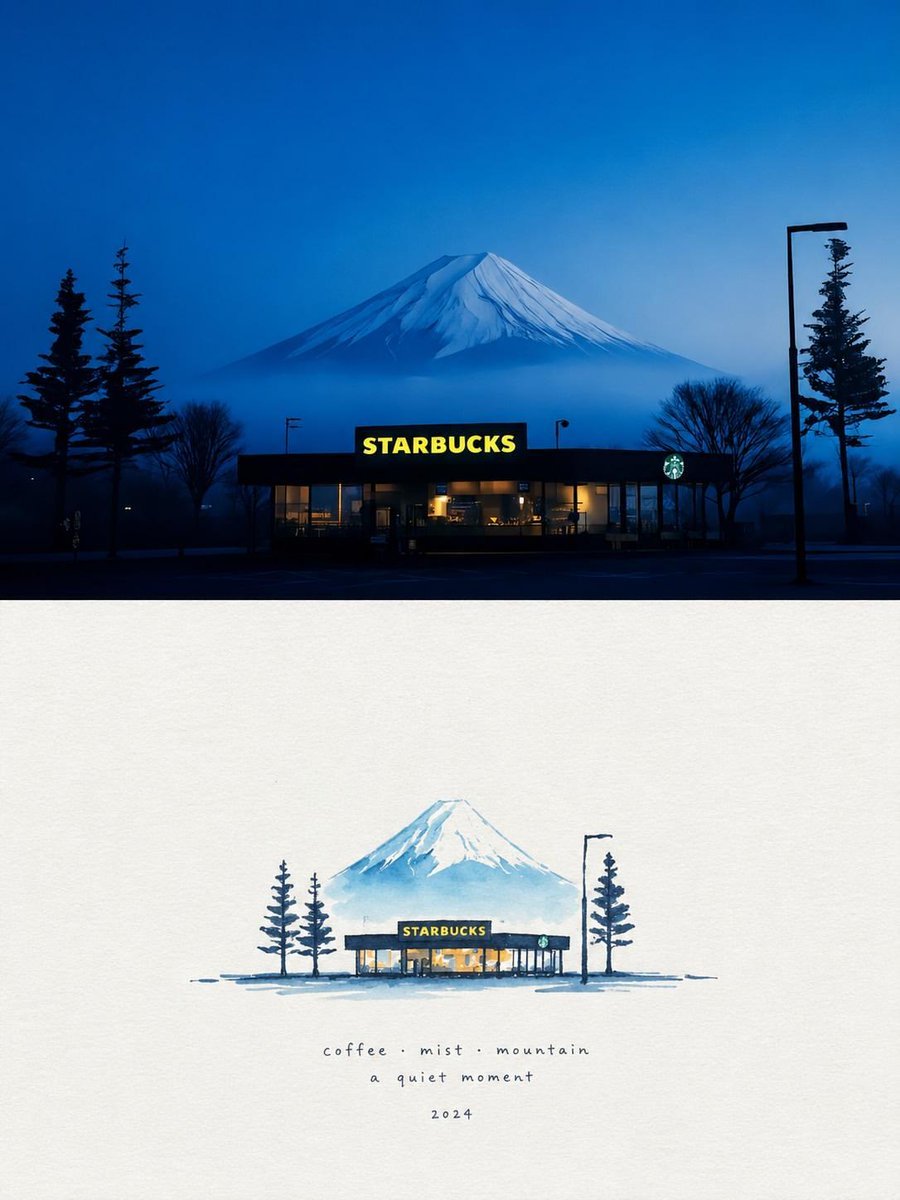
Starbucks Mountain Watercolor Comparison

Six VTuber Japanese Logo Sheet

Luxury ABKR Portrait Poster
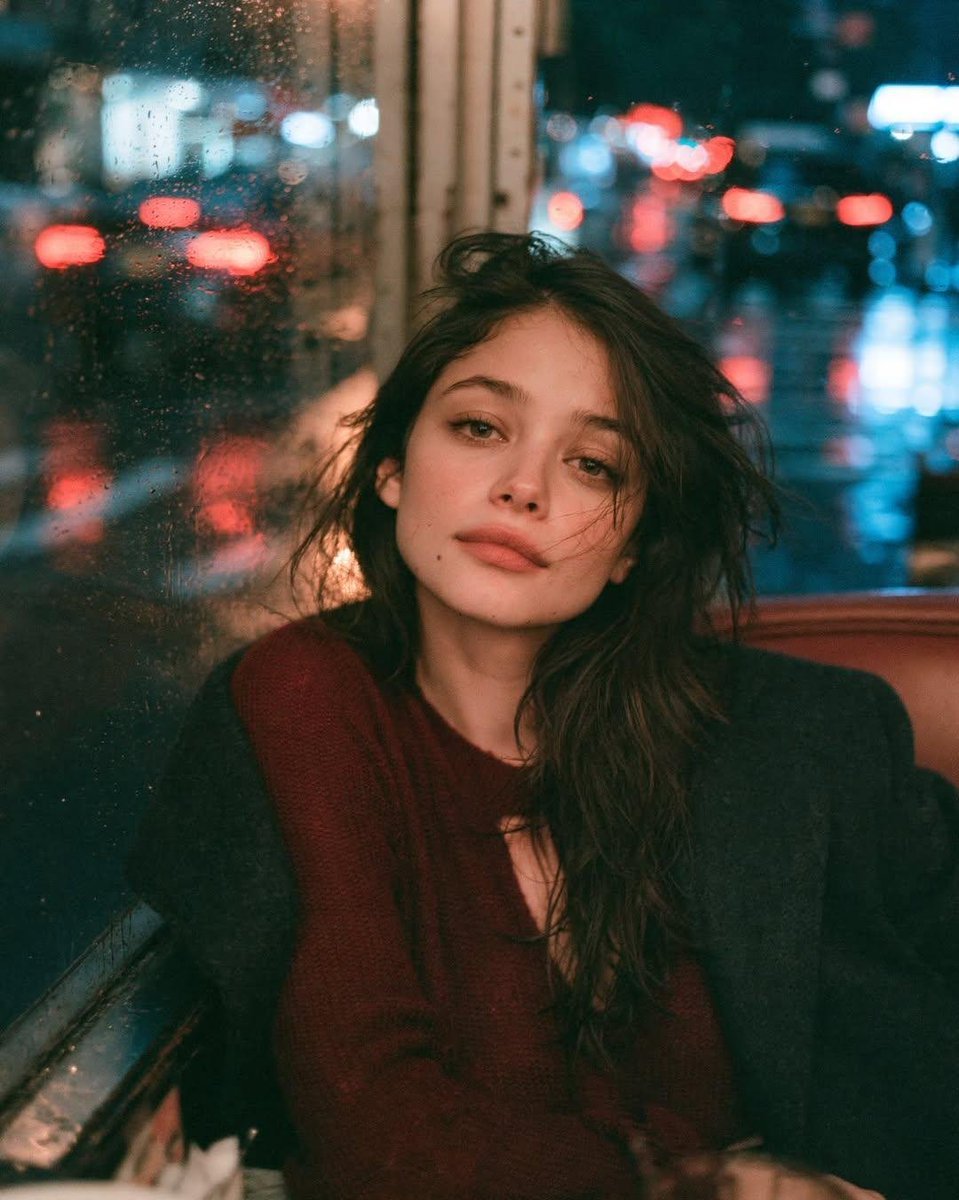
Rainy Night Vintage Diner Portrait
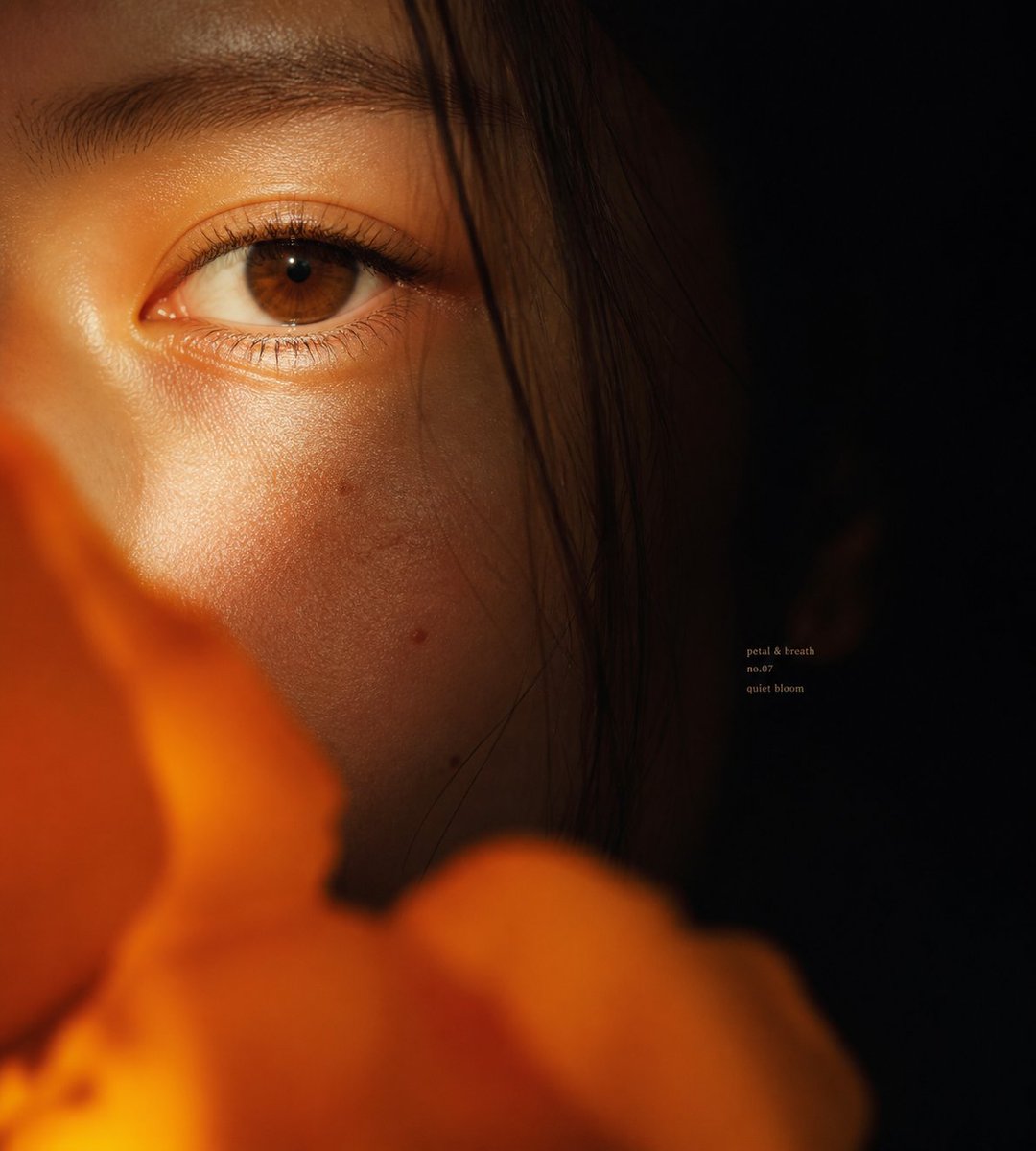
Intimate Flower Petal Macro Portrait

Cute Banana Robot on Table
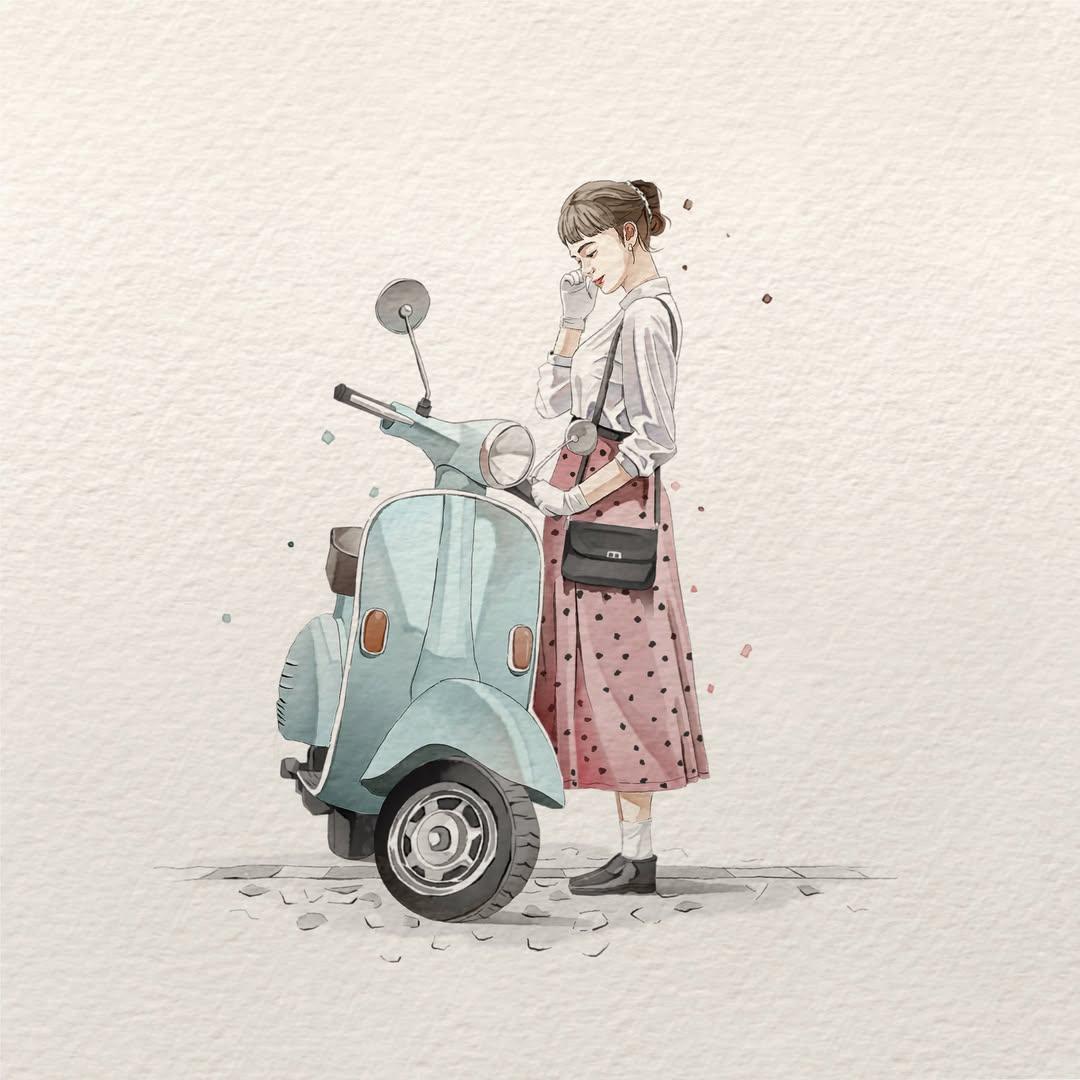
Watercolor Fashion Illustration Aesthetic

Sunlit Orchard Girl With Apples
More image prompts
Fresh picks from across the catalog.

Photorealistic Whipped Cream Challenge Portrait Prompt
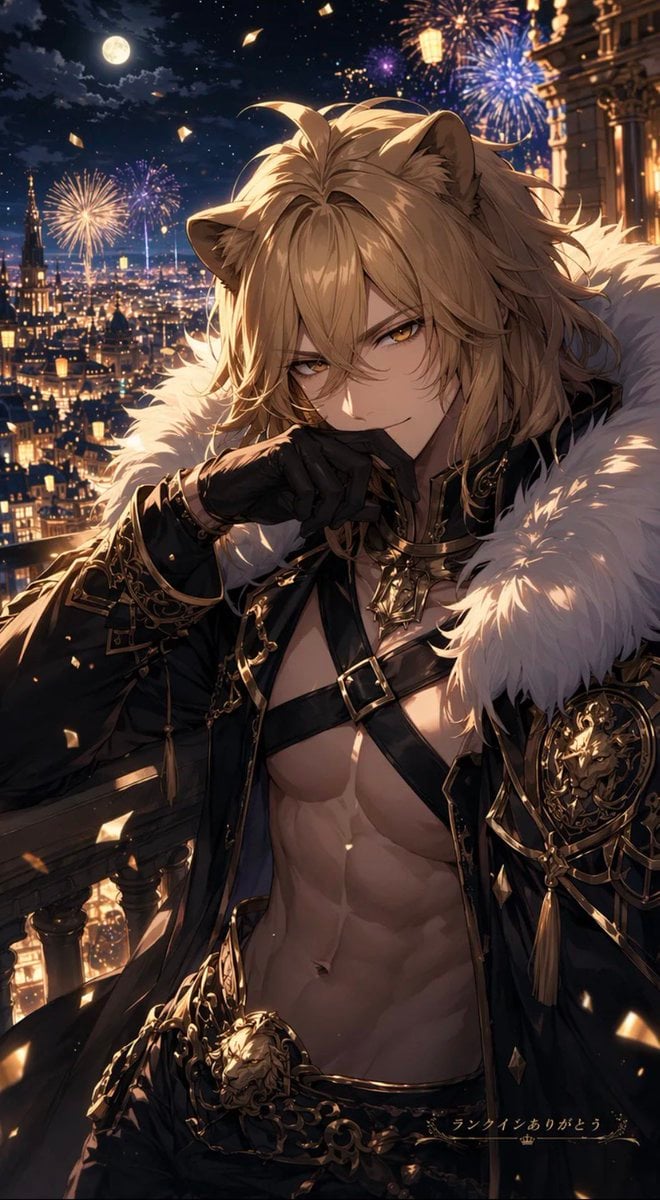
Lion Prince Fireworks Balcony
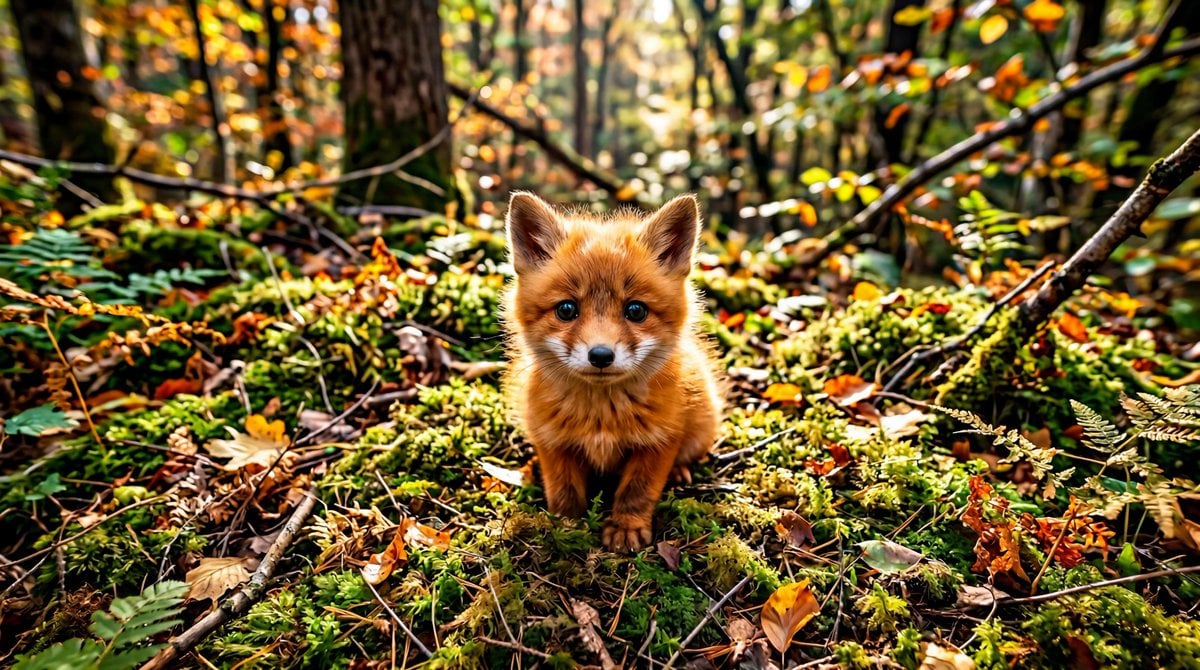
Adorable Baby Red Fox Kit Image Generation Prompt
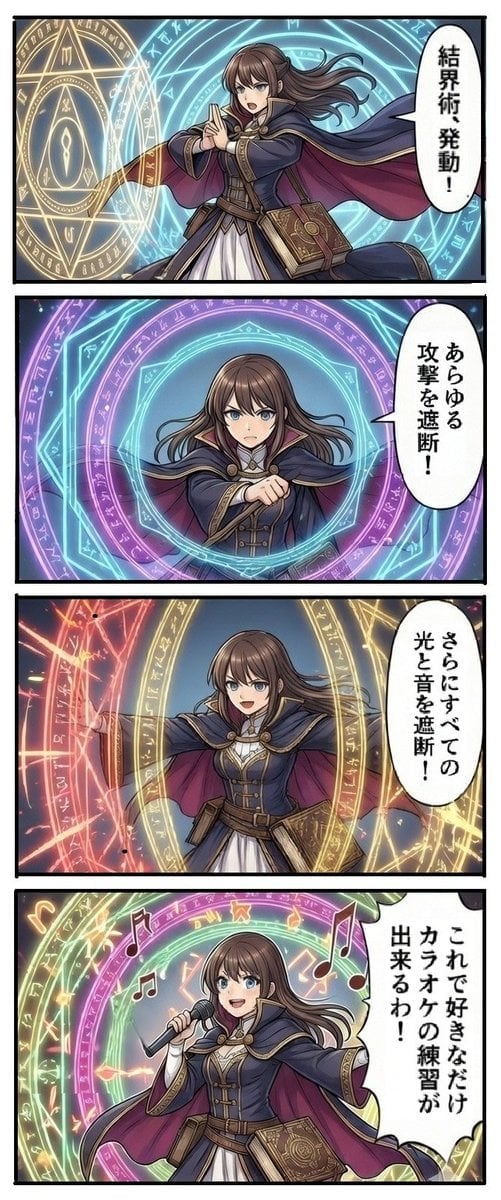
Magic Barrier Technique Drawing Test
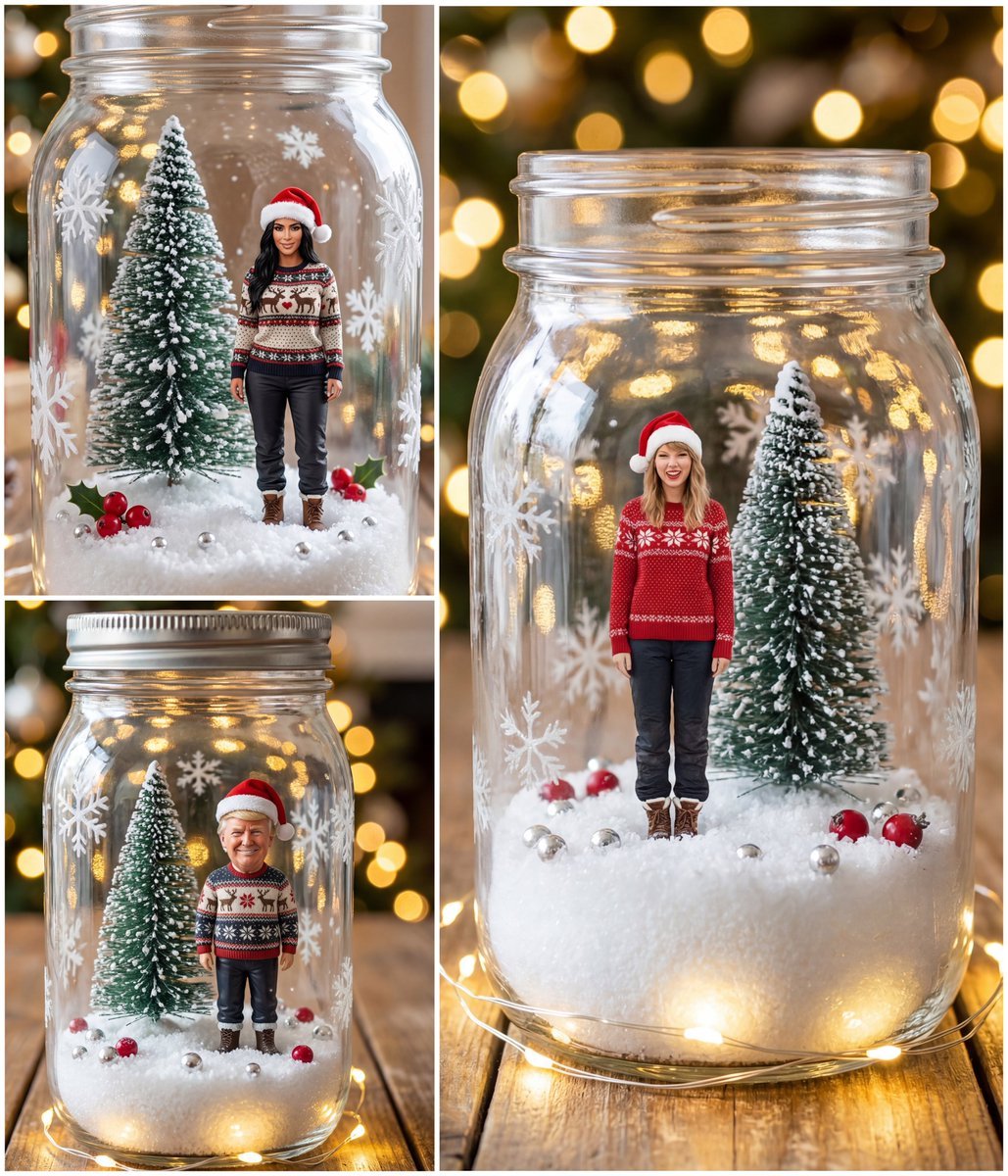
Tiny Christmas Character Trapped in a Mason Jar Snow Globe
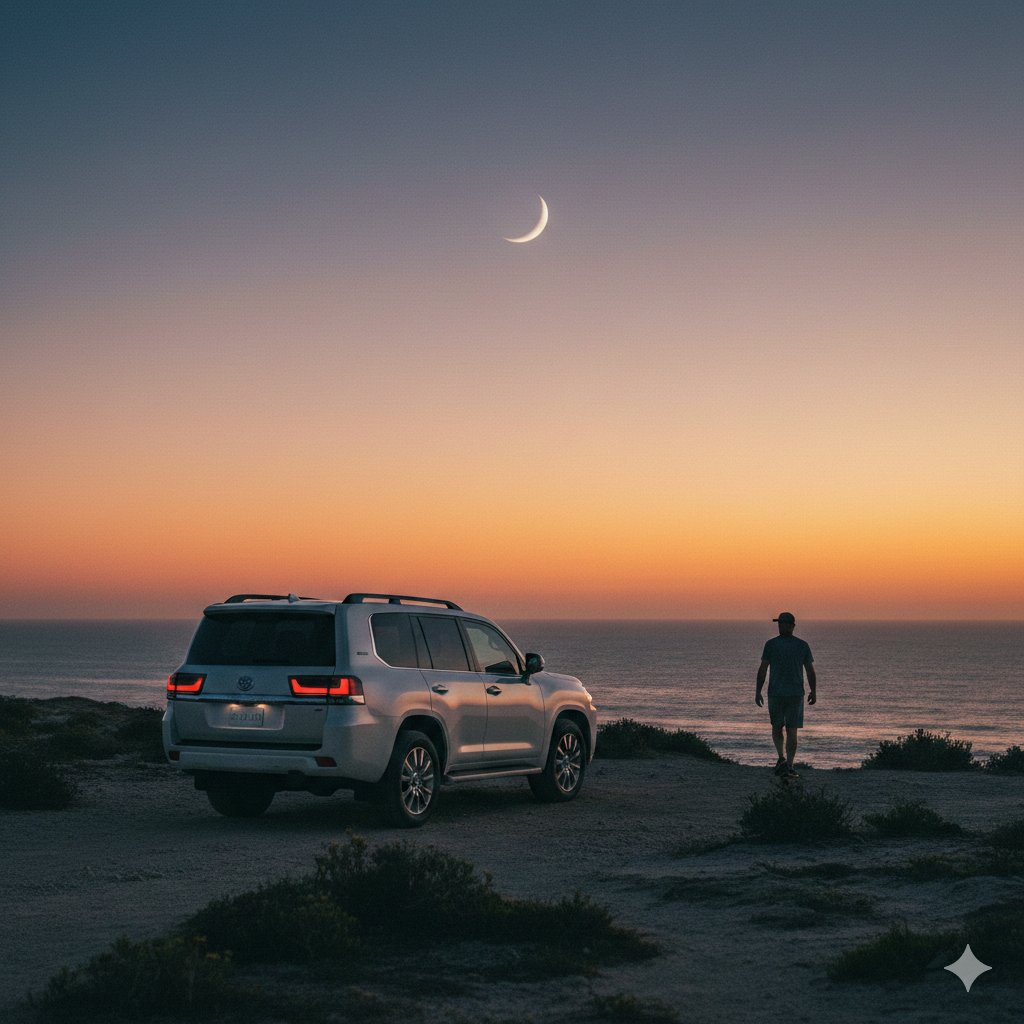
Cinematic Twilight Coastal Landscape with Toyota Land Cruiser
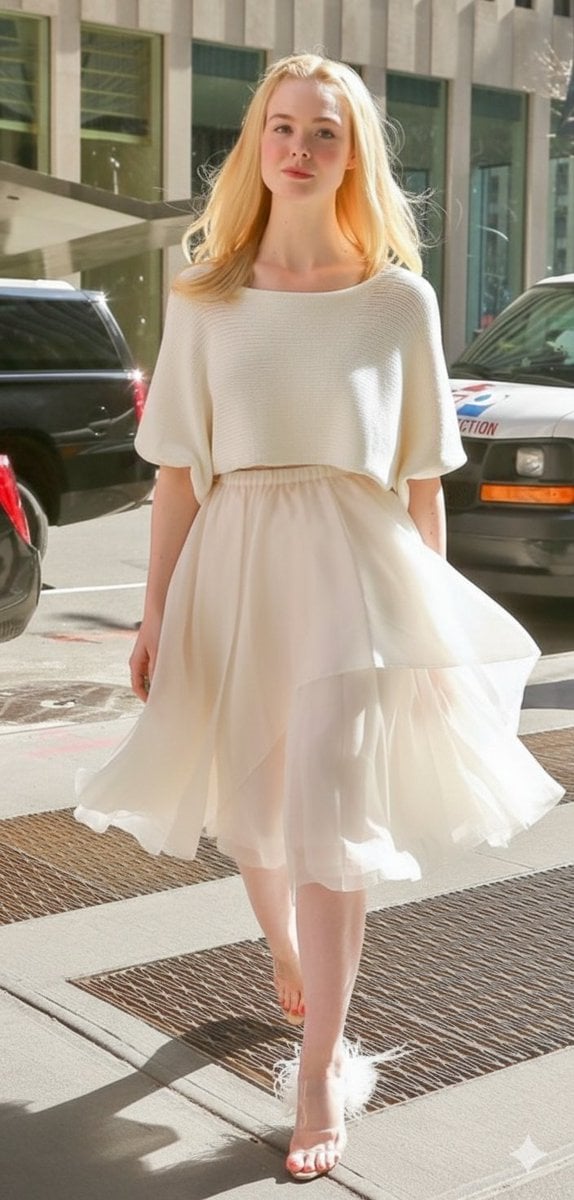
High Fashion Street Style in NYC (Minimalist Luxury)
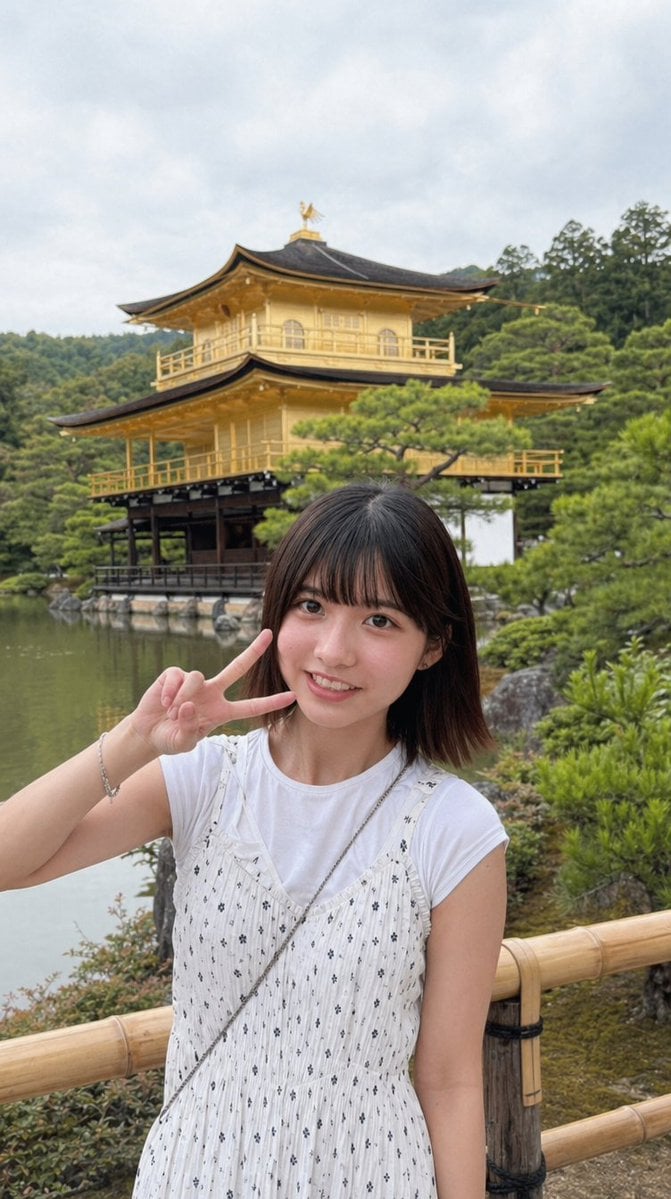
Arcade Portrait to Kyoto Travel Photo
Clean Modern Gym Mirror Selfie
AI UGC Prompt for Upscale Lifestyle Portrait
Browse template categories
Alpine Landscape Mountain Boardwalk Portrait questions
How do I use the Alpine Landscape Mountain Boardwalk Portrait template?
Add your photo if the template asks for one, edit the prompt if you like — the template's model and format are already selected — and press Generate. Your version opens in PicX Studio.
Can I customize the Alpine Landscape Mountain Boardwalk Portrait template?
Yes. You can change the subject, setting, lighting, mood, format, and available model controls before creating your image.
Is the Alpine Landscape Mountain Boardwalk Portrait template free?
Opening and editing this template is free. Generating uses credits, shown on the Generate button when you are signed in.
Which AI model should I use?
Start with GPT Image 2, which is the model associated with this template. You can compare another compatible model for a different finish.
Looking for something else? Browse all templates.

Your photo, any look
Thousands of ready templates for every top image and video model, from one credit balance.