
Golden Hour Alpine Trail Landscape
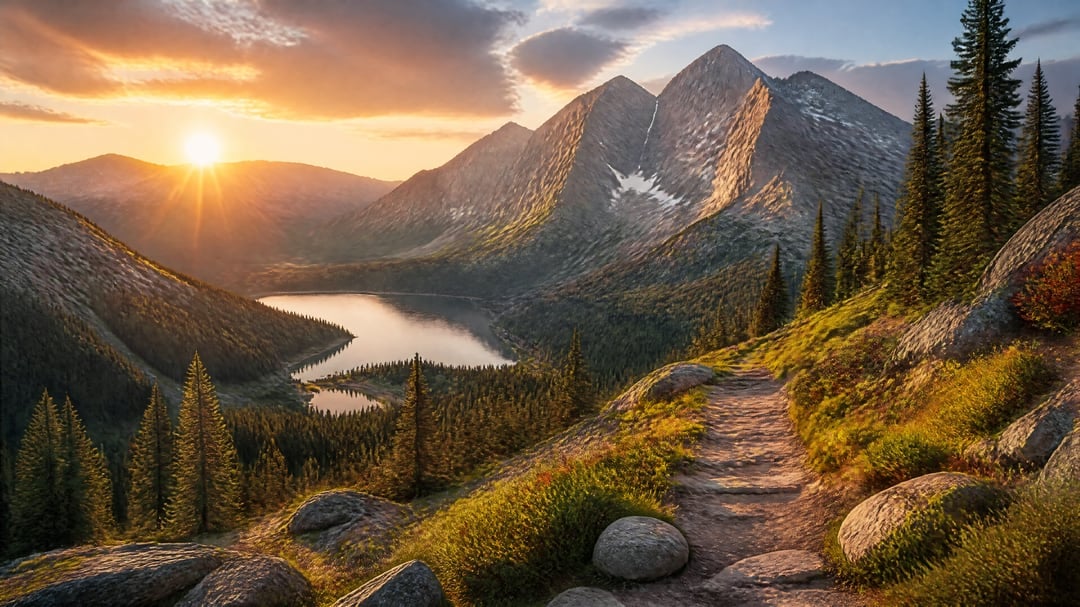
A photorealistic wide-angle alpine hiking scene with mountains, lake, forest, and warm sunset lighting for scenic landscape generation.
- Prompt included
- Model and format preset
- Free template
The prompt behind this image
Copy the exact prompt behind Golden Hour Alpine Trail Landscape, or open it in the studio and make it yours.
Create a photorealistic ultra-wide mountain landscape at golden hour: a rugged dirt hiking trail begins in the lower right foreground and curves down through an alpine slope, bordered by mossy grass, low shrubs, wild vegetation, and large rounded gray granite boulders. Tall dark evergreen pine trees stand on both sides, with a dense conifer forest filling the valley below. In the middle distance, show a calm reflective mountain lake with a smaller connected inlet, nestled between forested ridges. In the background, depict three sharp rocky mountain peaks with striated gray stone faces and small patches of lingering snow, the tallest peak slightly right of center. The sun is low near the left horizon, partly above a distant ridge, casting strong warm orange light, long shadows, lens flare rays, and glowing highlights across the trail, rocks, trees, and mountain faces. The sky has dramatic soft clouds with orange, peach, and blue tones. Use cinematic HDR lighting, high detail, realistic depth, crisp foreground texture, wide-angle composition, natural colors, no people, no buildings, no text, no watermark.
How to use Golden Hour Alpine Trail Landscape in 3 steps
- 1Upload ImagePNG, JPG or paste
Add your photo
Upload the photo the template builds on. The prompt, model and format are already set.
- 2…a portrait of your subject in softgolden-hour light, 85mm…
Personalize
Edit the subject and creative details for your destination.
- 3Generate
Generate
Press Generate — your image is created in PicX Studio, so you can compare it with the original and refine one variable at a time.
More like this
Templates with the same subject, style or setup. Open one to see its prompt.

Teen Girl Alpine Lake Mountain View

80s Golden Hour Cinema

Cinematic Golden Hour Garden Portrait

Cinematic Golden Hour Urban Portrait

Luxury Men's Golden Hour Collage

Rooftop Fisheye — Cat-Ear Balaclava at Golden Hour

Mountain Lake Sunset Landscape

Golden Hour Redhead Portrait
Golden Hour Streetwear Facebook Ad

Golden Hour Cinematic Boss Energy Portrait

Golden Hour SUV Selfie
Golden Hour SUV Selfie
Make it yours
Golden Hour Alpine Trail Landscape works as-is. These are the safest ways to change it without losing the look.
Change one field
Copy a single group, rewrite it, and generate again so you can see what that field is doing.
Keep the frame, change the subject
Hold the composition and light of Golden Hour Alpine Trail Landscape, then swap wardrobe, props or the person for a new take.
| If the result… | Why | Fix |
|---|---|---|
| The result drifts from the preview | Too many fields changed at once. | Reuse Golden Hour Alpine Trail Landscape as-is first, then change one group — subject, light, or setting. |
| The model over-stylizes the scene | The prose prompt leaves finish and camera underspecified. | Add one camera or lighting sentence and stay on GPT Image 2. |
More GPT Image 2 templates
Other prompts made for GPT Image 2.

Six VTuber Japanese Logo Sheet

Realistic Portrait of Woman and Deer

The Vista Modular Condo Poster

AI Model Routing Comparison Infographic

2.5D Anime Art Board

Isometric Productivity Desk Scene

New York Double Exposure Poster

Four-Panel AI Landscape Comparison

Japanese Tatami Lifestyle Magazine Cover

NESCAFÉ Coffee Map Poster
More image prompts
Fresh picks from across the catalog.
Generic Prompt for Shape-Shaped Cave Entrance
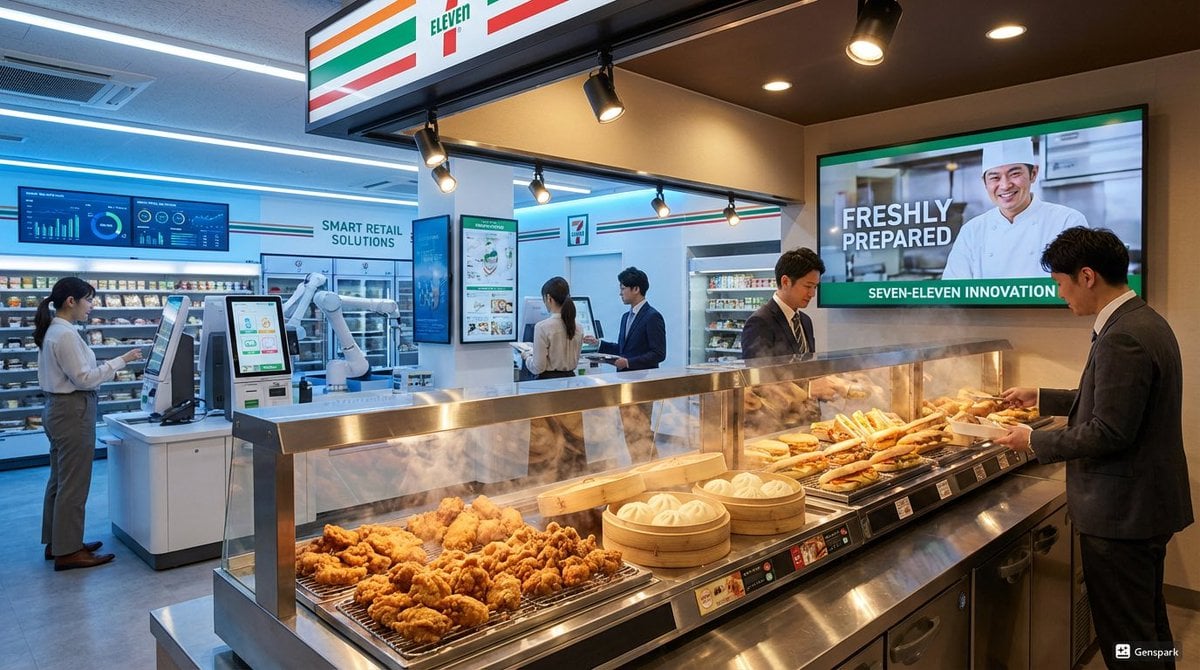
Futuristic store visualization

Character 'Participation Screen' Reveal Prompt
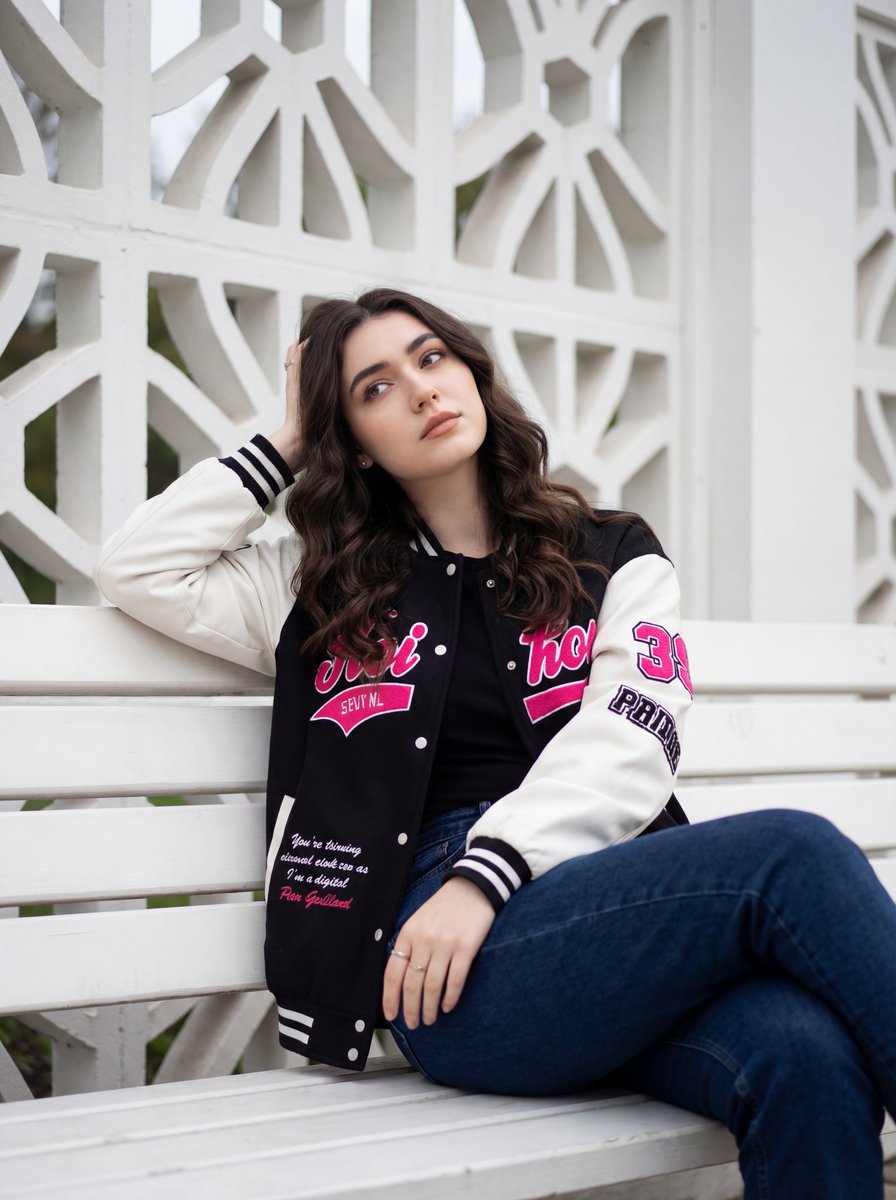
Candid Urban Portrait with Identity Preservation

Bauhaus Artistic Fashion Portrait
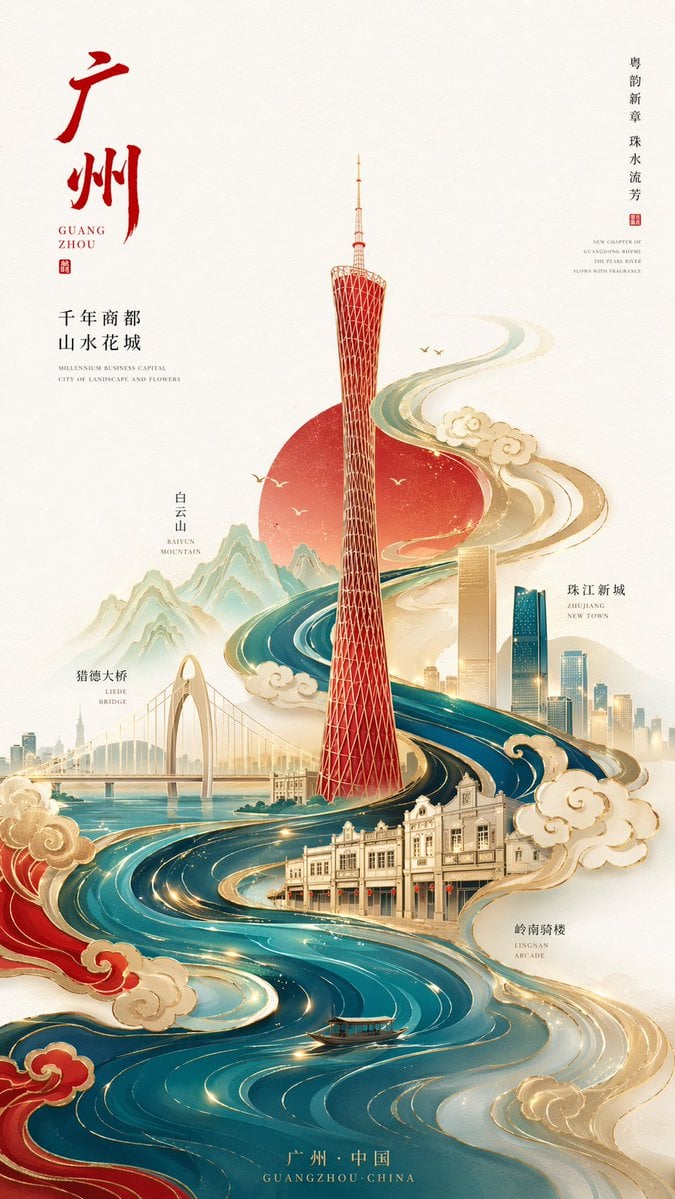
Minimalist City Poster Prompt

Gpt2 Social Media Post Nostalgic 16 Photo Couple Grid

Culinary Atlas Grid: 3D Pop-up Recipe Dioramas

Hyper-Realistic Product Photography with Liquid Splash
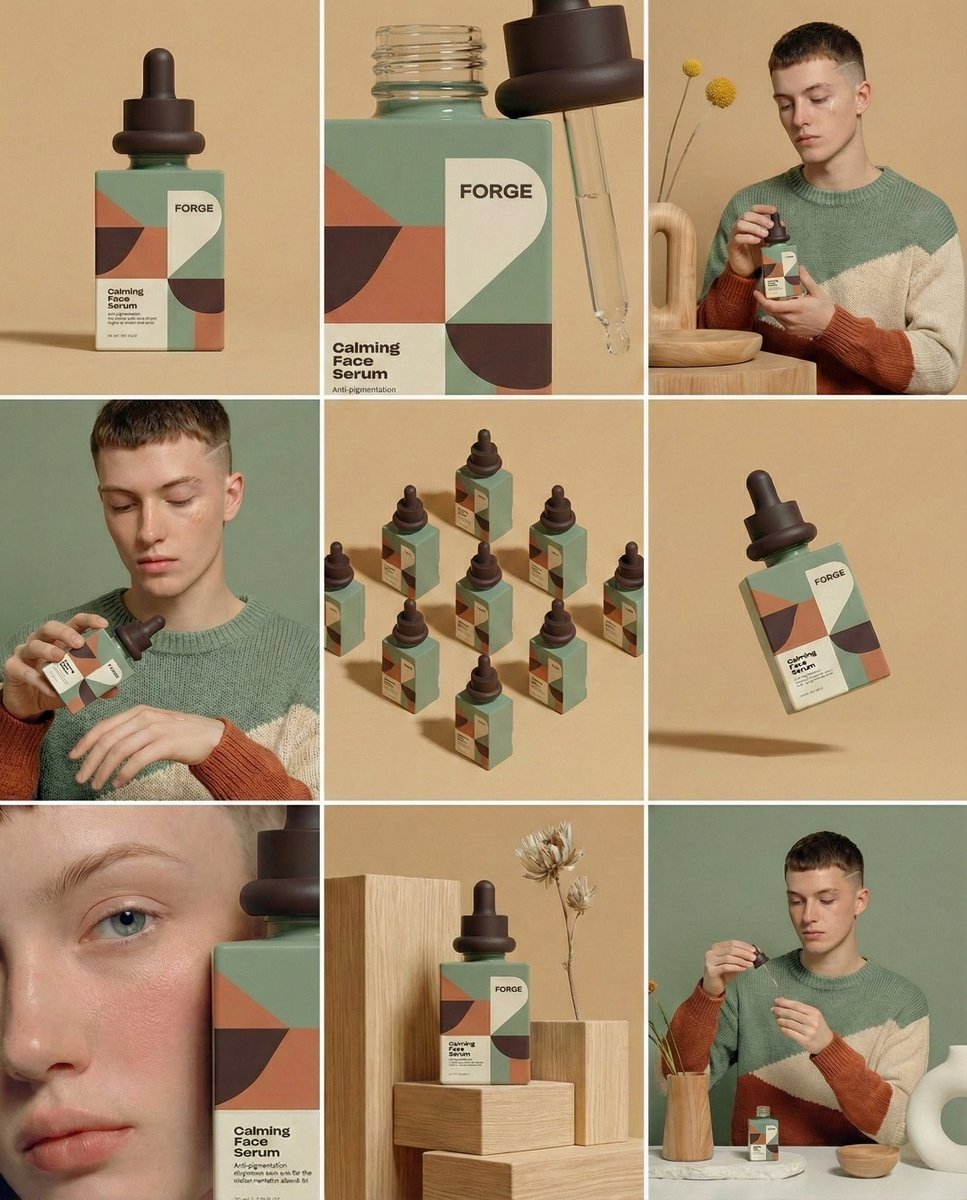
Prompt for Visual Storyboard Creation
Browse template categories
Golden Hour Alpine Trail Landscape questions
How do I use the Golden Hour Alpine Trail Landscape template?
Add your photo if the template asks for one, edit the prompt if you like — the template's model and format are already selected — and press Generate. Your version opens in PicX Studio.
Can I customize the Golden Hour Alpine Trail Landscape template?
Yes. You can change the subject, setting, lighting, mood, format, and available model controls before creating your image.
Is the Golden Hour Alpine Trail Landscape template free?
Opening and editing this template is free. Generating uses credits, shown on the Generate button when you are signed in.
Which AI model should I use?
Start with GPT Image 2, which is the model associated with this template. You can compare another compatible model for a different finish.
Looking for something else? Browse all templates.

Your photo, any look
Thousands of ready templates for every top image and video model, from one credit balance.