
Bauhaus Artistic Fashion Portrait
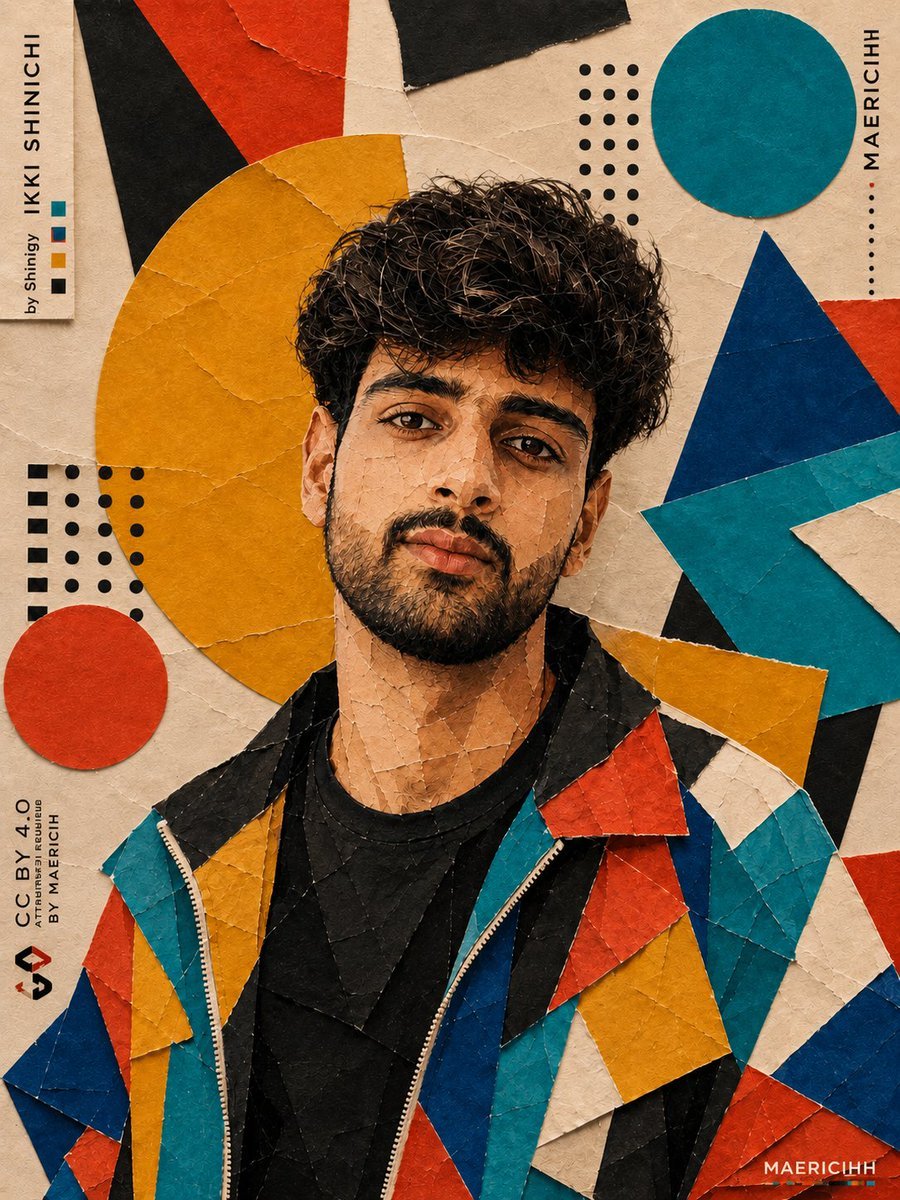
A detailed mixed-media prompt for an artistic portrait with a Bauhaus-inspired background, focusing on geometric textures and editorial streetwear vibes.
- Prompt included
- Model and format preset
- Free template
The prompt behind this image
Copy the exact prompt behind Bauhaus Artistic Fashion Portrait, or open it in the studio and make it yours.
{"Ultra-detailed artistic portrait of a young South Asian man standing centered against a modern Bauhaus-inspired abstract collage background, wearing a bold geometric patchwork jacket made of teal, cobalt blue, mustard yellow, red, black, and cream triangular fabric panels over a black t-shirt, messy voluminous curly dark hair with soft texture detail, trimmed beard and defined jawline, calm confident expression looking directly into camera, warm beige textured paper backdrop with visible cracked paint and handmade paper grain, oversized mustard-yellow circle behind subject’s head creating halo composition, scattered geometric shapes including teal circles, red-black triangles, dotted black patterns, layered cut-paper aesthetic, editorial fashion poster composition, high-end graphic design aesthetic, subtle painterly texture blended with realistic facial detail, cinematic soft lighting, rich warm color grading, sharp eyes and skin texture, premium streetwear campaign vibe, minimalist typography accents reading “MAERICIHH” vertically on the side, balanced negative space, modern art magazine cover style, ultra realistic mixed-media collage, tactile paper textures, visually striking yet refined composition", "negative_prompt": "low quality, blurry face, distorted eyes, asymmetrical face, extra limbs, duplicate shapes, messy composition, overexposed lighting, flat colors, bad anatomy, text artifacts, watermark, cropped head, plastic skin, noisy image, unrealistic proportions, dull colors, cluttered background", "style": "cinematic mixed-media collage", "aspect_ratio": "4:5", "camera": {"angle": "eye-level portrait", "lens": "50mm", "depth_of_field": "shallow"}, "lighting": {"type": "soft cinematic studio lighting", "mood": "warm artistic editorial"}, "texture": ["cracked paint", "paper collage", "canvas grain", "cut-paper layering"], "quality": {"detail": "ultra high", "render": "photorealistic"}} {"Stylized editorial portrait of a young South Asian man posed slightly turned away while gazing off-camera, wearing a colorful geometric patchwork windbreaker jacket featuring teal, deep blue, red, mustard yellow, cream, and black angular panels over a plain black shirt, thick curly dark hair with natural volume and texture, neatly trimmed beard, contemplative expression, abstract Bauhaus-inspired backdrop with layered geometric forms including giant mustard-yellow circle, teal circle, blue-red angular triangles, dotted black graphic patterns, textured cream background with cracked paper and painted canvas effect, modern collage art direction, luxury streetwear campaign aesthetic, realistic face blended with handcrafted paper-cut textures, balanced composition with strong shapes framing the subject, cinematic warm lighting, highly detailed skin and hair texture, subtle grain and tactile surface realism, minimalist vertical typography reading “MAERICIHH”, fashion editorial poster design, contemporary gallery-style visual identity, artistic yet photorealistic mixed-media portrait", "negative_prompt": "low resolution, blurry details, distorted face, extra fingers, bad proportions, washed colors, cluttered shapes, oversaturated tones, unrealistic skin, warped jacket, duplicate features, text glitches, watermark, cropped composition", "style": "editorial geometric collage realism", "aspect_ratio": "4:5", "camera": {"angle": "three-quarter portrait", "lens": "85mm", "depth_of_field": "medium shallow"}, "lighting": {"type": "soft diffused studio light", "mood": "editorial artistic"}, "texture": ["paper collage", "paint cracks", "canvas texture", "layered cutouts"], "quality": {"detail": "extreme", "render": "high realism"}}
How to use Bauhaus Artistic Fashion Portrait in 3 steps
- 1
Open
The prompt is already in the box next to the preview, with the template's model and format selected.
- 2…a portrait of your subject in softgolden-hour light, 85mm…
Personalize
Edit the subject and creative details for your destination.
- 3Generate
Generate
Press Generate — your image is created in PicX Studio, so you can compare it with the original and refine one variable at a time.
More like this
Templates with the same subject, style or setup. Open one to see its prompt.

Artistic Patchwork Fashion Portrait Spring Festival
High-Fashion Bauhaus Geometric Cutout Editorial
High-Fashion Bauhaus Geometric Cutout Editorial

Nano Banana 2 High Fashion Sports Campai

Couture Fashion Editorial Woman and Drag

Ive Yujin Fashion Portrait in Blue

Nano Banana 2 Editorial Fashion Portrait

Caution Tape Fashion — Industrial Editorial
Artistic Male Fashion Portrait

Miniature Self Portrait Collage

Found Photograph: Us, 1970

80s Couple Studio Portrait
Make it yours
Bauhaus Artistic Fashion Portrait works as-is. These are the safest ways to change it without losing the look.
Change one field
Copy a single group, rewrite it, and generate again so you can see what that field is doing.
Keep the frame, change the subject
Hold the composition and light of Bauhaus Artistic Fashion Portrait, then swap wardrobe, props or the person for a new take.
| If the result… | Why | Fix |
|---|---|---|
| The result drifts from the preview | Too many fields changed at once. | Reuse Bauhaus Artistic Fashion Portrait as-is first, then change one group — subject, light, or setting. |
| The model over-stylizes the scene | The prose prompt leaves finish and camera underspecified. | Add one camera or lighting sentence and stay on GPT Image 2. |
More GPT Image 2 templates
Other prompts made for GPT Image 2.

Six VTuber Japanese Logo Sheet

Realistic Portrait of Woman and Deer

The Vista Modular Condo Poster

AI Model Routing Comparison Infographic

2.5D Anime Art Board

Isometric Productivity Desk Scene

New York Double Exposure Poster

Four-Panel AI Landscape Comparison

Japanese Tatami Lifestyle Magazine Cover

NESCAFÉ Coffee Map Poster
More image prompts
Fresh picks from across the catalog.
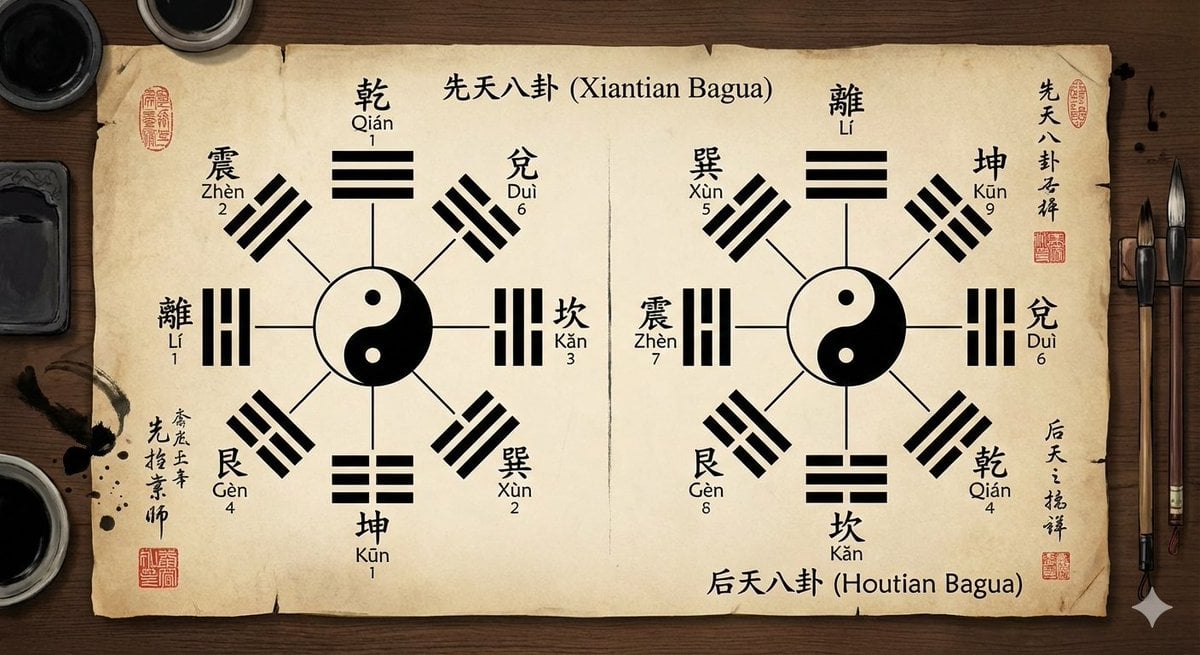
Eight trigrams diagram with reference image

untitled
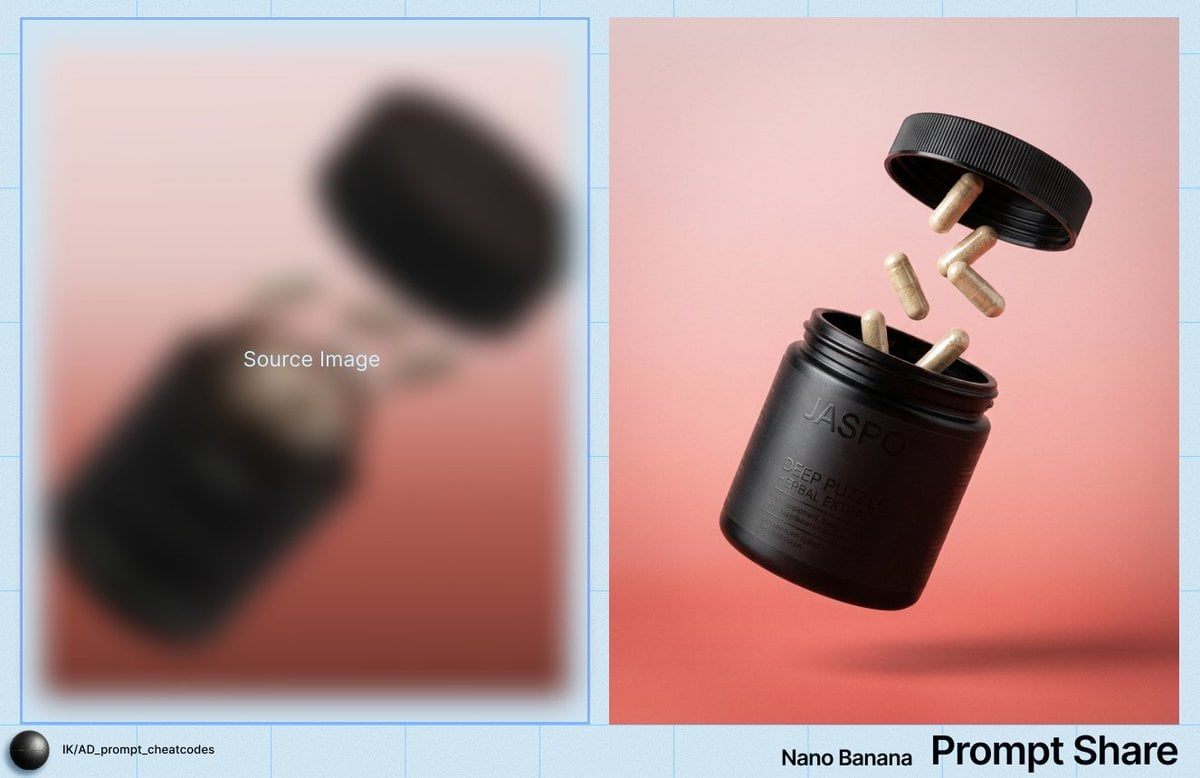
Commercial Product Shot of Levitating Supplement Jar and Capsules
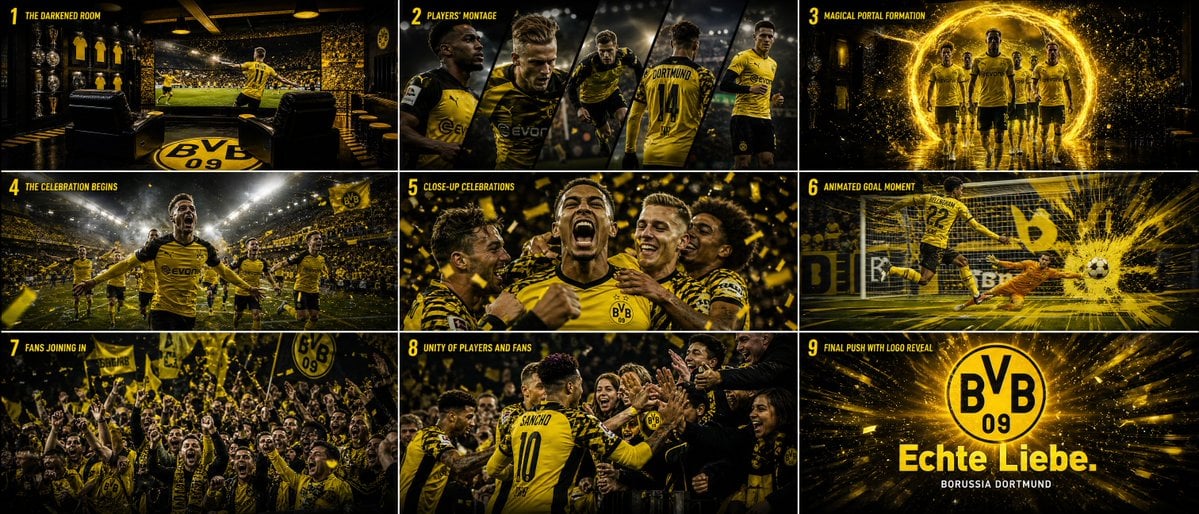
Cinematic Sports Storyboard
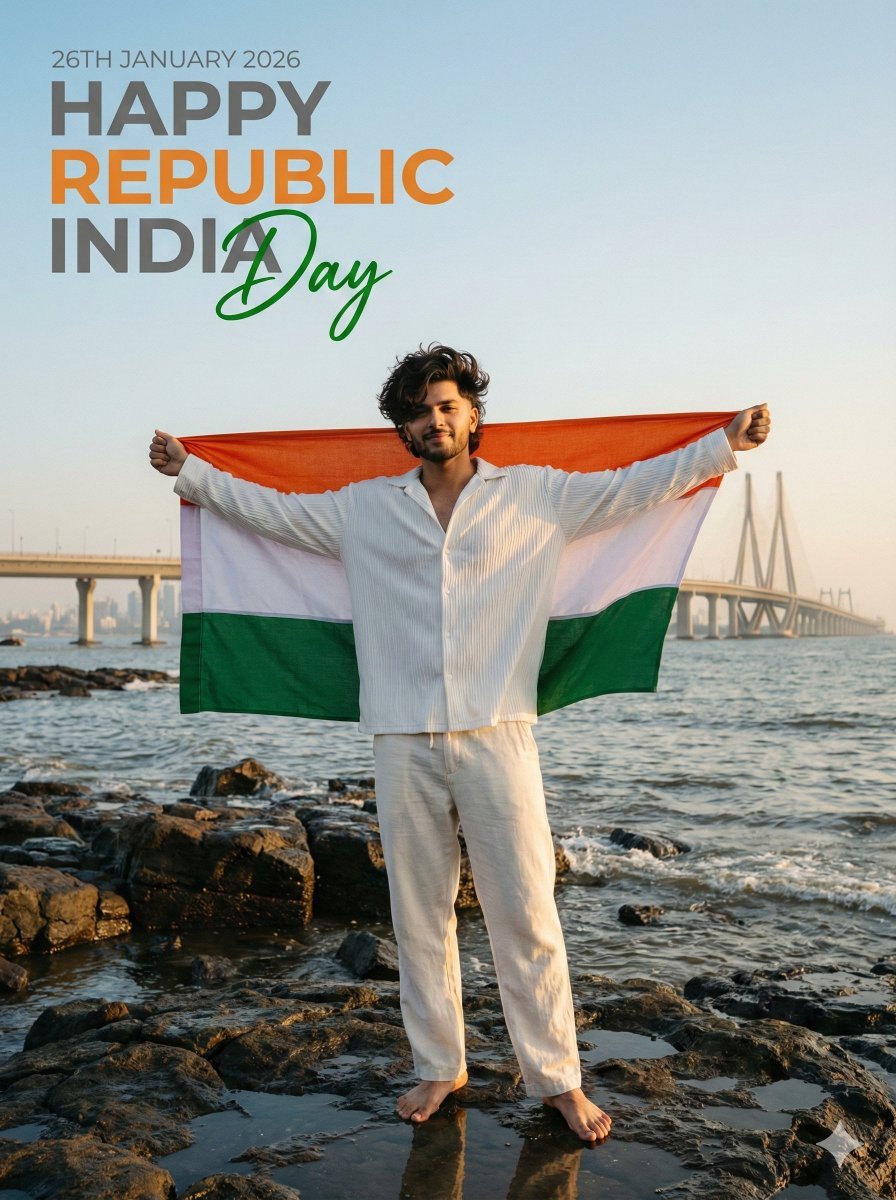
Ultra-Realistic - India Patriotic Portrait
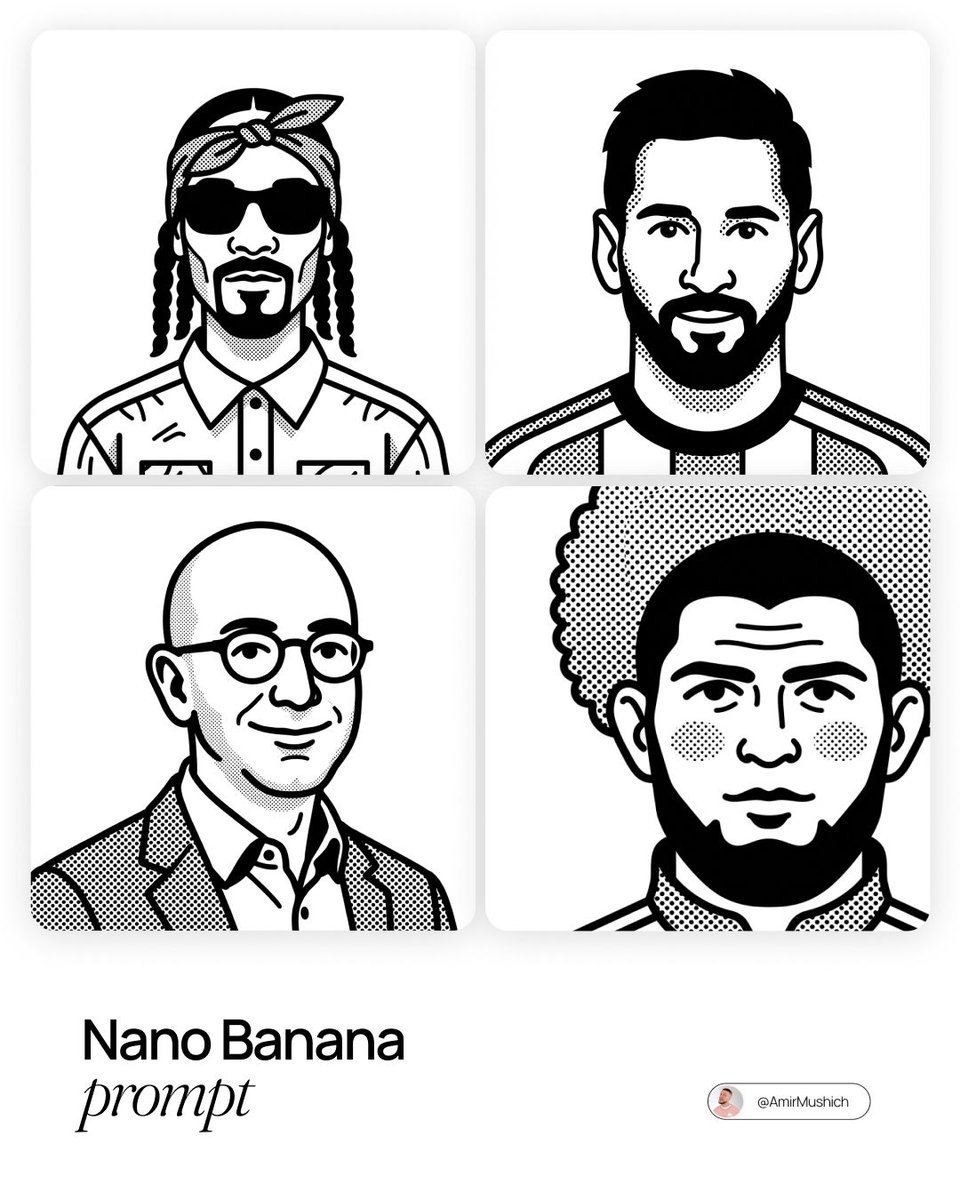
Notion-Styled Portrait Prompt

Snow globe character illustration prompt for Nano Banana Pro
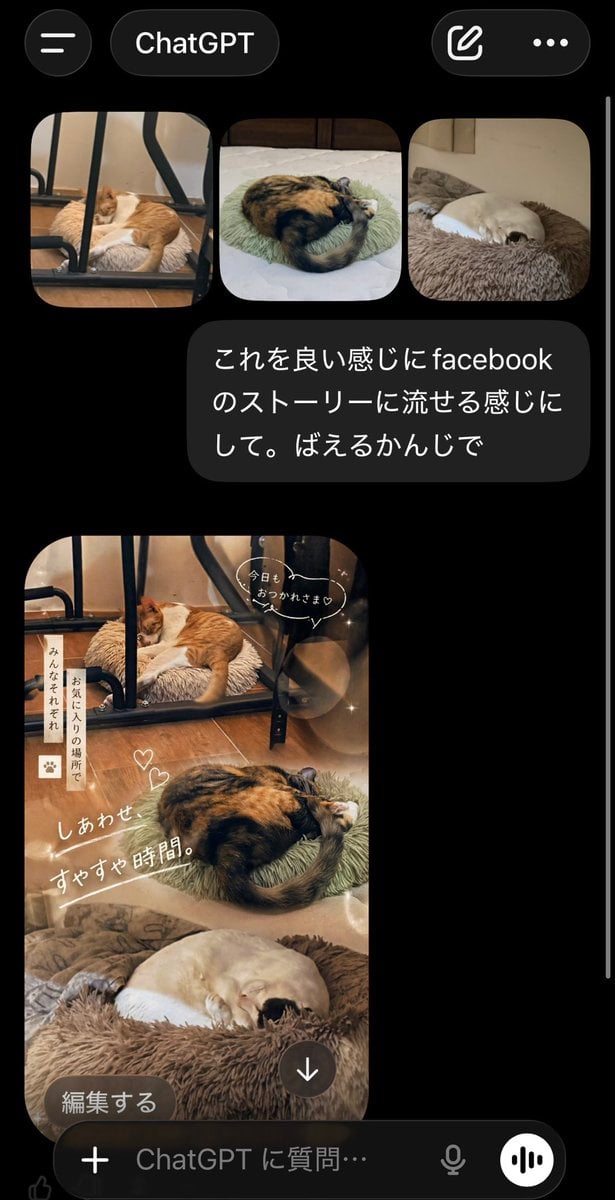
ChatGPT App Cat Story Screenshot

Anime Movie Poster Layout
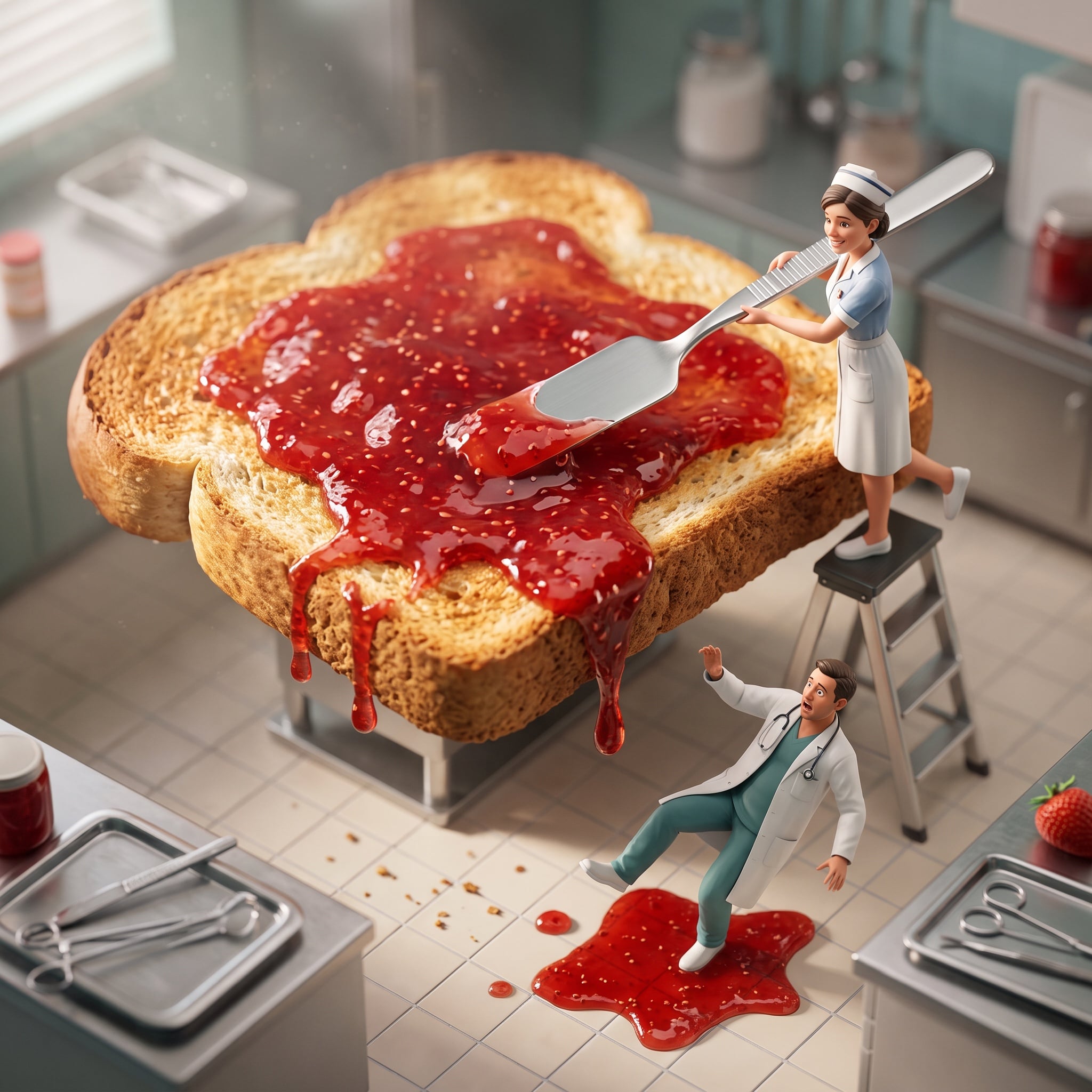
Cinematic Miniature Diorama Animation Prompt
Browse template categories
Bauhaus Artistic Fashion Portrait questions
How do I use the Bauhaus Artistic Fashion Portrait template?
Add your photo if the template asks for one, edit the prompt if you like — the template's model and format are already selected — and press Generate. Your version opens in PicX Studio.
Can I customize the Bauhaus Artistic Fashion Portrait template?
Yes. You can change the subject, setting, lighting, mood, format, and available model controls before creating your image.
Is the Bauhaus Artistic Fashion Portrait template free?
Opening and editing this template is free. Generating uses credits, shown on the Generate button when you are signed in.
Which AI model should I use?
Start with GPT Image 2, which is the model associated with this template. You can compare another compatible model for a different finish.
Looking for something else? Browse all templates.

Your photo, any look
Thousands of ready templates for every top image and video model, from one credit balance.