
Artistic Male Fashion Portrait
A sophisticated prompt for an artistic portrait of a young man, featuring a high-contrast black-and-white style with vivid red geometric overlays.
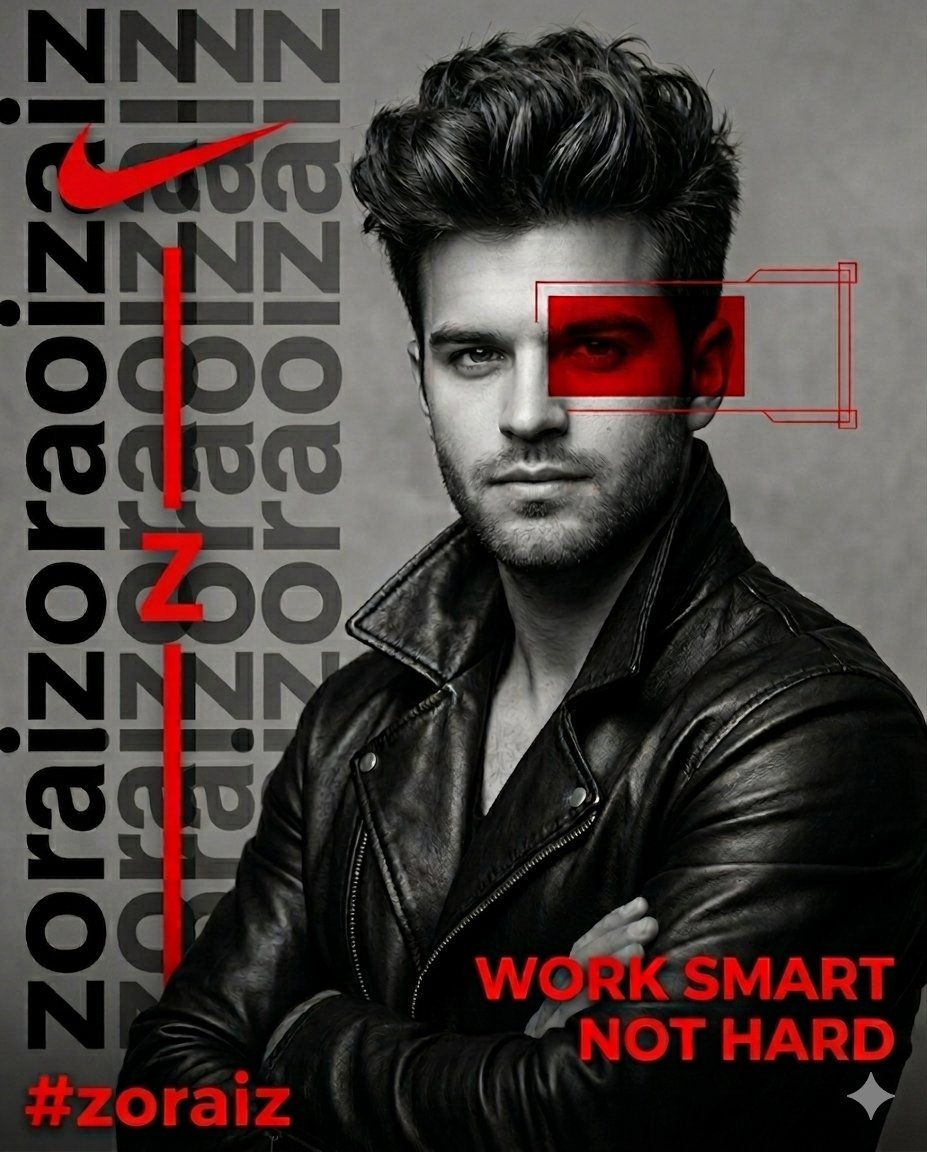
- Prompt included
- Model and format preset
- Premium template
The prompt behind this image
Copy the exact prompt behind Artistic Male Fashion Portrait, or open it in the studio and make it yours.
{ "description": "A striking portrait of a young man with a confident demeanor, featuring the same face as the {argument name="face reference" default="uploaded reference image"}.", "features": "Voluminous hair adding texture and depth, calm yet determined expression.", "attire": "Black leather jacket with an open collar, providing a rugged and stylish edge.", "artistic_overlay": "A bold red geometric frame and rectangular overlay obscuring one eye for a modern, artistic flair." }, "graphic_elements": { "typography_left": { "text": "{argument name="subject name" default="zoraiz"}", "style": "Repeated vertically in large, bold black letters with a slight transparency effect.", "accents": [ "Prominent red Nike logo near the top.", "A vertical red line punctuating the design.", "A bold red 'Z' integrated into the vertical line (replacing the previous 'S')." ] }, "typography_bottom": { "tagline": "{argument name="tagline" default="WORK SMART NOT HARD"}", "tagline_style": "Bold red capital letters, with 'smart' in a smaller, elegant cursive script beneath it.", "signature": "graphics", "signature_style": "Matching elegant cursive script.", "hashtag": "#zoraiz", "hashtag_style": "Bold red in the bottom left corner." } }, "style_and_composition": { "color_palette": "High-contrast black-and-white (grayscale) with vivid red accents.", "background": "Smooth, textured grey canvas acting as a neutral backdrop.", "lighting": "Soft yet dramatic, highlighting textures of hair and leather.", "technical_specs": { "quality": "8k ultra-realistic, hyper-detailed, photorealistic.", "camera_simulation": "Hasselblad X2D 100C, high-resolution DSLR quality.", "lens_effect": "Shallow depth of field, sharply focused on the subject.", "aspect_ratio": "4:5" } }
How to use Artistic Male Fashion Portrait in 3 steps
- 1Upload ImagePNG, JPG or paste
Add your photo
Upload the photo the template builds on. The prompt, model and format are already set.
- 2…a portrait of your subject in softgolden-hour light, 85mm…
Personalize
Edit the subject and creative details for your destination.
- 3Generate
Generate
Press Generate — your image is created in PicX Studio, so you can compare it with the original and refine one variable at a time.
More like this
Templates with the same subject, style or setup. Open one to see its prompt.

Artistic Patchwork Fashion Portrait Spring Festival

Nano Banana 2 High Fashion Sports Campai

Couture Fashion Editorial Woman and Drag

Ive Yujin Fashion Portrait in Blue

Nano Banana 2 Editorial Fashion Portrait

Caution Tape Fashion — Industrial Editorial
Male Fashion Editorial Portrait
Luxury Monochrome Male Fashion Portrait

Male Fashion Portrait in European Street
Bauhaus Artistic Fashion Portrait

Miniature Self Portrait Collage

Found Photograph: Us, 1970
Make it yours
Artistic Male Fashion Portrait works as-is. These are the safest ways to change it without losing the look.
Change one field
Copy a single group, rewrite it, and generate again so you can see what that field is doing.
Keep the frame, change the subject
Hold the composition and light of Artistic Male Fashion Portrait, then swap wardrobe, props or the person for a new take.
| If the result… | Why | Fix |
|---|---|---|
| The result drifts from the preview | Too many fields changed at once. | Reuse Artistic Male Fashion Portrait as-is first, then change one group — subject, light, or setting. |
| The model over-stylizes the scene | The prose prompt leaves finish and camera underspecified. | Add one camera or lighting sentence and stay on Nano Banana 2. |
More Nano Banana 2 templates
Other prompts made for Nano Banana 2.

Photorealistic Leaf Shaped Like a Dragon

K-Pop Idol Portrait Grid for Rapid Selection

Poetic Rain Forest Portrait During Golden Hour

Urban Street Portrait with Cartoon Inner Self Duo

Candid Nighttime Photo with Cat Prompt

High-Concept 3D Diorama Generation Prompt

Cinematic Futuristic Studio Portrait Template

Skincare Editorial Photography Collage Prompt

Hyper-Realistic Commercial Product Photography (Splash Effect)

Hyper-Realistic Nightclub Portrait Prompt
More image prompts
Fresh picks from across the catalog.
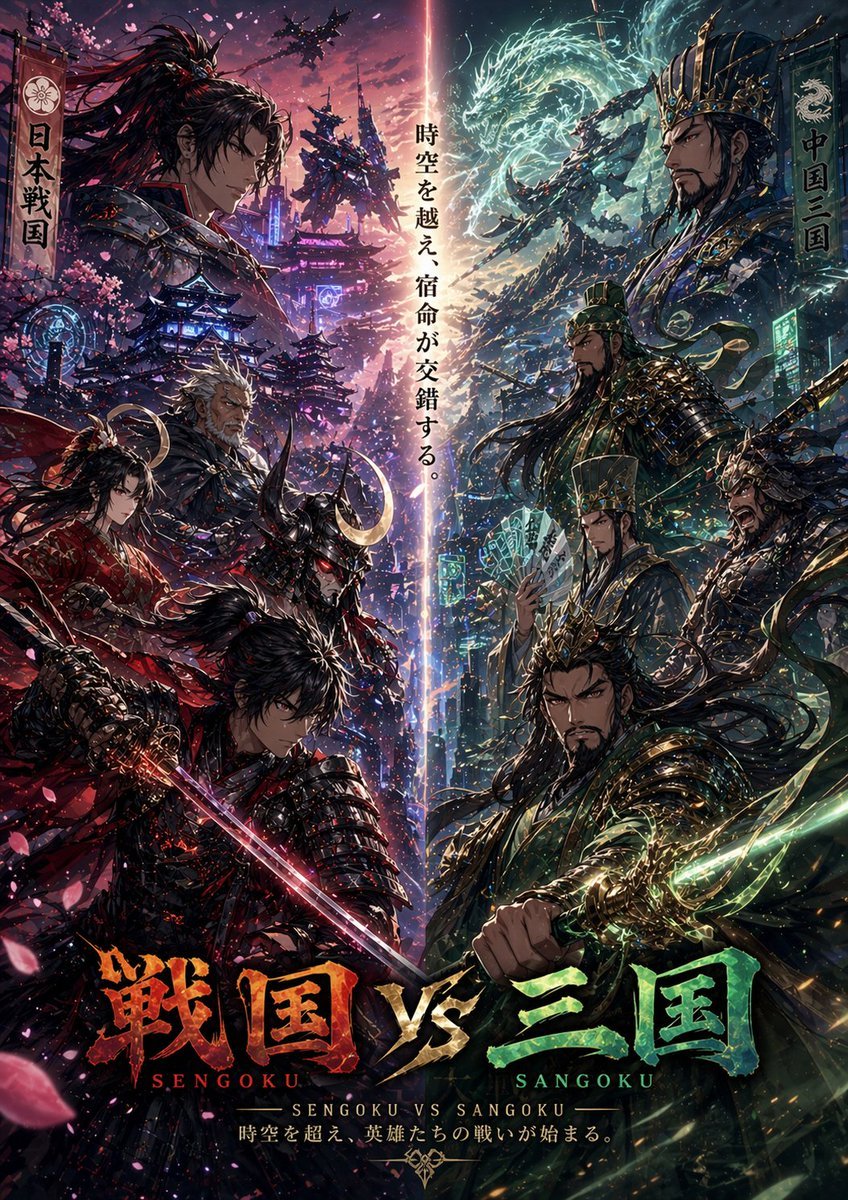
Sengoku vs Sangoku Crossover Poster
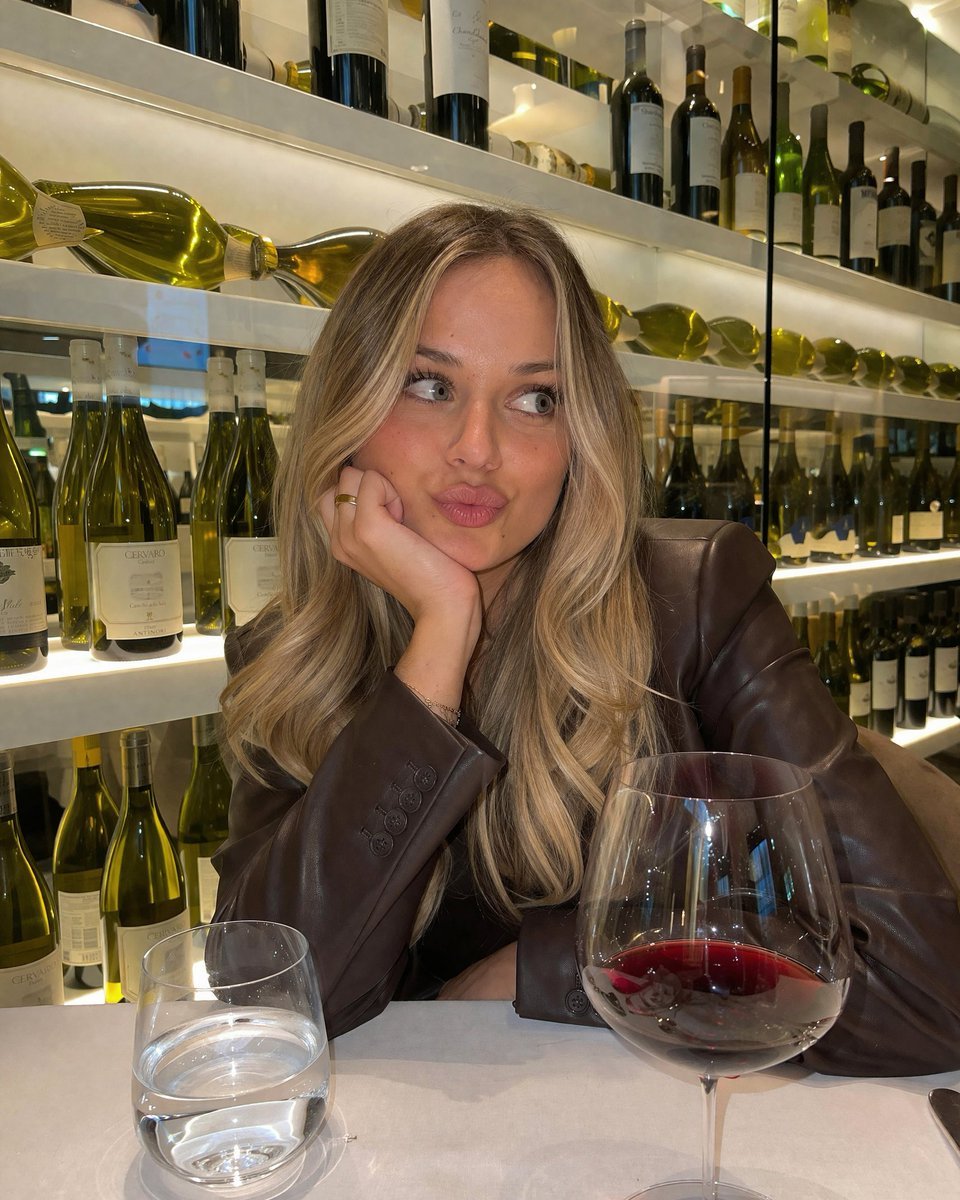
Candid Wine Bar Portrait

Office Renovation and Decoration Prompt
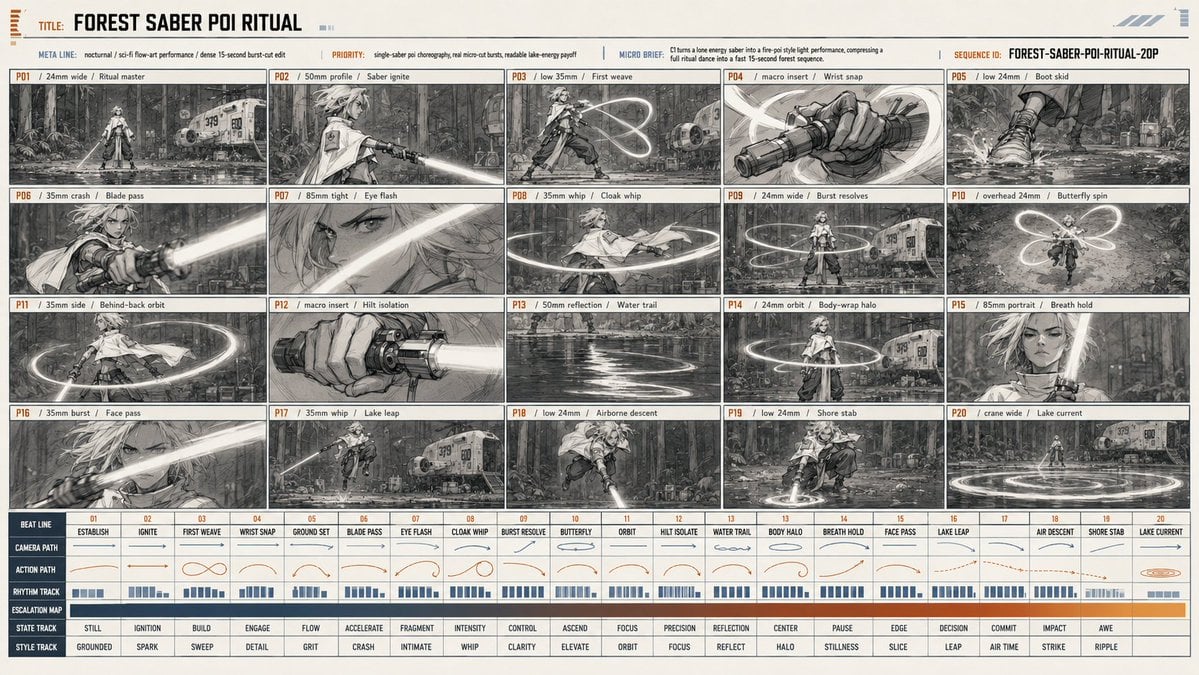
Forest Saber Ritual Storyboard Sheet
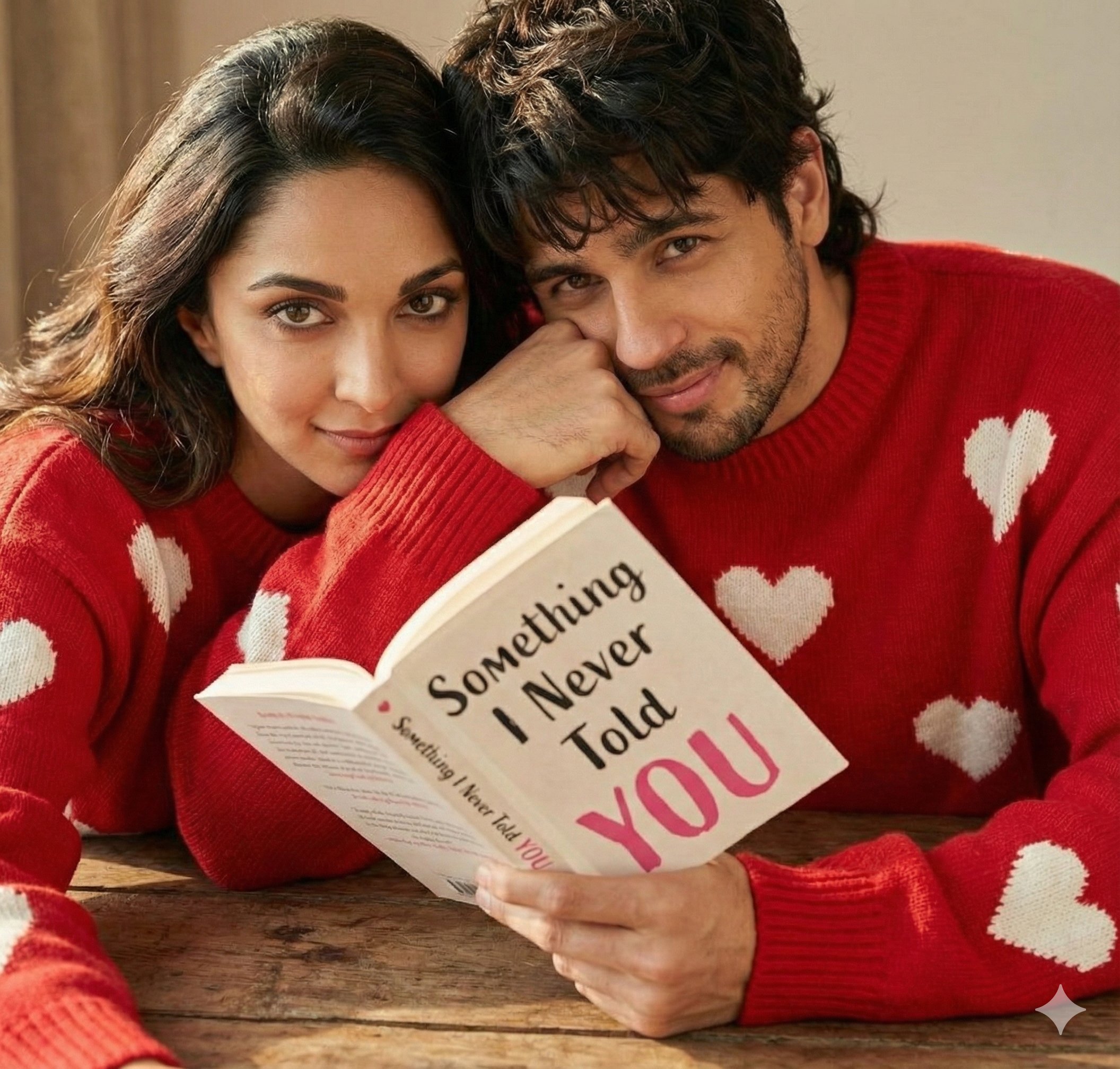
Hyper Realistic Romantic Couple Portrait
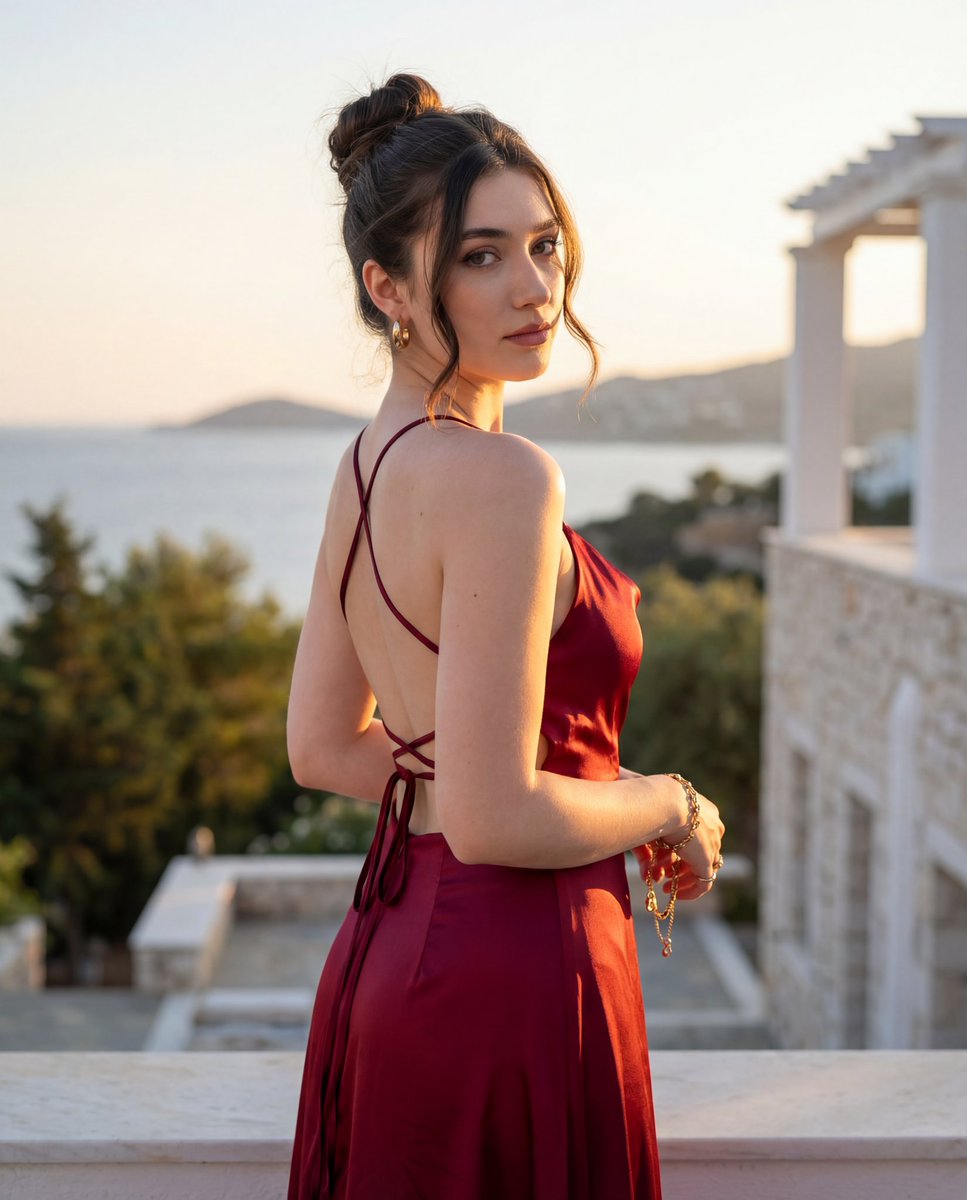
Golden Hour Fashion Editorial Portrait
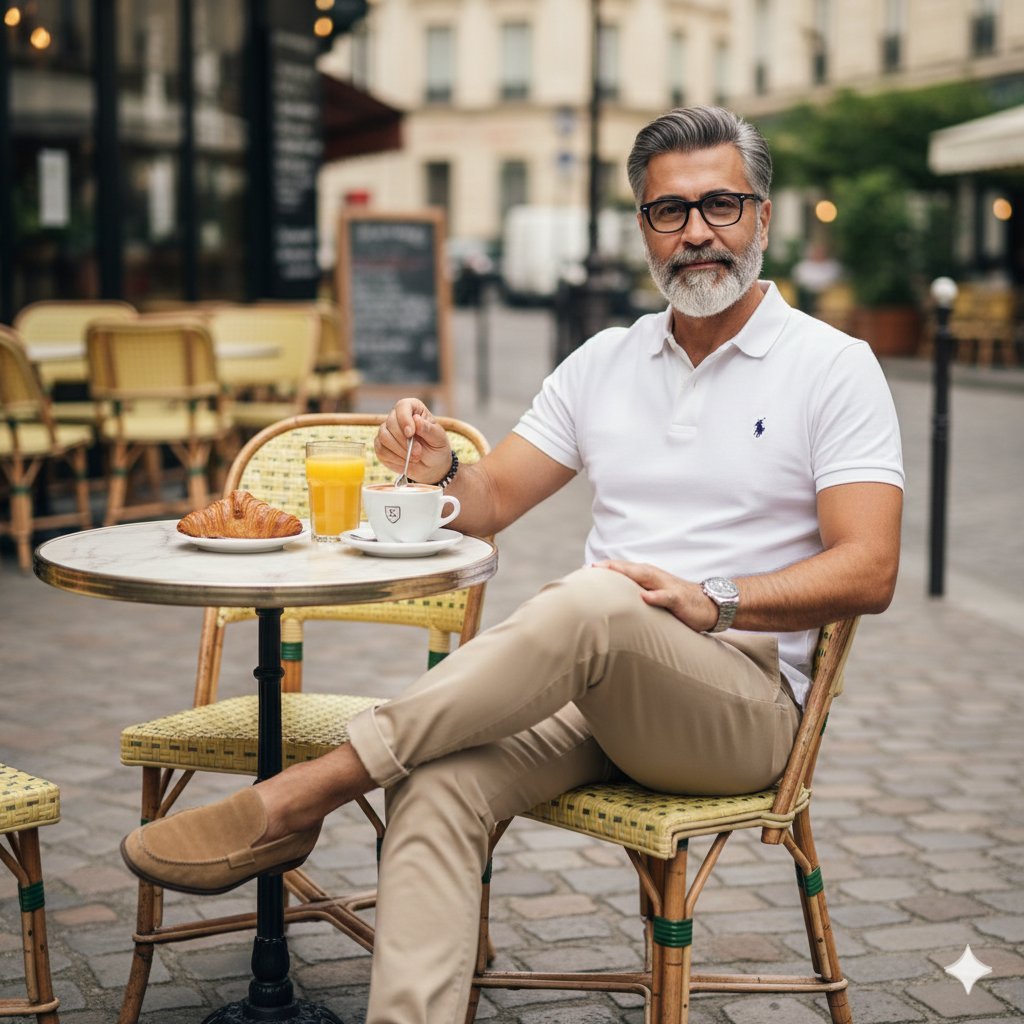
Photorealistic Parisian Cafe Scene
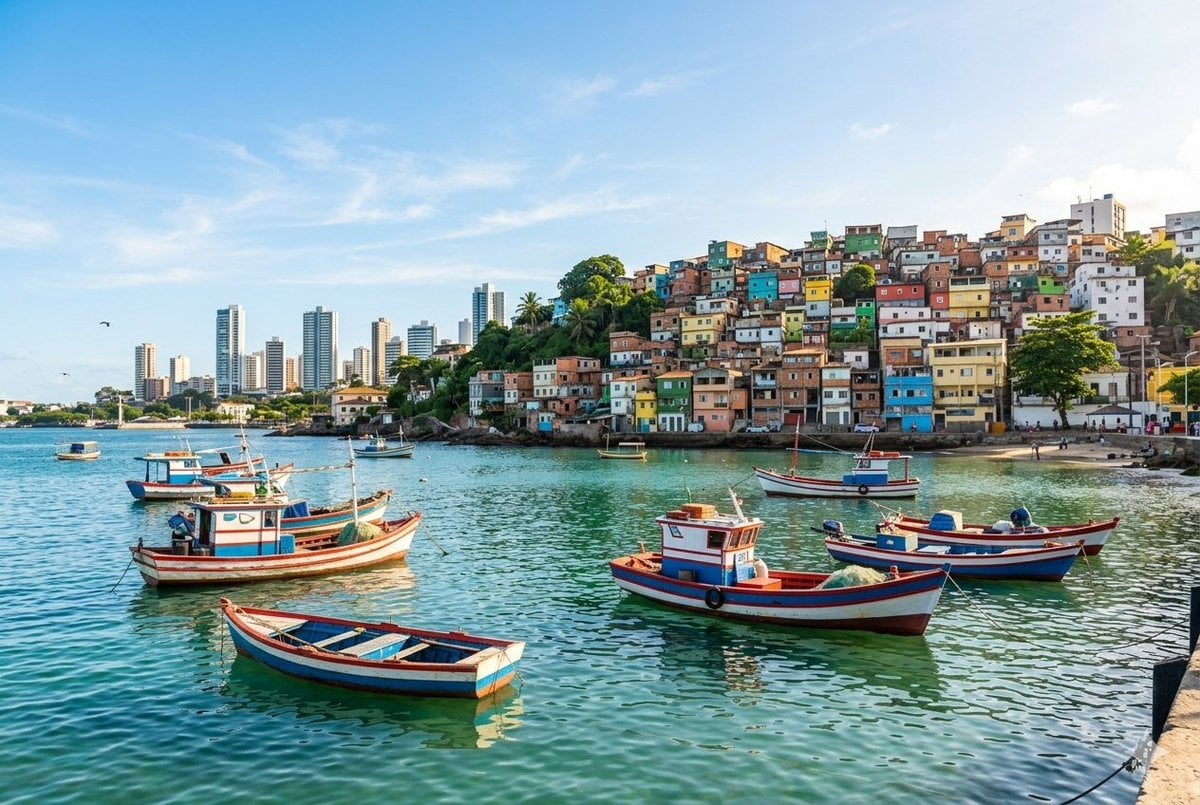
Realistic port scene in Salvador, Bahia
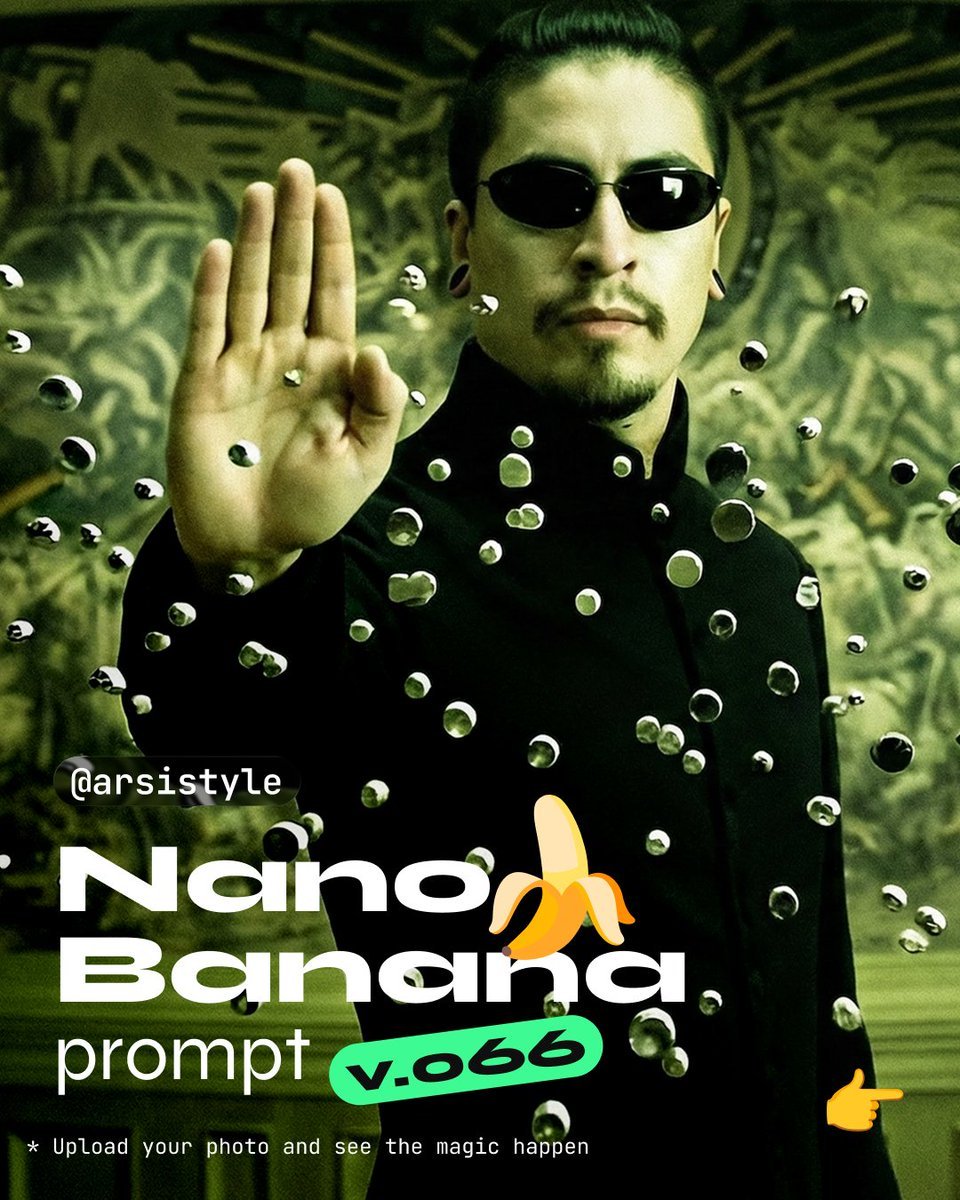
Cinematic Action Shot with Suspended Projectiles
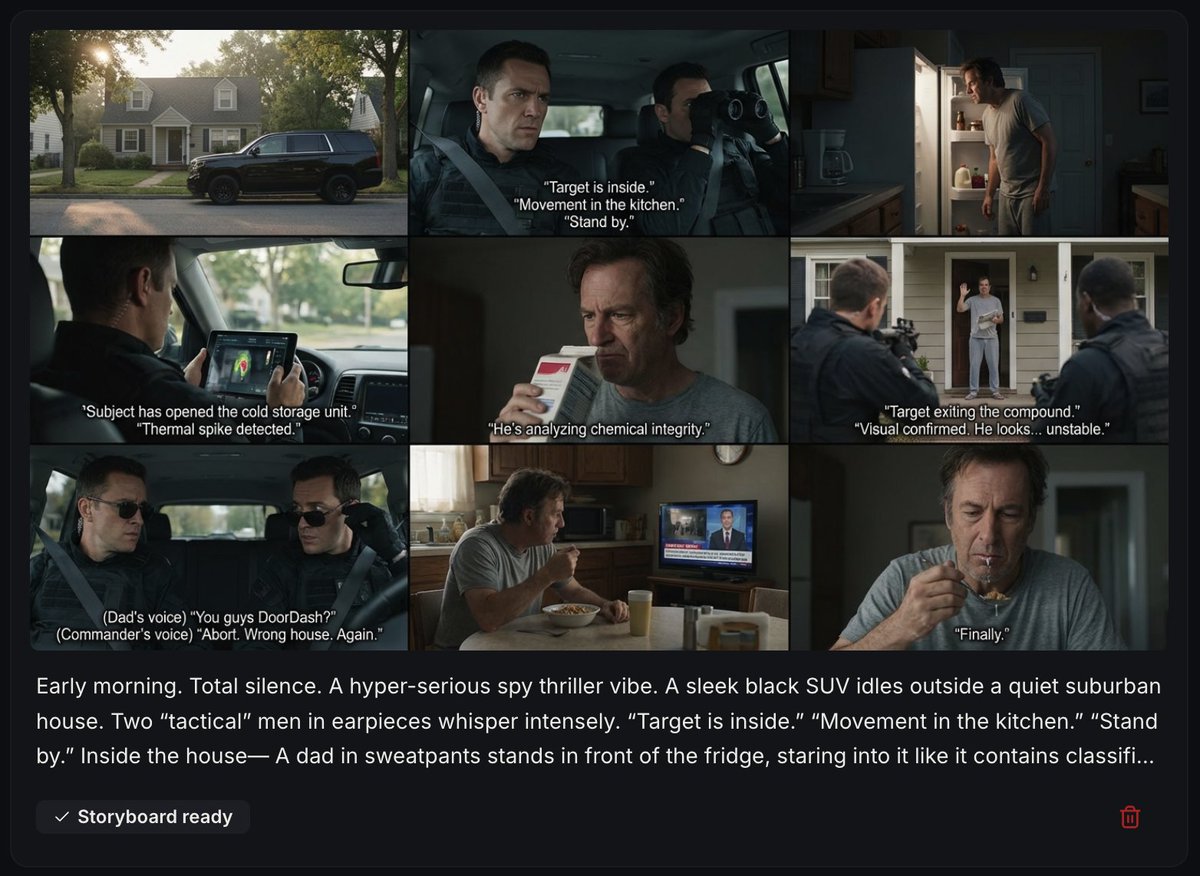
Spy Thriller Comedy Storyboard Prompt
Browse template categories
Artistic Male Fashion Portrait questions
How do I use the Artistic Male Fashion Portrait template?
Add your photo if the template asks for one, edit the prompt if you like — the template's model and format are already selected — and press Generate. Your version opens in PicX Studio.
Can I customize the Artistic Male Fashion Portrait template?
Yes. You can change the subject, setting, lighting, mood, format, and available model controls before creating your image.
Is the Artistic Male Fashion Portrait template free?
Opening and editing this template is free. Generating uses credits, shown on the Generate button when you are signed in.
Which AI model should I use?
Start with Nano Banana 2, which is the model associated with this template. You can compare another compatible model for a different finish.
Looking for something else? Browse all templates.

Your photo, any look
Thousands of ready templates for every top image and video model, from one credit balance.