How do I use the Male Fashion Editorial Portrait template?
Choose the primary action to open PicX Studio with the available template settings. Review the model and format, personalize the creative direction, and generate when ready.
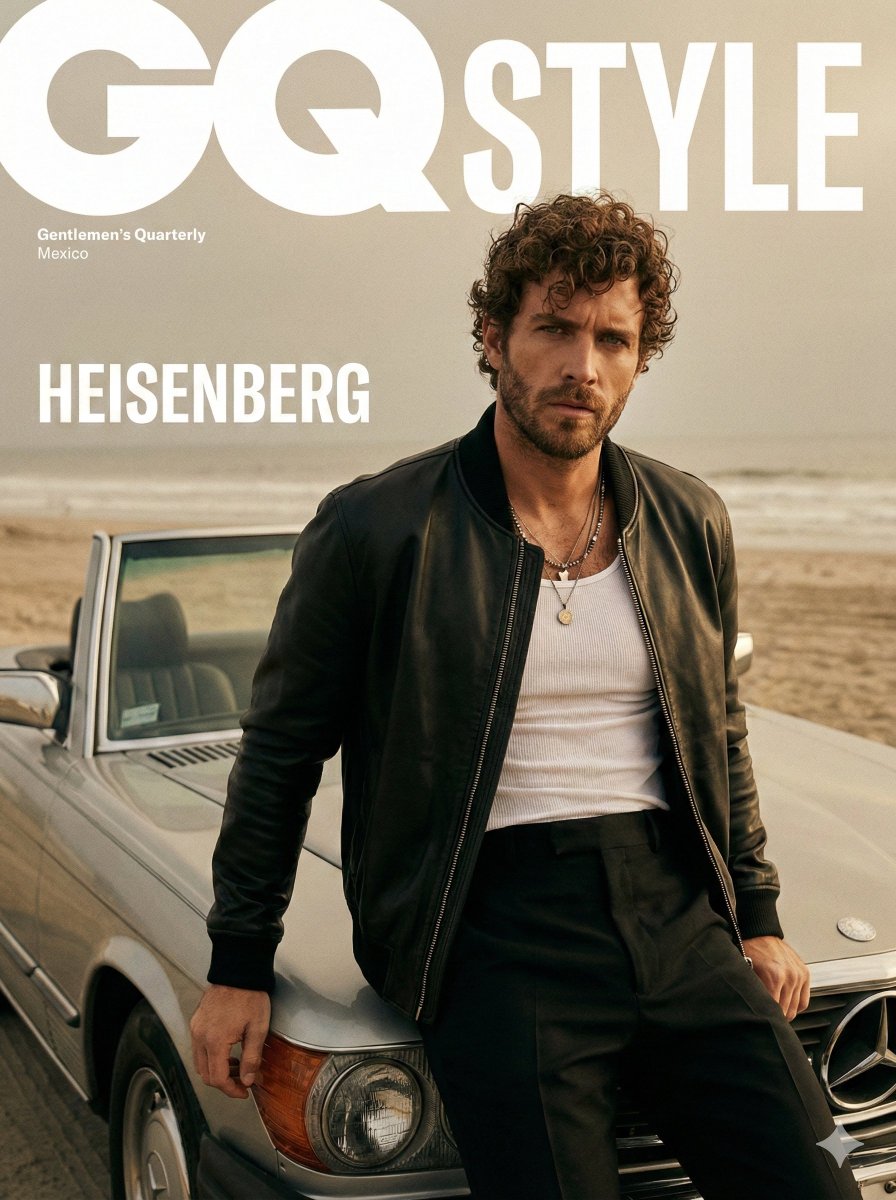
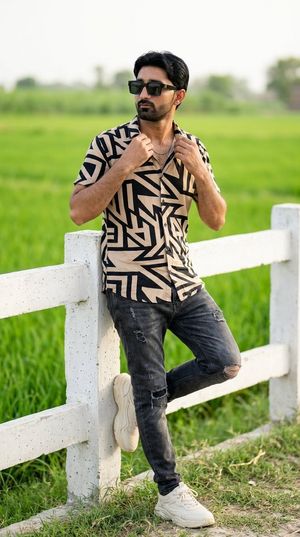
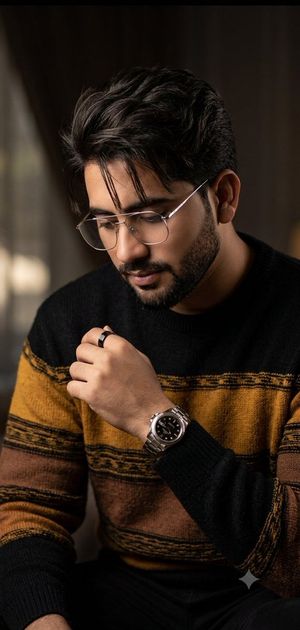
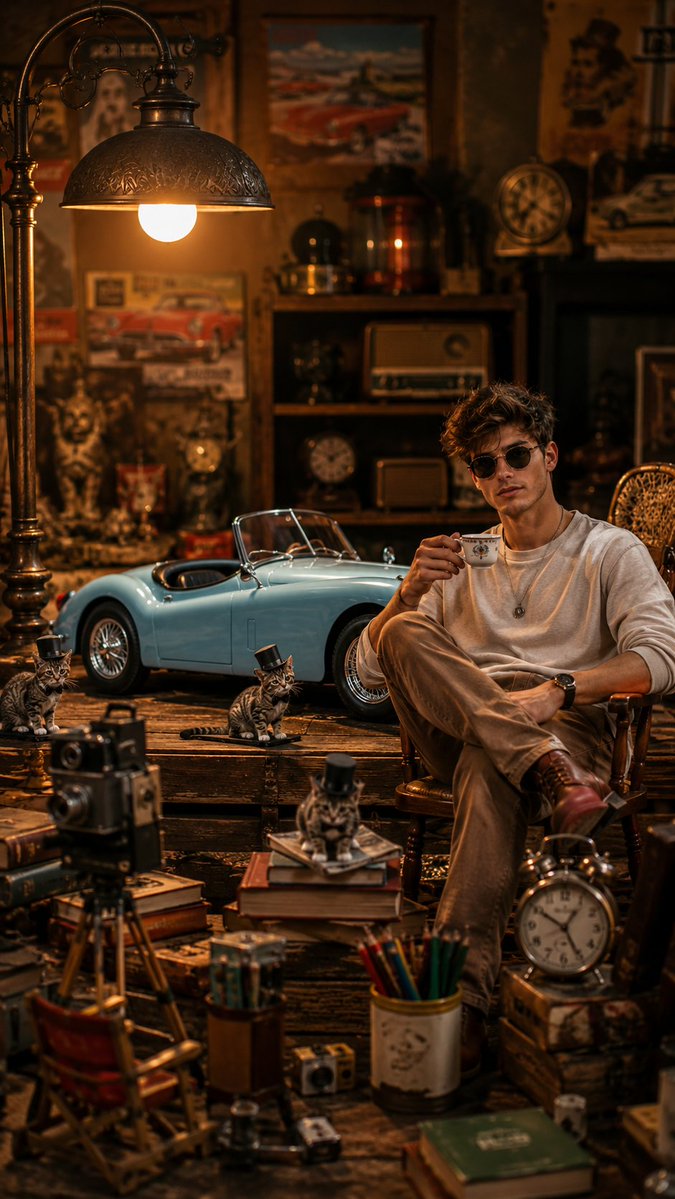
A high-end male fashion editorial prompt focusing on minimalist studio luxury and specific clothing textures like linen and pleated trousers.
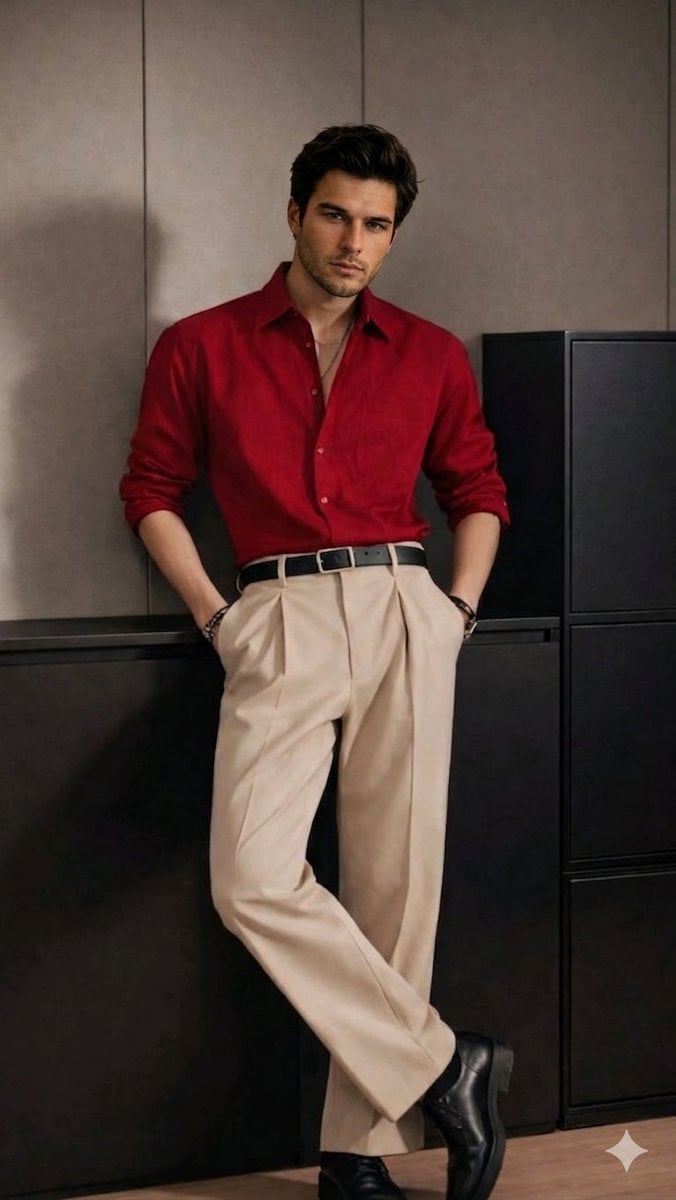
A high-end fashion editorial full-body shot of a male model leaning against a minimalist dark matte grey cabinet in a luxury studio. The model is wearing a {argument name="shirt" default="premium deep red button-down linen shirt"} with sleeves slightly rolled up, tucked into {argument name="trousers" default="tailored high-waisted beige pleated trousers"} with a sharp crease, held by a sleek black leather belt. He is wearing black leather dress boots and subtle silver bracelets. The lighting is soft, cinematic, and professional, creating a clean, aesthetic look with neutral tones. The model's head features thick, dark styled hair and a sharp jawline, but with simplified facial features to allow for a custom face replacement. 16k resolution, hyper-realistic, DSLR quality.
Choose the primary action to open PicX Studio with the available template settings. Review the model and format, personalize the creative direction, and generate when ready.
Yes. You can change the subject, setting, lighting, mood, format, and available model controls before creating your image.
This template is free to open and customize. Generation usage is shown in PicX Studio before you create.
Start with Nano Banana 2, which is the model associated with this template. You can compare another compatible model for a different finish.
Follow a topic to a crawlable collection of related PicX Studio templates.