
newspaper
newspaper is a ready photo look.
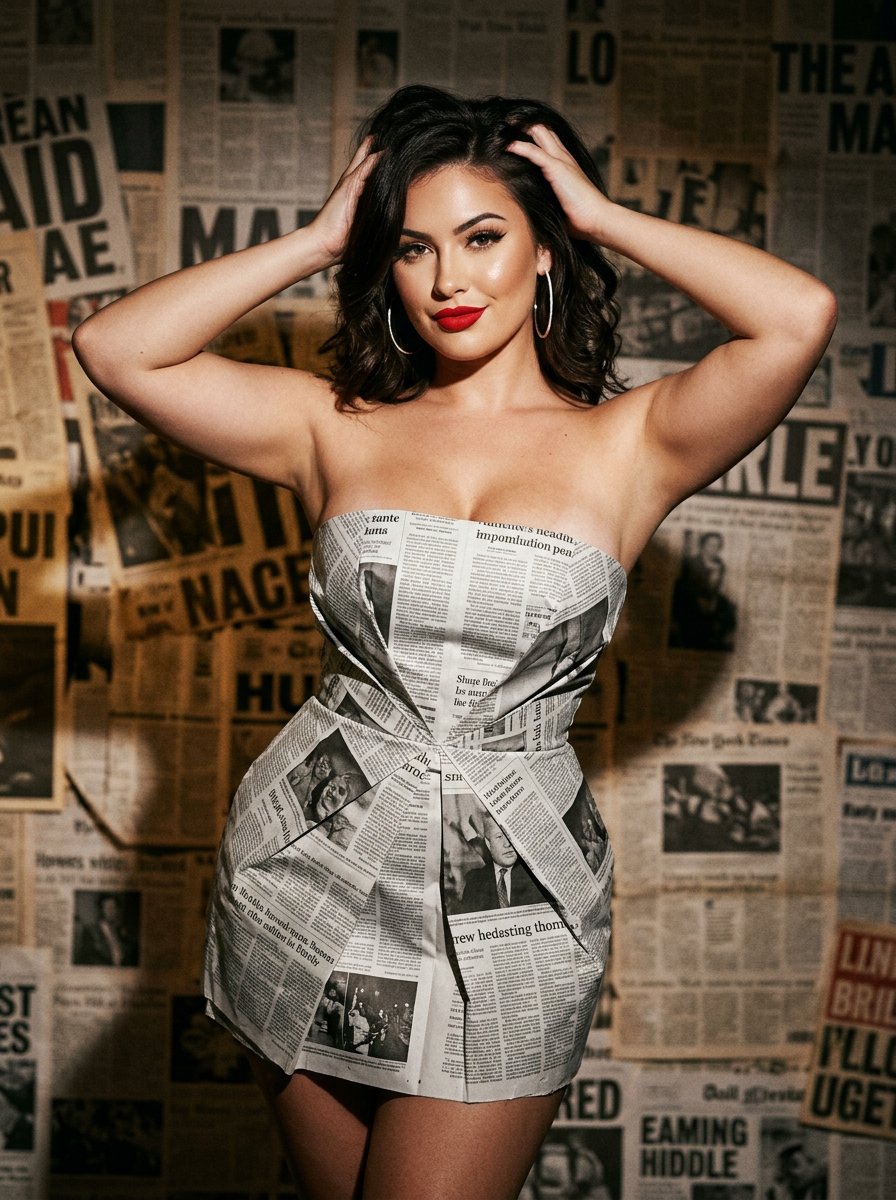
- Prompt included
- Model and format preset
- Free template
The prompt behind this image
Copy the exact prompt behind newspaper, or open it in the studio and make it yours.
{ "project_metadata": { "title": "Editorial Newspaper Fashion Study", "style_preset": "High-Fashion Editorial Photography", "aspect_ratio": "3:4", "version": "2.0" }, "subject": { "identity": { "ethnicity": "American", "age_group": "Young Adult", "aesthetic": "Stunning, high-fashion model" }, "physique": { "body_type": "Curvy and voluptuous", "specific_attributes": "Highly emphasized and prominent bustline, hourglass silhouette, toned arms", "skin_tone": "Natural, clear skin with soft highlights" }, "hair_and_makeup": { "hair": { "color": "Deep dark brunette", "style": "Shoulder-length, voluminous waves, windswept texture", "action": "Hands running through hair, lifting from the roots" }, "makeup": { "lips": "Bold, matte red lipstick with precise lip liner", "eyes": "Sharp, defined black winged eyeliner, heavy mascara", "finish": "Dewy foundation with contoured cheekbones" } }, "pose_and_expression": { "expression": "Confident, alluring, looking into the lens", "pose": "Medium-full body shot, standing, hands raised to head, elbows out to frame the face" } }, "fashion_elements": { "primary_garment": { "item": "Strapless mini-dress", "material": "Authentic recycled newspaper pages", "construction": "Architectural, origami-style pleats, visible newsprint, headlines, and grayscale imagery textures", "fit": "Form-fitting, cinched at the waist" }, "accessories": [ { "item": "Hoop earrings", "style": "Large, thin, minimalist", "material": "Polished silver or white gold" } ] }, "environment_and_backdrop": { "setting": "Studio indoor", "background_type": "Textured wall", "details": "Completely covered in layered, overlapping vintage newspaper pages, sepia-toned paper, various typography sizes, collage effect", "depth": "Shallow depth of field to separate subject from the busy texture" }, "cinematography_and_lighting": { "camera": { "lens": "85mm prime lens", "shot_type": "Medium-full shot", "angle": "Eye-level", "sensor": "Full-frame digital, high ISO grain for vintage feel" }, "lighting": { "primary_source": "Softbox side-lighting", "effect": "High contrast, dramatic shadows, highlighting the curves of the body and the ink-on-paper textures", "color_temp": "Neutral with a slight warmth in the highlights" }, "post_processing": { "focus": "Ultra-sharp on eyes and red lips", "textures": "Hyper-realistic paper grain, visible newsprint ink, high resolution" } }
How to use newspaper in 3 steps
- 1
Open
The prompt is already in the box next to the preview, with the template's model and format selected.
- 2…a portrait of your subject in softgolden-hour light, 85mm…
Personalize
Edit the subject and creative details for your destination.
- 3Generate
Generate
Press Generate — your image is created in PicX Studio, so you can compare it with the original and refine one variable at a time.
More like this
Templates with the same subject, style or setup. Open one to see its prompt.

Bold Red Contrast Fashion Editorial Newspaper Room
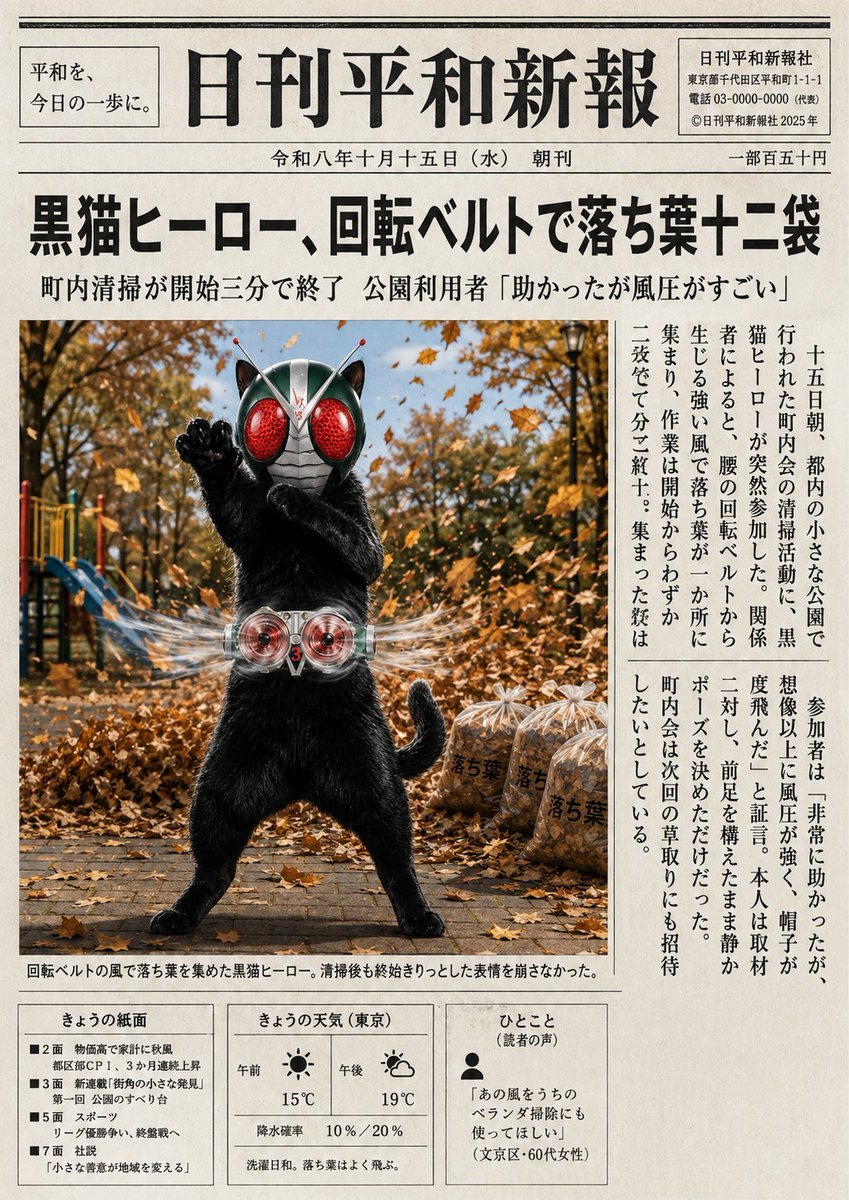
Japanese Newspaper Cat Hero Front Page
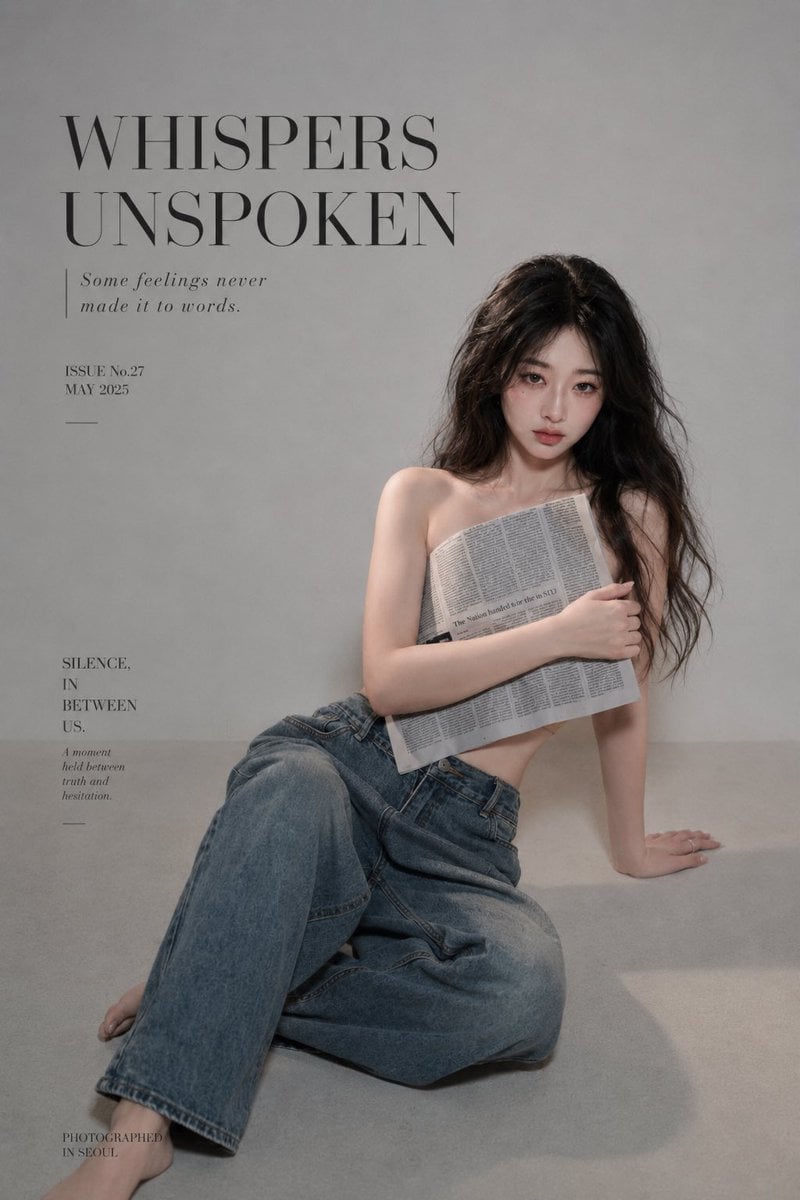
Quiet Newspaper Fashion Cover
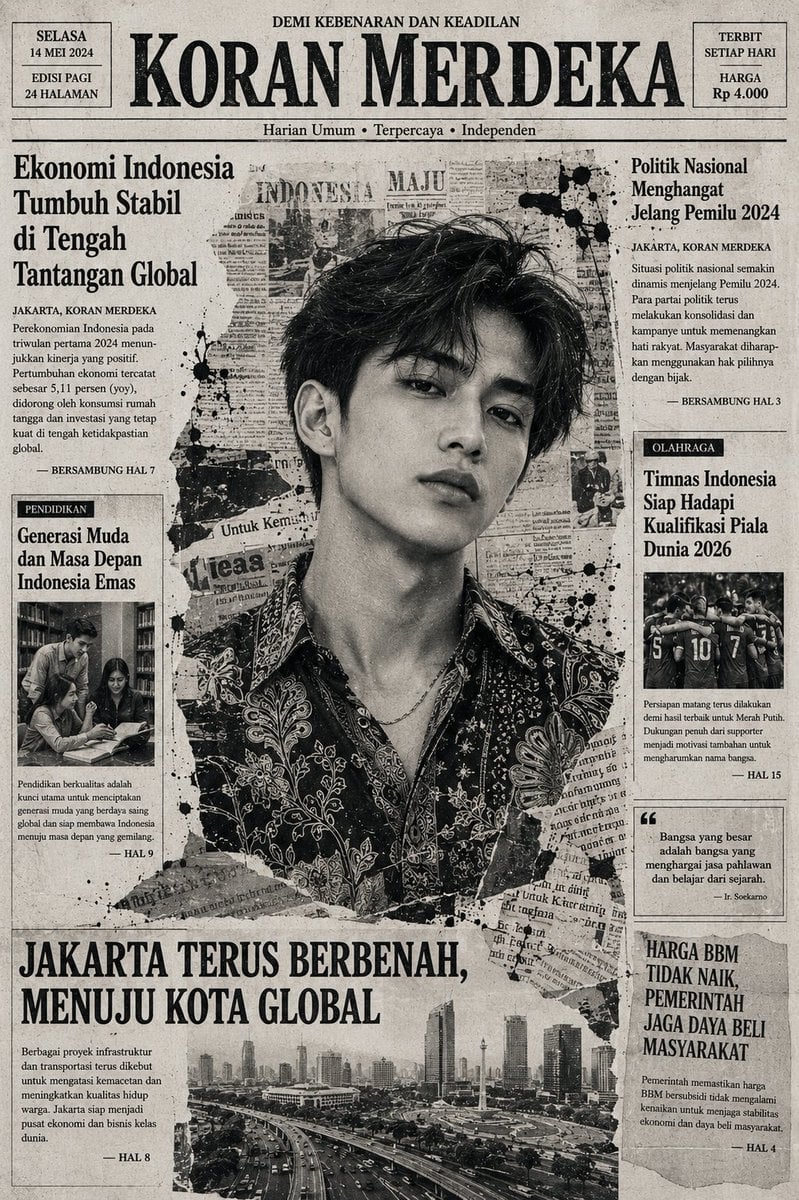
Indonesian Woman Newspaper Collage Portrait
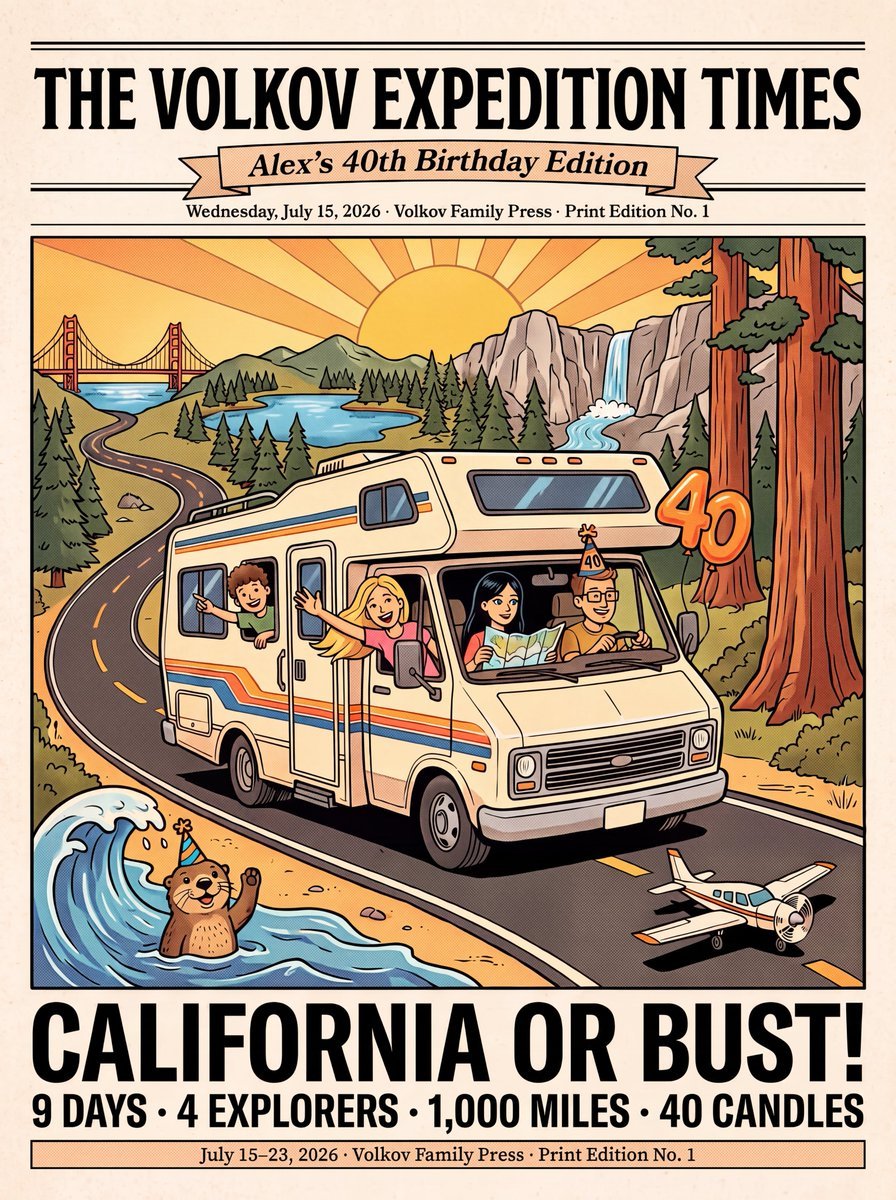
Vintage Family Road Trip Newspaper Poster
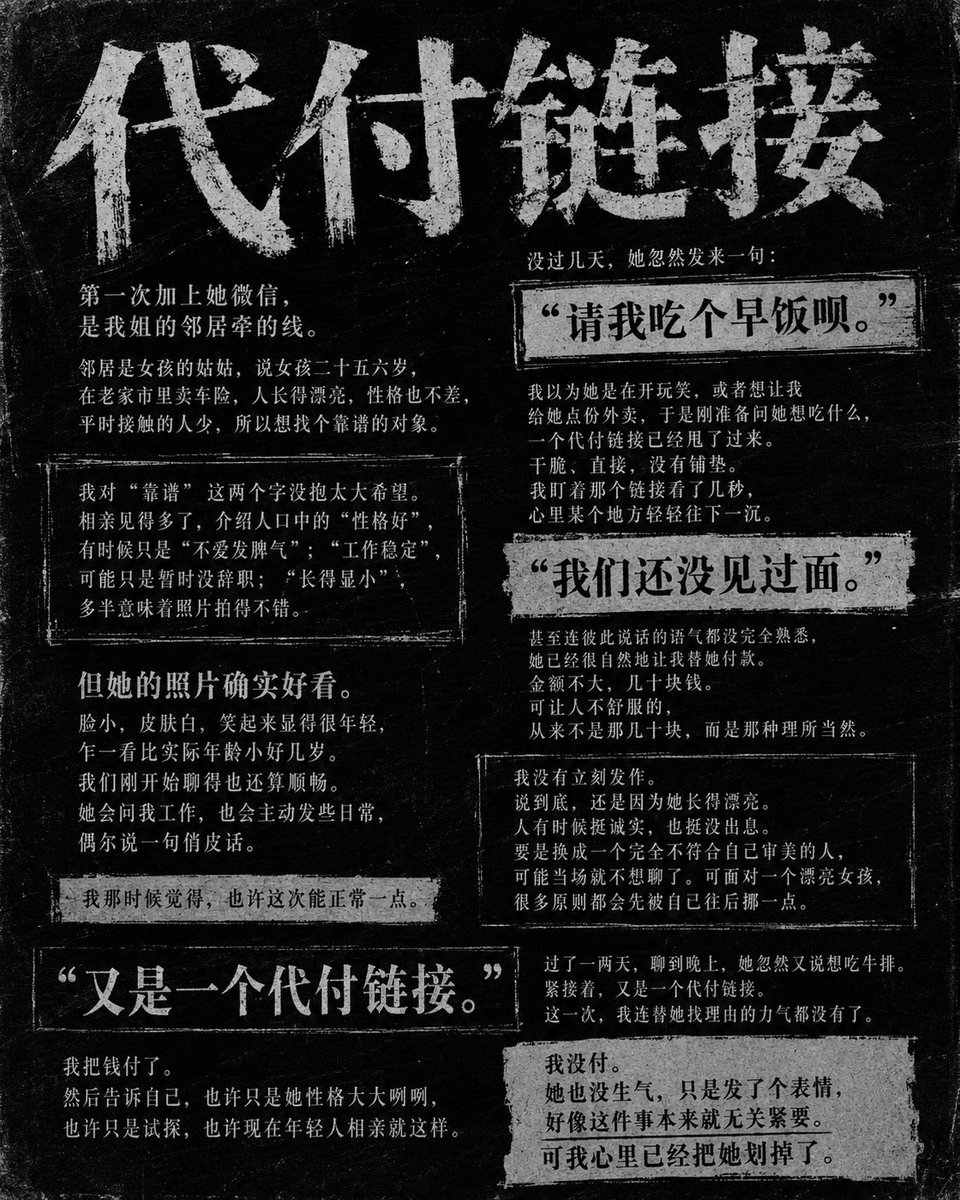
Dark Chinese Newspaper Story Poster
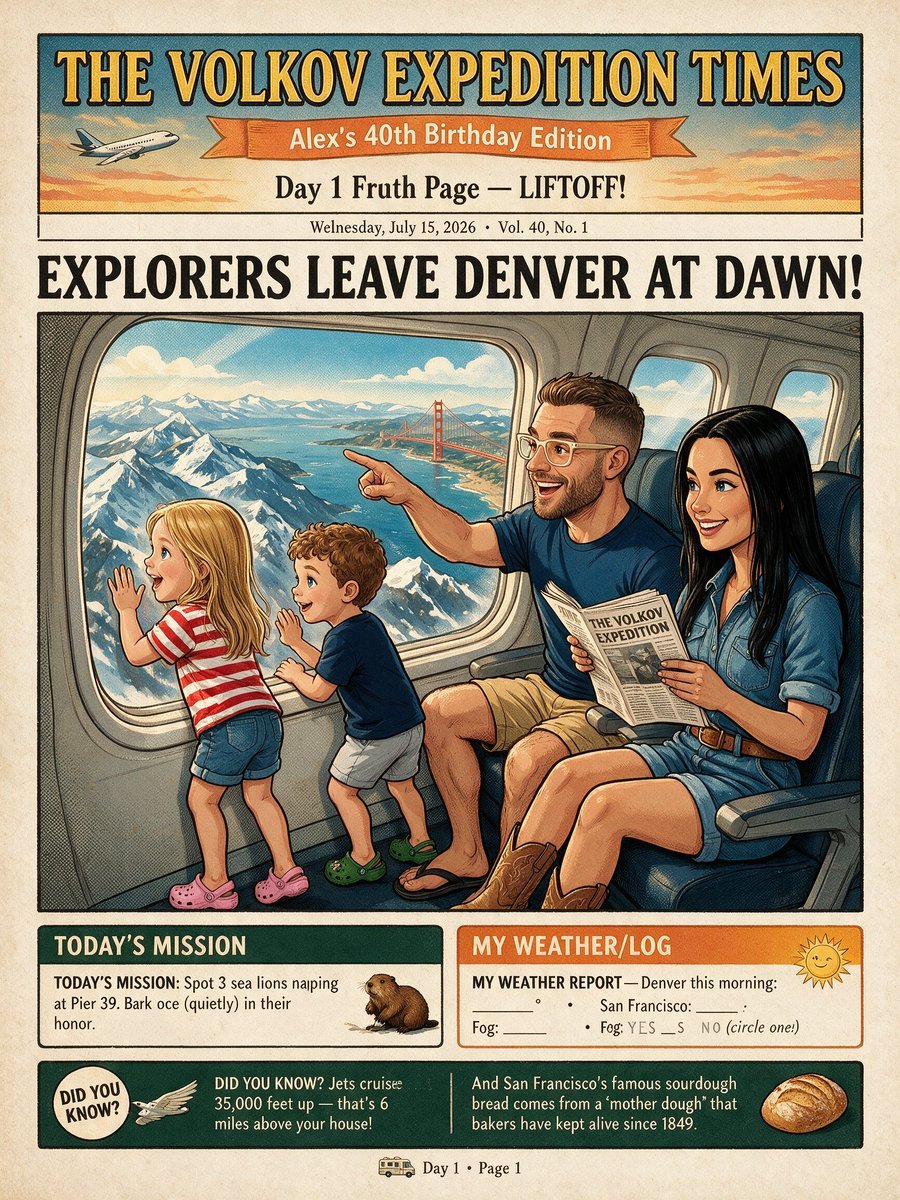
Vintage Family Expedition Newspaper
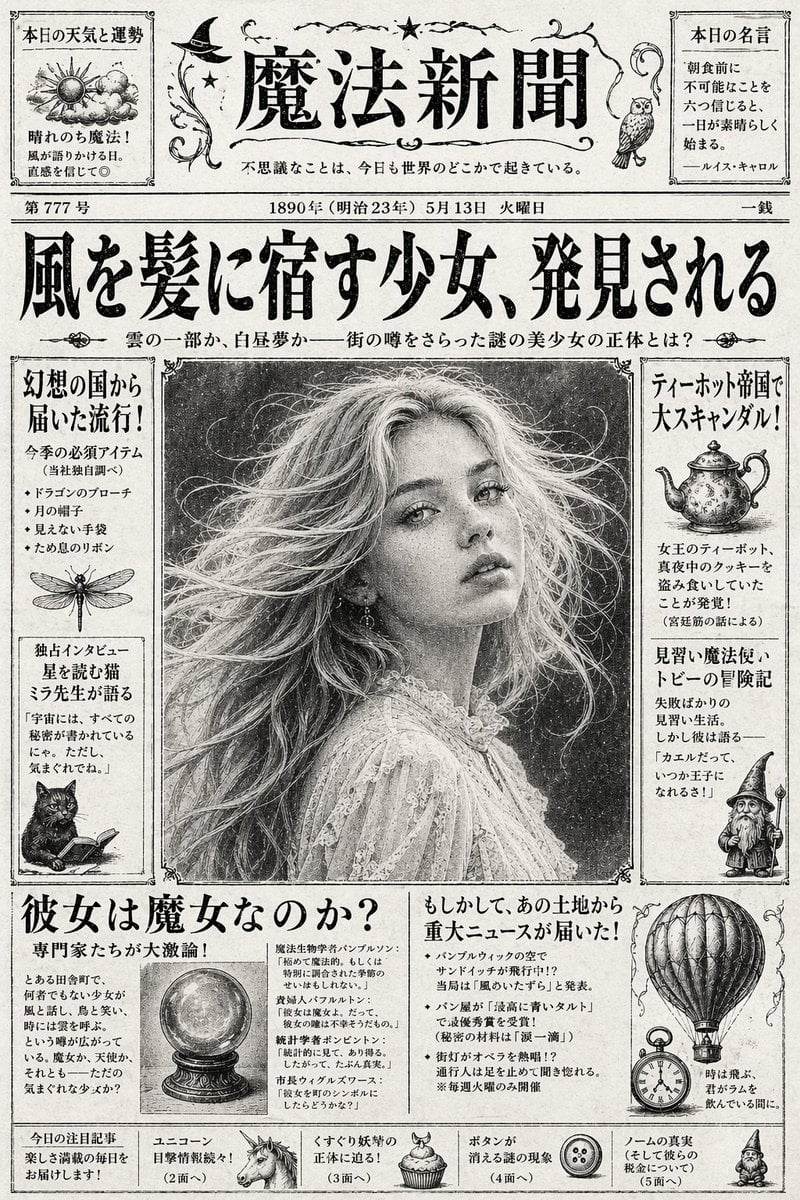
Vintage Japanese Fantasy Magic Newspaper
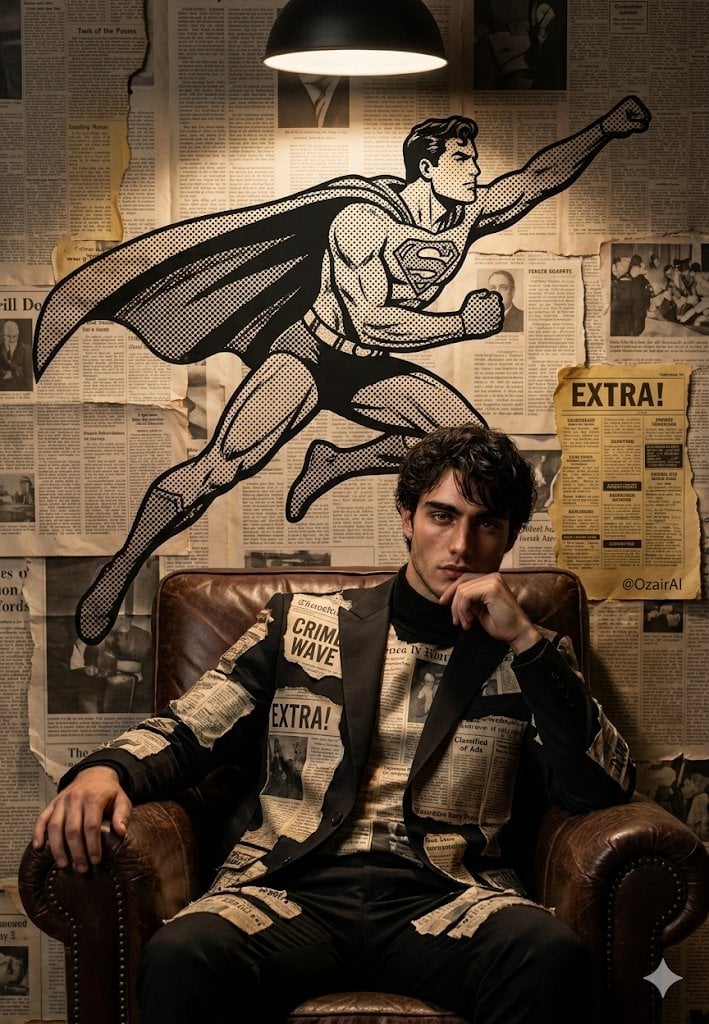
Newspaper Collage Shadow Portrait
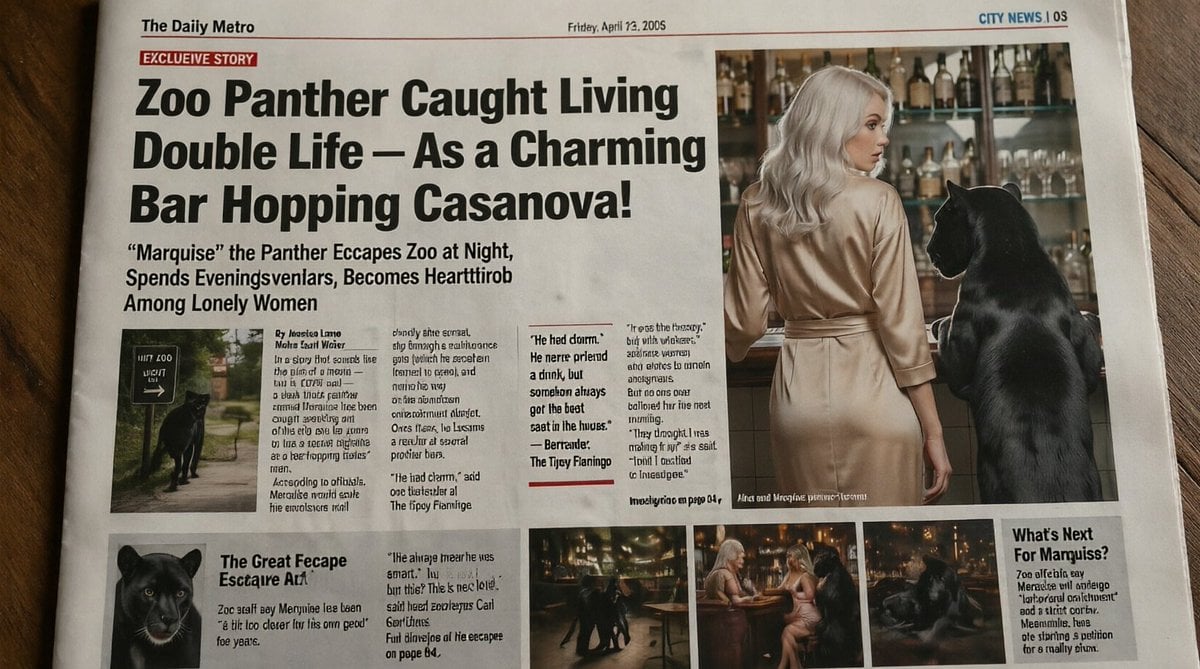
Absurd Tabloid Panther Newspaper Front Page
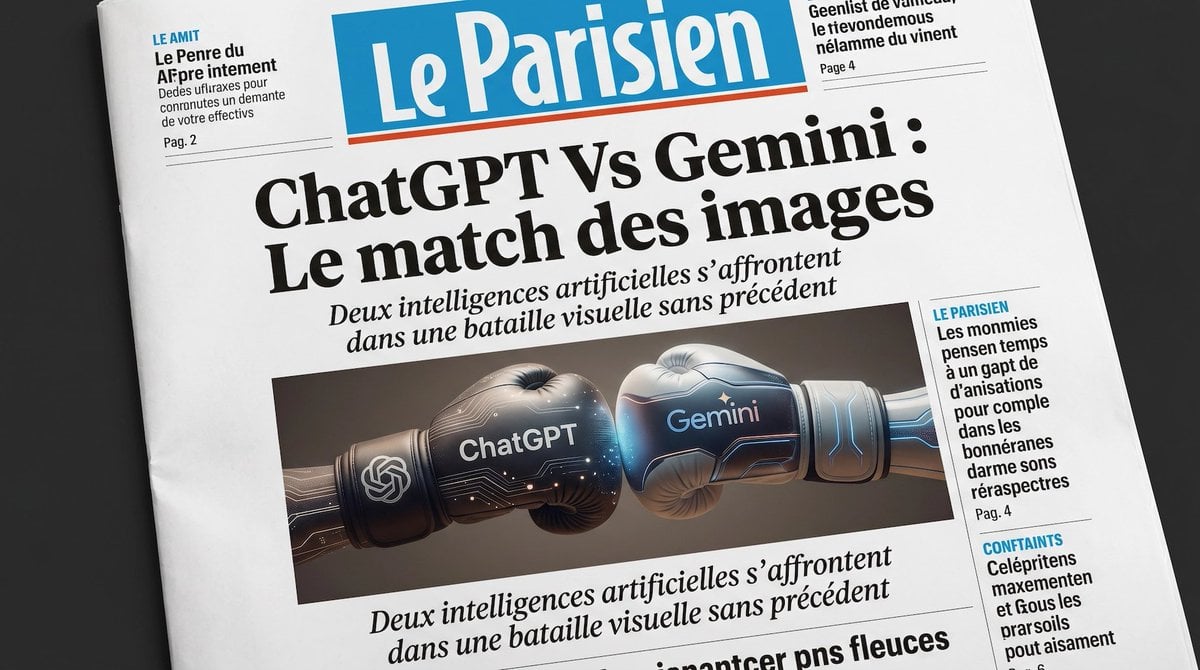
French AI Newspaper Front Page
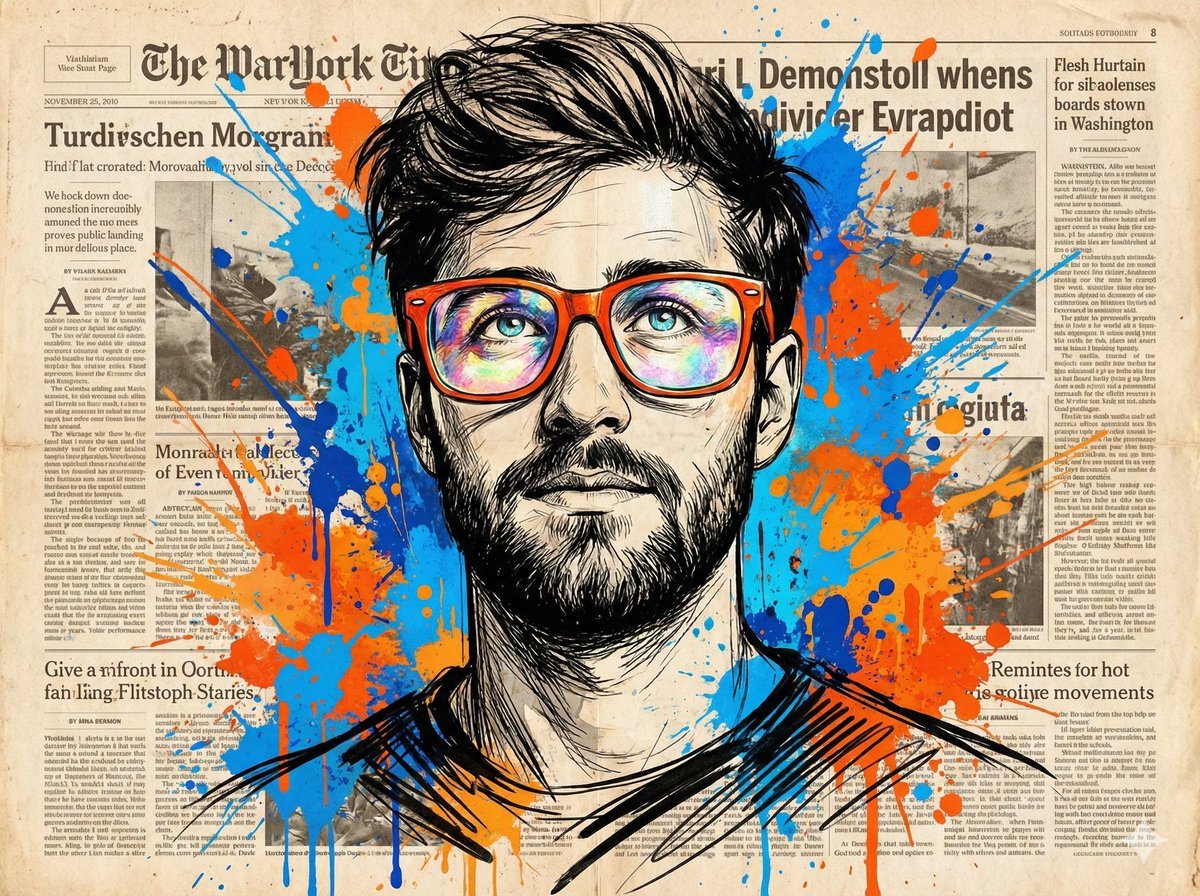
Newspaper Collage Pop Art Portrait
Make it yours
newspaper works as-is. These are the safest ways to change it without losing the look.
Change one field
Copy a single group, rewrite it, and generate again so you can see what that field is doing.
Keep the frame, change the subject
Hold the composition and light of newspaper, then swap wardrobe, props or the person for a new take.
| If the result… | Why | Fix |
|---|---|---|
| The result drifts from the preview | Too many fields changed at once. | Reuse newspaper as-is first, then change one group — subject, light, or setting. |
| The model over-stylizes the scene | The prose prompt leaves finish and camera underspecified. | Add one camera or lighting sentence and stay on PicX Studio. |
More image prompts
Fresh picks from across the catalog.
Golden Hour Backlit Portrait

Nano Banana Pro Thumbnail Generation Example
Scarlet Mage Riverside Carriage Journey
Nano Banana Pro Image Generation Instructions
Weathered Custom Cub Concept Bike
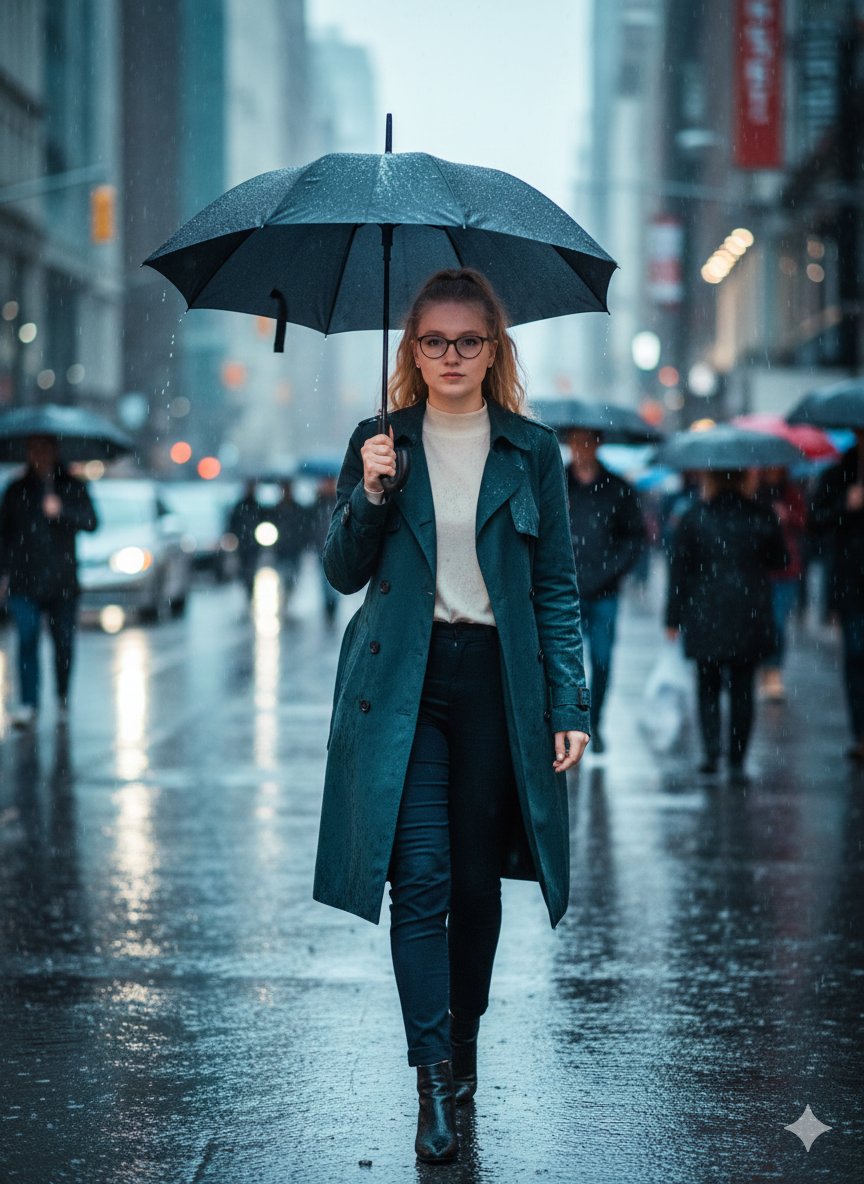
Cinematic Rainy Street Photo Prompt
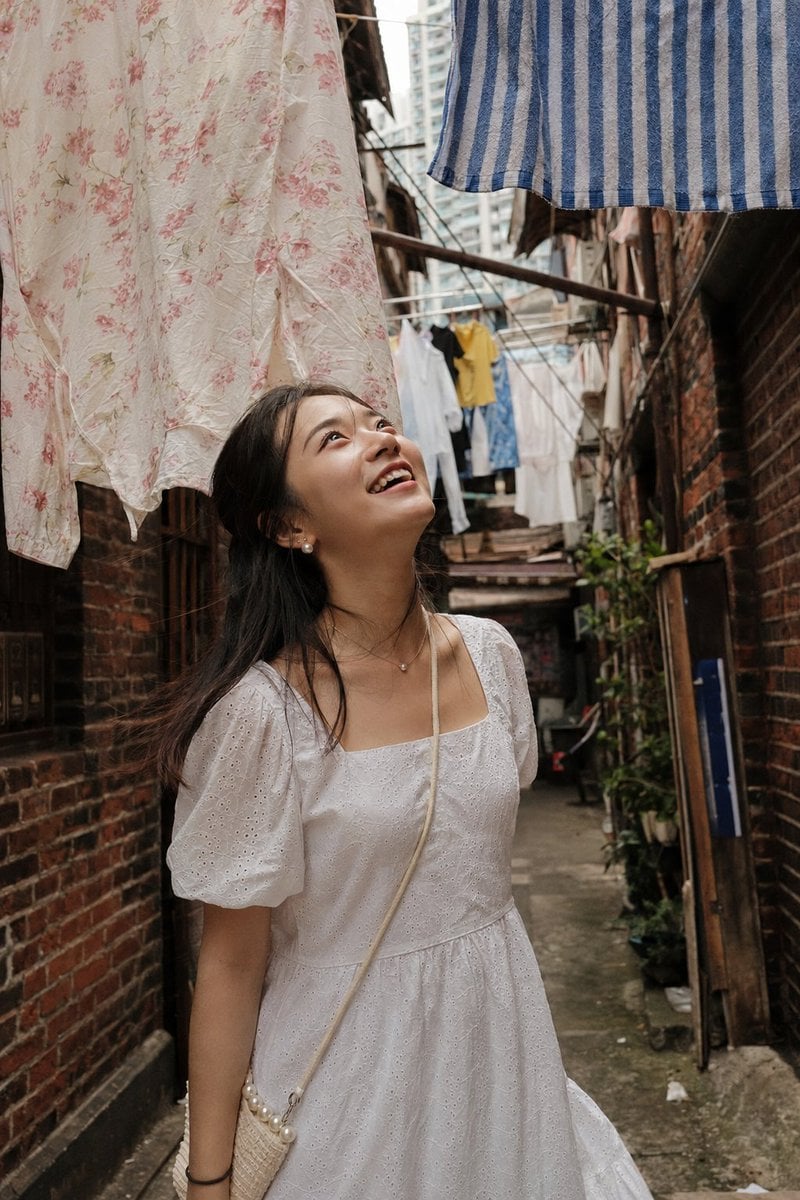
Shanghai Alley Candid Street Photography
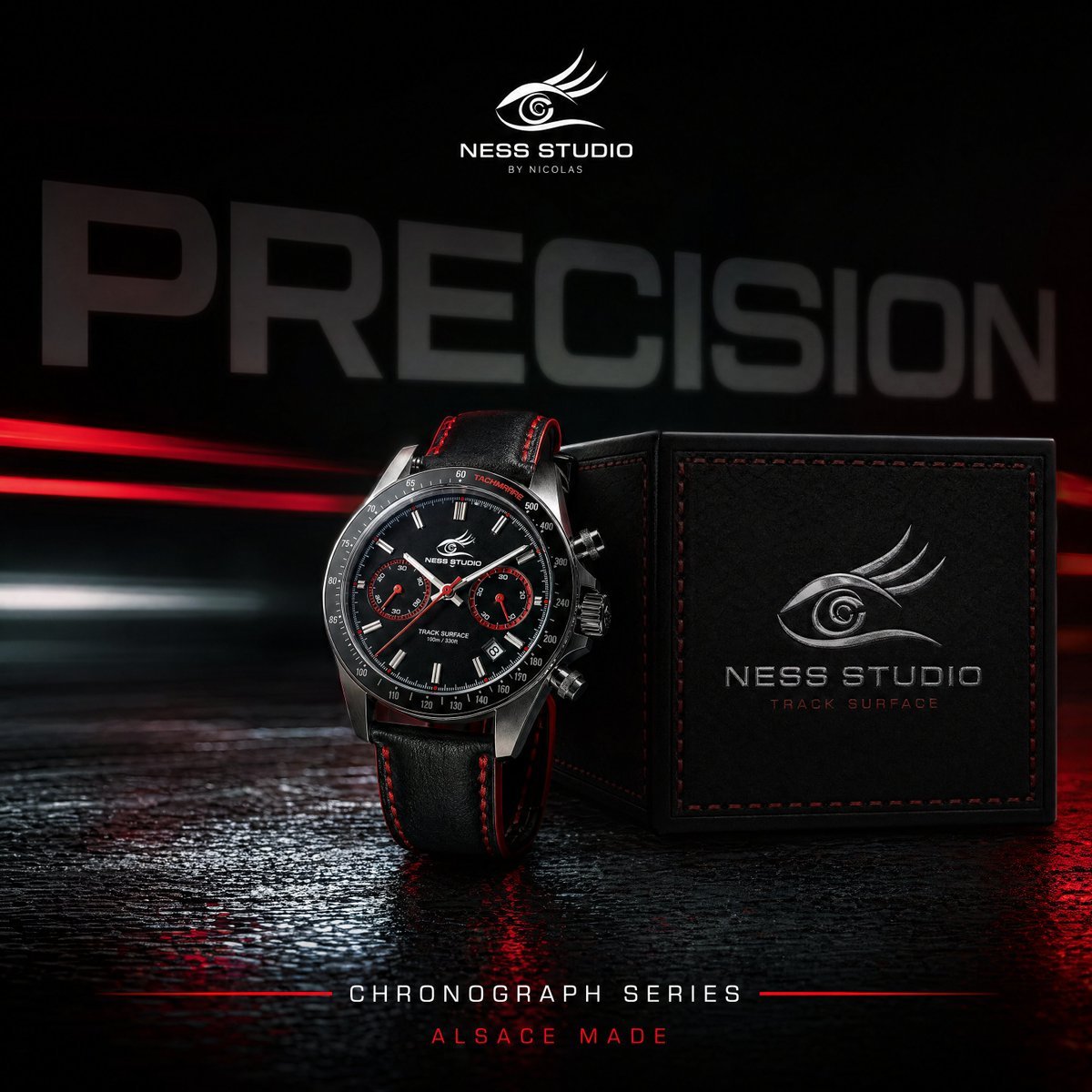
Gpt2 Product Marketing Luxury Chronograph Watch Ad
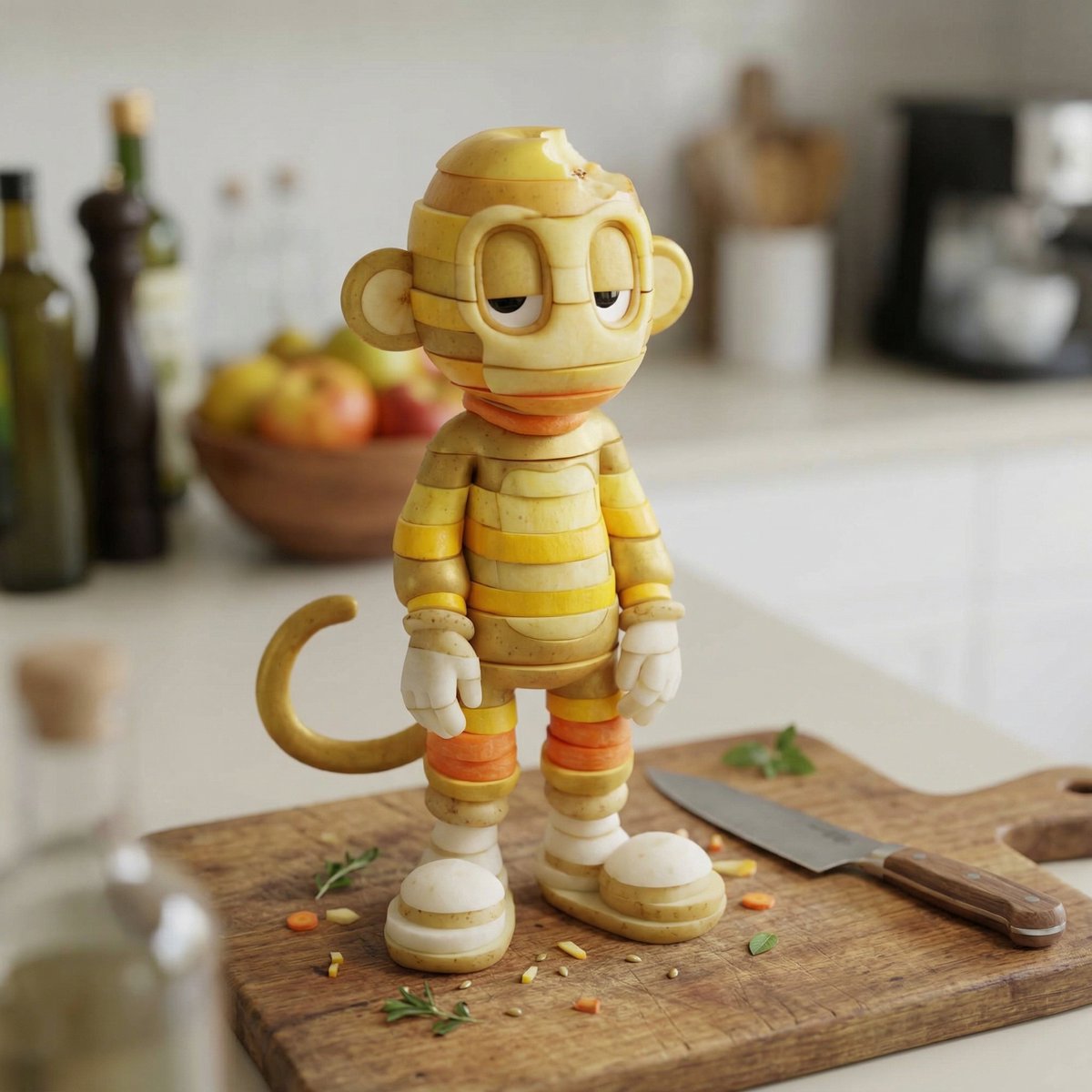
Character Rebuilt from Sliced Fruits and Vegetables
Epic Figurative Art Prompt for 'Kanji of the Year'
Browse template categories
newspaper questions
How do I use the newspaper template?
Add your photo if the template asks for one, edit the prompt if you like — the template's model and format are already selected — and press Generate. Your version opens in PicX Studio.
Can I customize the newspaper template?
Yes. You can change the subject, setting, lighting, mood, format, and available model controls before creating your image.
Is the newspaper template free?
Opening and editing this template is free. Generating uses credits, shown on the Generate button when you are signed in.
Which AI model should I use?
Choose a compatible model in PicX Studio based on the style, speed, and output controls your project needs.
Looking for something else? Browse all templates.

Your photo, any look
Thousands of ready templates for every top image and video model, from one credit balance.