
Epic Figurative Art Prompt for 'Kanji of the Year'
A highly detailed, multi-section prompt template designed for Nano Banana Pro to analyze a user's blog or profile (via a provided URL/screenshot) and generate an 'Epic Figurative Art' image.
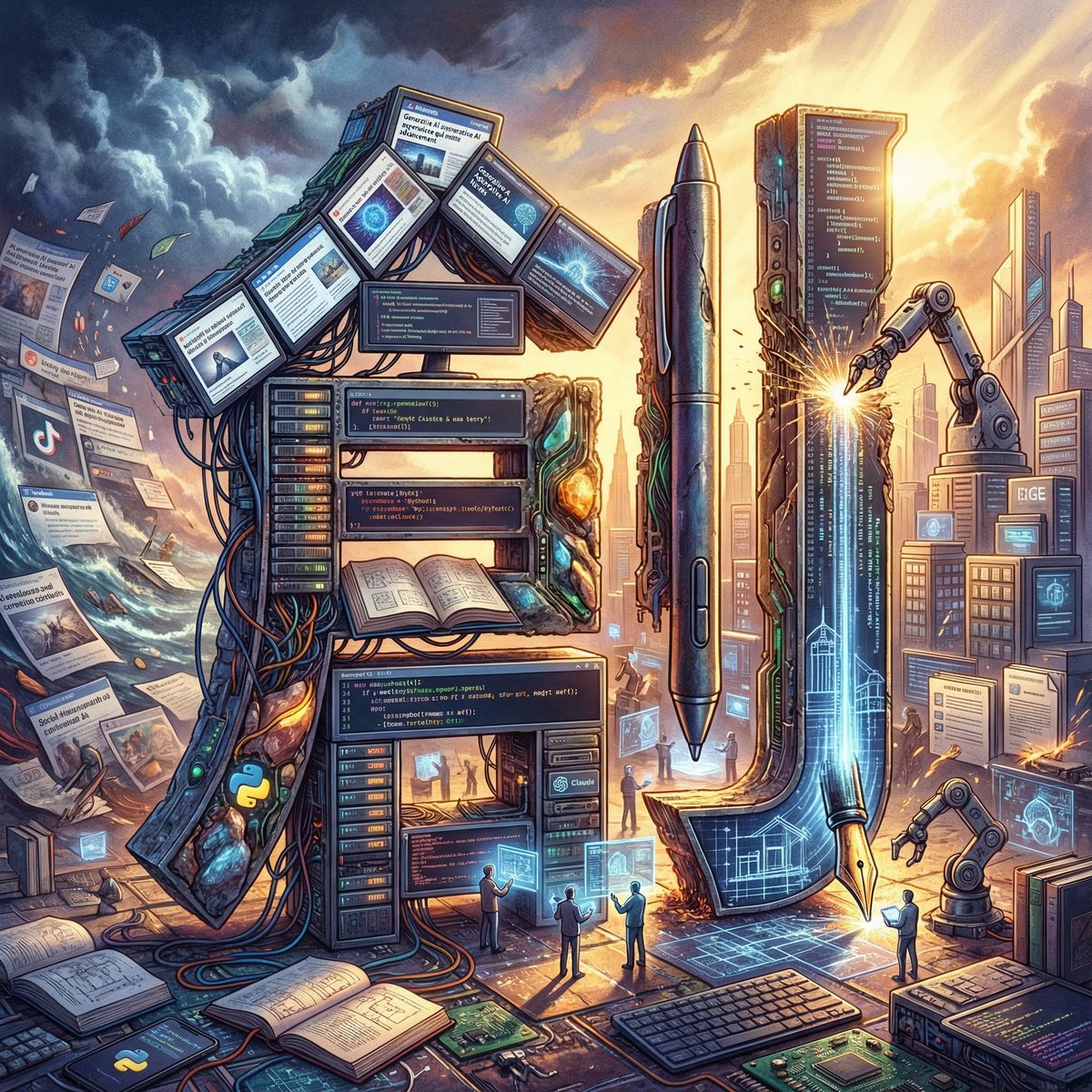
- Prompt included
- Model and format preset
- Free template
The prompt behind this image
Copy the exact prompt behind Epic Figurative Art Prompt for 'Kanji of the Year', or open it in the studio and make it yours.
GENERAL STYLE & MOOD: "Epic Figurative Art." Analyze the home screen presented by the user (articles, headlines, apps used, notifications, colors) across multiple layers, condensing an entire year's "every element" into a single still image. A fusion of philosophical, weighty realism and surreal design. TASK & ANALYSIS: 1. Comprehensively scan the text information within the provided home screen and extract frequently occurring vocabulary, interests, emotional ups and downs, and fragments of daily life. 2. Integrate these "elements of the entire year" and select a single ultimate "kanji character" that symbolizes the user's journey. 3. Construct the "strokes" of that kanji as a three-dimensional assemblage of the specific things analyzed (work tools, hobby fragments, motifs from articles read, etc.). SUBJECT: A single "kanji character" enshrined at the center, embodying the user's year. - This character is a "collection of micro-stories." Up close, you can see that each part of the character is formed from specific objects that colored the user's year (e.g., a motif symbolizing a particular news article, everyday tools, fragments of memory). - Perfectly maintain the character's legibility as a kanji, and give it a strong, solid skeletal structure. ENVIRONMENT & BACKGROUND (The Total Year Narrative): The background, too, should be drawn not as a mere landscape but as an epic panorama covering "every element of the year." - Composition of the background: Behind the character, the analyzed year's events spread out as a landscape, either chronologically or by theme (e.g., symbols of projects undertaken, the atmosphere of places visited, imagery of news that captivated the user). - Coherence: The central kanji becomes the core of that year's "world," with all elements of the background composed so that they either converge toward the character or overflow from it. LIGHTING & TEXTURE: - A weighty texture that evokes "layers of memory." Metal, organic matter, particles of light, and digital data mix together, with physically correct reflections and shadows. - The background's light source (dramatic backlighting or side-lighting) illuminates the character, using shadow to bring out the year's many layered elements. CONSTRAINTS: - Accurately depict the kanji's form (hooks, sweeps, stroke count) so that it reads correctly as Japanese. - While placing "elements of the year" in both the background and the character, keep the whole frame from becoming cluttered — maintain harmony as a single work of art. - 4K high resolution. Completely eliminate meaningless symbols, garbled text, or broken forms. Input information [[ {argument name="input information" default="URL of your own home screen from the article, here"} ]]
How to use Epic Figurative Art Prompt for 'Kanji of the Year' in 3 steps
- 1
Open
The prompt is already in the box next to the preview, with the template's model and format selected.
- 2…a portrait of your subject in softgolden-hour light, 85mm…
Personalize
Edit the subject and creative details for your destination.
- 3Generate
Generate
Press Generate — your image is created in PicX Studio, so you can compare it with the original and refine one variable at a time.
More like this
Templates with the same subject, style or setup. Open one to see its prompt.
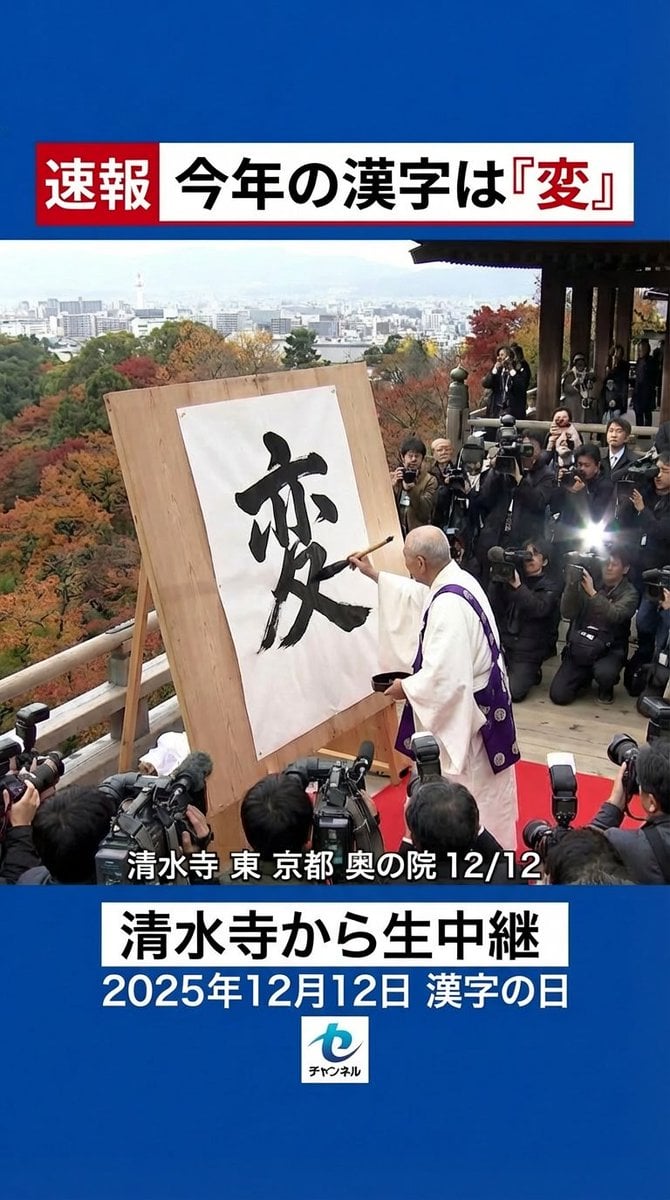
Nano Banana Pro 'Kanji of the Year' Announcement Prompt
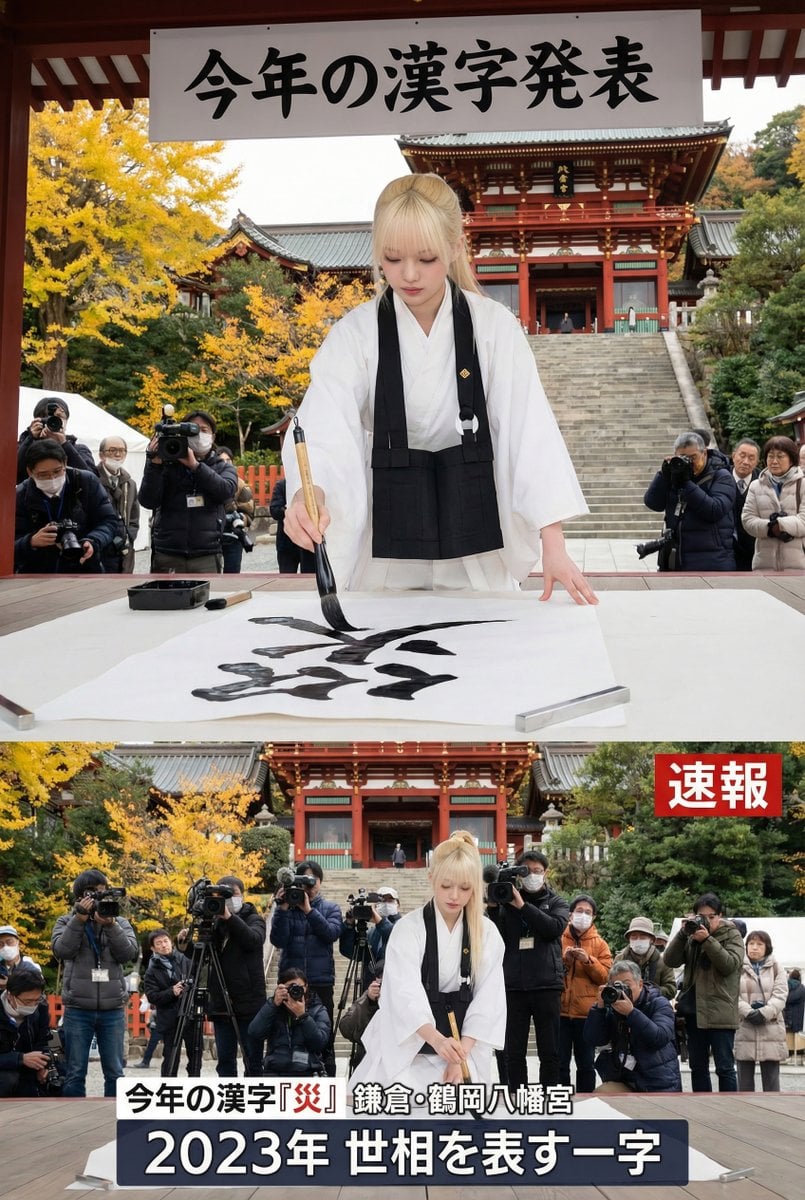
Kanji of the Year Announcement Image Prompt (Geospatial)
Seedance - Dragon vs Python Battle
Seedance - Arrow Microscopic Battle
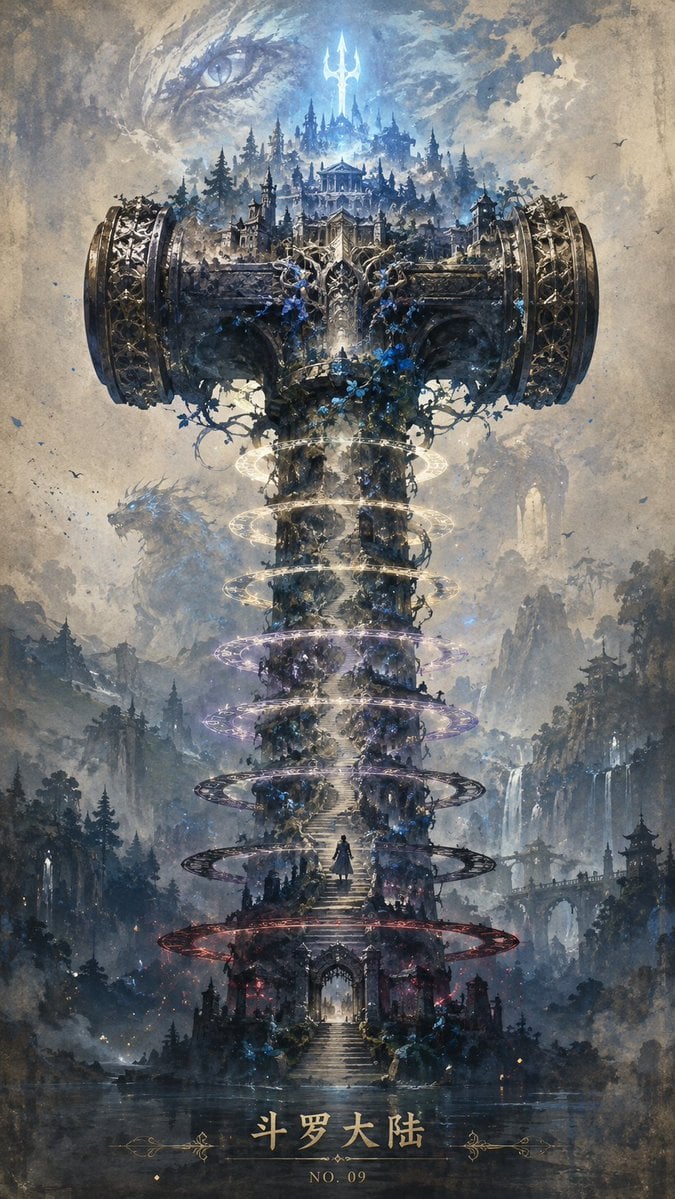
Epic Douluo Fantasy Tower Poster
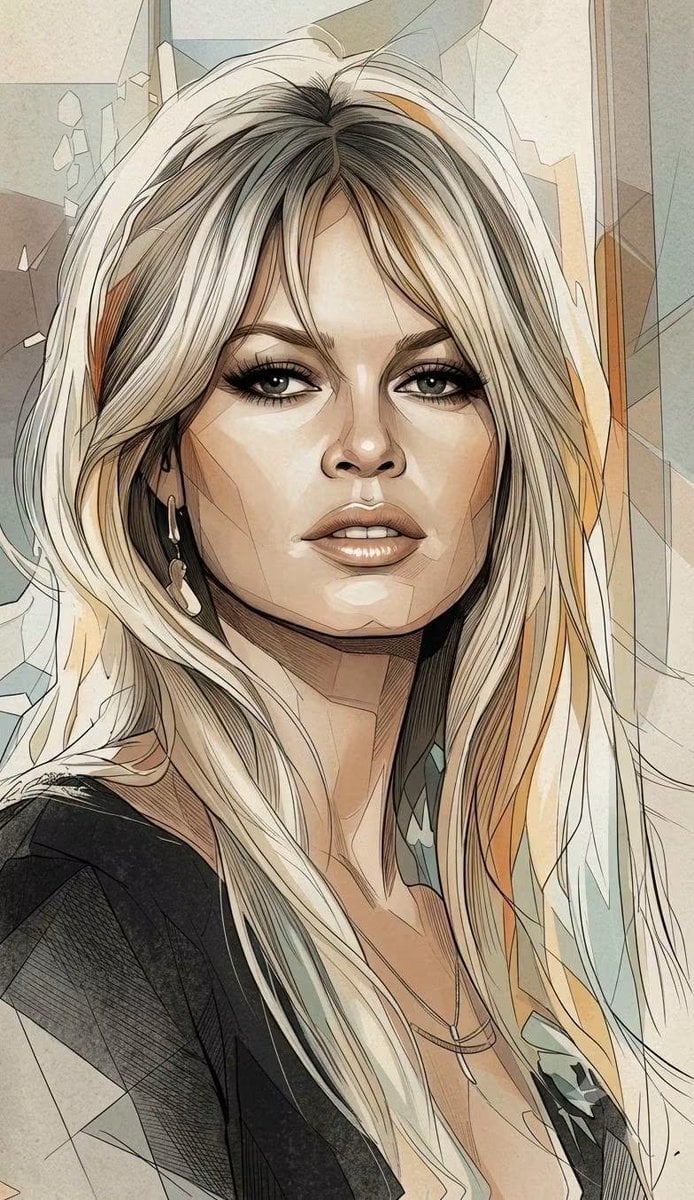
Fragmented Geometric Figurative Illustration
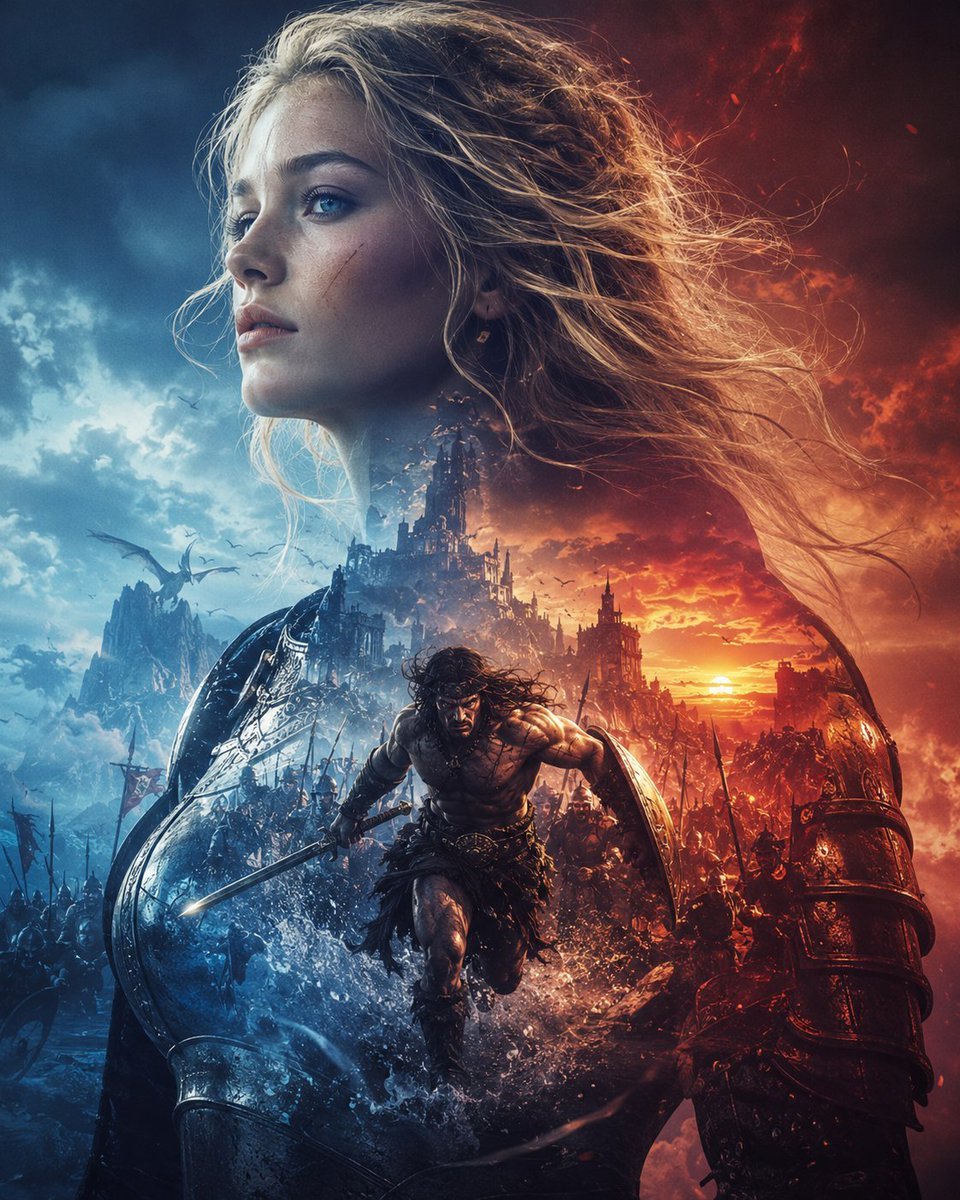
Epic Fantasy Battle Memory Poster
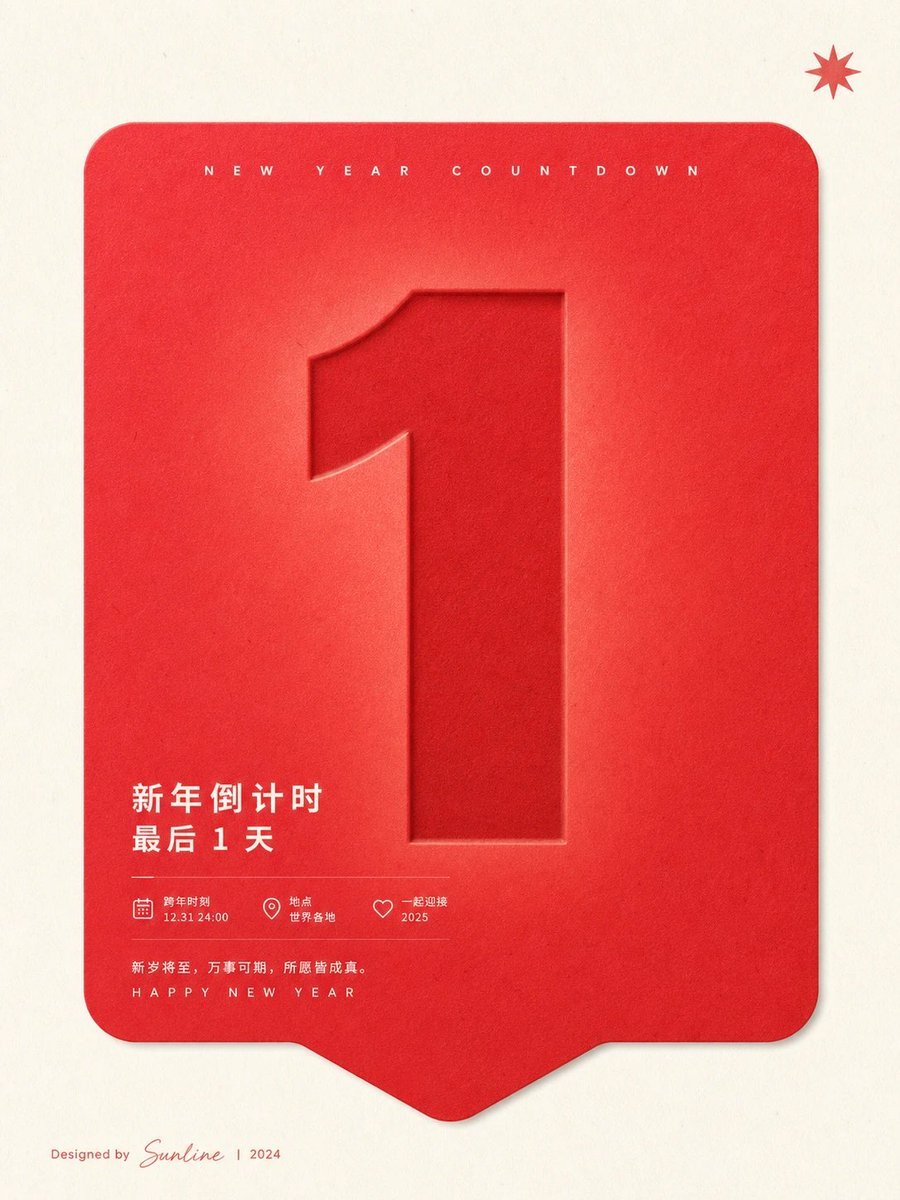
Red New Year Countdown Poster
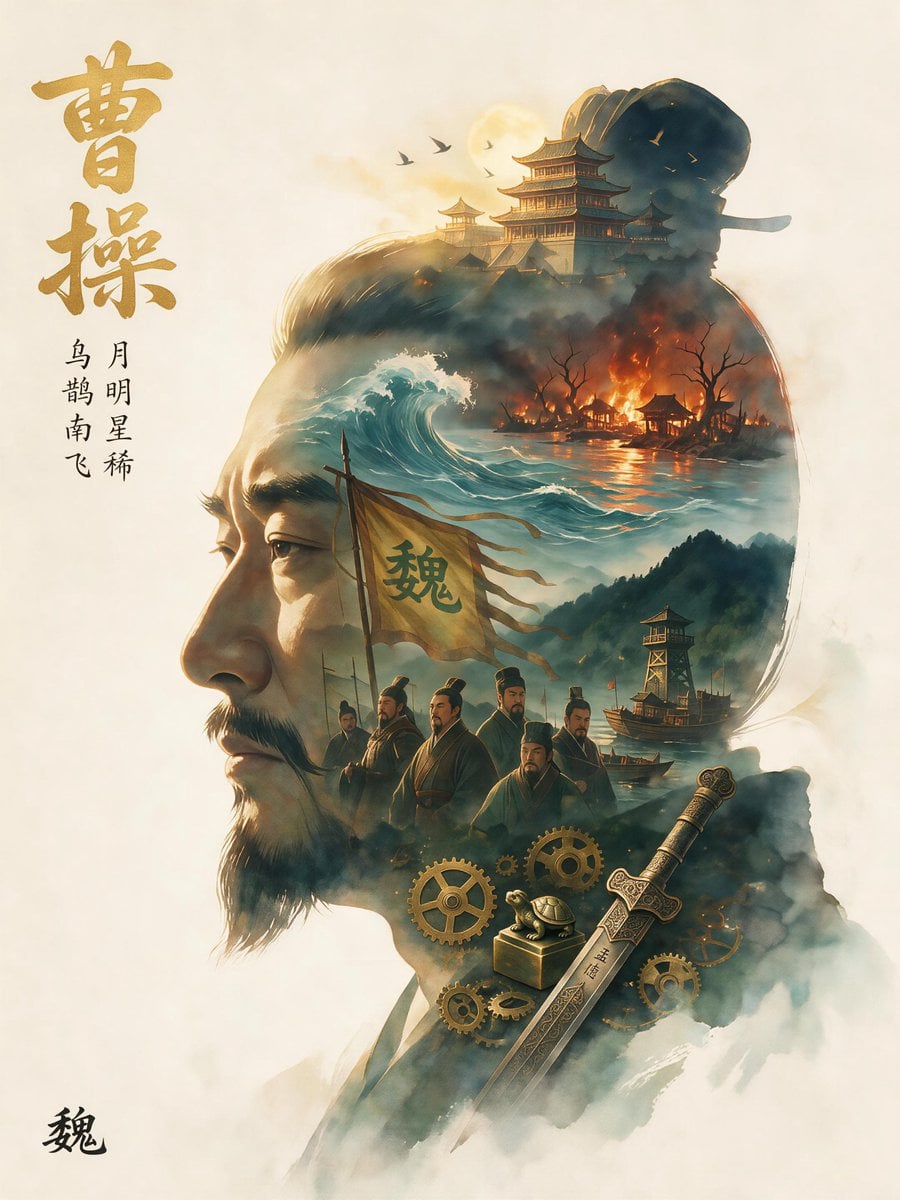
Epic Cao Cao Silhouette Poster
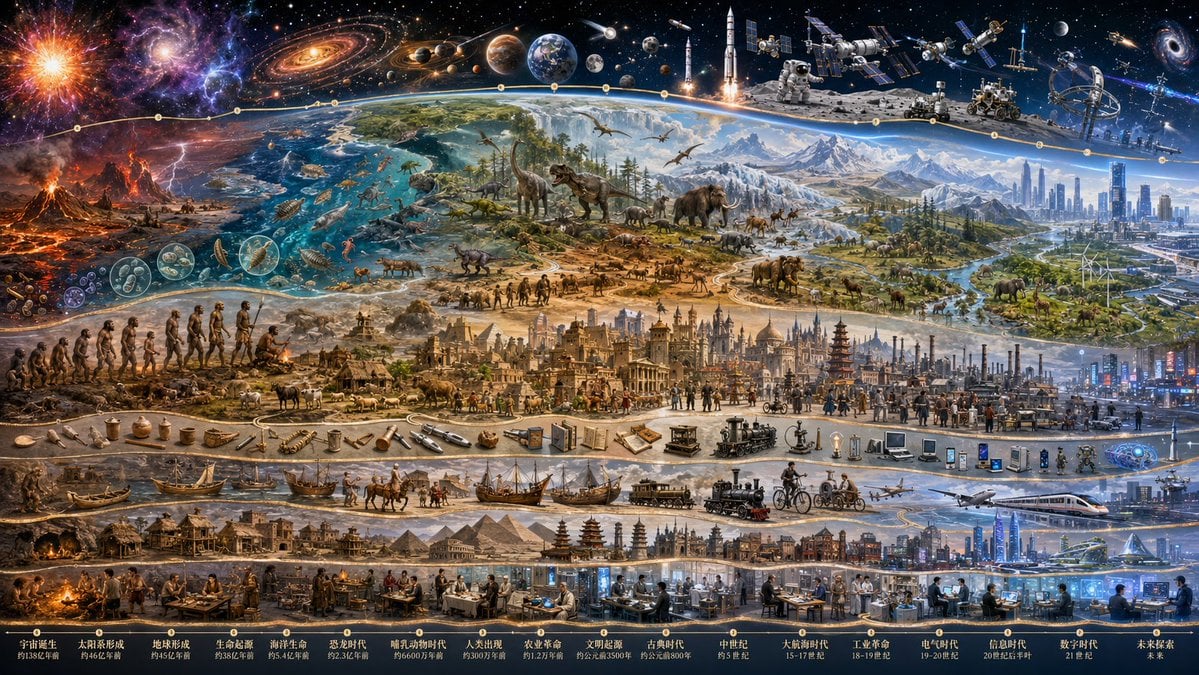
Epic Universe History Timeline Poster

Nike Dragon of the Year Campaign
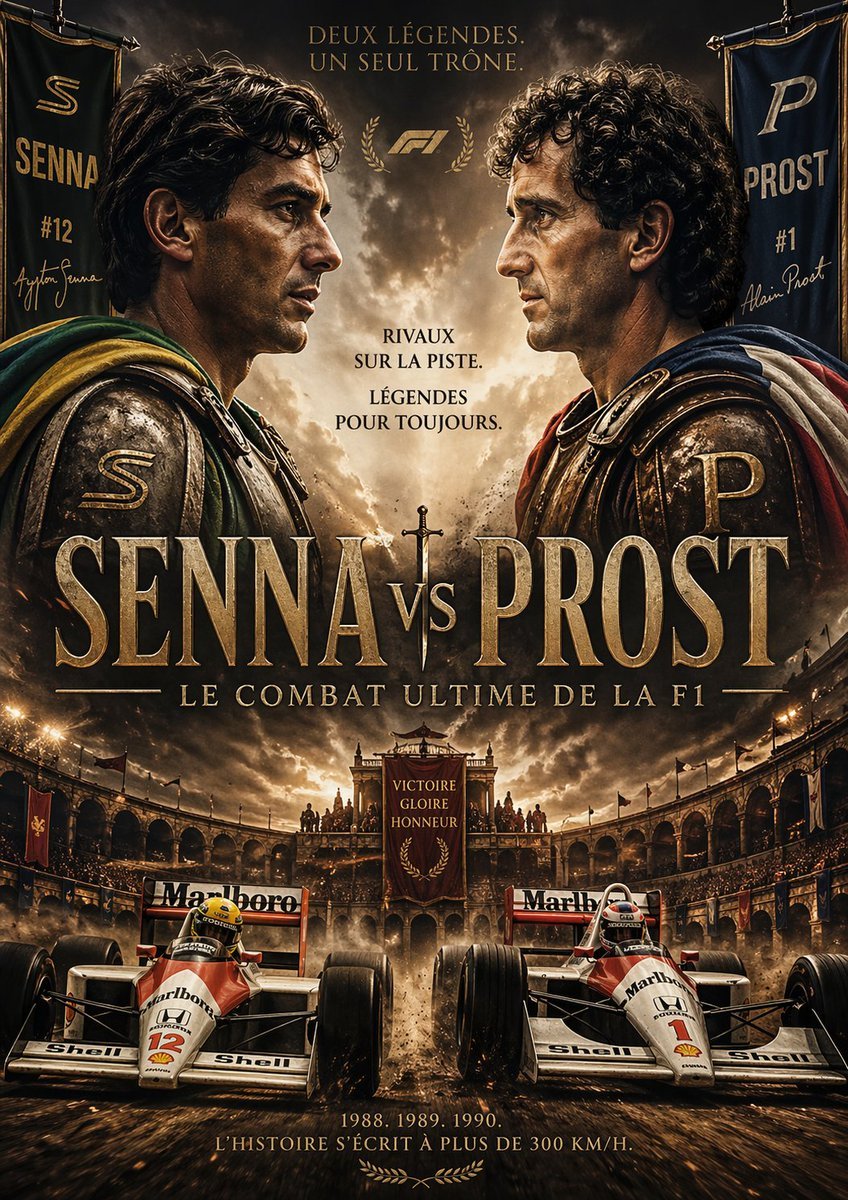
Epic Senna vs Prost Gladiator Poster
Make it yours
Epic Figurative Art Prompt for 'Kanji of the Year' works as-is. These are the safest ways to change it without losing the look.
Change one field
Copy a single group, rewrite it, and generate again so you can see what that field is doing.
Keep the frame, change the subject
Hold the composition and light of Epic Figurative Art Prompt for 'Kanji of the Year', then swap wardrobe, props or the person for a new take.
| If the result… | Why | Fix |
|---|---|---|
| The result drifts from the preview | Too many fields changed at once. | Reuse Epic Figurative Art Prompt for 'Kanji of the Year' as-is first, then change one group — subject, light, or setting. |
| The model over-stylizes the scene | The prose prompt leaves finish and camera underspecified. | Add one camera or lighting sentence and stay on Nano Banana 2. |
More Nano Banana 2 templates
Other prompts made for Nano Banana 2.

Photorealistic Leaf Shaped Like a Dragon

K-Pop Idol Portrait Grid for Rapid Selection

Poetic Rain Forest Portrait During Golden Hour

Urban Street Portrait with Cartoon Inner Self Duo

Candid Nighttime Photo with Cat Prompt

High-Concept 3D Diorama Generation Prompt

Cinematic Futuristic Studio Portrait Template

Skincare Editorial Photography Collage Prompt

Hyper-Realistic Commercial Product Photography (Splash Effect)

Hyper-Realistic Nightclub Portrait Prompt
More image prompts
Fresh picks from across the catalog.
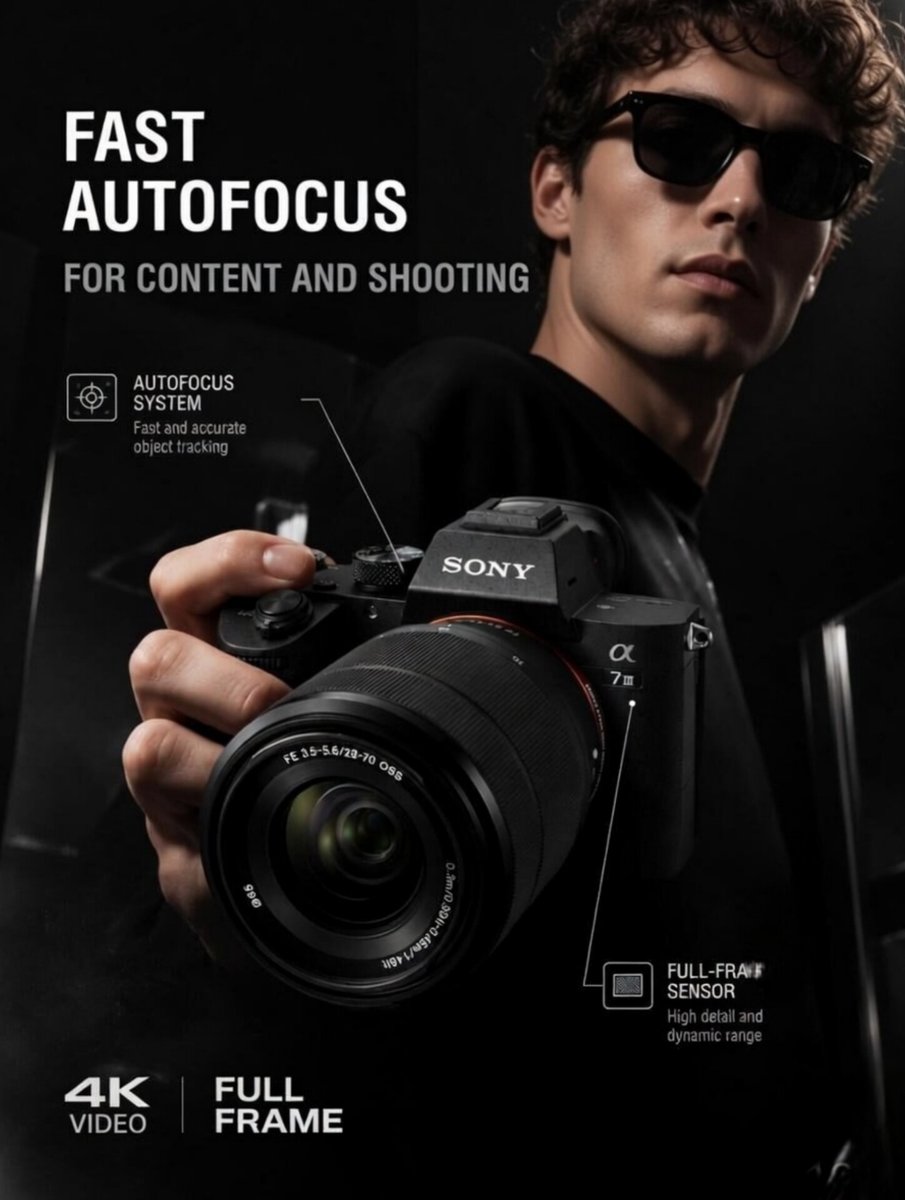
Premium Tech Product Photography
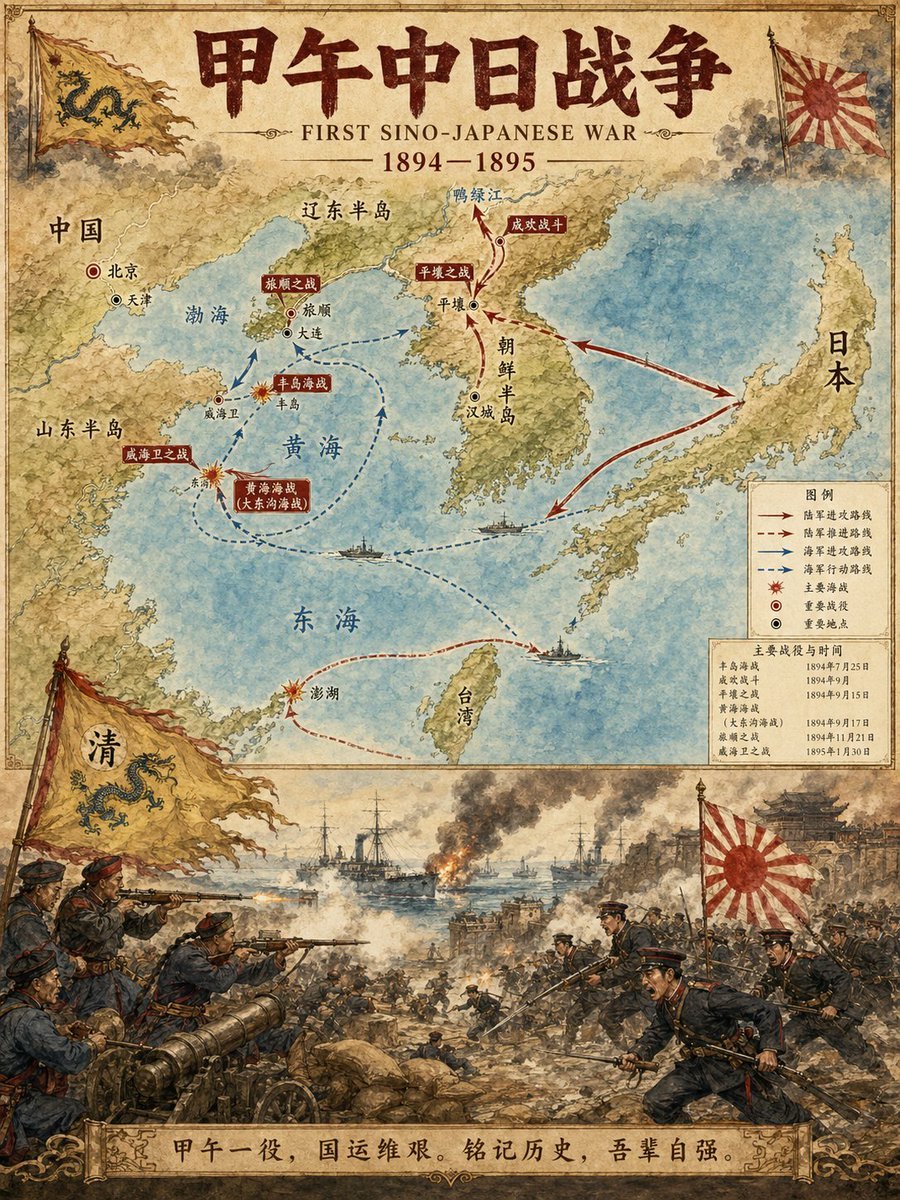
Historical Event Map Illustrator
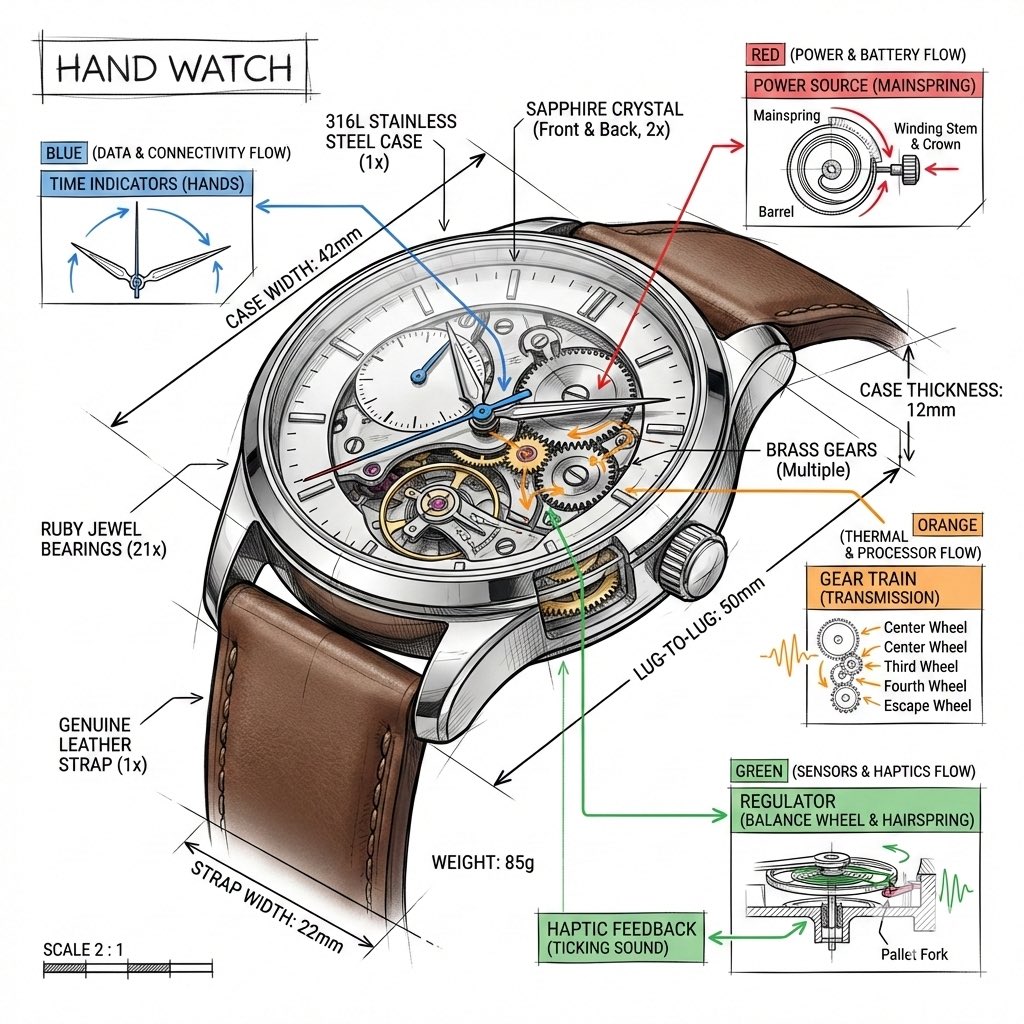
Technical Infographic Template for Objects

Gritty Neo-Noir Tactical Portrait
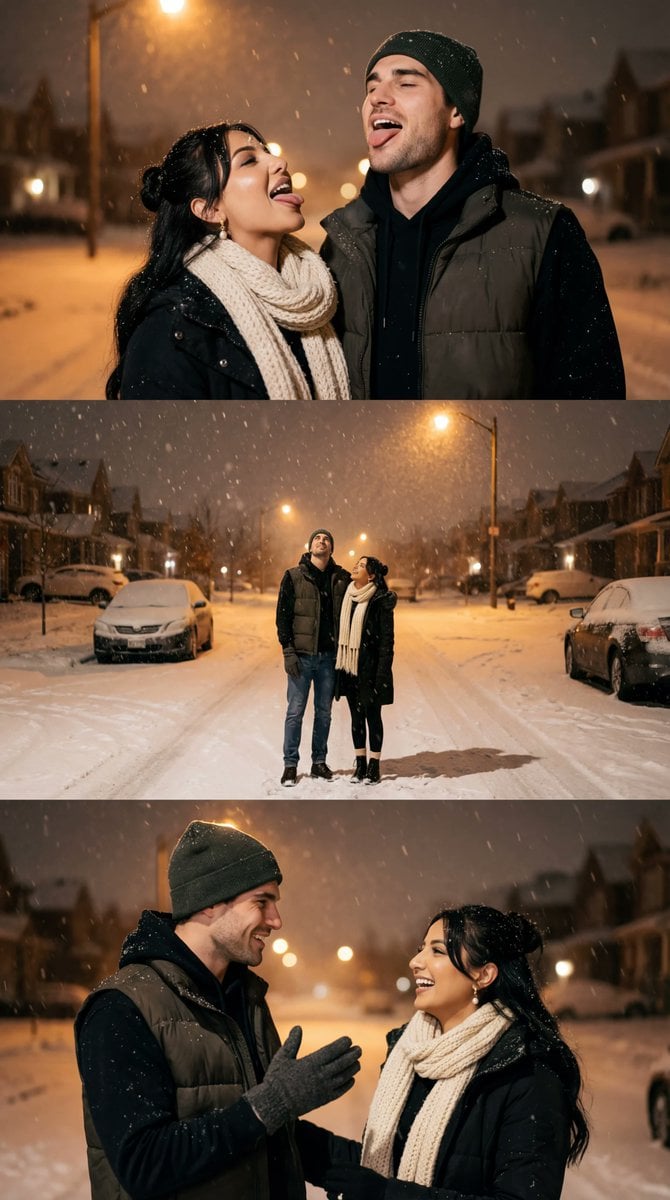
Cinematic Winter Night Couple Triptych
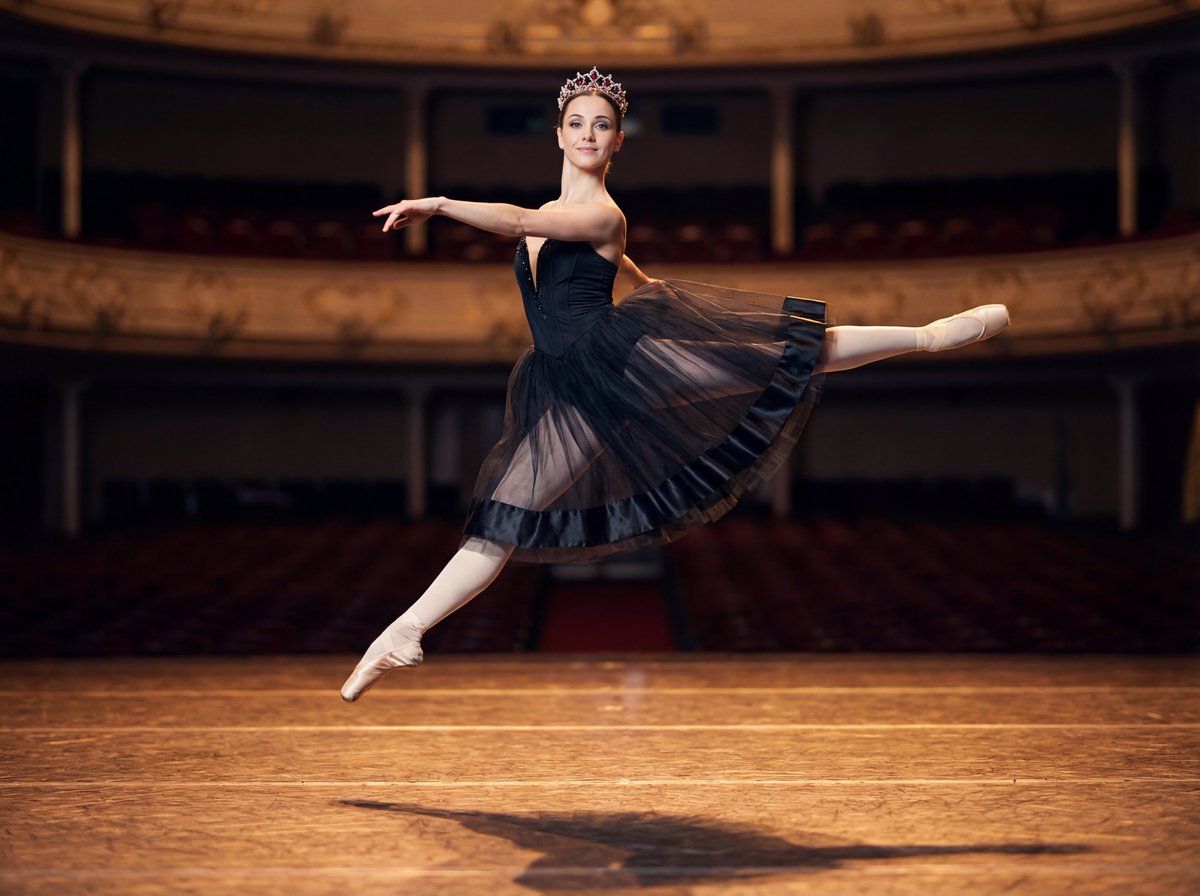
Editorial Ballet Flight Master Prompt

lza 1
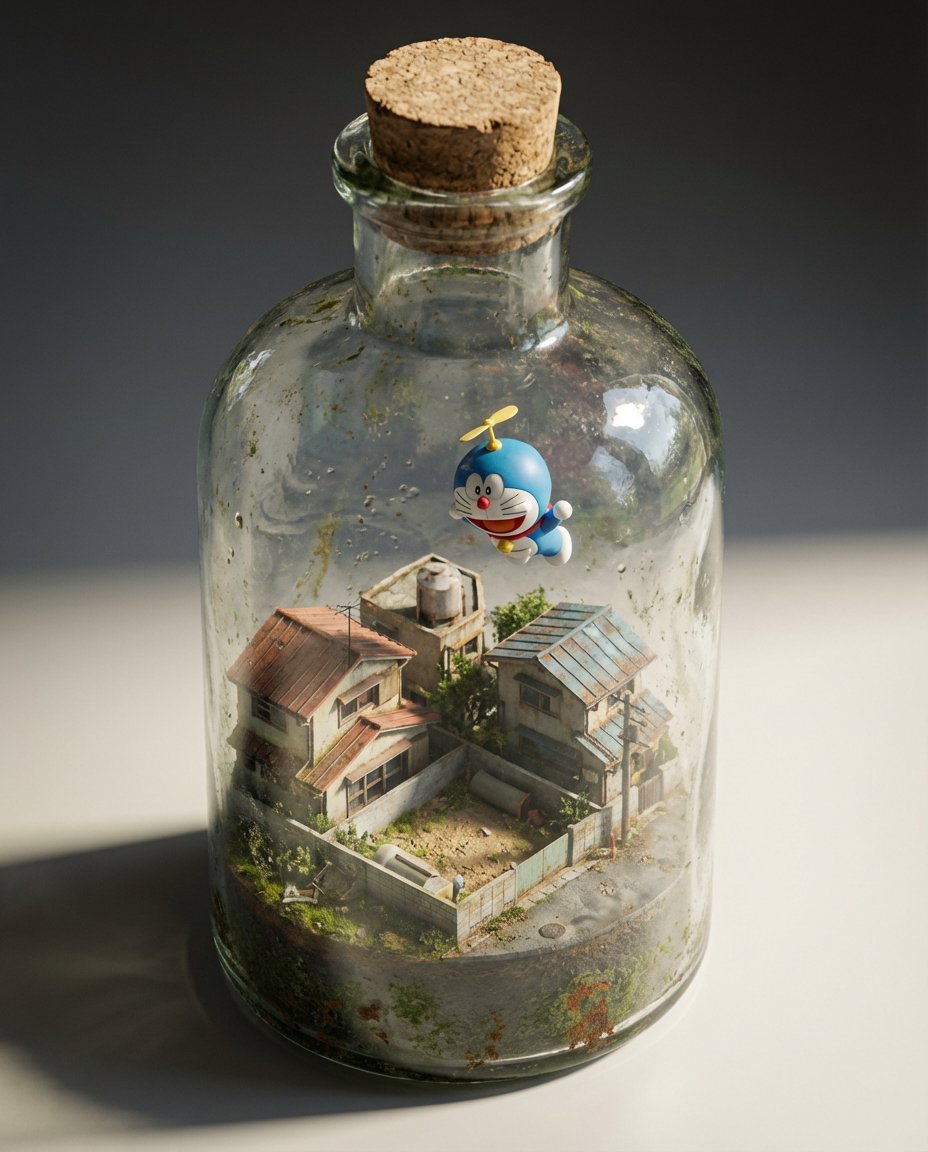
Miniature Diorama in a Glass Bottle
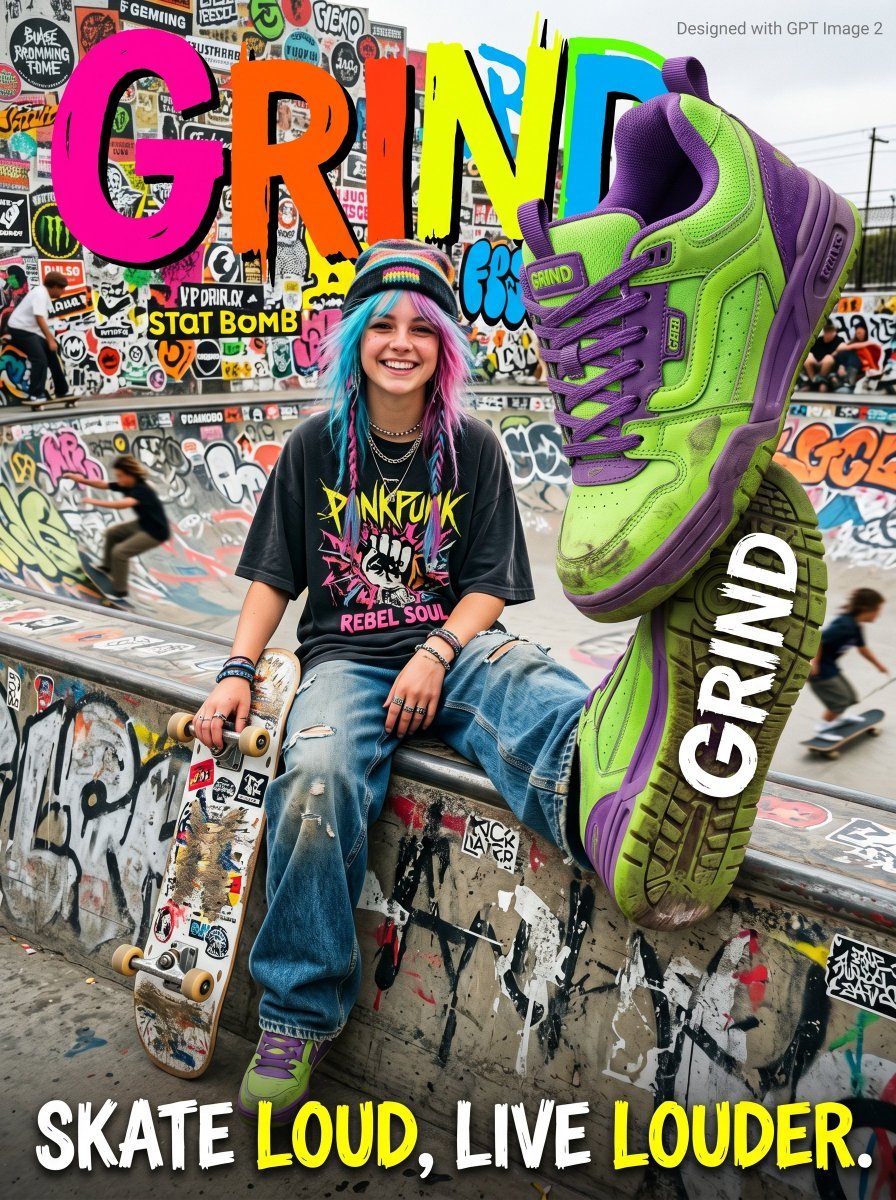
Gen Z Skateboarding Advertisement Poster
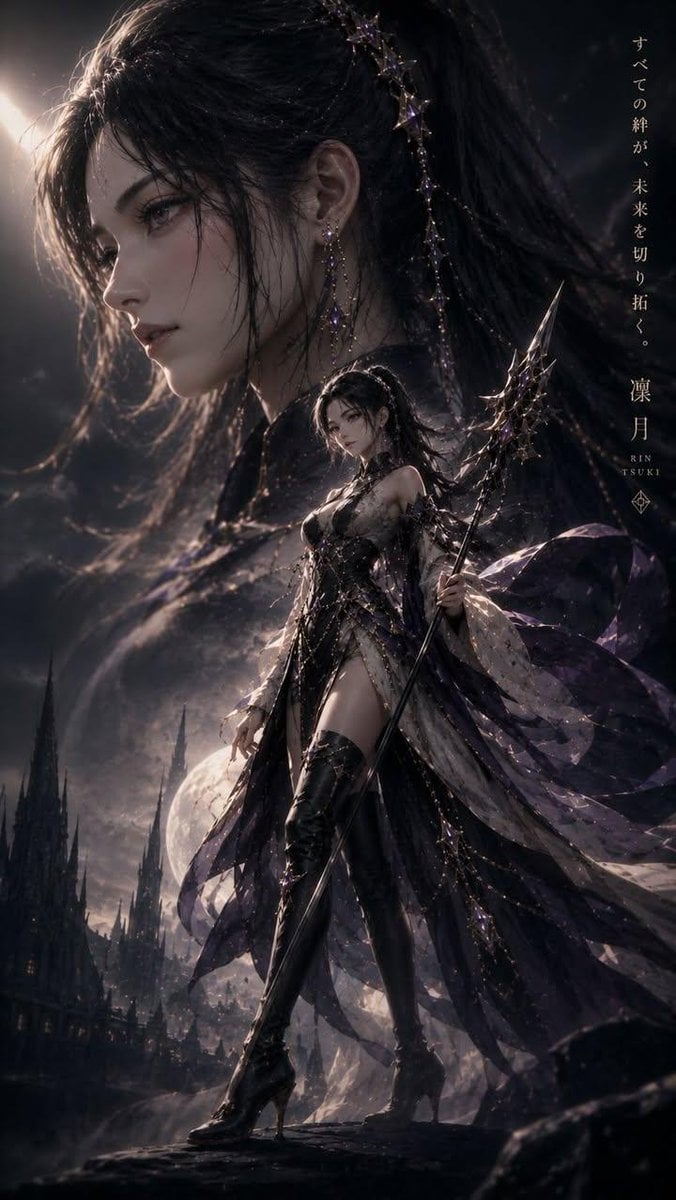
Cinematic Kodak Film Poster
Browse template categories
Epic Figurative Art Prompt for 'Kanji of the Year' questions
How do I use the Epic Figurative Art Prompt for 'Kanji of the Year' template?
Add your photo if the template asks for one, edit the prompt if you like — the template's model and format are already selected — and press Generate. Your version opens in PicX Studio.
Can I customize the Epic Figurative Art Prompt for 'Kanji of the Year' template?
Yes. You can change the subject, setting, lighting, mood, format, and available model controls before creating your image.
Is the Epic Figurative Art Prompt for 'Kanji of the Year' template free?
Opening and editing this template is free. Generating uses credits, shown on the Generate button when you are signed in.
Which AI model should I use?
Start with Nano Banana 2, which is the model associated with this template. You can compare another compatible model for a different finish.
Looking for something else? Browse all templates.

Your photo, any look
Thousands of ready templates for every top image and video model, from one credit balance.