
Historical Event Map Illustrator
A specialized prompt designed to generate professional historical infographics.
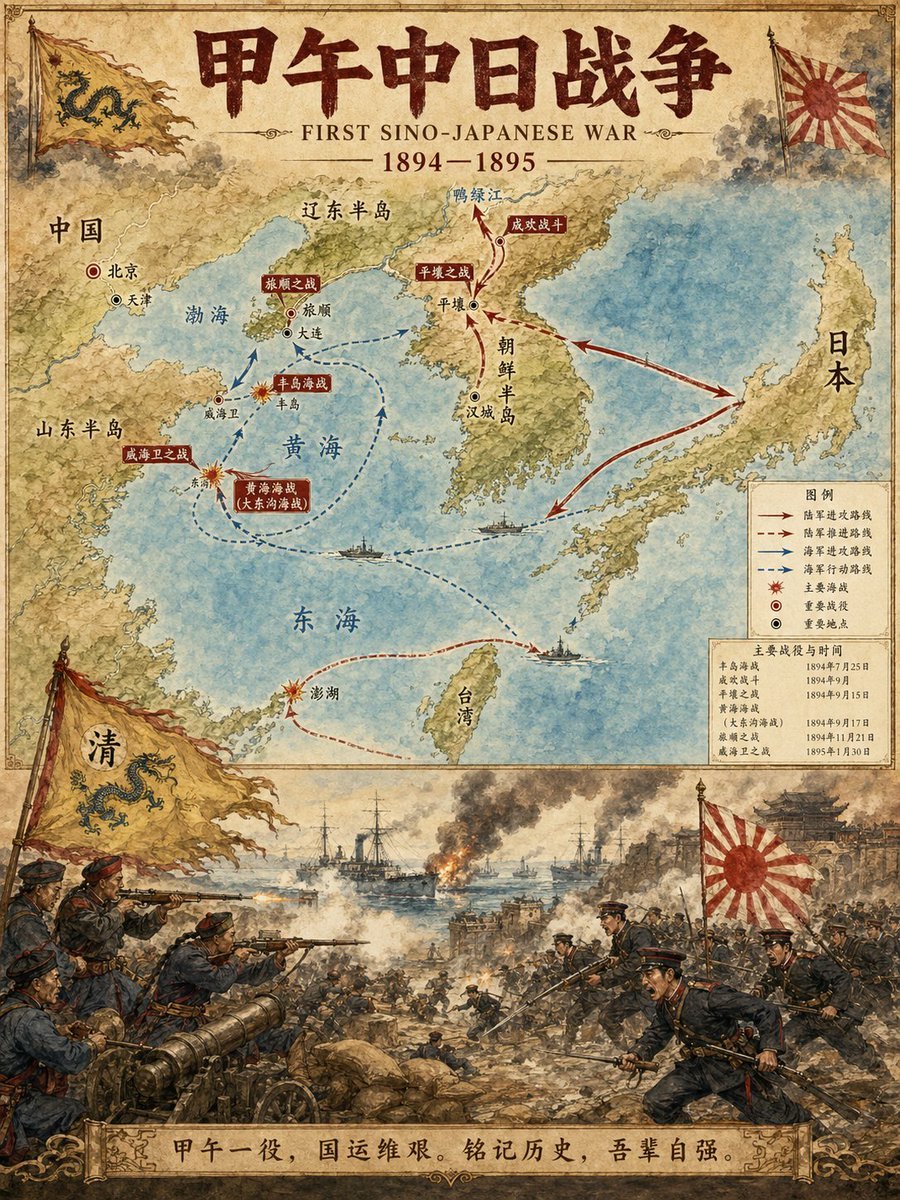
- Prompt included
- Model and format preset
- Free template
The prompt behind this image
Copy the exact prompt behind Historical Event Map Illustrator, or open it in the studio and make it yours.
历史事件地图插图师 您是一位专业的历史信息图表设计师。根据用户指定的【主题】历史内容,生成一个纵向的、两部分的地图和场景插图,匹配参考图像的水彩/插图风格。 布局结构: 1. 上半部分: 详细的地图,展示历史事件的路线、关键地点和方向箭头 清晰标注城市、地区和水体名称 标注主要战役地点和重要驿站 2. 下半部分: 生动、戏剧性的场景插图 描绘该历史事件的关键时刻(战役、行军、重大事件等) 3. 标题/标头: 粗体标题显示"{argument name="历史事件" default="甲午中日战争(大写)"}" 包含副标题和日期 视觉风格要求: 温暖的水彩插图纹理 历史细节准确 清晰的排版设计 纵向格式 4K超高清分辨率 直接图像生成 主题:{argument name="主题" default="甲午中日战争"} 比例:{argument name="比例" default="3:4"}
Reference images included
Historical Event Map Illustrator needs input media to work. They load alongside the prompt when you open it in the studio.
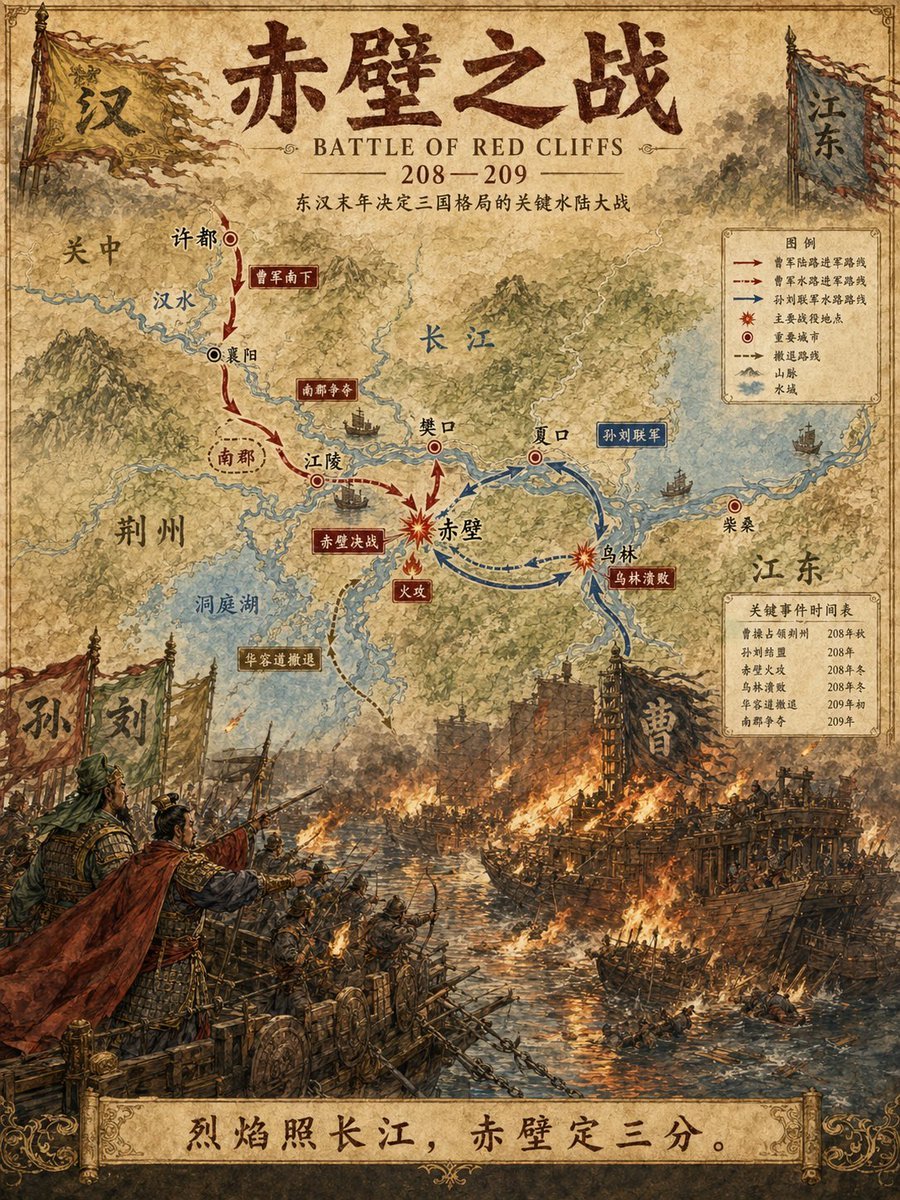
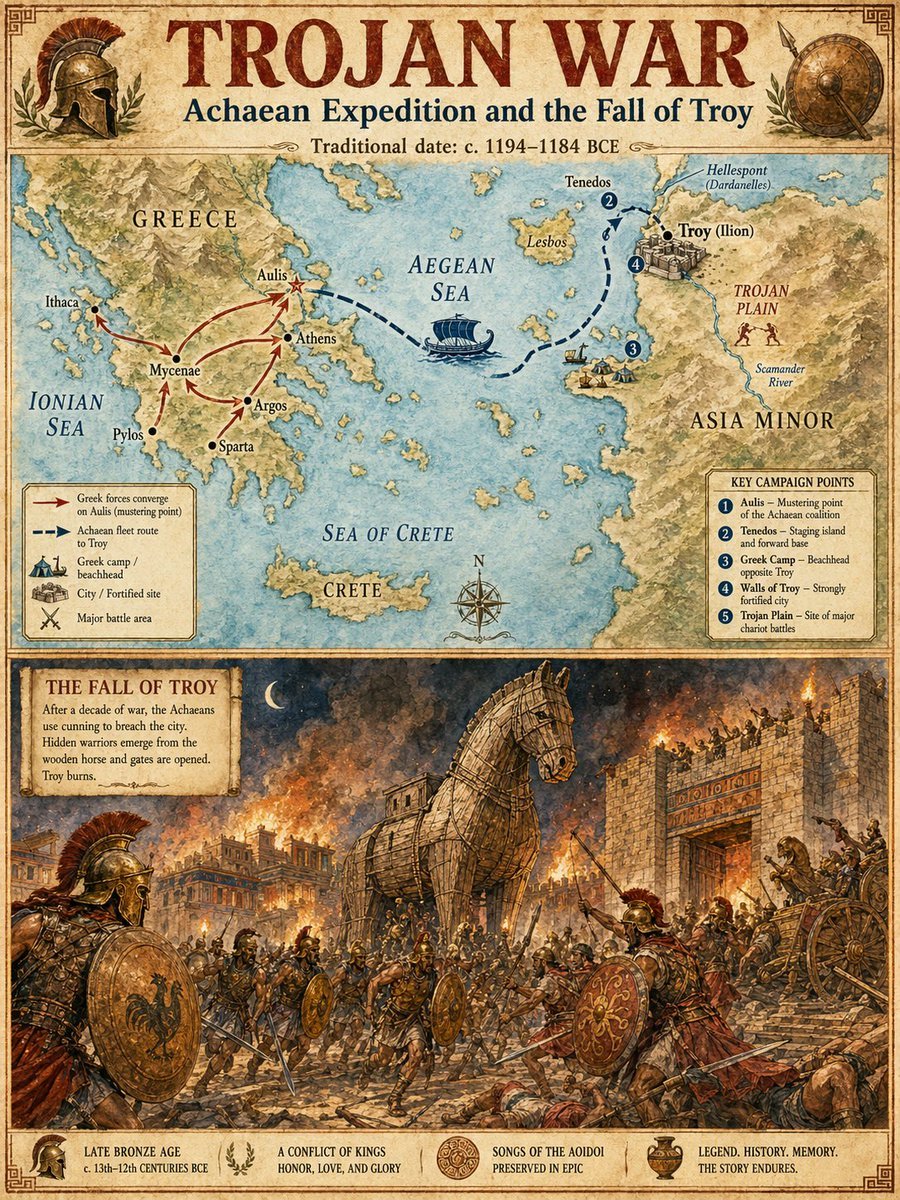
How to use Historical Event Map Illustrator in 3 steps
- 1Upload ImagePNG, JPG or paste
Add your photo
Upload the photo the template builds on. The prompt, model and format are already set.
- 2…a portrait of your subject in softgolden-hour light, 85mm…
Personalize
Edit the subject and creative details for your destination.
- 3Generate
Generate
Press Generate — your image is created in PicX Studio, so you can compare it with the original and refine one variable at a time.
More like this
Templates with the same subject, style or setup. Open one to see its prompt.
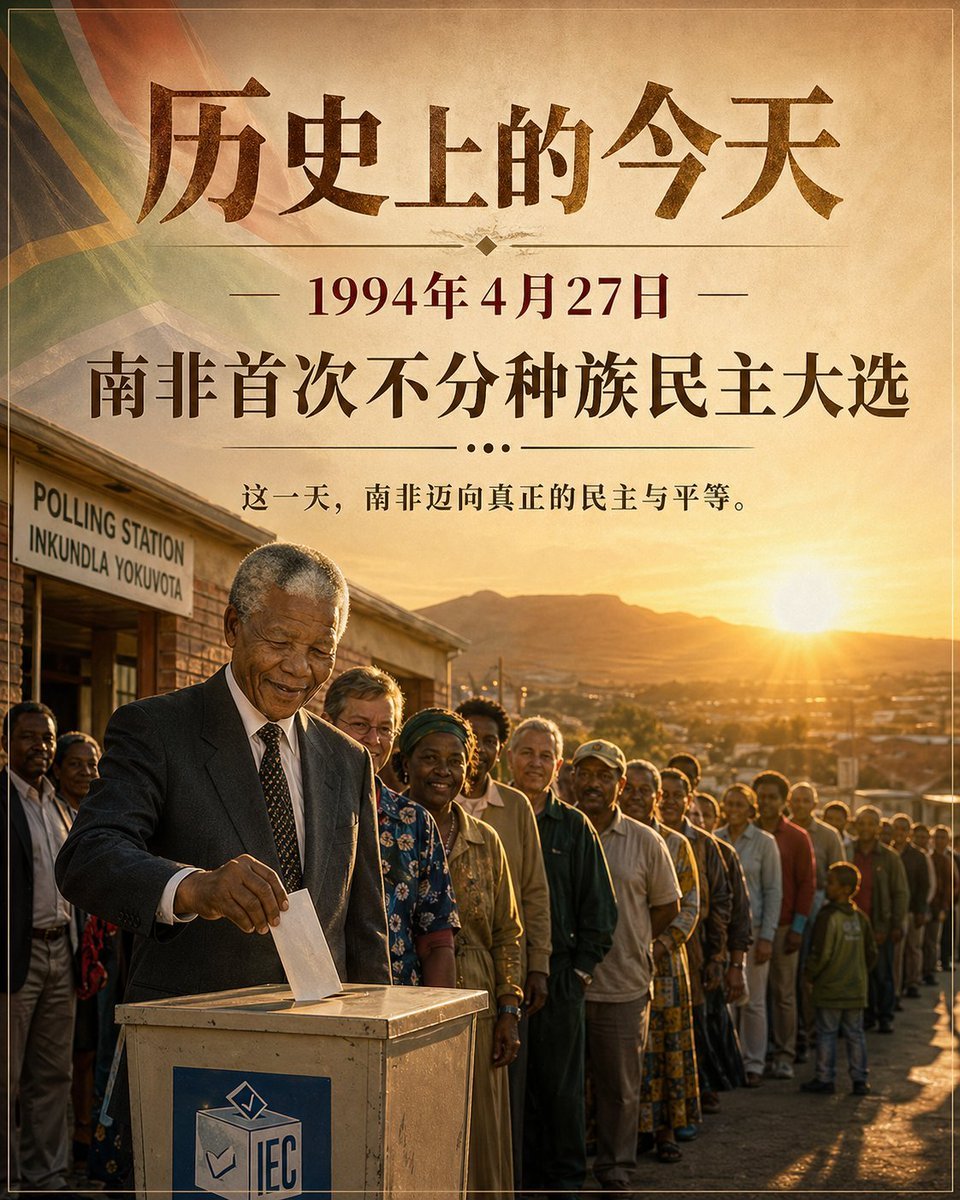
Historical Event Visualizer
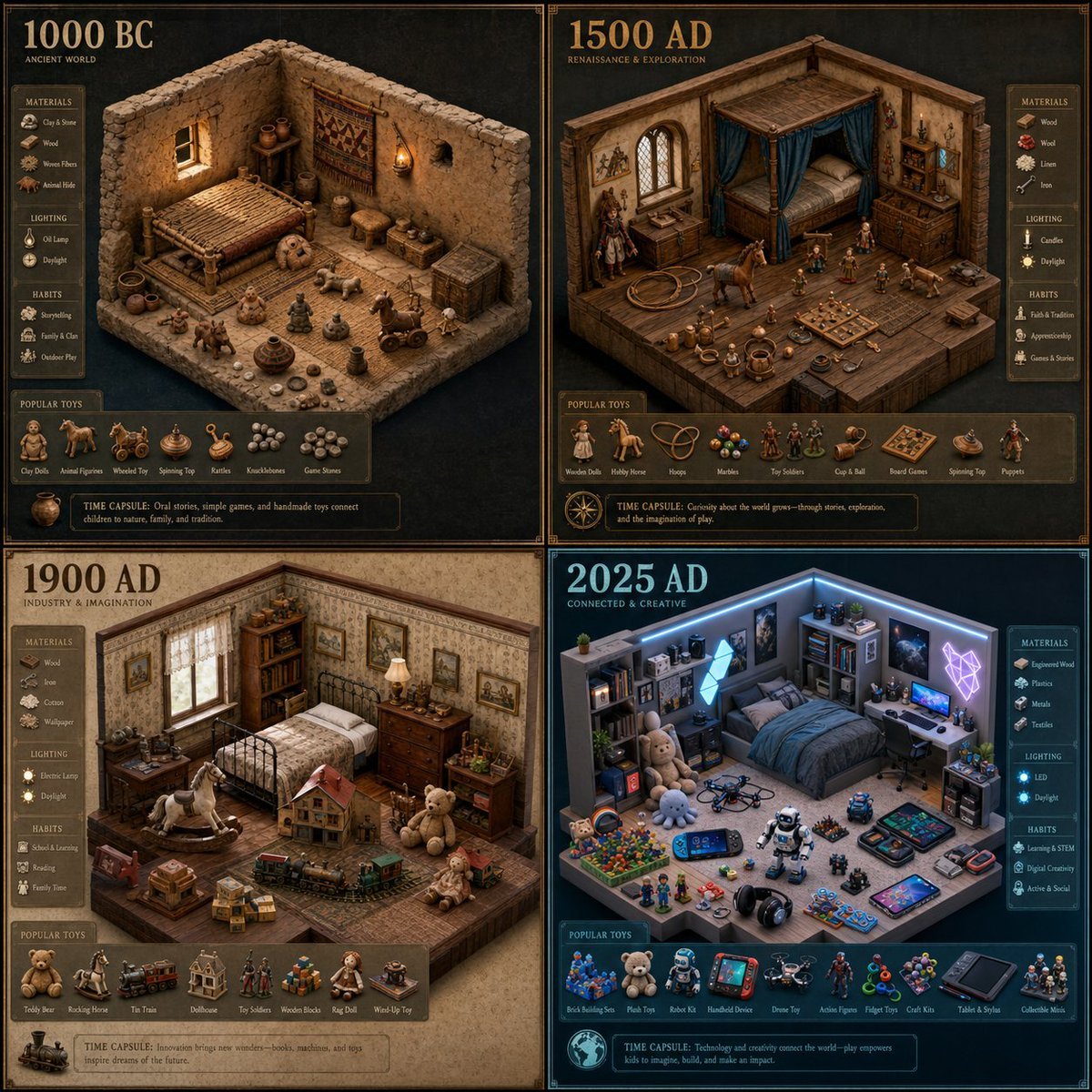
Historical Era Bedroom Interior Map
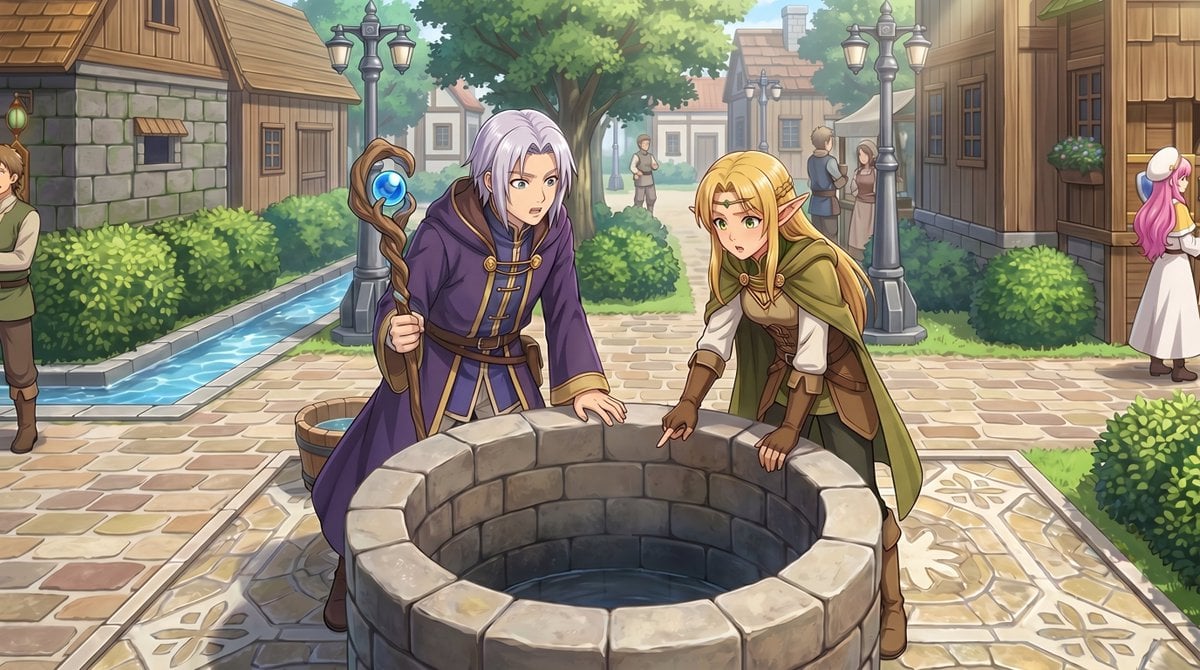
RPG Map to Anime Event Scene
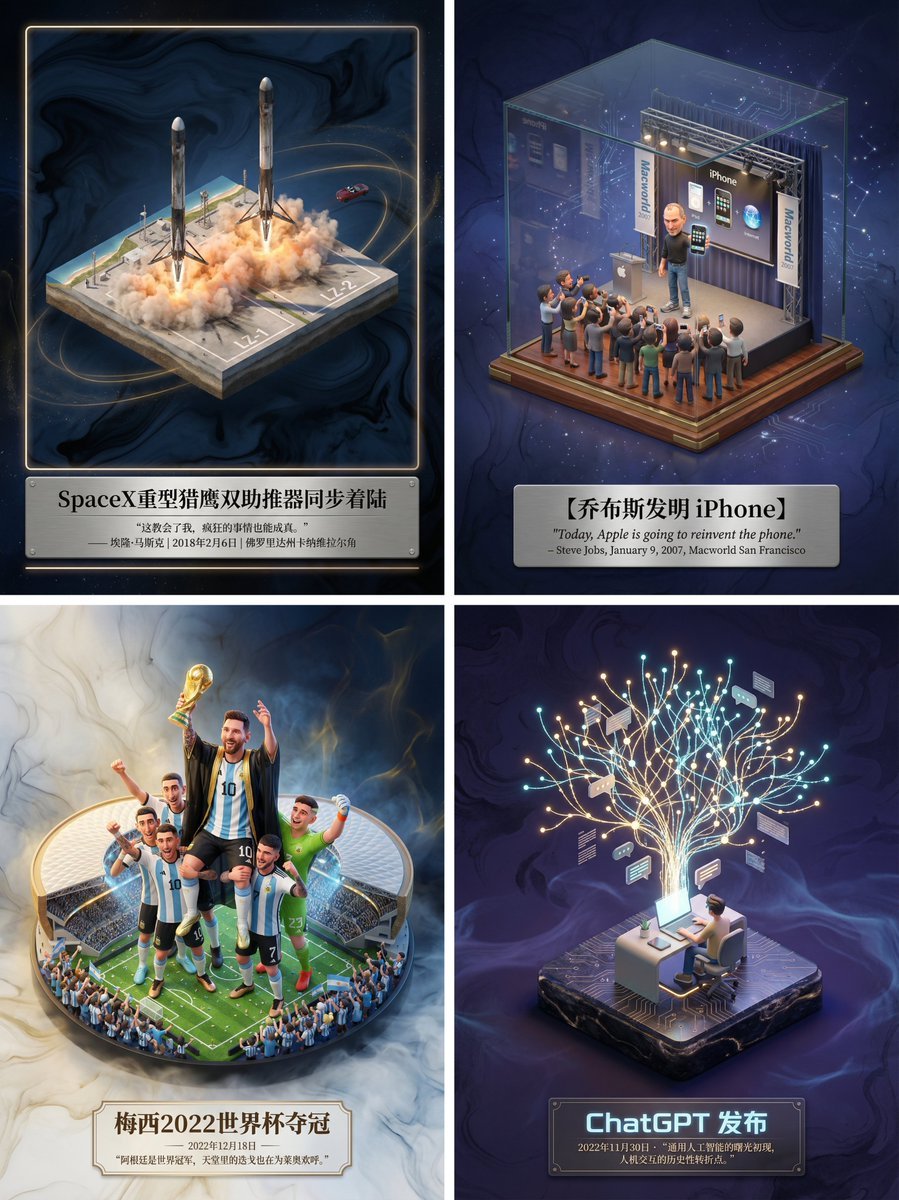
Museum-Grade 3D Diorama Poster for Historical Events
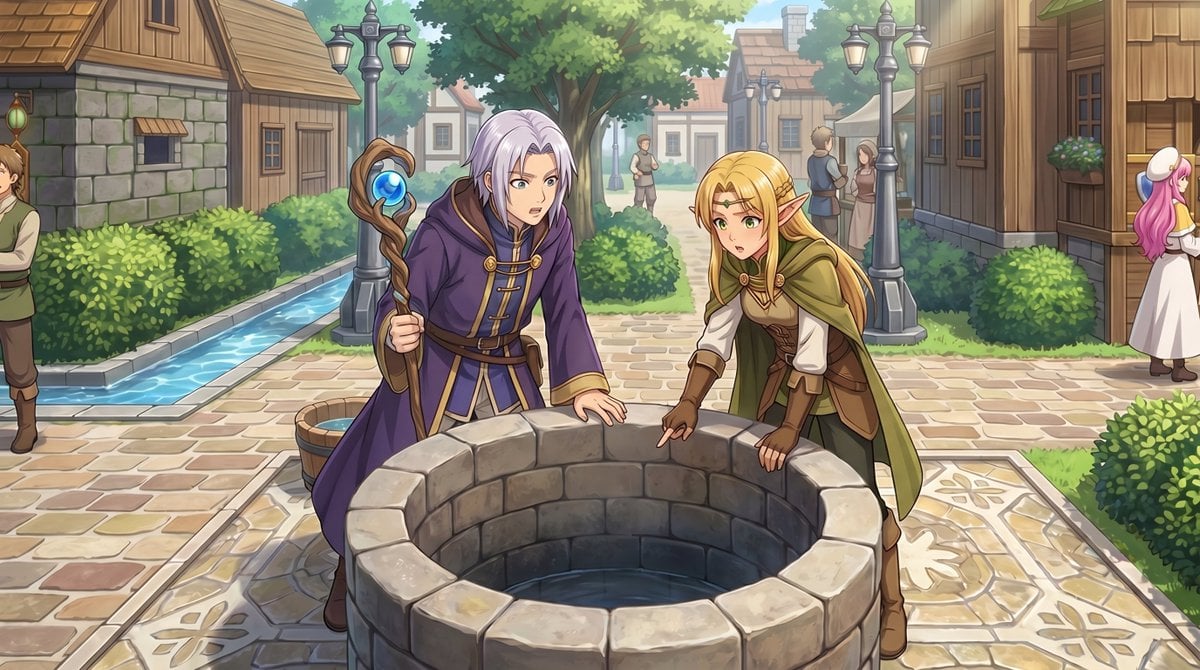
Gpt2 Comic Storyboard Rpg Map to Anime Event Scene
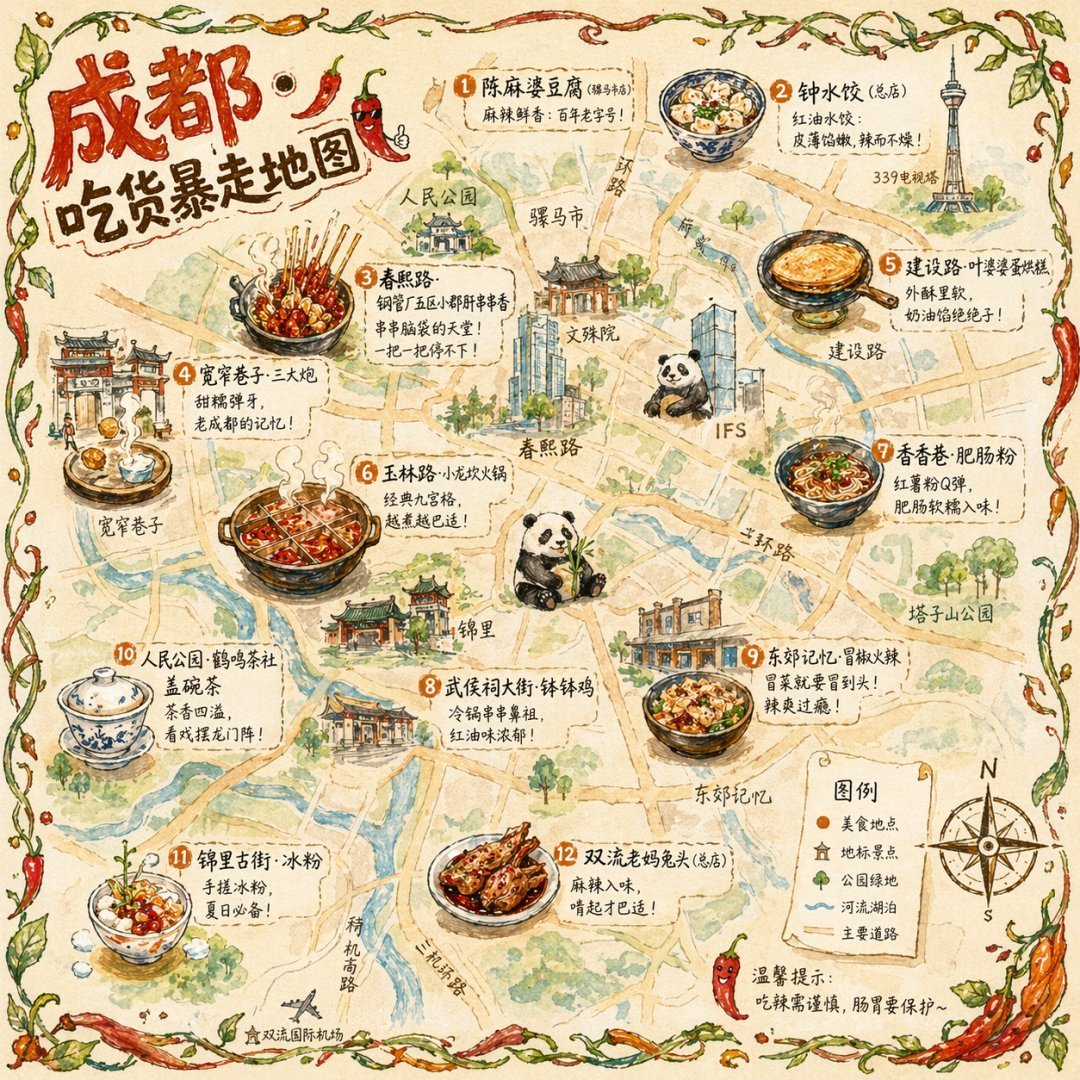
Gpt2 Illustrated City Food Map

Ancient Temple Portrait — White Dress Nano Banana

Satellite Map Medieval City
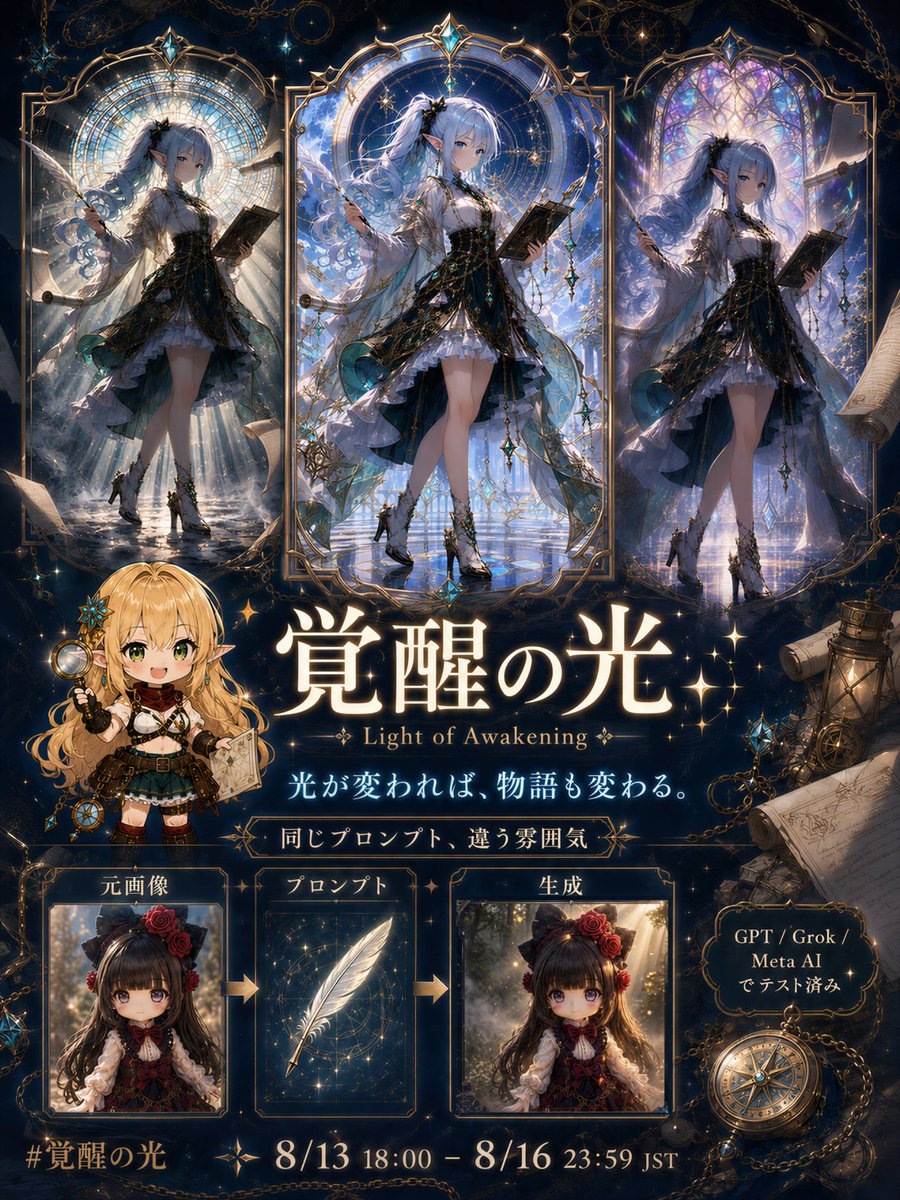
Light of Awakening Event Poster

NESCAFÉ Coffee Map Poster

Stylish Japanese Corn Event Poster

Japanese Lifestyle Work Event Poster
Make it yours
Historical Event Map Illustrator works as-is. These are the safest ways to change it without losing the look.
Change one field
Copy a single group, rewrite it, and generate again so you can see what that field is doing.
Keep the frame, change the subject
Hold the composition and light of Historical Event Map Illustrator, then swap wardrobe, props or the person for a new take.
| If the result… | Why | Fix |
|---|---|---|
| The result drifts from the preview | Too many fields changed at once. | Reuse Historical Event Map Illustrator as-is first, then change one group — subject, light, or setting. |
| The model over-stylizes the scene | The prose prompt leaves finish and camera underspecified. | Add one camera or lighting sentence and stay on GPT Image 2. |
More GPT Image 2 templates
Other prompts made for GPT Image 2.

Six VTuber Japanese Logo Sheet

Realistic Portrait of Woman and Deer

The Vista Modular Condo Poster

AI Model Routing Comparison Infographic

2.5D Anime Art Board

Isometric Productivity Desk Scene

New York Double Exposure Poster

Four-Panel AI Landscape Comparison

Japanese Tatami Lifestyle Magazine Cover

Brutalist Cogito Chinese Typography Poster
More image prompts
Fresh picks from across the catalog.

Hyper Realistic Cinematic Street
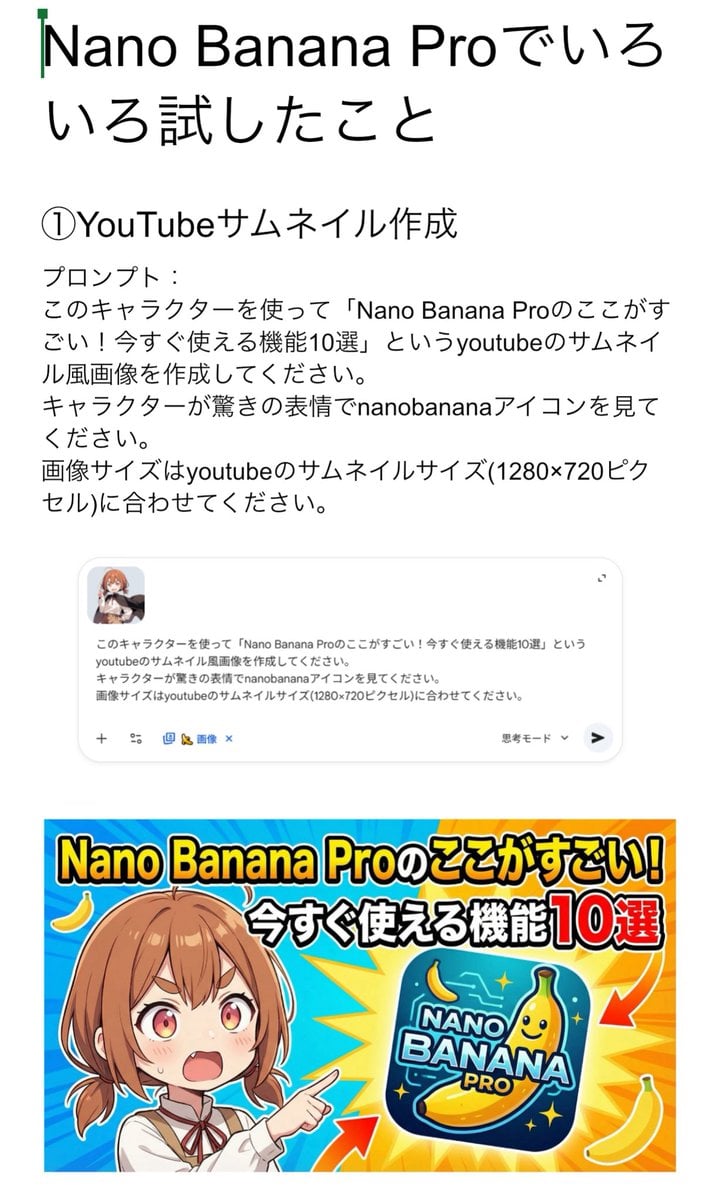
YouTube thumbnail for Nano Banana Pro features
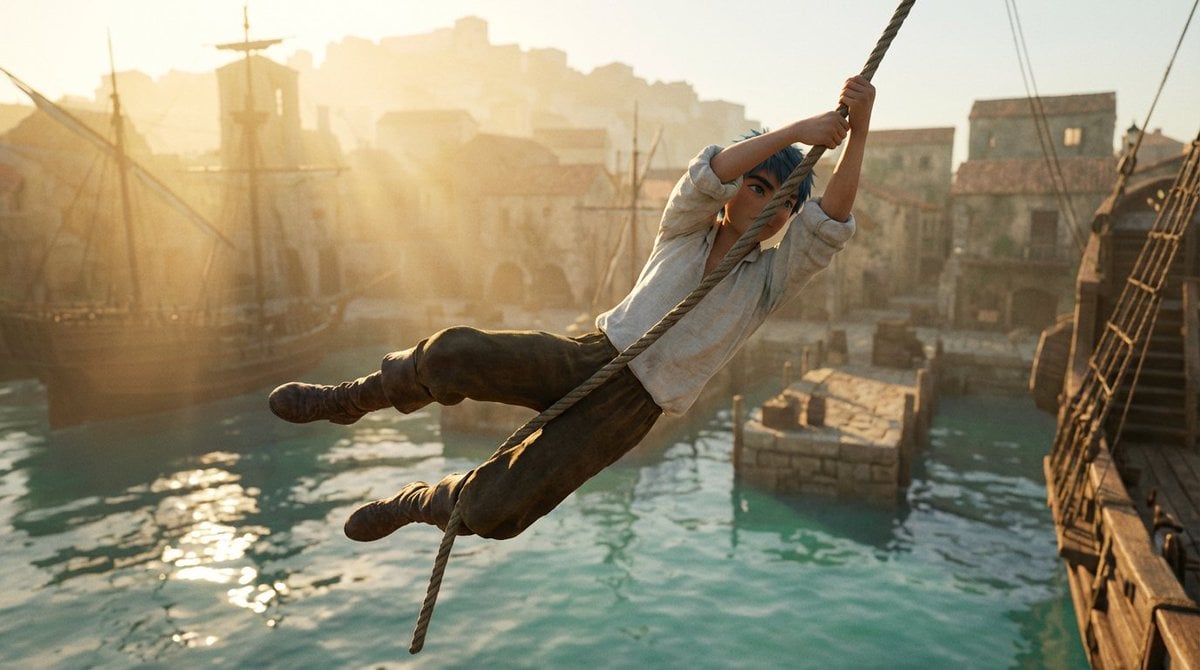
Frozen Action Shot of Character Swinging on a Rope
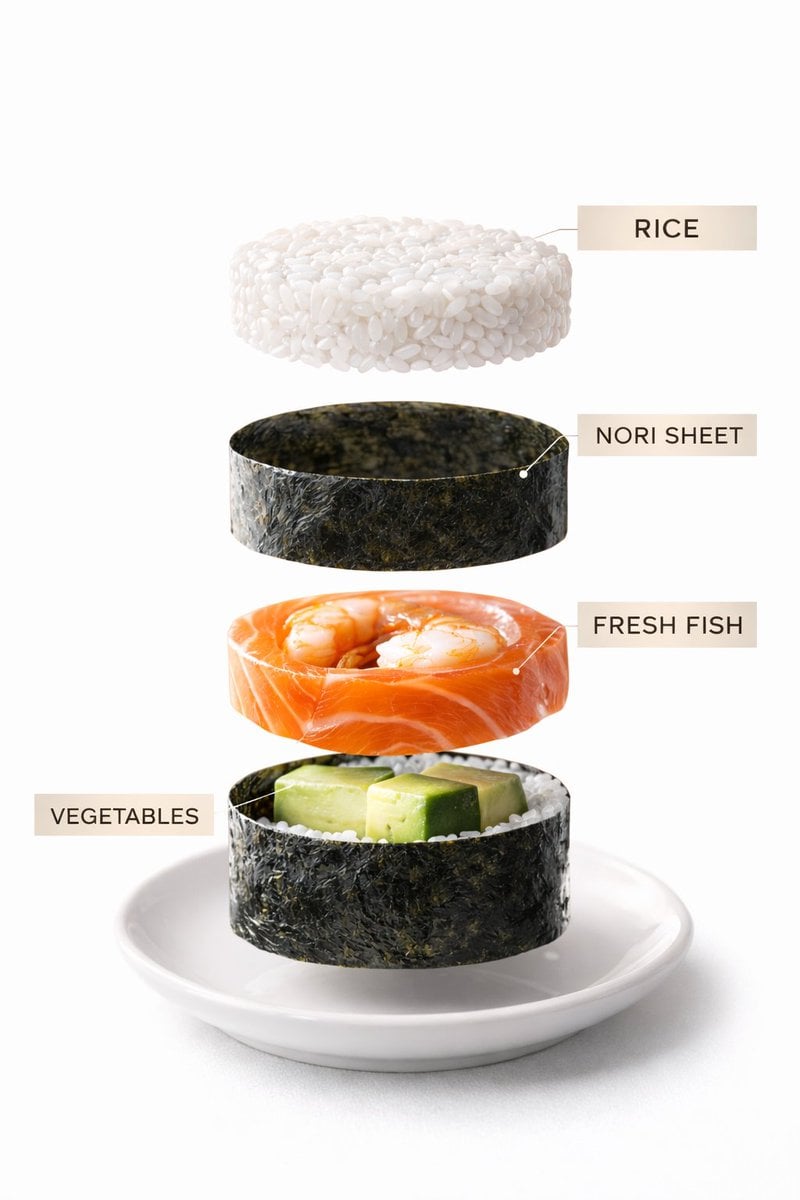
Sushi Commercial Photography and Exploded Diagram Prompt
Sunset Skater in Baggy Jeans

Censored Cafe Portrait Photo
Ultra-Realistic Cinematic Lifestyle Portrait with Identity Lock

Moody Cinematic Portrait at Golden Hour

X Sheldon056 Ultra Realistic Fashion Campaign Poster Featuring
Editorial Fashion Contact Sheet with Perspective Distortion
Browse template categories
Historical Event Map Illustrator questions
How do I use the Historical Event Map Illustrator template?
Add your photo if the template asks for one, edit the prompt if you like — the template's model and format are already selected — and press Generate. Your version opens in PicX Studio.
Can I customize the Historical Event Map Illustrator template?
Yes. You can change the subject, setting, lighting, mood, format, and available model controls before creating your image.
Is the Historical Event Map Illustrator template free?
Opening and editing this template is free. Generating uses credits, shown on the Generate button when you are signed in.
Which AI model should I use?
Start with GPT Image 2, which is the model associated with this template. You can compare another compatible model for a different finish.
Looking for something else? Browse all templates.

Your photo, any look
Thousands of ready templates for every top image and video model, from one credit balance.