
Gpt2 Illustrated City Food Map
Generates a hand-drawn, watercolor-style tourist map featuring numbered local food specialties, landmarks, and a legend.
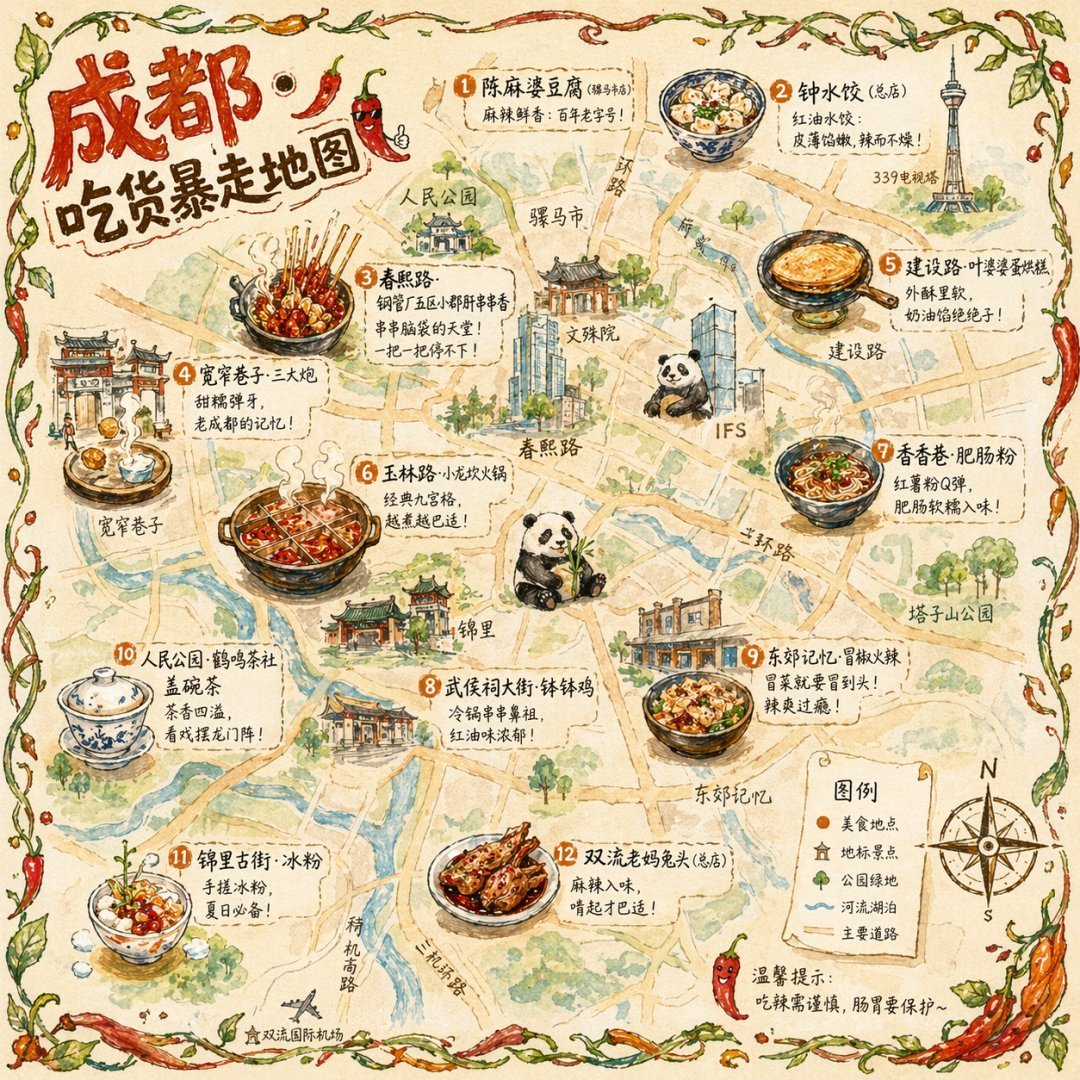
- Prompt included
- Model and format preset
- Free template
The prompt behind this image
Copy the exact prompt behind Gpt2 Illustrated City Food Map, or open it in the studio and make it yours.
- Type
- illustrated map infographic
- Style
- {argument name="art style" default="watercolor and ink hand-drawn illustration on vintage parchment"}
- Title Section › Text
- {argument name="city name" default="Chengdu"} {argument name="map title" default="Foodie Rampage Map"}
- Title Section › Mascot
- cartoon red chili pepper wearing sunglasses and giving a thumbs up
- Border
- {argument name="border decoration" default="vine of green leaves and red chili peppers"}
- Layout › Background
- textured beige parchment paper with yellow roads, blue rivers, and green park areas
- Layout › Sections › 0 › Title
- landmarks
- Layout › Sections › 0 › Count
- 6
- Layout › Sections › 0 › Illustrations
- traditional pavilion, traditional monastery, modern skyscraper with climbing panda, tall TV tower, traditional gate, industrial buildings
- Layout › Sections › 0 › Labels
- 人民公园, 文殊院, IFS, 339电视塔, 宽窄巷子, 东郊记忆
- Layout › Sections › 1 › Title
- food_spots
- Layout › Sections › 1 › Count
- 12
- Layout › Sections › 1 › Illustrations
- mapo tofu, dumplings in chili oil, skewers in pot, sticky rice balls, egg baking cake, nine-grid hotpot, sweet potato noodles, cold skewers, spicy mixed dish, covered tea bowl, ice jelly dessert, spicy rabbit heads
- Layout › Sections › 1 › Labels
- 1 陈麻婆豆腐, 2 钟水饺, 3 春熙路, 4 宽窄巷子·三大炮, 5 建设路·叶婆婆蛋烘糕, 6 玉林路·小龙坎火锅, 7 香香巷·肥肠粉, 8 武侯祠大街·钵钵鸡, 9 东郊记忆·冒椒火辣, 10 人民公园·鹤鸣茶社, 11 锦里古街·冰粉, 12 双流老妈兔头
- Layout › Sections › 2 › Title
- legend
- Layout › Sections › 2 › Position
- bottom-right
- Layout › Sections › 2 › Count
- 5
- Layout › Sections › 2 › Items
- red dot, green house, green tree, blue line, yellow double line
- Layout › Sections › 2 › Labels
- 美食地点, 地标景点, 公园绿地, 河流湖泊, 主要道路
- Layout › Centerpiece
- giant panda sitting and eating bamboo
- Layout › Bottom Right Extras
- vintage compass rose with N, S, E, W, disclaimer text '温馨提示:吃辣需谨慎,肠胃要保护~' with a red chili pepper icon
Raw JSON
{
  "type": "illustrated map infographic",
  "style": "{argument name=\"art style\" default=\"watercolor and ink hand-drawn illustration on vintage parchment\"}",
  "title_section": {
    "text": "{argument name=\"city name\" default=\"Chengdu\"} {argument name=\"map title\" default=\"Foodie Rampage Map\"}",
    "mascot": "cartoon red chili pepper wearing sunglasses and giving a thumbs up"
  },
  "border": "{argument name=\"border decoration\" default=\"vine of green leaves and red chili peppers\"}",
  "layout": {
    "background": "textured beige parchment paper with yellow roads, blue rivers, and green park areas",
    "sections": [
      {
        "title": "landmarks",
        "count": 6,
        "illustrations": ["traditional pavilion", "traditional monastery", "modern skyscraper with climbing panda", "tall TV tower", "traditional gate", "industrial buildings"],
        "labels": ["人民公园", "文殊院", "IFS", "339电视塔", "宽窄巷子", "东郊记忆"]
      },
      {
        "title": "food_spots",
        "count": 12,
        "illustrations": ["mapo tofu", "dumplings in chili oil", "skewers in pot", "sticky rice balls", "egg baking cake", "nine-grid hotpot", "sweet potato noodles", "cold skewers", "spicy mixed dish", "covered tea bowl", "ice jelly dessert", "spicy rabbit heads"],
        "labels": ["1 陈麻婆豆腐", "2 钟水饺", "3 春熙路", "4 宽窄巷子·三大炮", "5 建设路·叶婆婆蛋烘糕", "6 玉林路·小龙坎火锅", "7 香香巷·肥肠粉", "8 武侯祠大街·钵钵鸡", "9 东郊记忆·冒椒火辣", "10 人民公园·鹤鸣茶社", "11 锦里古街·冰粉", "12 双流老妈兔头"]
      },
      {
        "title": "legend",
        "position": "bottom-right",
        "count": 5,
        "items": ["red dot", "green house", "green tree", "blue line", "yellow double line"],
        "labels": ["美食地点", "地标景点", "公园绿地", "河流湖泊", "主要道路"]
      }
    ],
    "centerpiece": "giant panda sitting and eating bamboo",
    "bottom_right_extras": ["vintage compass rose with N, S, E, W", "disclaimer text '温馨提示:吃辣需谨慎,肠胃要保护~' with a red chili pepper icon"]
  }
}How to use Gpt2 Illustrated City Food Map in 3 steps
- 1
Open
The prompt is already in the box next to the preview, with the template's model and format selected.
- 2…a portrait of your subject in softgolden-hour light, 85mm…
Personalize
Edit the subject and creative details for your destination.
- 3Generate
Generate
Press Generate — your image is created in PicX Studio, so you can compare it with the original and refine one variable at a time.
More like this
Templates with the same subject, style or setup. Open one to see its prompt.
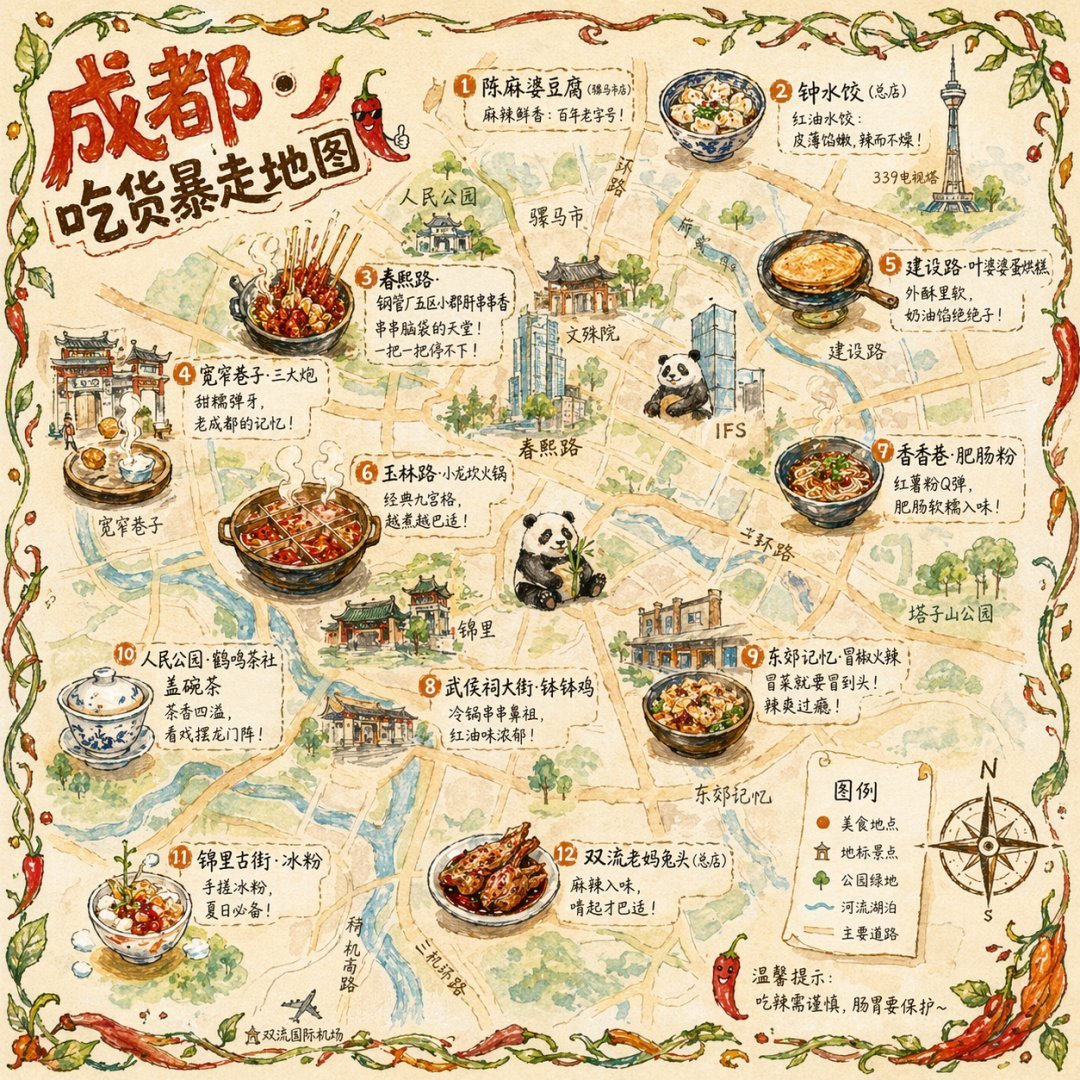
Illustrated City Food Map

Cozy Knit Sweater Window Portrait

Minimalist Hand-Drawn Doodle Portrait
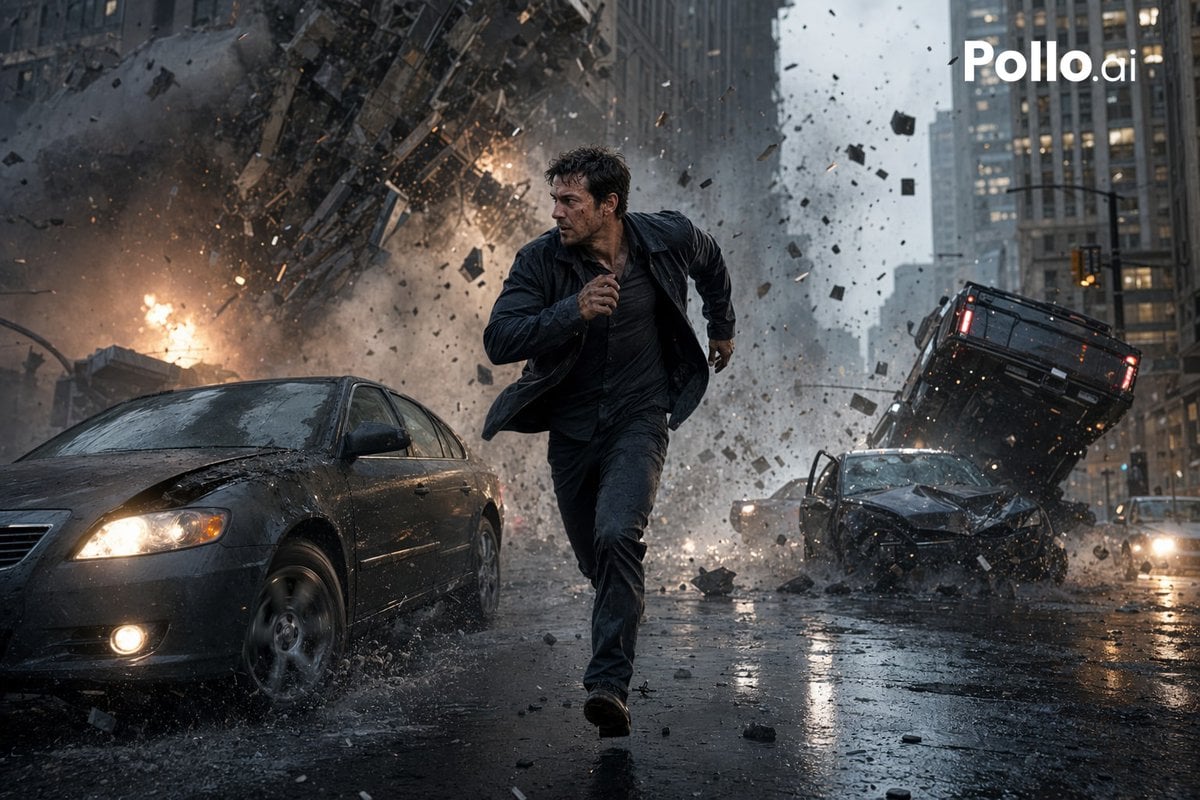
Gpt2 Youtube Thumbnail Cinematic City Explosion Chase

Satellite Map Medieval City

Cozy Food Flat Lay Doodle Labels
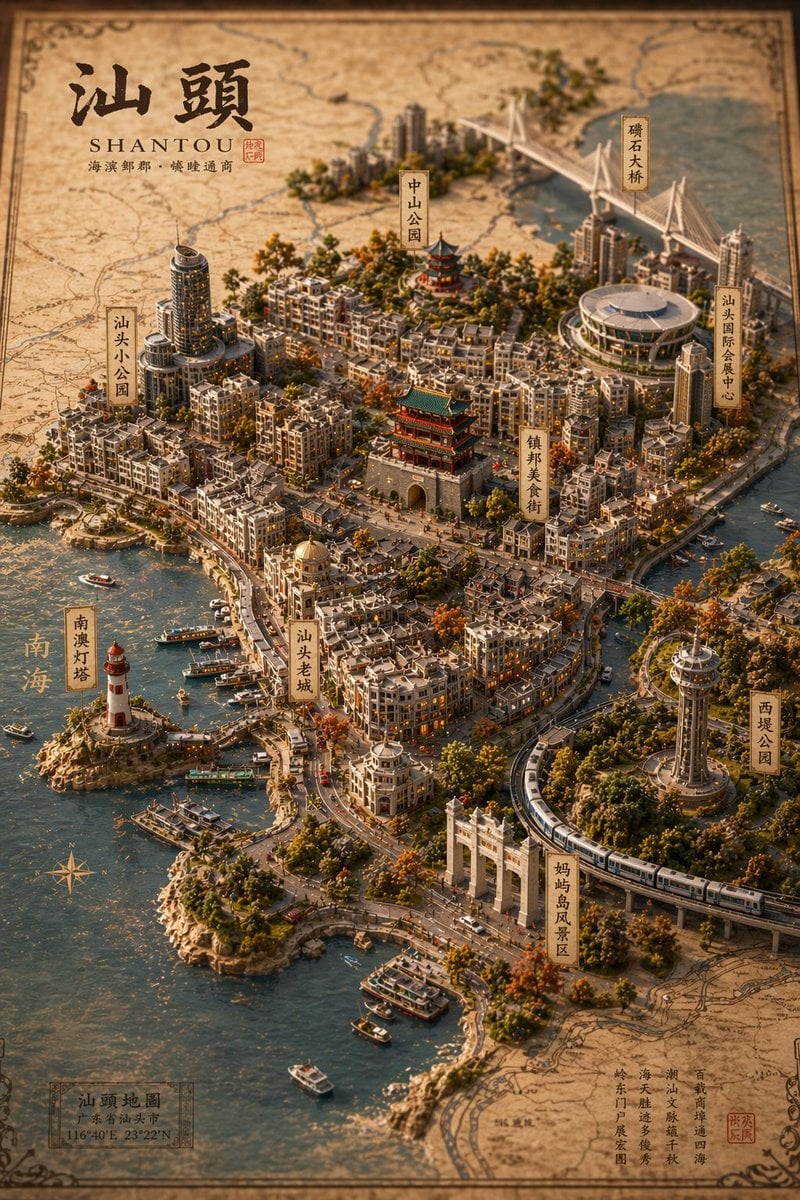
Vintage 3D Miniature City Map
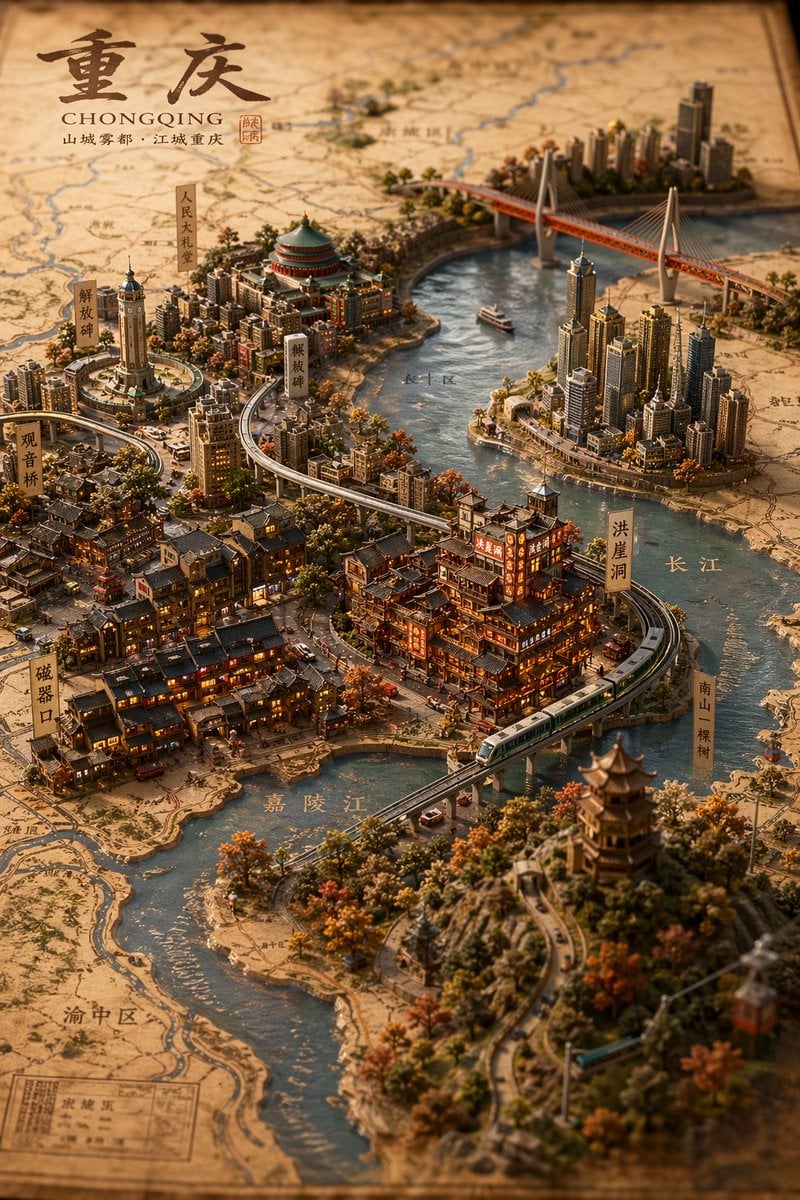
Miniature 3D City Diorama Map
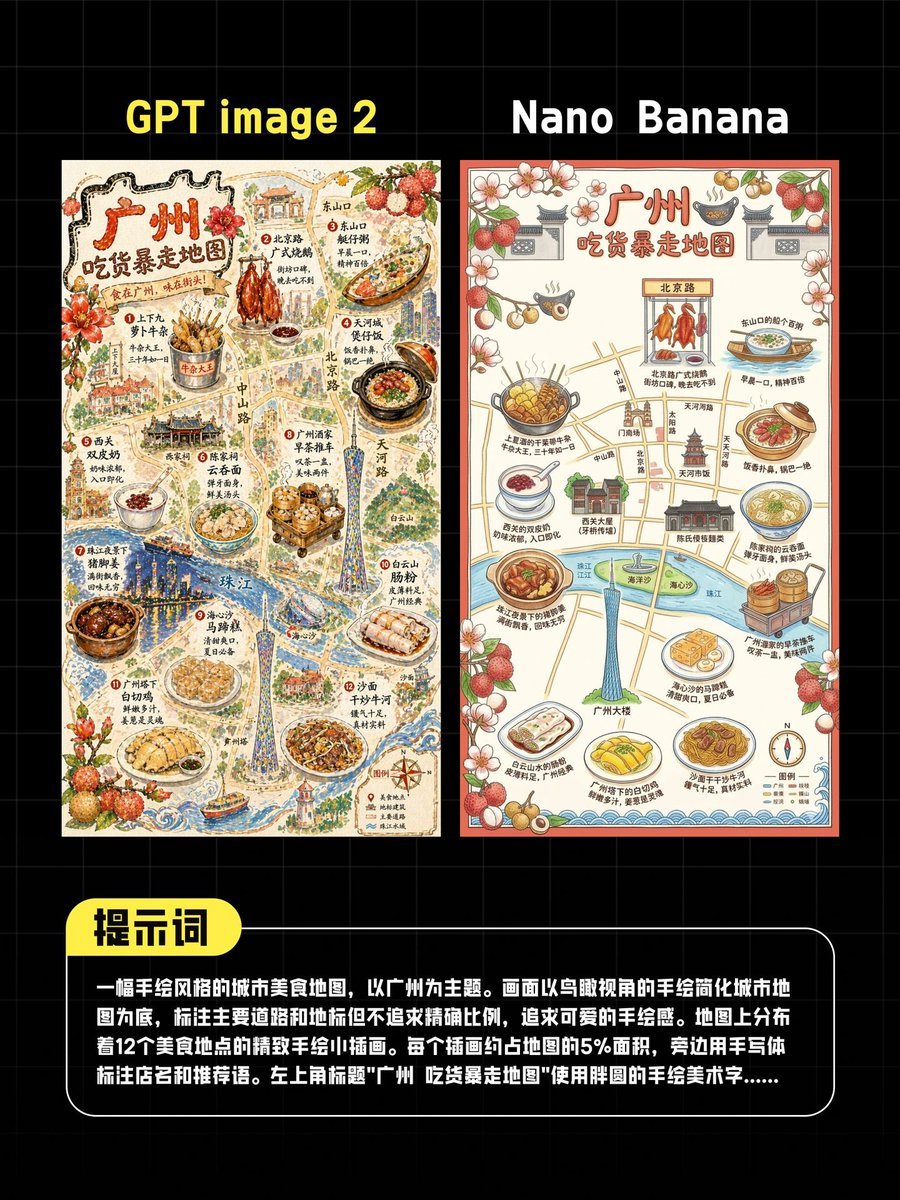
AI Guangzhou Food Map Comparison
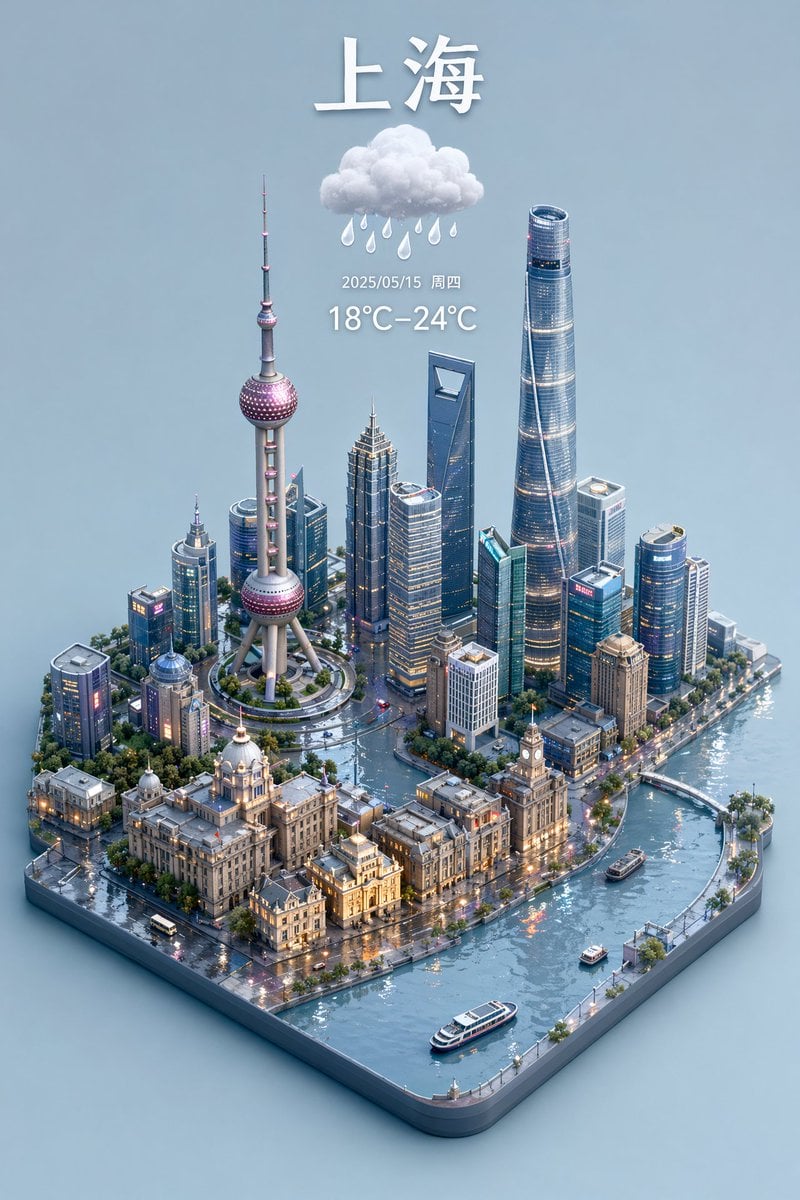
3D Isometric Miniature City Weather Map
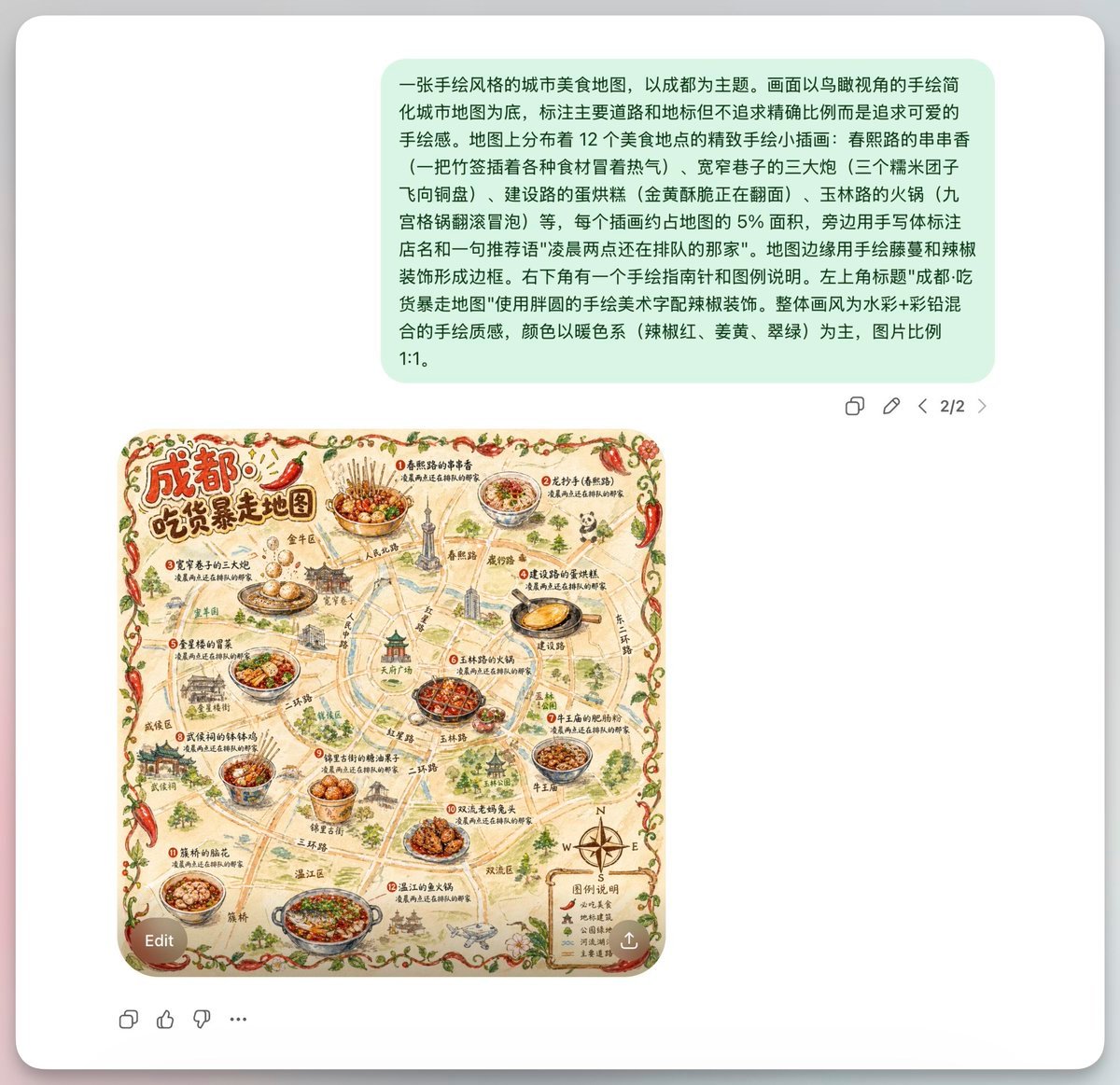
Chengdu Hand-Drawn Food Map UI
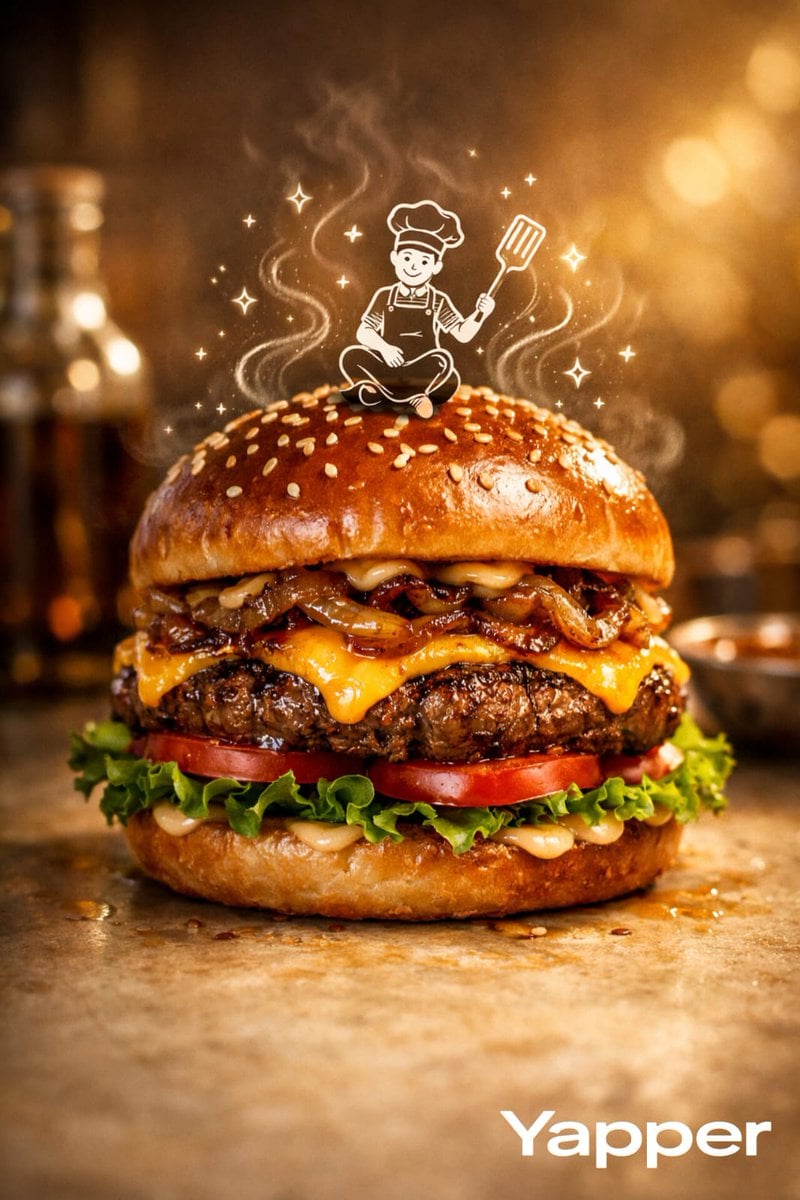
Luxury Food Advertisement Photography with Illustrated Chef
Make it yours
Gpt2 Illustrated City Food Map works as-is. These are the safest ways to change it without losing the look.
Swap the setting
Keep the rest of the prompt and replace the location block. The current setting is “textured beige parchment paper with yellow roads, blue rivers, and green park ar”.
Change one field
Copy a single group, rewrite it, and generate again so you can see what that field is doing.
Keep the frame, change the subject
Hold the composition and light of gpt2-illustrated-city-food-map, then swap wardrobe, props or the person for a new take.
| If the result… | Why | Fix |
|---|---|---|
| The result drifts from the preview | Too many fields changed at once. | Reuse gpt2-illustrated-city-food-map as-is first, then change one group — subject, light, or setting. |
| GPT Image 2 ignores part of the JSON | Some models flatten or skip nested keys. | Keep the same values and paste them as a short paragraph instead. |
More GPT Image 2 templates
Other prompts made for GPT Image 2.

Six VTuber Japanese Logo Sheet

Realistic Portrait of Woman and Deer

The Vista Modular Condo Poster

AI Model Routing Comparison Infographic

2.5D Anime Art Board

Isometric Productivity Desk Scene

New York Double Exposure Poster

Four-Panel AI Landscape Comparison

Japanese Tatami Lifestyle Magazine Cover

NESCAFÉ Coffee Map Poster
More image prompts
Fresh picks from across the catalog.
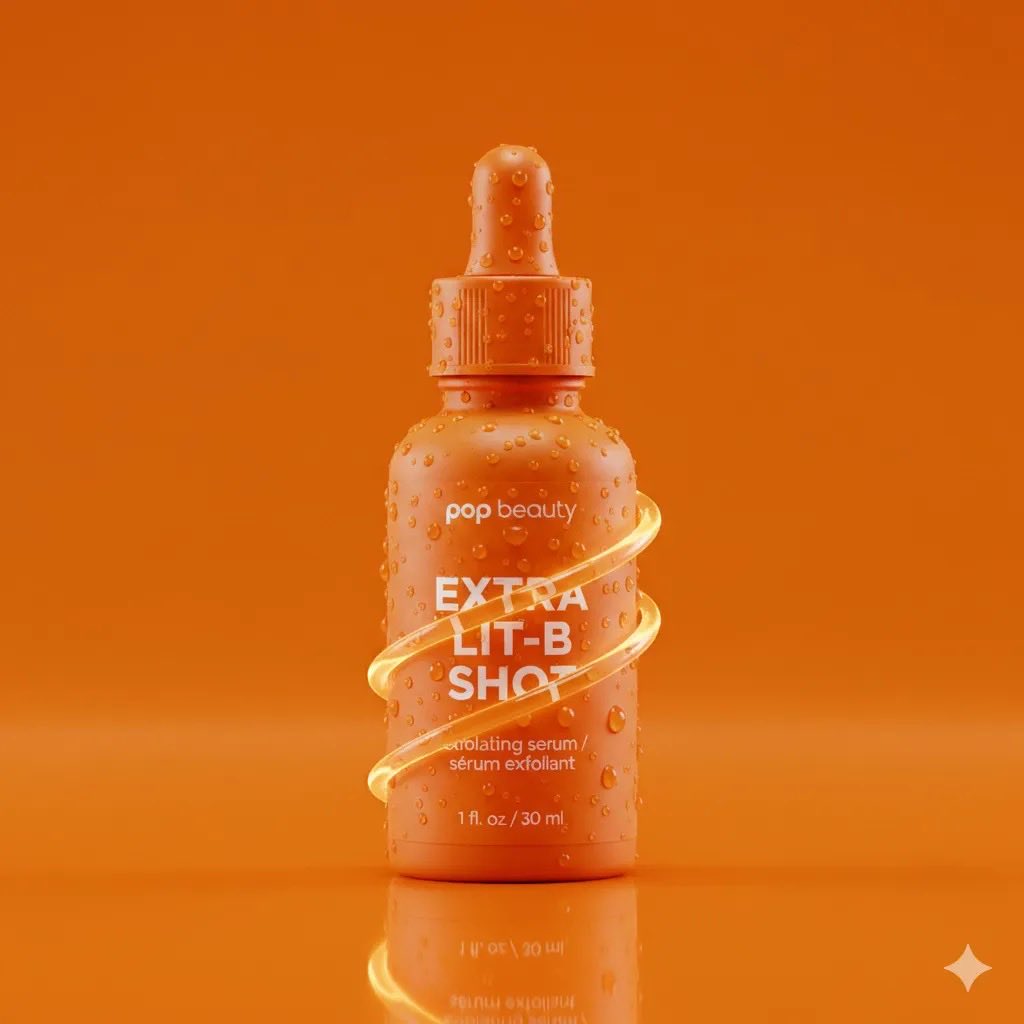
Product Photography Prompt: Orange Serum Bottle
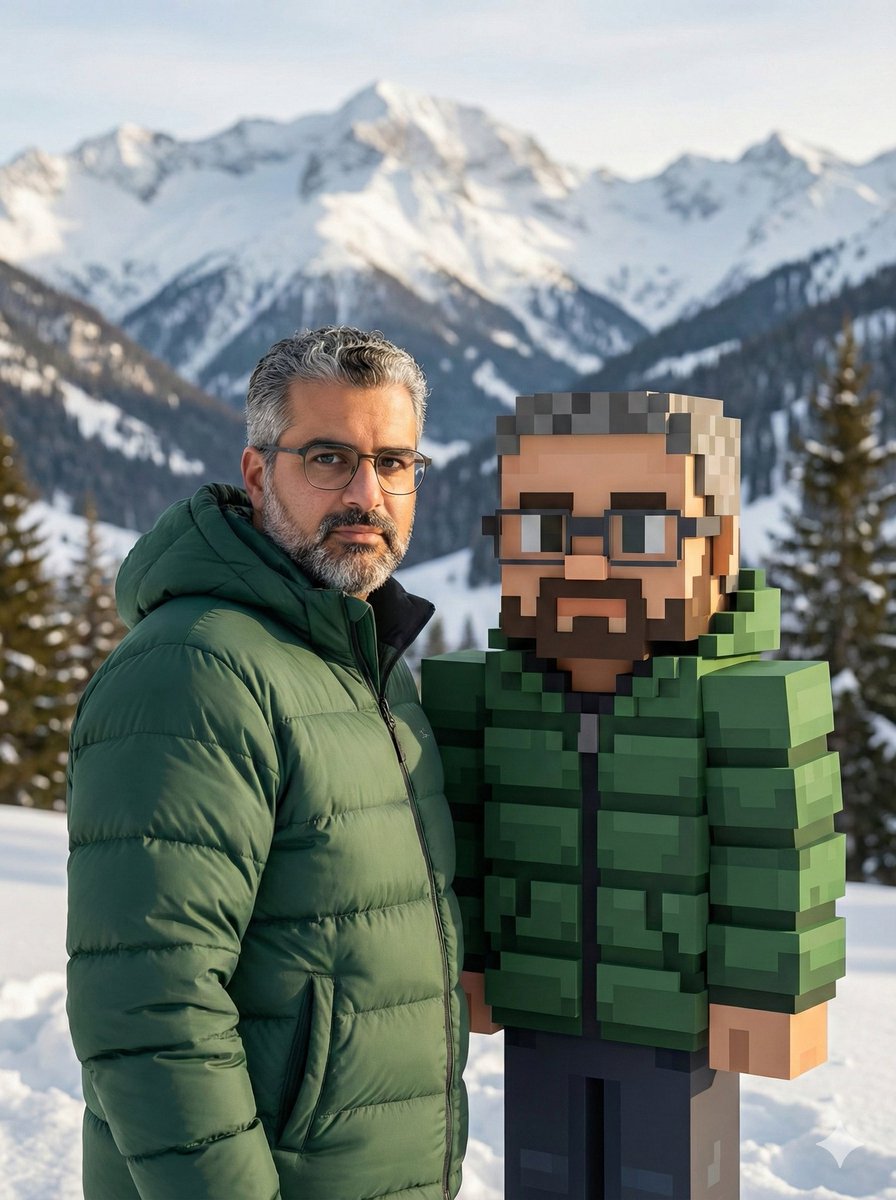
Realistic Photo with Voxel Minecraft Doppelgänger
Cinematic Fire Effect Asset
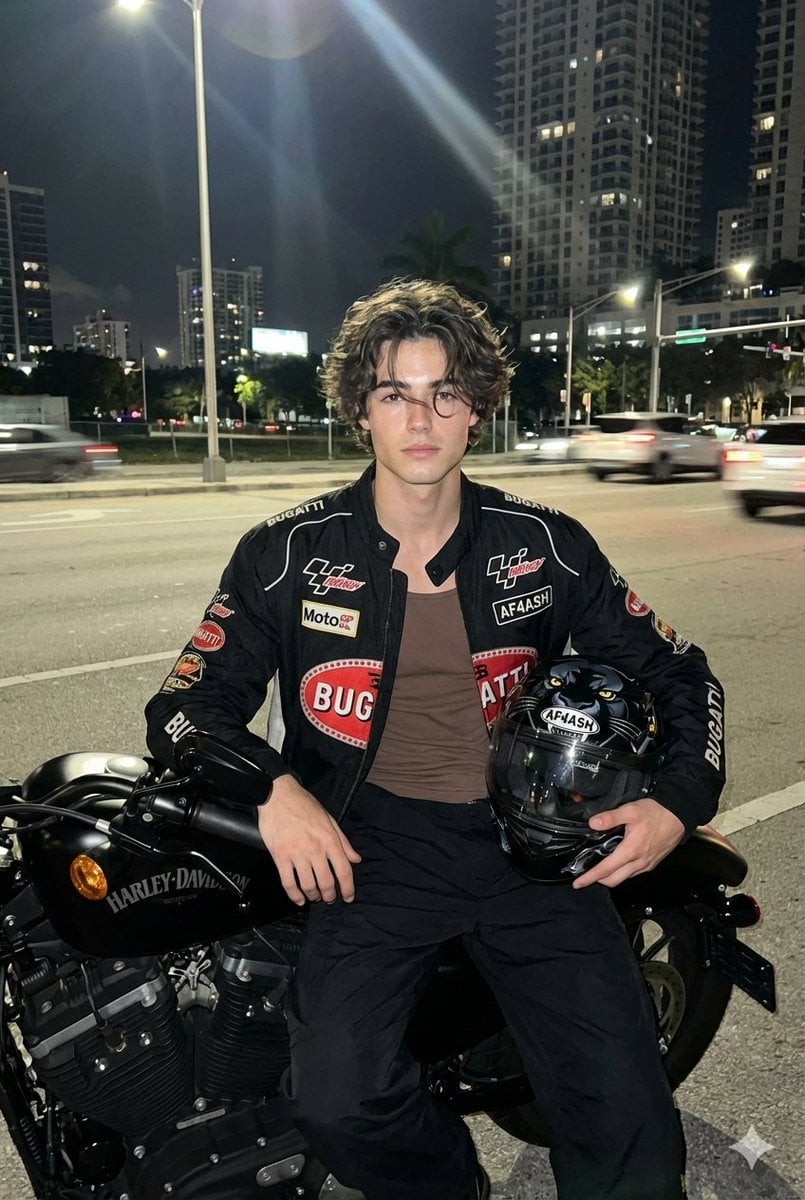
Nighttime Motorcycle Photo with Face Replacement Prompt
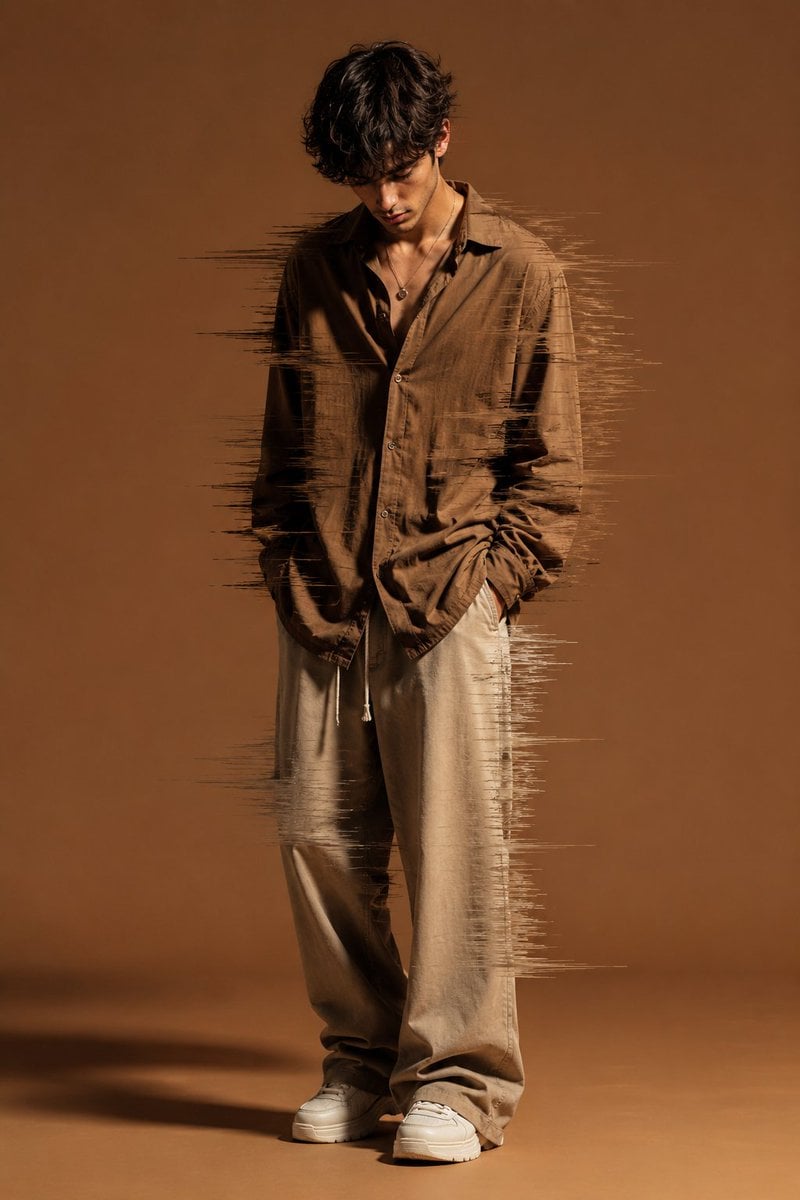
Editorial Fashion Glitch Portrait
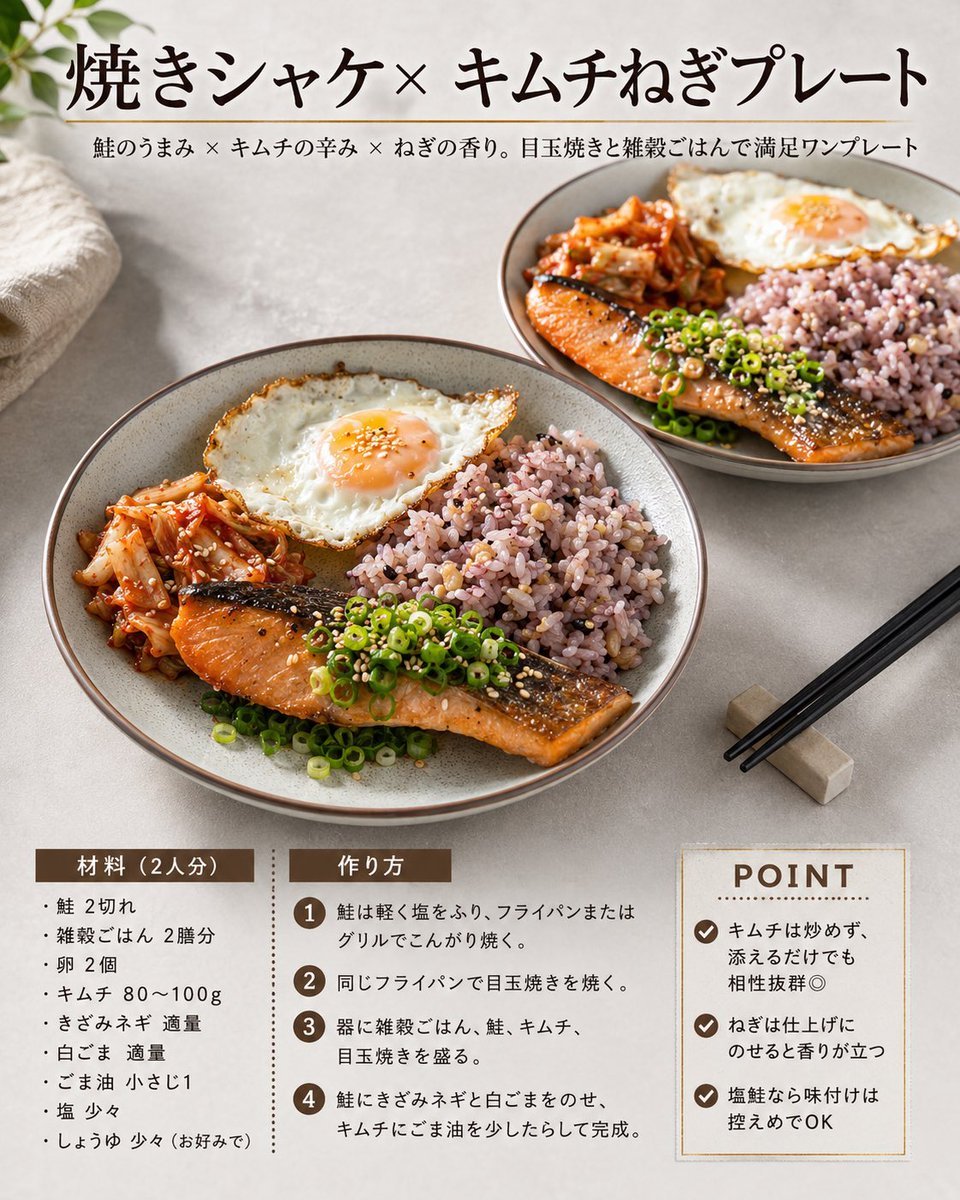
Japanese Salmon Kimchi Recipe Card
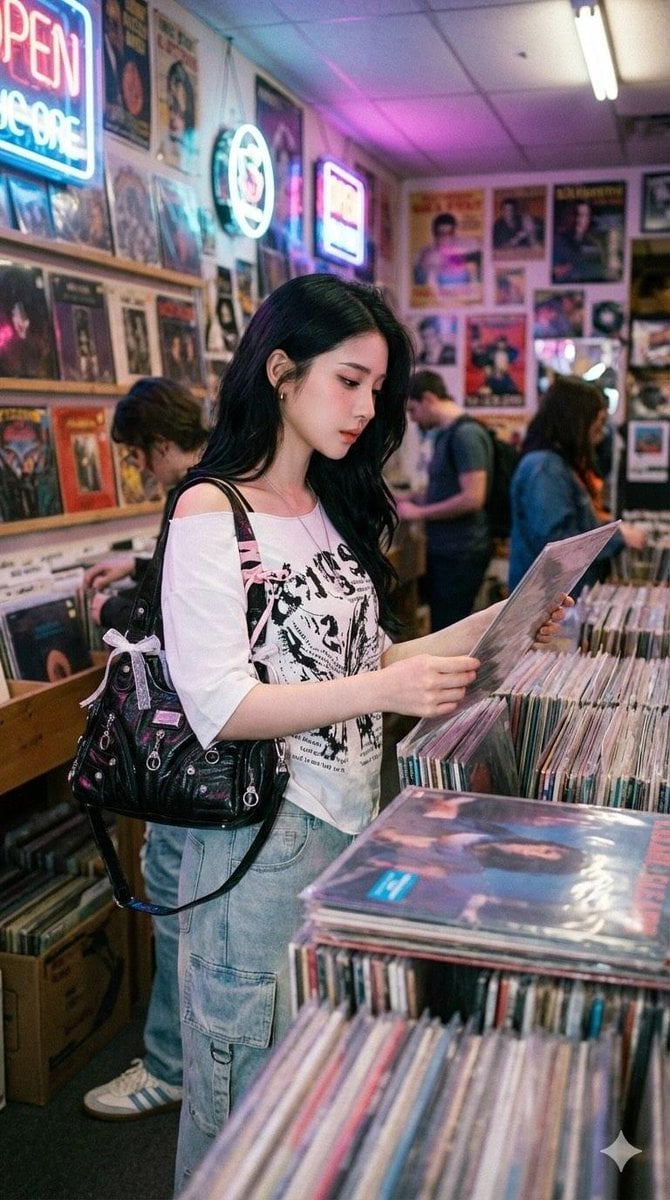
Y2K Coquette Streetwear in a Vintage Record Store
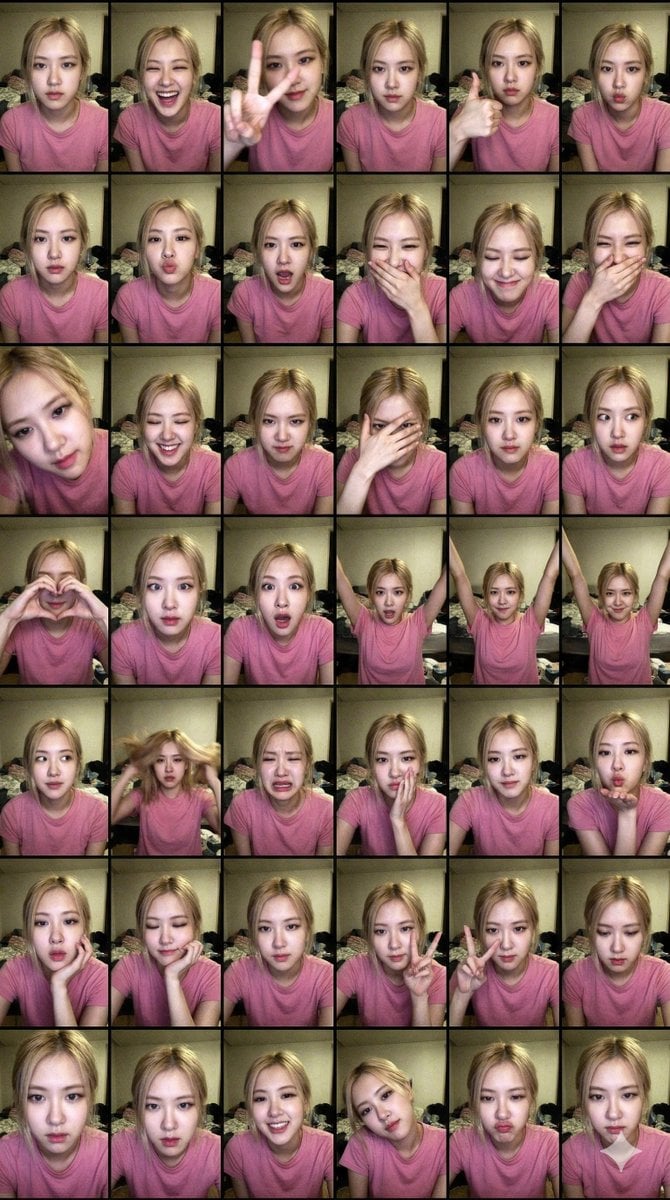
Extreme Lo-Fi Webcam Contact Sheet (Rosé Blackpink)
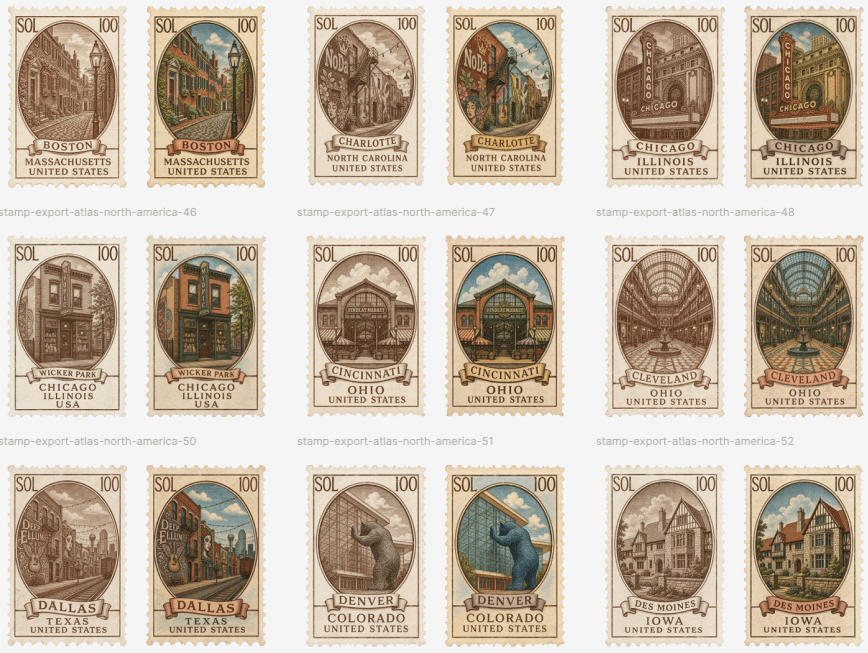
Vintage North America Stamp Grid
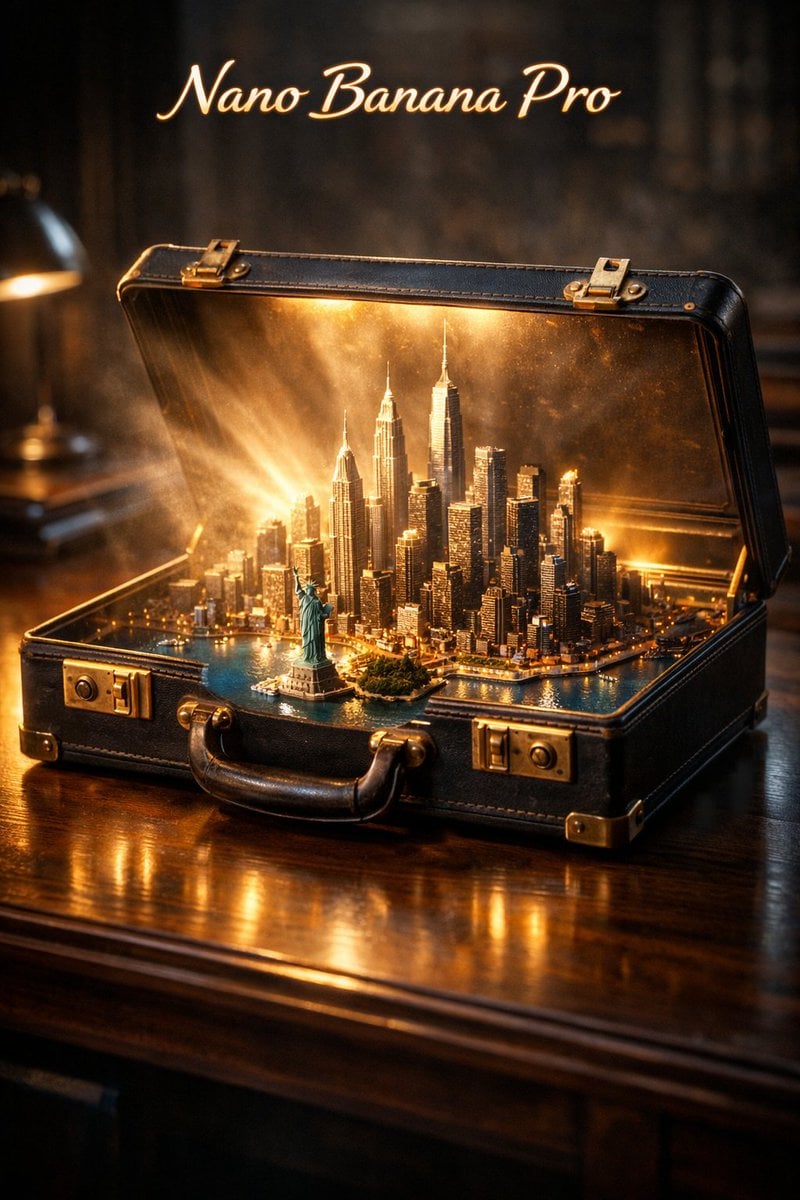
Cinematic Product Reveal of a Vintage Briefcase
Browse template categories
Gpt2 Illustrated City Food Map questions
How do I use the gpt2-illustrated-city-food-map template?
Add your photo if the template asks for one, edit the prompt if you like — the template's model and format are already selected — and press Generate. Your version opens in PicX Studio.
Can I customize the gpt2-illustrated-city-food-map template?
Yes. You can change the subject, setting, lighting, mood, format, and available model controls before creating your image.
Is the gpt2-illustrated-city-food-map template free?
Opening and editing this template is free. Generating uses credits, shown on the Generate button when you are signed in.
Which AI model should I use?
Start with GPT Image 2, which is the model associated with this template. You can compare another compatible model for a different finish.
Looking for something else? Browse all templates.

Your photo, any look
Thousands of ready templates for every top image and video model, from one credit balance.