
AI Guangzhou Food Map Comparison
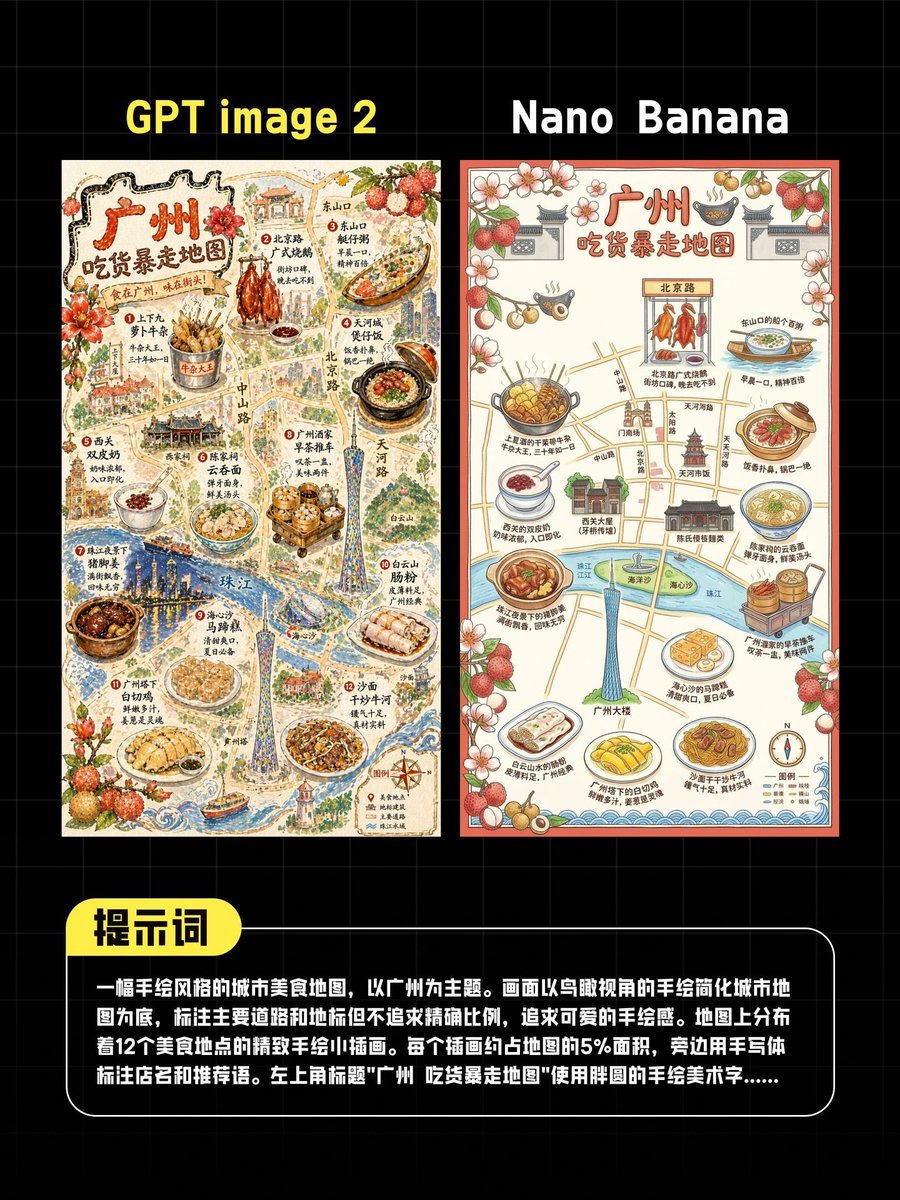
A social-media-style comparison poster showing two side-by-side AI-generated Guangzhou foodie map illustrations with a Chinese prompt box, useful for benchmarking image model outputs.
- Prompt included
- Model and format preset
- Free template
The prompt behind this image
Copy the exact prompt behind AI Guangzhou Food Map Comparison, or open it in the studio and make it yours.
A comparison graphic on a black background with a faint gray square grid, designed like a social media test result poster. At the top are 2 large side-by-side titles in bold sans serif text: “GPT image 2” above the left image and “Nano Banana” above the right image. Below them are 2 vertically oriented illustrated posters placed next to each other with a small gap. Both posters depict the same concept: a hand-drawn foodie walking map of Guangzhou in Chinese, but rendered in 2 different visual styles. The left poster is more detailed, textured, dense, and richly illustrated, while the right poster is cleaner, flatter, and simpler. The left poster has a warm cream paper background and an intricate vintage hand-painted travel-map style with fine linework, watercolor texture, decorative flowers and lychee fruits, miniature buildings, roads, river areas, and many food illustrations. The large Chinese title at the top of the left poster reads “广州 吃货暴走地图”. The map includes roughly 12 featured food spots distributed across the city, each shown as a small food illustration with Chinese labels and short handwritten-style annotations. Visible foods include skewers, roast poultry, noodle dishes, clay pot dishes, rice rolls, dumplings, soups, and dessert bowls, with landmarks such as the Canton Tower and riverfront scenery integrated into the map. The right poster also has the Chinese title “广州 吃货暴走地图” and shows the same general idea but in a cleaner infographic-like map style with simplified roads, icons, floral and lychee border decorations, food callouts, a river, the Canton Tower, and approximately 12 labeled food illustrations around the map. At the bottom of the overall comparison graphic is 1 rounded black text panel with a white outline. Attached to its upper left edge is 1 bright yellow rounded tab label reading “提示词” in bold black Chinese characters. Inside the black panel is a block of white Chinese text describing the image-generation prompt; it appears as a multi-line paragraph. The composition is centered, high contrast, and presented as a polished AI image comparison post for Chinese social media, with crisp typography, poster-like symmetry, and a clean test-benchmark aesthetic.
How to use AI Guangzhou Food Map Comparison in 3 steps
- 1Upload ImagePNG, JPG or paste
Add your photo
Upload the photo the template builds on. The prompt, model and format are already set.
- 2…a portrait of your subject in softgolden-hour light, 85mm…
Personalize
Edit the subject and creative details for your destination.
- 3Generate
Generate
Press Generate — your image is created in PicX Studio, so you can compare it with the original and refine one variable at a time.
More like this
Templates with the same subject, style or setup. Open one to see its prompt.
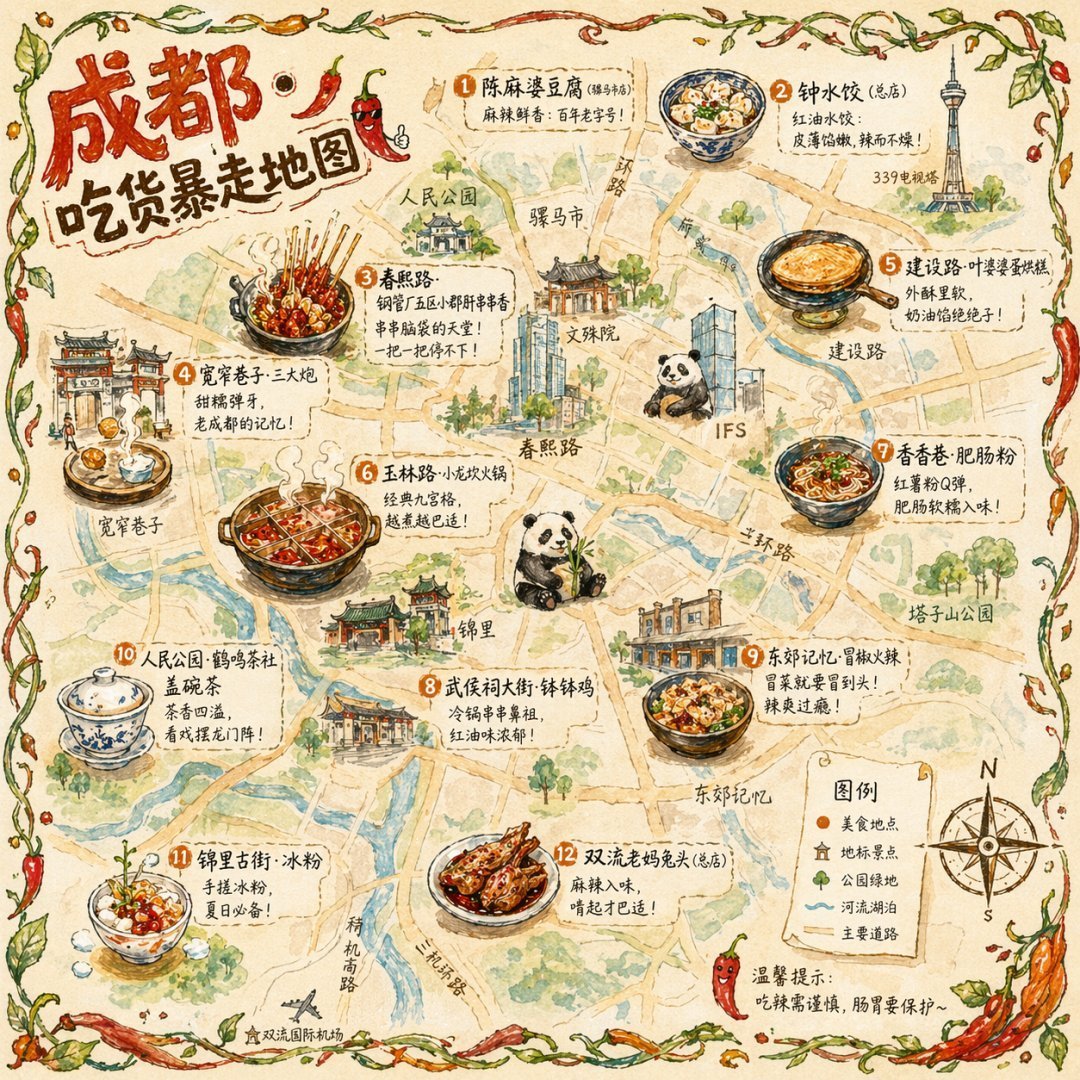
Gpt2 Illustrated City Food Map
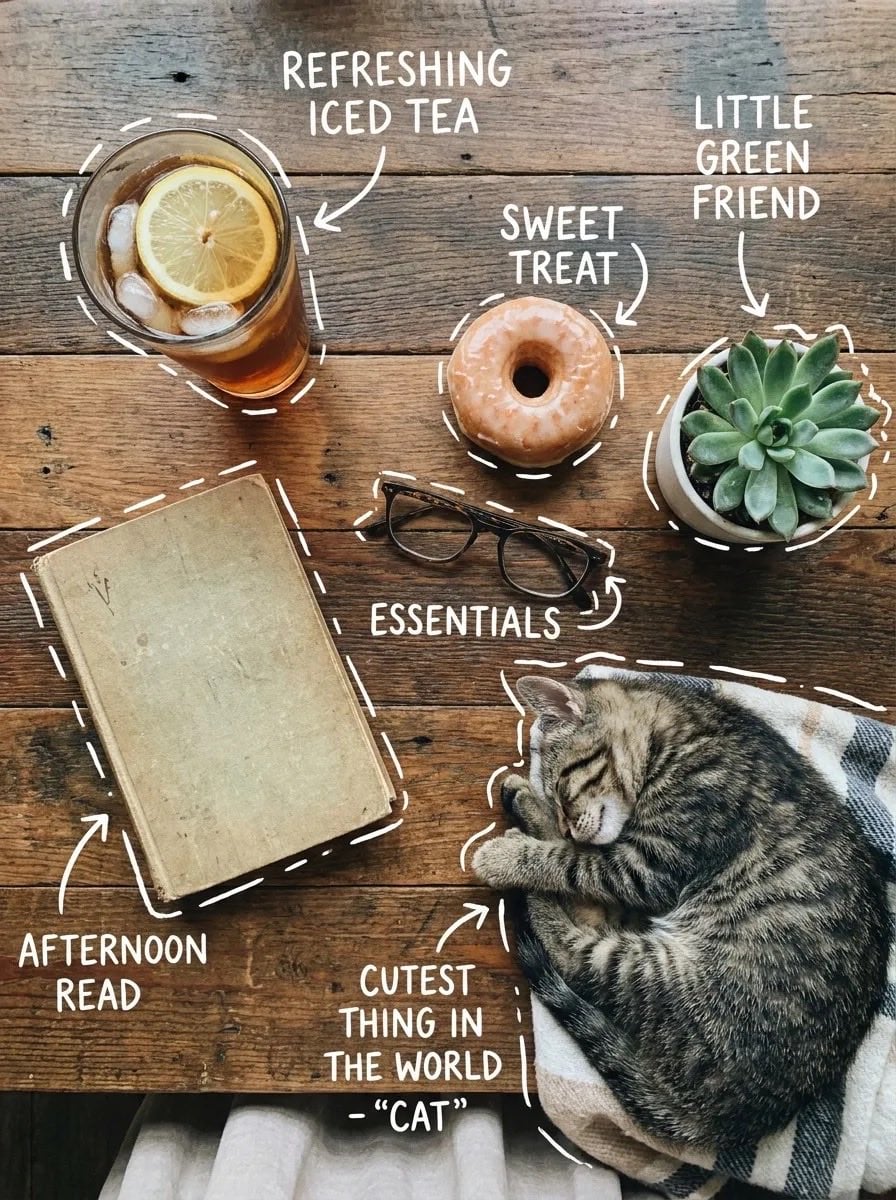
Cozy Food Flat Lay Doodle Labels
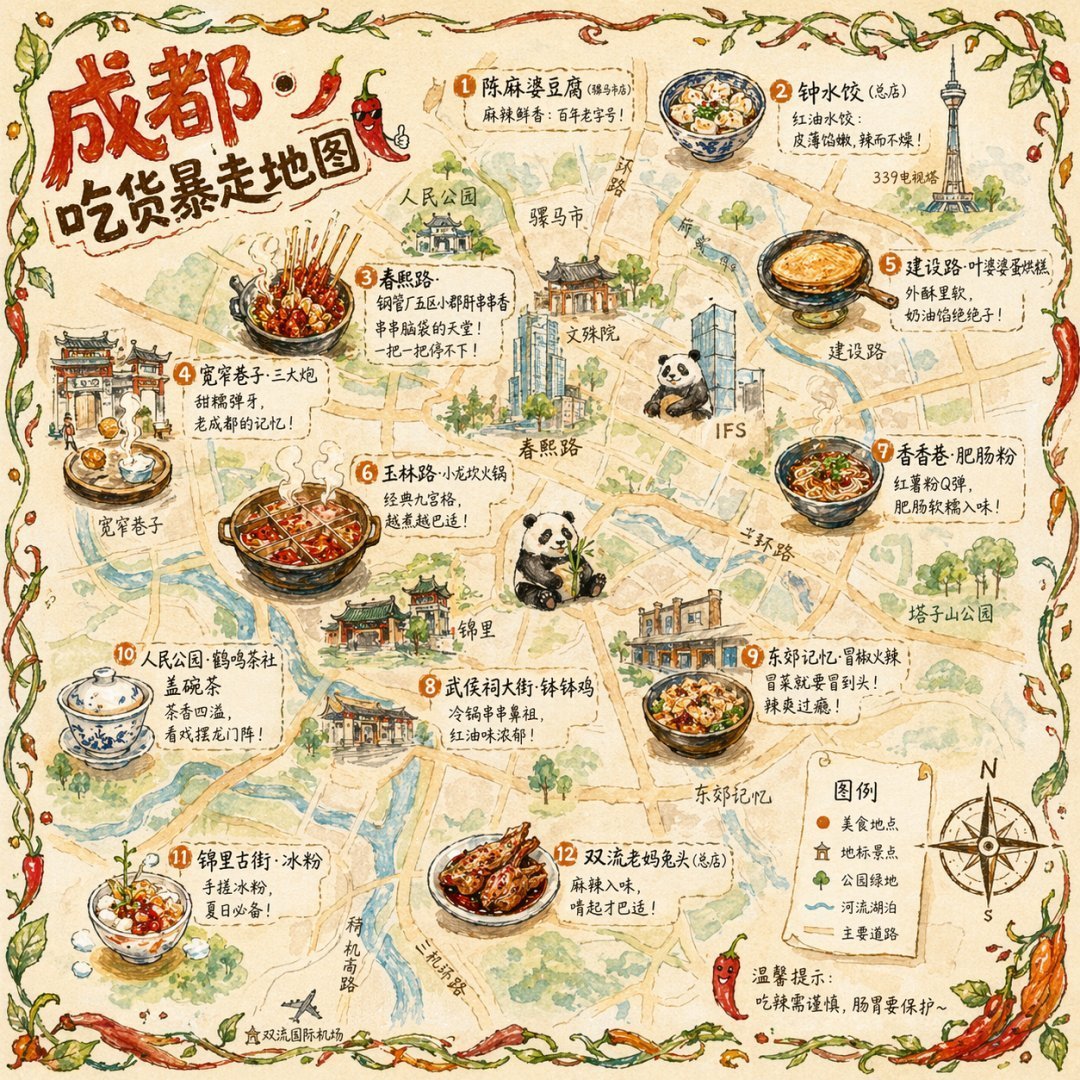
Illustrated City Food Map
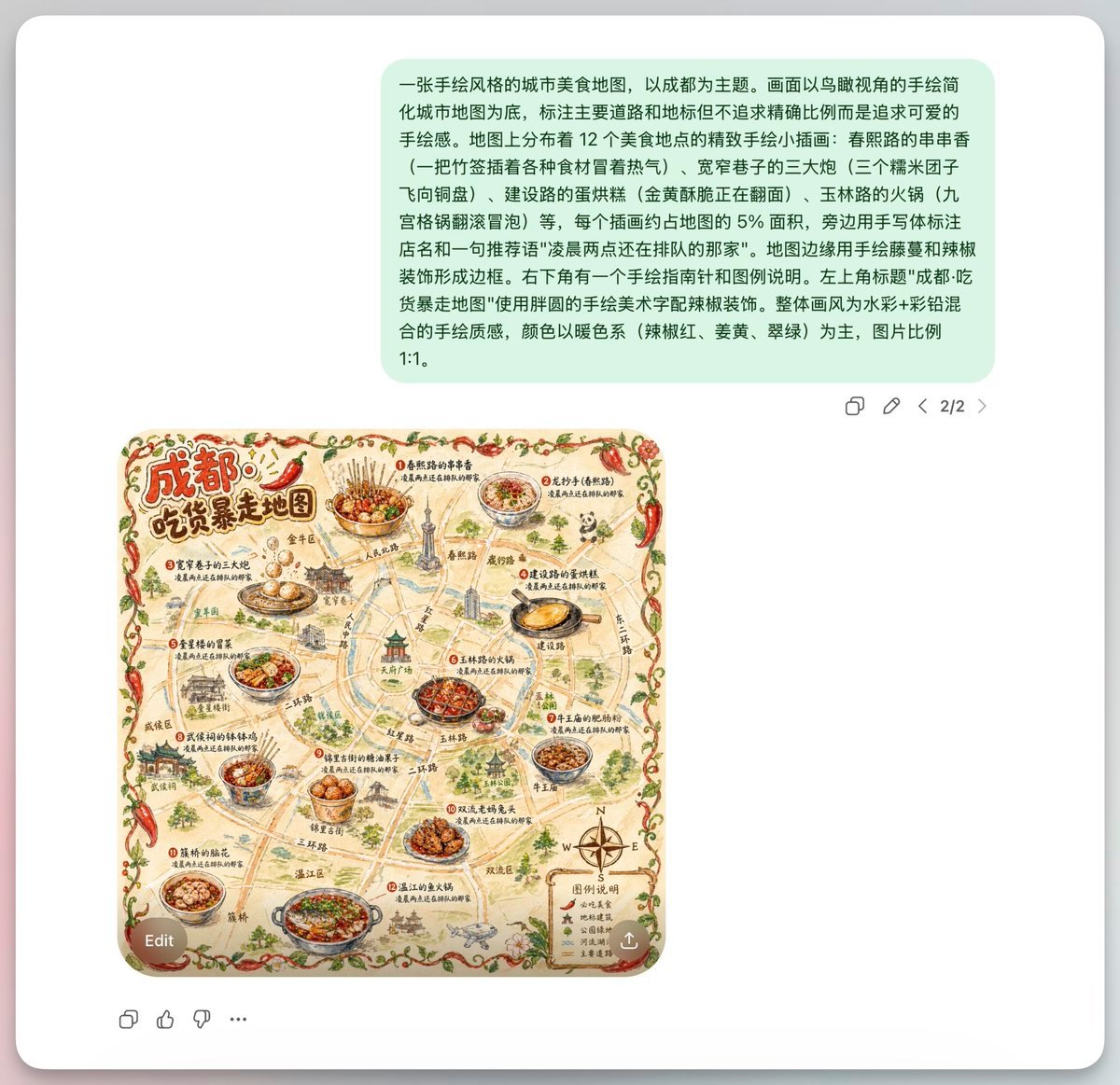
Chengdu Hand-Drawn Food Map UI
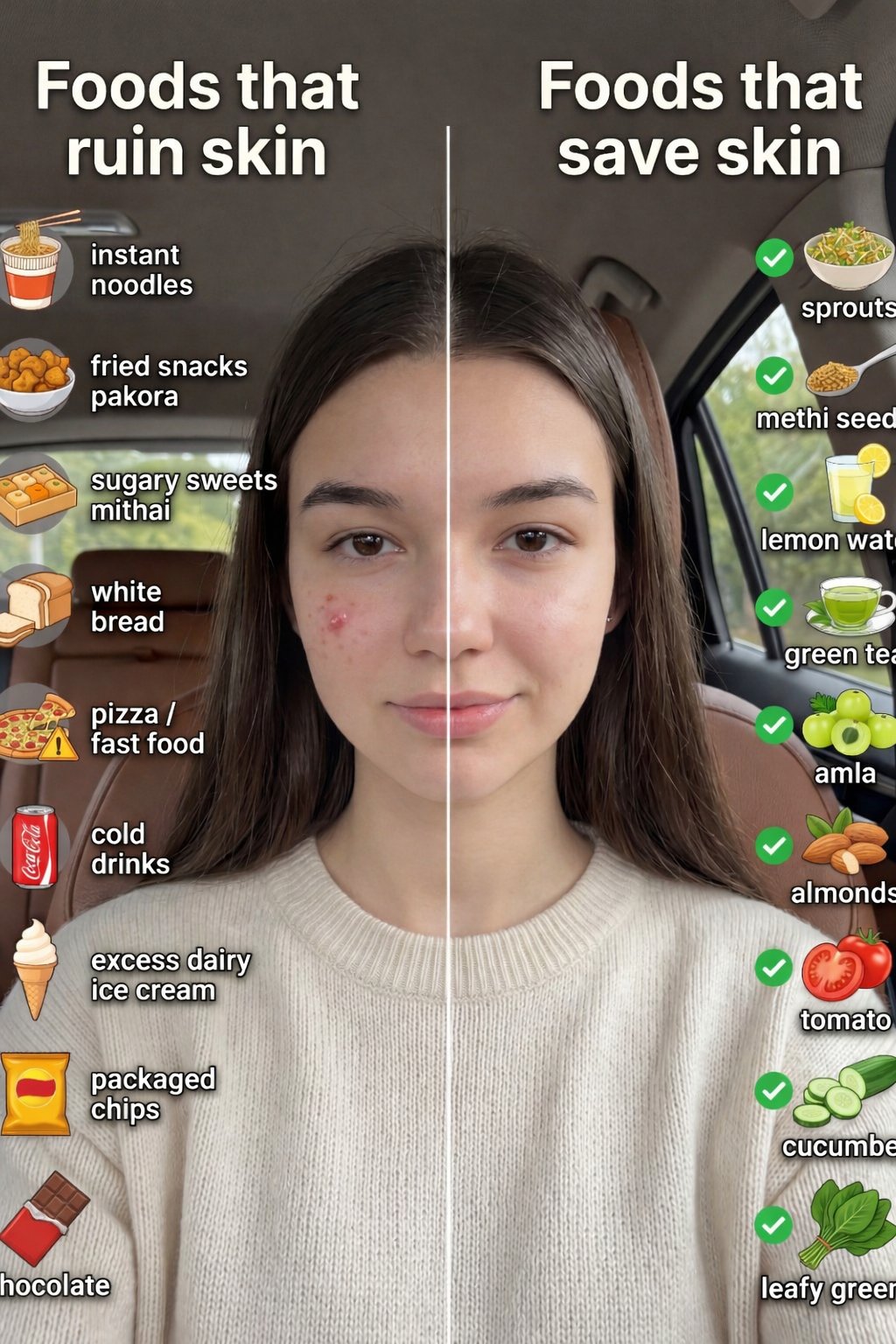
Skin Comparison Portrait — Nano Banana Pro

Satellite Map Medieval City
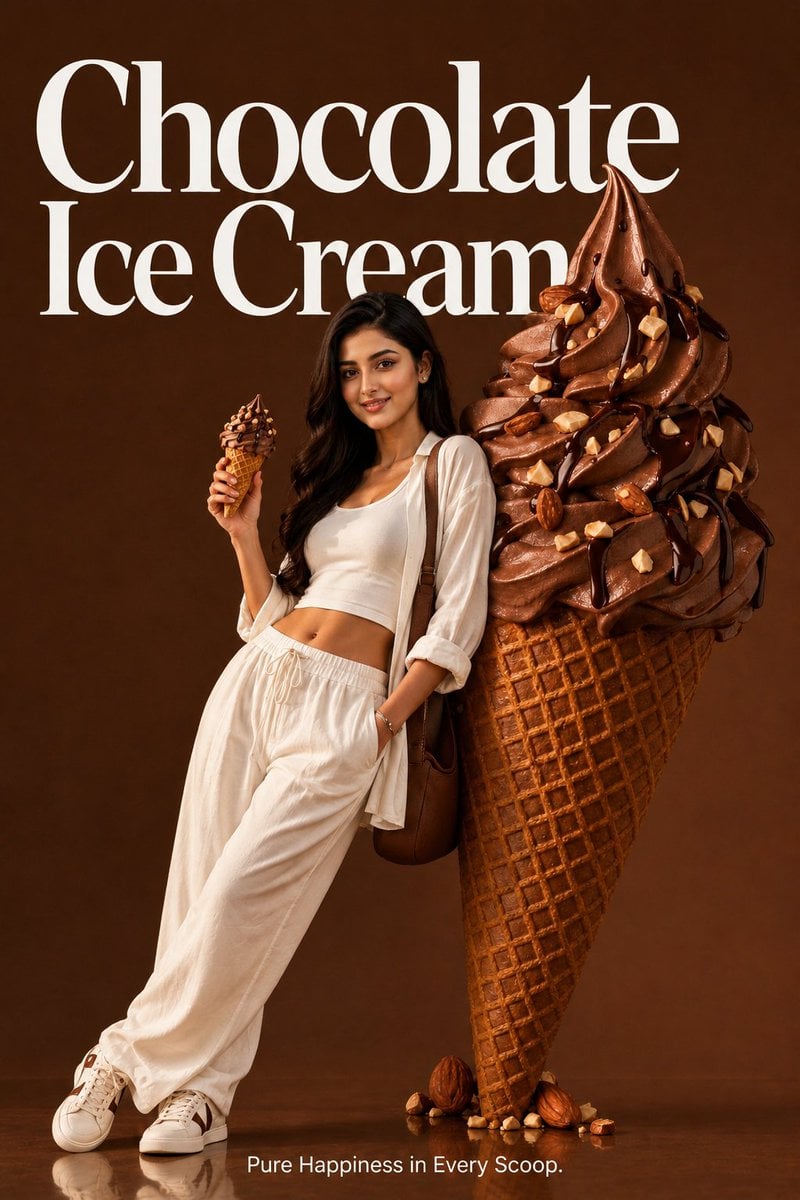
Premium Food Advertising Campaign Scenes
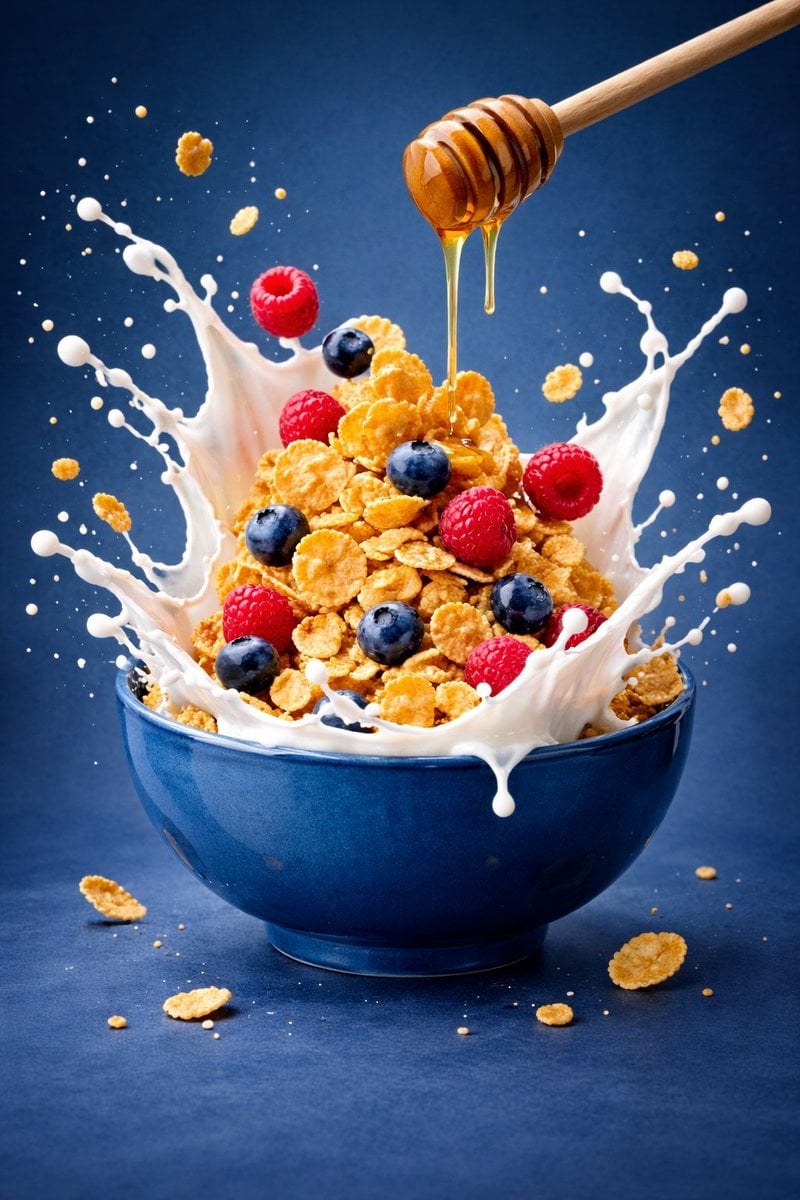
Ultra-premium cinematic food photography, 8K UHD, 3 4 aspect ratio

Bold, intense, premium, cinematic, high-impact food commercial aesthetic

Cinematic Cafe Portrait with Food
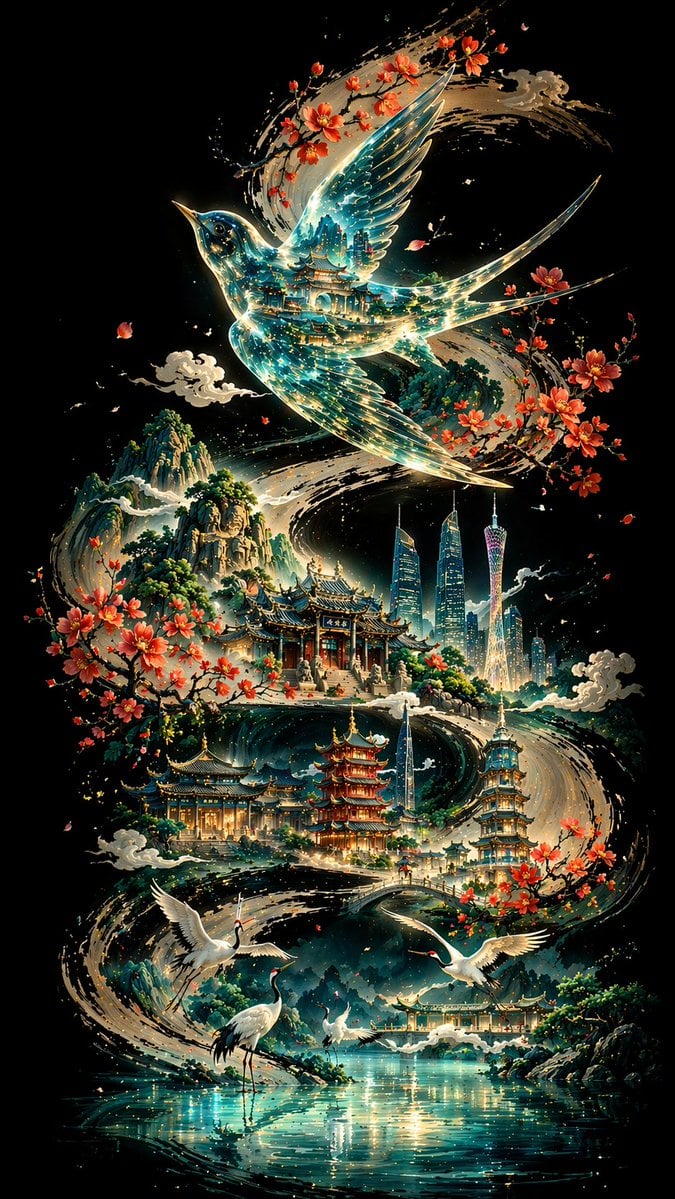
Ink Calligraphy Guangzhou Poster
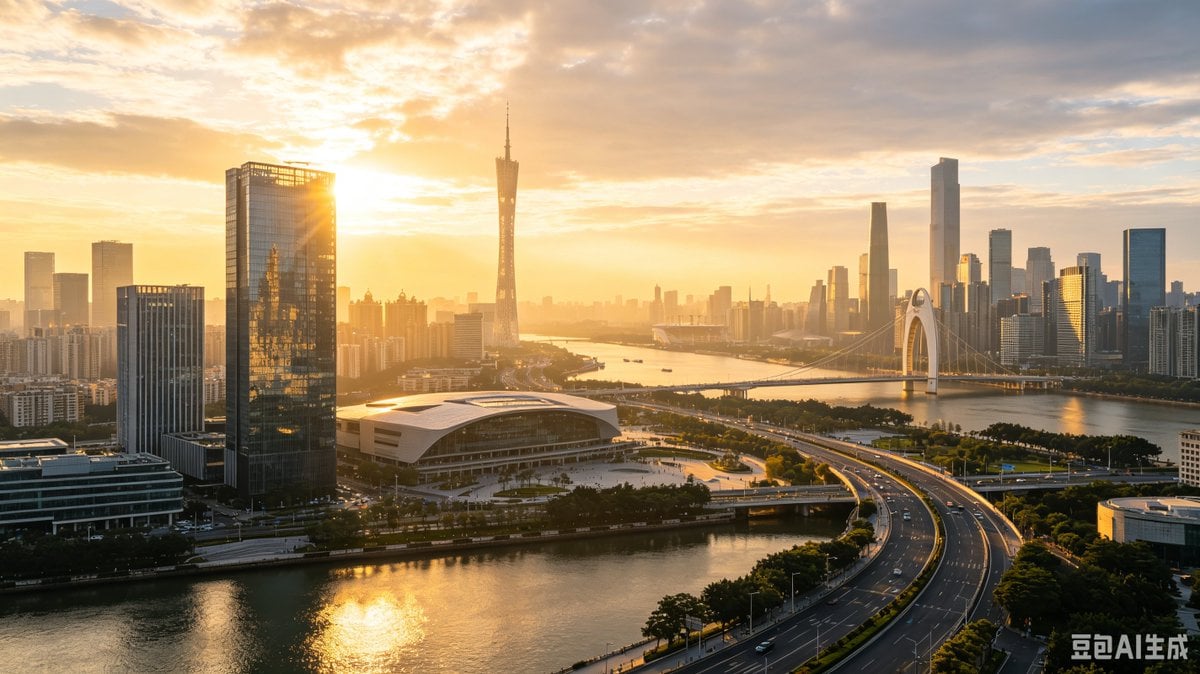
Guangzhou Sunset Skyline
Make it yours
AI Guangzhou Food Map Comparison works as-is. These are the safest ways to change it without losing the look.
Change one field
Copy a single group, rewrite it, and generate again so you can see what that field is doing.
Keep the frame, change the subject
Hold the composition and light of AI Guangzhou Food Map Comparison, then swap wardrobe, props or the person for a new take.
| If the result… | Why | Fix |
|---|---|---|
| The result drifts from the preview | Too many fields changed at once. | Reuse AI Guangzhou Food Map Comparison as-is first, then change one group — subject, light, or setting. |
| The model over-stylizes the scene | The prose prompt leaves finish and camera underspecified. | Add one camera or lighting sentence and stay on GPT Image 2. |
More GPT Image 2 templates
Other prompts made for GPT Image 2.

Six VTuber Japanese Logo Sheet

Realistic Portrait of Woman and Deer

The Vista Modular Condo Poster

2.5D Anime Art Board

Isometric Productivity Desk Scene

New York Double Exposure Poster

Japanese Tatami Lifestyle Magazine Cover

Brutalist Cogito Chinese Typography Poster
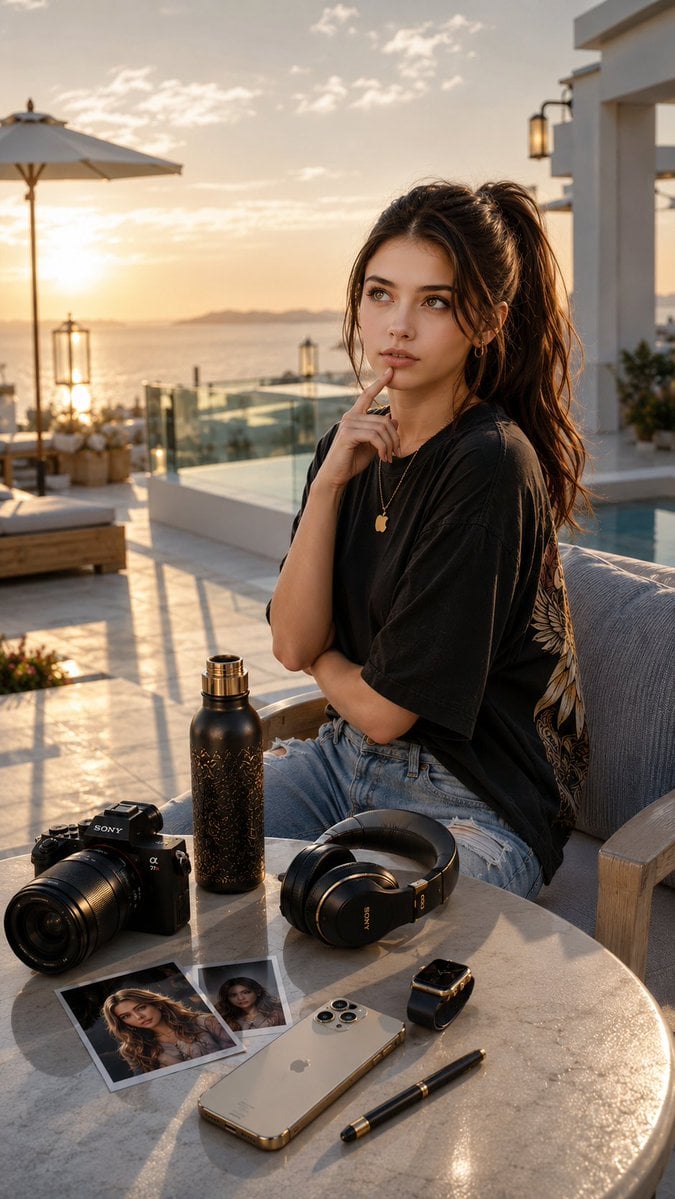
Cinematic Luxury Terrace Portrait
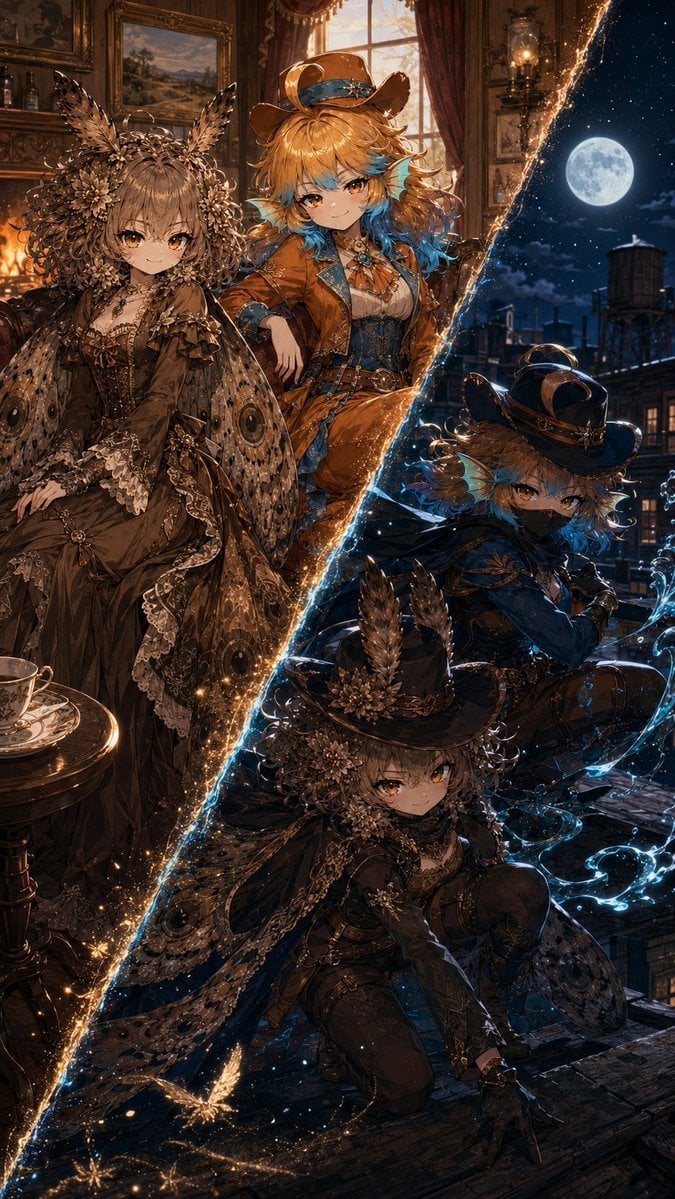
Superhero Era Transformation Split Portrait
More image prompts
Fresh picks from across the catalog.
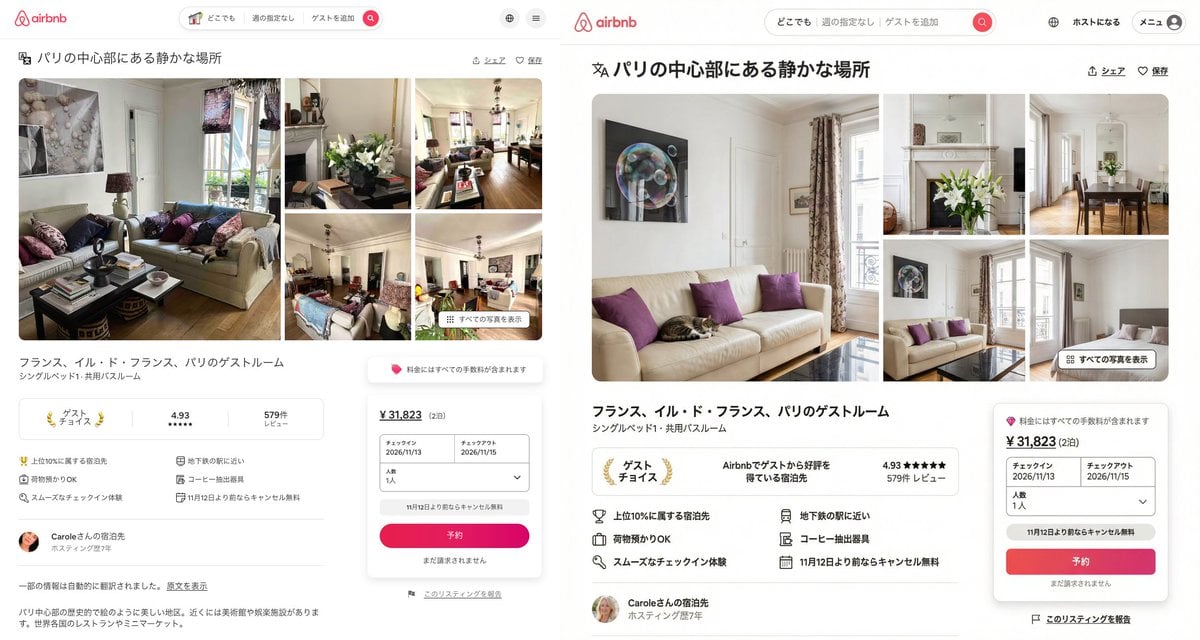
Recreating Airbnb UI with Image-to-Text and Nano Banana Pro
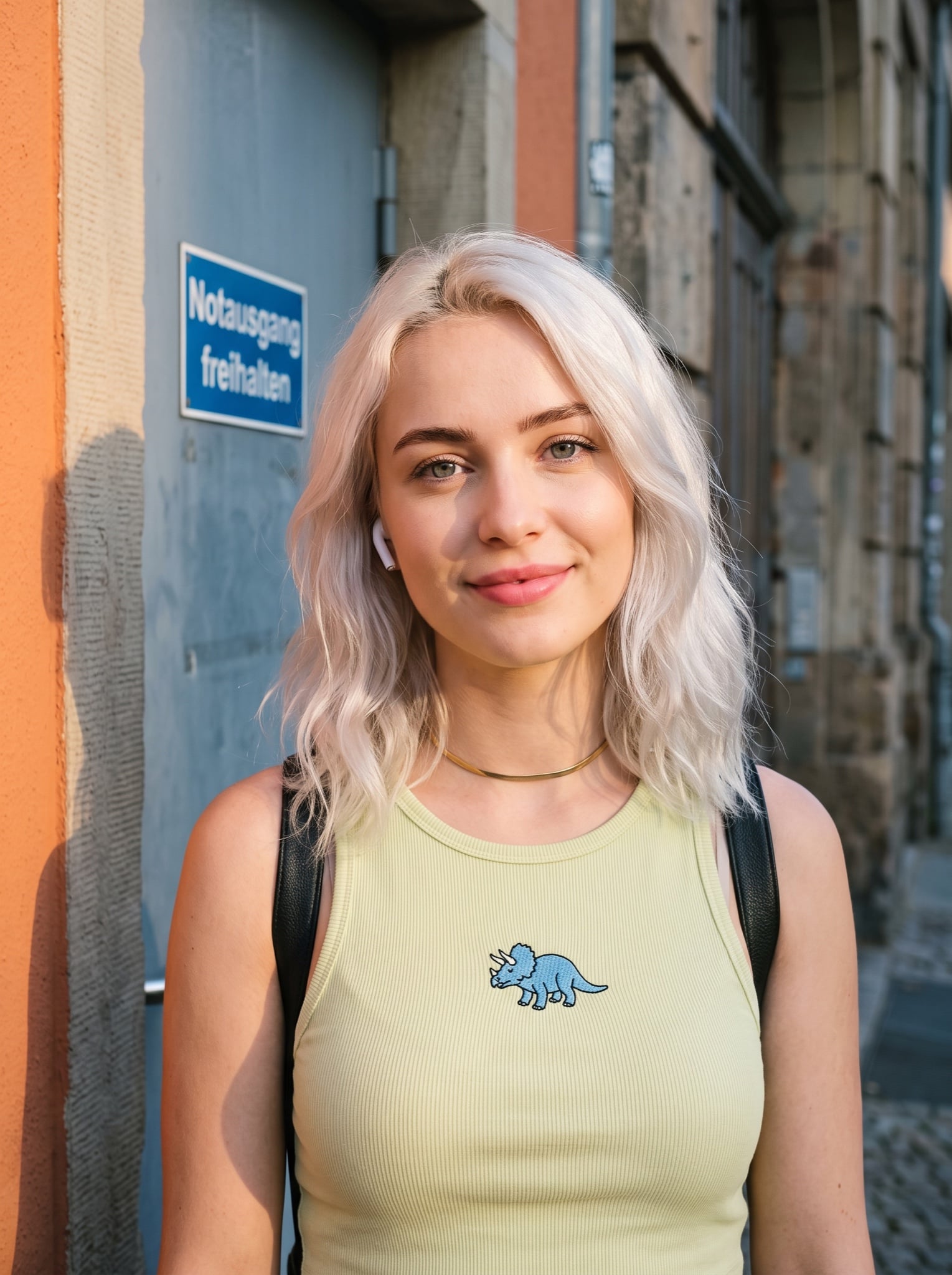
Casual Street Style Portrait Prompt for Nano Banana Pro
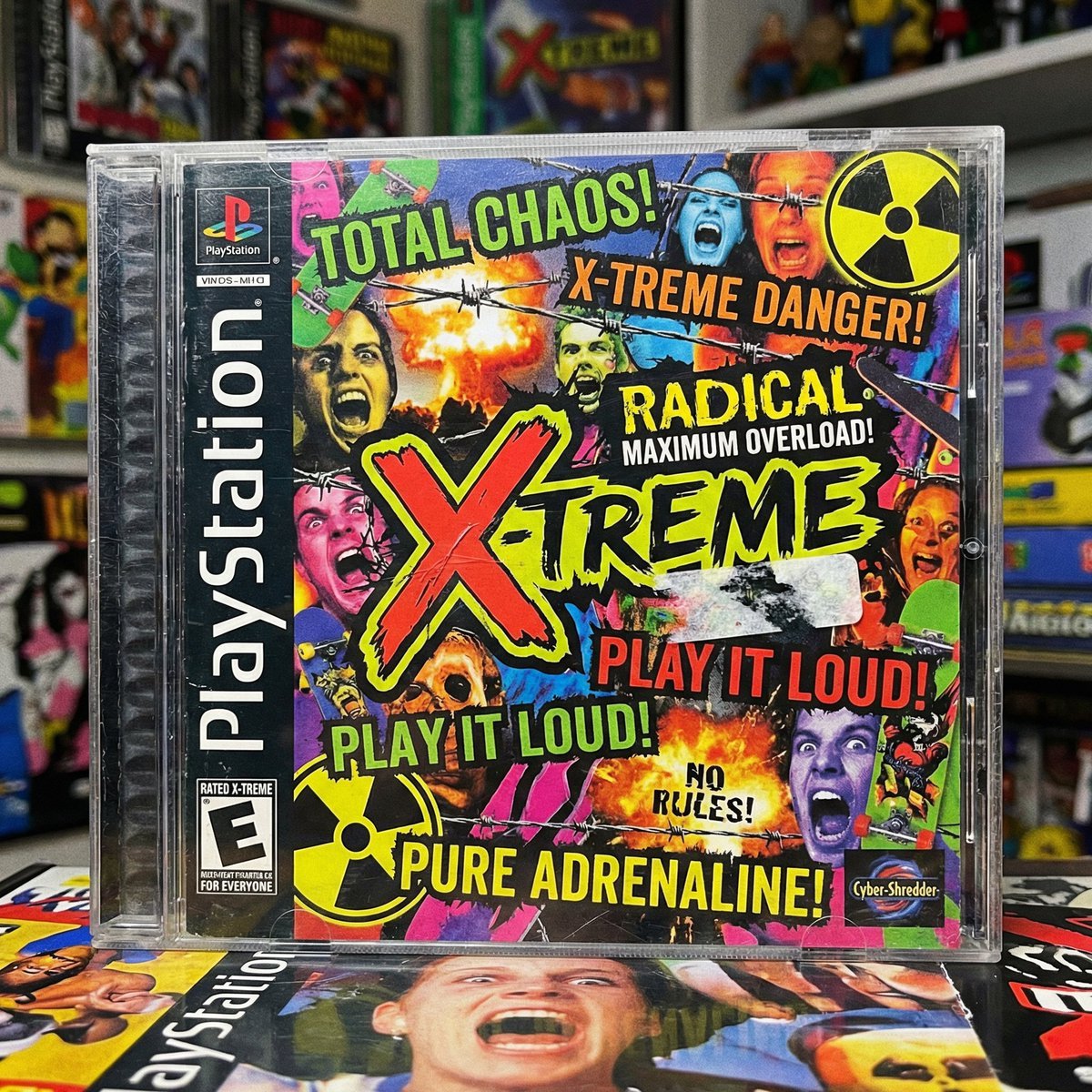
X-Treme 90s PlayStation Game Case
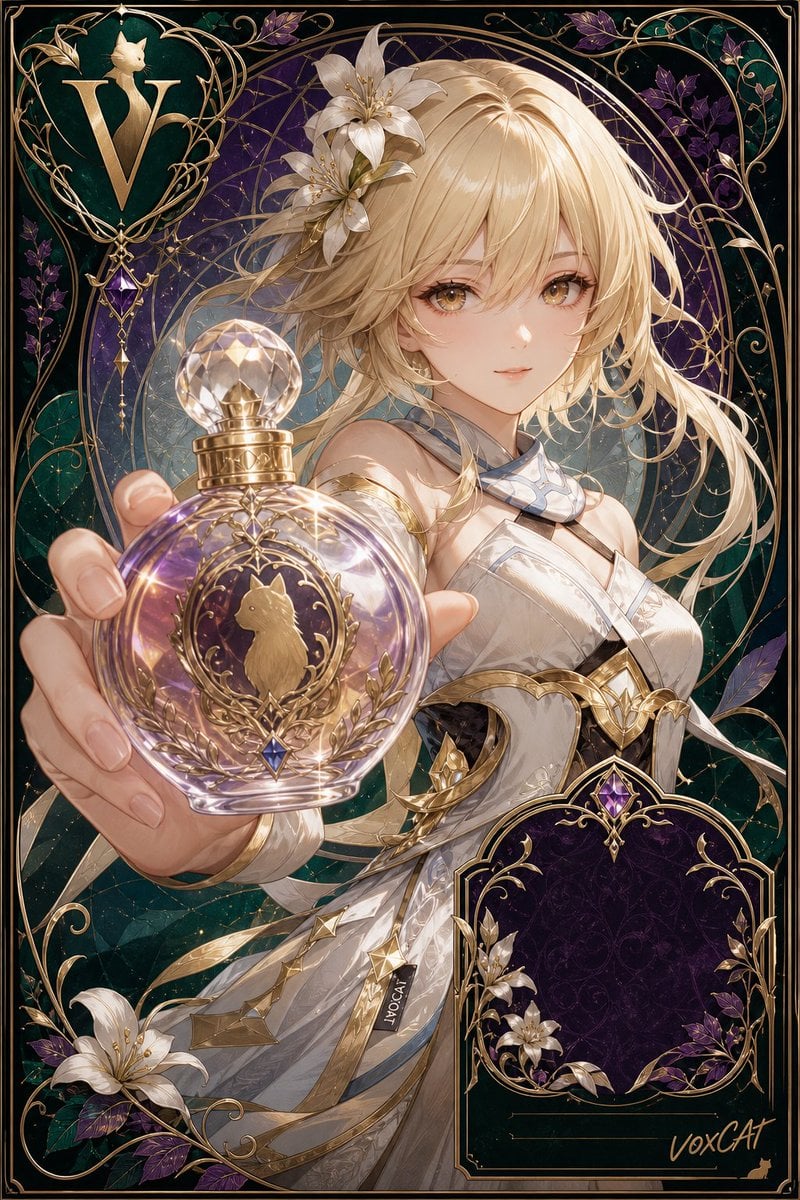
Art Nouveau Fantasy Perfume Poster
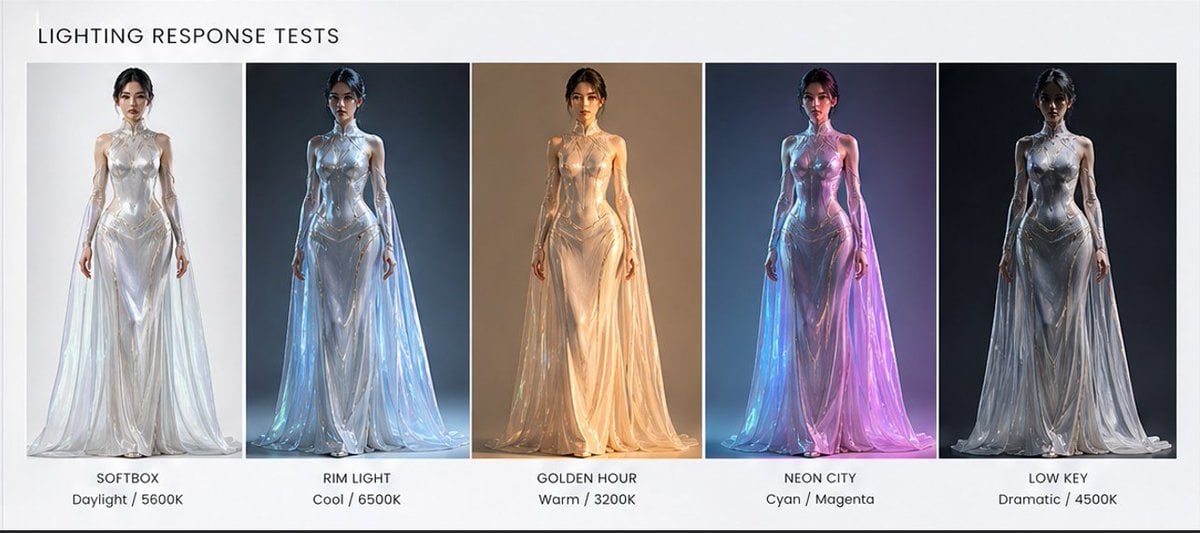
Fashion Lighting Response Test Sheet
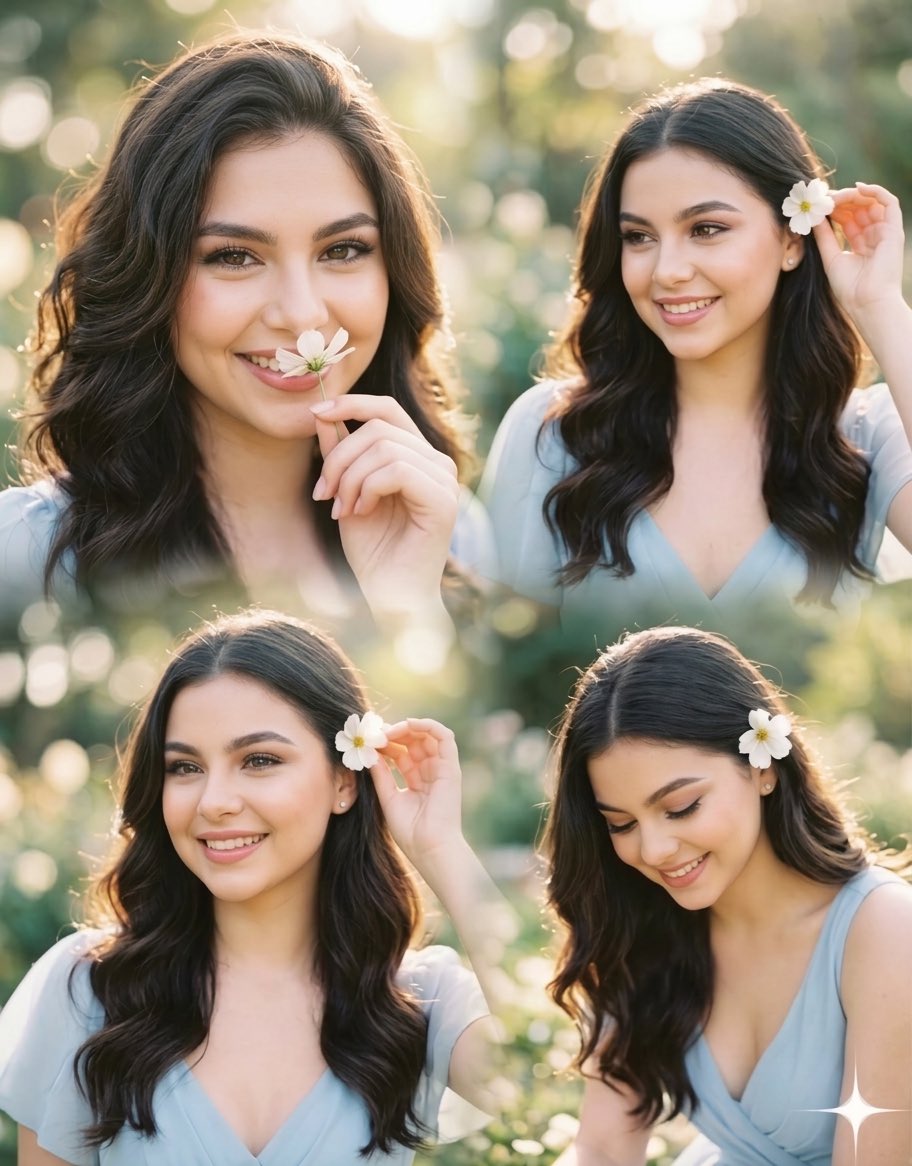
Panel Collage Portrait in Golden Hour
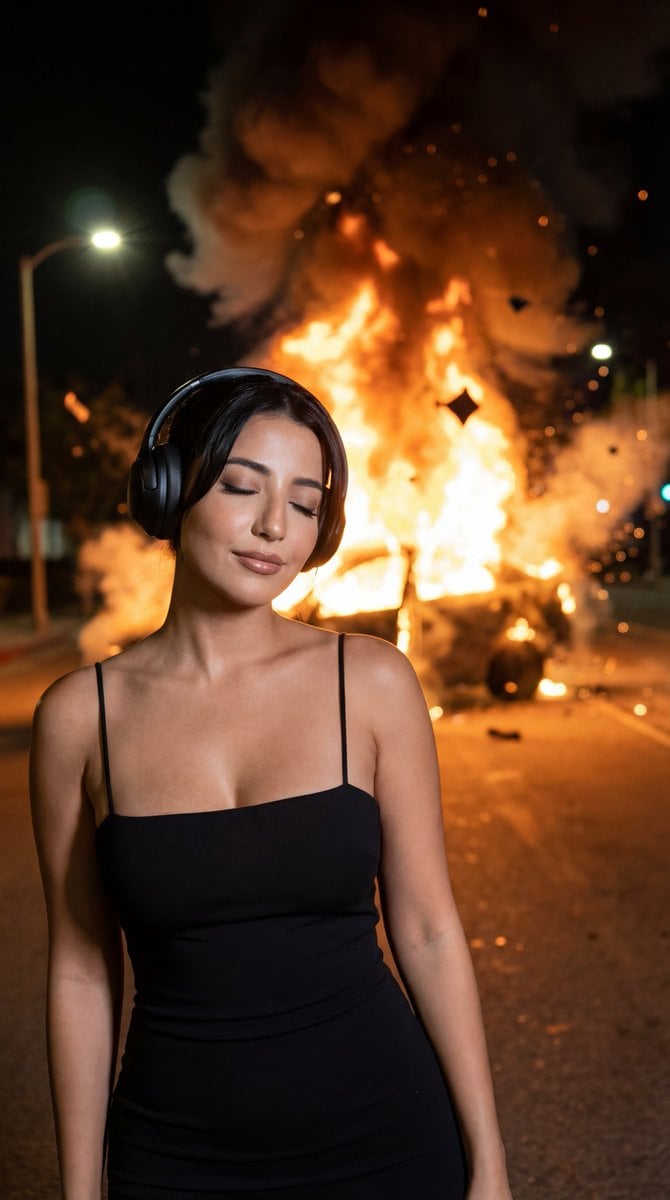
Candid Night Photo with Explosion Background Prompt
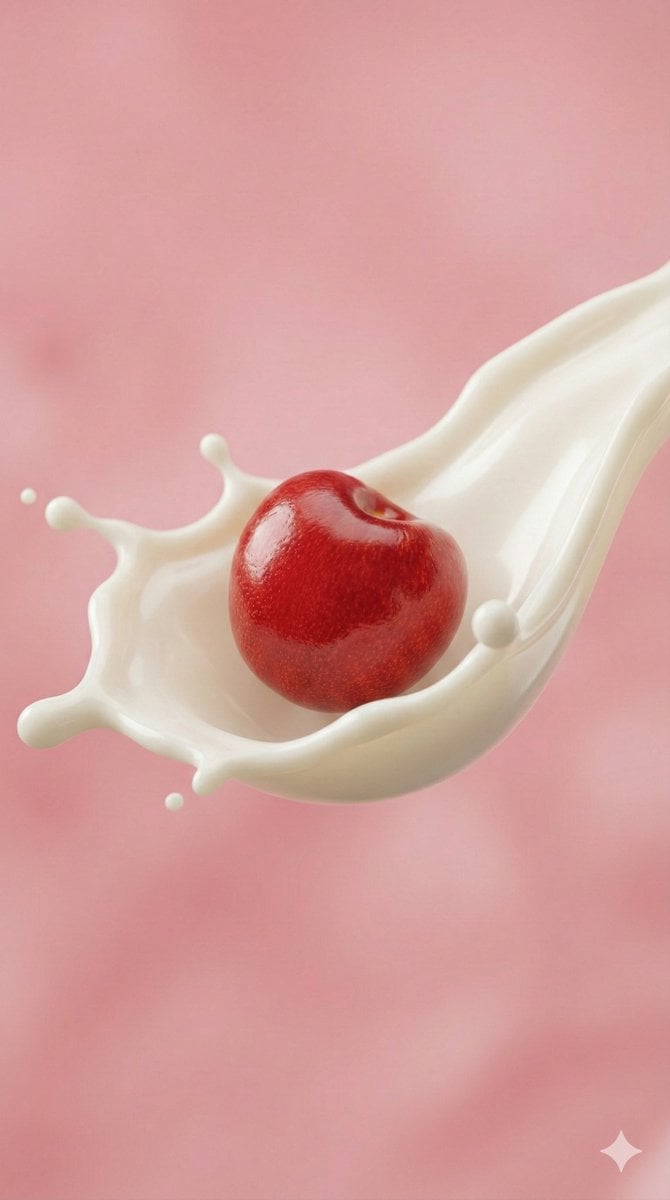
Ultra-Macro Cherry in Milk Splash
Graffiti Wall Urban Fashion Portrait
8 LINE stickers from a person image
Browse template categories
AI Guangzhou Food Map Comparison questions
How do I use the AI Guangzhou Food Map Comparison template?
Add your photo if the template asks for one, edit the prompt if you like — the template's model and format are already selected — and press Generate. Your version opens in PicX Studio.
Can I customize the AI Guangzhou Food Map Comparison template?
Yes. You can change the subject, setting, lighting, mood, format, and available model controls before creating your image.
Is the AI Guangzhou Food Map Comparison template free?
Opening and editing this template is free. Generating uses credits, shown on the Generate button when you are signed in.
Which AI model should I use?
Start with GPT Image 2, which is the model associated with this template. You can compare another compatible model for a different finish.
Looking for something else? Browse all templates.

Your photo, any look
Thousands of ready templates for every top image and video model, from one credit balance.