
Ink Calligraphy Guangzhou Poster
Creates a stunning vertical poster combining Chinese ink calligraphy with translucent architecture and Guangzhou landmarks in a modern Eastern aesthetic.
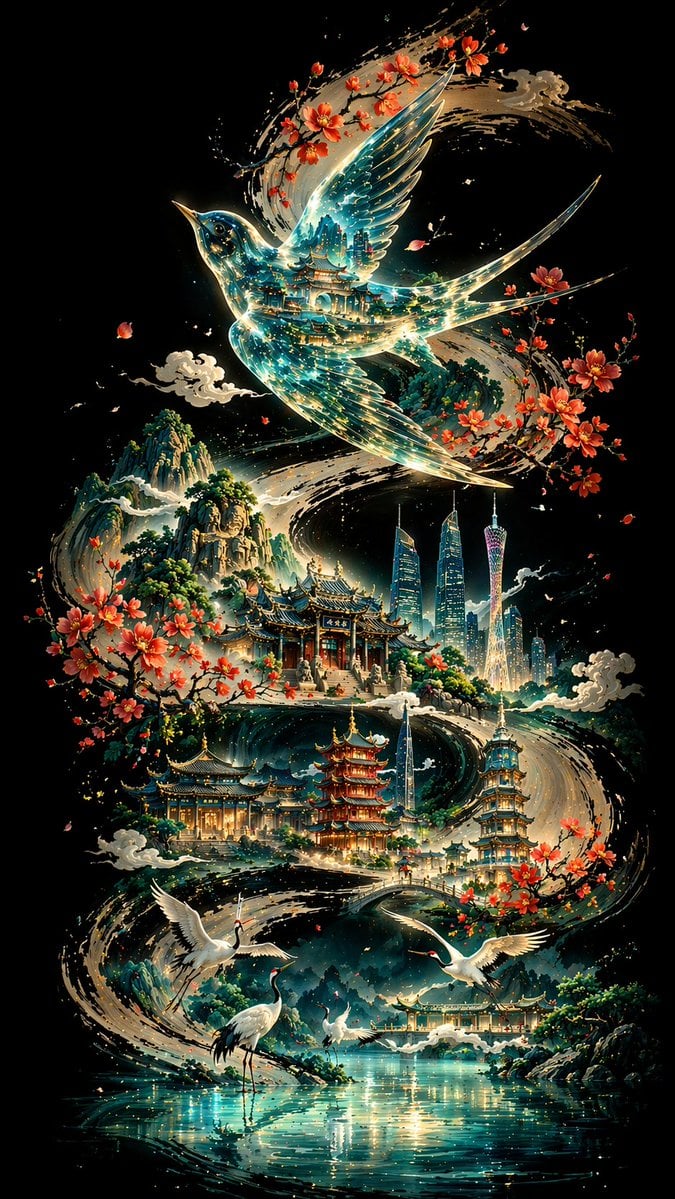
- Prompt included
- Model and format preset
- Free template
The prompt behind this image
Copy the exact prompt behind Ink Calligraphy Guangzhou Poster, or open it in the studio and make it yours.
Create a vertical 9:16 poster on a pure, deep black background. Let a bold, powerful {argument name="central curve" default="S-shaped curve painted in black ink calligraphy"} wind from one end of the frame to the other, serving as the visual backbone and narrative path of the entire composition. Above the curve, place a translucent {argument name="bird type" default="Chinese thrush bird"} with a glasslike body, its interior reflecting layered traditional architecture and flowing blue-green light. Scatter {argument name="city landmarks" default="Guangzhou landmarks"} and a sequence of classical Chinese buildings along the curve. In the foreground, show {argument name="animals" default="white cranes"} beside a reflective lake surface. In the distance, add layered mountain silhouettes. Use a non-linear perspective, a cool-toned palette with subtle warm accents, a fusion of Eastern aesthetics and modern symbolic imagery, ultra-detailed 8K rendering.
How to use Ink Calligraphy Guangzhou Poster in 3 steps
- 1
Open
The prompt is already in the box next to the preview, with the template's model and format selected.
- 2…a portrait of your subject in softgolden-hour light, 85mm…
Personalize
Edit the subject and creative details for your destination.
- 3Generate
Generate
Press Generate — your image is created in PicX Studio, so you can compare it with the original and refine one variable at a time.
More like this
Templates with the same subject, style or setup. Open one to see its prompt.

Vintage Lithograph Retro World Cup Poster

Trendy Cafe Drink Promo Poster

Gpt2 Infographic Edu Visual Ink Wash Tribute Poster for Chen Uen
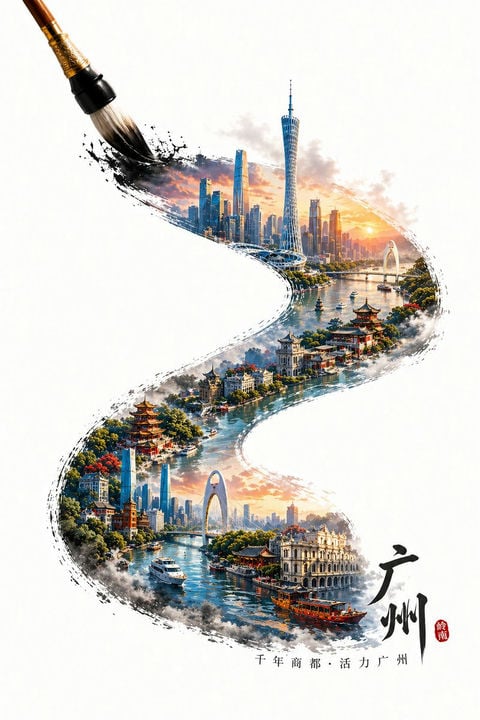
Guangzhou Ink Brush Travel Poster
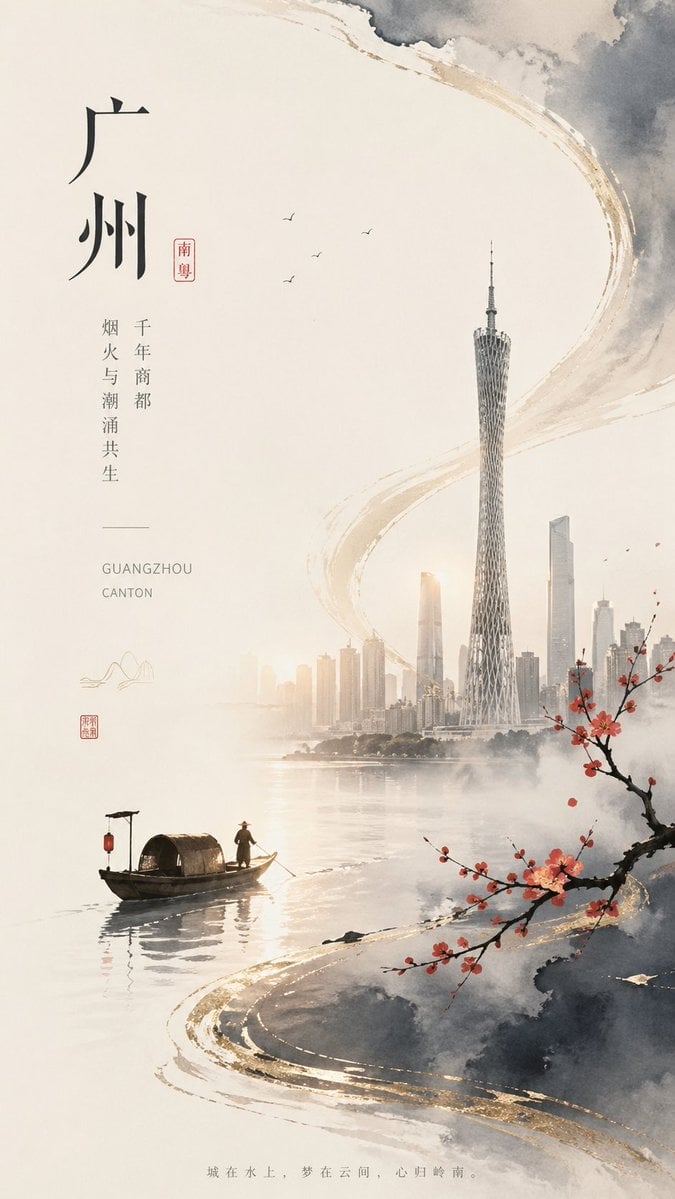
Guangzhou Ink-Wash City Poster

Japan Travel Brochure Poster

Cartoon TV Show Poster Pack

Urban Fashion Editorial Collage Streetwear Poster

Premium Fashion Editorial Cover Layout System

Polo Ralph Lauren Luxury American Heritage Fashion Campaign

Monochrome Halftone Editorial Fashion Poster

Retro Mirror Luxury Fashion Campaign Poster
Make it yours
Ink Calligraphy Guangzhou Poster works as-is. These are the safest ways to change it without losing the look.
Change one field
Copy a single group, rewrite it, and generate again so you can see what that field is doing.
Keep the frame, change the subject
Hold the composition and light of Ink Calligraphy Guangzhou Poster, then swap wardrobe, props or the person for a new take.
| If the result… | Why | Fix |
|---|---|---|
| The result drifts from the preview | Too many fields changed at once. | Reuse Ink Calligraphy Guangzhou Poster as-is first, then change one group — subject, light, or setting. |
| The model over-stylizes the scene | The prose prompt leaves finish and camera underspecified. | Add one camera or lighting sentence and stay on GPT Image 2. |
More GPT Image 2 templates
Other prompts made for GPT Image 2.

Six VTuber Japanese Logo Sheet

Realistic Portrait of Woman and Deer

The Vista Modular Condo Poster

AI Model Routing Comparison Infographic

2.5D Anime Art Board

Isometric Productivity Desk Scene

New York Double Exposure Poster

Four-Panel AI Landscape Comparison

Japanese Tatami Lifestyle Magazine Cover

NESCAFÉ Coffee Map Poster
More image prompts
Fresh picks from across the catalog.

Luxury Pink Chocolatier Gift Box
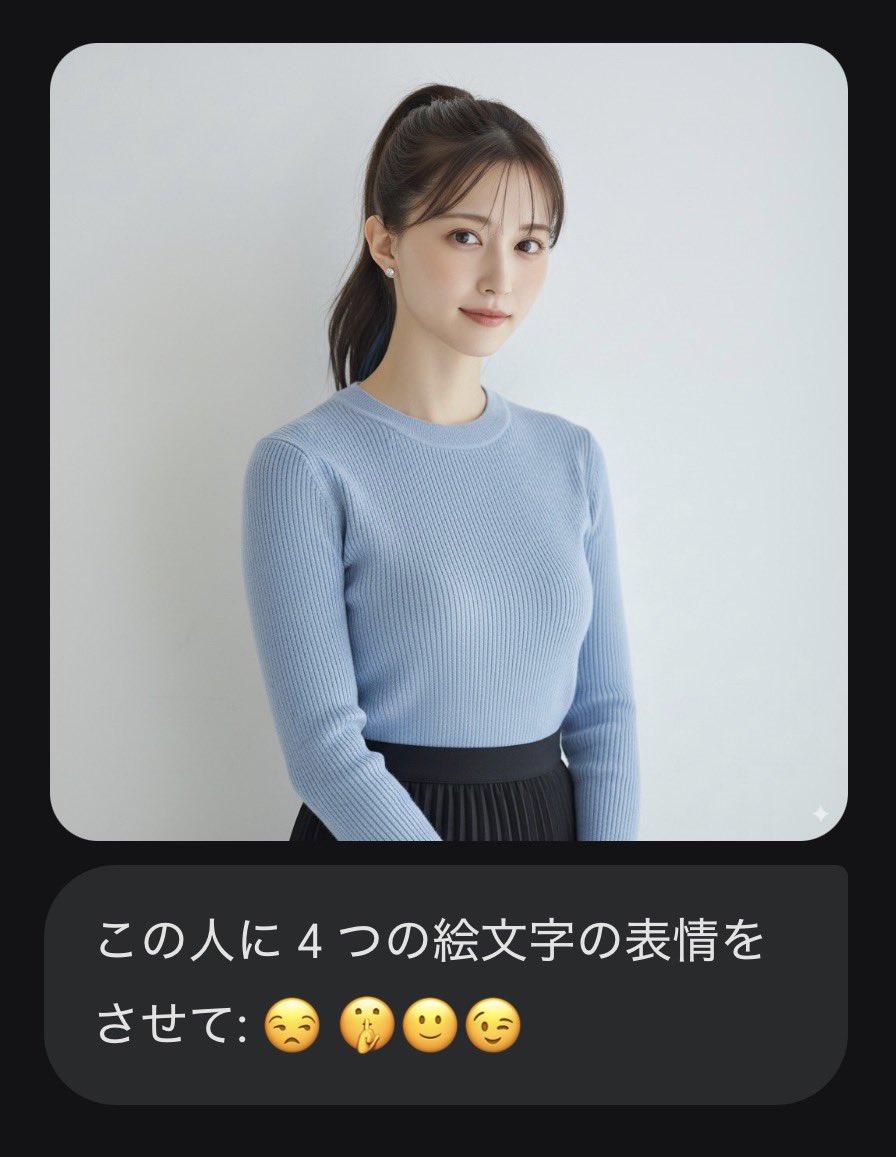
Nano Banana Pro Prompt: Changing Facial Expressions with Emojis
Editorial Close-Up with Purple Hoodie and Book Prompt
90s-style film portrait from a reference photo
Industrial Packaging Design Sheet
Kawaii Family Travel Paper-Cut Collage
Prompt for Exploding or Static Food Photography
Character in a Red Room Scene Prompt
Cinematic Storyboard Contact Sheet Prompt for Nano Banana Pro
Luxury Child Birthday Photoshoot Themes
Browse template categories
Ink Calligraphy Guangzhou Poster questions
How do I use the Ink Calligraphy Guangzhou Poster template?
Add your photo if the template asks for one, edit the prompt if you like — the template's model and format are already selected — and press Generate. Your version opens in PicX Studio.
Can I customize the Ink Calligraphy Guangzhou Poster template?
Yes. You can change the subject, setting, lighting, mood, format, and available model controls before creating your image.
Is the Ink Calligraphy Guangzhou Poster template free?
Opening and editing this template is free. Generating uses credits, shown on the Generate button when you are signed in.
Which AI model should I use?
Start with GPT Image 2, which is the model associated with this template. You can compare another compatible model for a different finish.
Looking for something else? Browse all templates.

Your photo, any look
Thousands of ready templates for every top image and video model, from one credit balance.