
Luxury Pink Chocolatier Gift Box
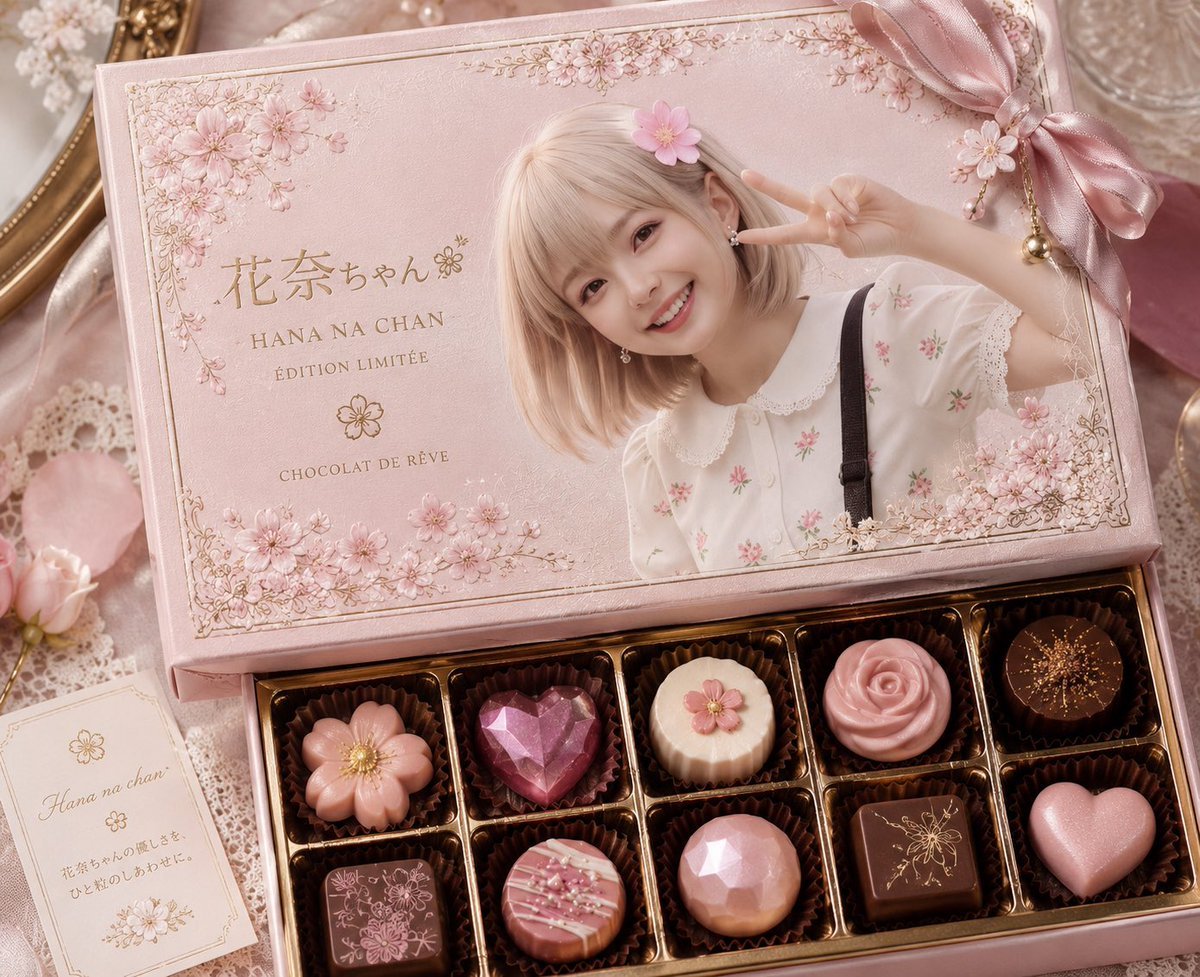
Generates a romantic premium chocolate box product photo with personalized kawaii packaging, floral details, and exactly ten ornate chocolates.
- Prompt included
- Model and format preset
- Free template
The prompt behind this image
Copy the exact prompt behind Luxury Pink Chocolatier Gift Box, or open it in the studio and make it yours.
Create a luxurious pastel pink limited-edition chocolate gift box product photo for {argument name="character name" default="Hana na chan"}. The scene is a dreamy, romantic flat-lay/angled close-up on a lace-covered table with soft warm studio lighting, shallow depth of field, pearl and satin accents, and an elegant rose-gold and blush color palette. Show an open rectangular chocolatier box: the upper lid fills the top half and is printed like a premium keepsake package with ornate thin gold border lines, delicate cherry-blossom clusters in the corners, and a large portrait-style photo of a cute young girl with a short pale-blonde bob haircut, a pink flower hair clip, a white blouse with tiny pink floral embroidery and lace collar, black suspenders, and one arm raised making a peace sign; place a simple opaque square privacy mosaic over the face. On the lid, include refined gold typography reading "花奈ちゃん" with a small blossom mark, "HANA NA CHAN", "ÉDITION LIMITÉE", and "CHOCOLAT DE RÊVE". Add a large satin bow at the upper right of the lid with dangling gold charm beads and a small flower ornament. The lower half of the box contains exactly 10 chocolates arranged in a 2-by-5 grid in individual dark brown fluted cups inside glossy gold compartments: 1 pink flower-shaped chocolate with a gold center, 2 faceted ruby-pink heart gem chocolate, 3 cream round ridged chocolate topped with a small pink flower, 4 pink rose-swirl chocolate, 5 dark round chocolate dusted with fine gold sprinkles, 6 square milk chocolate engraved with floral line art, 7 round pink striped chocolate with white drizzle and tiny sprinkles, 8 faceted blush-pink dome chocolate, 9 square dark chocolate engraved with a gold bee or floral motif, 10 pale pink heart chocolate with pearly sheen. Around the box, include soft props: lace fabric, pale pink flower petals, a small cream gift card at lower left with cursive "Hana na chan" and Japanese-style decorative text, a vintage gold mirror edge, pearls, and pink ribbon. Style should look like a high-end Japanese kawaii chocolatier advertisement, photorealistic but slightly fantasy-polished, with crisp packaging details, embossed textures, metallic gold accents, delicate blossoms, and no extra chocolates or extra text beyond the specified lettering.
How to use Luxury Pink Chocolatier Gift Box in 3 steps
- 1Upload ImagePNG, JPG or paste
Add your photo
Upload the photo the template builds on. The prompt, model and format are already set.
- 2…a portrait of your subject in softgolden-hour light, 85mm…
Personalize
Edit the subject and creative details for your destination.
- 3Generate
Generate
Press Generate — your image is created in PicX Studio, so you can compare it with the original and refine one variable at a time.
More like this
Templates with the same subject, style or setup. Open one to see its prompt.











Make it yours
Luxury Pink Chocolatier Gift Box works as-is. These are the safest ways to change it without losing the look.
Change one field
Copy a single group, rewrite it, and generate again so you can see what that field is doing.
Keep the frame, change the subject
Hold the composition and light of Luxury Pink Chocolatier Gift Box, then swap wardrobe, props or the person for a new take.
| If the result… | Why | Fix |
|---|---|---|
| The result drifts from the preview | Too many fields changed at once. | Reuse Luxury Pink Chocolatier Gift Box as-is first, then change one group — subject, light, or setting. |
| The model over-stylizes the scene | The prose prompt leaves finish and camera underspecified. | Add one camera or lighting sentence and stay on GPT Image 2. |
More GPT Image 2 templates
Other prompts made for GPT Image 2.

Six VTuber Japanese Logo Sheet

Realistic Portrait of Woman and Deer

The Vista Modular Condo Poster

AI Model Routing Comparison Infographic

2.5D Anime Art Board

Isometric Productivity Desk Scene

New York Double Exposure Poster

Four-Panel AI Landscape Comparison

Japanese Tatami Lifestyle Magazine Cover

NESCAFÉ Coffee Map Poster
More image prompts
Fresh picks from across the catalog.
Campy High-Fashion Editorial at a Gas Station
Modern Loft Lifestyle Editorial Portrait Prompt

Cinematic Photograph of a Man in a Boat
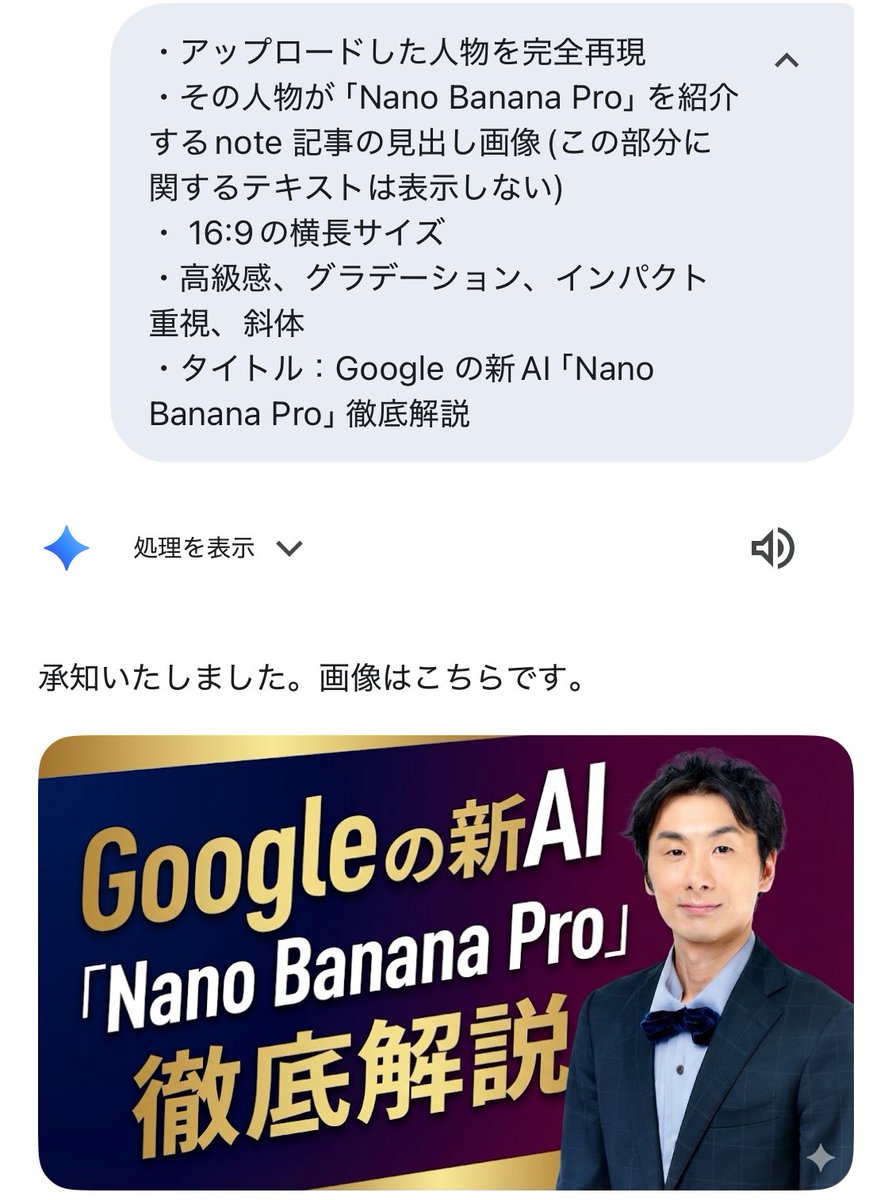
Luxurious header image with uploaded person for Nano Banana Pro article

Detailed Elderly Fisherman Portrait
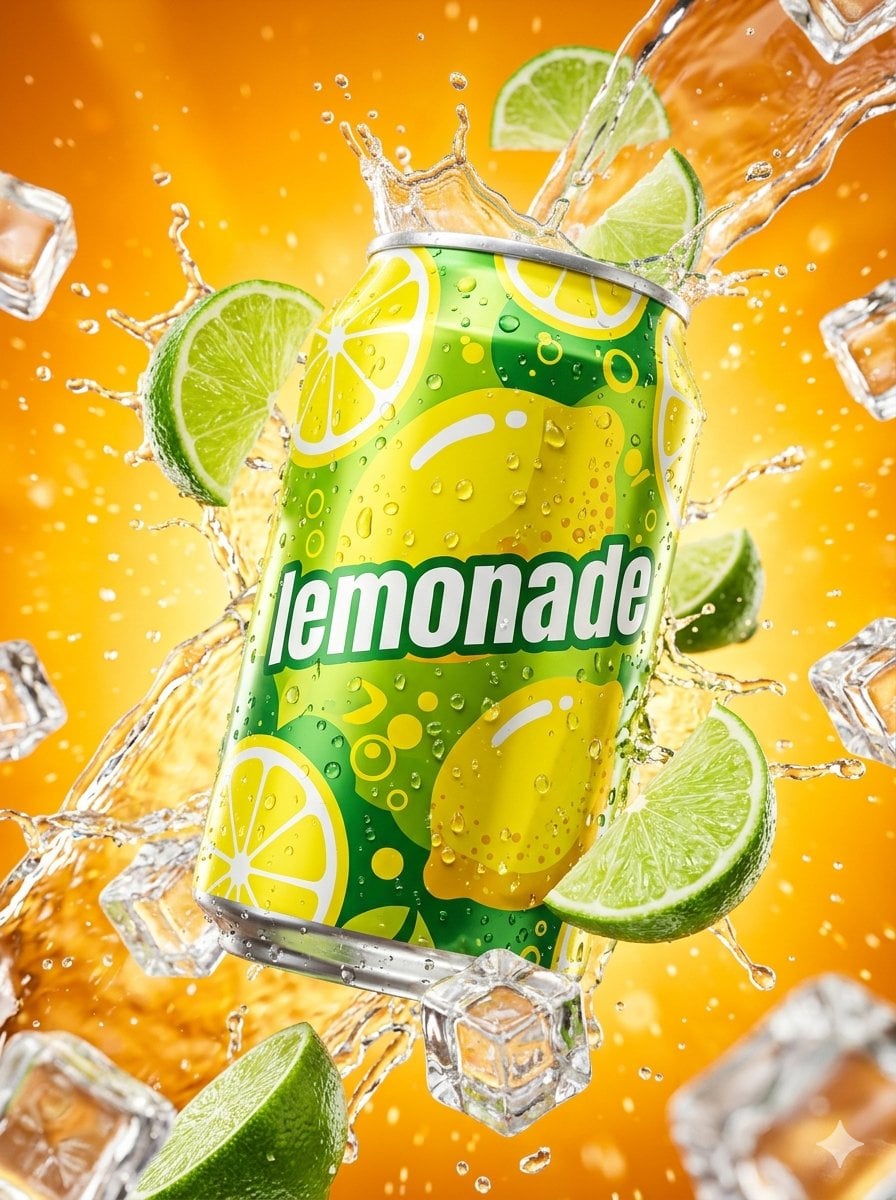
Hyper-realistic Surreal Lemonade Can
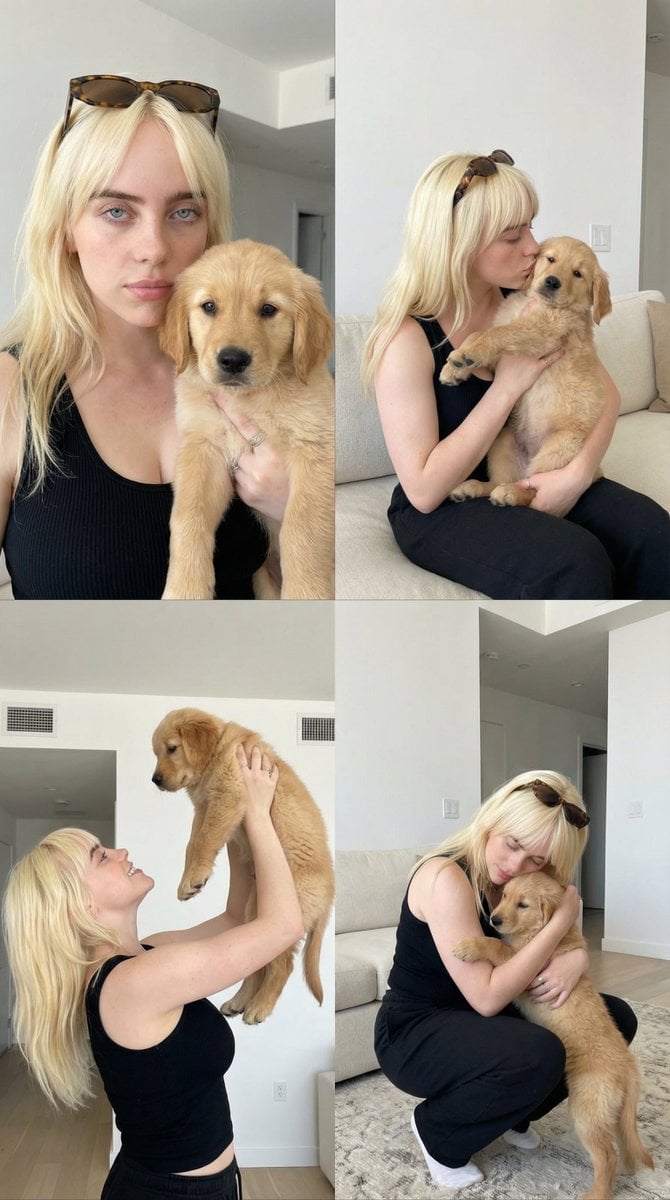
2x2 Collage of Woman with Golden Retriever Puppy
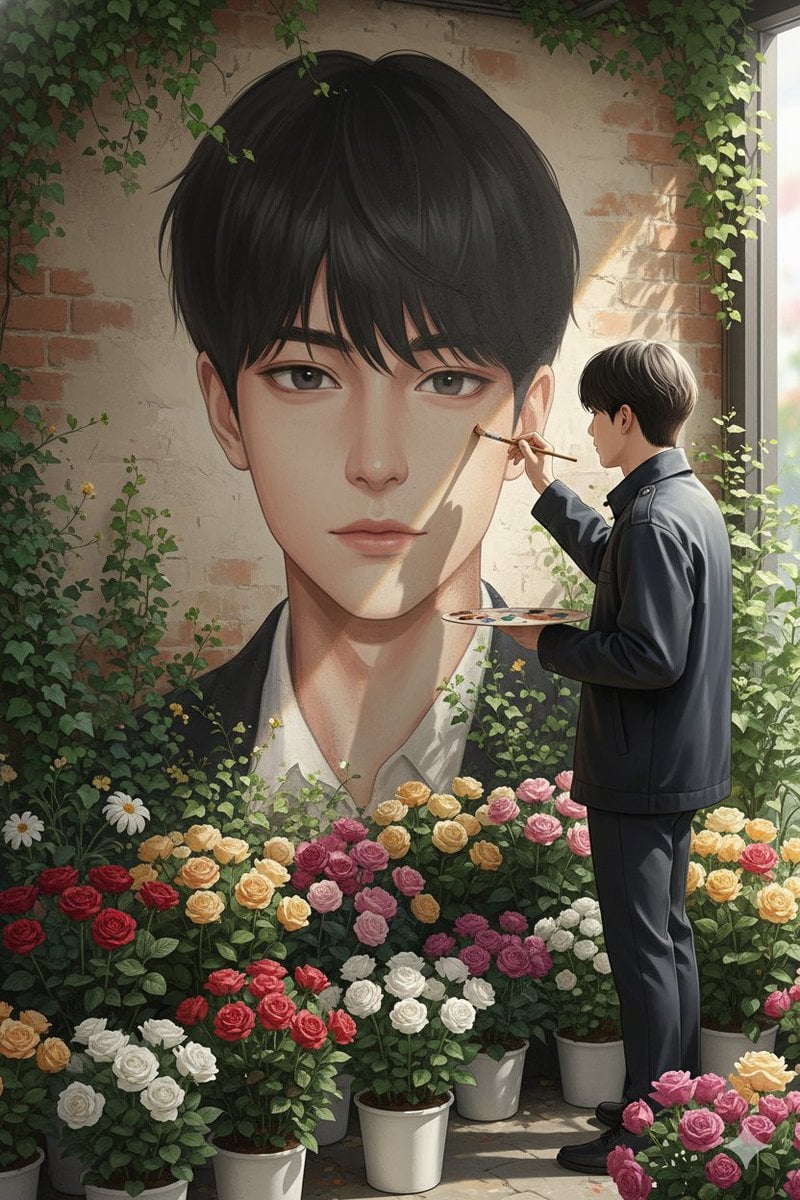
Ultra-Realistic Portrait of an Artist Painting a Self-Mural
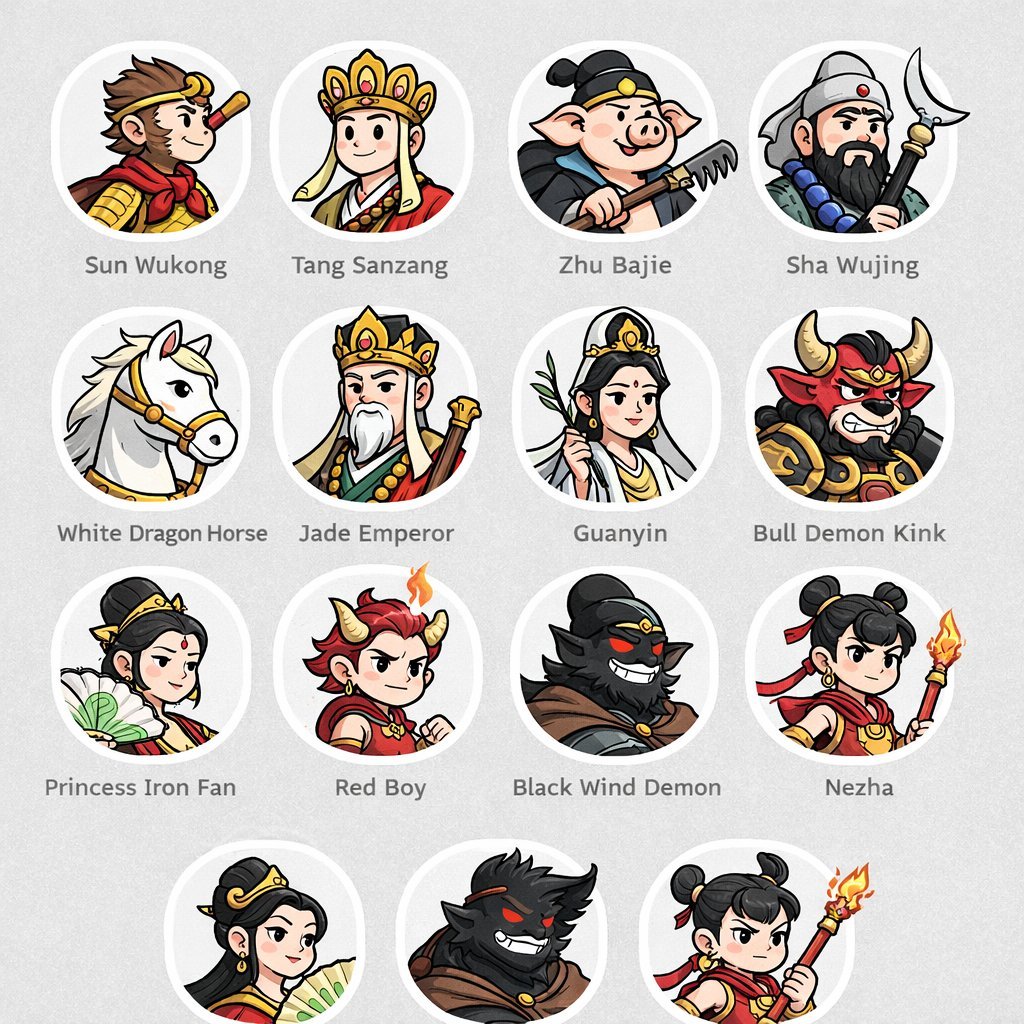
Mythological Character Avatar Grid

Sci-Fi Chibi Robot Welding in Space
Browse template categories
Luxury Pink Chocolatier Gift Box questions
How do I use the Luxury Pink Chocolatier Gift Box template?
Add your photo if the template asks for one, edit the prompt if you like — the template's model and format are already selected — and press Generate. Your version opens in PicX Studio.
Can I customize the Luxury Pink Chocolatier Gift Box template?
Yes. You can change the subject, setting, lighting, mood, format, and available model controls before creating your image.
Is the Luxury Pink Chocolatier Gift Box template free?
Opening and editing this template is free. Generating uses credits, shown on the Generate button when you are signed in.
Which AI model should I use?
Start with GPT Image 2, which is the model associated with this template. You can compare another compatible model for a different finish.
Looking for something else? Browse all templates.

Your photo, any look
Thousands of ready templates for every top image and video model, from one credit balance.