
Mythological Character Avatar Grid
Generates a grid of cartoon-style circular character avatars with text labels, ideal for UI mockups or cast lists.
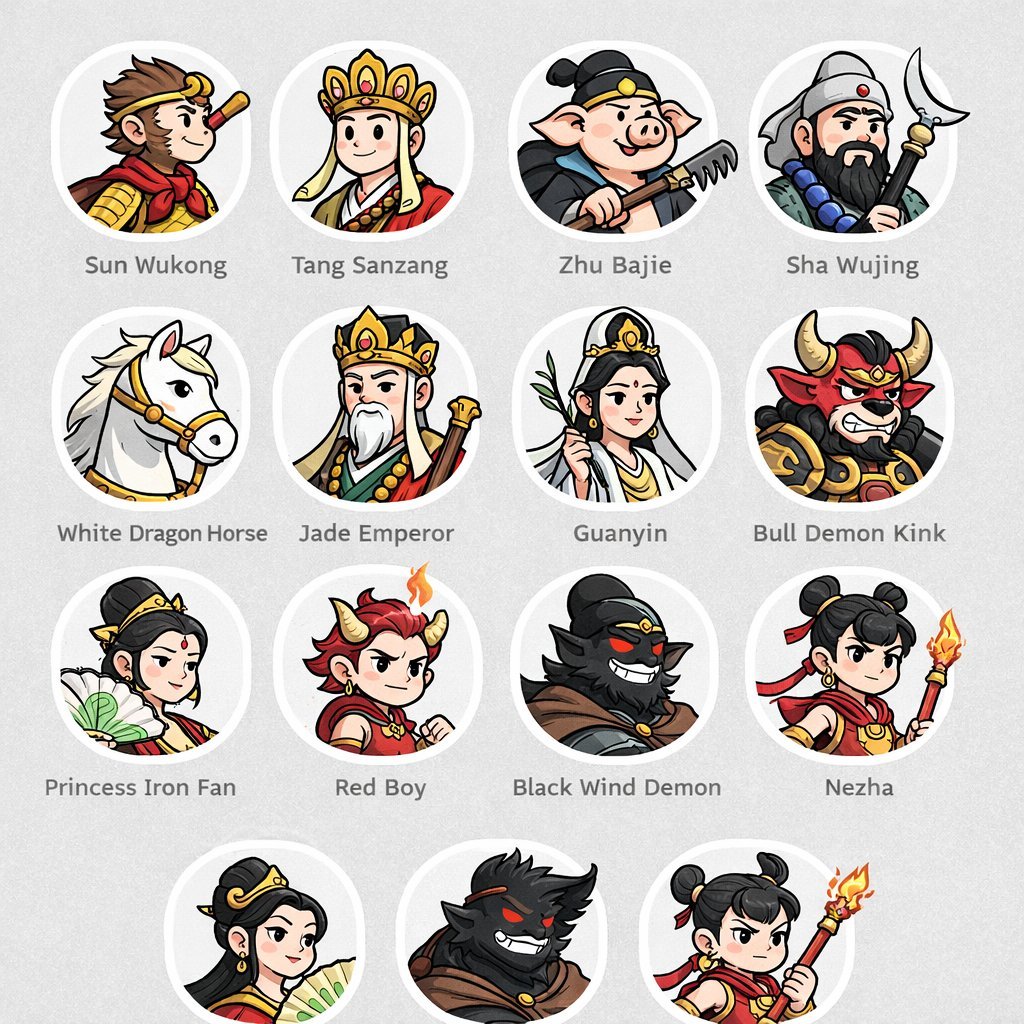
- Prompt included
- Model and format preset
- Free template
The prompt behind this image
Copy the exact prompt behind Mythological Character Avatar Grid, or open it in the studio and make it yours.
- Type
- character avatar grid
- Theme
- {argument name="theme" default="Journey to the West mythology"}
- Style
- {argument name="art style" default="clean 2D cartoon vector illustration, thick outlines, flat colors"}
- Layout › Background
- {argument name="background color" default="light gray"} subtle texture
- Layout › Format
- grid of circular portraits with text labels centered below each circle
- Layout › Rows › 0 › Count
- 4
- Layout › Rows › 0 › Items › 0 › Label
- Sun Wukong
- Layout › Rows › 0 › Items › 0 › Description
- monkey boy with golden headband and red scarf
- Layout › Rows › 0 › Items › 1 › Label
- Tang Sanzang
- Layout › Rows › 0 › Items › 1 › Description
- monk with ornate golden crown
- Layout › Rows › 0 › Items › 2 › Label
- Zhu Bajie
- Layout › Rows › 0 › Items › 2 › Description
- pig man holding a rake
- Layout › Rows › 0 › Items › 3 › Label
- Sha Wujing
- Layout › Rows › 0 › Items › 3 › Description
- bearded man holding a crescent moon staff
- Layout › Rows › 1 › Count
- 4
- Layout › Rows › 1 › Items › 0 › Label
- White Dragon Horse
- Layout › Rows › 1 › Items › 0 › Description
- white horse with golden bridle
- Layout › Rows › 1 › Items › 1 › Label
- Jade Emperor
- Layout › Rows › 1 › Items › 1 › Description
- older man with white beard and golden crown
- Layout › Rows › 1 › Items › 2 › Label
- Guanyin
- Layout › Rows › 1 › Items › 2 › Description
- goddess holding a willow branch
- Layout › Rows › 1 › Items › 3 › Label
- Bull Demon Kink
- Layout › Rows › 1 › Items › 3 › Description
- fierce bull demon in armor
- Layout › Rows › 2 › Count
- 4
Raw JSON
{
  "type": "character avatar grid",
  "theme": "{argument name=\"theme\" default=\"Journey to the West mythology\"}",
  "style": "{argument name=\"art style\" default=\"clean 2D cartoon vector illustration, thick outlines, flat colors\"}",
  "layout": {
    "background": "{argument name=\"background color\" default=\"light gray\"} subtle texture",
    "format": "grid of circular portraits with text labels centered below each circle",
    "rows": [
      {
        "count": 4,
        "items": [
          {"label": "Sun Wukong", "description": "monkey boy with golden headband and red scarf"},
          {"label": "Tang Sanzang", "description": "monk with ornate golden crown"},
          {"label": "Zhu Bajie", "description": "pig man holding a rake"},
          {"label": "Sha Wujing", "description": "bearded man holding a crescent moon staff"}
        ]
      },
      {
        "count": 4,
        "items": [
          {"label": "White Dragon Horse", "description": "white horse with golden bridle"},
          {"label": "Jade Emperor", "description": "older man with white beard and golden crown"},
          {"label": "Guanyin", "description": "goddess holding a willow branch"},
          {"label": "Bull Demon Kink", "description": "fierce bull demon in armor"}
        ]
      },
      {
        "count": 4,
        "items": [
          {"label": "Princess Iron Fan", "description": "woman holding a green palm leaf fan"},
          {"label": "Red Boy", "description": "boy with red hair, horns, and a small flame"},
          {"label": "Black Wind Demon", "description": "dark shadowy demon with glowing red eyes"},
          {"label": "Nezha", "description": "boy with double hair buns holding a flaming spear"}
        ]
      },
      {
        "count": 3,
        "description": "partial row repeating Princess Iron Fan, Black Wind Demon, and Nezha, slightly cropped at the bottom"
      }
    ]
  }
}Reference images included
Mythological Character Avatar Grid needs input media to work. They load alongside the prompt when you open it in the studio.
How to use Mythological Character Avatar Grid in 3 steps
- 1Upload ImagePNG, JPG or paste
Add your photo
Upload the photo the template builds on. The prompt, model and format are already set.
- 2…a portrait of your subject in softgolden-hour light, 85mm…
Personalize
Edit the subject and creative details for your destination.
- 3Generate
Generate
Press Generate — your image is created in PicX Studio, so you can compare it with the original and refine one variable at a time.
More like this
Templates with the same subject, style or setup. Open one to see its prompt.

Korean Luxury Fashion Editorial 2x2 Grid Series

Minimalist Fashion Editorial Split Layout

Ultra-Realistic Vogue-Style Editorial Fashion Grid

Headphones Lifestyle Nine Panel Grid

4x4 Grid - Candid Nostalgic Vacation Selfies

Movement Sheet - Dance Reference (Seedance 2.0)
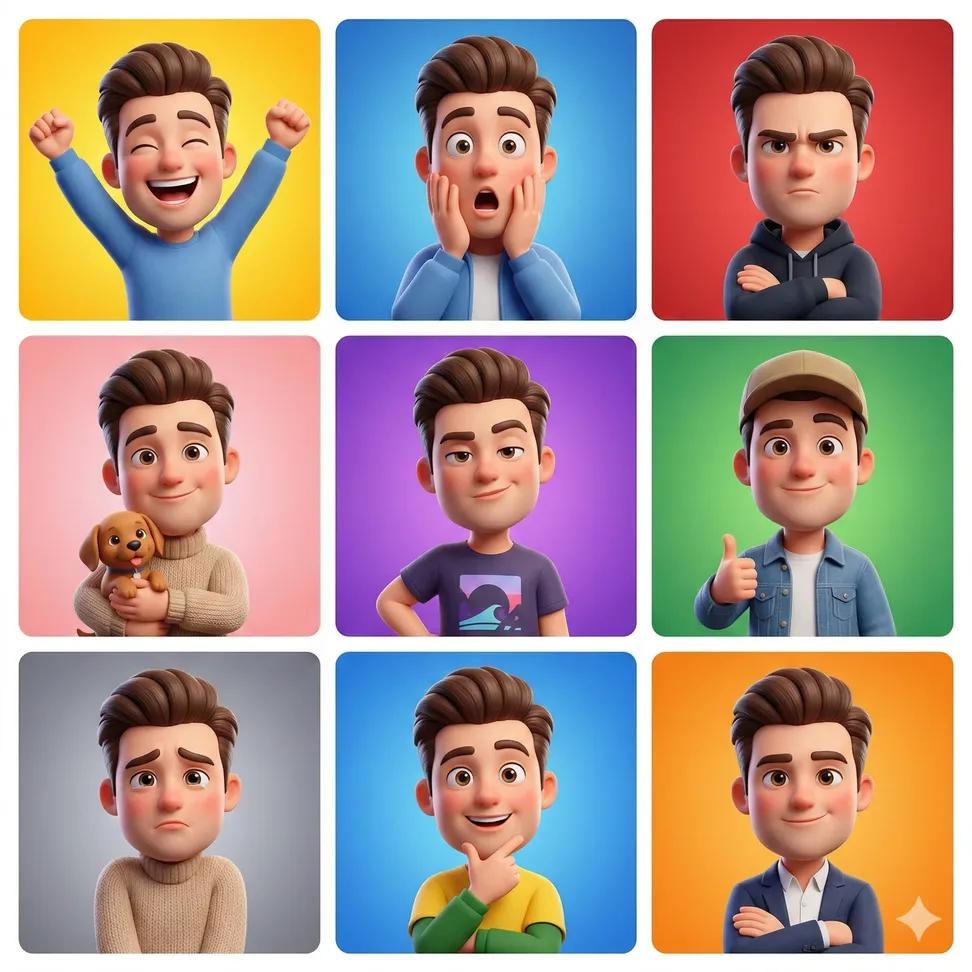
3D Cartoon Avatar Character Grid Prompt (Pixar Style)

Paris Travel Collage Grid - Face Reference

Instagram Feed Grid
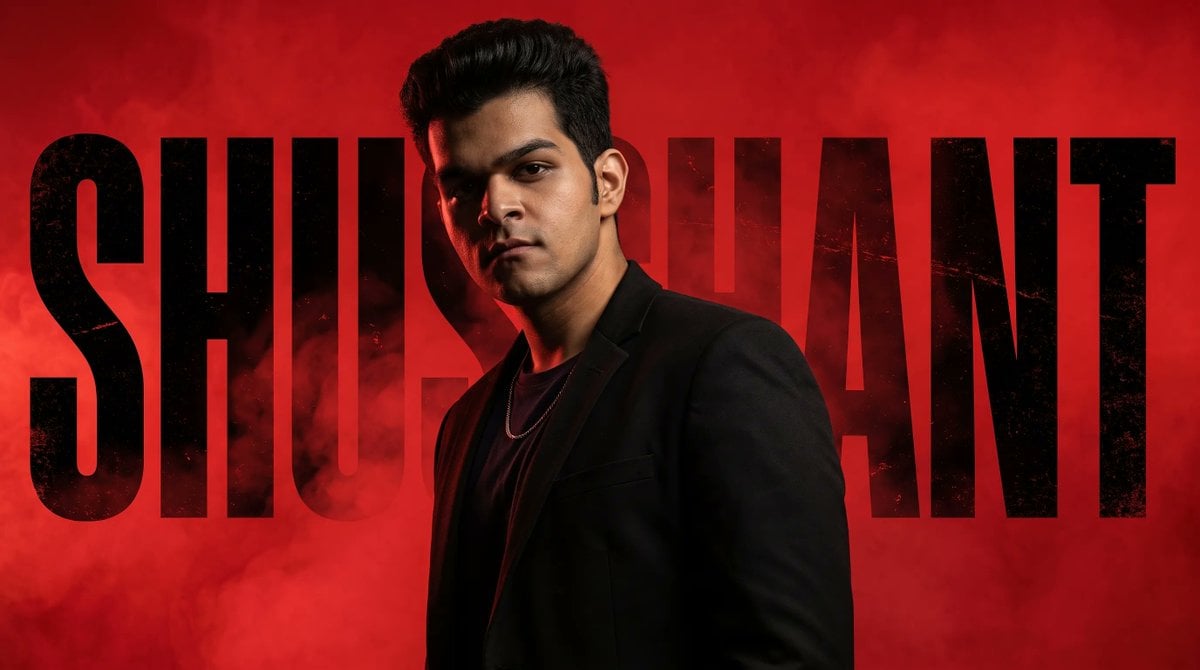
Neo-Noir Typographic Avatar Poster

A 3x3 grid storyboard contact sheet comprised of nine candid, cinematic
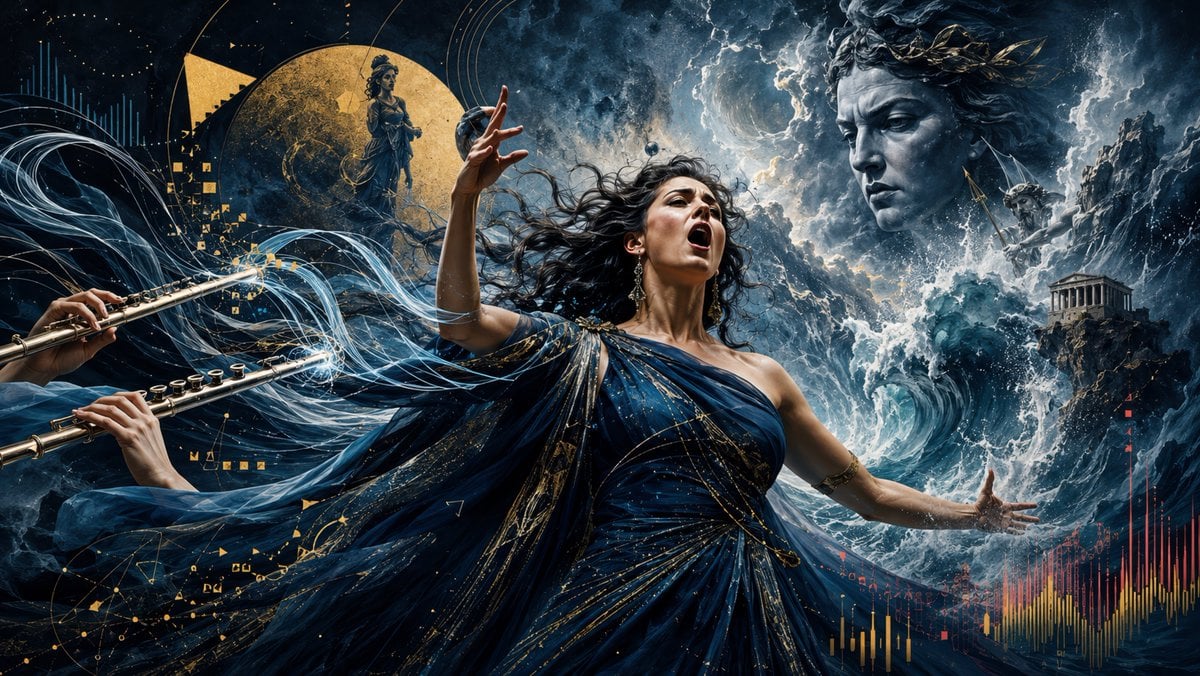
Stormy Mythological Soprano Aria
Make it yours
Mythological Character Avatar Grid works as-is. These are the safest ways to change it without losing the look.
Swap the setting
Keep the rest of the prompt and replace the location block. The current setting is “{argument name="background color" default="light gray"} subtle texture”.
Change one field
Copy a single group, rewrite it, and generate again so you can see what that field is doing.
Keep the frame, change the subject
Hold the composition and light of Mythological Character Avatar Grid, then swap wardrobe, props or the person for a new take.
| If the result… | Why | Fix |
|---|---|---|
| The result drifts from the preview | Too many fields changed at once. | Reuse Mythological Character Avatar Grid as-is first, then change one group — subject, light, or setting. |
| GPT Image 2 ignores part of the JSON | Some models flatten or skip nested keys. | Keep the same values and paste them as a short paragraph instead. |
More GPT Image 2 templates
Other prompts made for GPT Image 2.

Six VTuber Japanese Logo Sheet

Realistic Portrait of Woman and Deer

The Vista Modular Condo Poster

AI Model Routing Comparison Infographic

2.5D Anime Art Board

Isometric Productivity Desk Scene

New York Double Exposure Poster

Four-Panel AI Landscape Comparison

Japanese Tatami Lifestyle Magazine Cover

NESCAFÉ Coffee Map Poster
More image prompts
Fresh picks from across the catalog.

Professional Studio Headshot Prompt
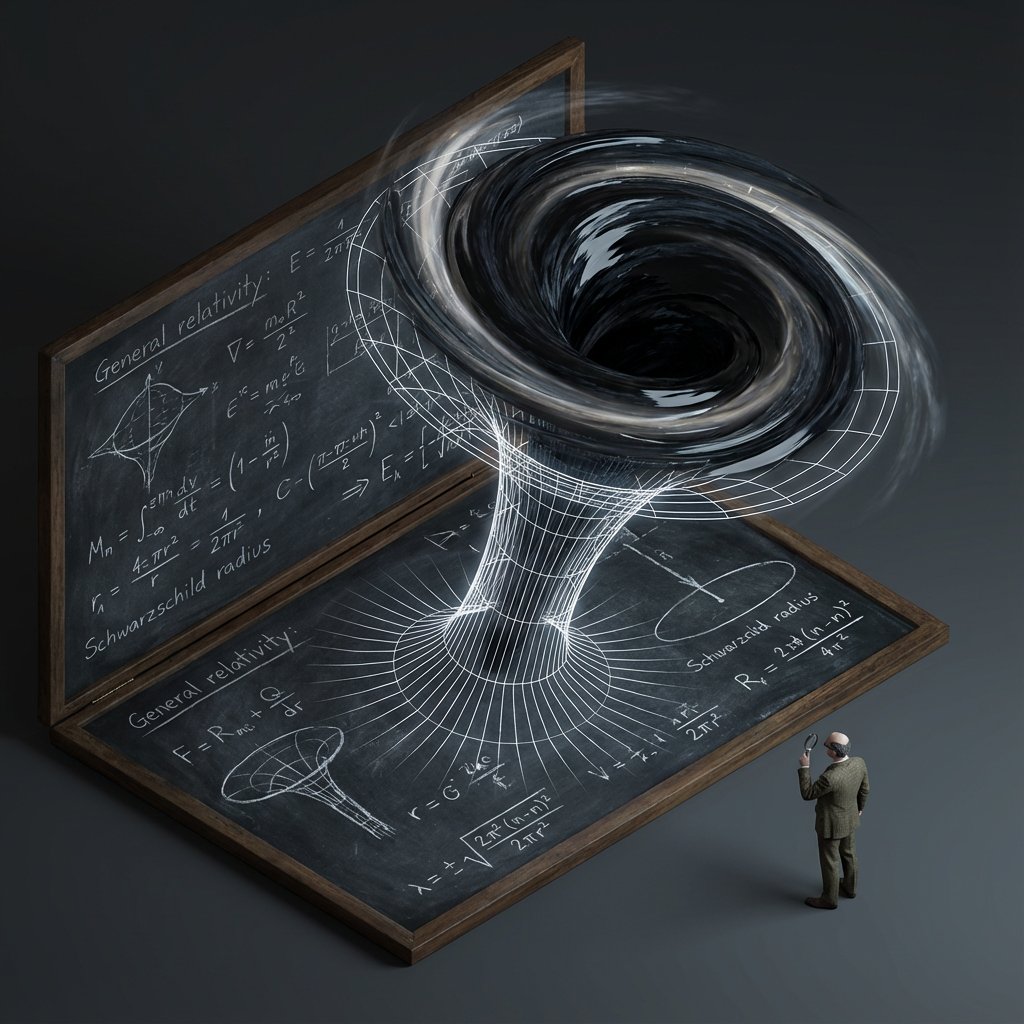
Scientific Theory Visualization Generator
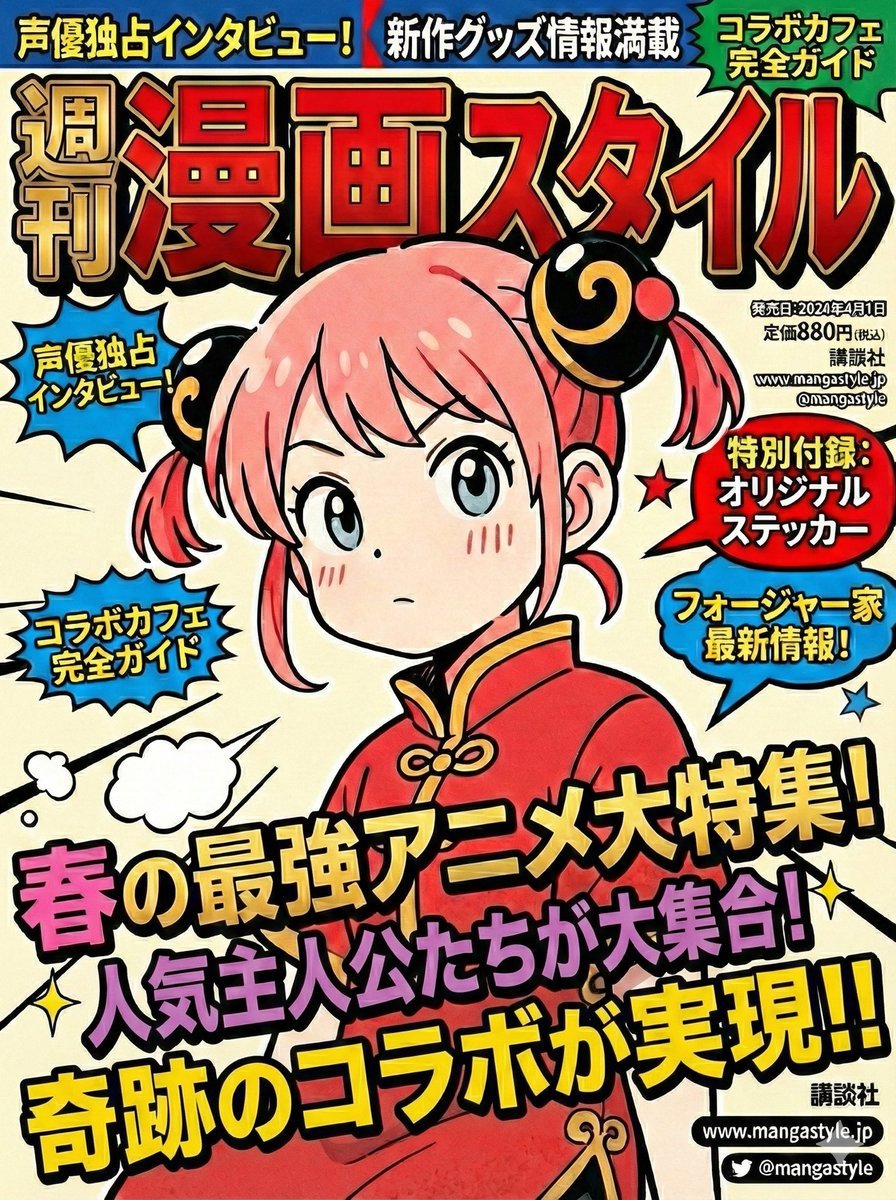
Magazine Cover Prompt using Nano Banana Extension
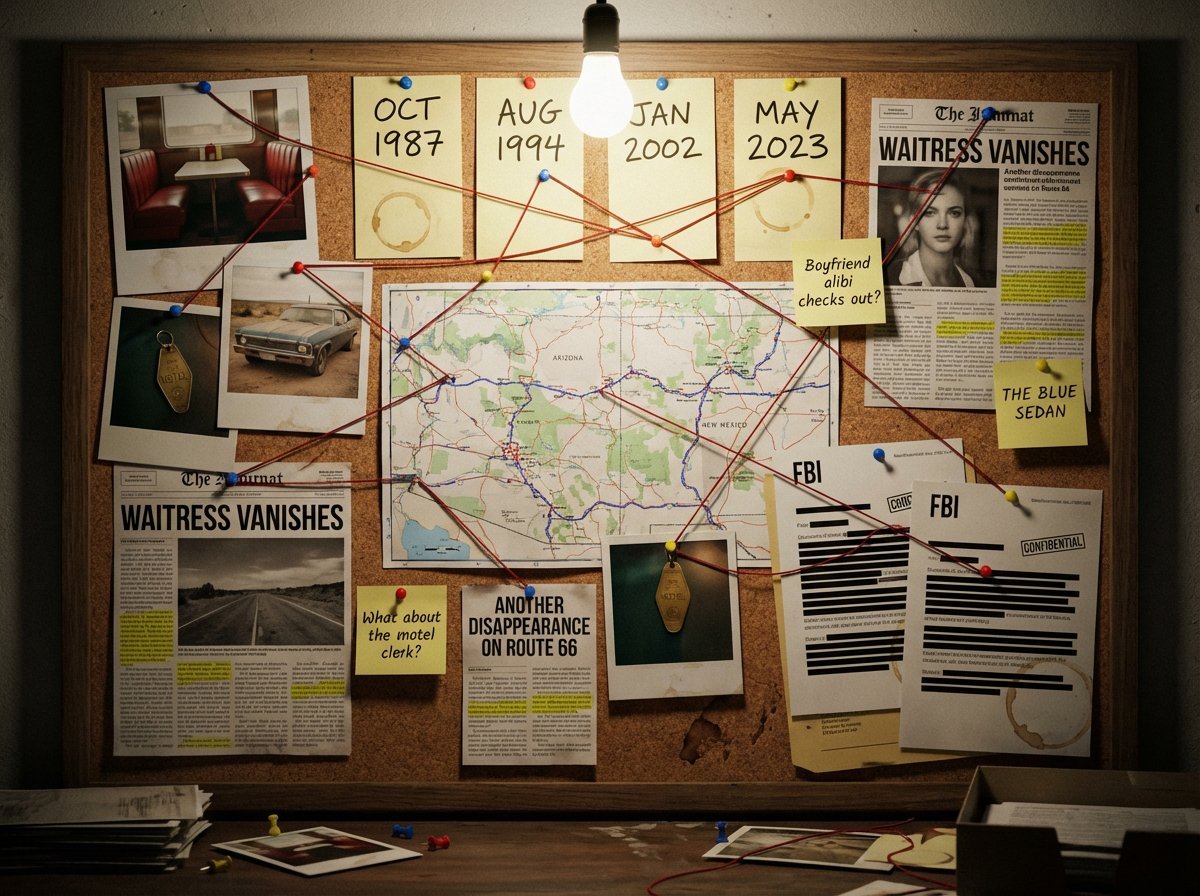
Noir Detective Evidence Board Visualization
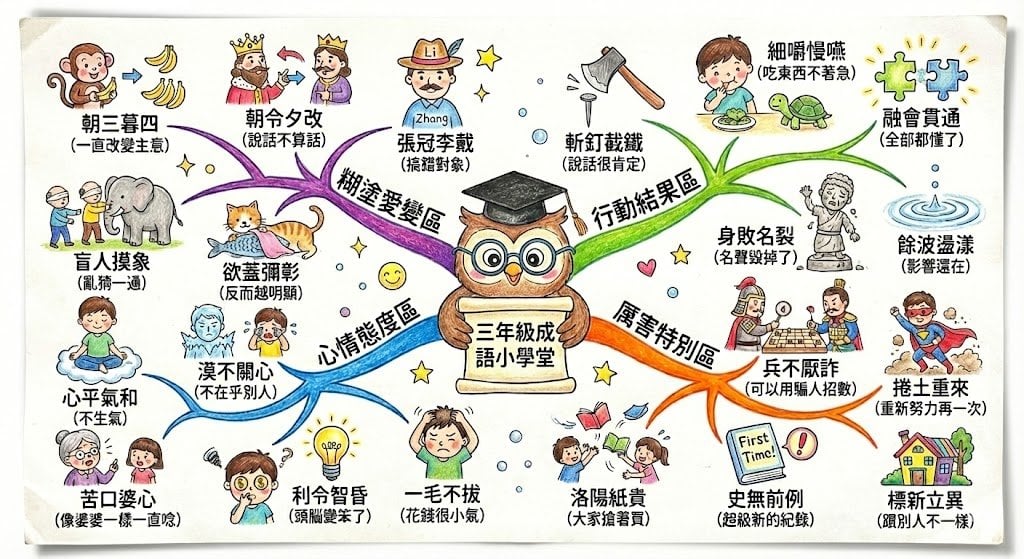
Hand-drawn mind map for explaining Chinese idioms

High-Contrast Cinematic Neon Portrait
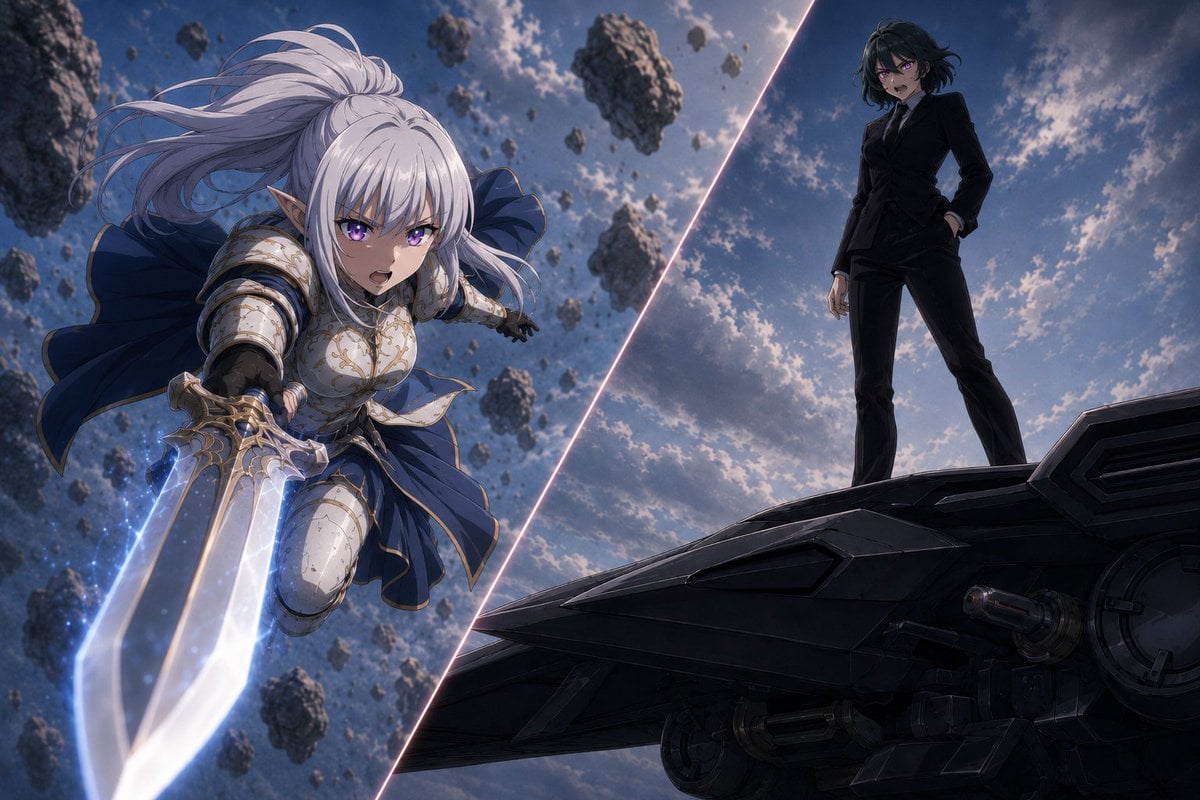
Anime Split-Screen Sword Confrontation
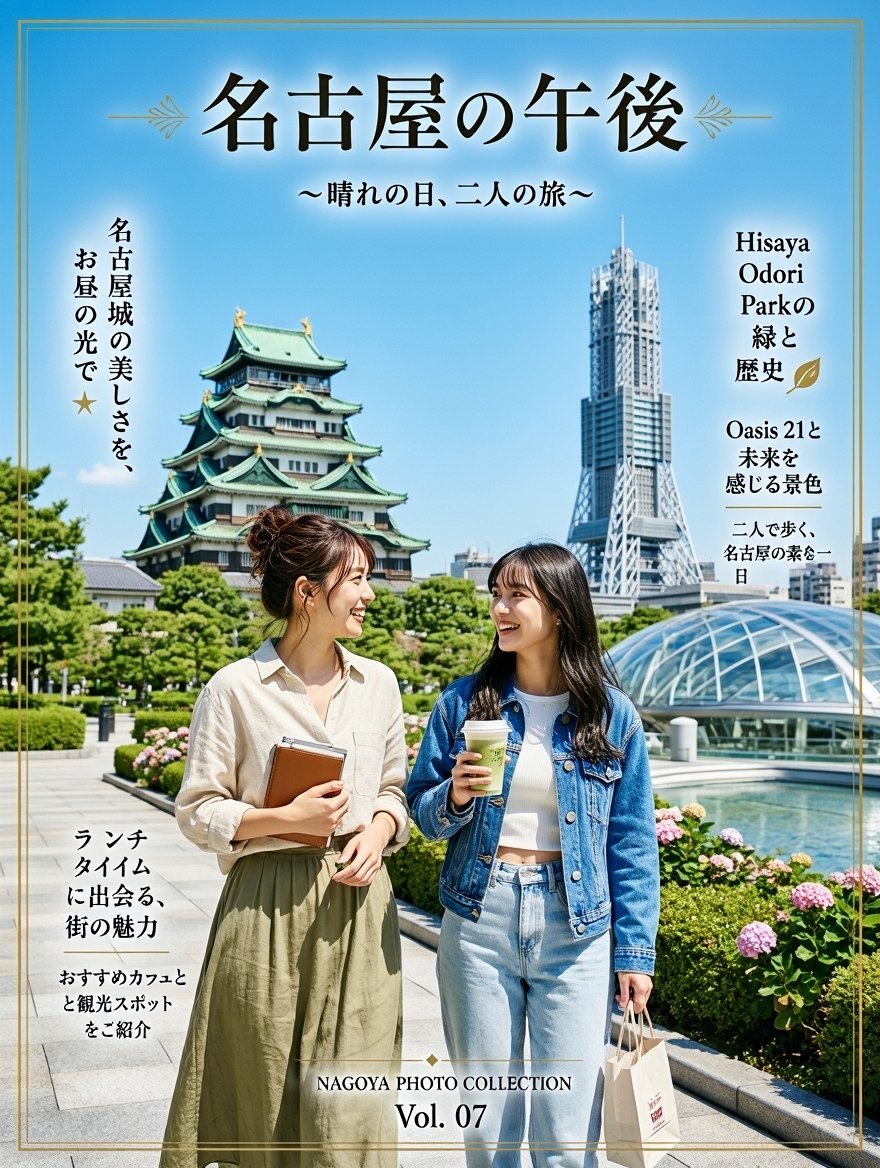
Nagoya Afternoon Travel Poster
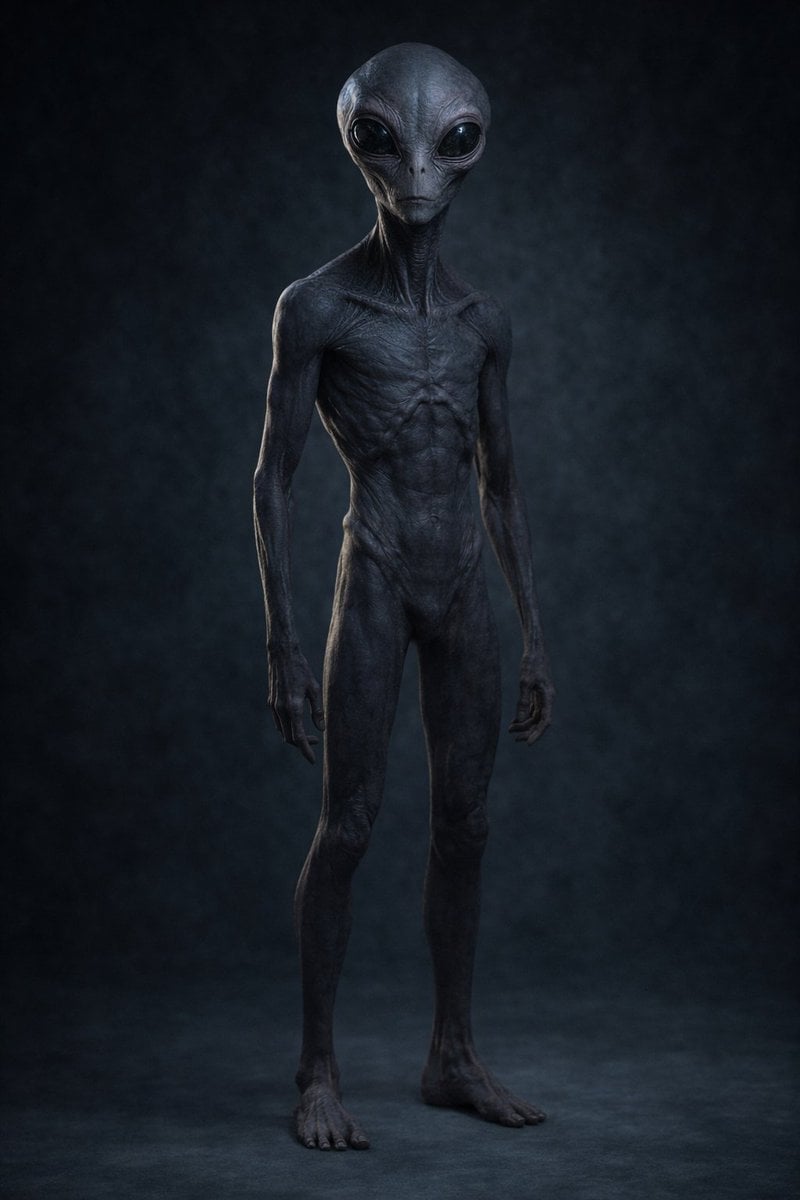
Uncanny Full-Body Alien Portrait
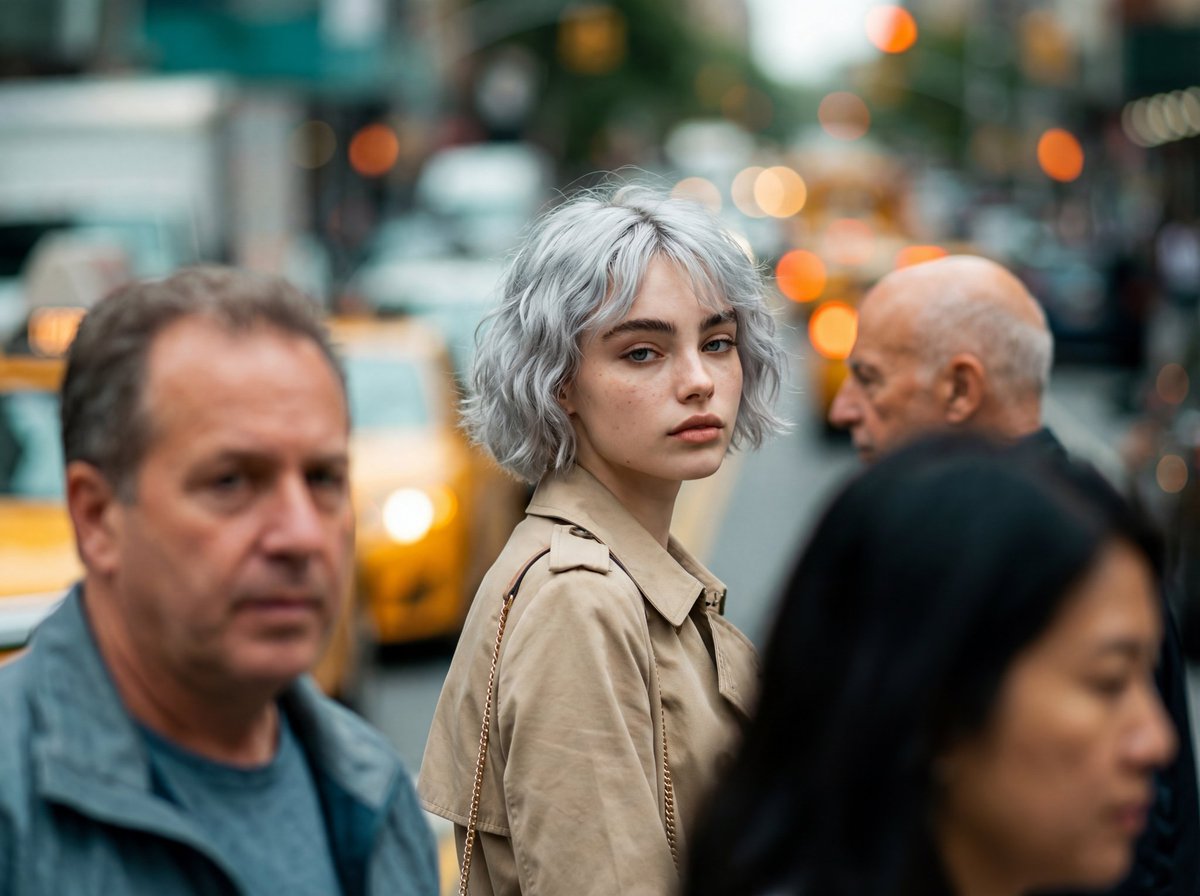
Photorealistic Candid Street-Fashion Portrait with Extreme Bokeh
Browse template categories
Mythological Character Avatar Grid questions
How do I use the Mythological Character Avatar Grid template?
Add your photo if the template asks for one, edit the prompt if you like — the template's model and format are already selected — and press Generate. Your version opens in PicX Studio.
Can I customize the Mythological Character Avatar Grid template?
Yes. You can change the subject, setting, lighting, mood, format, and available model controls before creating your image.
Is the Mythological Character Avatar Grid template free?
Opening and editing this template is free. Generating uses credits, shown on the Generate button when you are signed in.
Which AI model should I use?
Start with GPT Image 2, which is the model associated with this template. You can compare another compatible model for a different finish.
Looking for something else? Browse all templates.

Your photo, any look
Thousands of ready templates for every top image and video model, from one credit balance.