
Uncanny Full-Body Alien Portrait
A dark photorealistic studio image of a gaunt humanoid alien, suited for creature concept art, sci-fi key art, or unsettling model capability demos.
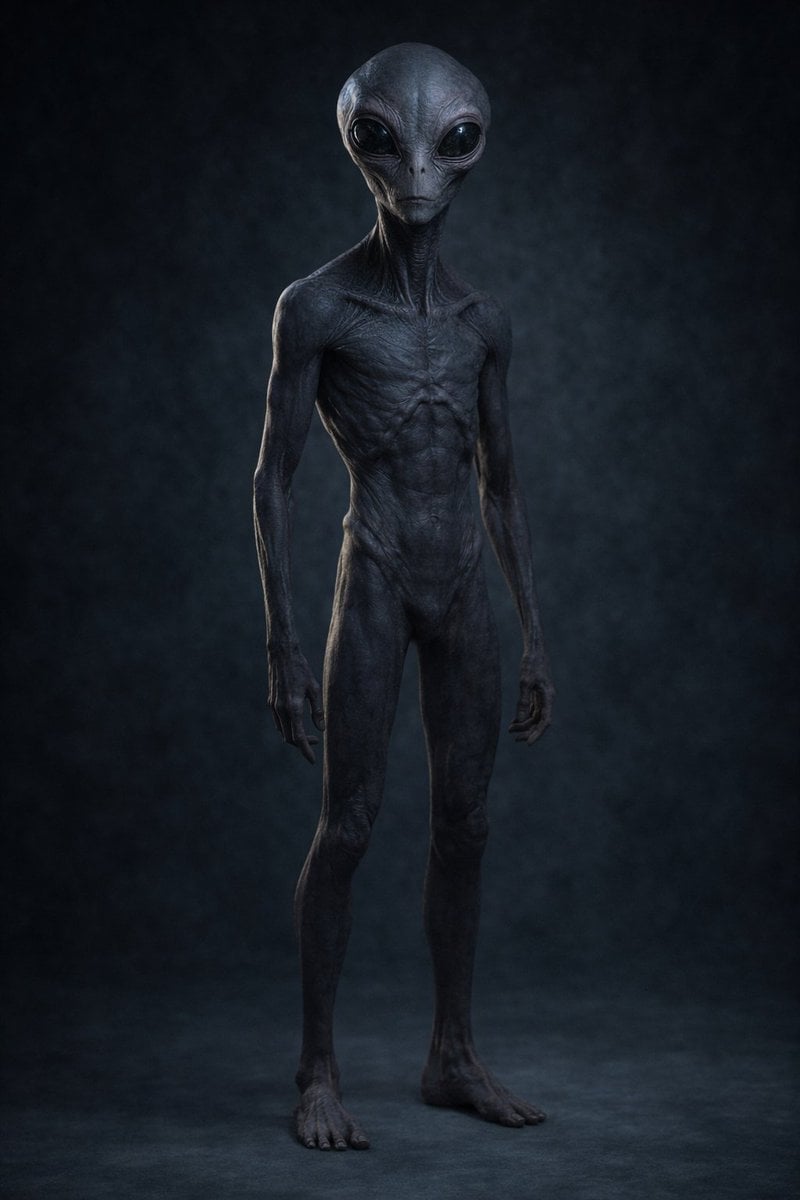
- Prompt included
- Model and format preset
- Free template
The prompt behind this image
Copy the exact prompt behind Uncanny Full-Body Alien Portrait, or open it in the studio and make it yours.
A hyper-realistic full-body studio portrait of a disturbing humanoid alien standing alone against a dark, smoky blue-black backdrop. The creature is extremely tall and emaciated, with elongated limbs, a narrow waist, long thin fingers, and oversized bare feet planted on a dim studio floor. Its skin is smooth but leathery and subtly wrinkled, colored deep charcoal blue with cold gray highlights, showing sharply defined ribs, sternum, collarbones, tendons, and stringy musculature across the chest, abdomen, shoulders, and neck. The torso is hairless and gaunt, with an eerie anatomical realism that feels biologically plausible but unsettling. The head is bald, enlarged, and slightly bulbous with a classic extraterrestrial silhouette, attached to an unnaturally long neck; keep the face obscure, unreadable, and deeply uncanny rather than expressive. Pose the alien front-facing with a slight three-quarter angle, arms hanging loosely at its sides, posture upright but subtly predatory, centered in frame from head to feet. Use low-key cinematic lighting with a faint cool rim light and soft overhead illumination that sculpts every crease and contour while keeping the overall scene dark, moody, and oppressive. Desaturated palette, ultra-detailed skin texture, photoreal creature design, sharp focus, high contrast, ominous atmosphere, no clothing, no props, no environment details beyond the shadowy studio background.
How to use Uncanny Full-Body Alien Portrait in 3 steps
- 1Upload ImagePNG, JPG or paste
Add your photo
Upload the photo the template builds on. The prompt, model and format are already set.
- 2…a portrait of your subject in softgolden-hour light, 85mm…
Personalize
Edit the subject and creative details for your destination.
- 3Generate
Generate
Press Generate — your image is created in PicX Studio, so you can compare it with the original and refine one variable at a time.
More like this
Templates with the same subject, style or setup. Open one to see its prompt.
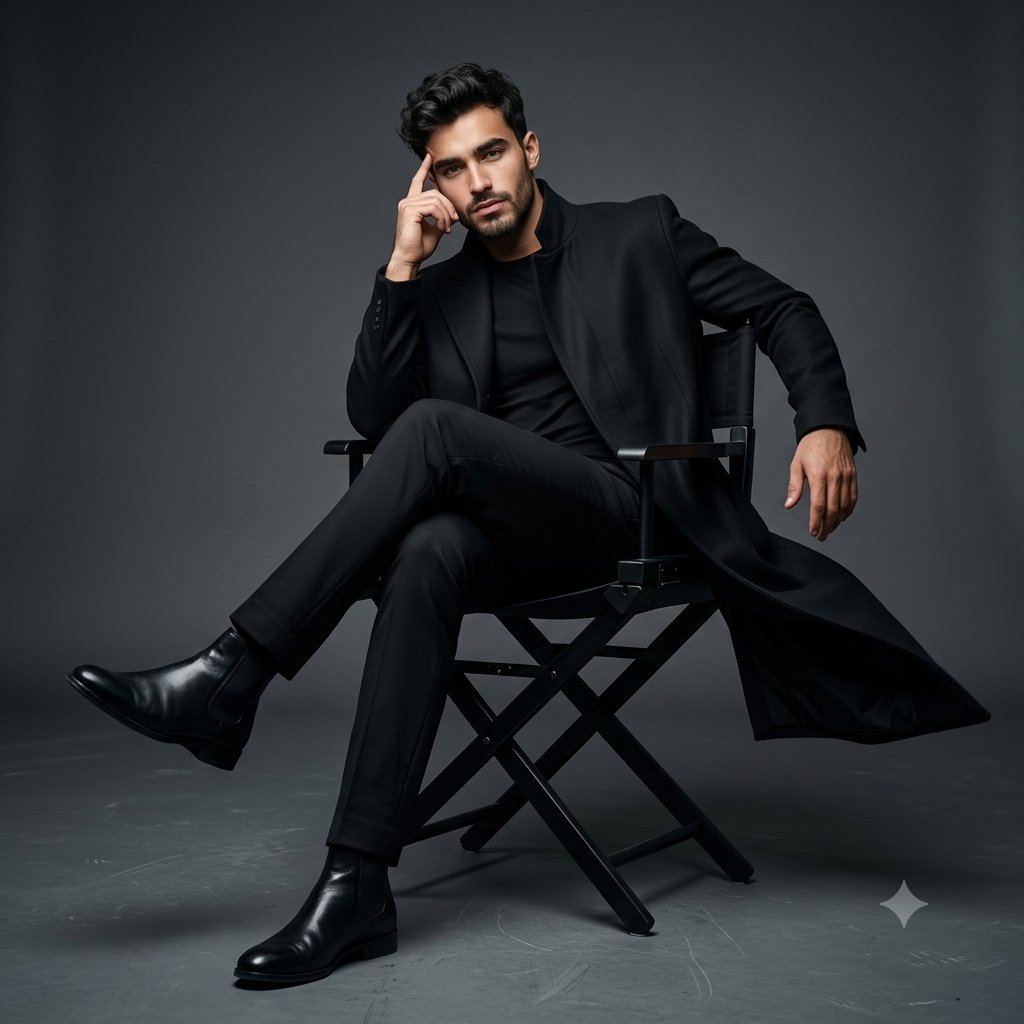
Full Body Cinematic Studio Portrait
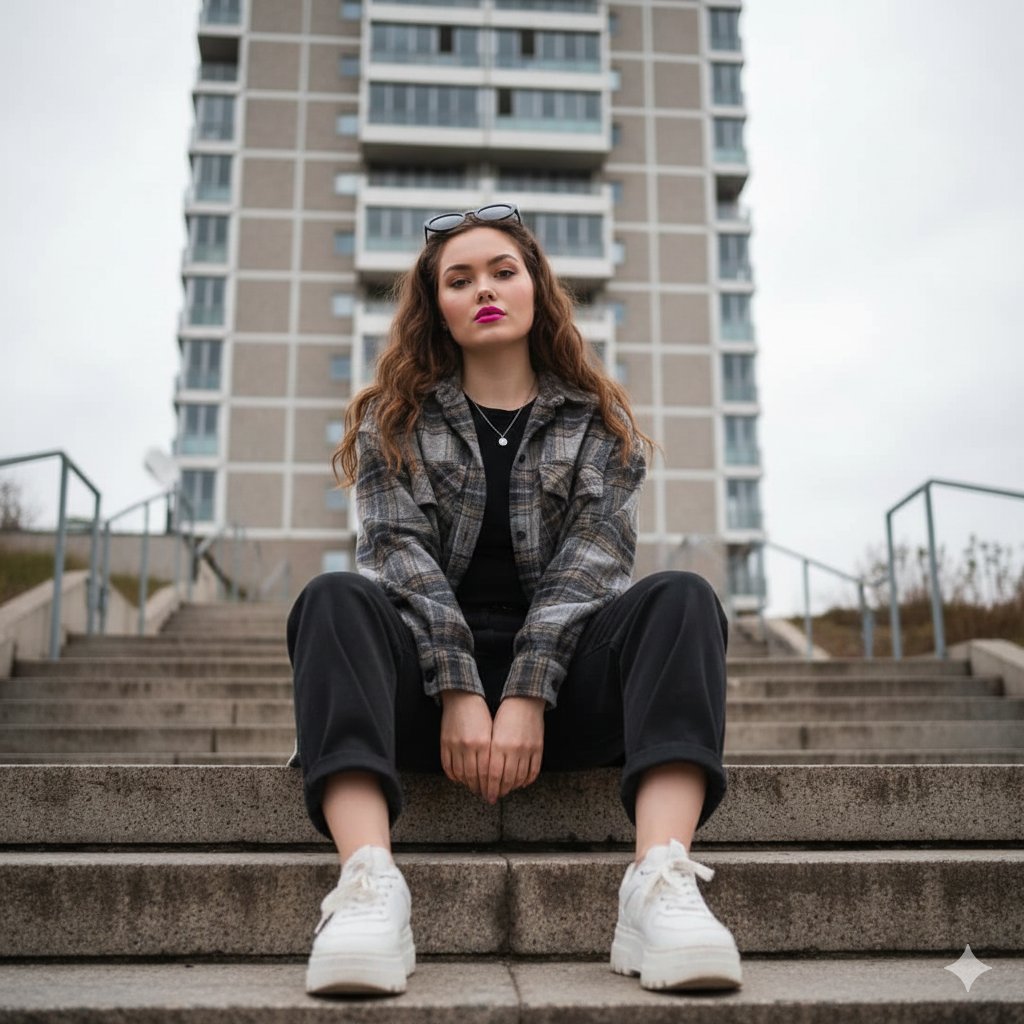
Low-Angle Full-Body Portrait on Concrete Steps
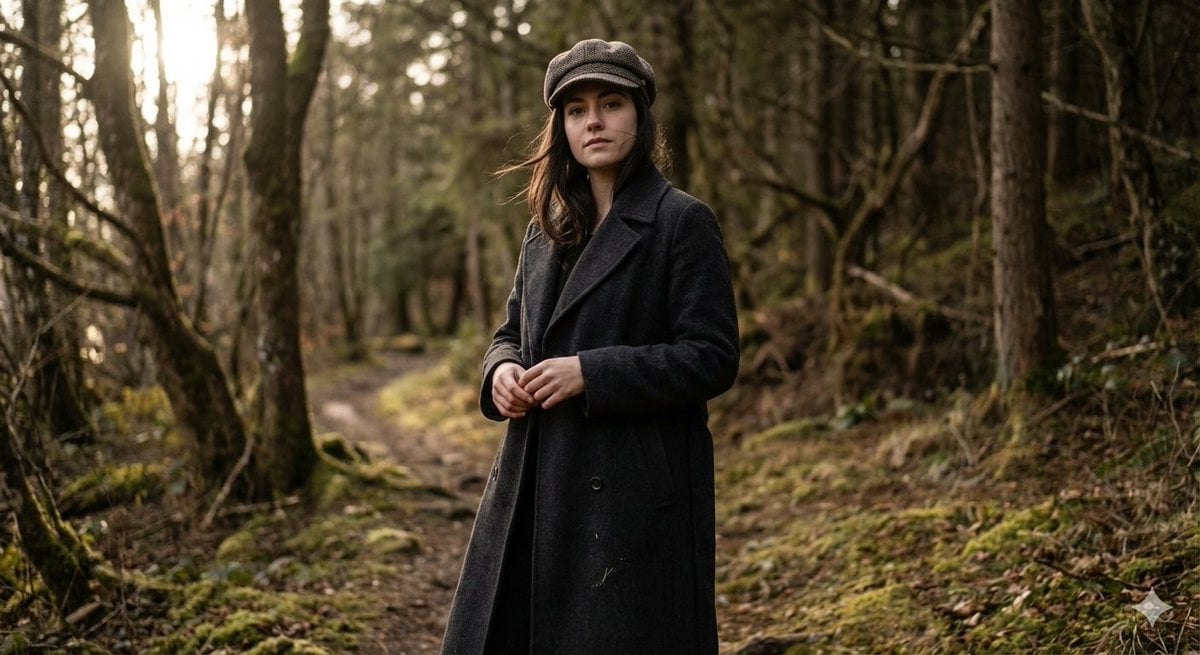
Realistic Full-Body Portrait in Forest Prompt
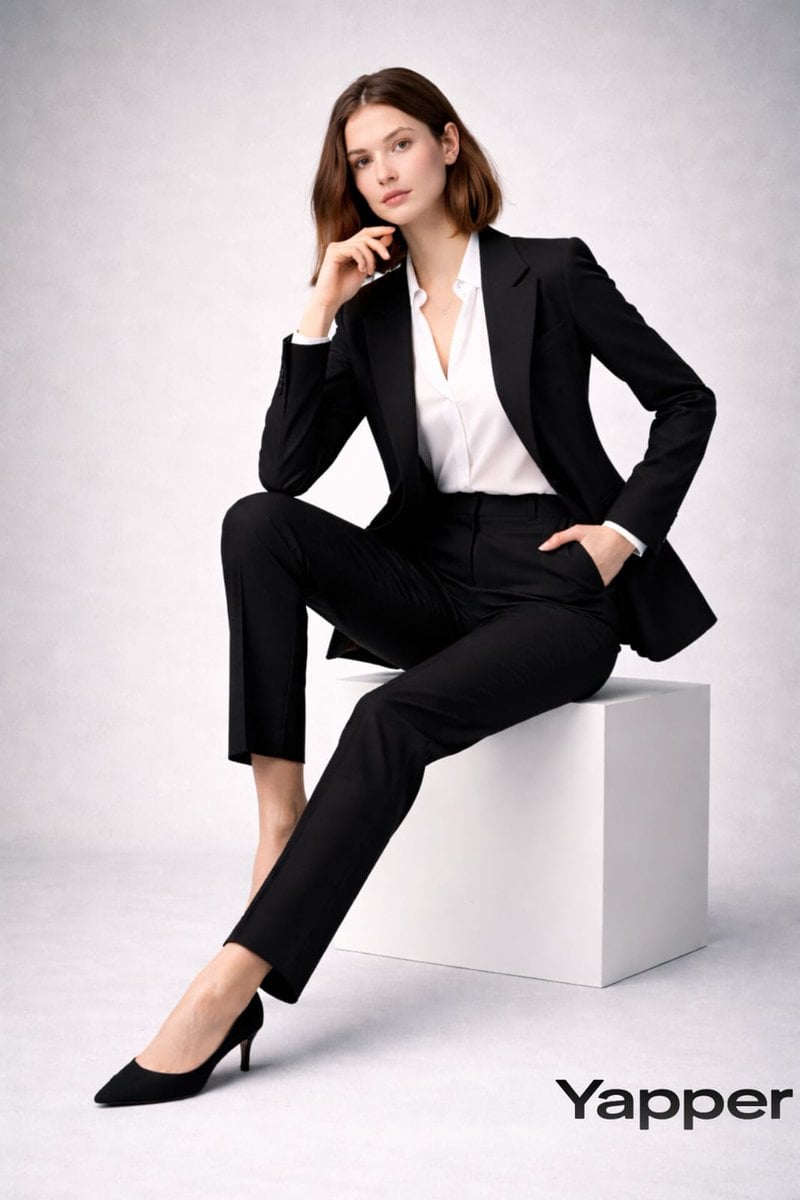
Full-body fashion magazine editorial portrait

Full Body Portrait with Identity Reference
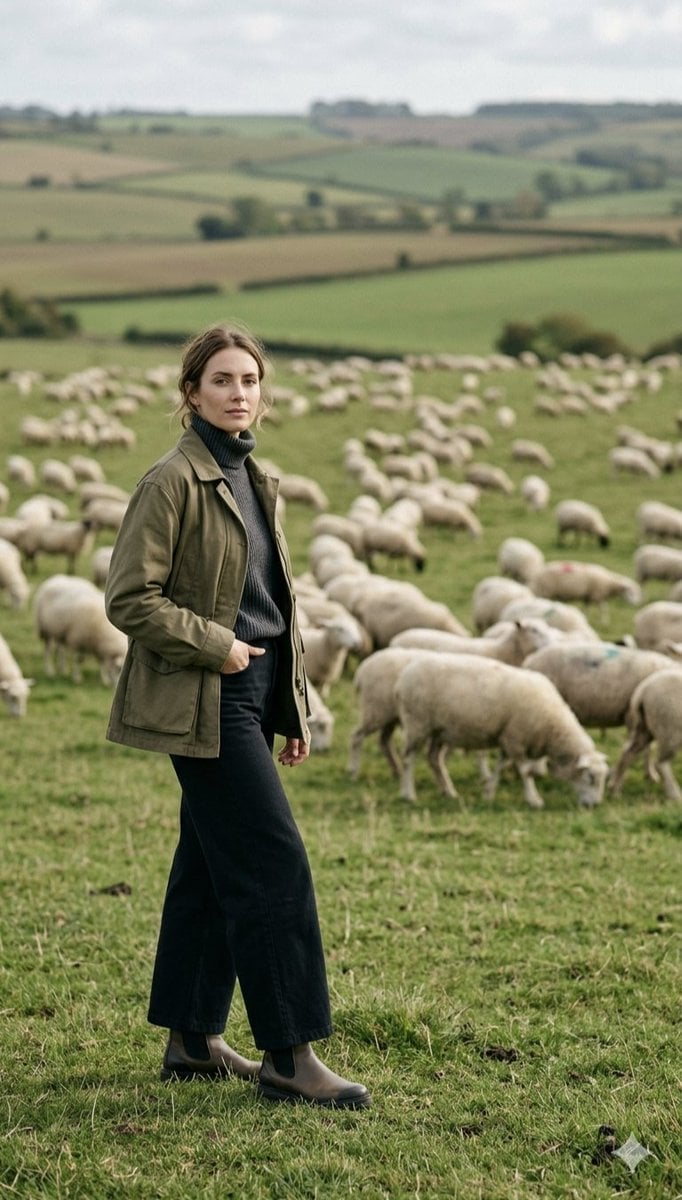
Pastoral Full-Body Portrait in Sheep Pasture

Found Photograph: Us, 1970

80s Couple Studio Portrait

80s Bollywood Star

80s Golden Hour Cinema

Me in 1985

1985 Studio Portrait
Make it yours
Uncanny Full-Body Alien Portrait works as-is. These are the safest ways to change it without losing the look.
Change one field
Copy a single group, rewrite it, and generate again so you can see what that field is doing.
Keep the frame, change the subject
Hold the composition and light of Uncanny Full-Body Alien Portrait, then swap wardrobe, props or the person for a new take.
| If the result… | Why | Fix |
|---|---|---|
| The result drifts from the preview | Too many fields changed at once. | Reuse Uncanny Full-Body Alien Portrait as-is first, then change one group — subject, light, or setting. |
| The model over-stylizes the scene | The prose prompt leaves finish and camera underspecified. | Add one camera or lighting sentence and stay on GPT Image 2. |
More GPT Image 2 templates
Other prompts made for GPT Image 2.

Six VTuber Japanese Logo Sheet

Realistic Portrait of Woman and Deer

The Vista Modular Condo Poster

AI Model Routing Comparison Infographic

2.5D Anime Art Board

Isometric Productivity Desk Scene

New York Double Exposure Poster

Four-Panel AI Landscape Comparison

Japanese Tatami Lifestyle Magazine Cover

NESCAFÉ Coffee Map Poster
More image prompts
Fresh picks from across the catalog.
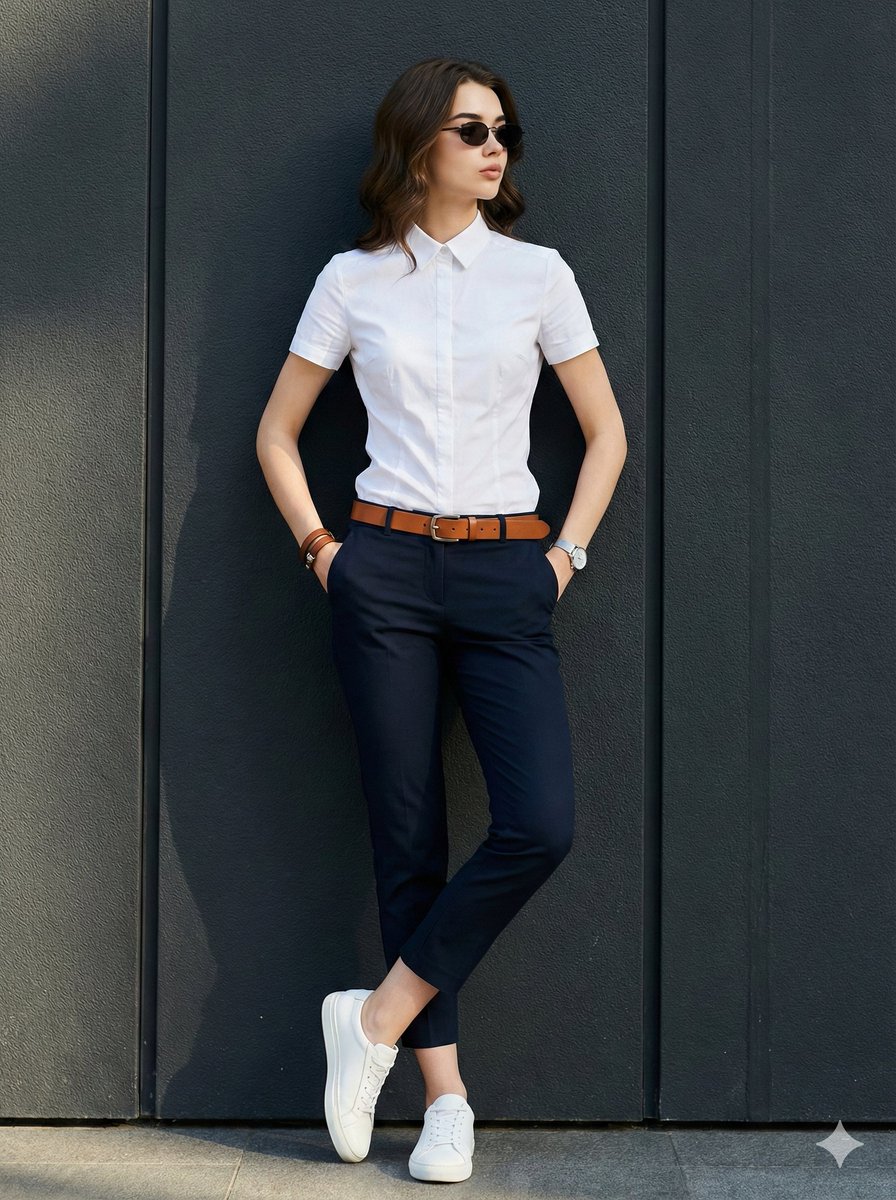
Dramatic Golden Hour Chiaroscuro Portrait
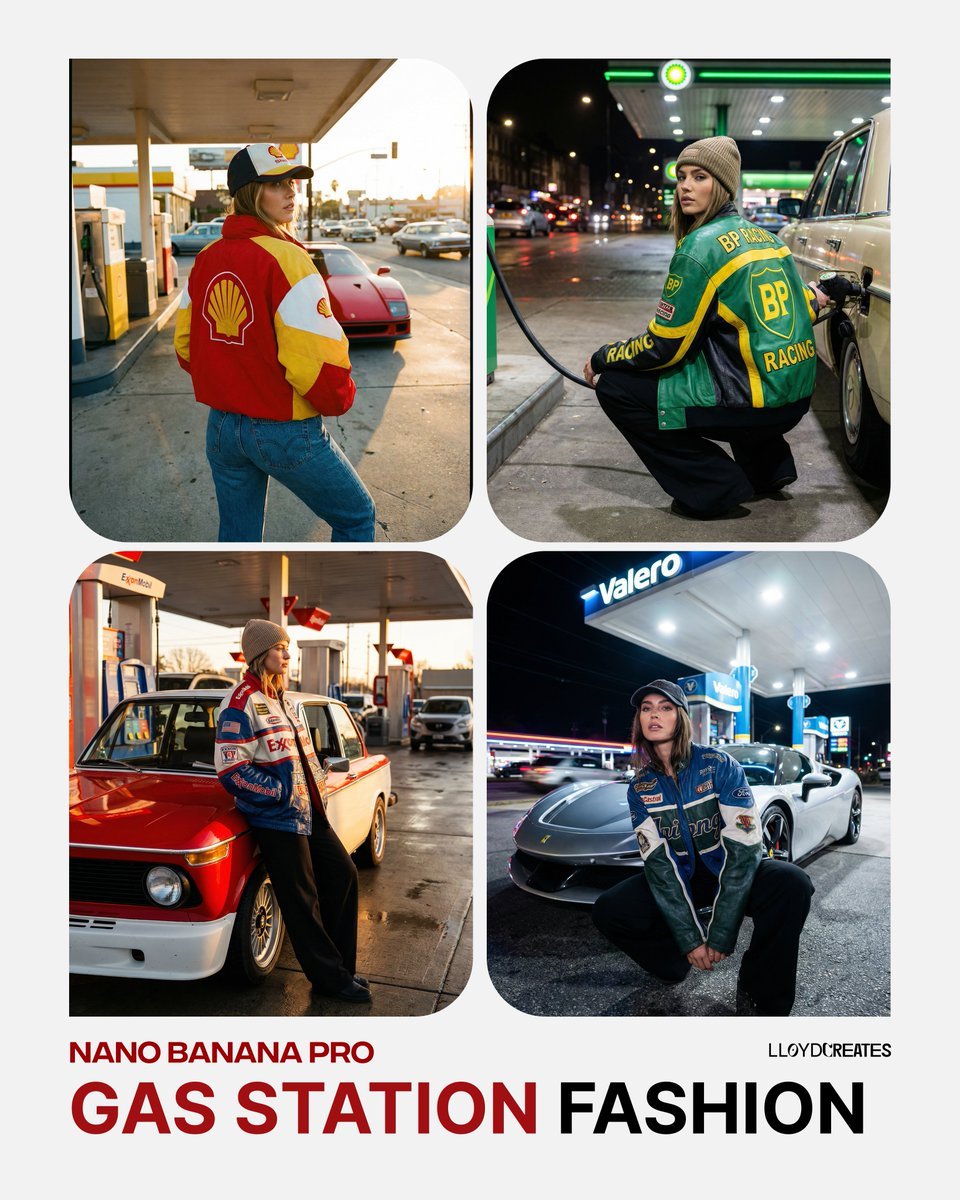
Gas Station Streetwear Fashion Photoshoot Template
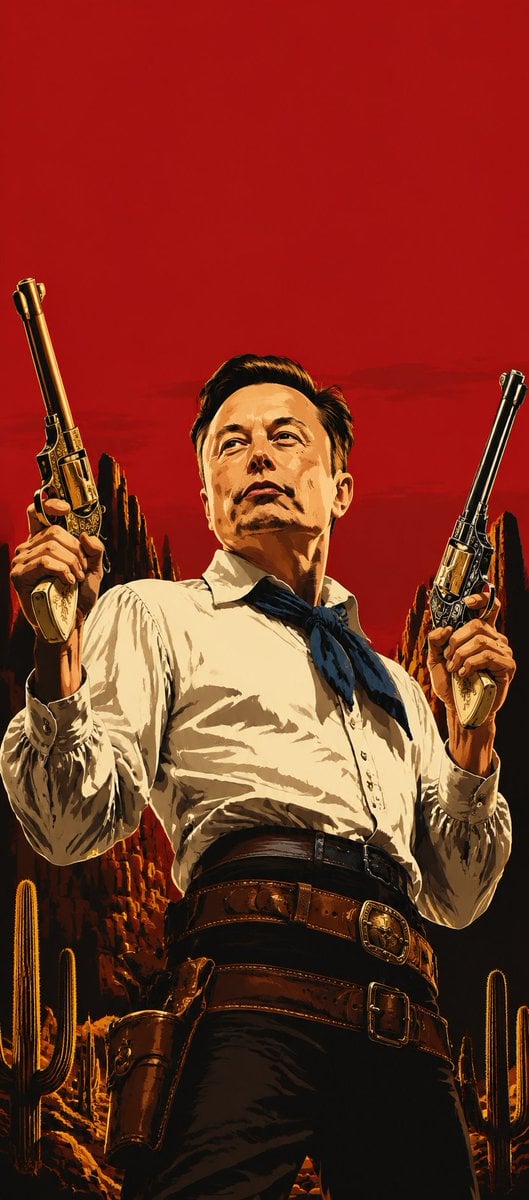
Blood Red Western Gunslinger
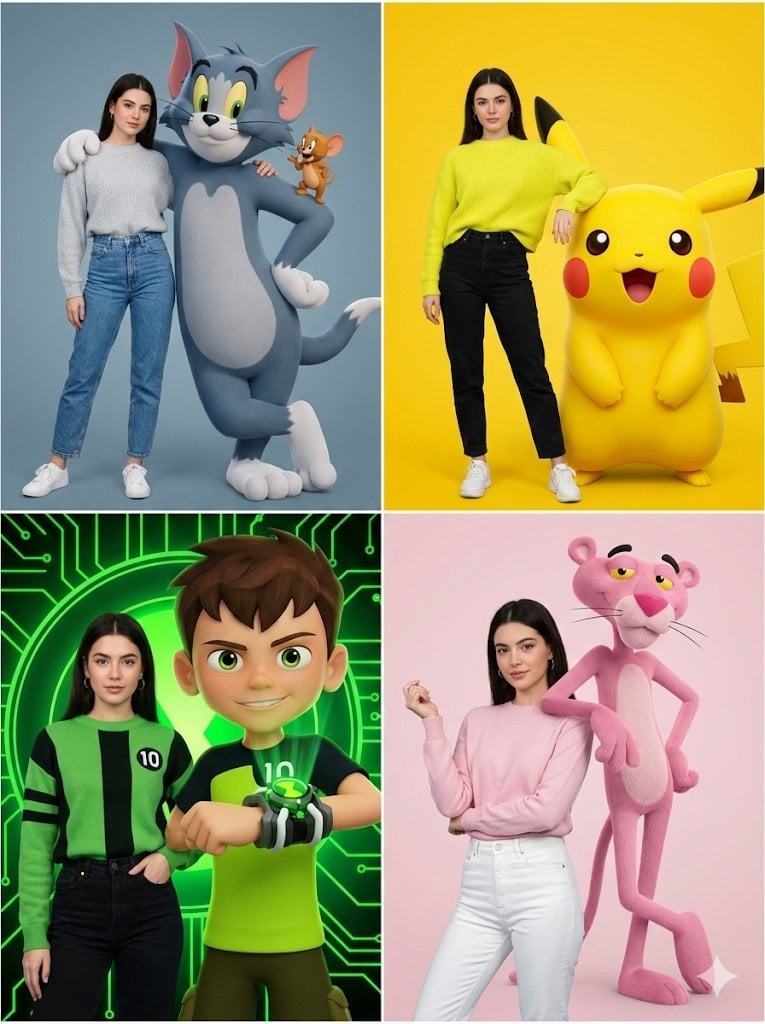
Hyper-realistic Childhood Cartoon Fashion Shoot
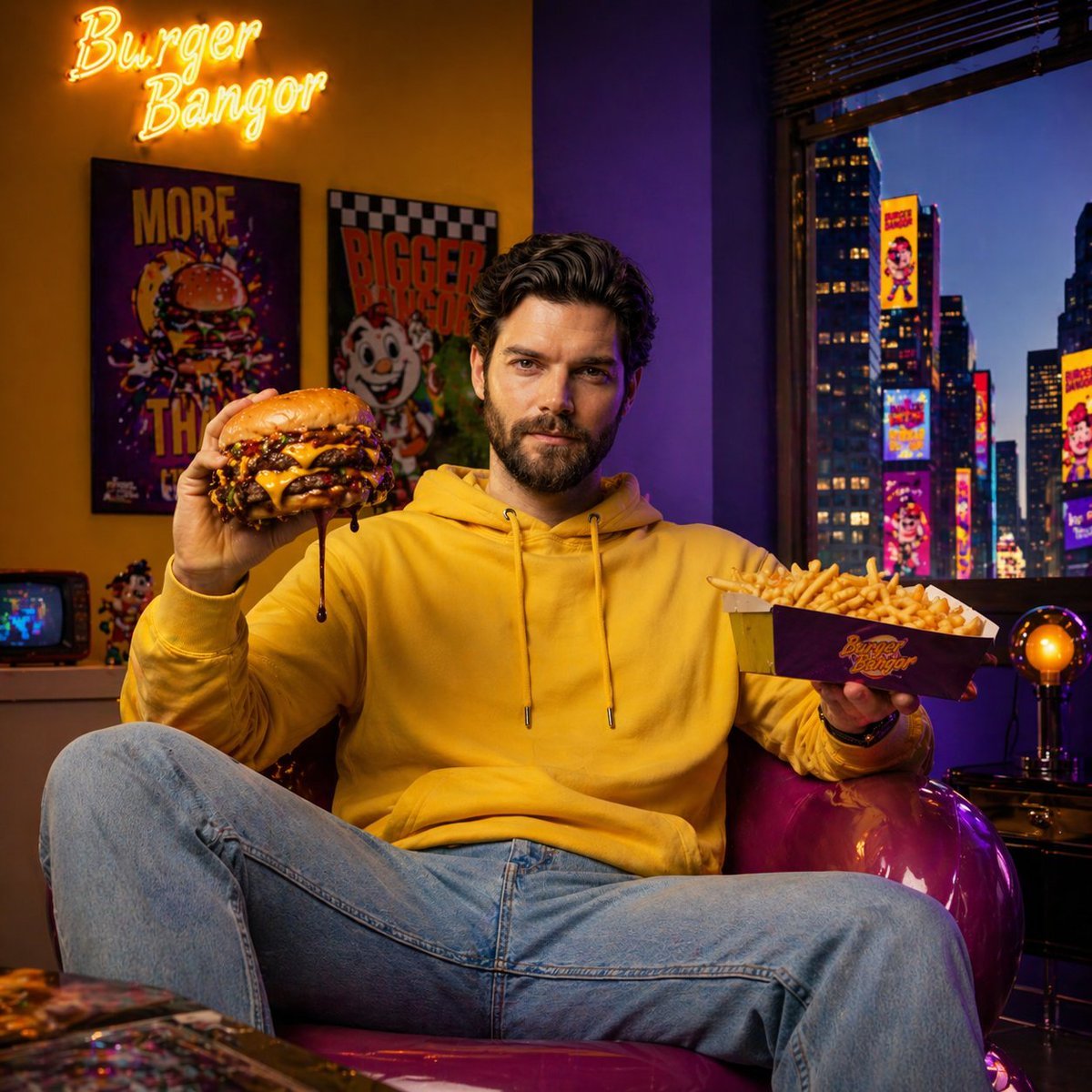
Fast-Food Lifestyle Commercial
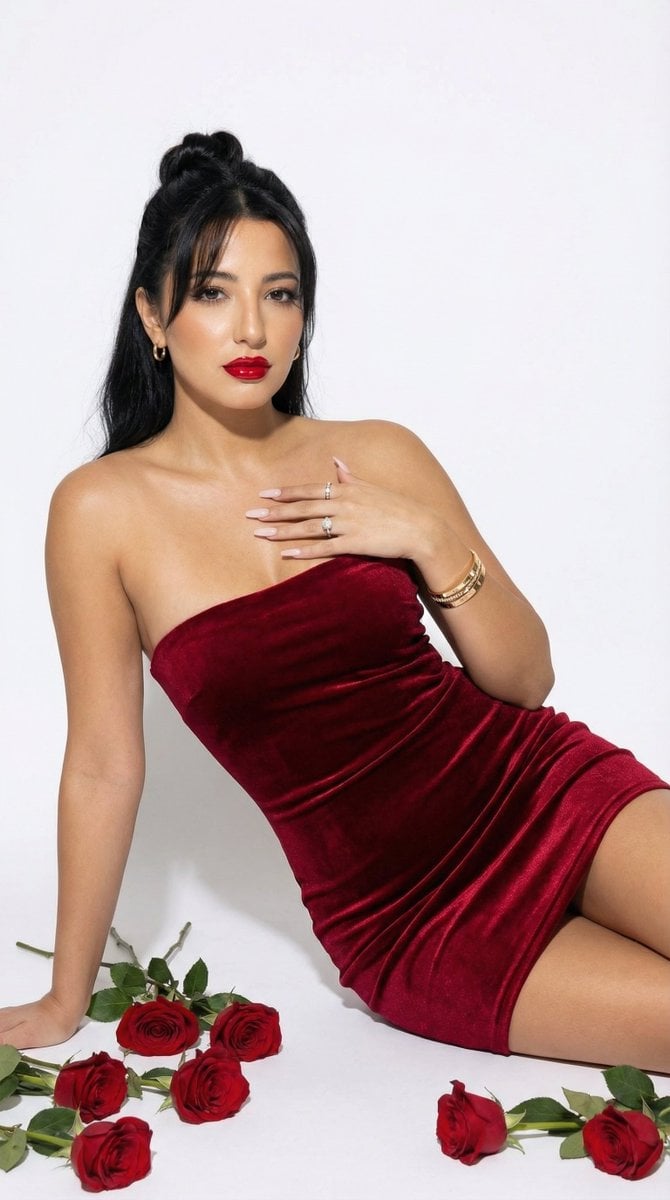
Red Velvet High-Fashion Editorial Portrait
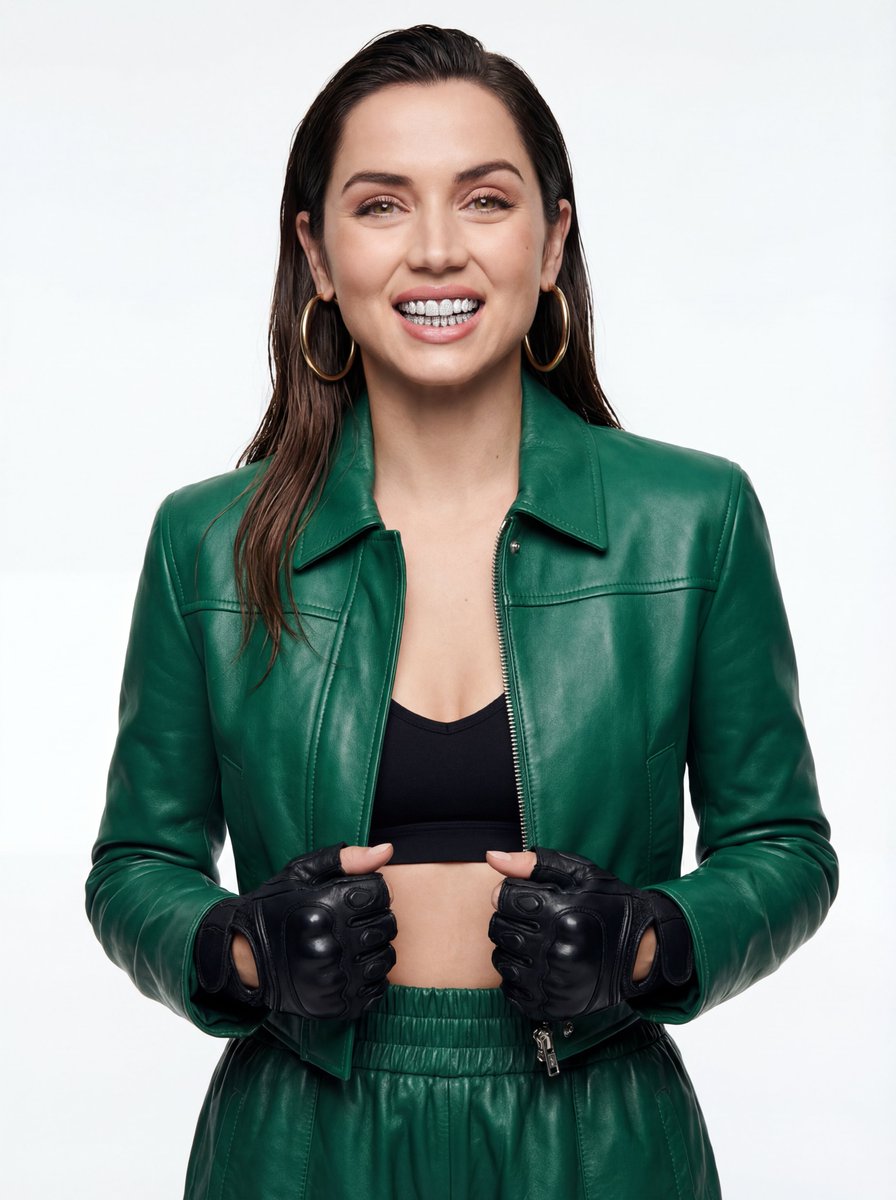
High-Fashion Urban Editorial Portrait with Grillz
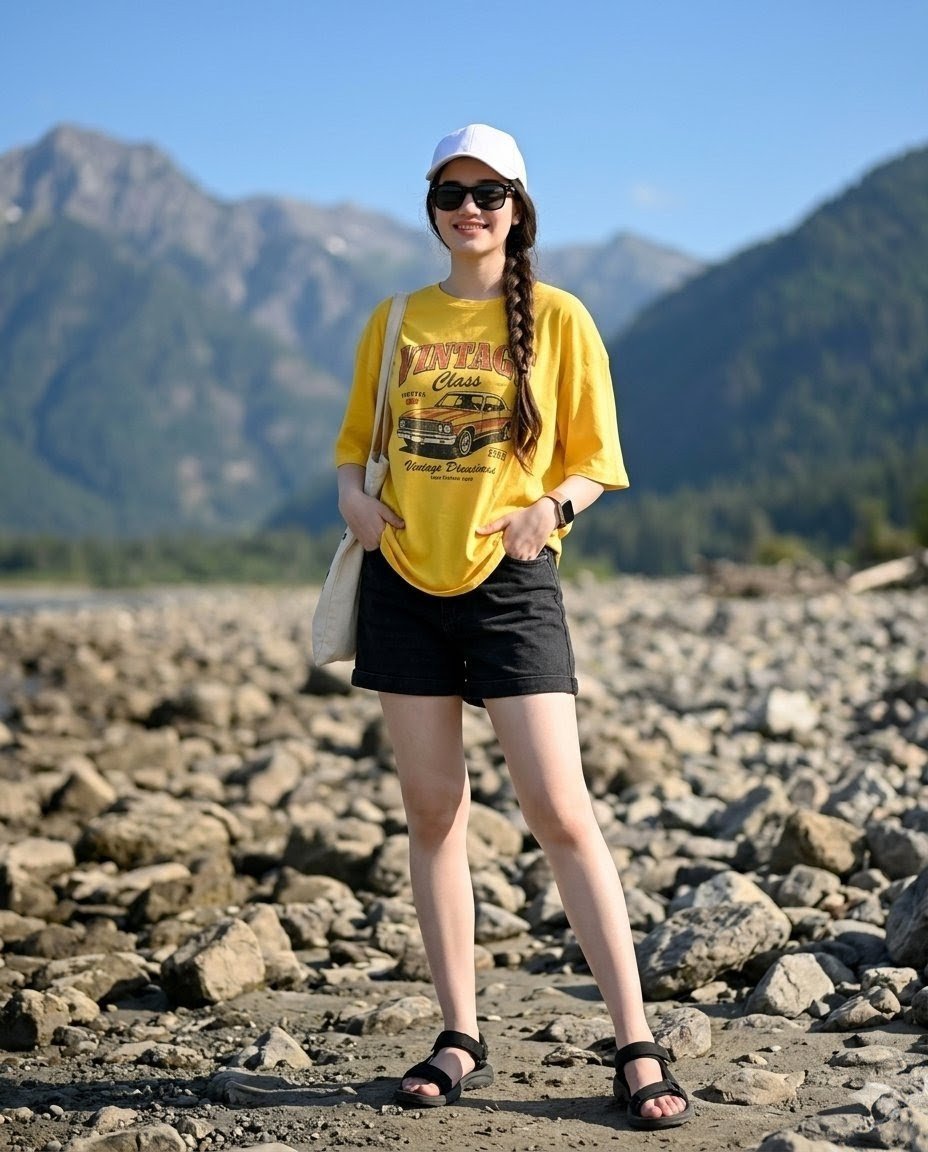
Mountain Valley Summer Fashion Portrait
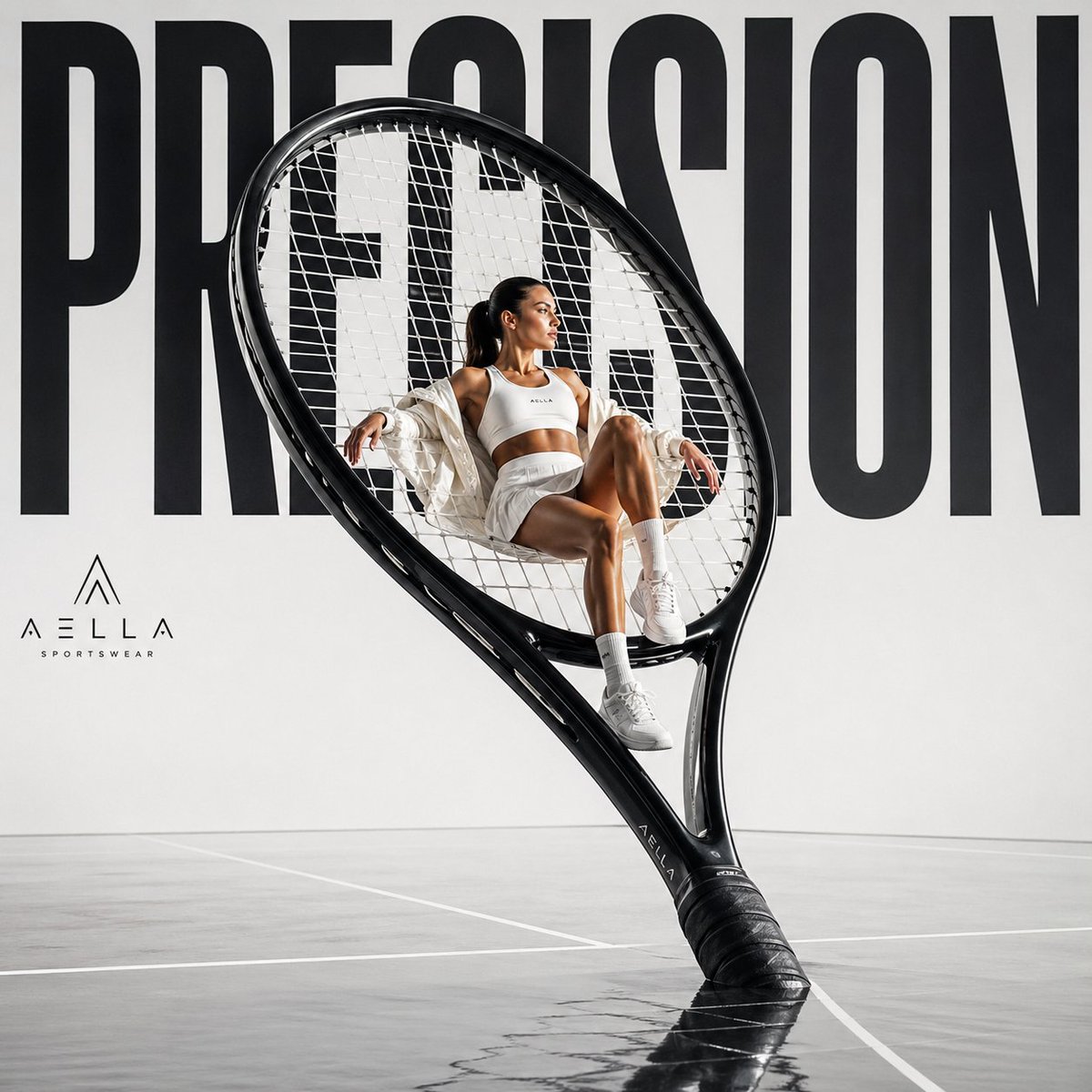
Avant-garde Sports Fashion Advertisement
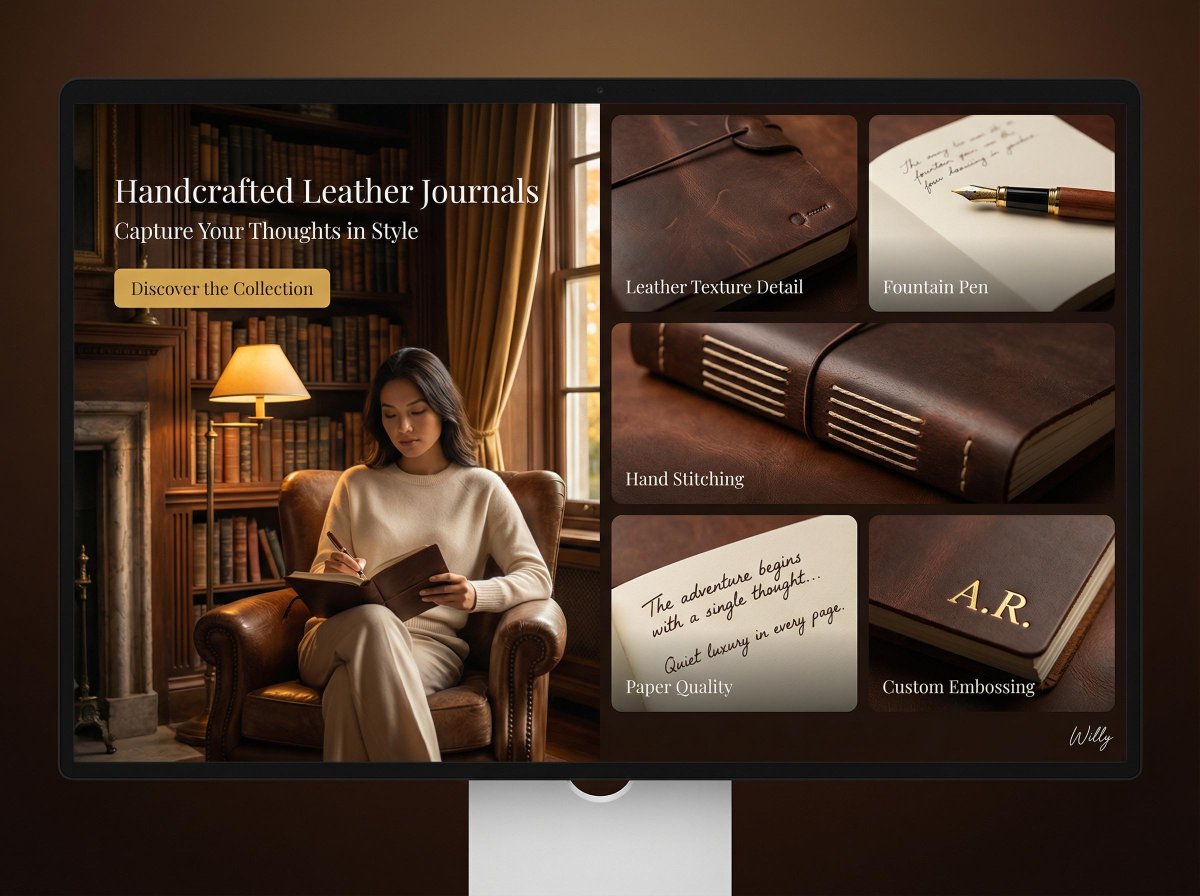
Landing Page Design for Leather Journals (Split Screen)
Browse template categories
Uncanny Full-Body Alien Portrait questions
How do I use the Uncanny Full-Body Alien Portrait template?
Add your photo if the template asks for one, edit the prompt if you like — the template's model and format are already selected — and press Generate. Your version opens in PicX Studio.
Can I customize the Uncanny Full-Body Alien Portrait template?
Yes. You can change the subject, setting, lighting, mood, format, and available model controls before creating your image.
Is the Uncanny Full-Body Alien Portrait template free?
Opening and editing this template is free. Generating uses credits, shown on the Generate button when you are signed in.
Which AI model should I use?
Start with GPT Image 2, which is the model associated with this template. You can compare another compatible model for a different finish.
Looking for something else? Browse all templates.

Your photo, any look
Thousands of ready templates for every top image and video model, from one credit balance.