
Blood Red Western Gunslinger
A vertical hard-boiled graphic novel style Western gunslinger portrait with dual revolvers and a stark blood-red empty header area.
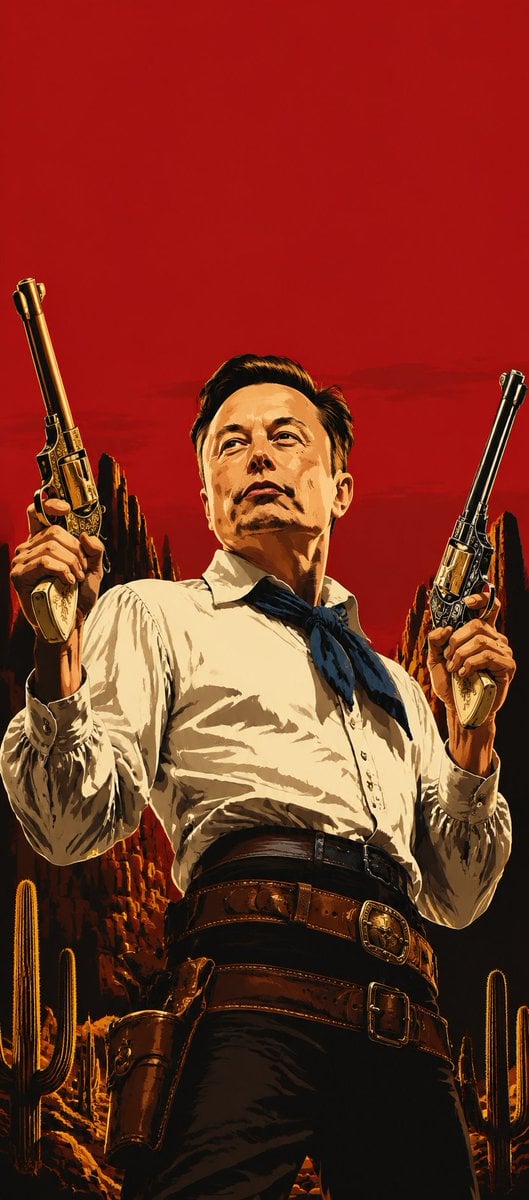
- Prompt included
- Model and format preset
- Free template
The prompt behind this image
Copy the exact prompt behind Blood Red Western Gunslinger, or open it in the studio and make it yours.
Create a vertical portrait in polished hard-boiled graphic novel concept-art style inspired by Rockstar Games key art: a stern adult Western gunslinger fills the lower 75% of the frame, viewed from a low heroic angle, centered and cropped from thighs upward. The top 25% of the image must be strictly empty solid {argument name="background color" default="blood red"}, with no text or objects. The character has slicked-back dark hair and a deliberately featureless flat {argument name="face mask color" default="warm tan"} rectangular face area obscuring all facial features. Pose: both arms raised, each hand holding one ornate long-barrel revolver vertically beside the head, barrels angled slightly outward; exactly 2 visible revolvers, one in each hand, with engraved metal details and ivory grips. Attire: {argument name="shirt color" default="cream white"} long-sleeve button-up shirt with rolled cuffs, dark blue neckerchief tied at the collar, high-waisted black trousers, wide double leather gun belt with two large buckles, and one visible brown holster on the left hip. Setting: stylized desert canyon at sunset behind the figure, with jagged red rock formations and exactly 6 visible saguaro cacti distributed near the lower left and lower right edges. Use dramatic golden rim light, deep black shadows, heavy ink-like outlines, painterly poster texture, high contrast, cinematic Western mood, no typography, no logo, no watermark.
How to use Blood Red Western Gunslinger in 3 steps
- 1Upload ImagePNG, JPG or paste
Add your photo
Upload the photo the template builds on. The prompt, model and format are already set.
- 2…a portrait of your subject in softgolden-hour light, 85mm…
Personalize
Edit the subject and creative details for your destination.
- 3Generate
Generate
Press Generate — your image is created in PicX Studio, so you can compare it with the original and refine one variable at a time.
More like this
Templates with the same subject, style or setup. Open one to see its prompt.
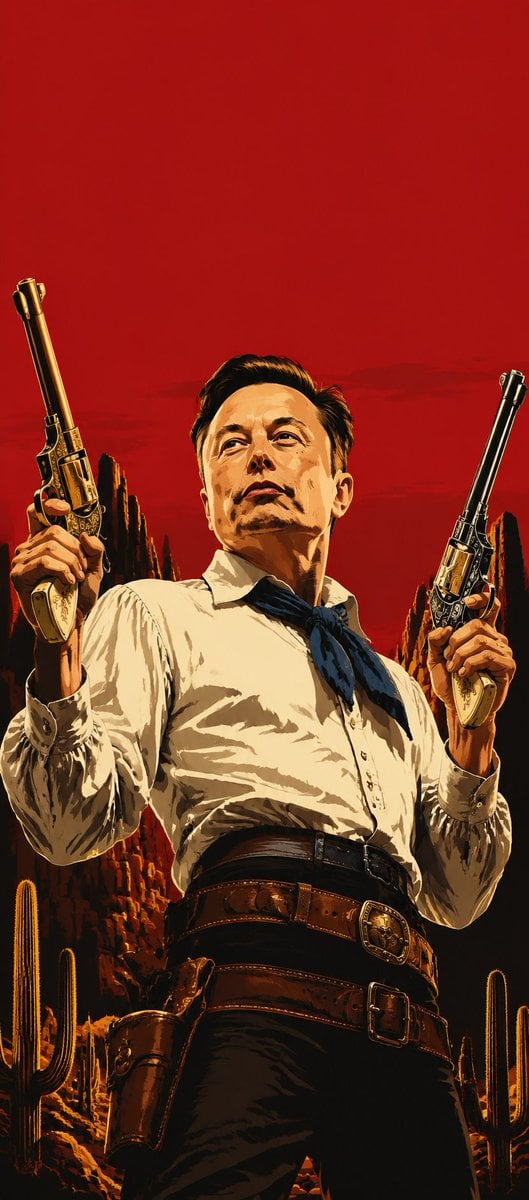
Blood-Red Western Gunslinger Poster

Bold Red Contrast Fashion Editorial Newspaper Room

Panning Motion Soccer Kick Poster
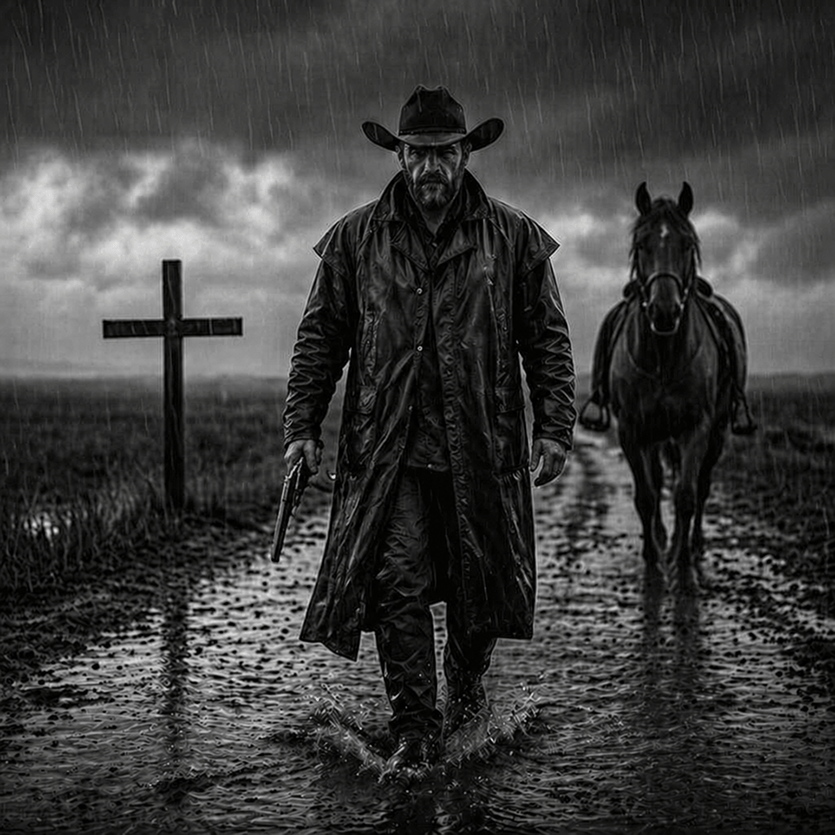
Rain-Soaked Dark Western Gunslinger

Dancer Character - Four View Reference Sheet
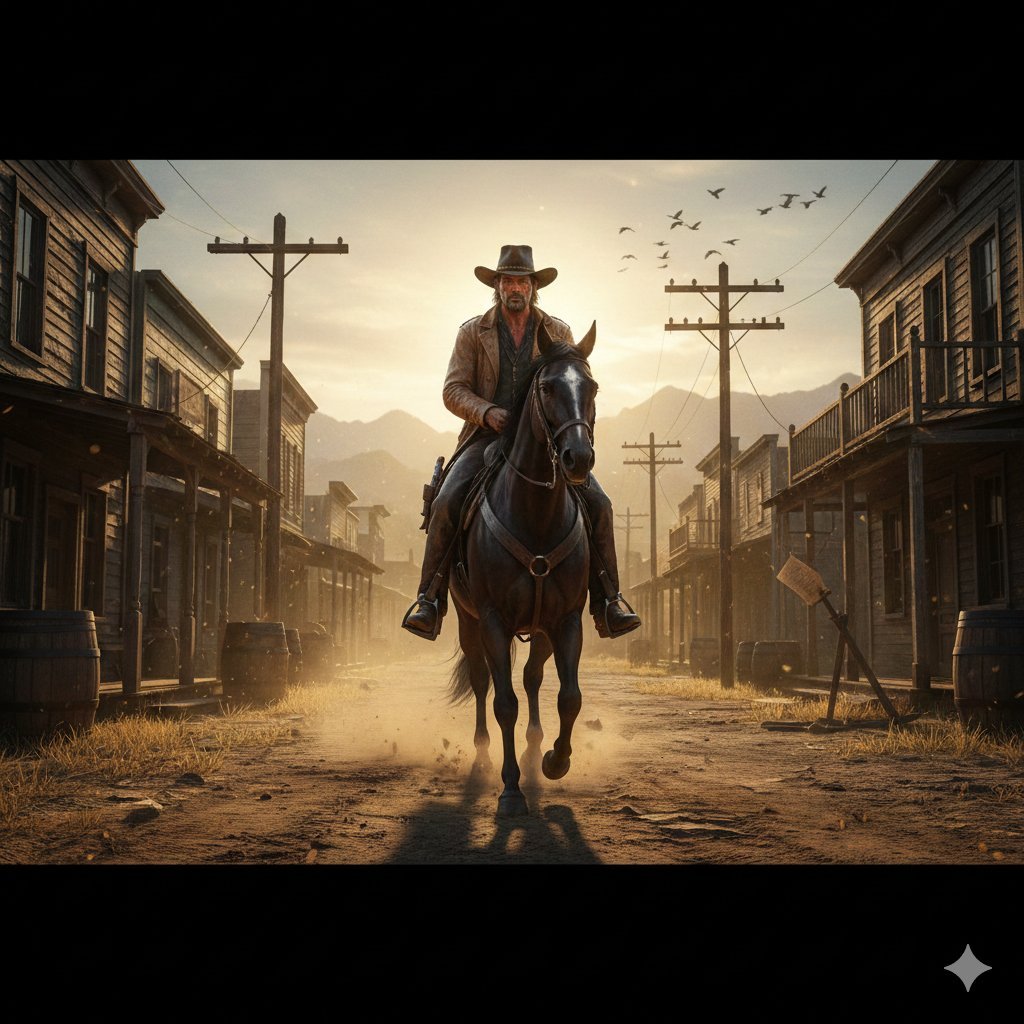
Gritty Western Gunslinger Scene Prompt
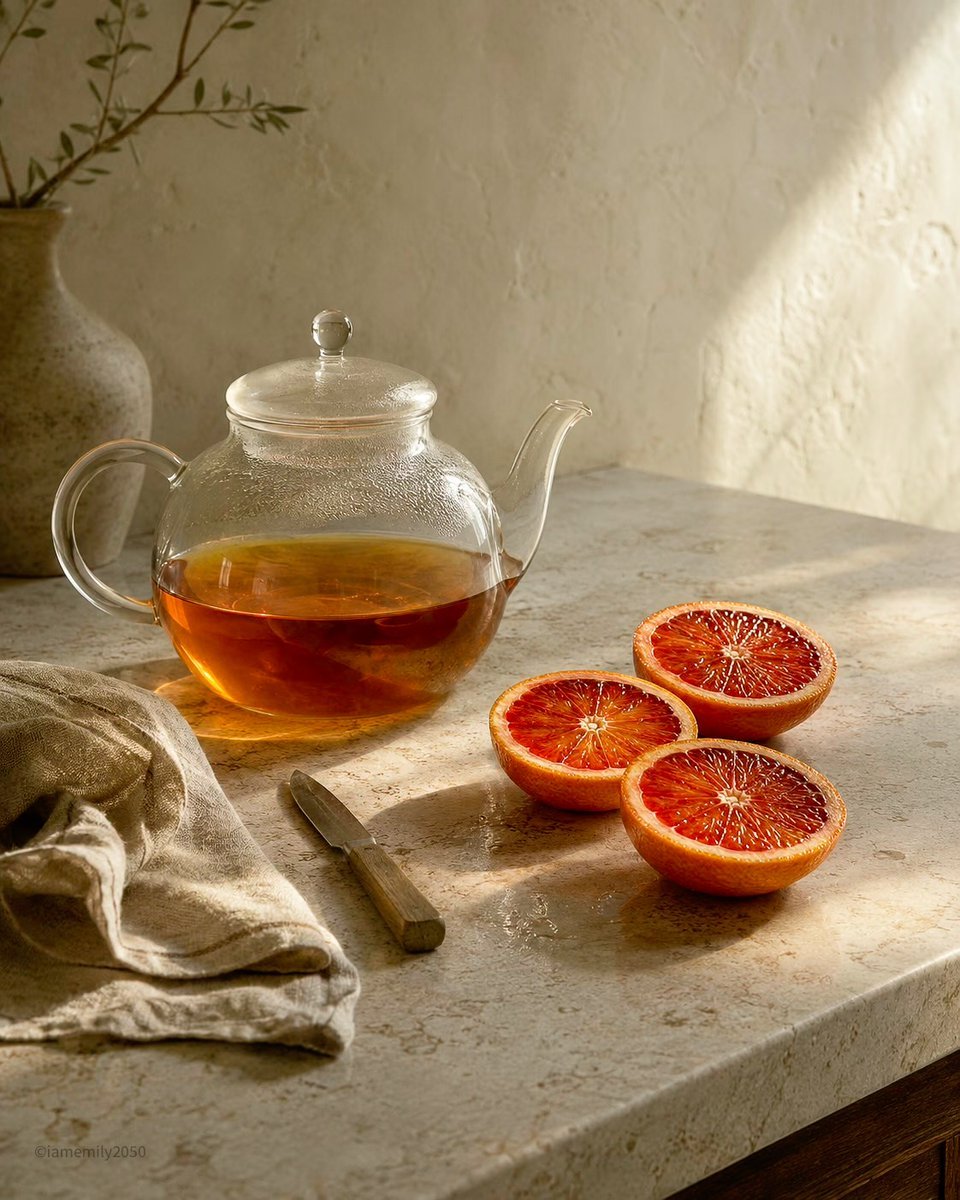
Sunlit Tea and Blood Orange Still Life
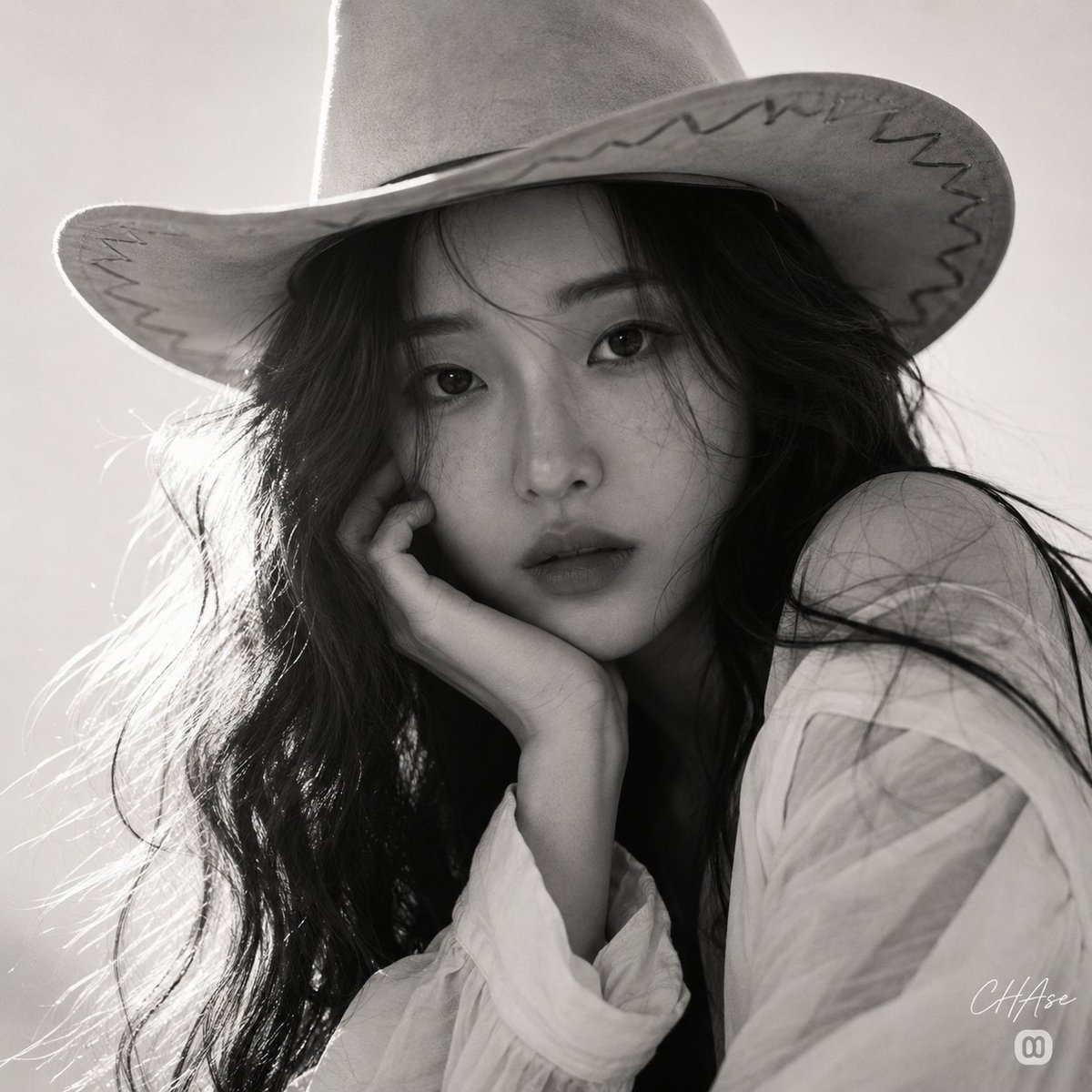
Monochrome Western Cowgirl Portrait
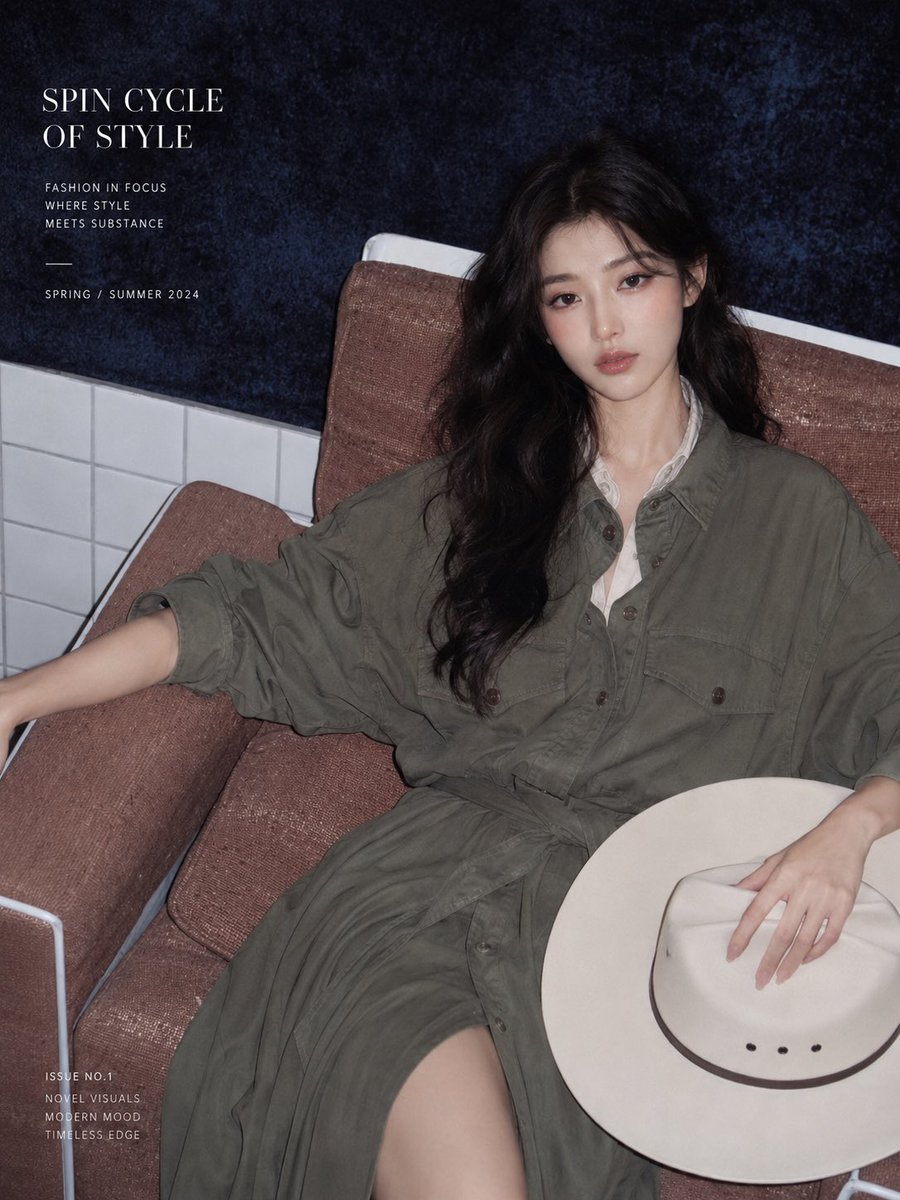
Western Editorial Magazine Portrait
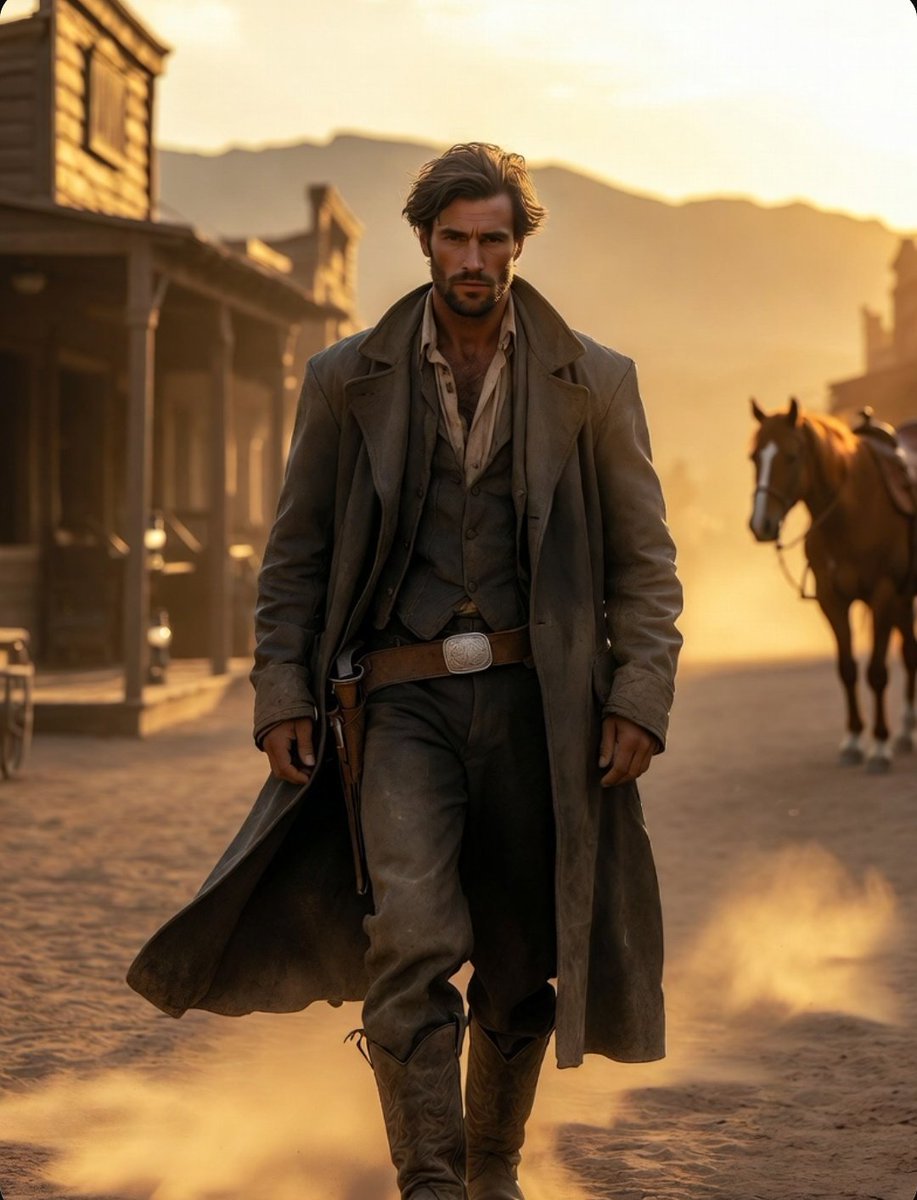
Cinematic Wild West Gunslinger
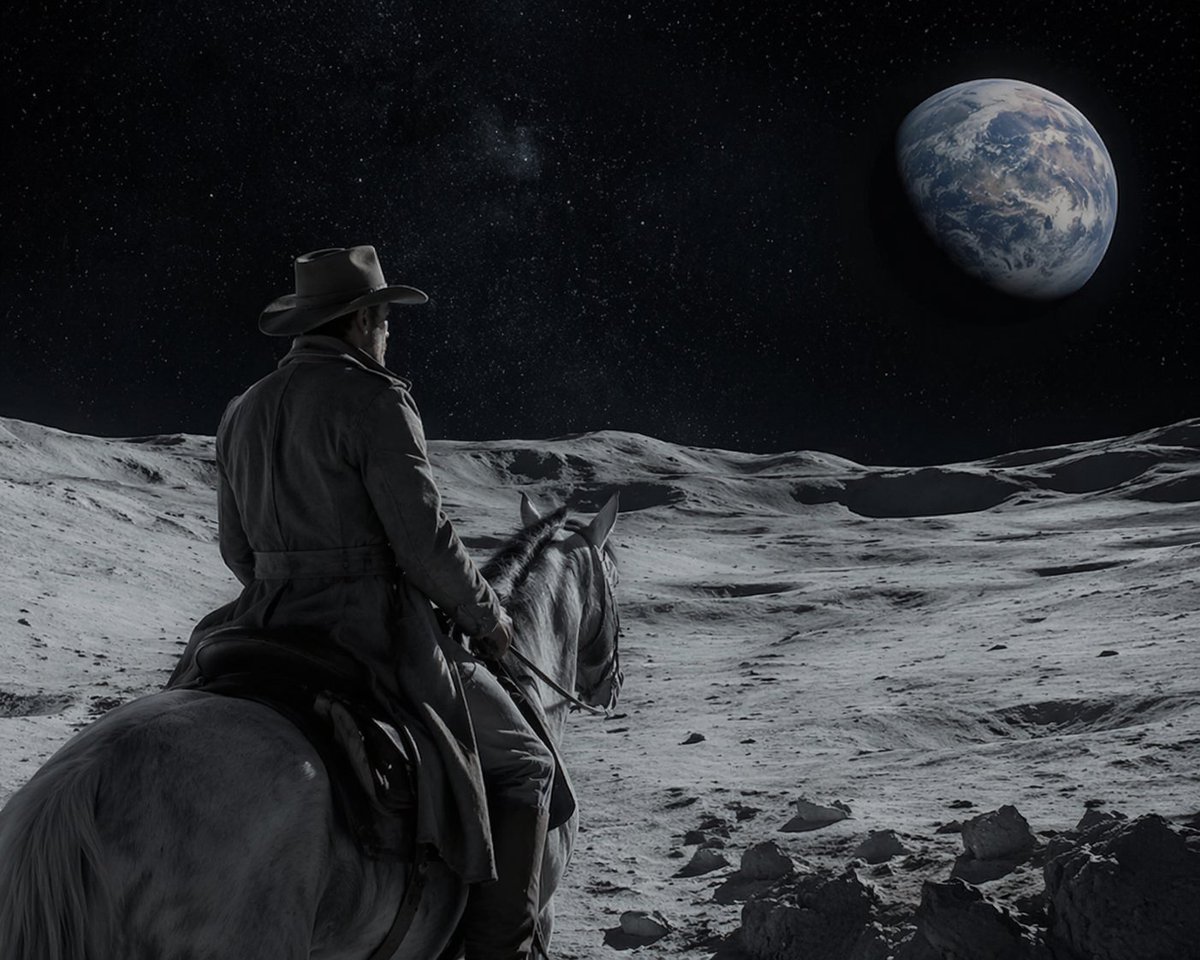
Sci-Fi Western Lunar Rider
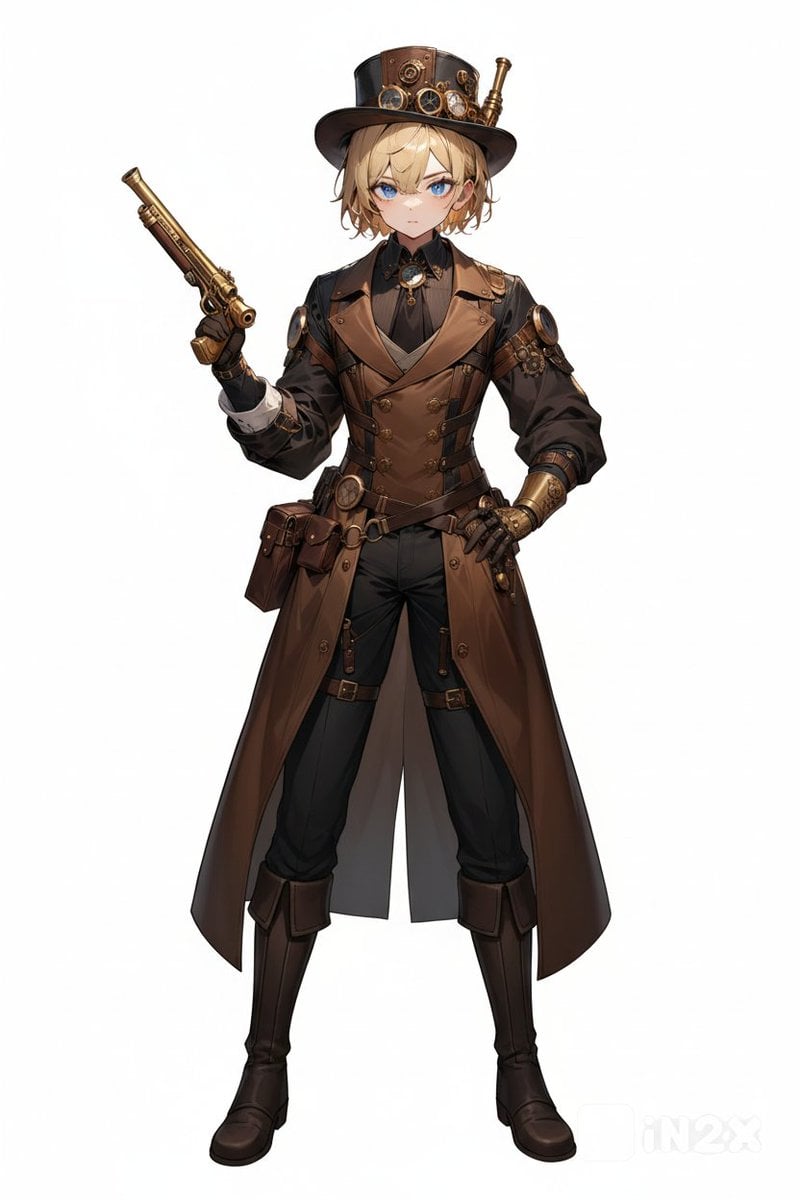
Steampunk Gunslinger Character Art
Make it yours
Blood Red Western Gunslinger works as-is. These are the safest ways to change it without losing the look.
Change one field
Copy a single group, rewrite it, and generate again so you can see what that field is doing.
Keep the frame, change the subject
Hold the composition and light of Blood Red Western Gunslinger, then swap wardrobe, props or the person for a new take.
| If the result… | Why | Fix |
|---|---|---|
| The result drifts from the preview | Too many fields changed at once. | Reuse Blood Red Western Gunslinger as-is first, then change one group — subject, light, or setting. |
| The model over-stylizes the scene | The prose prompt leaves finish and camera underspecified. | Add one camera or lighting sentence and stay on GPT Image 2. |
More GPT Image 2 templates
Other prompts made for GPT Image 2.

Six VTuber Japanese Logo Sheet

Realistic Portrait of Woman and Deer

The Vista Modular Condo Poster

AI Model Routing Comparison Infographic

2.5D Anime Art Board

Isometric Productivity Desk Scene

New York Double Exposure Poster

Four-Panel AI Landscape Comparison

Japanese Tatami Lifestyle Magazine Cover

NESCAFÉ Coffee Map Poster
More image prompts
Fresh picks from across the catalog.
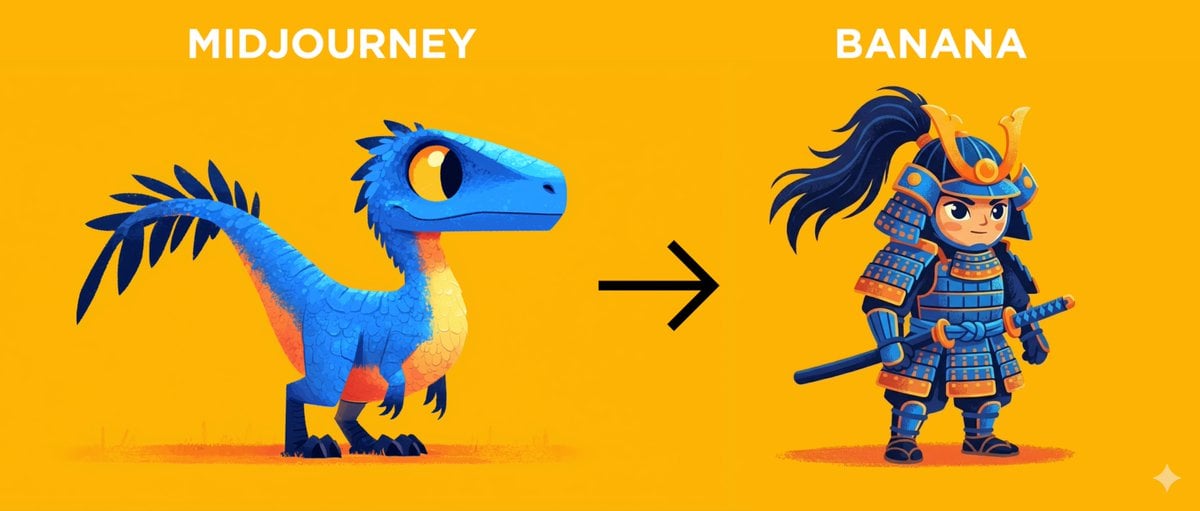
Midjourney Style Transfer for Samurai Image

Nano Banana 2 Tulip Field
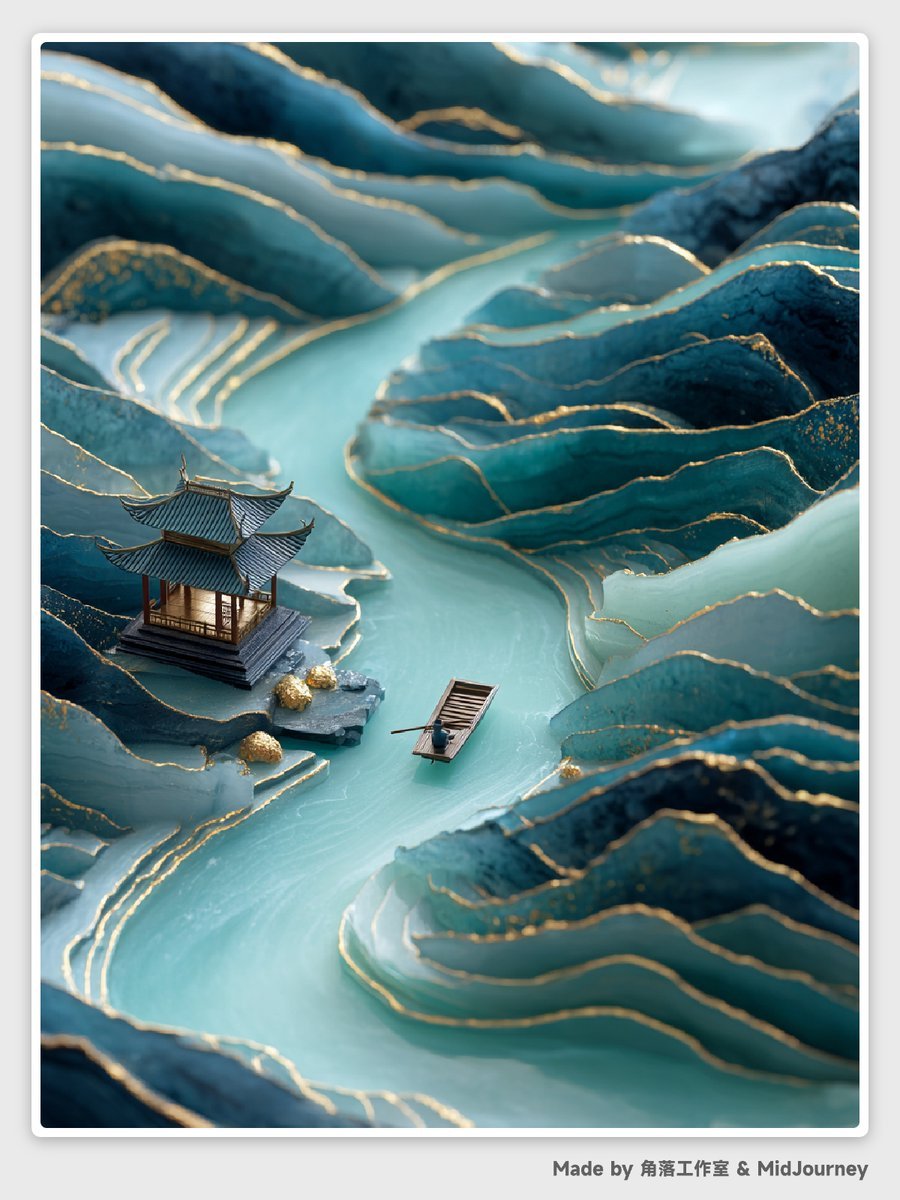
Abstract Chinese Landscape Miniatures Prompt
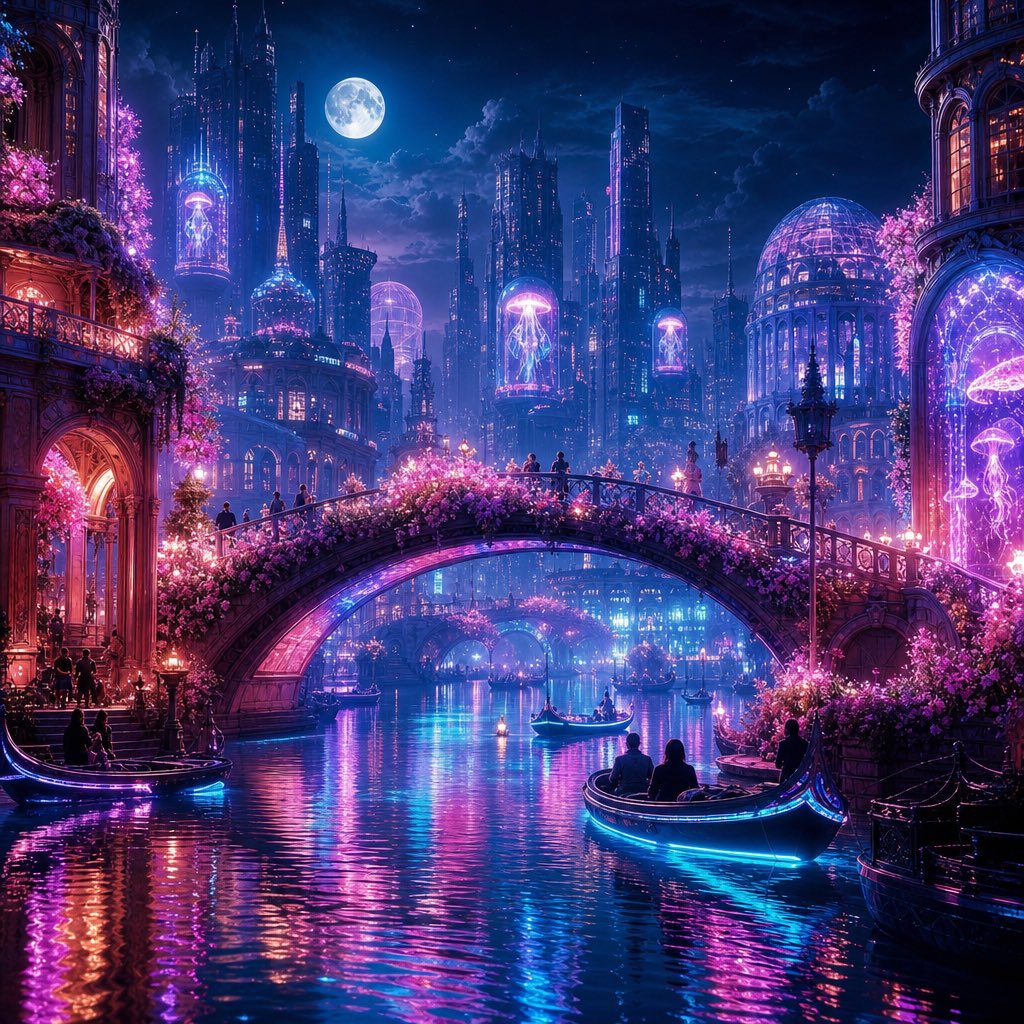
Neon Dream City
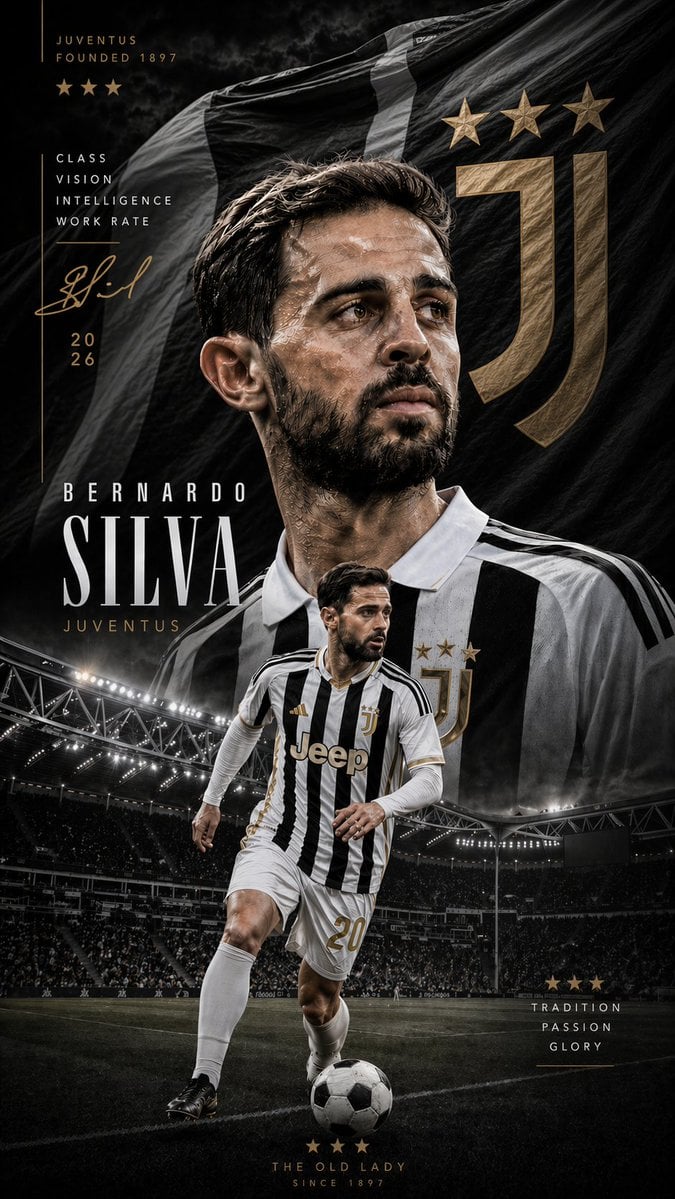
Juventus Cinematic Player Poster
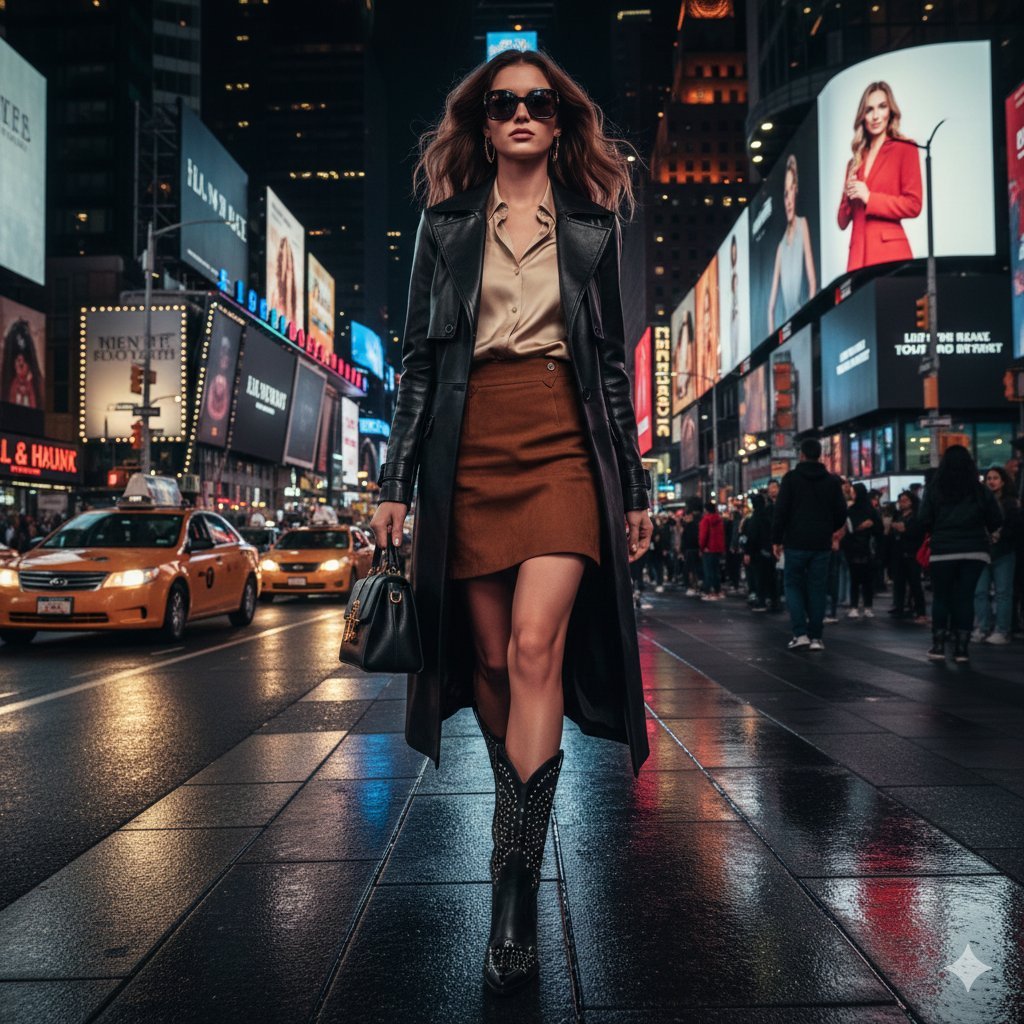
Ultra-realistic cinematic western fashion in Times Square prompt
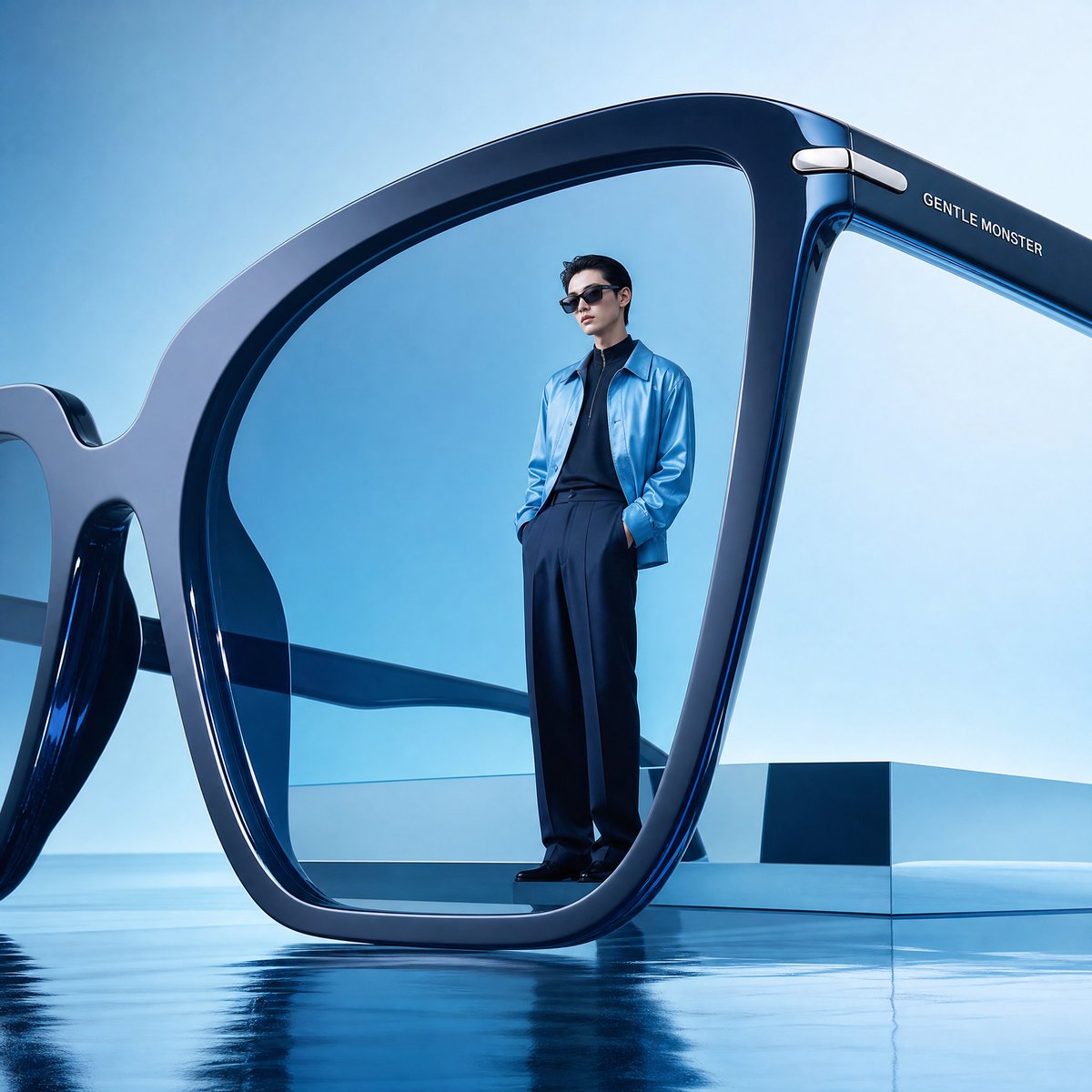
Futuristic Surreal Eyewear Advertisement
3D Figure Emerging from Pencil Sketch
Film Stock Emulation Prompt

Astronaut Drifting Above Shattered Lunar Surface
Browse template categories
Blood Red Western Gunslinger questions
How do I use the Blood Red Western Gunslinger template?
Add your photo if the template asks for one, edit the prompt if you like — the template's model and format are already selected — and press Generate. Your version opens in PicX Studio.
Can I customize the Blood Red Western Gunslinger template?
Yes. You can change the subject, setting, lighting, mood, format, and available model controls before creating your image.
Is the Blood Red Western Gunslinger template free?
Opening and editing this template is free. Generating uses credits, shown on the Generate button when you are signed in.
Which AI model should I use?
Start with GPT Image 2, which is the model associated with this template. You can compare another compatible model for a different finish.
Looking for something else? Browse all templates.

Your photo, any look
Thousands of ready templates for every top image and video model, from one credit balance.