
3D Figure Emerging from Pencil Sketch
A surreal mixed-media prompt where a man emerges as a 3D figure from a 2D graphite pencil drawing on a wooden desk.
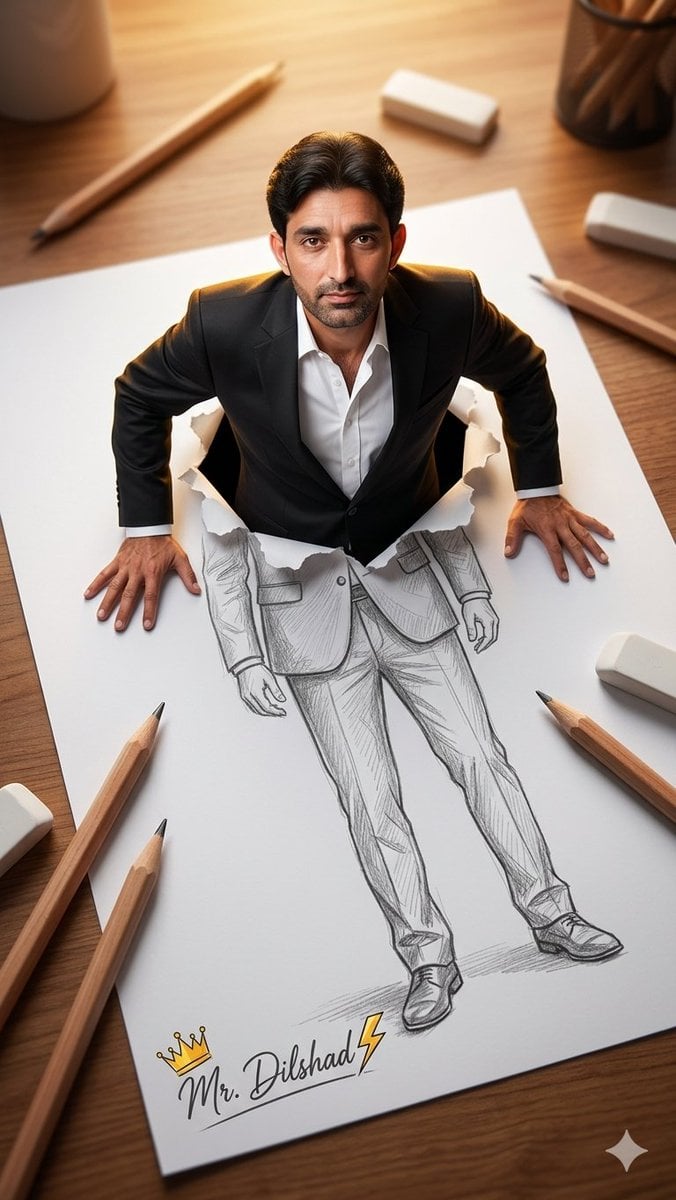
- Prompt included
- Model and format preset
- Free template
The prompt behind this image
Copy the exact prompt behind 3D Figure Emerging from Pencil Sketch, or open it in the studio and make it yours.
A high-angle, top-down perspective of a surreal mixed-media artwork on a wooden desk, where a {argument name="subject" default="middle-aged man"} , having the uploaded face as reference, is dramatically emerging from a large sheet of white paper. His upper body is a photorealistic 3D figure dressed in a {argument name="clothing" default="sharp black suit jacket and an open-collar white shirt"}, while his lower body seamlessly transitions into a detailed 2D graphite pencil sketch on the paper. He presses his hands against the torn, ripped edges of the paper as if climbing out of the drawing. Scattered around the paper on the wooden table are oversized wooden drawing pencils and white erasers, creating a sense of scale. The bottom of the paper features a stylized handwritten signature that reads "{argument name="signature" default="Mr. Dilshad"}" accompanied by a small gold crown and a lightning bolt. The scene is illuminated by warm, dramatic overhead lighting that casts soft shadows and creates a golden rim light behind his shoulders. The composition uses a shallow depth of field, focusing sharply on the man's realistic features while the surrounding desk elements are softly blurred, blending photorealism with classic sketching in a stunning trompe-l'œil illusion.
How to use 3D Figure Emerging from Pencil Sketch in 3 steps
- 1Upload ImagePNG, JPG or paste
Add your photo
Upload the photo the template builds on. The prompt, model and format are already set.
- 2…a portrait of your subject in softgolden-hour light, 85mm…
Personalize
Edit the subject and creative details for your destination.
- 3Generate
Generate
Press Generate — your image is created in PicX Studio, so you can compare it with the original and refine one variable at a time.
More like this
Templates with the same subject, style or setup. Open one to see its prompt.
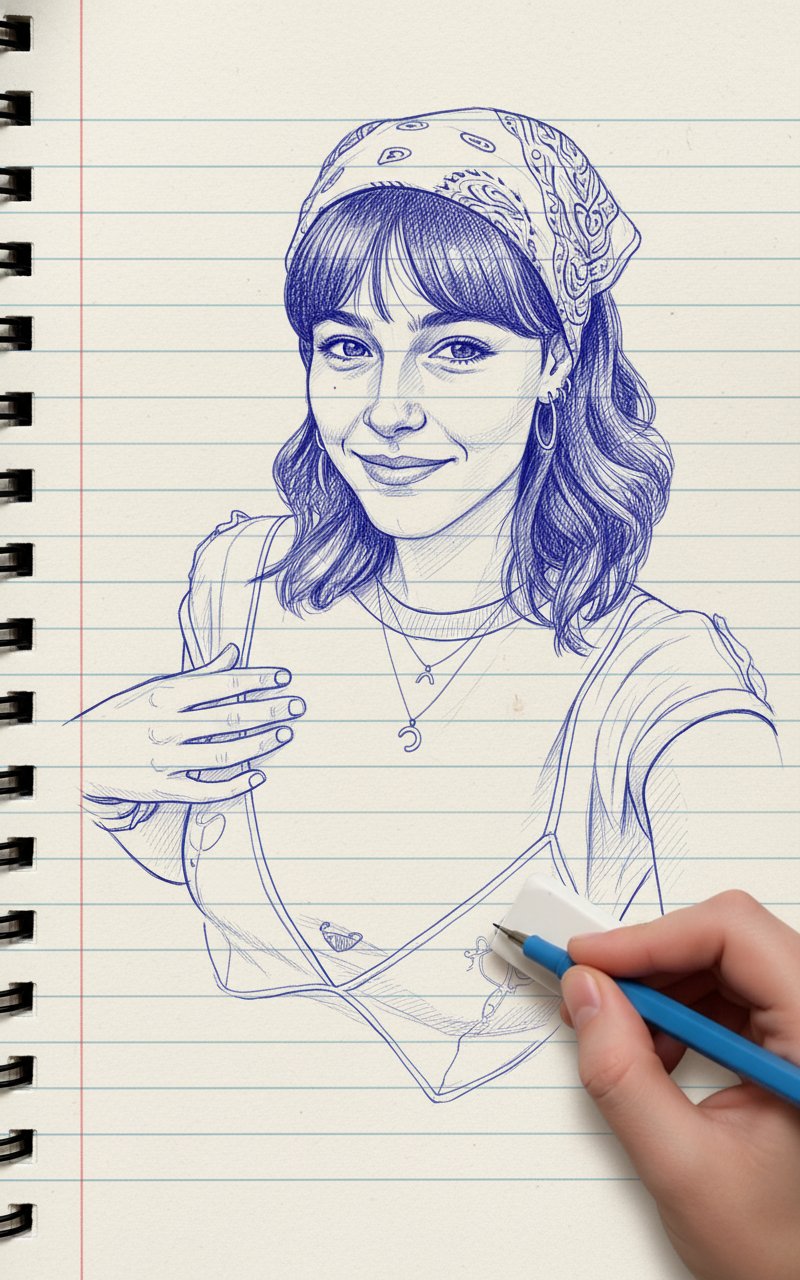
Blue Pencil Sketching
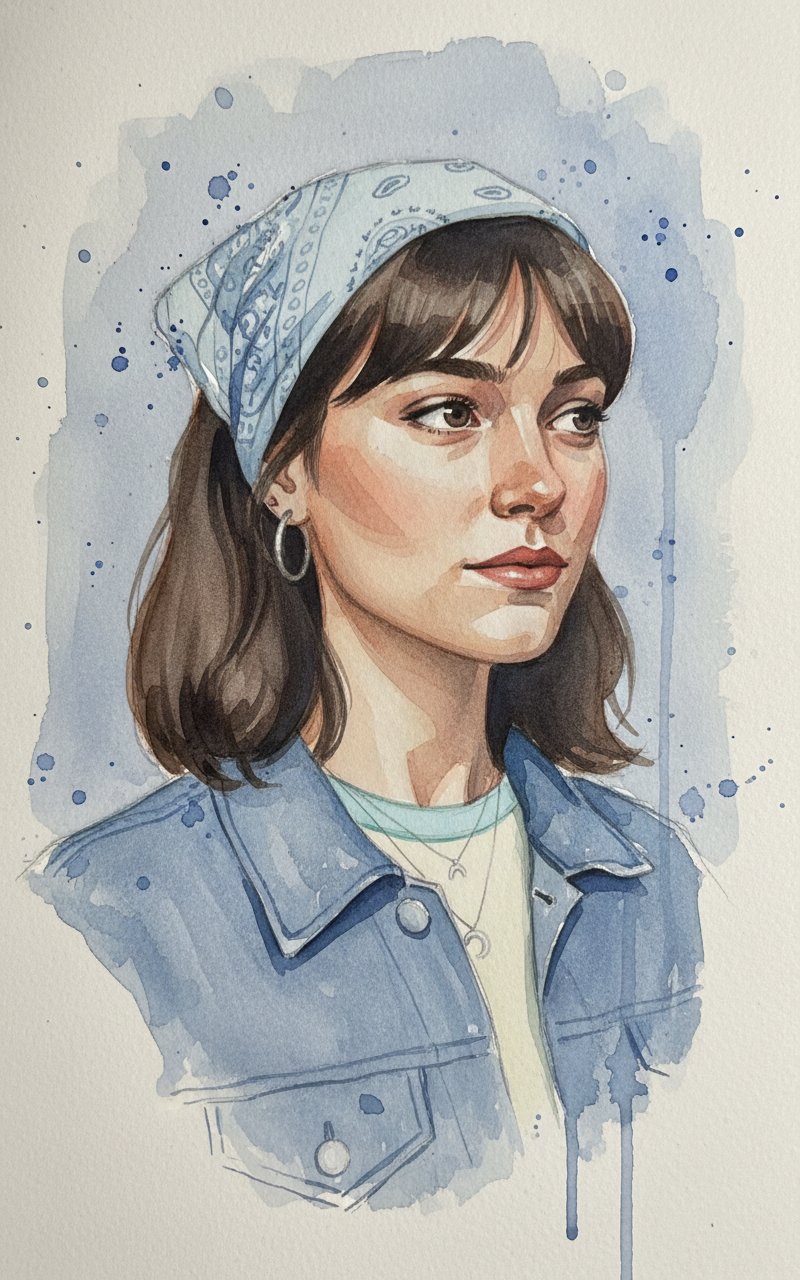
Face Sketching
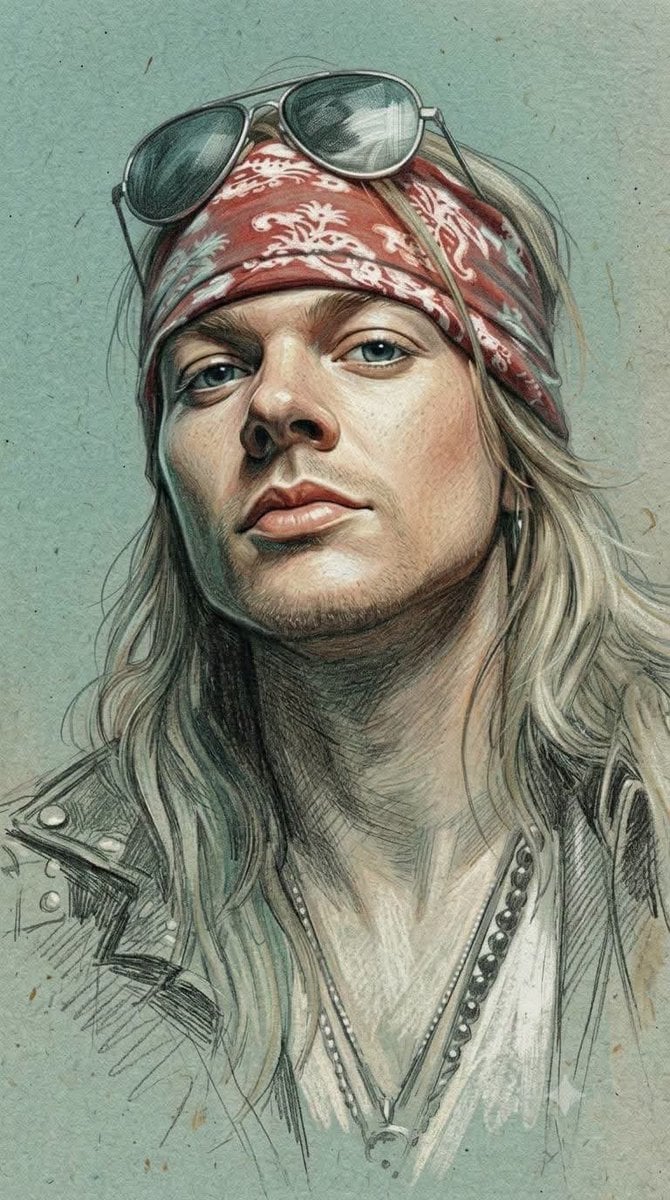
Traditional Colored Pencil Portrait Sketch
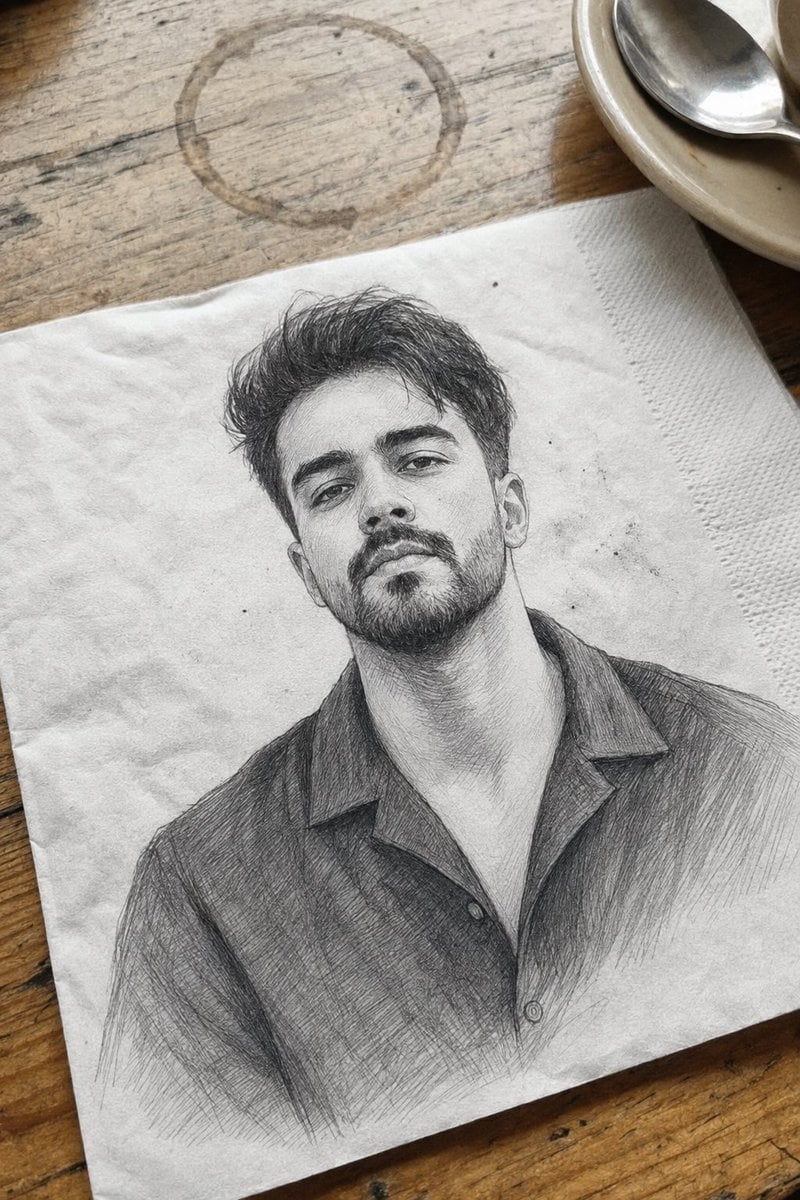
Professional Graphite Pencil Sketch Portrait

Pencil Sketch Coffee Storyboard
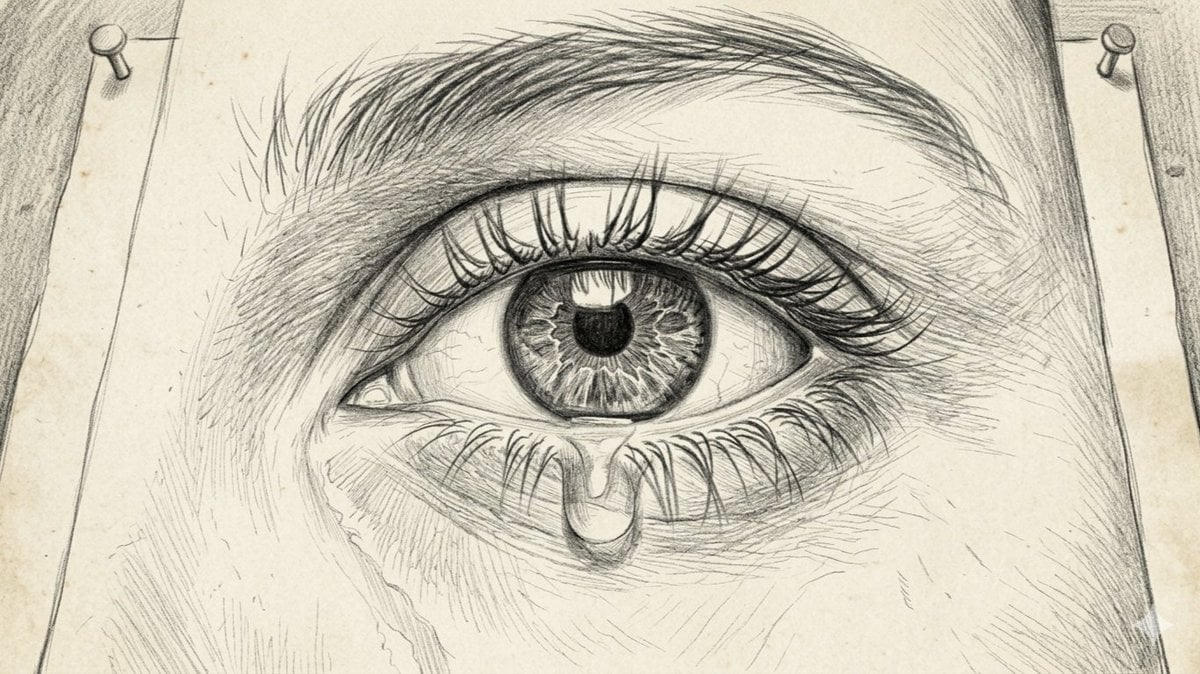
Sorrowful Eye Pencil Sketch
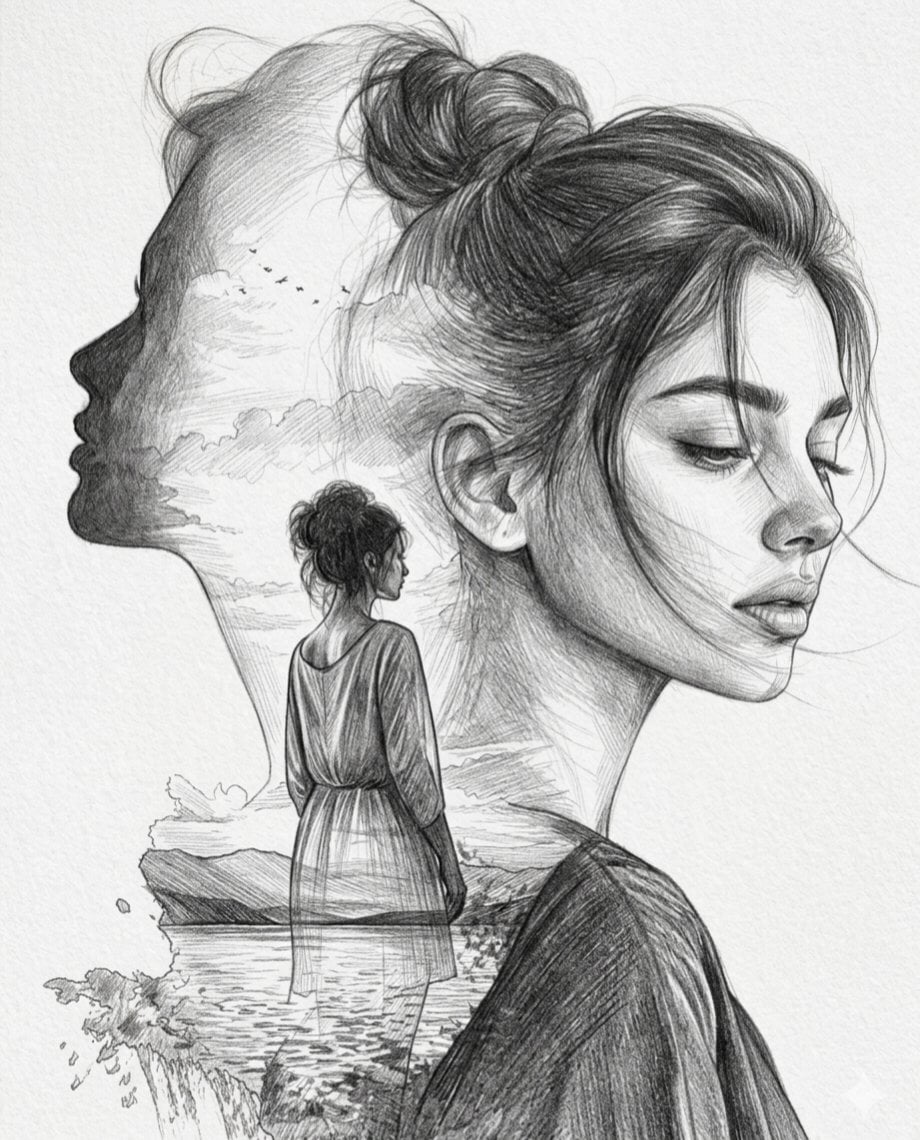
Double Exposure Pencil Sketch Portrait
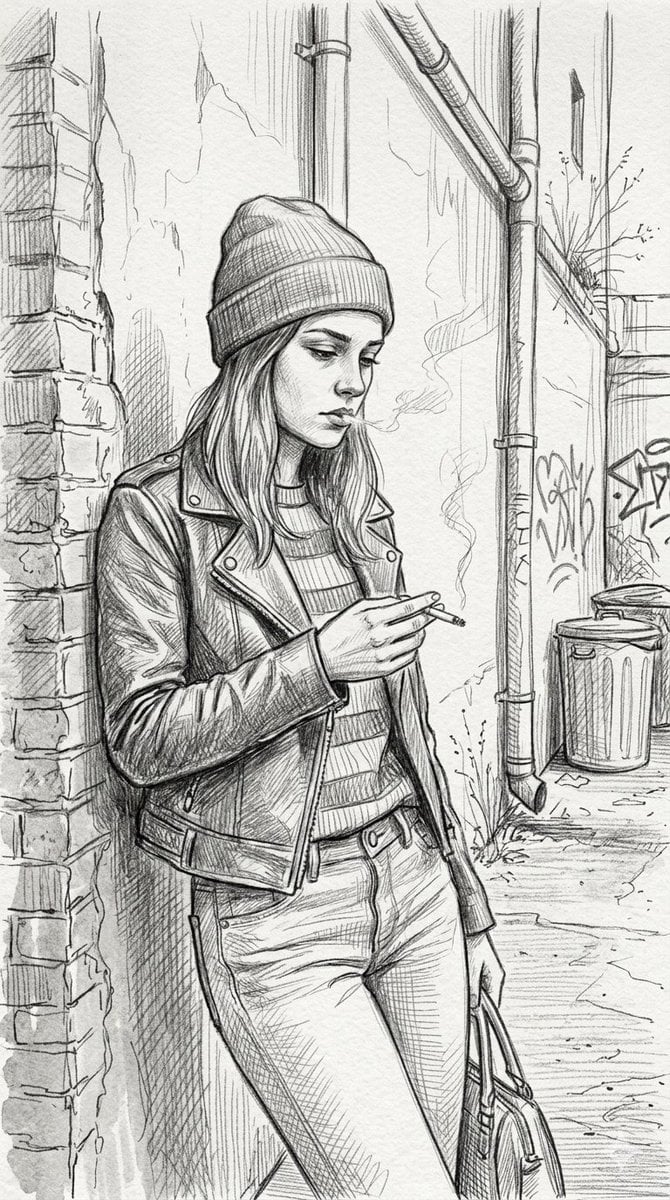
Gritty urban pencil sketch portrait
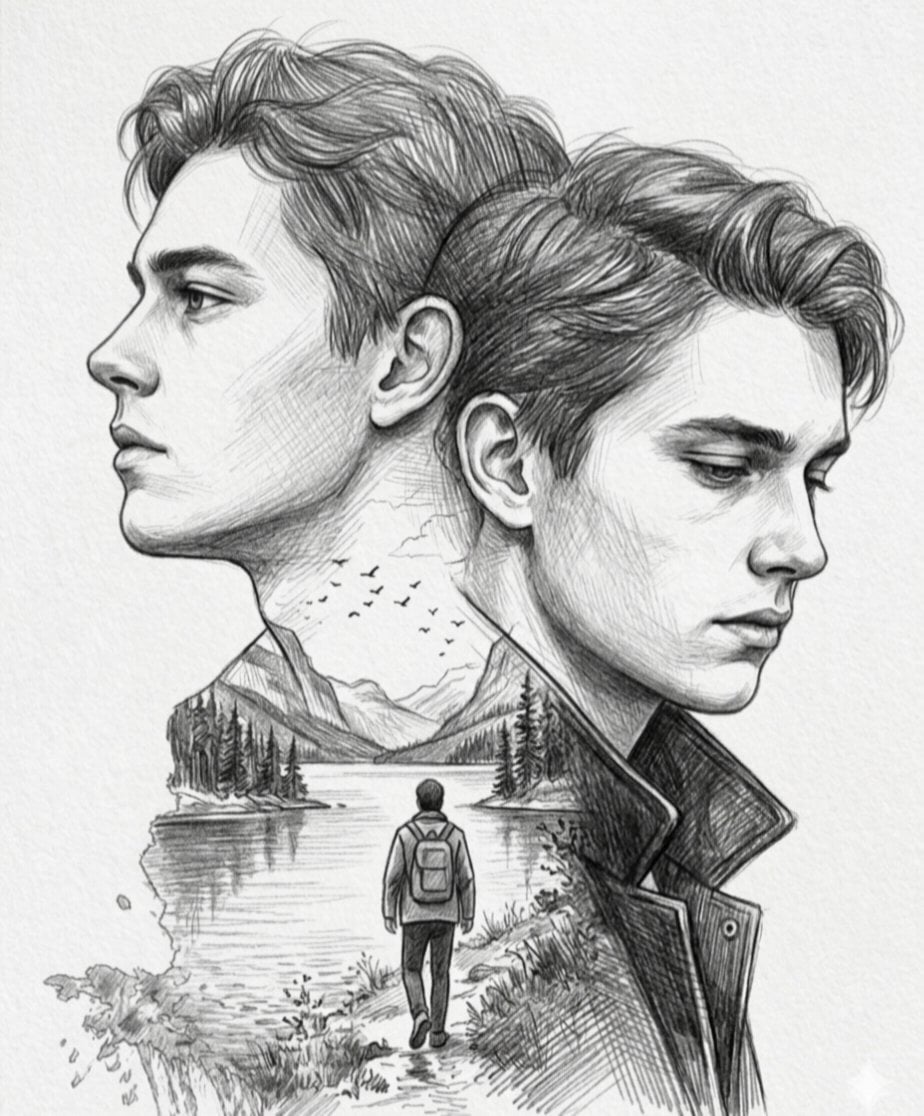
Double Exposure Pencil Sketch
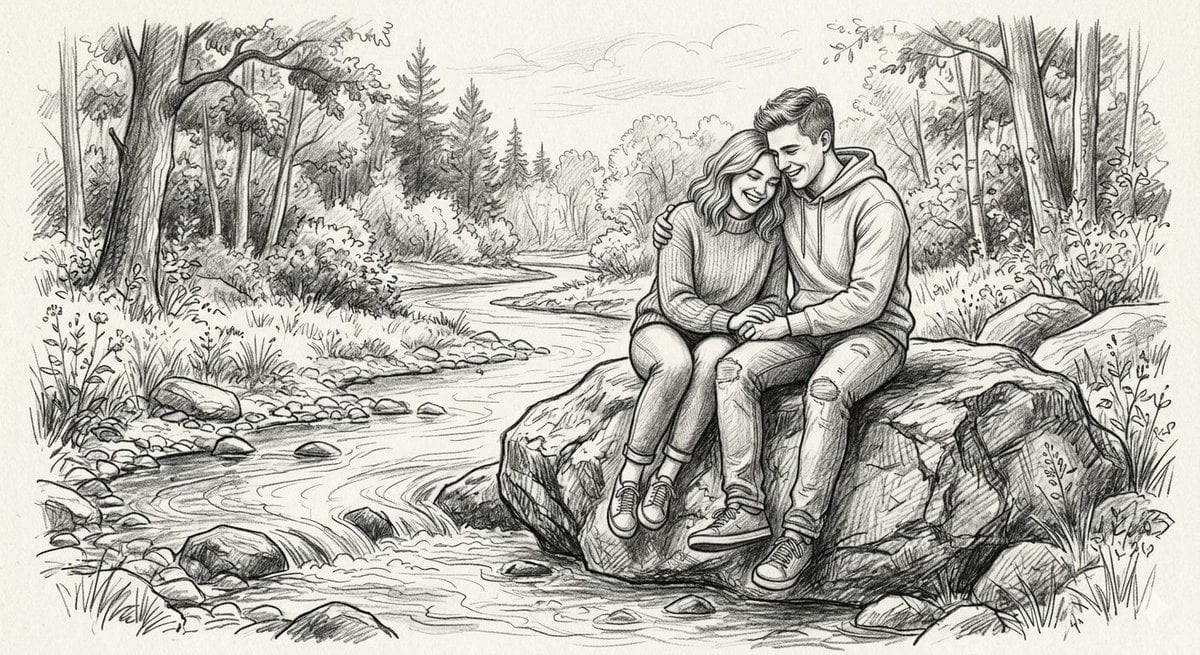
Detailed Graphite Pencil Sketch
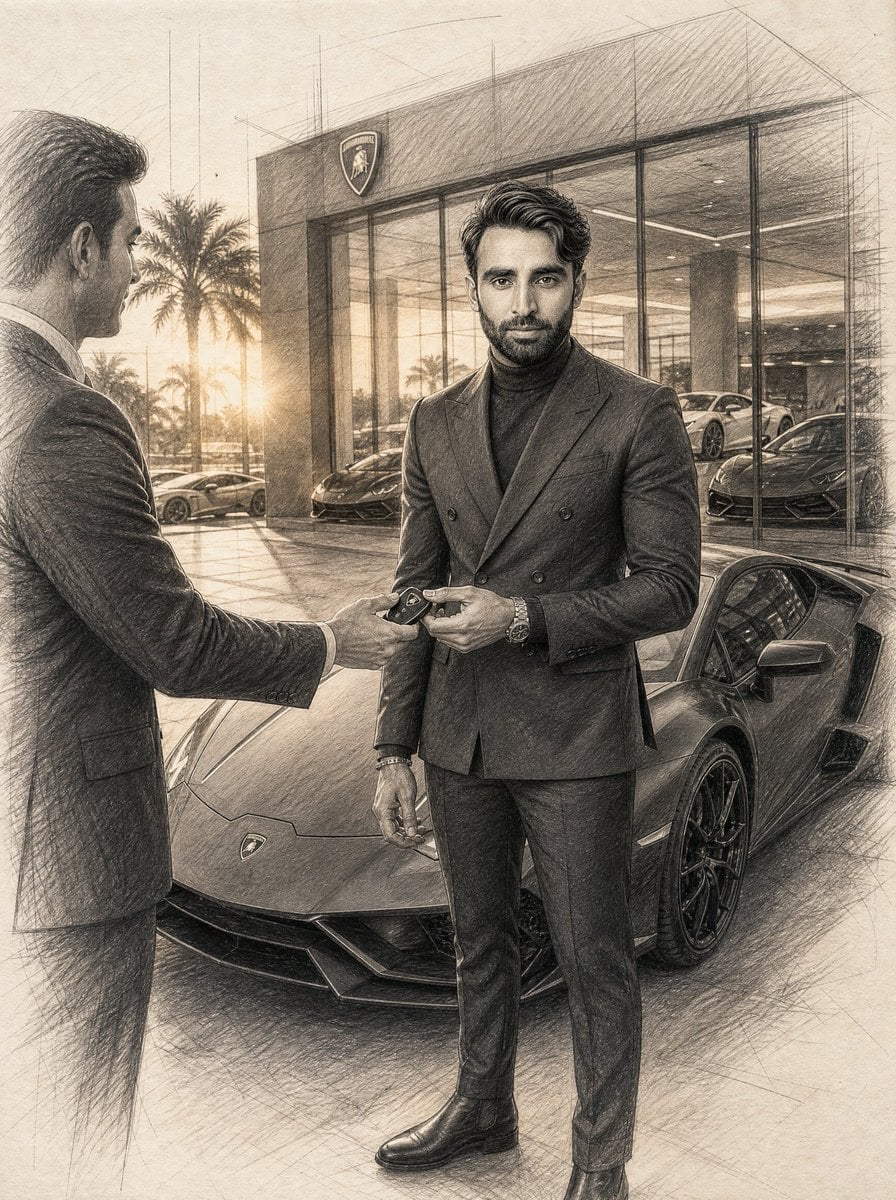
Graphite Pencil Entrepreneur Sketch

Japanese Café Sketch Duo Illustration
Make it yours
3D Figure Emerging from Pencil Sketch works as-is. These are the safest ways to change it without losing the look.
Change one field
Copy a single group, rewrite it, and generate again so you can see what that field is doing.
Keep the frame, change the subject
Hold the composition and light of 3D Figure Emerging from Pencil Sketch, then swap wardrobe, props or the person for a new take.
| If the result… | Why | Fix |
|---|---|---|
| The result drifts from the preview | Too many fields changed at once. | Reuse 3D Figure Emerging from Pencil Sketch as-is first, then change one group — subject, light, or setting. |
| The model over-stylizes the scene | The prose prompt leaves finish and camera underspecified. | Add one camera or lighting sentence and stay on GPT Image 2. |
More GPT Image 2 templates
Other prompts made for GPT Image 2.

Six VTuber Japanese Logo Sheet

Realistic Portrait of Woman and Deer

The Vista Modular Condo Poster

AI Model Routing Comparison Infographic

2.5D Anime Art Board

Isometric Productivity Desk Scene

New York Double Exposure Poster

Four-Panel AI Landscape Comparison

Japanese Tatami Lifestyle Magazine Cover

NESCAFÉ Coffee Map Poster
More image prompts
Fresh picks from across the catalog.
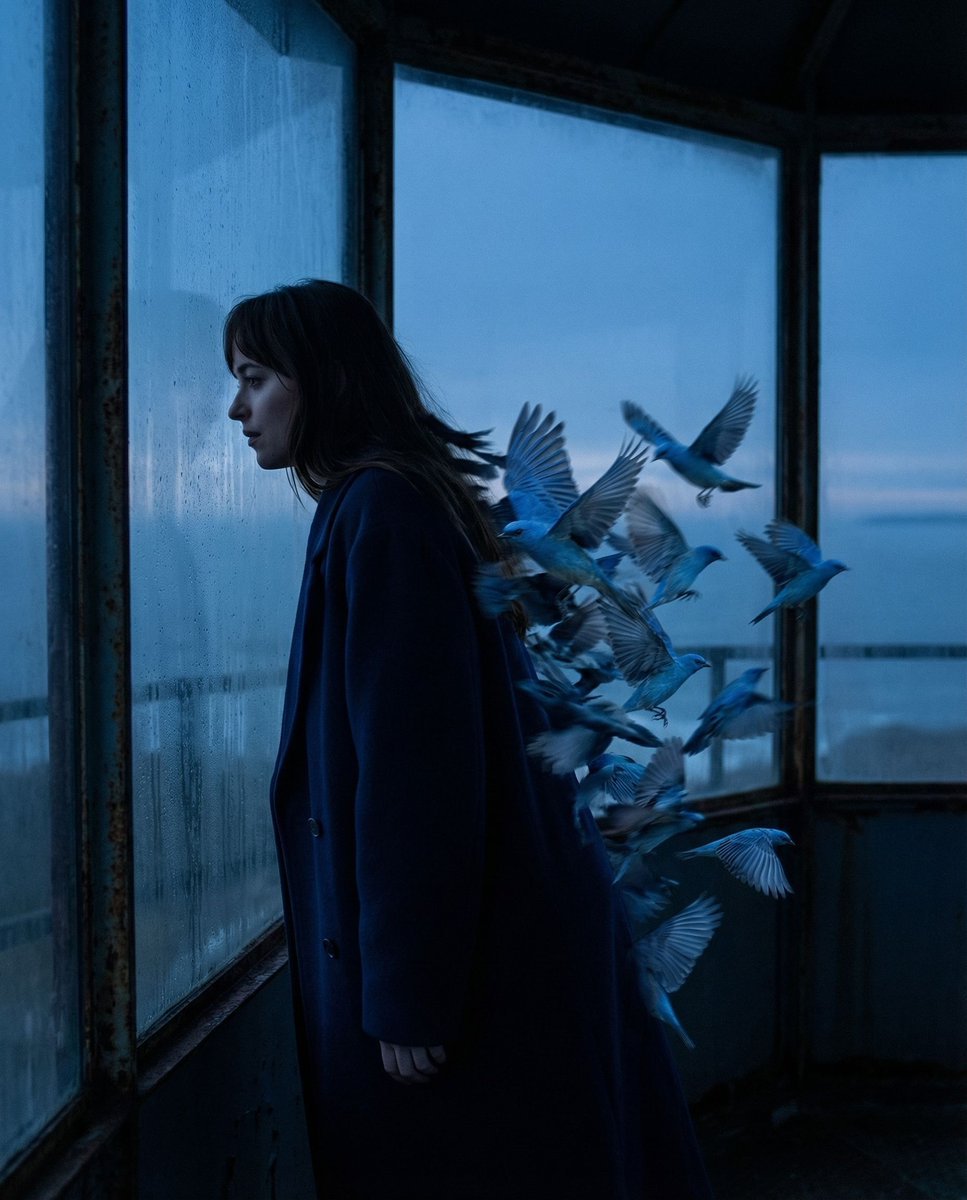
Surreal Blue Hour Avian Metamorphosis

Cinematic Street Portrait with Motion Blur Prompt
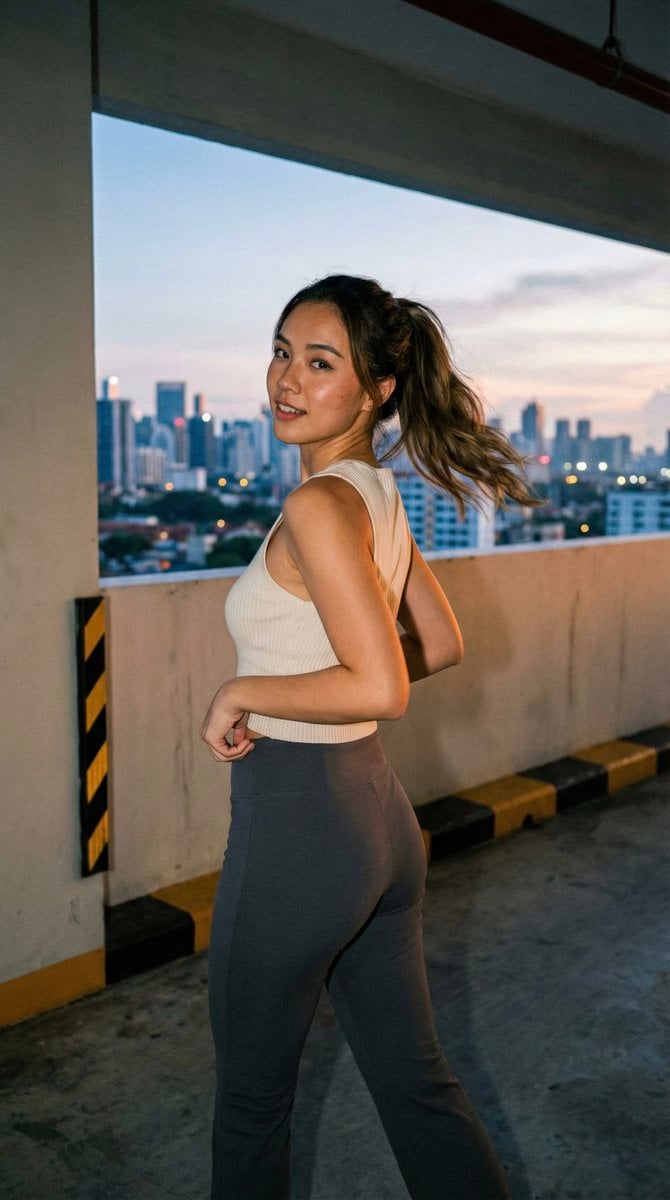
Candid Urban Portrait (Paparazzi Feel)
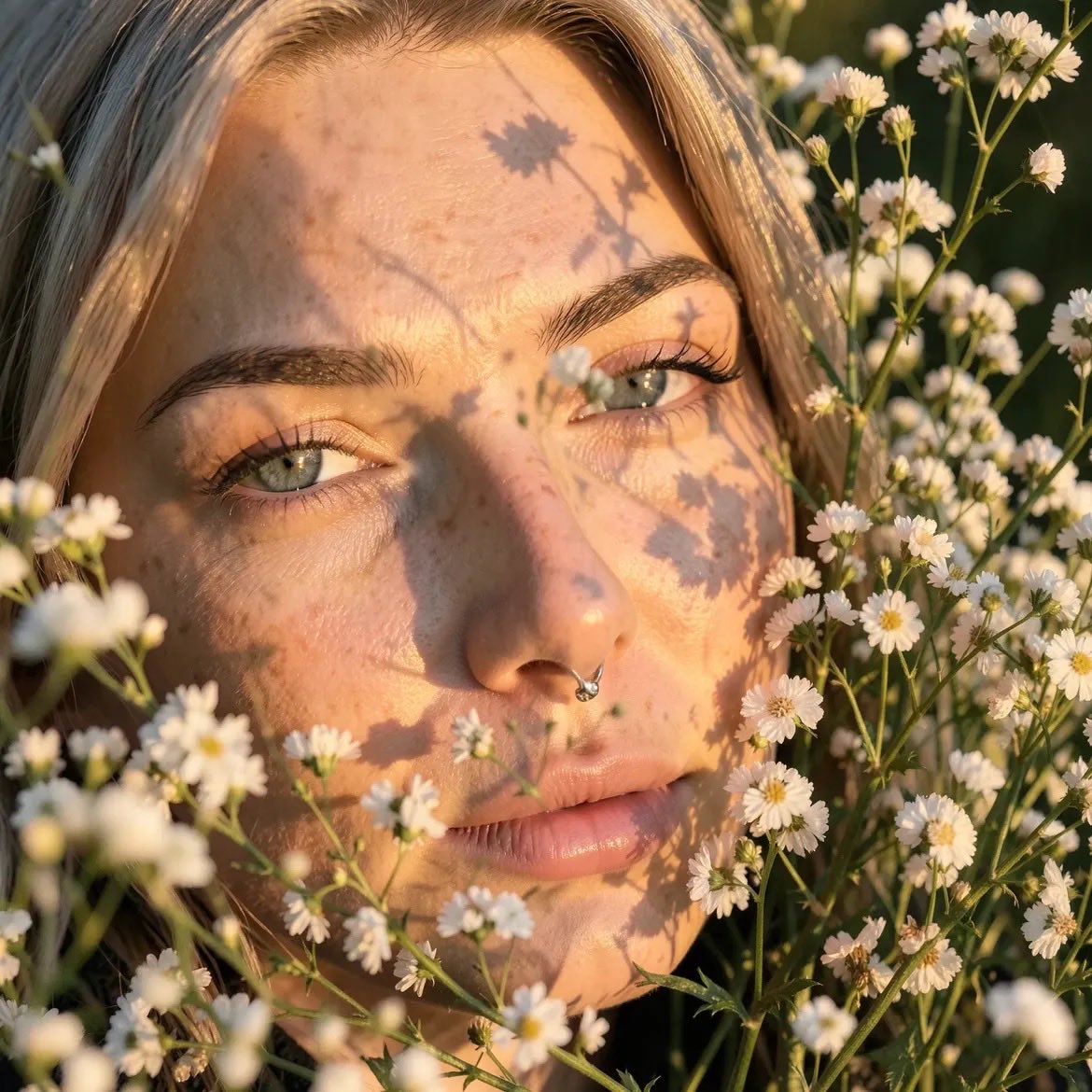
Golden Hour Macro Portrait Prompts
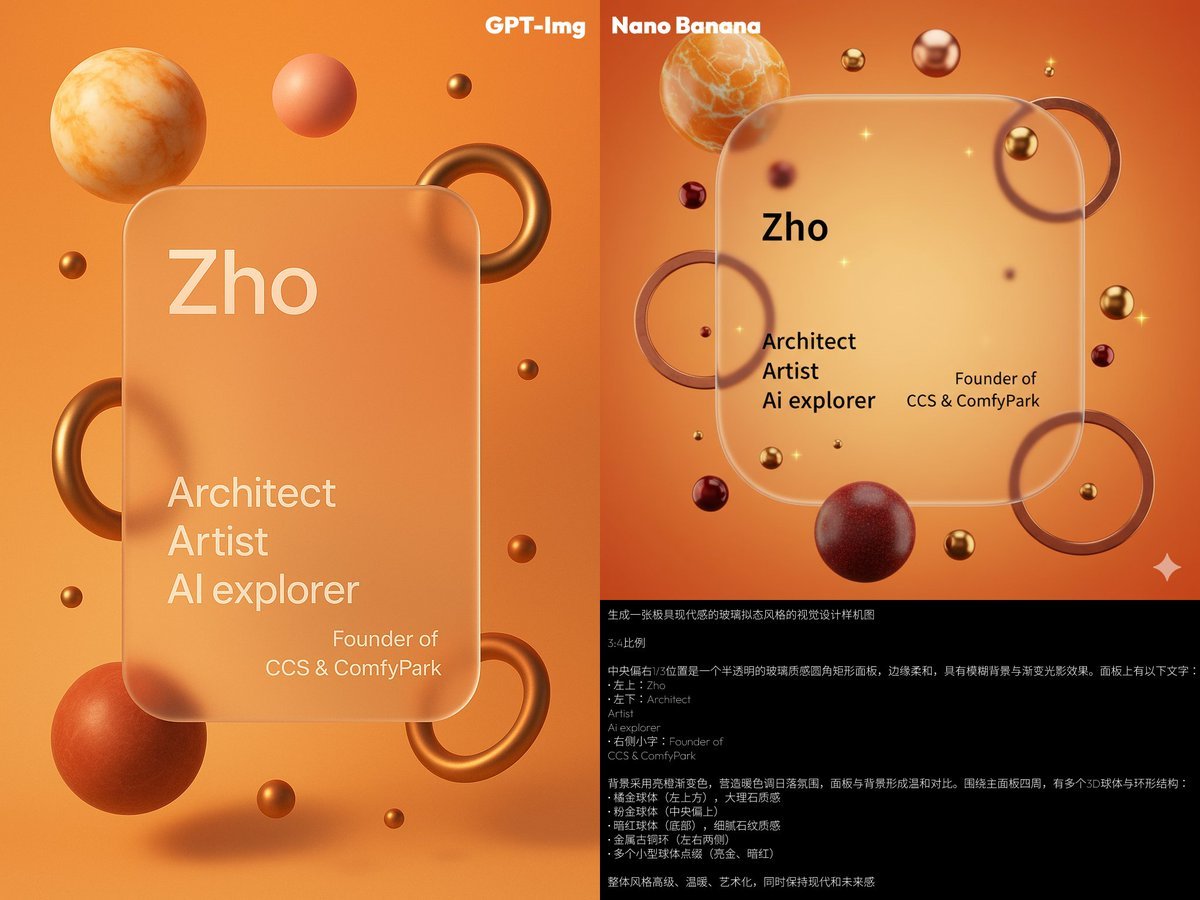
Glassmorphism personal branding mockup
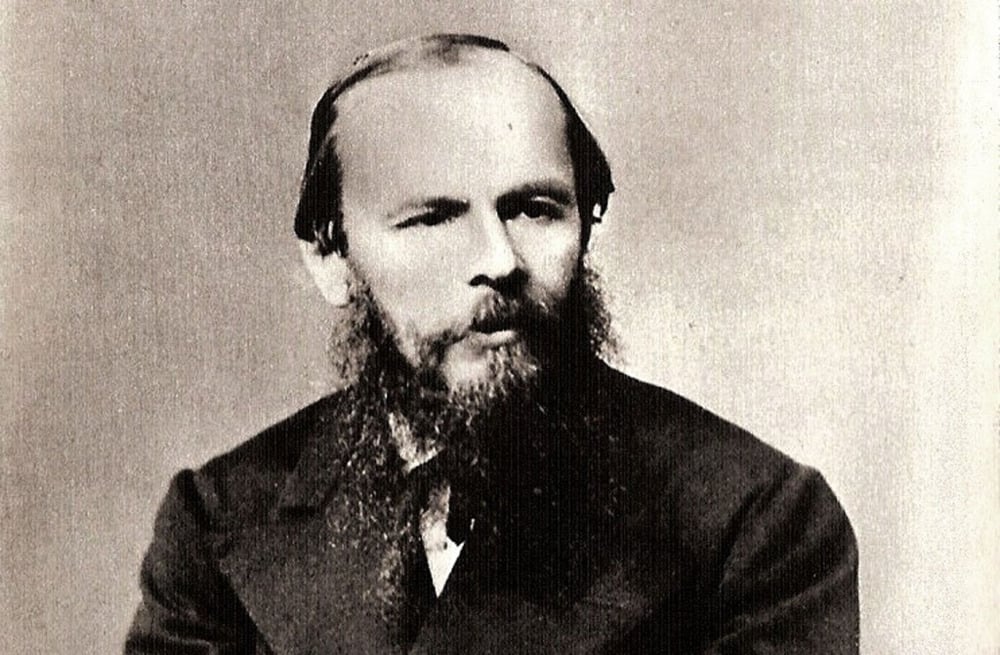
Old Photo Restoration and Colorization Prompt
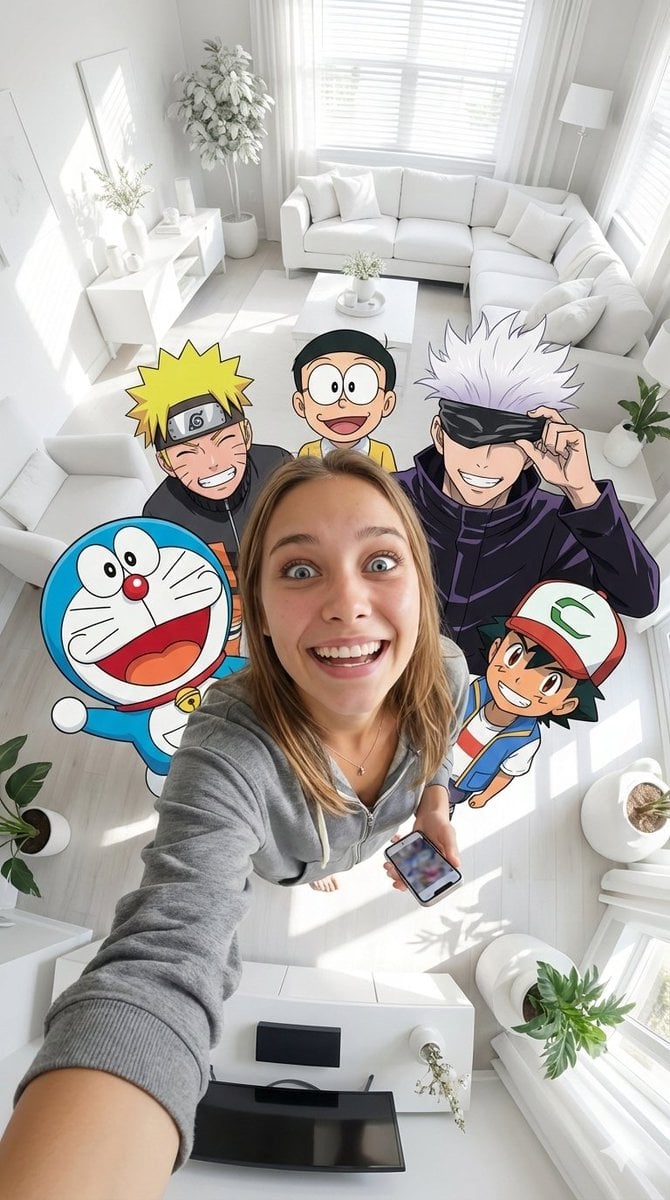
Fisheye selfie with anime characters
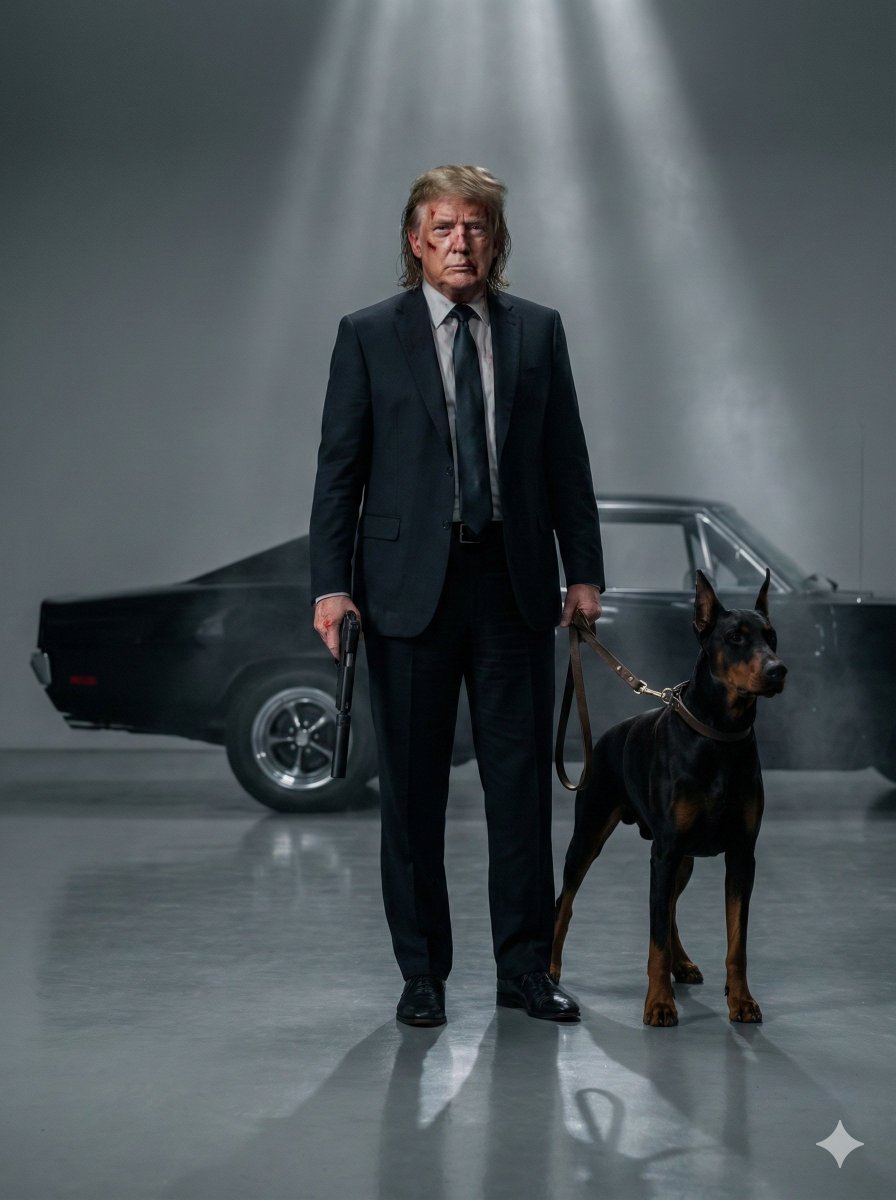
Neo-Noir Hitman Film Still
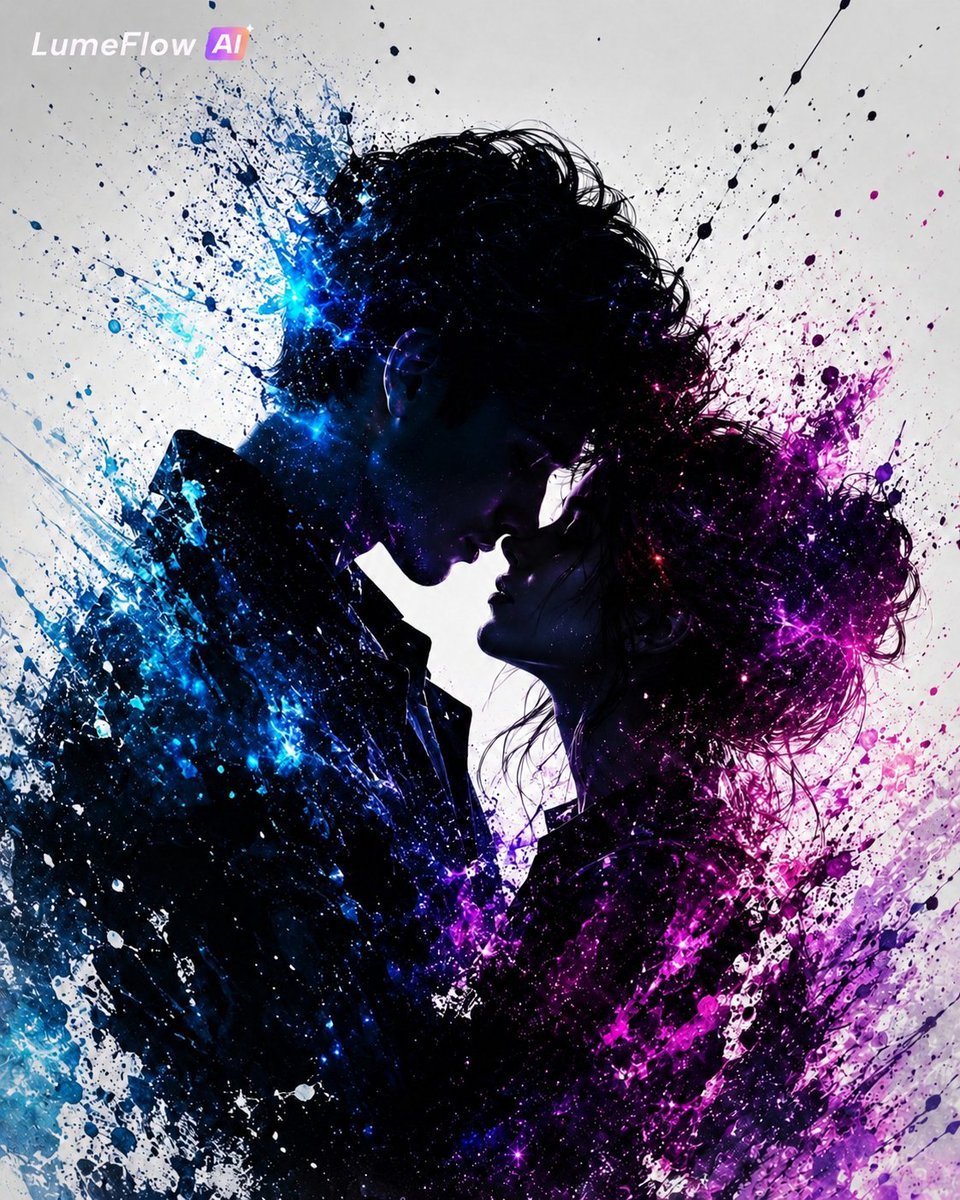
Cosmic Ink Splash Couple Silhouette
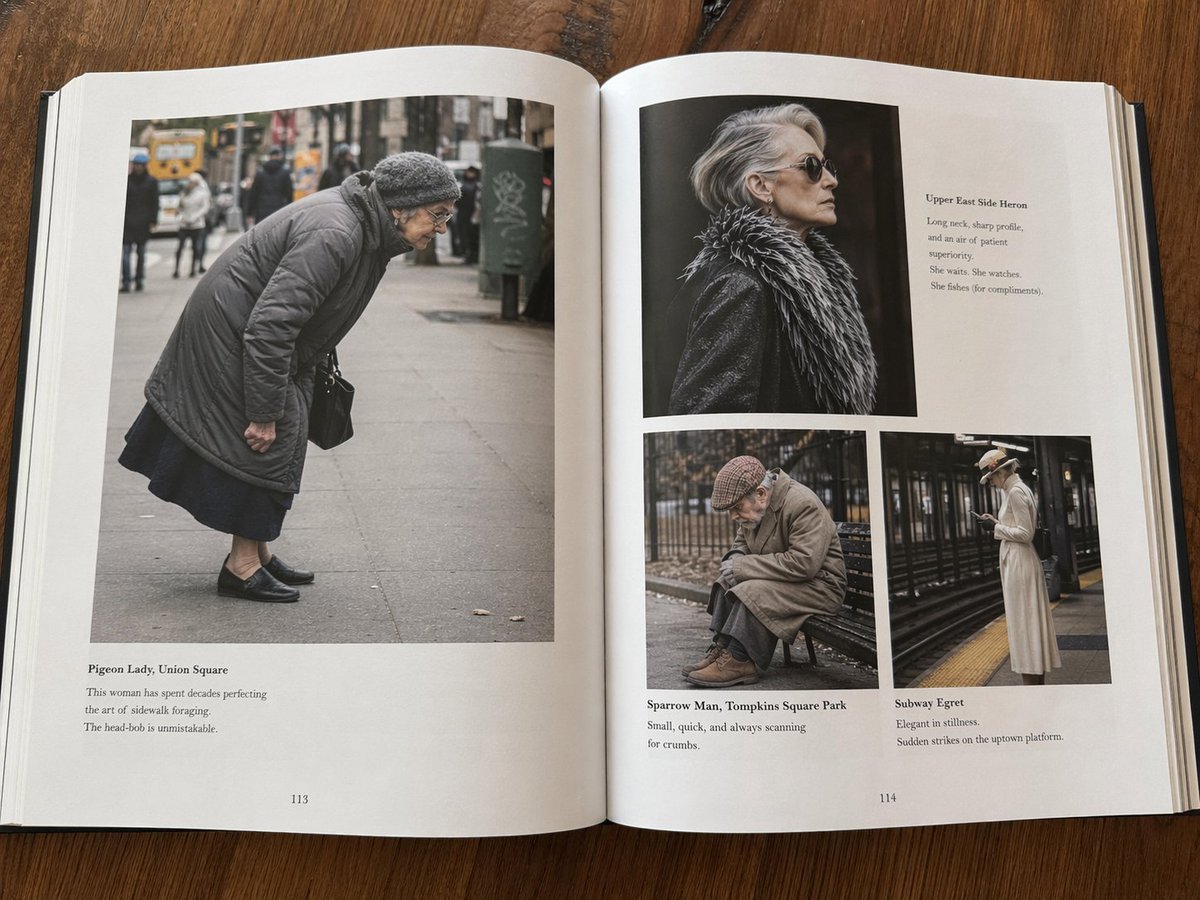
Fictional Book Page Excerpts
Browse template categories
3D Figure Emerging from Pencil Sketch questions
How do I use the 3D Figure Emerging from Pencil Sketch template?
Add your photo if the template asks for one, edit the prompt if you like — the template's model and format are already selected — and press Generate. Your version opens in PicX Studio.
Can I customize the 3D Figure Emerging from Pencil Sketch template?
Yes. You can change the subject, setting, lighting, mood, format, and available model controls before creating your image.
Is the 3D Figure Emerging from Pencil Sketch template free?
Opening and editing this template is free. Generating uses credits, shown on the Generate button when you are signed in.
Which AI model should I use?
Start with GPT Image 2, which is the model associated with this template. You can compare another compatible model for a different finish.
Looking for something else? Browse all templates.

Your photo, any look
Thousands of ready templates for every top image and video model, from one credit balance.