
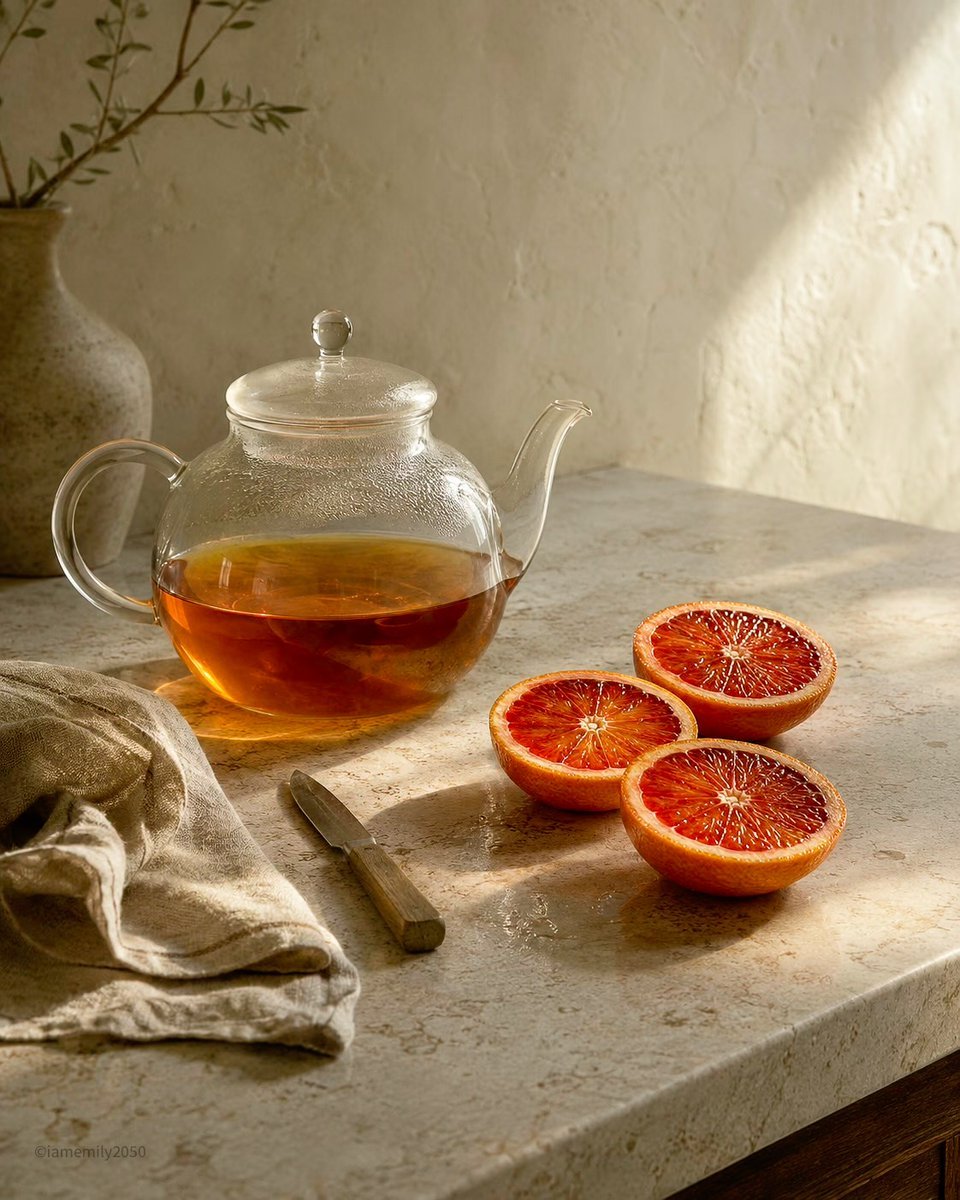
Sunlit Tea and Blood Orange Still Life
A warm editorial still-life prompt for creating a calm kitchen scene with glass teapot, citrus, linen, and golden morning light.
- Prompt included
- Model and format preset
- Free template
The prompt behind this image
Copy the exact prompt behind Sunlit Tea and Blood Orange Still Life, or open it in the studio and make it yours.
Create a quiet Hearth Hush still-life photograph on a warm beige stone countertop beside a textured plaster wall. The scene is lit by low golden morning sunlight from the upper right, casting a bright triangular patch on the wall and long soft shadows across the counter, with restrained contrast and a calm, airy composition. Show exactly 7 main visible objects: 1 clear round glass teapot with a lid, curved handle, and spout, half-filled with {argument name="tea color" default="deep amber orange tea"} with condensation on the glass; 3 cut blood orange halves grouped to the right with vivid ruby-red pulp and orange rind; 1 small rustic paring knife lying diagonally in front of the fruit with a muted wooden handle; 1 rumpled natural linen cloth in the lower left; and 1 matte ceramic vase in the back left holding a sparse olive branch with small leaves. Use a natural palette of cream, sand, honey, terracotta, amber, and muted olive. Emphasize the hearth field through the glowing tea, luminous citrus flesh, and sunlit reflections on the glass; emphasize the hush field through open negative space on the wall, pale stone texture, soft fabric folds, and stillness. Compose in a vertical 4:5 frame, slightly elevated eye-level angle, realistic editorial food photography, shallow-to-moderate depth of field, delicate surface imperfections, no people, no text, no branding, no extra objects.
How to use Sunlit Tea and Blood Orange Still Life in 3 steps
- 1Upload ImagePNG, JPG or paste
Add your photo
Upload the photo the template builds on. The prompt, model and format are already set.
- 2…a portrait of your subject in softgolden-hour light, 85mm…
Personalize
Edit the subject and creative details for your destination.
- 3Generate
Generate
Press Generate — your image is created in PicX Studio, so you can compare it with the original and refine one variable at a time.
More like this
Templates with the same subject, style or setup. Open one to see its prompt.
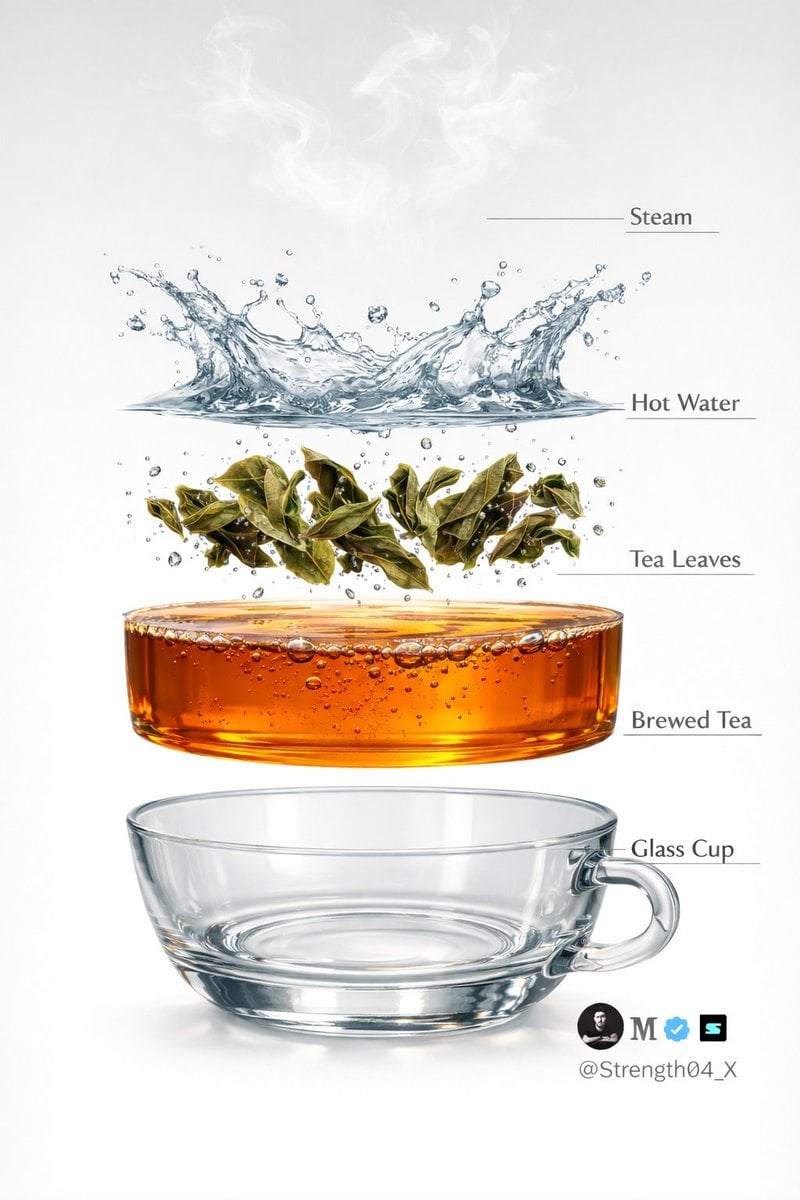
Hyper-realistic Tea Photography Prompts (Still Life and Exploded View)

Mushroom Still Life Composition
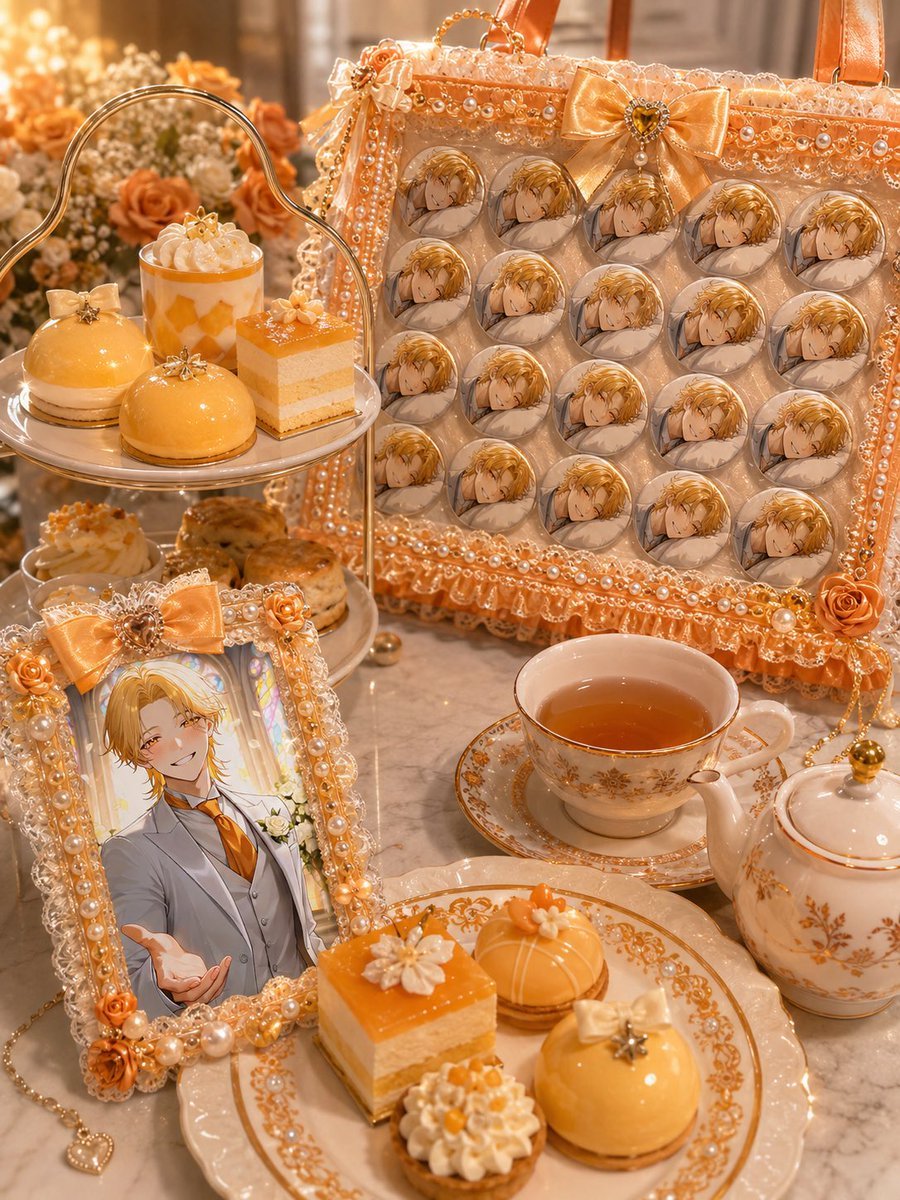
Orange Oshi Afternoon Tea
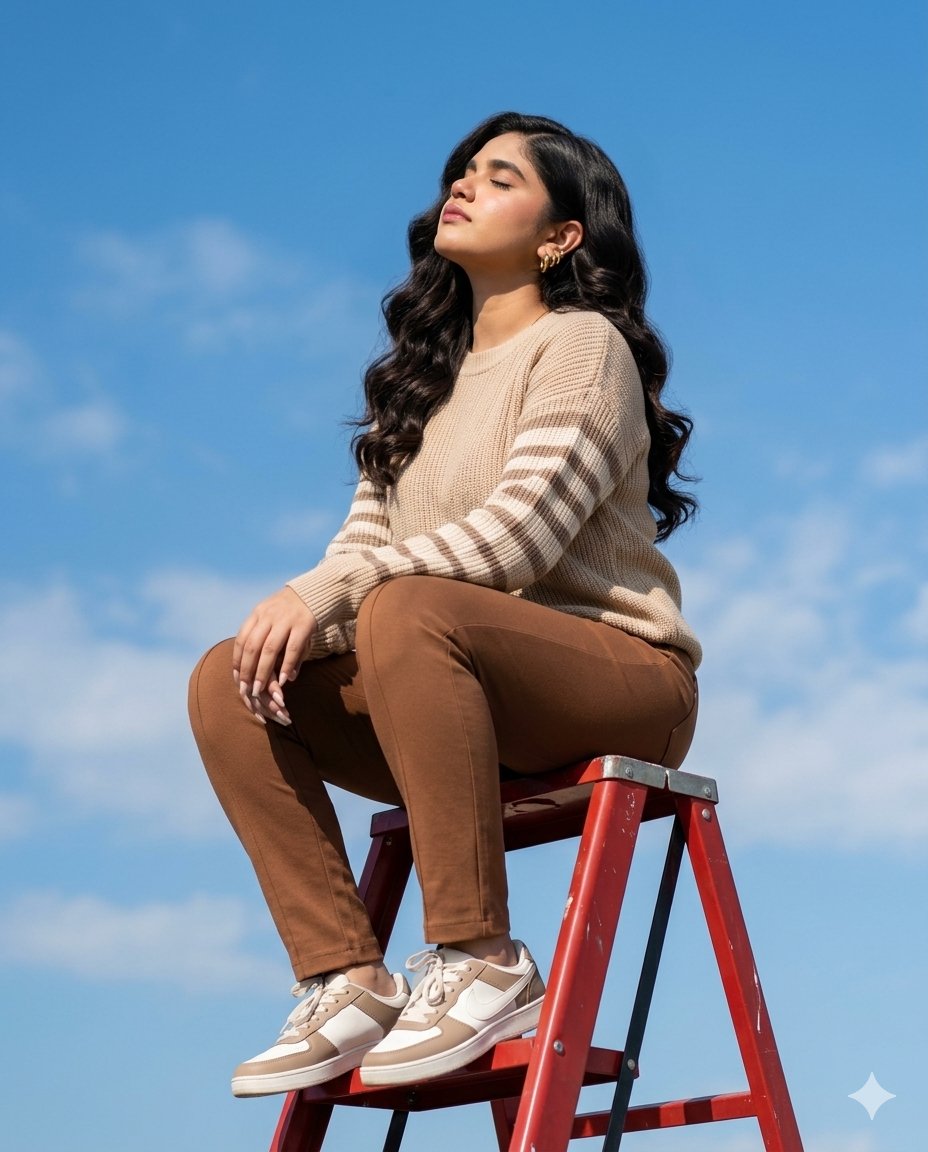
Sunlit Ladder Lifestyle Shot

Patterned Orange Jumpsuit Fashion Lifestyle
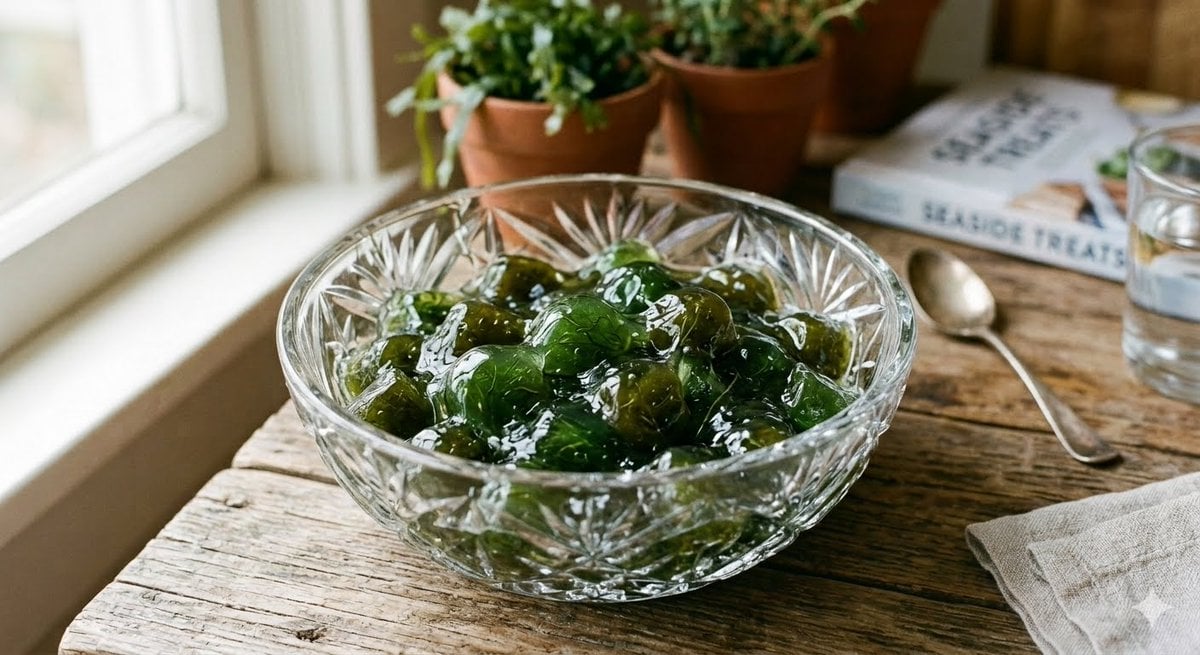
Algae Candies Still Life
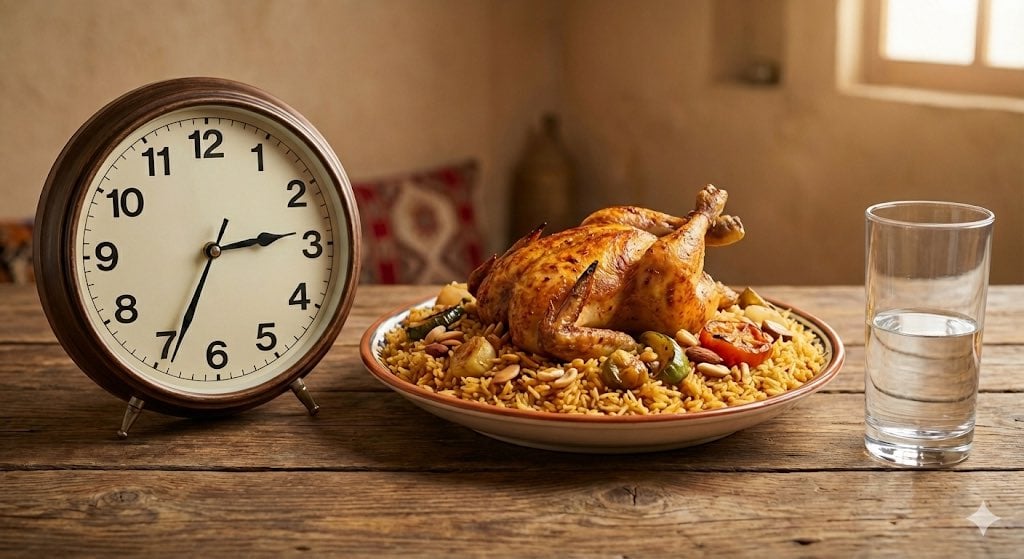
Analog clock and Saudi kabsa meal still life
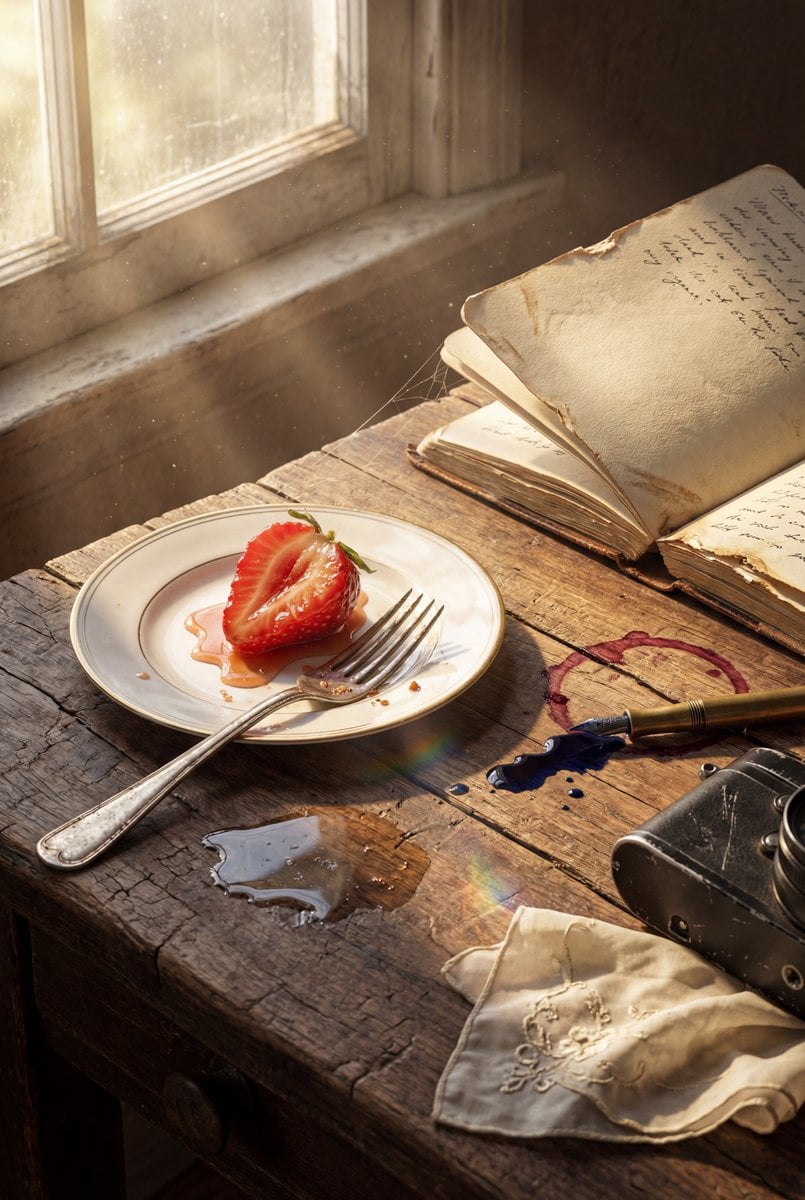
Highly detailed 8K morning still life desk scene prompt
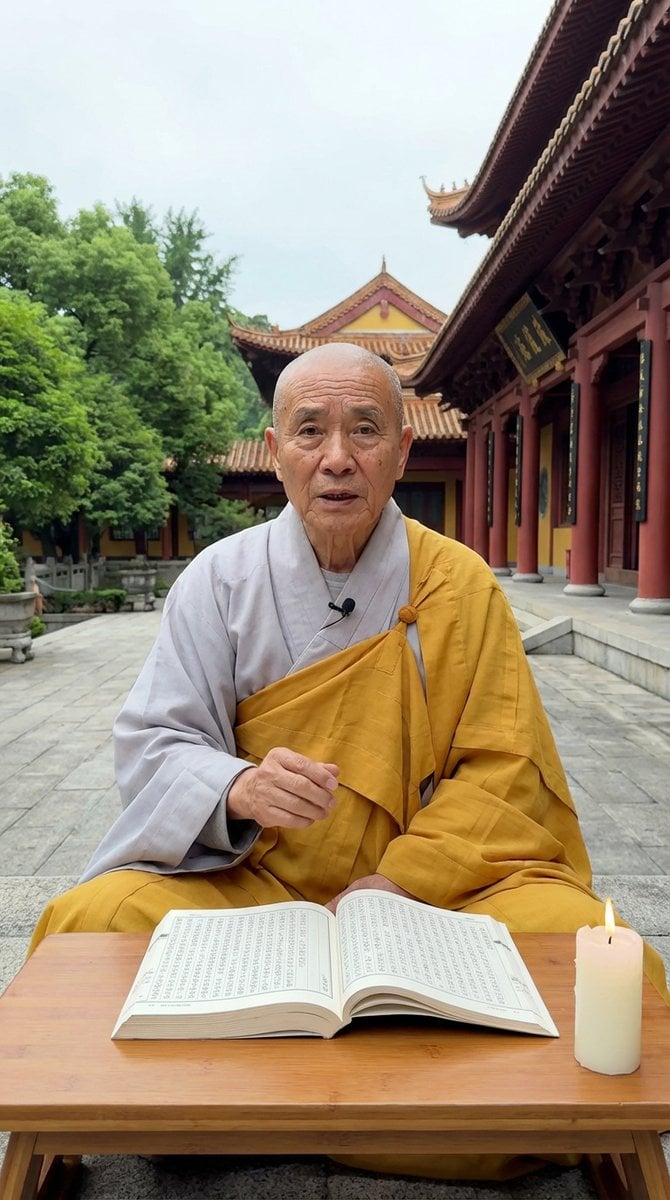
Monk Delivering Life Advice Video Still Prompt
Deconstructed Floating Pizza Still Life Prompt
Cinematic Bookstore Lifestyle Film Still Prompt
Luxury Dessert Still Life with Diamonds and Molten Center
Make it yours
Sunlit Tea and Blood Orange Still Life works as-is. These are the safest ways to change it without losing the look.
Change one field
Copy a single group, rewrite it, and generate again so you can see what that field is doing.
Keep the frame, change the subject
Hold the composition and light of Sunlit Tea and Blood Orange Still Life, then swap wardrobe, props or the person for a new take.
| If the result… | Why | Fix |
|---|---|---|
| The result drifts from the preview | Too many fields changed at once. | Reuse Sunlit Tea and Blood Orange Still Life as-is first, then change one group — subject, light, or setting. |
| The model over-stylizes the scene | The prose prompt leaves finish and camera underspecified. | Add one camera or lighting sentence and stay on GPT Image 2. |
More GPT Image 2 templates
Other prompts made for GPT Image 2.

Six VTuber Japanese Logo Sheet

Realistic Portrait of Woman and Deer

The Vista Modular Condo Poster

AI Model Routing Comparison Infographic

2.5D Anime Art Board

Isometric Productivity Desk Scene

New York Double Exposure Poster

Four-Panel AI Landscape Comparison

Japanese Tatami Lifestyle Magazine Cover

NESCAFÉ Coffee Map Poster
More image prompts
Fresh picks from across the catalog.
Real Hiker in Minecraft Forest
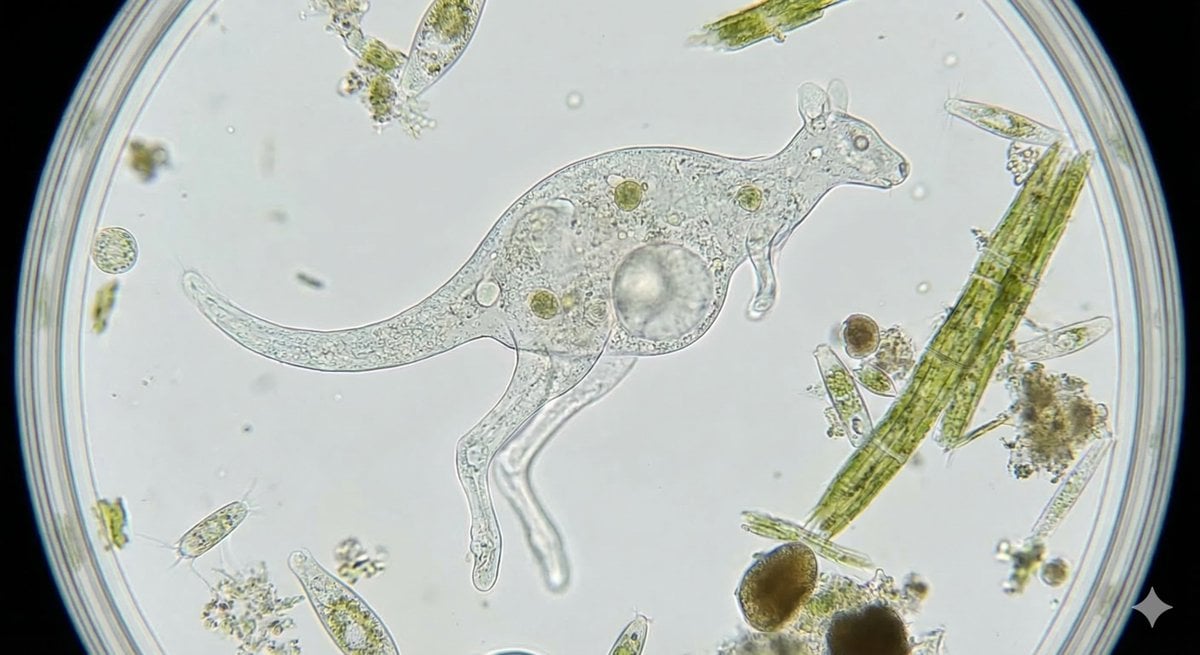
Kangaroo-Inspired Single-Celled Organism
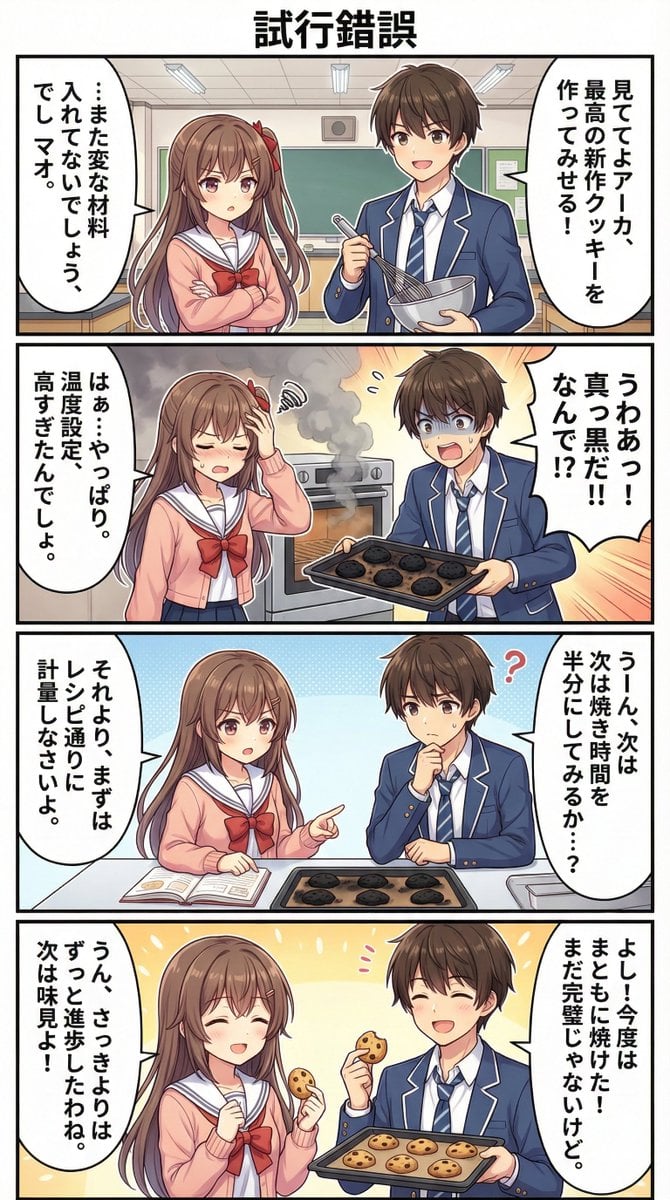
AI Manga Theme: Trial and Error

Attempting to Recreate a BeautyPlus Prompt
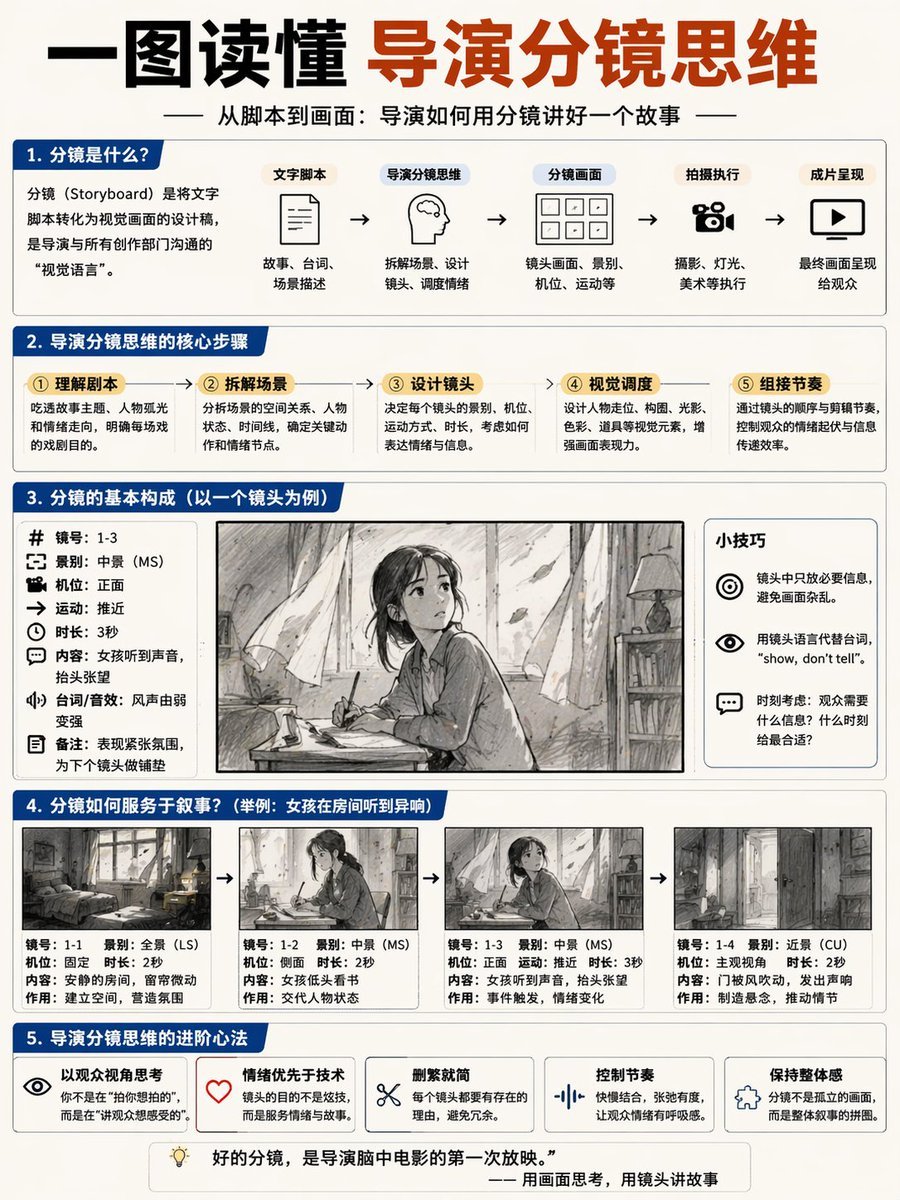
Storyboard Director Infographic
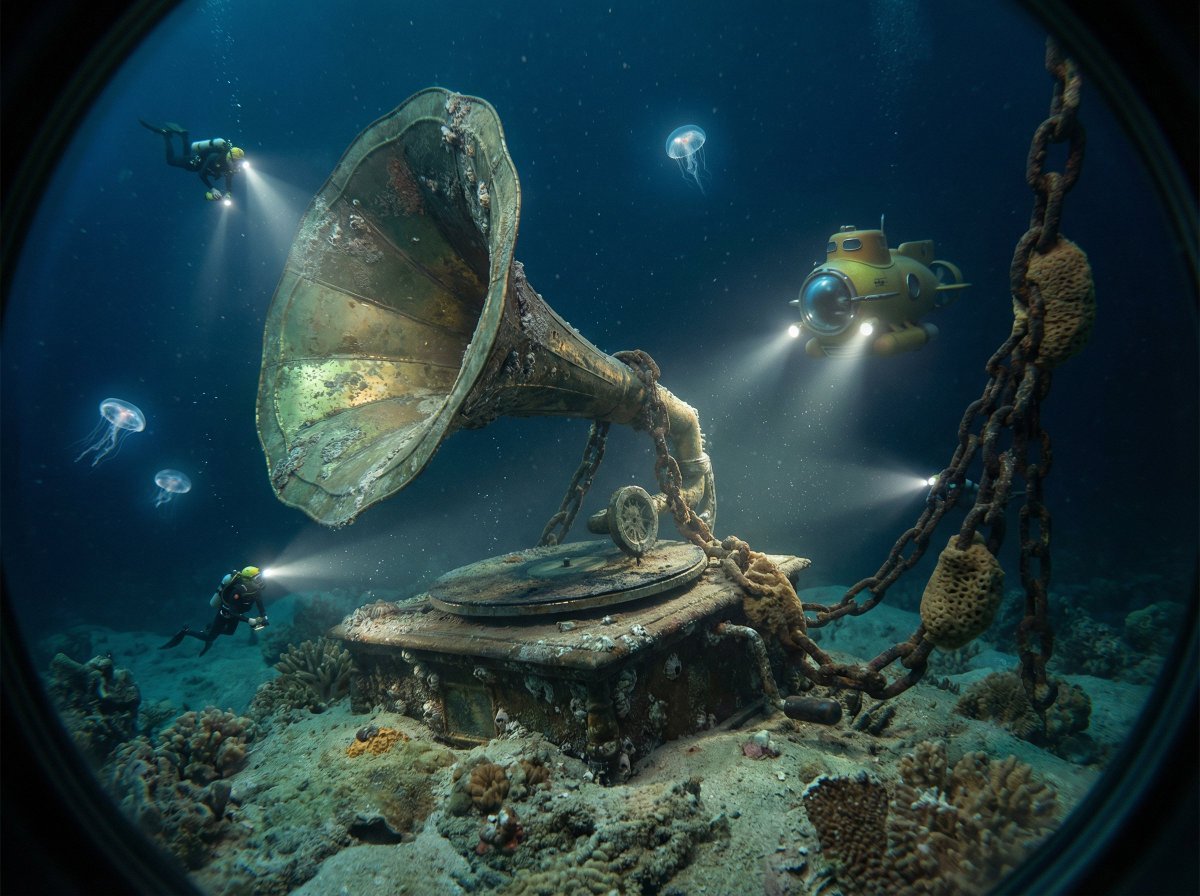
Ocean Artifact Discovery Scene
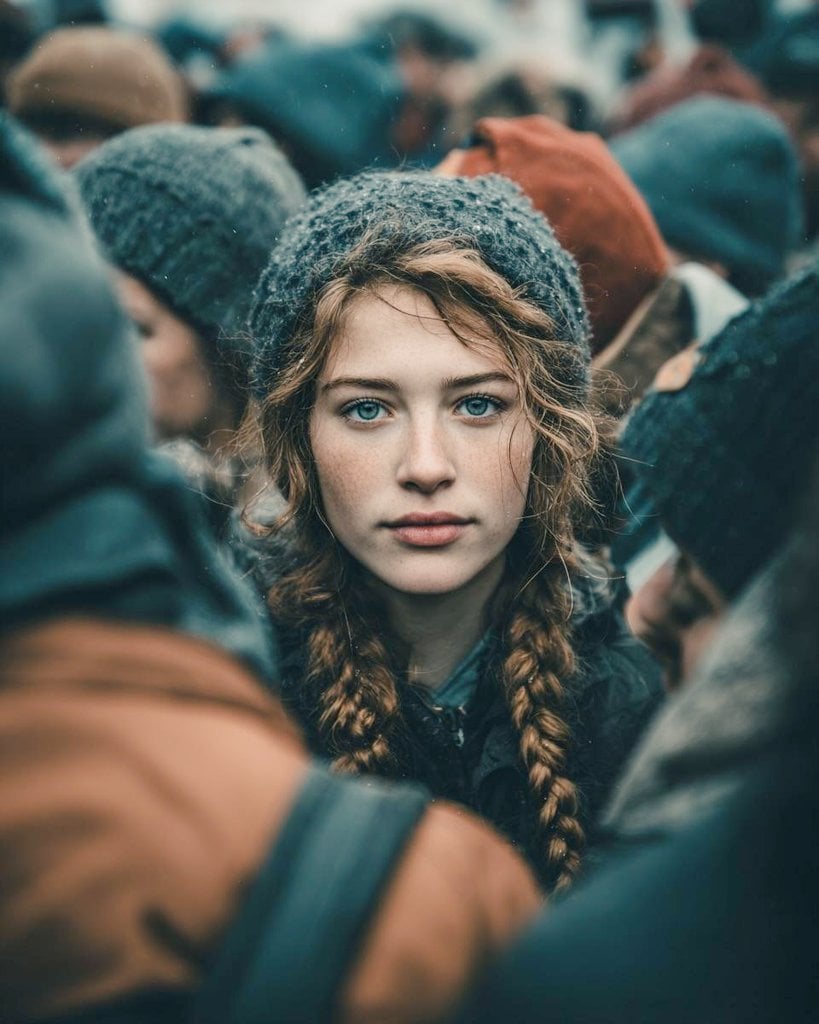
Cinematic Street Portrait Prompt for Nano Banana Pro
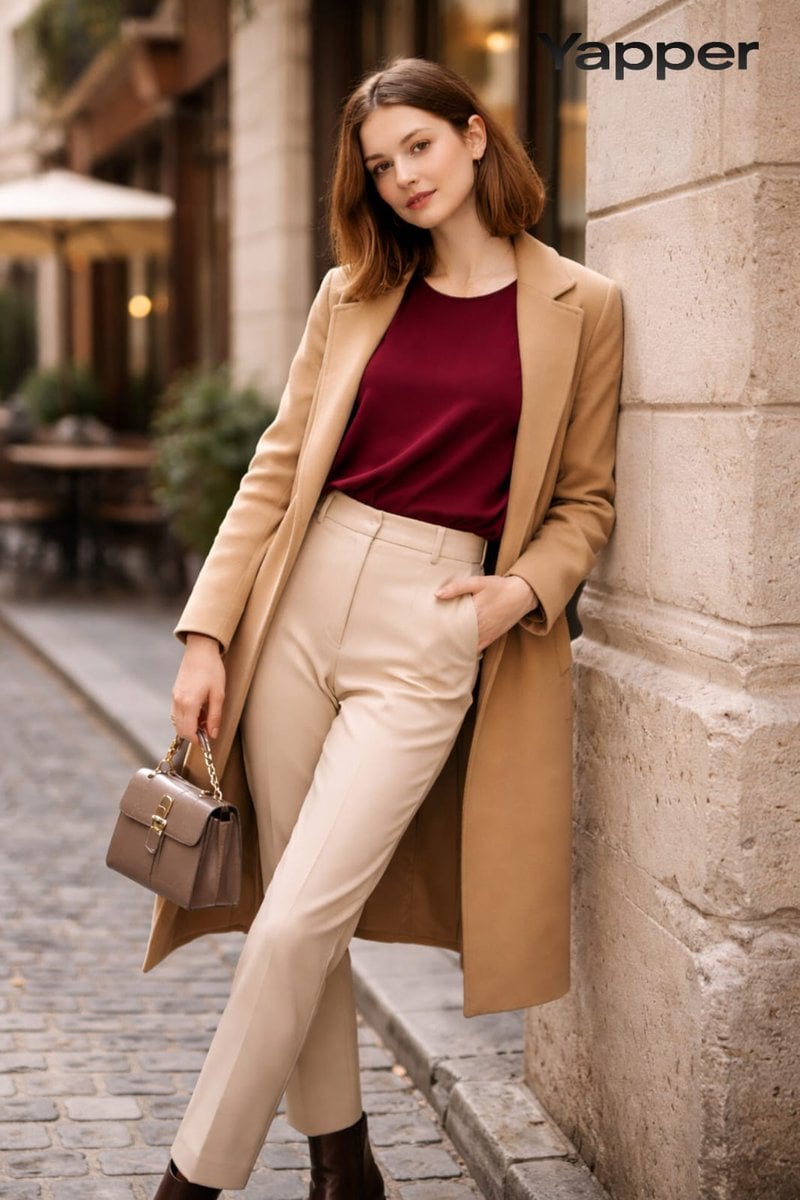
High-Fashion Street Portrait Prompt for Nano Banana Pro
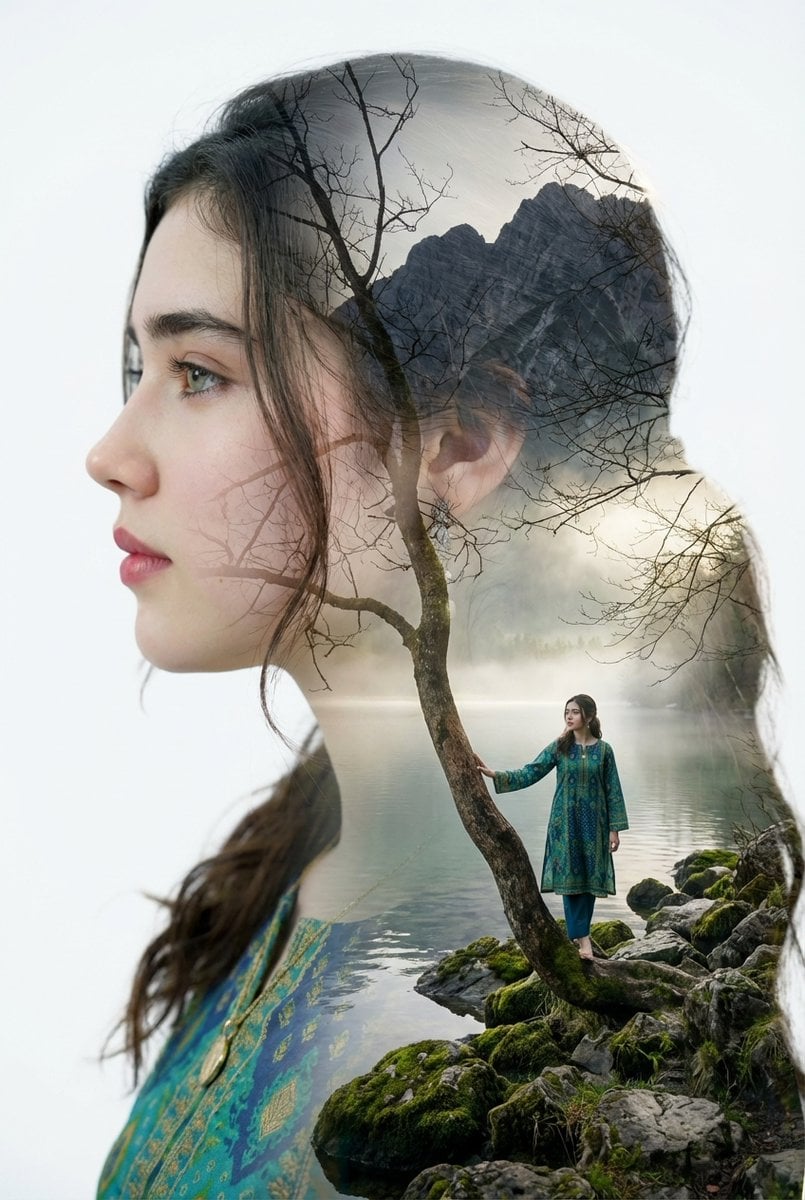
Double Exposure Portrait with Tree Branches and Landscape
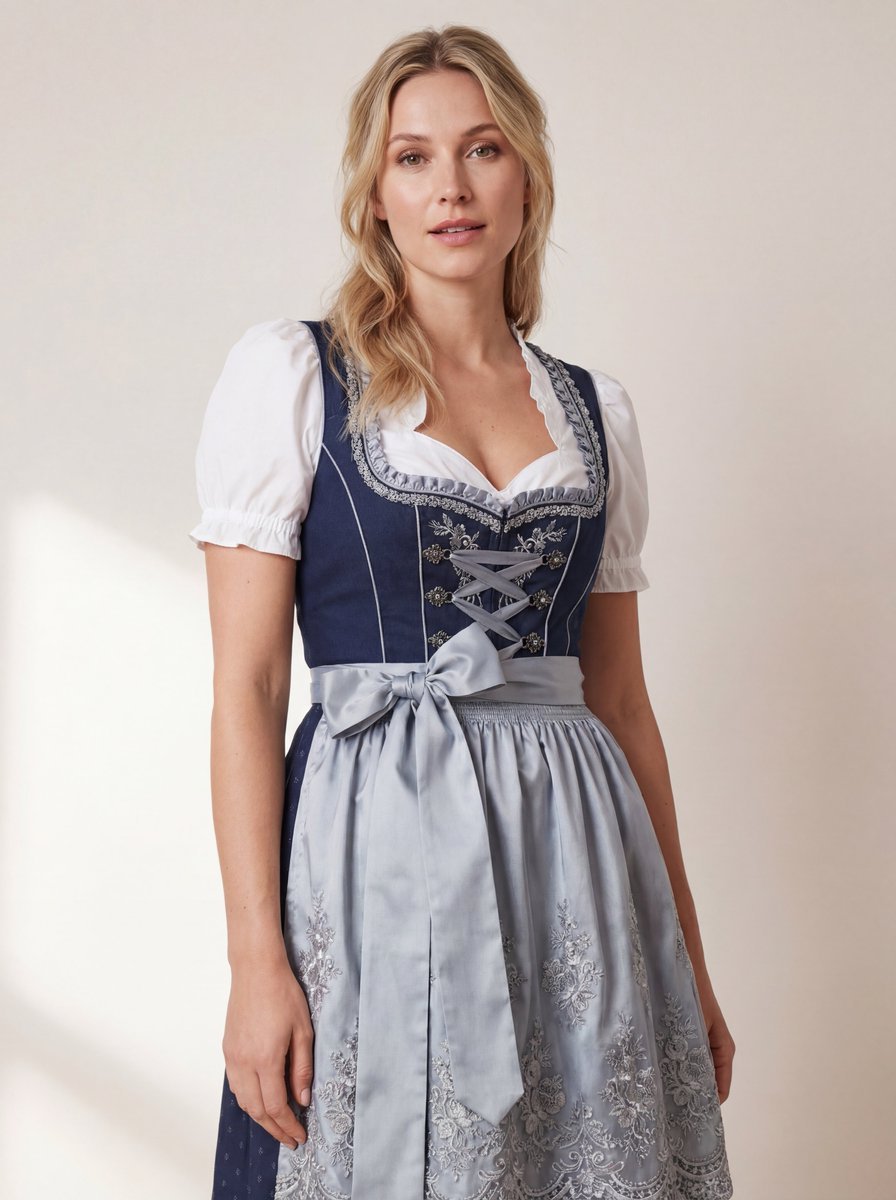
Hyper-Realistic Studio Photo of a Woman in Bavarian Dirndl
Browse template categories
Sunlit Tea and Blood Orange Still Life questions
How do I use the Sunlit Tea and Blood Orange Still Life template?
Add your photo if the template asks for one, edit the prompt if you like — the template's model and format are already selected — and press Generate. Your version opens in PicX Studio.
Can I customize the Sunlit Tea and Blood Orange Still Life template?
Yes. You can change the subject, setting, lighting, mood, format, and available model controls before creating your image.
Is the Sunlit Tea and Blood Orange Still Life template free?
Opening and editing this template is free. Generating uses credits, shown on the Generate button when you are signed in.
Which AI model should I use?
Start with GPT Image 2, which is the model associated with this template. You can compare another compatible model for a different finish.
Looking for something else? Browse all templates.

Your photo, any look
Thousands of ready templates for every top image and video model, from one credit balance.