
Real Hiker in Minecraft Forest
Generates a cinematic scene where a realistic hiker walks through a fully blocky Minecraft-style forest environment.
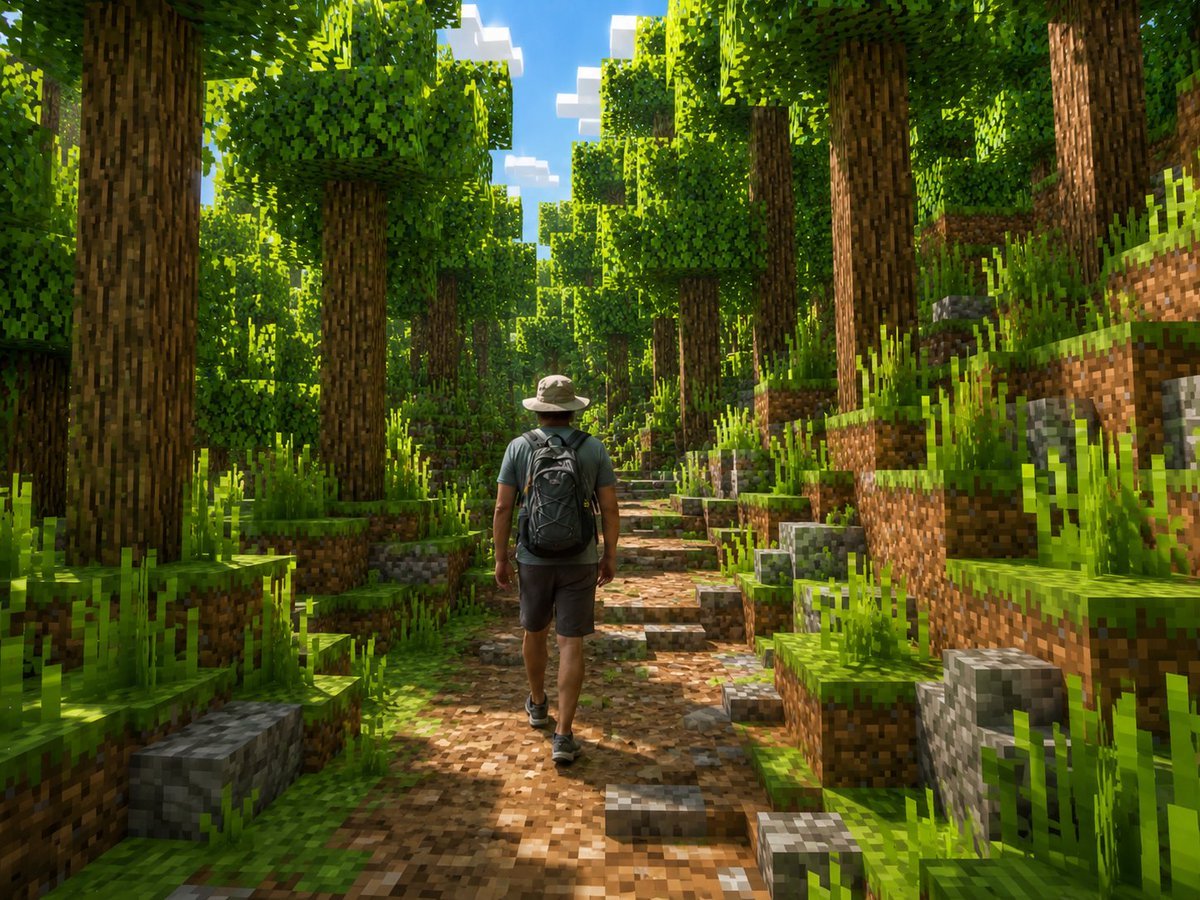
- Prompt included
- Model and format preset
- Free template
The prompt behind this image
Copy the exact prompt behind Real Hiker in Minecraft Forest, or open it in the studio and make it yours.
Create a cinematic Minecraft-style screenshot of a lone real human hiker walking away from the camera through a dense blocky forest. The person should remain realistic rather than voxelized: an adult man seen from behind, wearing a light beige wide-brim hiking hat, muted teal short-sleeve shirt, dark gray shorts, black hiking shoes, and a large black backpack, centered slightly left on a dirt-and-stone trail. Transform the entire environment into a vivid Minecraft world made of cubes: tall square-trunk trees with pixelated bark, cubic leafy canopies, stepped grassy dirt banks on both sides, blocky gray stone cubes, pixelated tall grass, and a winding path of brown dirt and cobblestone blocks leading into the distance. Use bright midday sunlight filtering through the trees, strong dappled shadows, saturated greens, blue sky with blocky white clouds visible through the canopy, high detail, wide-angle adventure-game composition, realistic lighting with voxel geometry, no text, no UI, no watermark. Customize the subject as {argument name="main subject" default="adult male hiker"}, clothing as {argument name="outfit" default="beige hiking hat, muted teal T-shirt, dark gray shorts, black backpack"}, setting as {argument name="environment" default="dense Minecraft forest trail"}, lighting as {argument name="lighting" default="bright midday sun with dappled shadows"}, and camera view as {argument name="camera view" default="rear view, eye-level wide shot"}.
How to use Real Hiker in Minecraft Forest in 3 steps
- 1Upload ImagePNG, JPG or paste
Add your photo
Upload the photo the template builds on. The prompt, model and format are already set.
- 2…a portrait of your subject in softgolden-hour light, 85mm…
Personalize
Edit the subject and creative details for your destination.
- 3Generate
Generate
Press Generate — your image is created in PicX Studio, so you can compare it with the original and refine one variable at a time.
More like this
Templates with the same subject, style or setup. Open one to see its prompt.
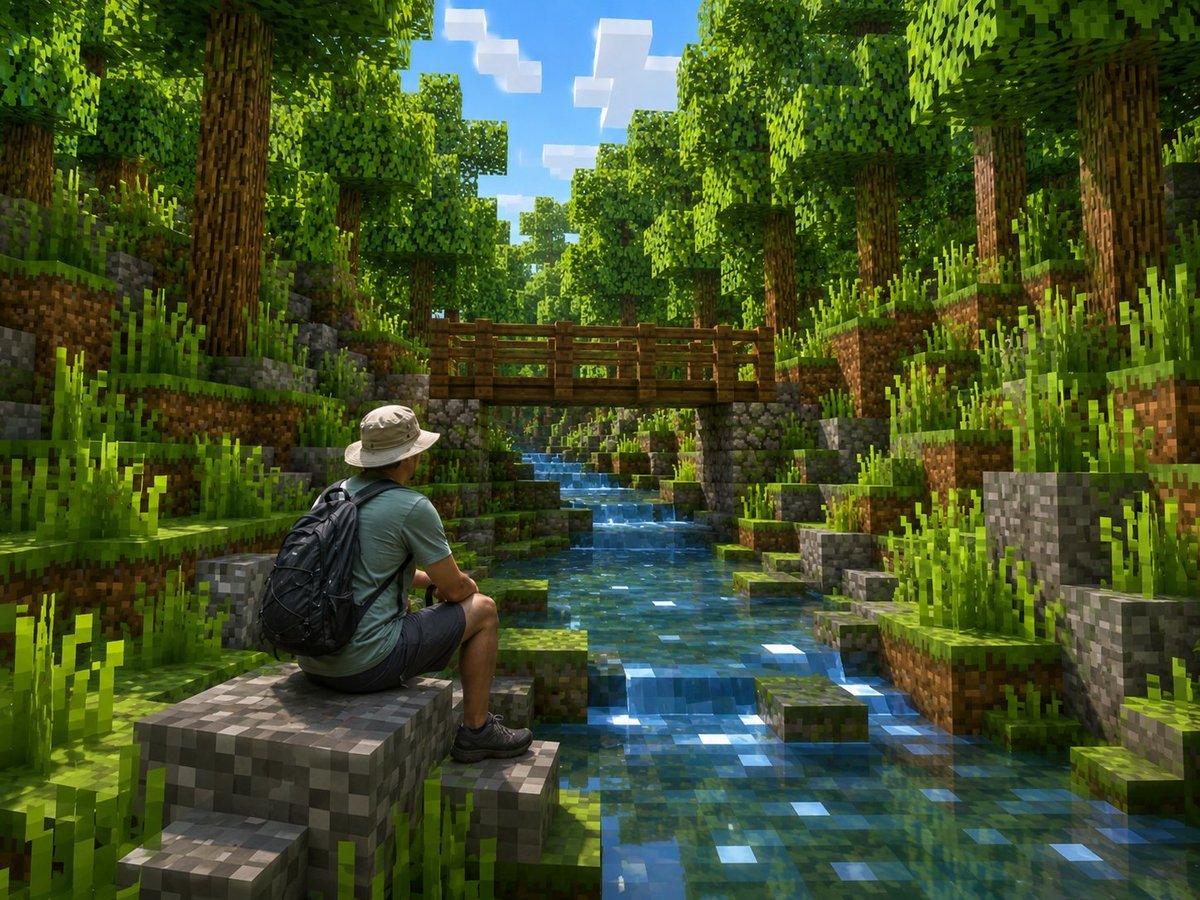
Real Hiker in Minecraft Forest
Hyper-Realistic Minecraft Cows Grazing

Hyper-Realistic Minecraft POV Portrait

Photoreal Village Lanterns Minecraft Scene

Photoreal Snow Biome Name Tag UI

Photoreal Selfie Minecraft Block World

Photoreal Selfie Minecraft Village Ghast UI

Minecraft Homage Illustrious Style

Minecraft Voxel Pixel Art Aesthetic System

Minecraft Next-Gen Voxel World Screenshot

Minecraft Japanese Research Lab Exploration

Layered Paper Cut Forest Diorama
Make it yours
Real Hiker in Minecraft Forest works as-is. These are the safest ways to change it without losing the look.
Change one field
Copy a single group, rewrite it, and generate again so you can see what that field is doing.
Keep the frame, change the subject
Hold the composition and light of Real Hiker in Minecraft Forest, then swap wardrobe, props or the person for a new take.
| If the result… | Why | Fix |
|---|---|---|
| The result drifts from the preview | Too many fields changed at once. | Reuse Real Hiker in Minecraft Forest as-is first, then change one group — subject, light, or setting. |
| The model over-stylizes the scene | The prose prompt leaves finish and camera underspecified. | Add one camera or lighting sentence and stay on GPT Image 2. |
More GPT Image 2 templates
Other prompts made for GPT Image 2.

Six VTuber Japanese Logo Sheet

Realistic Portrait of Woman and Deer

The Vista Modular Condo Poster

AI Model Routing Comparison Infographic

2.5D Anime Art Board

Isometric Productivity Desk Scene

New York Double Exposure Poster

Four-Panel AI Landscape Comparison

Japanese Tatami Lifestyle Magazine Cover

NESCAFÉ Coffee Map Poster
More image prompts
Fresh picks from across the catalog.

Universal Pet Feeding Guide Generator

Generating a Guardian Angel with Nano Banana Pro
High-contrast editorial portrait of a man leaning on a rail

Zhao Lusi Casual Editorial Look

Jolivet's Pachinko for Two Pianos

Fashion Editorial Prompt in Lemon Green Studio
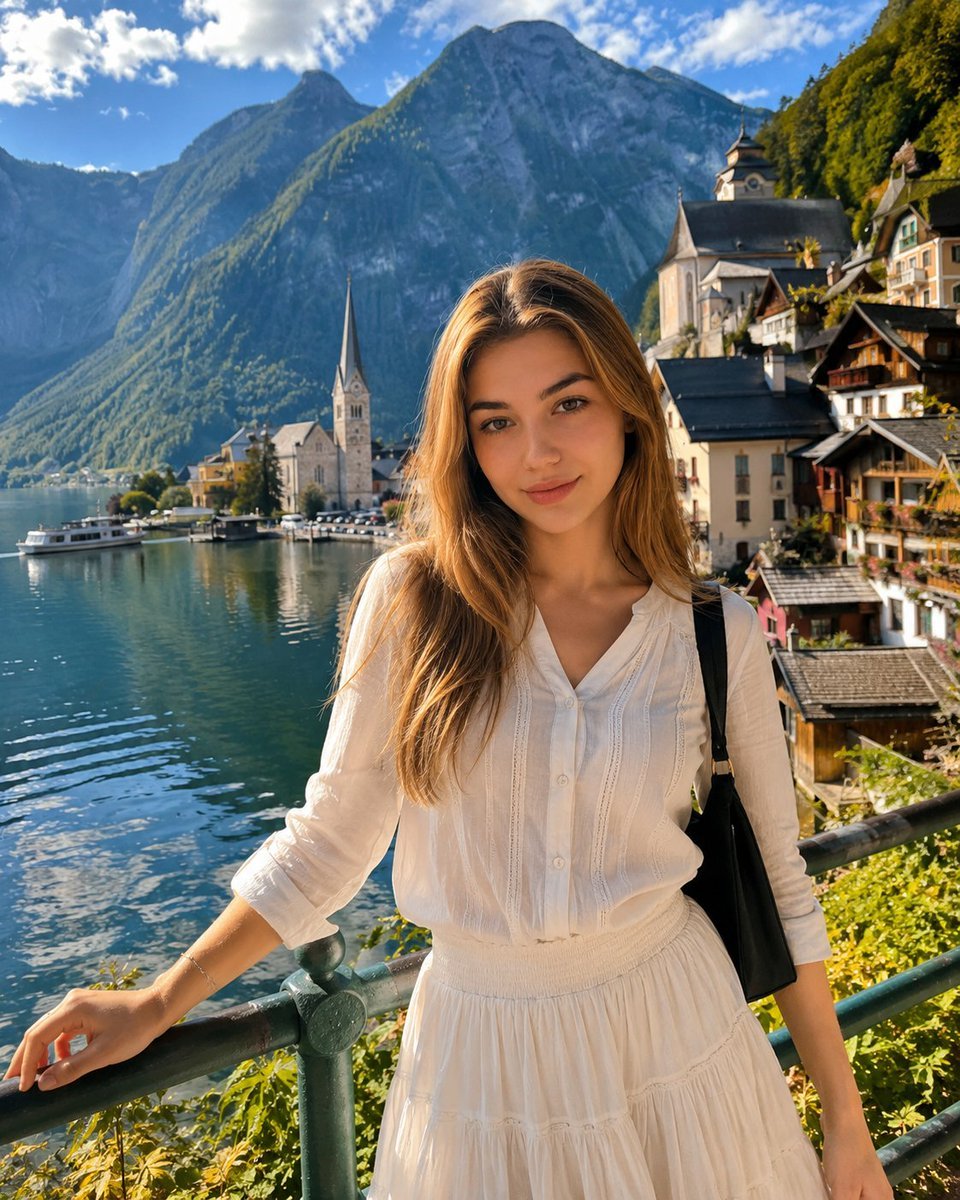
Hallstatt Austria Lakeside Travel Portrait

Seedance 2.0 - Anime Girl Fight
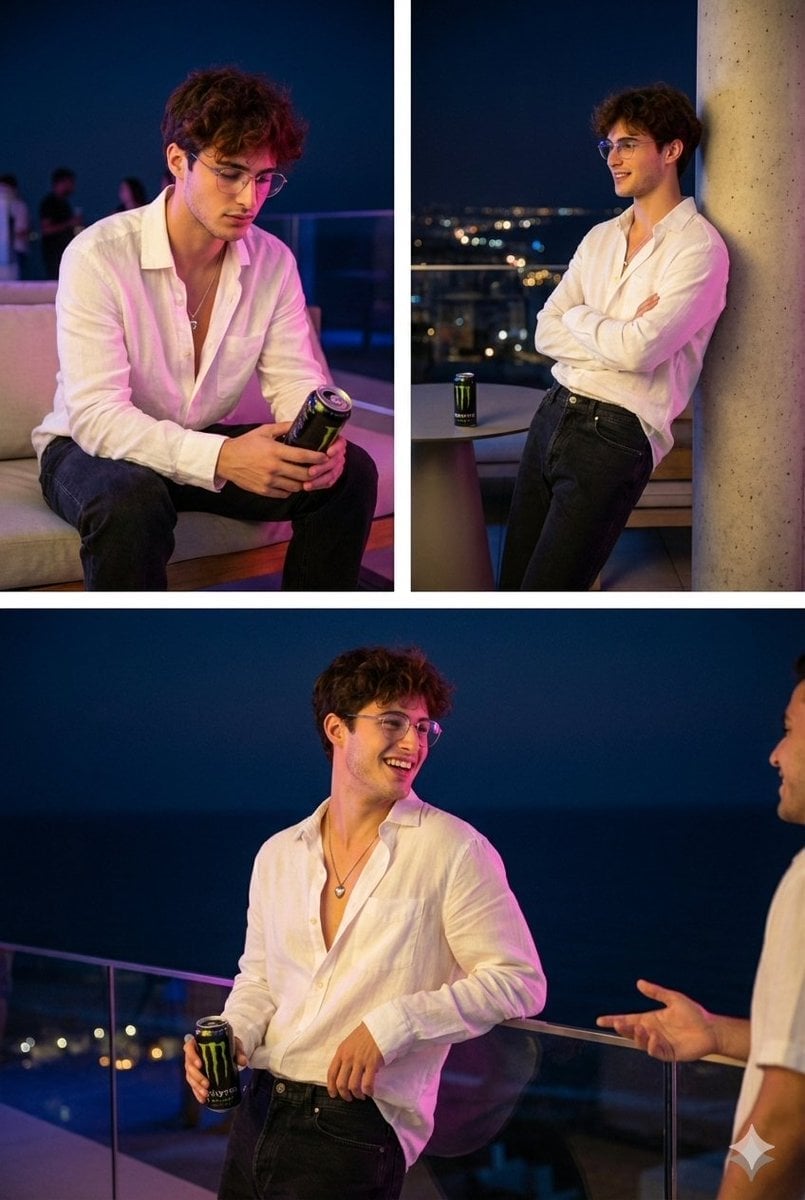
Nighttime Roof Terrace Party Portrait Prompt
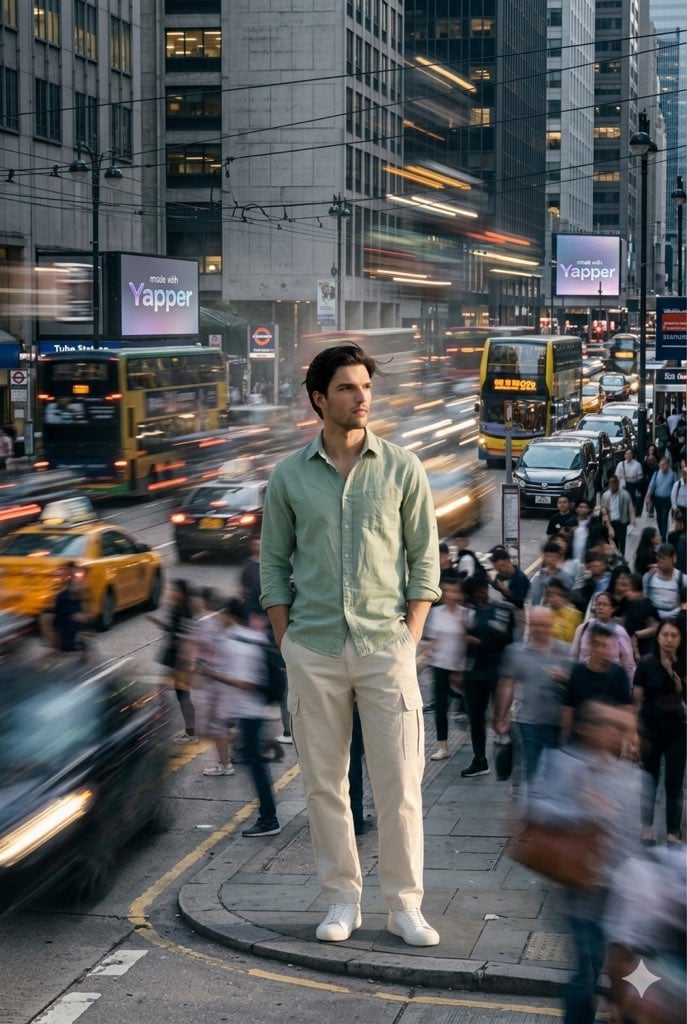
X Iamrealsnow Cinematic Motion Blur Photography Editorial
Featured in prompt roundups
Hand-picked collections that include this template.
Browse template categories
Real Hiker in Minecraft Forest questions
How do I use the Real Hiker in Minecraft Forest template?
Add your photo if the template asks for one, edit the prompt if you like — the template's model and format are already selected — and press Generate. Your version opens in PicX Studio.
Can I customize the Real Hiker in Minecraft Forest template?
Yes. You can change the subject, setting, lighting, mood, format, and available model controls before creating your image.
Is the Real Hiker in Minecraft Forest template free?
Opening and editing this template is free. Generating uses credits, shown on the Generate button when you are signed in.
Which AI model should I use?
Start with GPT Image 2, which is the model associated with this template. You can compare another compatible model for a different finish.
Looking for something else? Browse all templates.

Your photo, any look
Thousands of ready templates for every top image and video model, from one credit balance.