
Photoreal Village Lanterns Minecraft Scene
Photoreal subject centered in a lush Minecraft village of glowing lanterns, grass blocks, and weathered stone-wood buildings under clear daytime sky.

- Prompt included
- Model and format preset
- Free template
The prompt behind this image
Copy the exact prompt behind Photoreal Village Lanterns Minecraft Scene, or open it in the studio and make it yours.
Transform this image into a breathtaking Minecraft-inspired scene, placing the person at the center of a lush, handcrafted village. The subject must remain completely human and photorealistic, occupying about 1/3rd of the frame, preserving their original facial identity, clothing, and natural proportions. Throughout the environment, render glowing lanterns hanging from blocky wooden structures, casting warm, pixel-perfect light onto vibrant green grass blocks and cubic vegetation. In the background, construct a sprawling, detailed village with weathered stone and wood textures stretching into a clear, atmospheric sky. Blend the realistic subject seamlessly into the voxel environment with accurate lighting, soft shadows, and a wide-angle DSLR perspective. Ultra-detailed, 8K quality, Instagram-ready format with vibrant, atmospheric daytime lighting.
How to use Photoreal Village Lanterns Minecraft Scene in 3 steps
- 1Upload ImagePNG, JPG or paste
Add your photo
Upload the photo the template builds on. The prompt, model and format are already set.
- 2…a portrait of your subject in softgolden-hour light, 85mm…
Personalize
Edit the subject and creative details for your destination.
- 3Generate
Generate
Press Generate — your image is created in PicX Studio, so you can compare it with the original and refine one variable at a time.
More like this
Templates with the same subject, style or setup. Open one to see its prompt.

Photoreal Selfie Minecraft Block World

Photoreal Selfie Minecraft Village Ghast UI

Photoreal Snow Biome Name Tag UI
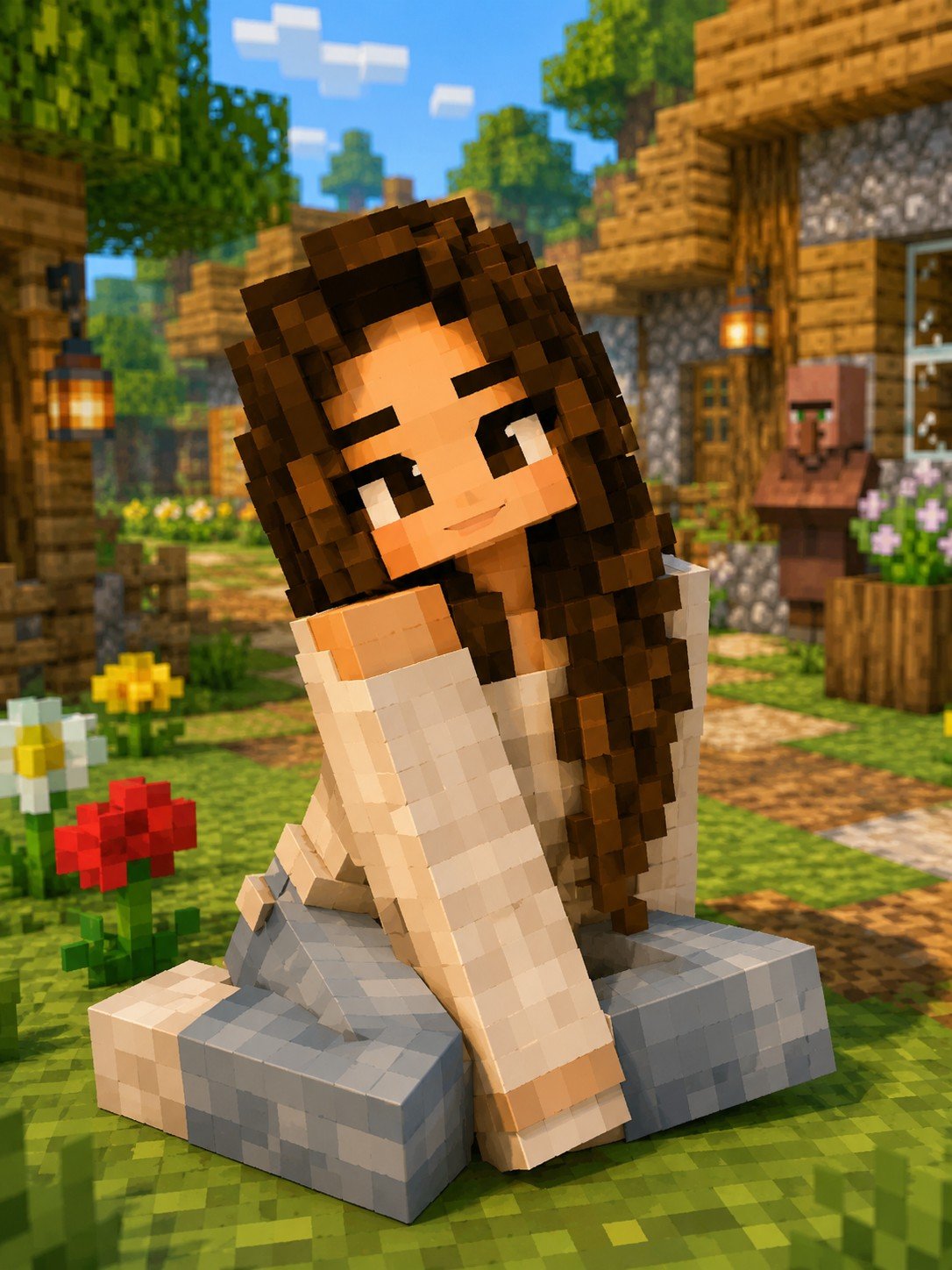
Minecraft Voxel Character Village Portrait

Minecraft Homage Illustrious Style

Rooftop Fisheye — Cat-Ear Balaclava at Golden Hour

Felt & Knit 3D Character — Photo-Exact Face, Pixar-Quality Plush Figurine

Eid al-Adha Cute Chaos — Fisheye Selfie with Farm Selfie, Mosque & Animals

Cat Photobomb Selfie — 0.5x Wide Angle Café Chaos

Gen Z Triple Selfie Collage — Y2K Flash Photography

Surreal Cat Astronaut — Humanoid Face Freefall

Minecraft You Died Winter Death Screen
Make it yours
Photoreal Village Lanterns Minecraft Scene works as-is. These are the safest ways to change it without losing the look.
Change one field
Copy a single group, rewrite it, and generate again so you can see what that field is doing.
Keep the frame, change the subject
Hold the composition and light of Photoreal Village Lanterns Minecraft Scene, then swap wardrobe, props or the person for a new take.
| If the result… | Why | Fix |
|---|---|---|
| The result drifts from the preview | Too many fields changed at once. | Reuse Photoreal Village Lanterns Minecraft Scene as-is first, then change one group — subject, light, or setting. |
| The model over-stylizes the scene | The prose prompt leaves finish and camera underspecified. | Add one camera or lighting sentence and stay on Image To Image. |
More image prompts
Fresh picks from across the catalog.
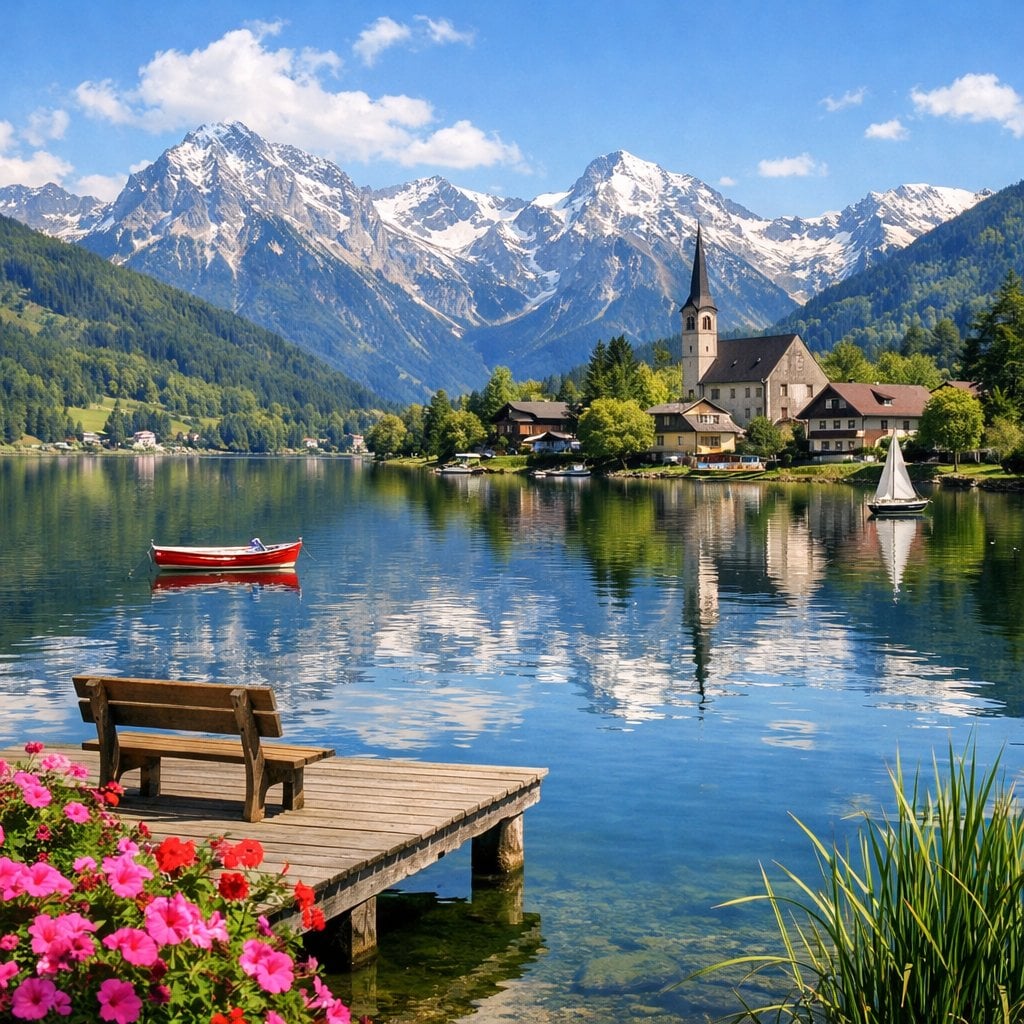
Idyllic Alpine Lake Village Landscape
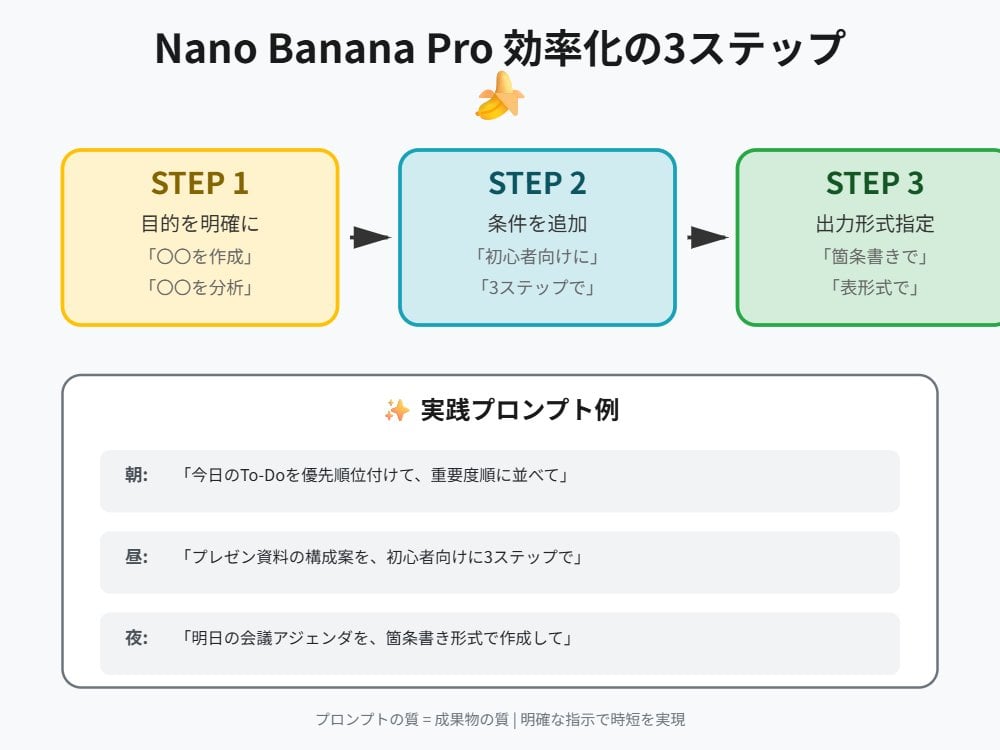
Nano Banana Pro Prompt Technique for Beginners
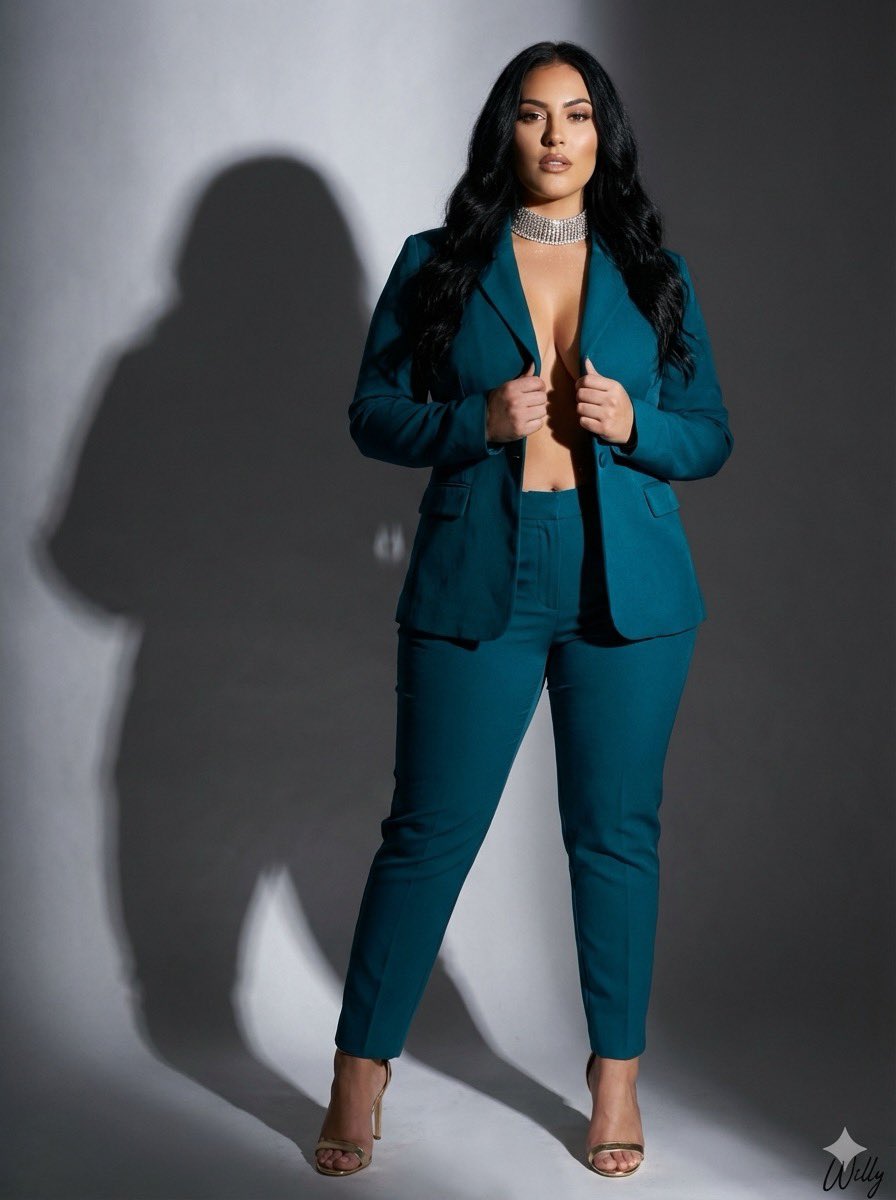
Studio Photograph of Kajal Aggarwal in Teal Pantsuit
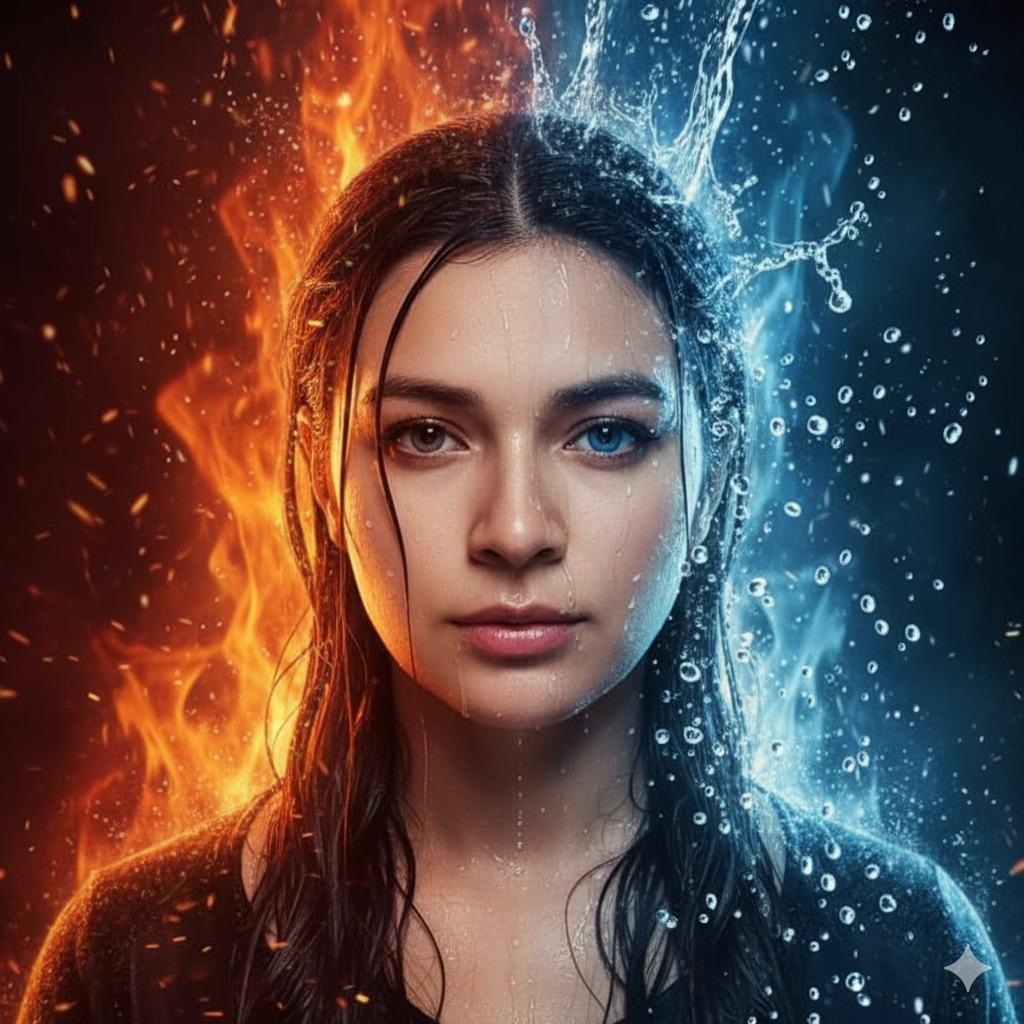
Hyper-Realistic Cinematic Portrait of Elemental Balance (Fire and Water)
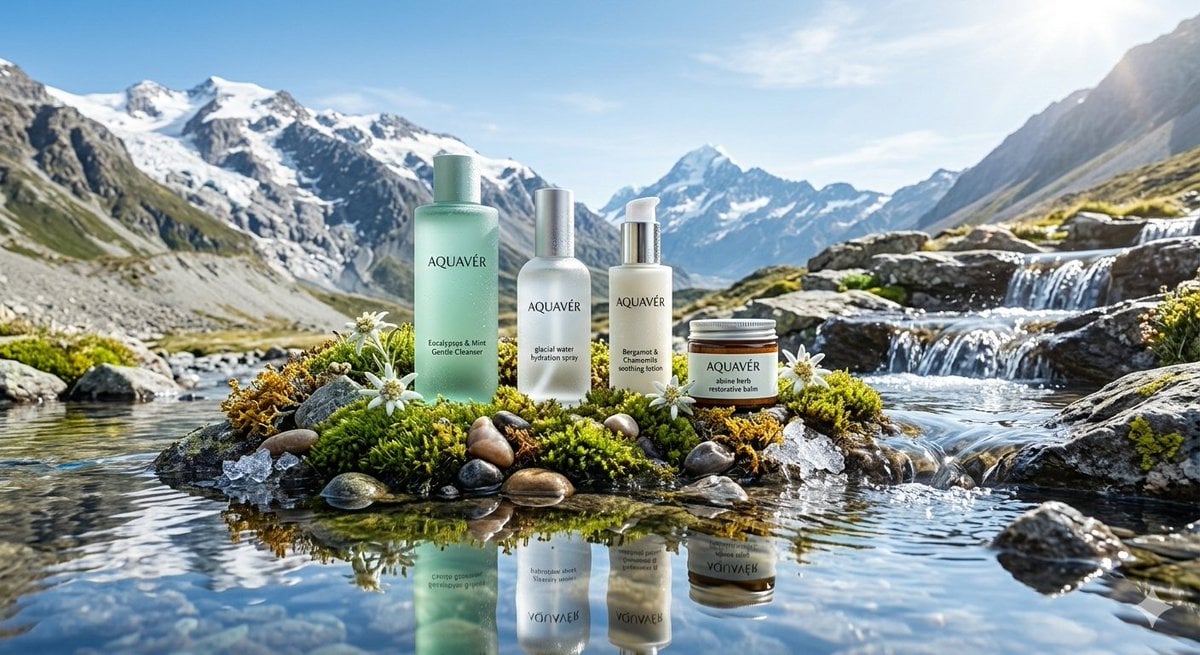
Ultra-Luxurious Skincare Product Photography in Alpine Setting
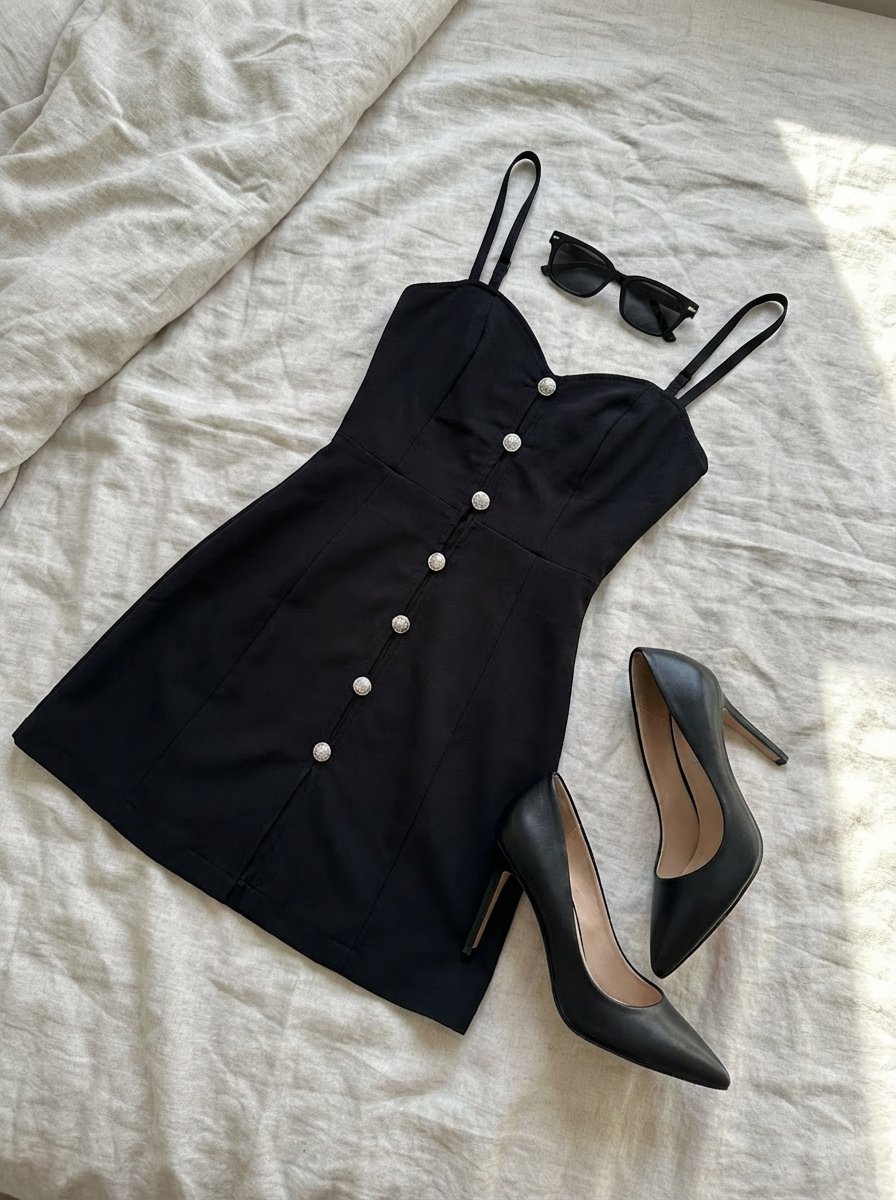
Clothing laid out separately on a bed
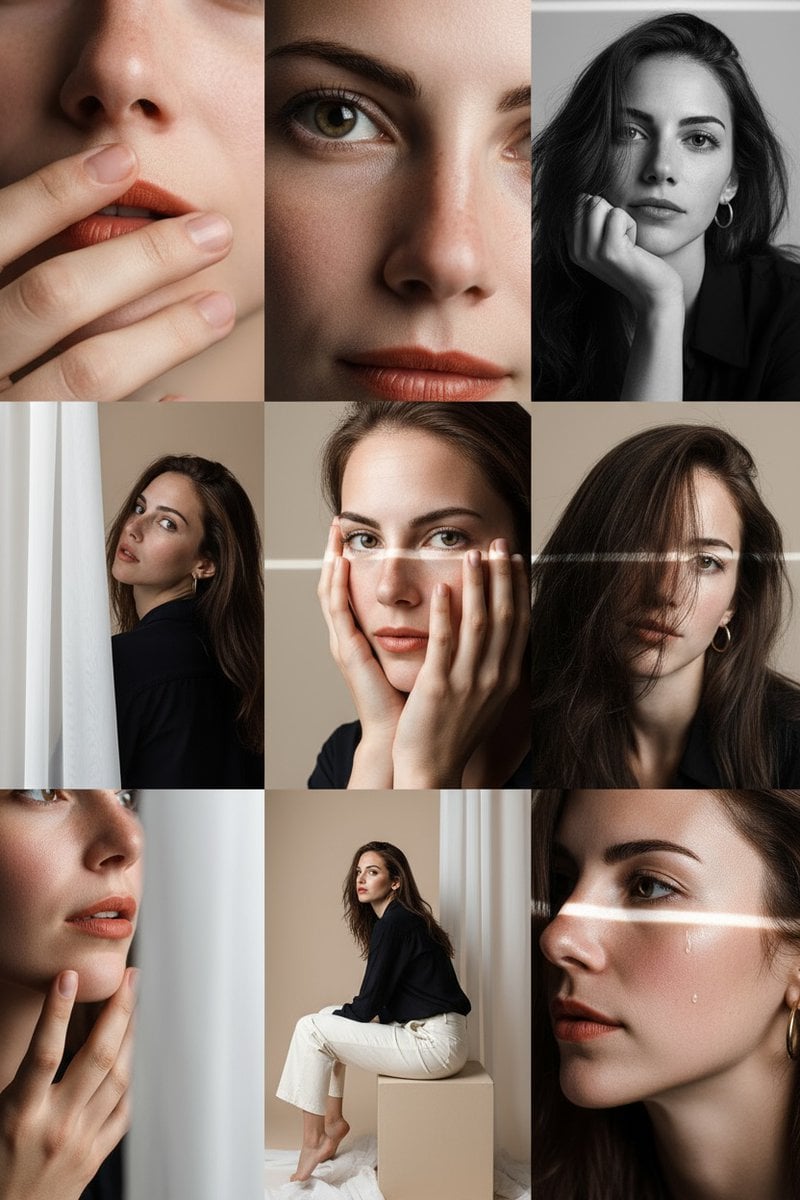
Panel Photo Grid Prompt for Gemini Nano-Banana

3D Fluffy Toy About Me Poster
AI Personality iPhone Selfie Snapshot
Open-world RPG screenshot style
Featured in prompt roundups
Hand-picked collections that include this template.
Browse template categories
Photoreal Village Lanterns Minecraft Scene questions
How do I use the Photoreal Village Lanterns Minecraft Scene template?
Add your photo if the template asks for one, edit the prompt if you like — the template's model and format are already selected — and press Generate. Your version opens in PicX Studio.
Can I customize the Photoreal Village Lanterns Minecraft Scene template?
Yes. You can change the subject, setting, lighting, mood, format, and available model controls before creating your image.
Is the Photoreal Village Lanterns Minecraft Scene template free?
Opening and editing this template is free. Generating uses credits, shown on the Generate button when you are signed in.
Which AI model should I use?
Start with Image To Image, which is the model associated with this template. You can compare another compatible model for a different finish.
Looking for something else? Browse all templates.

Your photo, any look
Thousands of ready templates for every top image and video model, from one credit balance.