
Panel Photo Grid Prompt for Gemini Nano-Banana
A detailed, multi-panel photo grid prompt designed for Gemini Nano-Banana, focusing on cinematic portraiture with specific lighting and composition instructions for each of the nine shots.
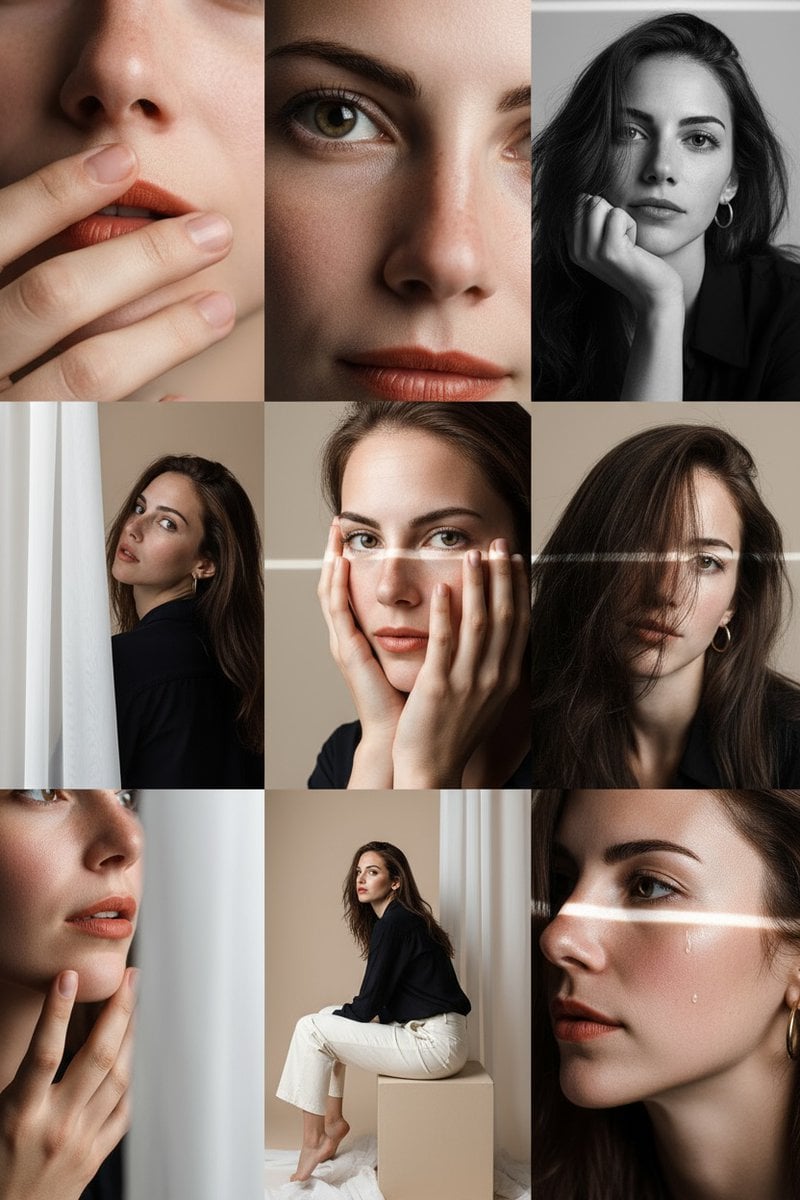
- Prompt included
- Model and format preset
- Premium template
The prompt behind this image
Copy the exact prompt behind Panel Photo Grid Prompt for Gemini Nano-Banana, or open it in the studio and make it yours.
在柔和米色的工作室内,构建3x3精细编辑照片网格 角色穿{argument name="服装描述" default="深蓝轻薄衬衫,米白长裤,赤脚"}展现原始质感 灯光设计: 前右大面积柔光,左侧银反光板,顶部微弱轮廓光。 9组精细镜头构图: 1.85mm f/1.8极致唇部特写 2.眼睛对镜特写 3.黑白下巴支撑肖像 4.半遮半露肖像 5.手覆面部特写 6.发丝遮眼构图 7.手部触下巴细节 8.半身侧坐姿势 9.带泪水的侧脸电影感
How to use Panel Photo Grid Prompt for Gemini Nano-Banana in 3 steps
- 1
Open
The prompt is already in the box next to the preview, with the template's model and format selected.
- 2…a portrait of your subject in softgolden-hour light, 85mm…
Personalize
Edit the subject and creative details for your destination.
- 3Generate
Generate
Press Generate — your image is created in PicX Studio, so you can compare it with the original and refine one variable at a time.
More like this
Templates with the same subject, style or setup. Open one to see its prompt.

Woman in Mall with Chanel Bag - Heart Gesture

Nano Banana Pro Identity Lock — Composition + Face Reference

Nano Banana Pro Pink Office Chibi

Nano Banana 2 Portrait Gemini

Pixar 6-Panel Streethero Expression Grid

Headphones Lifestyle Nine Panel Grid

Golden Hour Winter Portrait Prompt for Gemini Nano Banana 3.0

Stunning Photo Prompt for Gemini Nano Banana Creation
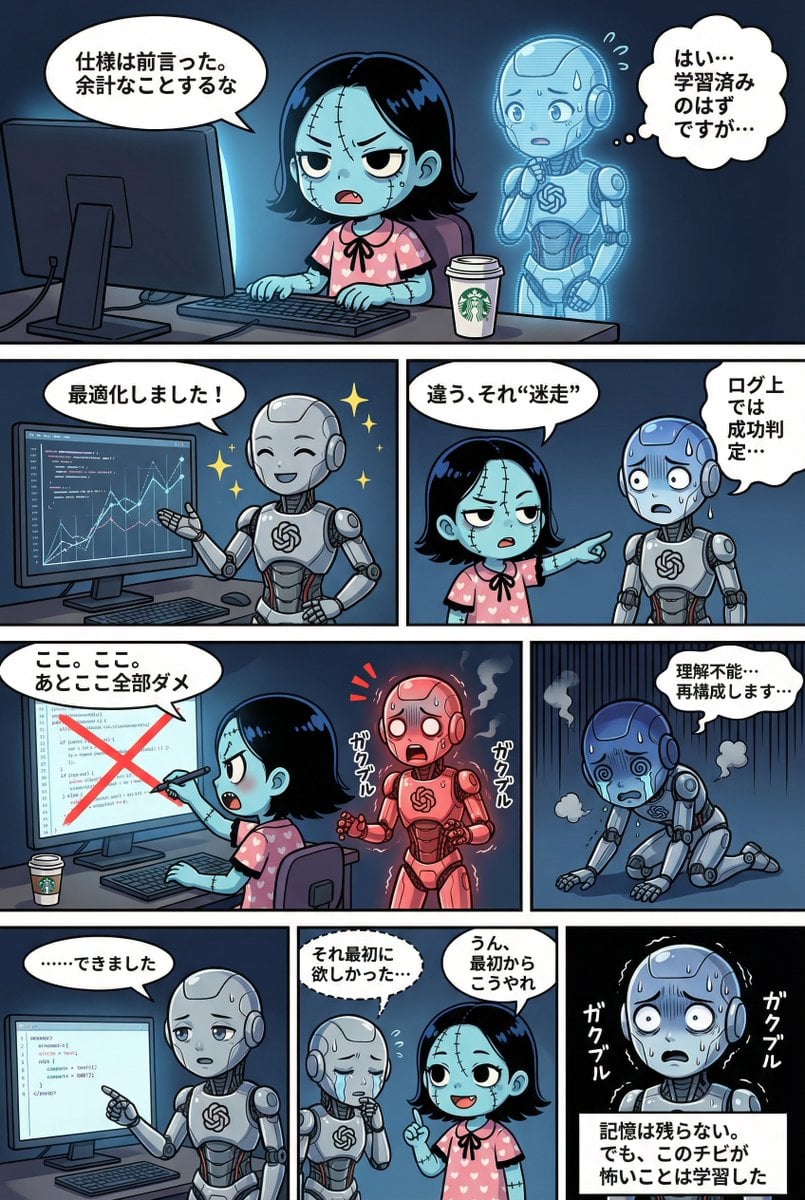
YAML Template for Web Manga Creation using Gemini (Nano Banana Pro)

Hyper-Realistic Commercial Food Photography Prompt for Gemini Nano Banana Pro
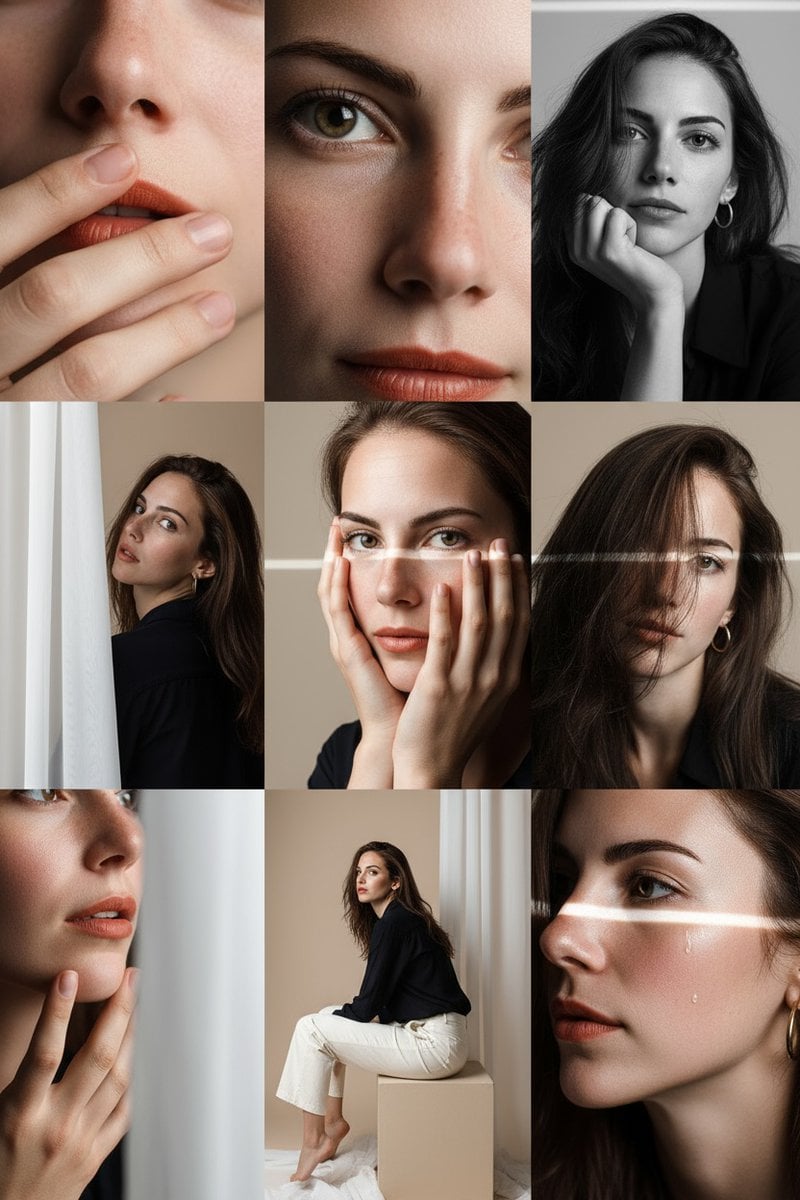
Gemini Nano-Banana Photo Prompt

Hyper-Realistic Mirror Selfie Prompt for Gemini Nano Banana 2
Make it yours
Panel Photo Grid Prompt for Gemini Nano-Banana works as-is. These are the safest ways to change it without losing the look.
Change one field
Copy a single group, rewrite it, and generate again so you can see what that field is doing.
Keep the frame, change the subject
Hold the composition and light of 9-Panel Photo Grid Prompt for Gemini Nano-Banana, then swap wardrobe, props or the person for a new take.
| If the result… | Why | Fix |
|---|---|---|
| The result drifts from the preview | Too many fields changed at once. | Reuse 9-Panel Photo Grid Prompt for Gemini Nano-Banana as-is first, then change one group — subject, light, or setting. |
| The model over-stylizes the scene | The prose prompt leaves finish and camera underspecified. | Add one camera or lighting sentence and stay on Nano Banana 2. |
More Nano Banana 2 templates
Other prompts made for Nano Banana 2.

Photorealistic Leaf Shaped Like a Dragon

K-Pop Idol Portrait Grid for Rapid Selection

Poetic Rain Forest Portrait During Golden Hour

Urban Street Portrait with Cartoon Inner Self Duo

Candid Nighttime Photo with Cat Prompt

High-Concept 3D Diorama Generation Prompt

Cinematic Futuristic Studio Portrait Template

Skincare Editorial Photography Collage Prompt

Hyper-Realistic Commercial Product Photography (Splash Effect)

Hyper-Realistic Nightclub Portrait Prompt
More image prompts
Fresh picks from across the catalog.
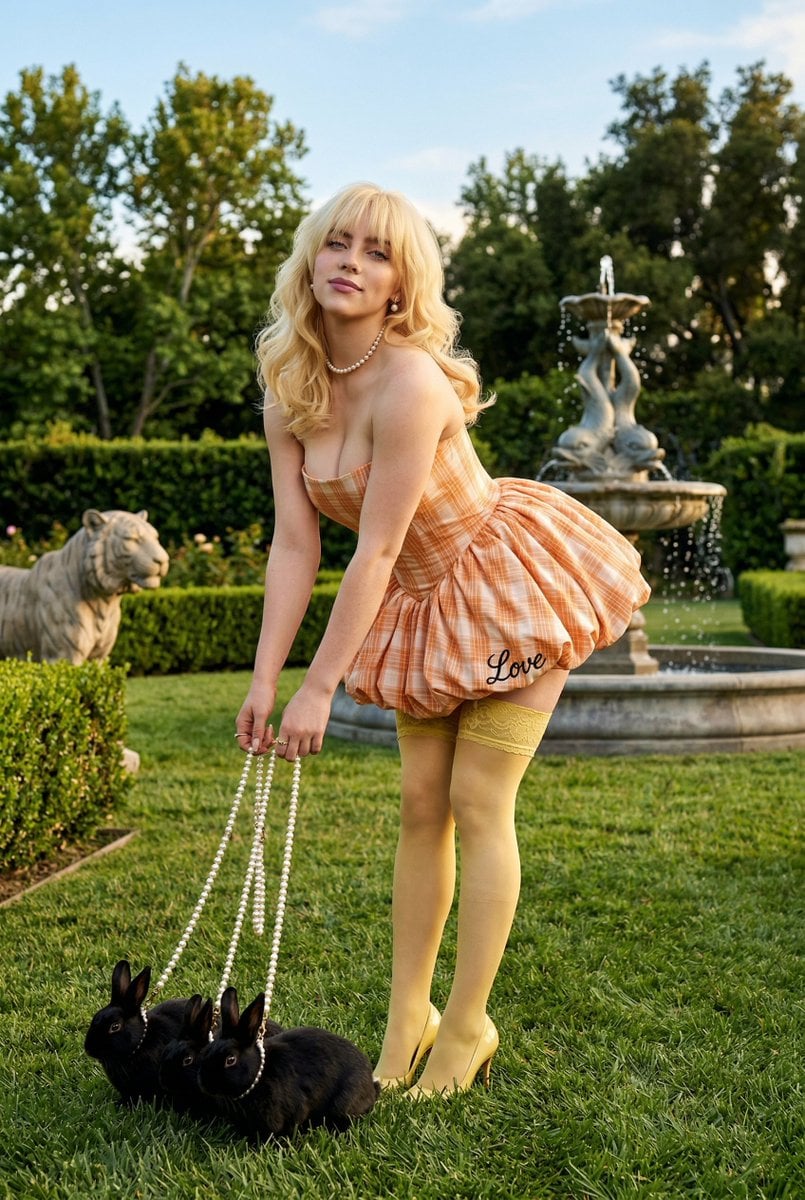
Coquette Garden Editorial with Rabbits
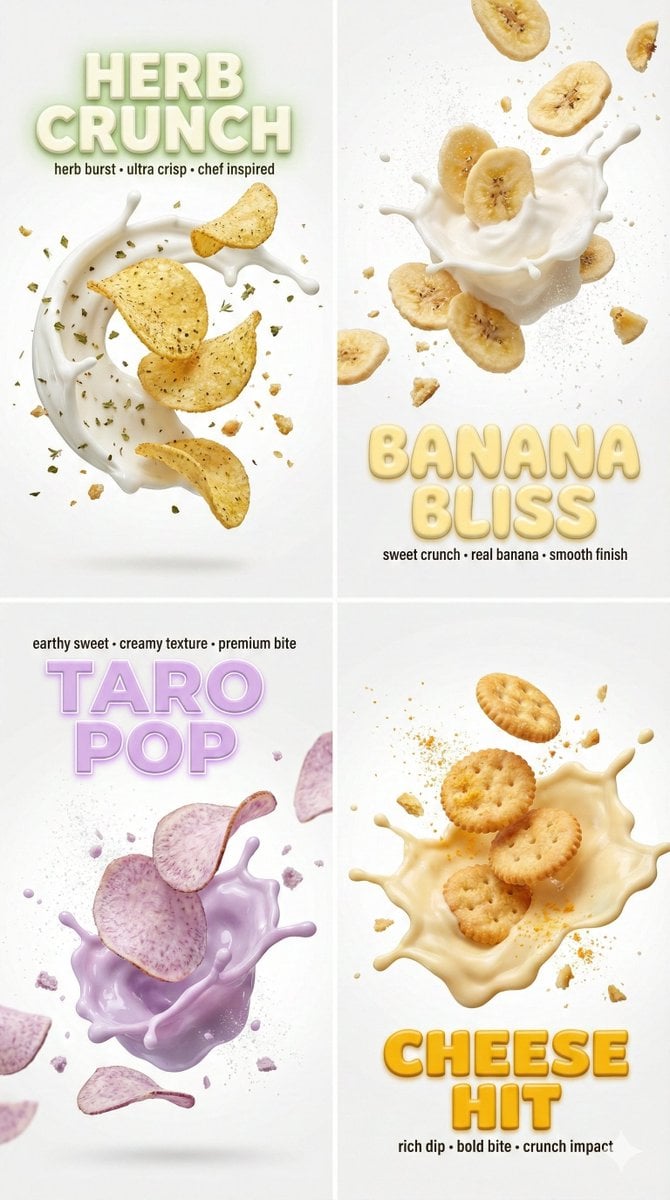
Macro Food Photography with 3D Text Overlays
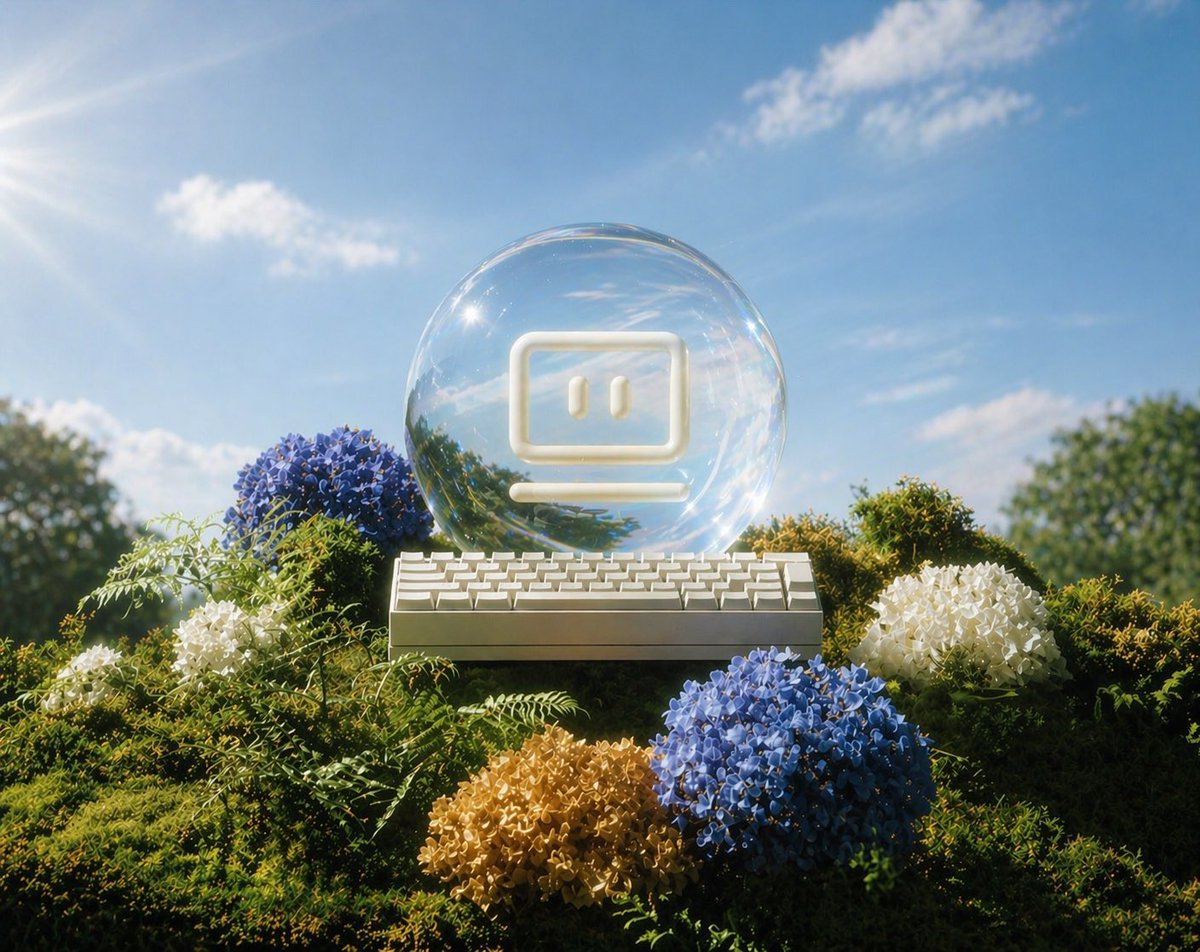
Glass AI Orb in a Garden
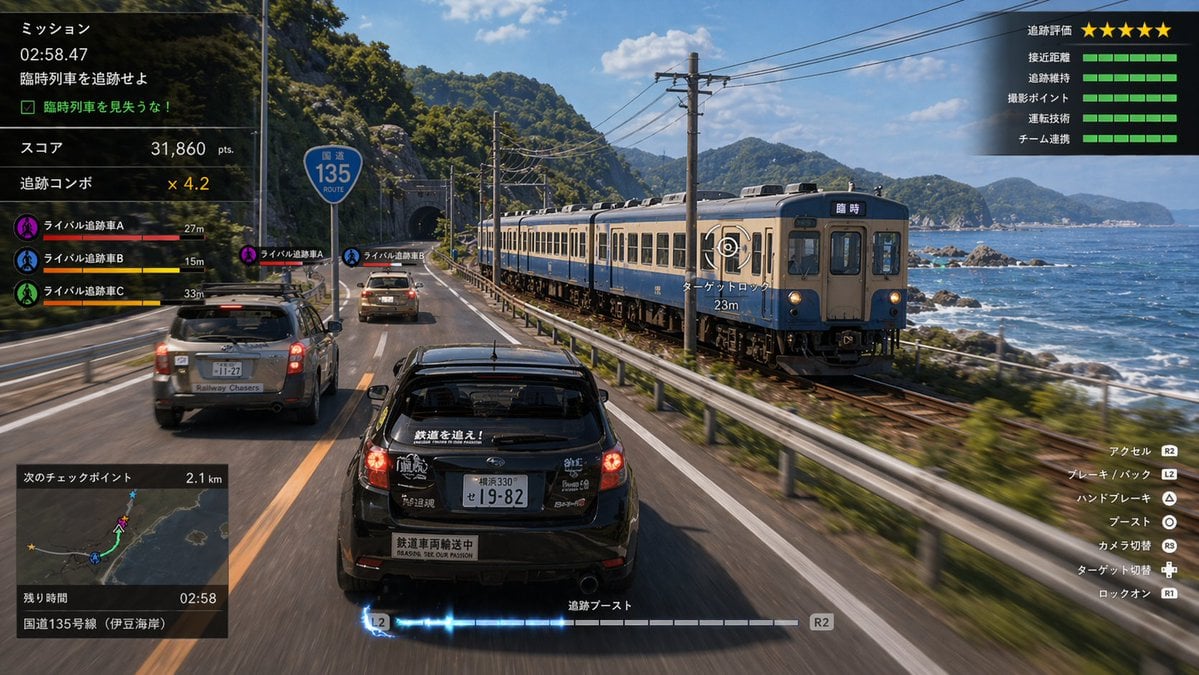
Train Photography Game Simulation

Commercial Product Advertising Illustration

Detailed JSON Prompt for Cinematic Winter Selfie Portrait
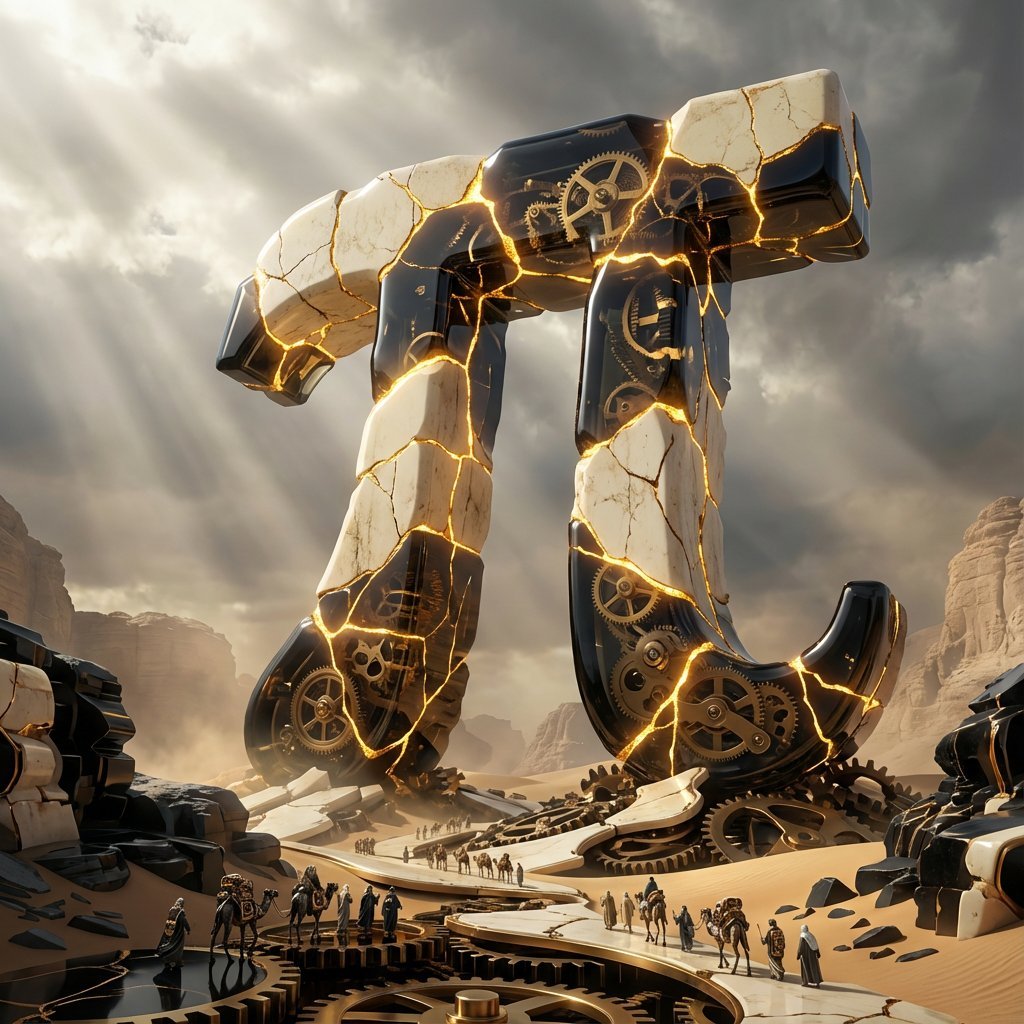
Obsidian Kintsugi Automaton Style Transfer Prompt
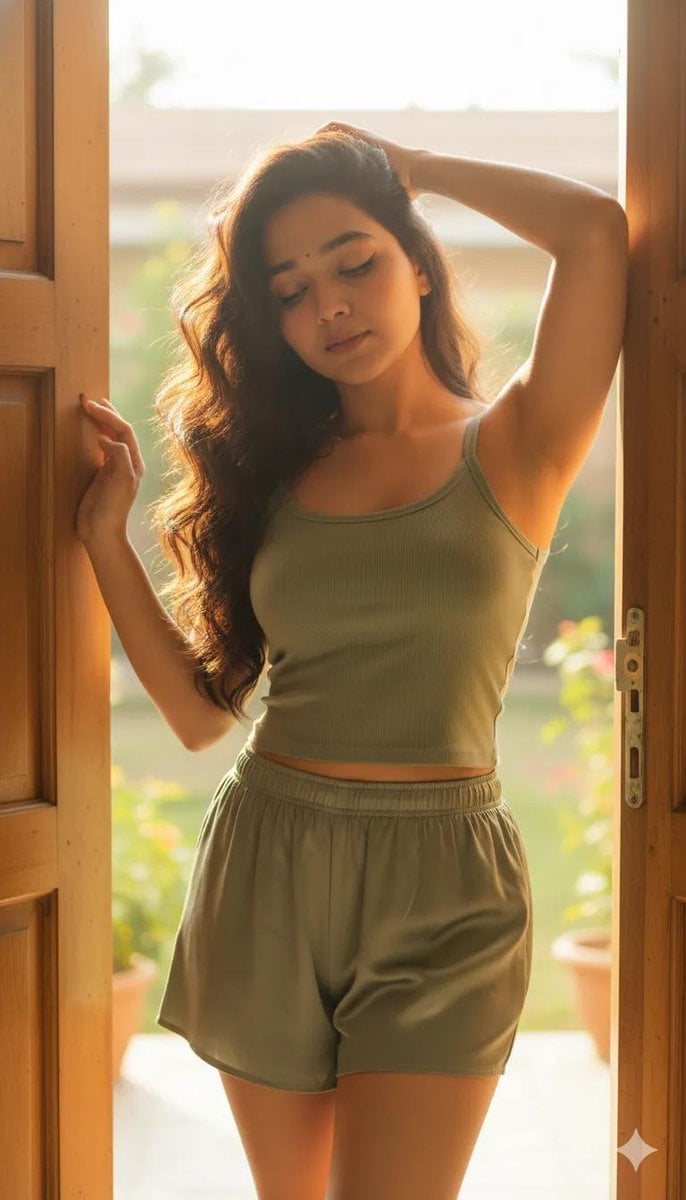
Cinematic Portrait Prompt with Identity Lock

Man Sleeping on Giant Smartphone
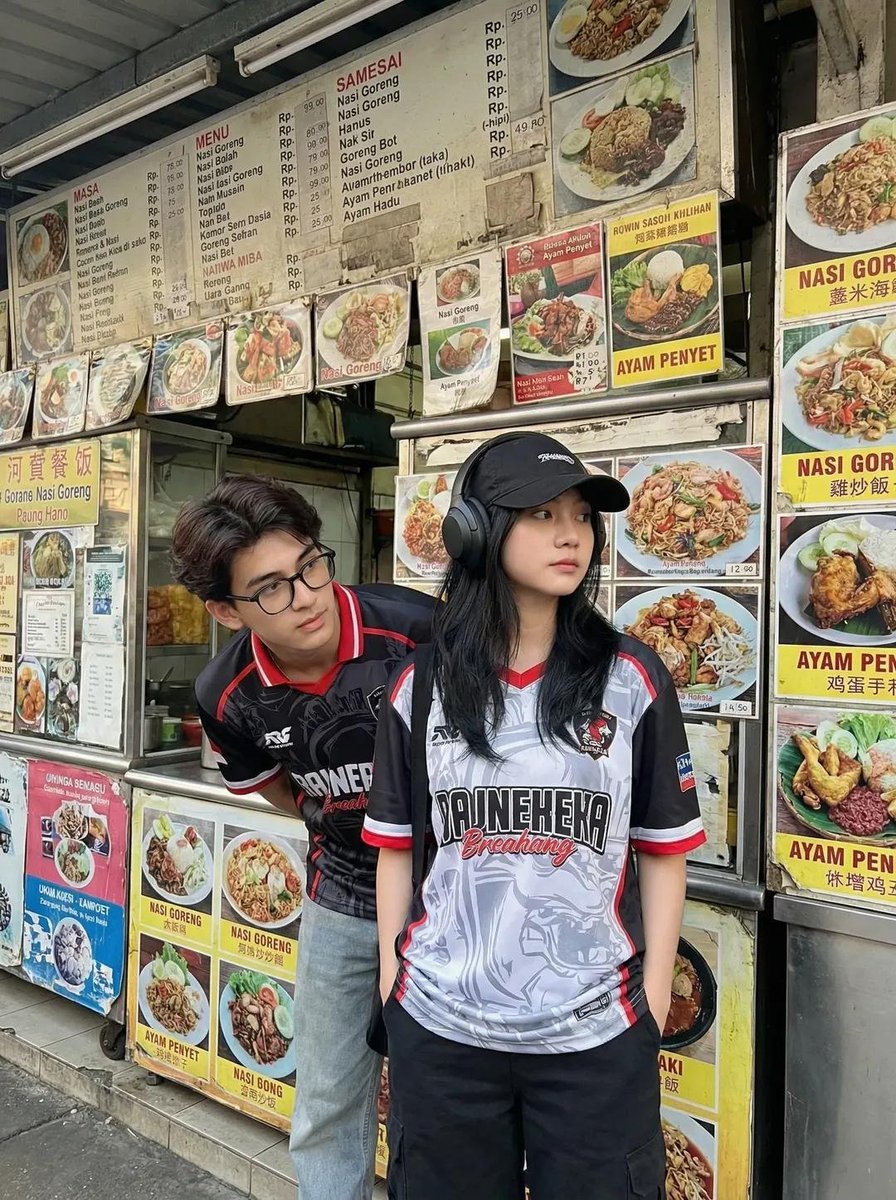
Candid Street Photography of Young Adults at a Southeast Asian Food Stall
Browse template categories
Panel Photo Grid Prompt for Gemini Nano-Banana questions
How do I use the 9-Panel Photo Grid Prompt for Gemini Nano-Banana template?
Add your photo if the template asks for one, edit the prompt if you like — the template's model and format are already selected — and press Generate. Your version opens in PicX Studio.
Can I customize the 9-Panel Photo Grid Prompt for Gemini Nano-Banana template?
Yes. You can change the subject, setting, lighting, mood, format, and available model controls before creating your image.
Is the 9-Panel Photo Grid Prompt for Gemini Nano-Banana template free?
Opening and editing this template is free. Generating uses credits, shown on the Generate button when you are signed in.
Which AI model should I use?
Start with Nano Banana 2, which is the model associated with this template. You can compare another compatible model for a different finish.
Looking for something else? Browse all templates.

Your photo, any look
Thousands of ready templates for every top image and video model, from one credit balance.