
Glass AI Orb in a Garden
A polished surreal nature-tech scene featuring a transparent AI orb and keyboard among flowers, ideal for futuristic branding, editorial art, or social media visuals.
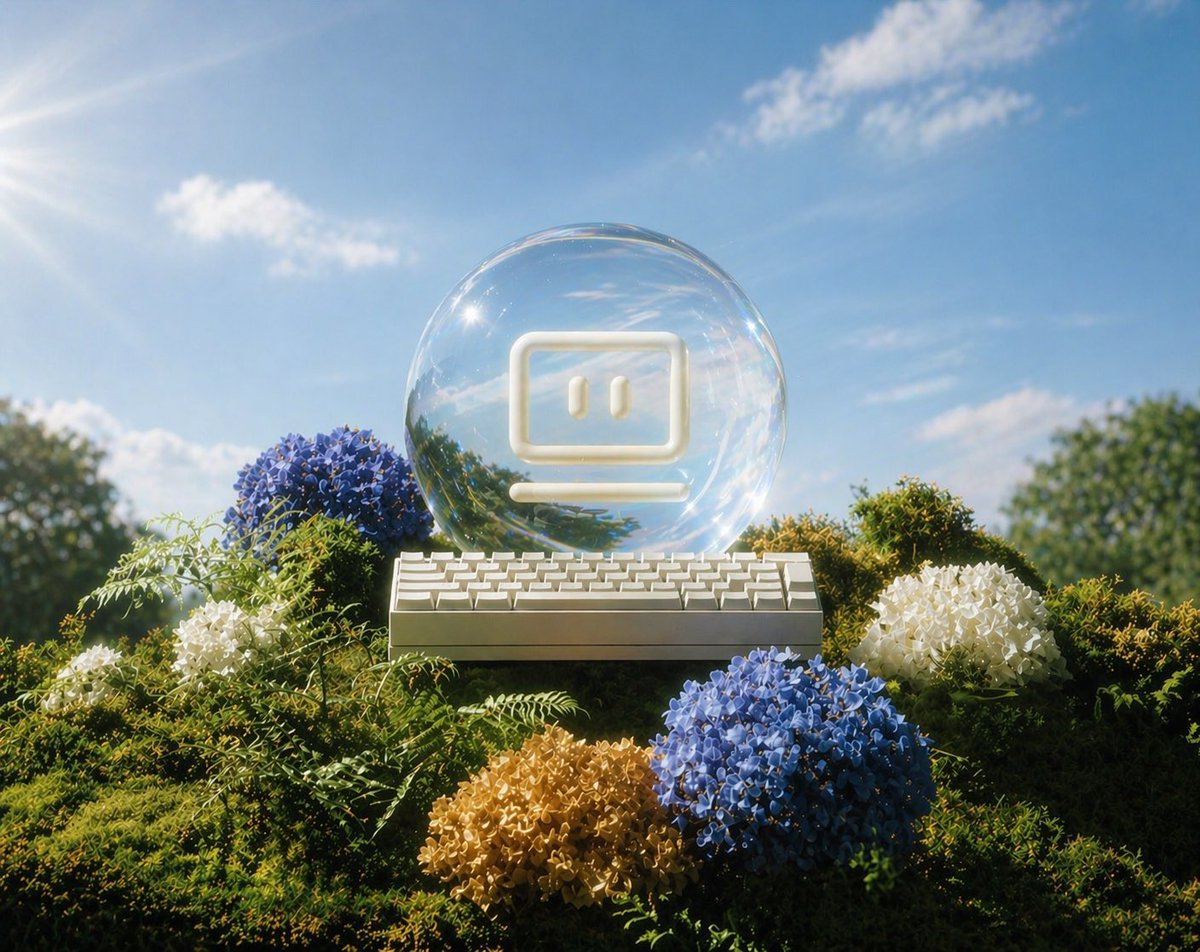
- Prompt included
- Model and format preset
- Free template
The prompt behind this image
Copy the exact prompt behind Glass AI Orb in a Garden, or open it in the studio and make it yours.
A dreamy, surreal outdoor still life in bright midday sunlight: a transparent glass orb centered on a lush moss-covered mound, containing a minimalist glowing white computer face icon with two vertical eyes inside a rounded rectangle and a short horizontal line beneath it, like a friendly terminal or chatbot symbol. Directly in front of the orb sits a compact white mechanical keyboard in perfect frontal view. Surround the base with exactly 5 flower clusters: 2 blue hydrangea-like blooms, 2 white hydrangea-like blooms, and 1 pale golden-tan bloom, nestled among dense green moss and delicate fern fronds. The background is a clear vivid blue sky with exactly 4 small soft white clouds, warm sun rays entering from the upper left corner, cinematic lens flare, sparkling highlights on the glass, shallow depth of field, soft bokeh on distant trees at the far left and far right, highly polished photorealistic 3D render, whimsical eco-futurist mood, clean composition, centered symmetry, glossy reflections, gentle summer atmosphere.
How to use Glass AI Orb in a Garden in 3 steps
- 1Upload ImagePNG, JPG or paste
Add your photo
Upload the photo the template builds on. The prompt, model and format are already set.
- 2…a portrait of your subject in softgolden-hour light, 85mm…
Personalize
Edit the subject and creative details for your destination.
- 3Generate
Generate
Press Generate — your image is created in PicX Studio, so you can compare it with the original and refine one variable at a time.
More like this
Templates with the same subject, style or setup. Open one to see its prompt.

Neon Glass Energy Orb
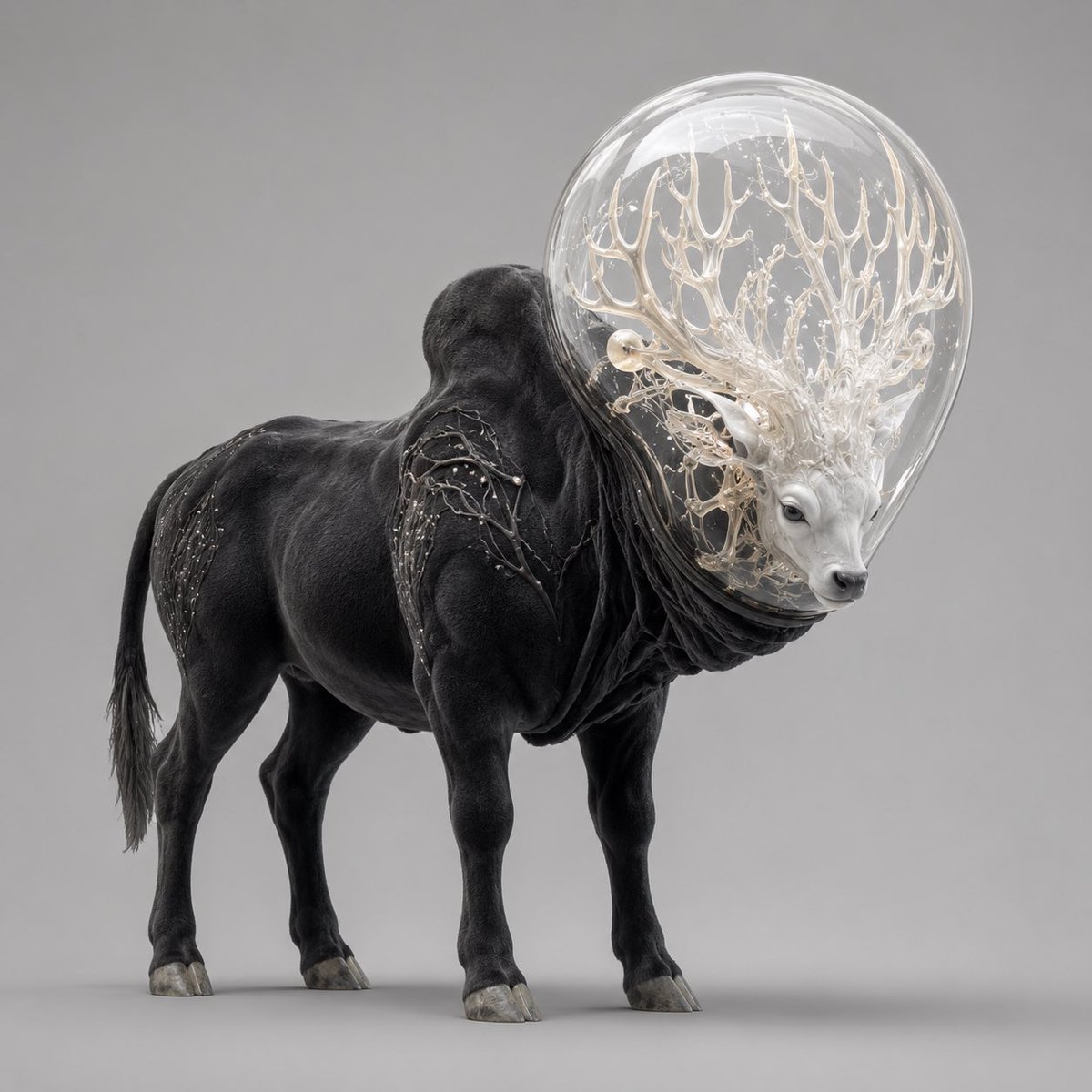
Glass-Orb Antler Bull Creature

Artistic Arborpunk Garden Observatory Complex

Cinematic Glass Brand Logo Volcanic Landscape

Christmas Ornament Portrait Glossy Glass Resin Finish with Hand Painted Details Holiday Lighting

Mini Sick Woman in Water Glass
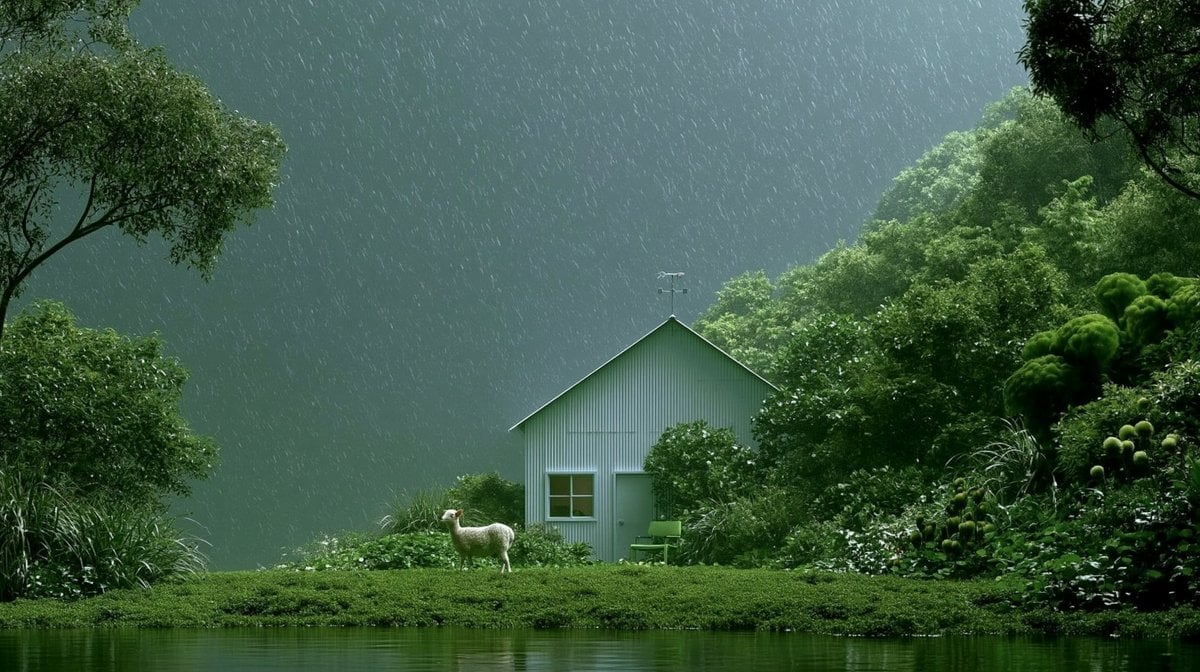
Rainy Cottage Garden With Sheep

Whiskey in a Glowing Primrose Garden

Cinematic Golden Hour Garden Portrait
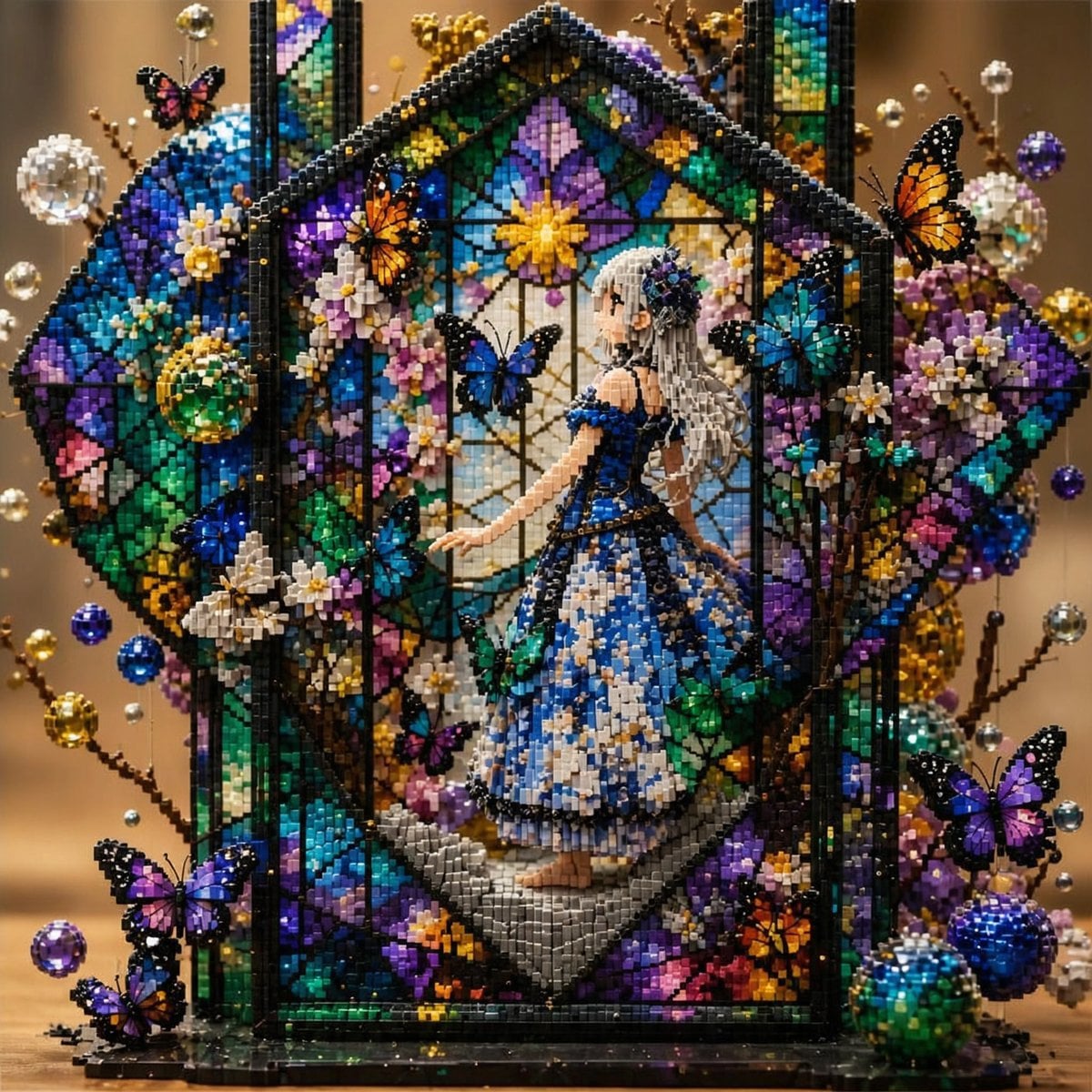
Block Mosaic Stained Glass Girl

Dense Organic Garden Harvest Poster
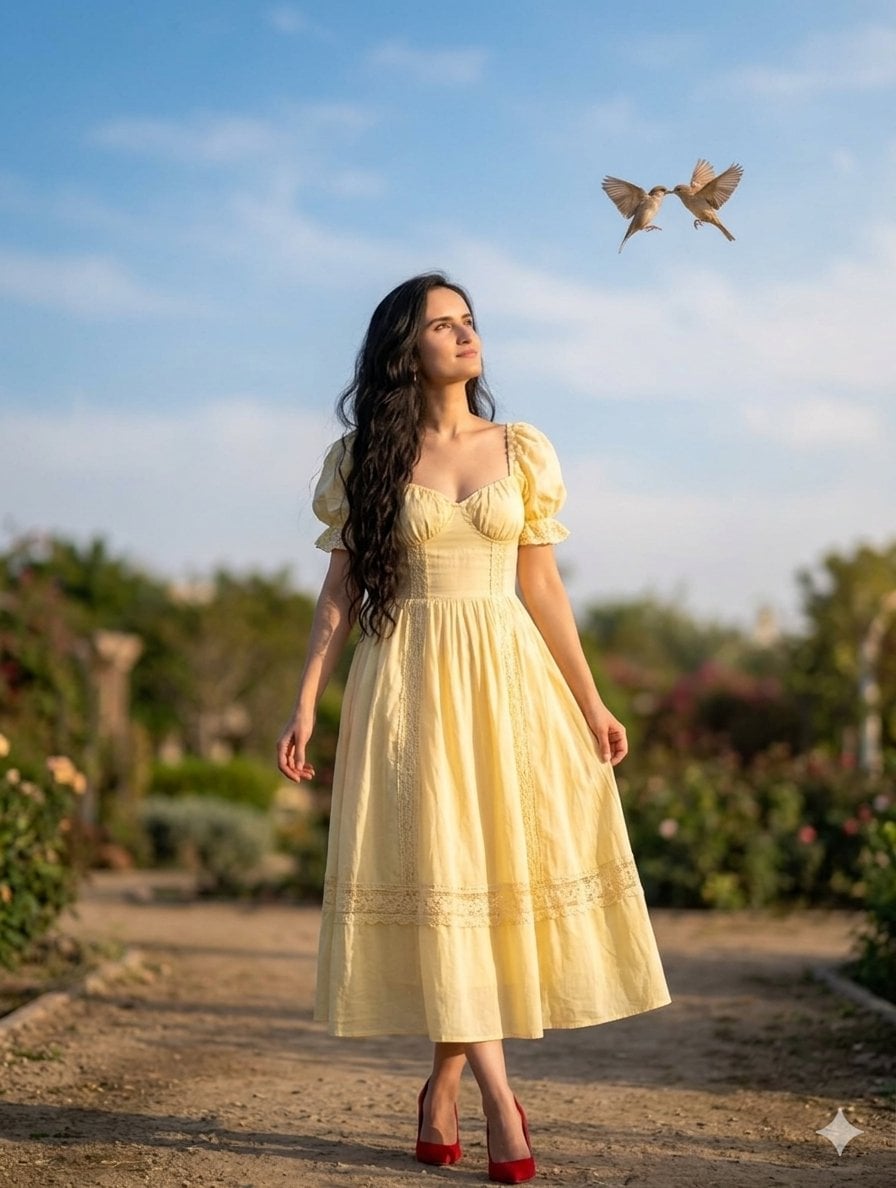
Romantic Whimsical Garden Portrait
Make it yours
Glass AI Orb in a Garden works as-is. These are the safest ways to change it without losing the look.
Change one field
Copy a single group, rewrite it, and generate again so you can see what that field is doing.
Keep the frame, change the subject
Hold the composition and light of Glass AI Orb in a Garden, then swap wardrobe, props or the person for a new take.
| If the result… | Why | Fix |
|---|---|---|
| The result drifts from the preview | Too many fields changed at once. | Reuse Glass AI Orb in a Garden as-is first, then change one group — subject, light, or setting. |
| The model over-stylizes the scene | The prose prompt leaves finish and camera underspecified. | Add one camera or lighting sentence and stay on GPT Image 2. |
More GPT Image 2 templates
Other prompts made for GPT Image 2.

Six VTuber Japanese Logo Sheet

Realistic Portrait of Woman and Deer

The Vista Modular Condo Poster

AI Model Routing Comparison Infographic

2.5D Anime Art Board

Isometric Productivity Desk Scene

New York Double Exposure Poster

Four-Panel AI Landscape Comparison

Japanese Tatami Lifestyle Magazine Cover

NESCAFÉ Coffee Map Poster
More image prompts
Fresh picks from across the catalog.
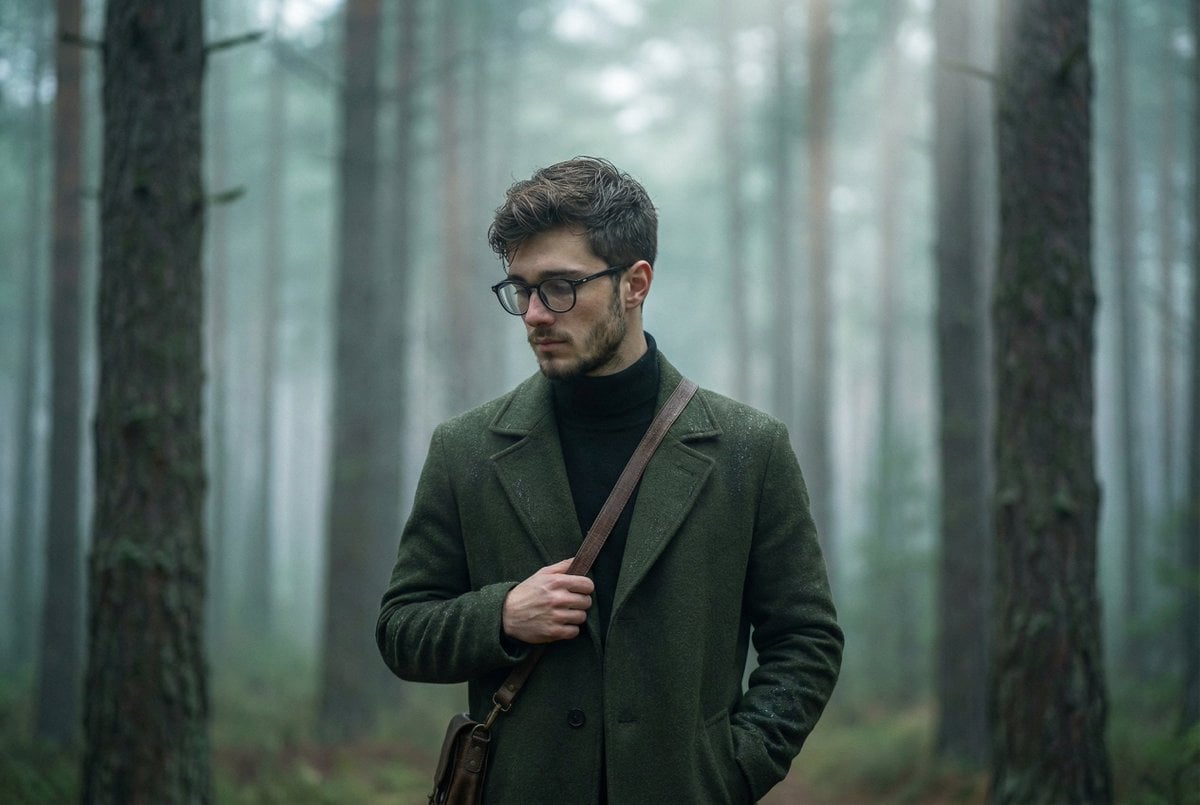
Foggy pine forest cinematic portrait

Rooftop Walkway Fashion OOTD
Accidental iPhone Snapshot Aesthetic
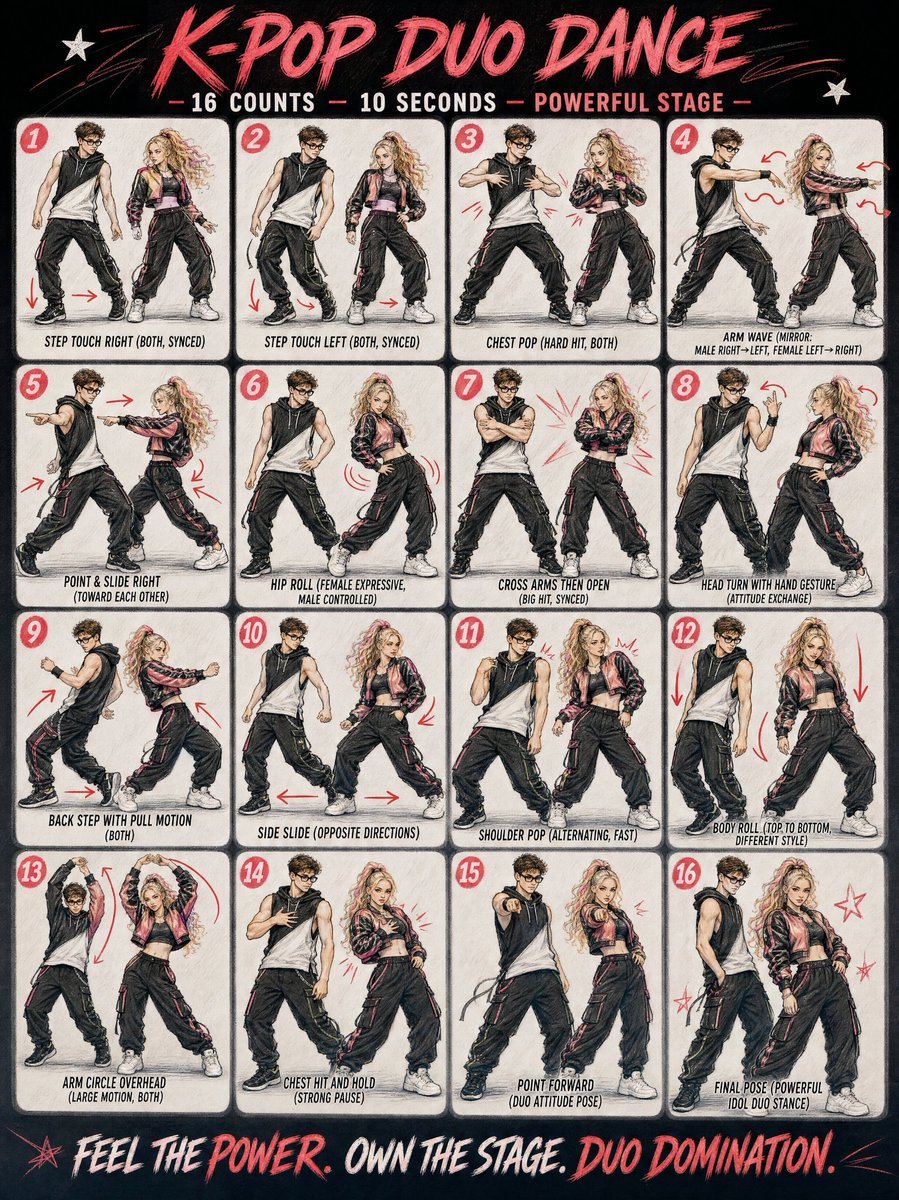
Cinematic Duo Concert Performance

Minimalist Layout and Document Prompts

Shampoo Product Creative Prompt
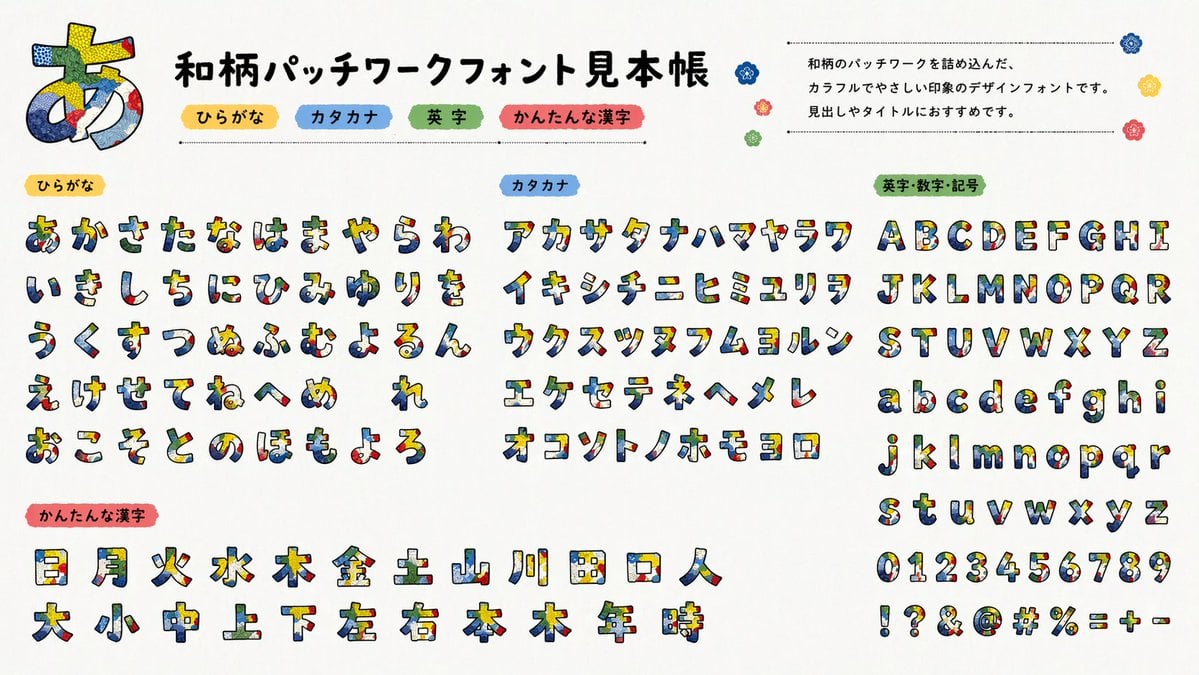
Multilingual font specimen sheet prompt
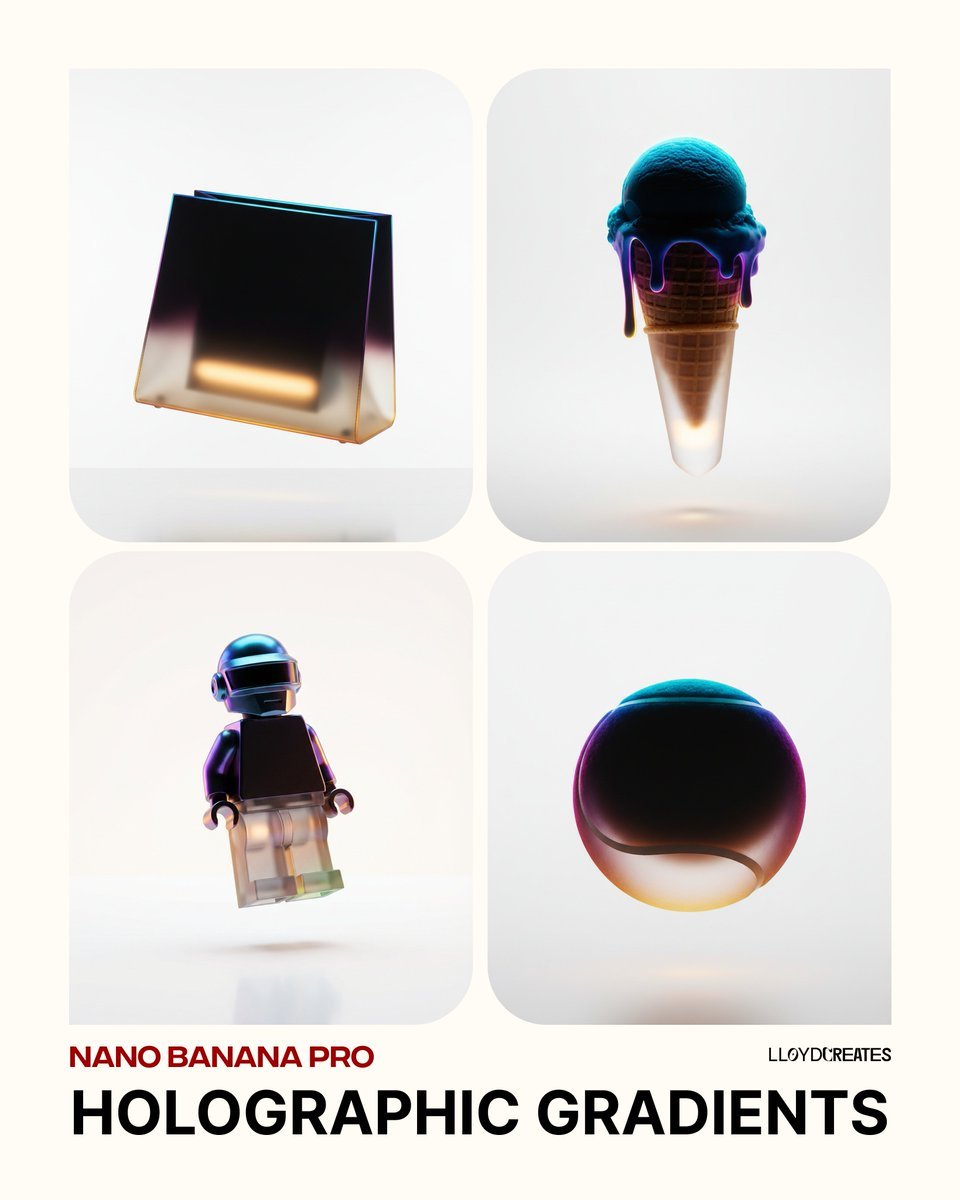
Holographic Gradient Object Prompt
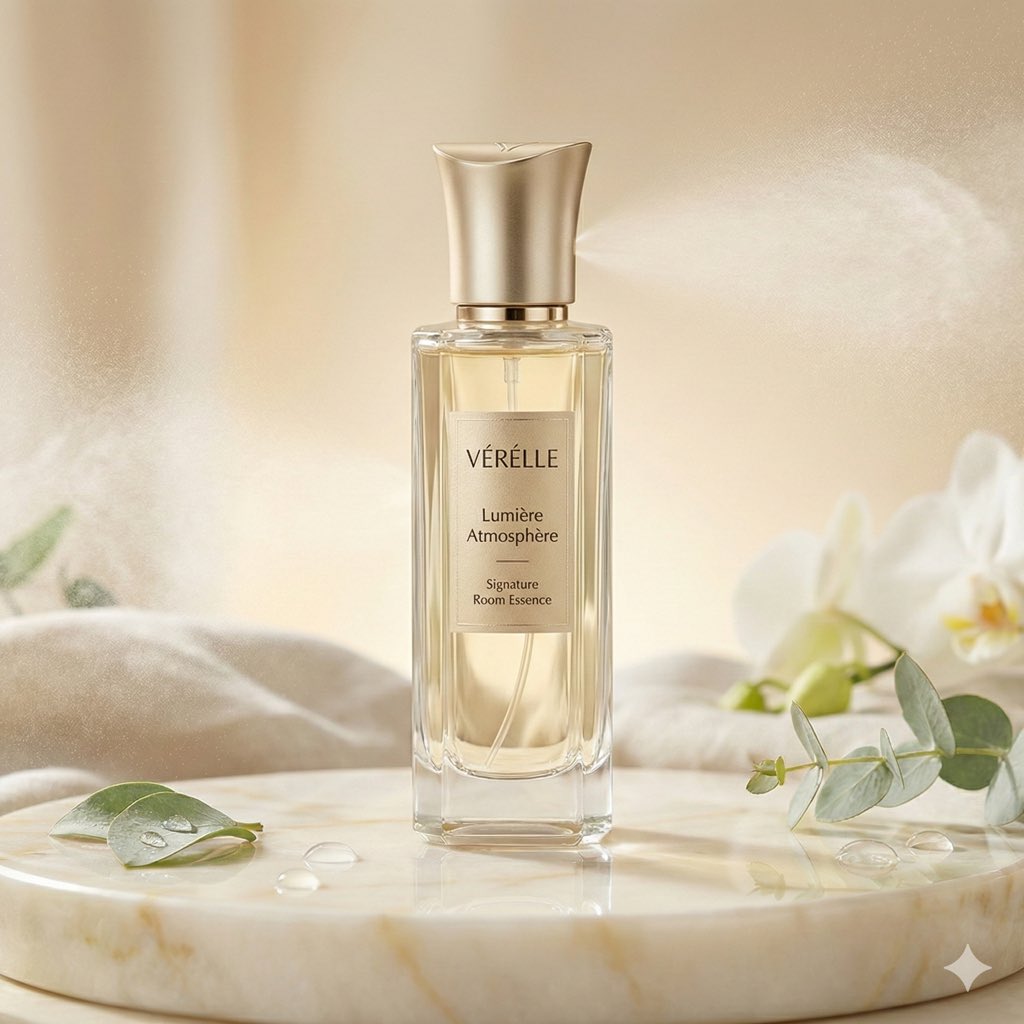
Luxury Home Fragrance Commercial Photography (JSON Format)

Chaoshan Beef Ball Vintage Food Poster
Browse template categories
Glass AI Orb in a Garden questions
How do I use the Glass AI Orb in a Garden template?
Add your photo if the template asks for one, edit the prompt if you like — the template's model and format are already selected — and press Generate. Your version opens in PicX Studio.
Can I customize the Glass AI Orb in a Garden template?
Yes. You can change the subject, setting, lighting, mood, format, and available model controls before creating your image.
Is the Glass AI Orb in a Garden template free?
Opening and editing this template is free. Generating uses credits, shown on the Generate button when you are signed in.
Which AI model should I use?
Start with GPT Image 2, which is the model associated with this template. You can compare another compatible model for a different finish.
Looking for something else? Browse all templates.

Your photo, any look
Thousands of ready templates for every top image and video model, from one credit balance.