How do I use the Romantic Whimsical Garden Portrait template?
Choose the primary action to open PicX Studio with the available template settings. Review the model and format, personalize the creative direction, and generate when ready.
A structured structured prompt for a serene, romantic garden path scene featuring a subject in a yellow midi dress during golden hour.
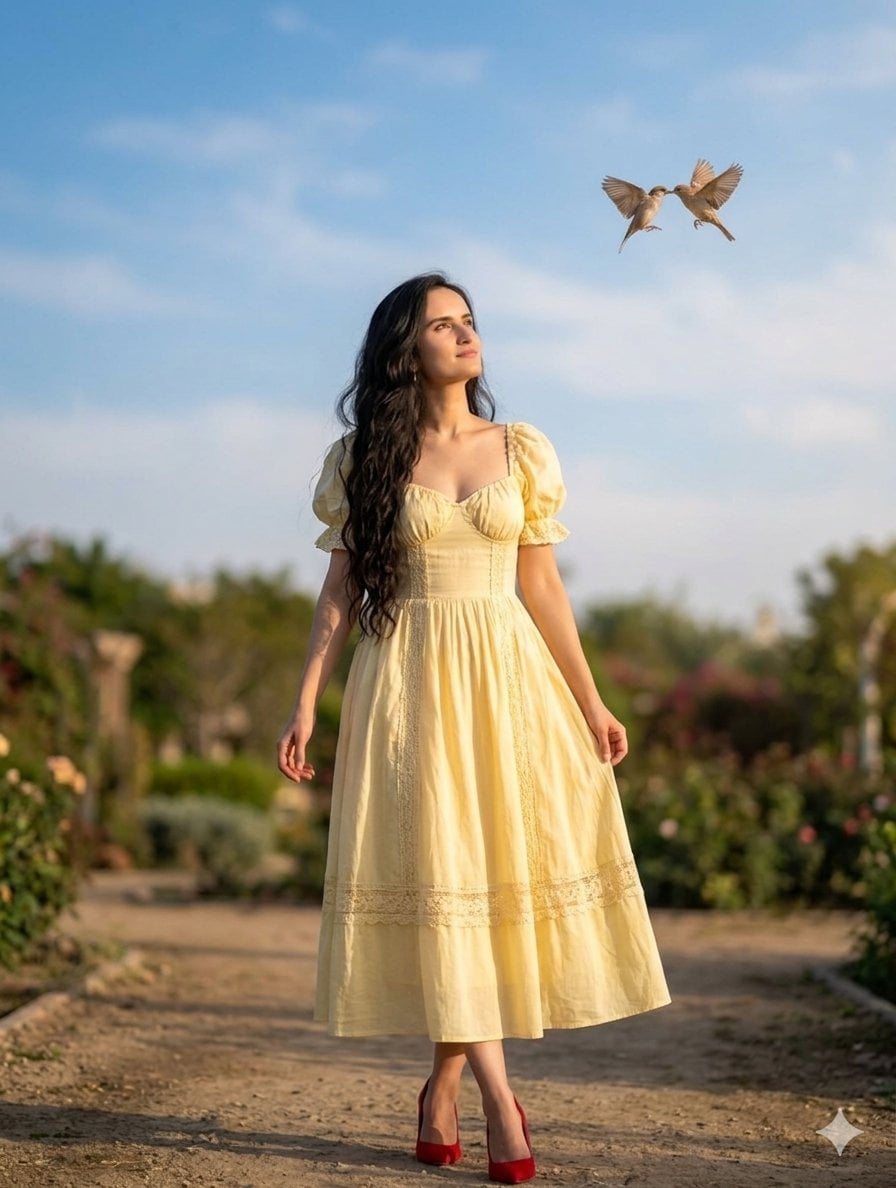
{ "subject": { "identity": "{argument name="subject" default="Woman from reference image"}", "pose": "Standing, looking upward toward the sky", "expression": "Serene, romantic, hopeful", "hair": "Long, dark, wavy, flowing" }, "wardrobe": { "style": "Romantic feminine aesthetic", "garment": "Midi dress", "color": "{argument name="outfit color" default="Soft buttery yellow"}", "details": [ "Puff sleeves", "Sweetheart neckline", "Lace trim accents", "Cinched waist" ], "footwear": "Red stiletto heels" }, "environment": { "background": "Dreamy garden path", "lighting": "Golden hour, soft sunlight, natural glow", "elements": [ "Lush greenery", "Blurred floral background", "Dirt pathway" ] }, "special_effects": { "action": "{argument name="action" default="Two small birds kissing/touching beaks in the sky"}", "focal_length": "Portrait mode, shallow depth of field (bokeh)", "atmosphere": "Whimsical, soft focus" } }
Choose the primary action to open PicX Studio with the available template settings. Review the model and format, personalize the creative direction, and generate when ready.
Yes. You can change the subject, setting, lighting, mood, format, and available model controls before creating your image.
This template is free to open and customize. Generation usage is shown in PicX Studio before you create.
Start with Nano Banana 2, which is the model associated with this template. You can compare another compatible model for a different finish.
Follow a topic to a crawlable collection of related PicX Studio templates.