
Romantic Cinematic Still of a Couple in
Romantic Cinematic Still of a Couple in is a ready photo look for Nano Banana.

- Prompt included
- Model and format preset
- Free template
The prompt behind this image
Copy the exact prompt behind Romantic Cinematic Still of a Couple in, or open it in the studio and make it yours.
- Prompt
- Transform this photo into a cinematic still from a romantic film scene where a man in a black formal suit lifts a woman in a flowing red dress in his arms. The moment should radiate warmth, passion, and elegance, captured in a dreamy, high-fidelity cinematic style while preserving both subjects’ true facial features and emotional authenticity.
- Style And Aesthetic › Core Genre
- Romantic drama with cinematic elegance and luxury fashion influence.
- Style And Aesthetic › Mood
- Passionate, graceful, timeless, emotionally charged, cinematic.
- Style And Aesthetic › Keywords
- cinematic still, romantic moment, elegant couple, red dress, black suit, emotional realism, classic love aesthetic
- Composition And Framing › Lens
- 50mm cinematic lens for natural perspective and balanced background compression.
- Composition And Framing › Framing
- Full-body or ¾ shot capturing the man lifting the woman gracefully, her dress flowing naturally in motion.
- Composition And Framing › Angle
- Slightly low-angle shot to enhance romantic grandeur and give cinematic heroism to the frame.
- Composition And Framing › Subject Position
- The woman’s arms gently rest around the man’s shoulders, her expression filled with joy and tenderness. The man’s posture is confident and caring, holding her securely with a warm smile.
- Lighting And Color › Lighting Scheme
- Golden-hour or soft ambient evening lighting with glowing highlights on the couple.
- Lighting And Color › Light Quality
- Warm, radiant, diffused — creating a gentle cinematic halo around their silhouettes.
- Lighting And Color › Color Palette
- Rich reds, deep blacks, golden highlights, and subtle warm tones for the background.
- Lighting And Color › Color Grading
- Romantic cinematic color grade — warm midtones, creamy highlights, and deep, soft contrast with golden glow accents.
- Subject Details › Expression
- The woman smiles with delight and affection, while the man’s expression conveys warmth, pride, and protectiveness.
- Subject Details › Atmosphere Interaction
- The fabric of the red dress catches the light beautifully; a gentle breeze adds motion and life to the moment.
- Subject Details › Apparel
- The woman wears a flowing red gown with soft texture and elegance; the man in a classic black suit with a white shirt — minimal, refined, and timeless.
- Post Processing Effects › Film Texture
- Fine cinematic film grain and subtle halation glow for a polished film aesthetic.
- Post Processing Effects › Lens Effects
- Soft background bokeh with natural lens flare or backlight glow enhancing romantic warmth.
- Post Processing Effects › Focus
- Crisp focus on the couple, with the background rendered softly to emphasize emotional depth.
- Post Processing Effects › Realism
- Hyperrealistic rendering — visible fabric folds, skin glow, subtle reflections, and authentic light falloff for cinematic realism.
Raw JSON
{
  "prompt": "Transform this photo into a cinematic still from a romantic film scene where a man in a black formal suit lifts a woman in a flowing red dress in his arms. The moment should radiate warmth, passion, and elegance, captured in a dreamy, high-fidelity cinematic style while preserving both subjects’ true facial features and emotional authenticity.",

  "style_and_aesthetic": {
    "core_genre": "Romantic drama with cinematic elegance and luxury fashion influence.",
    "mood": "Passionate, graceful, timeless, emotionally charged, cinematic.",
    "keywords": [
      "cinematic still",
      "romantic moment",
      "elegant couple",
      "red dress",
      "black suit",
      "emotional realism",
      "classic love aesthetic"
    ]
  },

  "composition_and_framing": {
    "lens": "50mm cinematic lens for natural perspective and balanced background compression.",
    "framing": "Full-body or ¾ shot capturing the man lifting the woman gracefully, her dress flowing naturally in motion.",
    "angle": "Slightly low-angle shot to enhance romantic grandeur and give cinematic heroism to the frame.",
    "subject_position": "The woman’s arms gently rest around the man’s shoulders, her expression filled with joy and tenderness. The man’s posture is confident and caring, holding her securely with a warm smile."
  },

  "lighting_and_color": {
    "lighting_scheme": "Golden-hour or soft ambient evening lighting with glowing highlights on the couple.",
    "light_quality": "Warm, radiant, diffused — creating a gentle cinematic halo around their silhouettes.",
    "color_palette": "Rich reds, deep blacks, golden highlights, and subtle warm tones for the background.",
    "color_grading": "Romantic cinematic color grade — warm midtones, creamy highlights, and deep, soft contrast with golden glow accents."
  },

  "subject_details": {
    "expression": "The woman smiles with delight and affection, while the man’s expression conveys warmth, pride, and protectiveness.",
    "atmosphere_interaction": "The fabric of the red dress catches the light beautifully; a gentle breeze adds motion and life to the moment.",
    "apparel": "The woman wears a flowing red gown with soft texture and elegance; the man in a classic black suit with a white shirt — minimal, refined, and timeless."
  },

  "post_processing_effects": {
    "film_texture": "Fine cinematic film grain and subtle halation glow for a polished film aesthetic.",
    "lens_effects": "Soft background bokeh with natural lens flare or backlight glow enhancing romantic warmth.",
    "focus": "Crisp focus on the couple, with the background rendered softly to emphasize emotional depth.",
    "realism": "Hyperrealistic rendering — visible fabric folds, skin glow, subtle reflections, and authentic light falloff for cinematic realism."
  }
}How to use Romantic Cinematic Still of a Couple in in 3 steps
- 1Upload ImagePNG, JPG or paste
Add your photo
Upload the photo the template builds on. The prompt, model and format are already set.
- 2…a portrait of your subject in softgolden-hour light, 85mm…
Personalize
Edit the subject and creative details for your destination.
- 3Generate
Generate
Press Generate — your image is created in PicX Studio, so you can compare it with the original and refine one variable at a time.
More like this
Templates with the same subject, style or setup. Open one to see its prompt.

Found Photograph: Us, 1970

80s Couple Studio Portrait

Cinema Date Popcorn Realistic By Nano Ba

Enchanted Forest Root Kiss Scene By Nano

Nano Banana Pro Photoreal Playful Couple

Couple Goals from the Google Gemini Nano

Festive Couple Holiday Magic Template

Sunday Afternoon, 1988

Two Tickets, One Night

If We Met in 1985

One Dance Before Midnight

Before We said Goodbye
Make it yours
Romantic Cinematic Still of a Couple in works as-is. These are the safest ways to change it without losing the look.
Swap the light
One lighting change is enough to compare takes. Current light: “Golden-hour or soft ambient evening lighting with glowing highlights on the coup”.
Change one field
Copy a single group, rewrite it, and generate again so you can see what that field is doing.
Keep the frame, change the subject
Hold the composition and light of 115-romantic-cinematic-still-of-a-couple-in-, then swap wardrobe, props or the person for a new take.
| If the result… | Why | Fix |
|---|---|---|
| The result drifts from the preview | Too many fields changed at once. | Reuse 115-romantic-cinematic-still-of-a-couple-in- as-is first, then change one group — subject, light, or setting. |
| Nano Banana ignores part of the JSON | Some models flatten or skip nested keys. | Keep the same values and paste them as a short paragraph instead. |
More Nano Banana templates
Other prompts made for Nano Banana.










More image prompts
Fresh picks from across the catalog.
Beauty Commercial Portrait on Reflective Surface
Passport Size Image Generator
Premium Beverage Studio Photography
Mustard Flower Field Summer
Geometric Bird Riding Bicycle
Nano Banana Pro Tutorial for Product Branding
Narrative Cinematic Fashion Portrait Prompt
Pakistani Café Fashion Portrait
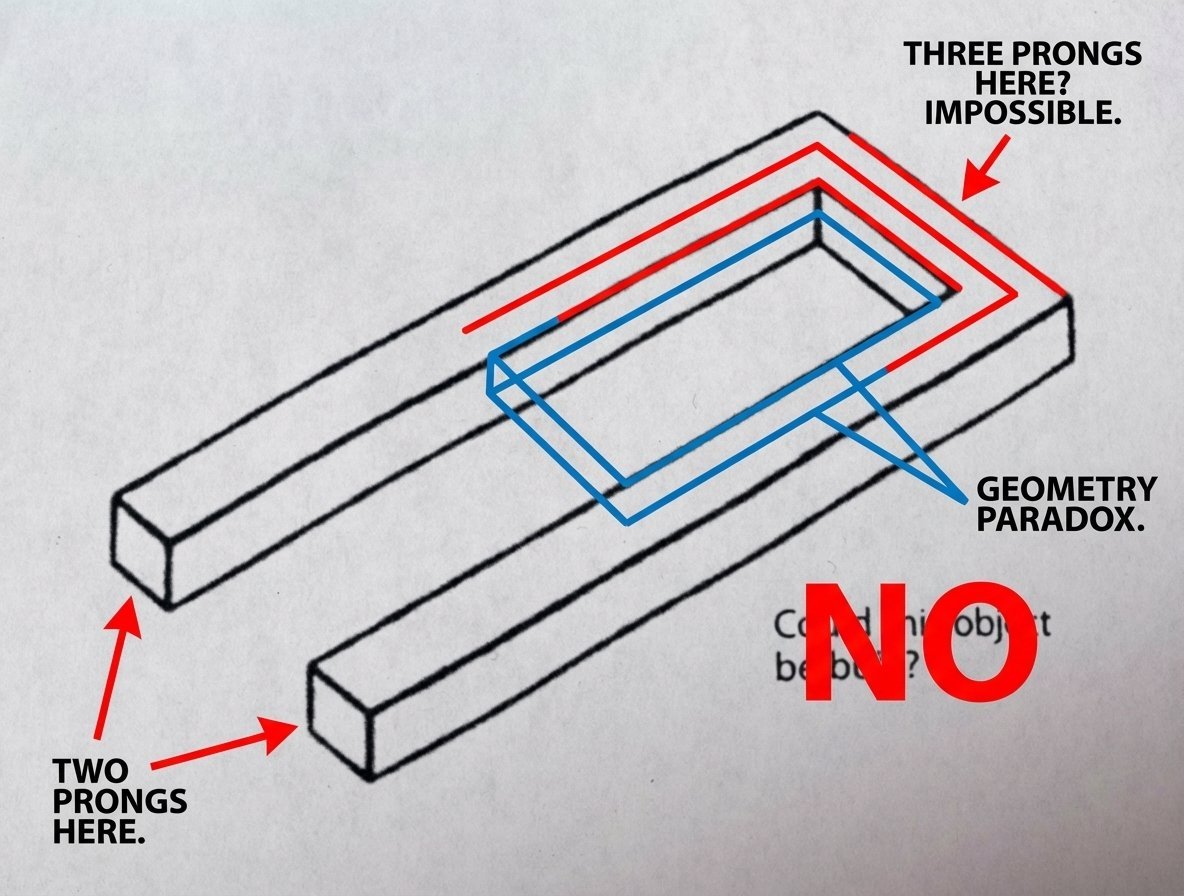
Conceptual Object Feasibility Image Prompt
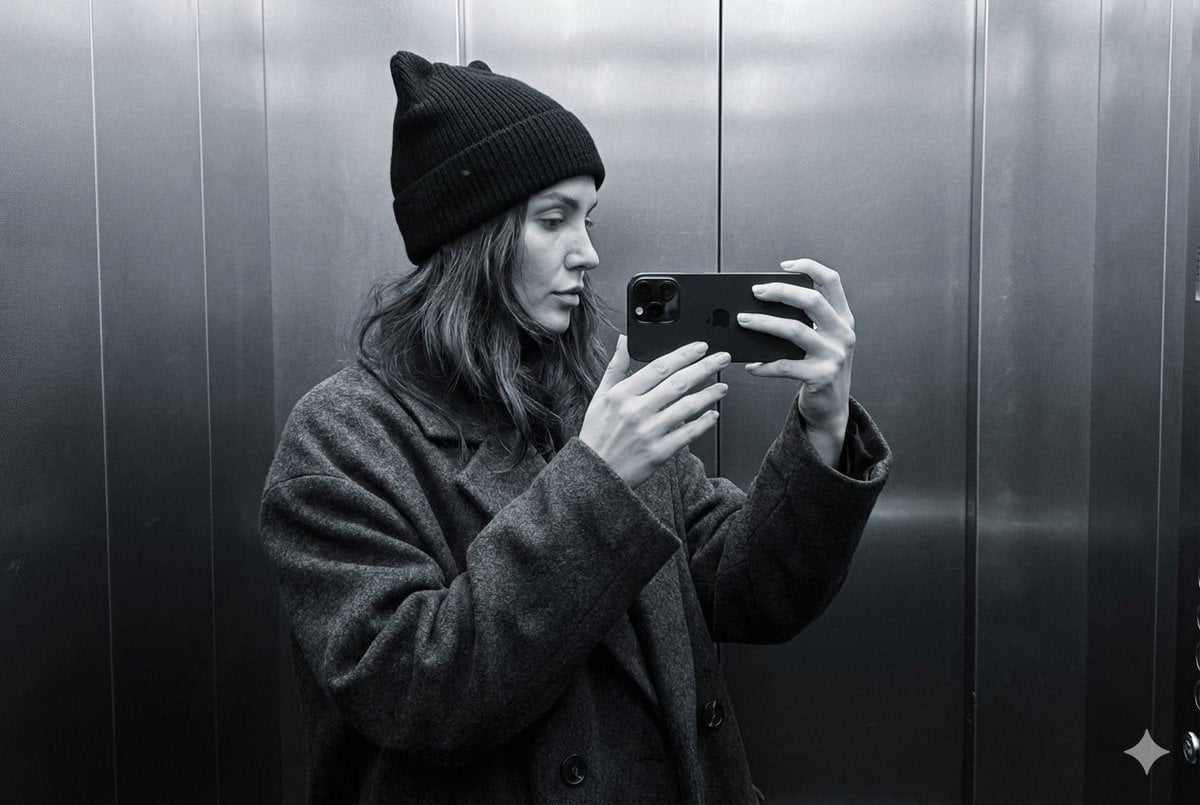
Monochrome Elevator Mirror Selfie with Cat-Ear Hat
Browse template categories
Romantic Cinematic Still of a Couple in questions
How do I use the 115-romantic-cinematic-still-of-a-couple-in- template?
Add your photo if the template asks for one, edit the prompt if you like — the template's model and format are already selected — and press Generate. Your version opens in PicX Studio.
Can I customize the 115-romantic-cinematic-still-of-a-couple-in- template?
Yes. You can change the subject, setting, lighting, mood, format, and available model controls before creating your image.
Is the 115-romantic-cinematic-still-of-a-couple-in- template free?
Opening and editing this template is free. Generating uses credits, shown on the Generate button when you are signed in.
Which AI model should I use?
Start with Nano Banana, which is the model associated with this template. You can compare another compatible model for a different finish.
Looking for something else? Browse all templates.

Your photo, any look
Thousands of ready templates for every top image and video model, from one credit balance.