
Pakistani Café Fashion Portrait
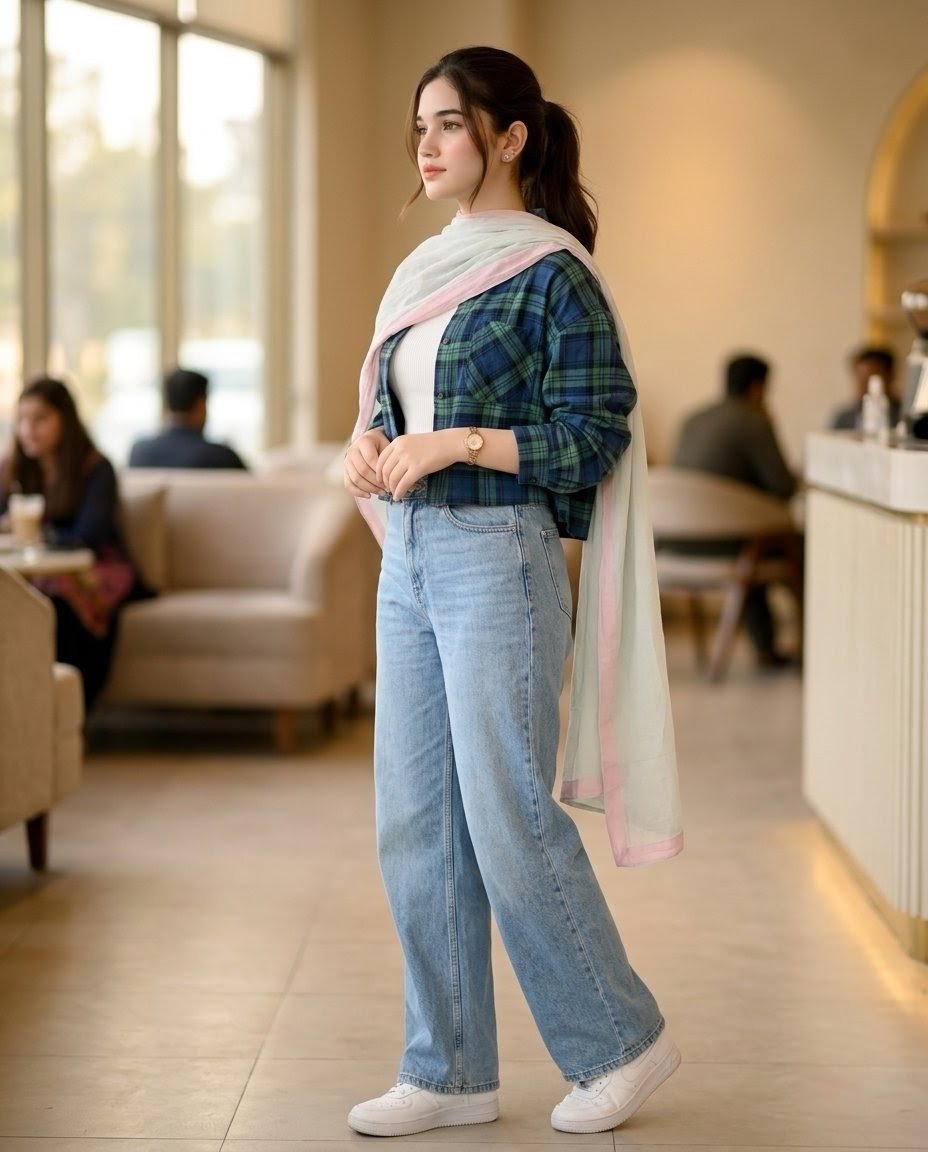
A realistic full-body editorial fashion portrait of a stylish Pakistani woman in modest modern streetwear inside a warm upscale café.
- Prompt included
- Model and format preset
- Free template
The prompt behind this image
Copy the exact prompt behind Pakistani Café Fashion Portrait, or open it in the studio and make it yours.
Create a hyper-realistic cinematic full-body fashion portrait of {argument name="character description" default="a stylish fair young Pakistani woman"} standing in a modern upscale café lounge, shown from head to shoes in a relaxed three-quarter side pose with her hands gently clasped at waist level. Her face is softly anonymized/blurred, and her dark hair is tied back in a neat low ponytail. She wears exactly 7 visible outfit and accessory elements: a blue-green oversized plaid cropped button-up shirt with rolled sleeves, a fitted white inner top, a sheer white dupatta with pale pink edging draped around her shoulders and flowing down her back, high-waisted light-wash wide-leg jeans, clean white low-top sneakers, a gold wristwatch, and small stud earrings. Use {argument name="fashion style" default="ultra-modern 2026 modest streetwear fashion"} with premium fabric texture and realistic stitching. The setting is a warm beige café interior with large bright windows on the left, soft sofas and seated customers in the background, a curved cream counter on the right, shallow depth of field, golden ambient lighting, and a polished tiled floor. Include exactly 4 blurred background people: one seated woman at the left foreground table, one seated person near the left window, and two seated men near the counter on the right. Shoot like a high-end editorial lifestyle photograph using an {argument name="camera lens" default="85mm lens"}, natural window light, creamy bokeh, realistic proportions, detailed denim texture, soft shadows, and a warm cinematic color grade. Avoid text, logos, watermarks, extra limbs, distorted hands, or exaggerated facial features.
How to use Pakistani Café Fashion Portrait in 3 steps
- 1Upload ImagePNG, JPG or paste
Add your photo
Upload the photo the template builds on. The prompt, model and format are already set.
- 2…a portrait of your subject in softgolden-hour light, 85mm…
Personalize
Edit the subject and creative details for your destination.
- 3Generate
Generate
Press Generate — your image is created in PicX Studio, so you can compare it with the original and refine one variable at a time.
More like this
Templates with the same subject, style or setup. Open one to see its prompt.

Nano Banana 2 High Fashion Sports Campai

Couture Fashion Editorial Woman and Drag

Ive Yujin Fashion Portrait in Blue

Nano Banana 2 Editorial Fashion Portrait

Caution Tape Fashion — Industrial Editorial

Rainy Café Window Moody Portrait

Nano Banana - Paris Cafe Editorial
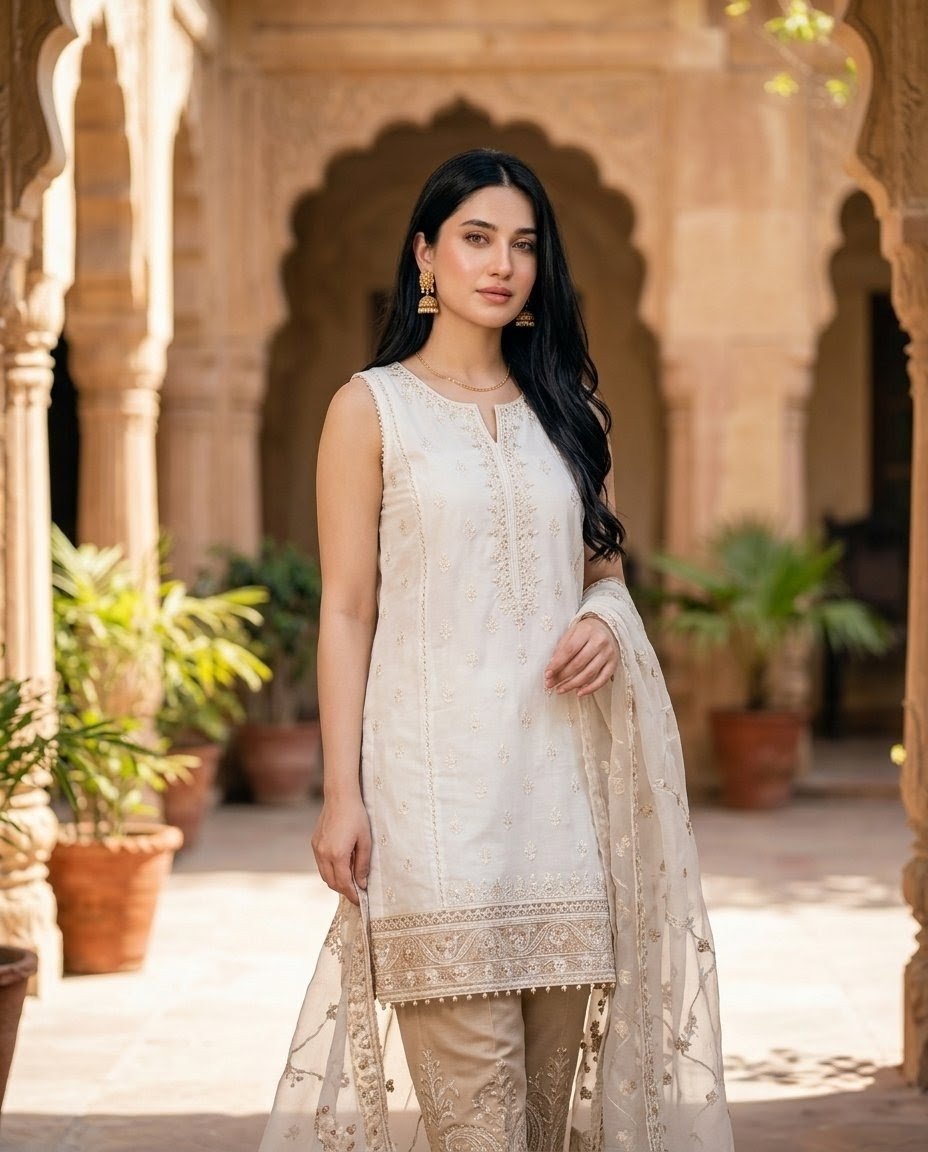
Pakistani Fashion Portrait in Mughal Courtyard
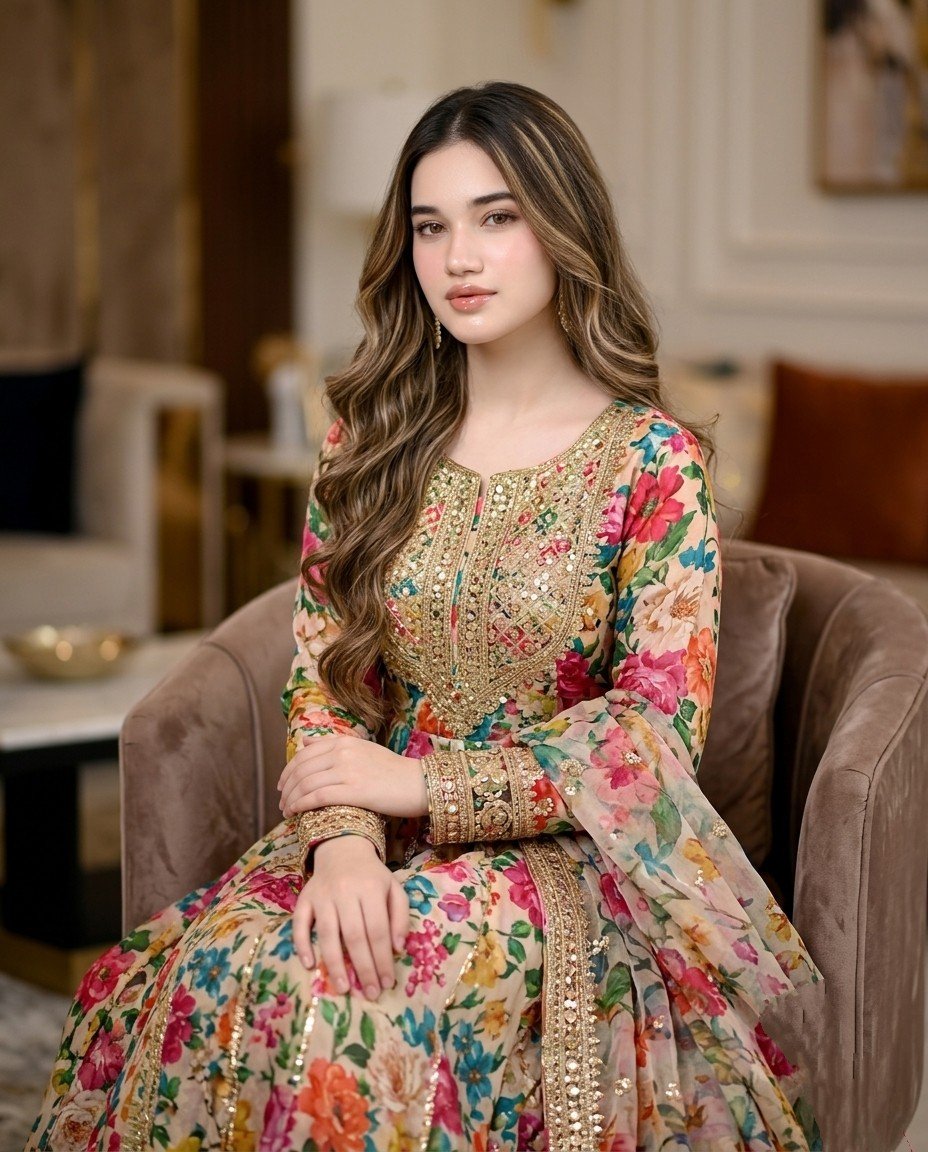
Pakistani Designer Fashion Portrait
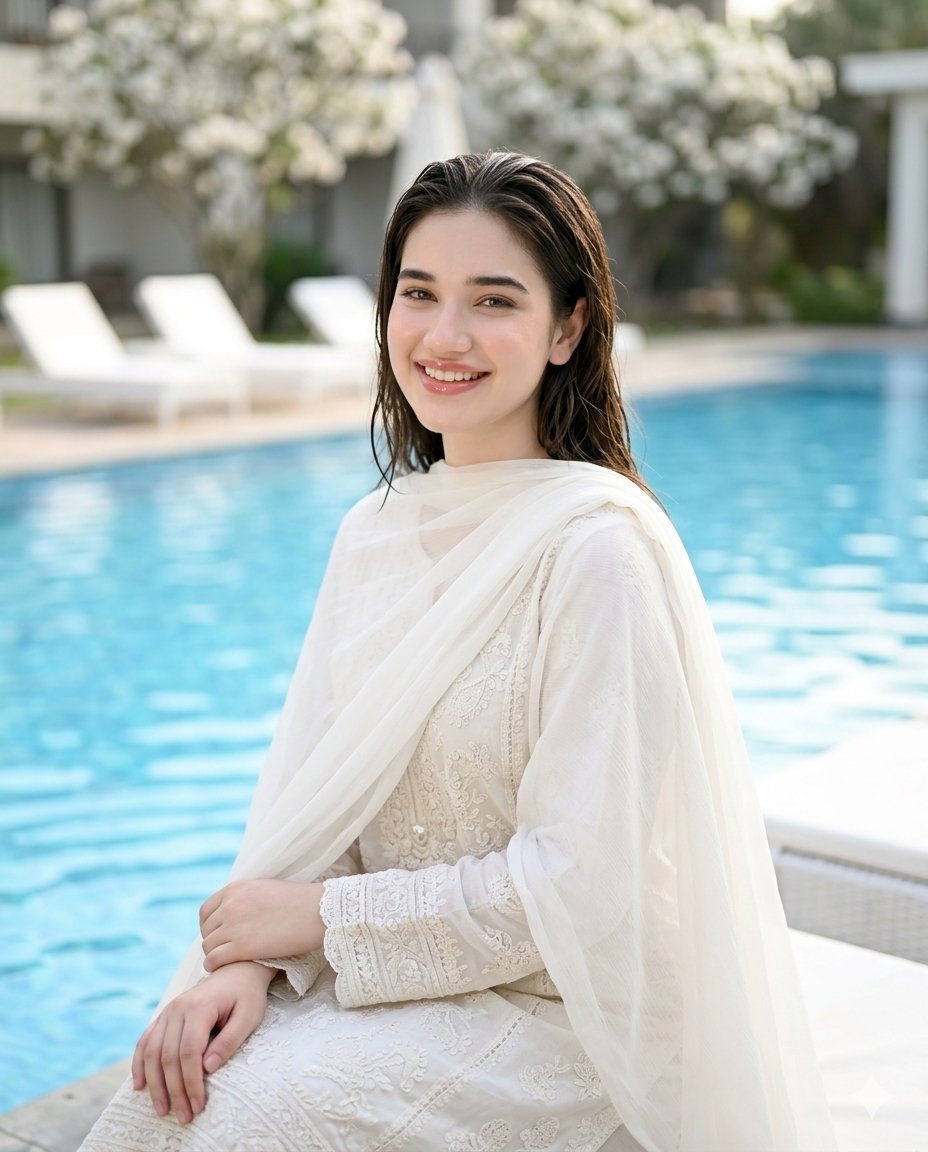
Poolside White Pakistani Fashion Portrait

Miniature Self Portrait Collage

Found Photograph: Us, 1970
Make it yours
Pakistani Café Fashion Portrait works as-is. These are the safest ways to change it without losing the look.
Change one field
Copy a single group, rewrite it, and generate again so you can see what that field is doing.
Keep the frame, change the subject
Hold the composition and light of Pakistani Café Fashion Portrait, then swap wardrobe, props or the person for a new take.
| If the result… | Why | Fix |
|---|---|---|
| The result drifts from the preview | Too many fields changed at once. | Reuse Pakistani Café Fashion Portrait as-is first, then change one group — subject, light, or setting. |
| The model over-stylizes the scene | The prose prompt leaves finish and camera underspecified. | Add one camera or lighting sentence and stay on GPT Image 2. |
More GPT Image 2 templates
Other prompts made for GPT Image 2.

Six VTuber Japanese Logo Sheet

Realistic Portrait of Woman and Deer

The Vista Modular Condo Poster

AI Model Routing Comparison Infographic

2.5D Anime Art Board

Isometric Productivity Desk Scene

New York Double Exposure Poster

Four-Panel AI Landscape Comparison

Japanese Tatami Lifestyle Magazine Cover

NESCAFÉ Coffee Map Poster
More image prompts
Fresh picks from across the catalog.
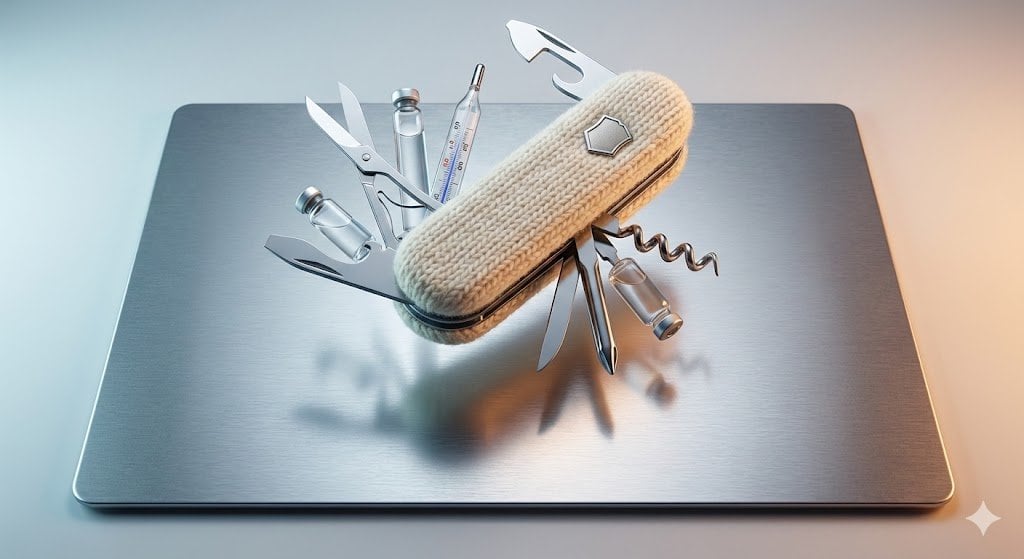
Product Photography Prompt: Swiss Army Knife
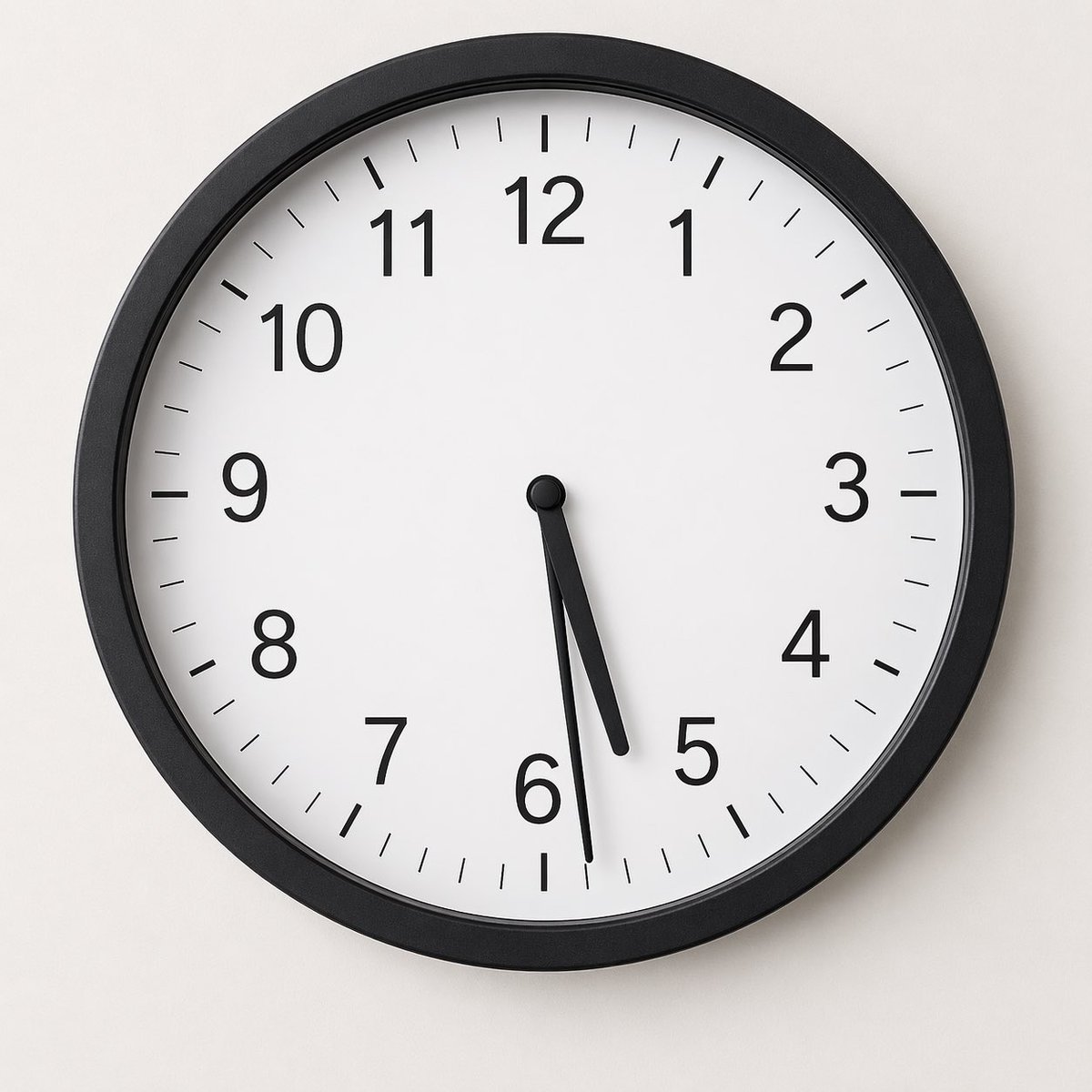
Minimal Analog Wall Clock at 05:29
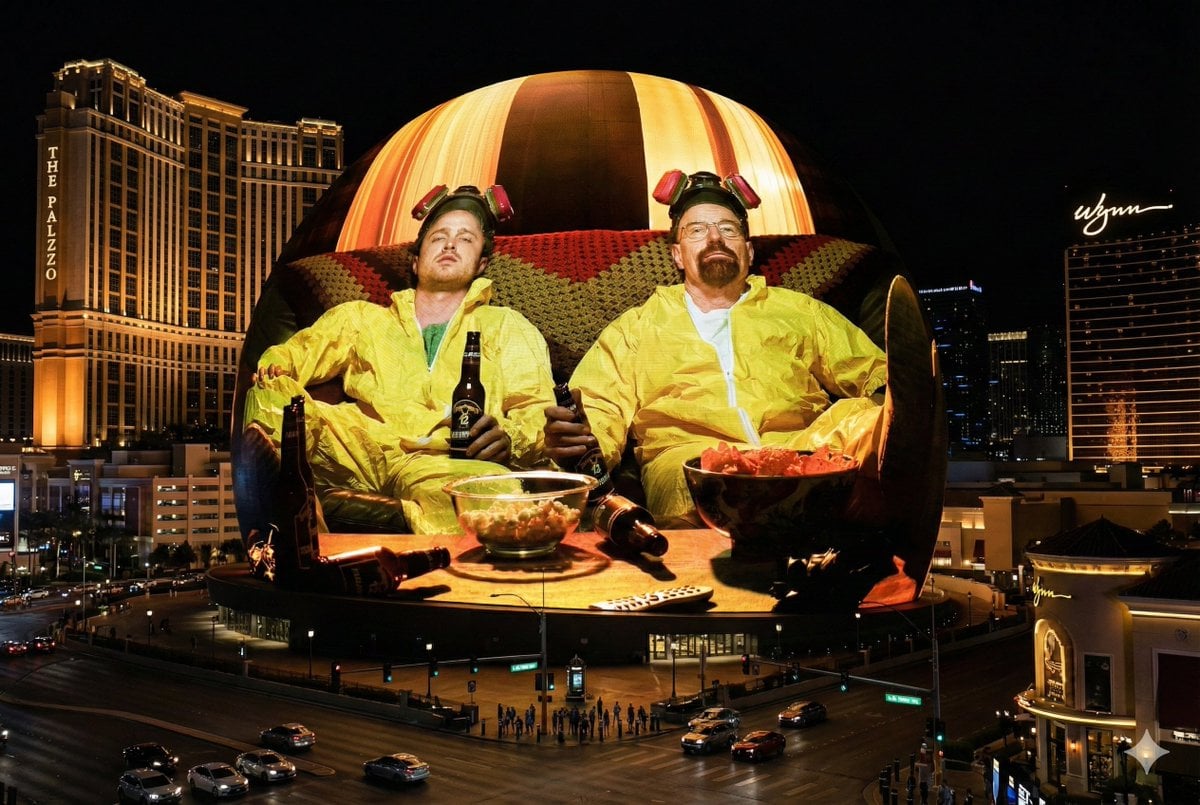
Image Projection onto Las Vegas Sphere
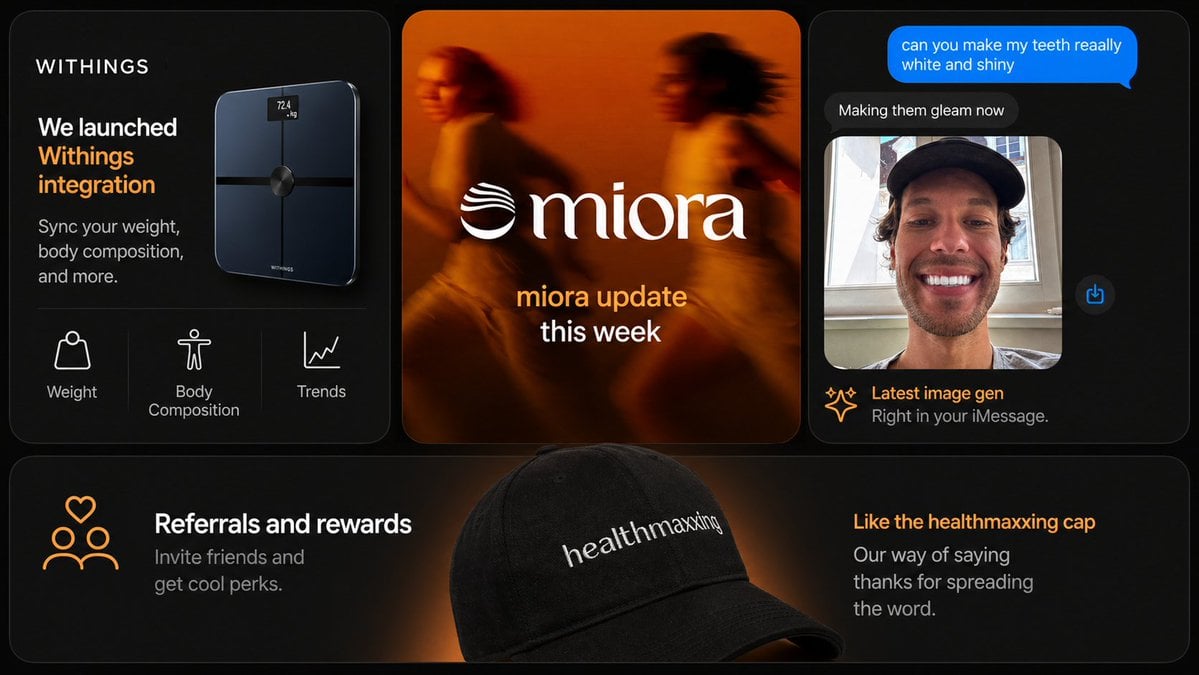
Dark Tech Marketing Slide Collage
Korean Style Illustrated Desktop Calendar
Ultra-Photoreal Candid Street Romance Film Still
Gothic Lolita board game generator
Bookshelf Logic and Spatial Reasoning Prompt

untitled
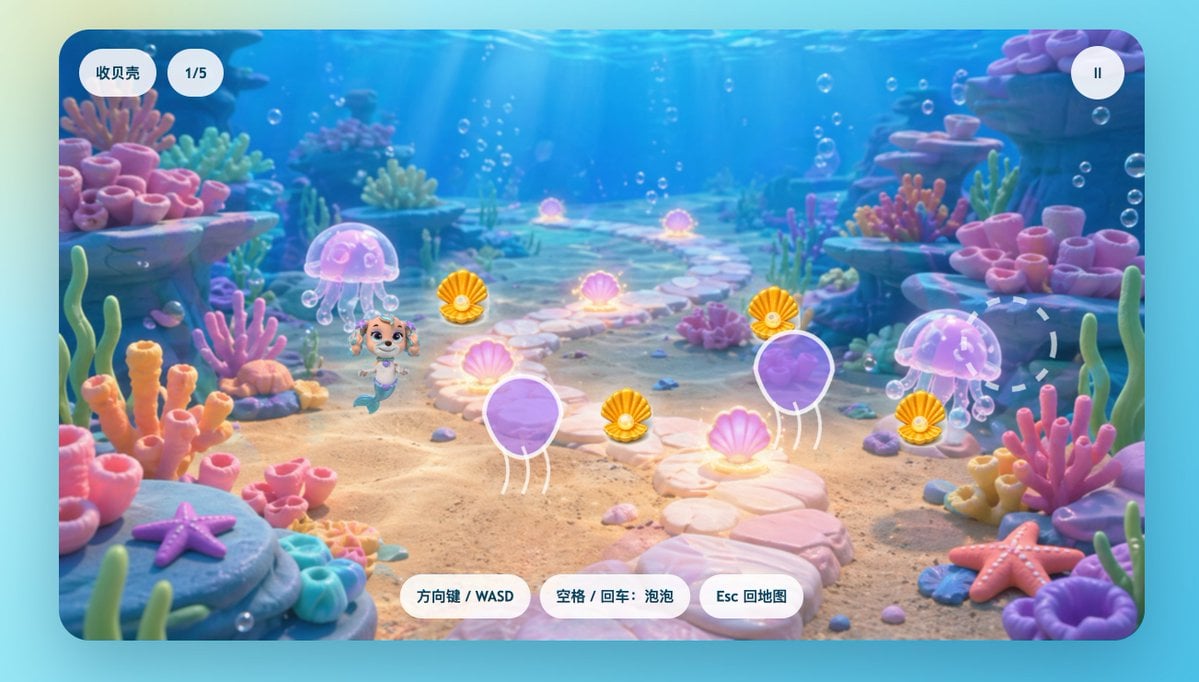
Cute Mermaid Puppy Underwater Game Screen
Browse template categories
Pakistani Café Fashion Portrait questions
How do I use the Pakistani Café Fashion Portrait template?
Add your photo if the template asks for one, edit the prompt if you like — the template's model and format are already selected — and press Generate. Your version opens in PicX Studio.
Can I customize the Pakistani Café Fashion Portrait template?
Yes. You can change the subject, setting, lighting, mood, format, and available model controls before creating your image.
Is the Pakistani Café Fashion Portrait template free?
Opening and editing this template is free. Generating uses credits, shown on the Generate button when you are signed in.
Which AI model should I use?
Start with GPT Image 2, which is the model associated with this template. You can compare another compatible model for a different finish.
Looking for something else? Browse all templates.

Your photo, any look
Thousands of ready templates for every top image and video model, from one credit balance.