
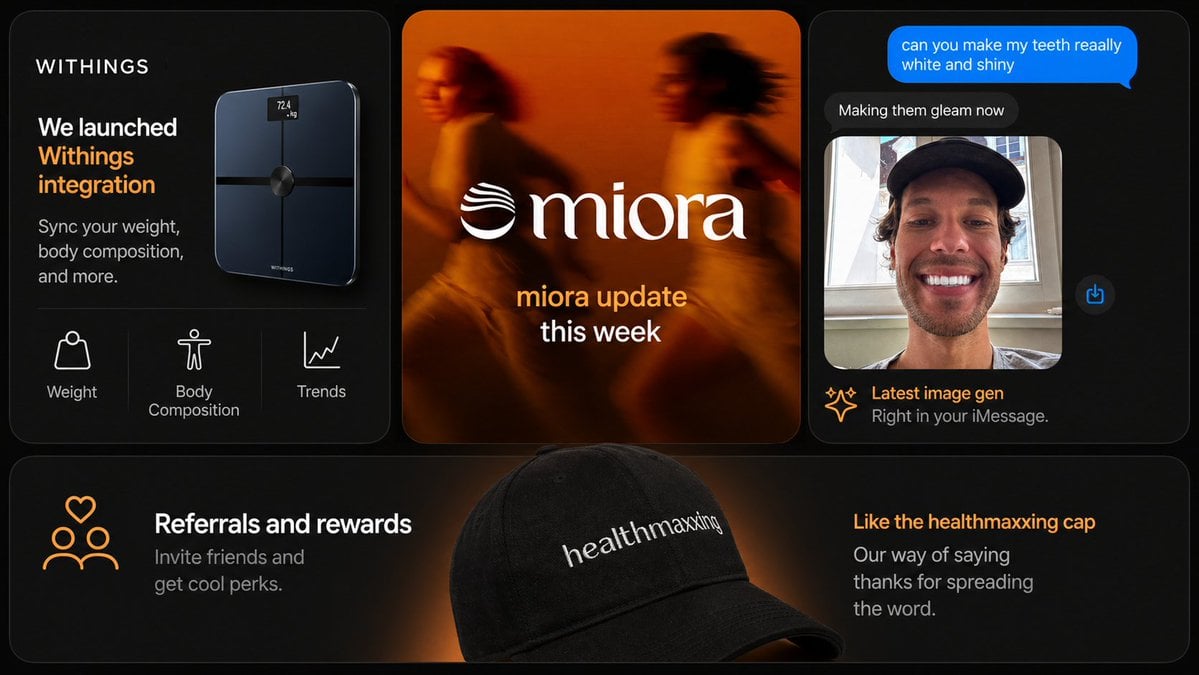
Dark Tech Marketing Slide Collage
A premium multi-panel startup marketing slide featuring app integration, brand update, AI image chat, and referral merchandise, suitable for social posts or presentation decks.
- Prompt included
- Model and format preset
- Free template
The prompt behind this image
Copy the exact prompt behind Dark Tech Marketing Slide Collage, or open it in the studio and make it yours.
- Type
- modern marketing slide collage
- Style
- premium dark-mode tech brand presentation, sleek product marketing, soft glow lighting, rounded-corner cards, subtle gradients, high contrast, polished startup aesthetic
- Canvas › Aspect Ratio
- 16:9
- Canvas › Background
- deep black with faint warm orange glow accents
- Brand › Name
- {argument name="brand name" default="WITHINGS"}
- Brand › Accent Color
- warm orange
- Layout › Structure
- 3 cards across the top row and 1 wide banner card across the full bottom row
- Layout › Card Count
- 4
- Layout › Sections › 0 › Title
- smart scale product card
- Layout › Sections › 0 › Position
- top-left
- Layout › Sections › 0 › Count
- 3
- Layout › Sections › 0 › Labels
- Weight, Body Composition, Trends
- Layout › Sections › 0 › Content
- dark card with the brand name at top left, large white and orange headline reading 'We launched Withings integration', smaller subtext 'Sync your weight, body composition, and more.', a glossy black smart scale floating on the right side with a tiny illuminated screen reading '72.4 kg', and a bottom feature row separated by thin dividers showing 3 white line icons with labels
- Layout › Sections › 1 › Title
- brand update card
- Layout › Sections › 1 › Position
- top-center
- Layout › Sections › 1 › Count
- 1
- Layout › Sections › 1 › Labels
- miora update this week
- Layout › Sections › 1 › Content
- warm blurred orange-toned lifestyle image of 2 runners in motion, large centered white serif logo text '{argument name="center brand" default="miora"}' with a wave-like emblem to the left, and stacked lower text with the first line in orange and second line in white
- Layout › Sections › 2 › Title
- chat image generation card
- Layout › Sections › 2 › Position
- top-right
- Layout › Sections › 2 › Count
- 4
- Layout › Sections › 2 › Labels
- can you make my teeth reaally white and shiny, Making them gleam now, Latest image gen, Right in your iMessage.
- Layout › Sections › 2 › Content
- dark iMessage-style phone conversation interface, bright blue outgoing message bubble at the top, dark gray reply bubble below, a portrait photo preview underneath showing a person in a black cap in front of a window with the face obscured by a rectangular blur, a small blue share icon floating to the right, and a footer caption with a spark icon, orange headline, and gray subtext
- Layout › Sections › 3 › Title
- referral banner card
Raw JSON
{"type":"modern marketing slide collage","style":"premium dark-mode tech brand presentation, sleek product marketing, soft glow lighting, rounded-corner cards, subtle gradients, high contrast, polished startup aesthetic","canvas":{"aspect_ratio":"16:9","background":"deep black with faint warm orange glow accents"},"brand":{"name":"{argument name=\"brand name\" default=\"WITHINGS\"}","accent_color":"warm orange"},"layout":{"structure":"3 cards across the top row and 1 wide banner card across the full bottom row","card_count":4,"sections":[{"title":"smart scale product card","position":"top-left","count":3,"labels":["Weight","Body Composition","Trends"],"content":"dark card with the brand name at top left, large white and orange headline reading 'We launched Withings integration', smaller subtext 'Sync your weight, body composition, and more.', a glossy black smart scale floating on the right side with a tiny illuminated screen reading '72.4 kg', and a bottom feature row separated by thin dividers showing 3 white line icons with labels"},{"title":"brand update card","position":"top-center","count":1,"labels":["miora update this week"],"content":"warm blurred orange-toned lifestyle image of 2 runners in motion, large centered white serif logo text '{argument name=\"center brand\" default=\"miora\"}' with a wave-like emblem to the left, and stacked lower text with the first line in orange and second line in white"},{"title":"chat image generation card","position":"top-right","count":4,"labels":["can you make my teeth reaally white and shiny","Making them gleam now","Latest image gen","Right in your iMessage."],"content":"dark iMessage-style phone conversation interface, bright blue outgoing message bubble at the top, dark gray reply bubble below, a portrait photo preview underneath showing a person in a black cap in front of a window with the face obscured by a rectangular blur, a small blue share icon floating to the right, and a footer caption with a spark icon, orange headline, and gray subtext"},{"title":"referral banner card","position":"bottom full-width","count":2,"labels":["Referrals and rewards","Like the healthmaxxing cap"],"content":"wide dark banner with a soft orange spotlight behind a large black baseball cap in the center foreground, white embroidered text on the cap reading '{argument name=\"cap text\" default=\"healthmaxxing\"}', left side has an orange line icon of 3 people with a heart above plus a white headline and gray subtext 'Invite friends and get cool perks.', right side has an orange headline and gray subtext 'Our way of saying thanks for spreading the word.'"}]},"design_details":{"corners":"large rounded corners on every card","borders":"subtle thin gray outlines","spacing":"even gutters between cards","typography":"clean sans-serif for UI and marketing copy, elegant serif for the center logo wordmark","lighting":"moody black background with orange rim lighting and glow","product_rendering":"high-end realistic 3D product and accessory rendering","ui_style":"minimal premium app/store promo aesthetic"},"text_overrides":{"top_left_brand":"{argument name=\"headline brand\" default=\"WITHINGS\"}","center_update_line":"{argument name=\"update text\" default=\"miora update this week\"}"}}How to use Dark Tech Marketing Slide Collage in 3 steps
- 1Upload ImagePNG, JPG or paste
Add your photo
Upload the photo the template builds on. The prompt, model and format are already set.
- 2…a portrait of your subject in softgolden-hour light, 85mm…
Personalize
Edit the subject and creative details for your destination.
- 3Generate
Generate
Press Generate — your image is created in PicX Studio, so you can compare it with the original and refine one variable at a time.
More like this
Templates with the same subject, style or setup. Open one to see its prompt.












Make it yours
Dark Tech Marketing Slide Collage works as-is. These are the safest ways to change it without losing the look.
Swap the setting
Keep the rest of the prompt and replace the location block. The current setting is “deep black with faint warm orange glow accents”.
Swap the light
One lighting change is enough to compare takes. Current light: “moody black background with orange rim lighting and glow”.
Change one field
Copy a single group, rewrite it, and generate again so you can see what that field is doing.
| If the result… | Why | Fix |
|---|---|---|
| The result drifts from the preview | Too many fields changed at once. | Reuse Dark Tech Marketing Slide Collage as-is first, then change one group — subject, light, or setting. |
| GPT Image 2 ignores part of the JSON | Some models flatten or skip nested keys. | Keep the same values and paste them as a short paragraph instead. |
More GPT Image 2 templates
Other prompts made for GPT Image 2.

Six VTuber Japanese Logo Sheet

Realistic Portrait of Woman and Deer

The Vista Modular Condo Poster

AI Model Routing Comparison Infographic

2.5D Anime Art Board

Isometric Productivity Desk Scene

New York Double Exposure Poster

Four-Panel AI Landscape Comparison

Japanese Tatami Lifestyle Magazine Cover

NESCAFÉ Coffee Map Poster
More image prompts
Fresh picks from across the catalog.

Luxury Cosmetic Product Photography
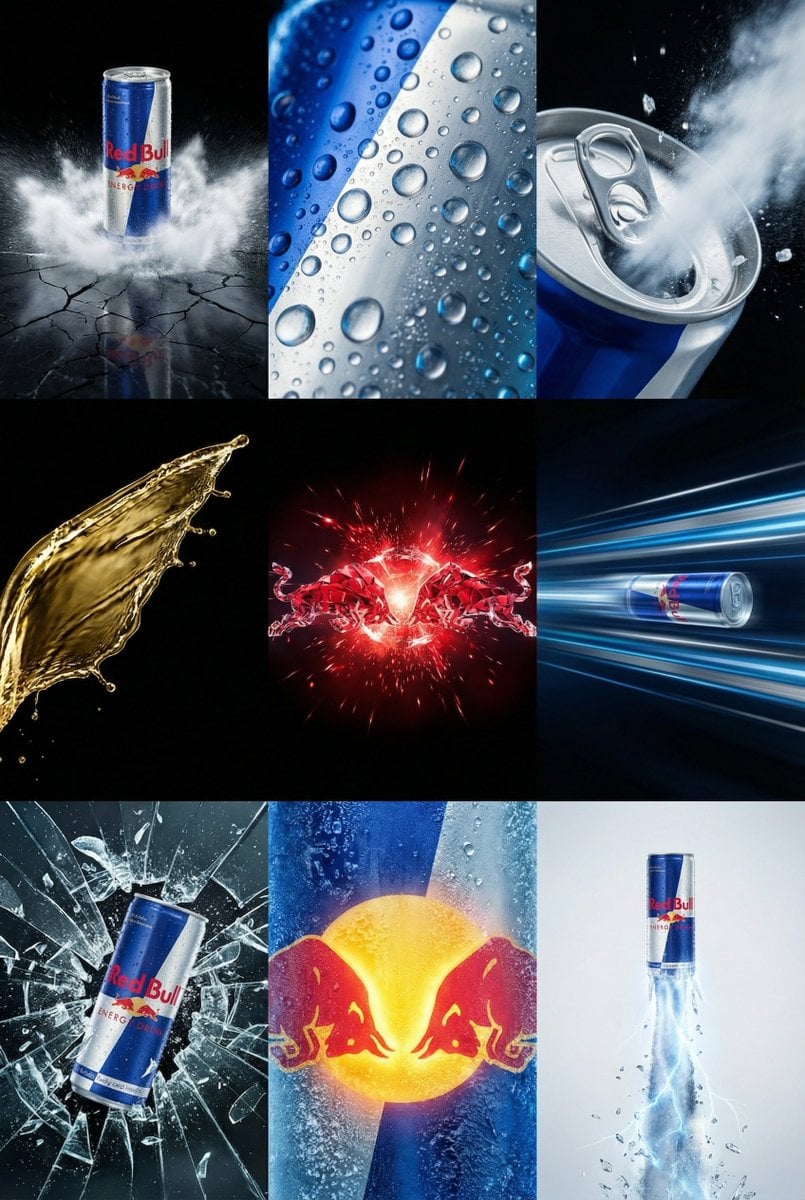
Red Bull Commercial Grid Collage Prompt (JSON)
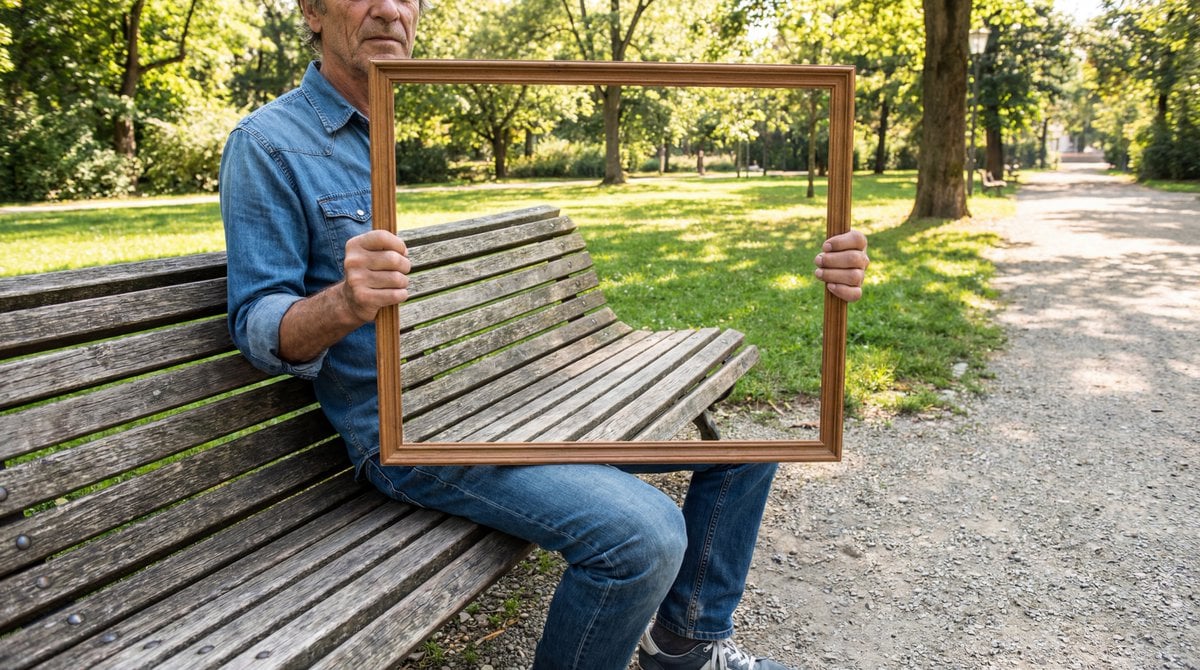
Illusion Image: Invisible Torso Cut-Out

Cinematic Fashion Portrait on a Paris Rooftop

Christmas Miniature Food Diorama Prompt (Croissant Workshop)

Medieval Fantasy Army Camp Scene

Panel Product Storyboard Mockup Prompt

Minecraft Speedrun Screenshot
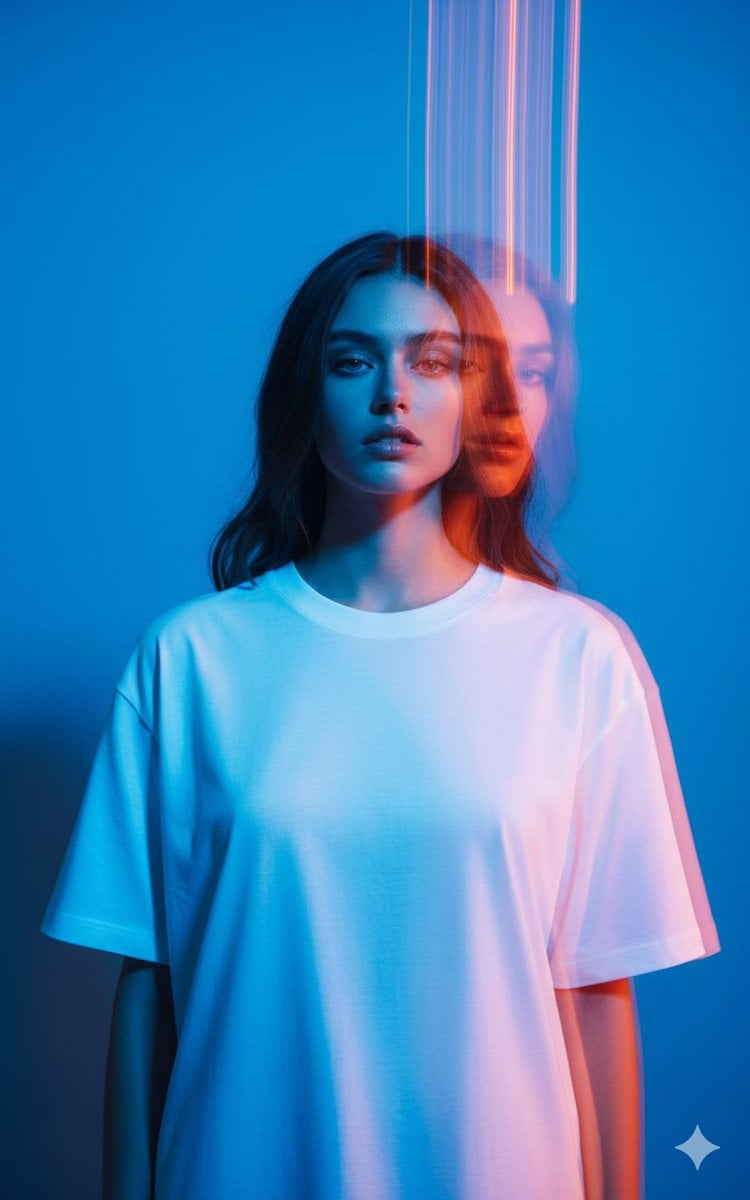
High-Fashion Multi-Exposure Portrait Prompt
Dark Cyber Elf With Crimson Blade
Browse template categories
Dark Tech Marketing Slide Collage questions
How do I use the Dark Tech Marketing Slide Collage template?
Add your photo if the template asks for one, edit the prompt if you like — the template's model and format are already selected — and press Generate. Your version opens in PicX Studio.
Can I customize the Dark Tech Marketing Slide Collage template?
Yes. You can change the subject, setting, lighting, mood, format, and available model controls before creating your image.
Is the Dark Tech Marketing Slide Collage template free?
Opening and editing this template is free. Generating uses credits, shown on the Generate button when you are signed in.
Which AI model should I use?
Start with GPT Image 2, which is the model associated with this template. You can compare another compatible model for a different finish.
Looking for something else? Browse all templates.

Your photo, any look
Thousands of ready templates for every top image and video model, from one credit balance.