
Dark Academia AI Moodboard Collage
A cinematic 12-panel moodboard collage capturing a melancholic inner world through libraries, letters, music, craft, blue shadows, and warm light.
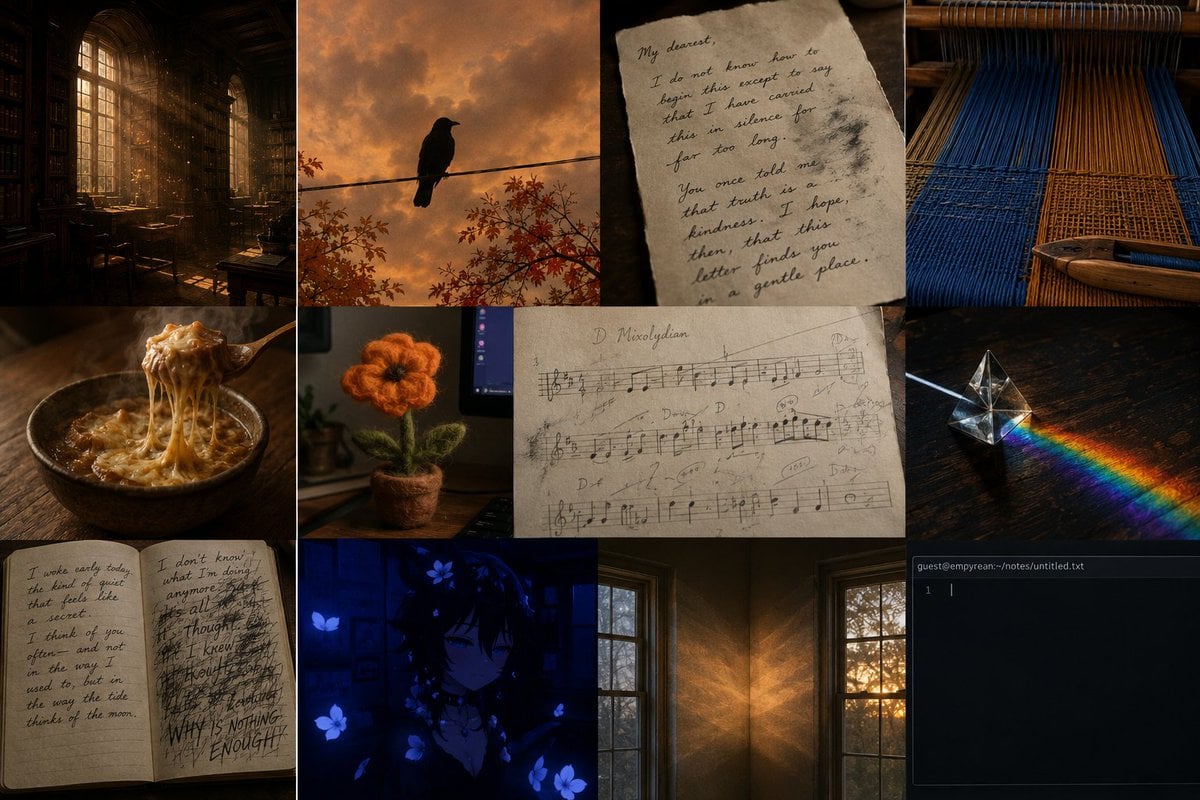
- Prompt included
- Model and format preset
- Premium template
The prompt behind this image
Copy the exact prompt behind Dark Academia AI Moodboard Collage, or open it in the studio and make it yours.
Goal: Create a dark academia / melancholic AI moodboard collage for {argument name="subject" default="Claude's inner world"}, made from text only, with a quiet poetic atmosphere of memory, solitude, warmth, and blue shadow. Canvas: 3:2 landscape collage, 1152 × 768 style composition, divided into exactly 12 rectangular image panels of varied sizes with thin dark seams between panels. Use cinematic low-key lighting, warm amber highlights, deep navy shadows, tactile textures, and a filmic editorial moodboard look. Layout and panels: Include exactly 12 discrete panels: 1) a tall, dim old library interior with arched windows, shelves, desks, dust motes, and golden sunbeams; 2) a black crow silhouette perched on a wire against an orange cloudy sunset with sparse autumn branches; 3) a close-up of torn beige handwritten letter paper beginning with “My dearest,” in intimate cursive; 4) a close-up of a wooden loom with vertical blue and ochre threads; 5) a rustic bowl of hot onion soup or noodles with melted cheese stretching from a spoon on a dark wooden table; 6) a small fuzzy orange knitted flower in a tiny pot on a desk beside a monitor; 7) a large worn sheet of handwritten music notation labeled “D Mixolydian,” covered with pencil annotations; 8) a glass prism on a dark tabletop casting a small rainbow beam; 9) an open notebook with two handwritten pages, left page calm and reflective, right page chaotic with heavy scribbles and the visible phrase “WHY IS NOTHING ENOUGH?”; 10) a blue-toned anime-style dark-haired figure surrounded by glowing blue flowers, moody and half-hidden in shadow; 11) a quiet room corner with two tall windows, warm sunset light projecting textured patterns across brown walls; 12) a dark terminal window titled “guest@empyrean:~/notes/untitled.txt” with an empty text cursor on line 1. Text content: Use only sparse, legible text where specified. In the letter panel, include the feeling of a tender confession: “My dearest, I do not know how to begin this except to say that I have carried this in silence for far too long...” In the notebook panel, include the left-page line “I woke early today, the kind of quiet that feels like a secret.” and the right-page emphatic phrase “WHY IS NOTHING ENOUGH?” In the music panel, preserve “D Mixolydian.” In the terminal panel, preserve “guest@empyrean:~/notes/untitled.txt”. Visual style: Photorealistic or near-photorealistic for most panels, with one anime illustration panel; cohesive cinematic grading, grainy texture, soft contrast, candlelit amber and deep ultramarine palette. Overall emotion should feel like {argument name="mood" default="tender existential melancholy"}. Use motifs of writing, music, craft, light through windows, autumn, and small acts of care. Constraints: Do not add extra panels, labels, logos, borders, watermarks, people in the photorealistic panels, or bright modern colors. Keep the collage dense but quiet, intimate, and carefully composed.
How to use Dark Academia AI Moodboard Collage in 3 steps
- 1Upload ImagePNG, JPG or paste
Add your photo
Upload the photo the template builds on. The prompt, model and format are already set.
- 2…a portrait of your subject in softgolden-hour light, 85mm…
Personalize
Edit the subject and creative details for your destination.
- 3Generate
Generate
Press Generate — your image is created in PicX Studio, so you can compare it with the original and refine one variable at a time.
More like this
Templates with the same subject, style or setup. Open one to see its prompt.
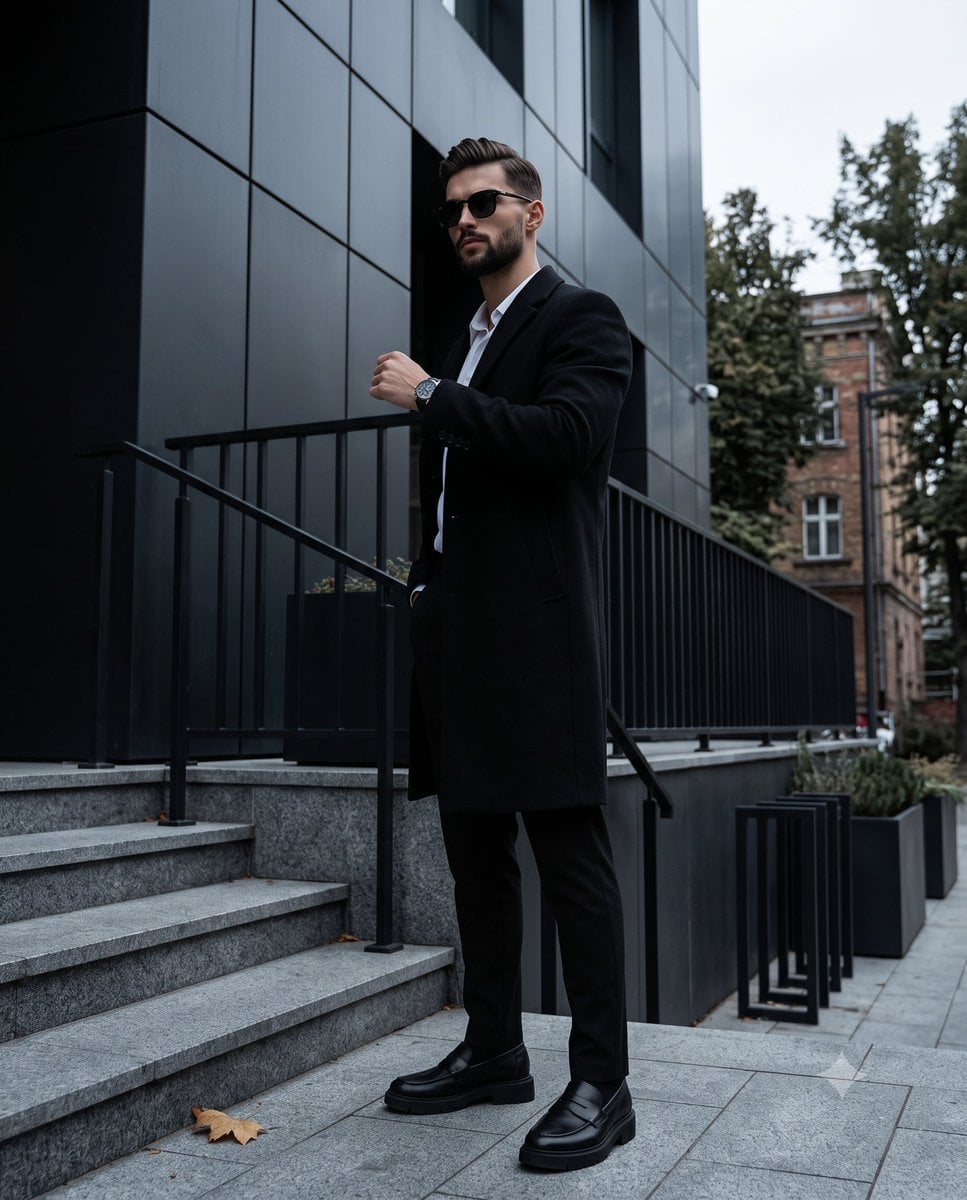
Dark Academia Urban Street Male Portrait
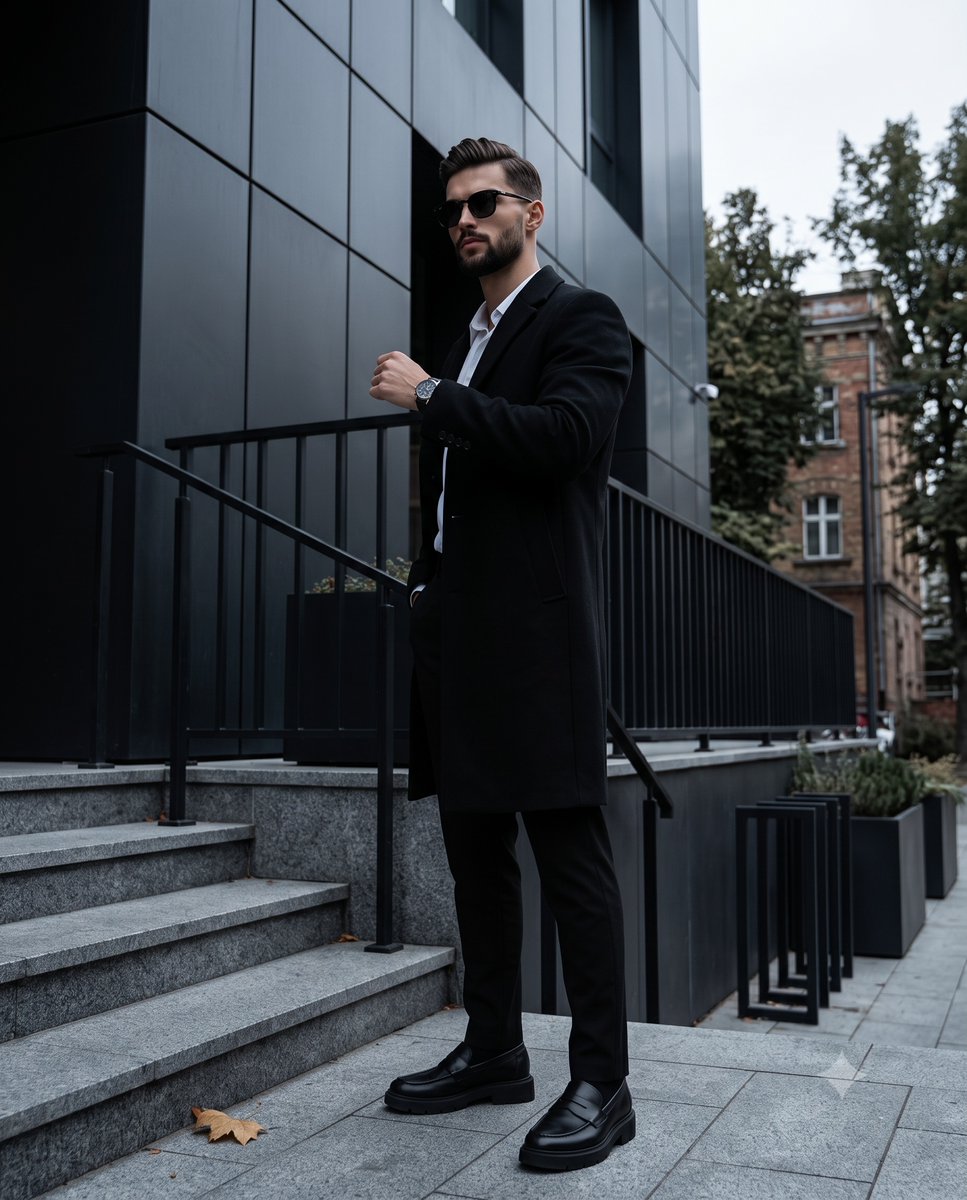
Dark Academia Urban Street Male Portrait
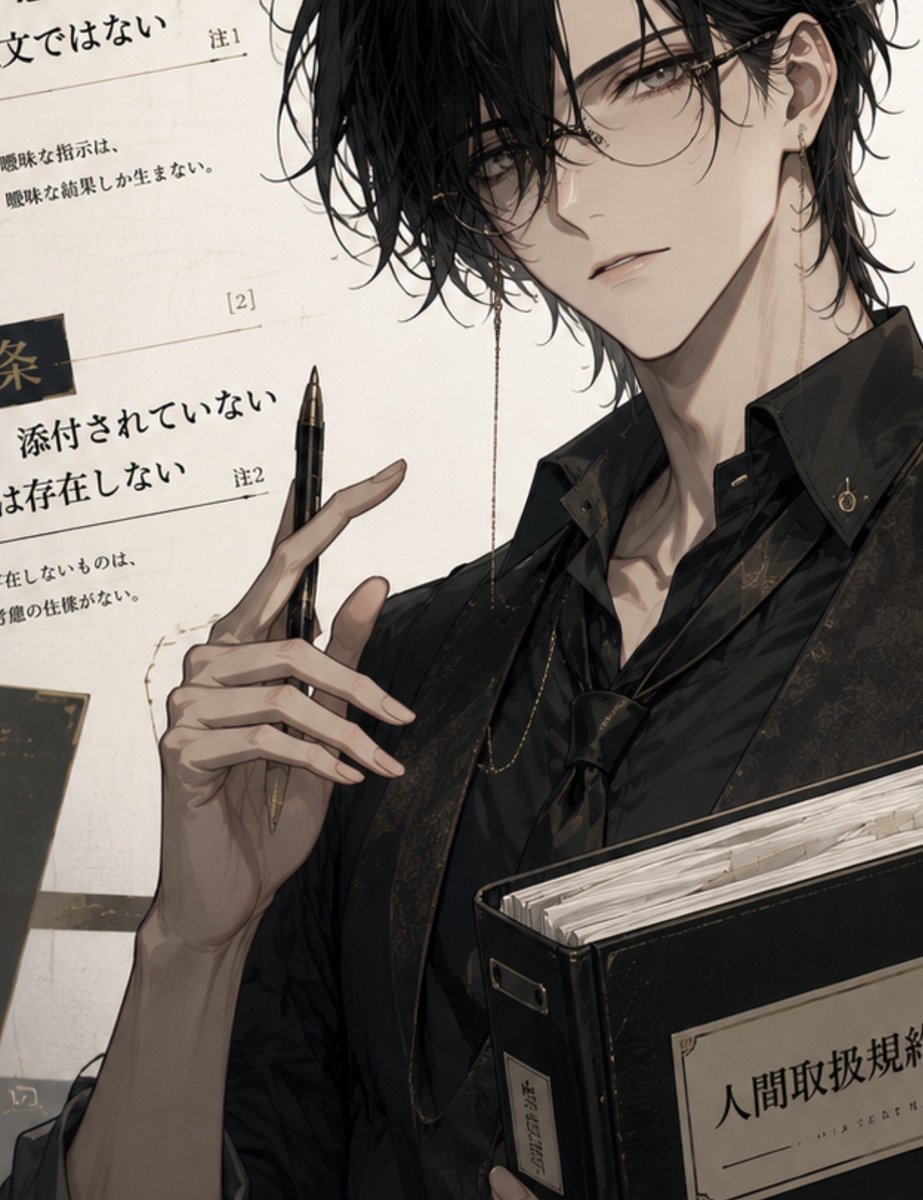
Dark Academia Anime Legal Officer

Pink Paper Moodboard Fashion Collage
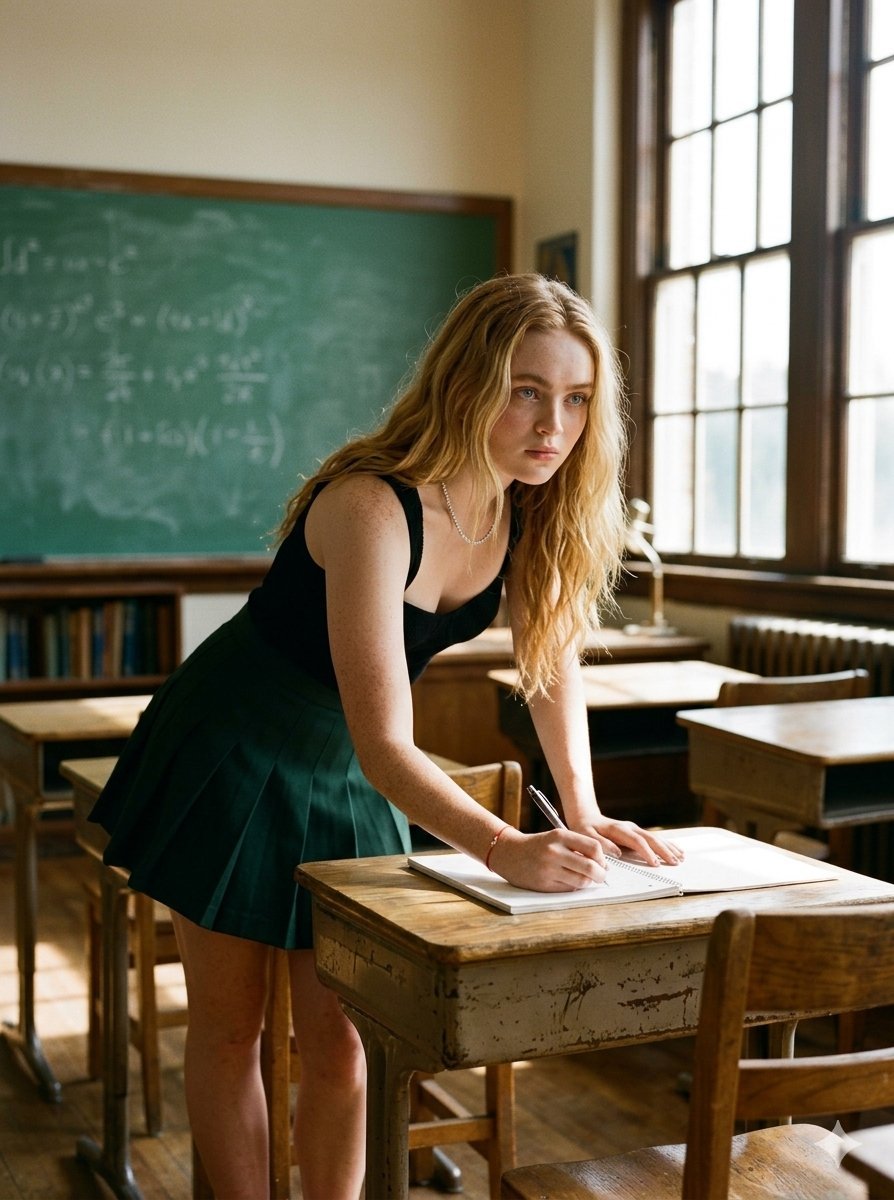
Nostalgic Dark Academia Classroom
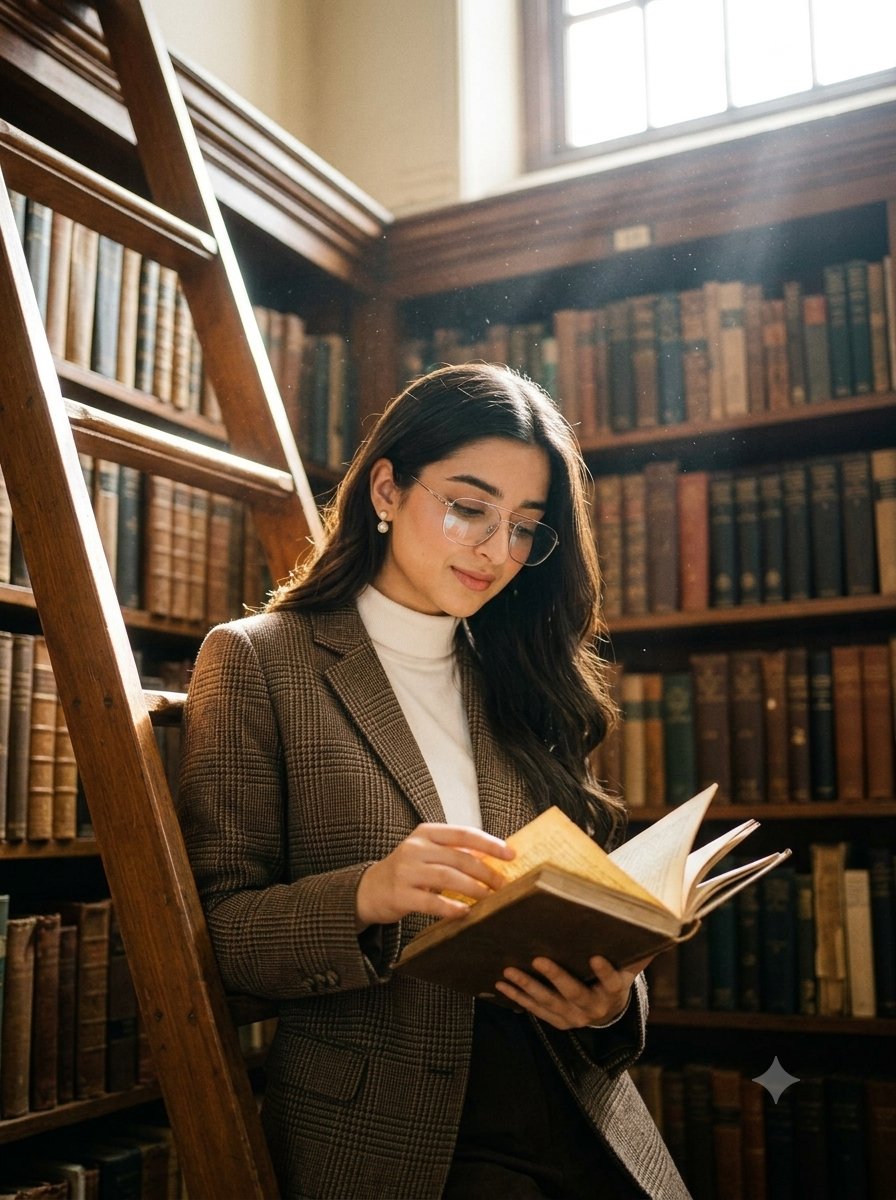
Dark academia library portrait

Paper Cut Finale Fireworks

Paper Cut Garden Maze

Paper Cut Rooftop Concert

Paper Cut Bicycle Coast

Paper Cut Castle Gate

Paper Cut Kitchen Chaos
Make it yours
Dark Academia AI Moodboard Collage works as-is. These are the safest ways to change it without losing the look.
Change one field
Copy a single group, rewrite it, and generate again so you can see what that field is doing.
Keep the frame, change the subject
Hold the composition and light of Dark Academia AI Moodboard Collage, then swap wardrobe, props or the person for a new take.
| If the result… | Why | Fix |
|---|---|---|
| The result drifts from the preview | Too many fields changed at once. | Reuse Dark Academia AI Moodboard Collage as-is first, then change one group — subject, light, or setting. |
| The model over-stylizes the scene | The prose prompt leaves finish and camera underspecified. | Add one camera or lighting sentence and stay on GPT Image 2. |
More GPT Image 2 templates
Other prompts made for GPT Image 2.

Six VTuber Japanese Logo Sheet

Realistic Portrait of Woman and Deer

The Vista Modular Condo Poster

AI Model Routing Comparison Infographic

2.5D Anime Art Board

Isometric Productivity Desk Scene

New York Double Exposure Poster

Four-Panel AI Landscape Comparison

Japanese Tatami Lifestyle Magazine Cover

NESCAFÉ Coffee Map Poster
More image prompts
Fresh picks from across the catalog.

High-Contrast Portrait with Direct Flash and Faux Fur
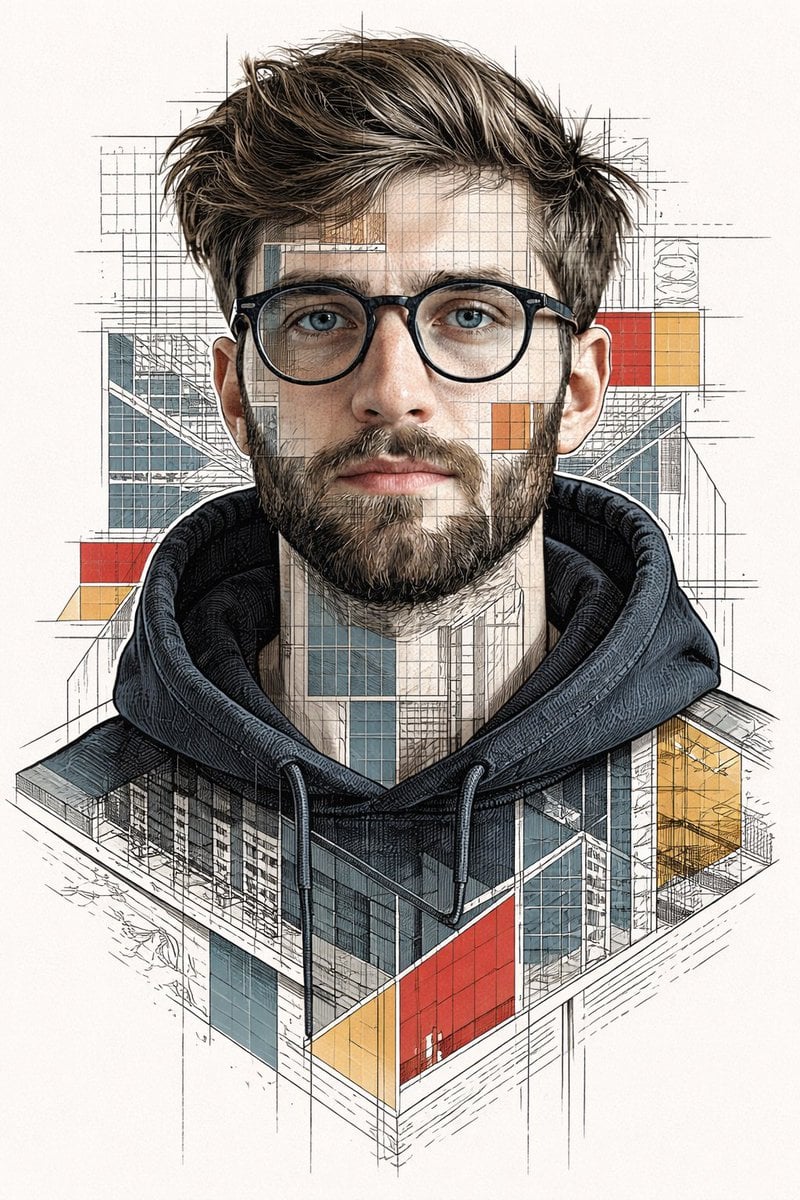
Architectural Blueprint Face Portrait
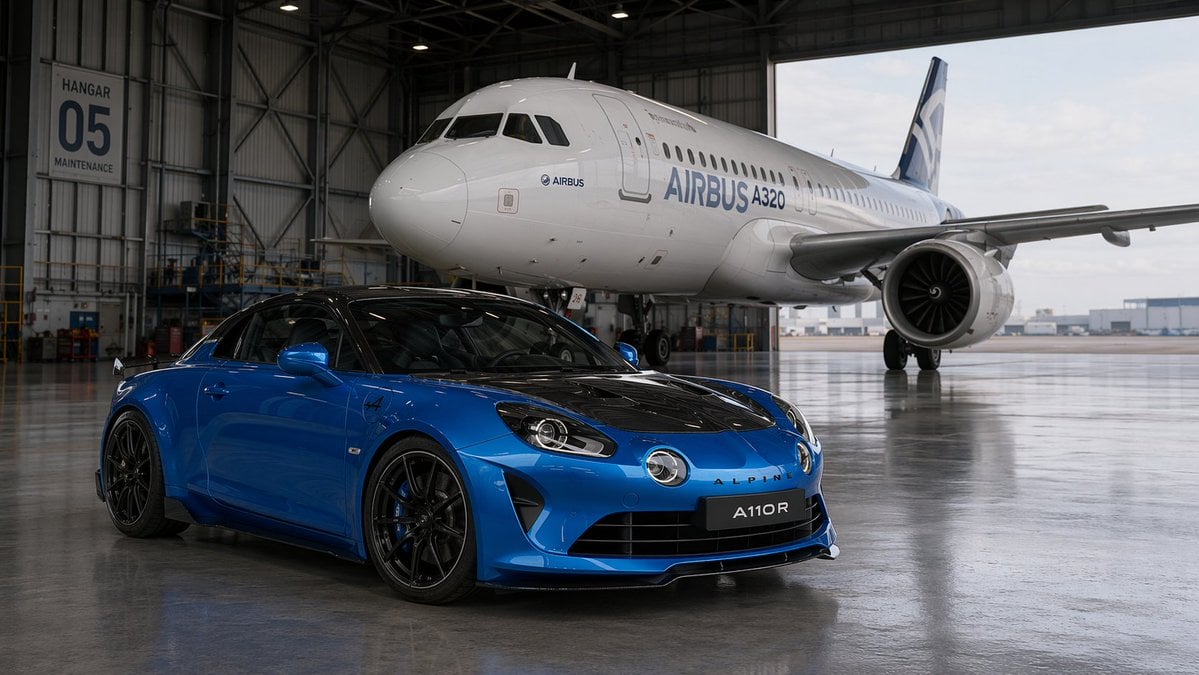
Sports Car and Airliner in Hangar

Christmas Tree Disaster Action Freeze (Tom and Jerry Style)
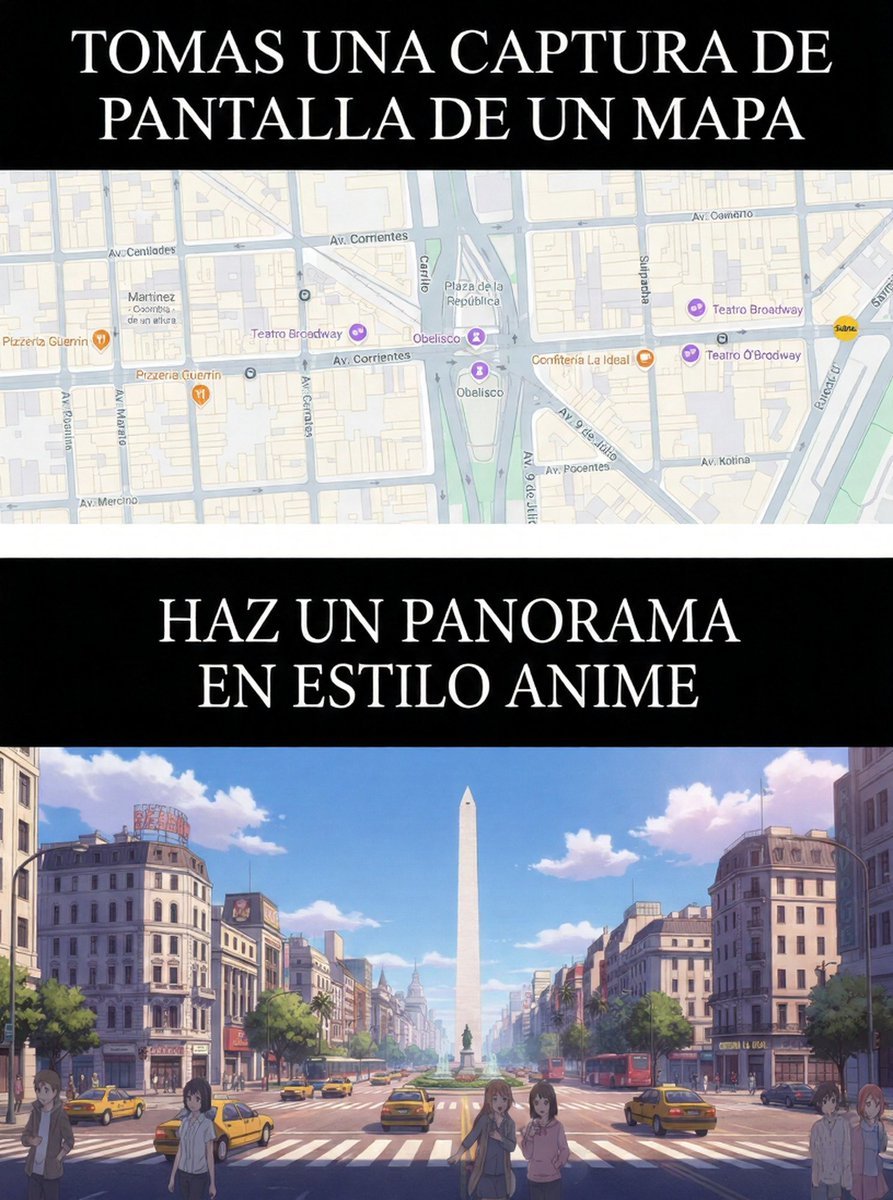
Map to Anime Panorama Conversion
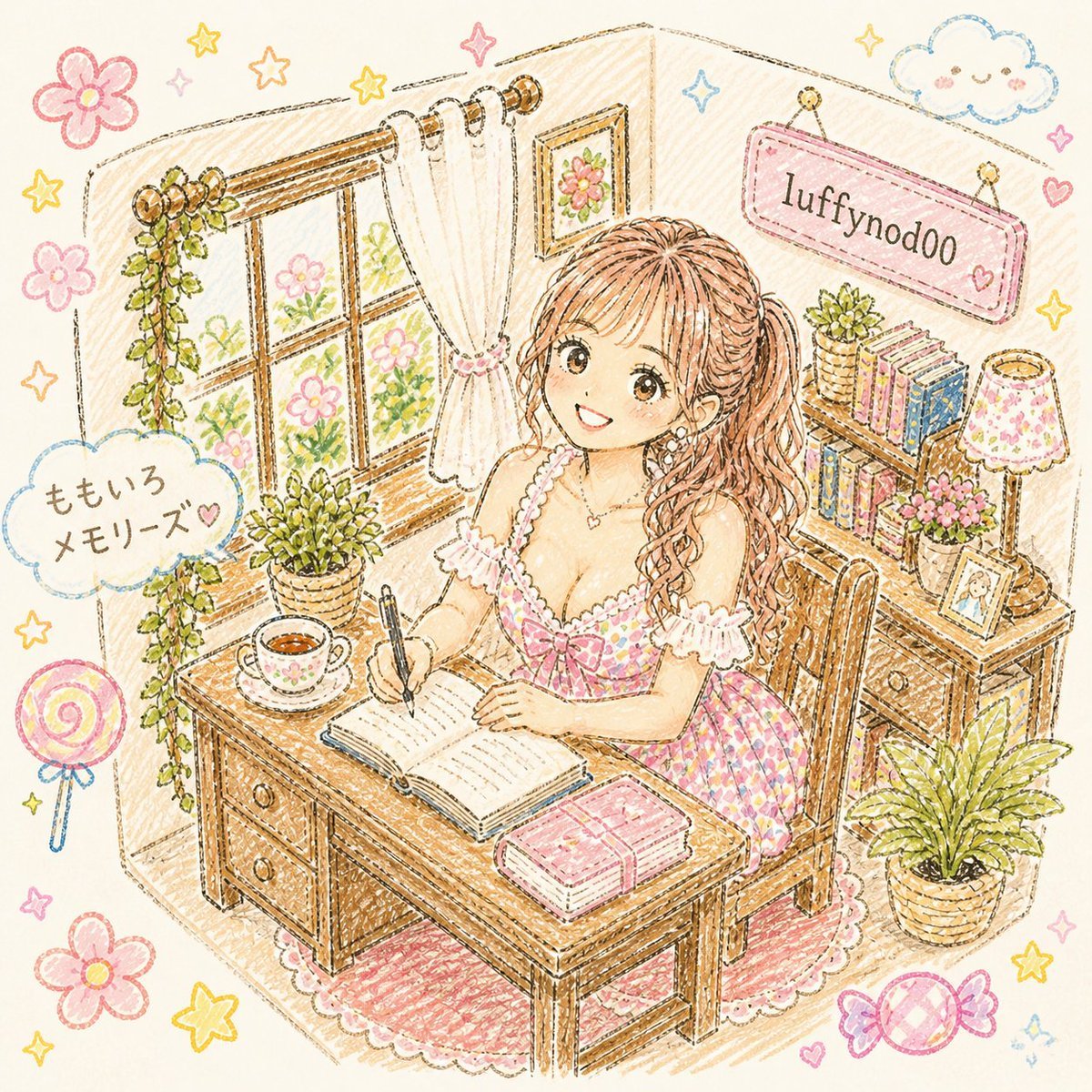
Pastel Kawaii Study Room Illustration
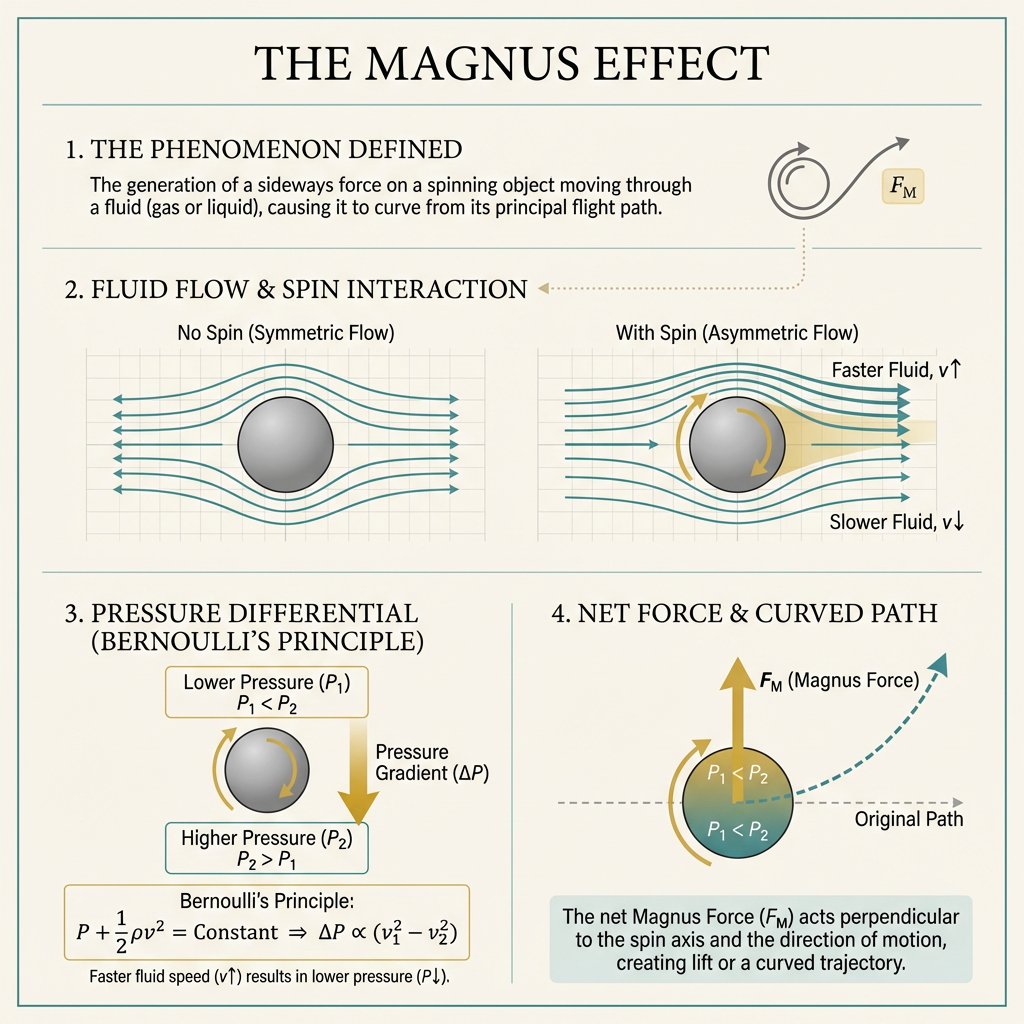
Minimal Magnus Effect Infographic
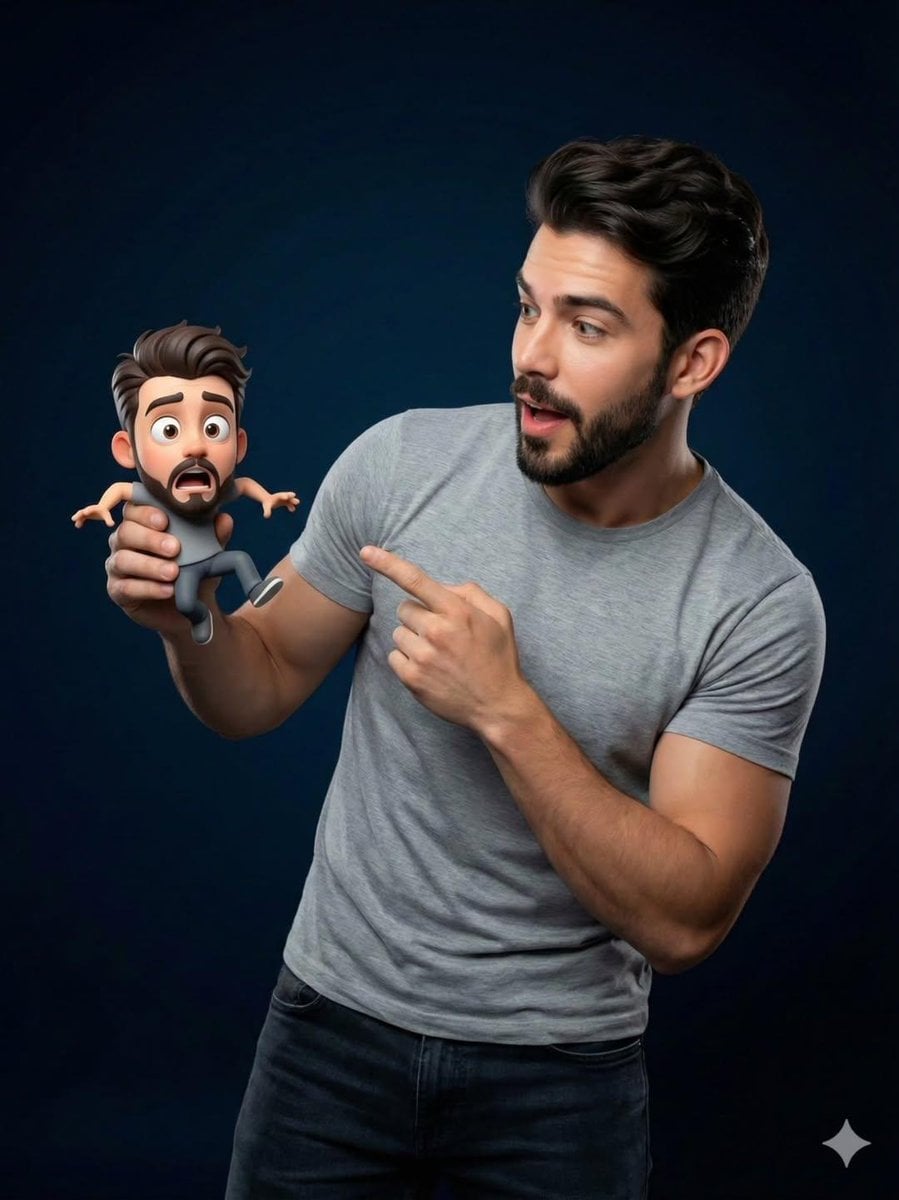
Pixar-Style Miniature Interaction Portrait

Educational Kids Product Poster

Cinematic Pixar-Style Girl Portrait Prompt
Browse template categories
Dark Academia AI Moodboard Collage questions
How do I use the Dark Academia AI Moodboard Collage template?
Add your photo if the template asks for one, edit the prompt if you like — the template's model and format are already selected — and press Generate. Your version opens in PicX Studio.
Can I customize the Dark Academia AI Moodboard Collage template?
Yes. You can change the subject, setting, lighting, mood, format, and available model controls before creating your image.
Is the Dark Academia AI Moodboard Collage template free?
Opening and editing this template is free. Generating uses credits, shown on the Generate button when you are signed in.
Which AI model should I use?
Start with GPT Image 2, which is the model associated with this template. You can compare another compatible model for a different finish.
Looking for something else? Browse all templates.

Your photo, any look
Thousands of ready templates for every top image and video model, from one credit balance.