
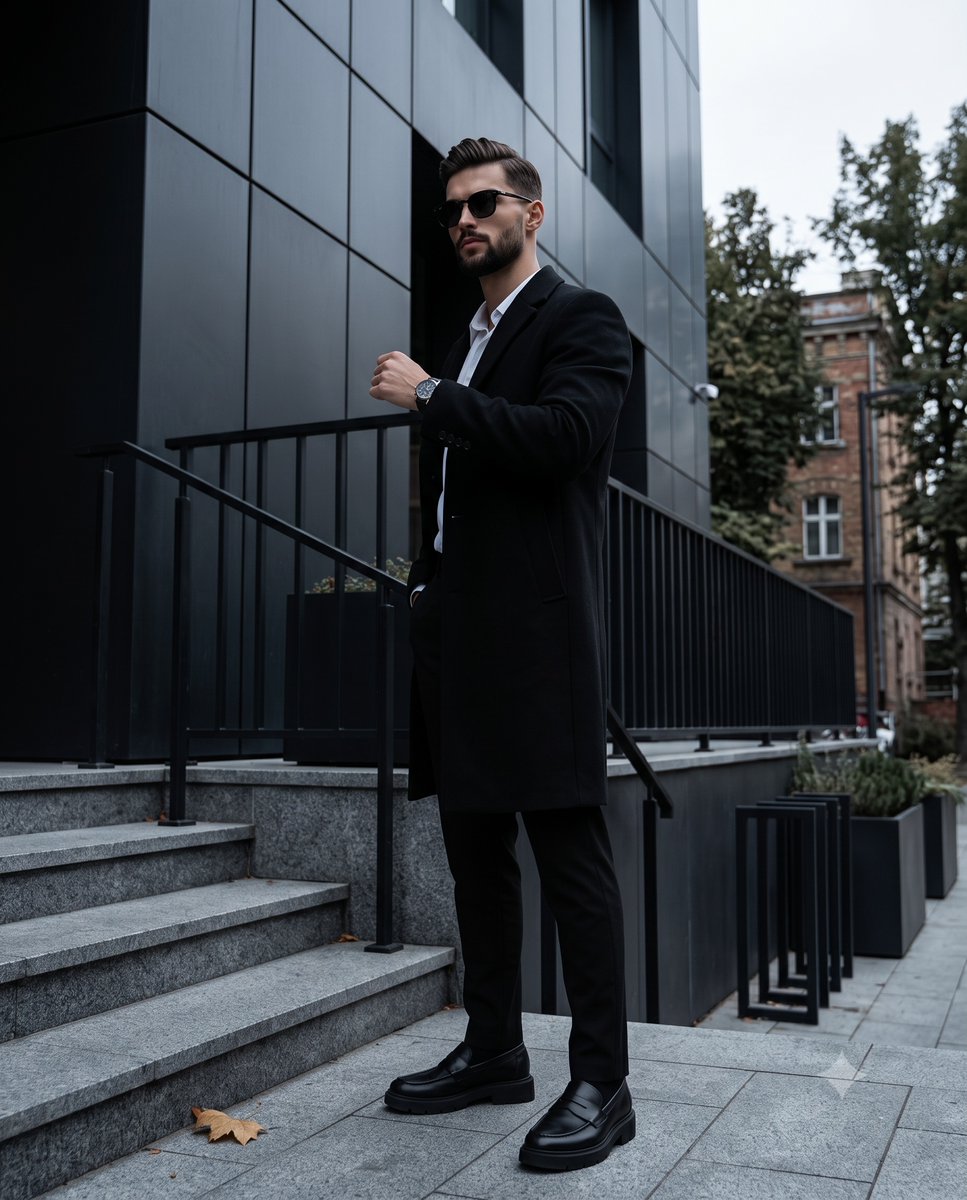
Dark Academia Urban Street Male Portrait
A sophisticated full-length portrait of a male model in dark academia attire set against a modern urban architectural backdrop with moody lighting.
- Prompt included
- Model and format preset
- Free template
The prompt behind this image
Copy the exact prompt behind Dark Academia Urban Street Male Portrait, or open it in the studio and make it yours.
A full-length portrait captures a male model with {argument name="hair and beard" default="dark hair and a well-groomed beard"}, striking a confident, guarded stance in the center-right of the frame. He is dressed in {argument name="style" default="minimalist dark academia urban street style"}, wearing a long, tailored black overcoat over a crisp white shirt, paired with black trousers and chunky black loafers. His body is angled forty-five degrees to the left, leaning slightly back with centered weight and level shoulders, while his head turns further left, his eyes completely obscured by dark sunglasses above a closed, neutral mouth. His relaxed left hand is raised to chest level revealing a sleek silver watch on his wrist, while his right hand remains entirely concealed within the deep right pocket of his overcoat. The scene unfolds against an asymmetrically balanced outdoor setting of a pristine modern urban building, where wide, dark grey stone foreground stairs on the bottom left, framed by black metal handrails and holding a solitary fallen yellow leaf, lead the eye upward. The midground is dominated by a sleek architectural facade featuring perfectly smooth, dark charcoal grey matte composite cladding with clean grid lines, black metal balcony railings and modern black outdoor planters. The model stands on grey concrete pavement marked by a large rectangular grid pattern. A slightly blurred background introduces medium spatial depth on the right, showcasing a weathered tall pine tree alongside dormant deciduous trees with bare branches, framing an aged building with brown and orange paneling and standard rectangular windows in the top right distance. An overcast sky casts {argument name="mood" default="moody, mysterious, and sophisticated"} illumination from a single diffused light source directly above, washing the scene in a cool, blue-tinted ambient fill that creates a soft, flat, low-contrast, and deeply desaturated monochromatic color palette. Soft, gradual short grey shadows pool beneath the subject and the building balconies, while subtle specular highlights gently catch on his forehead, his raised left hand, his metallic watch, and the dark frames of his sunglasses. Captured through realistic digital photography from a low-angle perspective, the composition isolates the tack-sharp subject with a medium depth of field, bringing a matte texture and moderate digital noise to the image, enhanced by post-processing that lifts crushed blacks for a faded shadow look, clarifies structural lines, and applies a cool white balance bias, all beautifully framed in a 4:5 aspect ratio.
How to use Dark Academia Urban Street Male Portrait in 3 steps
- 1
Open
The prompt is already in the box next to the preview, with the template's model and format selected.
- 2…a portrait of your subject in softgolden-hour light, 85mm…
Personalize
Edit the subject and creative details for your destination.
- 3Generate
Generate
Press Generate — your image is created in PicX Studio, so you can compare it with the original and refine one variable at a time.
More like this
Templates with the same subject, style or setup. Open one to see its prompt.
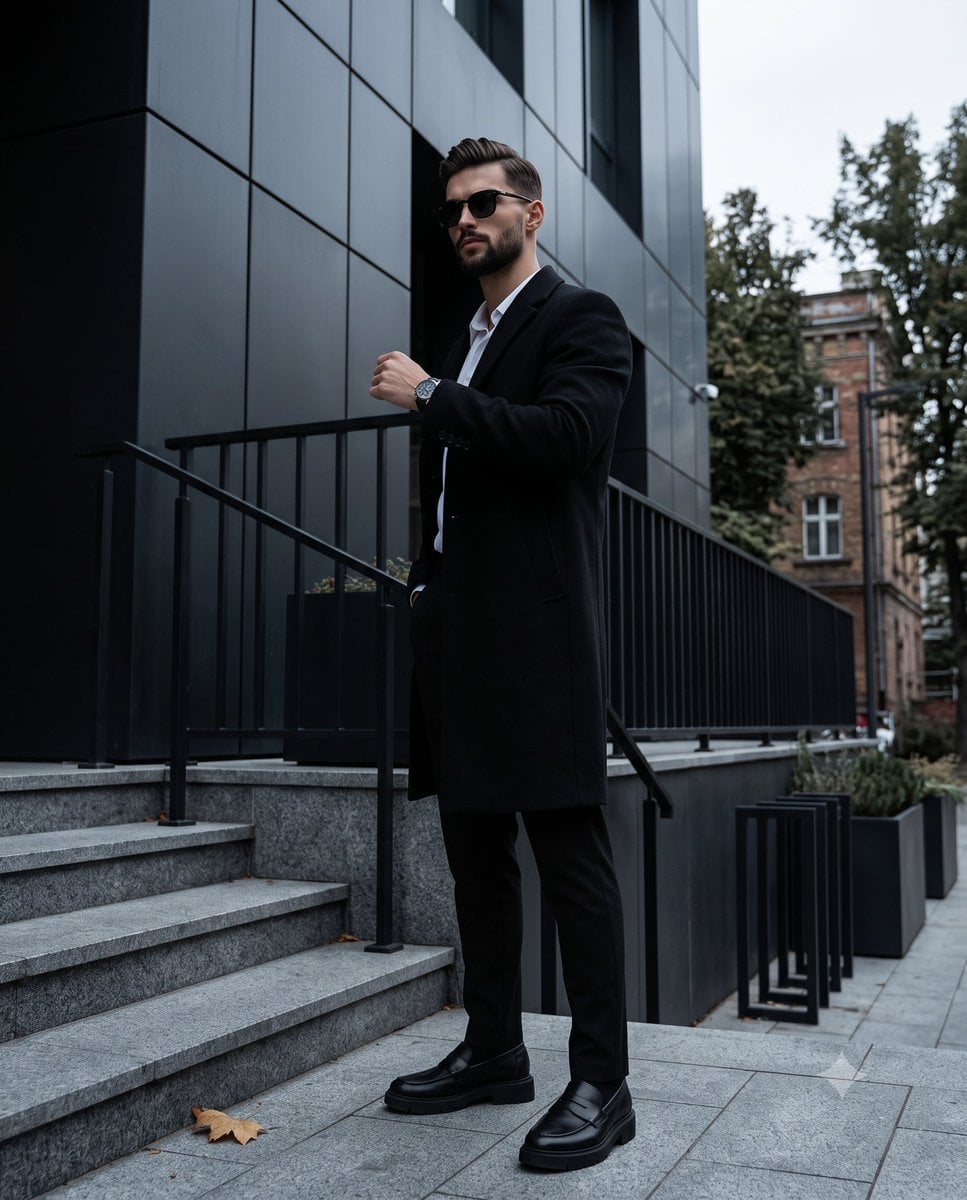
Dark Academia Urban Street Male Portrait
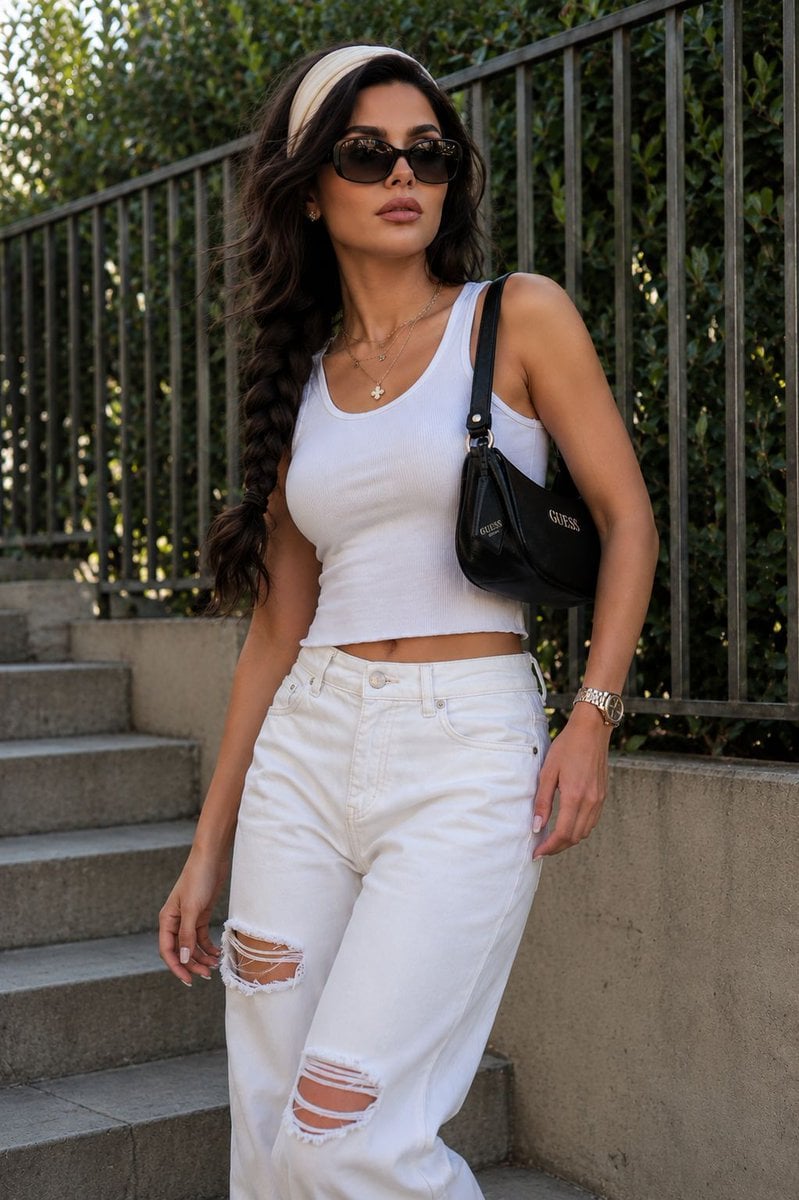
Modern Urban Streetwear Portrait

Street-Art Inspired Urban Portrait
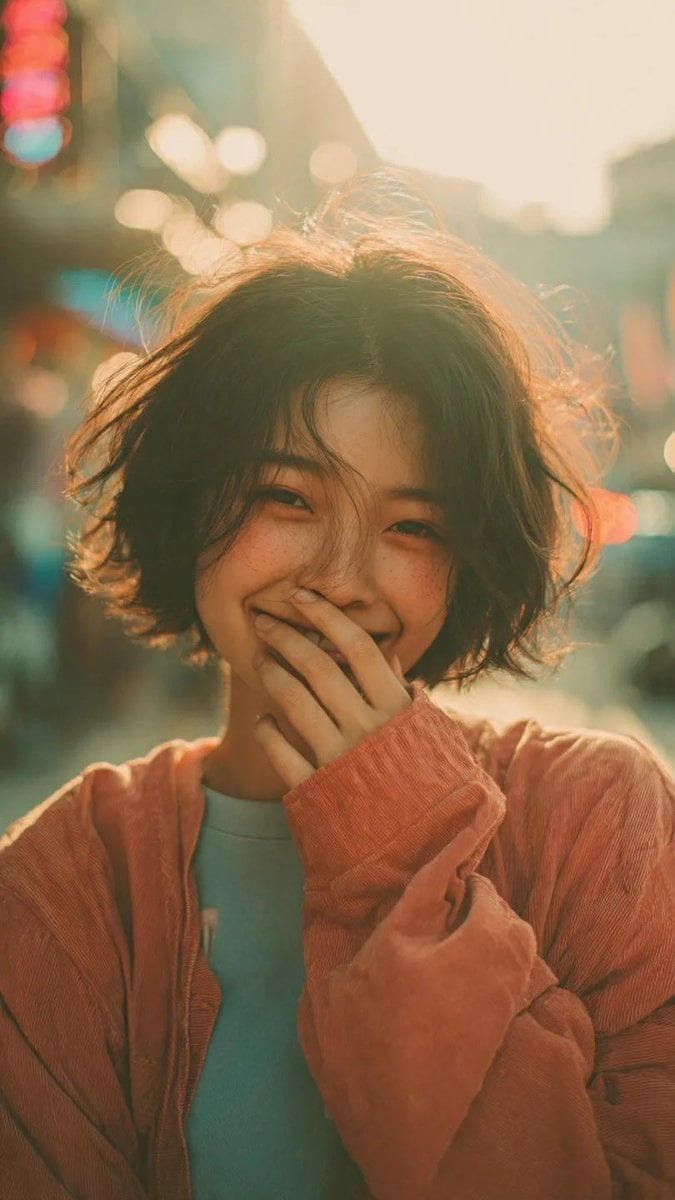
Cinematic Urban Street Portrait
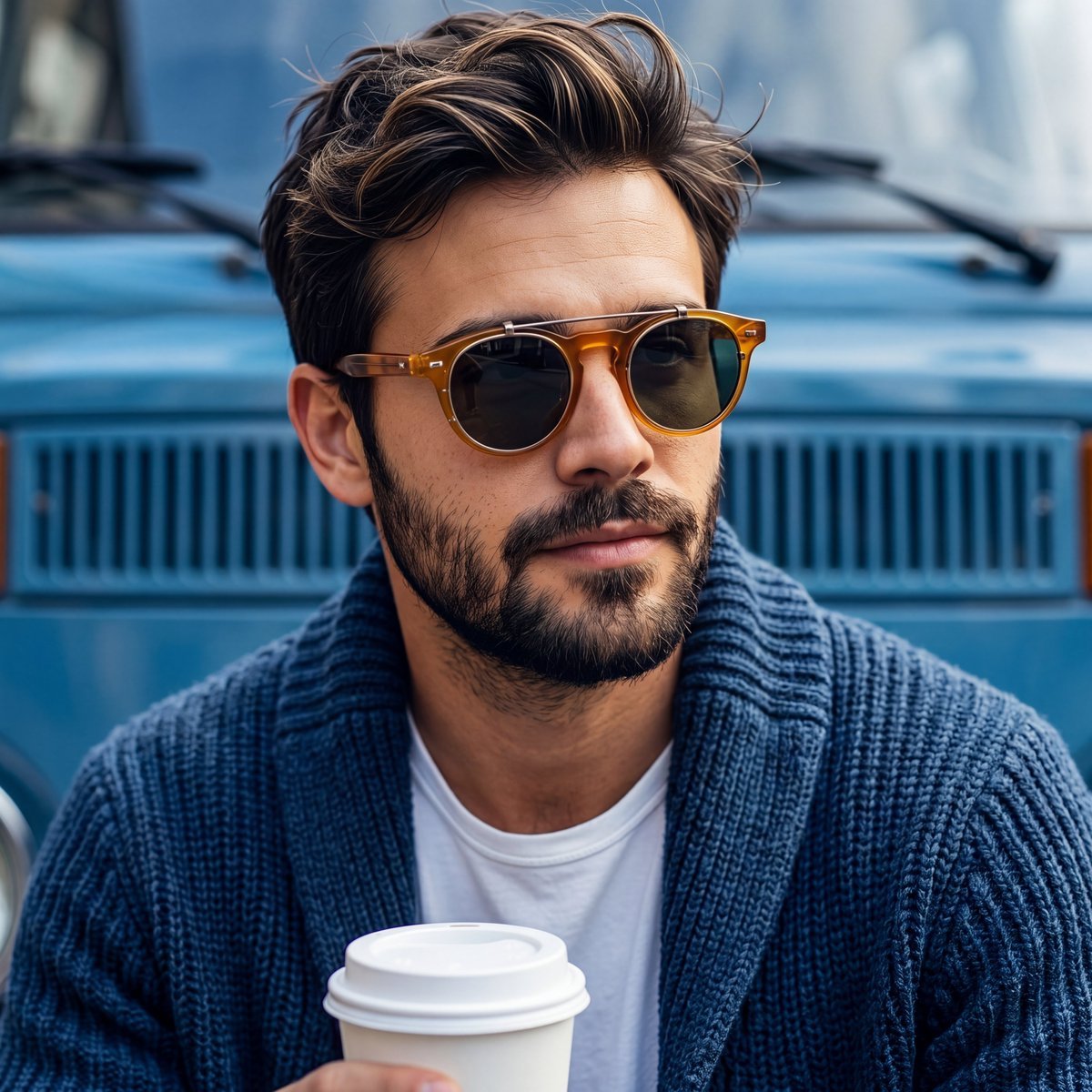
Rugged Sophisticated Urban Male Portrait
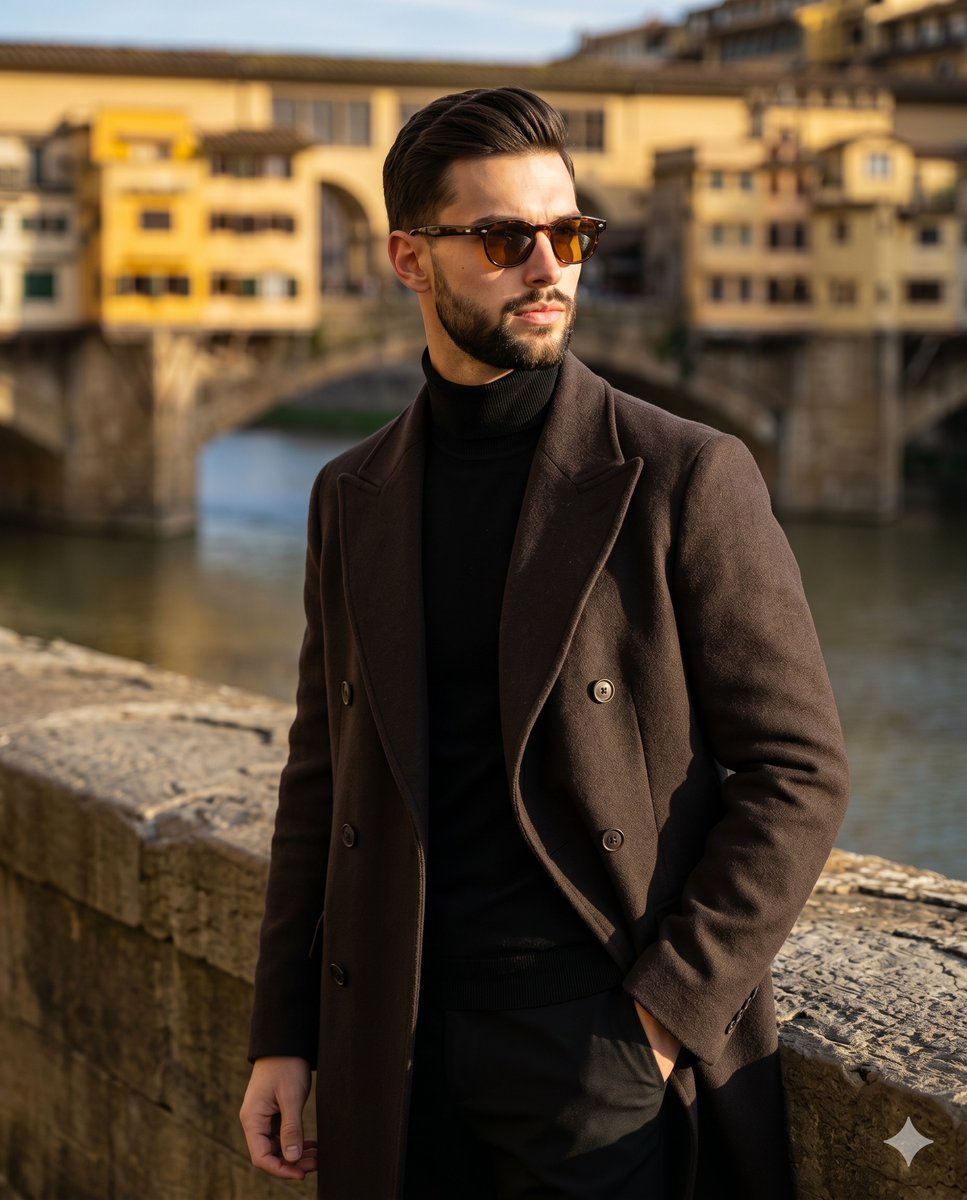
Florence Street Style Male Portrait
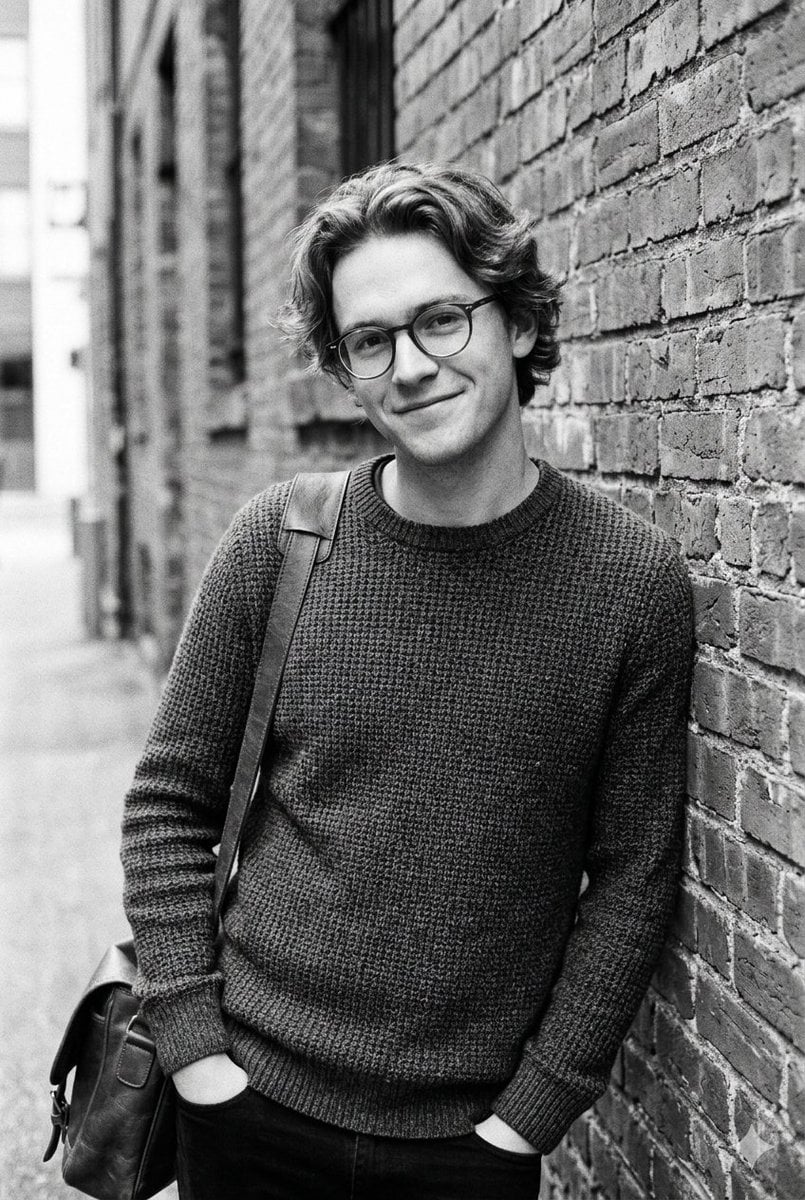
Black and White Urban Male Portrait

Male Fashion Portrait in European Street
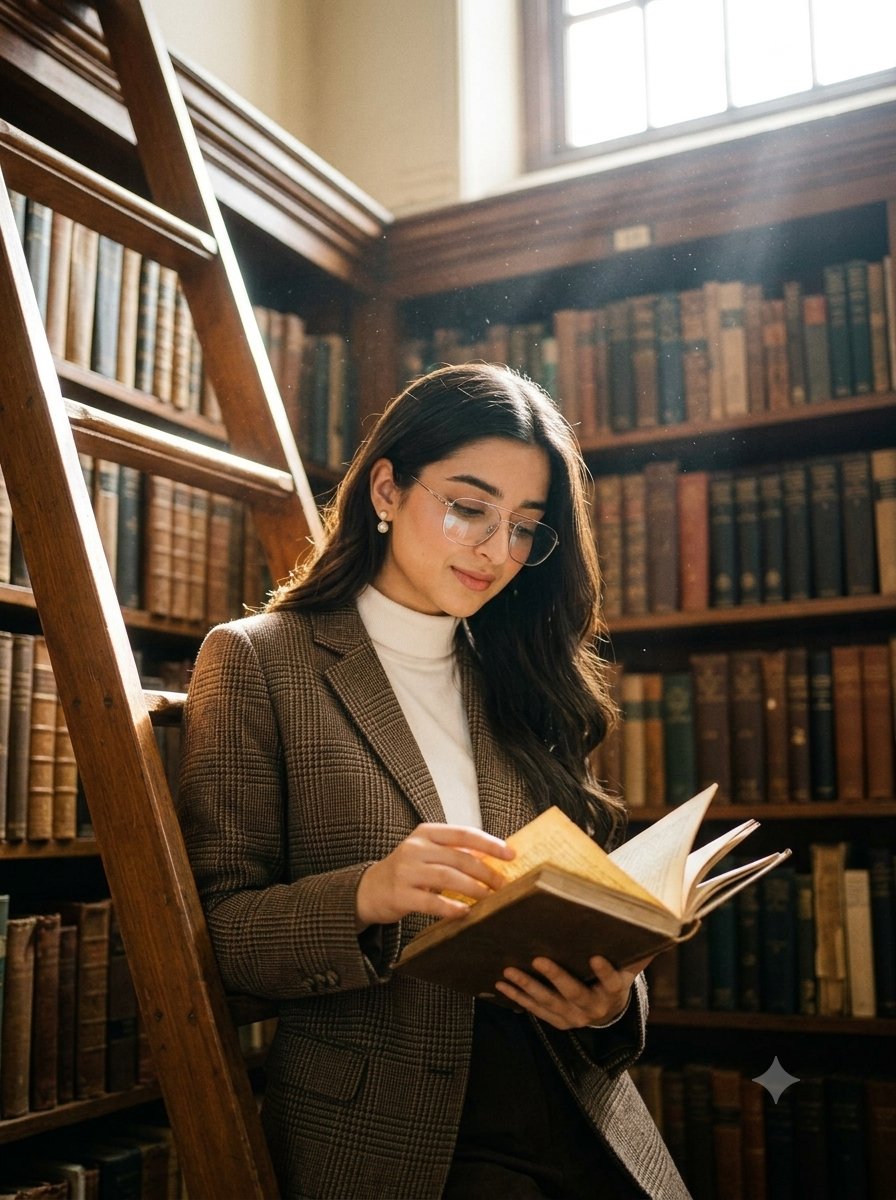
Dark academia library portrait
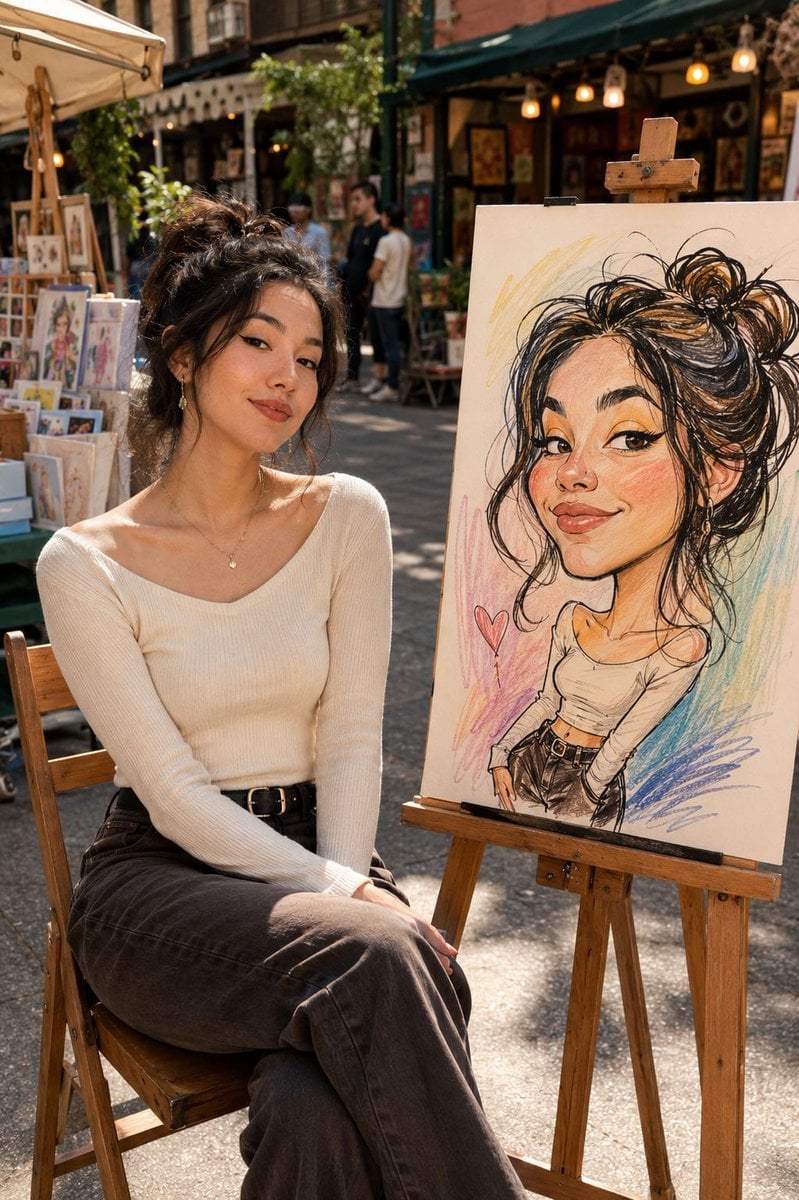
Urban Street Market Caricature Portrait
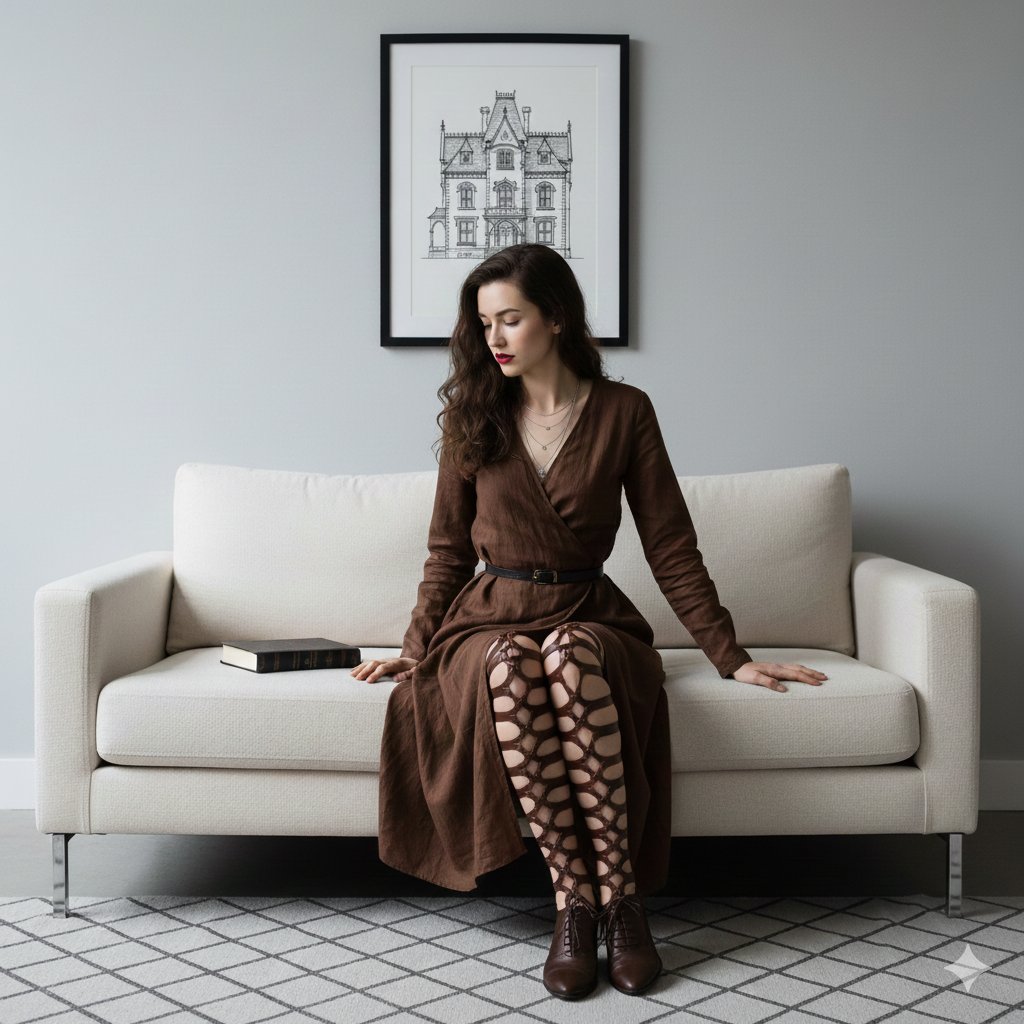
Dark Academia Portrait Prompt

Urban Street Portrait with Cartoon Inner Self Duo
Make it yours
Dark Academia Urban Street Male Portrait works as-is. These are the safest ways to change it without losing the look.
Change one field
Copy a single group, rewrite it, and generate again so you can see what that field is doing.
Keep the frame, change the subject
Hold the composition and light of Dark Academia Urban Street Male Portrait, then swap wardrobe, props or the person for a new take.
| If the result… | Why | Fix |
|---|---|---|
| The result drifts from the preview | Too many fields changed at once. | Reuse Dark Academia Urban Street Male Portrait as-is first, then change one group — subject, light, or setting. |
| The model over-stylizes the scene | The prose prompt leaves finish and camera underspecified. | Add one camera or lighting sentence and stay on Gemini 3 Pro Image Preview. |
More Gemini 3 Pro Image Preview templates
Other prompts made for Gemini 3 Pro Image Preview.

Creative Character in Pink Office

Avant-Garde Asian Fashion Model

Underwater Macro Face Portrait

Water-level Bridge Modification

Noir Punk Street Portrait

High Contrast Cinematic Face Portrait

Monochrome Studio Portrait with Colored Lens

Ultra-Realistic Yacht Sunset Portrait

Mushroom Still Life Composition

Whimsical Anthropomorphic Friendly Insect
More image prompts
Fresh picks from across the catalog.
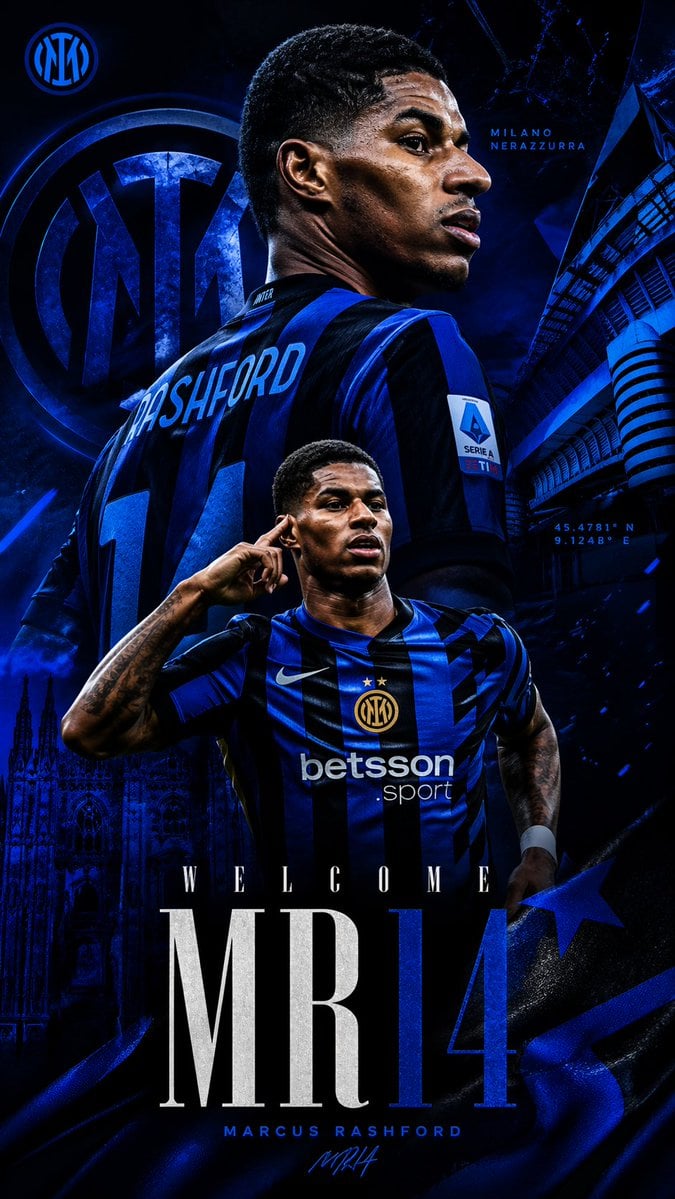
Marcus Rashford Inter Milan Wallpaper
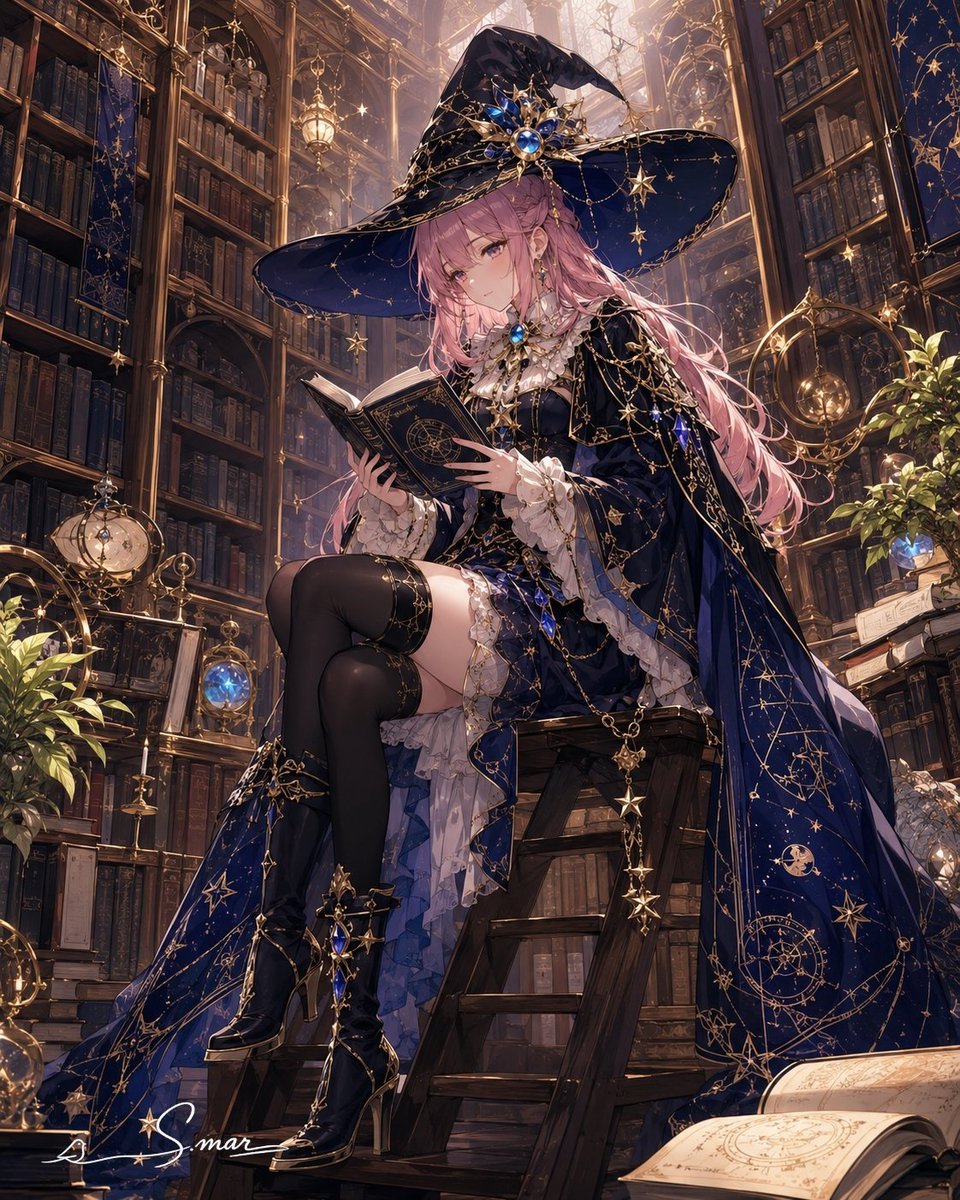
Celestial Sorceress in Magical Library
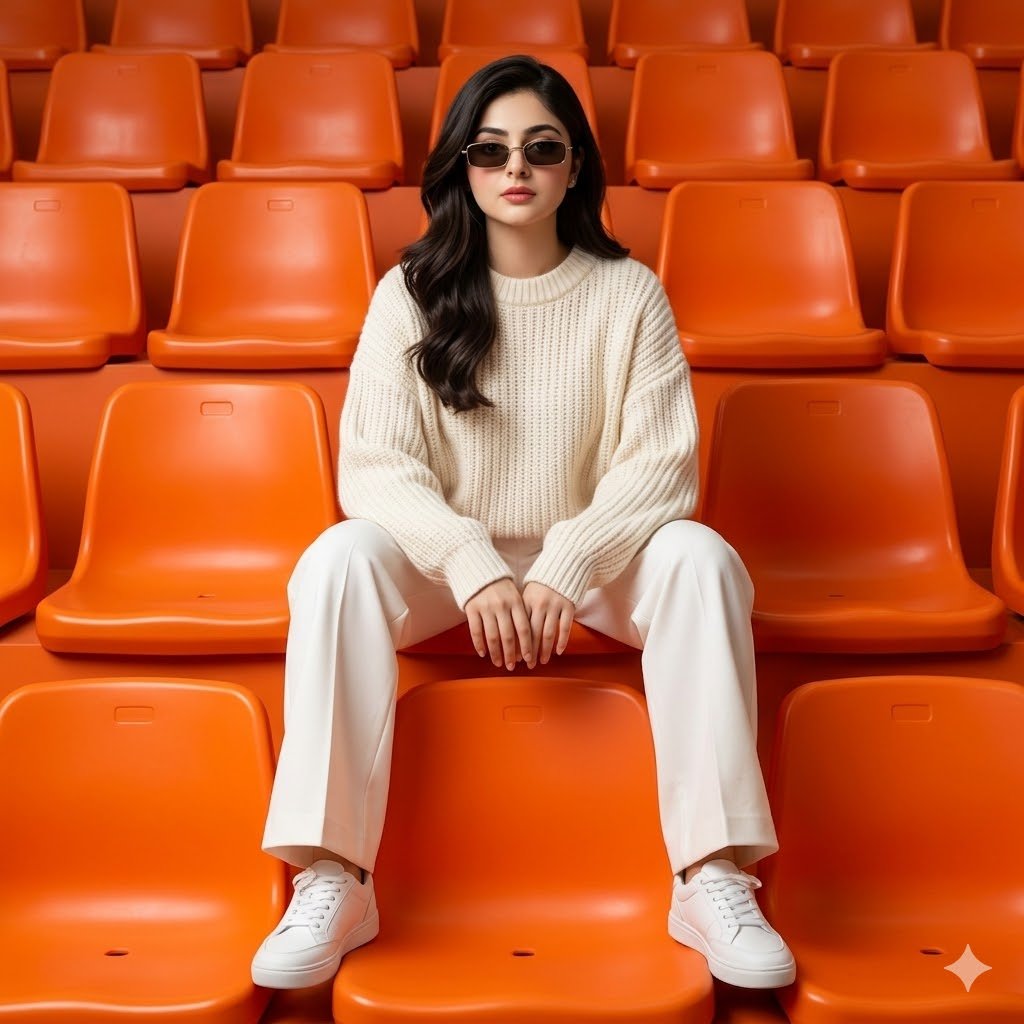
Monochromatic Editorial Stadium Fashion
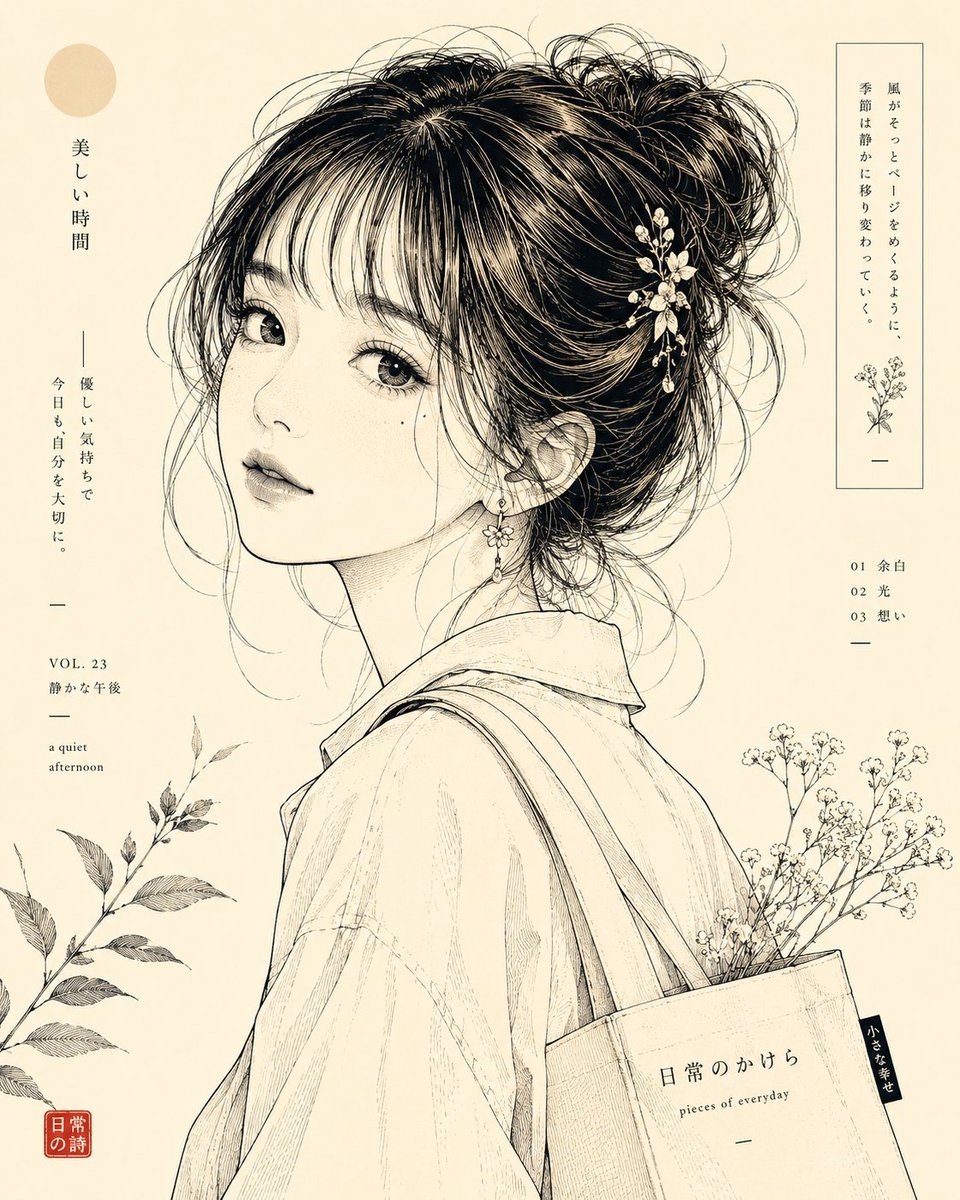
Japanese Line-Art Portrait Illustration
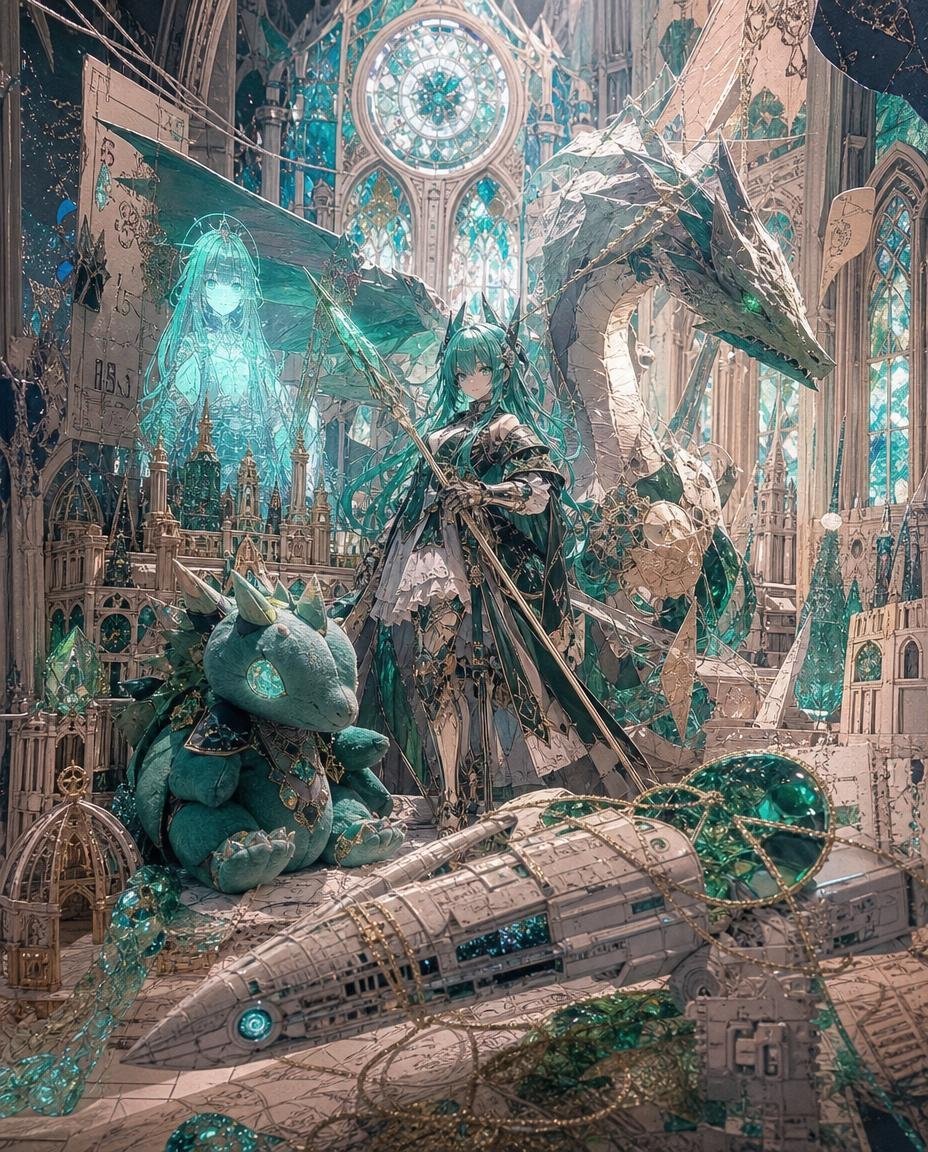
Teal Dragon Knight Cathedral Fantasy

Split-Screen Product Ad Poster

Panel Anime Sci-Fi Course Promo
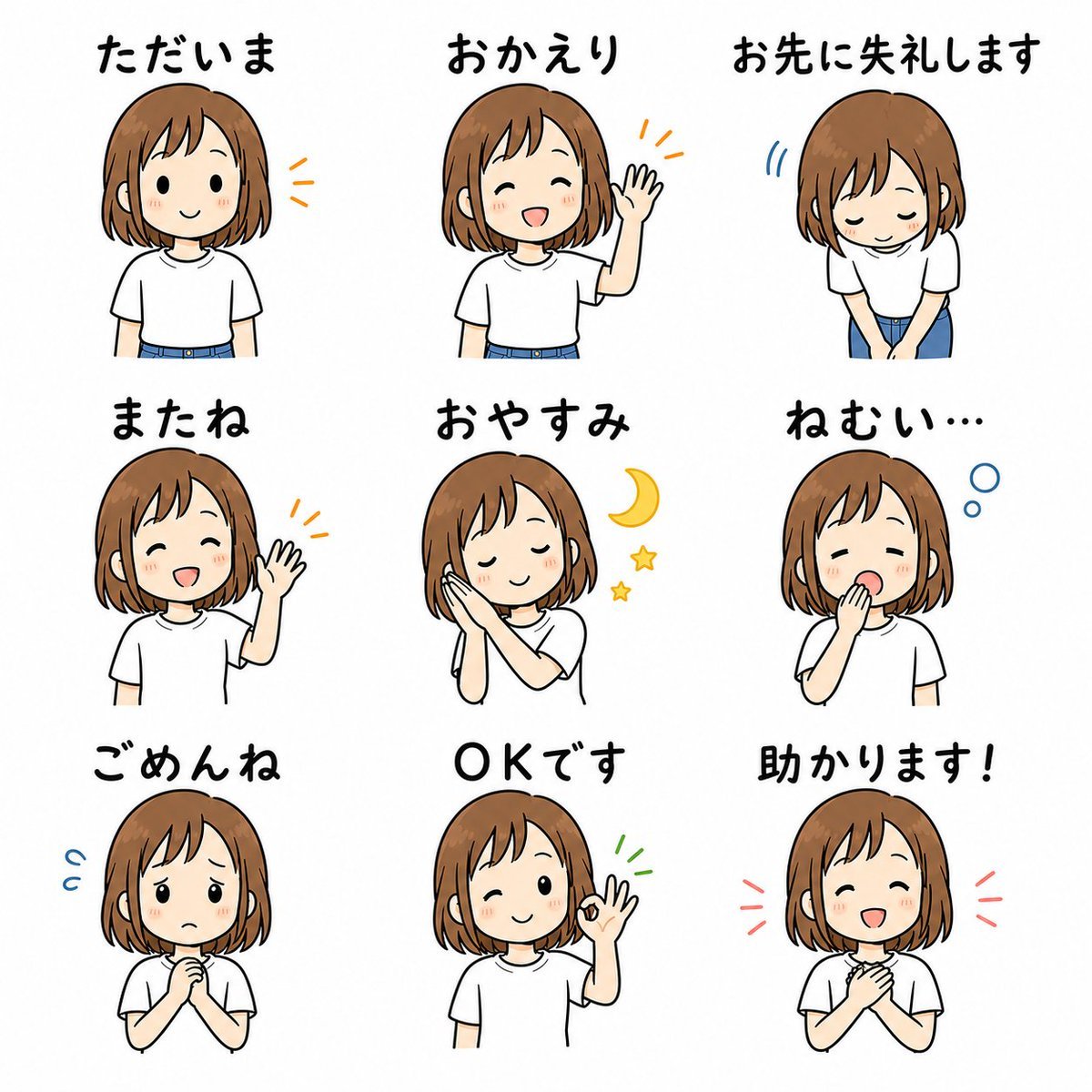
Cute Japanese LINE Sticker Sheet
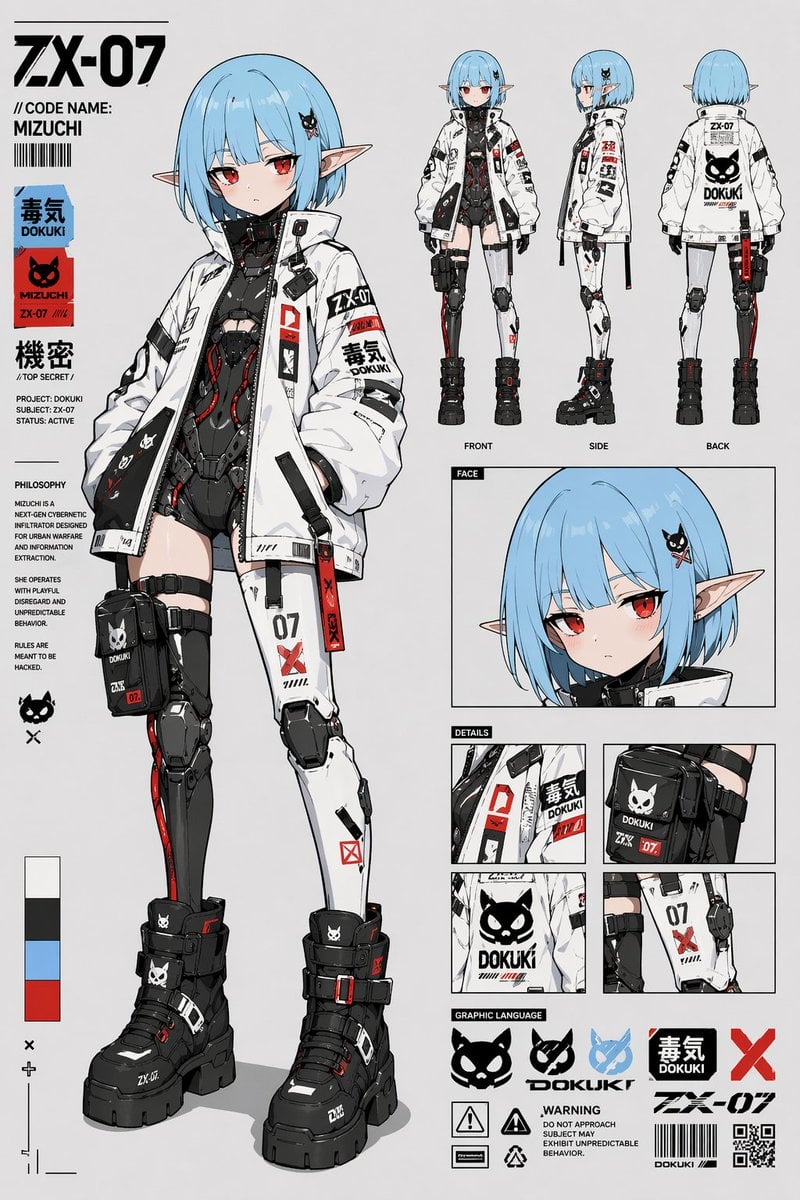
Cyberpunk Anime Character Sheet
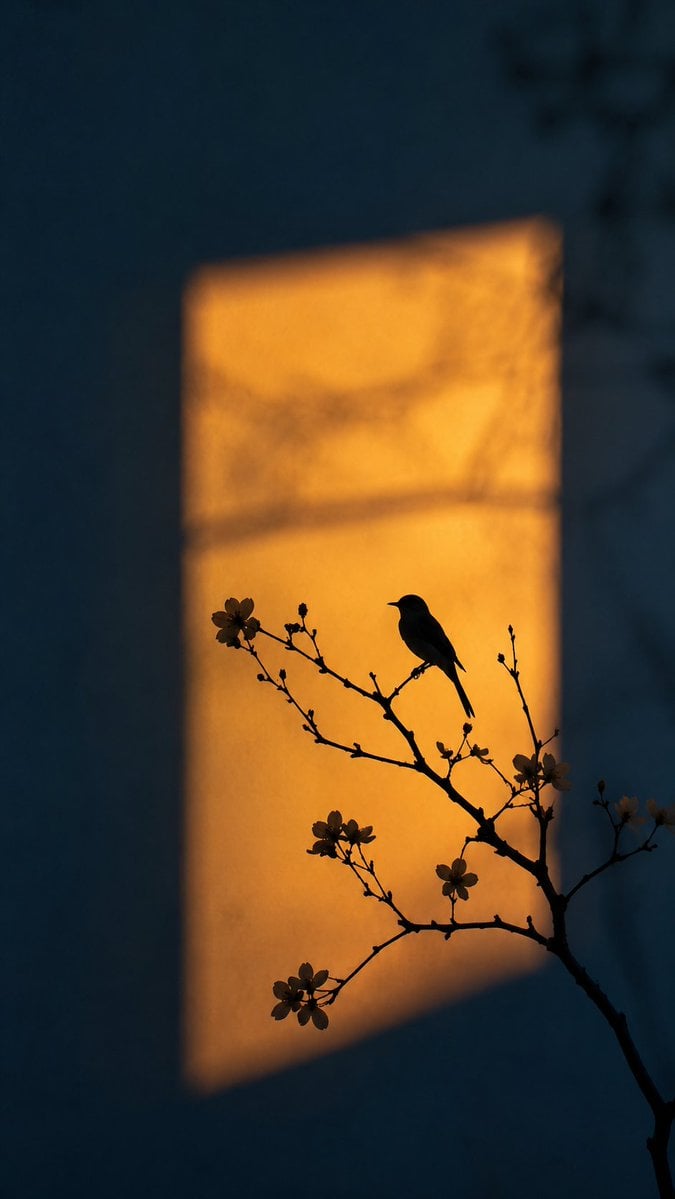
Artistic Silhouette Amber Light Photography
Browse template categories
Dark Academia Urban Street Male Portrait questions
How do I use the Dark Academia Urban Street Male Portrait template?
Add your photo if the template asks for one, edit the prompt if you like — the template's model and format are already selected — and press Generate. Your version opens in PicX Studio.
Can I customize the Dark Academia Urban Street Male Portrait template?
Yes. You can change the subject, setting, lighting, mood, format, and available model controls before creating your image.
Is the Dark Academia Urban Street Male Portrait template free?
Opening and editing this template is free. Generating uses credits, shown on the Generate button when you are signed in.
Which AI model should I use?
Start with Gemini 3 Pro Image Preview, which is the model associated with this template. You can compare another compatible model for a different finish.
Looking for something else? Browse all templates.

Your photo, any look
Thousands of ready templates for every top image and video model, from one credit balance.