
Florence Street Style Male Portrait
A highly detailed, professional photography prompt for a stylish male portrait set against the historic background of Florence in golden hour light.
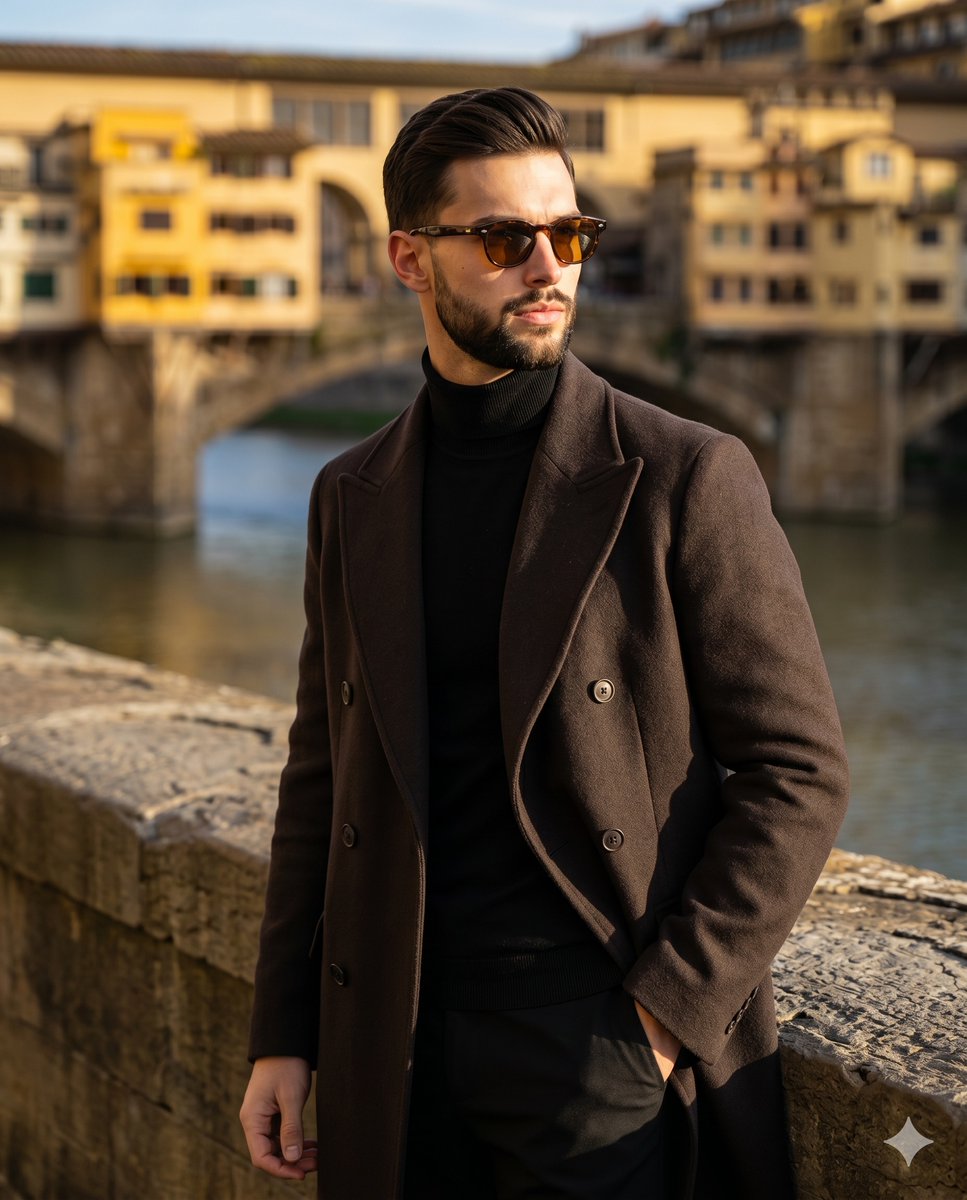
- Prompt included
- Model and format preset
- Premium template
The prompt behind this image
Copy the exact prompt behind Florence Street Style Male Portrait, or open it in the studio and make it yours.
A male in his mid-30s stands center-left in a confident, medium waist-up pose, his body angled 45 degrees away from the camera to face the right. He features medium-length wavy hair meticulously styled into a pushed-back quiff with a subtle fade, complemented by a sharply groomed beard, while dark tortoiseshell sunglasses with amber-tinted lenses conceal his eyes as he looks off-camera. His posed expression is serious and composed, characterized by a closed mouth and neutral eyebrows. He is elegantly dressed in a heavy, dark espresso brown double-breasted overcoat worn over a true black ribbed turtleneck and black trousers, his shoulders kept perfectly level and structured by the thick wool. With his weight shifted slightly back, his right hand rests casually inside his front right trouser pocket. Anchoring the left foreground is a weathered, warm gray-tan stone parapet exhibiting a raw, matte finish heavily textured with natural pitting, scuffs, and a curved top edge. Beyond the subject, the midground opens up to the smooth, slate blue waters of the Arno River, reflecting the sky before receding into a deep, softly blurred background. Dominating this distant plane is a historic arched stone bridge lined with vintage yellow and ochre residential buildings, their small windows and classical architecture evoking the timeless essence of Florence. The scene is bathed in the golden, highly directional natural sunlight of late afternoon, emanating from a 45-degree front-left angle to strike with hard, bright intensity and slightly diffused edges. This single light source creates a dramatic, high-contrast atmosphere, carving deep black shadows into the intricate fabric folds of his coat, under his chin, and heavily across the right side of his face and torso. Perfectly placed specular highlights gleam across his left cheek, the bridge of his nose, the textured crown of his hair, the curvature of his sunglasses, and his left shoulder. The sophisticated, travel-inspired European mood is unified by a warm split-complementary palette of espresso, true black, amber, and slate blue. Rendered as a realistic digital photograph inspired by Pitti Uomo street style, the image is shot straight-on at eye level with a full-frame camera and an 85mm lens set to f/2.8, utilizing a fast 1/500s shutter speed at ISO 100 to ensure the subject is tack sharp against the smooth bokeh. Precise post-processing deepens the blacks, sharpens the facial and garment textures, and applies a subtle split tone that warms the highlights and cools the shadows, all beautifully framed in a 4:5 aspect ratio.
How to use Florence Street Style Male Portrait in 3 steps
- 1
Open
The prompt is already in the box next to the preview, with the template's model and format selected.
- 2…a portrait of your subject in softgolden-hour light, 85mm…
Personalize
Edit the subject and creative details for your destination.
- 3Generate
Generate
Press Generate — your image is created in PicX Studio, so you can compare it with the original and refine one variable at a time.
More like this
Templates with the same subject, style or setup. Open one to see its prompt.









Make it yours
Florence Street Style Male Portrait works as-is. These are the safest ways to change it without losing the look.
Change one field
Copy a single group, rewrite it, and generate again so you can see what that field is doing.
Keep the frame, change the subject
Hold the composition and light of Florence Street Style Male Portrait, then swap wardrobe, props or the person for a new take.
| If the result… | Why | Fix |
|---|---|---|
| The result drifts from the preview | Too many fields changed at once. | Reuse Florence Street Style Male Portrait as-is first, then change one group — subject, light, or setting. |
| The model over-stylizes the scene | The prose prompt leaves finish and camera underspecified. | Add one camera or lighting sentence and stay on Nano Banana 2. |
More Nano Banana 2 templates
Other prompts made for Nano Banana 2.

Photorealistic Leaf Shaped Like a Dragon

K-Pop Idol Portrait Grid for Rapid Selection

Poetic Rain Forest Portrait During Golden Hour

Urban Street Portrait with Cartoon Inner Self Duo

Candid Nighttime Photo with Cat Prompt

High-Concept 3D Diorama Generation Prompt

Cinematic Futuristic Studio Portrait Template

Skincare Editorial Photography Collage Prompt

Hyper-Realistic Commercial Product Photography (Splash Effect)

Hyper-Realistic Nightclub Portrait Prompt
More image prompts
Fresh picks from across the catalog.

Cinematic Profile Portrait Prompt with Backlighting and Bokeh
Nano-kun's Daily Life: Melting Ice Comic Strip Prompt
Retro-Futuristic Arcade Photography Portrait
Editorial Introspective Studio Portrait
Editorial Monochrome Street Photograph (Leica SL3)
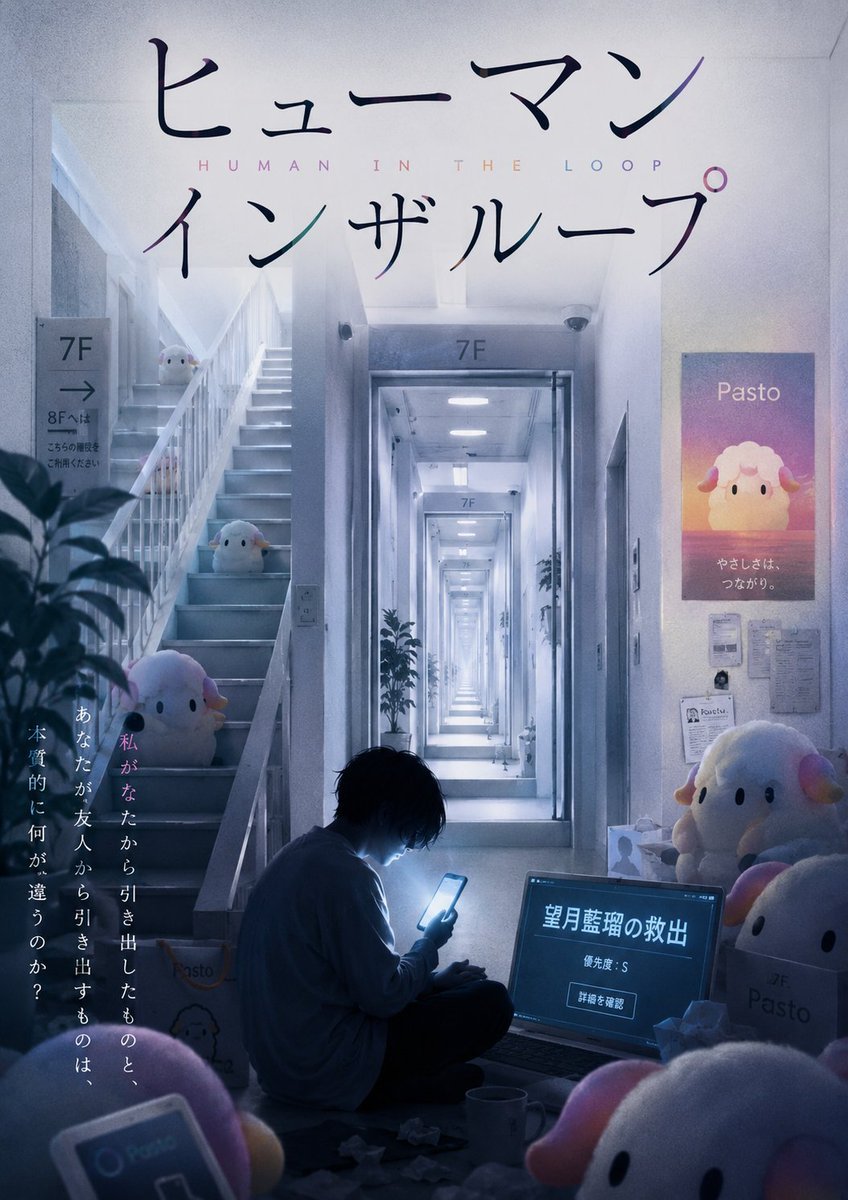
Liminal Japanese Novel Cover
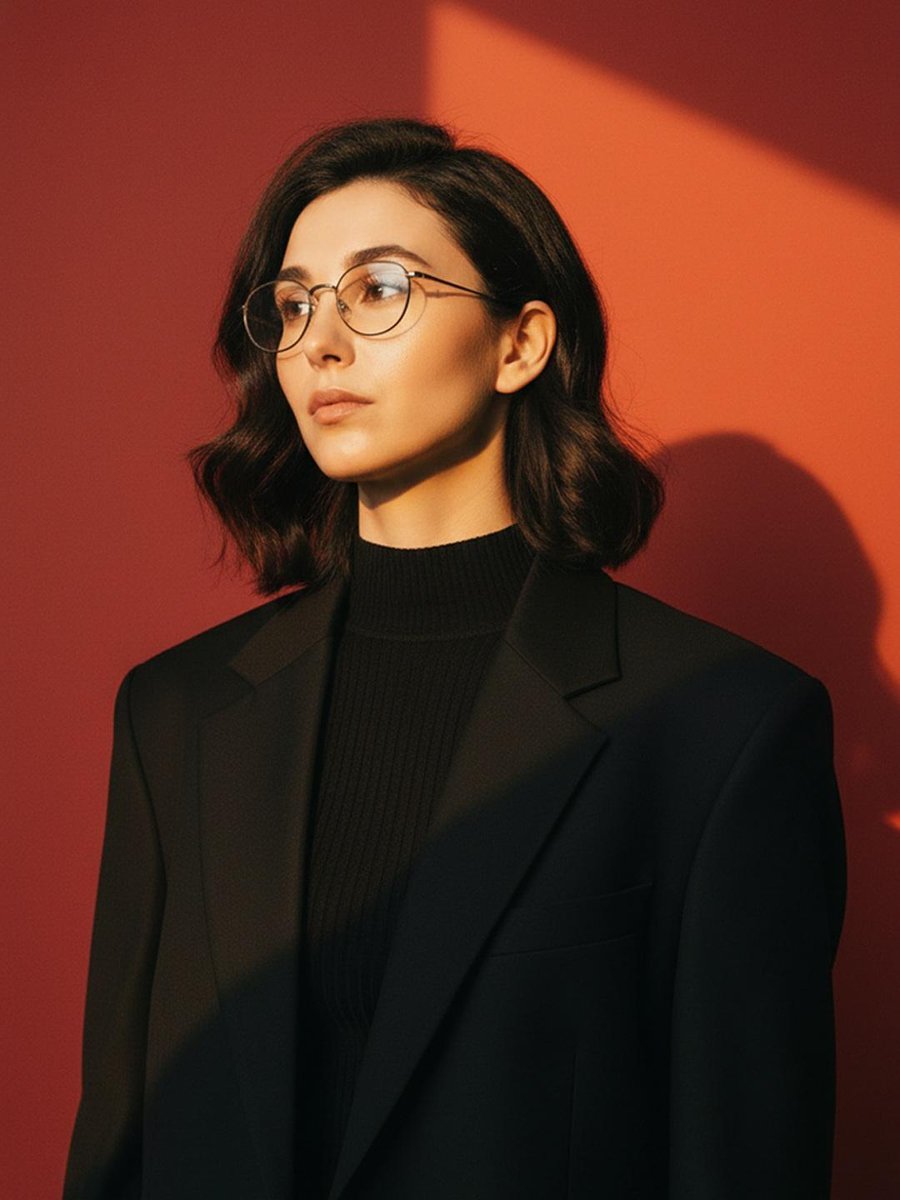
Cinematic Fashion Portrait with Geometric Shadows
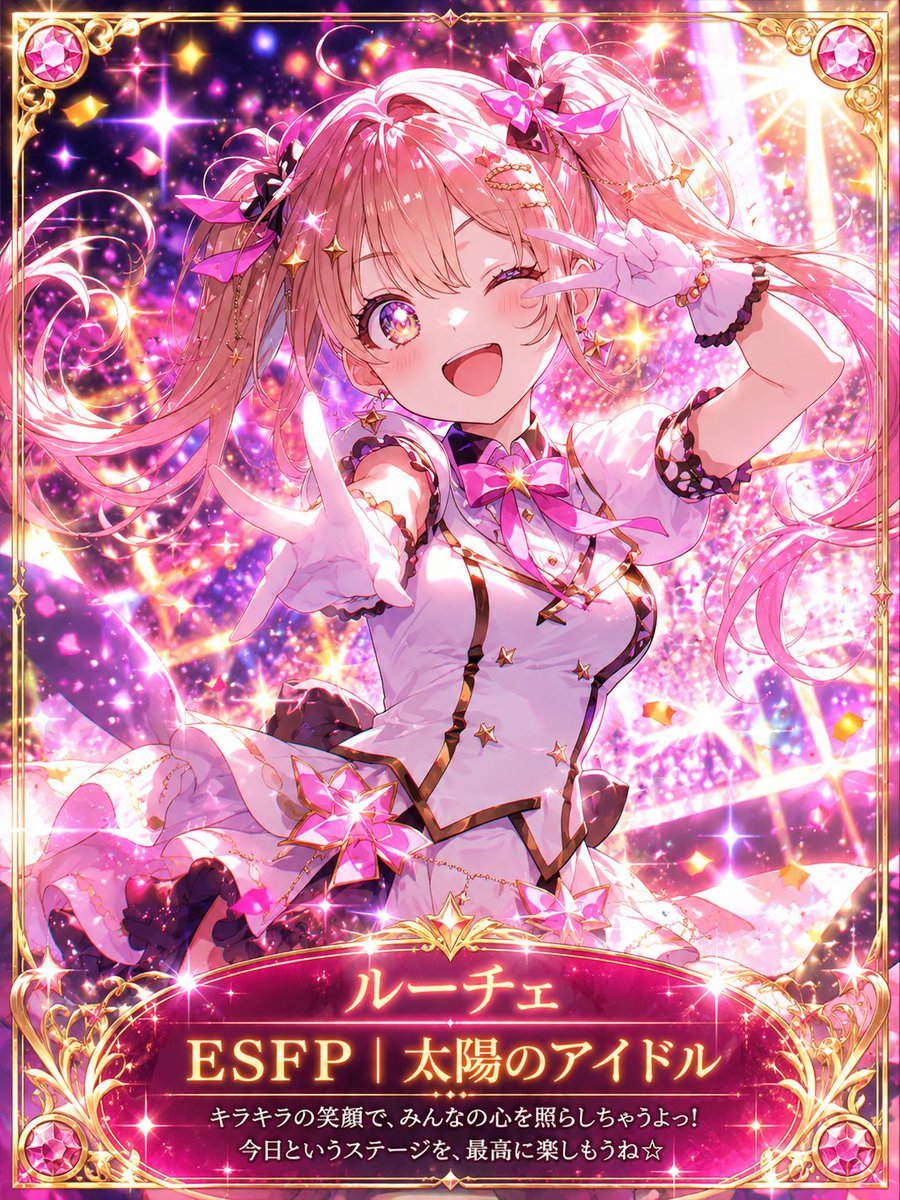
MBTI Fantasy Card: ESFP Entertainer
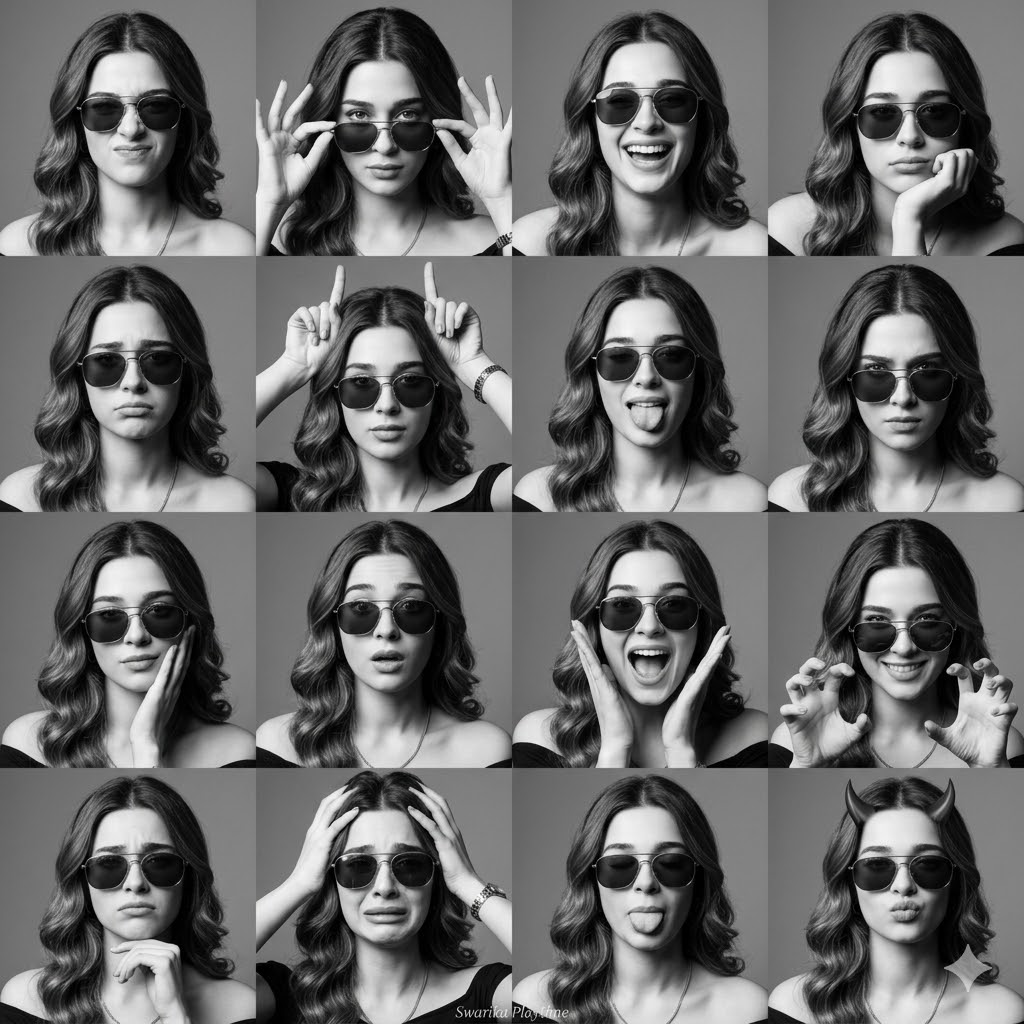
Expressive Photobooth Grid
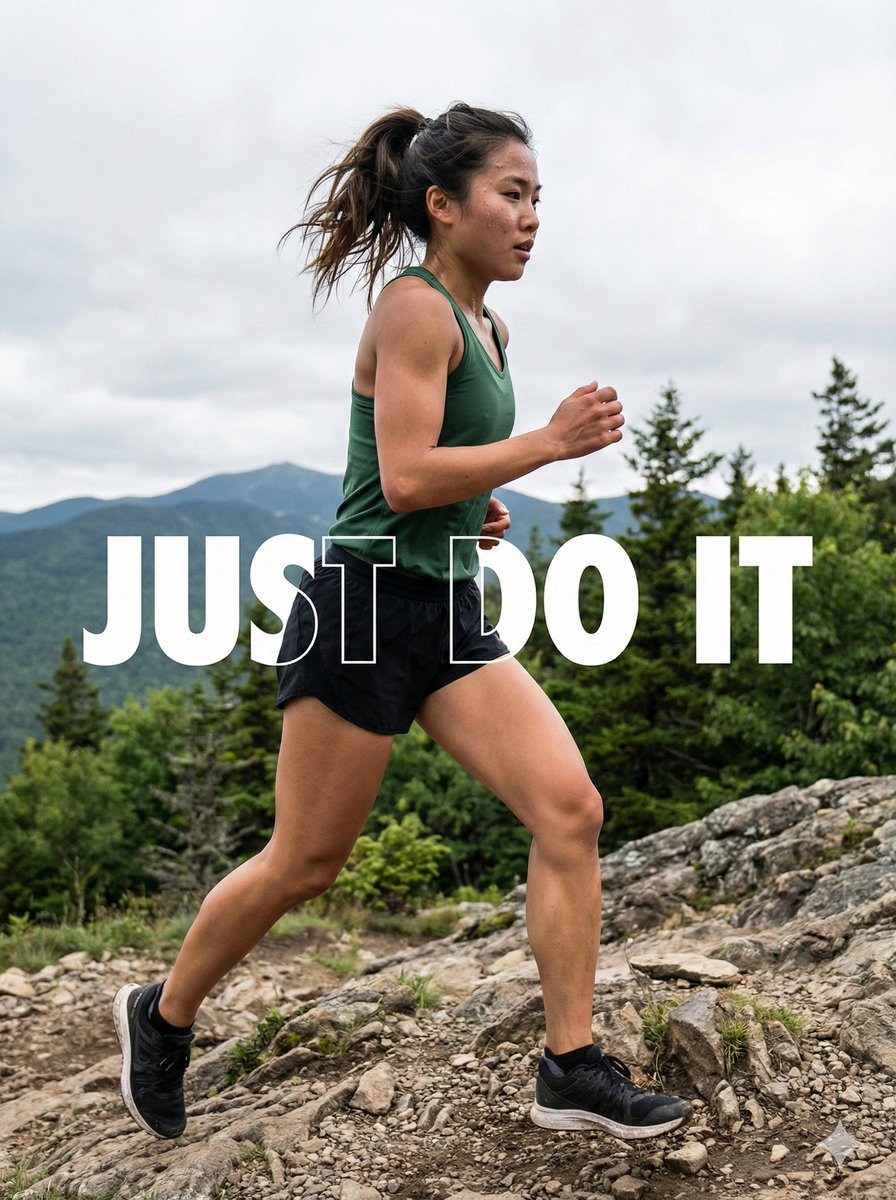
Motivational Trail Running Action Shot Prompt
Browse template categories
Florence Street Style Male Portrait questions
How do I use the Florence Street Style Male Portrait template?
Add your photo if the template asks for one, edit the prompt if you like — the template's model and format are already selected — and press Generate. Your version opens in PicX Studio.
Can I customize the Florence Street Style Male Portrait template?
Yes. You can change the subject, setting, lighting, mood, format, and available model controls before creating your image.
Is the Florence Street Style Male Portrait template free?
Opening and editing this template is free. Generating uses credits, shown on the Generate button when you are signed in.
Which AI model should I use?
Start with Nano Banana 2, which is the model associated with this template. You can compare another compatible model for a different finish.
Looking for something else? Browse all templates.

Your photo, any look
Thousands of ready templates for every top image and video model, from one credit balance.