
Male Fashion Portrait in European Street
A detailed prompt for generating a realistic portrait of a man in an urban European setting, focusing on composition, lighting, and camera settings.

- Prompt included
- Model and format preset
- Premium template
The prompt behind this image
Copy the exact prompt behind Male Fashion Portrait in European Street, or open it in the studio and make it yours.
A {argument name="gender" default="young adult male"} stands in the center-right of the frame, his body facing the straight-on camera but angled slightly to the left, his level shoulders grounding a confident, deliberately posed stance. His short, dark wavy pompadour hair is styled upward with natural matte textures, crowning a face with a relaxed, closed-mouth expression and calm eyes that gaze off-camera to the left, anchoring the primary focal point. He is dressed in a {argument name="shirt color" default="dark forest green"} long-sleeve button-down shirt that hangs open to the mid-chest, exposing warm bronze skin and a silver necklace that rests softly against his chest, tucked neatly into dark blackish-brown trousers secured by a black belt. Behind him, an asymmetrically balanced, deep historic European street unfurls, featuring a slightly blurred midground on the right where a weathered wrought-iron grille with curved dark metal bars overlays a warm yellow-lit window display, set into a matte, warm gray-tan wall of textured plaster and vertically lined cut stone blocks with aged, weathered corners. He stands on {argument name="stone paving" default="cool gray rectangular stone paving slabs"}, while the left background descends into a beautifully out-of-focus street canyon populated by casual pedestrians, including one softly blurred figure in a beige coat, beneath two worn circular red traffic signs with solid white centers. The calm, overcast atmosphere provides a moderate, soft, diffused natural daylight from above and slightly front-left, washing the scene in a warm complementary palette of deep greens, stone tans, and rich skin tones. Subtle, delicate highlights grace his forehead, the bridge of his nose, cheekbones, and left shoulder, while short, soft-edged gray shadows pool naturally under his chin, along the right side of his face and neck, and deep within the folds of his green shirt. Captured with tack-sharp precision using an 85mm lens at f/2.8 for a medium depth of field that separates the subject from the blurred background, the realistic digital portrait features a smooth texture with subtle digital noise, enhanced in post-processing with a warm color grade emphasizing greens and skin tones, slightly faded blacks for a cinematic filmic look, and a gentle vignette, all beautifully framed in a 4:5 aspect ratio.
How to use Male Fashion Portrait in European Street in 3 steps
- 1
Open
The prompt is already in the box next to the preview, with the template's model and format selected.
- 2…a portrait of your subject in softgolden-hour light, 85mm…
Personalize
Edit the subject and creative details for your destination.
- 3Generate
Generate
Press Generate — your image is created in PicX Studio, so you can compare it with the original and refine one variable at a time.
More like this
Templates with the same subject, style or setup. Open one to see its prompt.
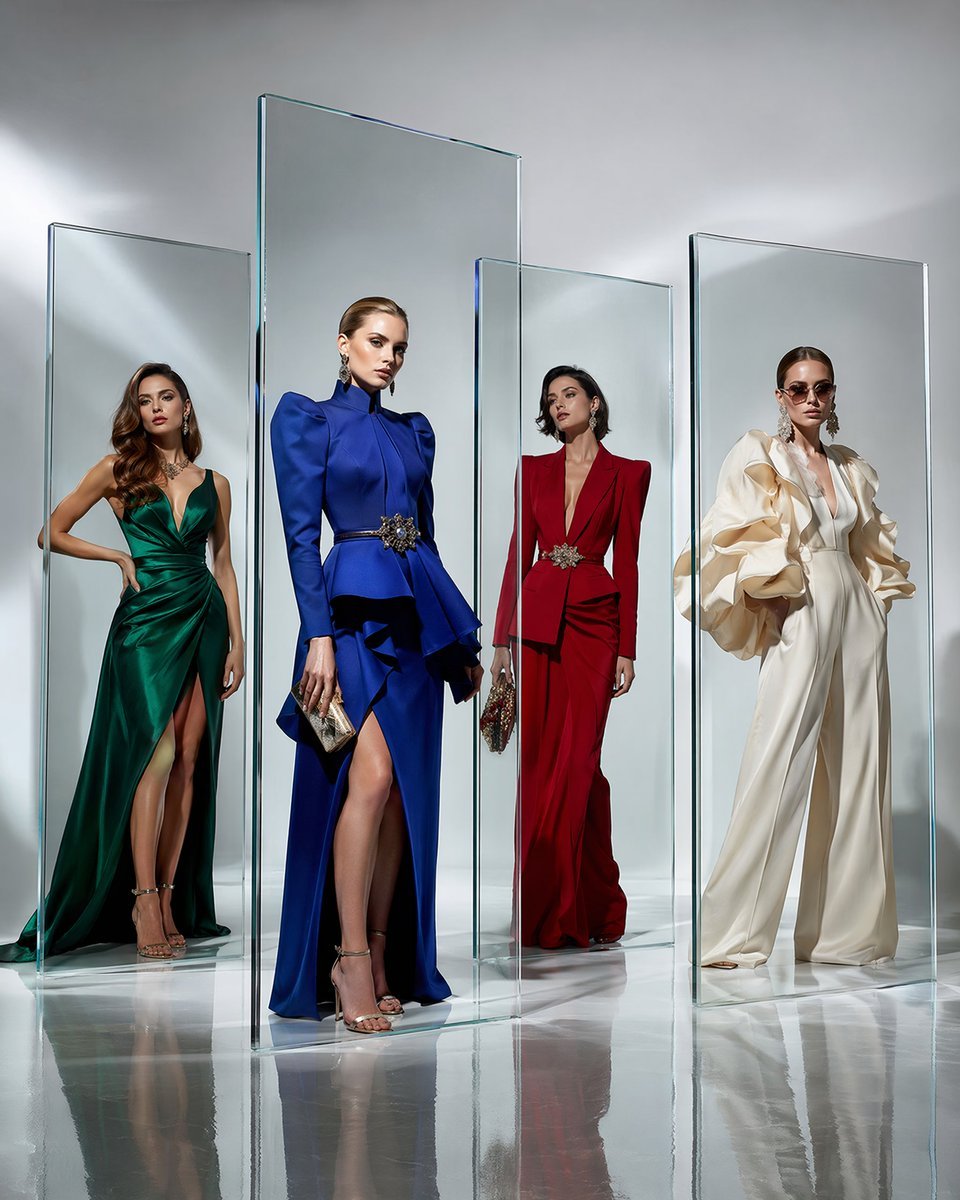
Crystal Panel European Couture Fashion Composite
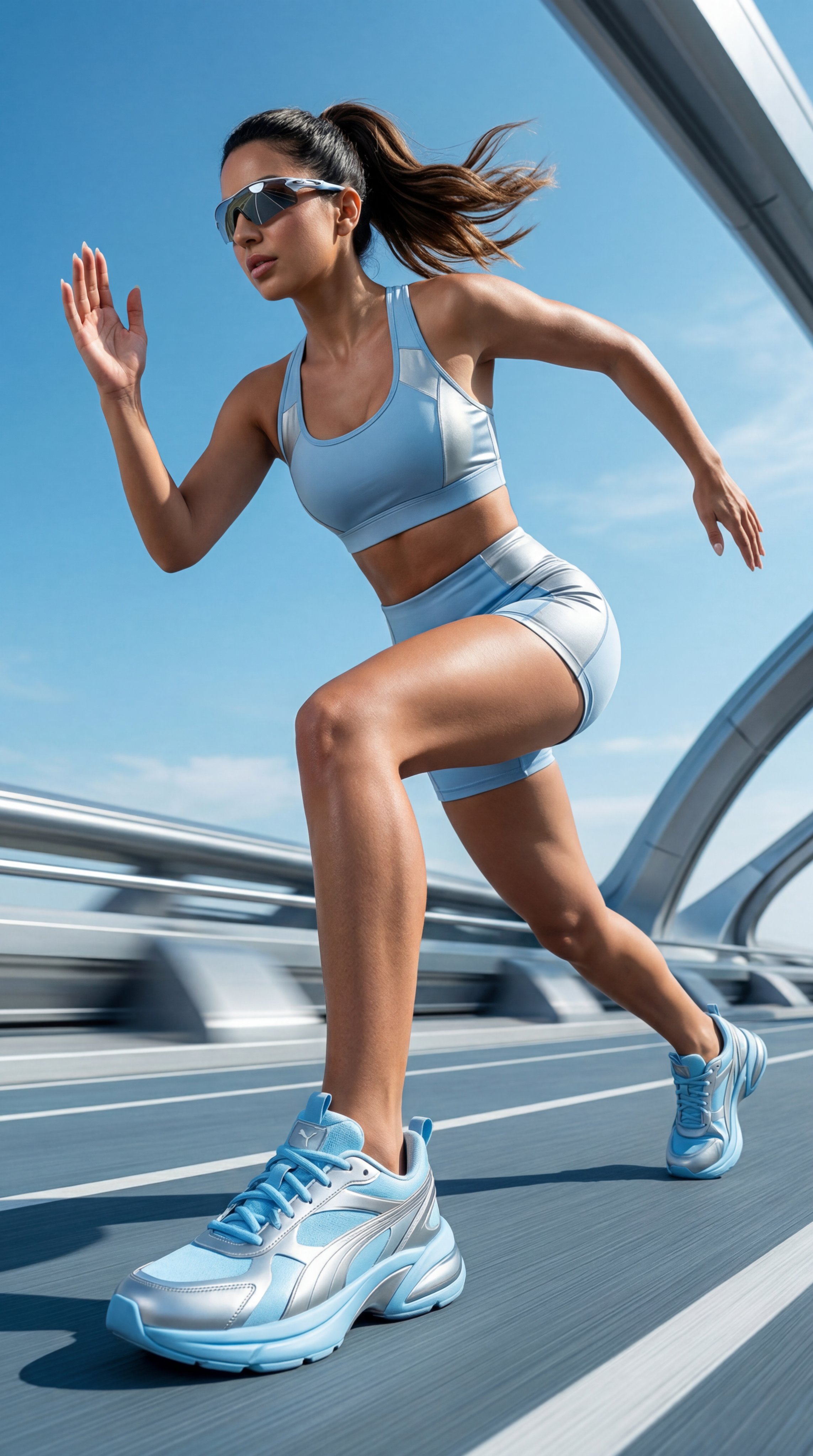
Nano Banana 2 High Fashion Sports Campai
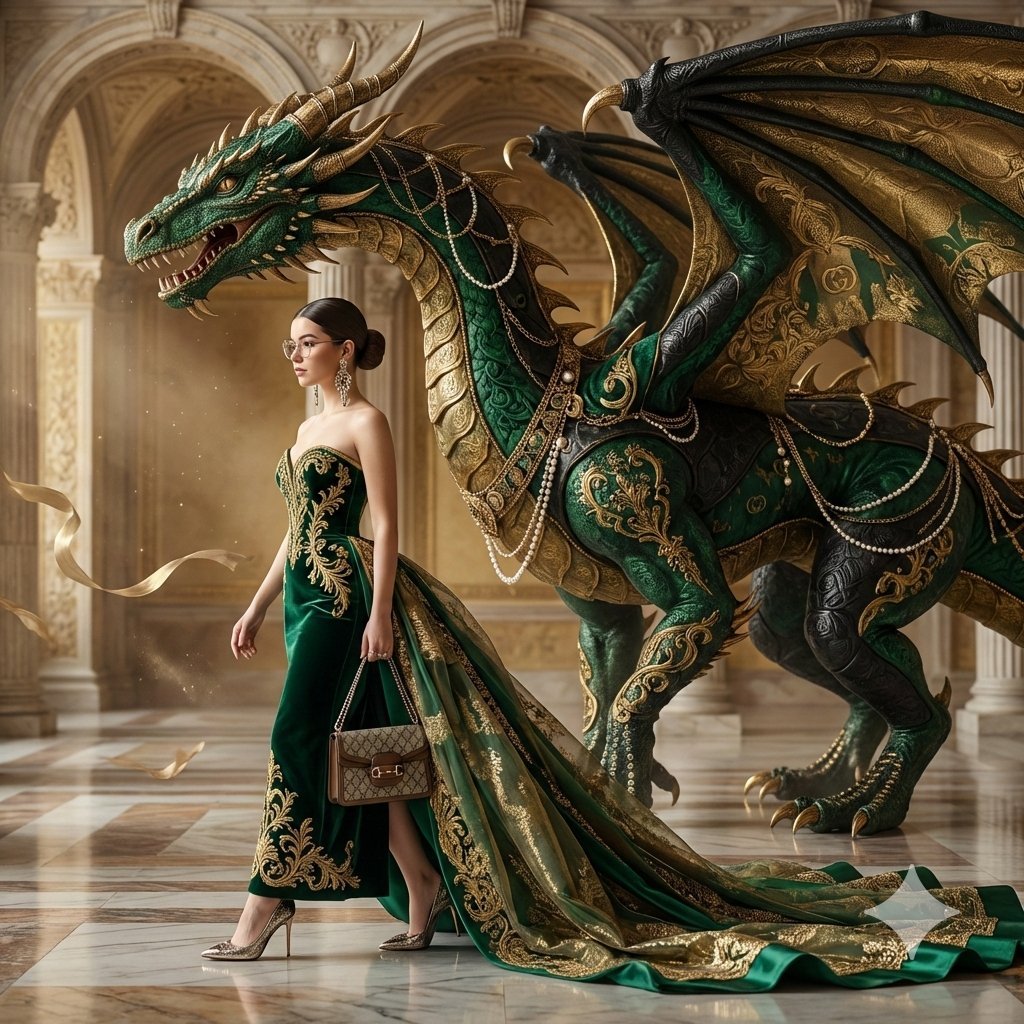
Couture Fashion Editorial Woman and Drag
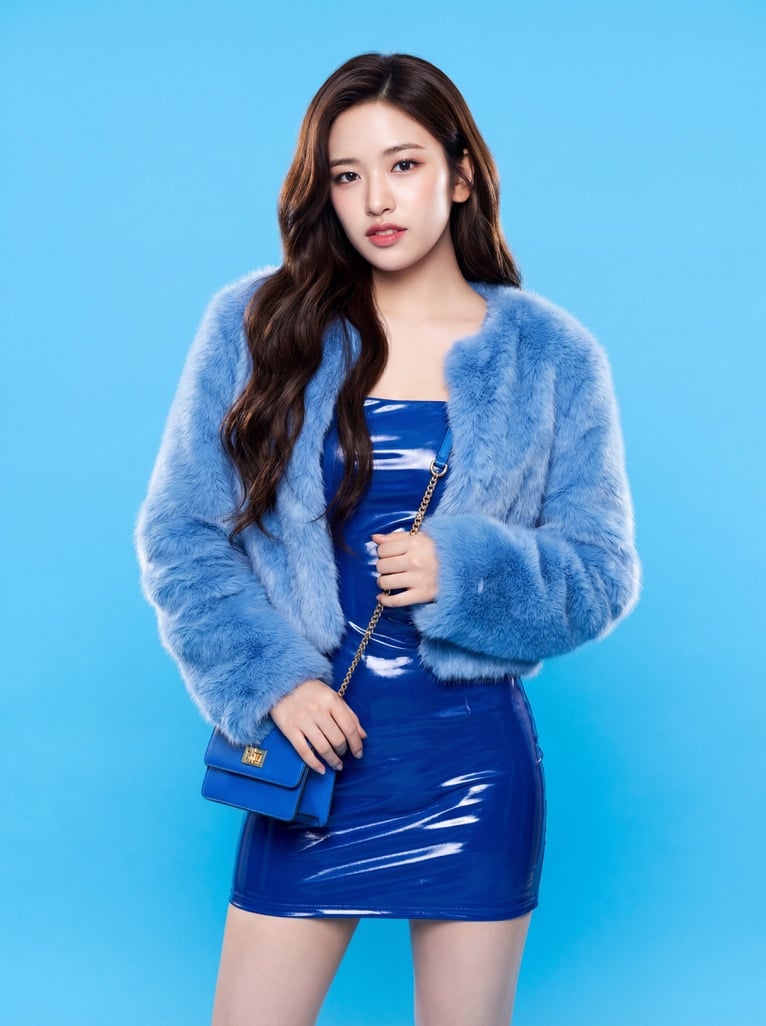
Ive Yujin Fashion Portrait in Blue
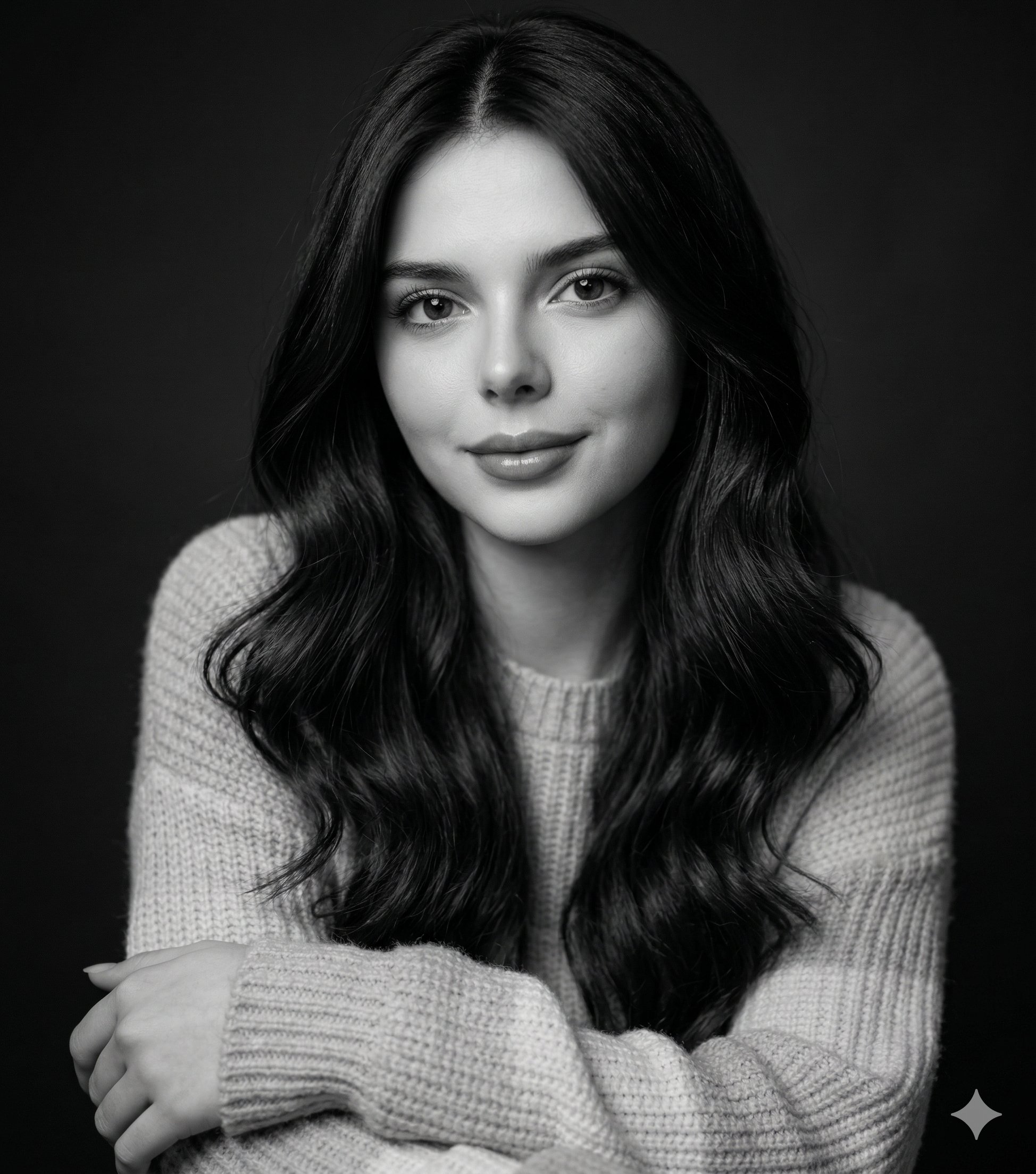
Nano Banana 2 Editorial Fashion Portrait
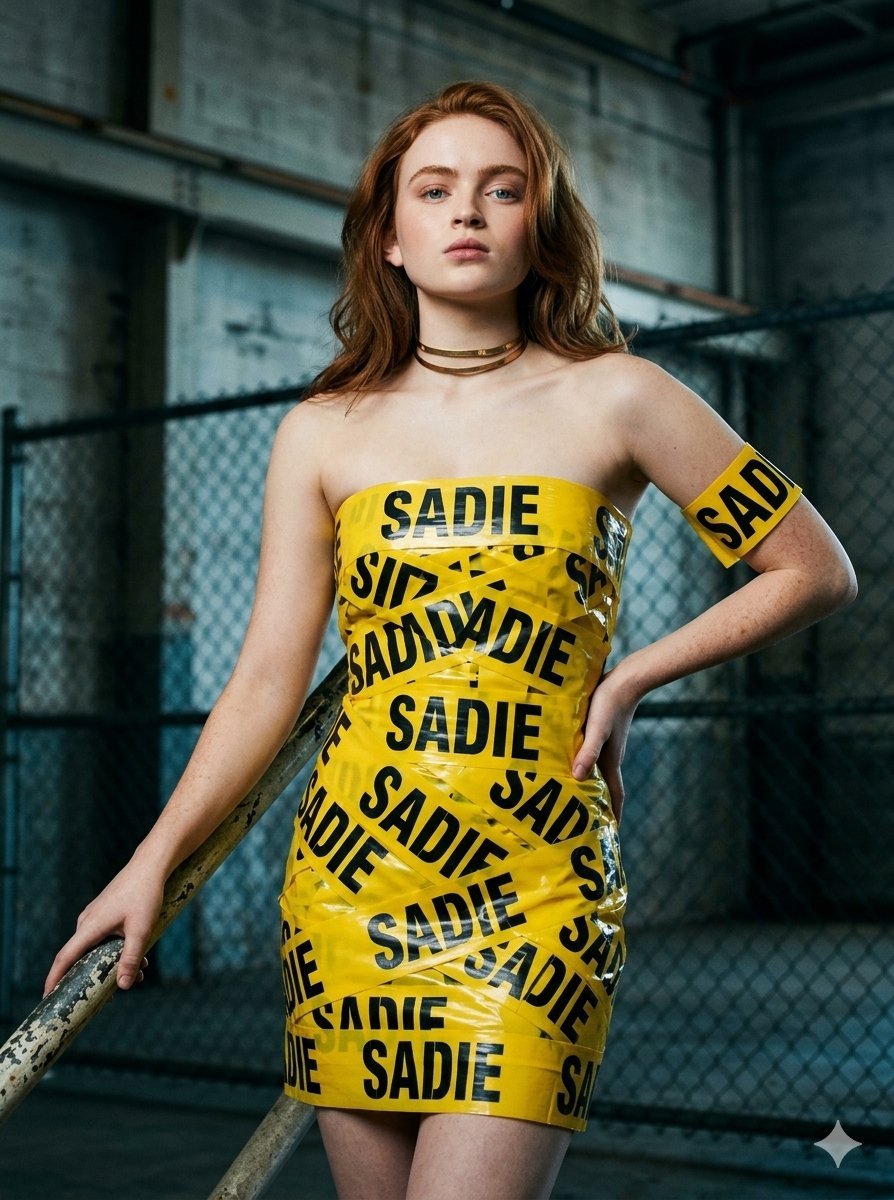
Caution Tape Fashion — Industrial Editorial
Nano Banana - Street Paris T-Shirt
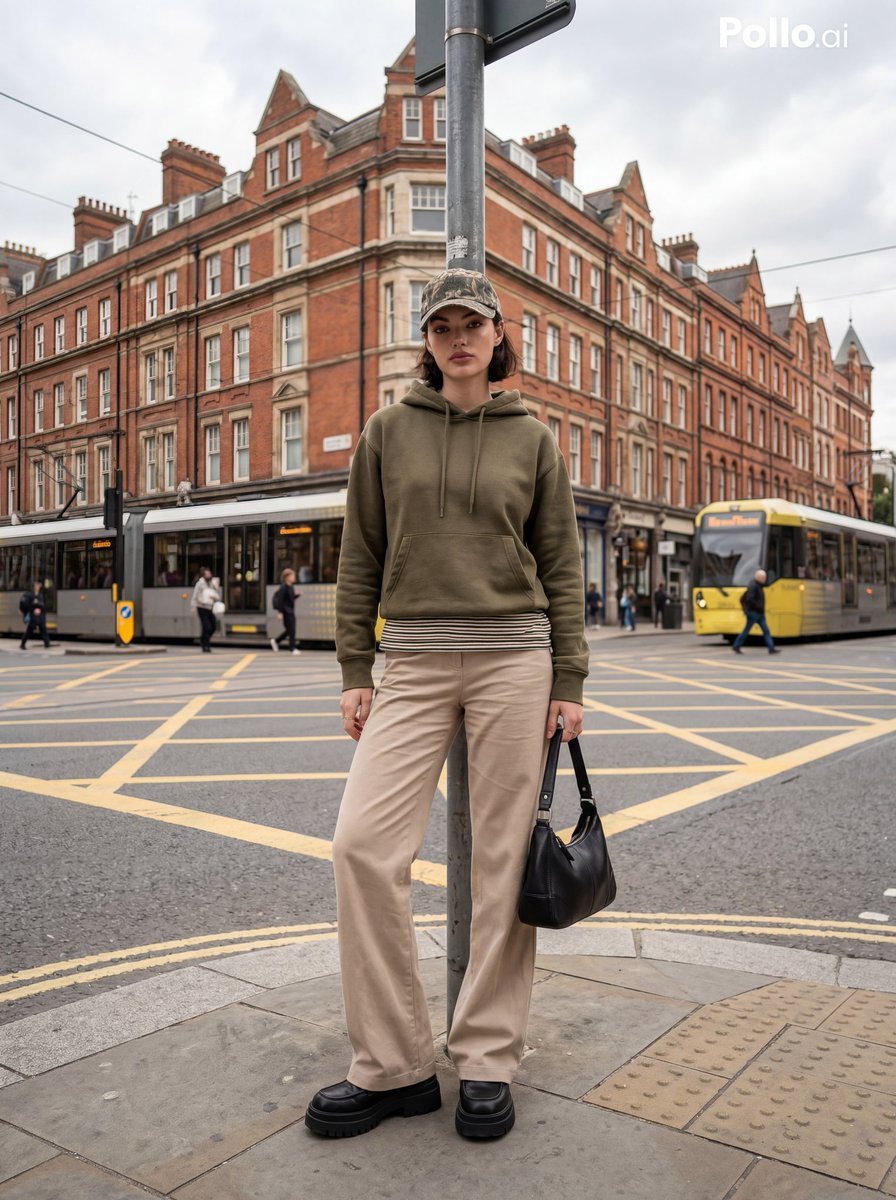
Street Fashion Editorial in European City
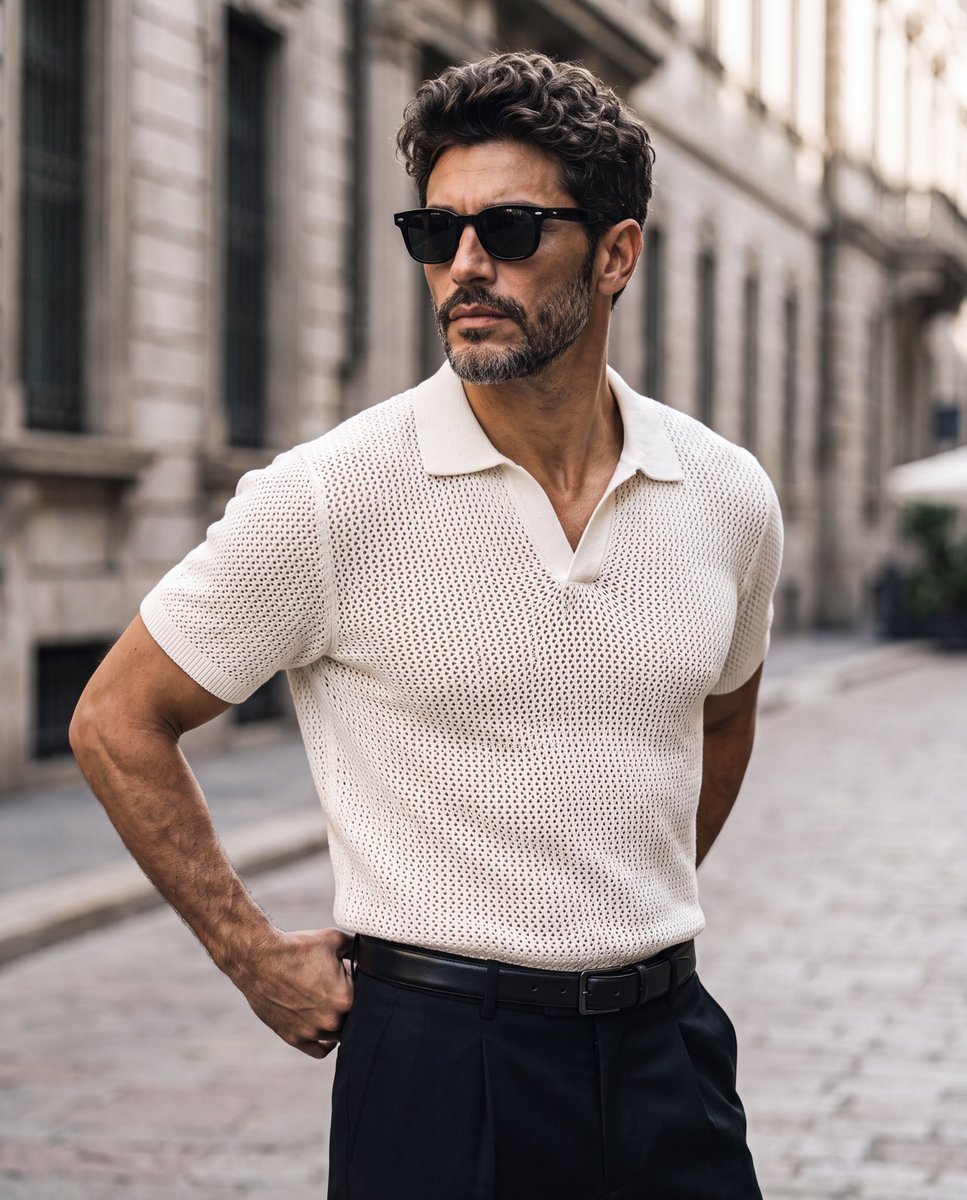
Elegant European Street Portrait
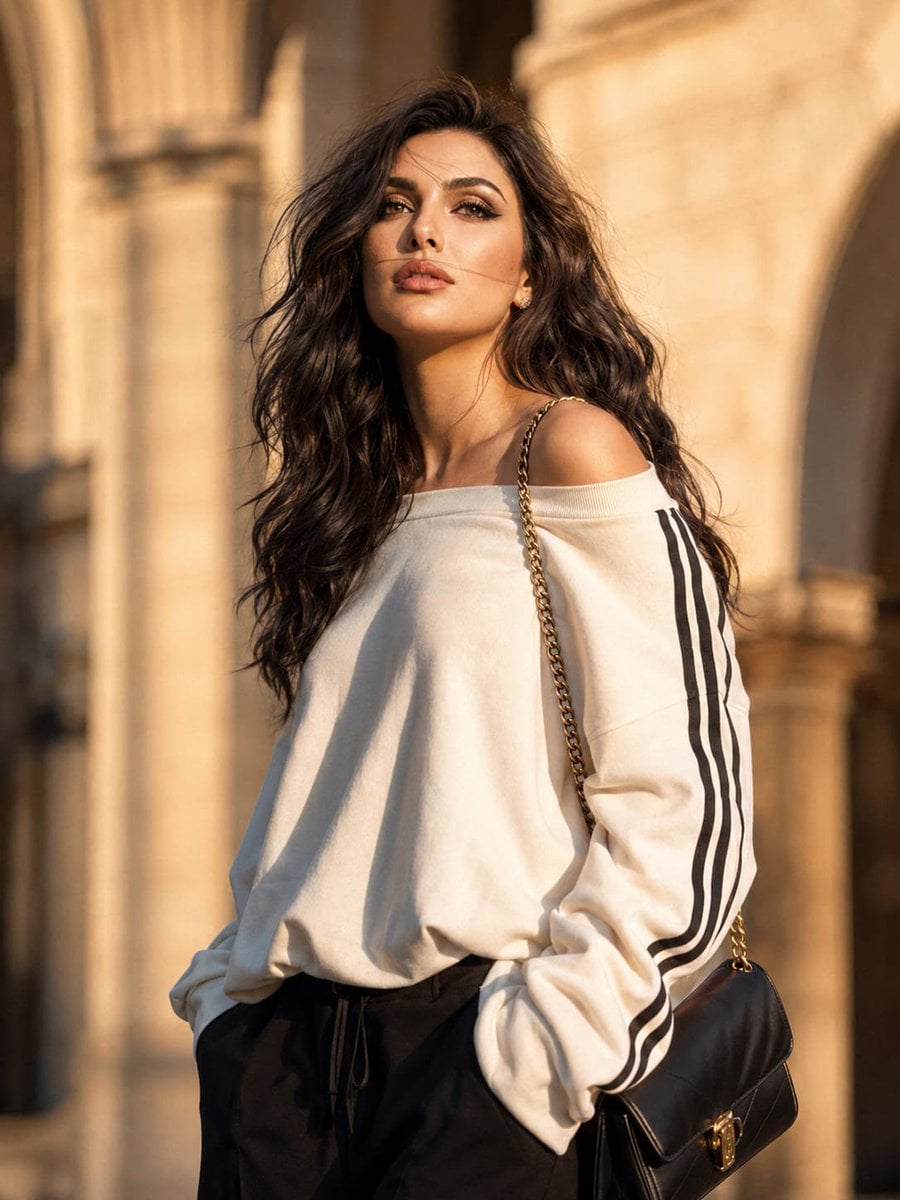
European Luxury Street Style Portrait
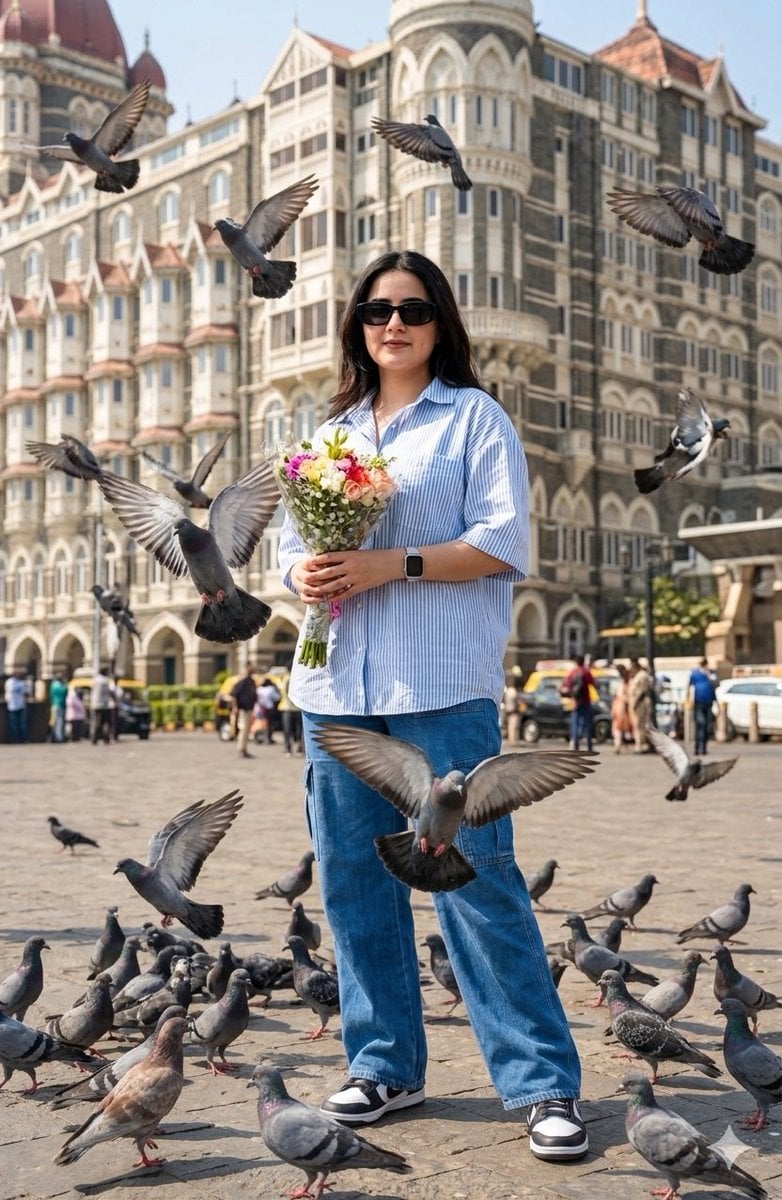
Mumbai Street Style Fashion Portrait
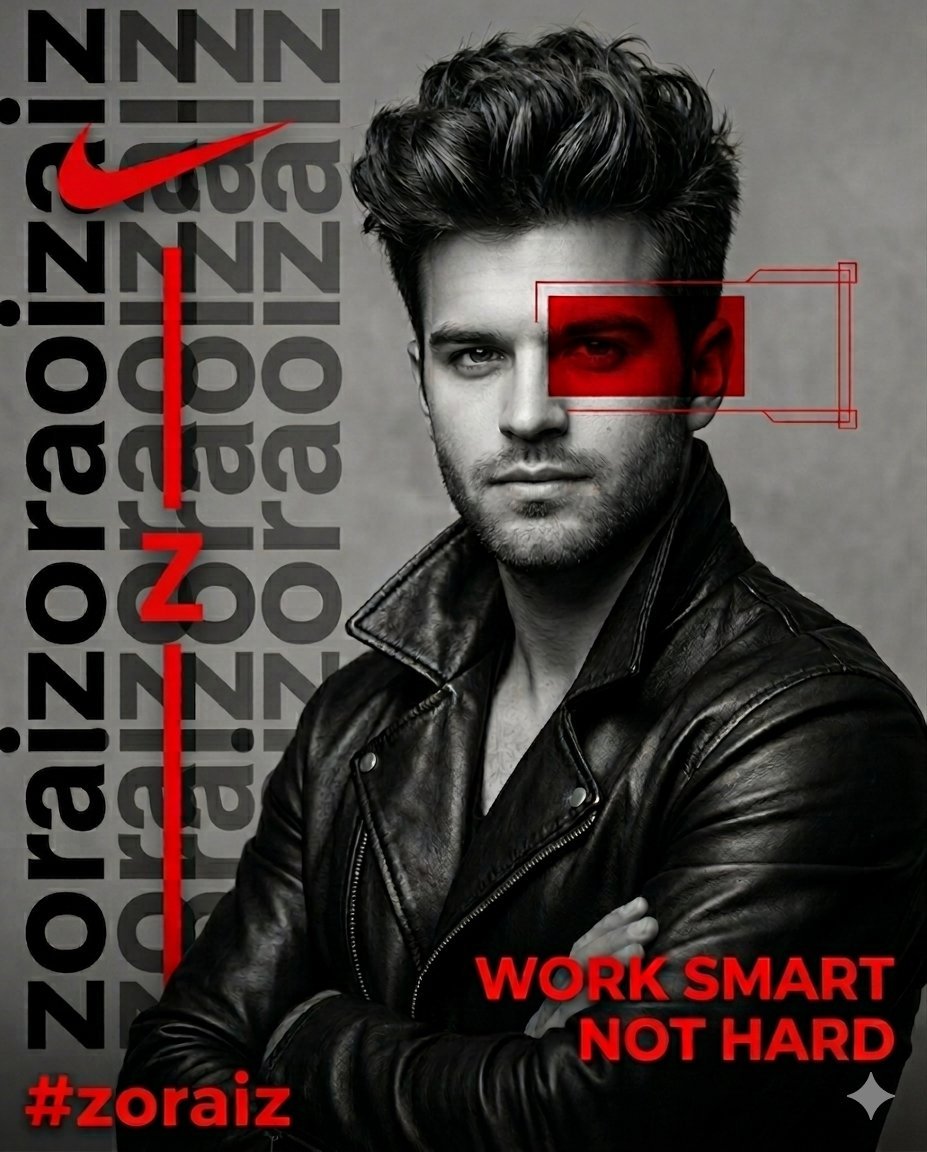
Artistic Male Fashion Portrait
Make it yours
Male Fashion Portrait in European Street works as-is. These are the safest ways to change it without losing the look.
Change one field
Copy a single group, rewrite it, and generate again so you can see what that field is doing.
Keep the frame, change the subject
Hold the composition and light of Male Fashion Portrait in European Street, then swap wardrobe, props or the person for a new take.
| If the result… | Why | Fix |
|---|---|---|
| The result drifts from the preview | Too many fields changed at once. | Reuse Male Fashion Portrait in European Street as-is first, then change one group — subject, light, or setting. |
| The model over-stylizes the scene | The prose prompt leaves finish and camera underspecified. | Add one camera or lighting sentence and stay on Nano Banana 2. |
More Nano Banana 2 templates
Other prompts made for Nano Banana 2.

Photorealistic Leaf Shaped Like a Dragon

K-Pop Idol Portrait Grid for Rapid Selection

Poetic Rain Forest Portrait During Golden Hour

Urban Street Portrait with Cartoon Inner Self Duo

Candid Nighttime Photo with Cat Prompt

High-Concept 3D Diorama Generation Prompt

Cinematic Futuristic Studio Portrait Template

Skincare Editorial Photography Collage Prompt

Hyper-Realistic Commercial Product Photography (Splash Effect)

Hyper-Realistic Nightclub Portrait Prompt
More image prompts
Fresh picks from across the catalog.
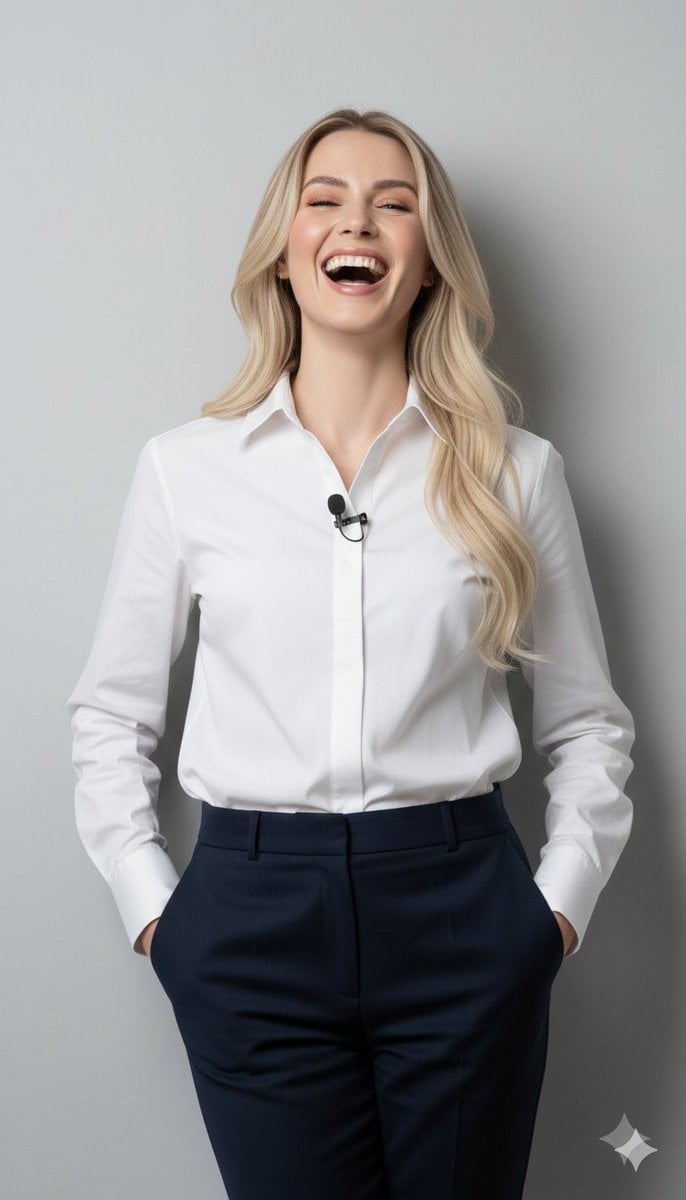
8K Close-Up Portrait of Joyful Laughter
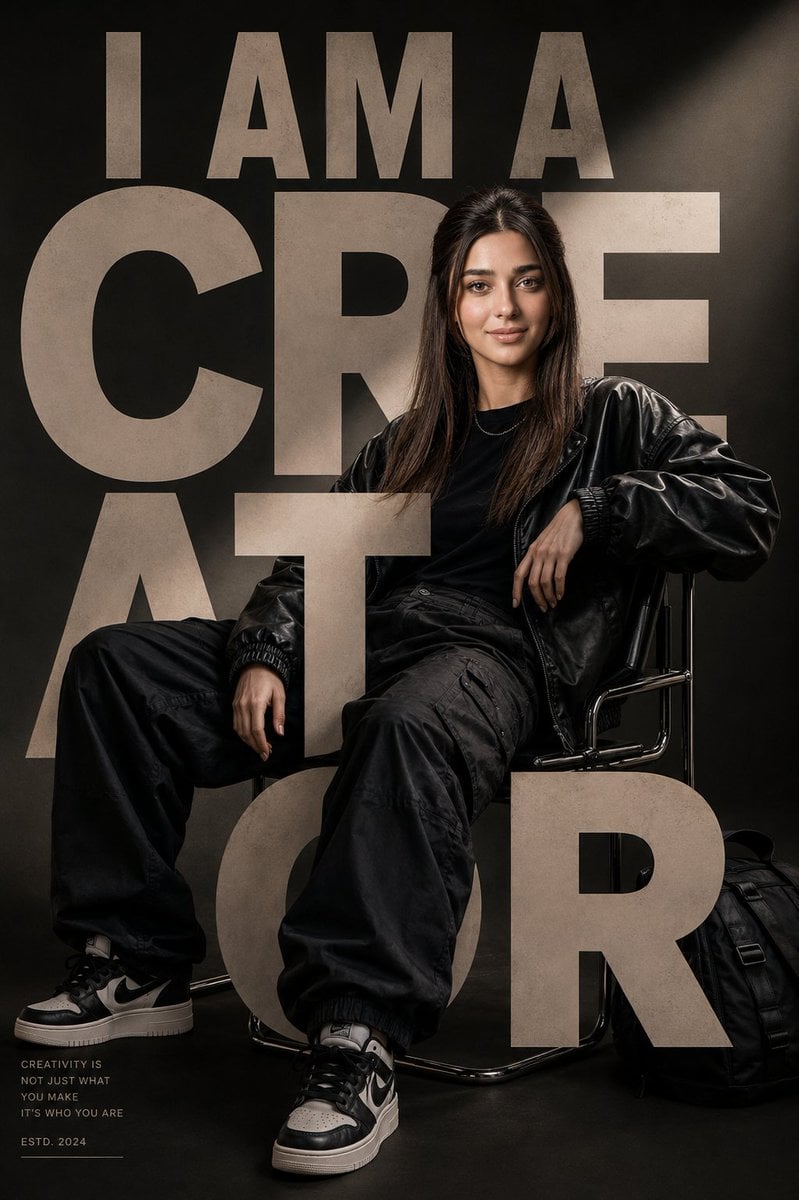
Luxury Streetwear Editorial Poster
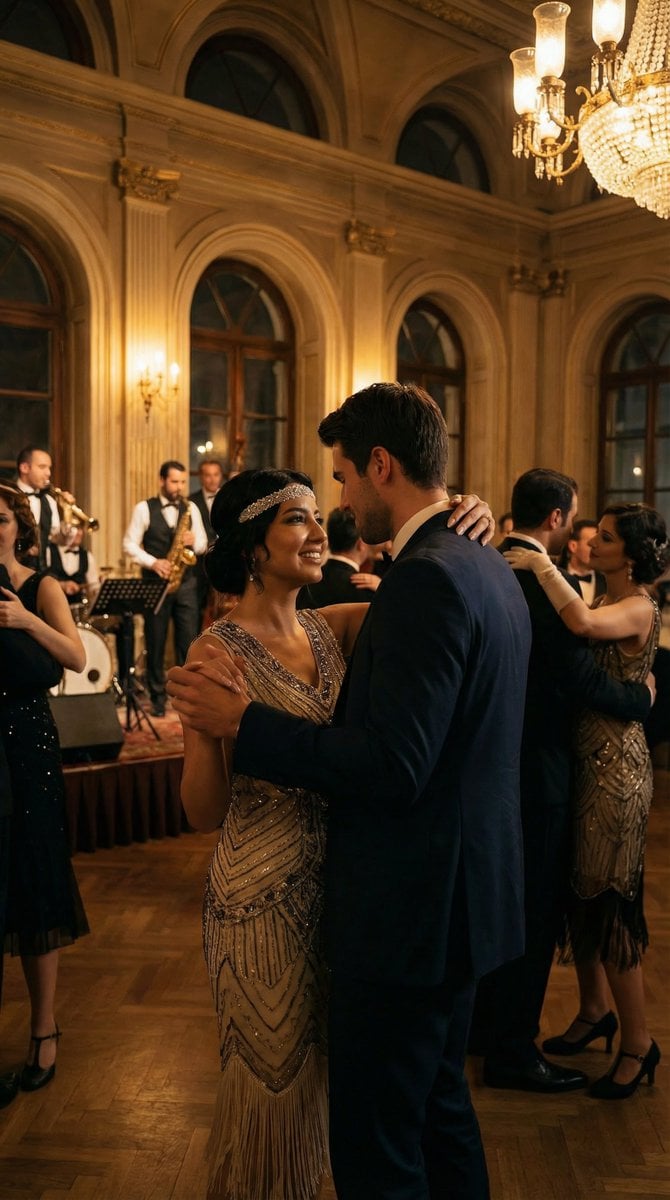
Historical romantic editorial of a couple dancing in 1920s Istanbul
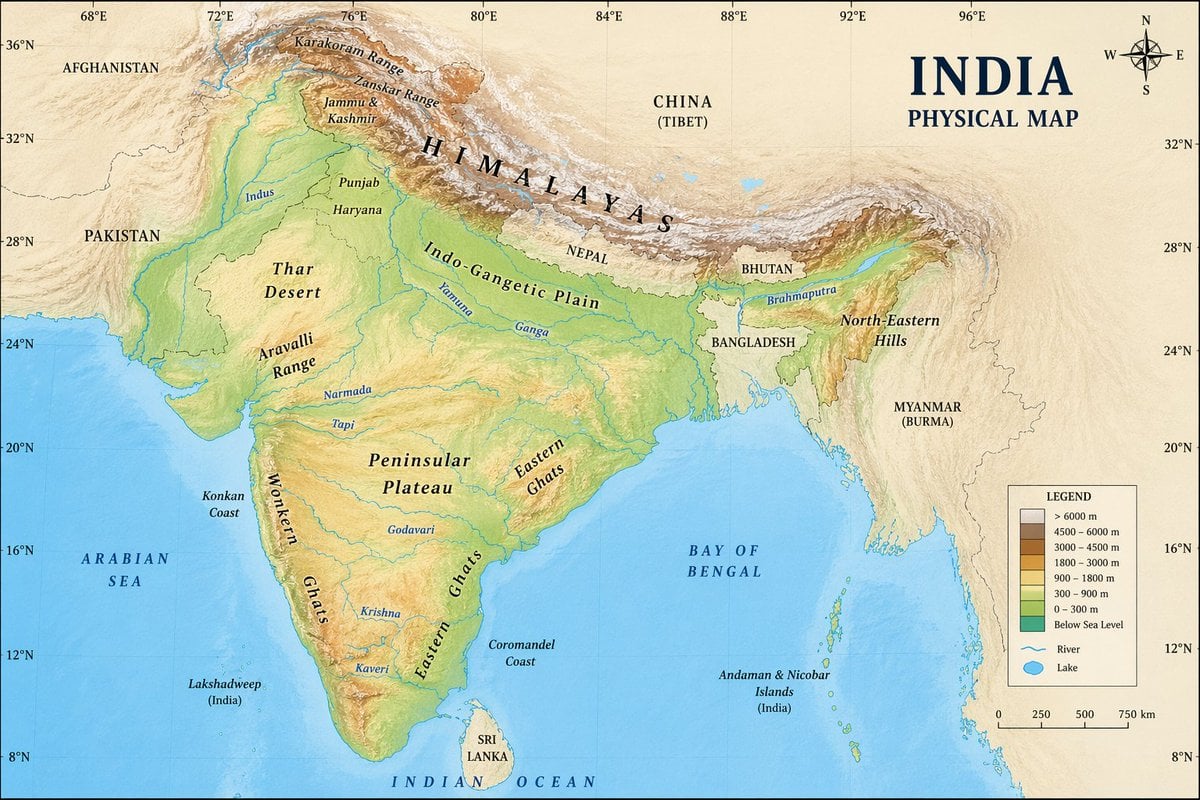
Geographic Map Illustration
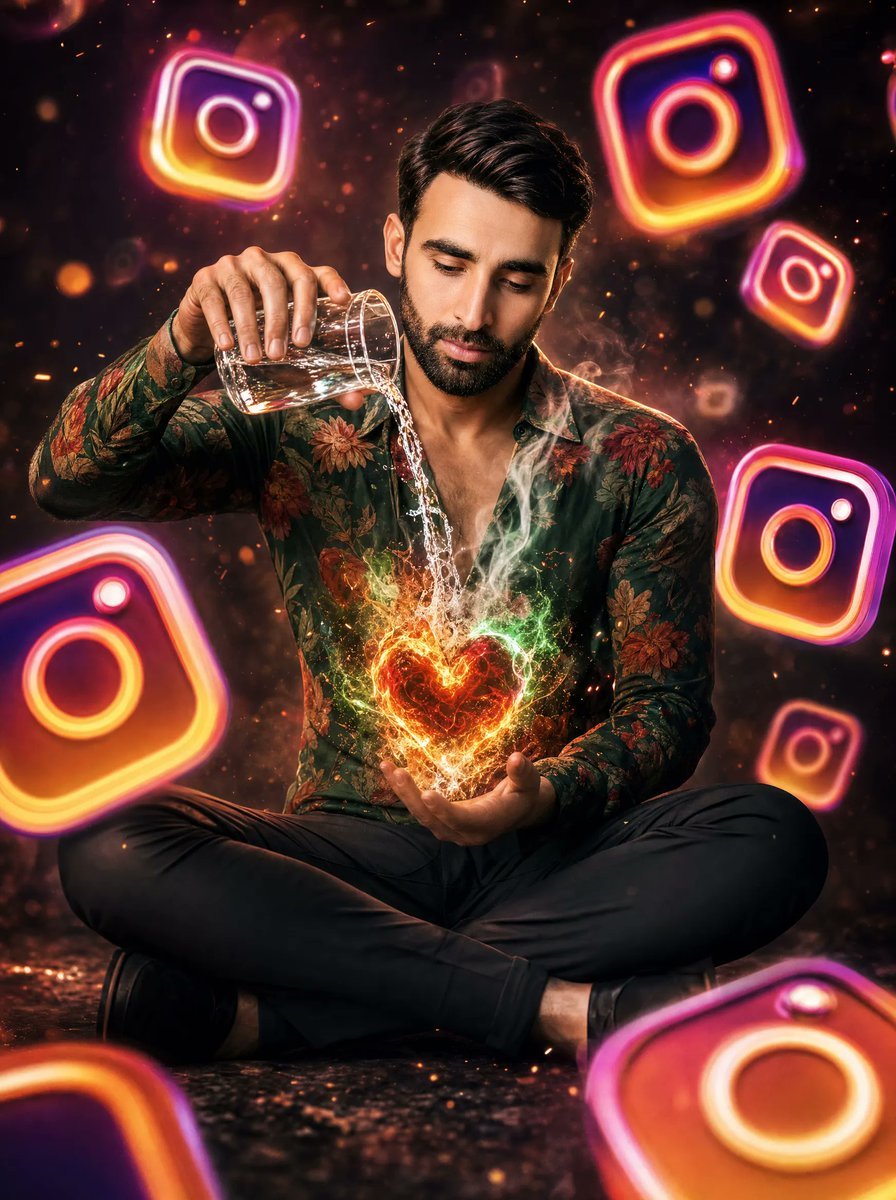
Neon Instagram Magic Heart Portrait
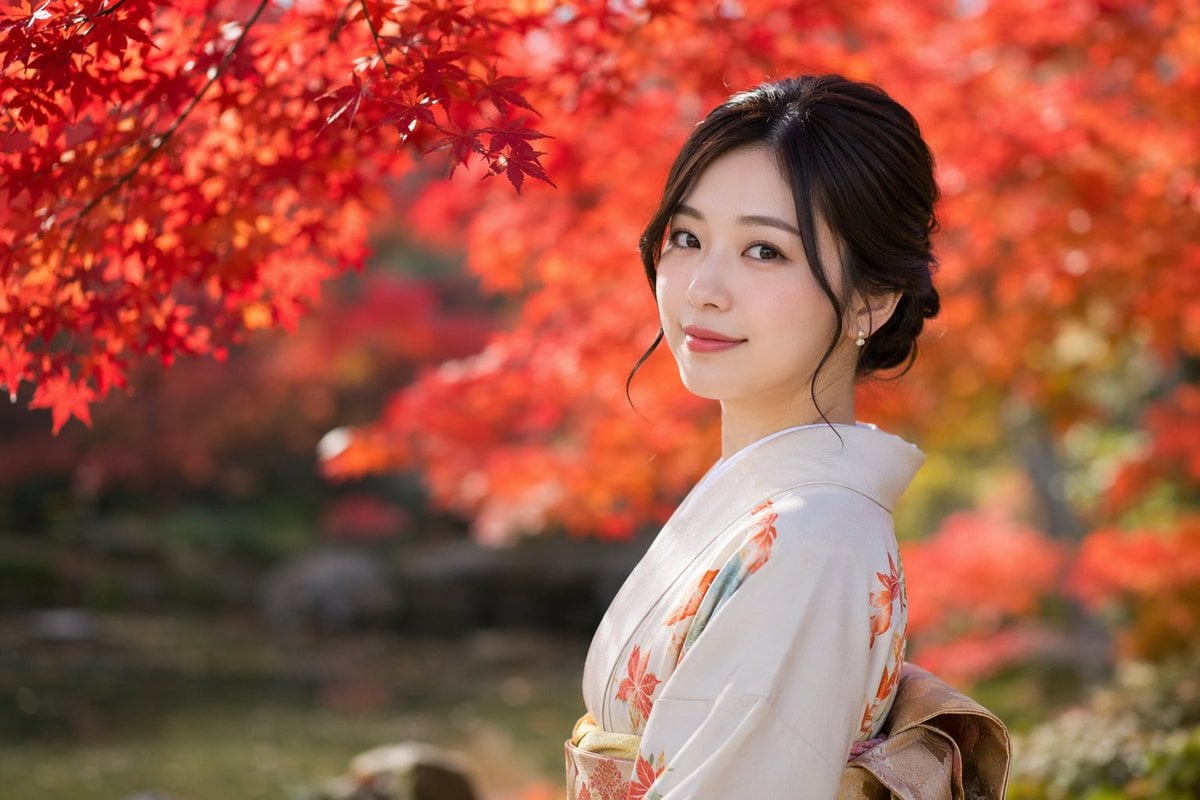
Photorealistic Autumn Kimono Portrait
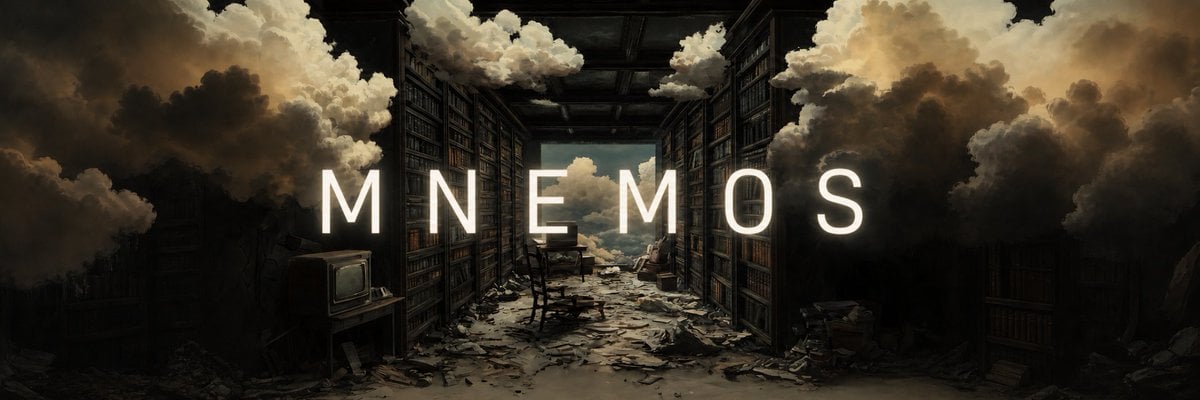
Add Cinematic Centered Title Banner
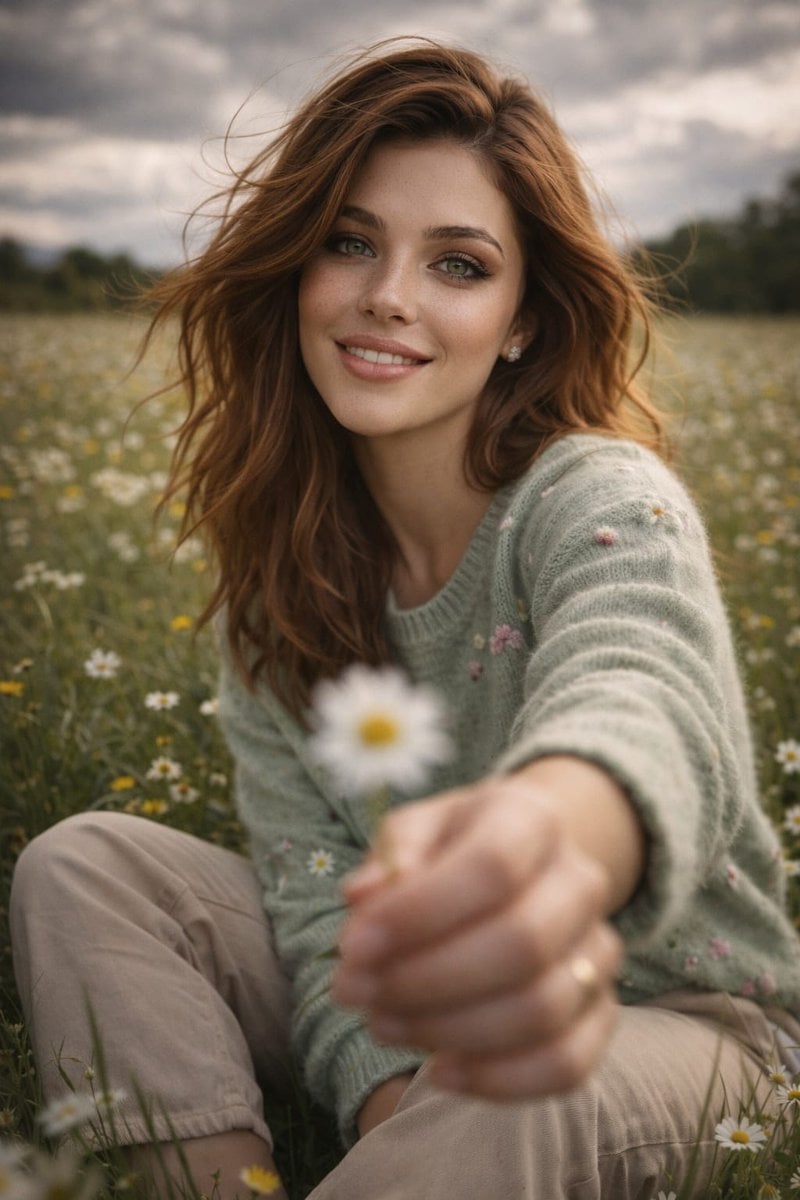
Cinematic Lifestyle Portrait Prompt using Nano Banana 2 with Face Reference
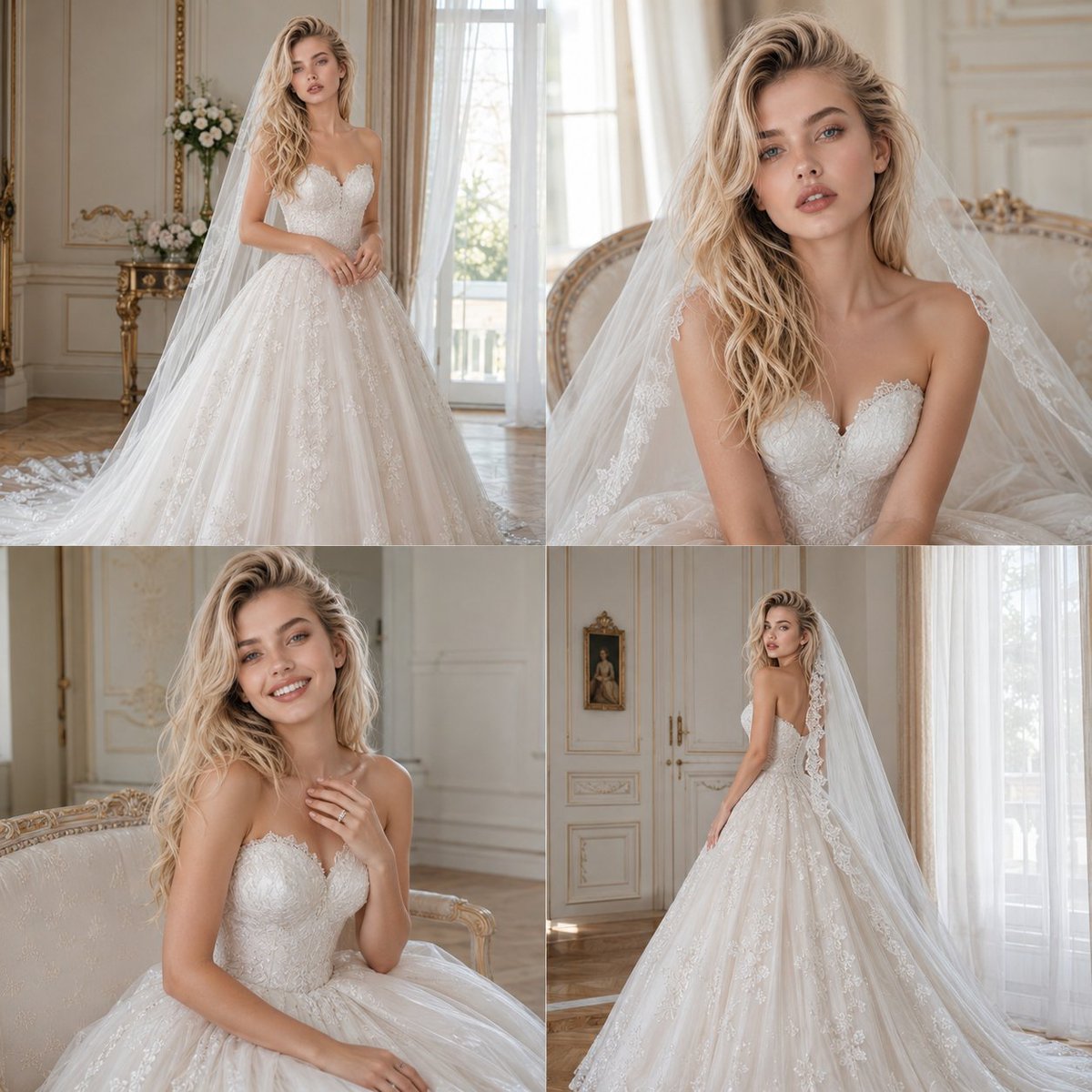
Bridal Photoshoot Grid
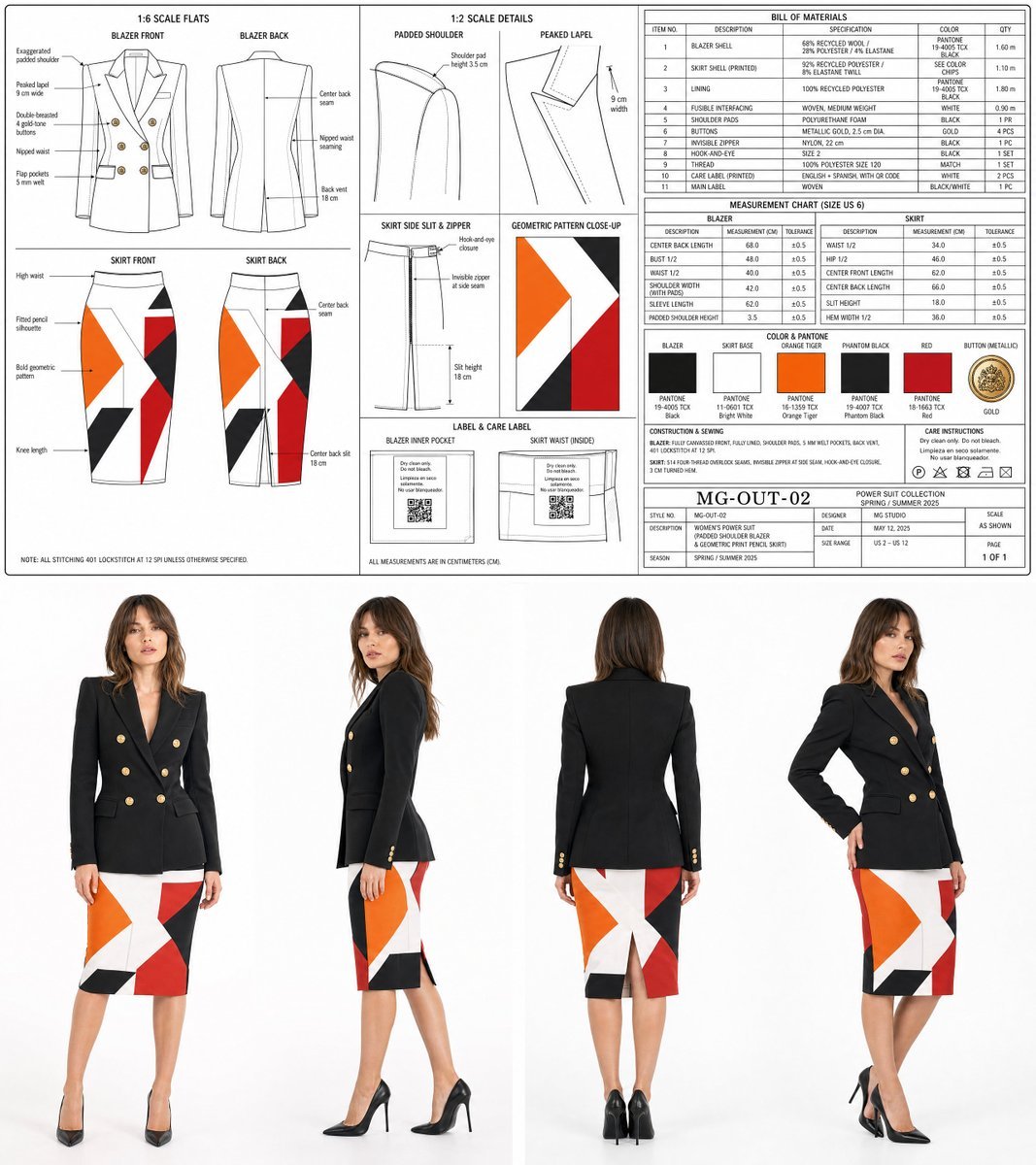
Women's Power Suit Tech Pack
Browse template categories
Male Fashion Portrait in European Street questions
How do I use the Male Fashion Portrait in European Street template?
Add your photo if the template asks for one, edit the prompt if you like — the template's model and format are already selected — and press Generate. Your version opens in PicX Studio.
Can I customize the Male Fashion Portrait in European Street template?
Yes. You can change the subject, setting, lighting, mood, format, and available model controls before creating your image.
Is the Male Fashion Portrait in European Street template free?
Opening and editing this template is free. Generating uses credits, shown on the Generate button when you are signed in.
Which AI model should I use?
Start with Nano Banana 2, which is the model associated with this template. You can compare another compatible model for a different finish.
Looking for something else? Browse all templates.

Your photo, any look
Thousands of ready templates for every top image and video model, from one credit balance.