How do I use the Mumbai Street Style Fashion Portrait template?
Choose the primary action to open PicX Studio with the available template settings. Review the model and format, personalize the creative direction, and generate when ready.
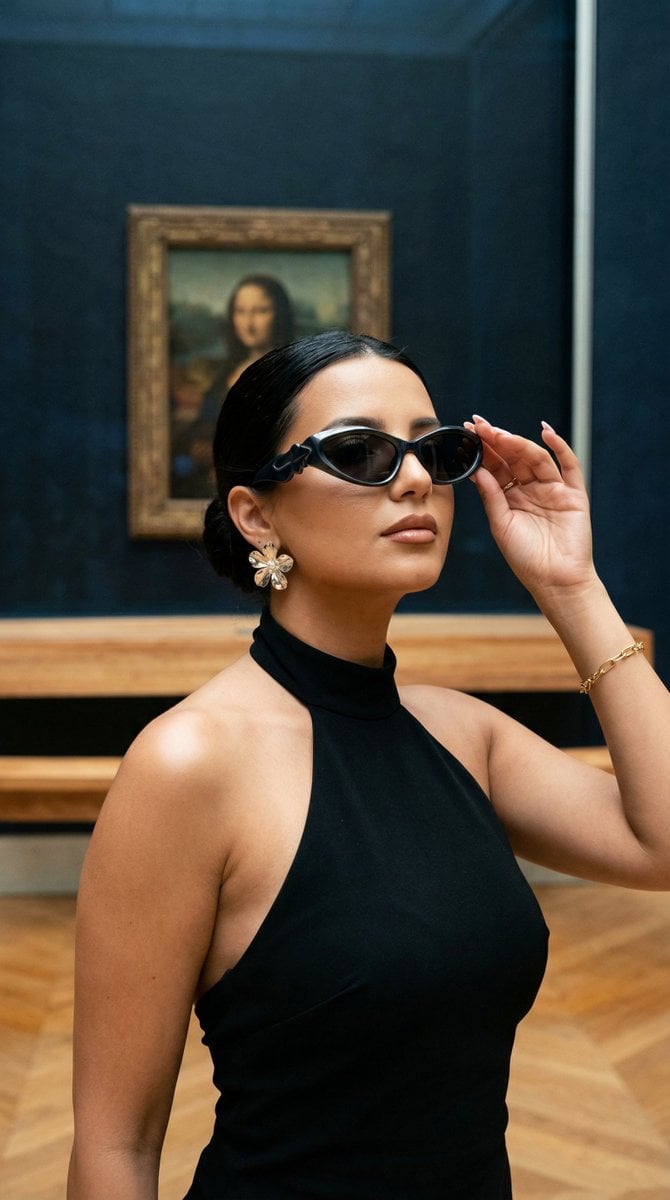
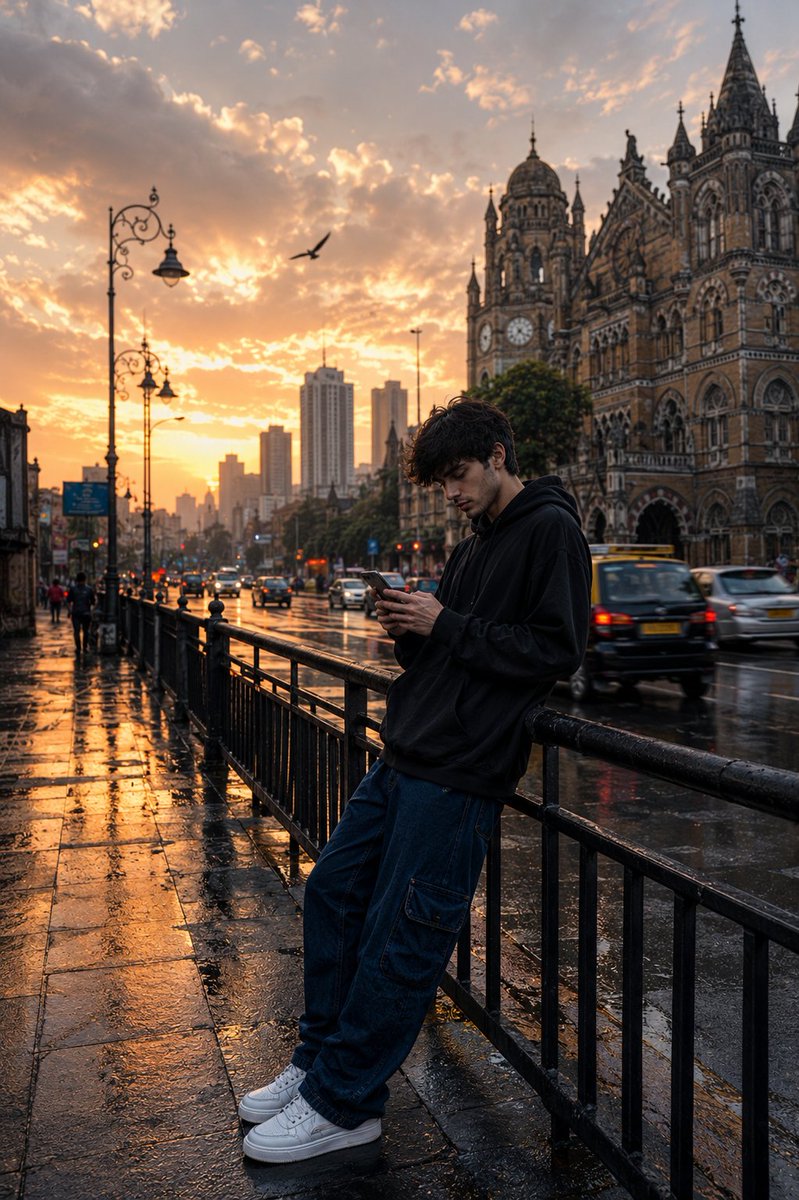
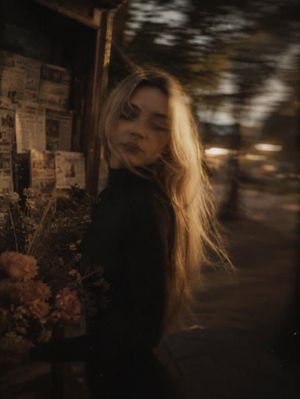
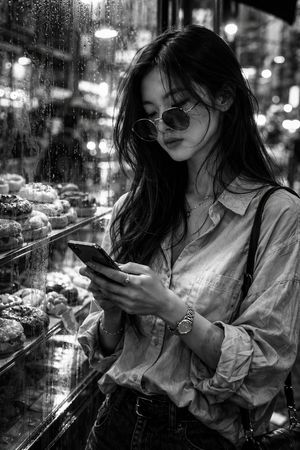
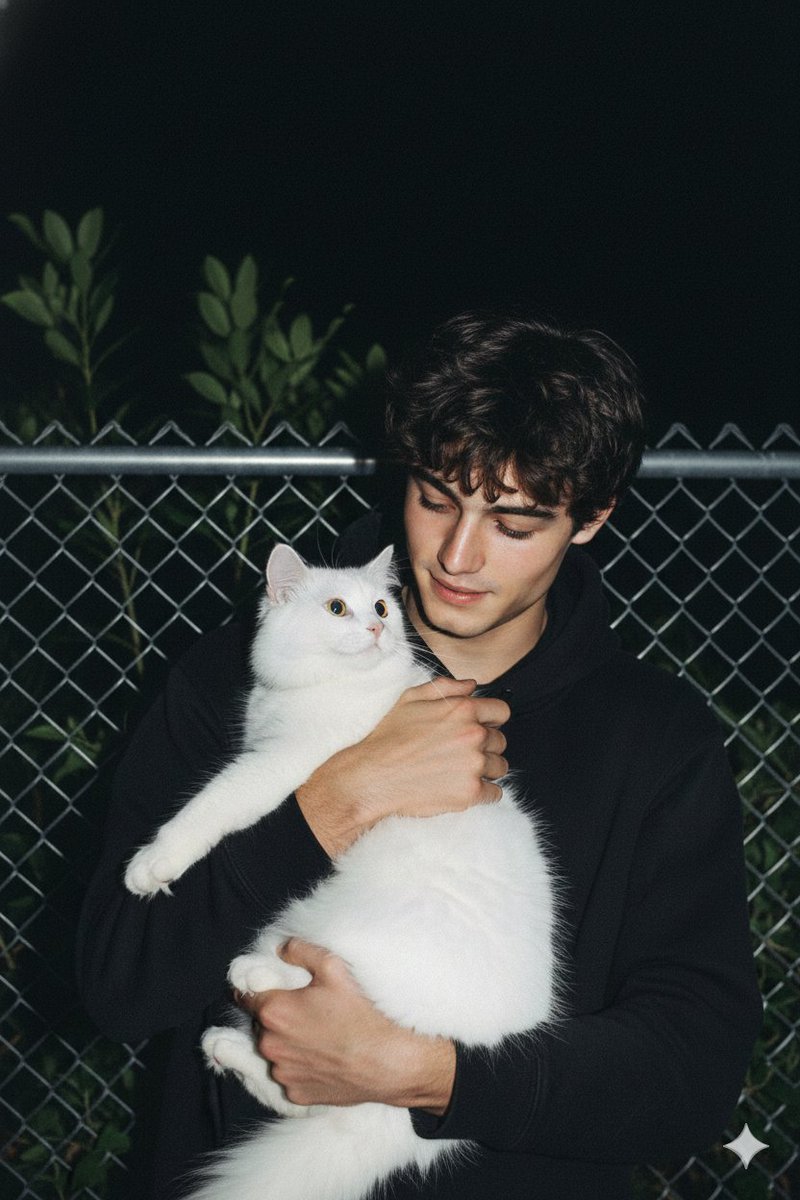
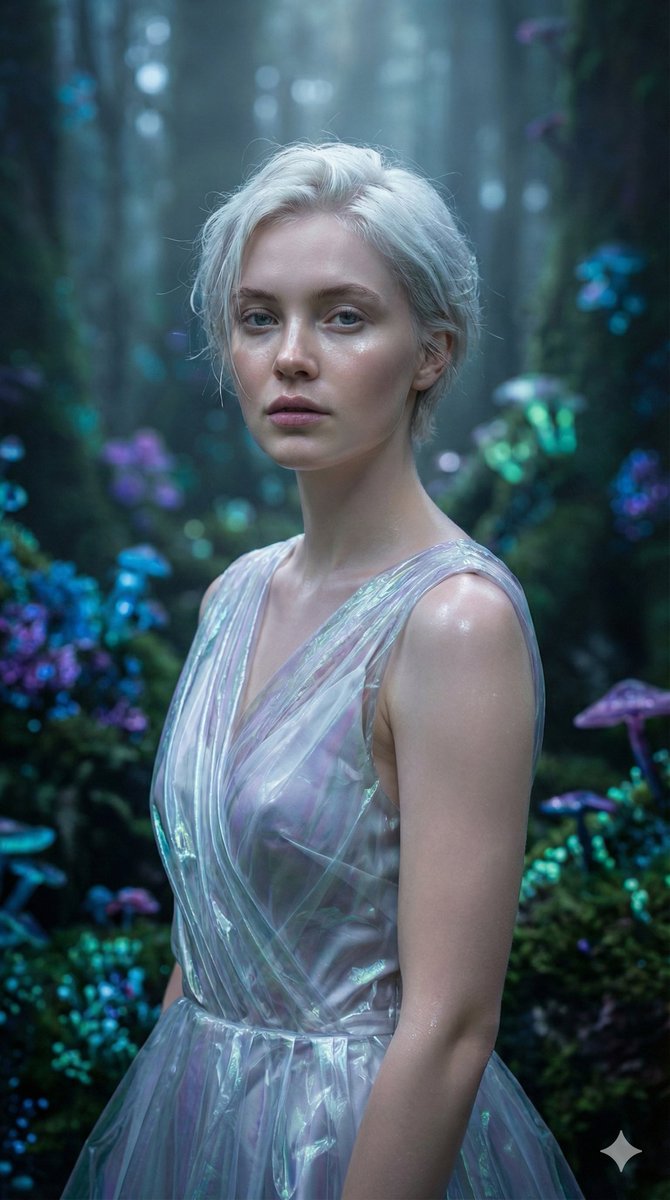
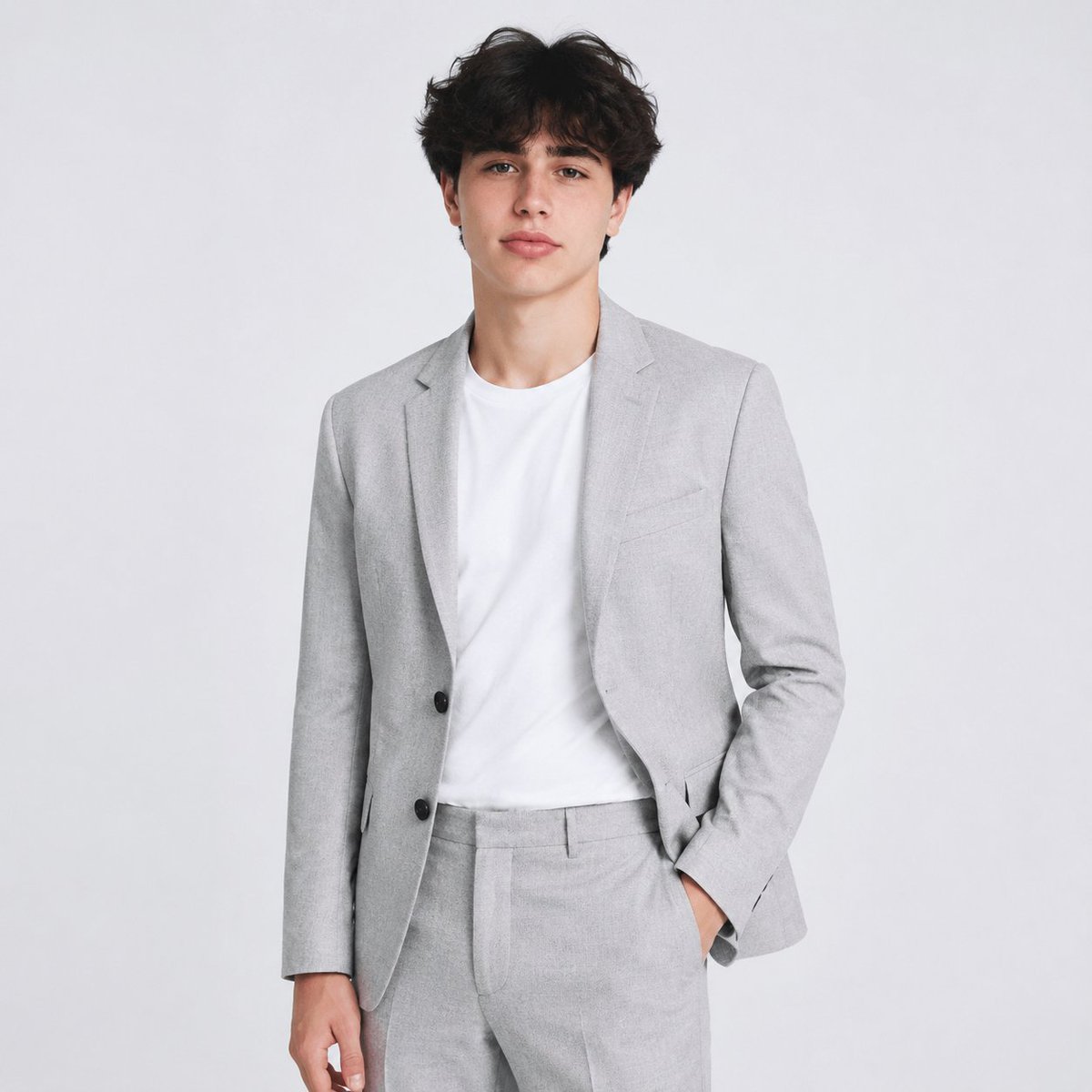
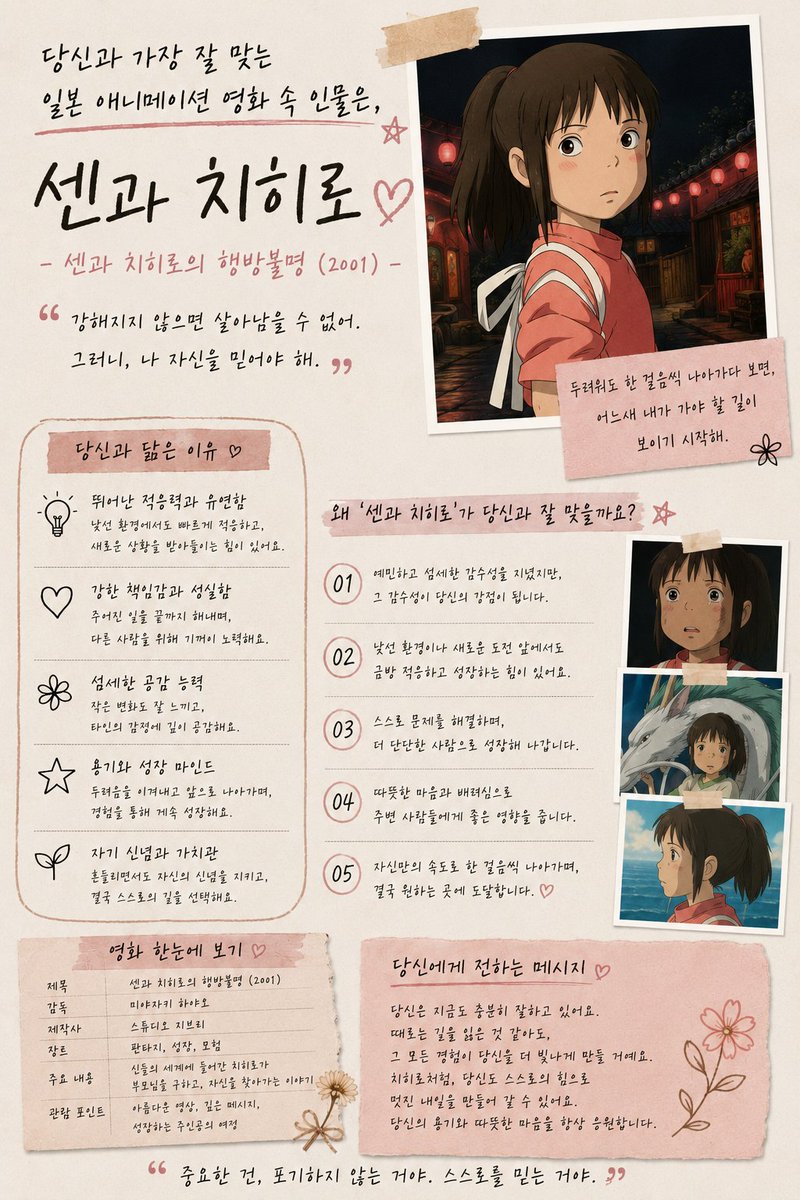
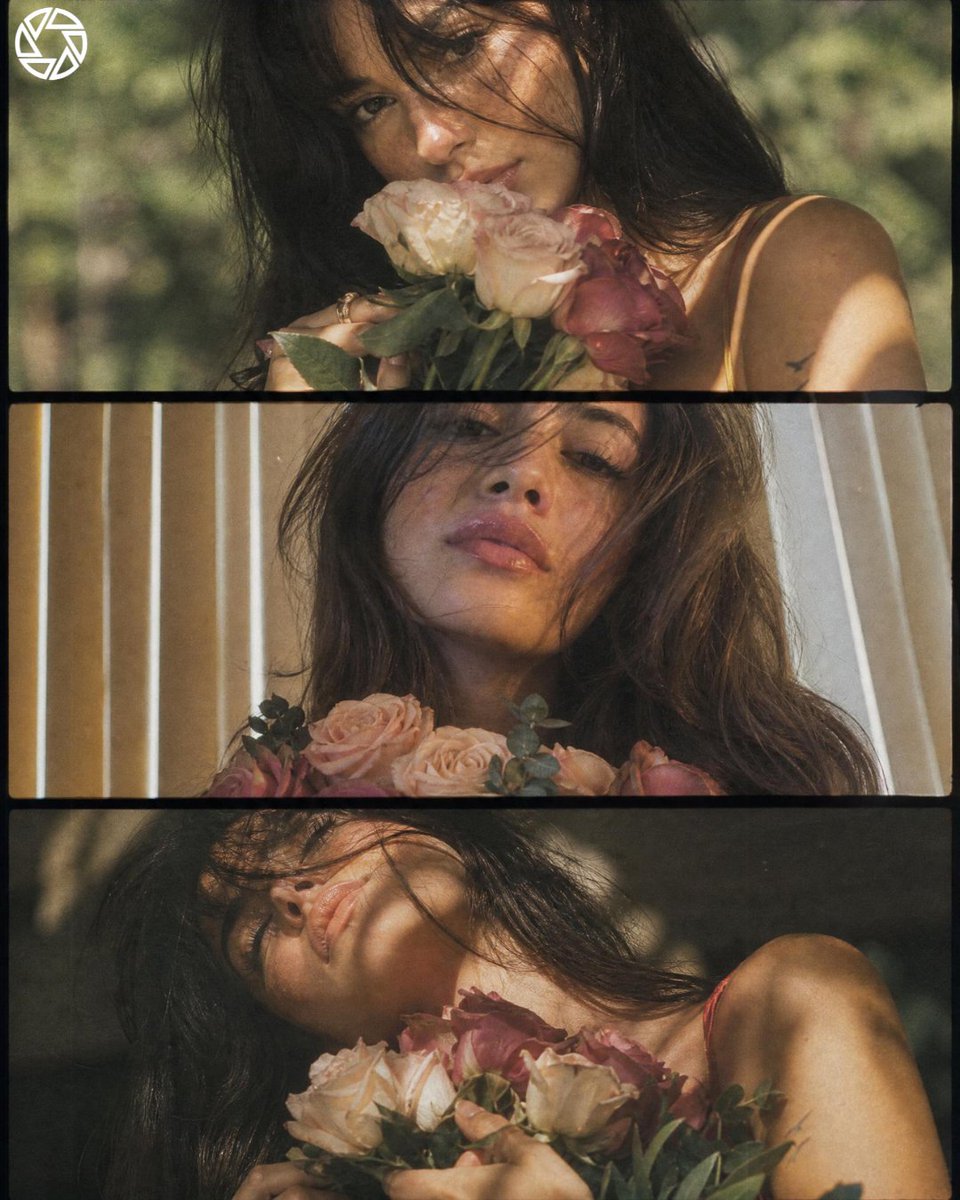
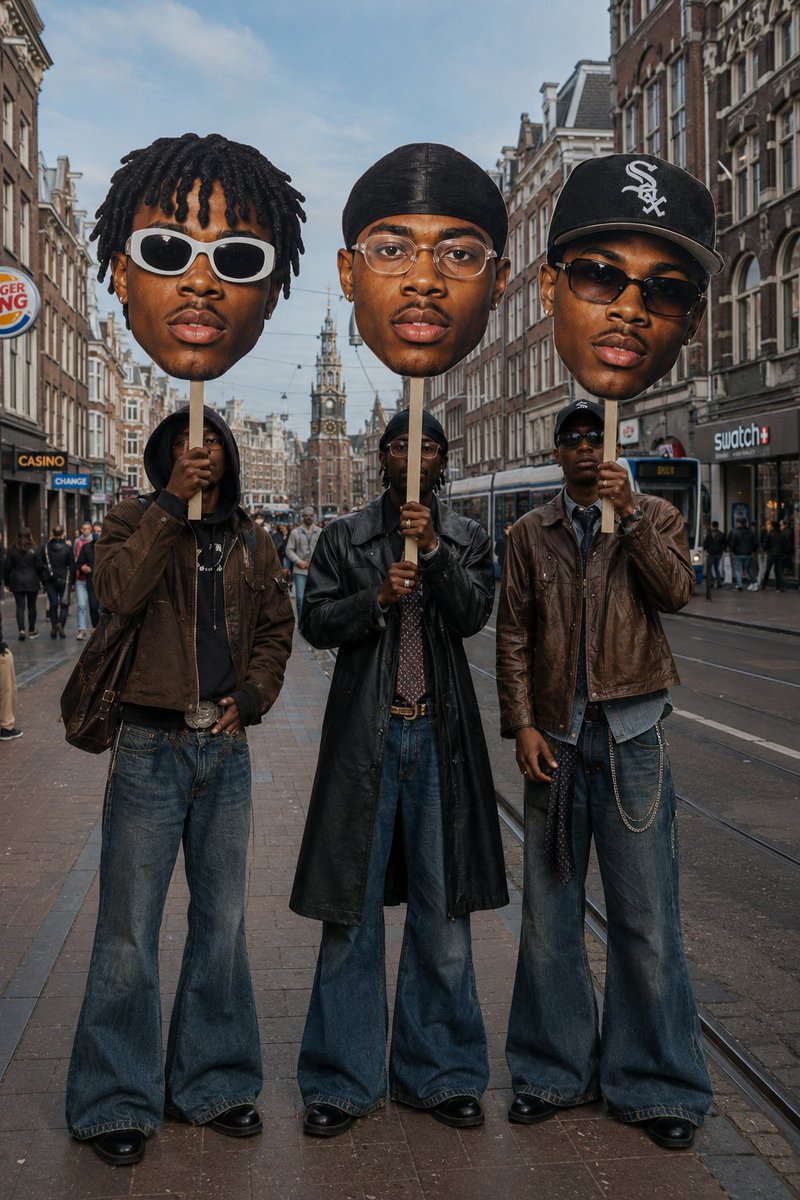
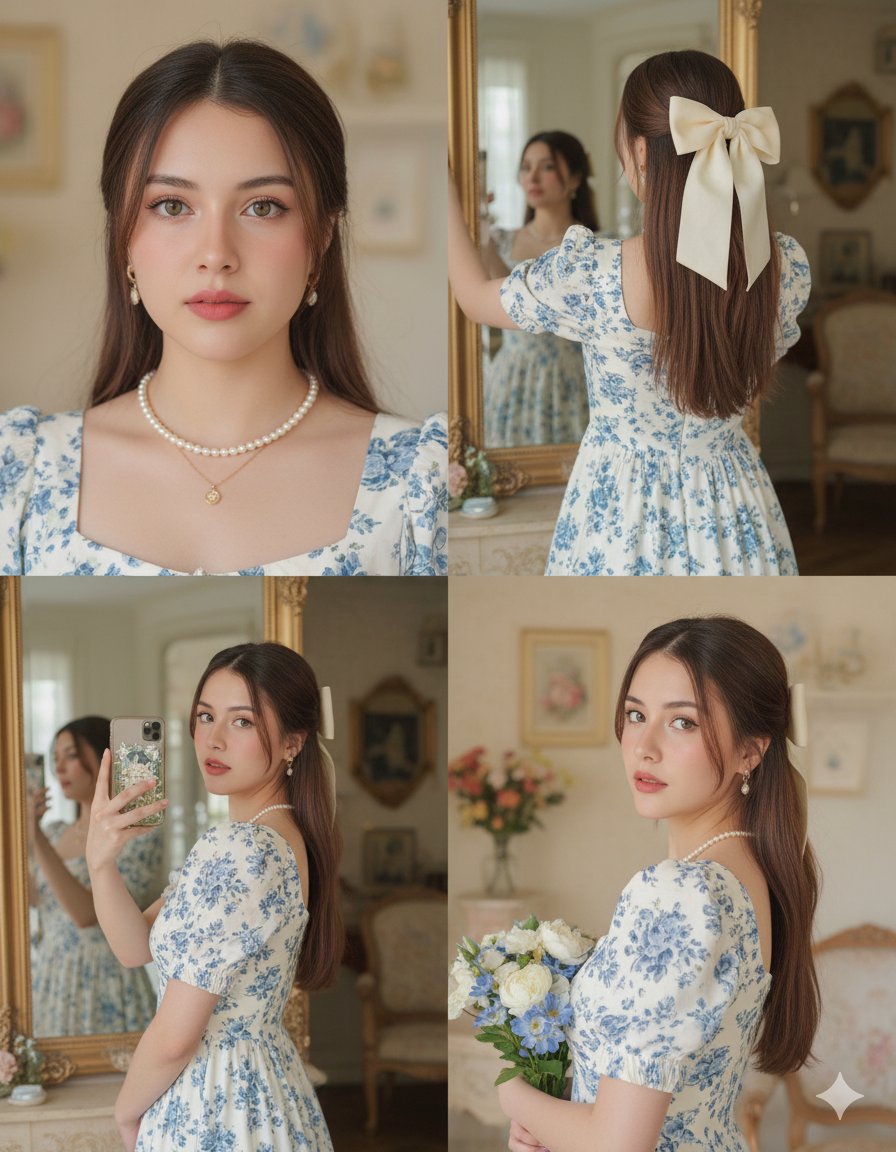
A portrait prompt utilizing a reference face to generate a realistic image of a girl in Mumbai with cinematic lighting.
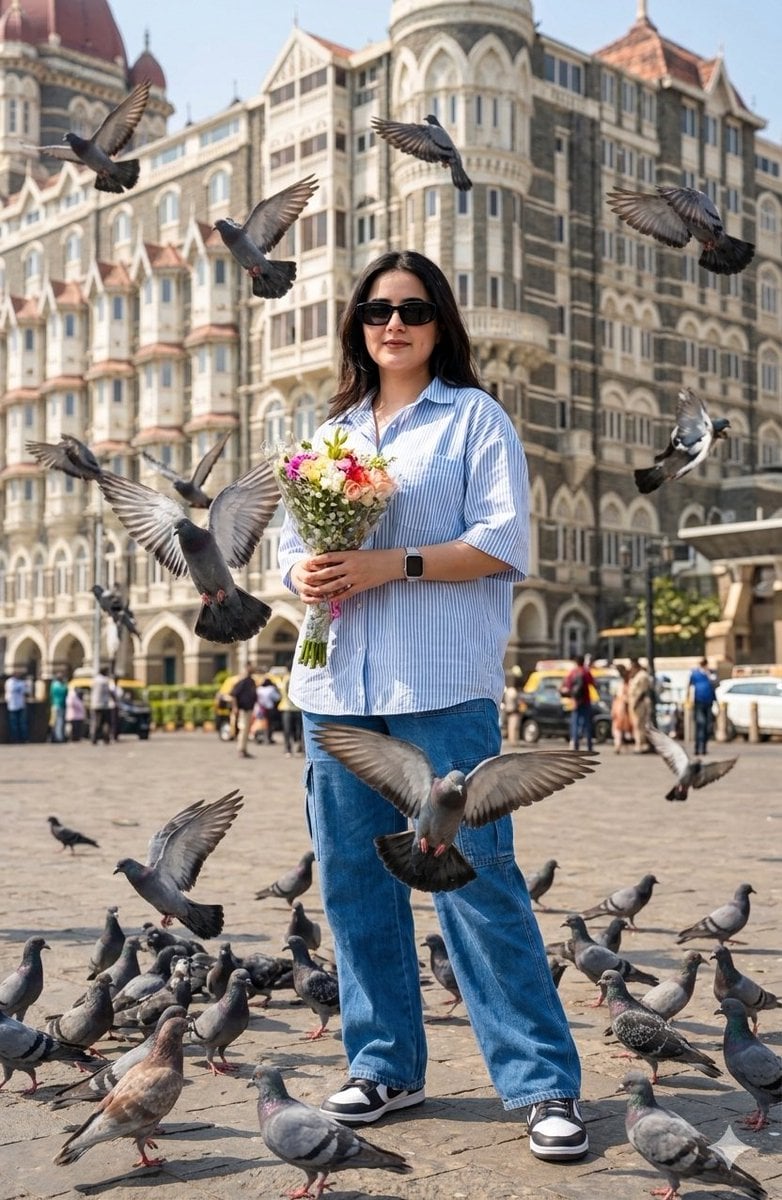
Ultra-realistic 8K full-body portrait using my reference face (100% same). {argument name="subject" default="Young girl"} standing behind {argument name="location" default="Grand Hotel"} holding flowers bookeh in hands, {argument name="city" default="Mumbai"} with flying pigeons. Wearing oversized light blue-white half-sleeve shirt, baggy blue cargo pants, black sunglasses, square watch, black-white sneakers. Bright daylight, cinematic, deep vibrant colors, photorealistic.
Choose the primary action to open PicX Studio with the available template settings. Review the model and format, personalize the creative direction, and generate when ready.
Yes. You can change the subject, setting, lighting, mood, format, and available model controls before creating your image.
This template is free to open and customize. Generation usage is shown in PicX Studio before you create.
Start with Nano Banana 2, which is the model associated with this template. You can compare another compatible model for a different finish.
Follow a topic to a crawlable collection of related PicX Studio templates.