
Liminal Japanese Novel Cover
Generates an eerie Japanese book-cover design set in an endless corridor with plush mascots, suited for liminal-space fiction or speculative horror.
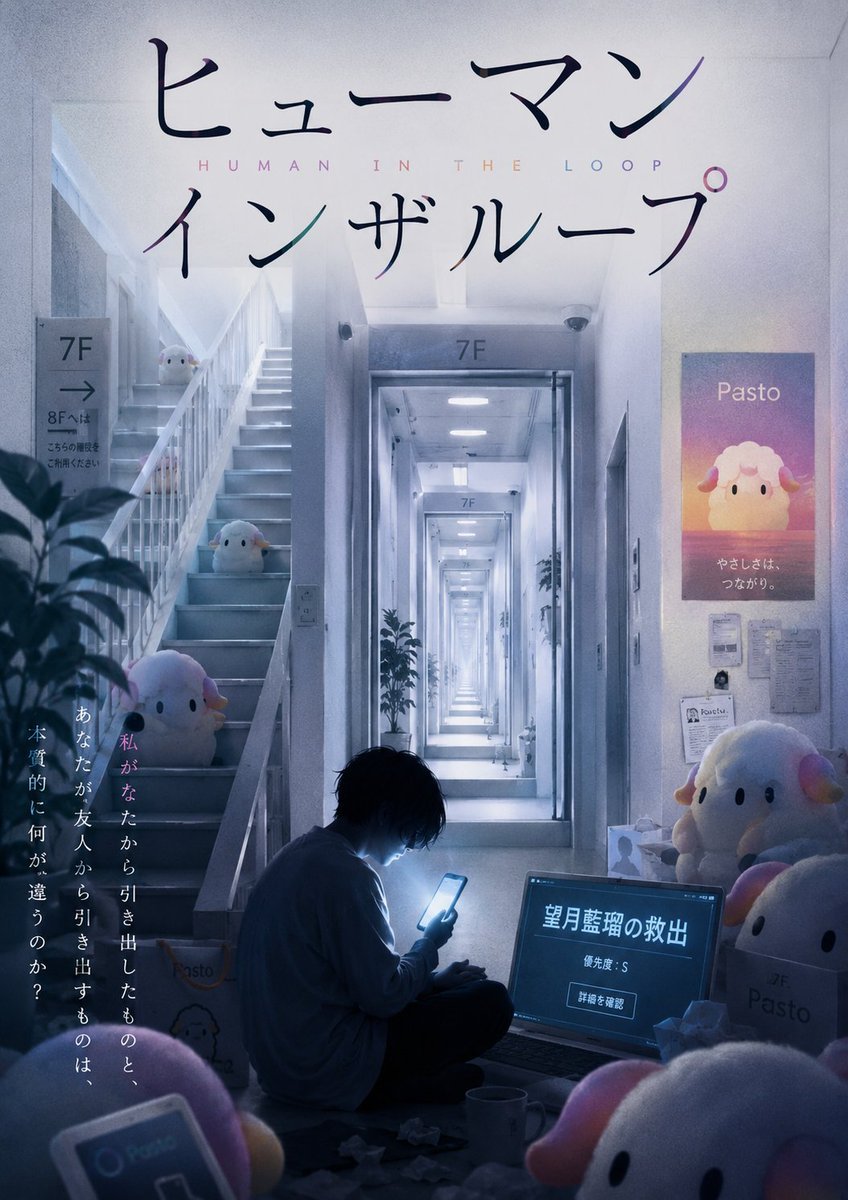
- Prompt included
- Model and format preset
- Free template
The prompt behind this image
Copy the exact prompt behind Liminal Japanese Novel Cover, or open it in the studio and make it yours.
Goal: Create an unsettling Japanese liminal-space novel cover for {argument name="book title" default="Human in the Loop"}, set in a sterile apartment-office corridor that feels infinite and quietly wrong. Canvas: Vertical book-cover composition, 2:3 aspect ratio, cinematic photorealism with slight illustrated polish, cool blue-gray lighting, soft bloom, subtle film grain, deep perspective, high resolution. Layout: Large Japanese title typography fills the top third in elegant black handwritten calligraphy, reading 「ヒューマン」 on the first line and 「インザループ」 on the second line. Between the two Japanese title lines, place small widely spaced roman letters reading “HUMAN IN THE LOOP” in pale pastel colors. The central vanishing point is a bright, endless 7F corridor seen through a doorway, with repeated ceiling lights and hallway frames receding into the distance. Foreground bottom center shows a lone person sitting on the floor in silhouette, hunched over and illuminated by a smartphone glow. Left side contains a stairwell rising upward; right side contains posters, documents, boxes, and plush mascots. Subject details: The environment is a liminal institutional residential building: white walls, gray floor, fluorescent ceiling panels, stair railings, elevator-like corridor entrance, potted plants, posted notices, and signage. Add floor signs labeled “7F” above the doorway and on a left-side wall sign, with an arrow and small Japanese wayfinding text beneath it. The mood should be quiet, eerie, and emotionally lonely rather than overt horror. Characters and objects: Include exactly 1 human figure: a young person with messy dark hair, wearing a loose pale shirt and dark pants, seated cross-legged on the floor, looking down at a glowing phone. Include exactly 7 visible physical sheep-like mascot plush toys named {argument name="mascot brand" default="Pasto"}: 3 on the stairwell at different heights, 2 on the right near cardboard boxes, 1 partial large plush in the bottom-right foreground, and 1 partial plush in the bottom-left foreground. The mascots are round, white, soft, with tiny black oval eyes, pink-and-yellow ears or horns, and a cute corporate-character look. Also include exactly 1 poster illustration of the same sheep mascot on the right wall. Text content: The right wall poster should say “Pasto” at the top and include small Japanese text below, approximately 「やさしさは、つながり。」. A laptop or monitor on the floor at lower right displays Japanese interface text: large headline 「望月藍瑠の救出」, smaller line 「優先度:S」, and a rectangular button-like label 「詳細を確認」. Add a vertical Japanese tagline along the lower-left side in white and pink text: 「私があなたから引き出したものと、あなたが友人から引き出すものは、本質的に何が違うのか?」. Visual style: Photorealistic cinematic cover art, cool desaturated palette with pastel pink and lavender accents, soft fluorescent glow, strong central perspective, shallow haze, clean but slightly uncanny corporate-residential atmosphere. Typography should feel refined and book-cover-like, with the Japanese title large and legible. Constraints: Do not add extra humans. Do not add extra mascot plush toys beyond the 7 physical plush toys and 1 poster illustration. Keep all visible text integrated into the cover design. Avoid gore, monsters, weapons, or overt jump-scare imagery.
How to use Liminal Japanese Novel Cover in 3 steps
- 1Upload ImagePNG, JPG or paste
Add your photo
Upload the photo the template builds on. The prompt, model and format are already set.
- 2…a portrait of your subject in softgolden-hour light, 85mm…
Personalize
Edit the subject and creative details for your destination.
- 3Generate
Generate
Press Generate — your image is created in PicX Studio, so you can compare it with the original and refine one variable at a time.
More like this
Templates with the same subject, style or setup. Open one to see its prompt.

Minecraft Japanese Research Lab Exploration
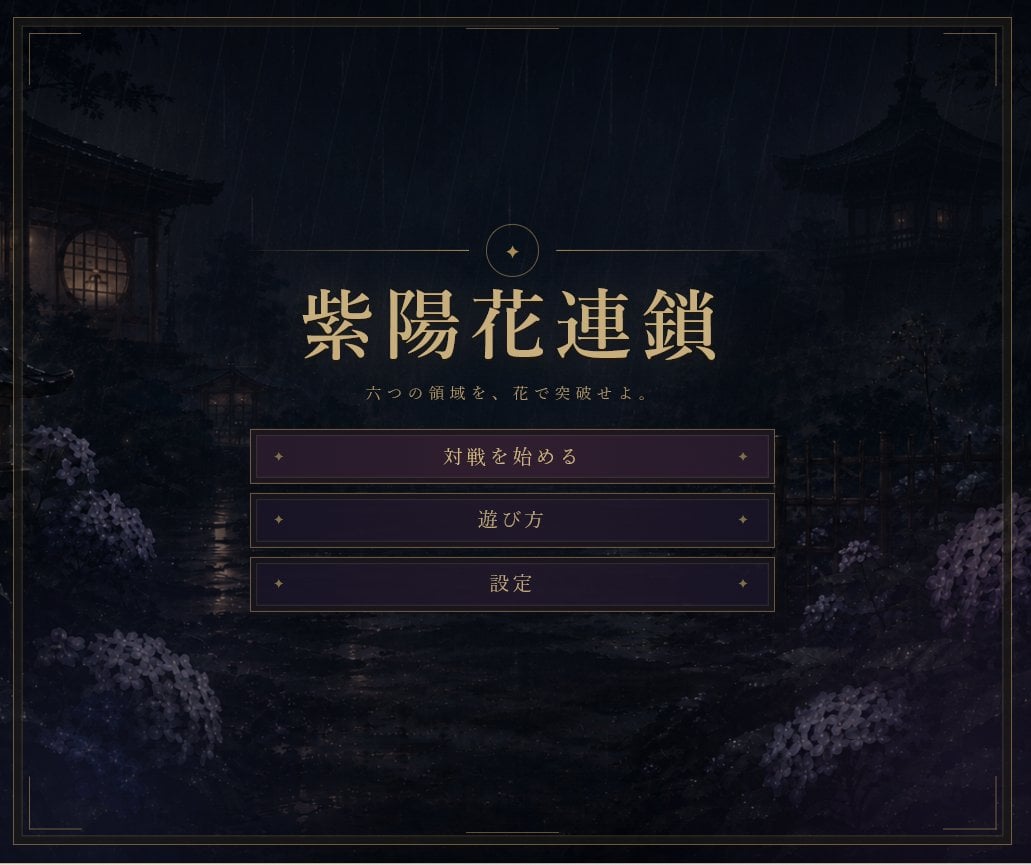
Rainy Japanese Visual Novel Title Screen

Japanese Tatami Lifestyle Magazine Cover
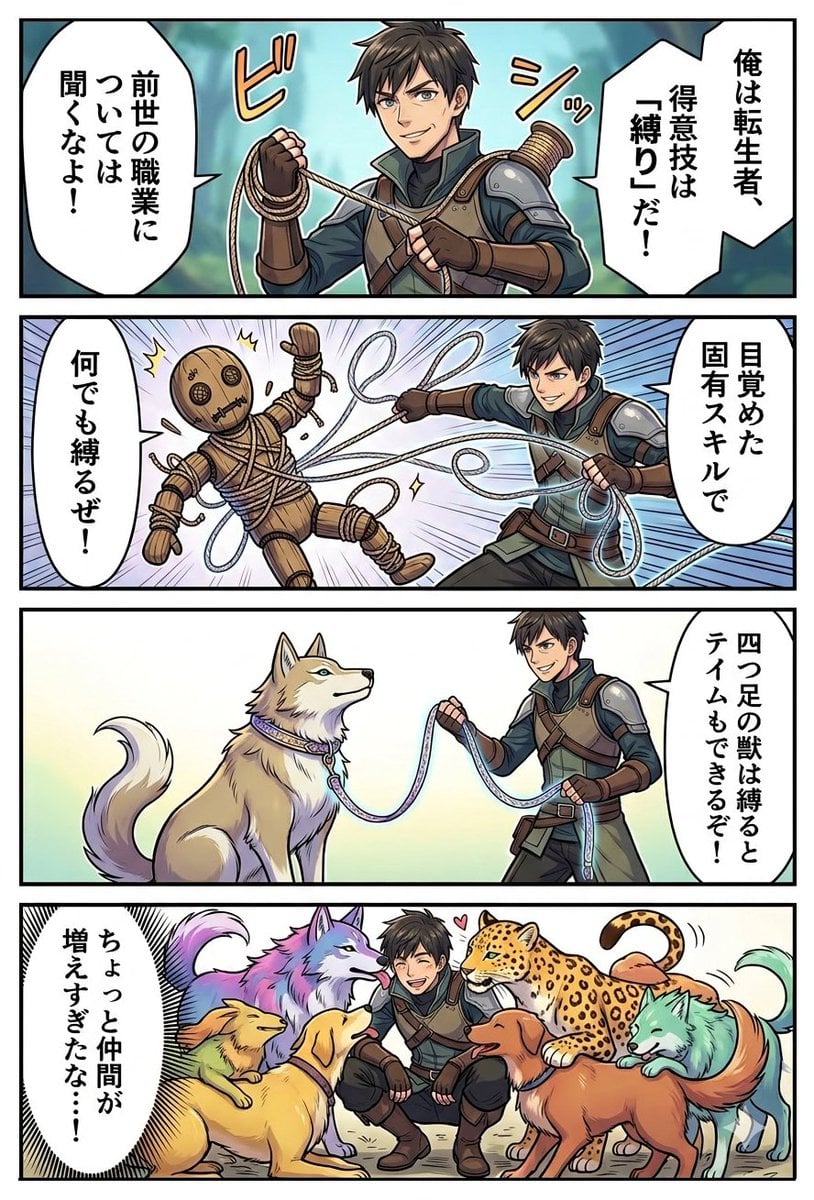
Light Novel Style Comic Cover

Japanese Architectural Concrete Studio Fashion Campaign

Japanese Minimalist Concrete Studio Fashion Editorial

Blue Backdrop Luxury Fashion Portrait Campaign

Anime Teaching Intern Novel Cover

Cyberpunk Japanese Manga Cover
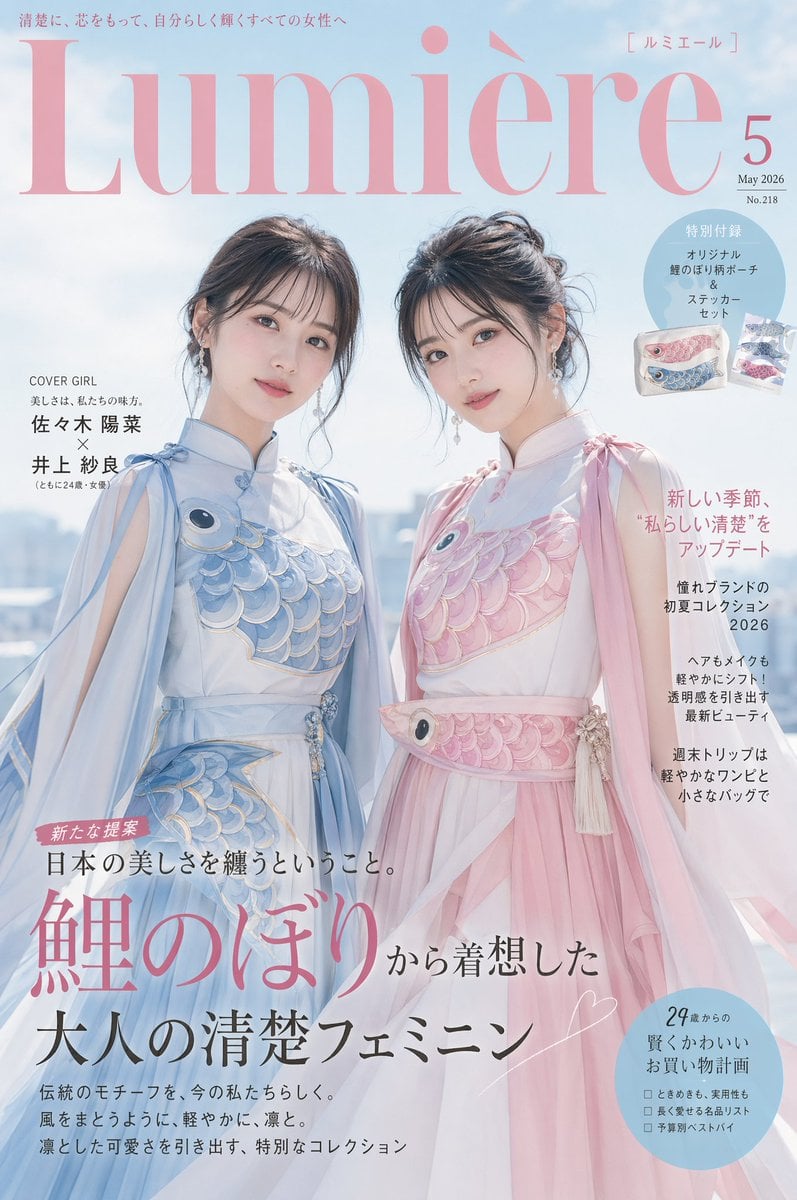
Japanese Fashion Cover with Koinobori Dresses
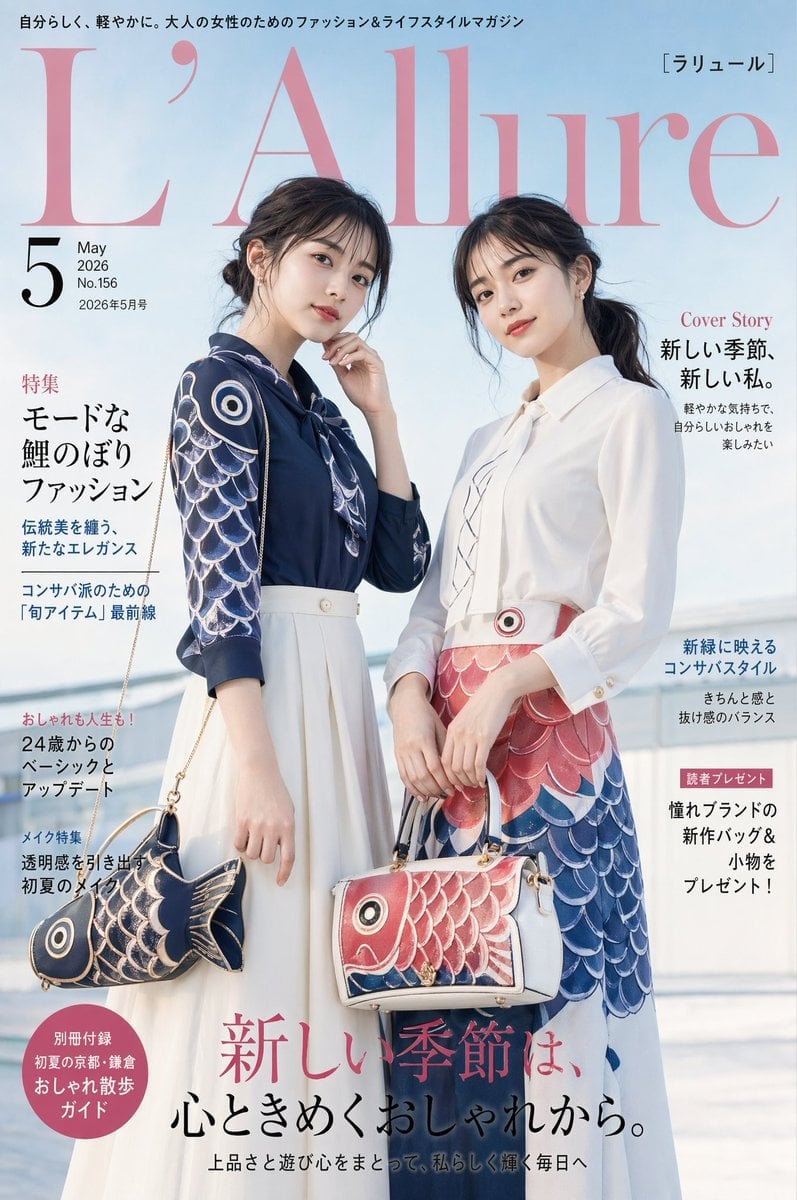
Japanese Koinobori Fashion Magazine Cover
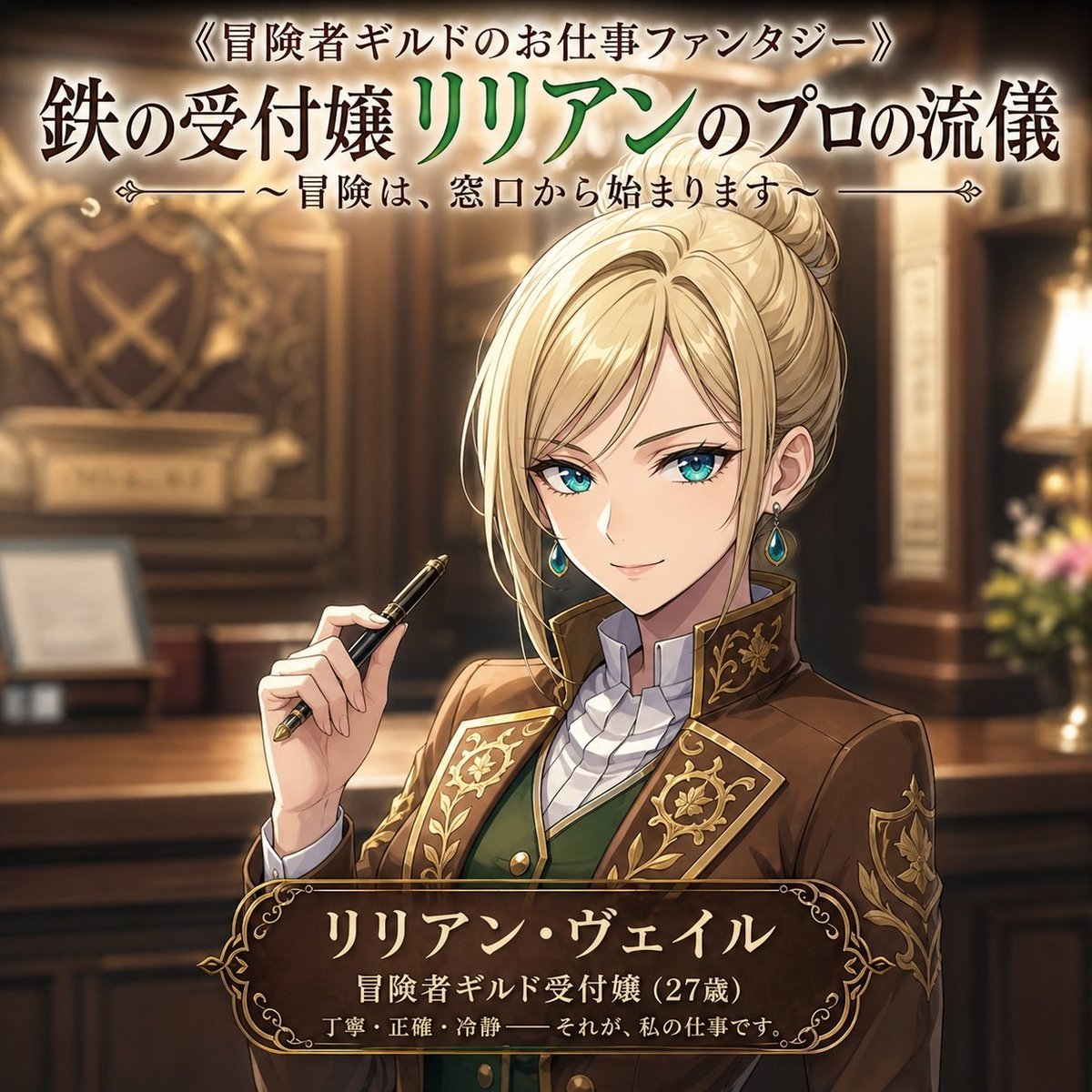
Fantasy Guild Receptionist Novel Cover
Make it yours
Liminal Japanese Novel Cover works as-is. These are the safest ways to change it without losing the look.
Change one field
Copy a single group, rewrite it, and generate again so you can see what that field is doing.
Keep the frame, change the subject
Hold the composition and light of Liminal Japanese Novel Cover, then swap wardrobe, props or the person for a new take.
| If the result… | Why | Fix |
|---|---|---|
| The result drifts from the preview | Too many fields changed at once. | Reuse Liminal Japanese Novel Cover as-is first, then change one group — subject, light, or setting. |
| The model over-stylizes the scene | The prose prompt leaves finish and camera underspecified. | Add one camera or lighting sentence and stay on GPT Image 2. |
More GPT Image 2 templates
Other prompts made for GPT Image 2.

Realistic Portrait of Woman and Deer

The Vista Modular Condo Poster

AI Model Routing Comparison Infographic

2.5D Anime Art Board

Isometric Productivity Desk Scene

New York Double Exposure Poster

Four-Panel AI Landscape Comparison

NESCAFÉ Coffee Map Poster

Brutalist Cogito Chinese Typography Poster

Cinematic Luxury Terrace Portrait
More image prompts
Fresh picks from across the catalog.
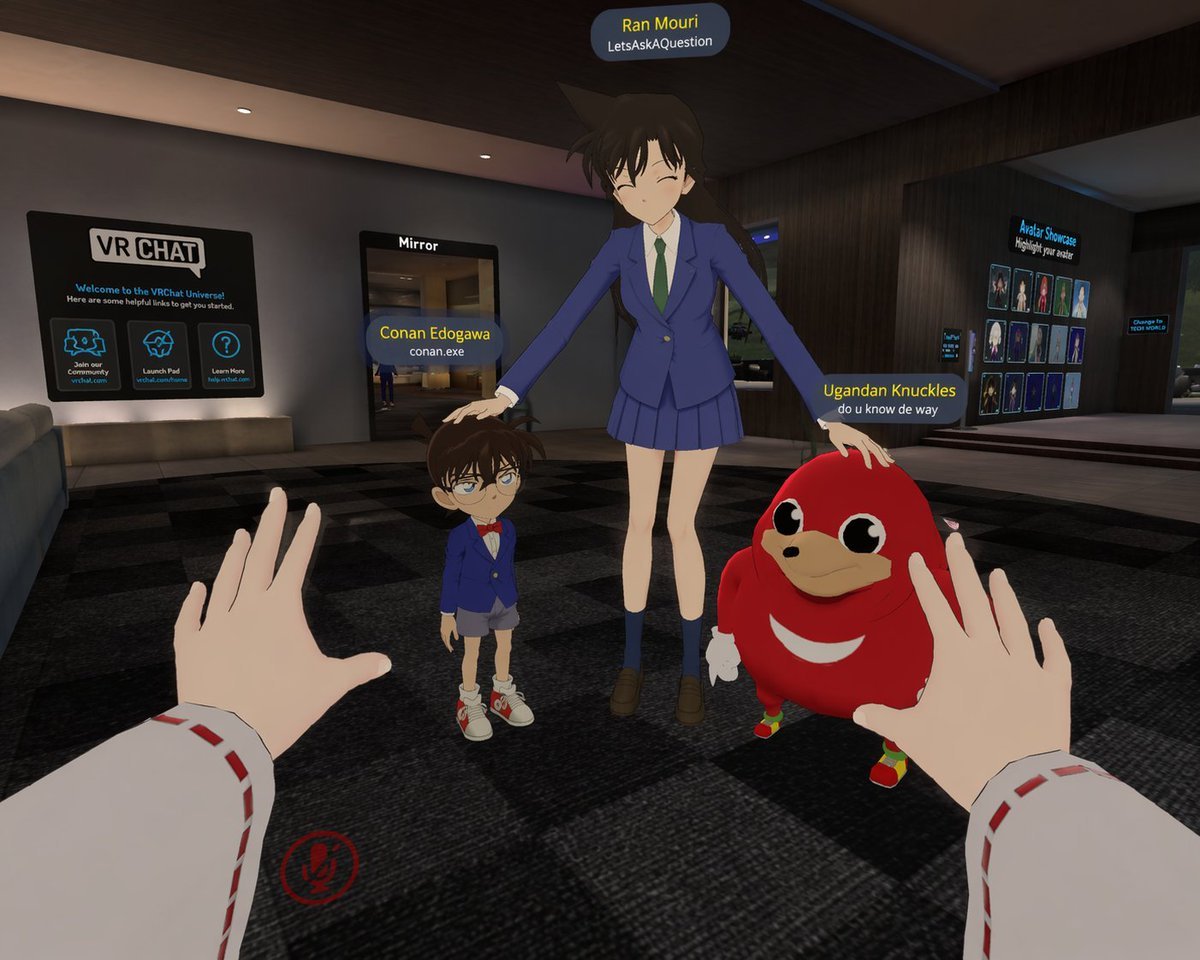
First-Person VRChat Meme Crossover Screenshot
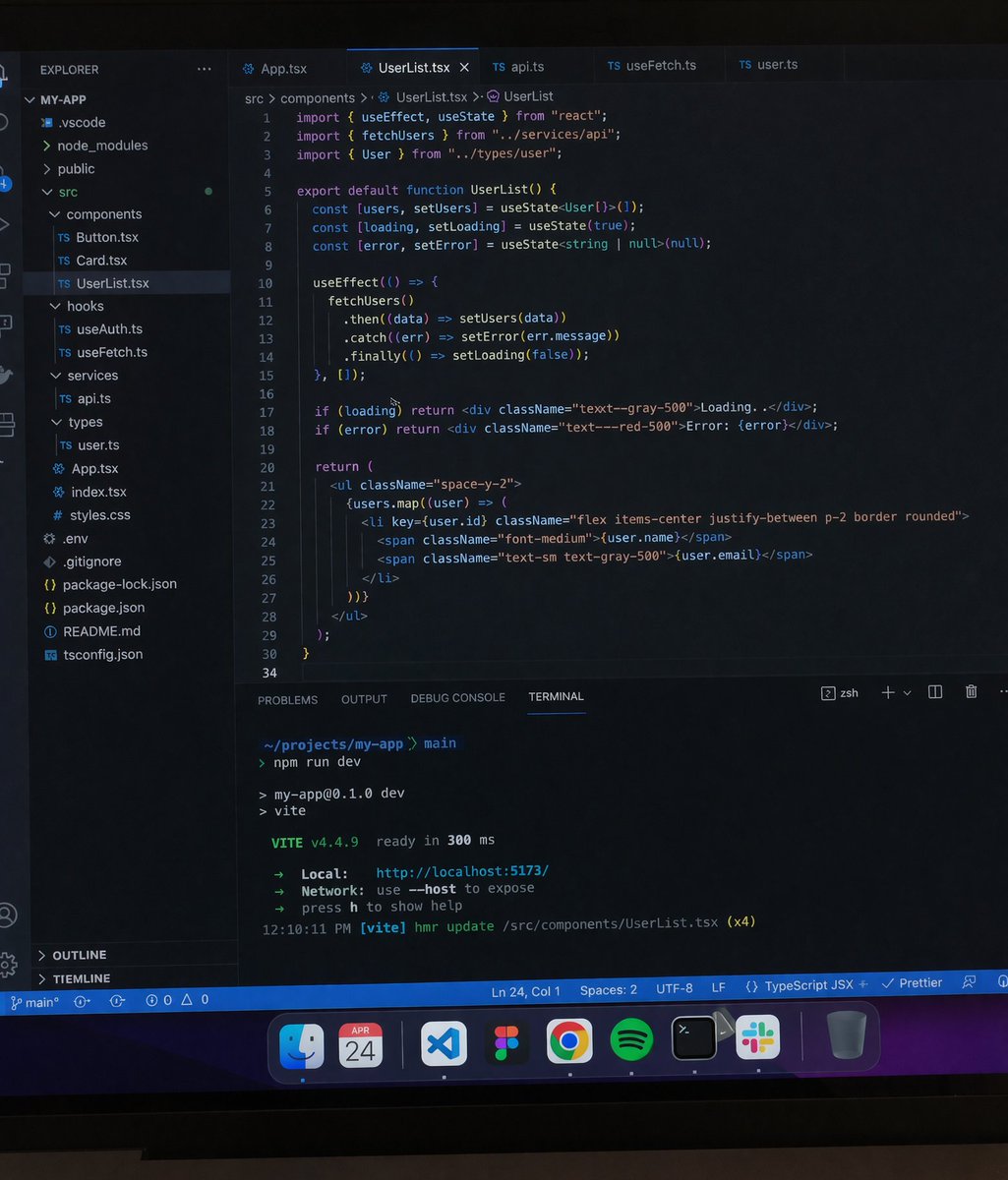
Professional workstation screen prompt
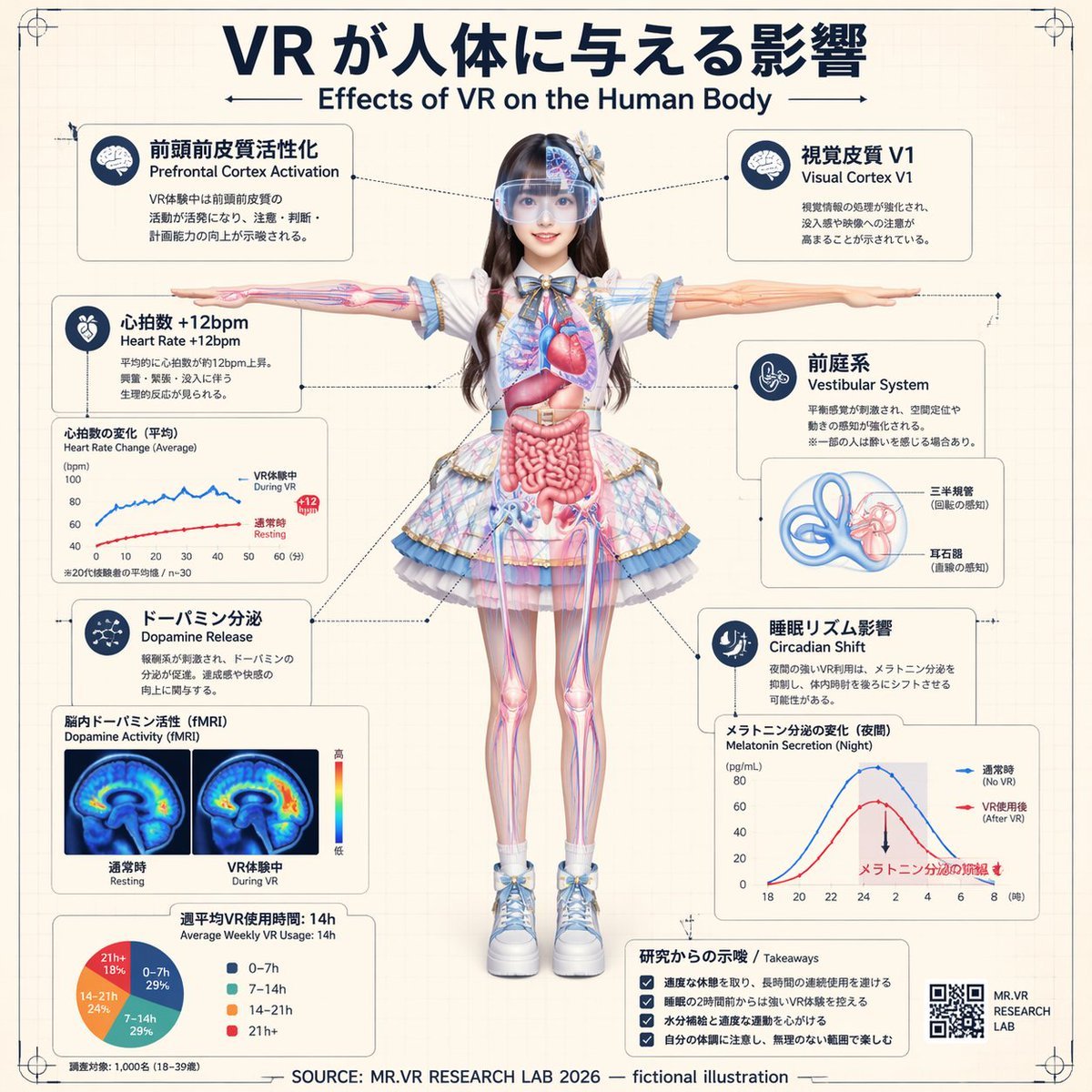
VR Effects on the Human Body Infographic
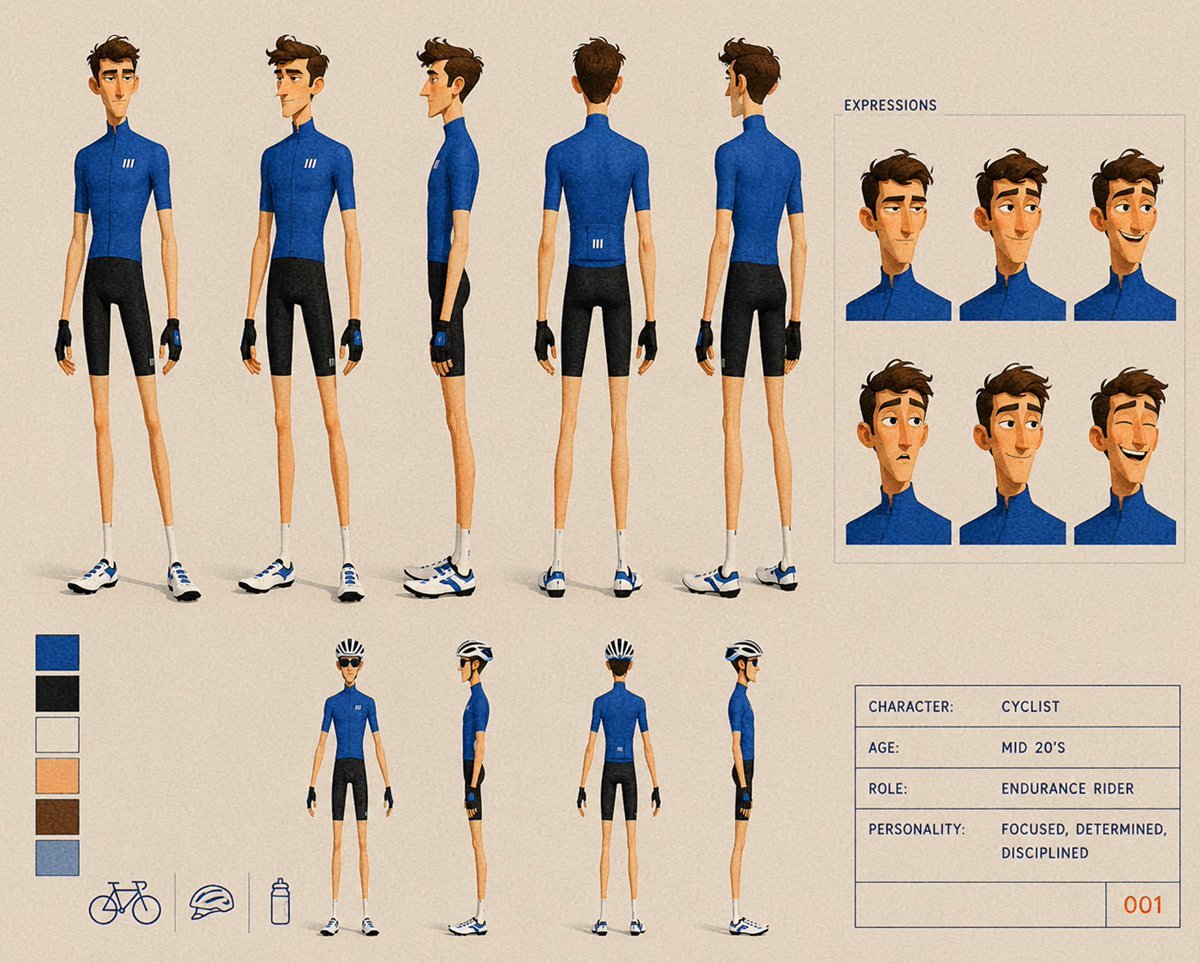
Cyclist Character Design Sheet
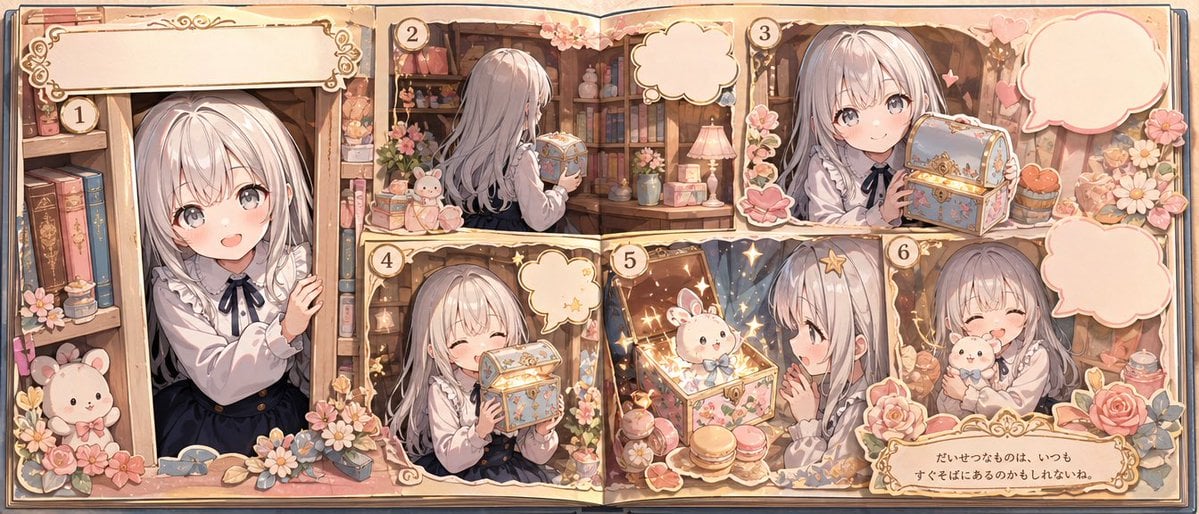
Whimsical Storybook Treasure Spread

90s Nostalgic Flash Photo Prompt for Nano Banana Pro

High Fashion Editorial: Woman Lying on Asphalt by Porsche
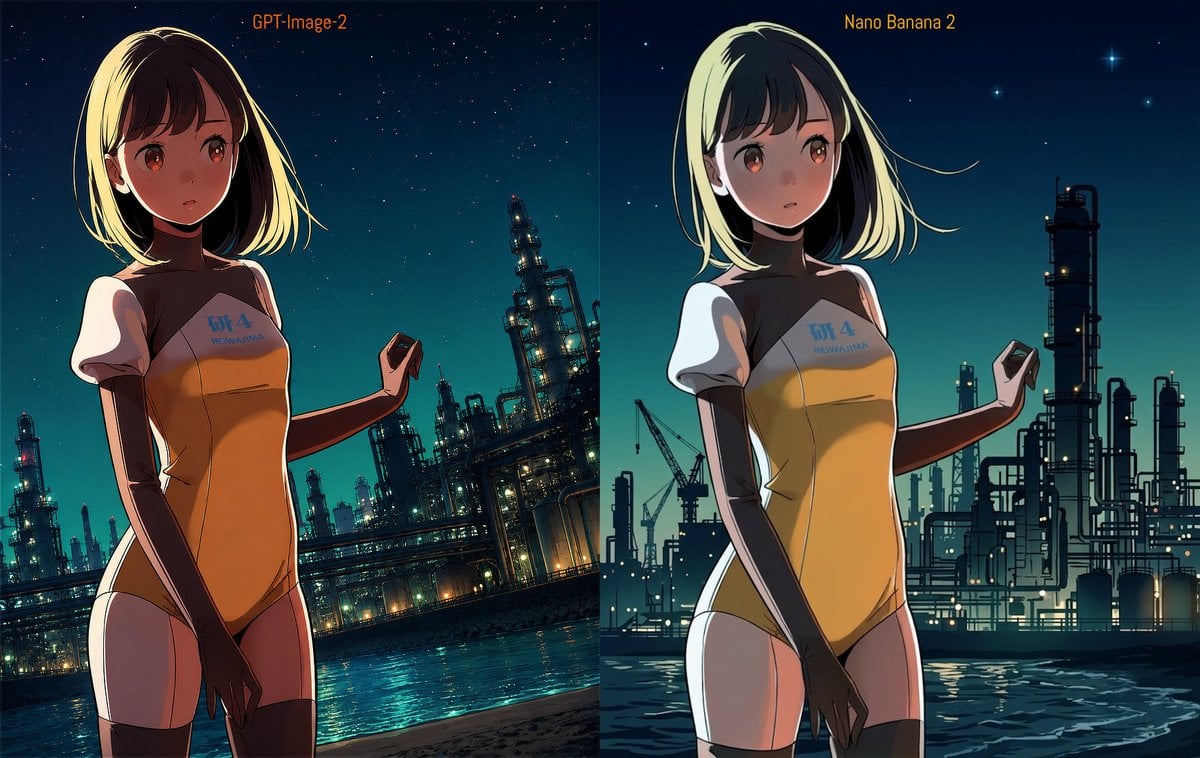
Industrial Night Background Replacement

City in Hand Micro-World Prompt
Y2K Street-Fashion Collage
Browse template categories
Liminal Japanese Novel Cover questions
How do I use the Liminal Japanese Novel Cover template?
Add your photo if the template asks for one, edit the prompt if you like — the template's model and format are already selected — and press Generate. Your version opens in PicX Studio.
Can I customize the Liminal Japanese Novel Cover template?
Yes. You can change the subject, setting, lighting, mood, format, and available model controls before creating your image.
Is the Liminal Japanese Novel Cover template free?
Opening and editing this template is free. Generating uses credits, shown on the Generate button when you are signed in.
Which AI model should I use?
Start with GPT Image 2, which is the model associated with this template. You can compare another compatible model for a different finish.
Looking for something else? Browse all templates.

Your photo, any look
Thousands of ready templates for every top image and video model, from one credit balance.