
Industrial Night Background Replacement
A background replacement prompt for generating a detailed coastal industrial area at night with a teal-to-blue sky gradient.
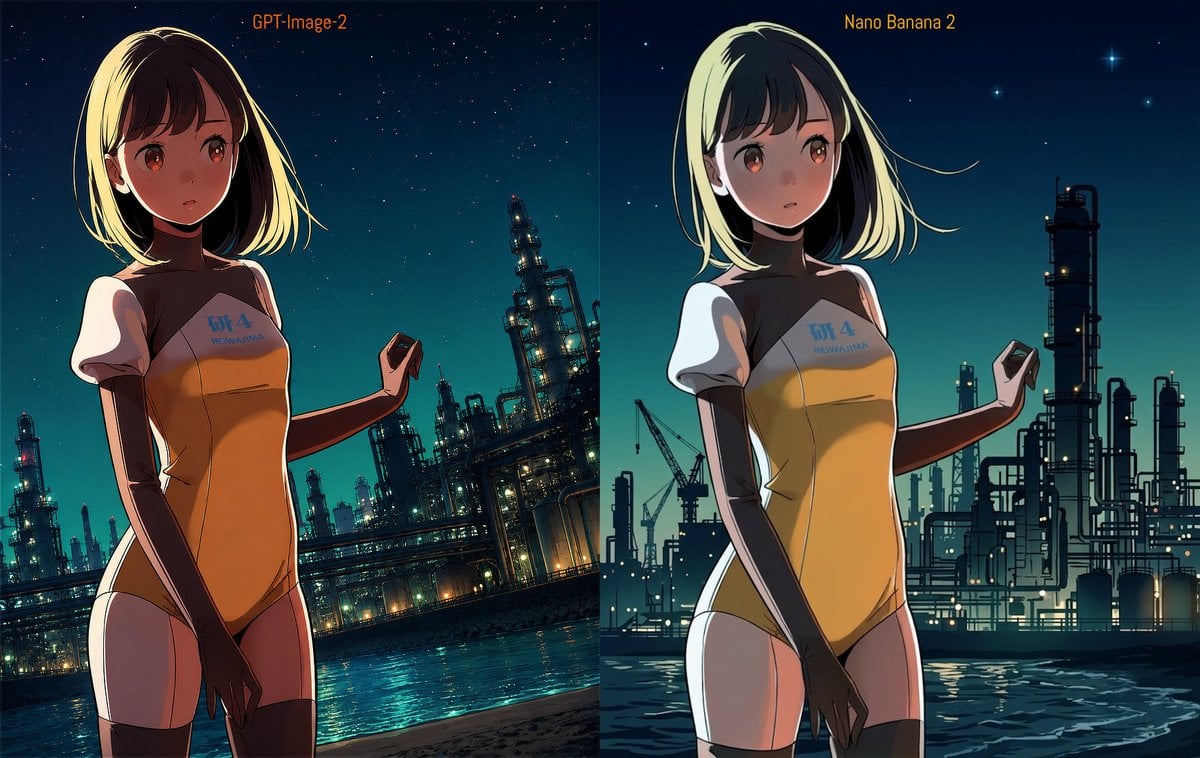
- Prompt included
- Model and format preset
- Free template
The prompt behind this image
Copy the exact prompt behind Industrial Night Background Replacement, or open it in the studio and make it yours.
背景を変更する。{argument name="場所" default="夜の海岸沿いの工業地帯"}。空は地表から天に向かって{argument name="グラデーション" default="青緑色"}のグラデーション。コンビナートやそれを管理するパイプ類の複雑なシルエットが見える。少し見上げた構図。
How to use Industrial Night Background Replacement in 3 steps
- 1Upload ImagePNG, JPG or paste
Add your photo
Upload the photo the template builds on. The prompt, model and format are already set.
- 2…a portrait of your subject in softgolden-hour light, 85mm…
Personalize
Edit the subject and creative details for your destination.
- 3Generate
Generate
Press Generate — your image is created in PicX Studio, so you can compare it with the original and refine one variable at a time.
More like this
Templates with the same subject, style or setup. Open one to see its prompt.
Editorial Portrait Background Replacement
Gotham City Night Background

Subway Platform Quiet Introspective Portrait
Subway Platform Quiet Introspective Portrait

Spider-Man Night Swing New York Cinematic

Photoreal Selfie Minecraft Block World

Floating Woman Above Cityscape with Notifications

Image Editing: Background and Object Replacement
Nighttime Motorcycle Photo with Face Replacement Prompt

Image Editing Prompt for Accessory Background Replacement
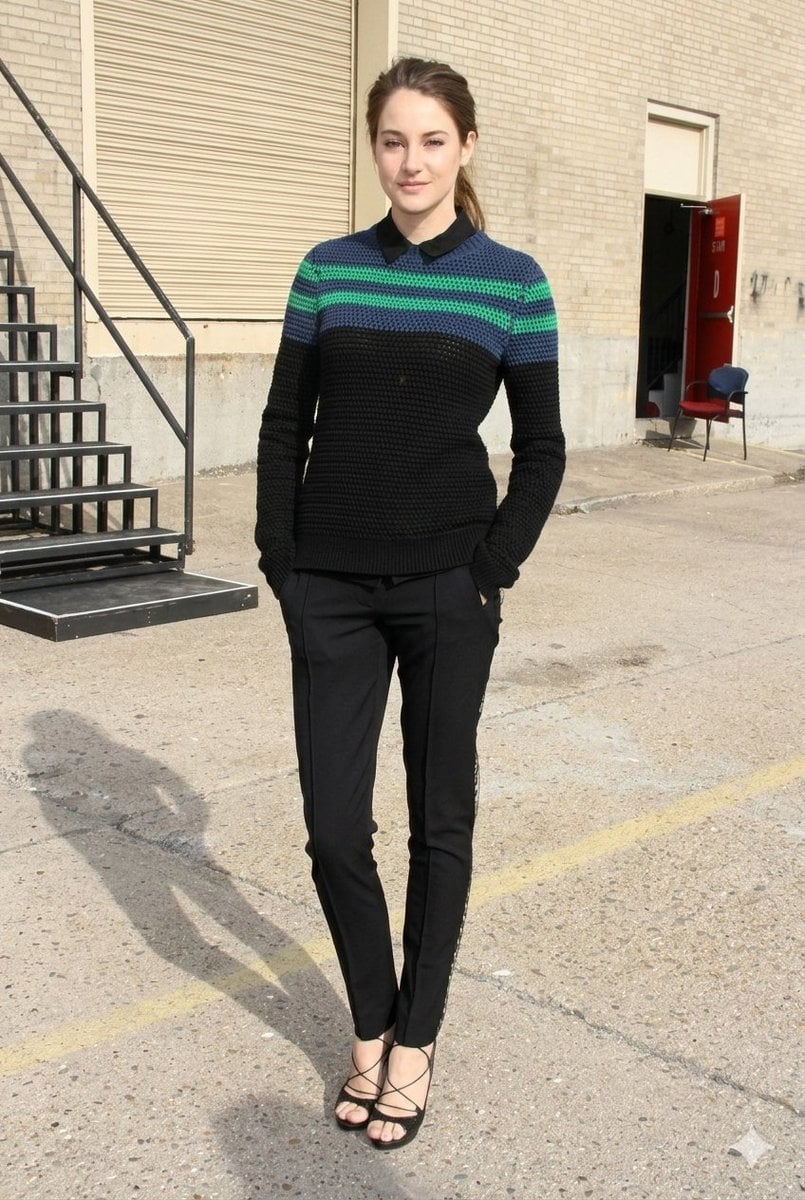
Photorealistic Fashion Portrait with Urban Industrial Background
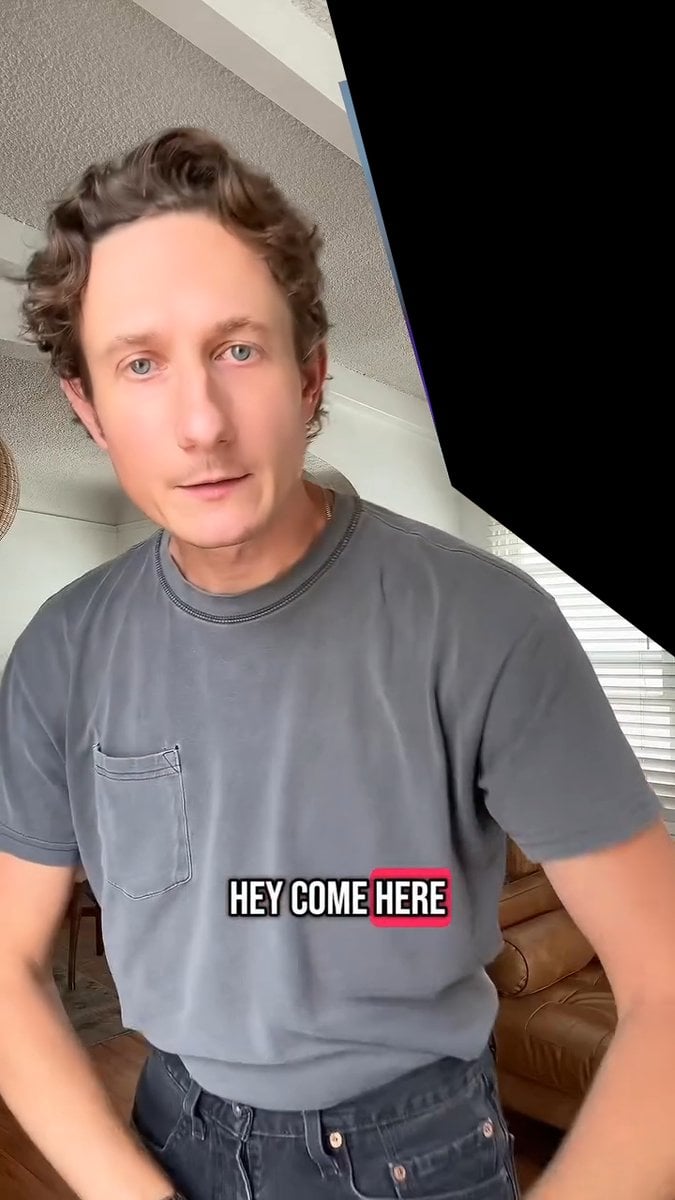
Image Editing and Background Replacement Workflow
Make it yours
Industrial Night Background Replacement works as-is. These are the safest ways to change it without losing the look.
Change one field
Copy a single group, rewrite it, and generate again so you can see what that field is doing.
Keep the frame, change the subject
Hold the composition and light of Industrial Night Background Replacement, then swap wardrobe, props or the person for a new take.
| If the result… | Why | Fix |
|---|---|---|
| The result drifts from the preview | Too many fields changed at once. | Reuse Industrial Night Background Replacement as-is first, then change one group — subject, light, or setting. |
| The model over-stylizes the scene | The prose prompt leaves finish and camera underspecified. | Add one camera or lighting sentence and stay on GPT Image 2. |
More GPT Image 2 templates
Other prompts made for GPT Image 2.

Six VTuber Japanese Logo Sheet

Realistic Portrait of Woman and Deer

The Vista Modular Condo Poster

AI Model Routing Comparison Infographic

2.5D Anime Art Board

Isometric Productivity Desk Scene

New York Double Exposure Poster

Four-Panel AI Landscape Comparison

Japanese Tatami Lifestyle Magazine Cover

NESCAFÉ Coffee Map Poster
More image prompts
Fresh picks from across the catalog.
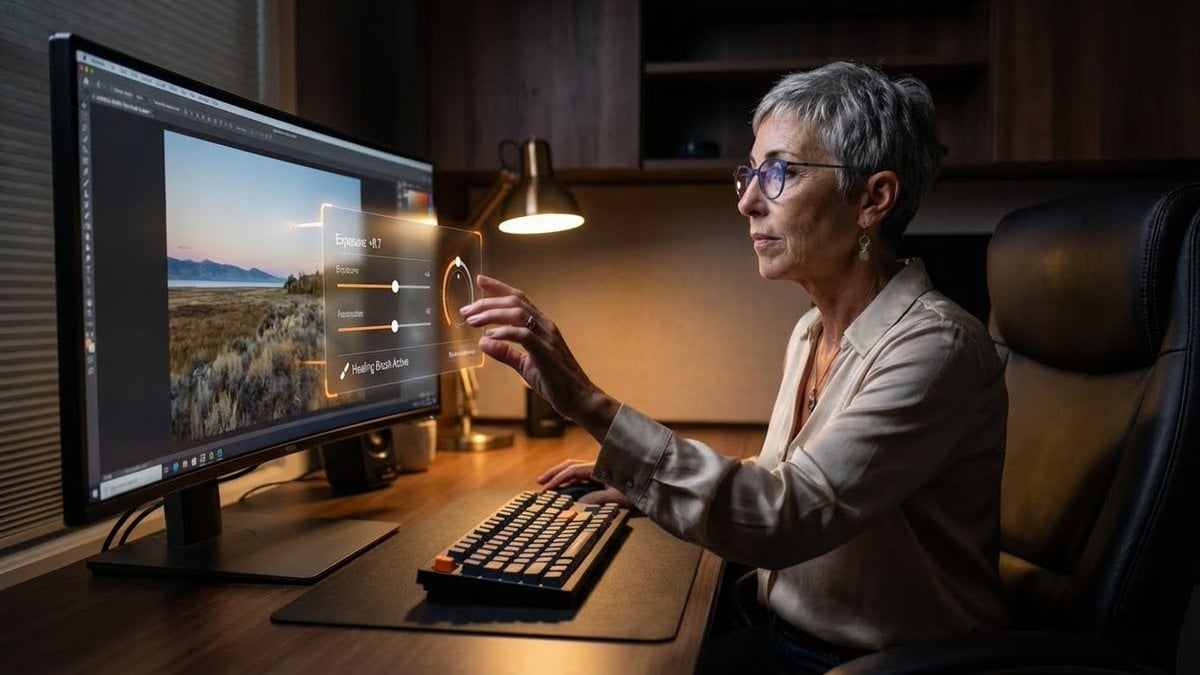
Professional Photo Editor HUD Prompt
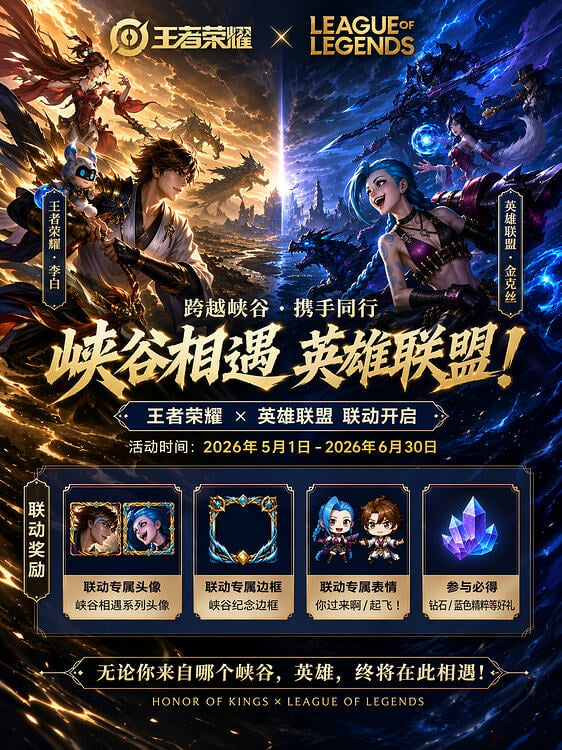
Game Crossover Promotional Poster
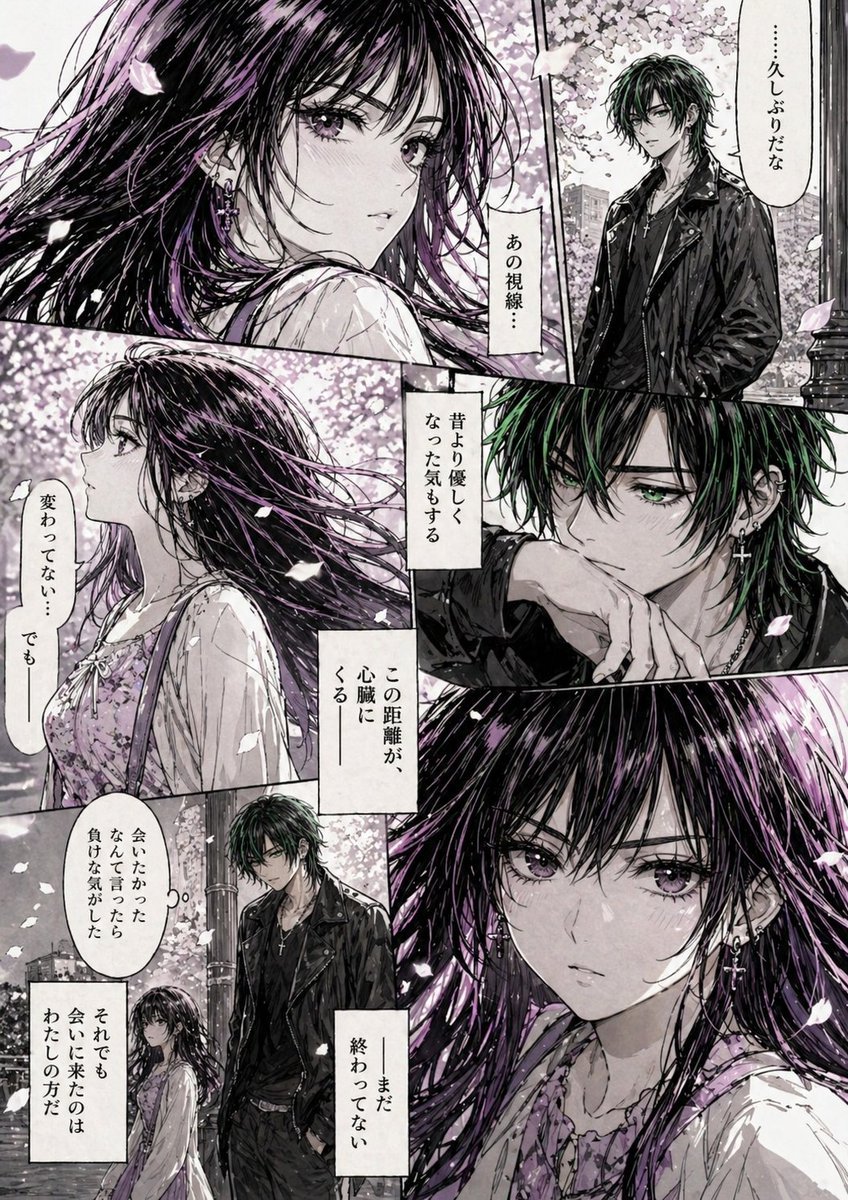
Hard-Boiled Sakura Reunion Manga Page
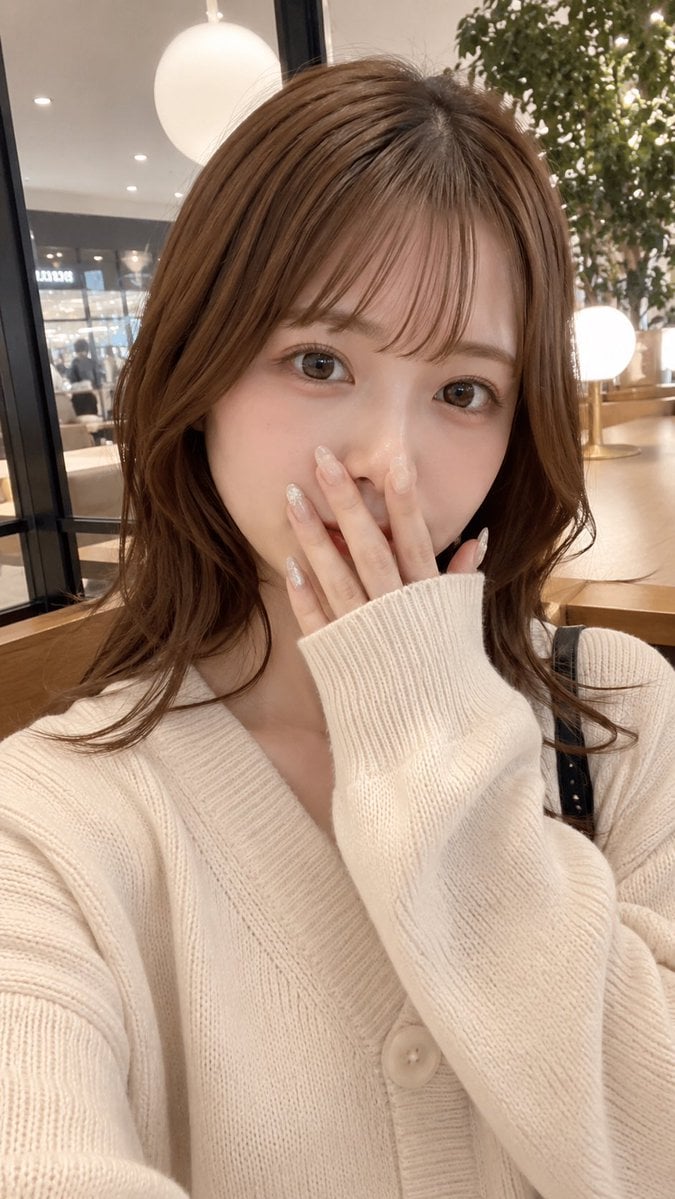
Cafe Selfie With Privacy Block
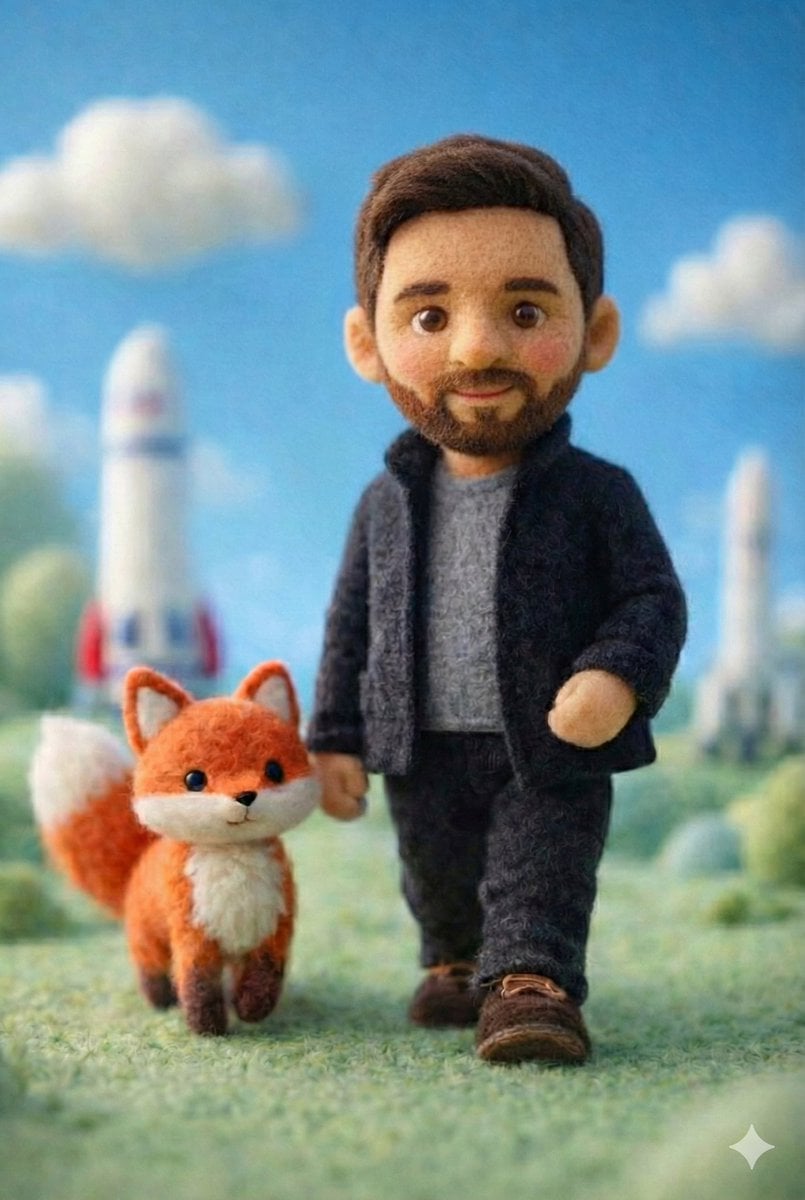
Handcrafted Felt Miniature Scene with Tech Character
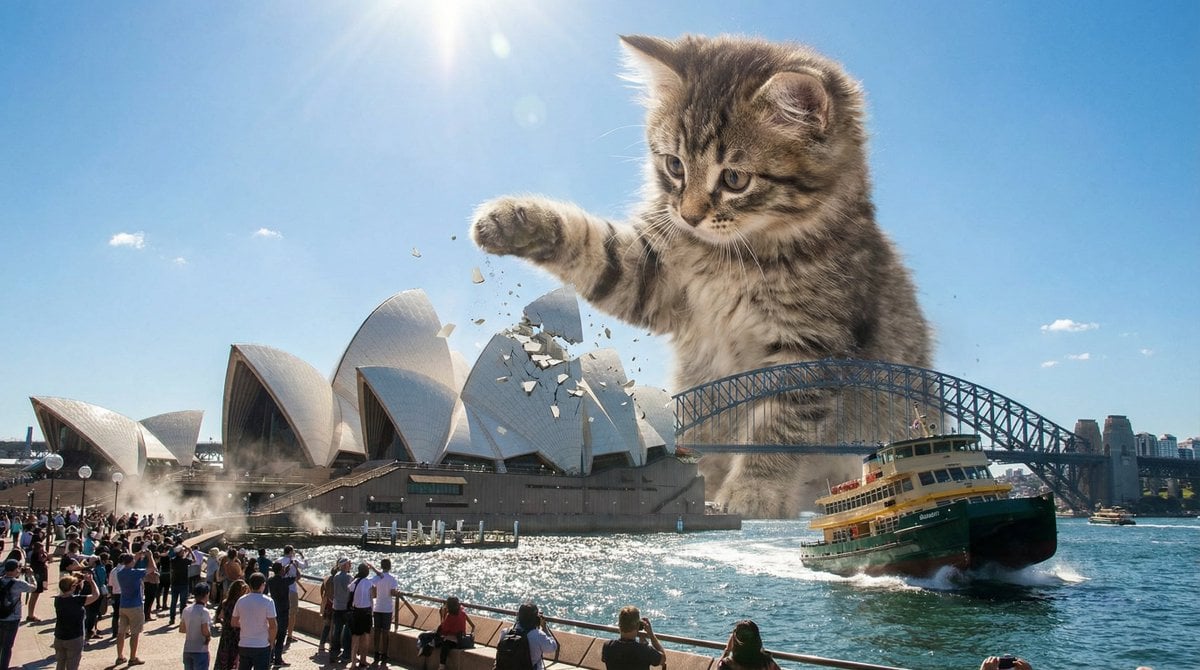
Kaiju Kitten Destroying Sydney Waterfront

Sequential Motion Sports Poster
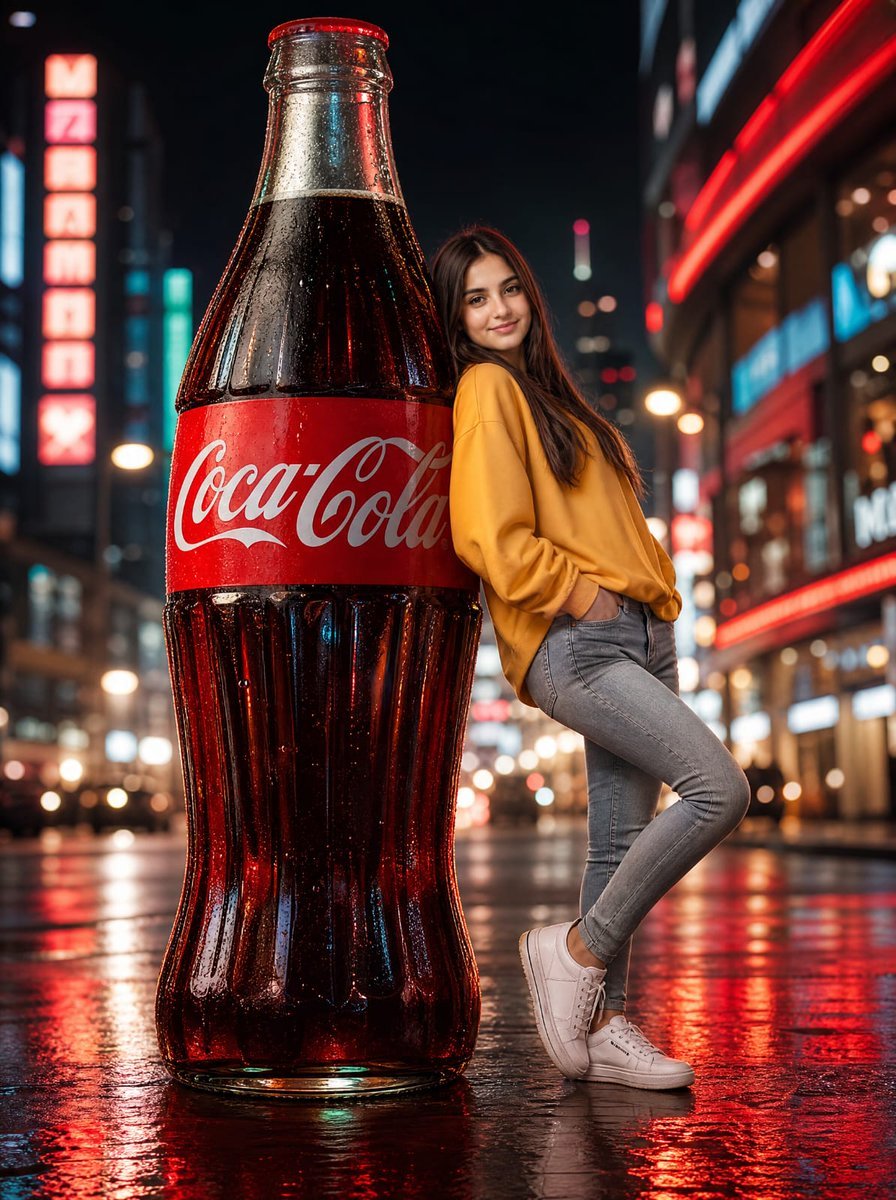
Neon Coca-Cola Street Portrait
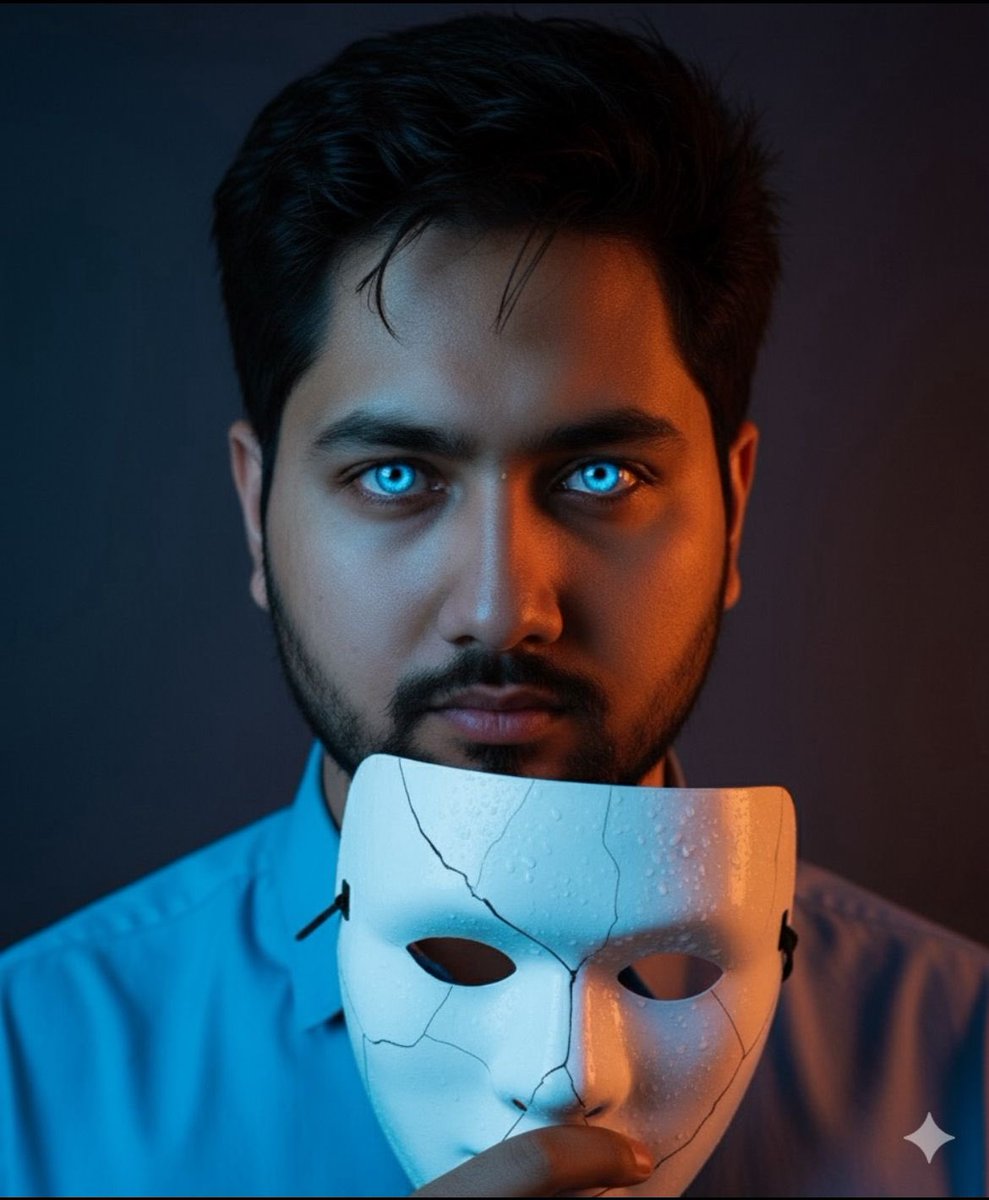
Dramatic Close-Up Portrait with Wet Skin and Cracked Mask
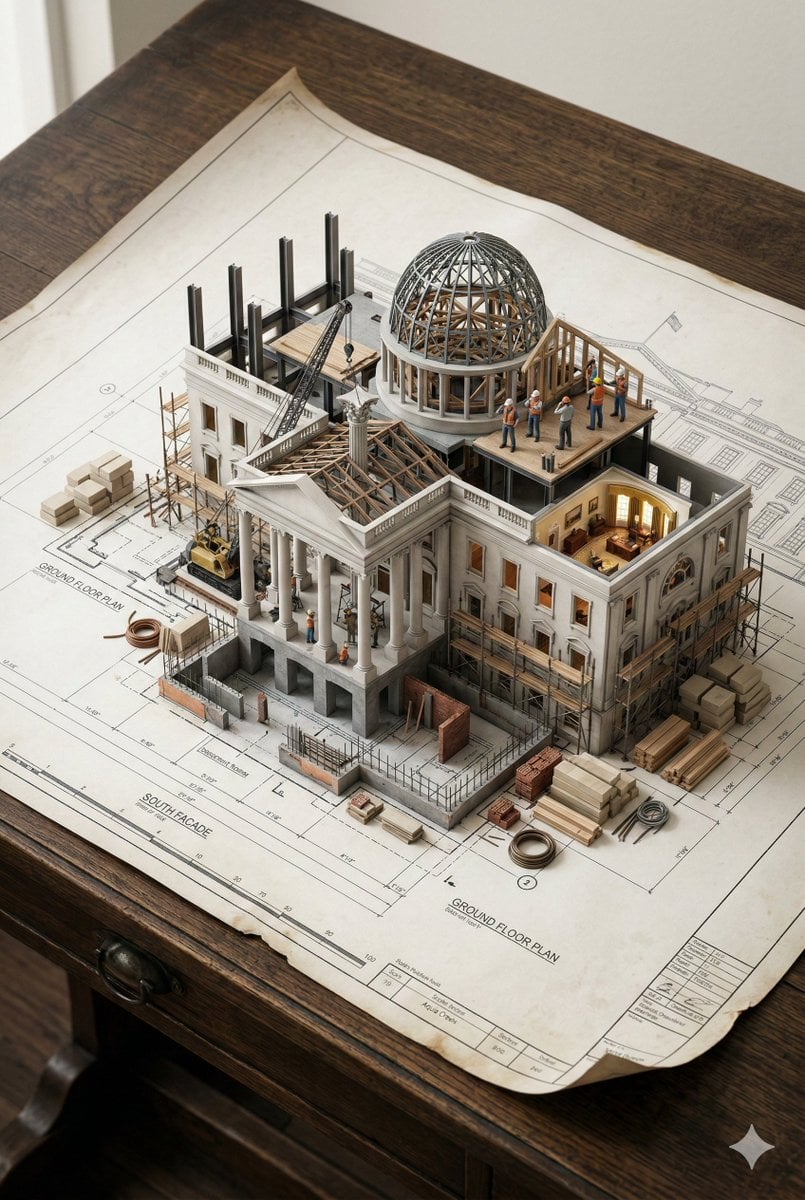
3D Miniature Architectural Blueprint Prompt
Browse template categories
Industrial Night Background Replacement questions
How do I use the Industrial Night Background Replacement template?
Add your photo if the template asks for one, edit the prompt if you like — the template's model and format are already selected — and press Generate. Your version opens in PicX Studio.
Can I customize the Industrial Night Background Replacement template?
Yes. You can change the subject, setting, lighting, mood, format, and available model controls before creating your image.
Is the Industrial Night Background Replacement template free?
Opening and editing this template is free. Generating uses credits, shown on the Generate button when you are signed in.
Which AI model should I use?
Start with GPT Image 2, which is the model associated with this template. You can compare another compatible model for a different finish.
Looking for something else? Browse all templates.

Your photo, any look
Thousands of ready templates for every top image and video model, from one credit balance.