
Professional Photo Editor HUD Prompt
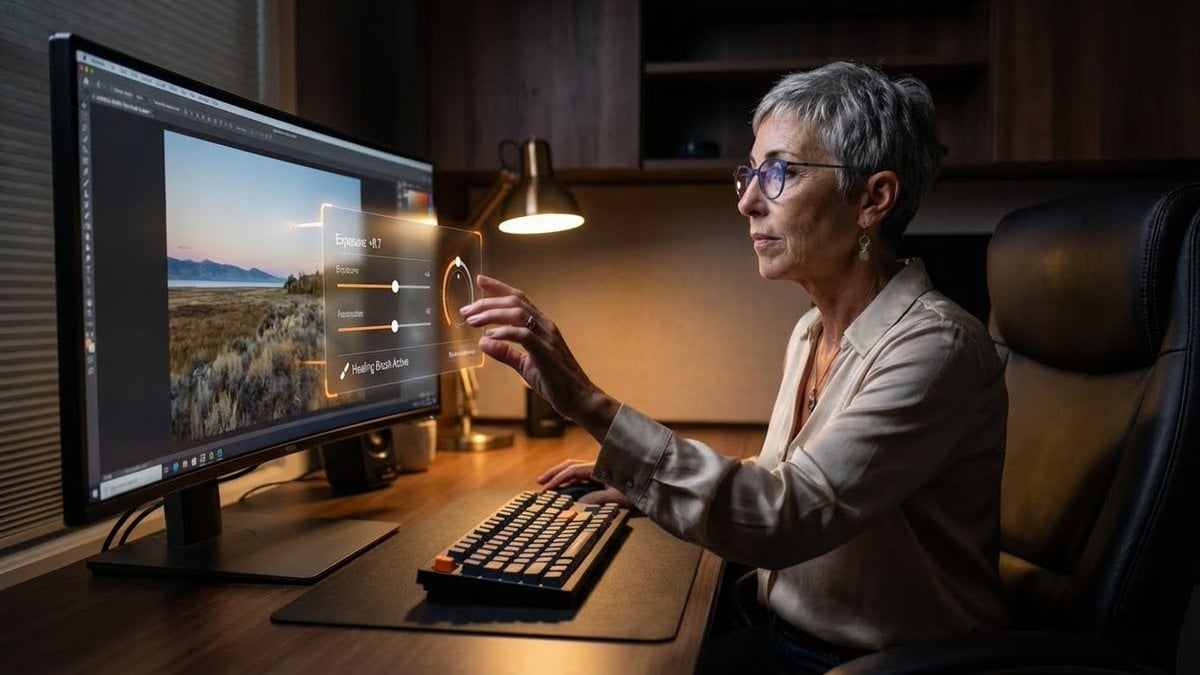
A detailed JSON prompt for Nano Banana Pro to generate an image of a professional photo editor at a dark academia-style workstation.
- Prompt included
- Model and format preset
- Free template
The prompt behind this image
Copy the exact prompt behind Professional Photo Editor HUD Prompt, or open it in the studio and make it yours.
- PromptDetails › Description
- A professional photo editor at their workstation, interacting with a floating, 'in-air' professional grade Heads-Up Display for editing controls.
- PromptDetails › StyleTags
- Desk Setup Aesthetic, Dark Academia (Modern), High Resolution Detail, Productivity
- Scene › Background › Setting
- A dedicated, professional editing suite/desk setup
- Scene › Background › Details
- An ultra-wide, color-calibrated monitor (showing a sample photo), a mechanical keyboard, a large, comfortable chair, dark wooden desk surface, and soft ambient lighting.
- Scene › Subject › Description
- The person defined by `[UPLOADED IMAGE]`, wearing business-casual attire, eyes focused on the screen/overlay.
- Scene › Subject › Pose
- Sitting in front of the monitor, one hand extended in front of the screen, subtly manipulating the floating UI with their fingers.
- Scene › Subject › Focus
- The subject and the floating UI/tools are sharply defined.
- OverlayObject › Type
- In-Air Professional Editing Control Panel
- OverlayObject › RelationshipToEnvironment
- A complex control panel floating between the subject's hand and the monitor, with sliders and dials.
- OverlayObject › Transform
- The panel is slightly curved to feel ergonomic, 3D graphic design.
- OverlayObject › SurfaceInteraction
- Transparent black background with bright, glowing orange and white vector controls (like 'Exposure', 'Contrast', 'Highlights').
- OverlayObject › Components › Control
- Exposure Slider: +0.7
- OverlayObject › Components › ToolActive
- Healing Brush
- OverlayObject › Components › Position
- Floating just above the keyboard area.
- TechnicalStyle › AspectRatio
- 16:9 (Landscape)
- TechnicalStyle › PhotographyStyle
- Commercial/Setup, Low-Key
- TechnicalStyle › Camera › ShotType
- Medium Shot/Wide Shot (to capture the setup)
- TechnicalStyle › Camera › Angle
- Slightly side-on, capturing the subject's profile and the monitor's glow.
- TechnicalStyle › Camera › DepthOfField
- Deep, to show off the entire desk setup as a product shot.
- TechnicalStyle › Lighting › Type
- Screen Glow and Desk Lamp
- TechnicalStyle › Lighting › Description
- Cool-white light from the monitor acting as the main fill, with a warm, subtle desk lamp providing accent lighting.
- TechnicalStyle › Color › Palette
- Deep grays, blacks, dark woods, and the saturated colors of the digital tools.
Raw JSON
{
 "promptDetails": {
 "description": "A professional photo editor at their workstation, interacting with a floating, 'in-air' professional grade Heads-Up Display for editing controls.",
 "styleTags": [
 "Desk Setup Aesthetic",
 "Dark Academia (Modern)",
 "High Resolution Detail",
 "Productivity"
 ]
 },
 "scene": {
 "background": {
 "setting": "A dedicated, professional editing suite/desk setup",
 "details": "An ultra-wide, color-calibrated monitor (showing a sample photo), a mechanical keyboard, a large, comfortable chair, dark wooden desk surface, and soft ambient lighting."
 },
 "subject": {
 "description": "The person defined by `[UPLOADED IMAGE]`, wearing business-casual attire, eyes focused on the screen/overlay.",
 "pose": "Sitting in front of the monitor, one hand extended in front of the screen, subtly manipulating the floating UI with their fingers.",
 "focus": "The subject and the floating UI/tools are sharply defined."
 }
 },
 "overlayObject": {
 "type": "In-Air Professional Editing Control Panel",
 "relationshipToEnvironment": "A complex control panel floating between the subject's hand and the monitor, with sliders and dials.",
 "transform": "The panel is slightly curved to feel ergonomic, 3D graphic design.",
 "surfaceInteraction": "Transparent black background with bright, glowing orange and white vector controls (like 'Exposure', 'Contrast', 'Highlights').",
 "components": {
 "control": "Exposure Slider: +0.7",
 "toolActive": "Healing Brush",
 "position": "Floating just above the keyboard area."
 }
 },
 "technicalStyle": {
 "aspectRatio": "16:9 (Landscape)",
 "photographyStyle": "Commercial/Setup, Low-Key",
 "camera": {
 "shotType": "Medium Shot/Wide Shot (to capture the setup)",
 "angle": "Slightly side-on, capturing the subject's profile and the monitor's glow.",
 "depthOfField": "Deep, to show off the entire desk setup as a product shot."
 },
 "lighting": {
 "type": "Screen Glow and Desk Lamp",
 "description": "Cool-white light from the monitor acting as the main fill, with a warm, subtle desk lamp providing accent lighting."
 },
 "color": {
 "palette": "Deep grays, blacks, dark woods, and the saturated colors of the digital tools."
 }
 }
}How to use Professional Photo Editor HUD Prompt in 3 steps
- 1Upload ImagePNG, JPG or paste
Add your photo
Upload the photo the template builds on. The prompt, model and format are already set.
- 2…a portrait of your subject in softgolden-hour light, 85mm…
Personalize
Edit the subject and creative details for your destination.
- 3Generate
Generate
Press Generate — your image is created in PicX Studio, so you can compare it with the original and refine one variable at a time.
More like this
Templates with the same subject, style or setup. Open one to see its prompt.

Minecraft Voxel Pixel Art Aesthetic System

Minecraft Next-Gen Voxel World Screenshot
Professional Street Style Menswear Editorial

Photoreal Snow Biome Name Tag UI

Minecraft You Died Winter Death Screen

Photoreal Selfie Minecraft Village Ghast UI
Photography Game Cinematic Capture

Character Archive — Blueprint Concept Sheet
Animation Style - Framer Motion
Animation Style - Framer Motion v2
Animation Style - Framer Motion
Dress
Make it yours
Professional Photo Editor HUD Prompt works as-is. These are the safest ways to change it without losing the look.
Swap the setting
Keep the rest of the prompt and replace the location block. The current setting is “A dedicated, professional editing suite/desk setup”.
Swap the light
One lighting change is enough to compare takes. Current light: “Screen Glow and Desk Lamp”.
Change one field
Copy a single group, rewrite it, and generate again so you can see what that field is doing.
| If the result… | Why | Fix |
|---|---|---|
| The result drifts from the preview | Too many fields changed at once. | Reuse Professional Photo Editor HUD Prompt as-is first, then change one group — subject, light, or setting. |
| Nano Banana 2 ignores part of the JSON | Some models flatten or skip nested keys. | Keep the same values and paste them as a short paragraph instead. |
More Nano Banana 2 templates
Other prompts made for Nano Banana 2.

Photorealistic Leaf Shaped Like a Dragon

K-Pop Idol Portrait Grid for Rapid Selection

Poetic Rain Forest Portrait During Golden Hour

Urban Street Portrait with Cartoon Inner Self Duo

Candid Nighttime Photo with Cat Prompt

High-Concept 3D Diorama Generation Prompt

Cinematic Futuristic Studio Portrait Template

Skincare Editorial Photography Collage Prompt

Hyper-Realistic Commercial Product Photography (Splash Effect)

Hyper-Realistic Nightclub Portrait Prompt
More image prompts
Fresh picks from across the catalog.
Image-to-Painting Reproduction Prompt
Grok Instruction for Generating Nano Banana Pro Image Prompts
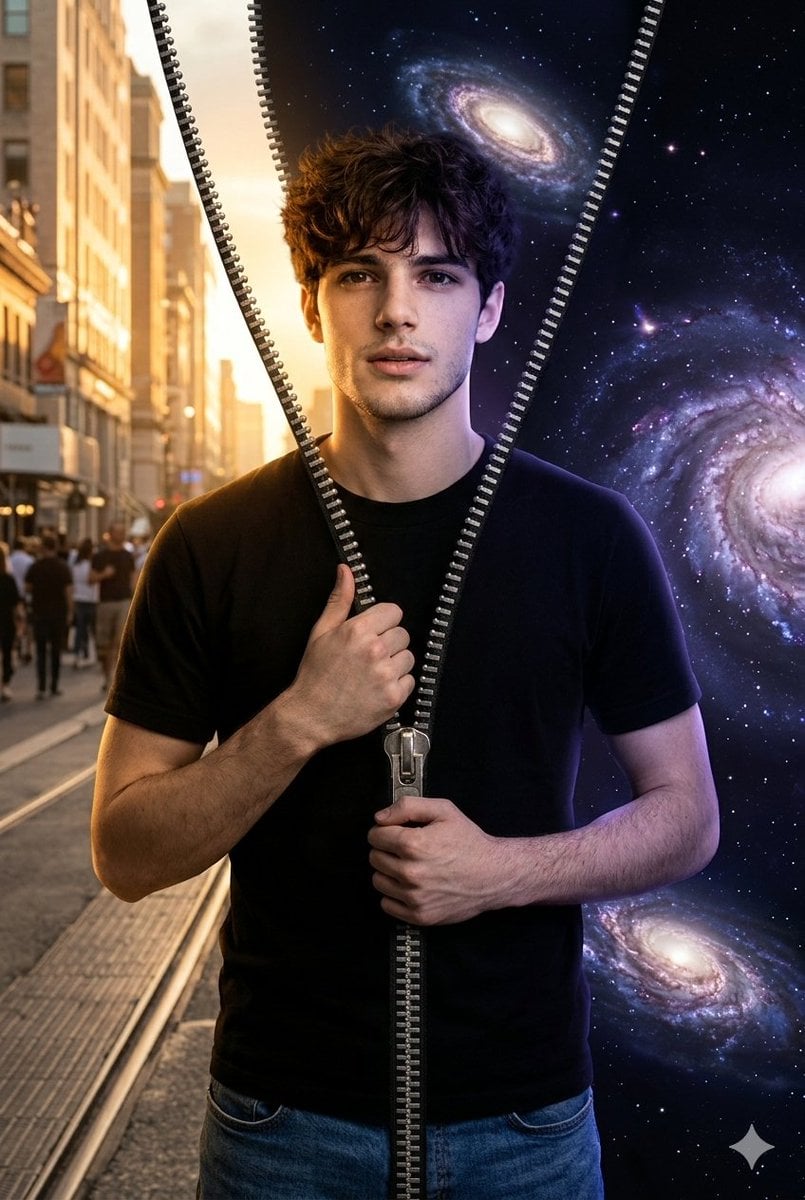
Conceptual Portrait of Man Zipping Reality Open to Cosmic Void
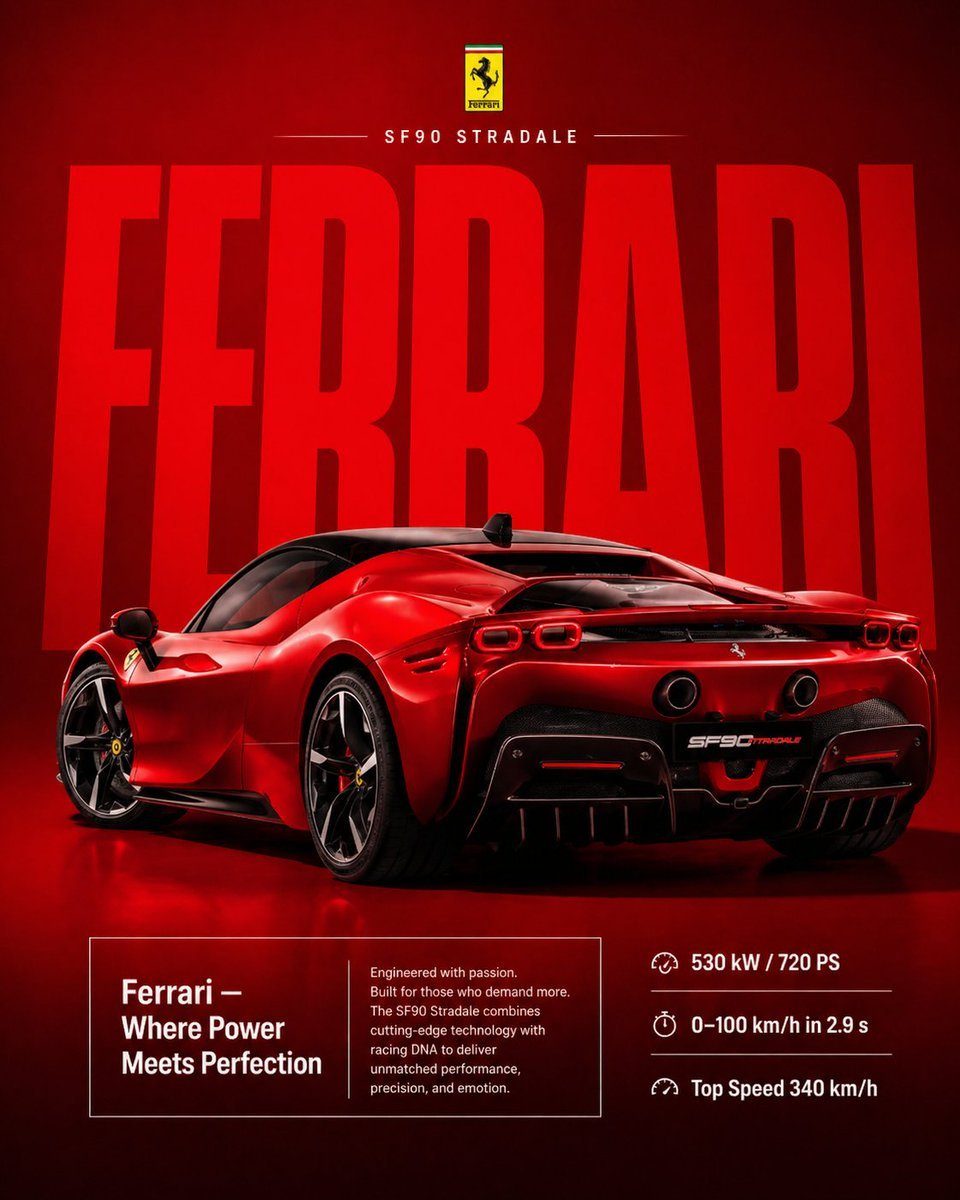
Premium Ferrari Advertisement Poster

Nano Banana Pro Photoreal Playful Couple

Generating Images from Song Titles: Japanese Constitution
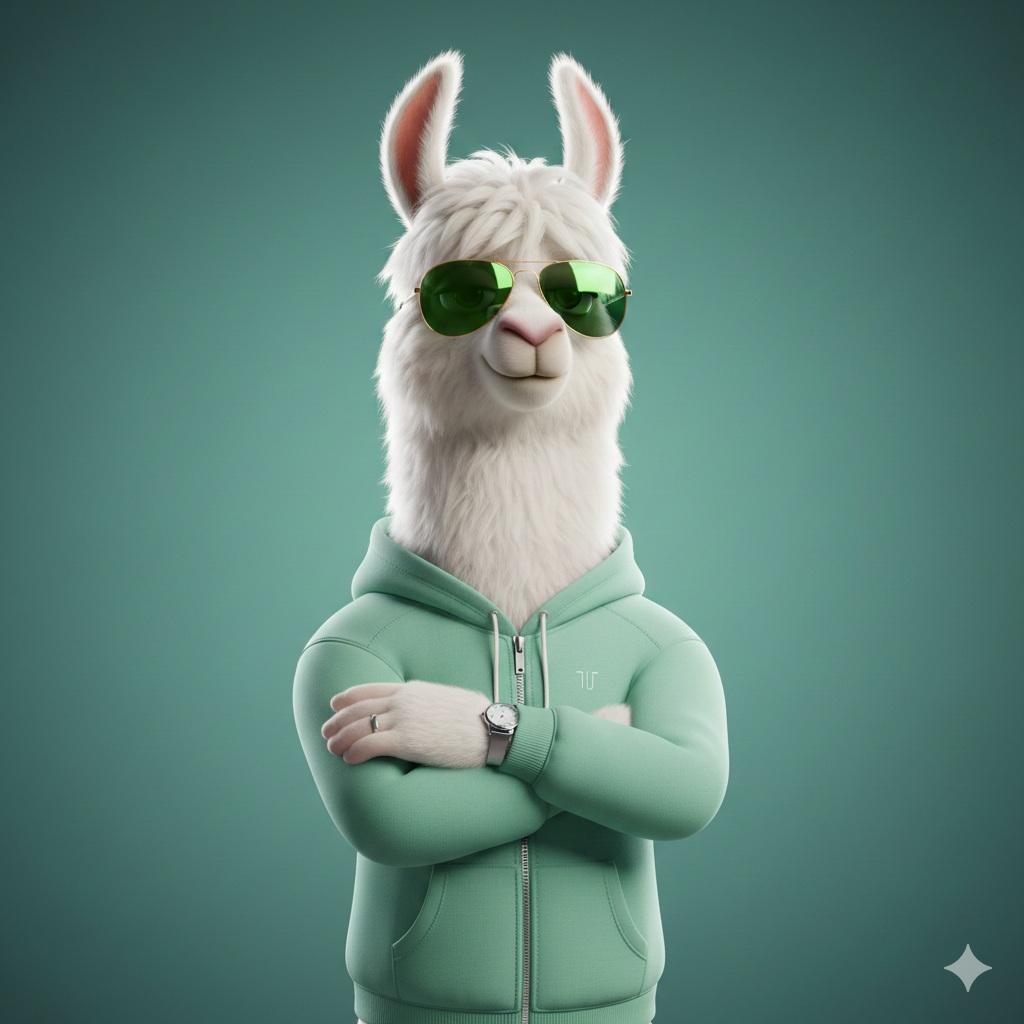
Stylized 3D Llama Character in Streetwear
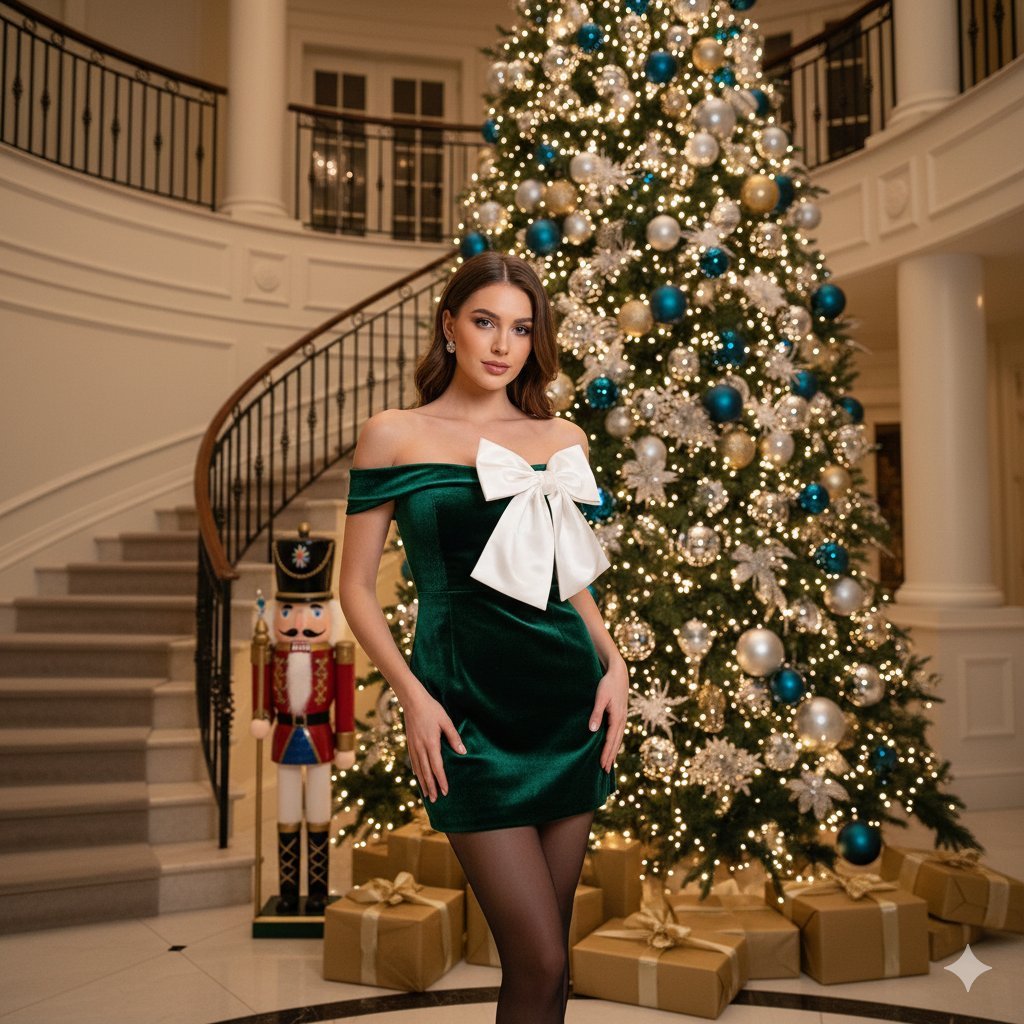
Opulent Holiday Portrait in Emerald Velvet Dress
Cozy Pixel Farm Island Village
Sakura Cyclist With Pastel Road Bike
Browse template categories
Professional Photo Editor HUD Prompt questions
How do I use the Professional Photo Editor HUD Prompt template?
Add your photo if the template asks for one, edit the prompt if you like — the template's model and format are already selected — and press Generate. Your version opens in PicX Studio.
Can I customize the Professional Photo Editor HUD Prompt template?
Yes. You can change the subject, setting, lighting, mood, format, and available model controls before creating your image.
Is the Professional Photo Editor HUD Prompt template free?
Opening and editing this template is free. Generating uses credits, shown on the Generate button when you are signed in.
Which AI model should I use?
Start with Nano Banana 2, which is the model associated with this template. You can compare another compatible model for a different finish.
Looking for something else? Browse all templates.

Your photo, any look
Thousands of ready templates for every top image and video model, from one credit balance.