
Professional Street Style Menswear Editorial
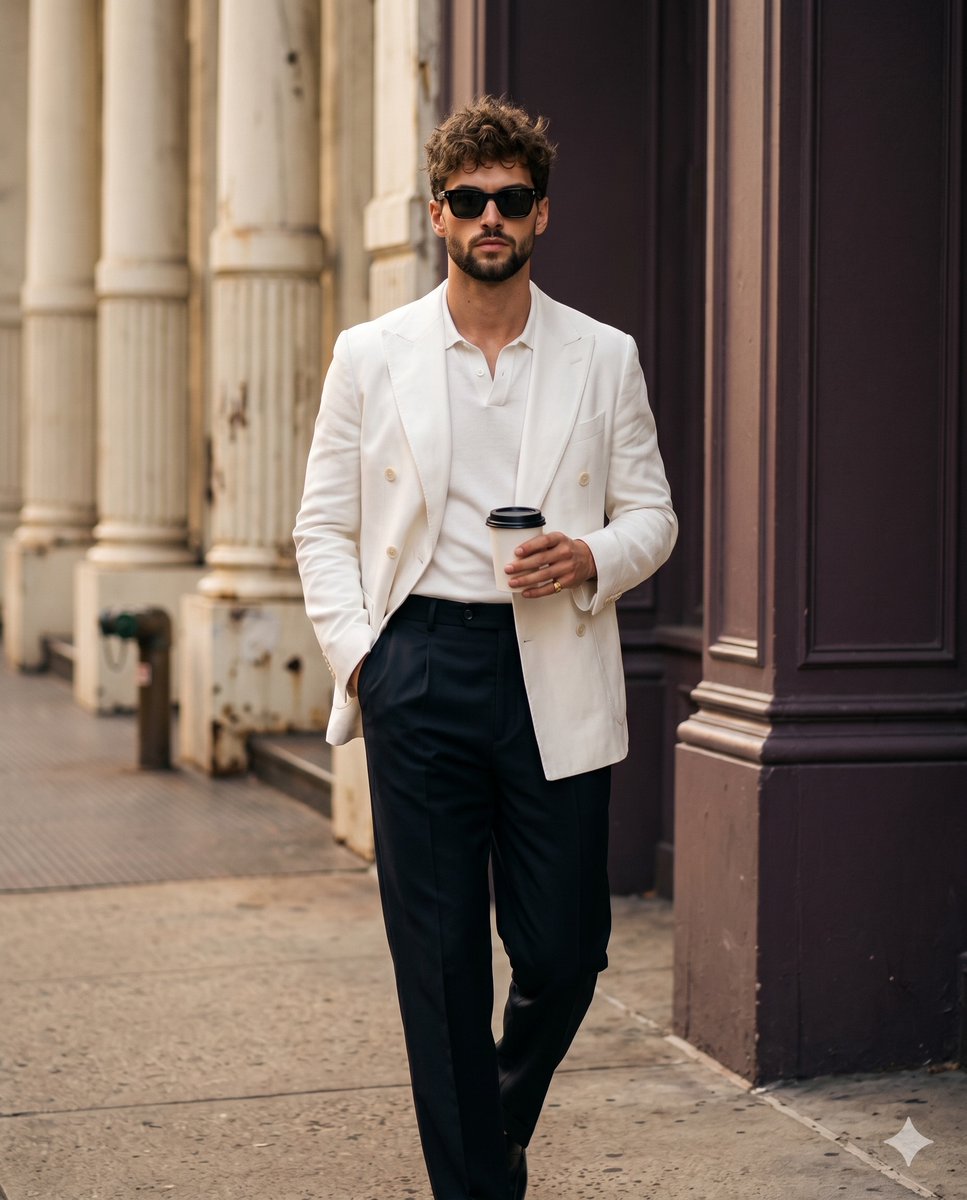
A detailed prompt for generating a high-end fashion editorial shot of a man walking, with specific focus on attire textures, architectural background, and professional camera settings.
- Prompt included
- Model and format preset
- Free template
The prompt behind this image
Copy the exact prompt behind Professional Street Style Menswear Editorial, or open it in the studio and make it yours.
A {argument name="subject" default="stylishly dressed man"} is captured mid-stride walking straight toward the camera in a confident, candid moment. He has short, messy, curly brown hair about 2 to 3 inches on top, styled with a matte texture that highlights natural flyaways. His facial expression is naturally relaxed, with a closed mouth and an effortless calmness behind striking black square sunglasses. He wears a tailored yet slightly oversized crisp white double-breasted blazer layered cleanly over a white polo shirt, paired with high-waisted dark trousers. His left hand is tucked deep into his left trouser pocket, while his relaxed right hand securely grasps the middle of a white paper coffee cup with a black lid, his thumb resting naturally on the camera-facing side to reveal a subtle gold ring on his pinky finger. He walks across a {argument name="ground surface" default="solid warm gray concrete sidewalk"}. In the right foreground, a pristine, smooth dark plum-brown structural pillar acts as a dominant framing element, while the midground on the left introduces elegantly weathered classical concrete columns with vertical fluting, painted in a matte warm cream and beige. A small, worn fire hydrant sits out of focus on the far left edge, establishing a medium spatial depth as the architectural background smoothly blurs away. The scene is bathed in {argument name="lighting" default="warm, golden natural daylight"} gently diffused from a single source above, creating a moderately directional soft illumination that establishes a professional yet casually sophisticated morning commute atmosphere. High-contrast analogous tones of off-white, stark black, warm cream, and dark plum-brown dominate the visual hierarchy. Soft, gradual gray shadows pool delicately under his chin, beneath the thick blazer lapels, and cast downwards across his trousers, while perfectly preserved highlights gracefully catch his forehead, the tip of his nose, and the top edges of his blazer shoulders, supported by a gentle ambient fill. Captured straight on as a high-end digital editorial photograph using an 85mm prime lens at an open aperture with a fast shutter speed to freeze motion, the image boasts tack-sharp focus on his face and the coffee cup against the shallow depth of field. Modern menswear street-style influences drive the clean aesthetic, enhanced by warm color balancing, gently raised black levels introducing a cinematic film grain, a subtle vignette, and authentic skin retouching, ultimately framed in a 4:5 aspect ratio.
How to use Professional Street Style Menswear Editorial in 3 steps
- 1
Open
The prompt is already in the box next to the preview, with the template's model and format selected.
- 2…a portrait of your subject in softgolden-hour light, 85mm…
Personalize
Edit the subject and creative details for your destination.
- 3Generate
Generate
Press Generate — your image is created in PicX Studio, so you can compare it with the original and refine one variable at a time.
More like this
Templates with the same subject, style or setup. Open one to see its prompt.
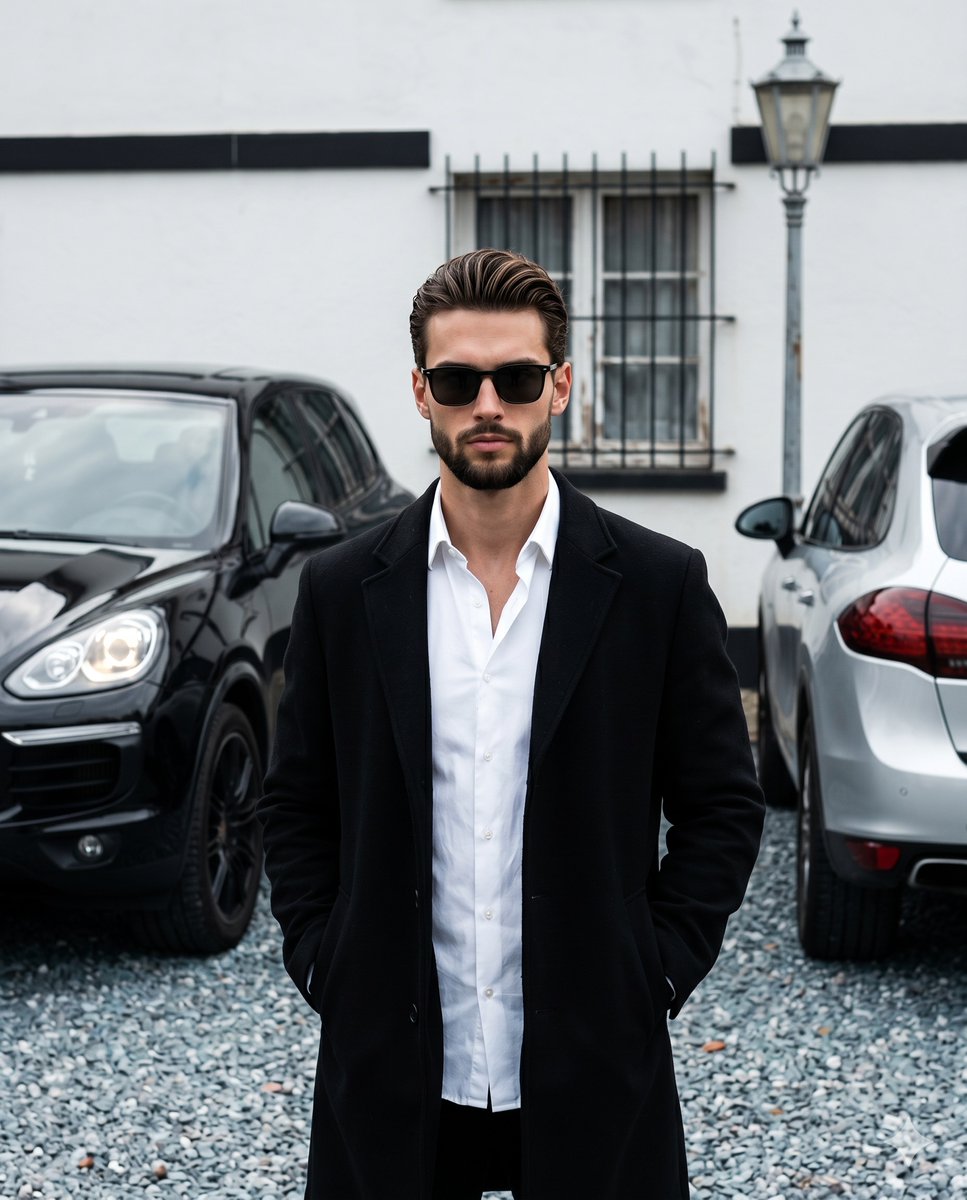
Menswear Editorial Street Style

Urban Fashion Editorial Collage Streetwear Poster

Monochrome Hypebeast Street Fashion Editorial Motion

Korean Streetwear Minimalist Campaign Portrait

Cinematic Korean Streetwear Street Portrait

Blue Hour Editorial Fashion Portrait

Two Tickets, One Night

Meet Me When It Rains

Two Hearts. One Scooter.

1986 Street Couple

1985 Street Scene
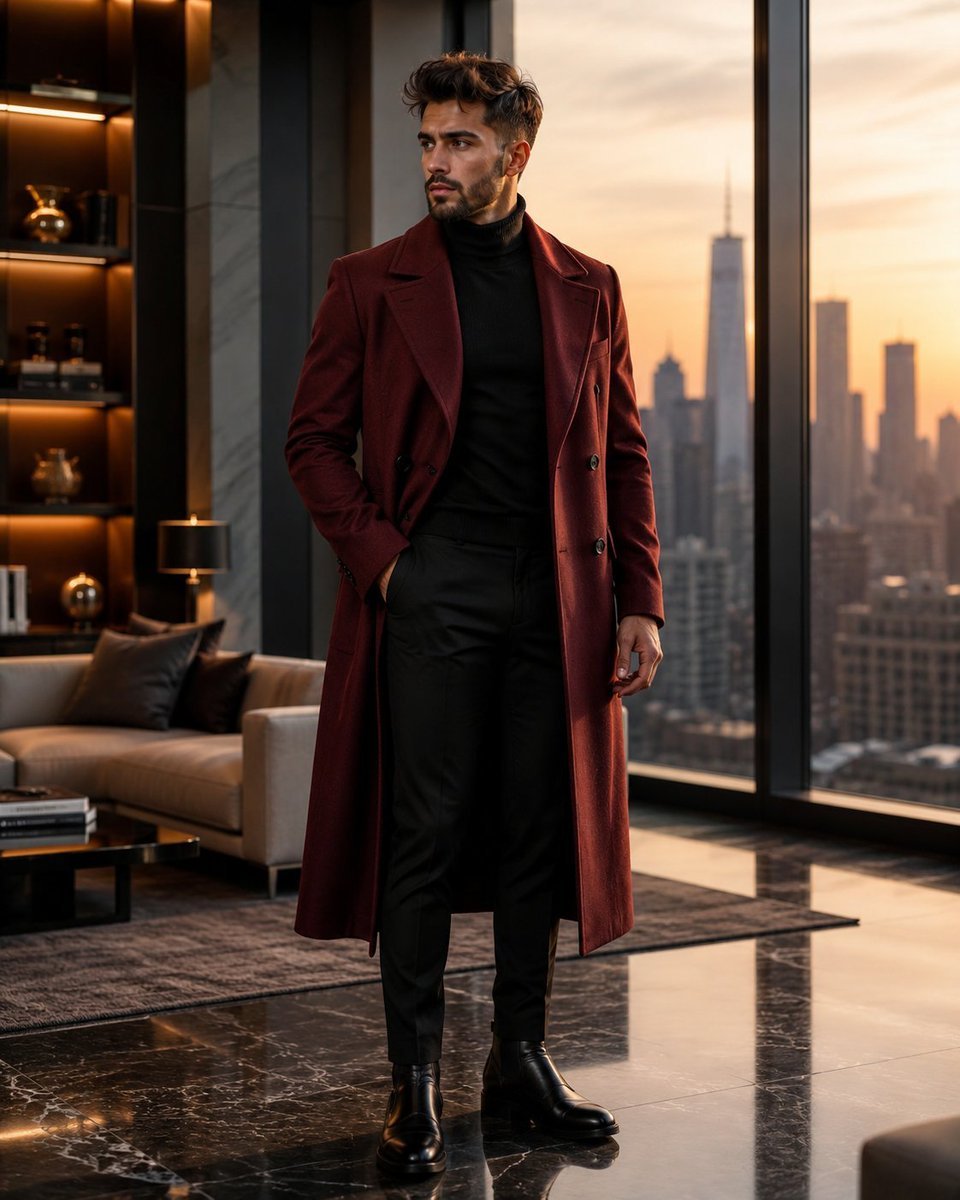
Luxury Penthouse Menswear Editorial
Make it yours
Professional Street Style Menswear Editorial works as-is. These are the safest ways to change it without losing the look.
Change one field
Copy a single group, rewrite it, and generate again so you can see what that field is doing.
Keep the frame, change the subject
Hold the composition and light of Professional Street Style Menswear Editorial, then swap wardrobe, props or the person for a new take.
| If the result… | Why | Fix |
|---|---|---|
| The result drifts from the preview | Too many fields changed at once. | Reuse Professional Street Style Menswear Editorial as-is first, then change one group — subject, light, or setting. |
| The model over-stylizes the scene | The prose prompt leaves finish and camera underspecified. | Add one camera or lighting sentence and stay on Nano Banana 2. |
More Nano Banana 2 templates
Other prompts made for Nano Banana 2.

Photorealistic Leaf Shaped Like a Dragon

K-Pop Idol Portrait Grid for Rapid Selection

Poetic Rain Forest Portrait During Golden Hour

Urban Street Portrait with Cartoon Inner Self Duo

Candid Nighttime Photo with Cat Prompt

High-Concept 3D Diorama Generation Prompt

Cinematic Futuristic Studio Portrait Template

Skincare Editorial Photography Collage Prompt

Hyper-Realistic Commercial Product Photography (Splash Effect)

Hyper-Realistic Nightclub Portrait Prompt
More image prompts
Fresh picks from across the catalog.
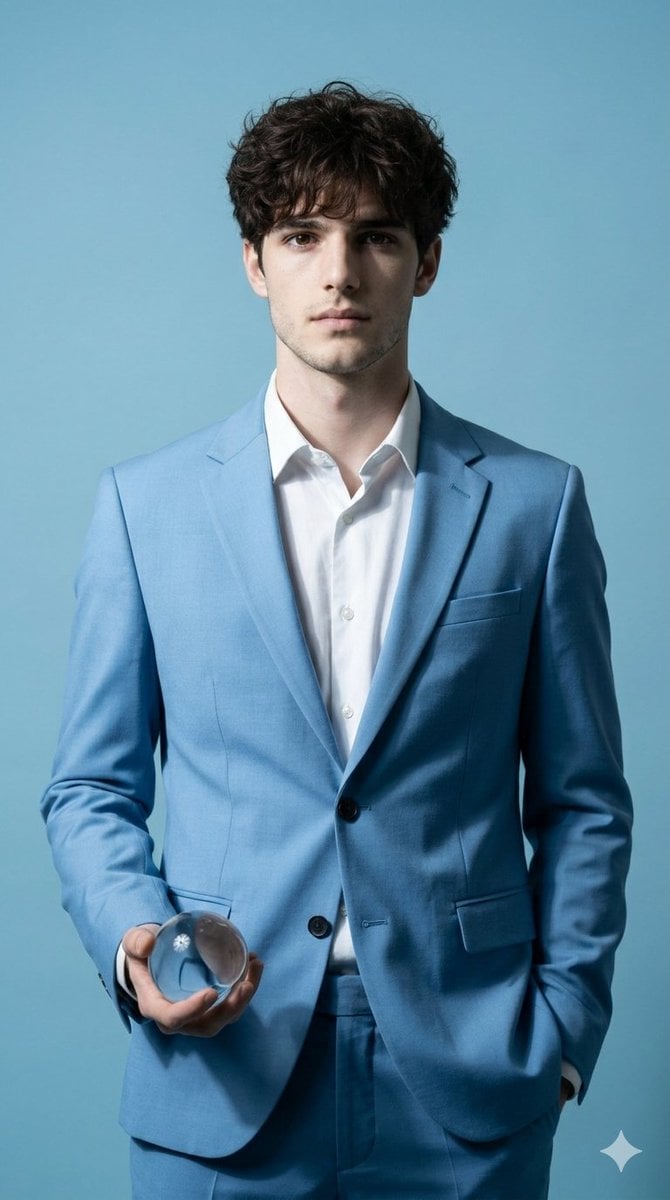
Hyper-Realistic Fine Art Fashion Portrait Prompt
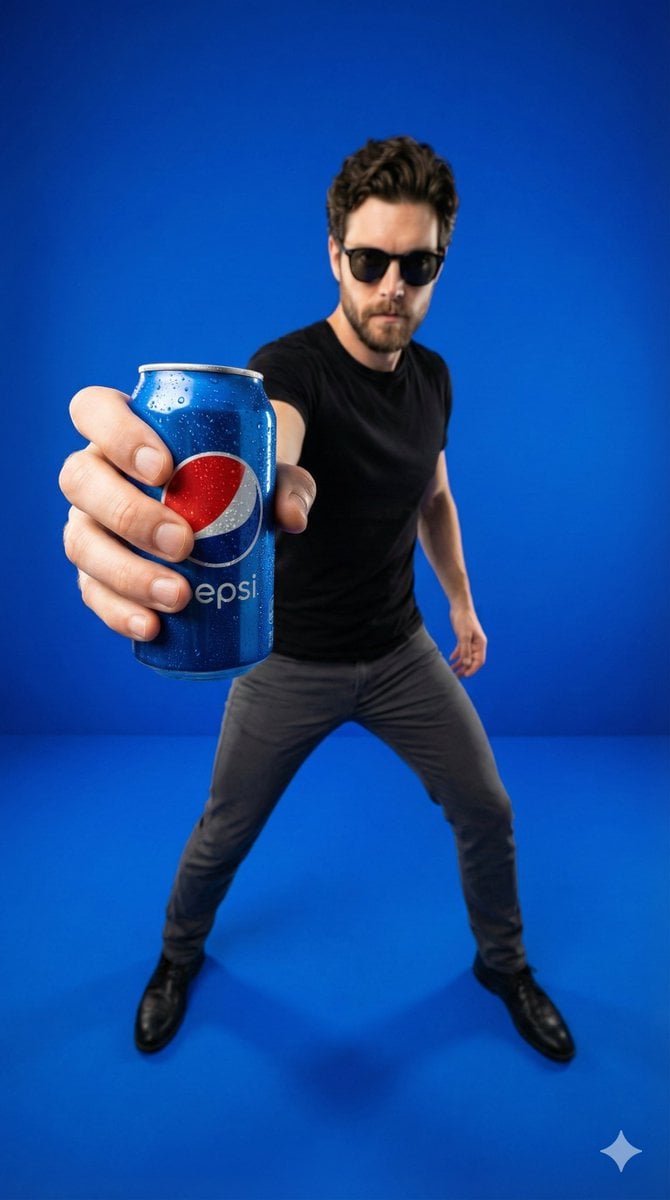
Wide-Angle Product Poster (Pepsi Can)
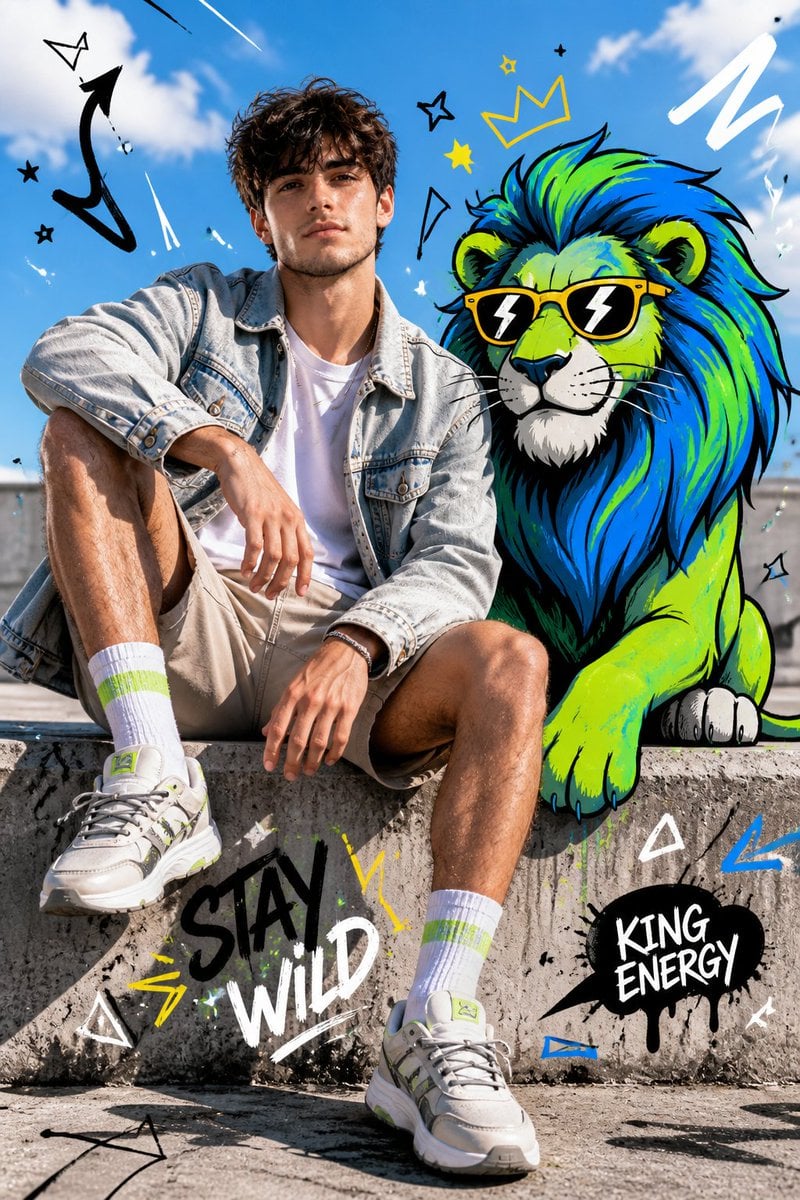
Fashion Editorial with Cartoon Fusion
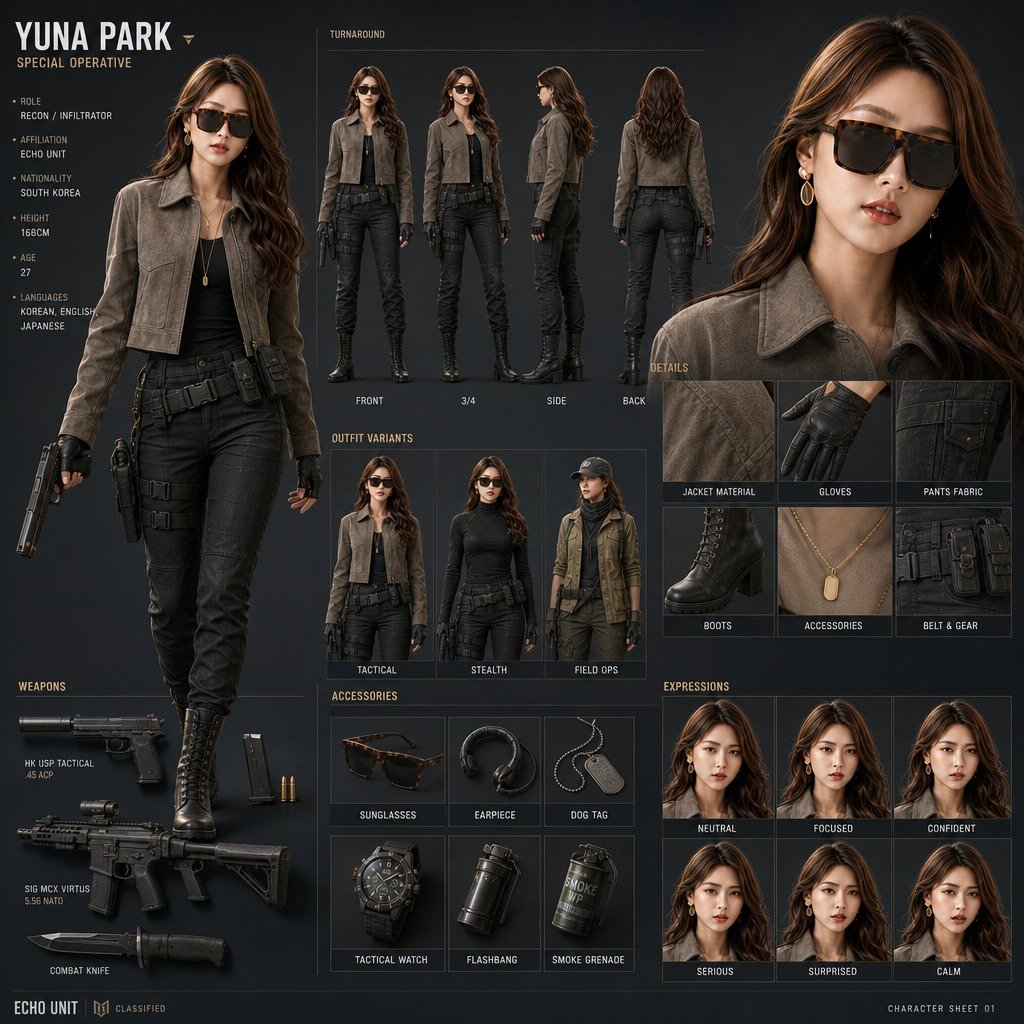
Yuna Park Tactical Character Sheet
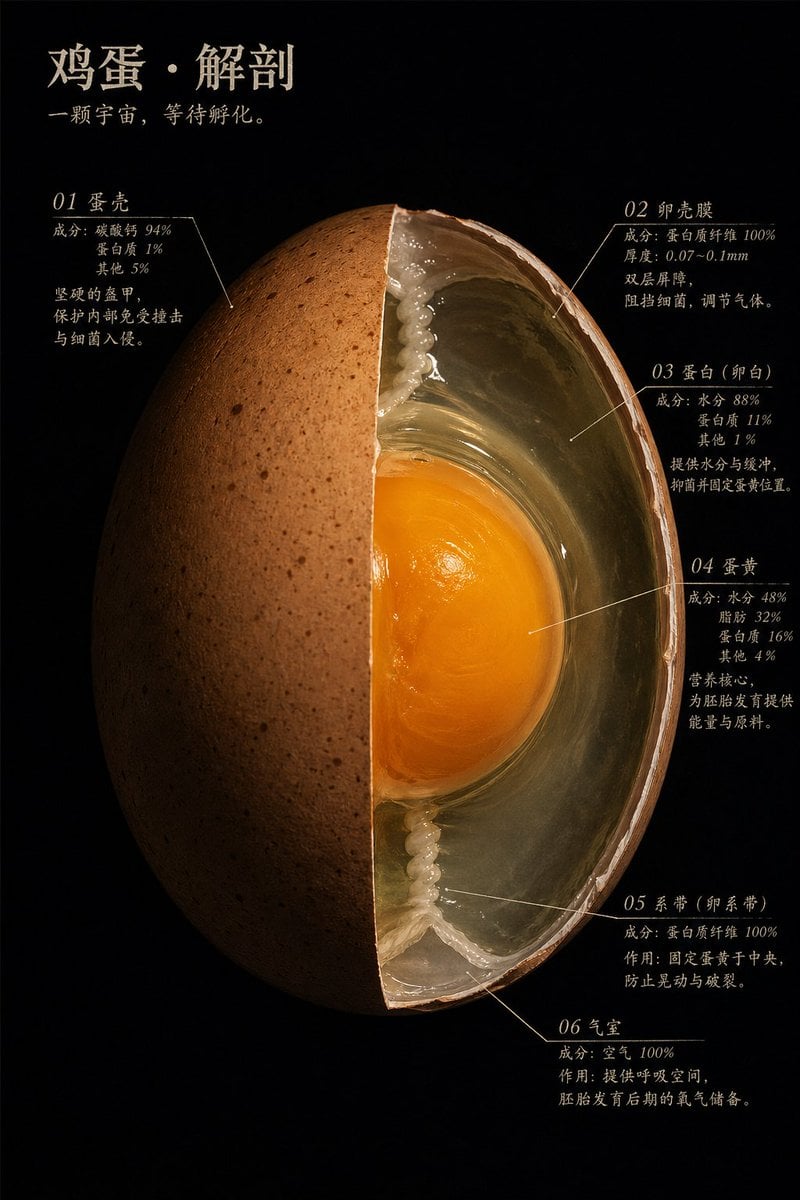
Natural Master Specimen Anatomy Prompt

Transforming the Tower of the Sun into a Taro Okamoto Painting
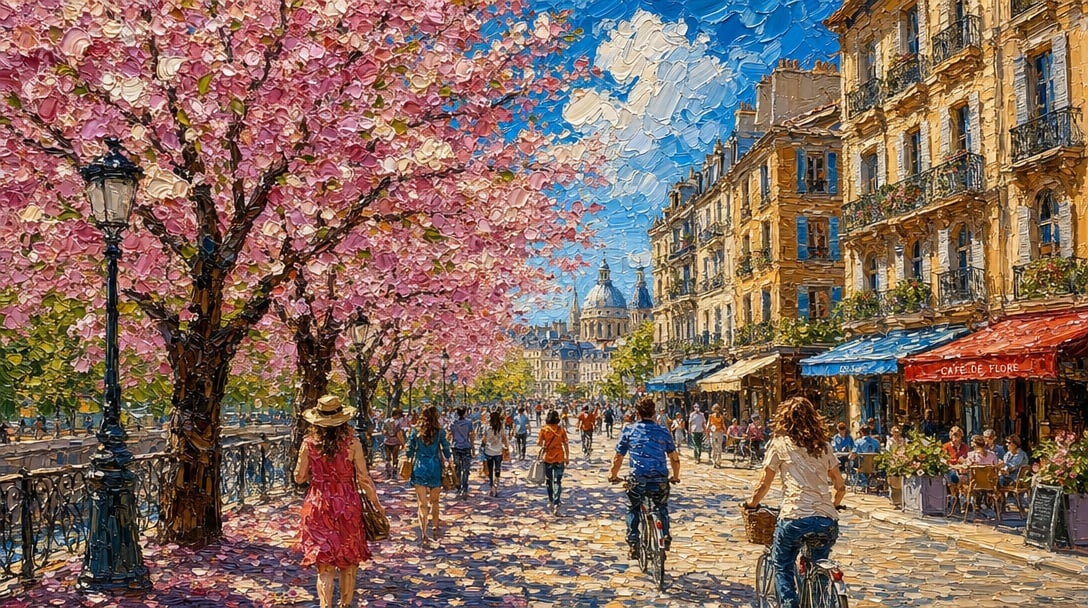
Impasto Spring Paris Boulevard
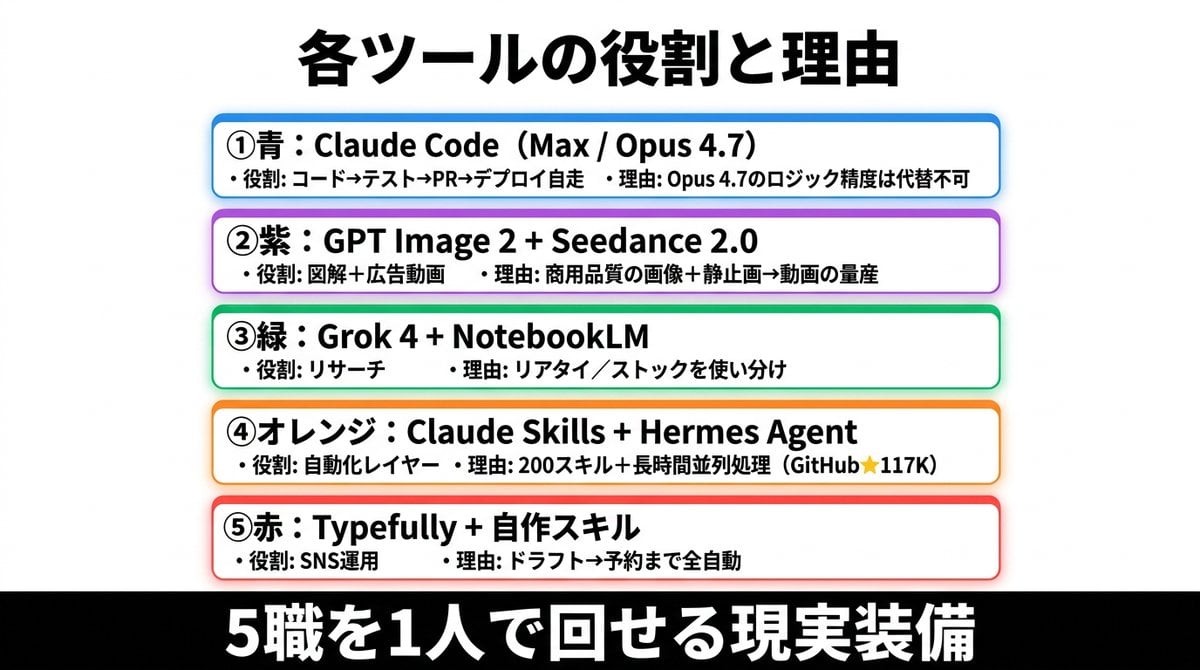
Japanese AI Tools Role Infographic
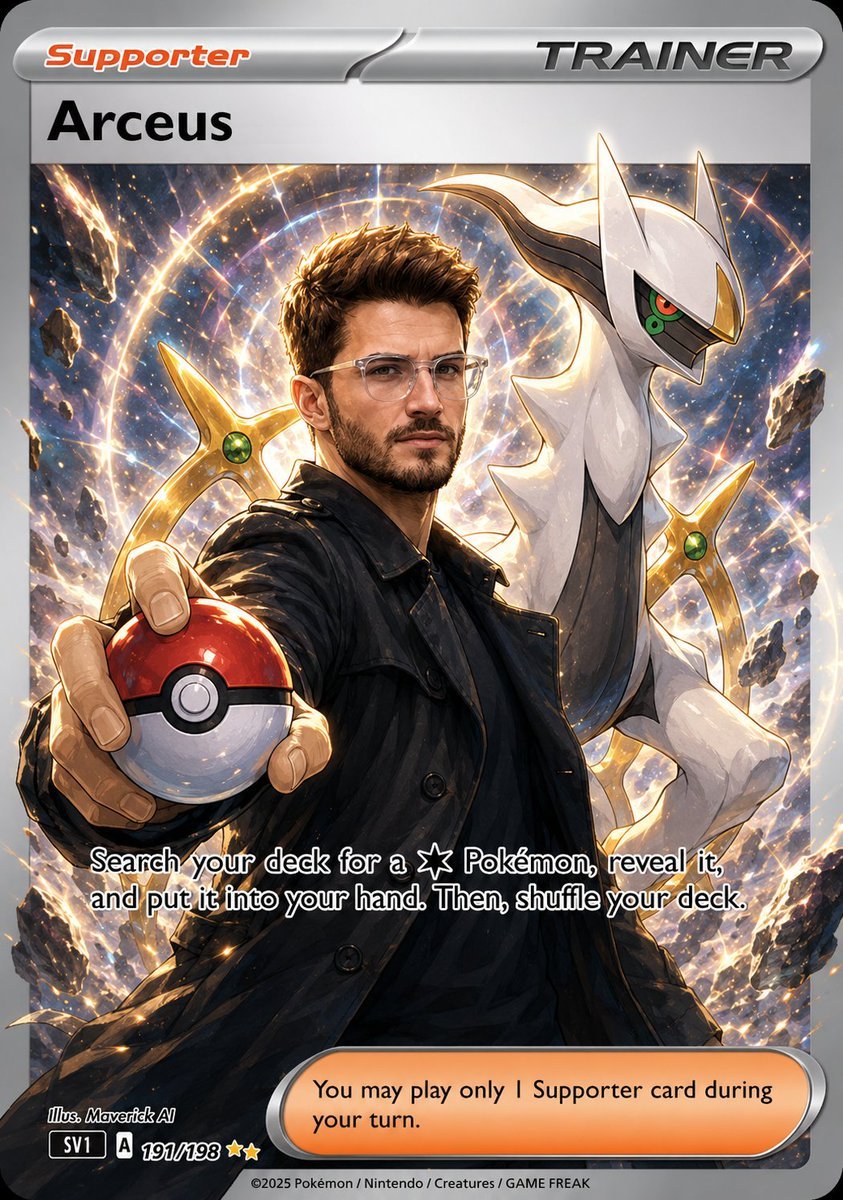
Anime Pokemon Trainer Card
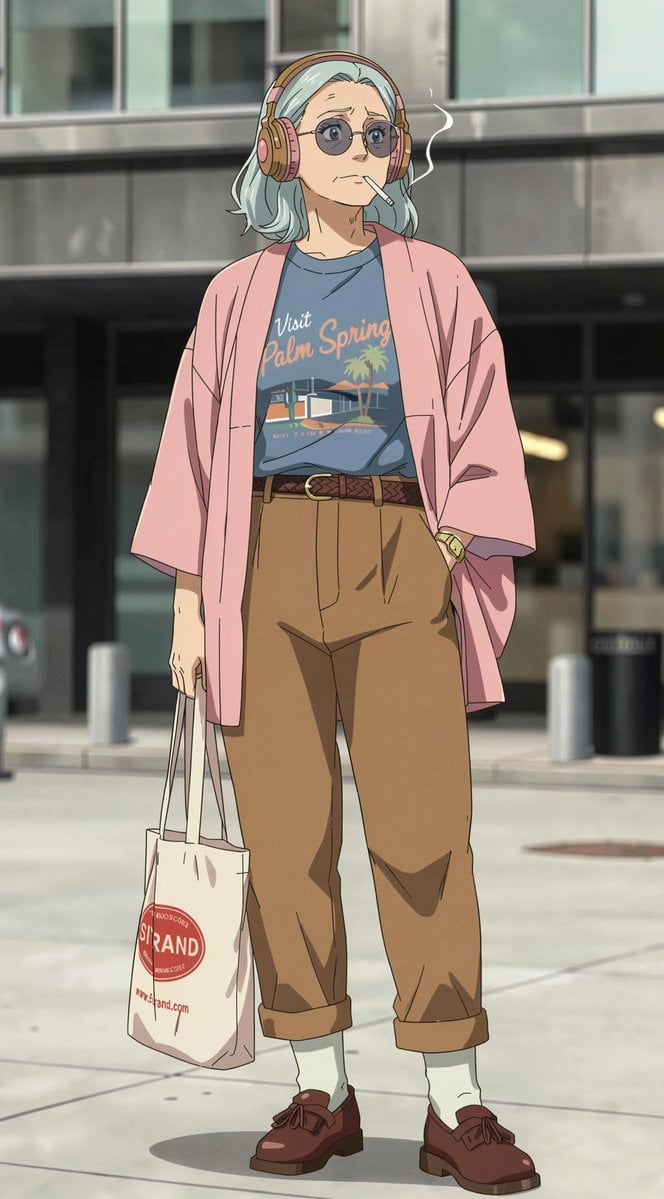
Anime Street Fashion Woman
Browse template categories
Professional Street Style Menswear Editorial questions
How do I use the Professional Street Style Menswear Editorial template?
Add your photo if the template asks for one, edit the prompt if you like — the template's model and format are already selected — and press Generate. Your version opens in PicX Studio.
Can I customize the Professional Street Style Menswear Editorial template?
Yes. You can change the subject, setting, lighting, mood, format, and available model controls before creating your image.
Is the Professional Street Style Menswear Editorial template free?
Opening and editing this template is free. Generating uses credits, shown on the Generate button when you are signed in.
Which AI model should I use?
Start with Nano Banana 2, which is the model associated with this template. You can compare another compatible model for a different finish.
Looking for something else? Browse all templates.

Your photo, any look
Thousands of ready templates for every top image and video model, from one credit balance.