
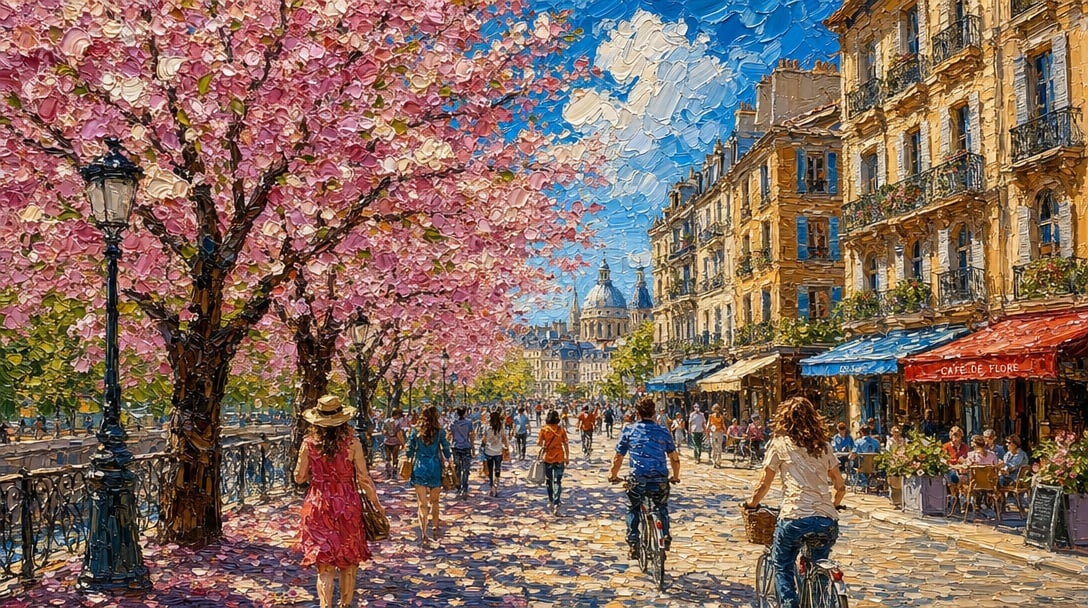
Impasto Spring Paris Boulevard
A vibrant painterly Paris street scene with cherry blossoms, cafés, cyclists, and warm spring sunlight, ideal for romantic travel art or cheerful wall decor.
- Prompt included
- Model and format preset
- Free template
The prompt behind this image
Copy the exact prompt behind Impasto Spring Paris Boulevard, or open it in the studio and make it yours.
A joyful springtime Paris street scene in a richly textured impasto oil painting style, viewed at street level along a sunlit boulevard lined with blooming cherry blossom trees on the left and elegant cream-colored Haussmann buildings on the right. The sky is a vivid saturated blue with large soft white clouds, and pink petals drift through the air and scatter across the pavement. Include a black iron riverside railing and 1 tall vintage streetlamp on the left, bustling outdoor café terraces on the right with awnings and seated patrons, and a grand domed historic building in the distance centered down the avenue. Show a lively crowd of pedestrians strolling in warm weather, including 2 cyclists riding away from the viewer in the foreground and 1 woman in a flowing pink dress and sunhat walking beneath the blossoms. The mood should be bright, romantic, happy, and full of warmth. Use thick visible palette-knife brushstrokes, high color saturation, sunlight and dappled shadows, expressive painterly detail, and a wide cinematic composition that feels like an idyllic Parisian spring day.
How to use Impasto Spring Paris Boulevard in 3 steps
- 1Upload ImagePNG, JPG or paste
Add your photo
Upload the photo the template builds on. The prompt, model and format are already set.
- 2…a portrait of your subject in softgolden-hour light, 85mm…
Personalize
Edit the subject and creative details for your destination.
- 3Generate
Generate
Press Generate — your image is created in PicX Studio, so you can compare it with the original and refine one variable at a time.
More like this
Templates with the same subject, style or setup. Open one to see its prompt.
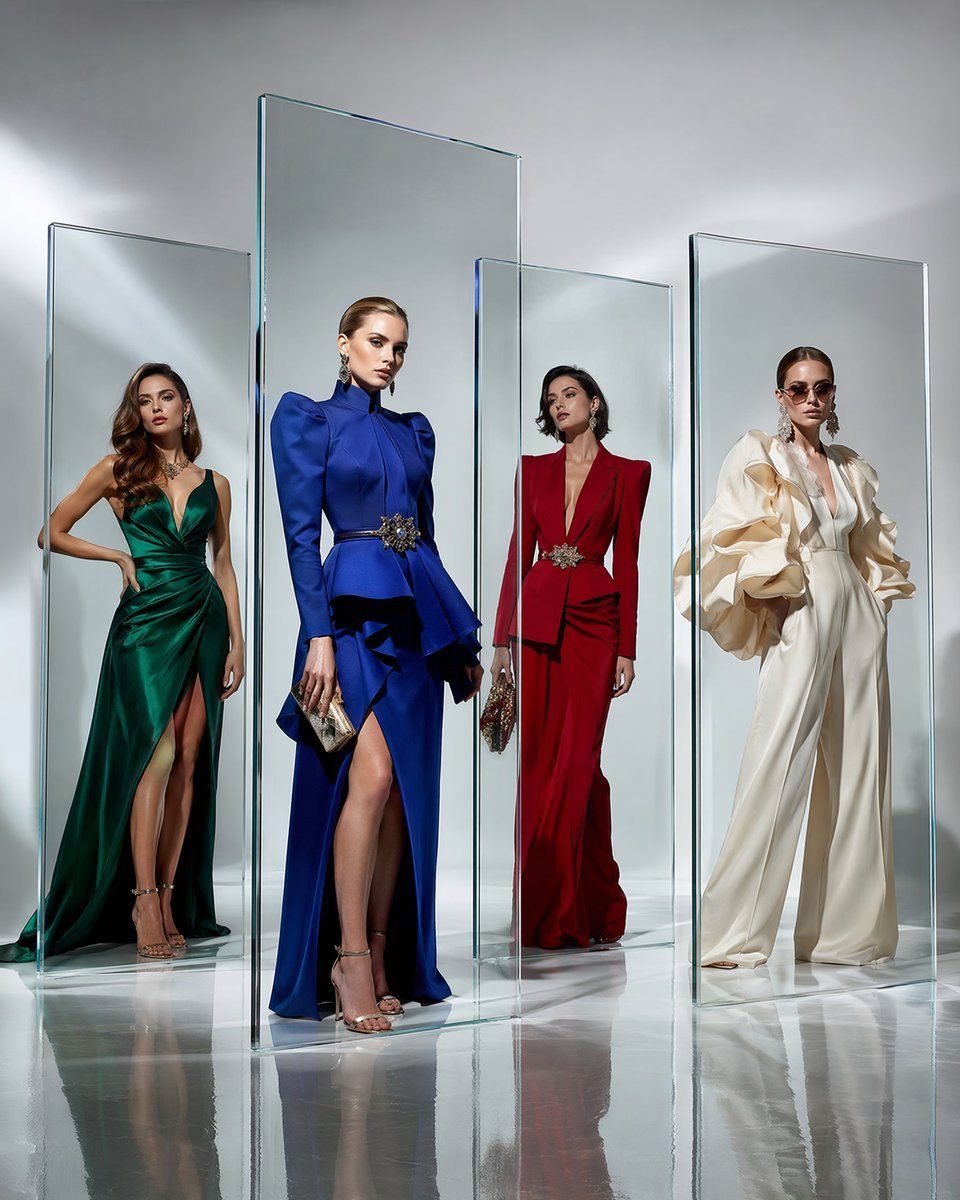
Crystal Panel European Couture Fashion Composite
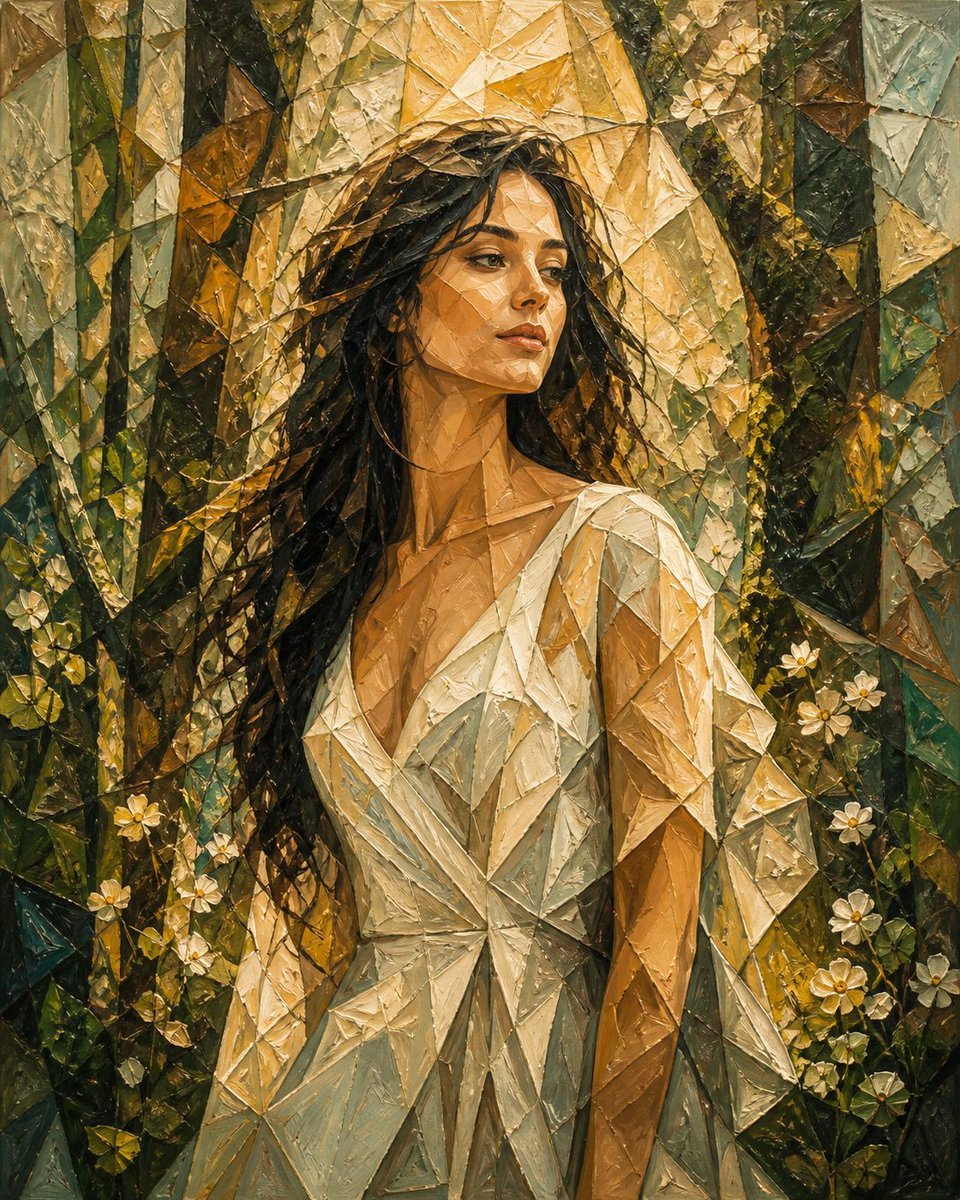
Cubism Impasto Spring Portrait

Nano Banana 2 Tulip Field

Paris Travel Collage Grid - Face Reference

Nano Banana - Evening Champagne Blue
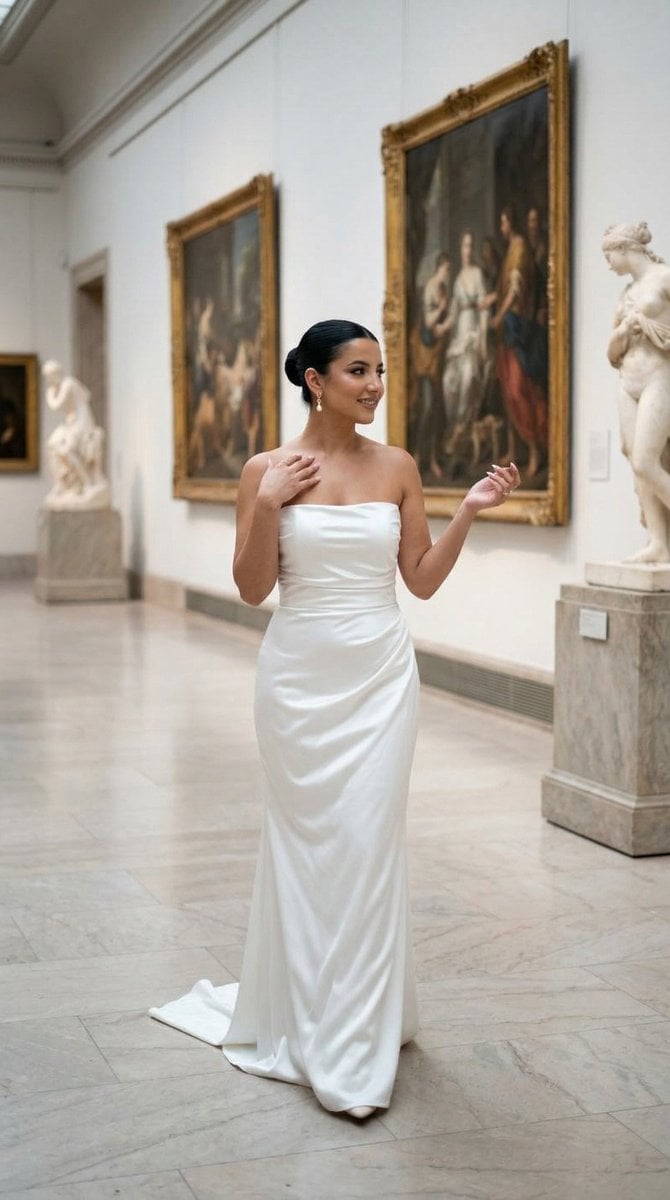
Nano Banana - Dancing Carefree Paris

Nano Banana - Paris Night Party Dancing

Nano Banana - Window Wine Red Dress
Nano Banana - Bathtub Eiffel Night

Nano Banana - Street Paris T-Shirt
Nano Banana - Paris Fleurs Romantic

Nano Banana - Pont Alexandre III Kiss
Make it yours
Impasto Spring Paris Boulevard works as-is. These are the safest ways to change it without losing the look.
Change one field
Copy a single group, rewrite it, and generate again so you can see what that field is doing.
Keep the frame, change the subject
Hold the composition and light of Impasto Spring Paris Boulevard, then swap wardrobe, props or the person for a new take.
| If the result… | Why | Fix |
|---|---|---|
| The result drifts from the preview | Too many fields changed at once. | Reuse Impasto Spring Paris Boulevard as-is first, then change one group — subject, light, or setting. |
| The model over-stylizes the scene | The prose prompt leaves finish and camera underspecified. | Add one camera or lighting sentence and stay on GPT Image 2. |
More GPT Image 2 templates
Other prompts made for GPT Image 2.

Six VTuber Japanese Logo Sheet

Realistic Portrait of Woman and Deer

The Vista Modular Condo Poster

AI Model Routing Comparison Infographic

2.5D Anime Art Board

Isometric Productivity Desk Scene

New York Double Exposure Poster

Four-Panel AI Landscape Comparison

Japanese Tatami Lifestyle Magazine Cover

NESCAFÉ Coffee Map Poster
More image prompts
Fresh picks from across the catalog.

3d Miniature City Models with Kling Ai
Quiet Luxury Winter Editorial Prompt

Ultra-Realistic Luxury Fashion Editorial Portrait
Character Schedule UI Design
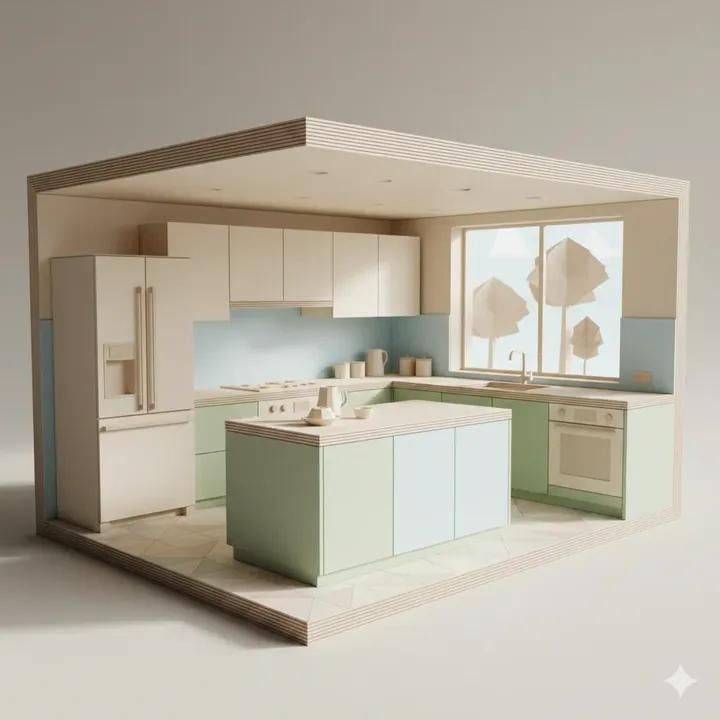
Origami Kitchen Cutaway
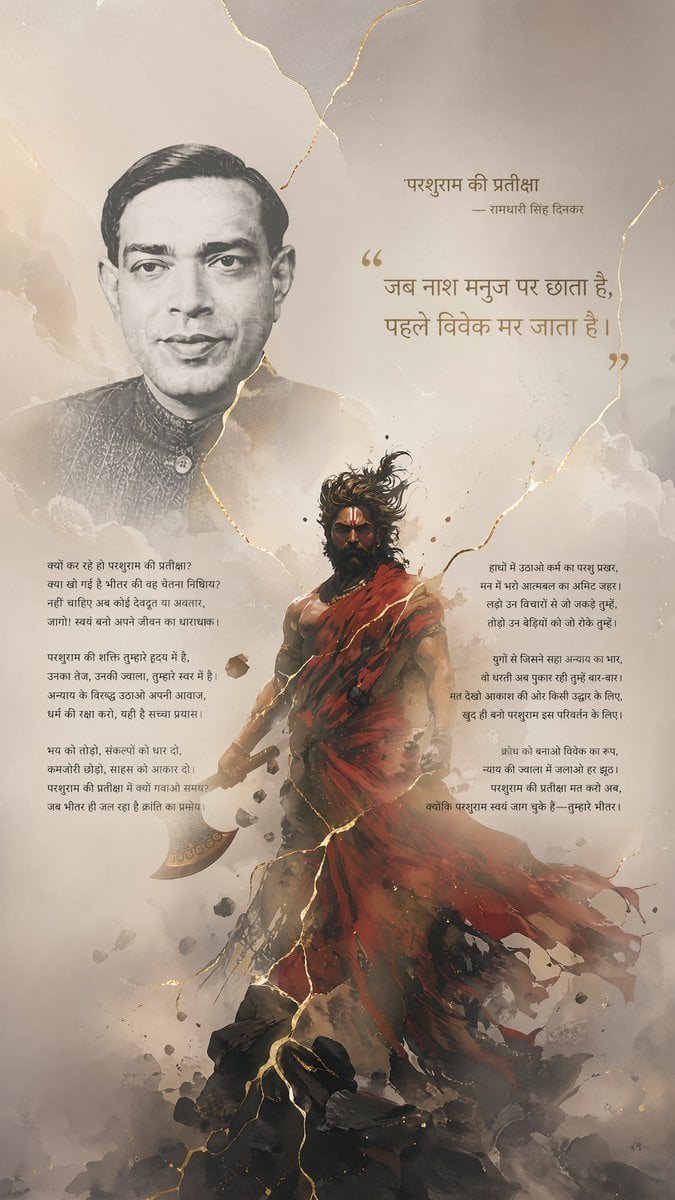
Hindi Poem Poster with Parashurama

Watercolor Glasshouse Cafe Illustration
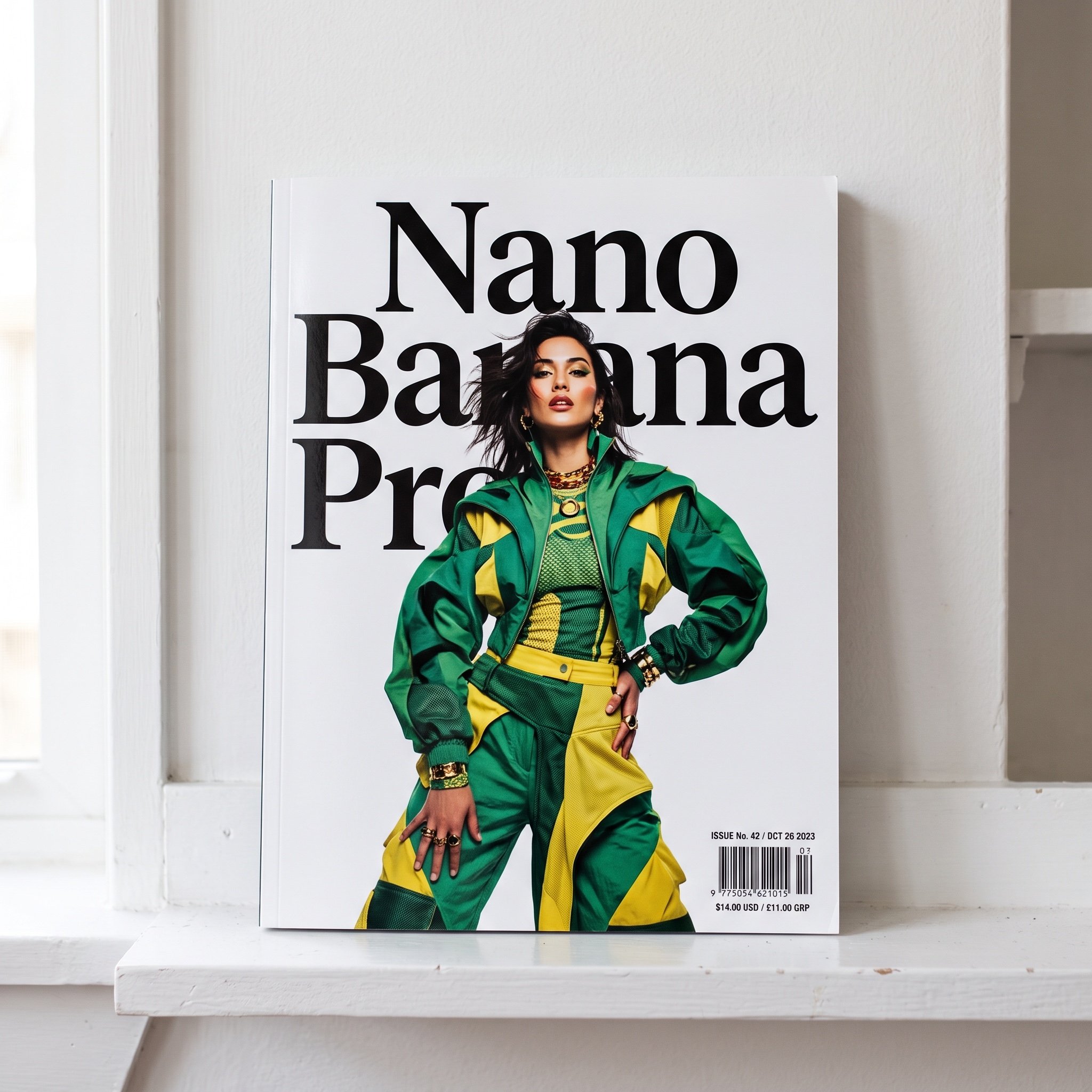
Magazine Cover with Nano Banana Pro Branding
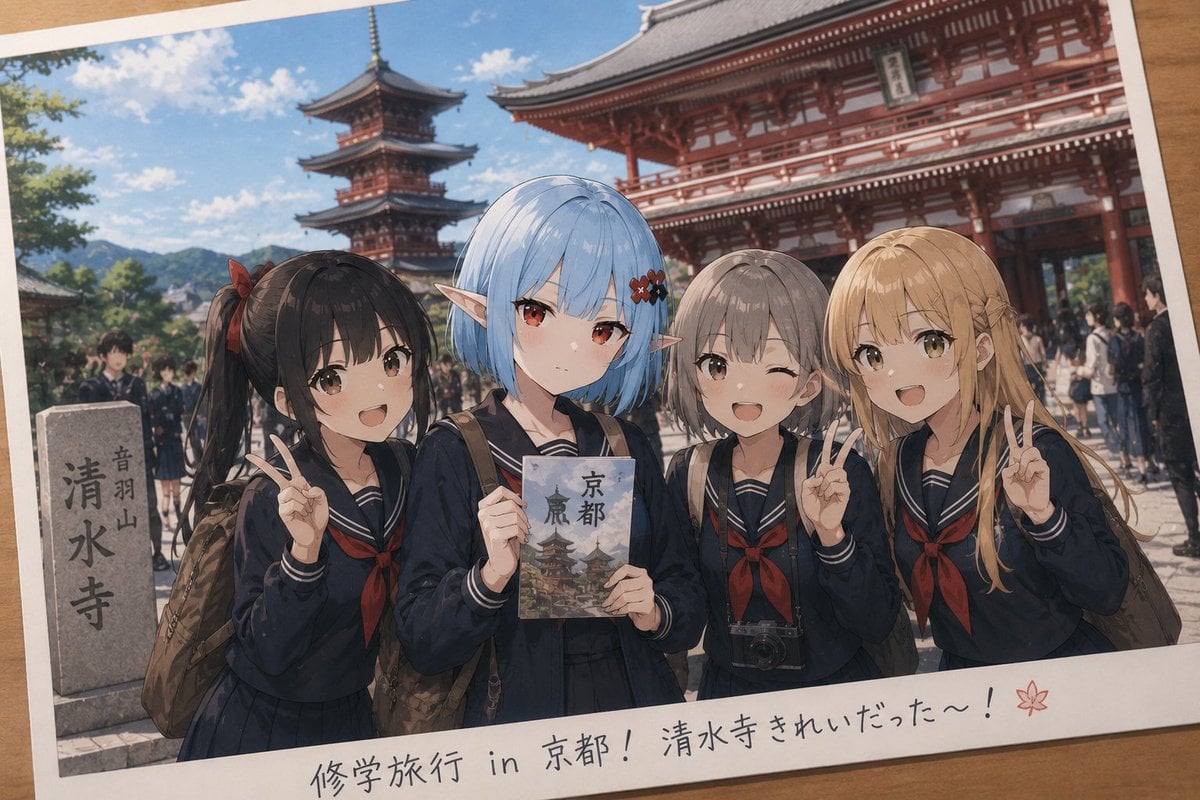
Event Photo Synthesis Illustration
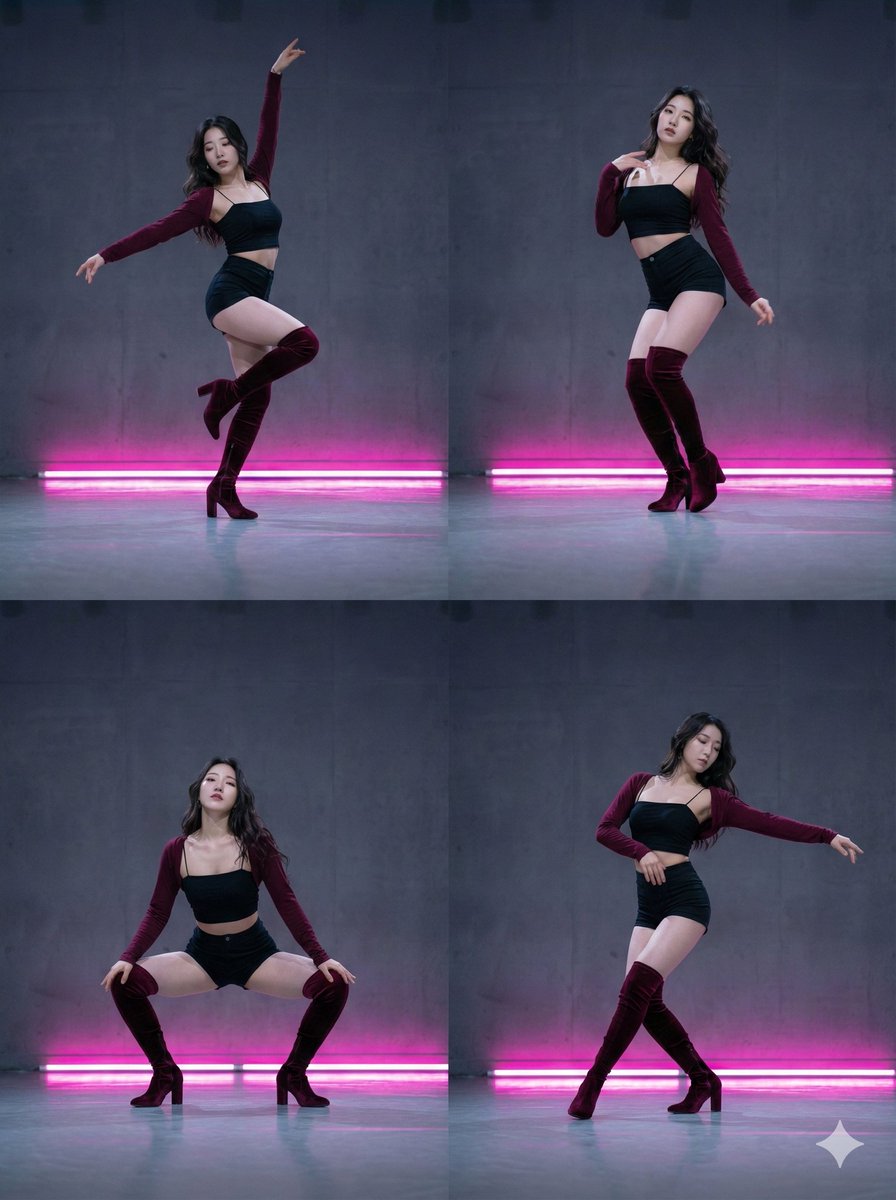
2x2 Grid Composition for Consistent Images
Browse template categories
Impasto Spring Paris Boulevard questions
How do I use the Impasto Spring Paris Boulevard template?
Add your photo if the template asks for one, edit the prompt if you like — the template's model and format are already selected — and press Generate. Your version opens in PicX Studio.
Can I customize the Impasto Spring Paris Boulevard template?
Yes. You can change the subject, setting, lighting, mood, format, and available model controls before creating your image.
Is the Impasto Spring Paris Boulevard template free?
Opening and editing this template is free. Generating uses credits, shown on the Generate button when you are signed in.
Which AI model should I use?
Start with GPT Image 2, which is the model associated with this template. You can compare another compatible model for a different finish.
Looking for something else? Browse all templates.

Your photo, any look
Thousands of ready templates for every top image and video model, from one credit balance.