
Japanese AI Tools Role Infographic
A clean Japanese infographic slide showing five color-coded AI tool stacks with their roles and reasons, ideal for social posts, presentations, and business commentary.
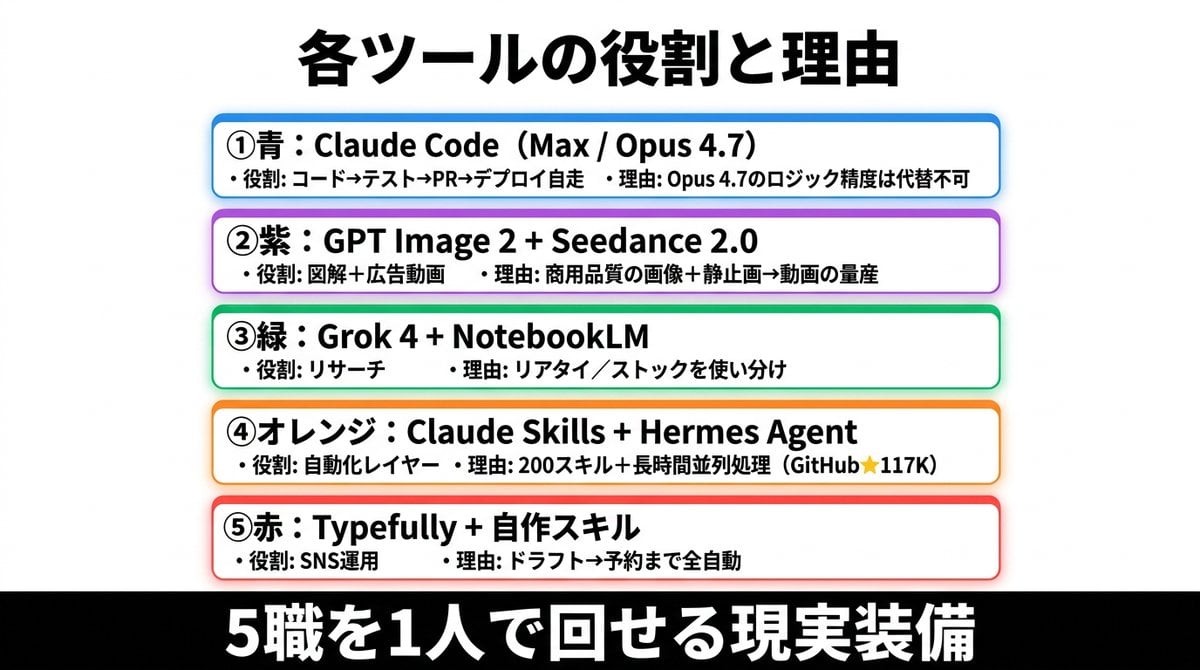
- Prompt included
- Model and format preset
- Free template
The prompt behind this image
Copy the exact prompt behind Japanese AI Tools Role Infographic, or open it in the studio and make it yours.
- Type
- Japanese infographic poster
- Style
- clean business presentation slide, minimalist flat design, crisp vector-like typography, white background with subtle light gray tone, centered composition, high contrast, social-media-friendly landscape layout
- Canvas › Aspect Ratio
- 2:1
- Canvas › Size
- wide horizontal
- Headline › Text
- {argument name="headline text" default="各ツールの役割と理由"}
- Headline › Position
- top center
- Headline › Font
- bold Japanese sans-serif
- Headline › Color
- black
- Headline › Size
- very large
- Layout › Sections › 0 › Title
- ①青:Claude Code(Max / Opus 4.7)
- Layout › Sections › 0 › Position
- upper middle
- Layout › Sections › 0 › Count
- 2
- Layout › Sections › 0 › Labels
- ・役割: コード→テスト→PR→デプロイ自走, ・理由: Opus 4.7のロジック精度は代替不可
- Layout › Sections › 0 › Container
- rounded white rectangle with blue outline, faint blue glow, soft drop shadow
- Layout › Sections › 1 › Title
- ②紫:GPT Image 2 + Seedance 2.0
- Layout › Sections › 1 › Position
- upper mid-lower
- Layout › Sections › 1 › Count
- 2
- Layout › Sections › 1 › Labels
- ・役割: 図解+広告動画, ・理由: 商用品質の画像+静止画→動画の量産
- Layout › Sections › 1 › Container
- rounded white rectangle with purple outline, faint purple glow, soft drop shadow
- Layout › Sections › 2 › Title
- ③緑:Grok 4 + NotebookLM
- Layout › Sections › 2 › Position
- center
- Layout › Sections › 2 › Count
- 2
- Layout › Sections › 2 › Labels
- ・役割: リサーチ, ・理由: リアタイ/ストックを使い分け
- Layout › Sections › 2 › Container
- rounded white rectangle with green outline, faint green glow, soft drop shadow
Raw JSON
{"type":"Japanese infographic poster","style":"clean business presentation slide, minimalist flat design, crisp vector-like typography, white background with subtle light gray tone, centered composition, high contrast, social-media-friendly landscape layout","canvas":{"aspect_ratio":"2:1","size":"wide horizontal"},"headline":{"text":"{argument name=\"headline text\" default=\"各ツールの役割と理由\"}","position":"top center","font":"bold Japanese sans-serif","color":"black","size":"very large"},"layout":{"sections":[{"title":"①青:Claude Code(Max / Opus 4.7)","position":"upper middle","count":2,"labels":["・役割: コード→テスト→PR→デプロイ自走","・理由: Opus 4.7のロジック精度は代替不可"],"container":"rounded white rectangle with blue outline, faint blue glow, soft drop shadow"},{"title":"②紫:GPT Image 2 + Seedance 2.0","position":"upper mid-lower","count":2,"labels":["・役割: 図解+広告動画","・理由: 商用品質の画像+静止画→動画の量産"],"container":"rounded white rectangle with purple outline, faint purple glow, soft drop shadow"},{"title":"③緑:Grok 4 + NotebookLM","position":"center","count":2,"labels":["・役割: リサーチ","・理由: リアタイ/ストックを使い分け"],"container":"rounded white rectangle with green outline, faint green glow, soft drop shadow"},{"title":"④オレンジ:Claude Skills + Hermes Agent","position":"lower mid-upper","count":2,"labels":["・役割: 自動化レイヤー","・理由: 200スキル+長時間並列処理(GitHub★117K)"],"container":"rounded white rectangle with orange outline, faint orange glow, soft drop shadow"},{"title":"⑤赤:Typefully + 自作スキル","position":"lower middle","count":2,"labels":["・役割: SNS運用","・理由: ドラフト→予約まで全自動"],"container":"rounded white rectangle with red outline, faint red glow, soft drop shadow"}],"section_count":5,"arrangement":"five evenly spaced horizontal cards stacked vertically in the center, all same width, each with rounded corners and colored border matching the numbered color name"},"footer":{"text":"{argument name=\"footer text\" default=\"5職を1人で回せる現実装備\"}","position":"bottom full width","background":"solid black bar","font":"extra bold Japanese sans-serif","color":"white","size":"very large"},"typography":{"body_font":"bold Japanese sans-serif","body_color":"black","emphasis":"tool names in heavier bold, compact spacing, left-aligned inside each card"},"colors":{"card_borders":["blue","purple","green","orange","red"],"background":"white to very light gray","text":"black","footer_bg":"black","footer_text":"white"},"customization":{"item_1_tool":"{argument name=\"first tool line\" default=\"Claude Code(Max / Opus 4.7)\"}","item_2_tool":"{argument name=\"second tool line\" default=\"GPT Image 2 + Seedance 2.0\"}","item_3_tool":"{argument name=\"third tool line\" default=\"Grok 4 + NotebookLM\"}"}}How to use Japanese AI Tools Role Infographic in 3 steps
- 1Upload ImagePNG, JPG or paste
Add your photo
Upload the photo the template builds on. The prompt, model and format are already set.
- 2…a portrait of your subject in softgolden-hour light, 85mm…
Personalize
Edit the subject and creative details for your destination.
- 3Generate
Generate
Press Generate — your image is created in PicX Studio, so you can compare it with the original and refine one variable at a time.
More like this
Templates with the same subject, style or setup. Open one to see its prompt.

Gpt2 Infographic Edu Visual Japanese Sci Fi Suit Up Process Board

Minecraft Japanese Research Lab Exploration

Japan Travel Brochure Poster

Japanese Architectural Concrete Studio Fashion Campaign

Japanese Minimalist Concrete Studio Fashion Editorial

Blue Backdrop Luxury Fashion Portrait Campaign

Isometric Process Educational Diorama

Isometric Vehicle Teardown Infographic Template

Gpt2 E Commerce Main Image Earbuds E Commerce Infographic

Gpt2 Infographic Edu Visual Alishan One Day Travel Poster

Gpt2 Infographic Edu Visual Ethnographic Plate for Tibetan Ceremonial Hat

Gpt2 Infographic Edu Visual Earth Signs Zodiac Character Poster
Make it yours
Japanese AI Tools Role Infographic works as-is. These are the safest ways to change it without losing the look.
Swap the setting
Keep the rest of the prompt and replace the location block. The current setting is “solid black bar”.
Change one field
Copy a single group, rewrite it, and generate again so you can see what that field is doing.
Keep the frame, change the subject
Hold the composition and light of Japanese AI Tools Role Infographic, then swap wardrobe, props or the person for a new take.
| If the result… | Why | Fix |
|---|---|---|
| The result drifts from the preview | Too many fields changed at once. | Reuse Japanese AI Tools Role Infographic as-is first, then change one group — subject, light, or setting. |
| GPT Image 2 ignores part of the JSON | Some models flatten or skip nested keys. | Keep the same values and paste them as a short paragraph instead. |
More GPT Image 2 templates
Other prompts made for GPT Image 2.

Six VTuber Japanese Logo Sheet

Realistic Portrait of Woman and Deer

The Vista Modular Condo Poster

AI Model Routing Comparison Infographic

2.5D Anime Art Board

Isometric Productivity Desk Scene

New York Double Exposure Poster

Four-Panel AI Landscape Comparison

Japanese Tatami Lifestyle Magazine Cover

NESCAFÉ Coffee Map Poster
More image prompts
Fresh picks from across the catalog.
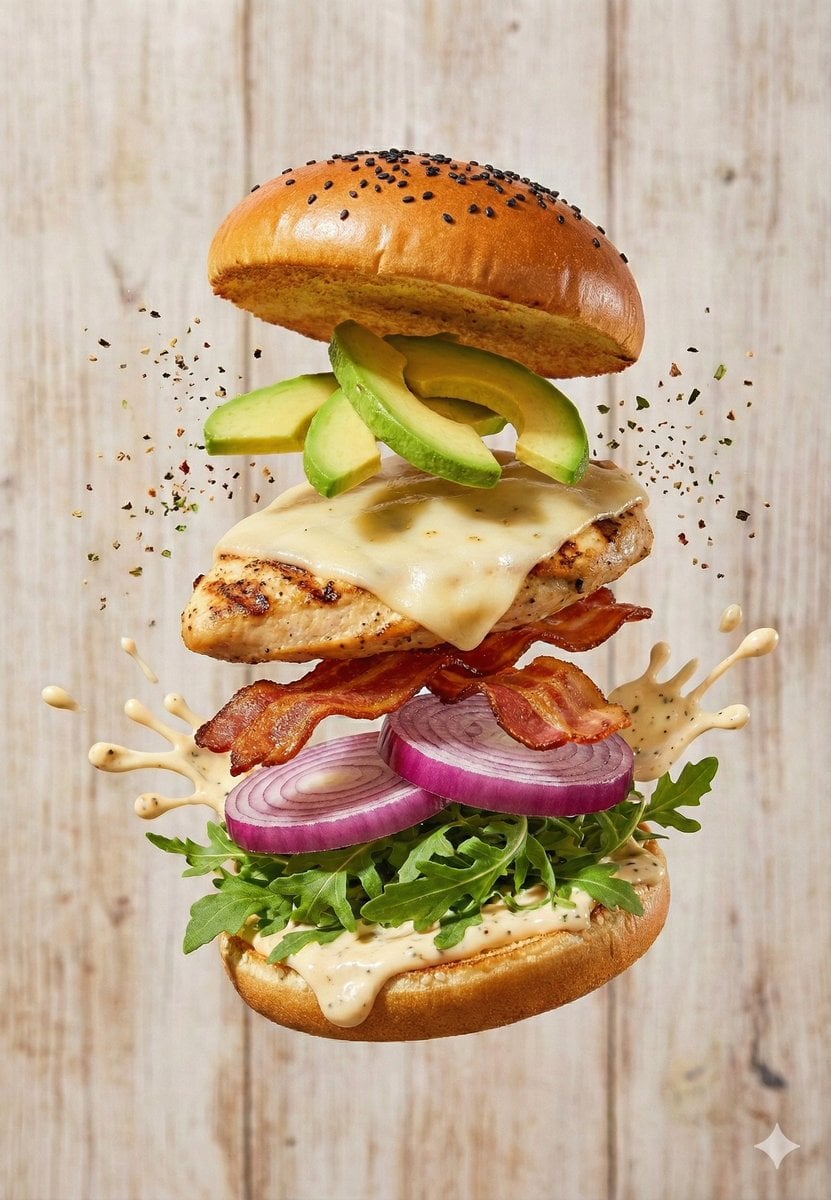
Floating Gourmet Burger Commercial Shot
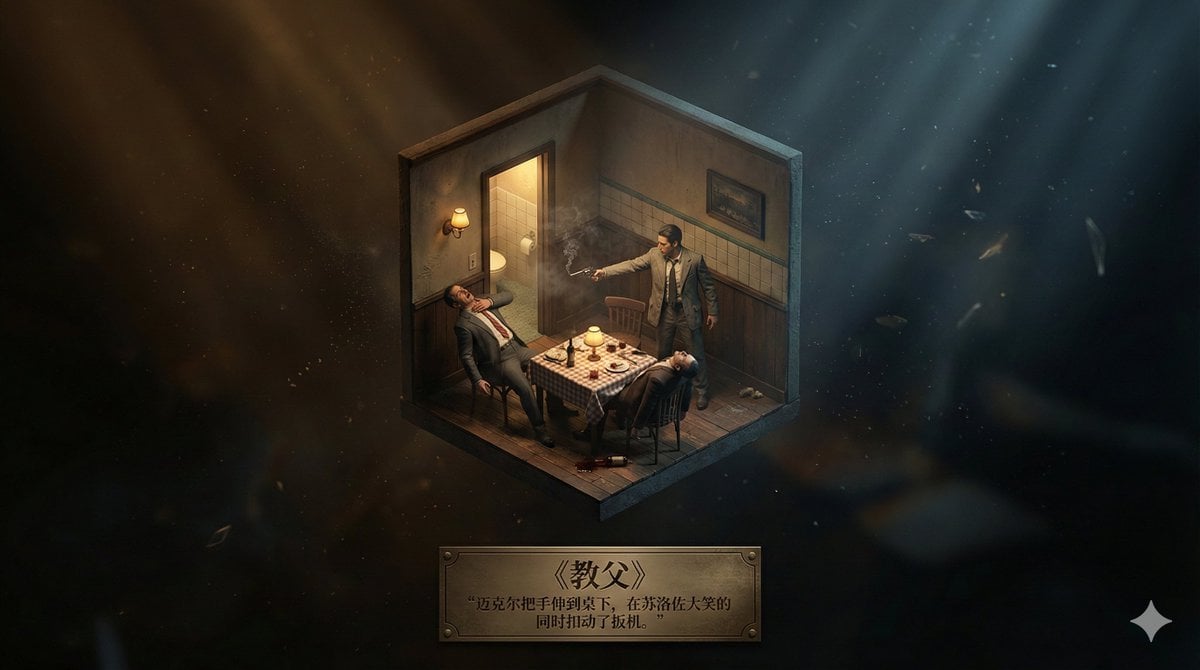
Realistic Axonometric Miniature Model with Narrative Abstract Background
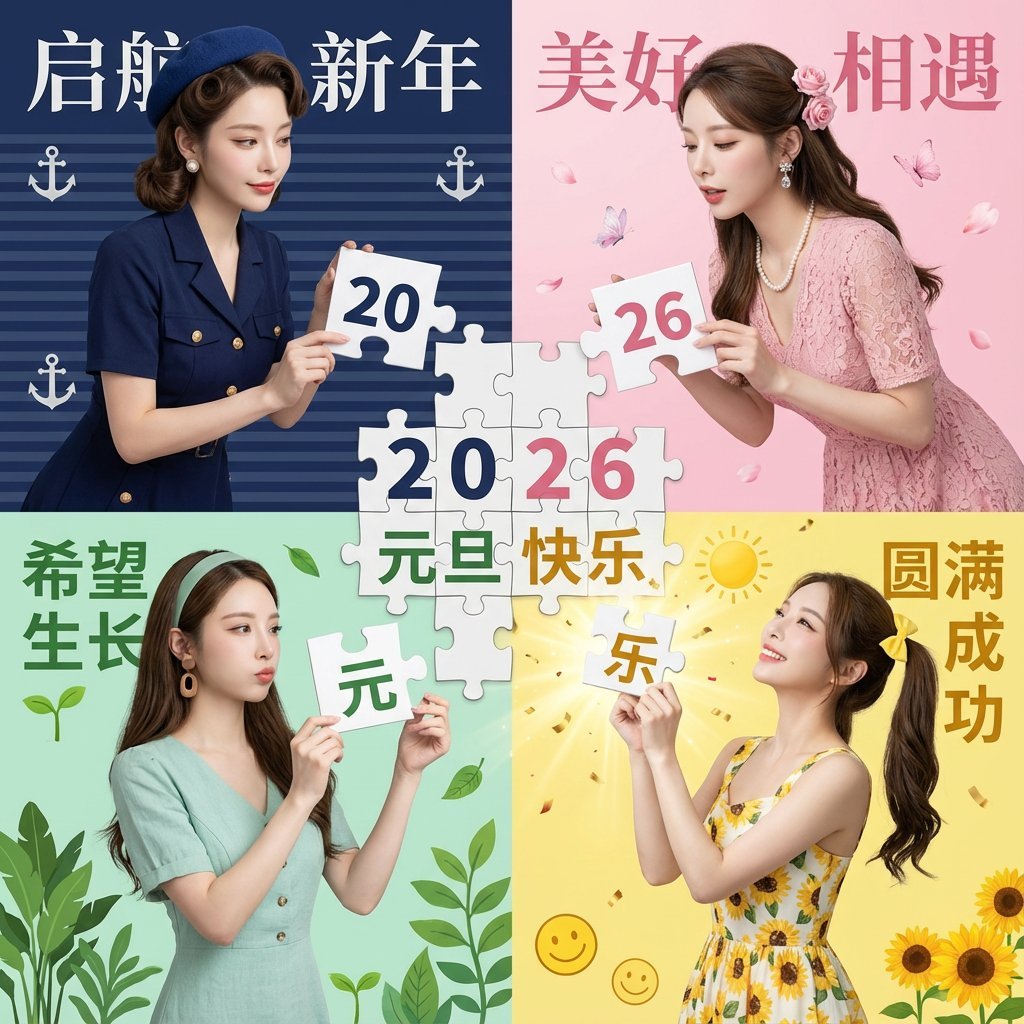
New Year's Day Special: Four-Panel Puzzle for 2026 Blessing
New Year's Greeting Prompt (Year of the Horse)

Luxury Sparkling Water Can Ad
Elf Girl Walking Goat and Robot

Realistic Smartphone Flash Selfie at Night Beach
Cartoon Character in Art Gallery Scene Prompt
Pickleball Player Pose Set

Black and White Portrait of Man by the Seashore
Browse template categories
Japanese AI Tools Role Infographic questions
How do I use the Japanese AI Tools Role Infographic template?
Add your photo if the template asks for one, edit the prompt if you like — the template's model and format are already selected — and press Generate. Your version opens in PicX Studio.
Can I customize the Japanese AI Tools Role Infographic template?
Yes. You can change the subject, setting, lighting, mood, format, and available model controls before creating your image.
Is the Japanese AI Tools Role Infographic template free?
Opening and editing this template is free. Generating uses credits, shown on the Generate button when you are signed in.
Which AI model should I use?
Start with GPT Image 2, which is the model associated with this template. You can compare another compatible model for a different finish.
Looking for something else? Browse all templates.

Your photo, any look
Thousands of ready templates for every top image and video model, from one credit balance.