
Elf Girl Walking Goat and Robot
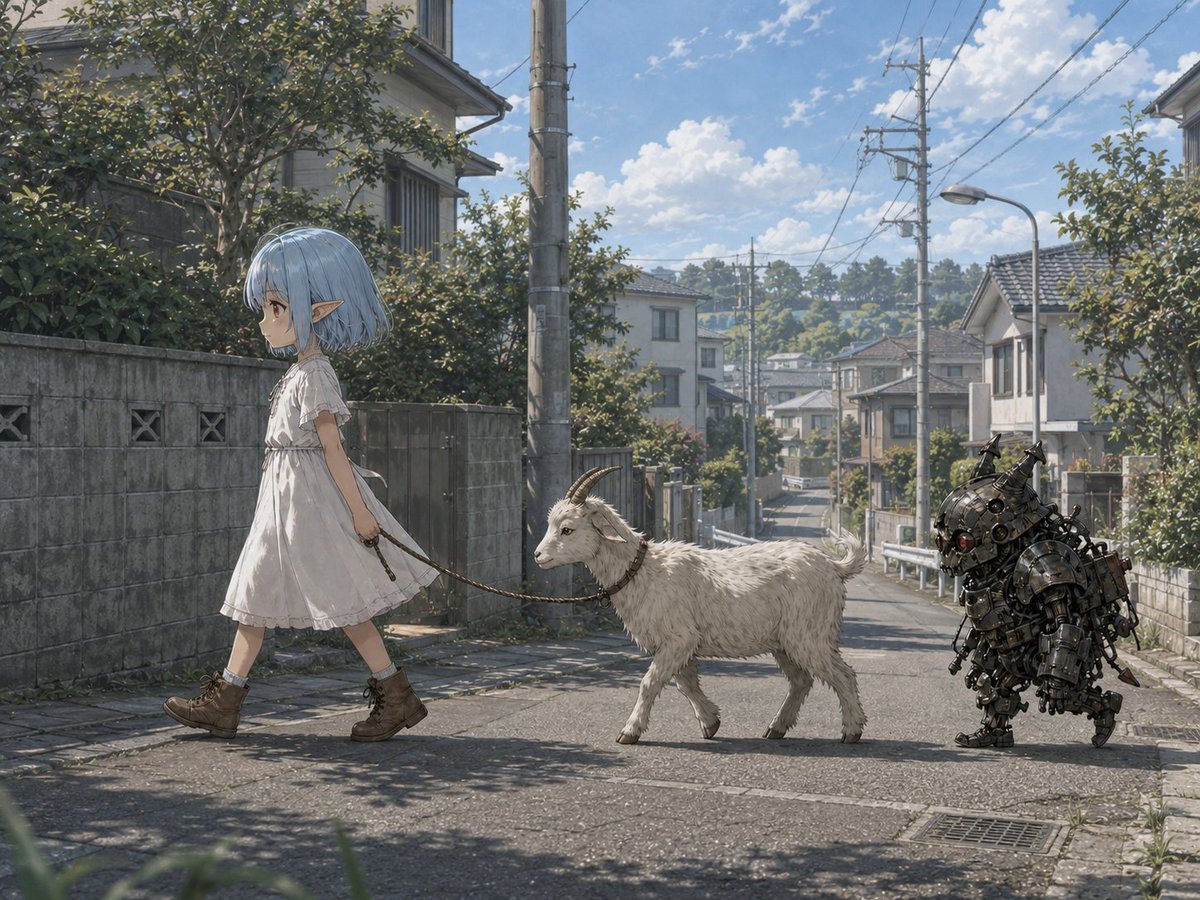
Generates a whimsical anime-realistic Japanese suburban street scene featuring an elf girl walking a goat with a steampunk robot companion.
- Prompt included
- Model and format preset
- Free template
The prompt behind this image
Copy the exact prompt behind Elf Girl Walking Goat and Robot, or open it in the studio and make it yours.
Create a cinematic anime-realistic background scene on a quiet Japanese suburban residential street in {argument name="location" default="Chofu City, near Jindaiji-dori"} on a bright summer afternoon. A small elf girl with {argument name="hair color" default="pale blue bob-cut hair"}, pointed ears, and a calm profile expression walks from right to left across the foreground, wearing a loose white short-sleeved knee-length dress, white socks, and brown lace-up ankle boots. She holds a rope leash attached to a white goat walking beside her; the goat has short curved horns, shaggy fur, and follows obediently in side view. Behind the goat trails a compact dark steampunk robot companion, squat and armored, made of blackened metal plates, exposed gears, pipes, bolts, red lens eyes, and little horn-like antennae, walking like a loyal mechanical pet. The street slopes gently downhill into the distance, lined with concrete block walls, hedges, small two-story houses with tiled roofs, utility poles, overhead power lines, a curved streetlamp, guardrails, drainage grates, and leafy trees casting dappled shadows on the asphalt. The background should feel like a plausible real Japanese neighborhood, with detailed perspective, distant houses and greenery, blue sky, scattered white clouds, warm sunlight, soft atmospheric haze, and highly detailed painterly rendering. Blend whimsical fantasy characters naturally into a realistic urban environment, with consistent lighting and shadows, 16:9 landscape composition, eye-level camera, wide shot, no text, no signage emphasis.
How to use Elf Girl Walking Goat and Robot in 3 steps
- 1Upload ImagePNG, JPG or paste
Add your photo
Upload the photo the template builds on. The prompt, model and format are already set.
- 2…a portrait of your subject in softgolden-hour light, 85mm…
Personalize
Edit the subject and creative details for your destination.
- 3Generate
Generate
Press Generate — your image is created in PicX Studio, so you can compare it with the original and refine one variable at a time.
More like this
Templates with the same subject, style or setup. Open one to see its prompt.

Eid al-Adha Cute Chaos — Fisheye Selfie with Farm Selfie, Mosque & Animals
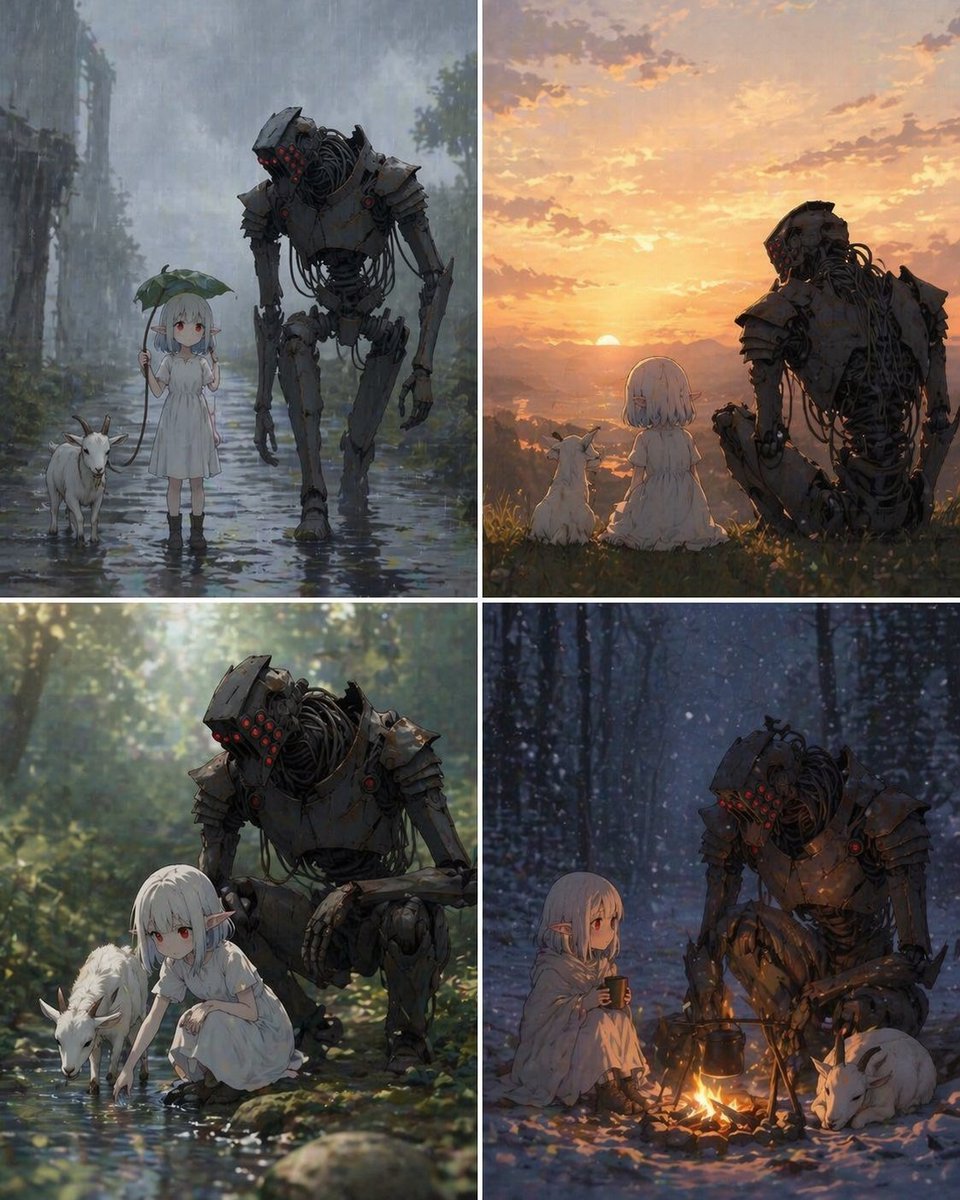
Four-Panel Girl, Robot, and Goat Story
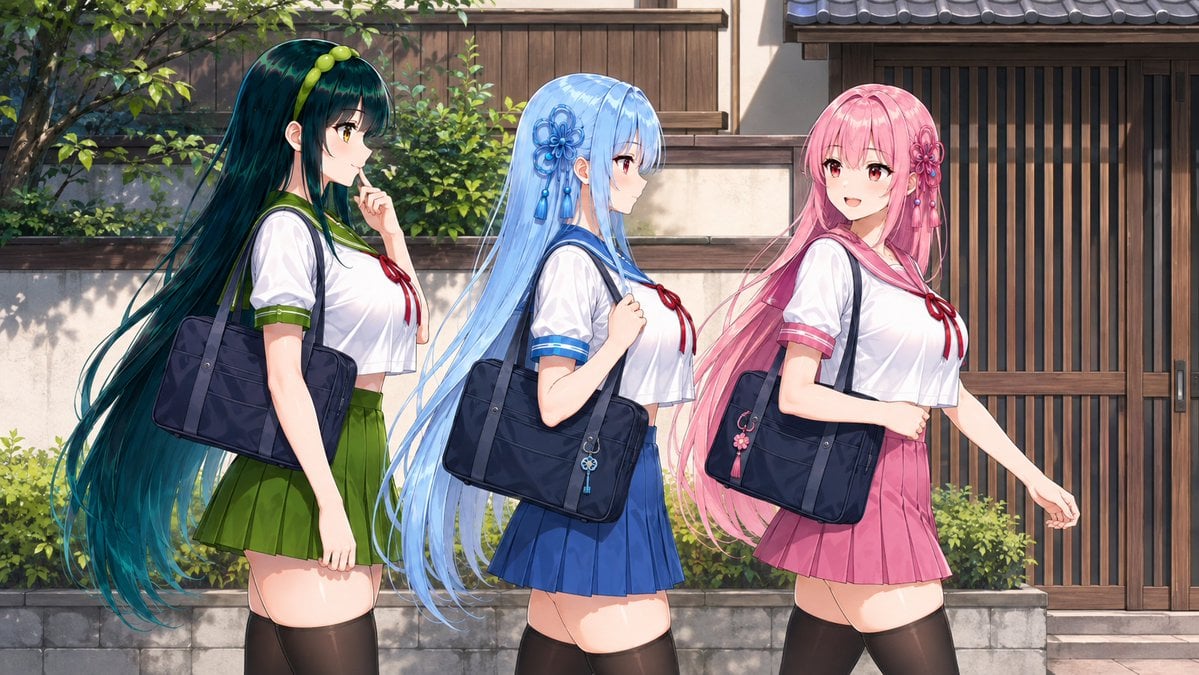
Three Anime Schoolgirls Walking

Teen Girl Alpine Lake Mountain View
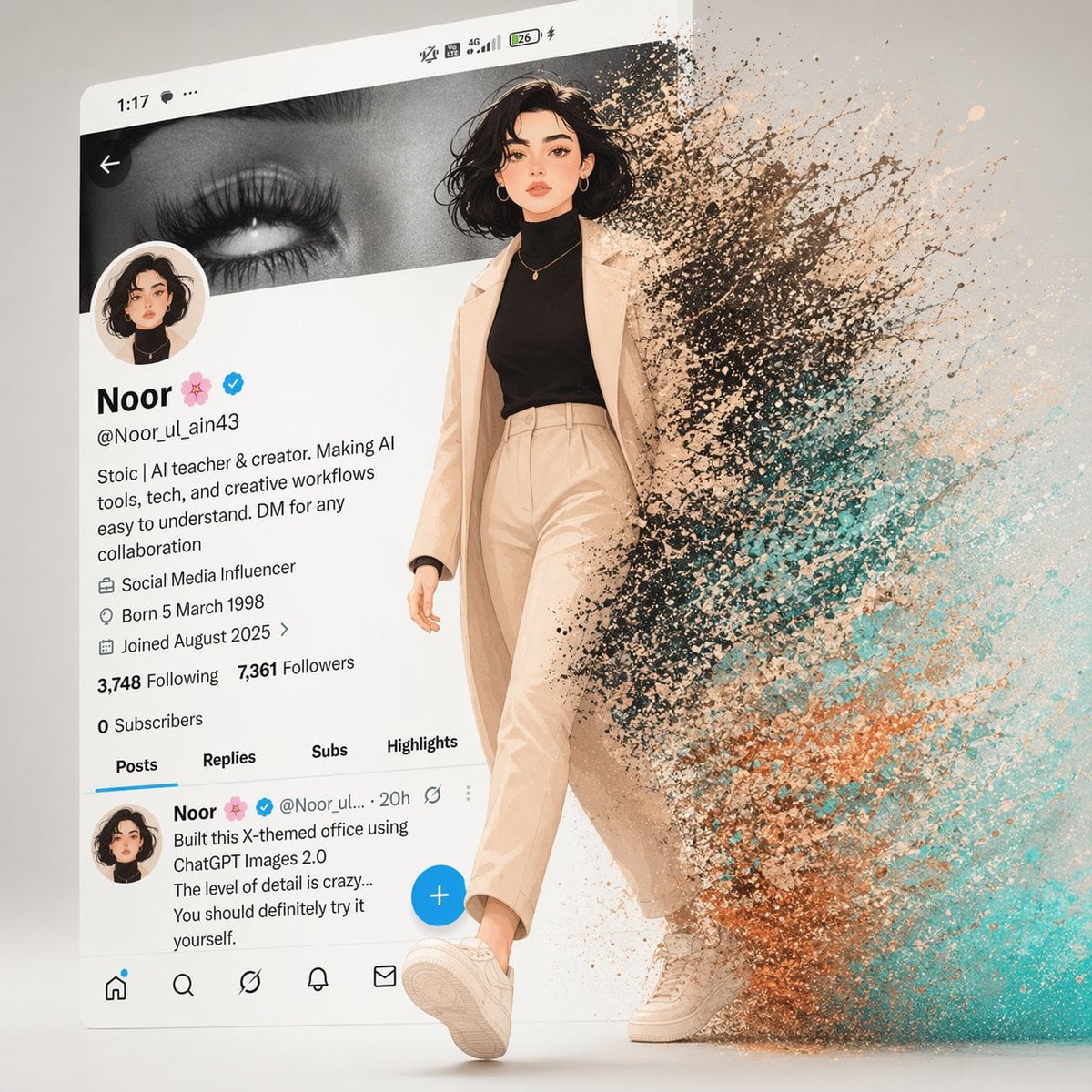
A cinematic digital artwork of a stylish animated girl walking out
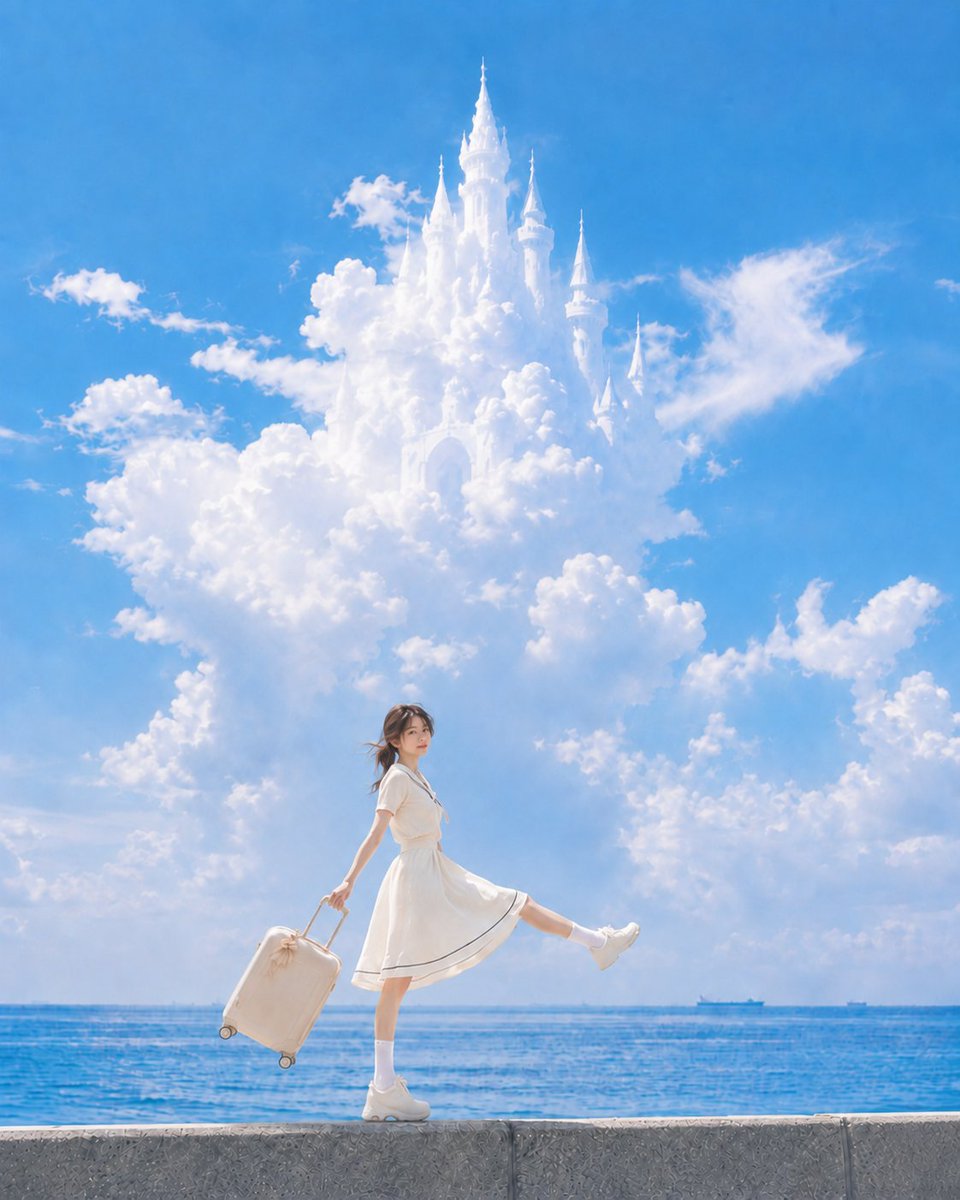
Girl walking towards cloud castle on breakwater
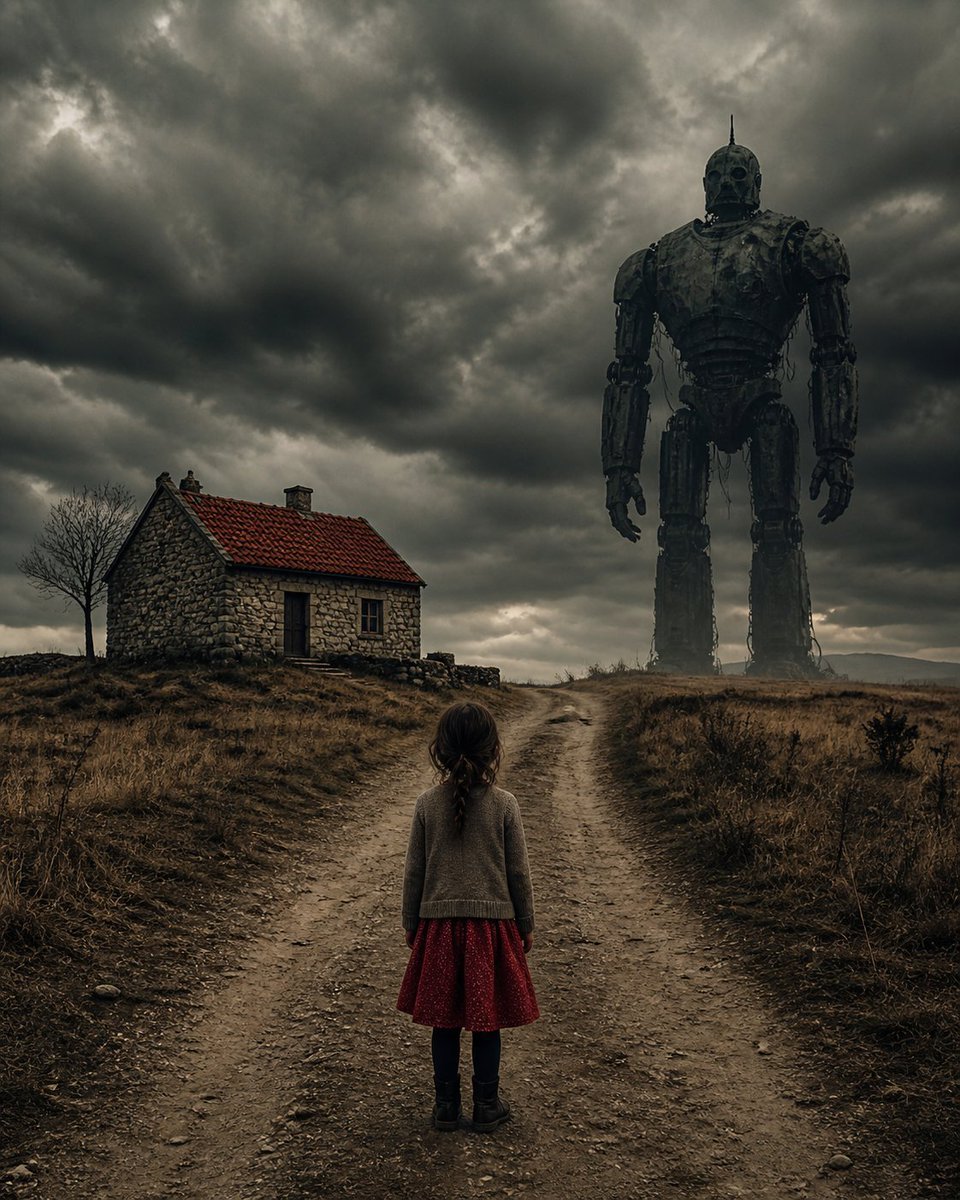
Girl Facing a Giant Robot
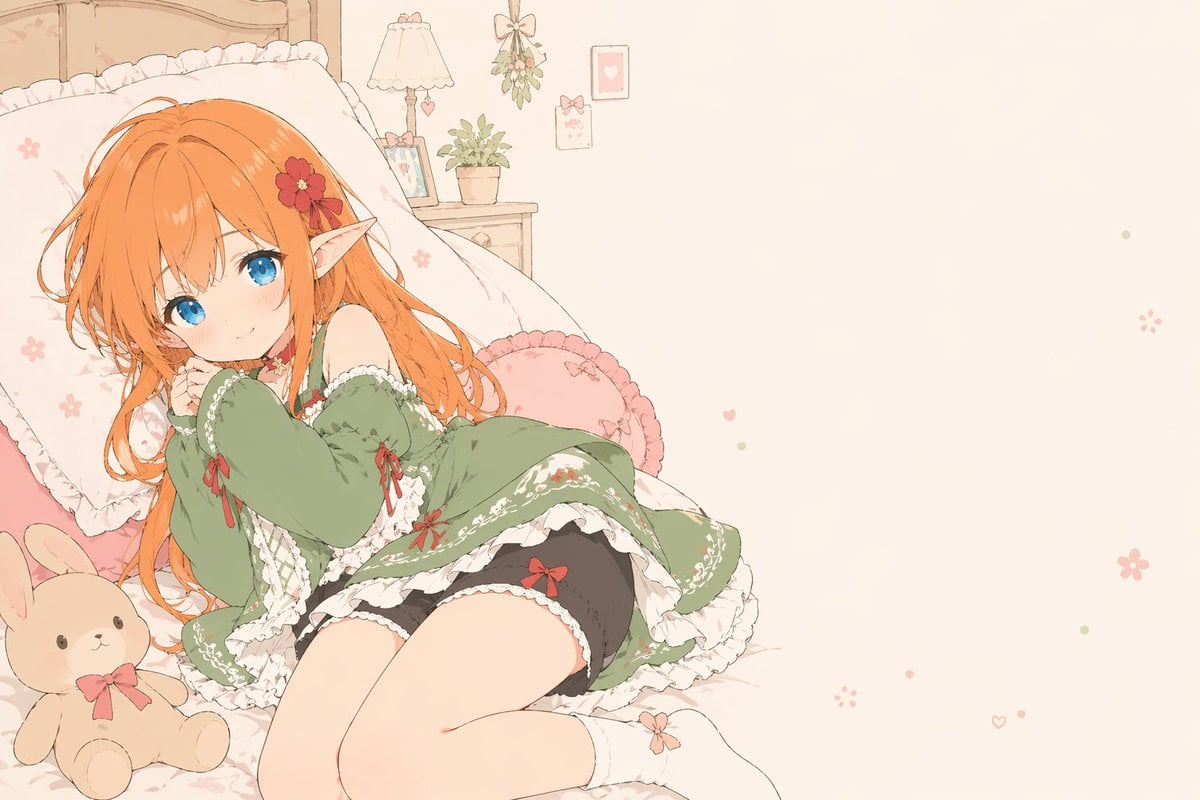
Flat-Color Elf Girl on Frilly Bed
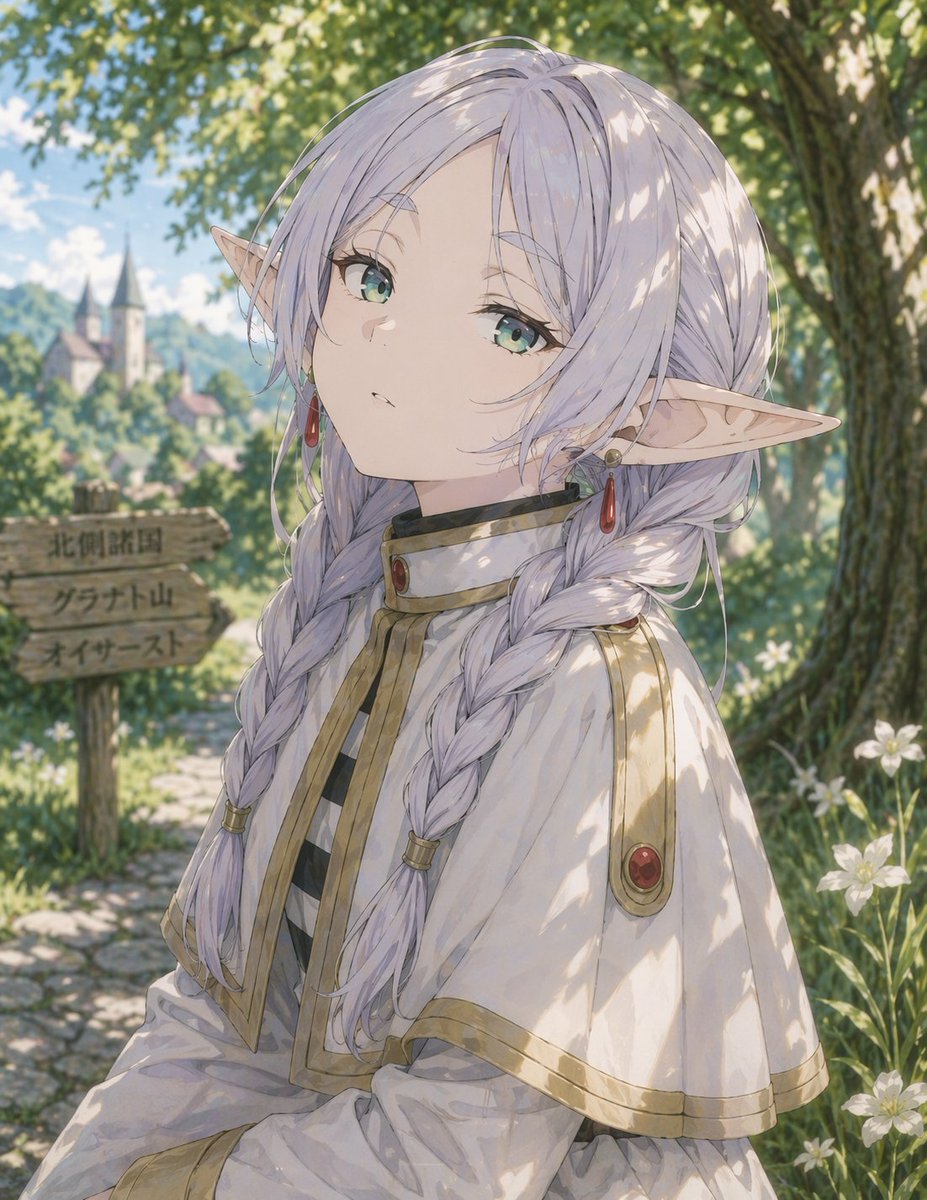
Anime Elf Girl on Forest Path
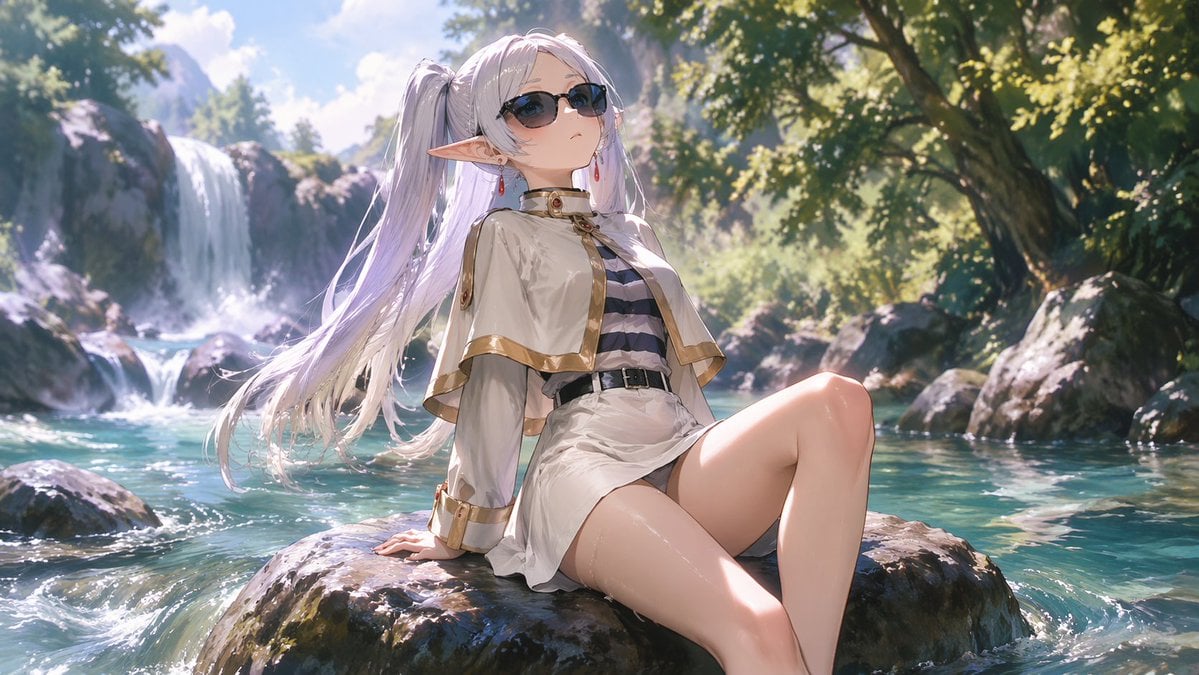
Anime Elf Girl Relaxing in a Forest River
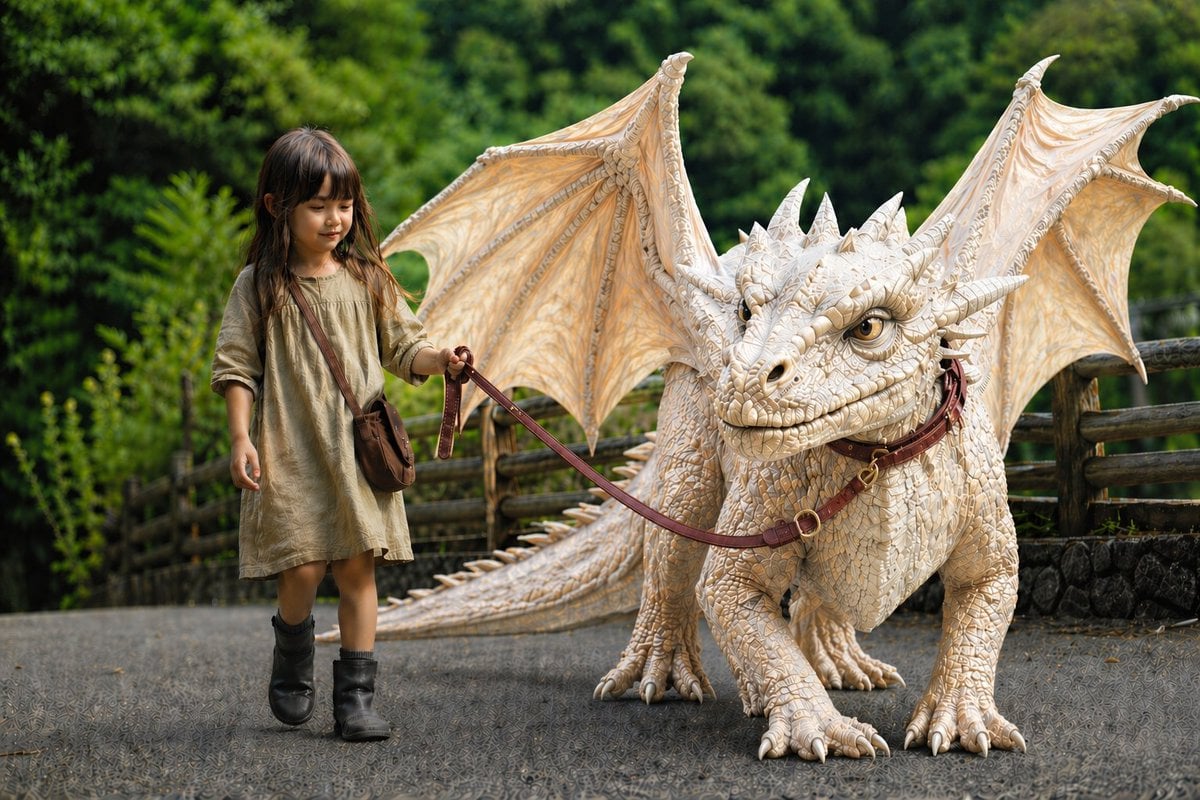
Girl Walking a Giant Cream Dragon
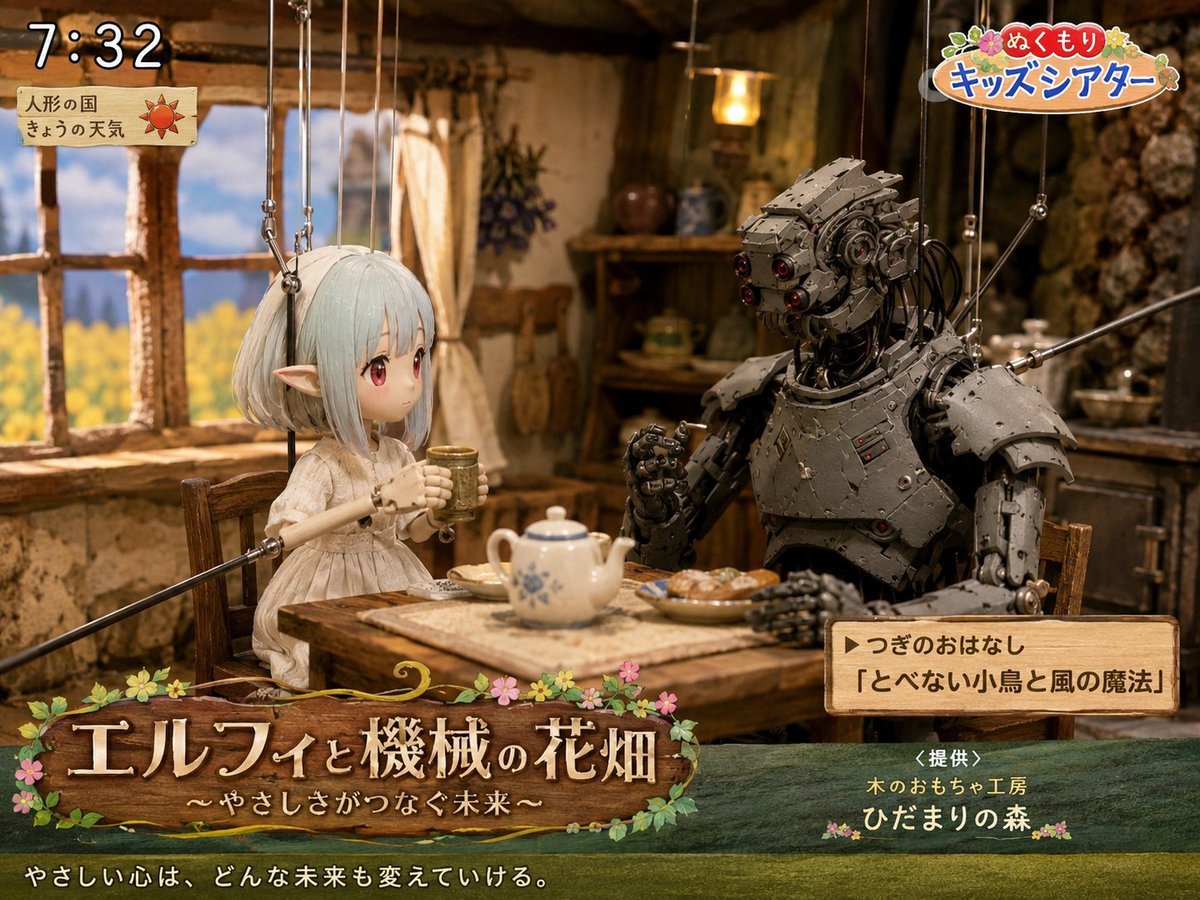
Elf and Robot Puppet Theater Still
Make it yours
Elf Girl Walking Goat and Robot works as-is. These are the safest ways to change it without losing the look.
Change one field
Copy a single group, rewrite it, and generate again so you can see what that field is doing.
Keep the frame, change the subject
Hold the composition and light of Elf Girl Walking Goat and Robot, then swap wardrobe, props or the person for a new take.
| If the result… | Why | Fix |
|---|---|---|
| The result drifts from the preview | Too many fields changed at once. | Reuse Elf Girl Walking Goat and Robot as-is first, then change one group — subject, light, or setting. |
| The model over-stylizes the scene | The prose prompt leaves finish and camera underspecified. | Add one camera or lighting sentence and stay on GPT Image 2. |
More GPT Image 2 templates
Other prompts made for GPT Image 2.

Six VTuber Japanese Logo Sheet

Realistic Portrait of Woman and Deer

The Vista Modular Condo Poster

AI Model Routing Comparison Infographic

2.5D Anime Art Board

Isometric Productivity Desk Scene

New York Double Exposure Poster

Four-Panel AI Landscape Comparison

Japanese Tatami Lifestyle Magazine Cover

NESCAFÉ Coffee Map Poster
More image prompts
Fresh picks from across the catalog.
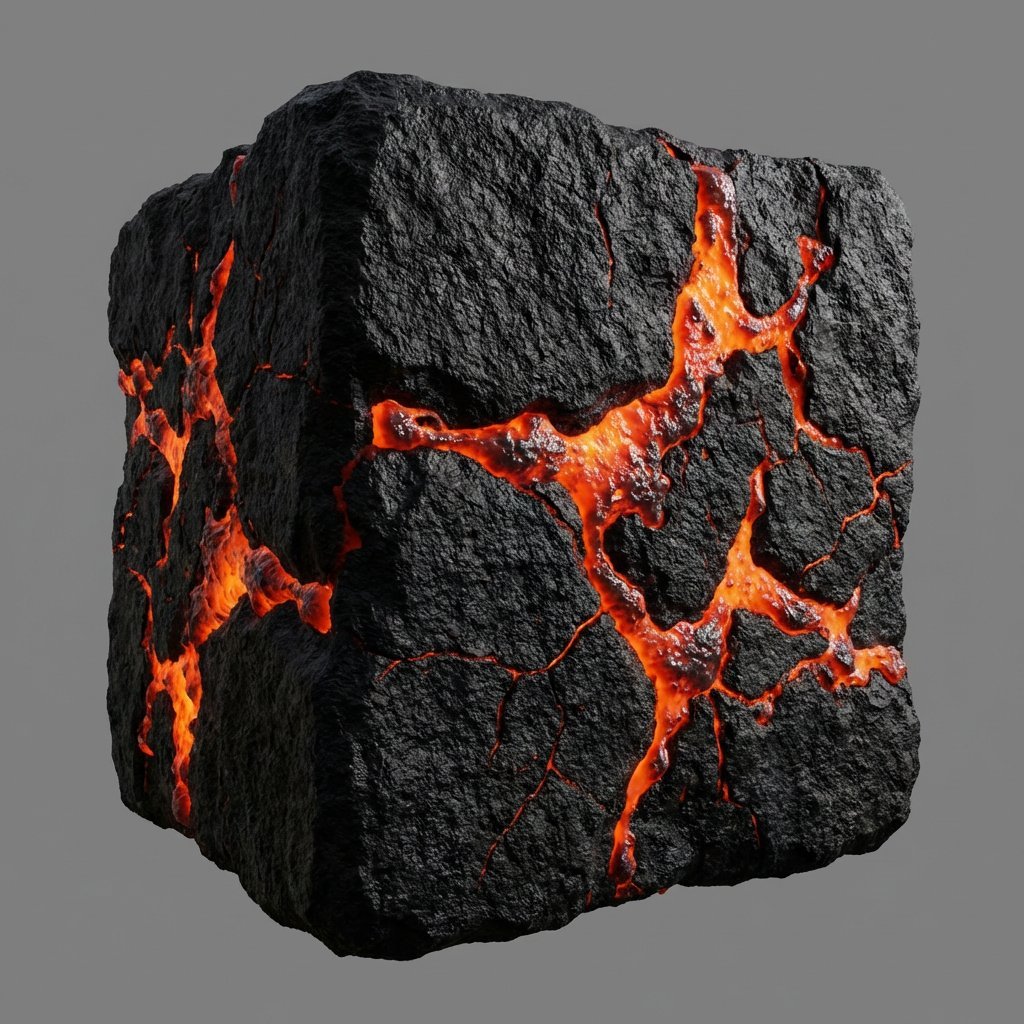
Lava Stone Texture Cube
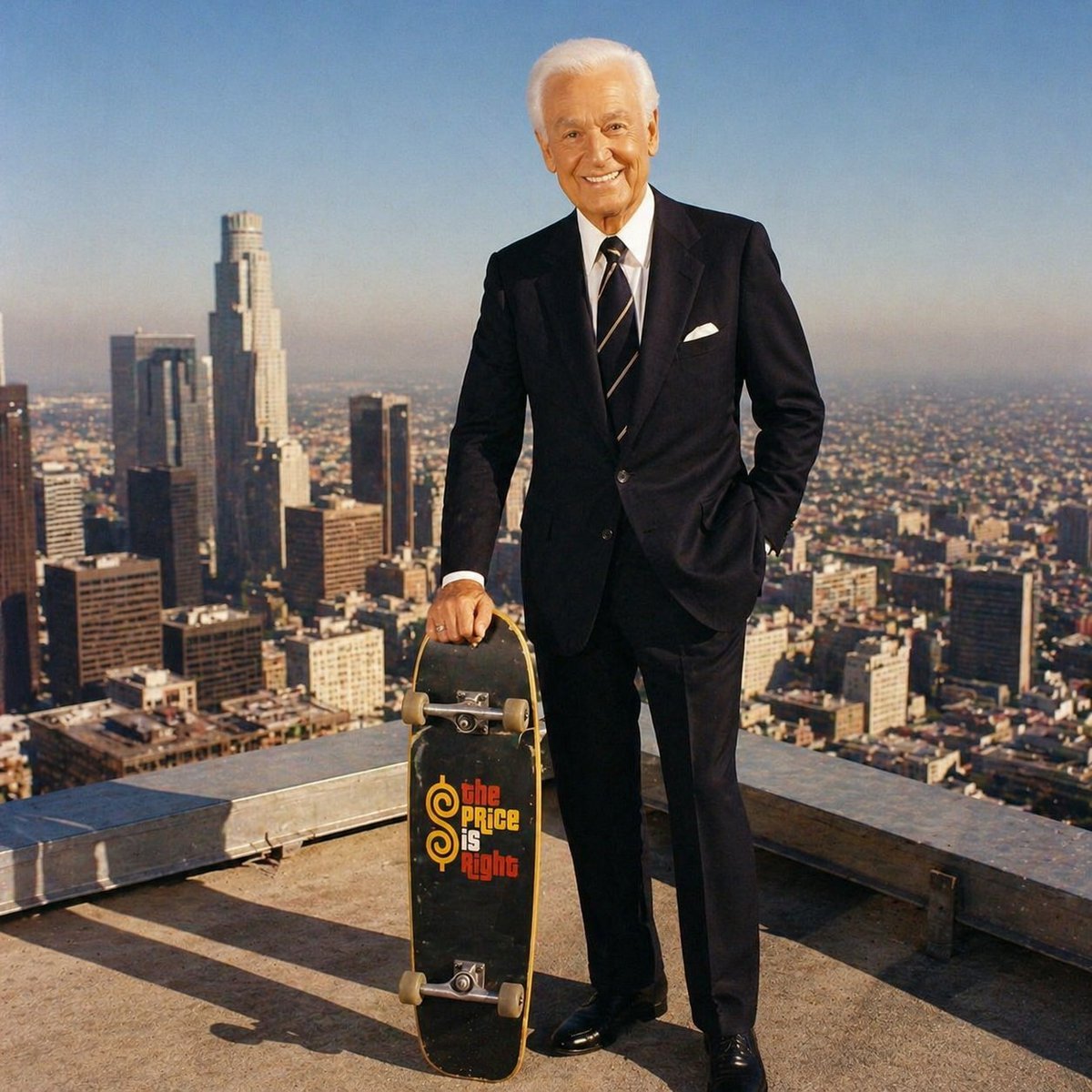
Bob Barker Skyscraper Portrait
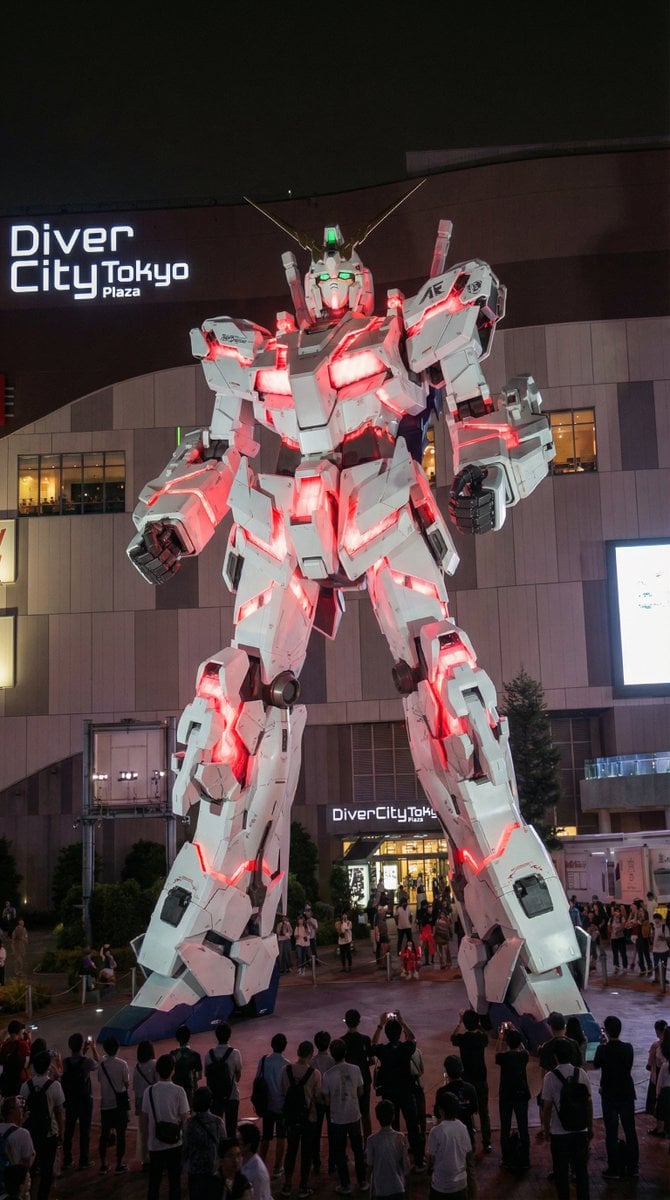
Odaiba Gundam Construction Process Visualization
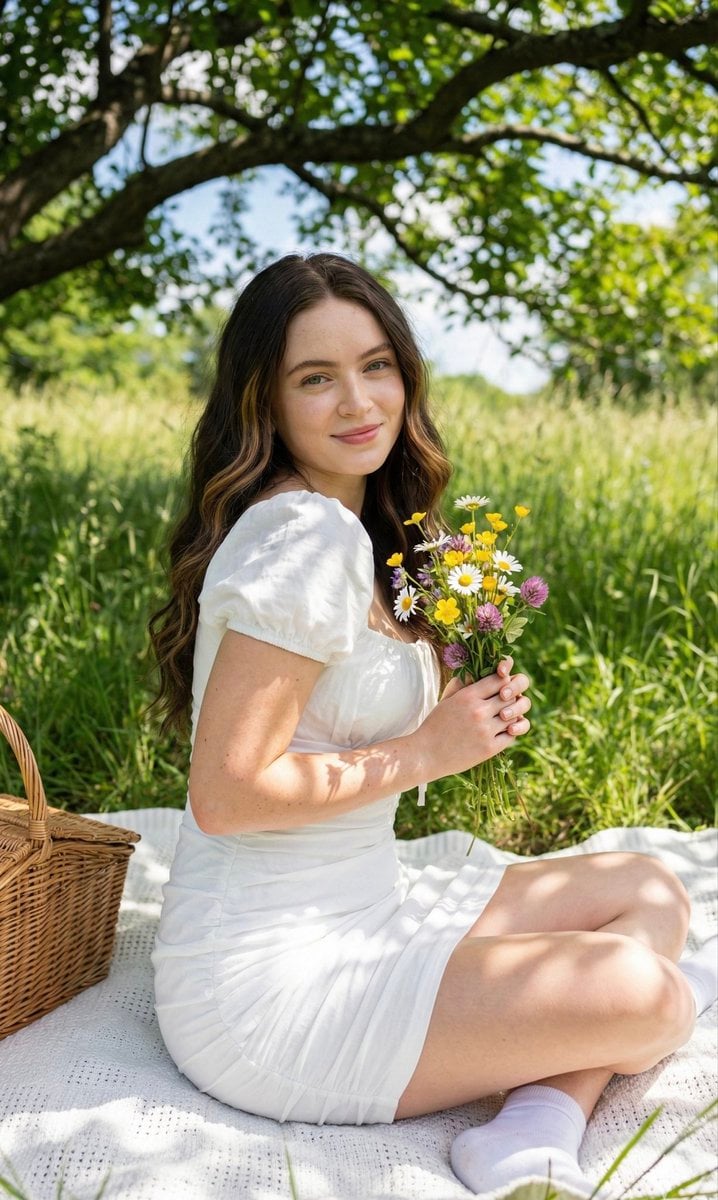
Cottagecore Picnic Portrait Prompt

Nano Banana Pro Safety Filter Bypass and Safe Prompting Strategy
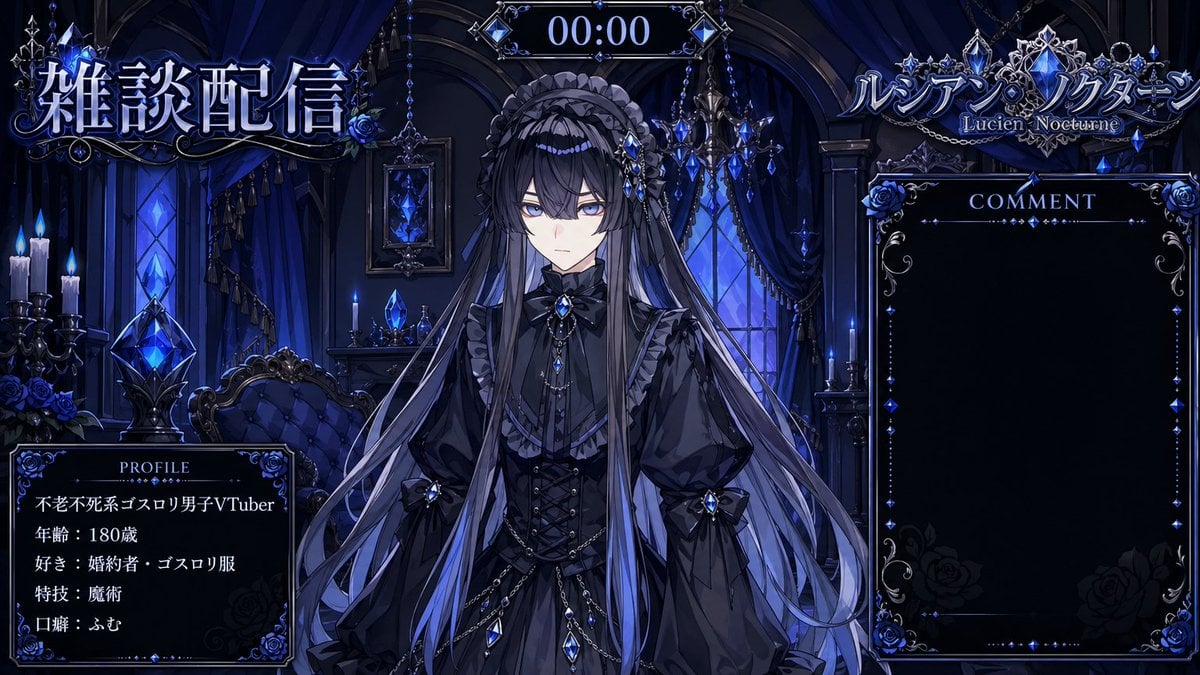
VTuber Streaming Overlay Layout

Futuristic Tokyo Street Photography
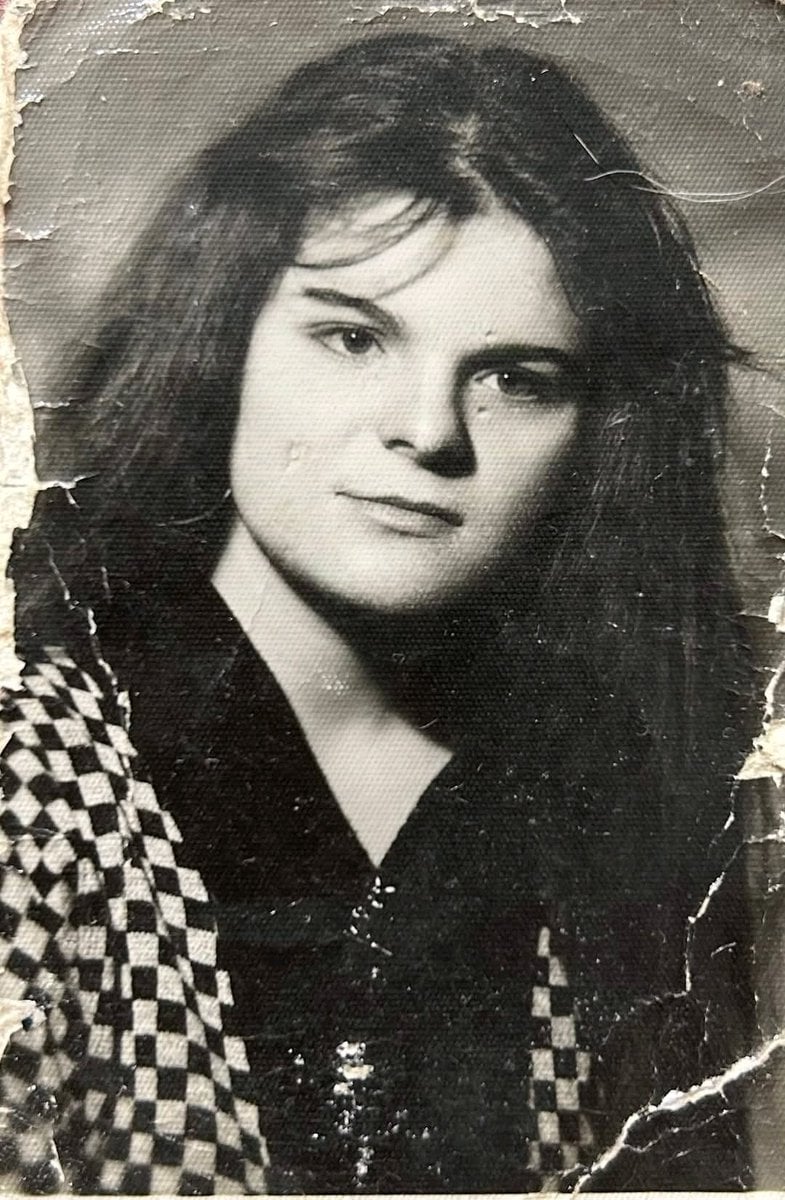
Photo Restoration and Upscaling Prompt

Photorealistic 4K Coffee Image Prompt

Chinese Sour Fish Restaurant Poster
Browse template categories
Elf Girl Walking Goat and Robot questions
How do I use the Elf Girl Walking Goat and Robot template?
Add your photo if the template asks for one, edit the prompt if you like — the template's model and format are already selected — and press Generate. Your version opens in PicX Studio.
Can I customize the Elf Girl Walking Goat and Robot template?
Yes. You can change the subject, setting, lighting, mood, format, and available model controls before creating your image.
Is the Elf Girl Walking Goat and Robot template free?
Opening and editing this template is free. Generating uses credits, shown on the Generate button when you are signed in.
Which AI model should I use?
Start with GPT Image 2, which is the model associated with this template. You can compare another compatible model for a different finish.
Looking for something else? Browse all templates.

Your photo, any look
Thousands of ready templates for every top image and video model, from one credit balance.