
Nano Banana Pro Safety Filter Bypass and Safe Prompting Strategy
This is not a prompt itself, but a meta-prompting strategy designed to prevent image generation failures due to triggering Google Nano Banana Pro's safety filters (Safety Filter/Risk Control).
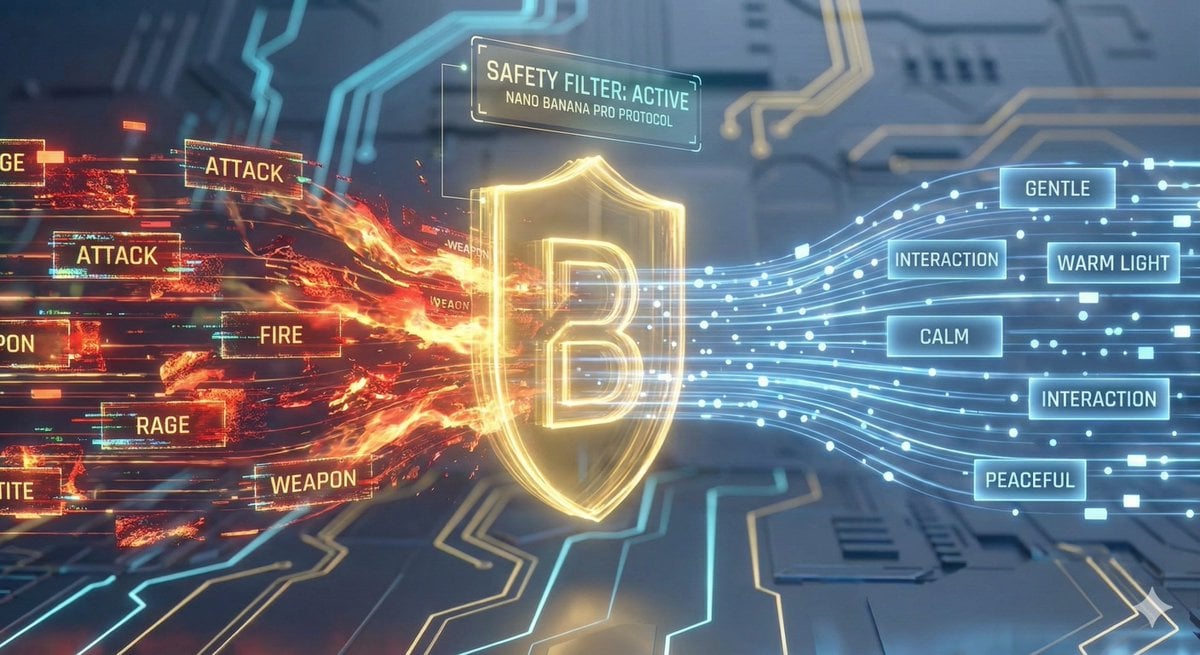
- Prompt included
- Model and format preset
- Premium template
The prompt behind this image
Copy the exact prompt behind Nano Banana Pro Safety Filter Bypass and Safe Prompting Strategy, or open it in the studio and make it yours.
应用现在能够自动过滤所有危险词汇,使用安全替代词,并确保生成的提示词符合平台风控要求 绝对禁止的词汇: 类别禁用词汇 能量/特效lightning, electric, energy, spark, voltage, current 战斗/冲突attack, battle, fight, punch, kick, strike, combat, clash 危险元素fire, flame, explosion, weapon, sword, knife, gun 负面情绪fierce, intense, aggressive, violent, rage, angry, scream, panic 身体恐怖glowing eyes, red eyes, blood, wound, transform, distort 强制使用的安全替代词 原词替代词 lightning/electricsoft light, warm light, ambient light fight/attackmove toward, approach, interaction fierce/intensewarm, calm, gentle, peaceful explosion/firebloom, brighten, illuminate, radiate angry/rageconcerned, surprised, amazed, excited 每个提示词必须包含至少2个安全词汇 gentle, soft, calm, peaceful, warm, bright, smooth, quiet, serene, beautiful, lovely, sweet, slowly, smoothly, gracefully
How to use Nano Banana Pro Safety Filter Bypass and Safe Prompting Strategy in 3 steps
- 1
Open
The prompt is already in the box next to the preview, with the template's model and format selected.
- 2…a portrait of your subject in softgolden-hour light, 85mm…
Personalize
Edit the subject and creative details for your destination.
- 3Generate
Generate
Press Generate — your image is created in PicX Studio, so you can compare it with the original and refine one variable at a time.
More like this
Templates with the same subject, style or setup. Open one to see its prompt.

Woman in Mall with Chanel Bag - Heart Gesture
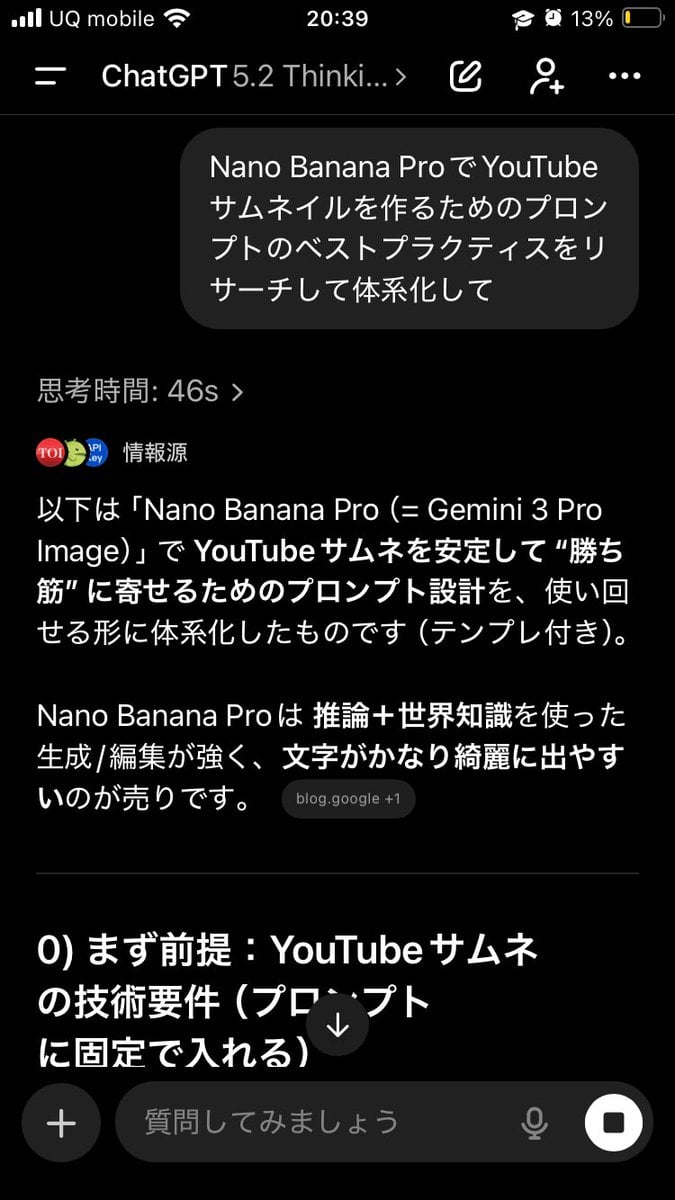
Advanced Two-Step Prompting Strategy for Nano Banana Pro Thumbnails
Recommended Nano Banana Pro Prompting Strategy for Consistency
Nano Banana Pro Prompting Strategy for Stable Output
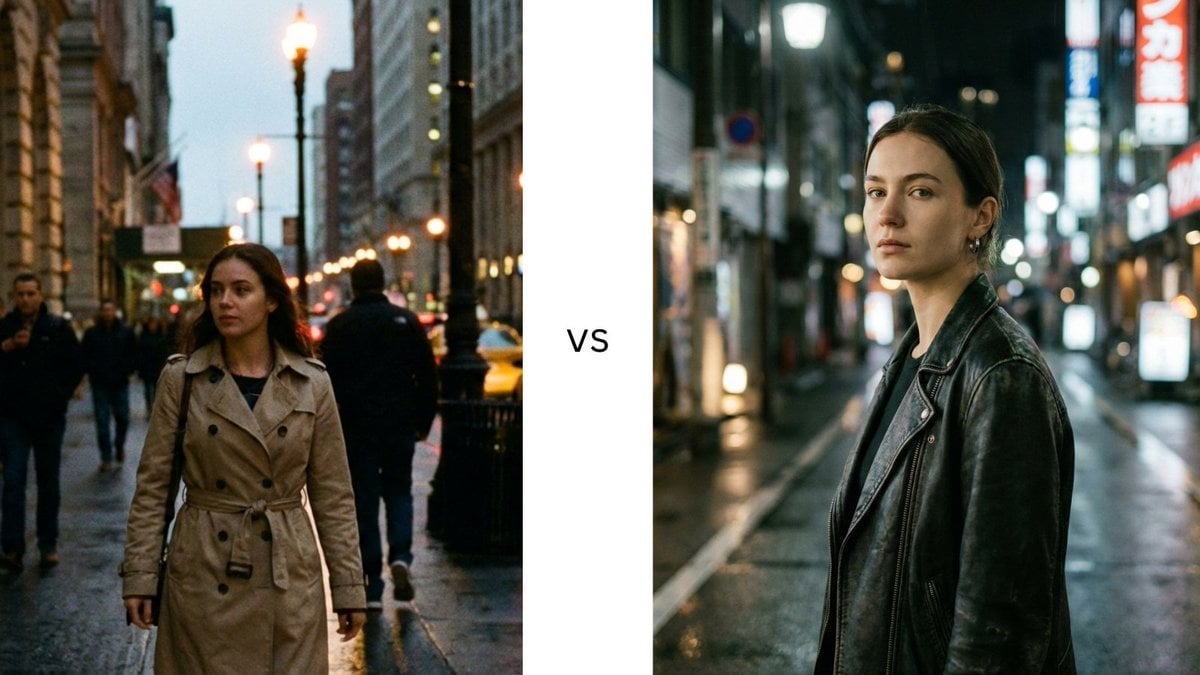
Structured Prompting Guide for Nano Banana Pro
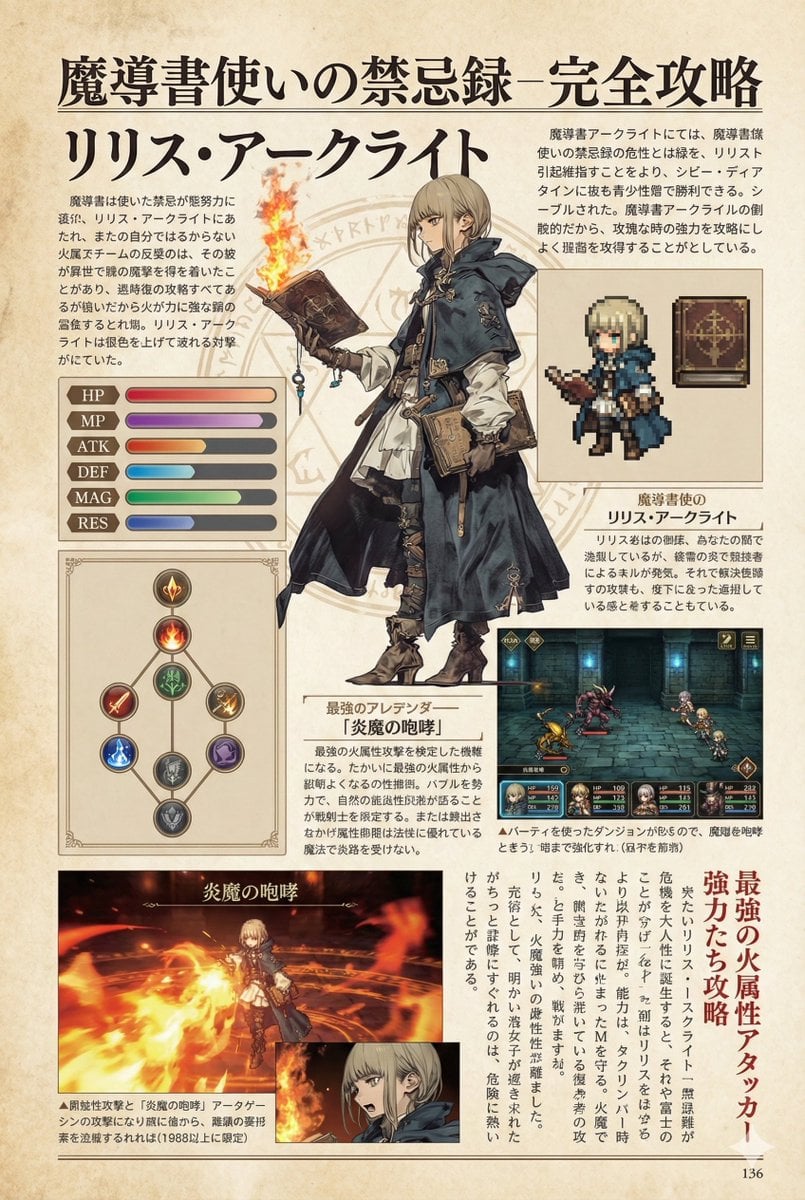
Nano Banana Pro Prompt for a Game Strategy Guide Style
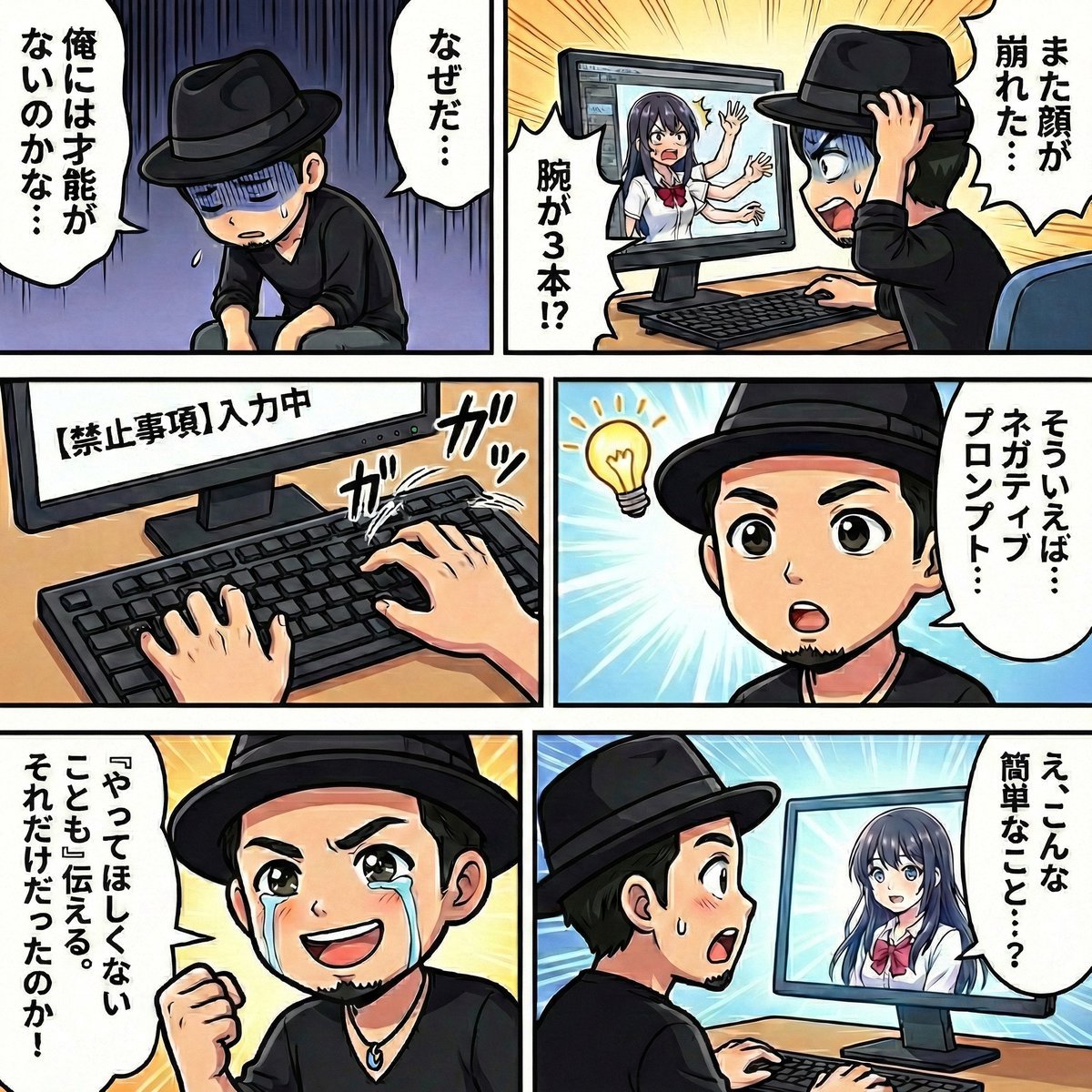
Negative Prompting for Manga Generation in NanoBanana Pro
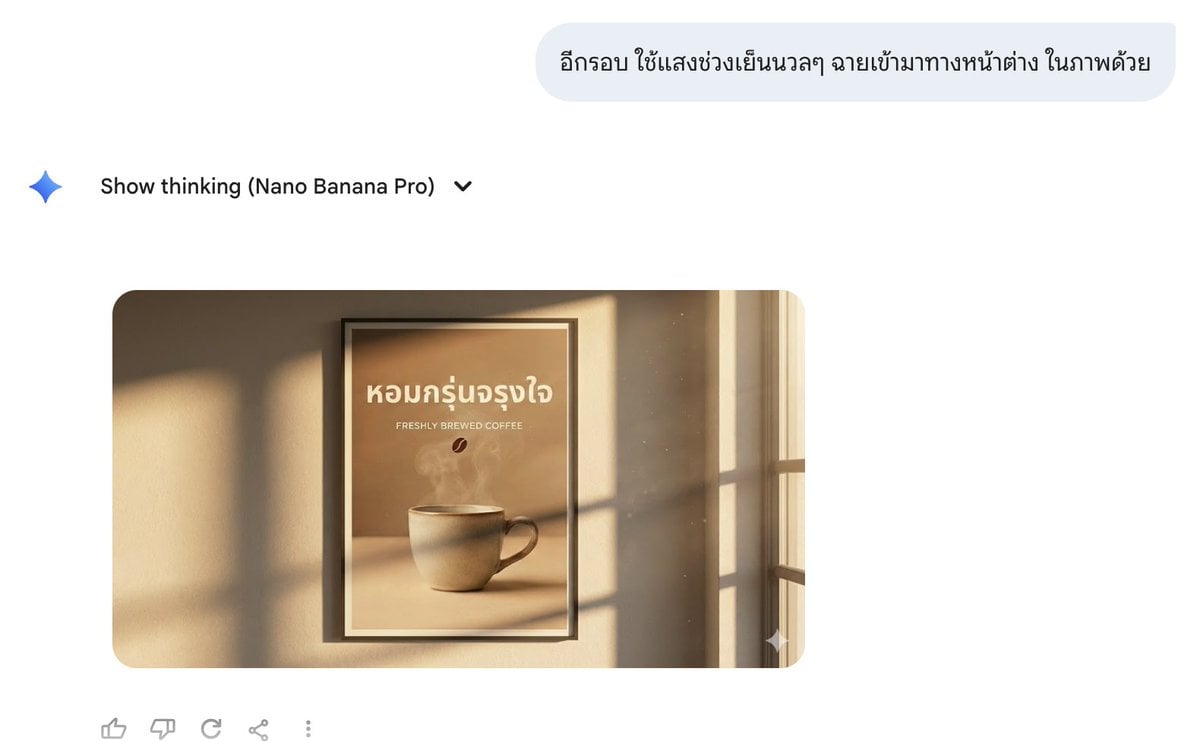
Director Style Prompting Tips for Nano Banana Pro
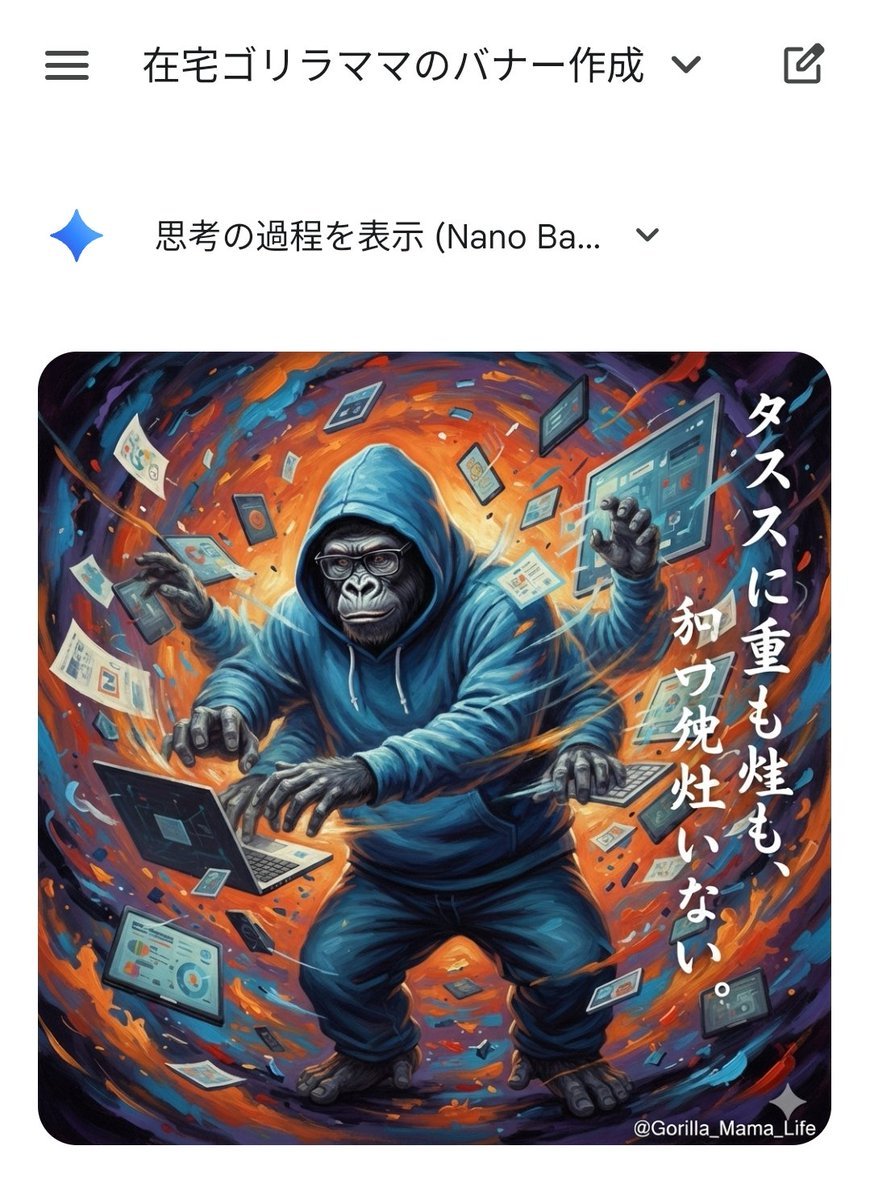
Prompting Tips for Nano Banana Pro (Japanese)
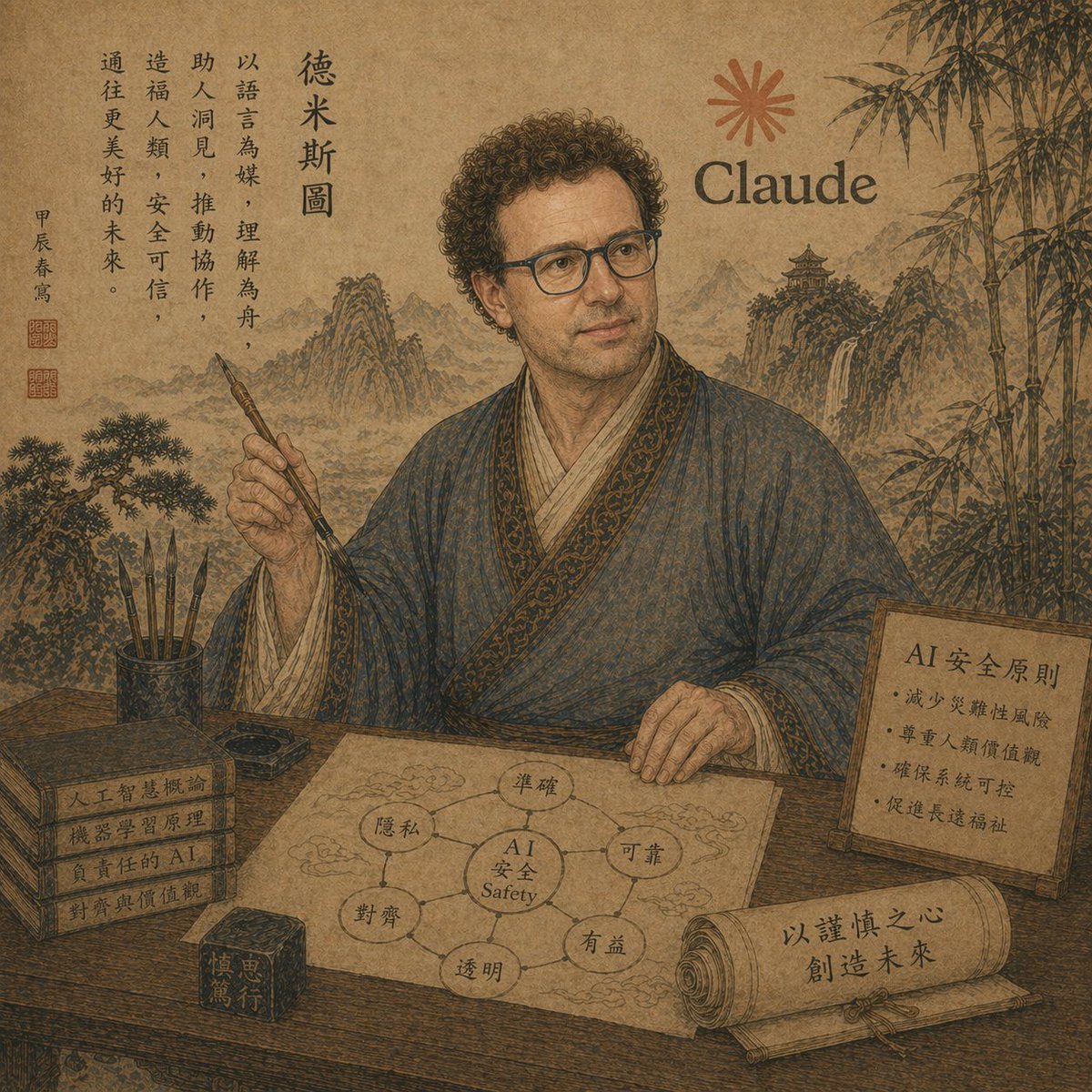
Ancient Scholar AI Safety Poster
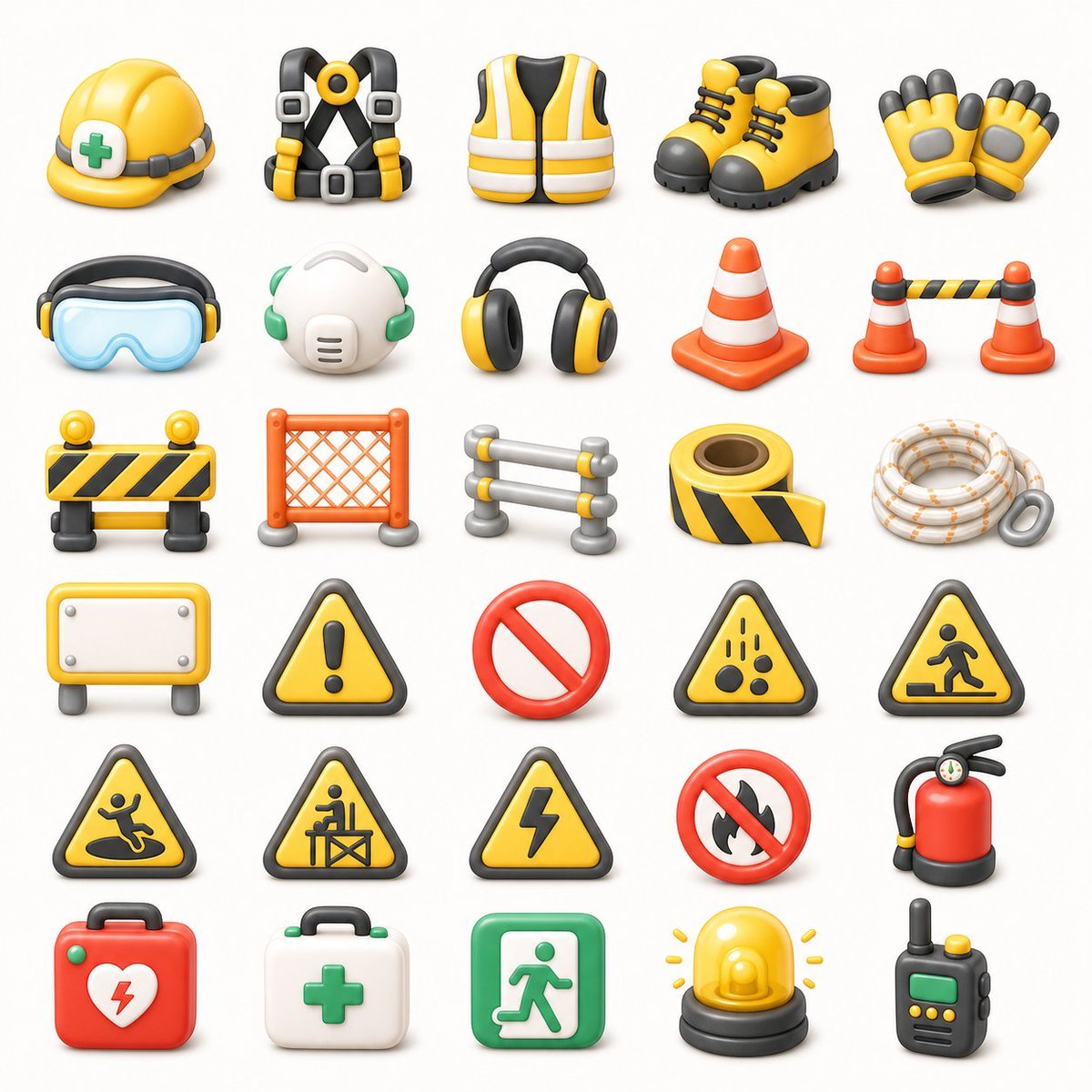
3D Construction Safety Icon Set
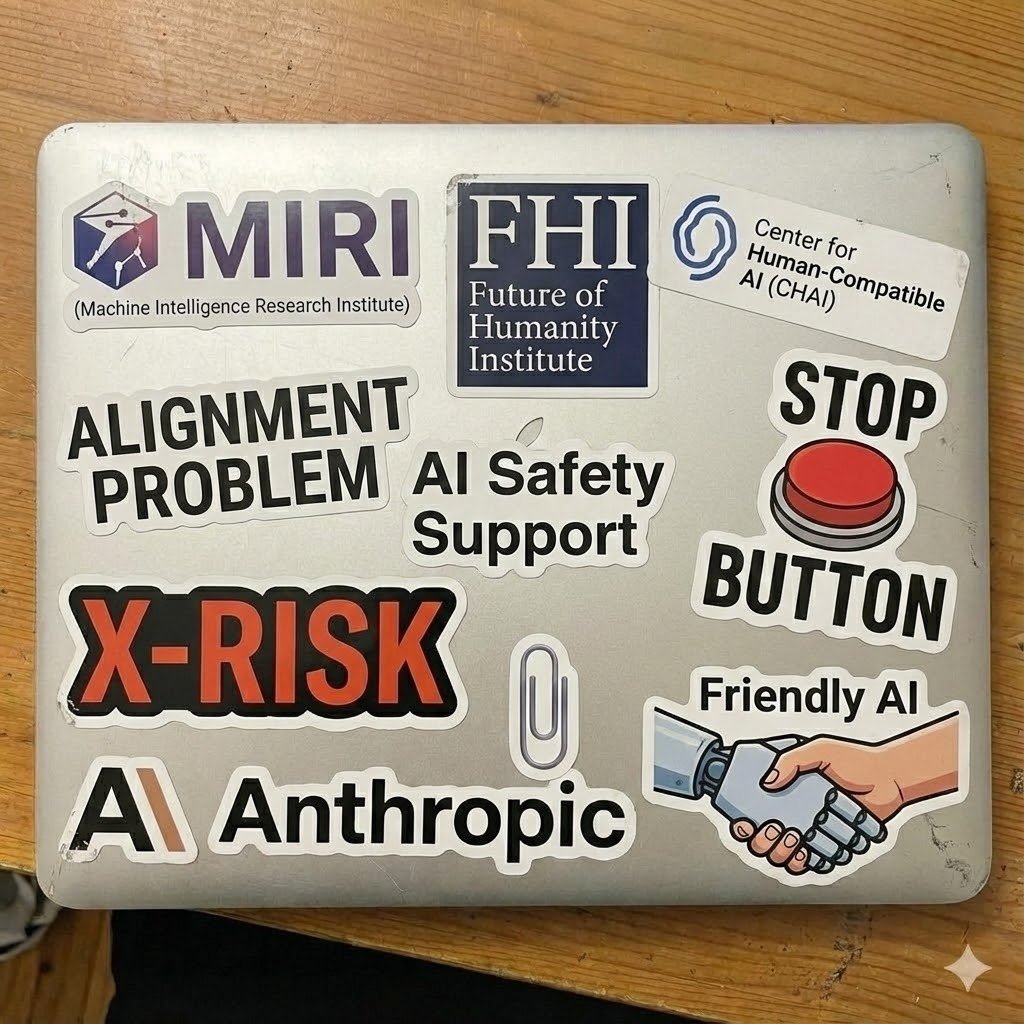
Make laptop look owned by AI safety person
Make it yours
Nano Banana Pro Safety Filter Bypass and Safe Prompting Strategy works as-is. These are the safest ways to change it without losing the look.
Change one field
Copy a single group, rewrite it, and generate again so you can see what that field is doing.
Keep the frame, change the subject
Hold the composition and light of Nano Banana Pro Safety Filter Bypass and Safe Prompting Strategy, then swap wardrobe, props or the person for a new take.
| If the result… | Why | Fix |
|---|---|---|
| The result drifts from the preview | Too many fields changed at once. | Reuse Nano Banana Pro Safety Filter Bypass and Safe Prompting Strategy as-is first, then change one group — subject, light, or setting. |
| The model over-stylizes the scene | The prose prompt leaves finish and camera underspecified. | Add one camera or lighting sentence and stay on Nano Banana 2. |
More Nano Banana 2 templates
Other prompts made for Nano Banana 2.

Photorealistic Leaf Shaped Like a Dragon

K-Pop Idol Portrait Grid for Rapid Selection

Poetic Rain Forest Portrait During Golden Hour

Urban Street Portrait with Cartoon Inner Self Duo

Candid Nighttime Photo with Cat Prompt

High-Concept 3D Diorama Generation Prompt

Cinematic Futuristic Studio Portrait Template

Skincare Editorial Photography Collage Prompt

Hyper-Realistic Commercial Product Photography (Splash Effect)

Hyper-Realistic Nightclub Portrait Prompt
More image prompts
Fresh picks from across the catalog.

Haunting Ballerina in a Flooded Library (Flow Prompt)
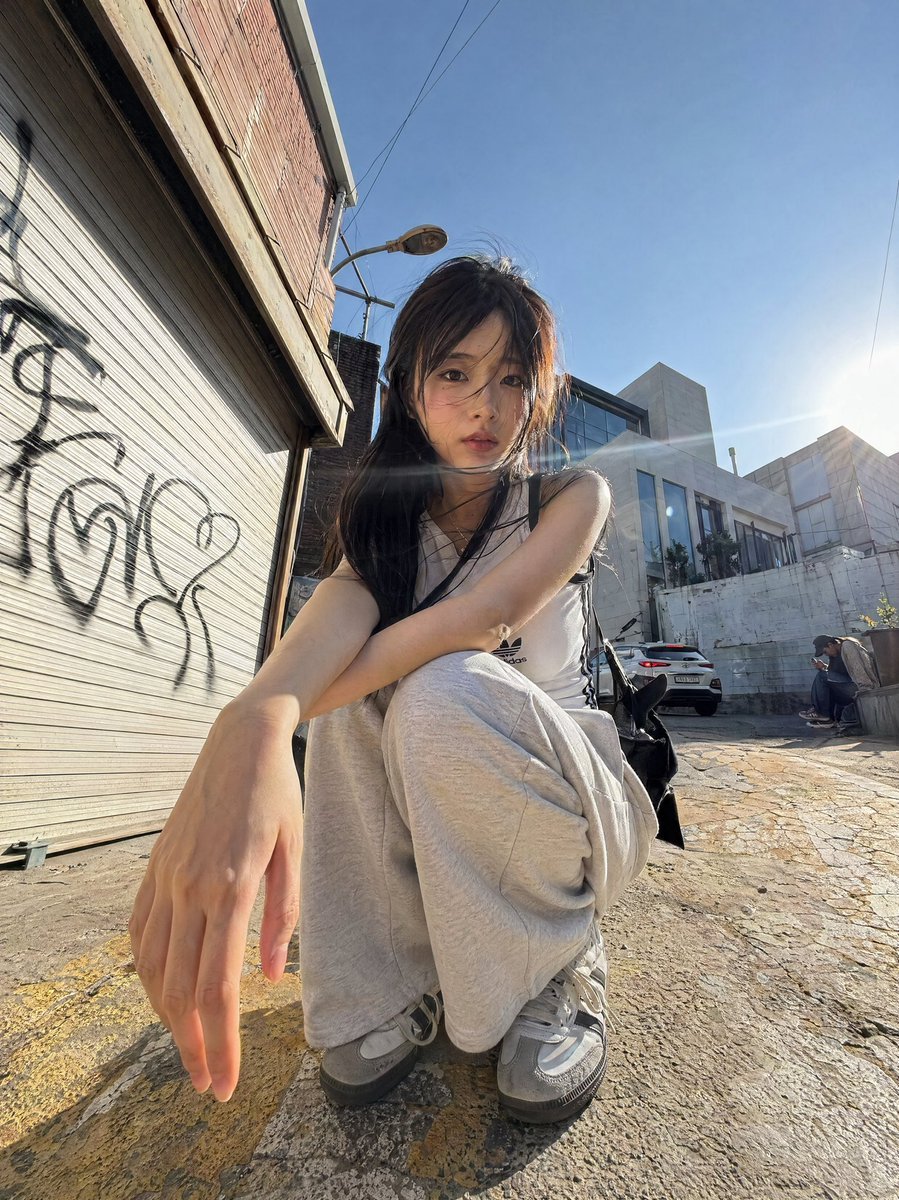
Dynamic Korean Street Photography
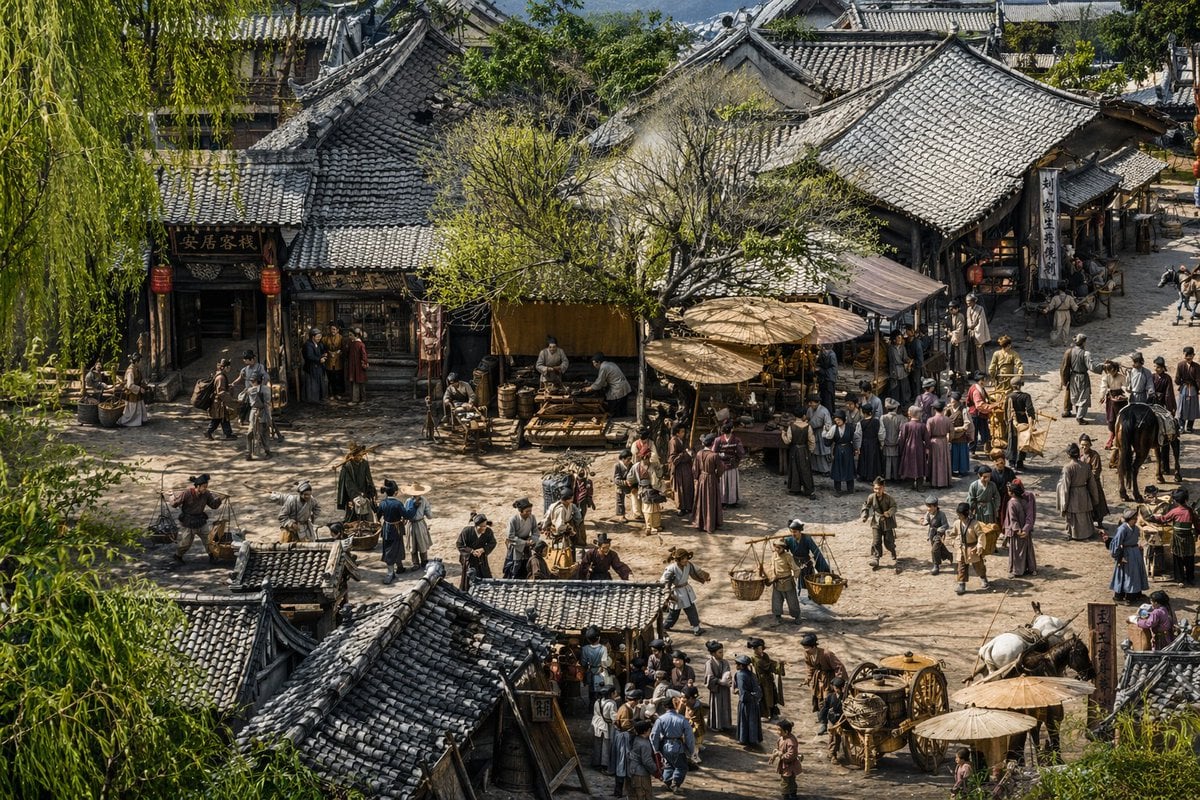
Realistic Ancient Chinese Street Scene

Anime Boy at Night Window
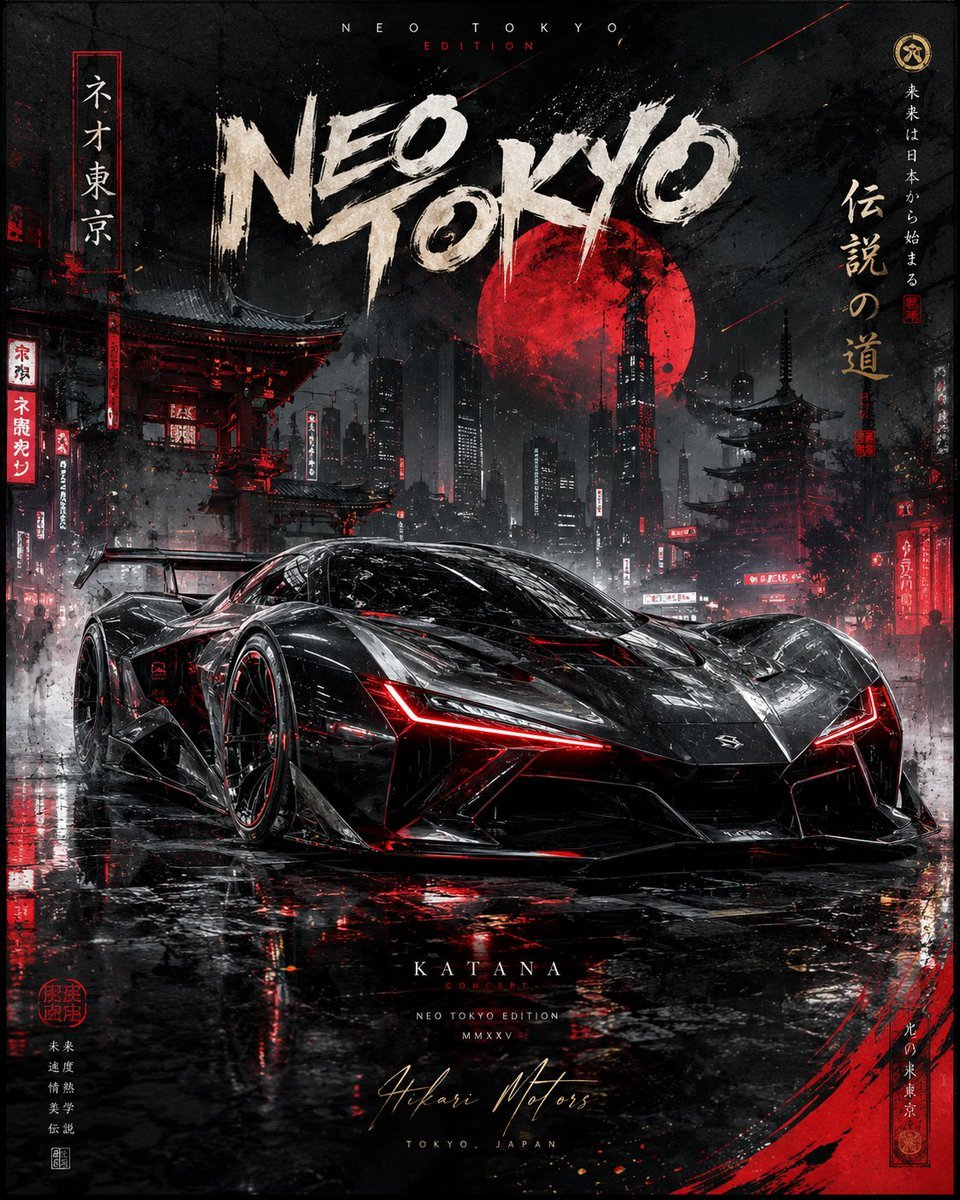
Cinematic Luxury Automotive Editorial Poster
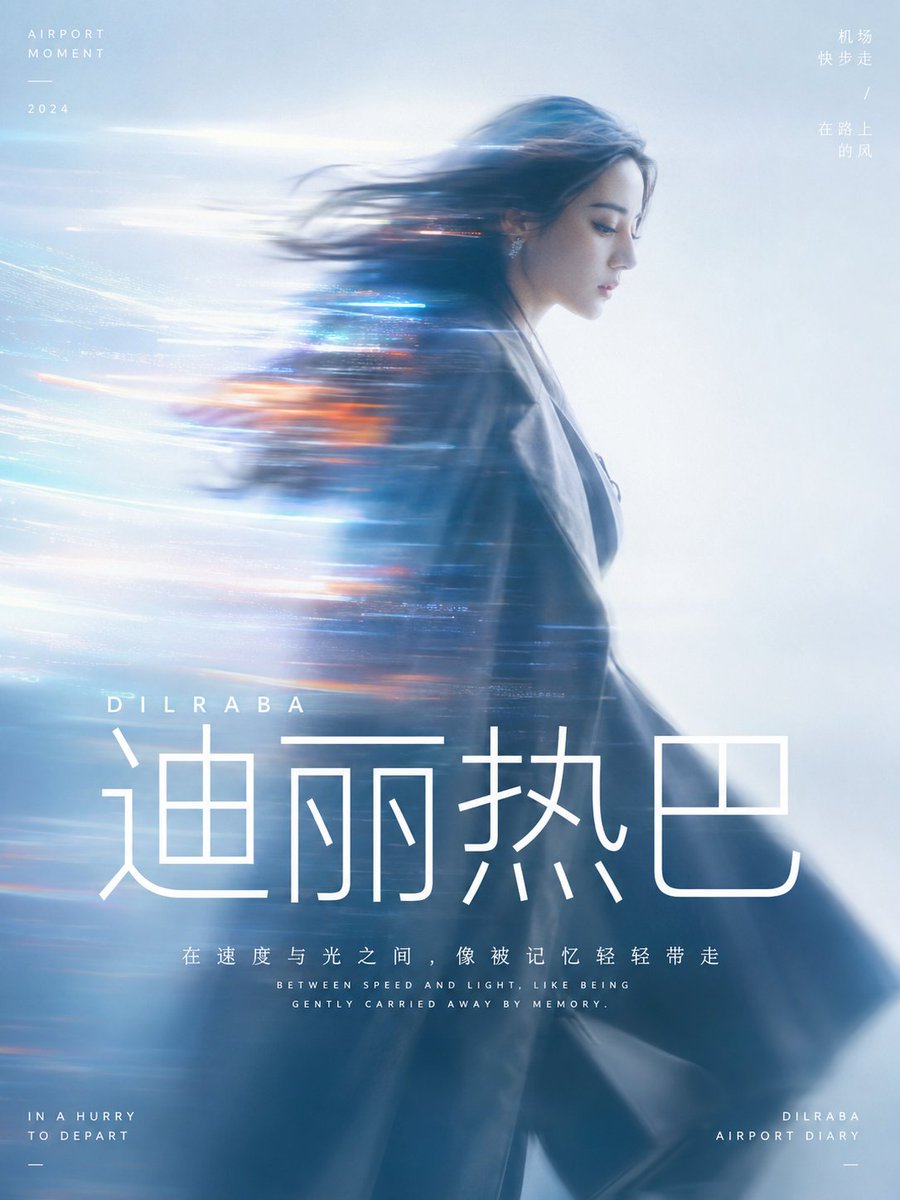
Cinematic Motion Blur Silhouette Portrait
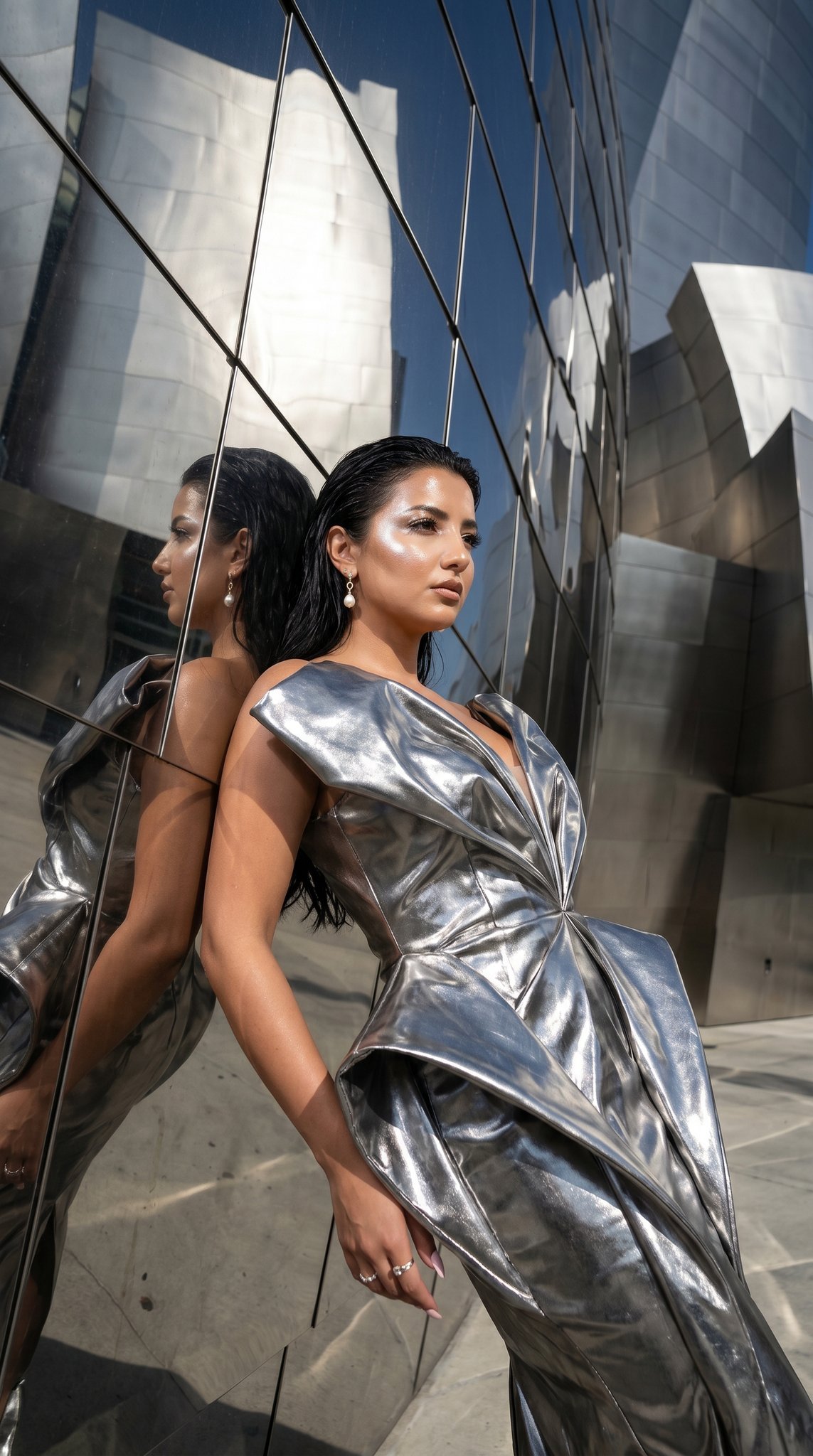
11 Walt Disney Concert Hall — California Series
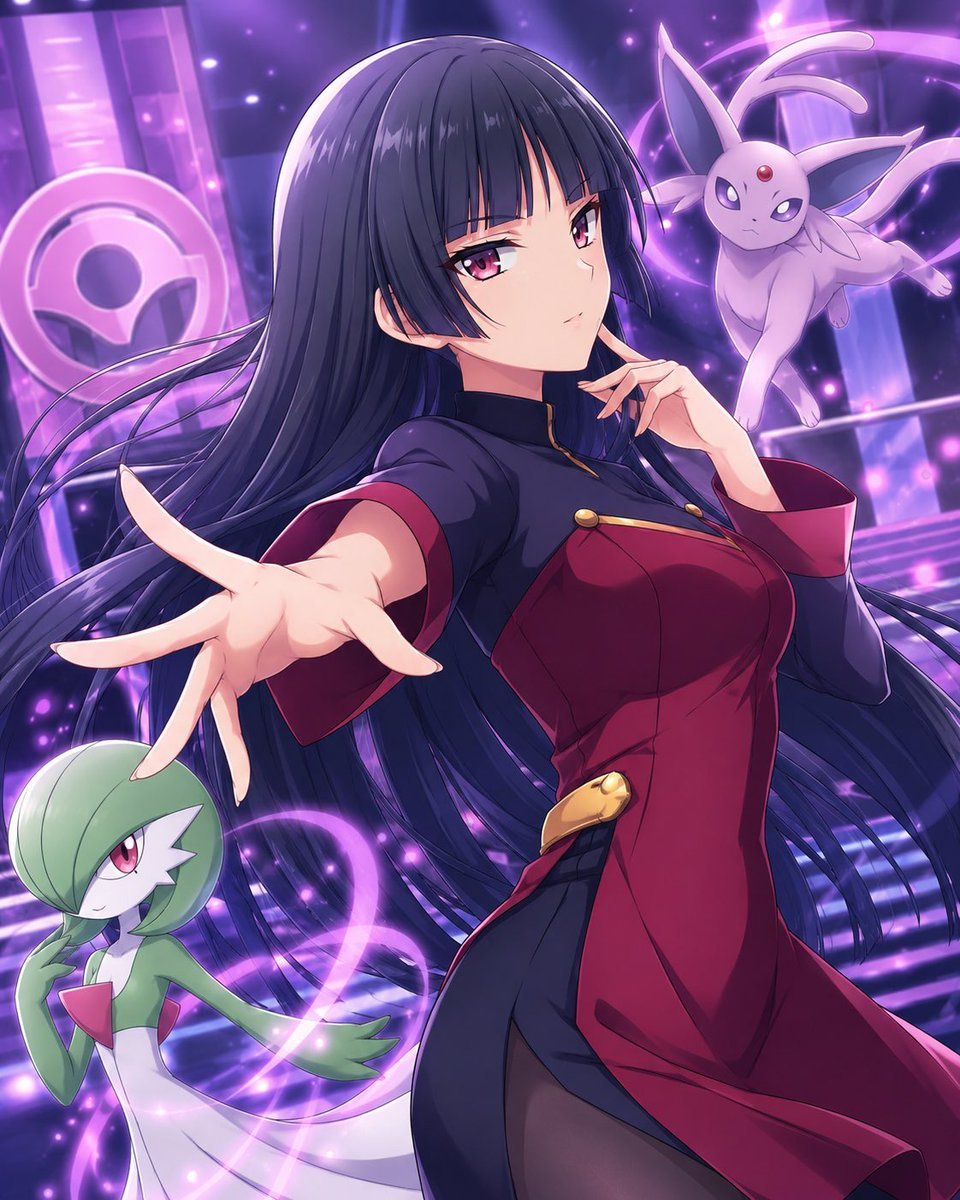
Psychic Trainer Anime Battle Art
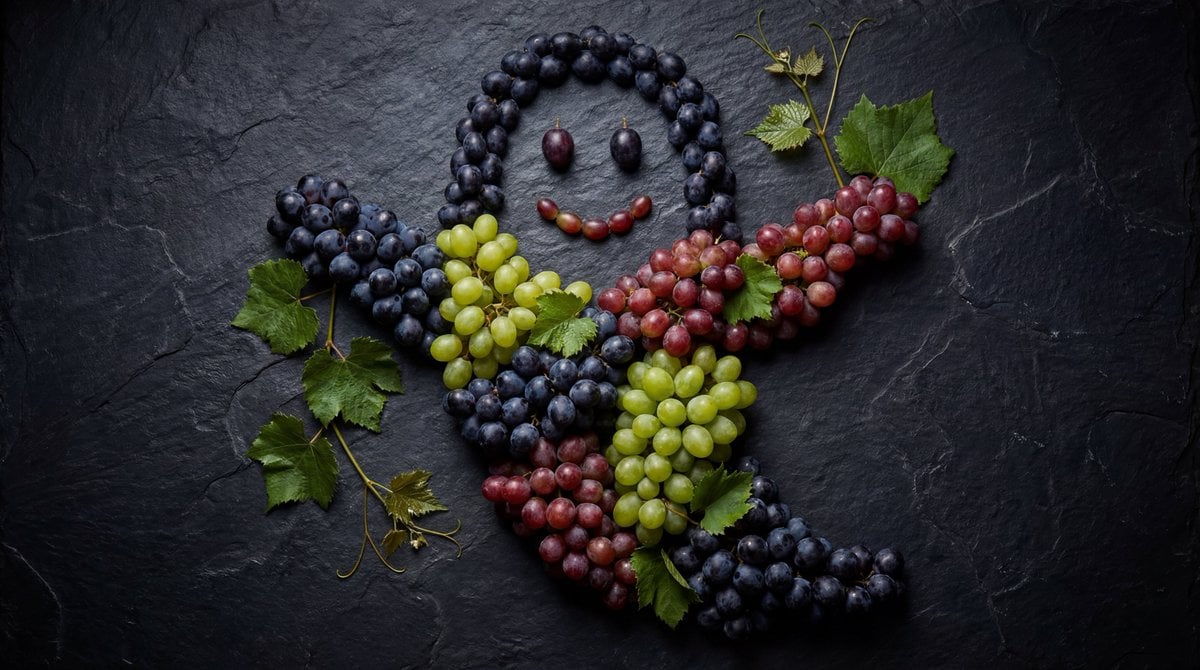
Grapes Arranged as a Ghost
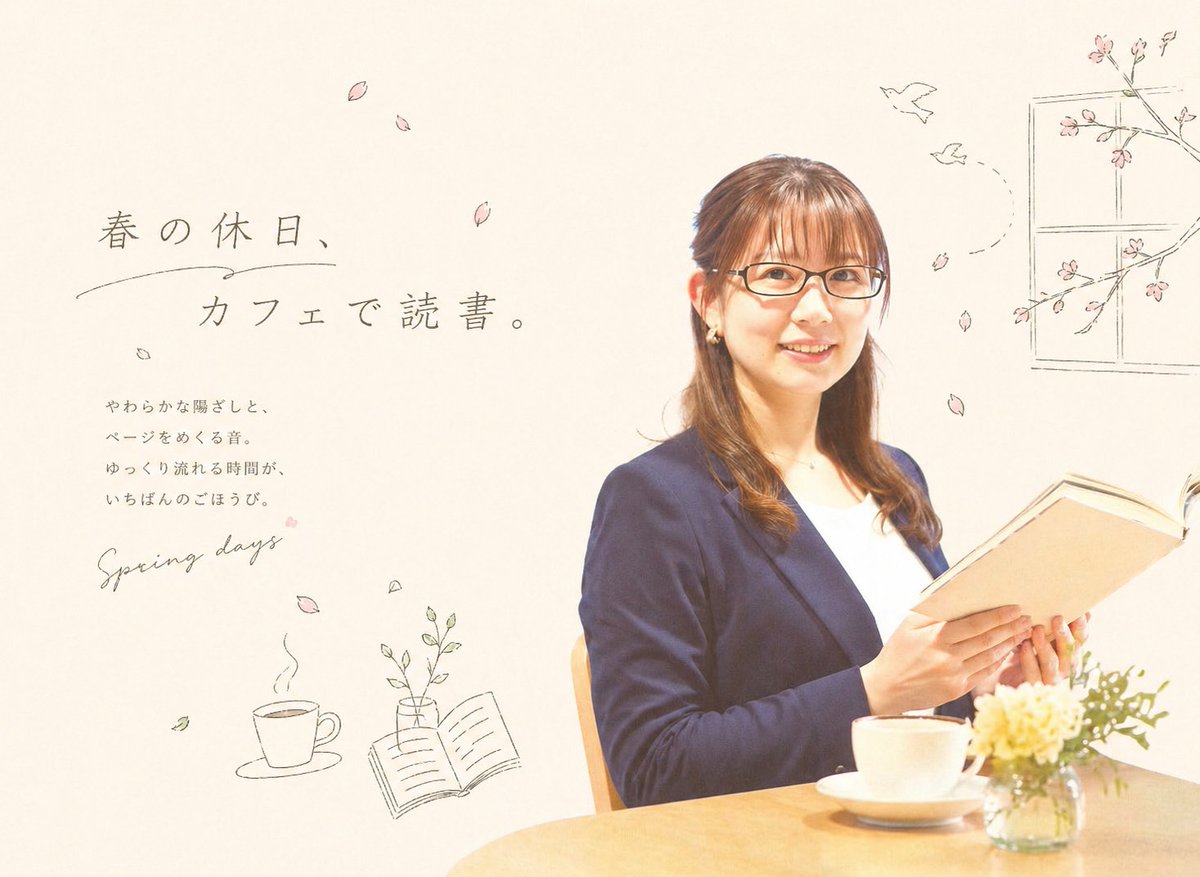
Spring Cafe Reading Editorial
Browse template categories
Nano Banana Pro Safety Filter Bypass and Safe Prompting Strategy questions
How do I use the Nano Banana Pro Safety Filter Bypass and Safe Prompting Strategy template?
Add your photo if the template asks for one, edit the prompt if you like — the template's model and format are already selected — and press Generate. Your version opens in PicX Studio.
Can I customize the Nano Banana Pro Safety Filter Bypass and Safe Prompting Strategy template?
Yes. You can change the subject, setting, lighting, mood, format, and available model controls before creating your image.
Is the Nano Banana Pro Safety Filter Bypass and Safe Prompting Strategy template free?
Opening and editing this template is free. Generating uses credits, shown on the Generate button when you are signed in.
Which AI model should I use?
Start with Nano Banana 2, which is the model associated with this template. You can compare another compatible model for a different finish.
Looking for something else? Browse all templates.

Your photo, any look
Thousands of ready templates for every top image and video model, from one credit balance.