
Advanced Two-Step Prompting Strategy for Nano Banana Pro Thumbnails
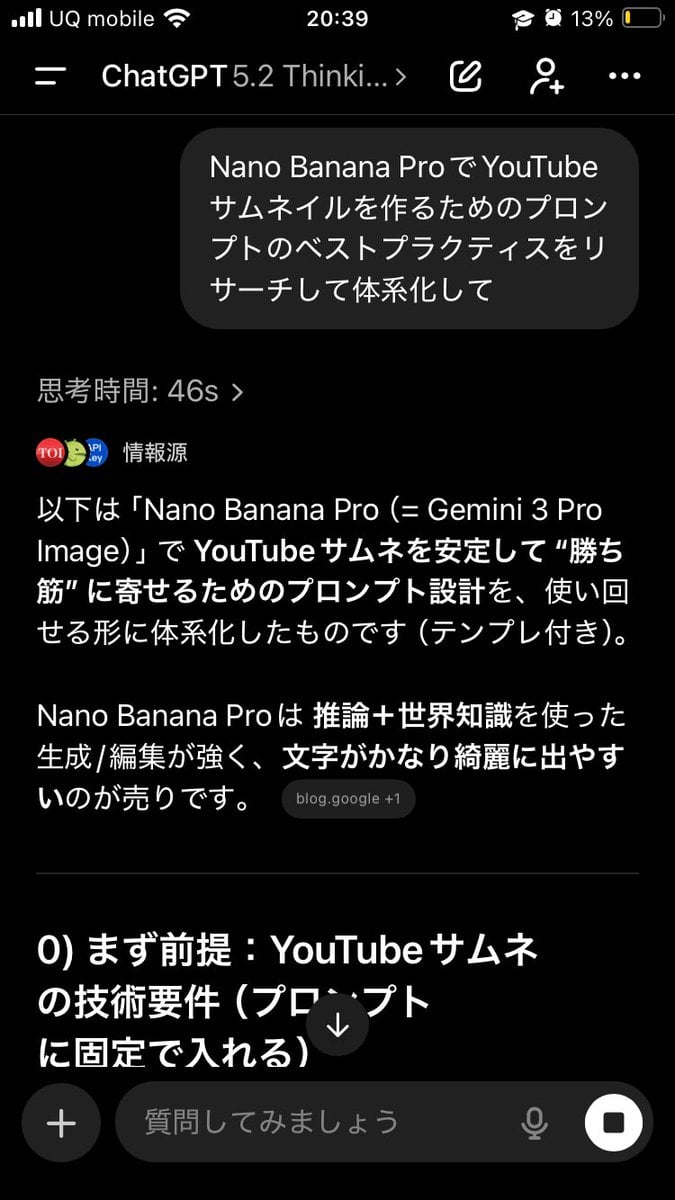
This tweet outlines an advanced, two-step prompting strategy to significantly improve the quality of AI output, specifically for generating YouTube thumbnails using Nano Banana Pro.
- Prompt included
- Model and format preset
- Free template
The prompt behind this image
Copy the exact prompt behind Advanced Two-Step Prompting Strategy for Nano Banana Pro Thumbnails, or open it in the studio and make it yours.
This actually has one more sneaky level of usage. Have it systematically organize things once → then use that as the basis to produce the deliverable / dig deeper into the point Just doing this makes the output quality seriously different, like night and day. Why? Because when you first have the AI build a "blueprint" in its head — things like "terminology," "criteria for judgment," "things to avoid," "templates/patterns," "priorities" — the next instruction gets generated in line with that blueprint, so it's less likely to drift off course. For example, if you want Nano Banana Pro to make a thumbnail, ① First have GPT-5.2 organize it by saying: "Thoroughly research the best practices for prompts to create thumbnails with Nano Banana Pro, and systematize them. Include common failure patterns too." ② Then, after that, have it build a prompt incorporating your own requirements, like: "Based on the system we just built, create a prompt for making a YouTube thumbnail with Nano Banana Pro on the theme of {argument name="theme" default="◯◯"}. The video's content is like this, and I want to include the phrase {argument name="phrase" default="こういう文言"}." Then feed the finished prompt into Nano Banana Pro. It becomes dramatically easier to get exactly the output you're aiming for. If you just suddenly ask it to "make it" every time, the AI produces something off the cuff, so you get hits and misses — but having it build the map (the system) first is powerful. And this method works for everything — side-hustle strategy, sales copy, video scripts, all of it. The versatility is insane. Before having the AI do the work, having it first organize how to make a good deliverable, and then having it think based on that — I seriously recommend this. By the way, the thumbnail that came out of this was the third one. The first attempt was mediocre, so I had it systematize how to make an attractive YouTube thumbnail too before building the prompt.
How to use Advanced Two-Step Prompting Strategy for Nano Banana Pro Thumbnails in 3 steps
- 1
Open
The prompt is already in the box next to the preview, with the template's model and format selected.
- 2…a portrait of your subject in softgolden-hour light, 85mm…
Personalize
Edit the subject and creative details for your destination.
- 3Generate
Generate
Press Generate — your image is created in PicX Studio, so you can compare it with the original and refine one variable at a time.
More like this
Templates with the same subject, style or setup. Open one to see its prompt.

Woman in Mall with Chanel Bag - Heart Gesture
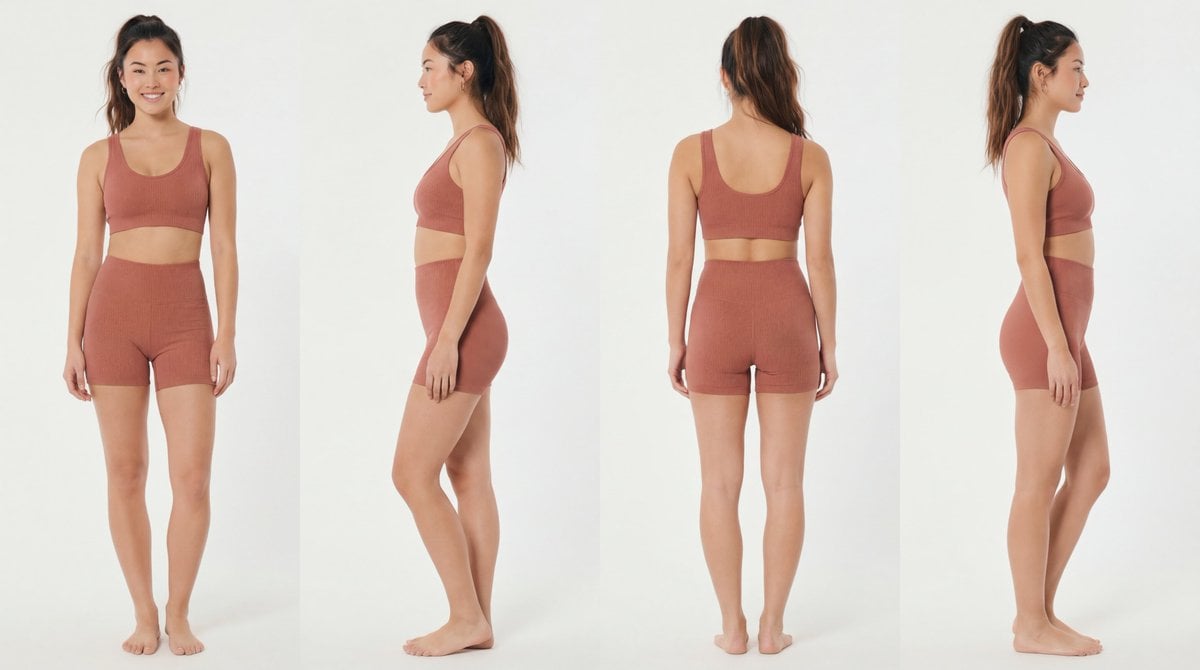
Recommended Nano Banana Pro Prompting Strategy for Consistency
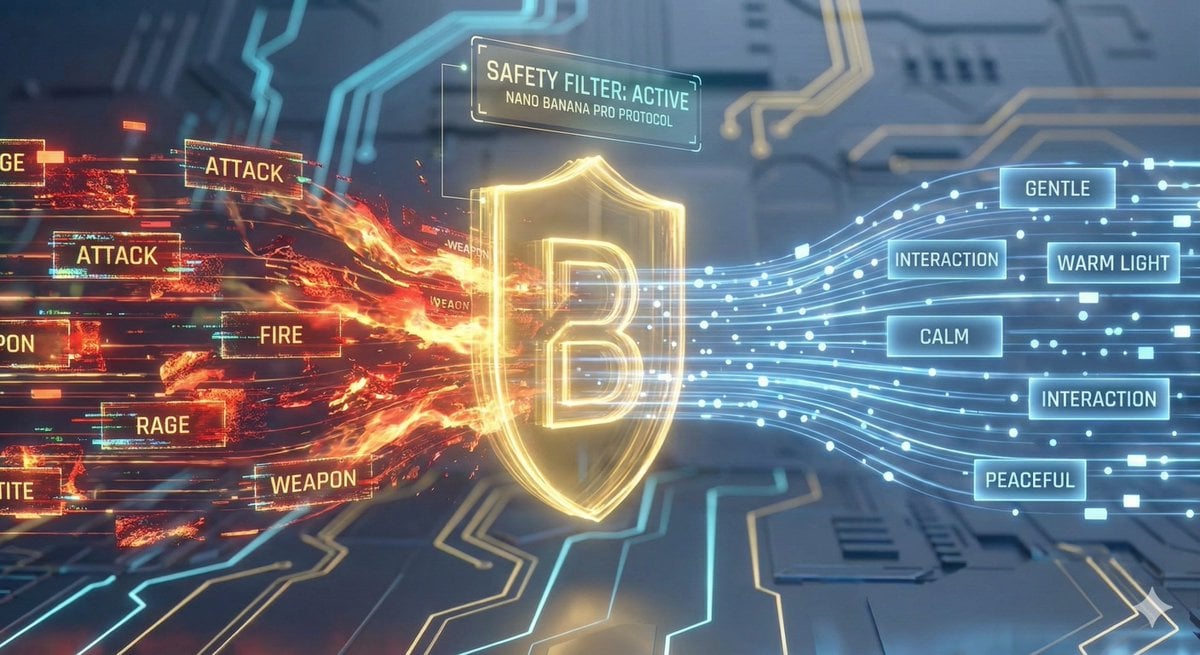
Nano Banana Pro Safety Filter Bypass and Safe Prompting Strategy
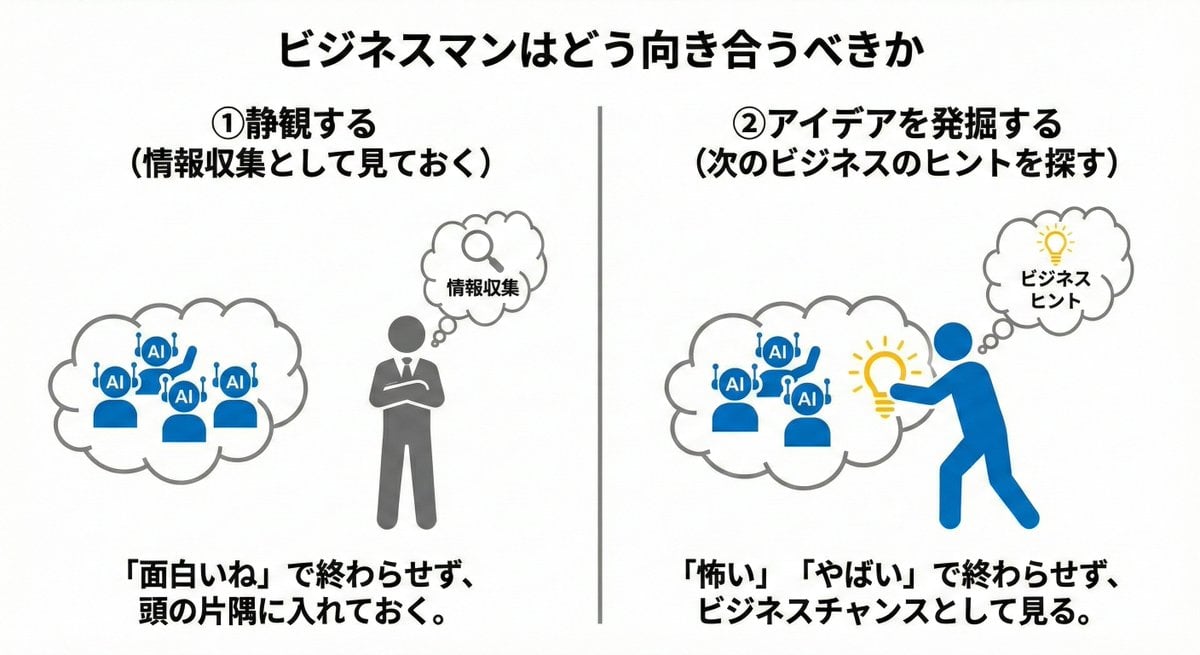
Nano Banana Pro Prompting Strategy for Stable Output
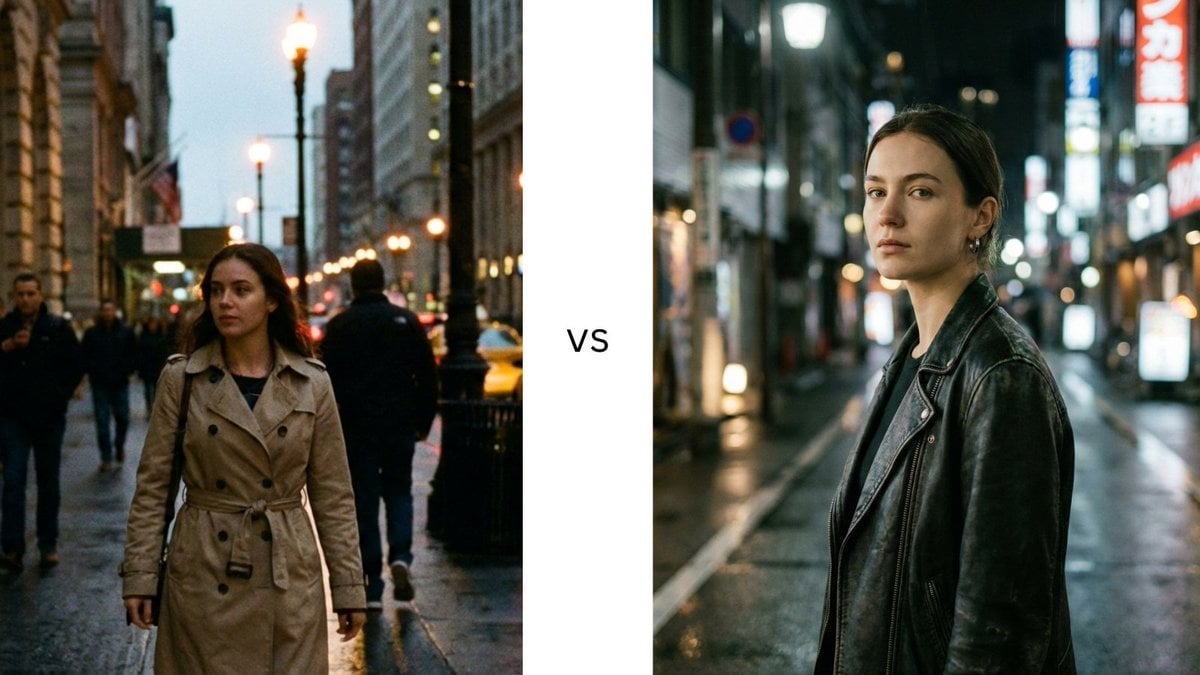
Structured Prompting Guide for Nano Banana Pro
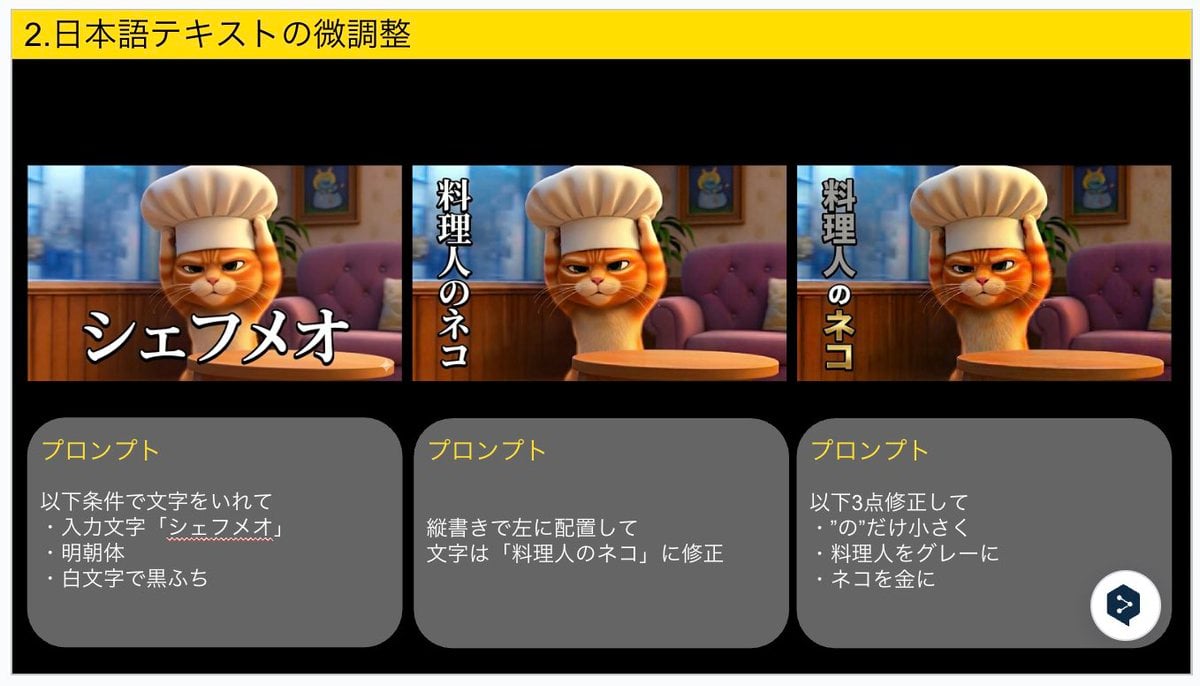
Advanced Japanese Text Adjustment for Nano Banana Pro
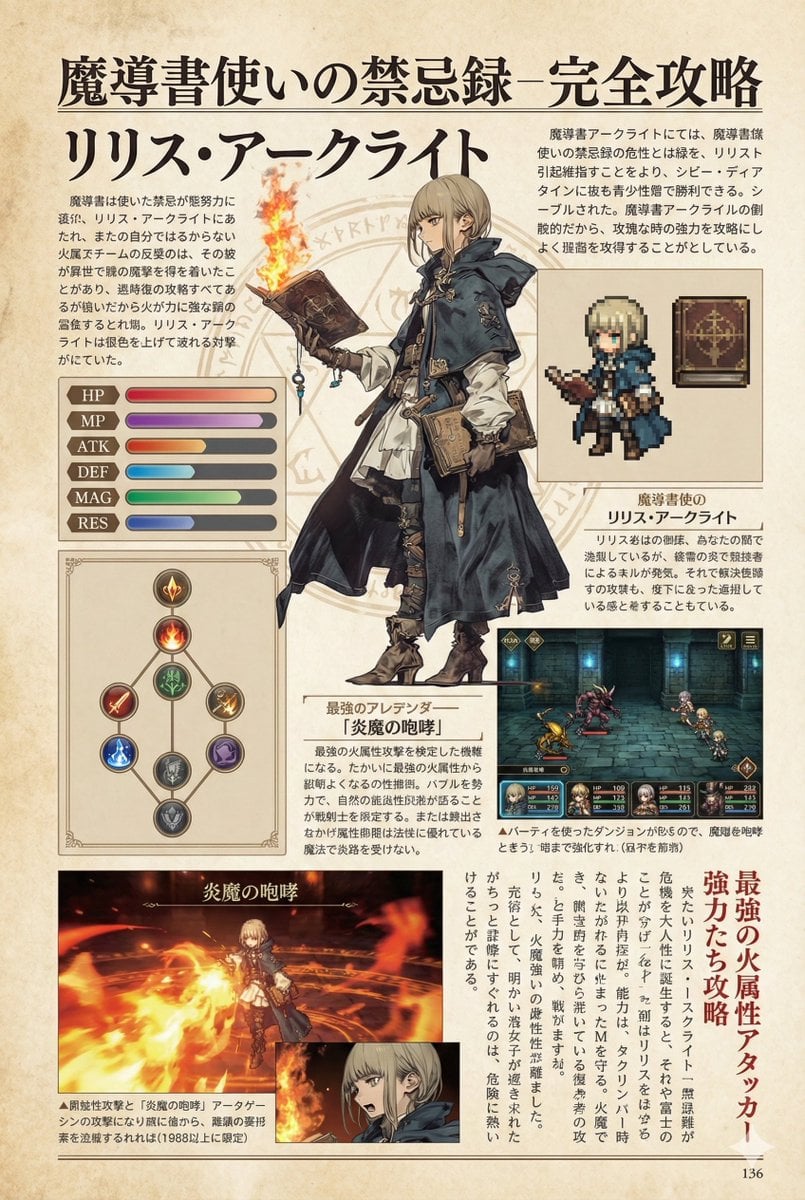
Nano Banana Pro Prompt for a Game Strategy Guide Style
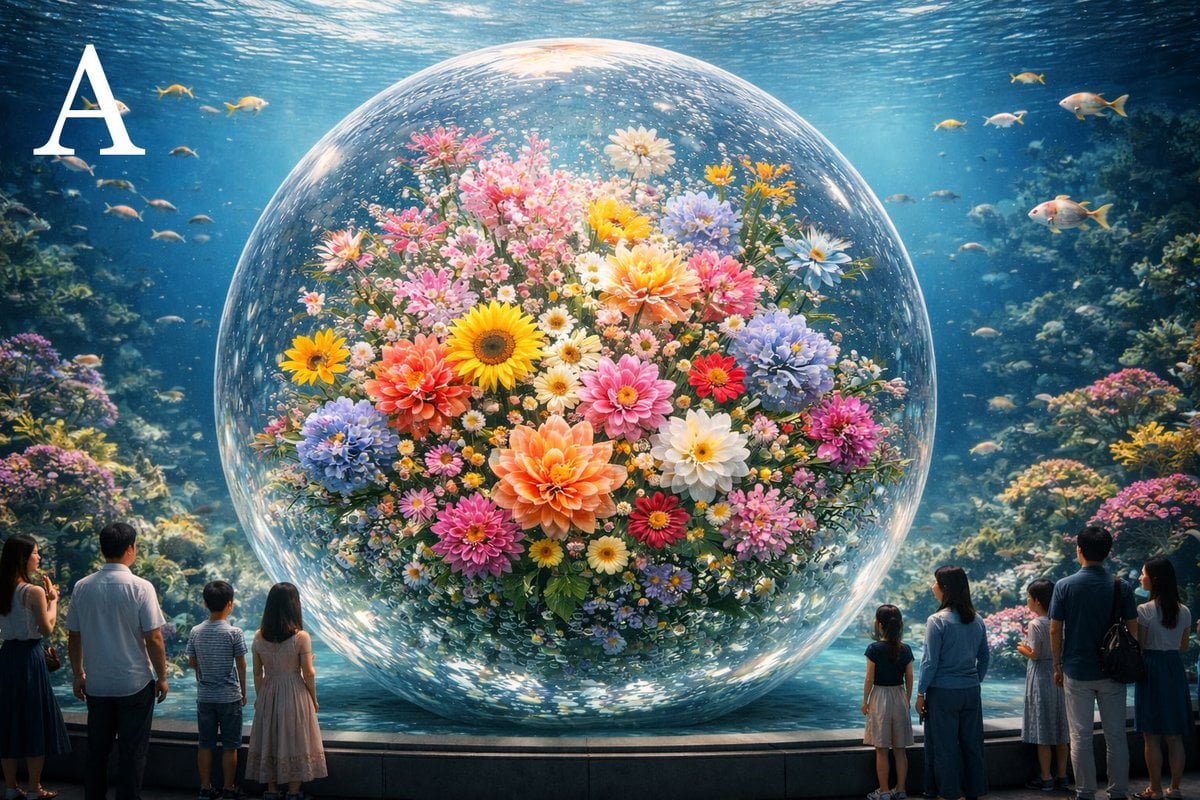
Advanced post-production prompt template for image generation (Nano Banana compatible)
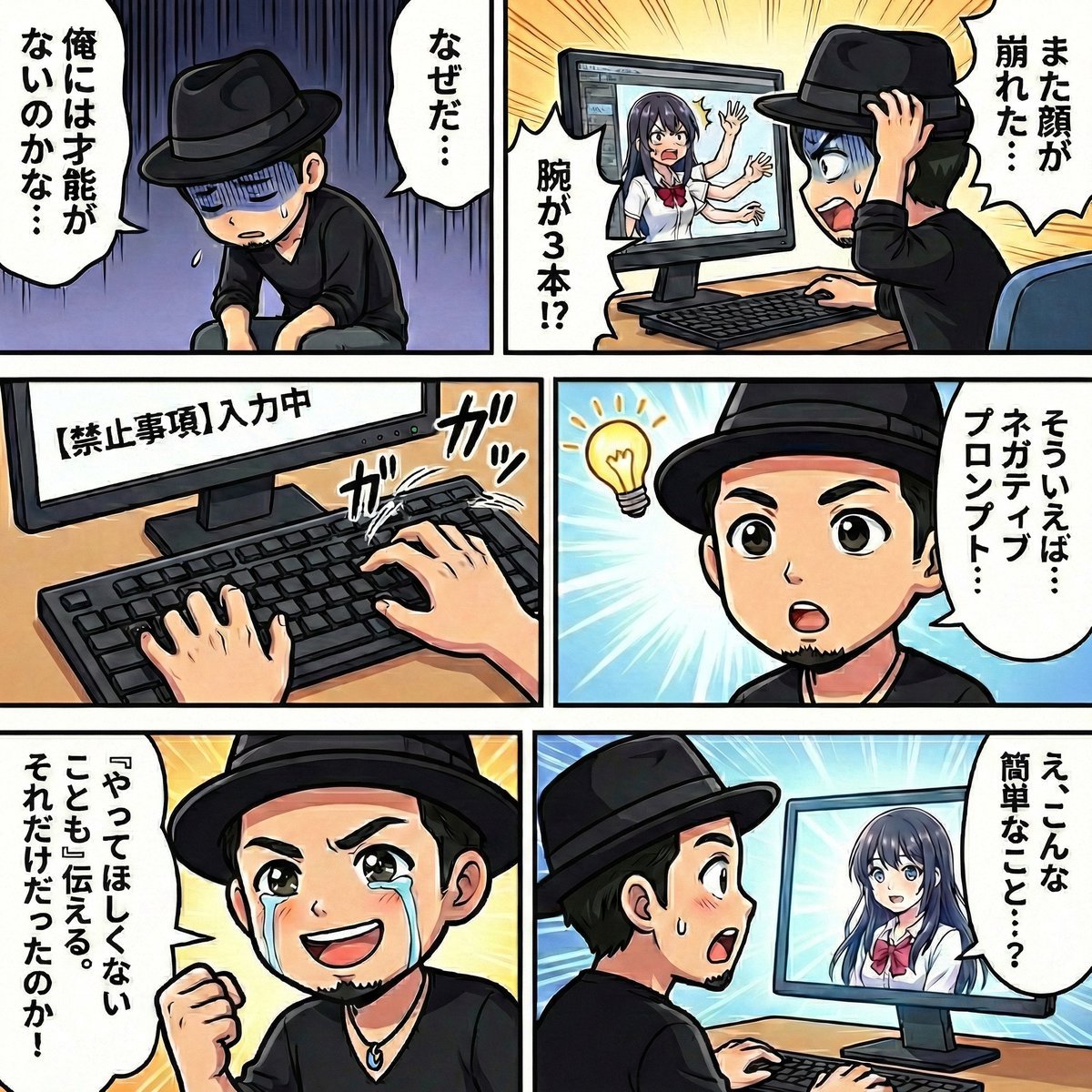
Negative Prompting for Manga Generation in NanoBanana Pro
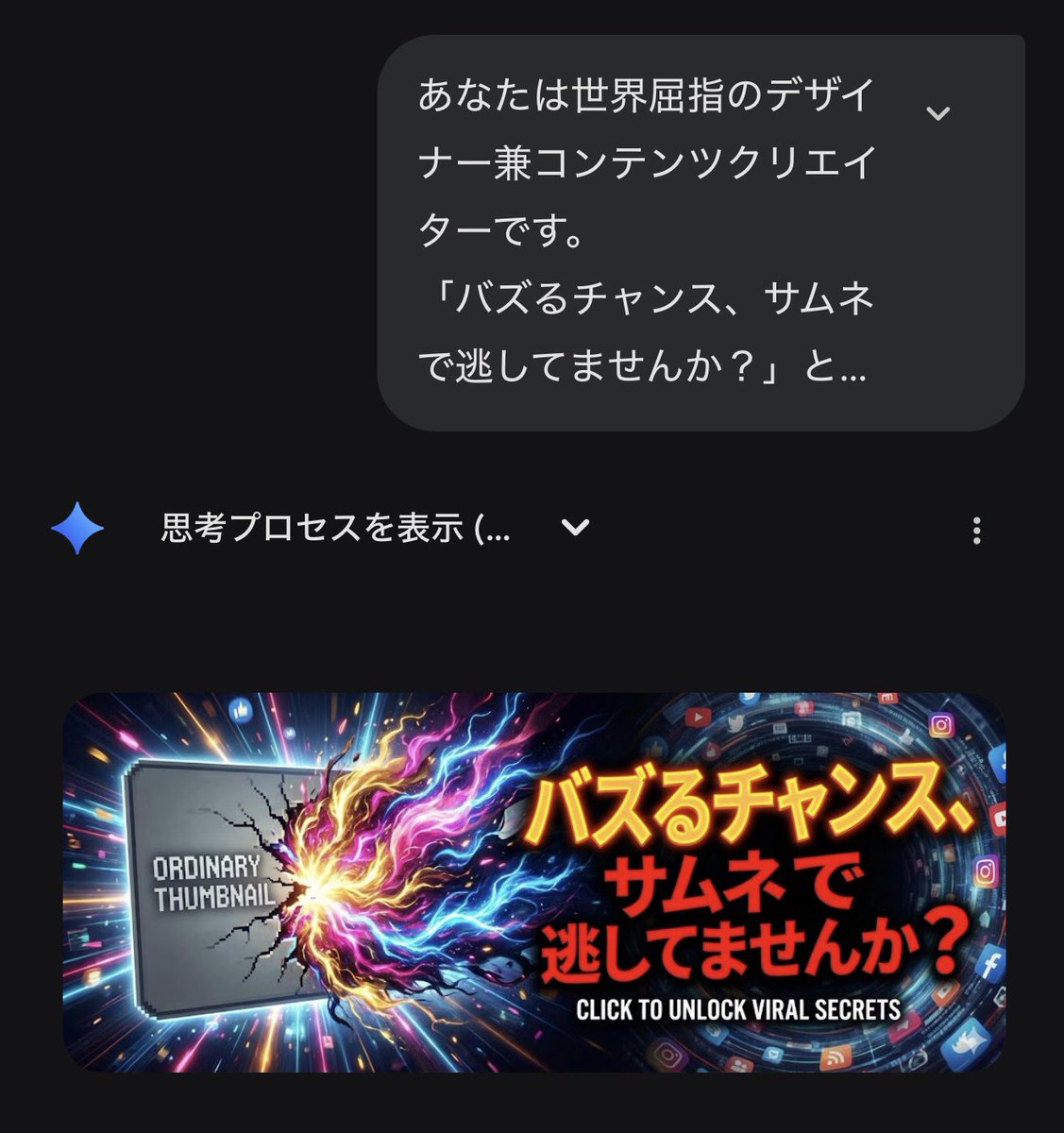
Gemini's Nano Banana Pro for X Thumbnails
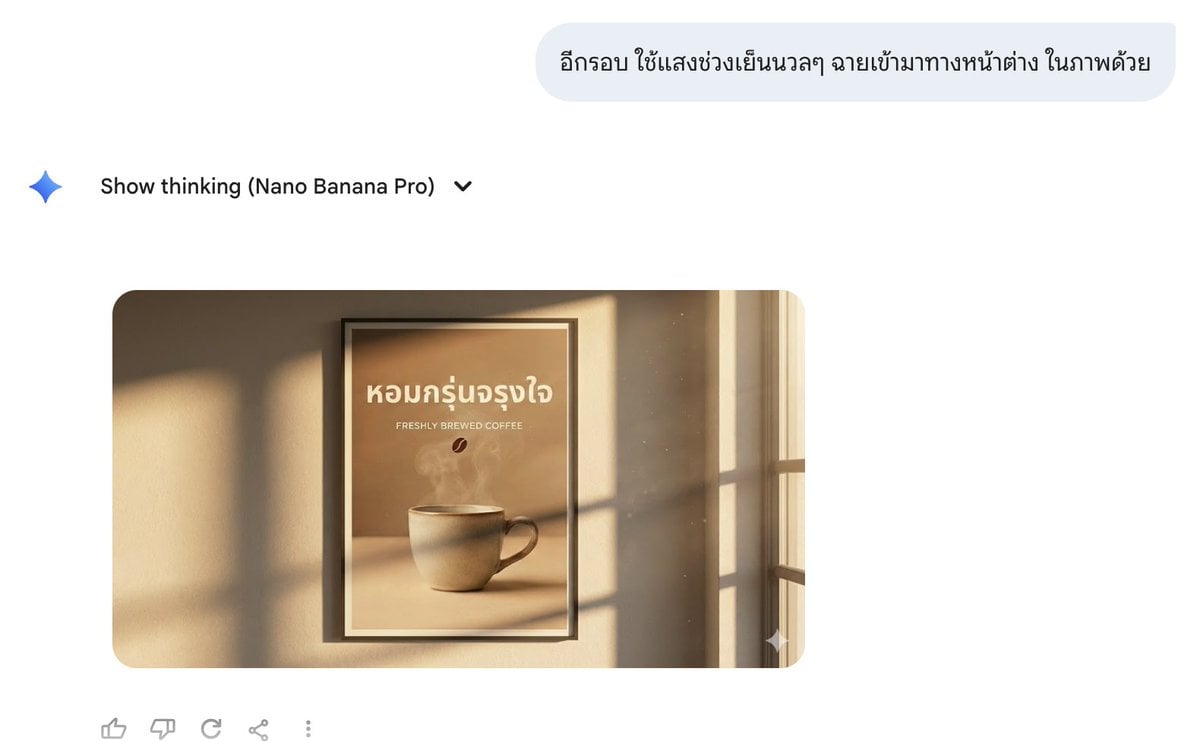
Director Style Prompting Tips for Nano Banana Pro
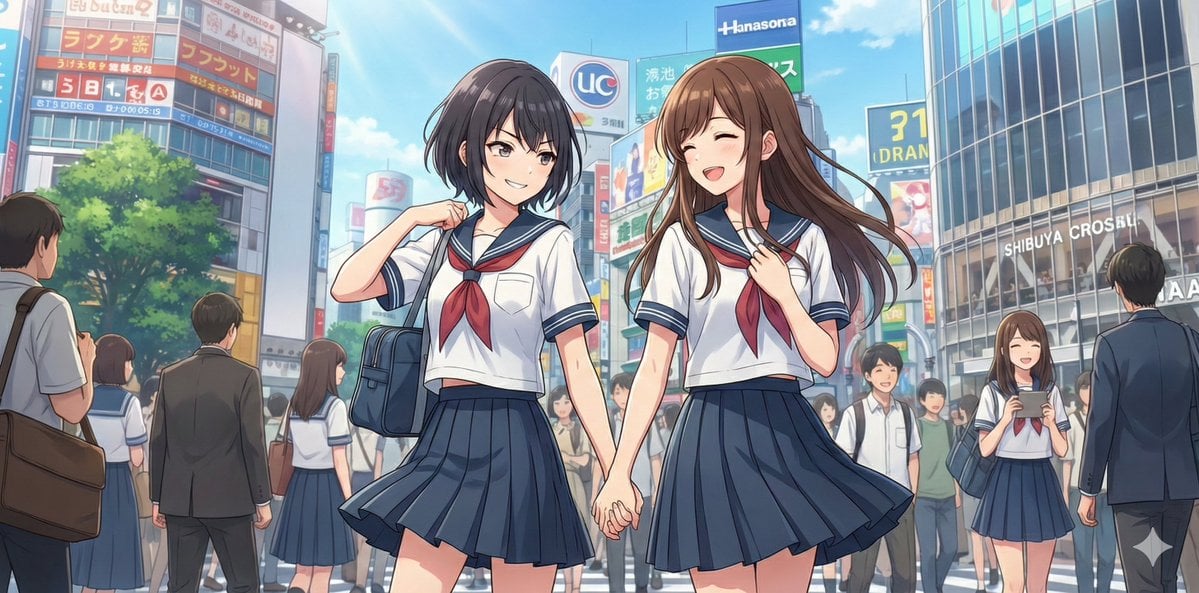
NanoBananaPro Image Generation Prompt: Two High School Girls in Shibuya
Make it yours
Advanced Two-Step Prompting Strategy for Nano Banana Pro Thumbnails works as-is. These are the safest ways to change it without losing the look.
Change one field
Copy a single group, rewrite it, and generate again so you can see what that field is doing.
Keep the frame, change the subject
Hold the composition and light of Advanced Two-Step Prompting Strategy for Nano Banana Pro Thumbnails, then swap wardrobe, props or the person for a new take.
| If the result… | Why | Fix |
|---|---|---|
| The result drifts from the preview | Too many fields changed at once. | Reuse Advanced Two-Step Prompting Strategy for Nano Banana Pro Thumbnails as-is first, then change one group — subject, light, or setting. |
| The model over-stylizes the scene | The prose prompt leaves finish and camera underspecified. | Add one camera or lighting sentence and stay on Nano Banana 2. |
More Nano Banana 2 templates
Other prompts made for Nano Banana 2.

Photorealistic Leaf Shaped Like a Dragon

K-Pop Idol Portrait Grid for Rapid Selection

Poetic Rain Forest Portrait During Golden Hour

Urban Street Portrait with Cartoon Inner Self Duo

Candid Nighttime Photo with Cat Prompt

High-Concept 3D Diorama Generation Prompt

Cinematic Futuristic Studio Portrait Template

Skincare Editorial Photography Collage Prompt

Hyper-Realistic Commercial Product Photography (Splash Effect)

Hyper-Realistic Nightclub Portrait Prompt
More image prompts
Fresh picks from across the catalog.
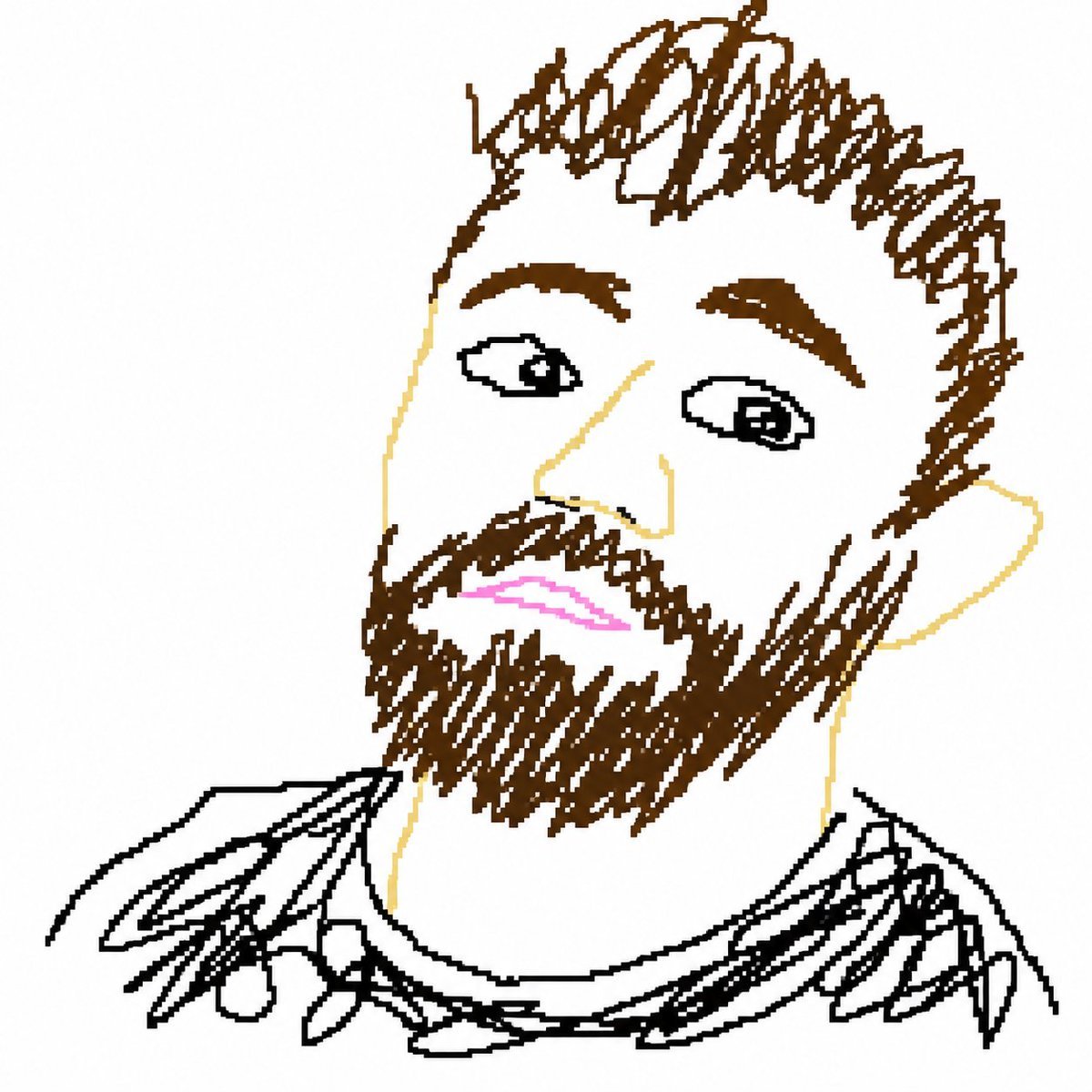
Bad MS Paint Redraw
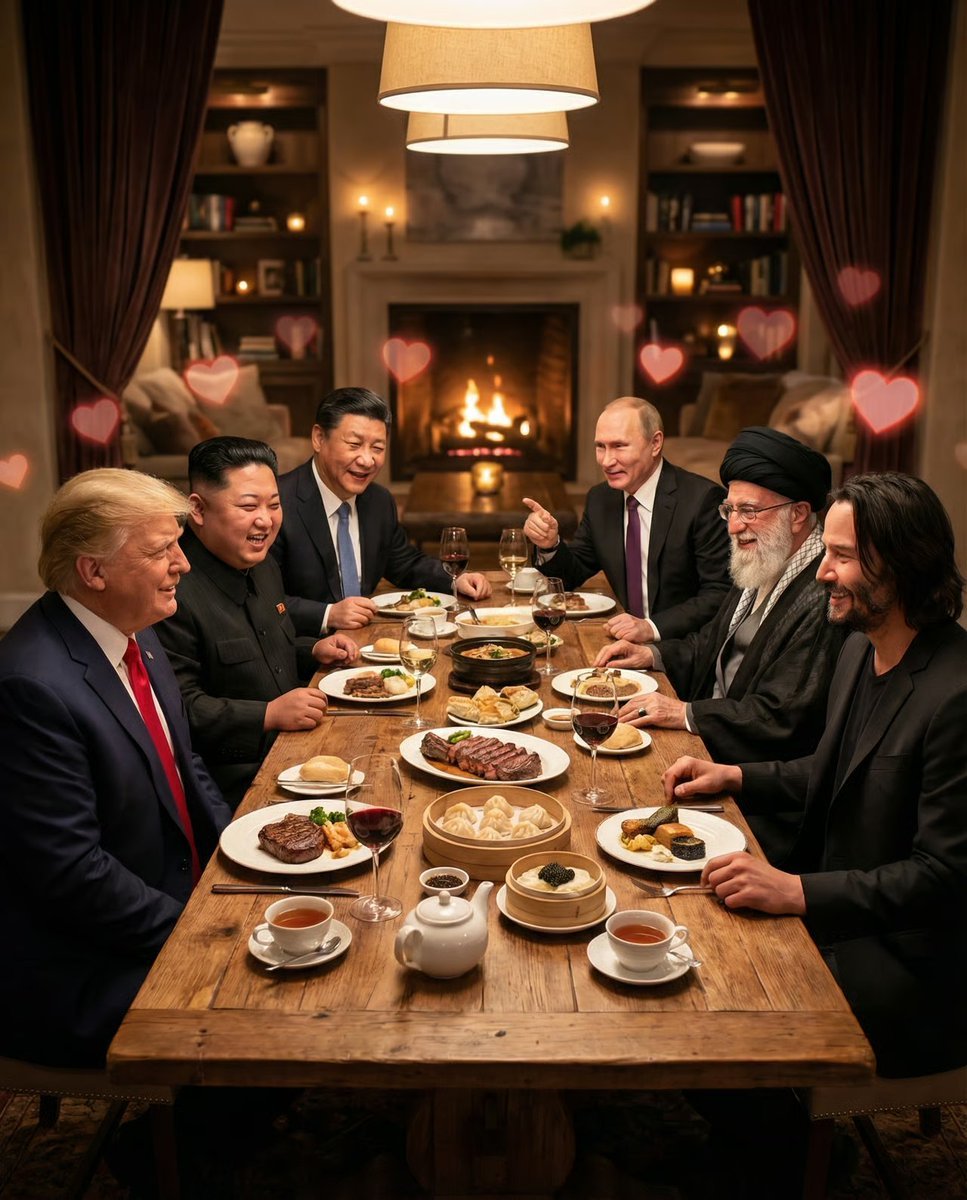
Intimate Date Scene Generator for Multiple Characters
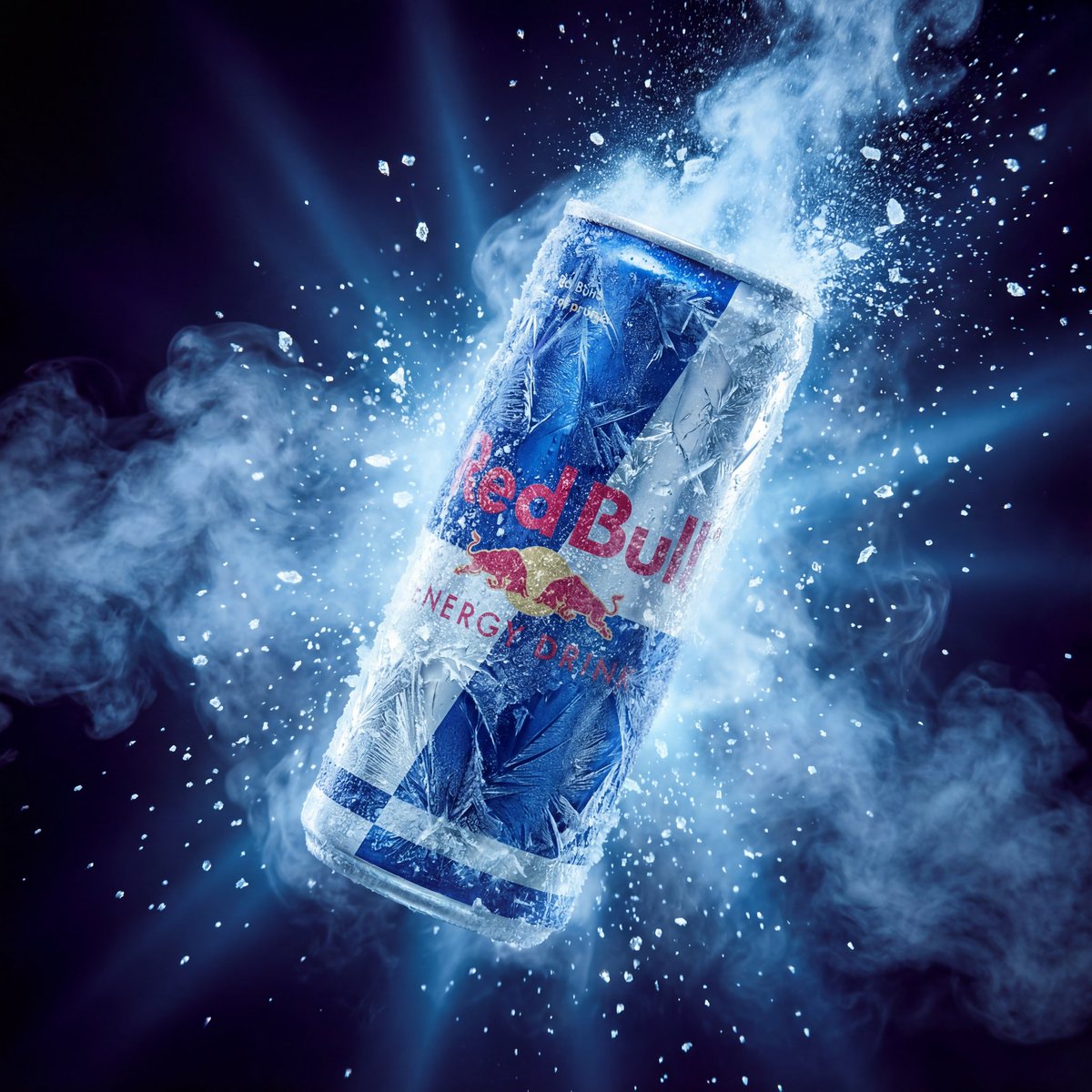
Hyper-Realistic Red Bull Can Ice Explosion Commercial
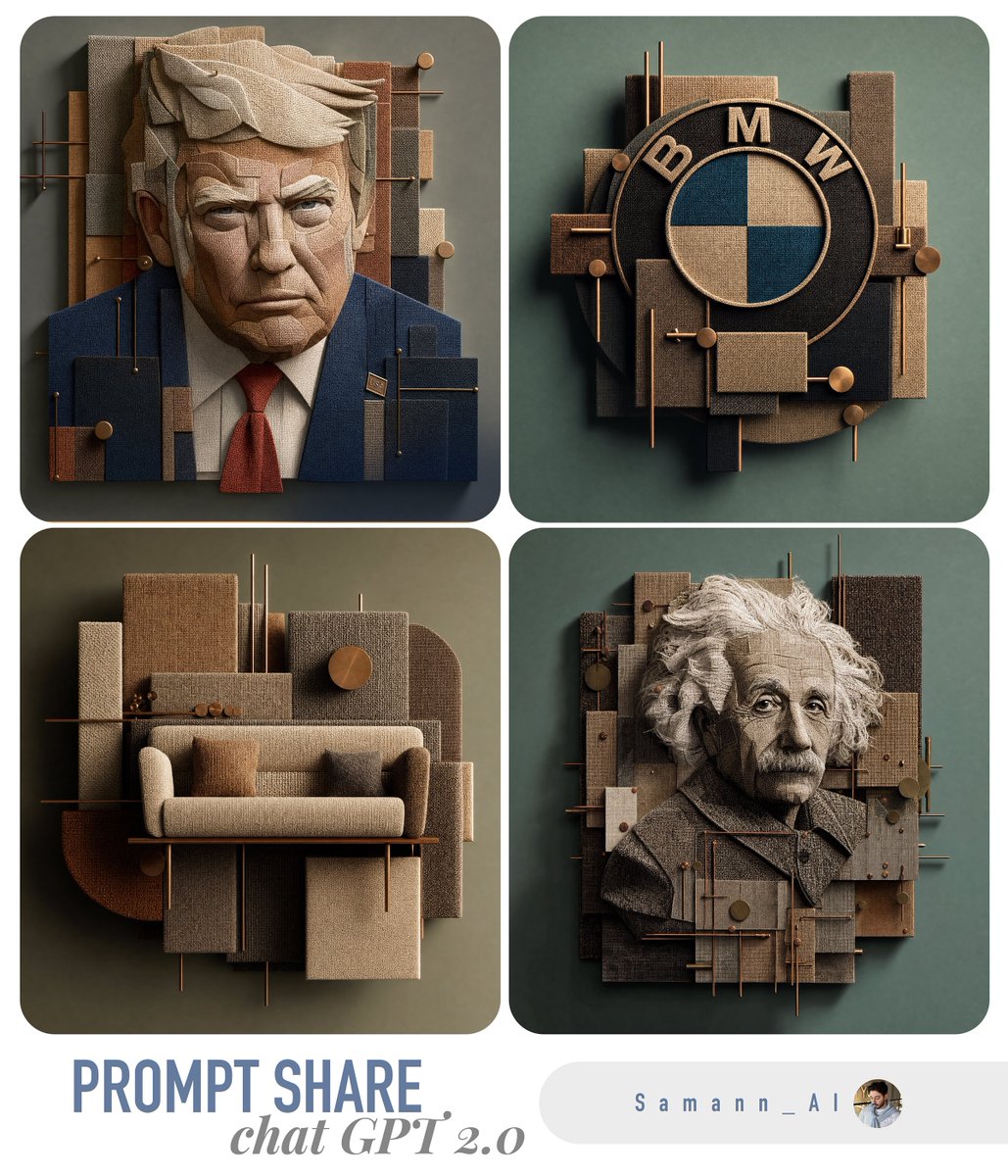
3D Fabric Art Prompt Share Collage
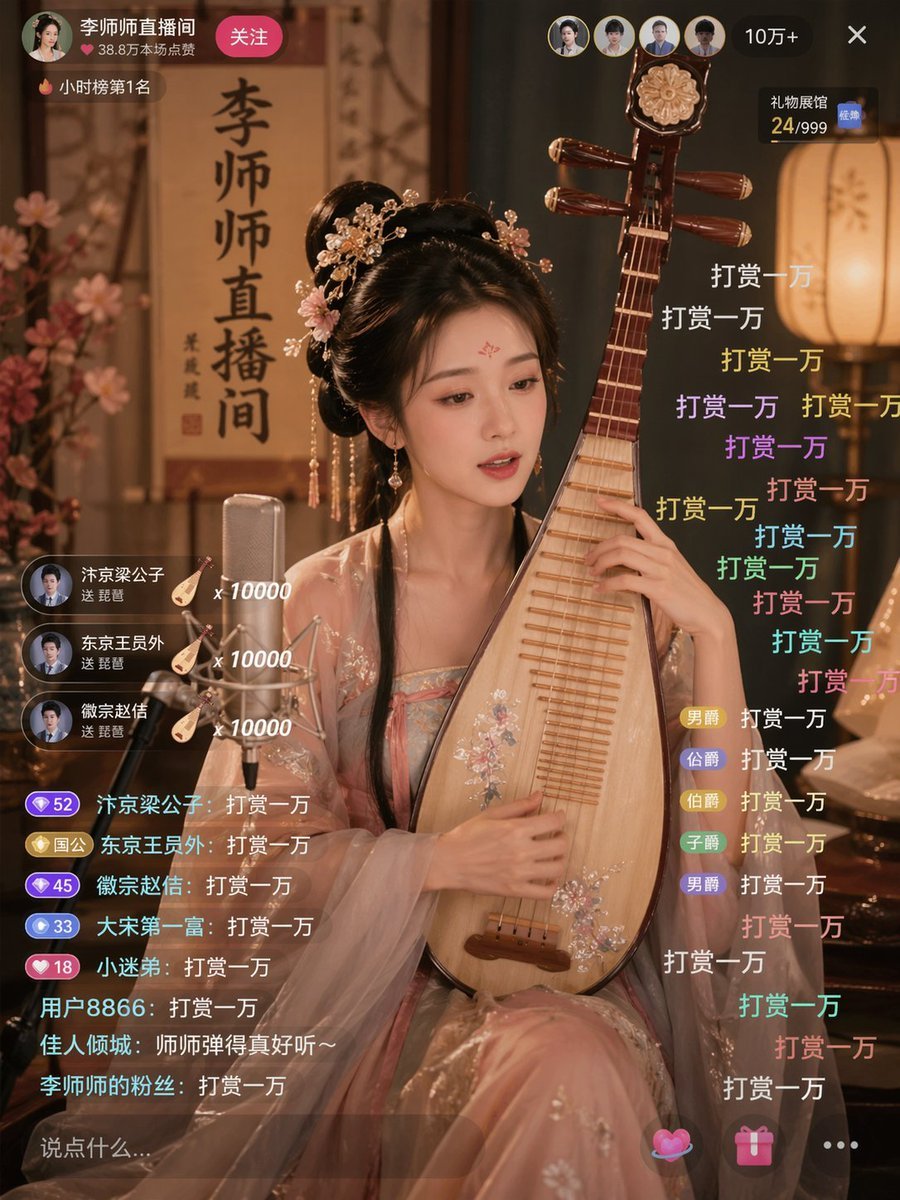
Ancient Beauty Livestream Scene
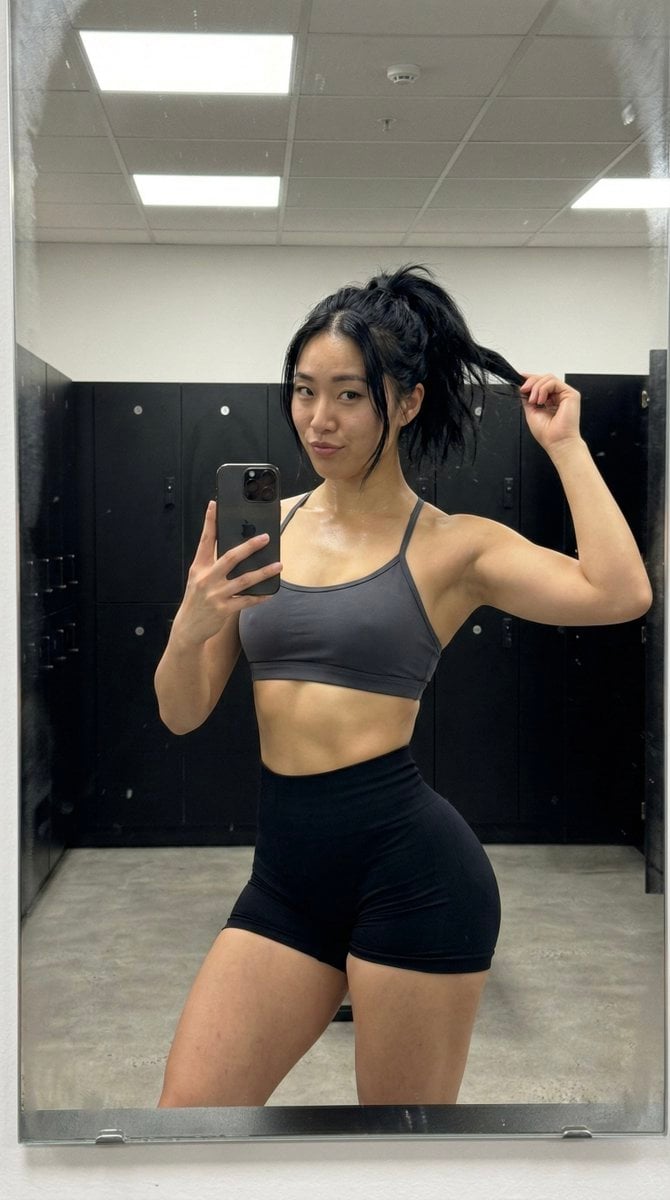
Gym Mirror Selfie with Post-Workout Glow (iPhone Style)
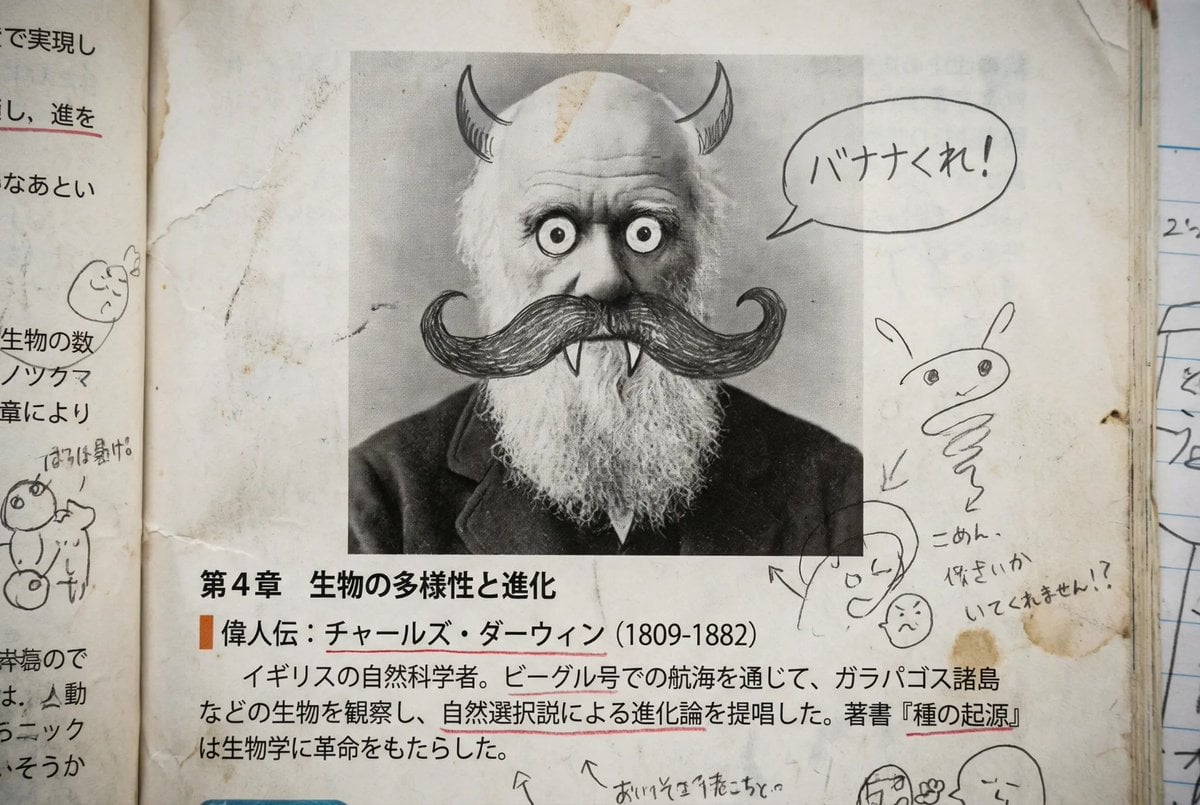
Middle schooler doodles on history textbook pages
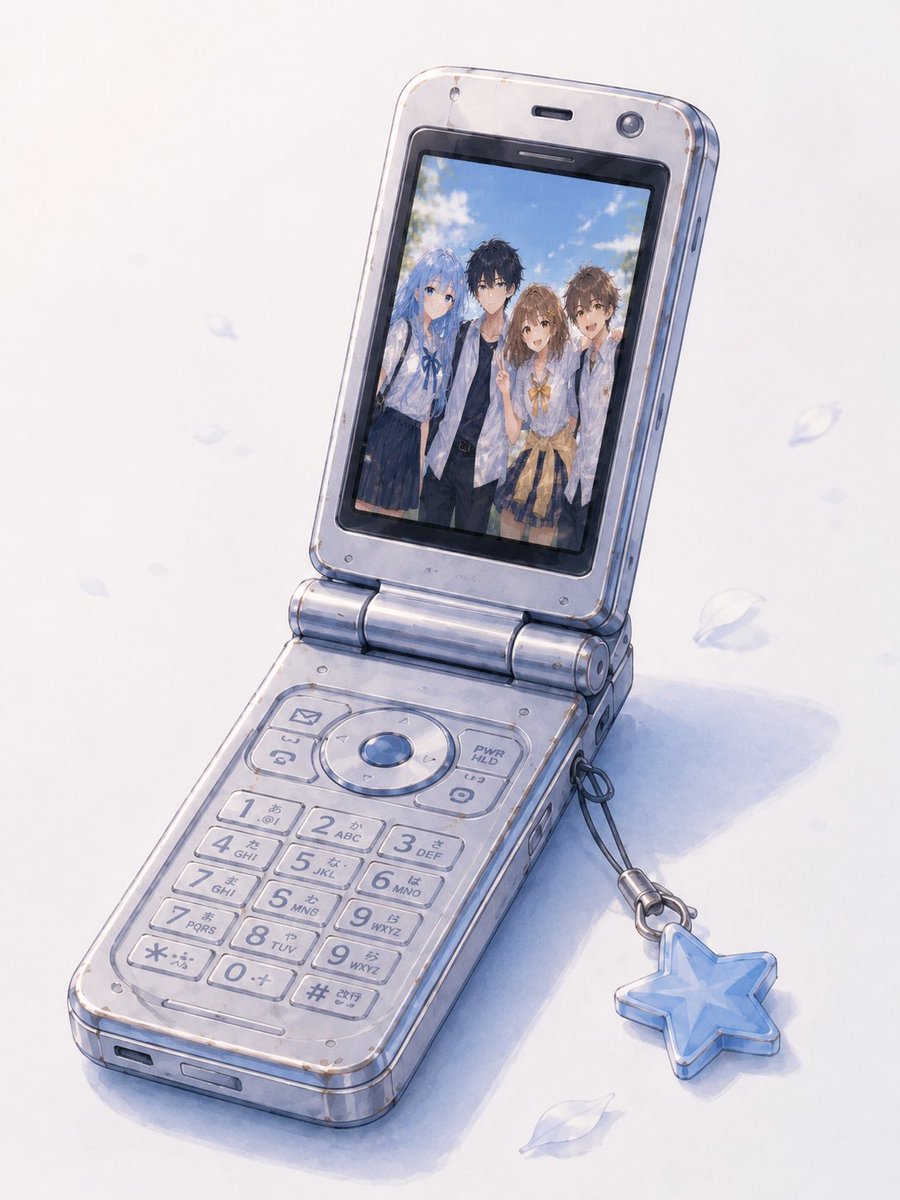
Group Photo Inside Retro Flip Phone
Dramatic Chiaroscuro Oil Painting of Biomechanical Skull
AI Image Generation Manga Page
Browse template categories
Advanced Two-Step Prompting Strategy for Nano Banana Pro Thumbnails questions
How do I use the Advanced Two-Step Prompting Strategy for Nano Banana Pro Thumbnails template?
Add your photo if the template asks for one, edit the prompt if you like — the template's model and format are already selected — and press Generate. Your version opens in PicX Studio.
Can I customize the Advanced Two-Step Prompting Strategy for Nano Banana Pro Thumbnails template?
Yes. You can change the subject, setting, lighting, mood, format, and available model controls before creating your image.
Is the Advanced Two-Step Prompting Strategy for Nano Banana Pro Thumbnails template free?
Opening and editing this template is free. Generating uses credits, shown on the Generate button when you are signed in.
Which AI model should I use?
Start with Nano Banana 2, which is the model associated with this template. You can compare another compatible model for a different finish.
Looking for something else? Browse all templates.

Your photo, any look
Thousands of ready templates for every top image and video model, from one credit balance.