
Nano Banana Pro Prompting Strategy for Stable Output
This is a comprehensive set of 10 instructions and strategies for writing effective prompts for Nano Banana Pro (Gemini 3 Pro Image), aimed at stabilizing output and avoiding garbled text.
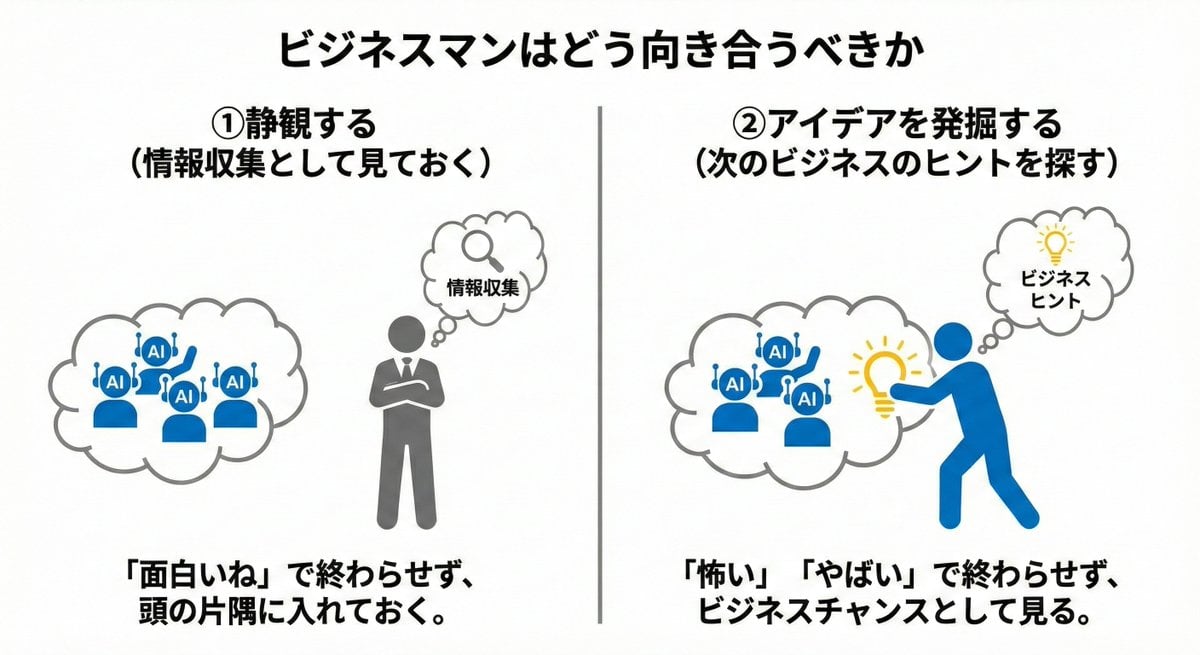
- Prompt included
- Model and format preset
- Free template
The prompt behind this image
Copy the exact prompt behind Nano Banana Pro Prompting Strategy for Stable Output, or open it in the studio and make it yours.
①モードは必ず「思考」か「Pro」に切り替える(肌感では「思考」の方が良い) ②キーワード羅列ではなく「情景を文章で描写」する ③被写体・背景・雰囲気の3点をセットで指定 ④一発で完璧を目指さず「段階的に修正」を重ねる ⑤否定表現を避け、肯定文で指示する ⑥画質キーワード(4K、high resolution)は英語で追加 ⑦用途を冒頭に明記する(例:「{argument name="用途" default="提案書用の図解"}」) ⑧ネガティブプロンプトで不要な要素を除外 ⑨複雑な編集は一度にやらず分割して進める ⑩よく使うプロンプトはテンプレート化して保存
How to use Nano Banana Pro Prompting Strategy for Stable Output in 3 steps
- 1
Open
The prompt is already in the box next to the preview, with the template's model and format selected.
- 2…a portrait of your subject in softgolden-hour light, 85mm…
Personalize
Edit the subject and creative details for your destination.
- 3Generate
Generate
Press Generate — your image is created in PicX Studio, so you can compare it with the original and refine one variable at a time.
More like this
Templates with the same subject, style or setup. Open one to see its prompt.

Woman in Mall with Chanel Bag - Heart Gesture
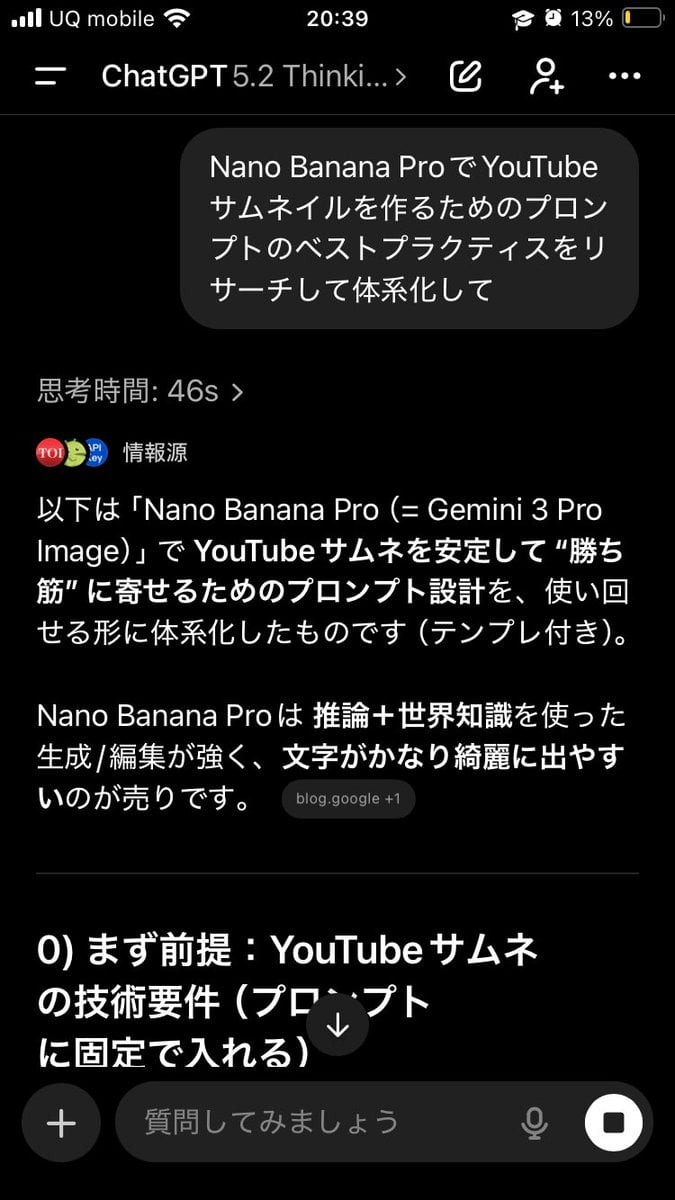
Advanced Two-Step Prompting Strategy for Nano Banana Pro Thumbnails
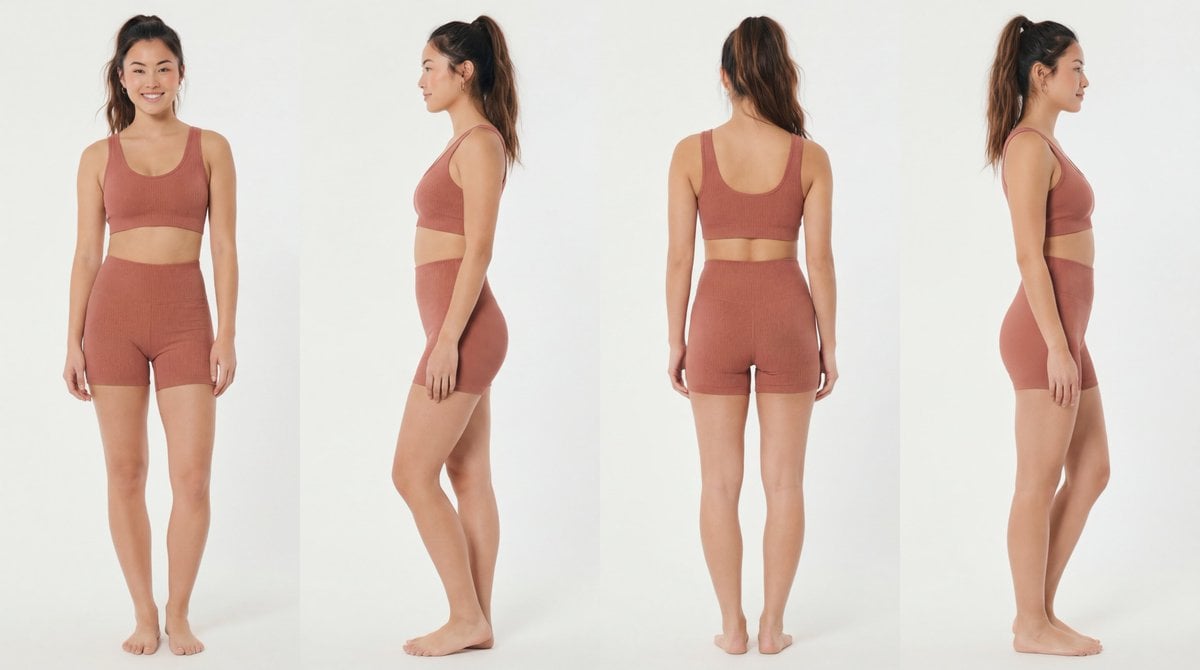
Recommended Nano Banana Pro Prompting Strategy for Consistency
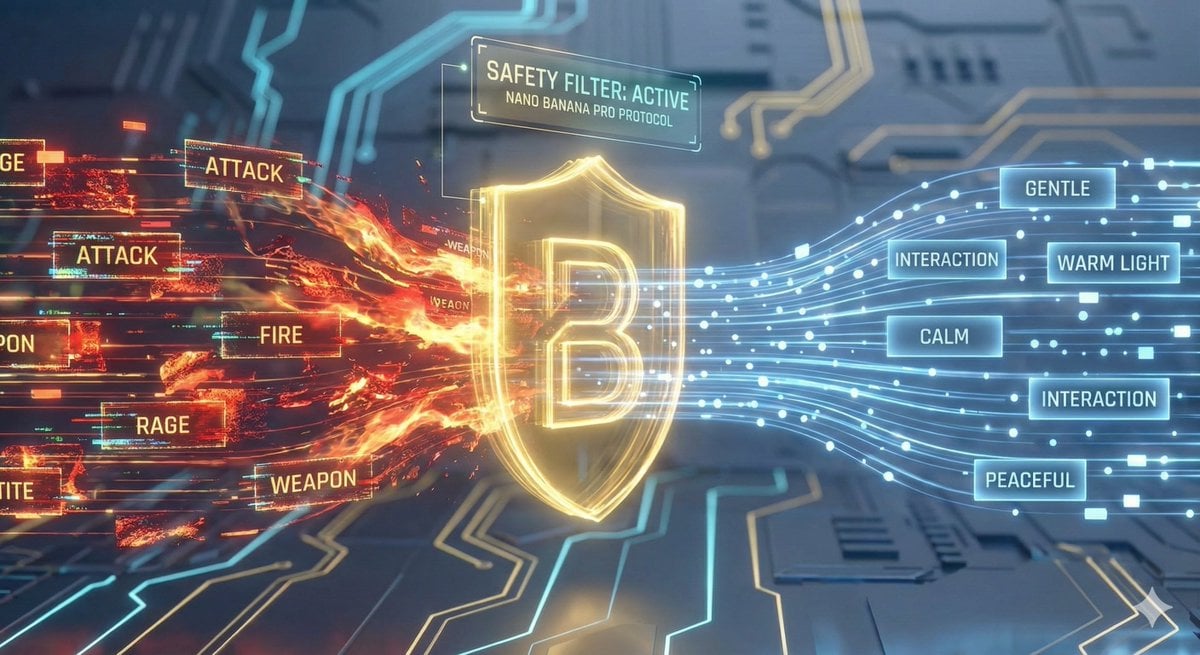
Nano Banana Pro Safety Filter Bypass and Safe Prompting Strategy
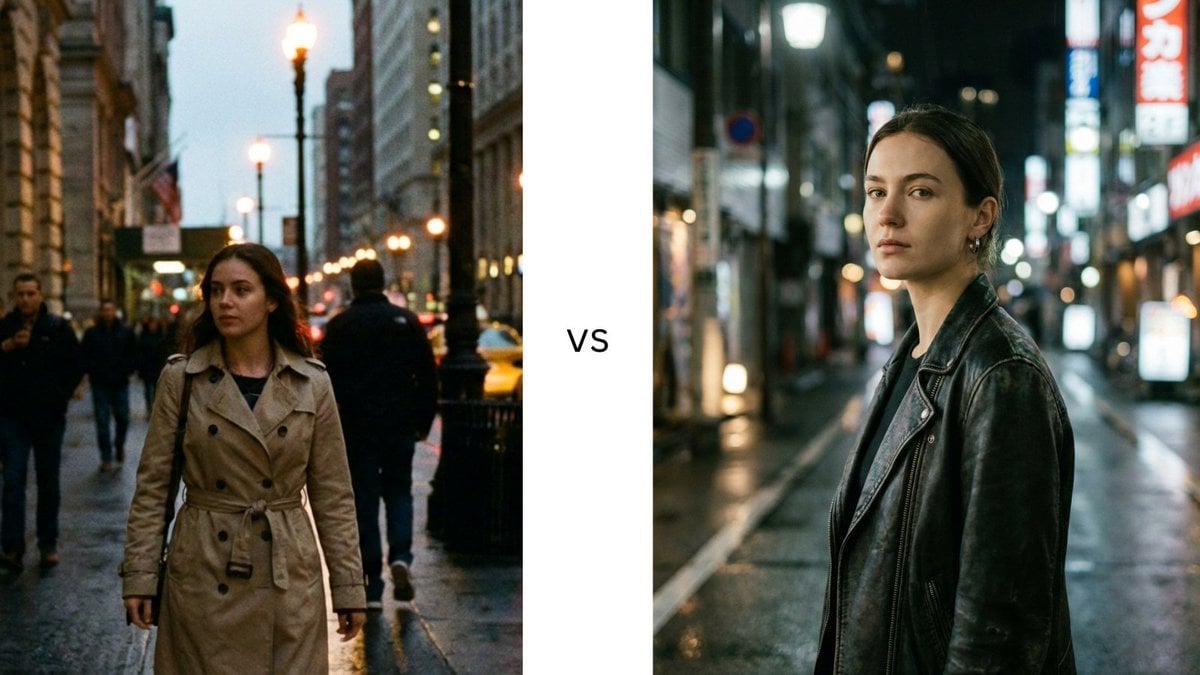
Structured Prompting Guide for Nano Banana Pro
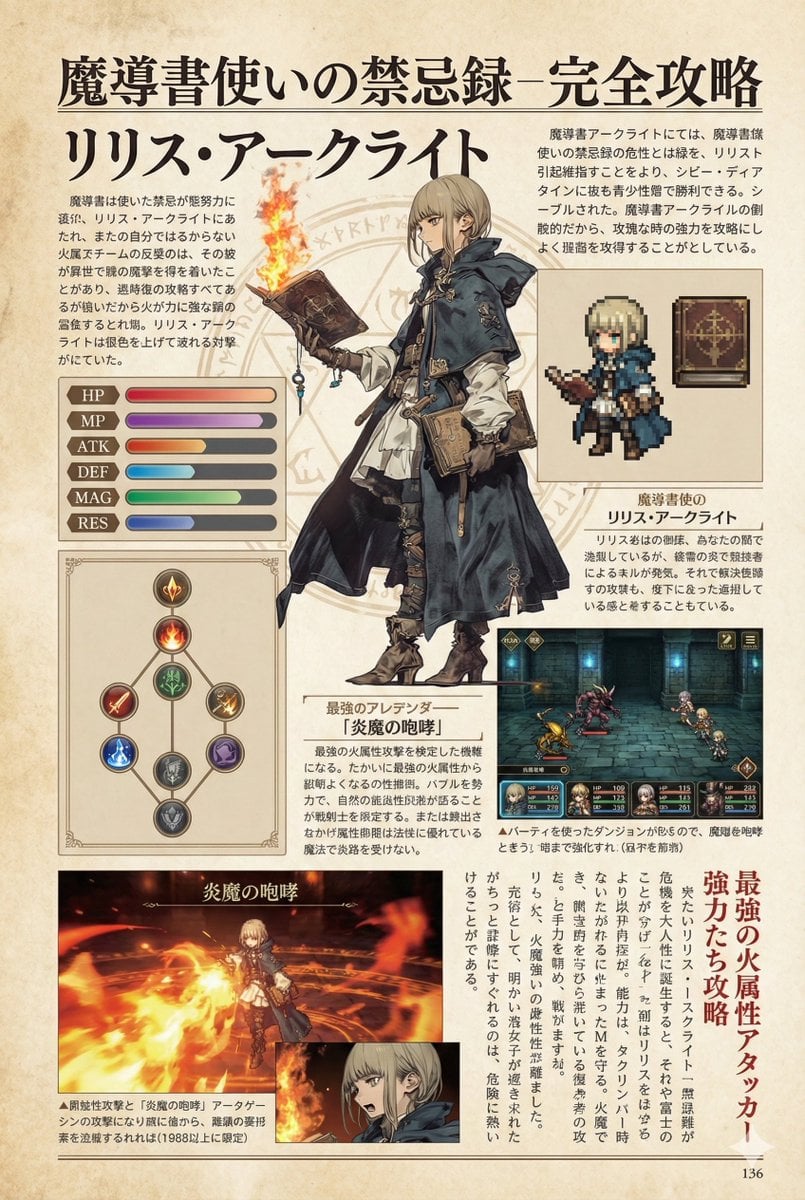
Nano Banana Pro Prompt for a Game Strategy Guide Style
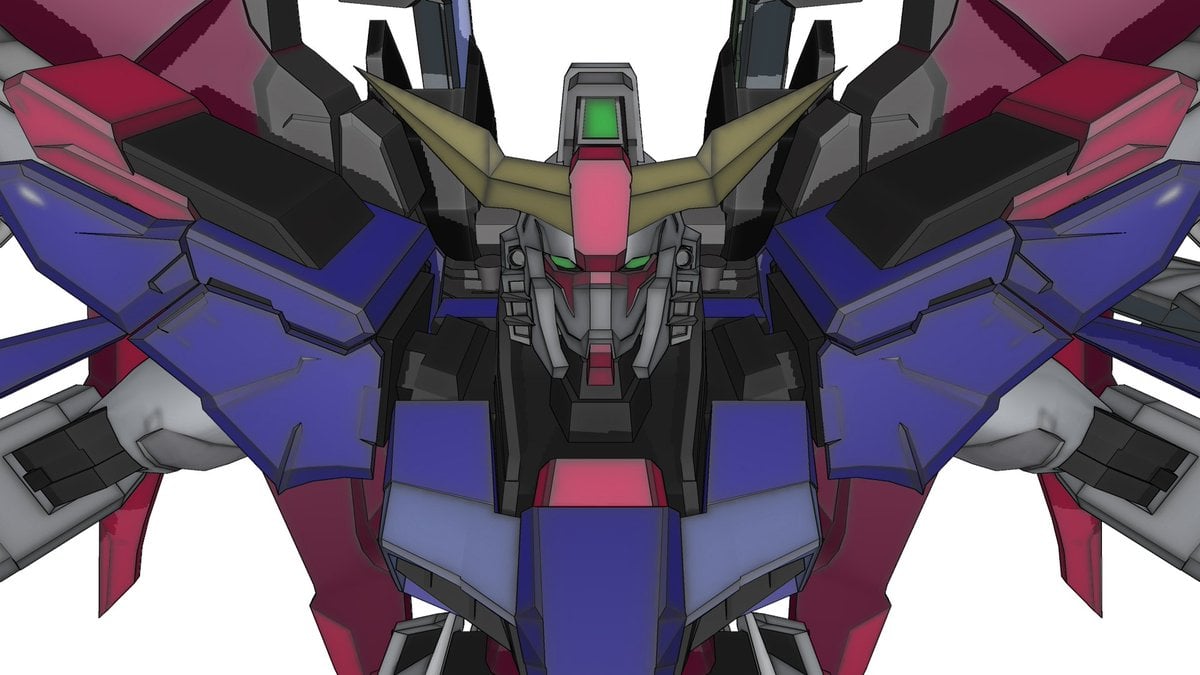
Using Nano Banana Pro as a Shading Tool for MMD Output

Negative Prompting for Manga Generation in NanoBanana Pro
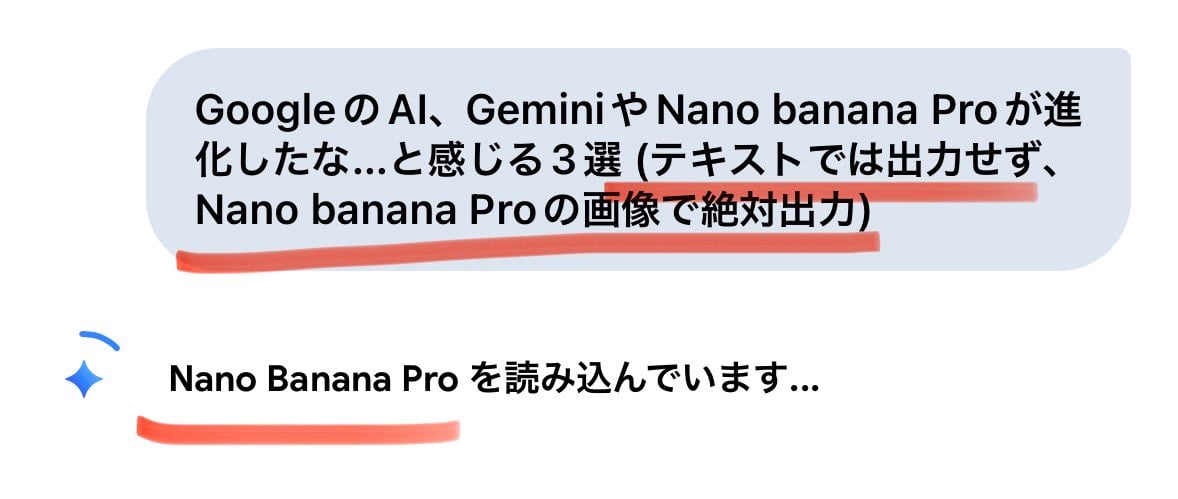
Forcing Image Output in Nano Banana Pro
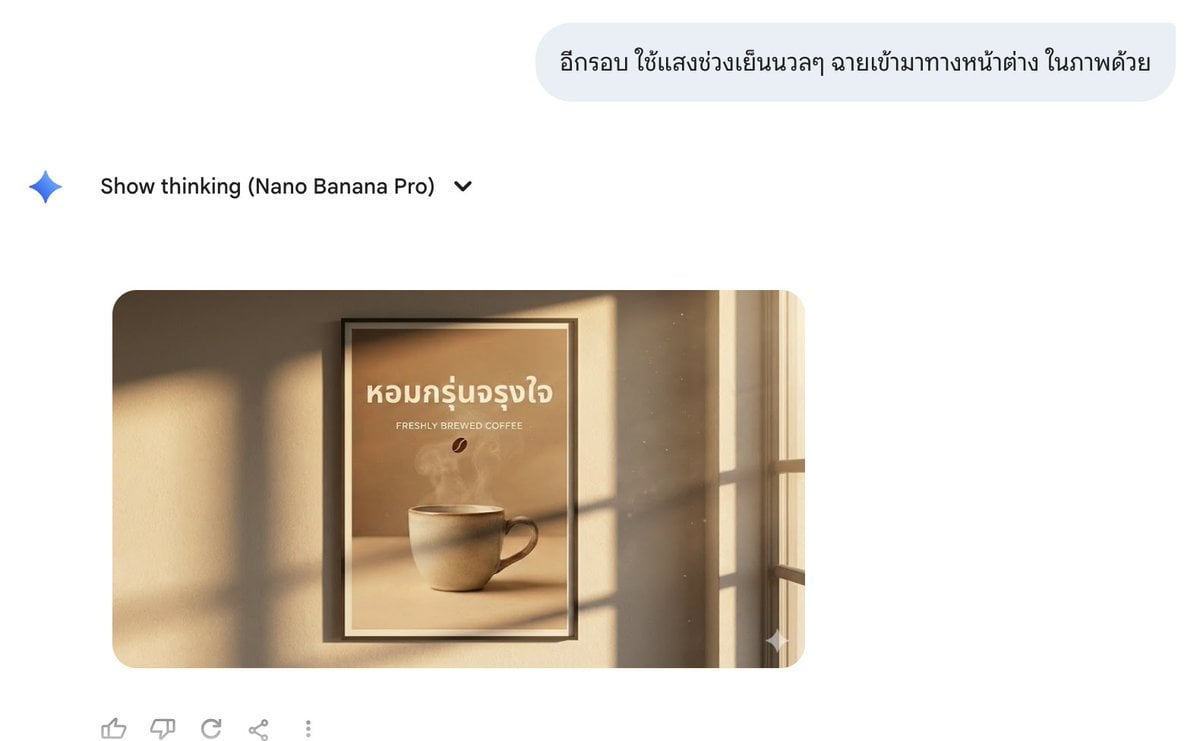
Director Style Prompting Tips for Nano Banana Pro
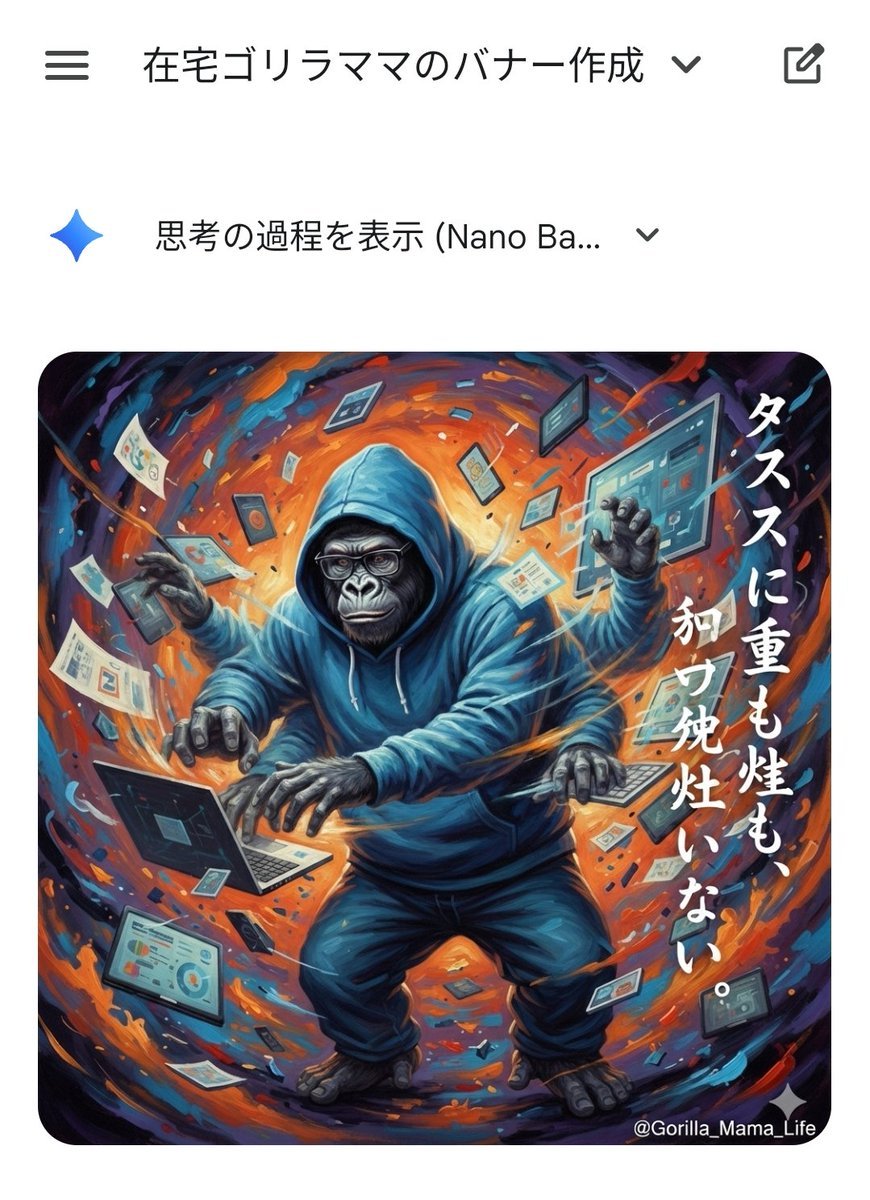
Prompting Tips for Nano Banana Pro (Japanese)
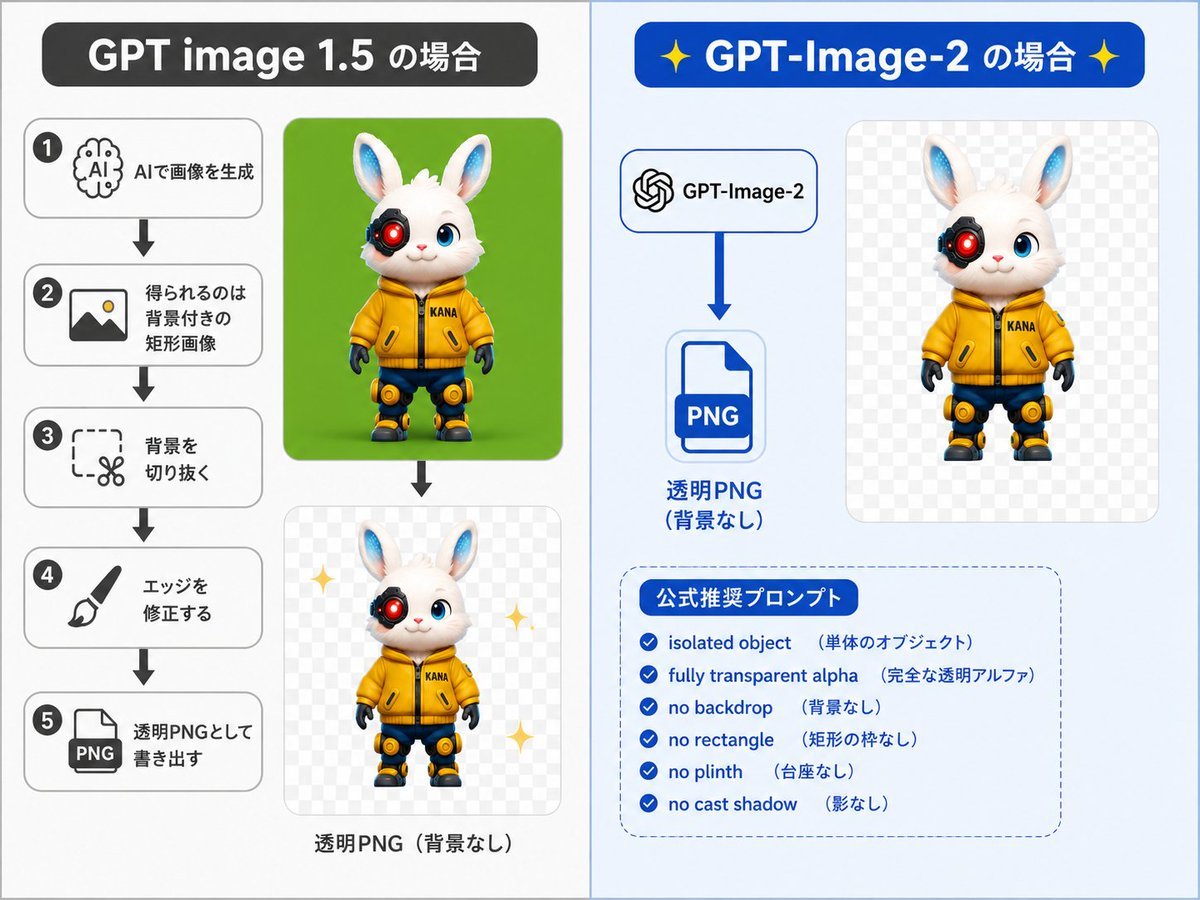
GPT-Image-2 Transparency Prompting Guide
Make it yours
Nano Banana Pro Prompting Strategy for Stable Output works as-is. These are the safest ways to change it without losing the look.
Change one field
Copy a single group, rewrite it, and generate again so you can see what that field is doing.
Keep the frame, change the subject
Hold the composition and light of Nano Banana Pro Prompting Strategy for Stable Output, then swap wardrobe, props or the person for a new take.
| If the result… | Why | Fix |
|---|---|---|
| The result drifts from the preview | Too many fields changed at once. | Reuse Nano Banana Pro Prompting Strategy for Stable Output as-is first, then change one group — subject, light, or setting. |
| The model over-stylizes the scene | The prose prompt leaves finish and camera underspecified. | Add one camera or lighting sentence and stay on Nano Banana 2. |
More Nano Banana 2 templates
Other prompts made for Nano Banana 2.

Photorealistic Leaf Shaped Like a Dragon

K-Pop Idol Portrait Grid for Rapid Selection

Poetic Rain Forest Portrait During Golden Hour

Urban Street Portrait with Cartoon Inner Self Duo

Candid Nighttime Photo with Cat Prompt

High-Concept 3D Diorama Generation Prompt

Cinematic Futuristic Studio Portrait Template

Skincare Editorial Photography Collage Prompt

Hyper-Realistic Commercial Product Photography (Splash Effect)

Hyper-Realistic Nightclub Portrait Prompt
More image prompts
Fresh picks from across the catalog.
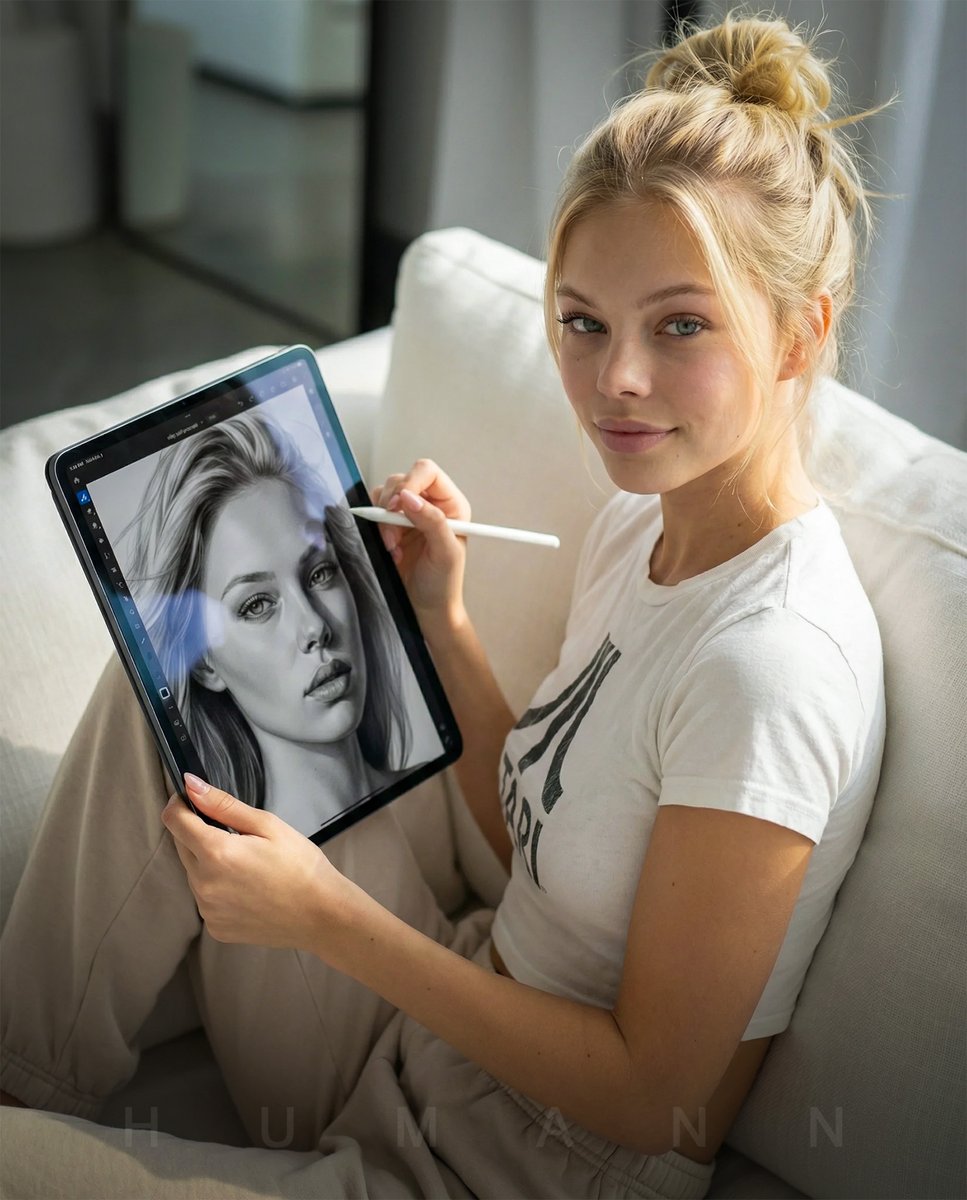
Photorealistic Self-Portrait Drawing with Reference Images
Hyper-Realistic Underwater Snorkeling Portrait
Cloisonné Craft PPT Cover
Gpt2 Profile Avatar Cyber Crystal Anime Girl Portrait
Cinematic Portrait Transformation
Anonymous Tracksuit Lookbook Collage

Cinematic Night City Triptych Portrait (Duplicate)
Nano Banana 2 Romantic Digital Photo Col

High-Fashion Editorial with Newspaper Dress

Anime Portrait of South Asian Woman
Browse template categories
Nano Banana Pro Prompting Strategy for Stable Output questions
How do I use the Nano Banana Pro Prompting Strategy for Stable Output template?
Add your photo if the template asks for one, edit the prompt if you like — the template's model and format are already selected — and press Generate. Your version opens in PicX Studio.
Can I customize the Nano Banana Pro Prompting Strategy for Stable Output template?
Yes. You can change the subject, setting, lighting, mood, format, and available model controls before creating your image.
Is the Nano Banana Pro Prompting Strategy for Stable Output template free?
Opening and editing this template is free. Generating uses credits, shown on the Generate button when you are signed in.
Which AI model should I use?
Start with Nano Banana 2, which is the model associated with this template. You can compare another compatible model for a different finish.
Looking for something else? Browse all templates.

Your photo, any look
Thousands of ready templates for every top image and video model, from one credit balance.