
Nano Banana 2 Romantic Digital Photo Col
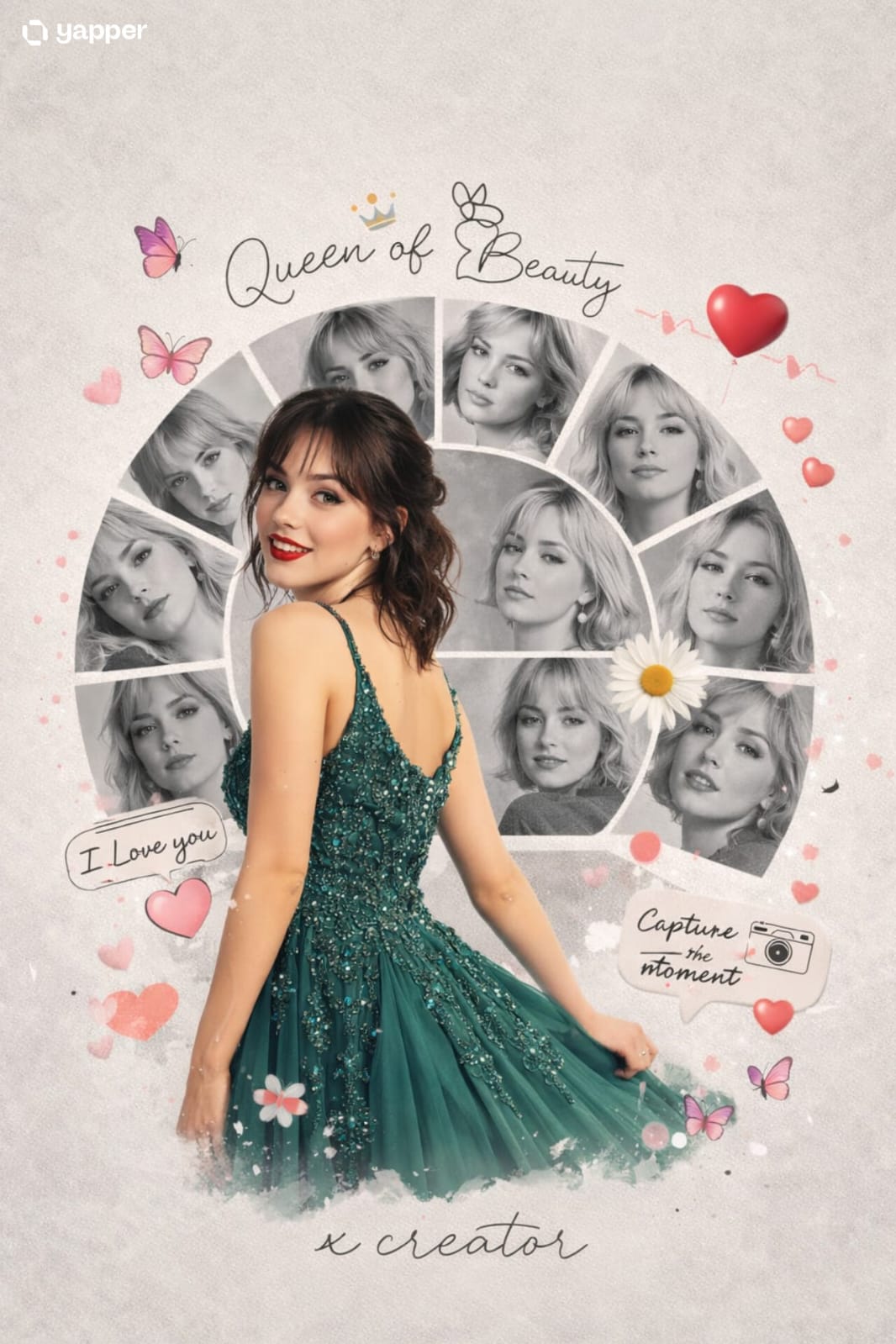
Nano Banana 2 Romantic Digital Photo Col is a ready photo look for Nano Banana.
- Prompt included
- Model and format preset
- Free template
The prompt behind this image
Copy the exact prompt behind Nano Banana 2 Romantic Digital Photo Col, or open it in the studio and make it yours.
A creative romantic digital photo collage featuring a young handsome woman in a peacock green frock. The main subject is a full-body cutout placed slightly left, turned back and smiling over her shoulder, wearing a peacock green embellished rich frock. Behind and around her is a semi-circular collage of multiple black-and-white portrait shots of the same woman, each in different expressions and poses, arranged in curved segments. The background is a soft light grey textured surface with a minimal aesthetic.Decorative elements include pink butterflies, a floral daisy near the center, red heart balloons, and cute love-themed stickers Handwritten-style text elements like “Queen of Beauty,” “I Love you,” and “Capture the moment” are scattered around. A small heartbeat line with a heart icon is included. At the bottom, the name “x creator” appears in elegant cursive typography. Soft shadows, smooth cutout blending, high-end Photoshop manipulation, romantic mood, pastel tones.
How to use Nano Banana 2 Romantic Digital Photo Col in 3 steps
- 1
Open
The prompt is already in the box next to the preview, with the template's model and format selected.
- 2…a portrait of your subject in softgolden-hour light, 85mm…
Personalize
Edit the subject and creative details for your destination.
- 3Generate
Generate
Press Generate — your image is created in PicX Studio, so you can compare it with the original and refine one variable at a time.
More like this
Templates with the same subject, style or setup. Open one to see its prompt.

Cinema Date Popcorn Realistic By Nano Ba

Comparing Realism Keywords in Midjourney

Nano Banana Is So Addictive

Nano Banana 2 Perspective Experiment

Gemini Nano Banana 2 Isometric 3d City D

Nano Banana 2

Gemini Nano Banana 2

Gemini Nano Banana 2 Logo in Wet Sand Be

Nano Banana 2 Gourmet Ice Cream Commerci

Nano Banana Pro Photoreal Playful Couple

Nano Banana 2 High Fashion Sports Campai

Nano Banana 2 Editorial Fashion Portrait
Make it yours
Nano Banana 2 Romantic Digital Photo Col works as-is. These are the safest ways to change it without losing the look.
Change one field
Copy a single group, rewrite it, and generate again so you can see what that field is doing.
Keep the frame, change the subject
Hold the composition and light of 33-nano-banana-2-romantic-digital-photo-col, then swap wardrobe, props or the person for a new take.
| If the result… | Why | Fix |
|---|---|---|
| The result drifts from the preview | Too many fields changed at once. | Reuse 33-nano-banana-2-romantic-digital-photo-col as-is first, then change one group — subject, light, or setting. |
| The model over-stylizes the scene | The prose prompt leaves finish and camera underspecified. | Add one camera or lighting sentence and stay on Nano Banana. |
More Nano Banana templates
Other prompts made for Nano Banana.









More image prompts
Fresh picks from across the catalog.

Dark, Moody, Photorealistic Portrait Prompt
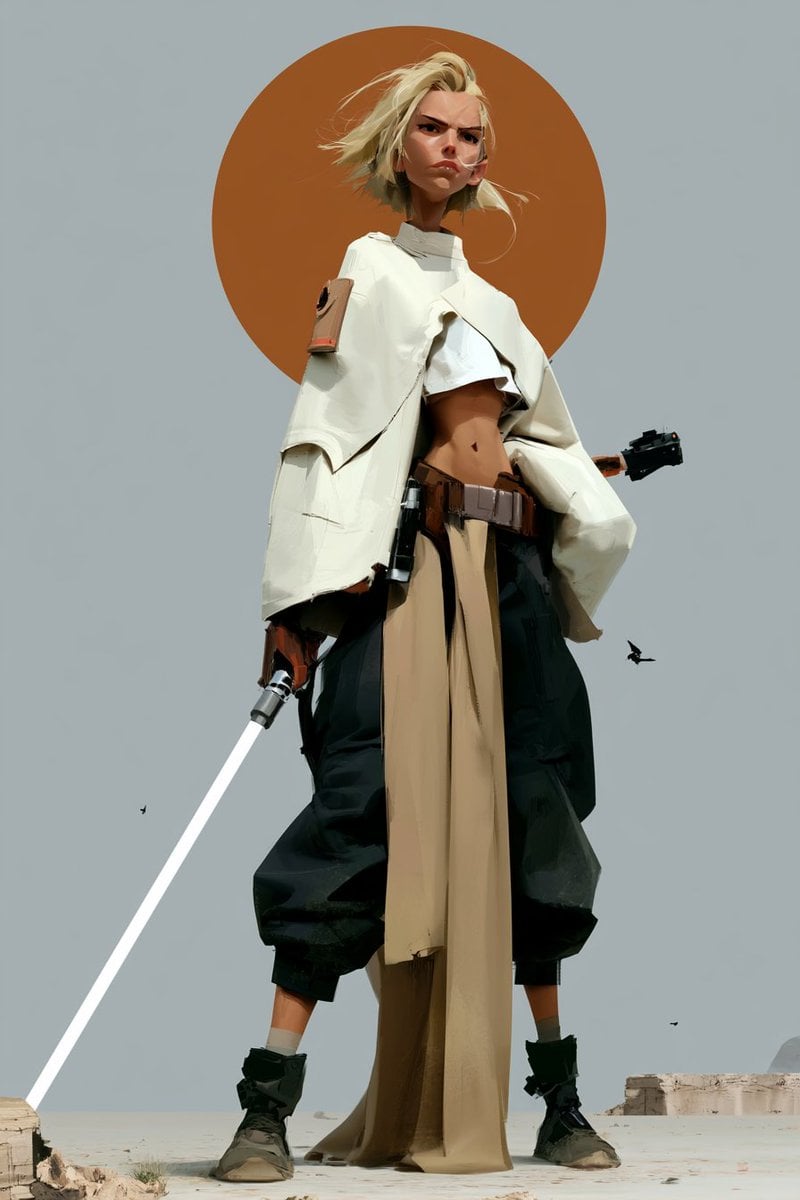
Futuristic Female Jedi Desert Portrait
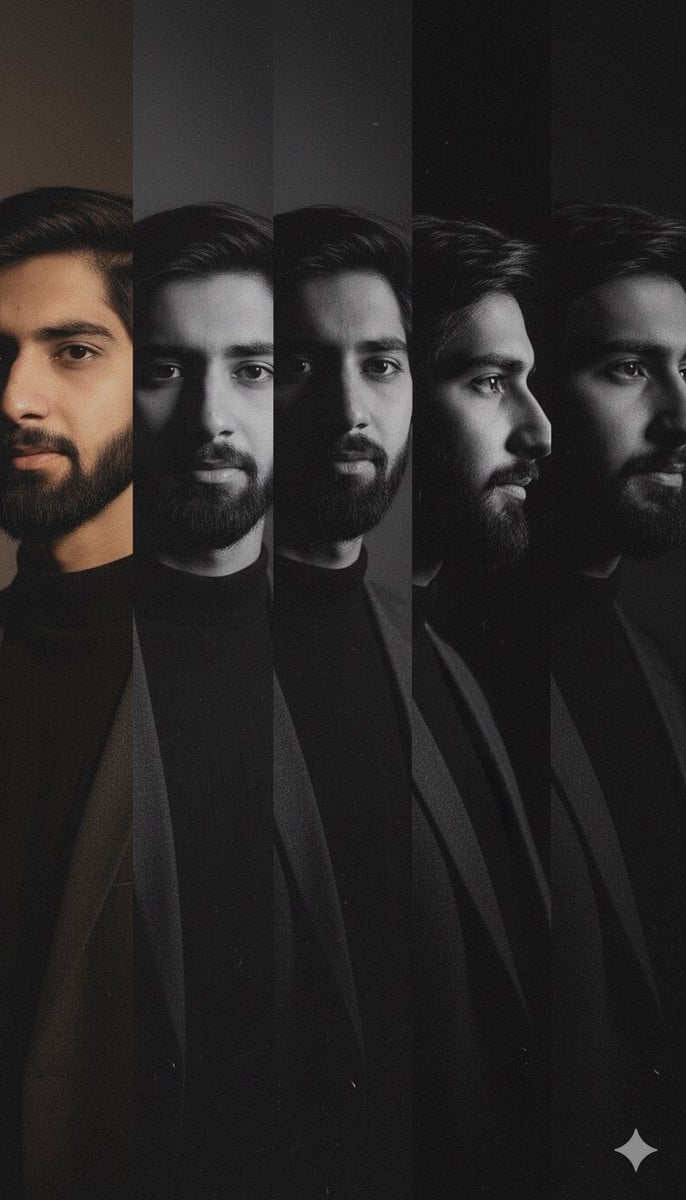
High-Contrast Noir Portrait Collage with Color Shifts
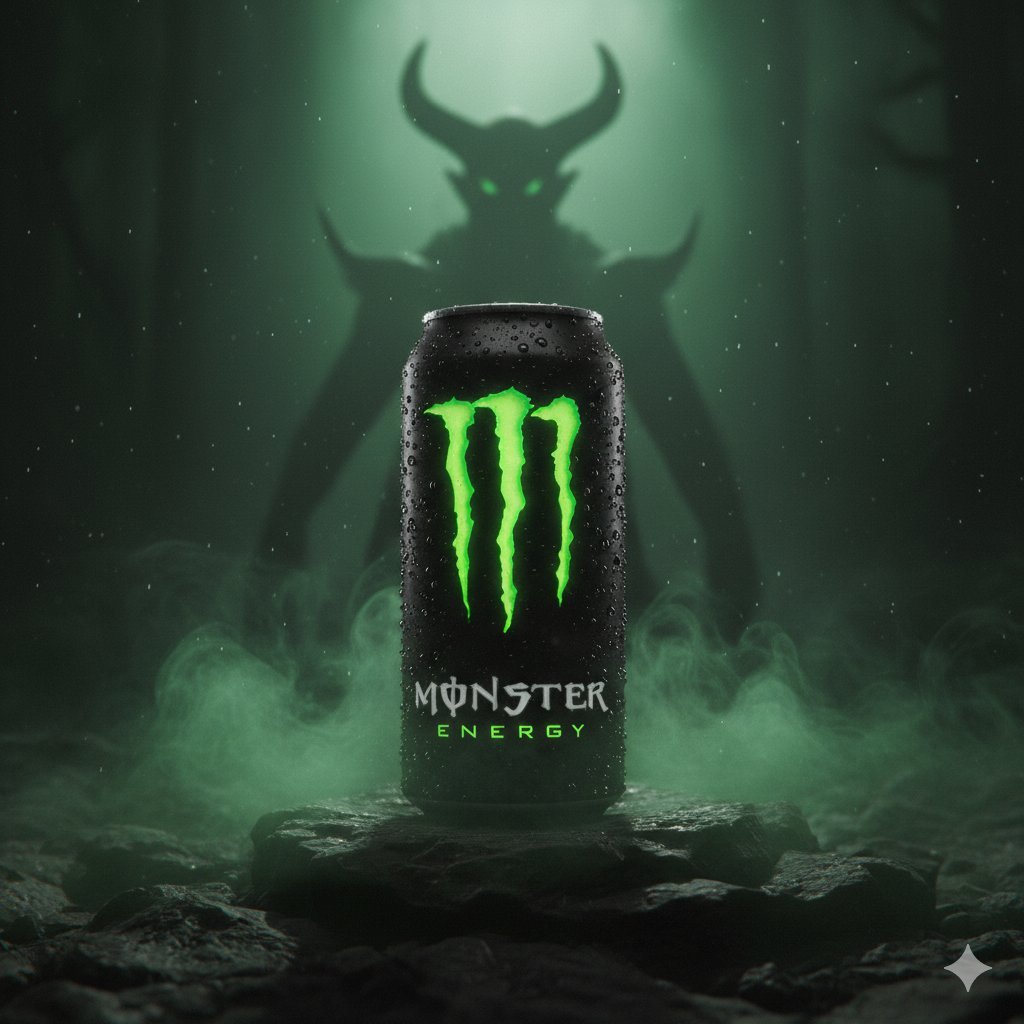
Dark Fantasy Product Shot of Monster Energy Drink
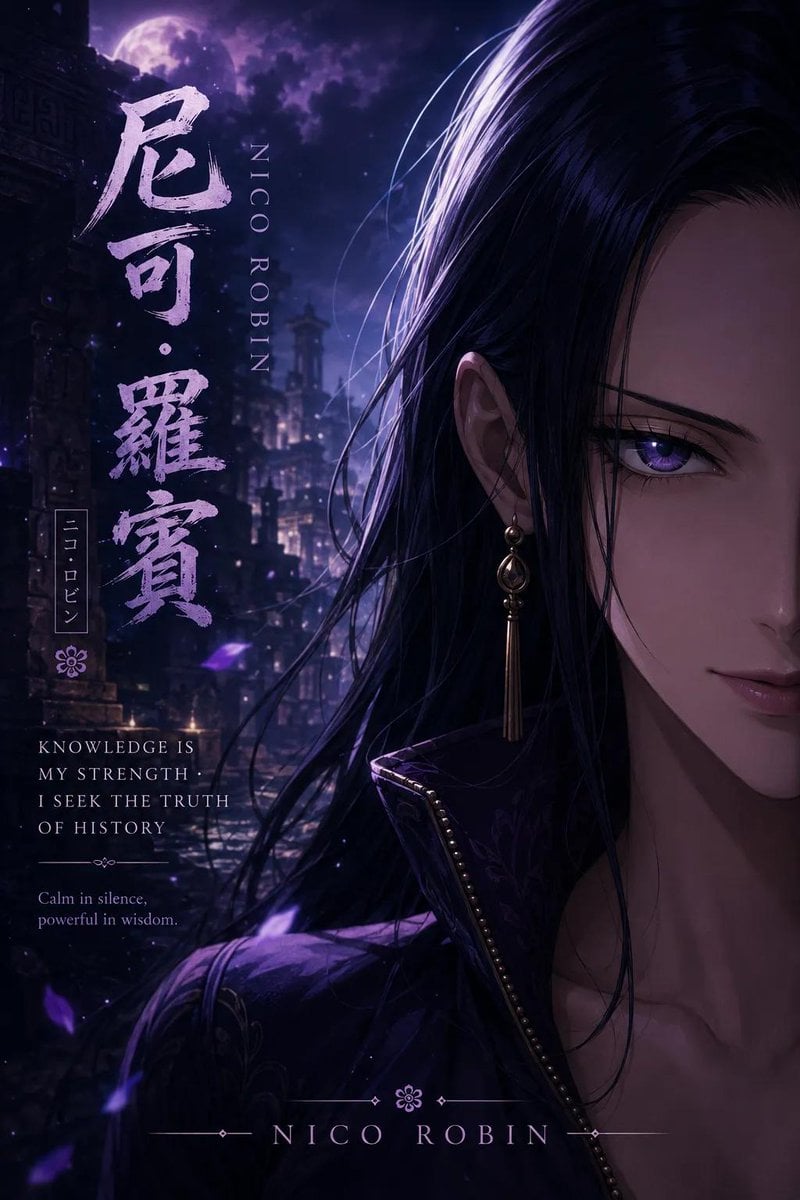
Anime Adventure Character Poster Design

Double Exposure Portrait of an AI Engineer
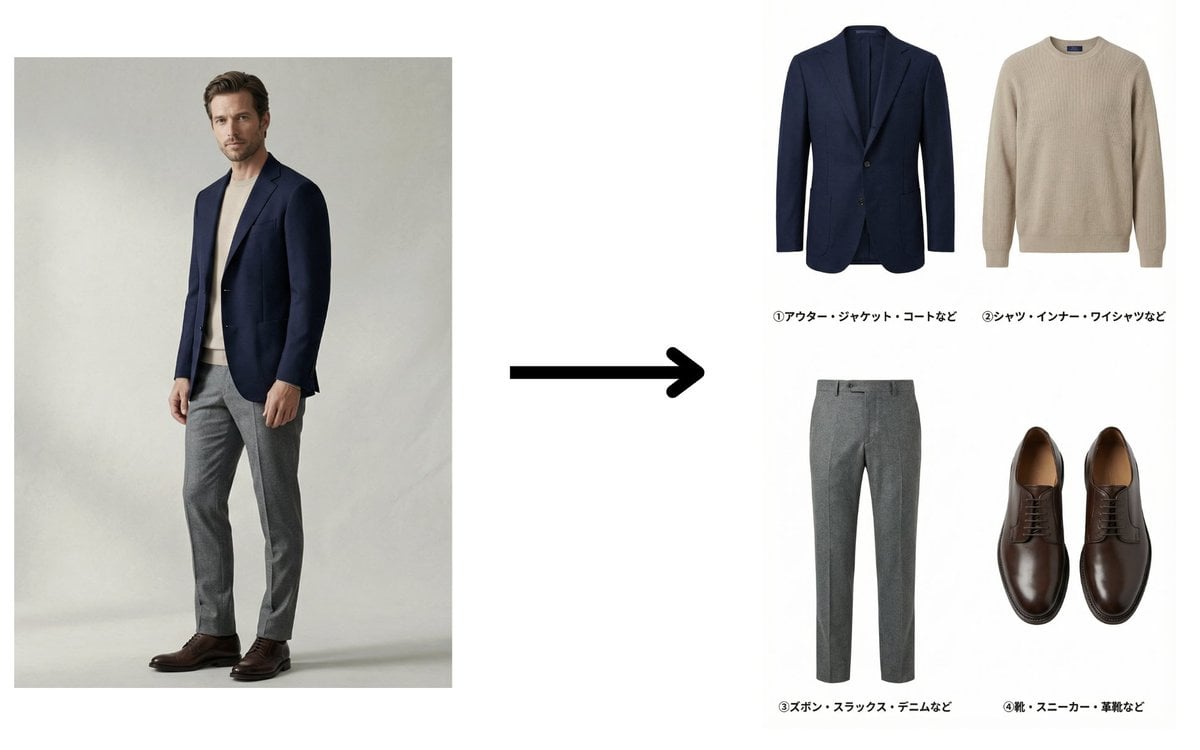
Fashion Catalog Item Extraction from Reference Image
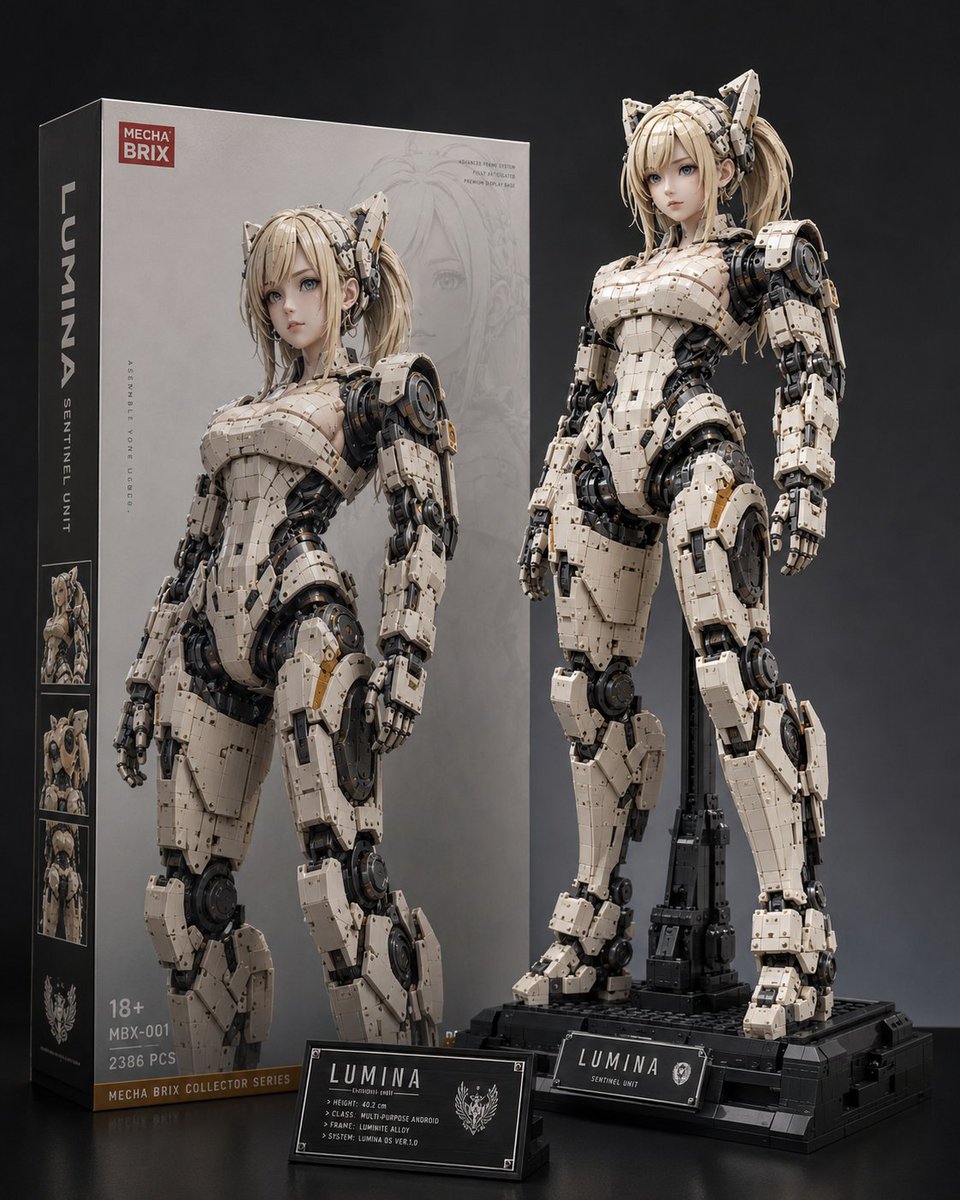
Lumina Mecha Figure Product Shot
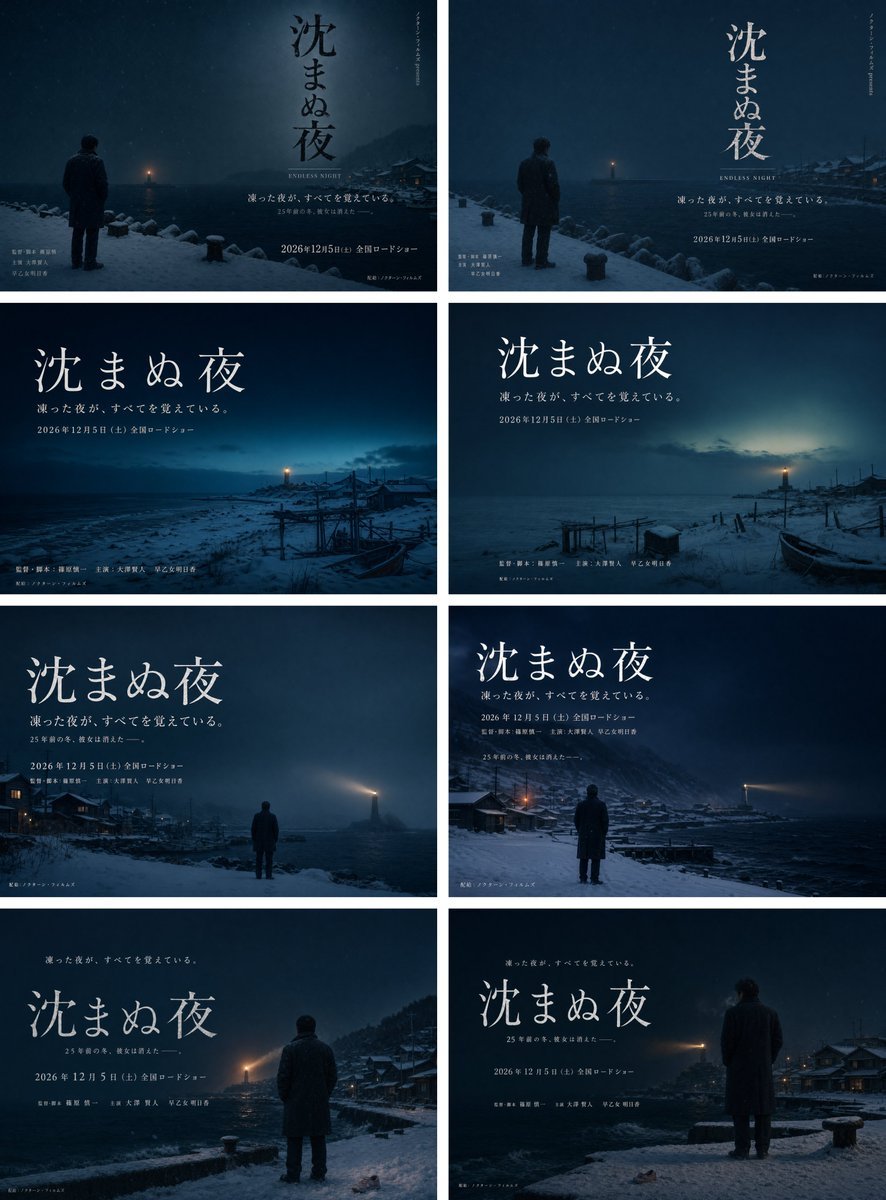
Snowy Japanese Film Poster Grid

Indian Woman in Red Suit Portrait
Browse template categories
Nano Banana 2 Romantic Digital Photo Col questions
How do I use the 33-nano-banana-2-romantic-digital-photo-col template?
Add your photo if the template asks for one, edit the prompt if you like — the template's model and format are already selected — and press Generate. Your version opens in PicX Studio.
Can I customize the 33-nano-banana-2-romantic-digital-photo-col template?
Yes. You can change the subject, setting, lighting, mood, format, and available model controls before creating your image.
Is the 33-nano-banana-2-romantic-digital-photo-col template free?
Opening and editing this template is free. Generating uses credits, shown on the Generate button when you are signed in.
Which AI model should I use?
Start with Nano Banana, which is the model associated with this template. You can compare another compatible model for a different finish.
Looking for something else? Browse all templates.

Your photo, any look
Thousands of ready templates for every top image and video model, from one credit balance.