
Futuristic Female Jedi Desert Portrait
Generates a cinematic full-body sci-fi warrior portrait with Jedi-inspired fashion, a lightsaber, and minimalist desert worldbuilding.
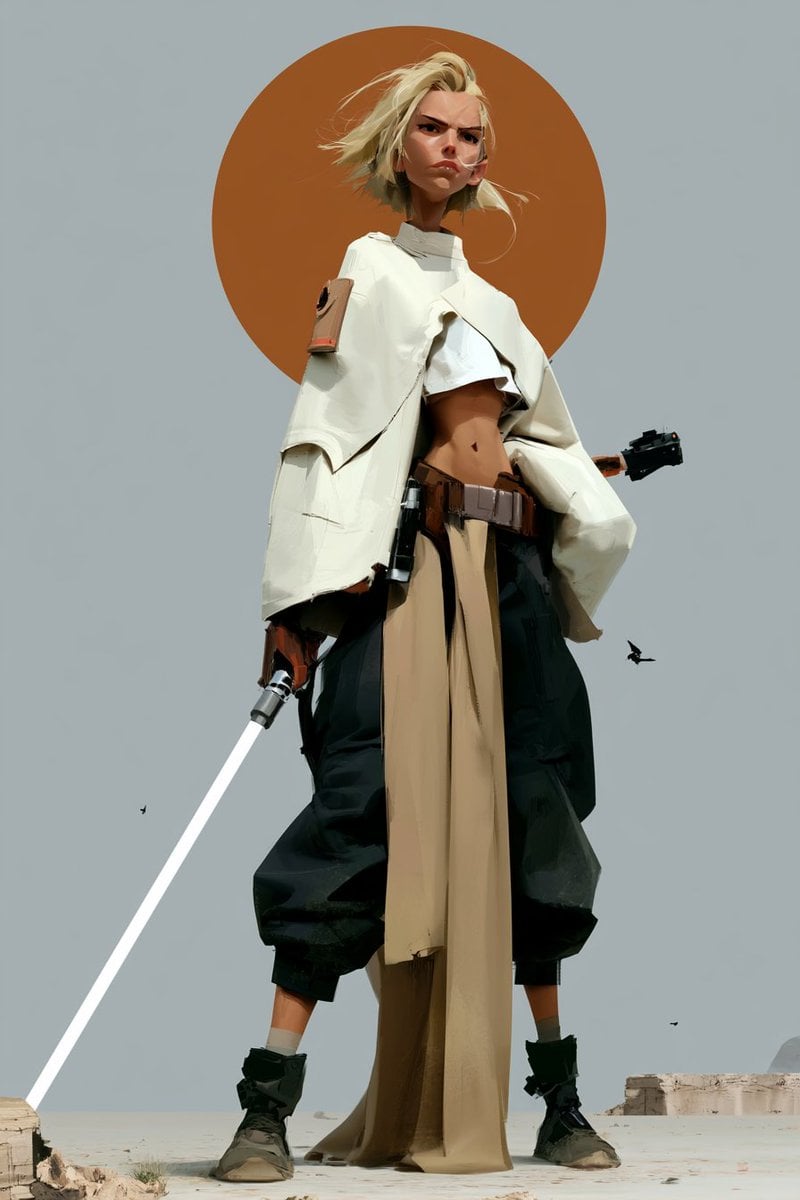
- Prompt included
- Model and format preset
- Premium template
The prompt behind this image
Copy the exact prompt behind Futuristic Female Jedi Desert Portrait, or open it in the studio and make it yours.
Create a vertical 2:3 full-body cinematic fashion character portrait of a futuristic female Jedi warrior standing in a pale desert under a flat gray-blue sky, viewed from a low angle so she feels tall and imposing. The character has {argument name="hair color" default="windblown platinum blonde"} short messy hair, a slim athletic build, tanned skin, and her face is deliberately obscured by a square pixelated censor block matching skin tones. She wears an oversized off-white Jedi poncho/cape with sculptural folded panels and wide sleeves over a cropped white top that exposes her midriff, a brown utility belt with pouches, loose black cropped harem pants, a long tan cloth tabard hanging from the waist to the ground, ankle socks, and rugged dark boots. She holds exactly one glowing white lightsaber angled diagonally down toward the bottom-left corner, with a metallic hilt in her right hand; a second dark sci-fi handle or weapon protrudes behind her right side. Behind her head is exactly one large burnt-orange circular sun disk, centered like a halo. The background is minimal and surreal: pale sand foreground, distant low stone ruins on the right, a faint rounded rock formation far right, and exactly three small black birds scattered in the sky. Use high-fashion editorial sci-fi styling, sharp sunlight, clean composition, muted desert palette of cream, tan, black, rust orange, and gray-blue, realistic fabric folds, dramatic wind movement, no text, no watermark.
How to use Futuristic Female Jedi Desert Portrait in 3 steps
- 1Upload ImagePNG, JPG or paste
Add your photo
Upload the photo the template builds on. The prompt, model and format are already set.
- 2…a portrait of your subject in softgolden-hour light, 85mm…
Personalize
Edit the subject and creative details for your destination.
- 3Generate
Generate
Press Generate — your image is created in PicX Studio, so you can compare it with the original and refine one variable at a time.
More like this
Templates with the same subject, style or setup. Open one to see its prompt.

Found Photograph: Us, 1970

80s Couple Studio Portrait

80s Bollywood Star

80s Golden Hour Cinema

Me in 1985

1985 Studio Portrait
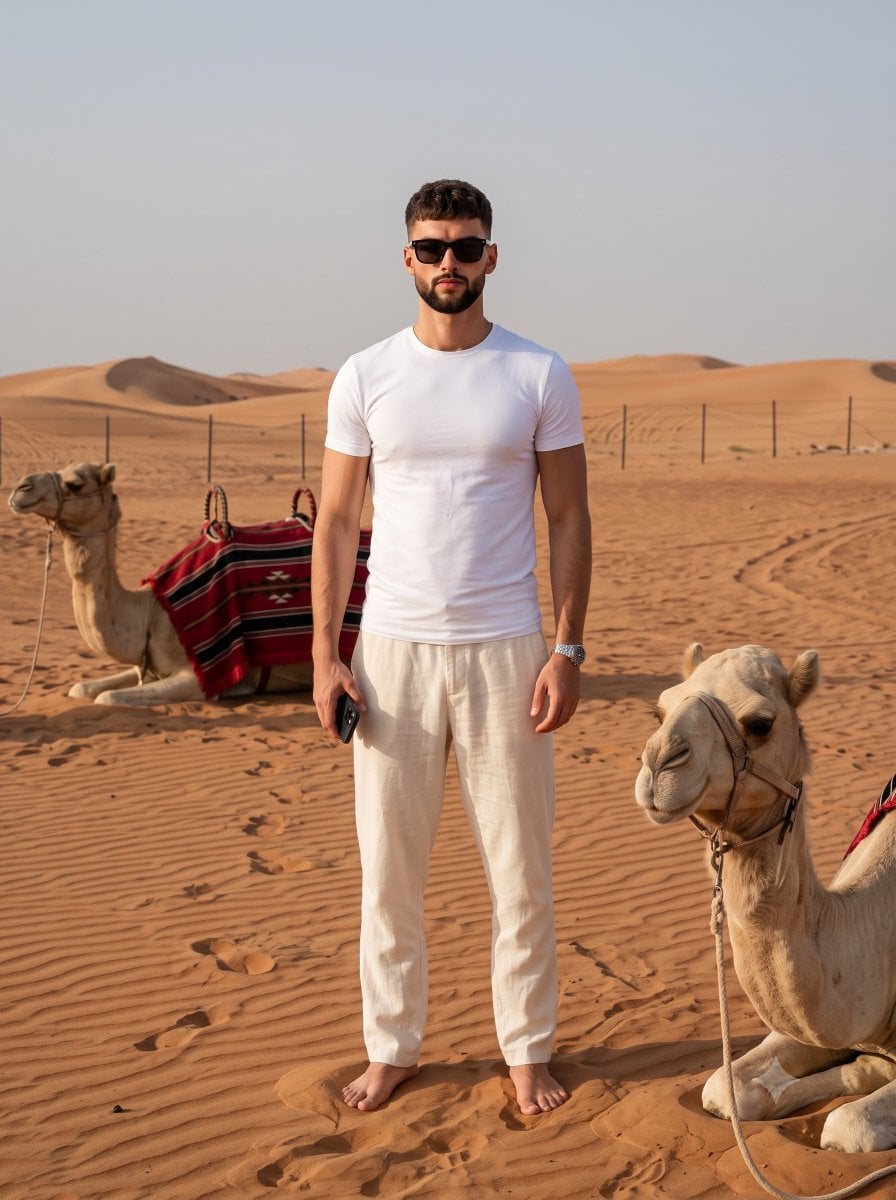
Desert Travel Lifestyle Portrait

Hyper-Realistic Minecraft POV Portrait
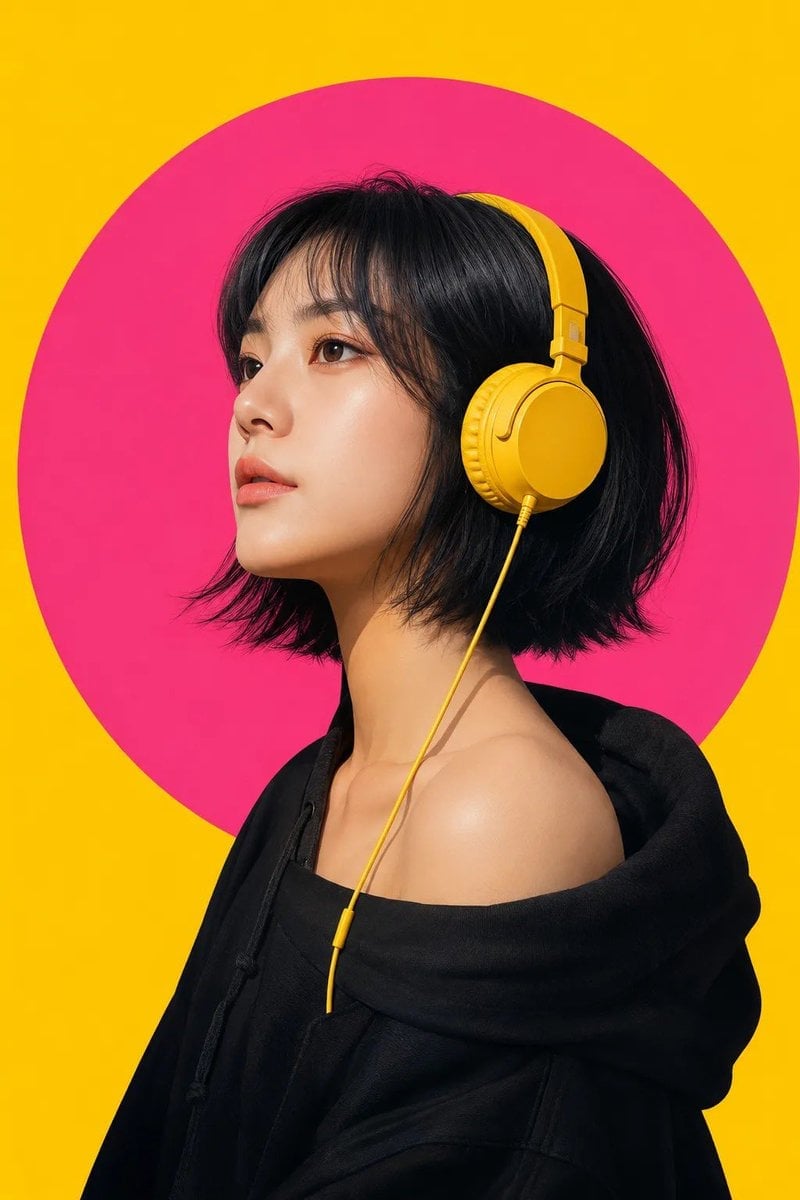
Modern Pop-Art Female Portrait

Rooftop Fisheye — Cat-Ear Balaclava at Golden Hour

Saudi Arabia Paper Cut Travel Poster

Female Football Fan Portrait
Make it yours
Futuristic Female Jedi Desert Portrait works as-is. These are the safest ways to change it without losing the look.
Change one field
Copy a single group, rewrite it, and generate again so you can see what that field is doing.
Keep the frame, change the subject
Hold the composition and light of Futuristic Female Jedi Desert Portrait, then swap wardrobe, props or the person for a new take.
| If the result… | Why | Fix |
|---|---|---|
| The result drifts from the preview | Too many fields changed at once. | Reuse Futuristic Female Jedi Desert Portrait as-is first, then change one group — subject, light, or setting. |
| The model over-stylizes the scene | The prose prompt leaves finish and camera underspecified. | Add one camera or lighting sentence and stay on GPT Image 2. |
More GPT Image 2 templates
Other prompts made for GPT Image 2.

Six VTuber Japanese Logo Sheet

Realistic Portrait of Woman and Deer

The Vista Modular Condo Poster

AI Model Routing Comparison Infographic

2.5D Anime Art Board

Isometric Productivity Desk Scene

New York Double Exposure Poster

Four-Panel AI Landscape Comparison

Japanese Tatami Lifestyle Magazine Cover

NESCAFÉ Coffee Map Poster
More image prompts
Fresh picks from across the catalog.
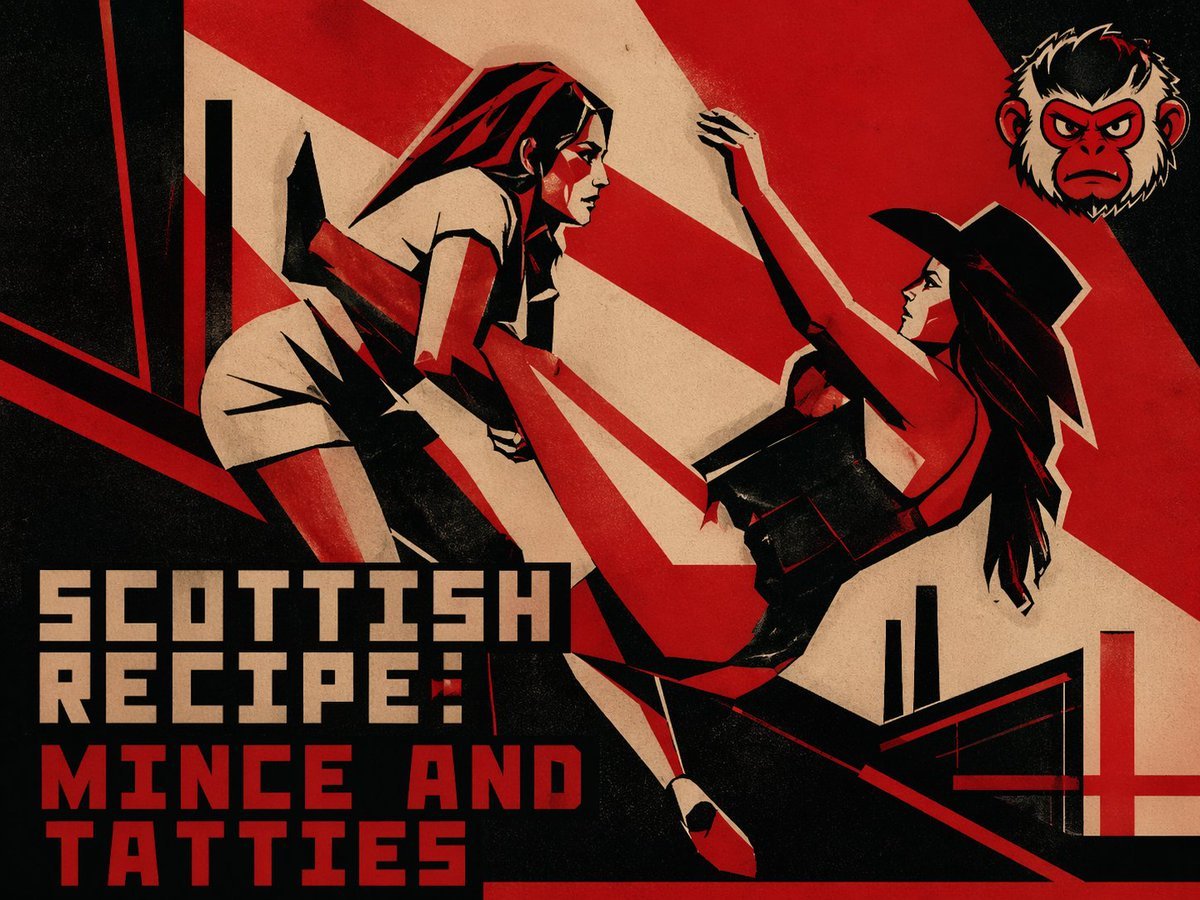
Retro Constructivist Fight Poster
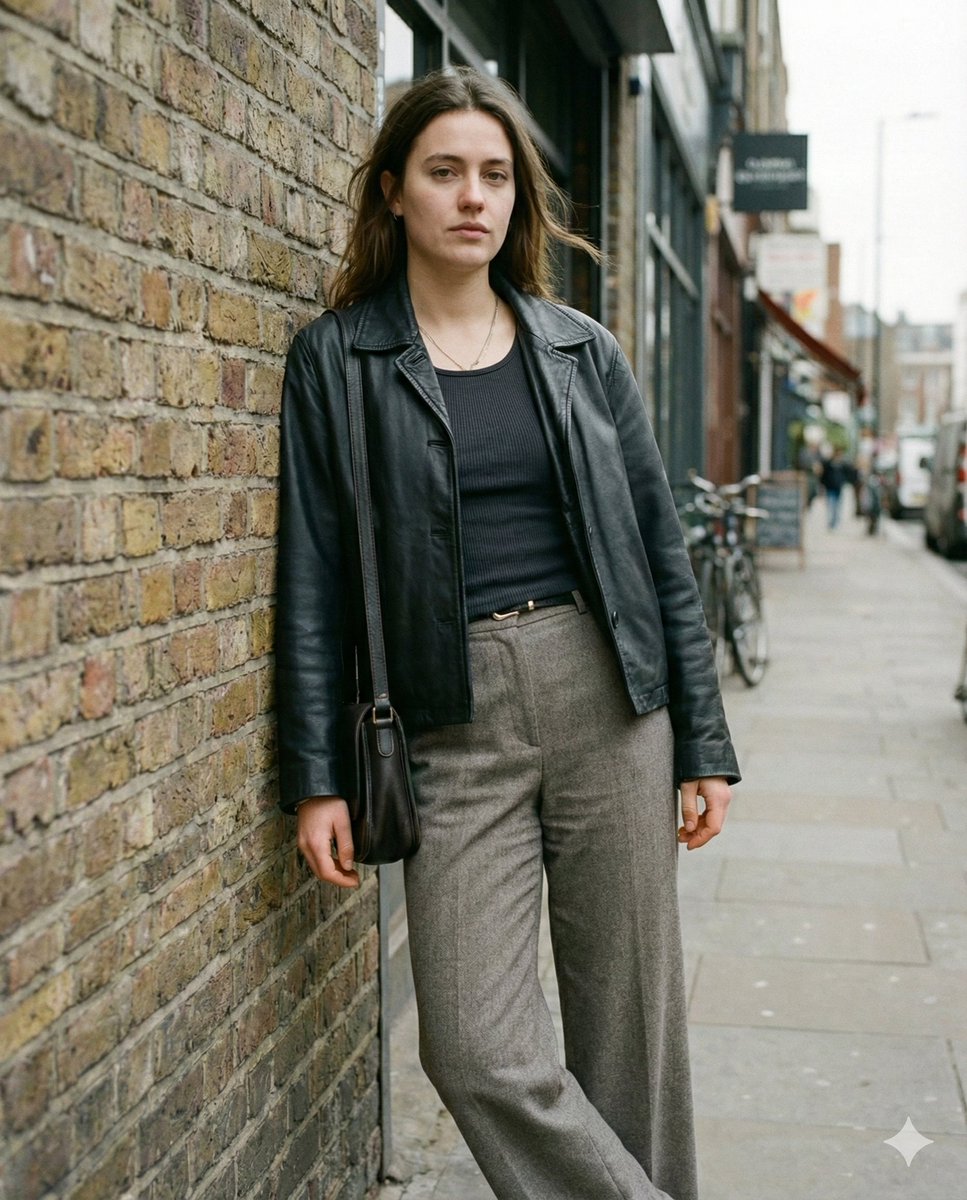
Grounded Realism Street Portrait Prompt
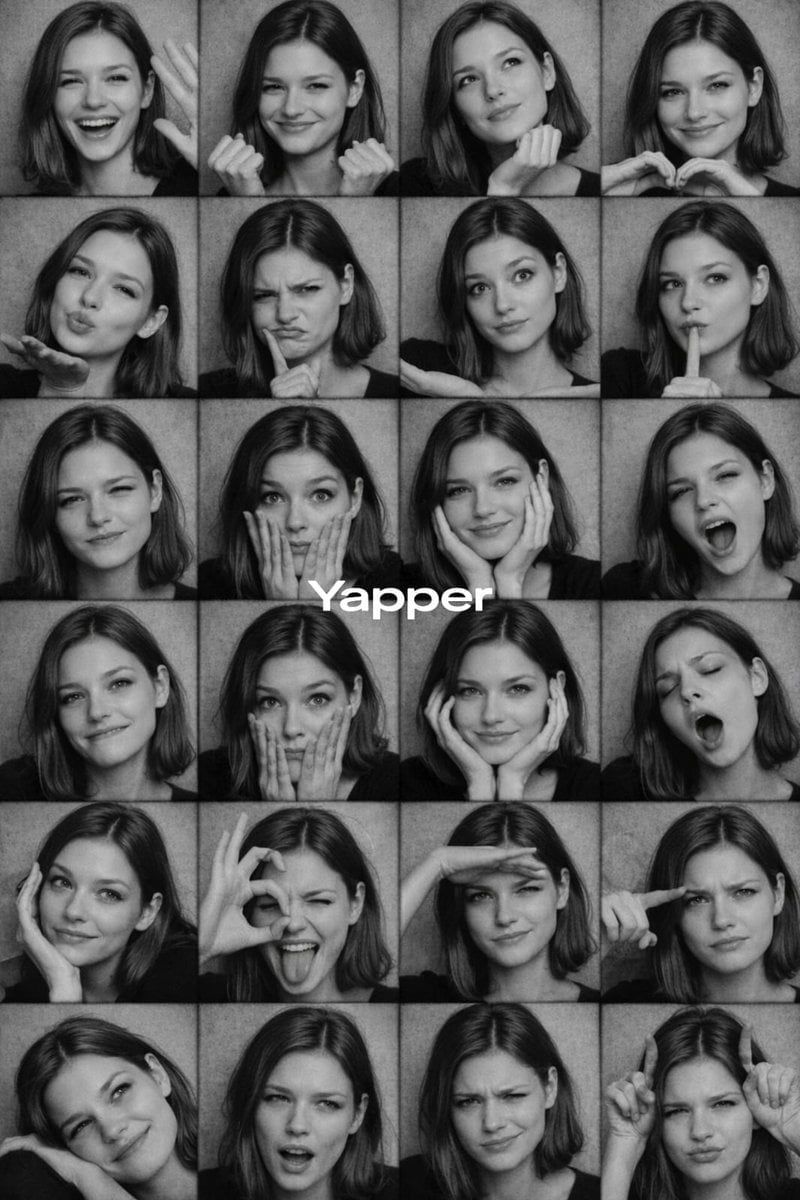
Black and White Photobooth Expression Grid Prompt
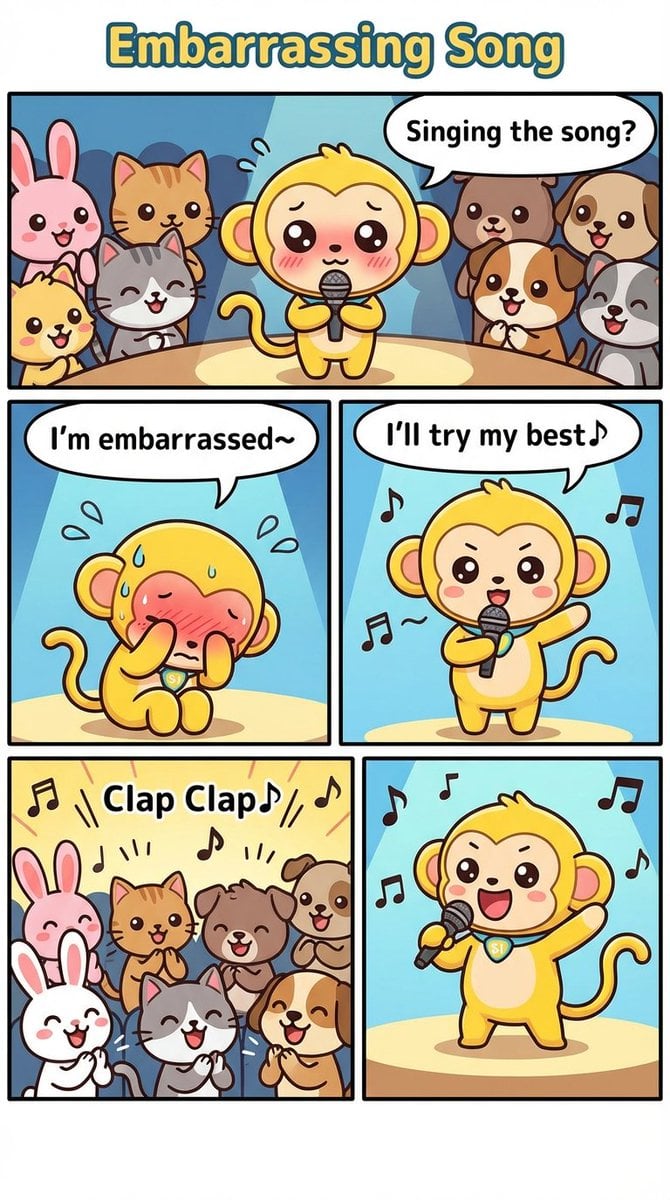
Nano Monkey's Adventure Manga Generation
Isolated Tree on Checkerboard
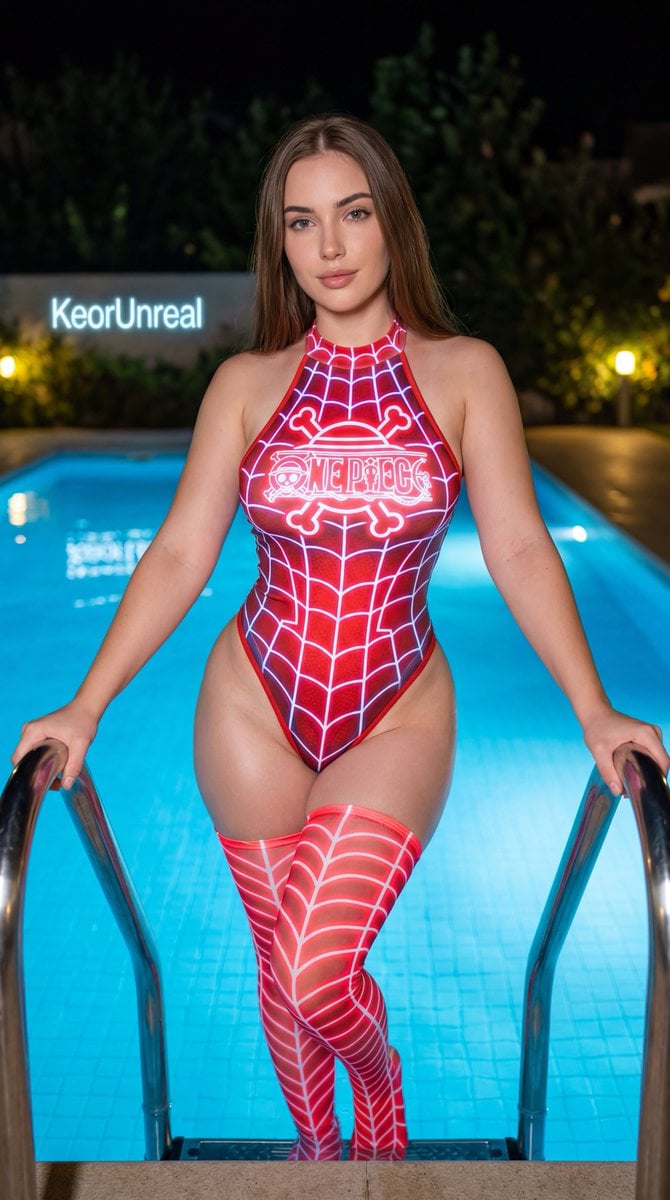
Neon Red One Piece Bodysuit at Night Pool
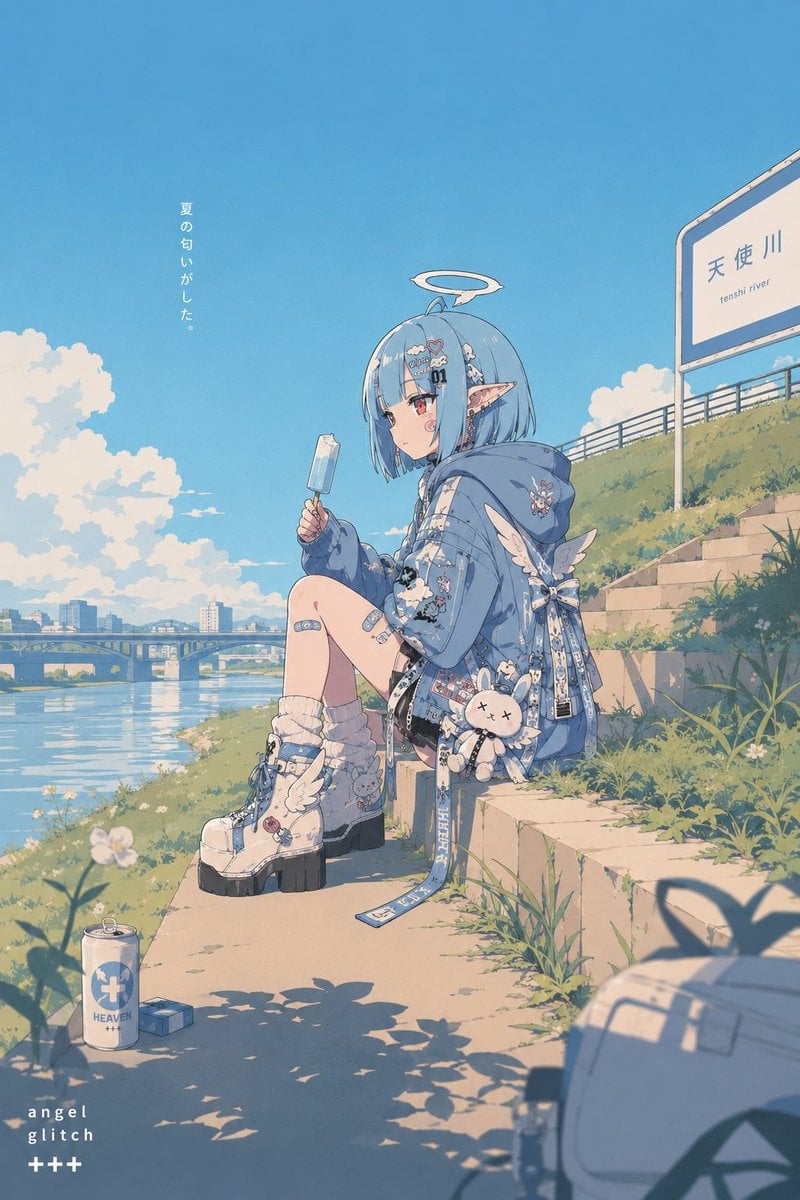
Retro Pop Riverbank Key Visual
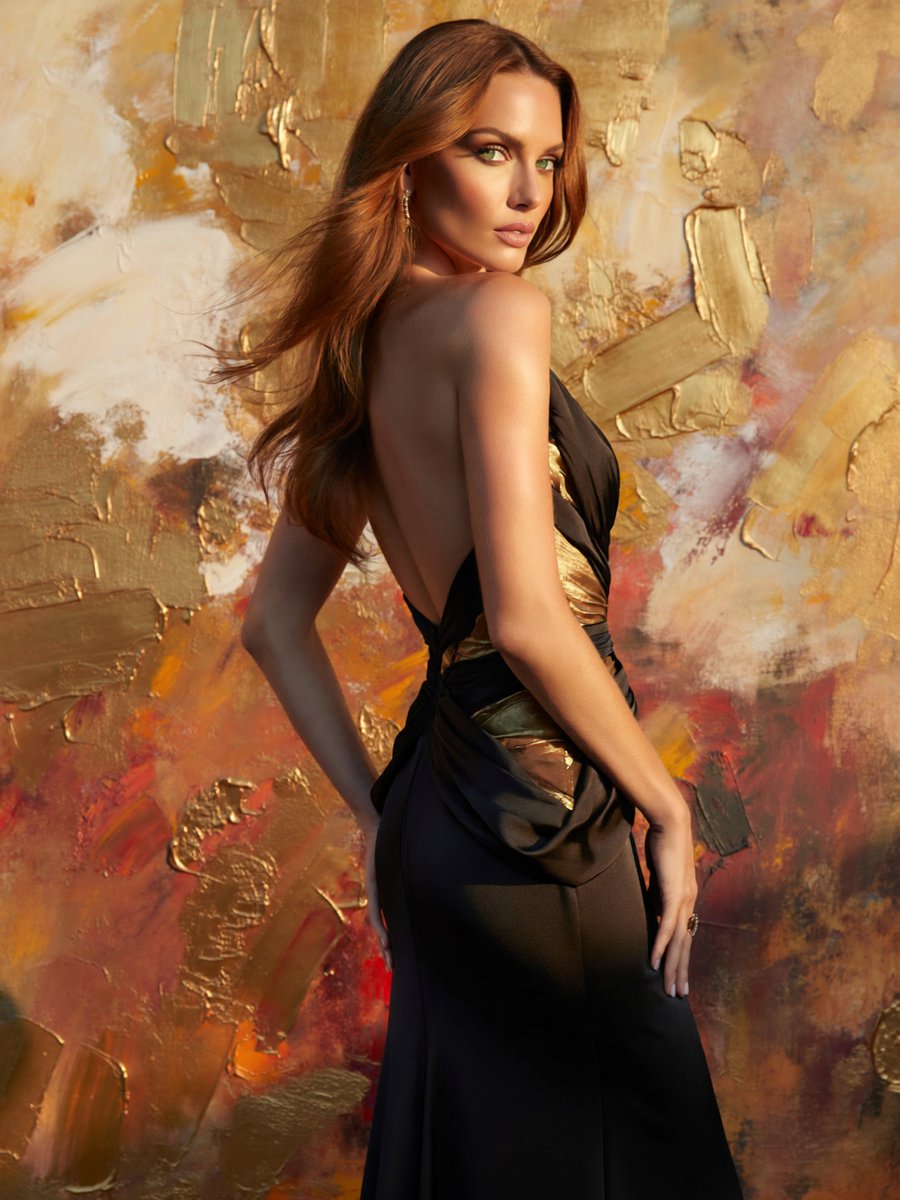
Glamorous Backless Gown Portrait
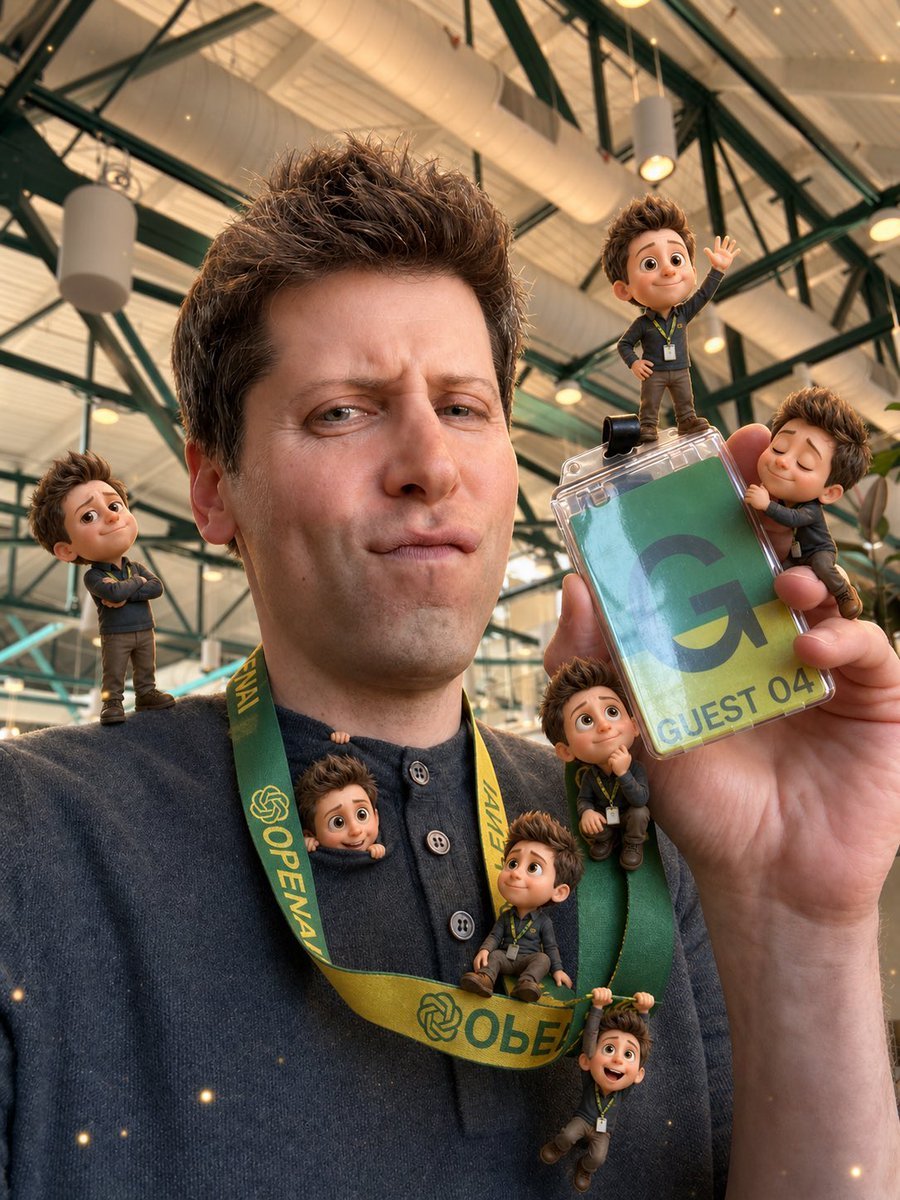
Mini-Me 3D Selfie Transformation
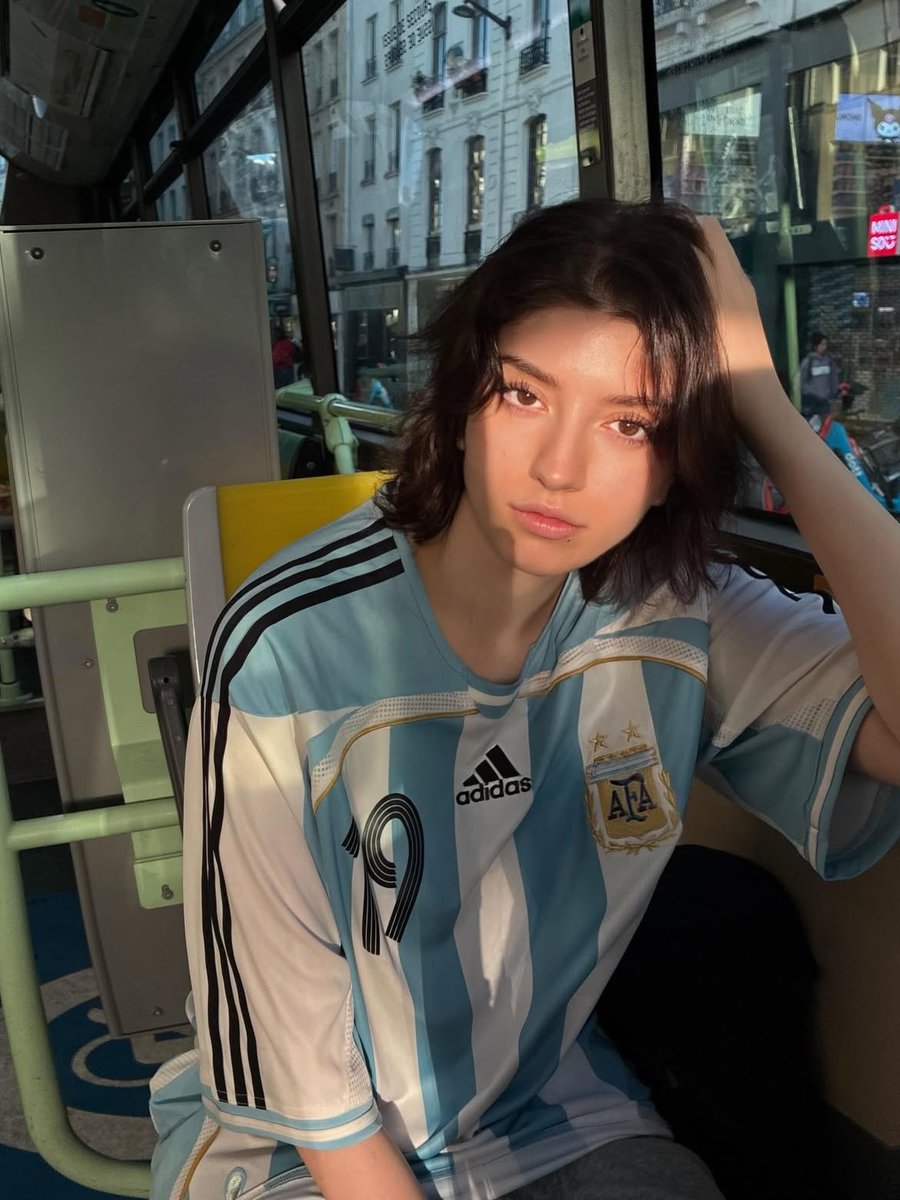
Golden Hour Bus Ride Portrait
Browse template categories
Futuristic Female Jedi Desert Portrait questions
How do I use the Futuristic Female Jedi Desert Portrait template?
Add your photo if the template asks for one, edit the prompt if you like — the template's model and format are already selected — and press Generate. Your version opens in PicX Studio.
Can I customize the Futuristic Female Jedi Desert Portrait template?
Yes. You can change the subject, setting, lighting, mood, format, and available model controls before creating your image.
Is the Futuristic Female Jedi Desert Portrait template free?
Opening and editing this template is free. Generating uses credits, shown on the Generate button when you are signed in.
Which AI model should I use?
Start with GPT Image 2, which is the model associated with this template. You can compare another compatible model for a different finish.
Looking for something else? Browse all templates.

Your photo, any look
Thousands of ready templates for every top image and video model, from one credit balance.