
Retro Constructivist Fight Poster
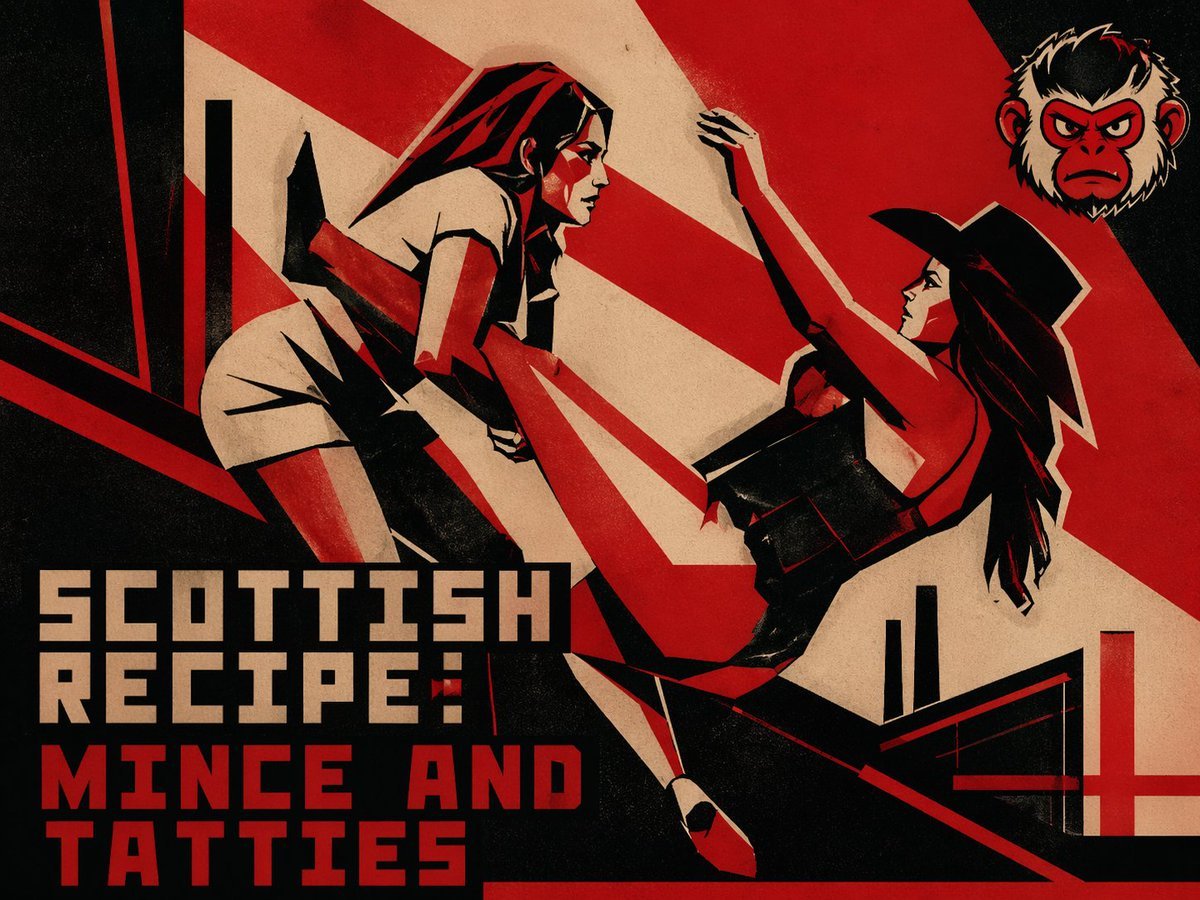
This prompt generates a bold vintage propaganda-style poster with two women in a stylized fight scene, ideal for satirical pulp artwork or dramatic graphic poster designs.
- Prompt included
- Model and format preset
- Premium template
The prompt behind this image
Copy the exact prompt behind Retro Constructivist Fight Poster, or open it in the studio and make it yours.
A gritty retro propaganda-style poster illustration with a limited palette of black, deep red, and aged beige paper texture, designed like a bold vintage screen-printed action poster. Show 2 stylized women in a dramatic diagonal composition, frozen mid-fight. On the left, a woman dressed like a nurse in a short white uniform and angular nurse cap lunges forward with one knee raised and one arm bent, her body sharply foreshortened. On the right, a woman in a fitted black dress and wide-brim black hat leans backward in a defensive pose, one arm raised above her head and the other near her torso, long dark hair flowing behind her. Render both figures with hard-edged geometric shapes, exaggerated limbs, sharp shadows, and high-contrast noir facial planes. Use aggressive red diagonal rays sweeping across the background, with black architectural bars and abstract constructivist shapes framing the scene. Add distressed paper grain, ink wear, and slight misregistration for a worn print effect. Place a small blurred monkey head emblem in the upper-right corner. Include large blocky poster text in the lower left across 3 lines reading “SCOTTISH RECIPE:” then “MINCE AND” then “TATTIES”, with the first 2 lines in beige and the final 2 lines in strong red, using a heavy squared sans-serif display font. Add a red cross-like graphic element in the lower-right corner. The overall mood is violent, satirical, cinematic, and strikingly graphic, like a Soviet constructivist pulp film poster advertising {argument name="dish name" default="Scottish Recipe: Mince and Tatties"}.
How to use Retro Constructivist Fight Poster in 3 steps
- 1Upload ImagePNG, JPG or paste
Add your photo
Upload the photo the template builds on. The prompt, model and format are already set.
- 2…a portrait of your subject in softgolden-hour light, 85mm…
Personalize
Edit the subject and creative details for your destination.
- 3Generate
Generate
Press Generate — your image is created in PicX Studio, so you can compare it with the original and refine one variable at a time.
More like this
Templates with the same subject, style or setup. Open one to see its prompt.







Make it yours
Retro Constructivist Fight Poster works as-is. These are the safest ways to change it without losing the look.
Change one field
Copy a single group, rewrite it, and generate again so you can see what that field is doing.
Keep the frame, change the subject
Hold the composition and light of Retro Constructivist Fight Poster, then swap wardrobe, props or the person for a new take.
| If the result… | Why | Fix |
|---|---|---|
| The result drifts from the preview | Too many fields changed at once. | Reuse Retro Constructivist Fight Poster as-is first, then change one group — subject, light, or setting. |
| The model over-stylizes the scene | The prose prompt leaves finish and camera underspecified. | Add one camera or lighting sentence and stay on GPT Image 2. |
More GPT Image 2 templates
Other prompts made for GPT Image 2.

Six VTuber Japanese Logo Sheet

Realistic Portrait of Woman and Deer

The Vista Modular Condo Poster

AI Model Routing Comparison Infographic

2.5D Anime Art Board

Isometric Productivity Desk Scene

New York Double Exposure Poster

Four-Panel AI Landscape Comparison

Japanese Tatami Lifestyle Magazine Cover

NESCAFÉ Coffee Map Poster
More image prompts
Fresh picks from across the catalog.
90s Americana Denim Fashion Editorial

Faceless Cottagecore Anime Girl
Ripped Paper Effect Beverage Can Mockups
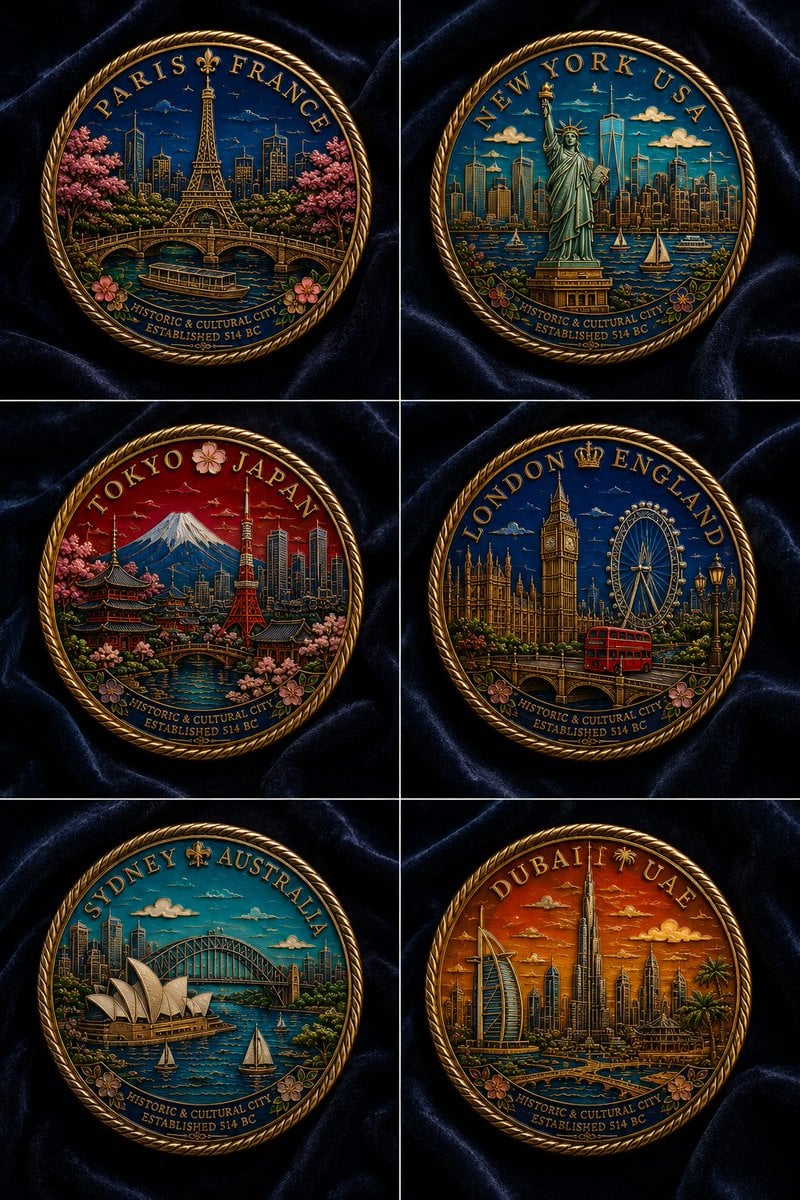
Six Cloisonné City Medals
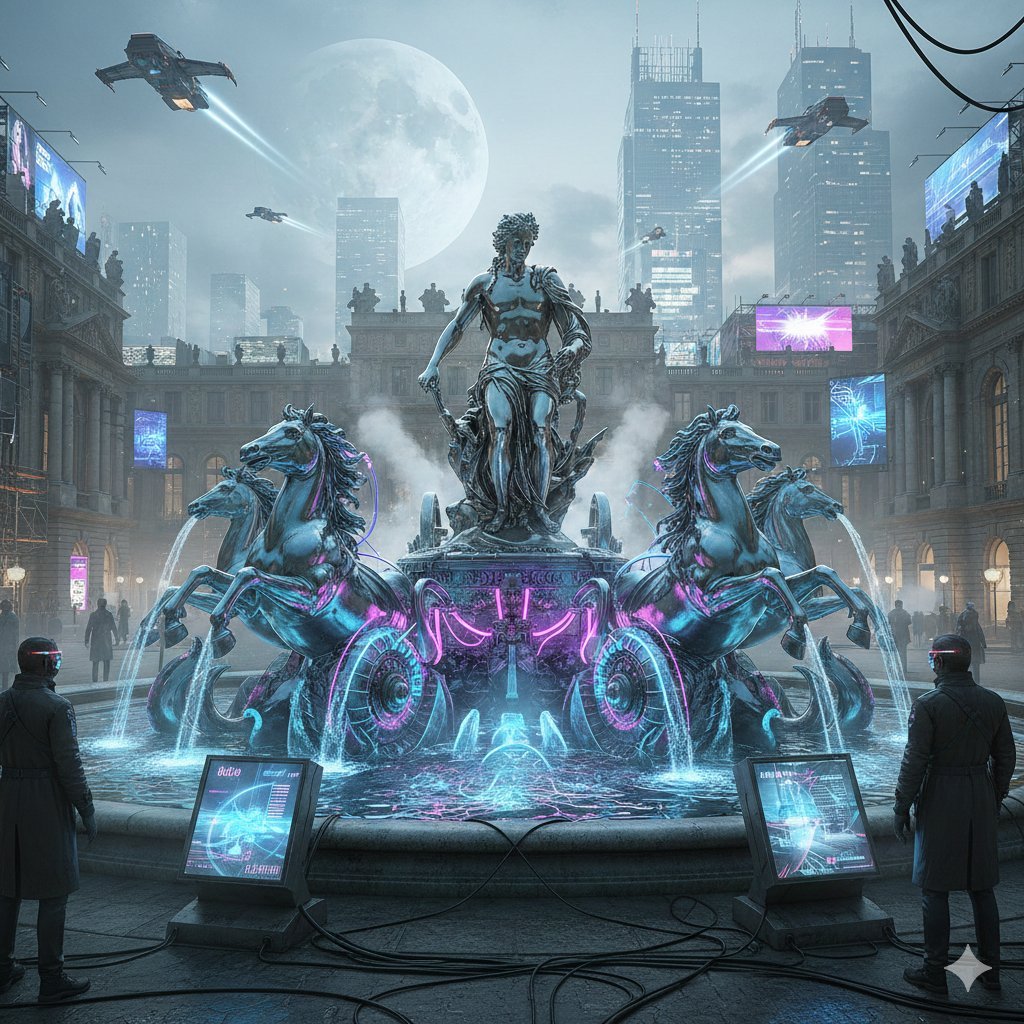
Cyberpunk Apollo's Fountain Generation
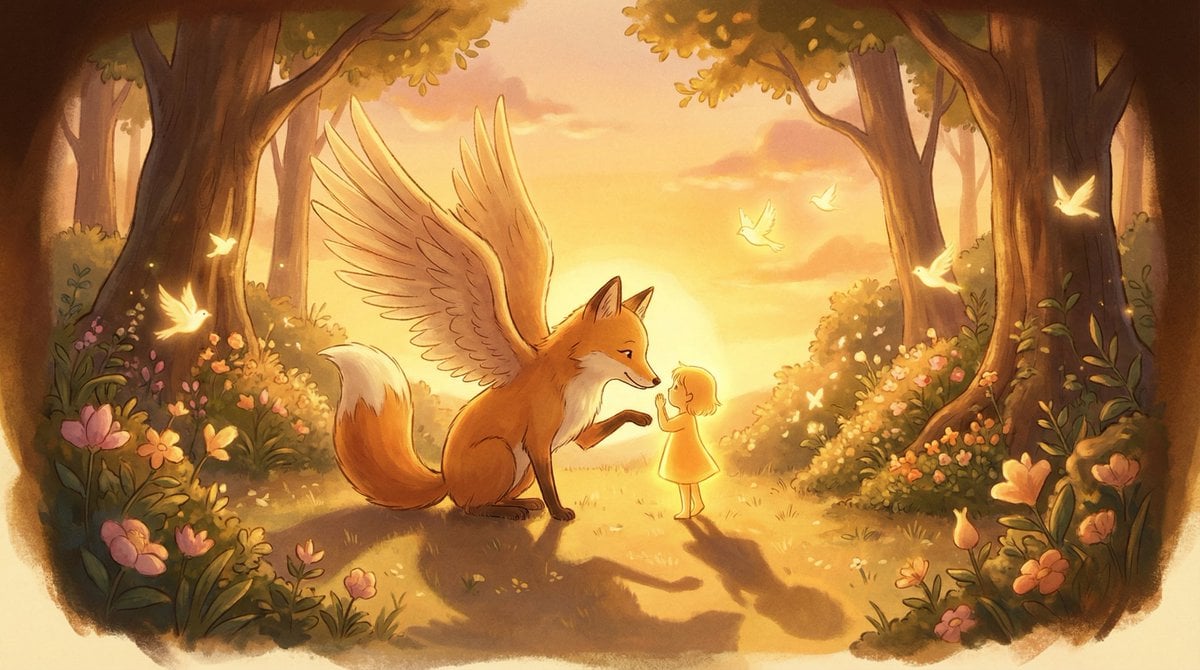
Golden Hour Storybook Rendering Template

Photorealistic Parisian Cafe Scene

Photorealistic Daisy Collage
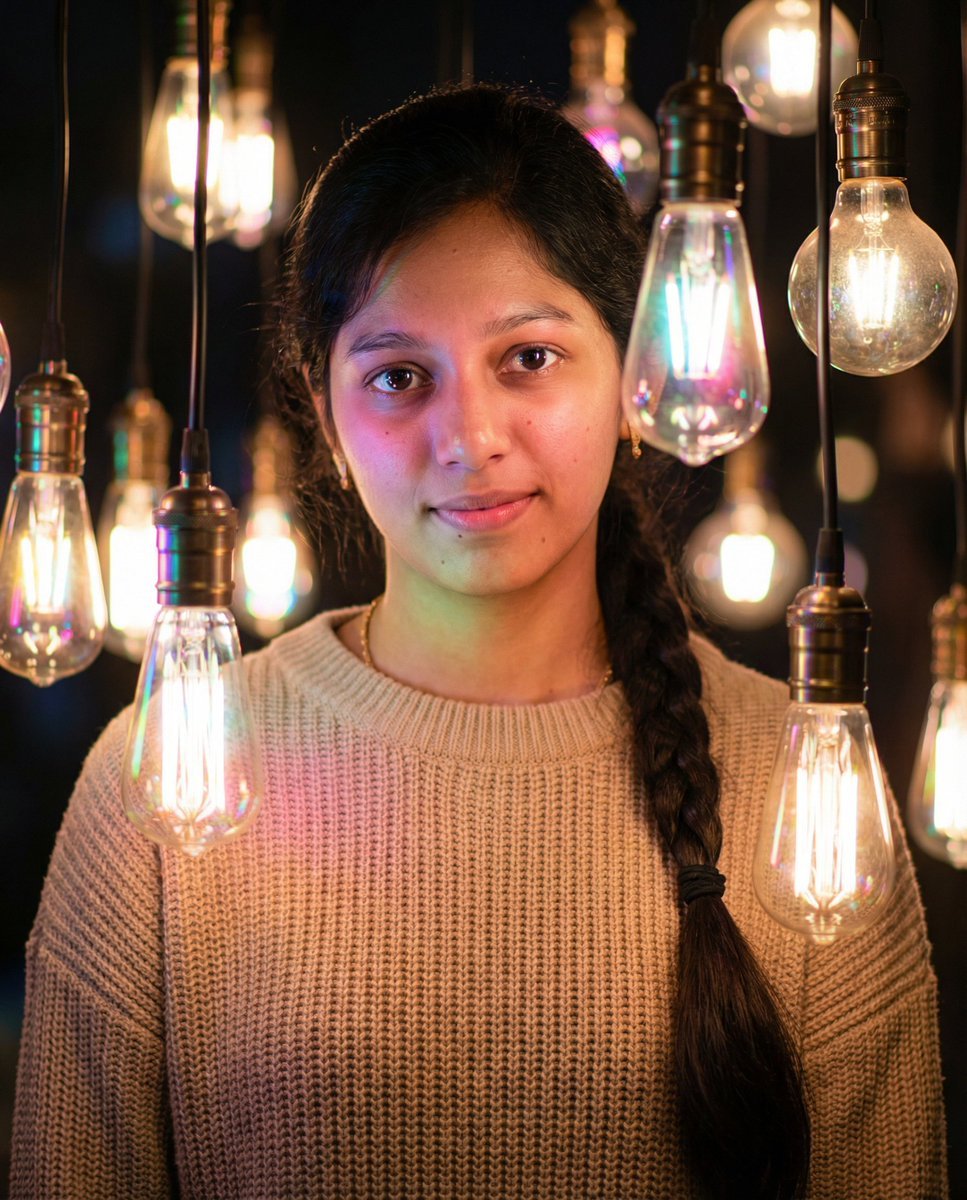
Cinematic Golden Glow Close-up Prompt
Sweet Japanese-style girl at subway door
Browse template categories
Retro Constructivist Fight Poster questions
How do I use the Retro Constructivist Fight Poster template?
Add your photo if the template asks for one, edit the prompt if you like — the template's model and format are already selected — and press Generate. Your version opens in PicX Studio.
Can I customize the Retro Constructivist Fight Poster template?
Yes. You can change the subject, setting, lighting, mood, format, and available model controls before creating your image.
Is the Retro Constructivist Fight Poster template free?
Opening and editing this template is free. Generating uses credits, shown on the Generate button when you are signed in.
Which AI model should I use?
Start with GPT Image 2, which is the model associated with this template. You can compare another compatible model for a different finish.
Looking for something else? Browse all templates.

Your photo, any look
Thousands of ready templates for every top image and video model, from one credit balance.