
Ripped Paper Effect Beverage Can Mockups
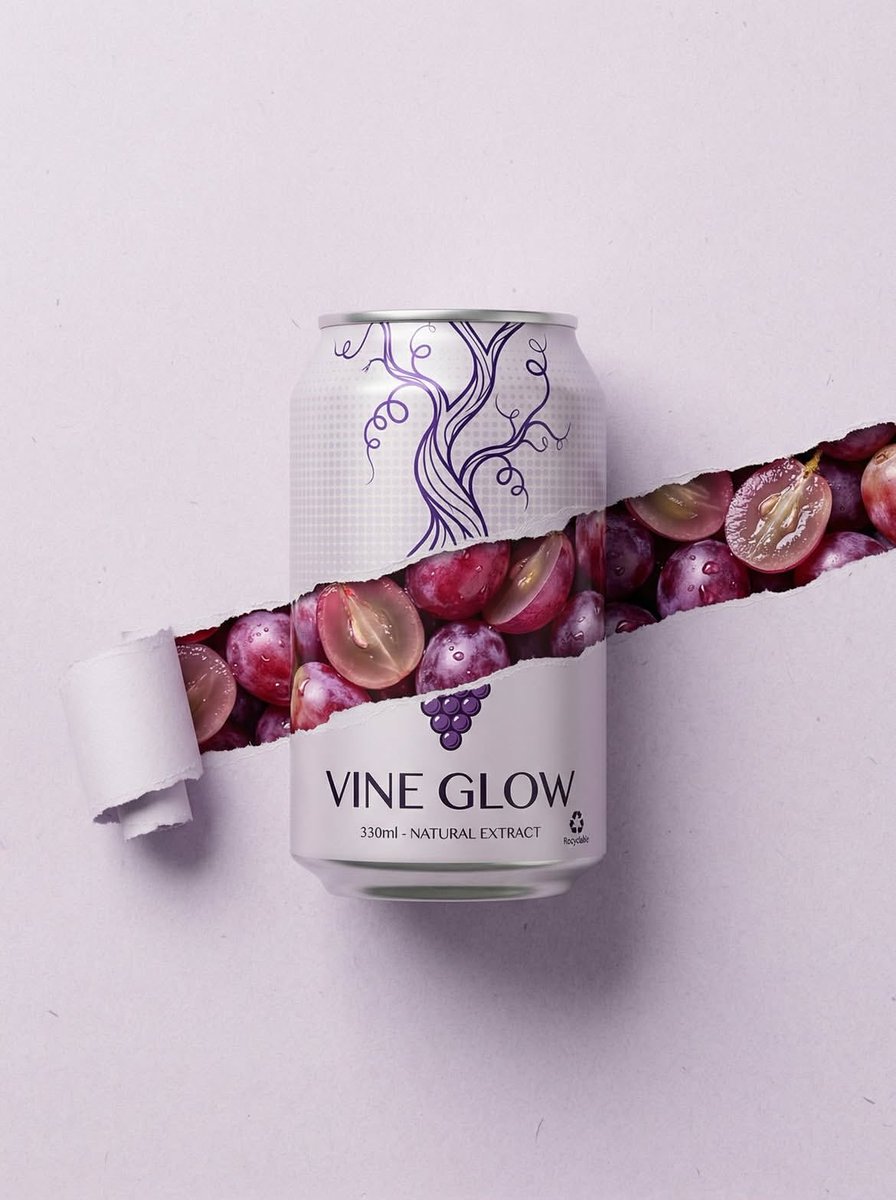
Three separate prompts for generating ultra-realistic product photography mockups of beverage cans (Grape, Pomegranate, Mango).
- Prompt included
- Model and format preset
- Free template
The prompt behind this image
Copy the exact prompt behind Ripped Paper Effect Beverage Can Mockups, or open it in the studio and make it yours.
Grape Can – “Vine Glow” Minimalist product photography of a 330ml aluminum can labeled “VINE GLOW – Natural Extract”, centered on a clean light grey background. The can features elegant purple vine line art. A realistic horizontal torn paper effect cuts across the middle of the can and background, revealing fresh red and purple grapes inside with water droplets and glossy texture. Soft studio lighting, high detail, sharp focus, commercial advertising style, modern packaging design, symmetrical composition, ultra-realistic, 8k resolution. ⸻ 2️⃣ Pomegranate Can – “Гранатовый Пик” Premium beverage can mockup on a deep purple background. 330ml aluminum can with minimalist floral illustration and Russian text “Гранатовый Пик – Натуральный экстракт”. A dramatic horizontal ripped paper effect slices through the center, revealing vibrant juicy pomegranate seeds bursting through the tear. Rich red tones, glossy texture, condensation droplets, moody studio lighting, high contrast, luxury product advertisement, ultra-detailed, sharp focus, 8k, cinematic commercial photography. ⸻ 3️⃣ Mango Can – “Манго Вдохновения” Bright tropical product photography of a 330ml drink can on a vibrant sky-blue background. The can features botanical mango illustrations and Russian text “[Манго Вдохновения] – Натуральный экстракт”. A realistic horizontal torn paper strip reveals fresh golden mango cubes with juicy shine and syrupy texture. Clean composition, vibrant yellow and blue contrast, soft diffused lighting, high-resolution commercial mockup, modern packaging design, ultra-realistic, 8k, sharp focus.
How to use Ripped Paper Effect Beverage Can Mockups in 3 steps
- 1
Open
The prompt is already in the box next to the preview, with the template's model and format selected.
- 2…a portrait of your subject in softgolden-hour light, 85mm…
Personalize
Edit the subject and creative details for your destination.
- 3Generate
Generate
Press Generate — your image is created in PicX Studio, so you can compare it with the original and refine one variable at a time.
More like this
Templates with the same subject, style or setup. Open one to see its prompt.
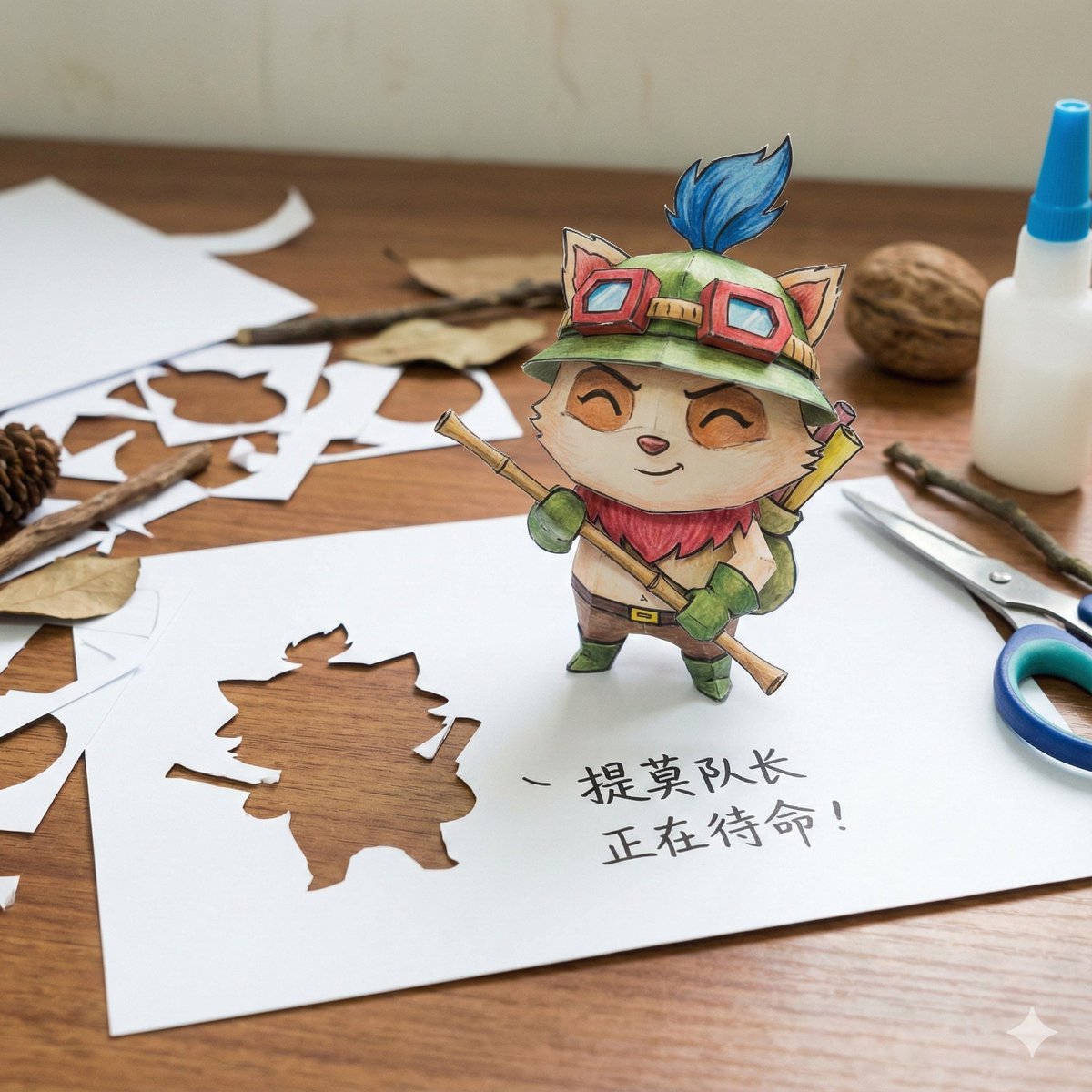
Paper Art Cutout Effect Prompt
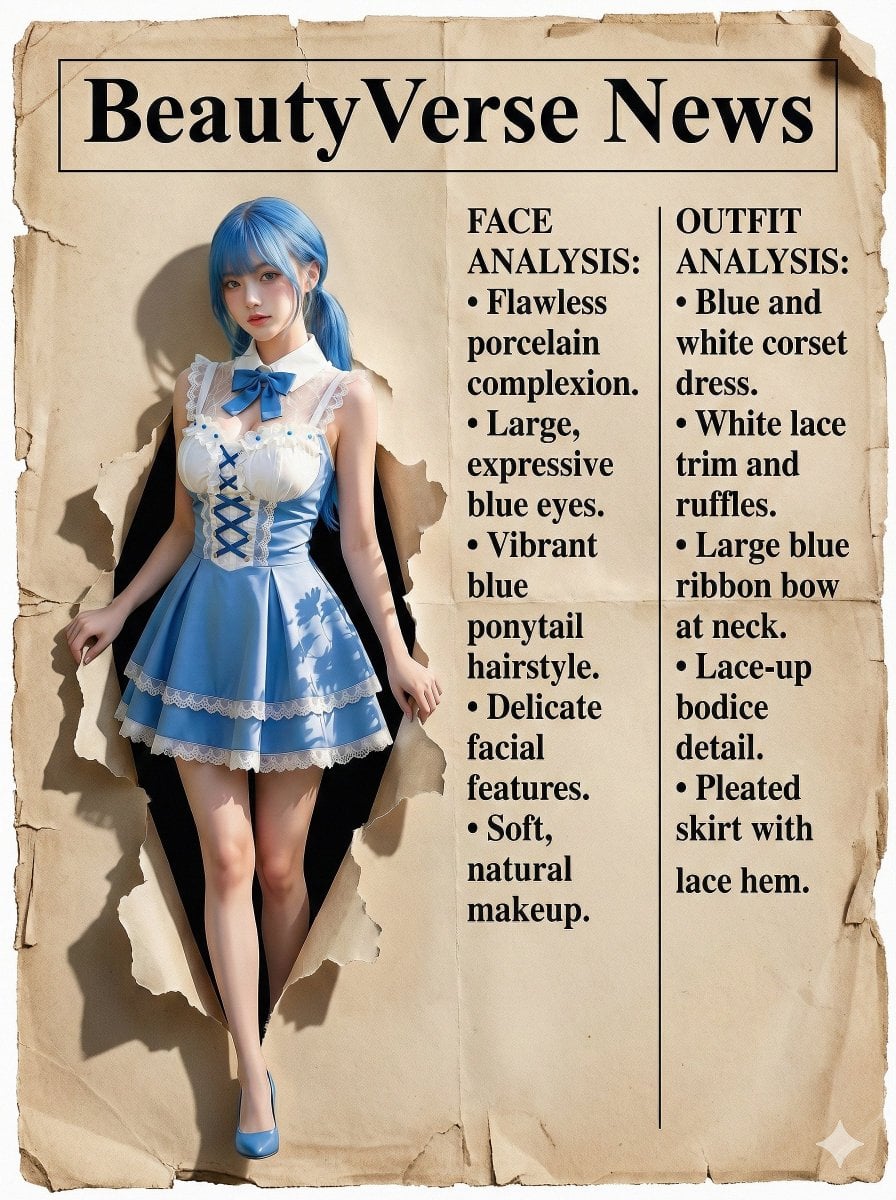
Character Analysis Newspaper Rip-Through Effect
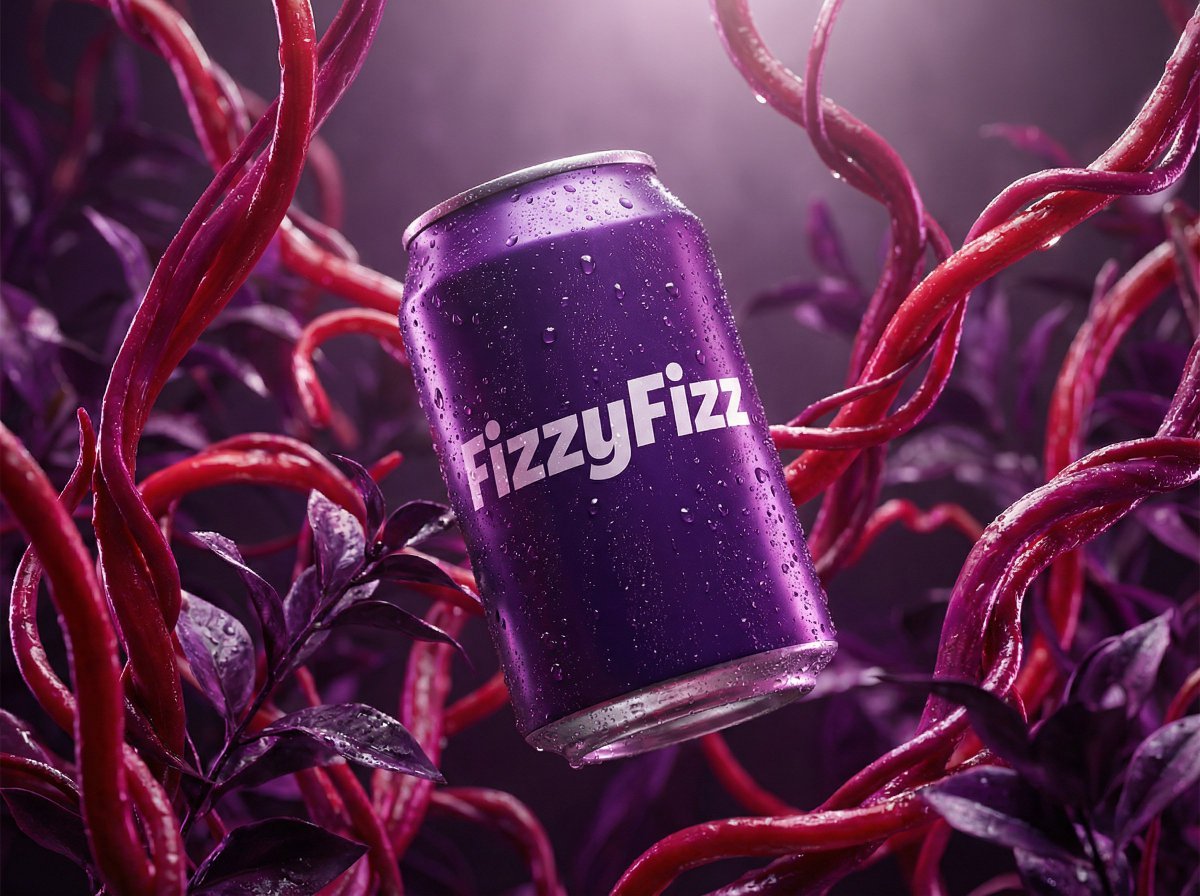
Surreal Product Shot Prompt: Purple Beverage Can with Organic Tendrils
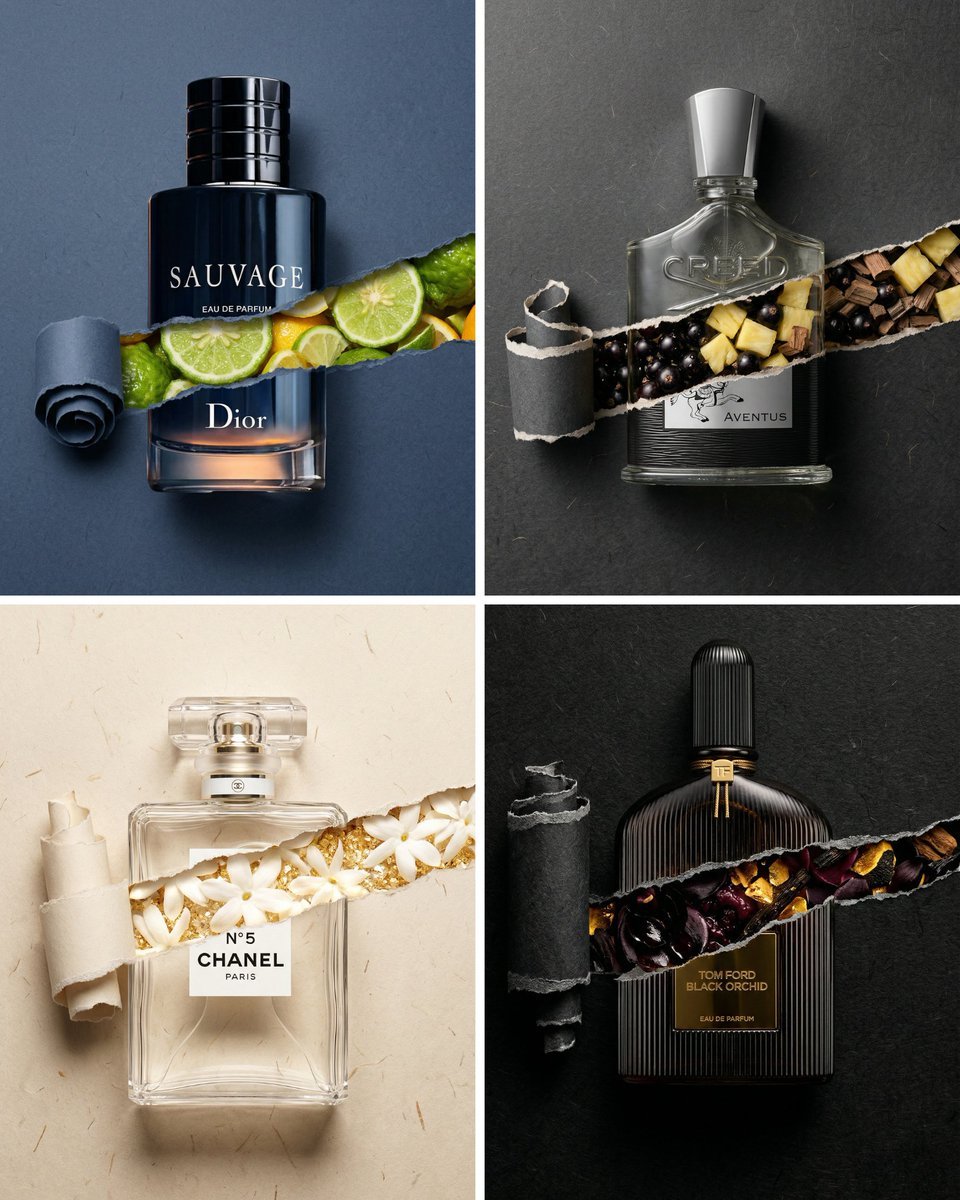
Perfume Bottle Product Shot with Torn Paper Effect
Watercolor Dreamscape — Nano Banana
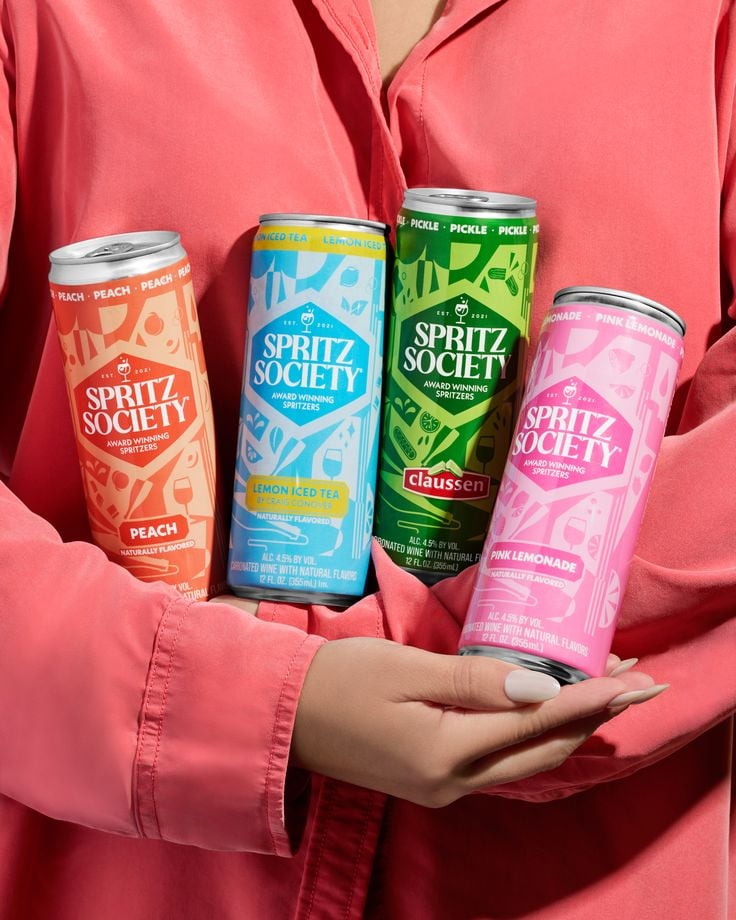
Vibrant Canned Beverage Showcase
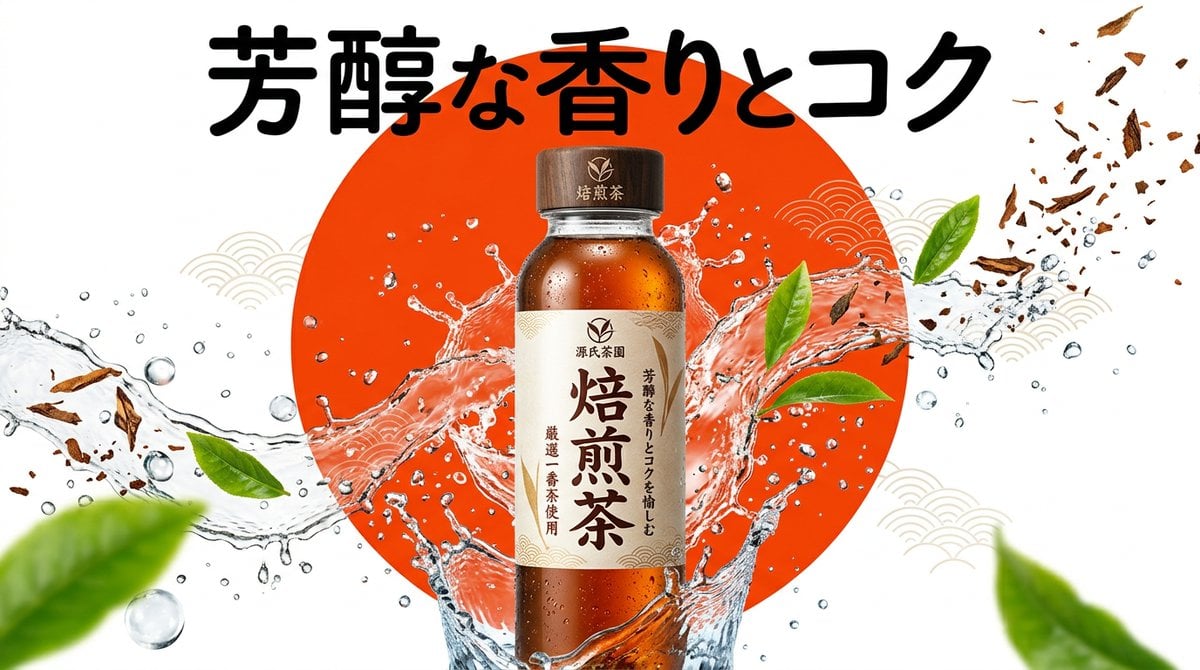
Beverage Campaign Key Visual
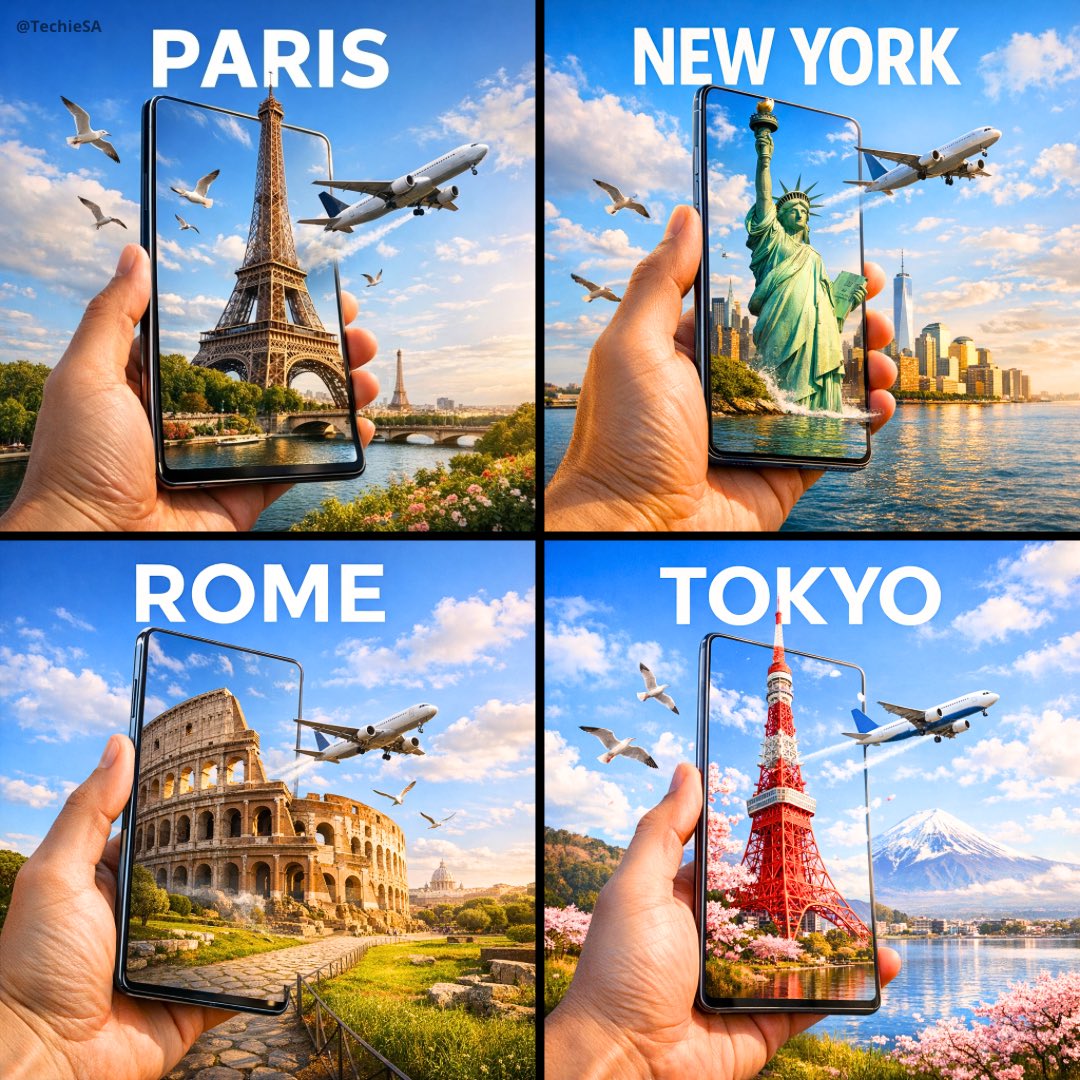
Travel Ad Phone Portal 3D Effect

Dramatic motion blur trails, long-exposure photography effect, dynamic
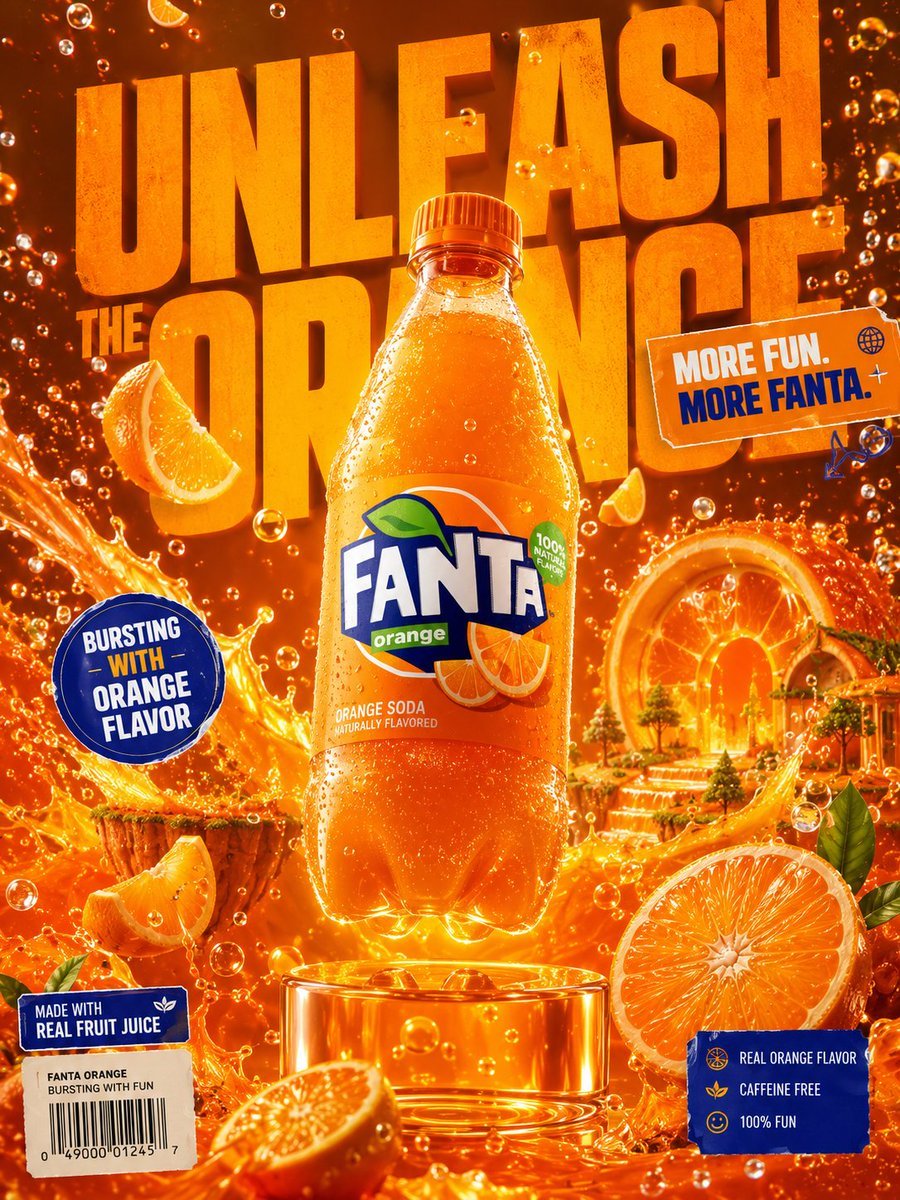
Premium Beverage Advertising Poster
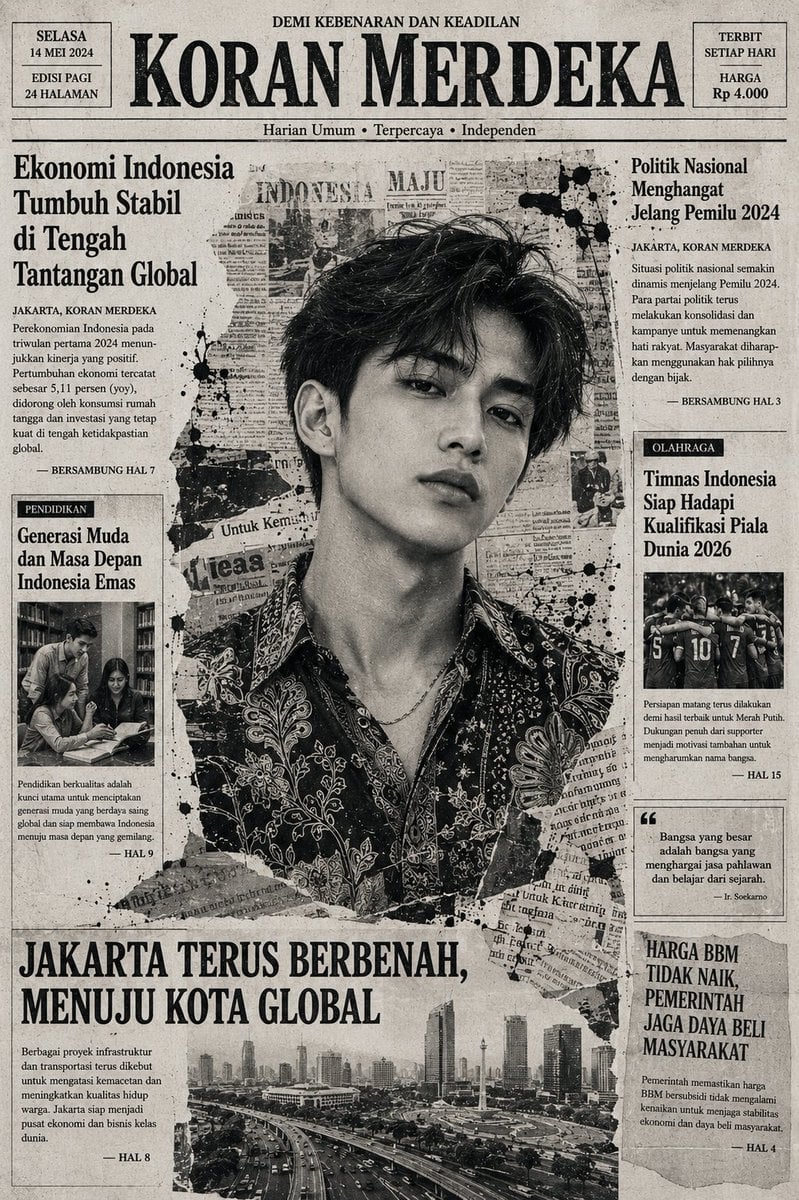
Indonesian Woman Newspaper Collage Portrait
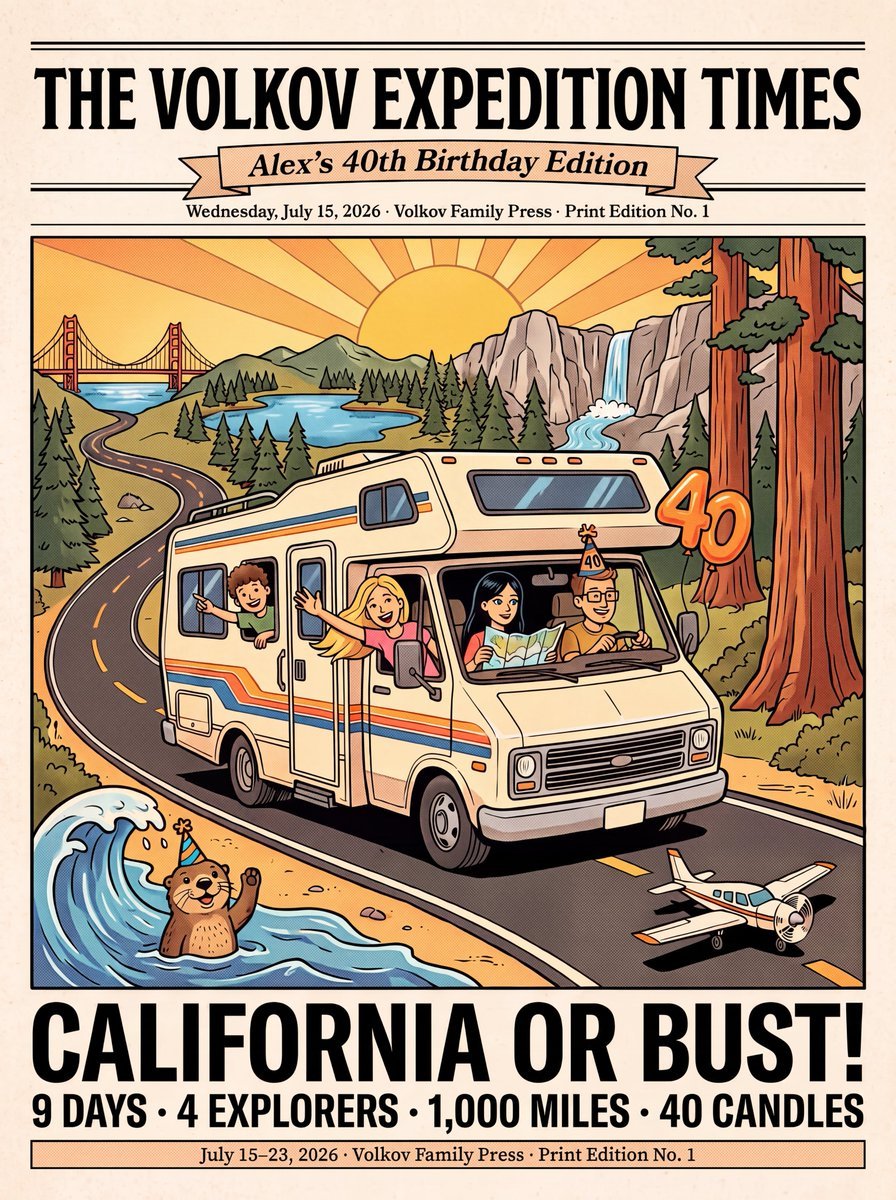
Vintage Family Road Trip Newspaper Poster
Make it yours
Ripped Paper Effect Beverage Can Mockups works as-is. These are the safest ways to change it without losing the look.
Change one field
Copy a single group, rewrite it, and generate again so you can see what that field is doing.
Keep the frame, change the subject
Hold the composition and light of Ripped Paper Effect Beverage Can Mockups, then swap wardrobe, props or the person for a new take.
| If the result… | Why | Fix |
|---|---|---|
| The result drifts from the preview | Too many fields changed at once. | Reuse Ripped Paper Effect Beverage Can Mockups as-is first, then change one group — subject, light, or setting. |
| The model over-stylizes the scene | The prose prompt leaves finish and camera underspecified. | Add one camera or lighting sentence and stay on Nano Banana 2. |
More Nano Banana 2 templates
Other prompts made for Nano Banana 2.

Photorealistic Leaf Shaped Like a Dragon

K-Pop Idol Portrait Grid for Rapid Selection

Poetic Rain Forest Portrait During Golden Hour

Urban Street Portrait with Cartoon Inner Self Duo

Candid Nighttime Photo with Cat Prompt

High-Concept 3D Diorama Generation Prompt

Cinematic Futuristic Studio Portrait Template

Skincare Editorial Photography Collage Prompt

Hyper-Realistic Commercial Product Photography (Splash Effect)

Hyper-Realistic Nightclub Portrait Prompt
More image prompts
Fresh picks from across the catalog.
Forcing Left-Handed Writing
Whimsical T-Rex Made of Pink Frosting
Anime Coloring Study: Flat Anime Style with Directional Light
Ultra-Realistic Man Holding Cartoon Miniature of Self
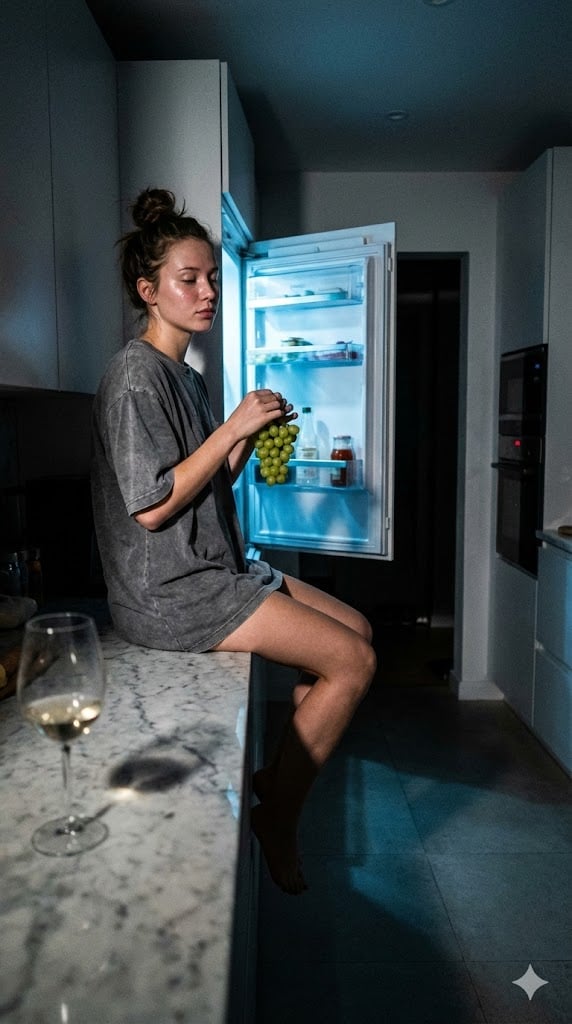
Candid 3 AM Fridge Light Portrait
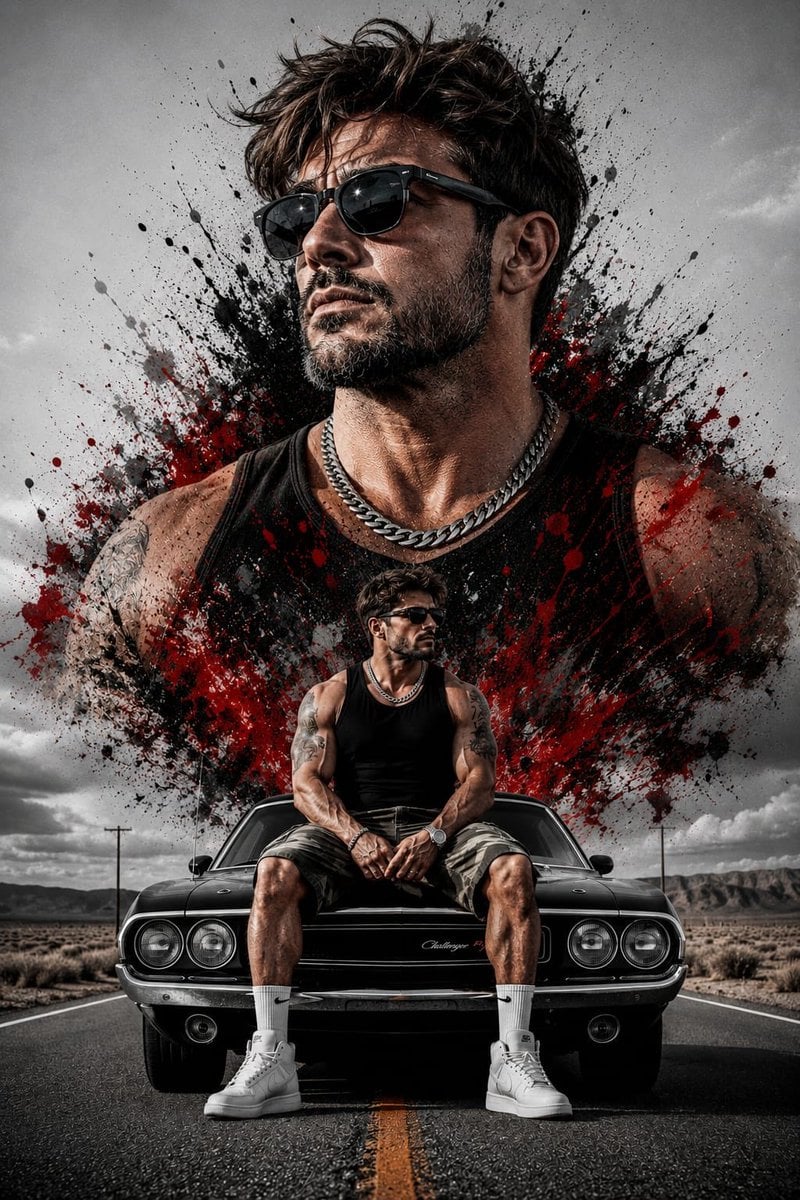
Double Exposure Rugged Portrait
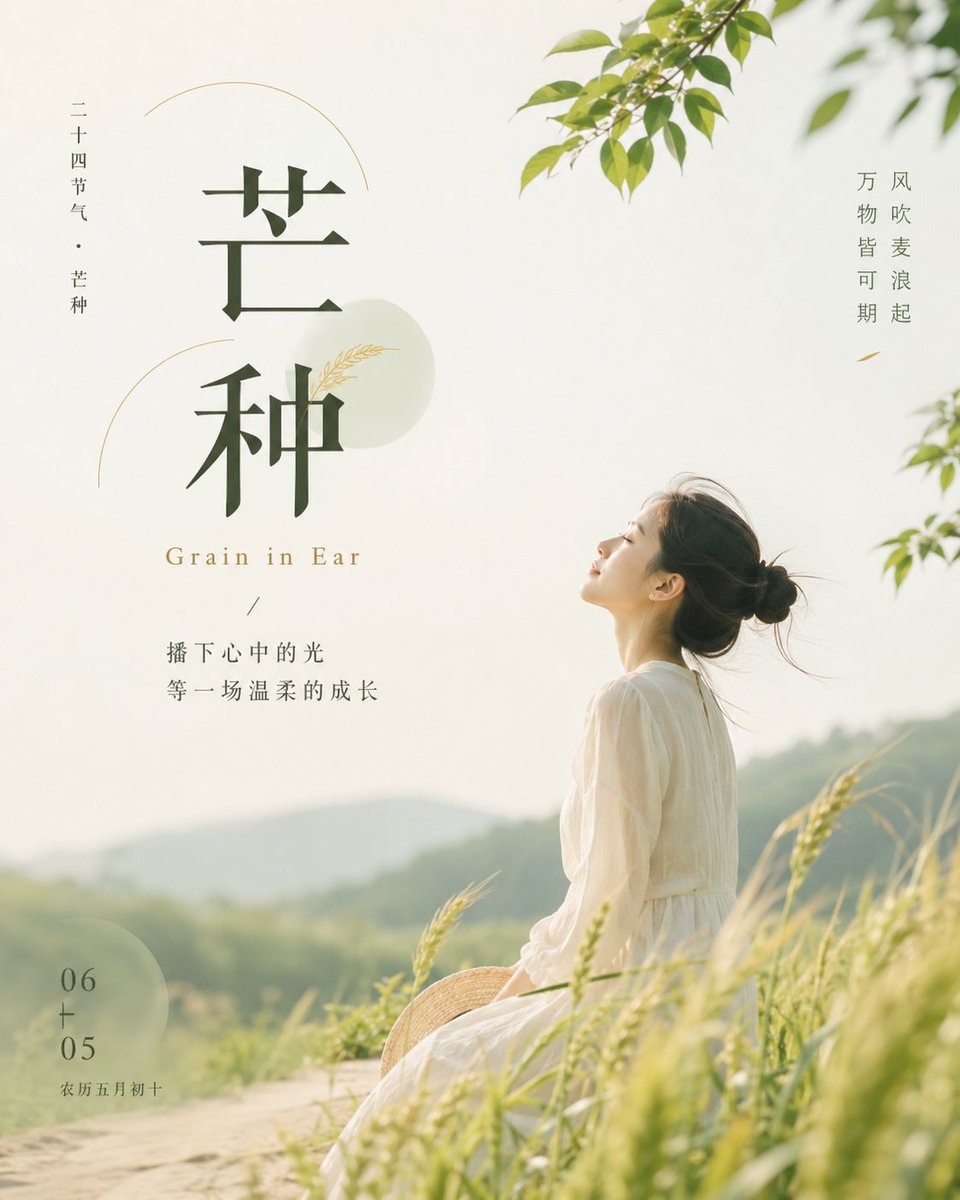
Grain in Ear Seasonal Poster
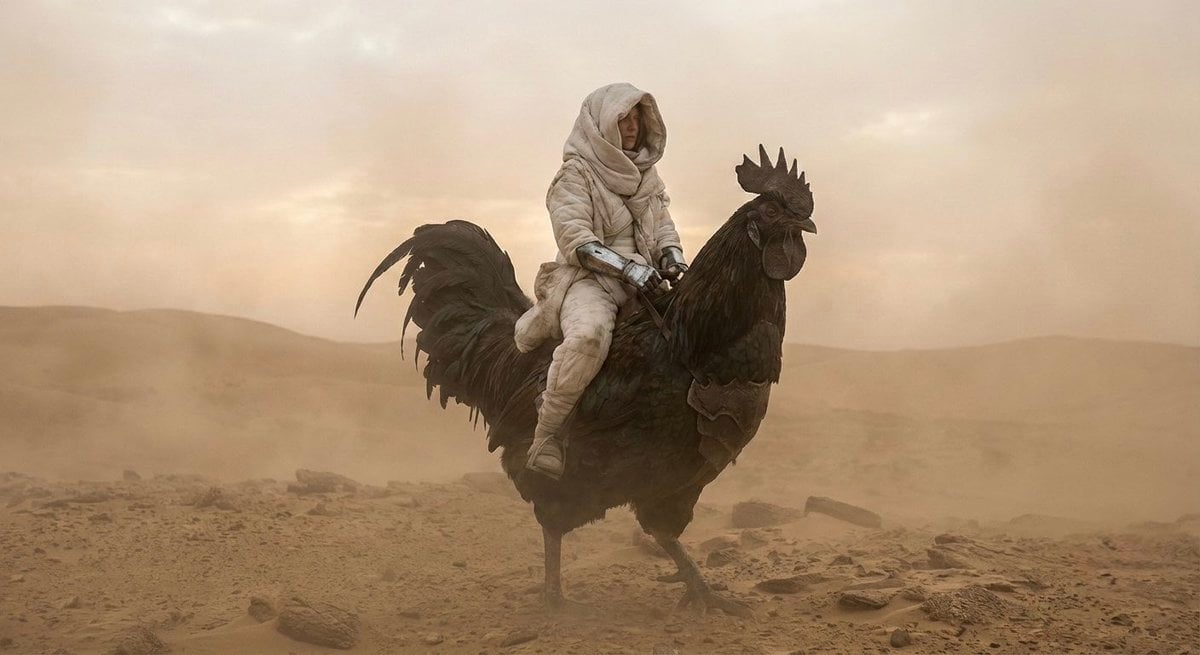
Dune-Inspired Epic Scene with Woman Riding a Giant Rooster
Sunlit Anime Girl Outside Cafe
Seamless Watercolor Stone Path Tile
Browse template categories
Ripped Paper Effect Beverage Can Mockups questions
How do I use the Ripped Paper Effect Beverage Can Mockups template?
Add your photo if the template asks for one, edit the prompt if you like — the template's model and format are already selected — and press Generate. Your version opens in PicX Studio.
Can I customize the Ripped Paper Effect Beverage Can Mockups template?
Yes. You can change the subject, setting, lighting, mood, format, and available model controls before creating your image.
Is the Ripped Paper Effect Beverage Can Mockups template free?
Opening and editing this template is free. Generating uses credits, shown on the Generate button when you are signed in.
Which AI model should I use?
Start with Nano Banana 2, which is the model associated with this template. You can compare another compatible model for a different finish.
Looking for something else? Browse all templates.

Your photo, any look
Thousands of ready templates for every top image and video model, from one credit balance.