
Paper Art Cutout Effect Prompt
A prompt for Nano Banana Pro designed to create an image of a handmade paper art cutout, featuring a specific character folded into a 3D figure, displayed on a wooden desk alongside its original paper silhouette and a…
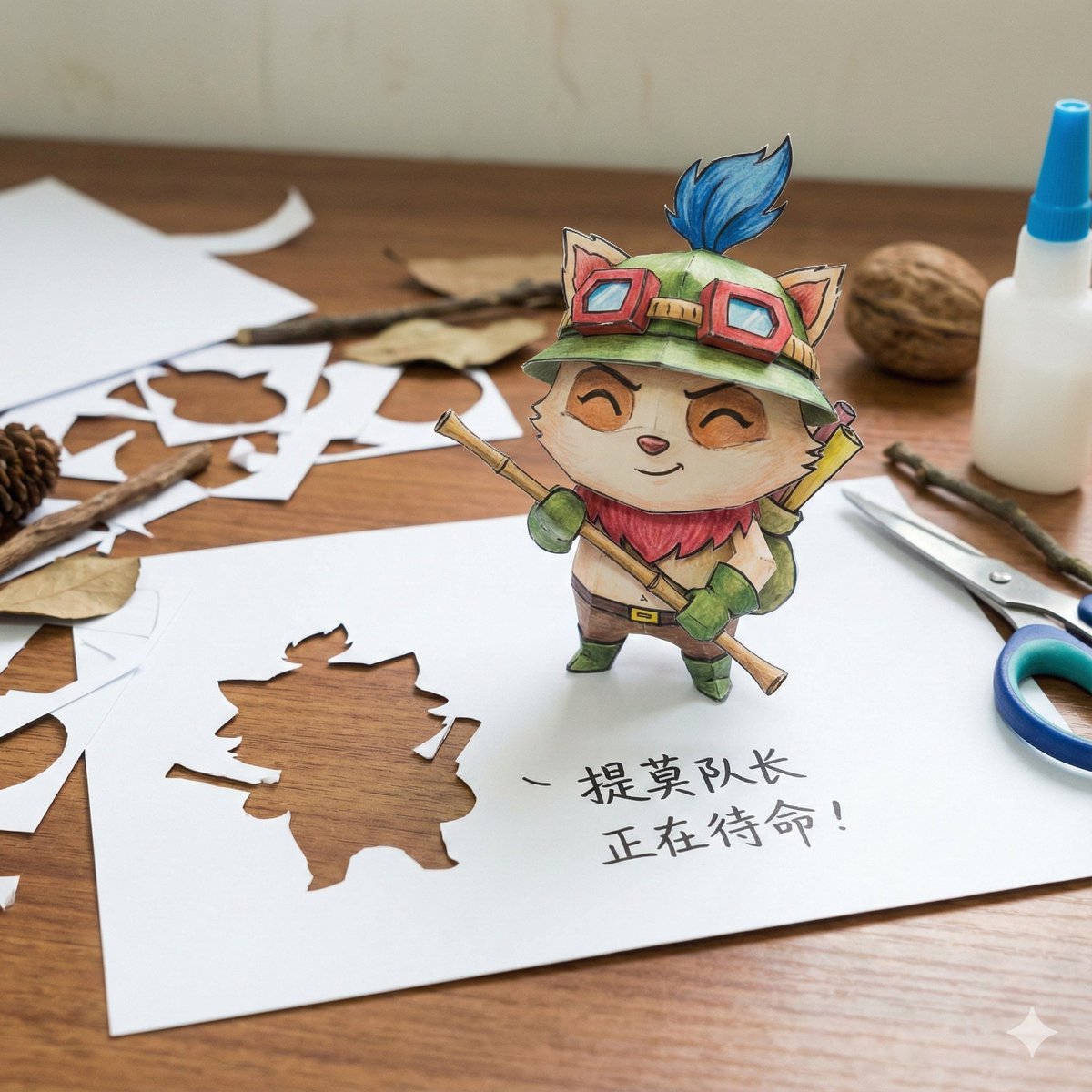
- Prompt included
- Model and format preset
- Free template
The prompt behind this image
Copy the exact prompt behind Paper Art Cutout Effect Prompt, or open it in the studio and make it yours.
[角色] = {argument name="角色" default="路飞"} 木质书桌上摆着一件充满奇趣的手工纸艺作品:将手绘的卡通 [角色] 从纸上剪下,折叠成一个立体的站立小人偶。[角色] [姿势]。在它身旁的纸面上,不仅有那个留下的空白剪影,还手写着一句它的 [经典台词]。 画面比例:1080 x 1080
How to use Paper Art Cutout Effect Prompt in 3 steps
- 1
Open
The prompt is already in the box next to the preview, with the template's model and format selected.
- 2…a portrait of your subject in softgolden-hour light, 85mm…
Personalize
Edit the subject and creative details for your destination.
- 3Generate
Generate
Press Generate — your image is created in PicX Studio, so you can compare it with the original and refine one variable at a time.
More like this
Templates with the same subject, style or setup. Open one to see its prompt.
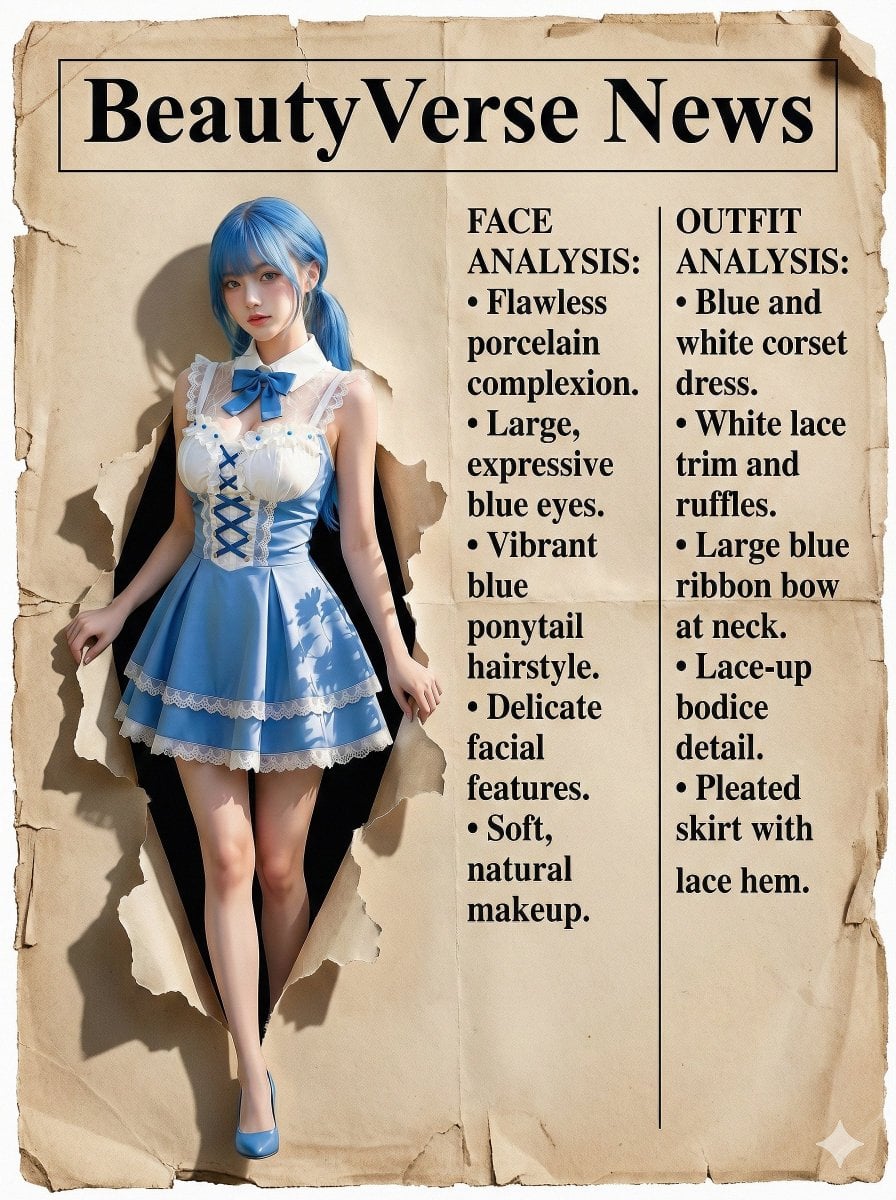
Character Analysis Newspaper Rip-Through Effect
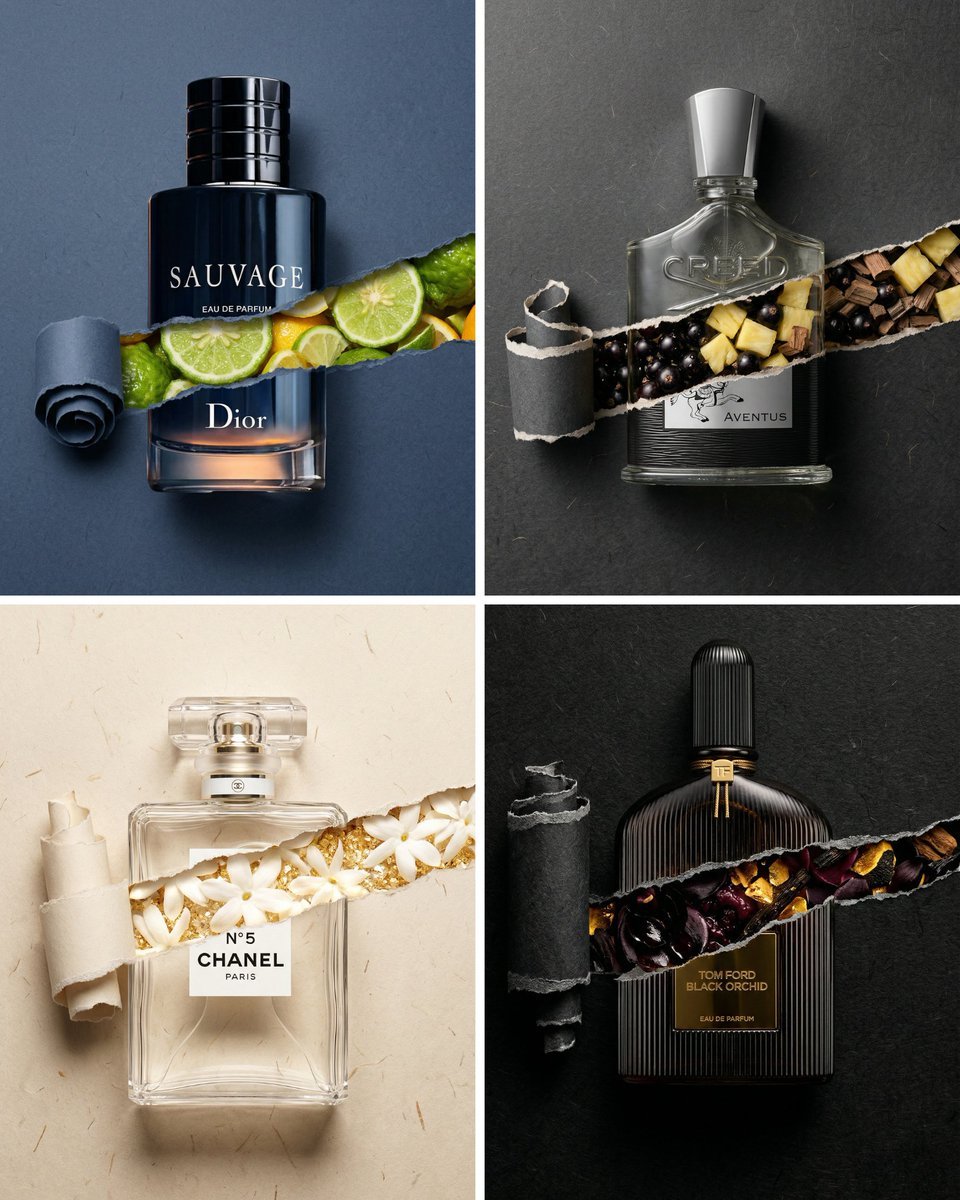
Perfume Bottle Product Shot with Torn Paper Effect
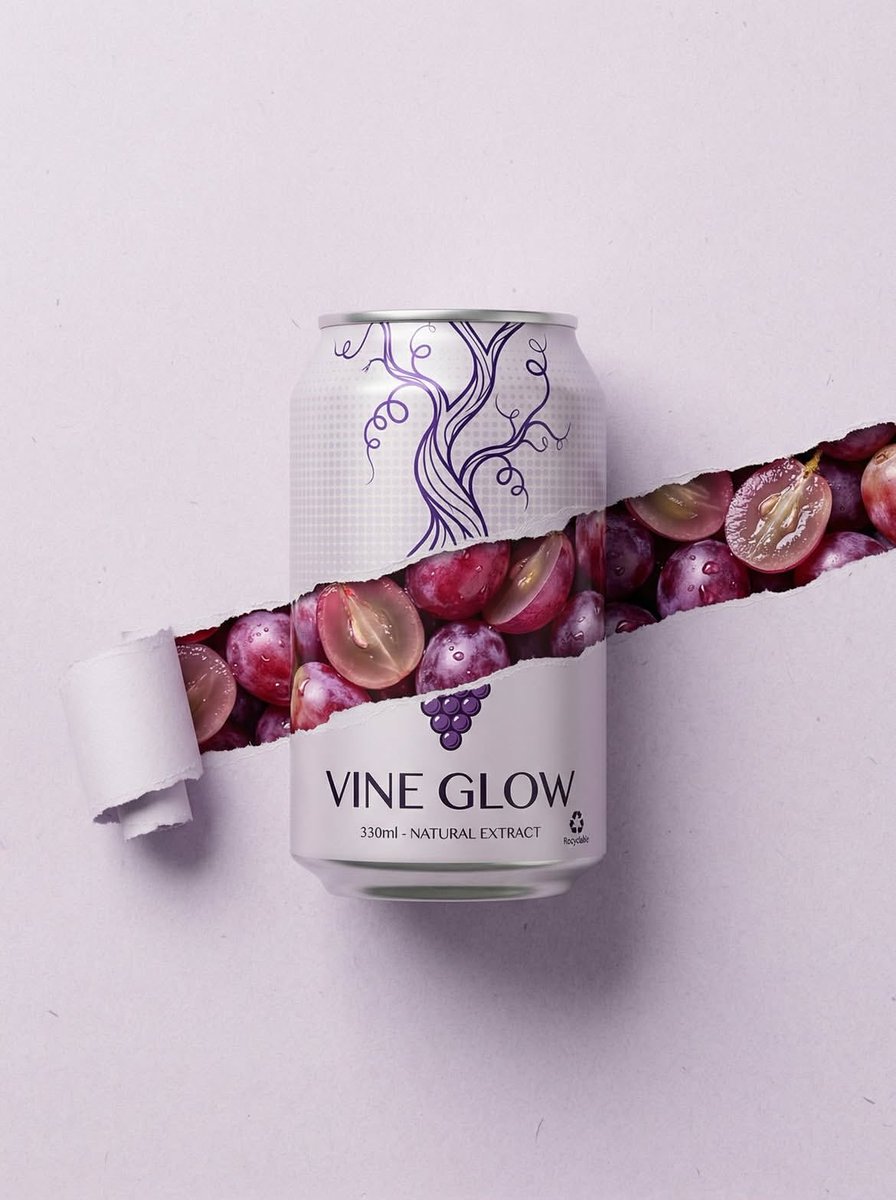
Ripped Paper Effect Beverage Can Mockups

敦煌纸雕飞天 — 3D Layered Paper Cutout
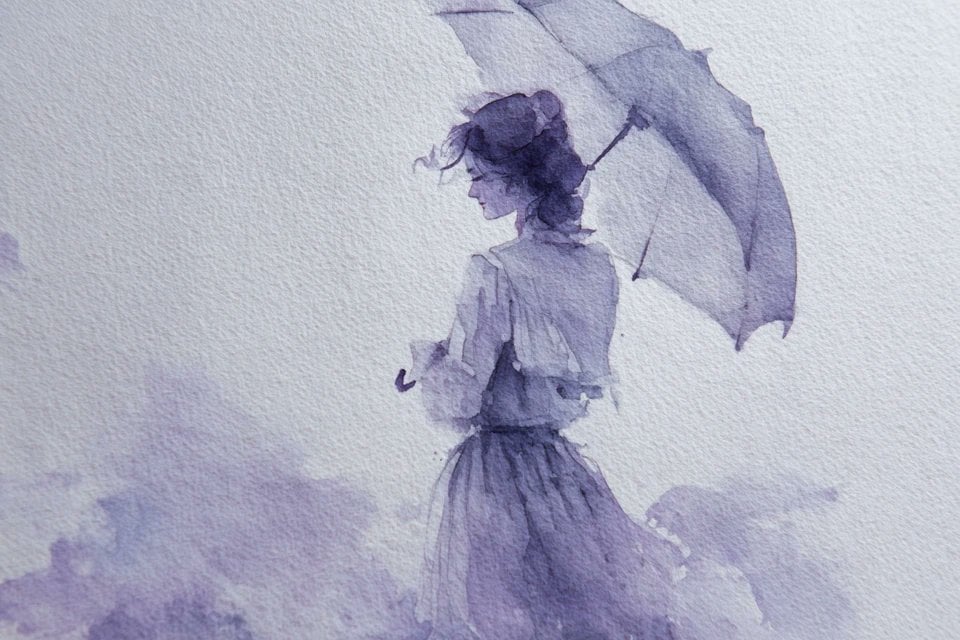
Watercolor Dreamscape — Nano Banana
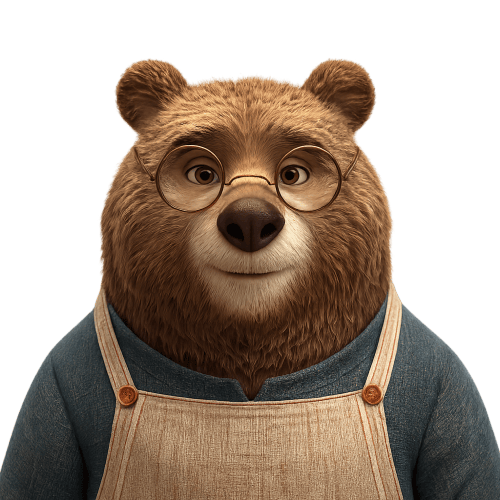
Transparent Bear Character Cutout
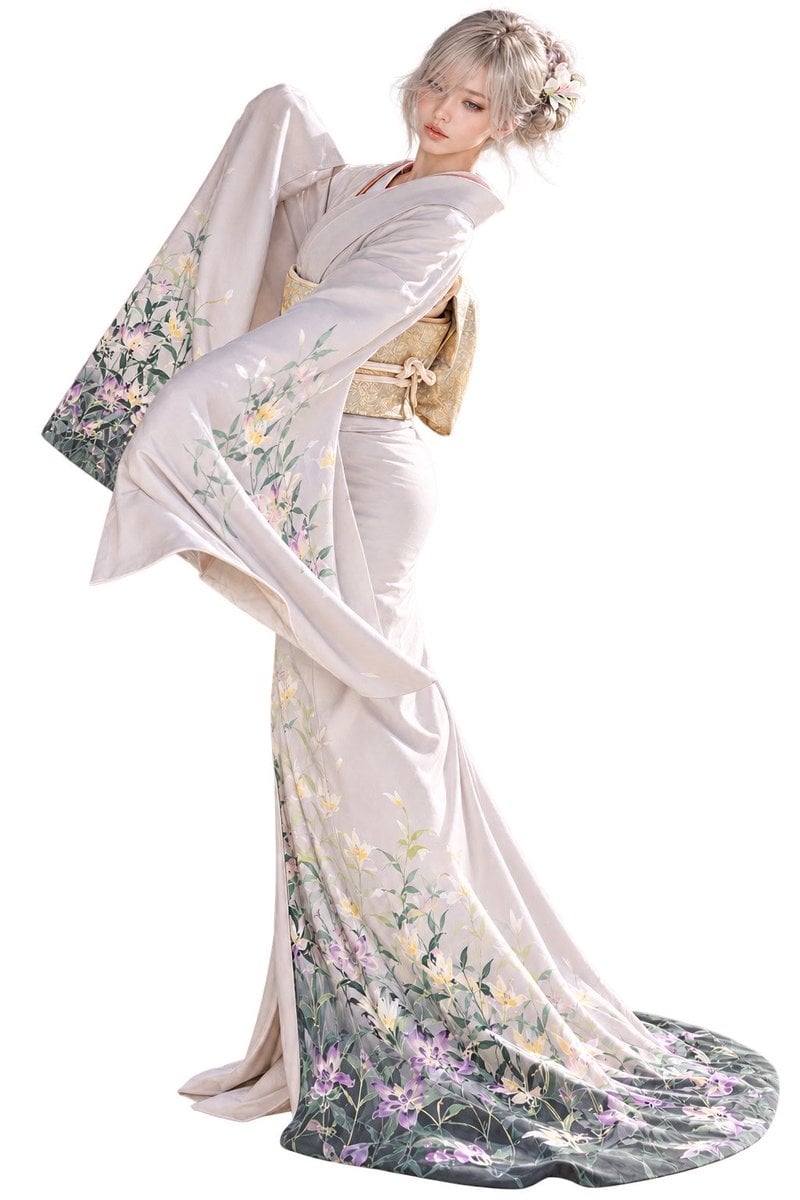
Elegant Furisode Character Cutout
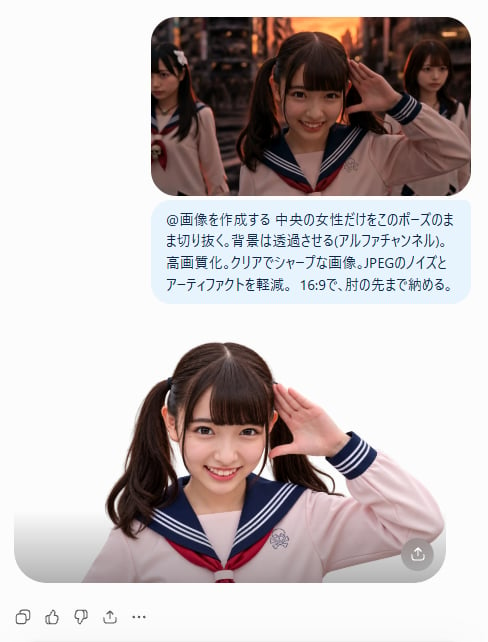
AI Cutout Demo Screenshot
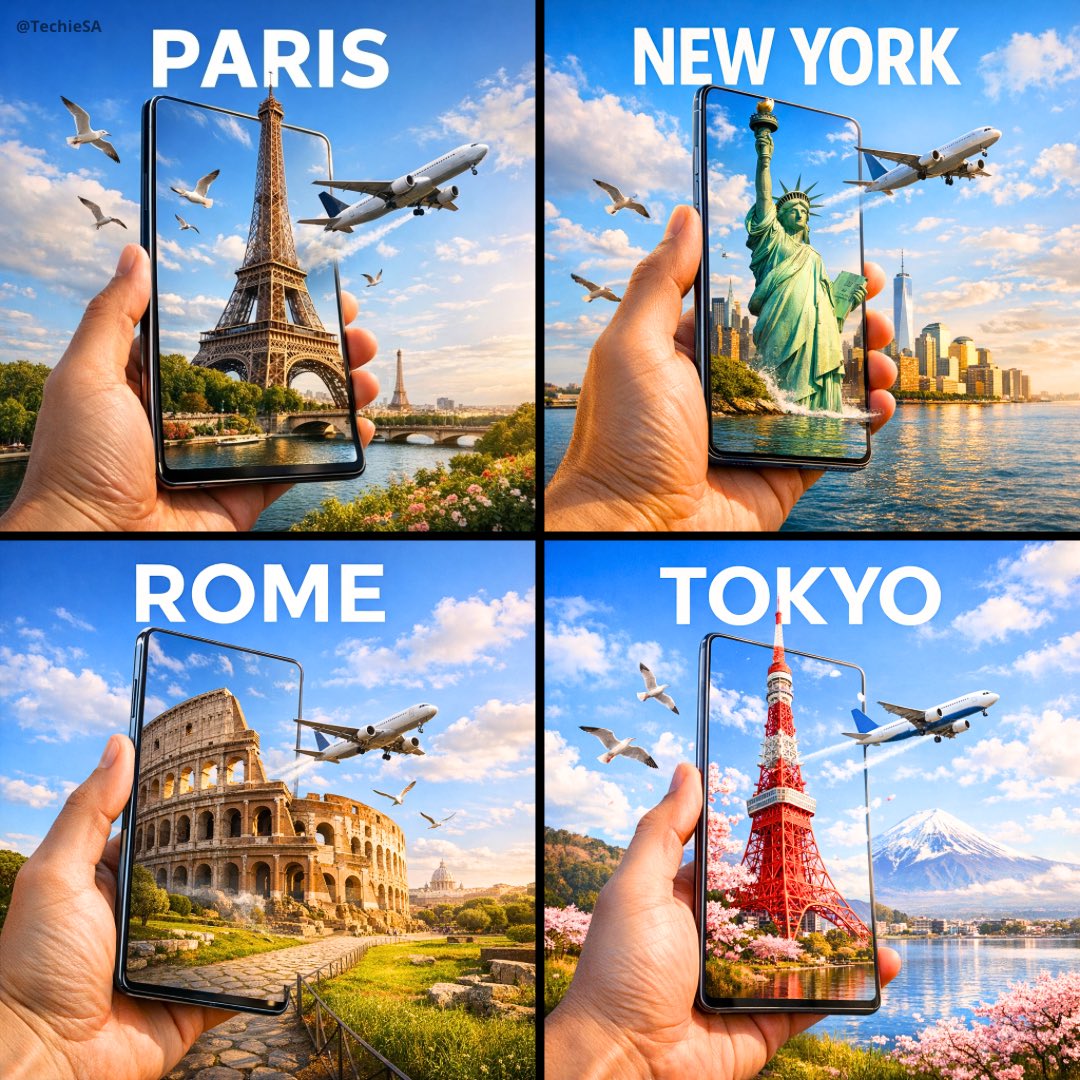
Travel Ad Phone Portal 3D Effect

Dramatic motion blur trails, long-exposure photography effect, dynamic
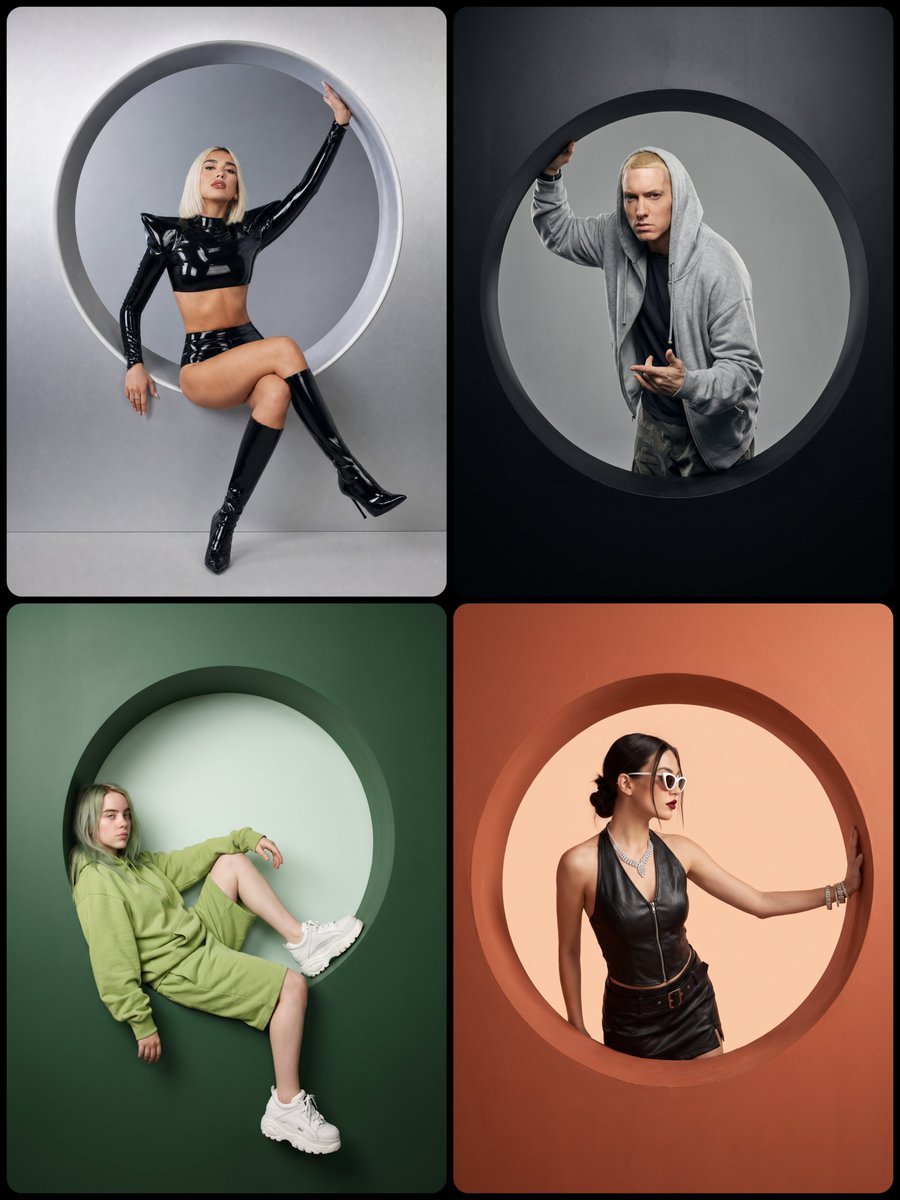
Studio Portrait with Circular Cutout
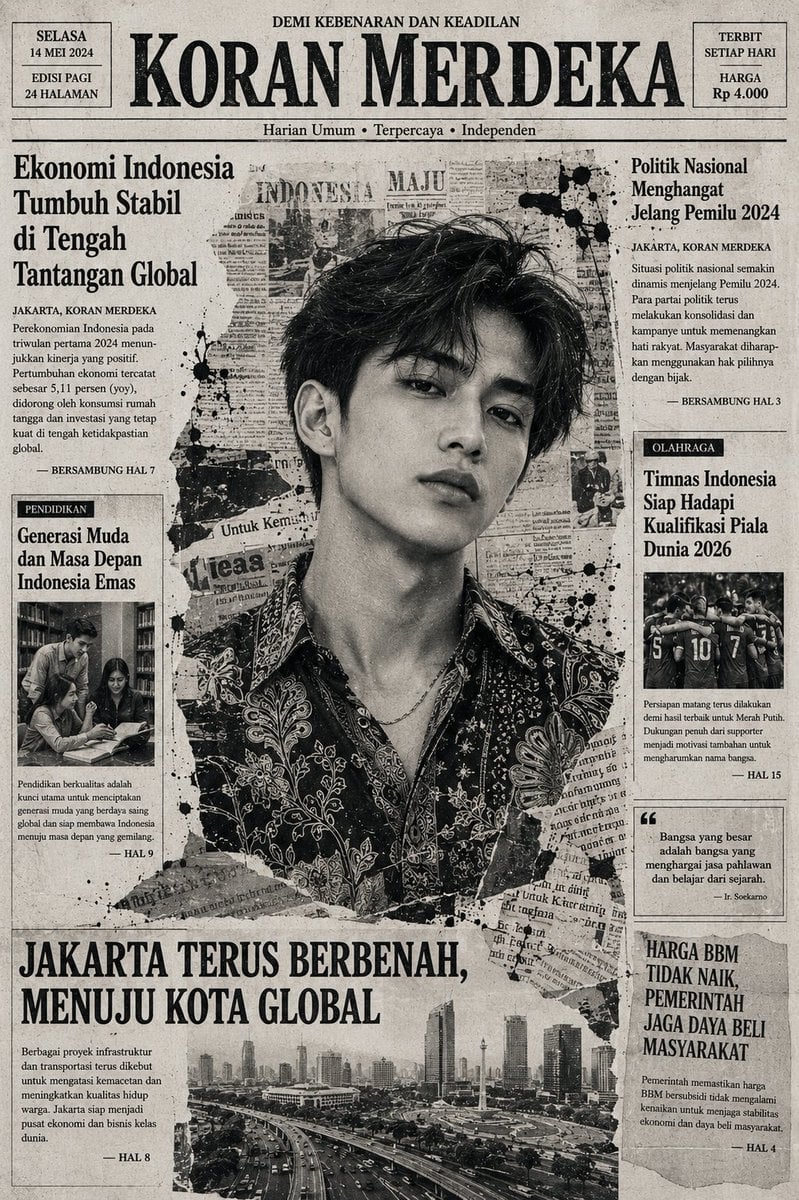
Indonesian Woman Newspaper Collage Portrait
Make it yours
Paper Art Cutout Effect Prompt works as-is. These are the safest ways to change it without losing the look.
Change one field
Copy a single group, rewrite it, and generate again so you can see what that field is doing.
Keep the frame, change the subject
Hold the composition and light of Paper Art Cutout Effect Prompt, then swap wardrobe, props or the person for a new take.
| If the result… | Why | Fix |
|---|---|---|
| The result drifts from the preview | Too many fields changed at once. | Reuse Paper Art Cutout Effect Prompt as-is first, then change one group — subject, light, or setting. |
| The model over-stylizes the scene | The prose prompt leaves finish and camera underspecified. | Add one camera or lighting sentence and stay on Nano Banana 2. |
More Nano Banana 2 templates
Other prompts made for Nano Banana 2.

Photorealistic Leaf Shaped Like a Dragon

K-Pop Idol Portrait Grid for Rapid Selection

Poetic Rain Forest Portrait During Golden Hour

Urban Street Portrait with Cartoon Inner Self Duo

Candid Nighttime Photo with Cat Prompt

High-Concept 3D Diorama Generation Prompt

Cinematic Futuristic Studio Portrait Template

Skincare Editorial Photography Collage Prompt

Hyper-Realistic Commercial Product Photography (Splash Effect)

Hyper-Realistic Nightclub Portrait Prompt
More image prompts
Fresh picks from across the catalog.
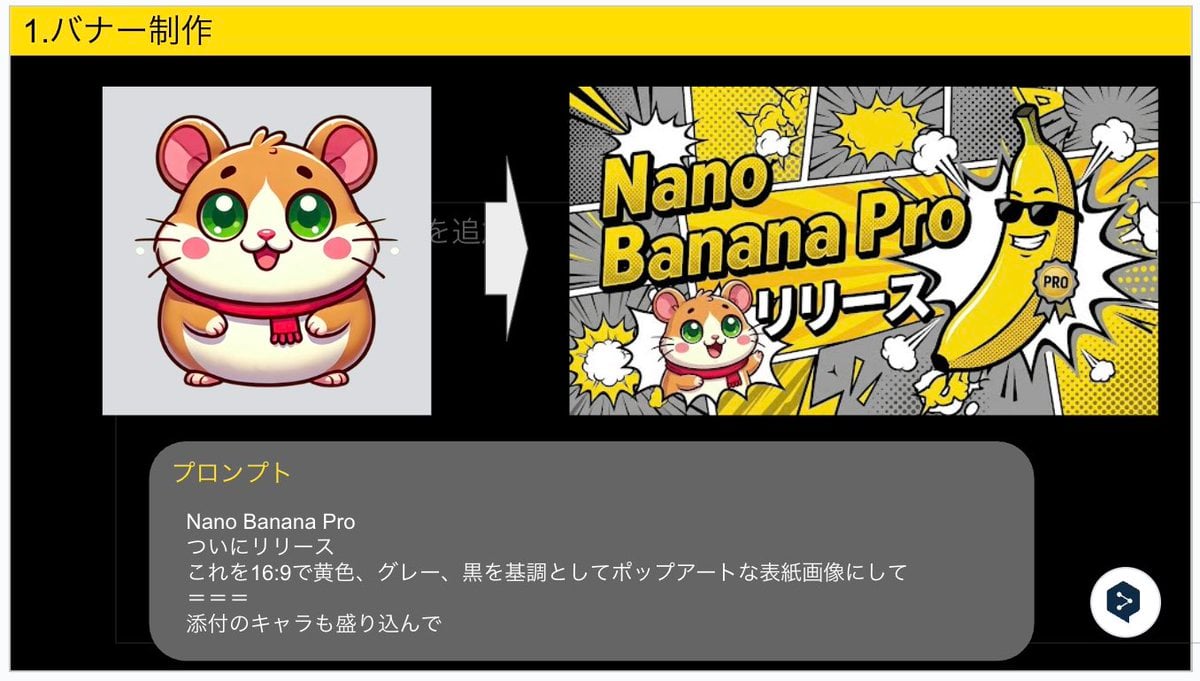
Nano Banana Pro Banner Creation Prompt
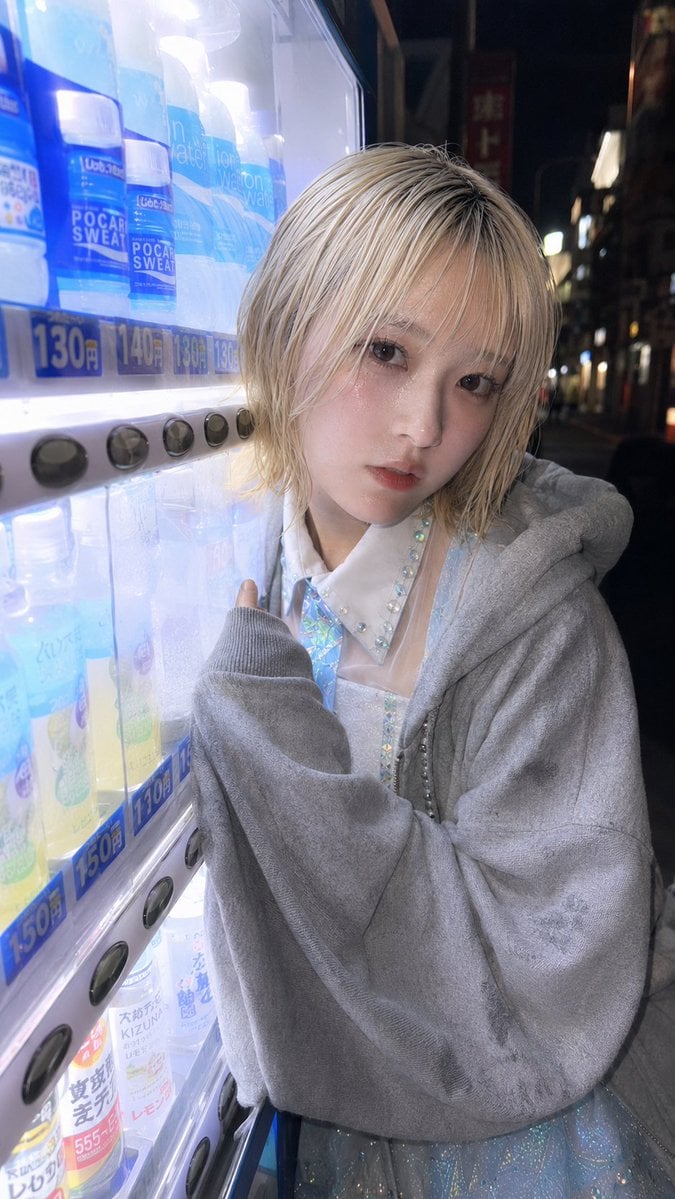
Ultra-Wide Vending Machine Portrait
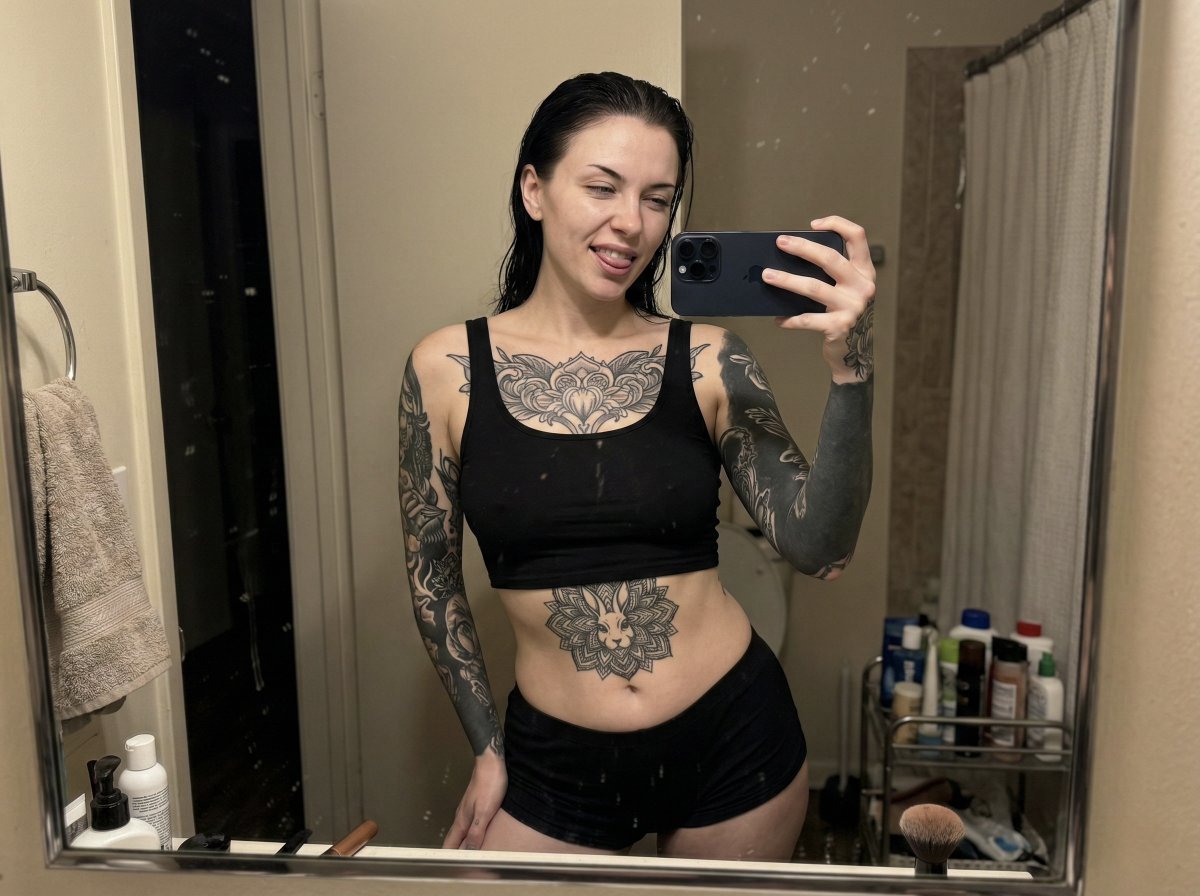
Raw iPhone Mirror Selfie Realism
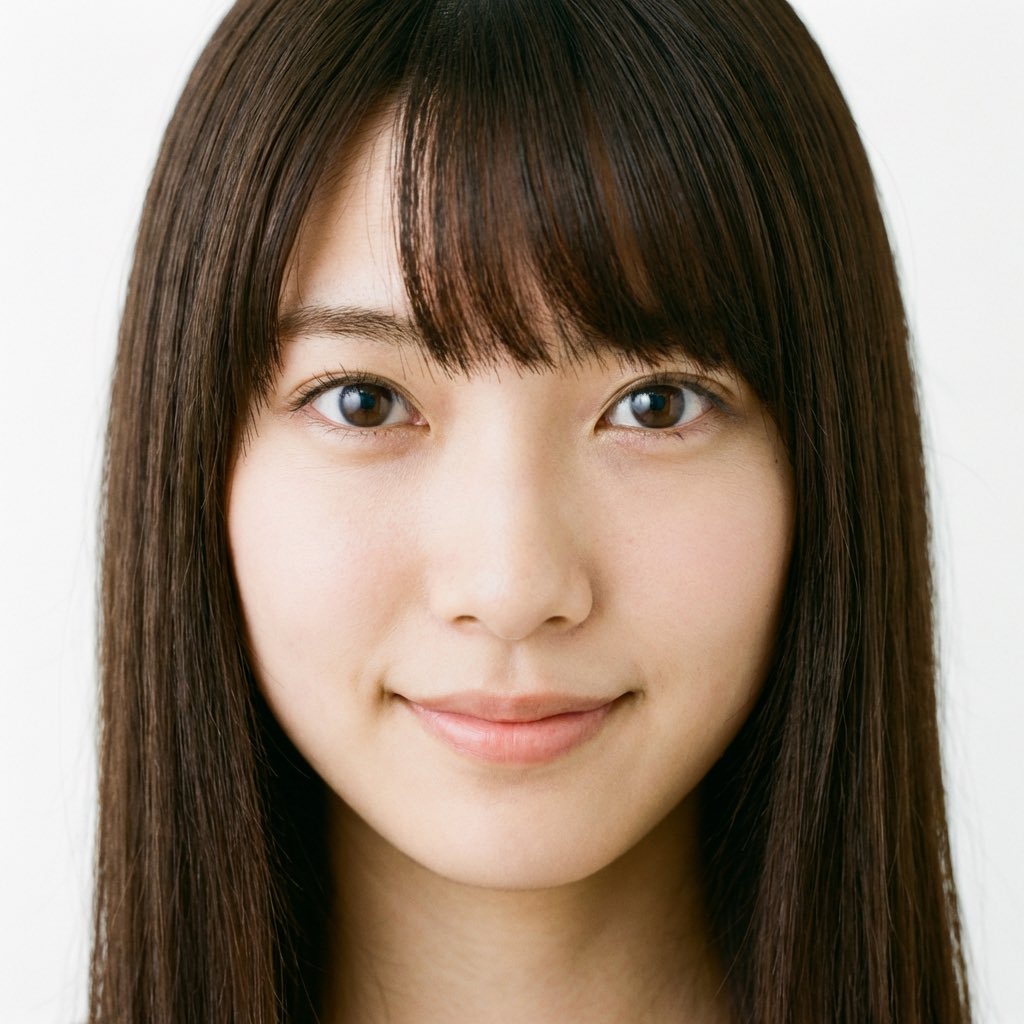
Japanese Young Woman Close-up Portrait Prompt
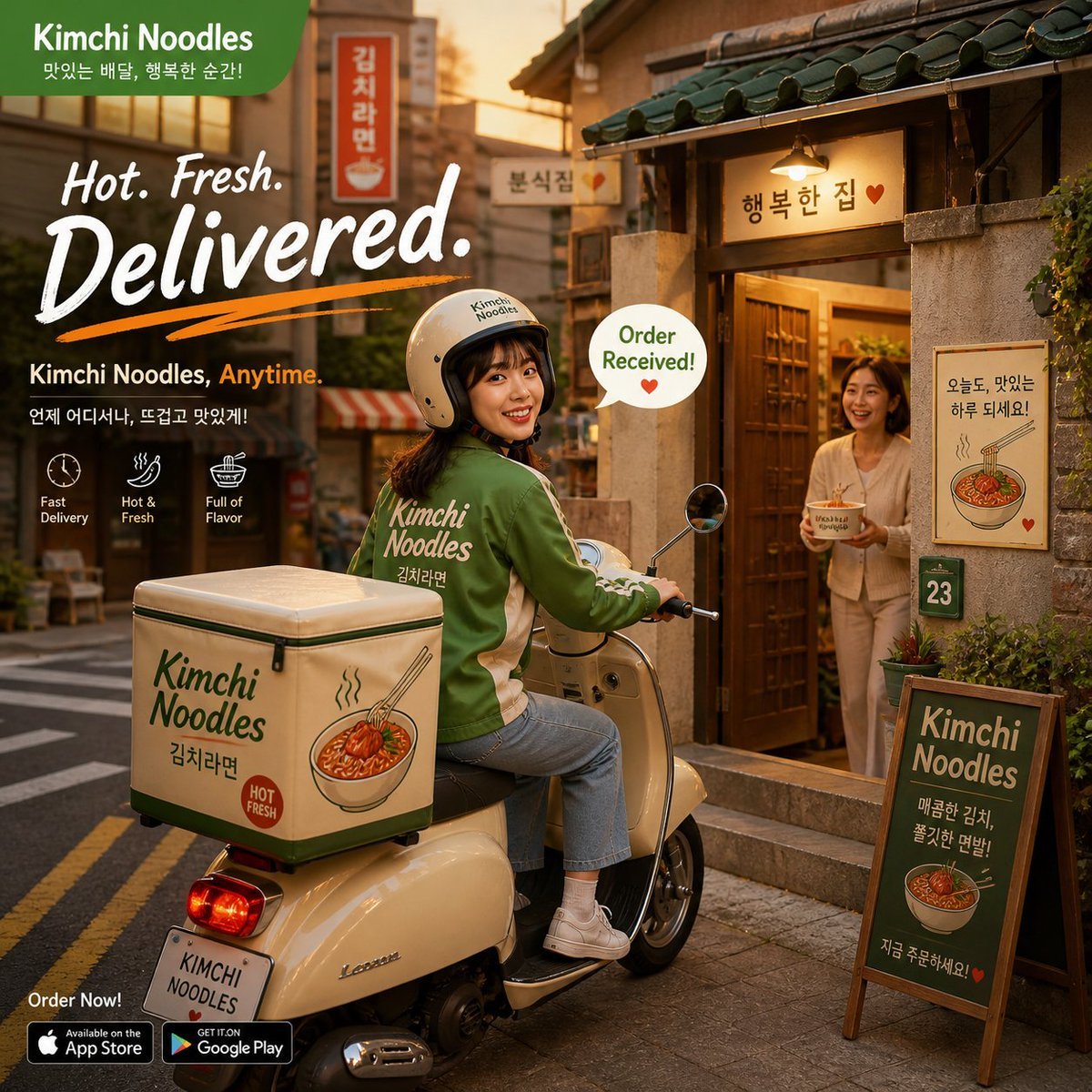
Warm Kimchi Noodles Delivery Ad
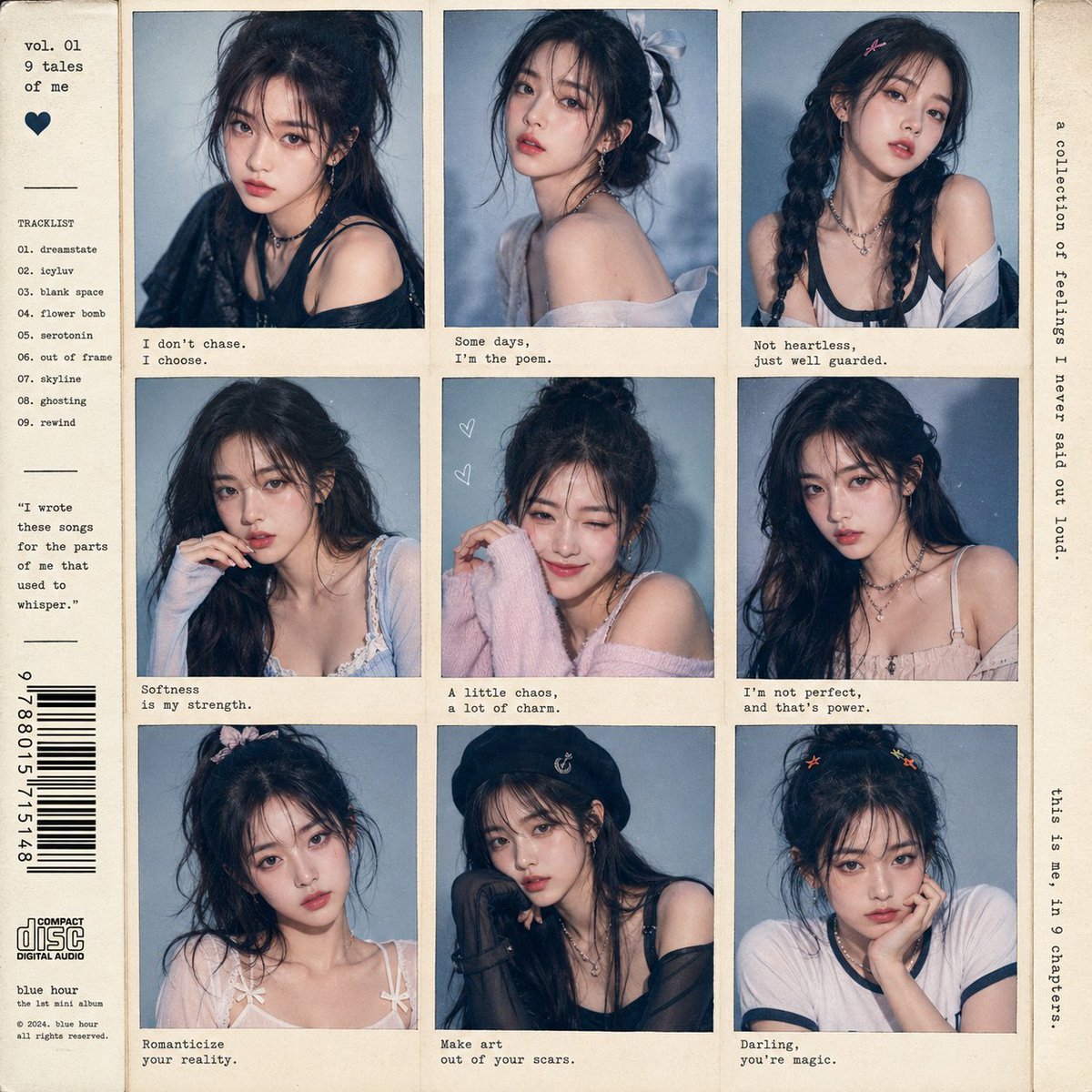
K-pop Idol Polaroid Collage
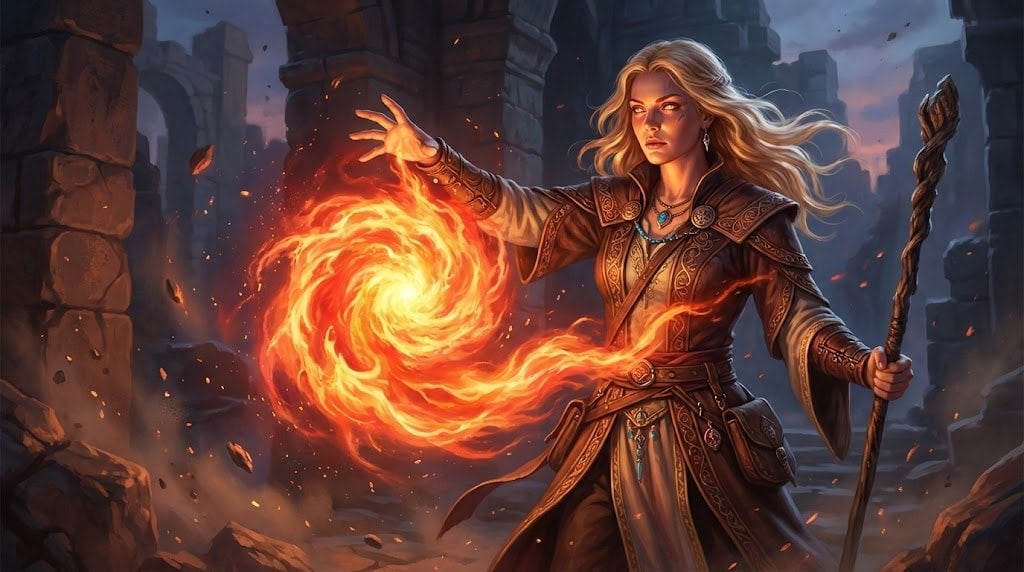
Hyperrealistic D&D Female Fire Mage
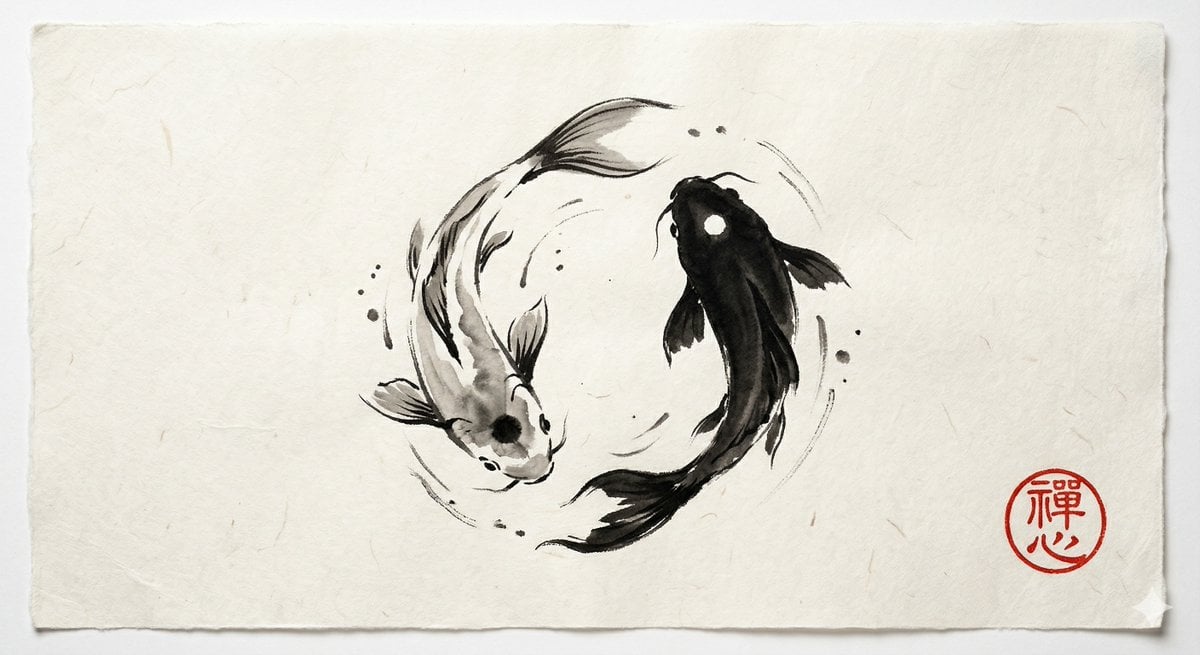
Yin and Yang Koi Fish Sumi-e Prompt
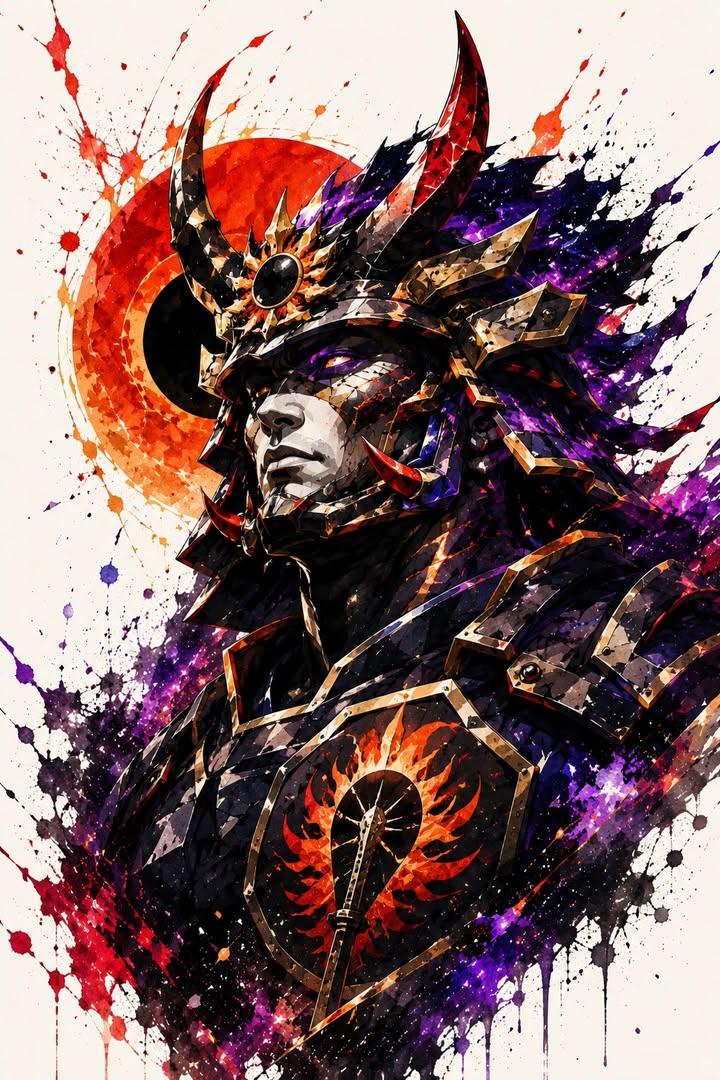
Samurai Warrior Watercolor Portrait
Recreate Image in Real World
Browse template categories
Paper Art Cutout Effect Prompt questions
How do I use the Paper Art Cutout Effect Prompt template?
Add your photo if the template asks for one, edit the prompt if you like — the template's model and format are already selected — and press Generate. Your version opens in PicX Studio.
Can I customize the Paper Art Cutout Effect Prompt template?
Yes. You can change the subject, setting, lighting, mood, format, and available model controls before creating your image.
Is the Paper Art Cutout Effect Prompt template free?
Opening and editing this template is free. Generating uses credits, shown on the Generate button when you are signed in.
Which AI model should I use?
Start with Nano Banana 2, which is the model associated with this template. You can compare another compatible model for a different finish.
Looking for something else? Browse all templates.

Your photo, any look
Thousands of ready templates for every top image and video model, from one credit balance.